AI model directory

Explore AI Image Generation Models

Find an image model for the way you work. Explore text-to-image generation, reference-based creation, and editing in one directory.

Compare AI image models for text prompts, reference photos, and image editing. Review examples and choose a model for your next visual.

Browse AI Image Models

10 models
AvailableImage

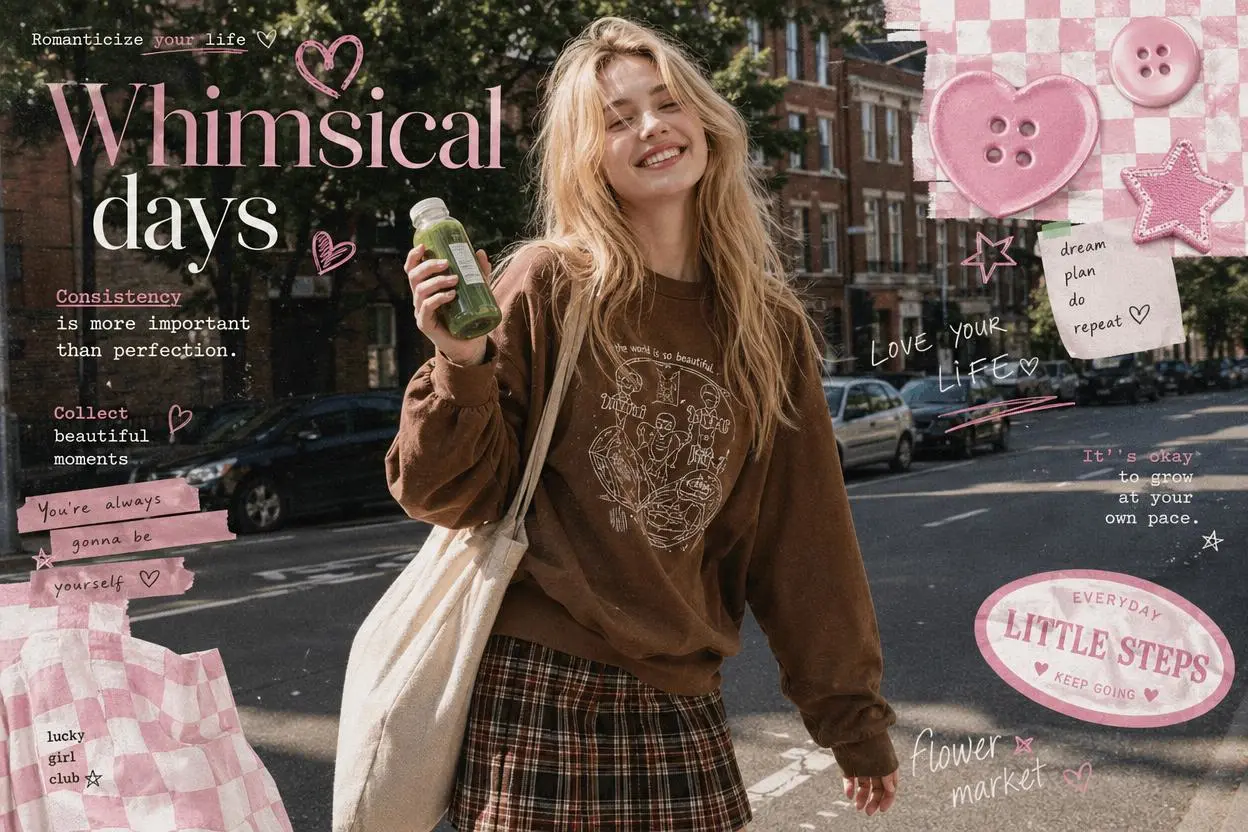
Nano Banana

Google · Text + Image

EditingConsistency
Learn moreUpdated 2026-08-18
AvailableImage

GPT Image

OpenAI · Text + Image

EditingText rendering
Learn moreUpdated 2026-08-26
AvailableImage

Qwen Image Edit

Alibaba · Text + Image

EditingTypography
Start creatingUpdated 2026-08-02
AvailableImage

FireRed Image Edit

Xiaohongshu · Text + Image

EditingIdentity
Learn moreUpdated 2026-07-19
AvailableImage

Grok Imagine

xAI · Text + Image

CreativeEditing
Learn moreUpdated 2026-08-09
Compare workflows

Compare Image Generation and Editing Workflows

Compare the workflow before choosing a model. Text prompts describe a new scene, while reference images provide a visual starting point for generation or editing.

ModelOutputText PromptReference InputsEditingOpen Model
Nano BananaImageYesImageAvailableLearn more
GPT ImageImageYesImageAvailableLearn more
SeedreamImageYesImageAvailableLearn more
MidjourneyImageYesImage—Learn more
Qwen Image EditImageYesImageAvailableLearn more

See the Same Brief Across Image Models

Each task below keeps the input and full prompt fixed. Compare two recorded model runs, including the model version and output settings; the editing task also shows the shared reference image.

01

Product Composition

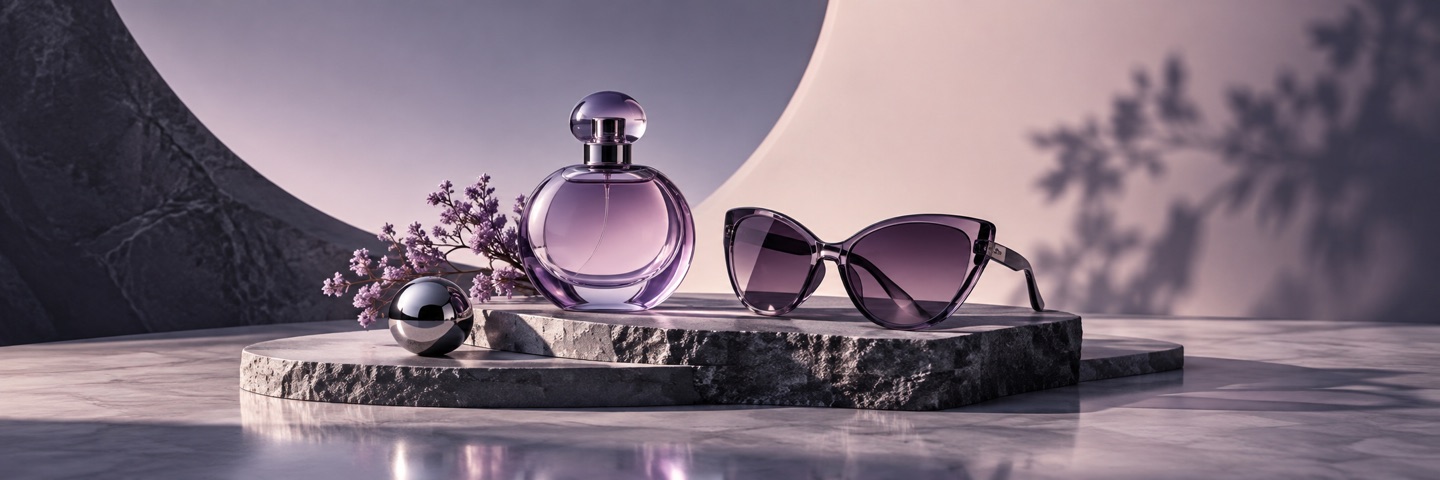
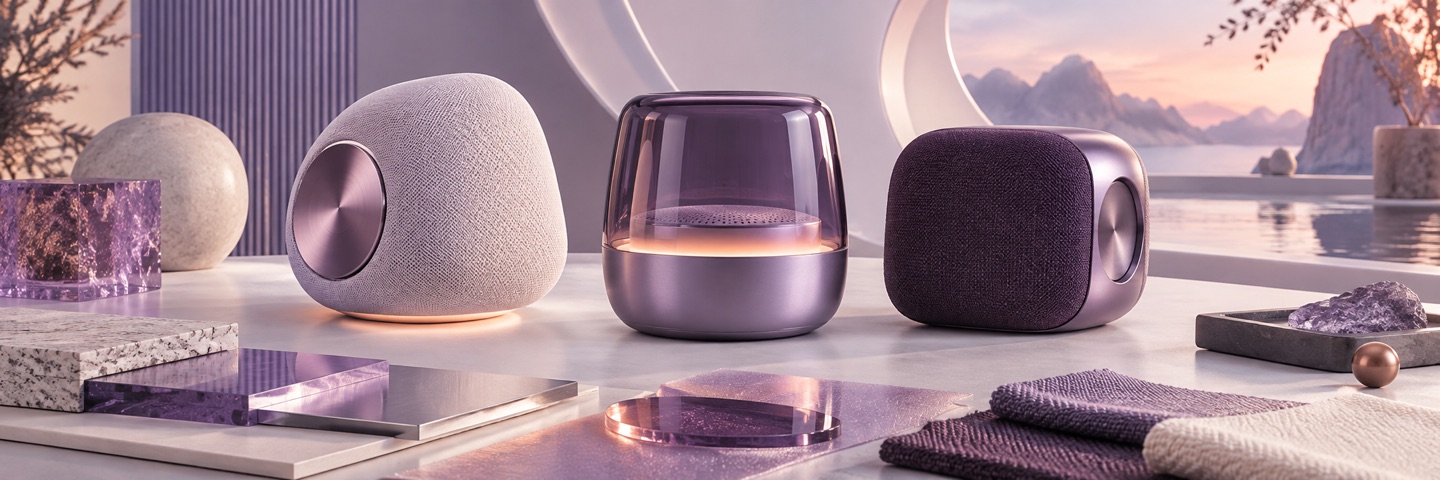
The same text input tests product placement, material detail, lighting, and the amount of usable campaign space.

Shared inputFull prompt
Full promptCreate a premium campaign still life featuring an unbranded translucent lavender perfume bottle and black cat-eye sunglasses on dark stone plinths. Add small purple flowers, a polished pale stone surface, soft blush-and-violet studio lighting, elegant shadows, and generous negative space. Wide landscape composition. No text, logos, or watermark.
Product Composition: GPT Image GPT Image 2 Model output
GPT ImageModel output 1
Version
GPT Image 2
Aspect ratio
3:1
Output
1440 × 480
Images
1
Product Composition: Nano Banana Nano Banana 2 Model output
Nano BananaModel output 2
Version
Nano Banana 2
Aspect ratio
3:1
Output
2172 × 724
Images
1
02

Poster Concept

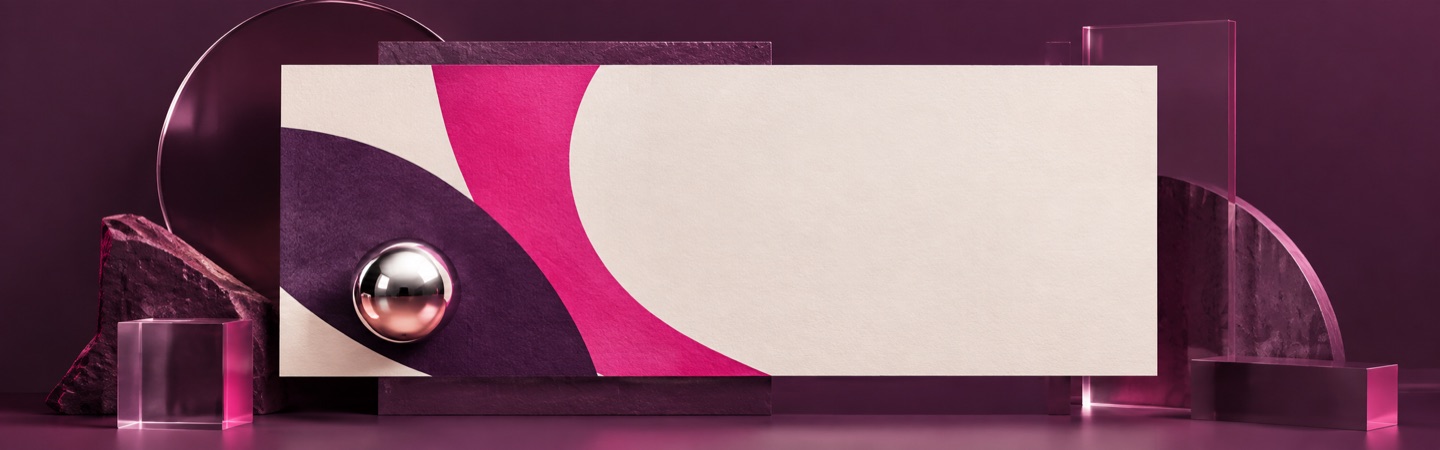
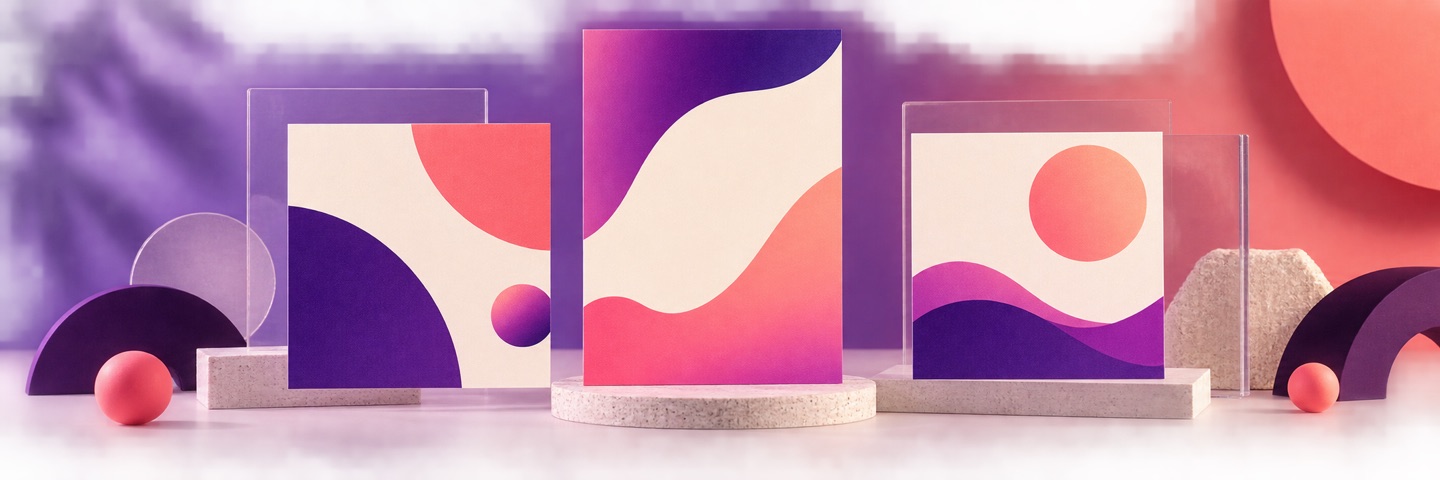
The shared brief tests geometric layout, visual hierarchy, material rendering, and reserved copy space.

Shared inputFull prompt
Full promptCreate a premium photorealistic 3D poster mockup in a dark plum studio. Center one horizontal cream poster with bold plum and magenta geometric waves and a small chrome sphere. Surround it with restrained translucent acrylic and stone shapes under polished magenta studio light. Preserve generous blank cream space for future copy. Wide landscape composition. No readable text, logos, or watermark.
Poster Concept: GPT Image GPT Image 2 Model output
GPT ImageModel output 1
Version
GPT Image 2
Aspect ratio
16:5
Output
1440 × 450
Images
1
Poster Concept: Nano Banana Nano Banana 2 Model output
Nano BananaModel output 2
Version
Nano Banana 2
Aspect ratio
3:1
Output
2172 × 724
Images
1
03

Reference Image Edit

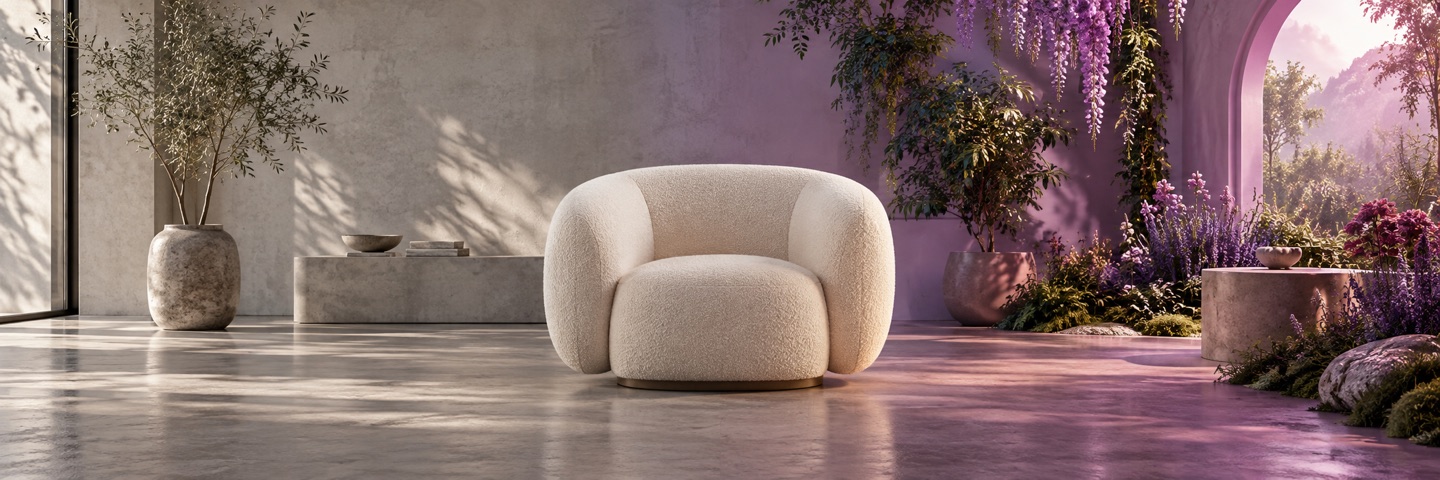
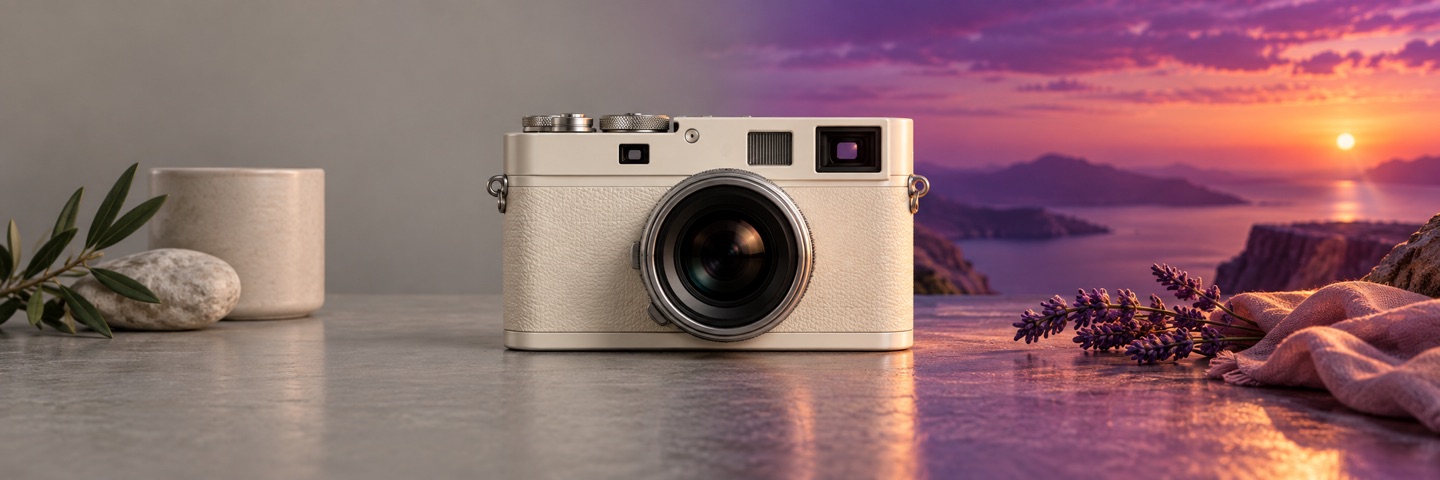
Both runs receive the same source image and edit instruction so you can compare subject preservation and background replacement.

Shared inputReference image
Reference Image Edit Reference image
Full promptUse the uploaded image as the reference. Replace the entire environment with a bright warm-white daylight photography studio using a seamless plaster backdrop and soft shadows. Keep the cream boucle lounge chair unchanged as the sole hero product, preserving its position, scale, shape, upholstery texture, and camera angle. Remove all plants, archways, flowers, and colored garden light. Wide landscape composition. No text, logos, or watermark.
Reference Image Edit: GPT Image GPT Image 2 Model output
GPT ImageModel output 1
Version
GPT Image 2
Input
1 reference image
Aspect ratio
3:1
Output
2172 × 724
Reference Image Edit: Nano Banana Nano Banana 2 Model output
Nano BananaModel output 2
Version
Nano Banana 2
Input
1 reference image
Aspect ratio
3:1
Output
2172 × 724

Choose an Image Model for Your Task

Product Concepts

Compare backgrounds, lighting, and compositions for a product idea.

Product Concepts
Editing a Reference Photo

Check how the model follows your requested change and which details it keeps from the input.

Editing a Reference Photo
FAQ

How do you choose the right AI model?

Direct answers about model inputs, workflows, settings, and availability.

What are AI image generation models?

AI image generation models create images from instructions such as a text prompt or reference photo. The models in this directory are available through WeShop AI workflows.

Which AI image model should I choose?

Choose based on your task: creating a new scene, exploring a layout, or editing an existing image. Compare examples with similar inputs and review the available controls.

Can I use a reference photo?

Reference-photo support is listed for each model. Open the model page to upload your image and review the available generation or editing settings.

Can I compare image models using the same brief?

Yes. Each of the three comparison tasks keeps one complete prompt fixed across both model outputs. The cards record the model version and settings, and the reference-edit task uses the same displayed source image for both runs.