Explore Paper-Cut Fox from a Reference, Street Fashion with Illustrated Characters, Cobalt Ceramic Tea Set. Each result is paired with its actual English prompt, saved case, and available reference inputs.
Paper-Cut Fox from a Reference
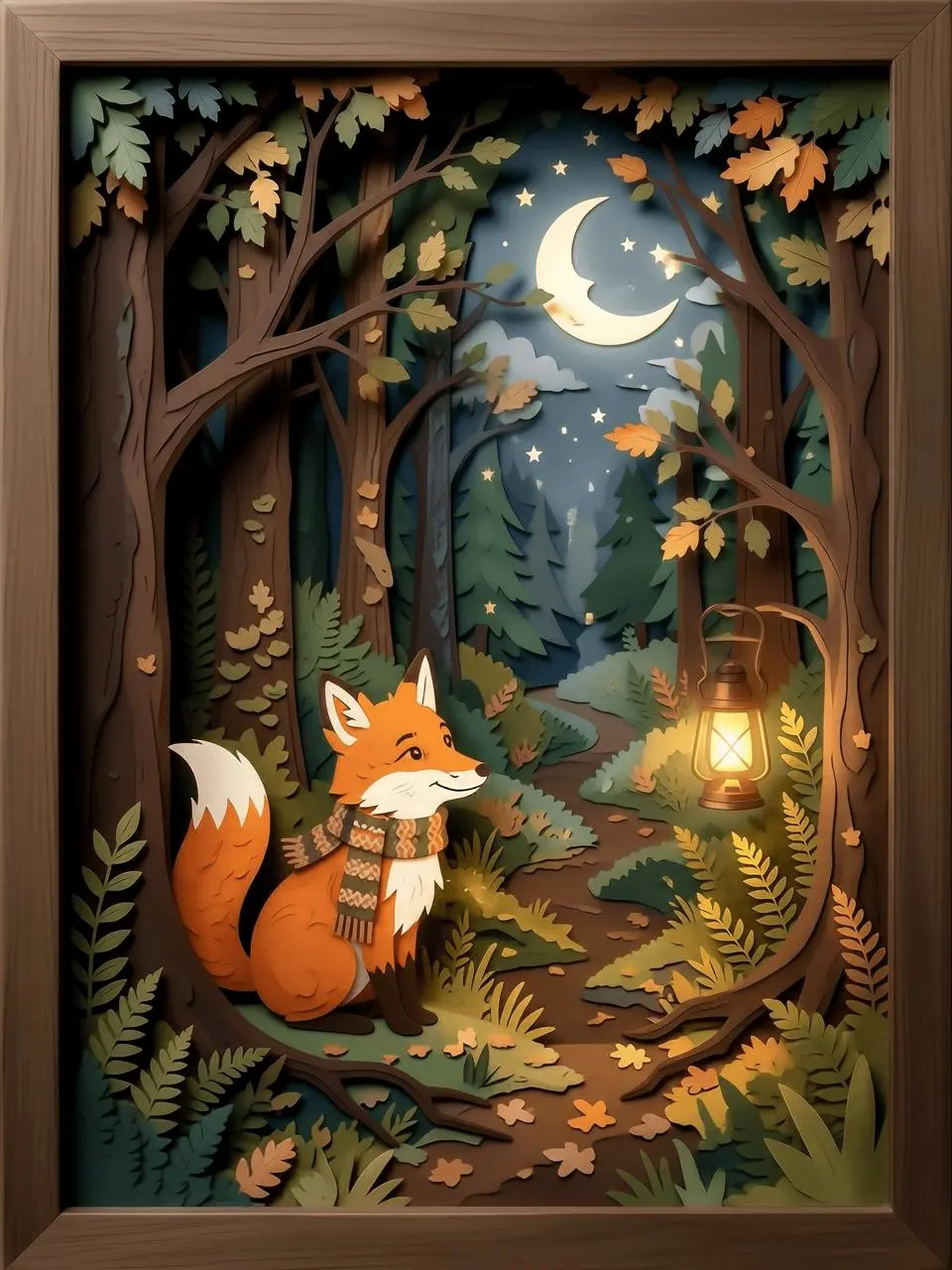
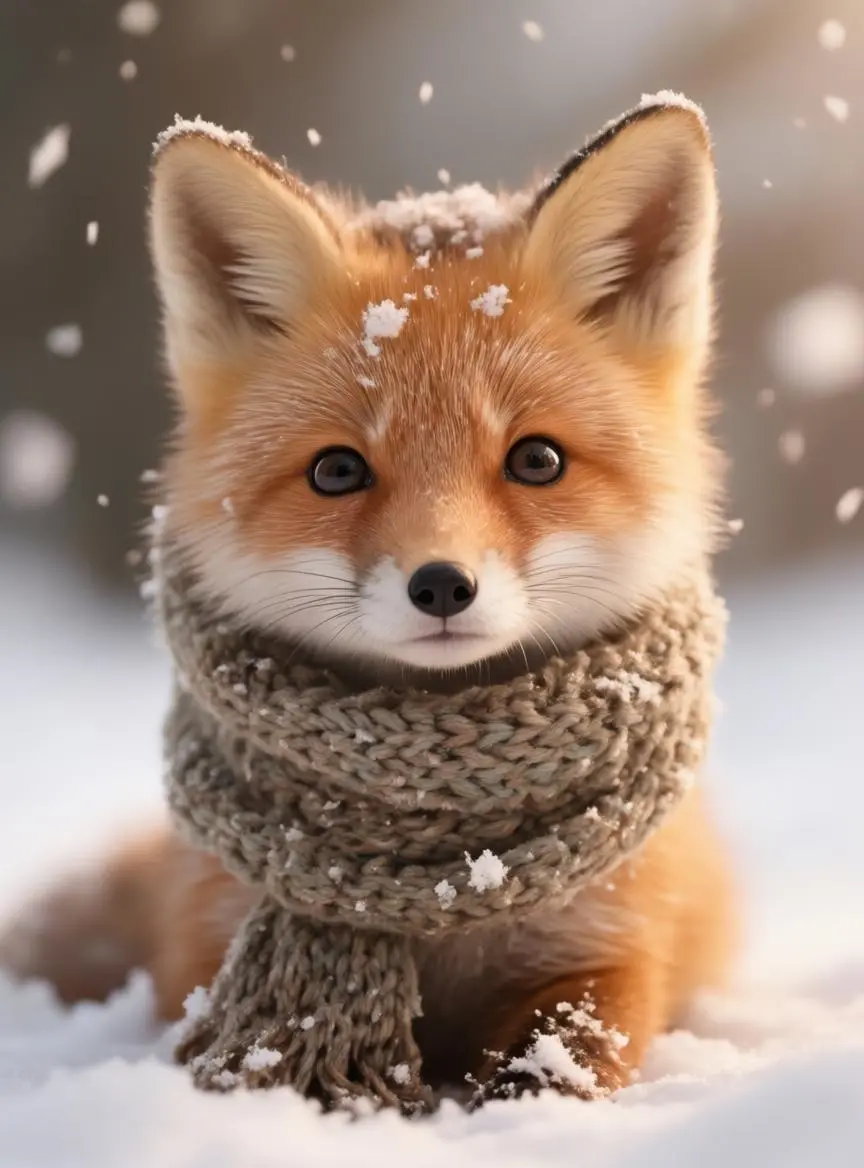
Reinterpret a referenced fox in a layered paper-cut scene, changing the visual medium around the original character.
Use the fox in image 1 as the character reference. Reimagine it as a layered paper-cut storybook scene in a moonlit woodland. Keep its pointed ears and recognizable orange-and-white face, but render the fur, scarf, trees and stars as visibly cut paper with crisp edges and soft cast shadows. Place the fox on the left and a glowing lantern on the right. Vertical 3:4 composition, no words or border.
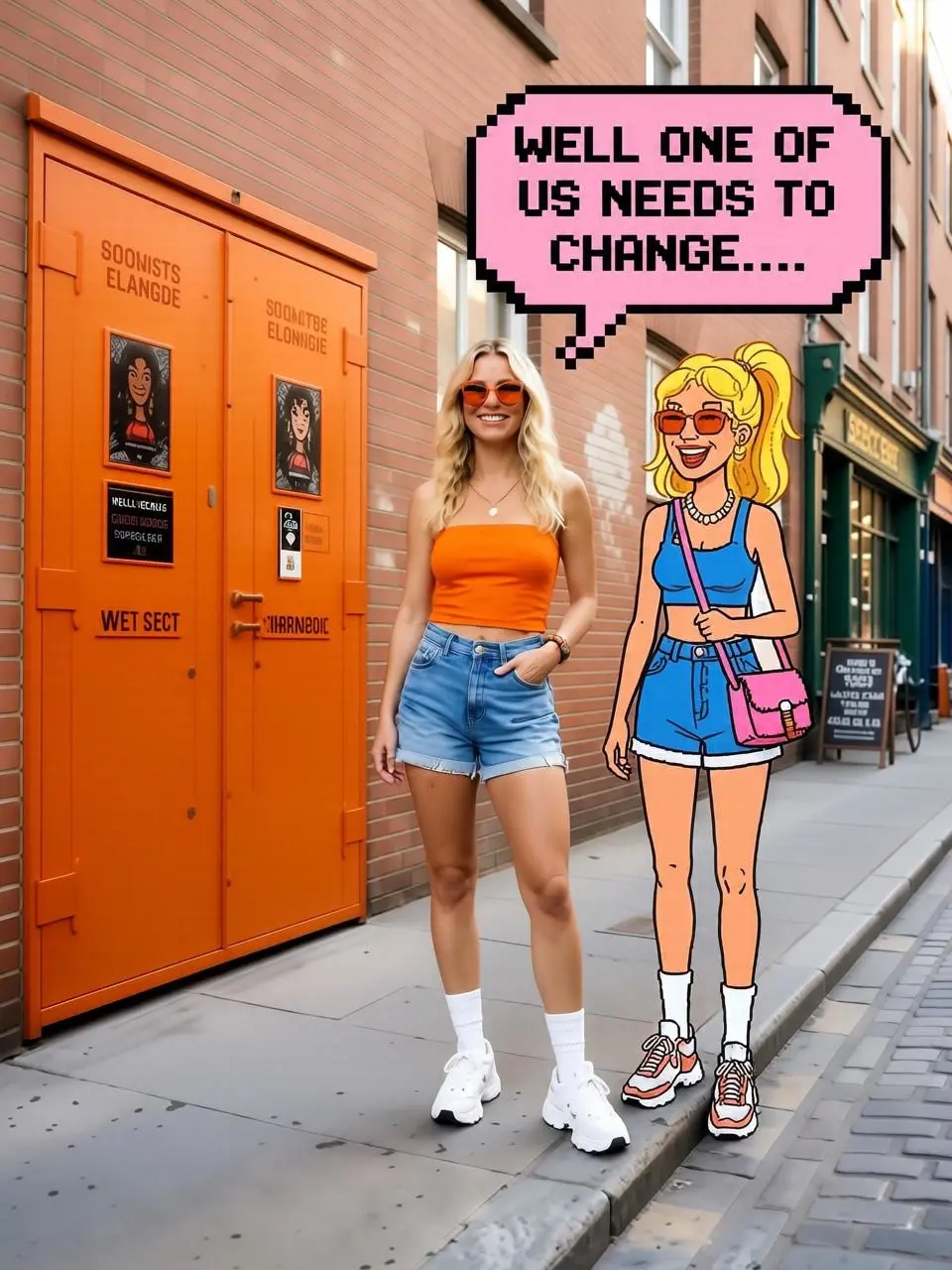
Combine a street-fashion setting with illustrated character treatment and graphic text as one playful composition.
This image has a playful street-fashion concept. A blonde woman in orange sunglasses, an orange tube top, oversized denim shorts, white socks, and chunky sneakers stands in front of bright orange utility doors. Beside her is a hand-drawn cartoon character wearing almost the same outfit and carrying a similar pink shoulder bag. A pixel-style speech bubble above them reads, “well one of us needs to change...,” creating a humorous fashion-twin moment.
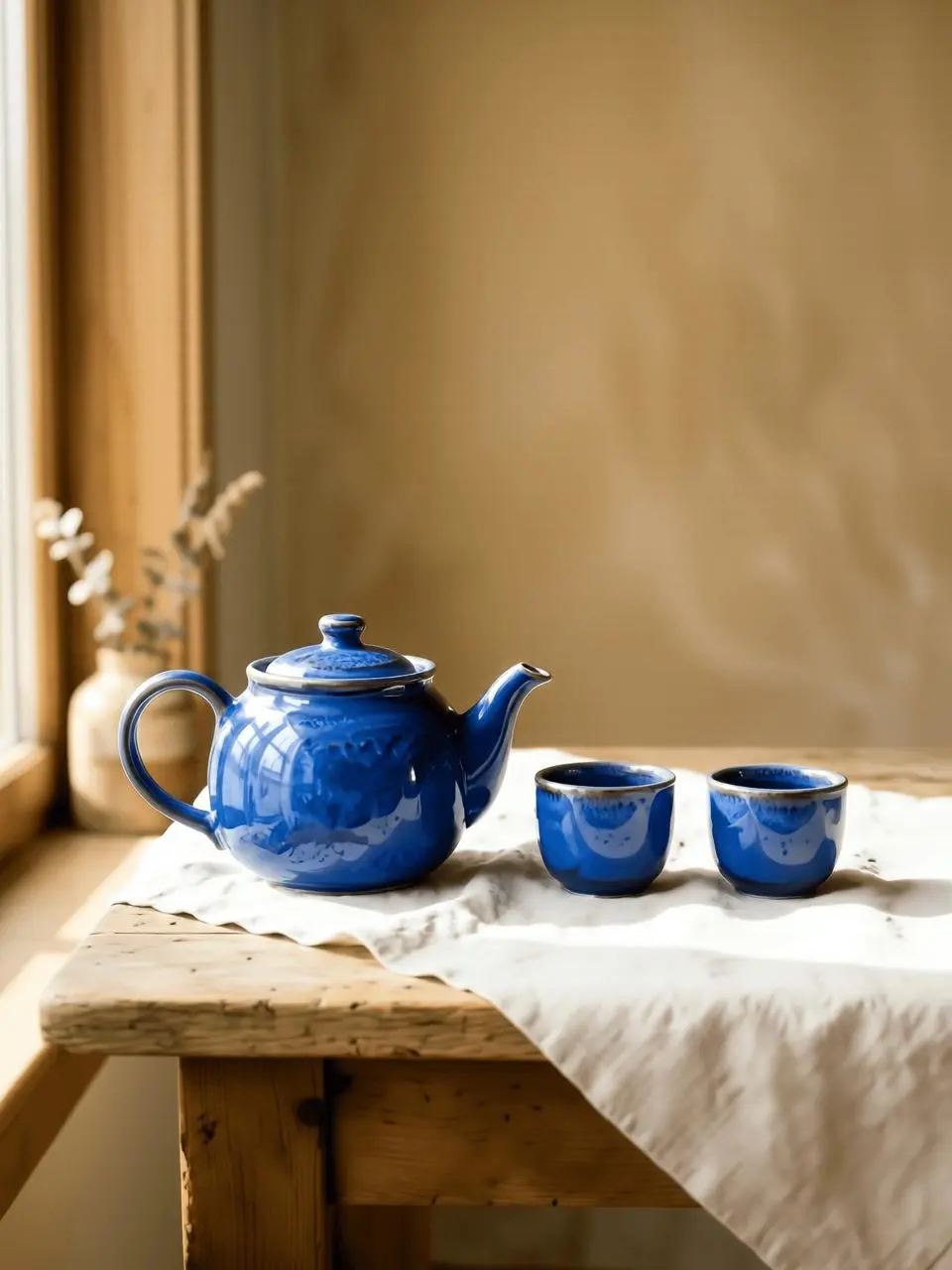
Create a product still life around a blue ceramic tea set, linen, and controlled daylight rather than an uploaded product reference.
A handmade cobalt-blue ceramic teapot and two matching small cups arranged on a pale linen cloth, a warm beige studio wall, morning sunlight from the left, soft realistic shadows, visible handmade glaze texture, eye-level product photography. Keep the entire teapot and both cups visible. Clean vertical 3:4 composition. No lettering, brand marks, border or watermark.
HiDream-O1-Image is HiDream-ai’s unified image model for text-to-image creation, instruction edits, and subject-driven personalization.
HiDream O1 supports text-led image creation, instruction editing and subject-driven design. Explore the reference-led paper-cut fox for a change of visual medium, or the cobalt ceramic tea set for a still life created from a written brief.
Text and Layout Creation
The official project includes long-text rendering and multi-region layouts. Supply the actual words and verify the generated arrangement.
Instruction Edits
Use a source image when describing a visual change, and specify the subject details to retain.
Subject-Driven Designs
Plan a new scene around an existing subject or character reference. Review identity and styling against the source.
WORKFLOWS
Create from Text or Edit with Image References
Use a written brief for a new image, or add source images for an edit or subject-led design. Explain what each source supplies and which details should change.
Use a Source Image for an Edit
Upload the subject or scene your request should use. Describe the change and the details to retain; if supplying several sources, identify the role of each.
Describe a New Image
Describe the subject, setting, composition, and visual treatment. Include any words that should appear in the image, without adding a reference when the request does not need one.
PROMPT GUIDE
How to Direct HiDream O1 with a Prompt
Learn from the actual HiDream O1 requests below. Each card explains a specific instruction, shows its result and available inputs, and keeps the complete original English prompt. Adapt the subject and reference roles to your own task.
Define the Pose, Clothing and Surroundings
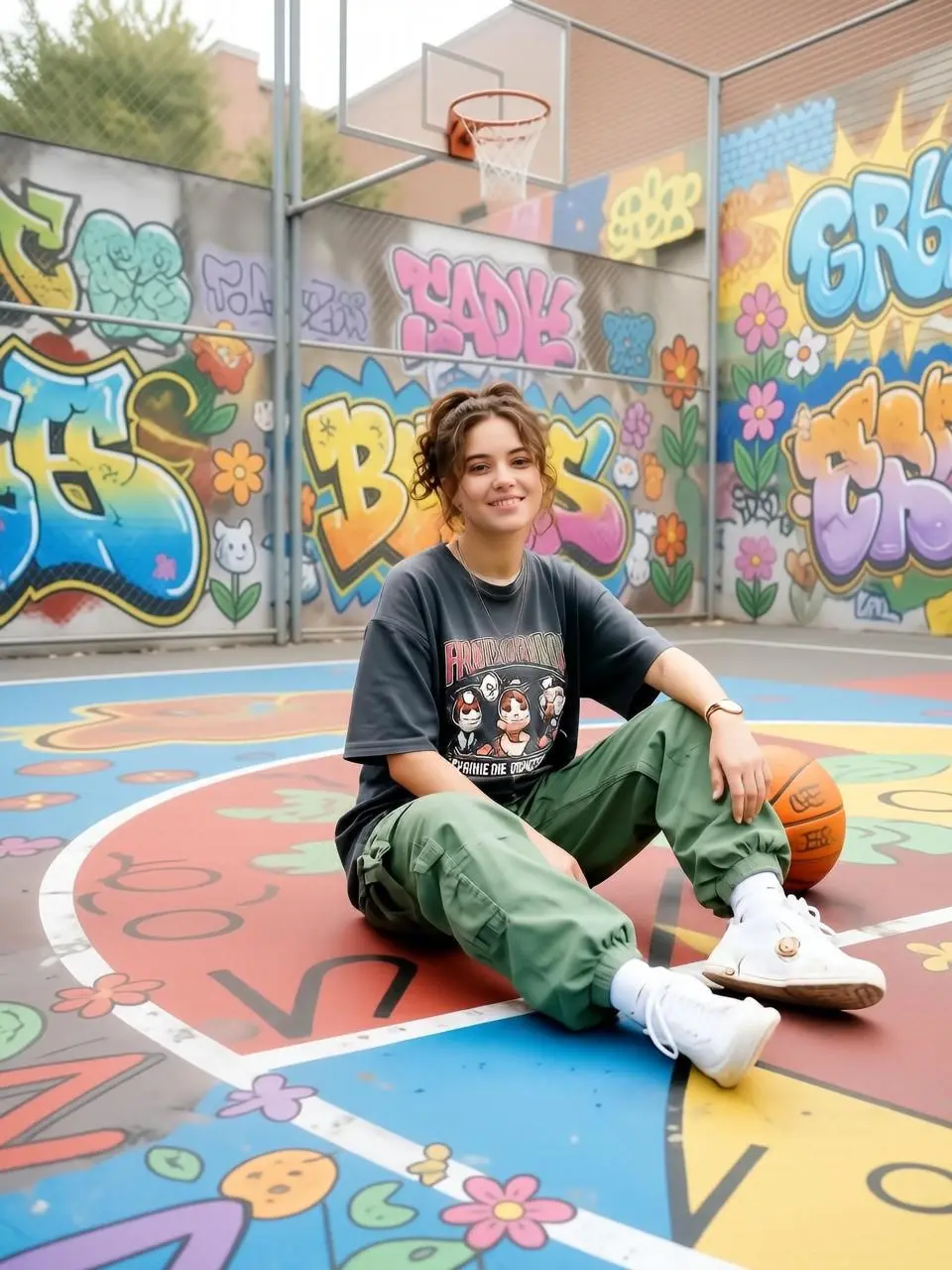
Describe the person’s pose and clothing, then describe the setting. This prompt pairs a relaxed seated pose, an oversized graphic T-shirt, green cargo trousers and white sneakers with a colorful basketball court, cartoon shapes, flowers and small fantasy creatures.
A girl sits on a brightly colored outdoor basketball court in a relaxed pose, wearing a dark oversized graphic T-shirt, loose green cargo pants, and white sneakers. The background is filled with vibrant cartoon-style shapes, graffiti-like graphics, flowers, and tiny fantasy creatures, creating a fun pop-art atmosphere. The image mixes streetwear fashion with animated visual energy.
Specify the Material and Reference Details
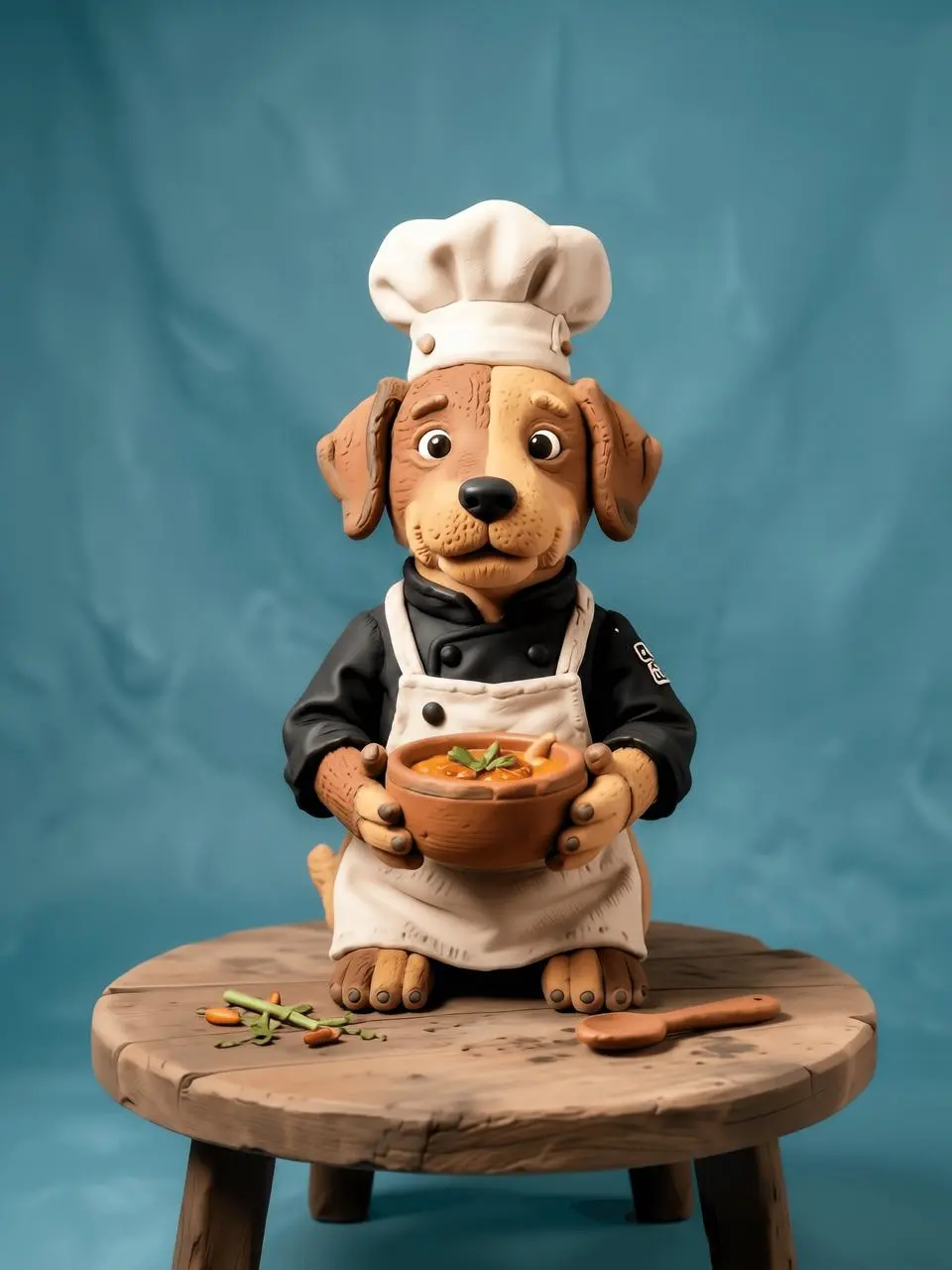
This prompt uses the source dog as the identity and outfit reference, then requests a clay-animation scene. It names the upright ears and black chef outfit to retain, alongside visible clay texture, a bowl of soup, soft studio lighting and a pale blue backdrop. Compare these requested details with the paired source and result.
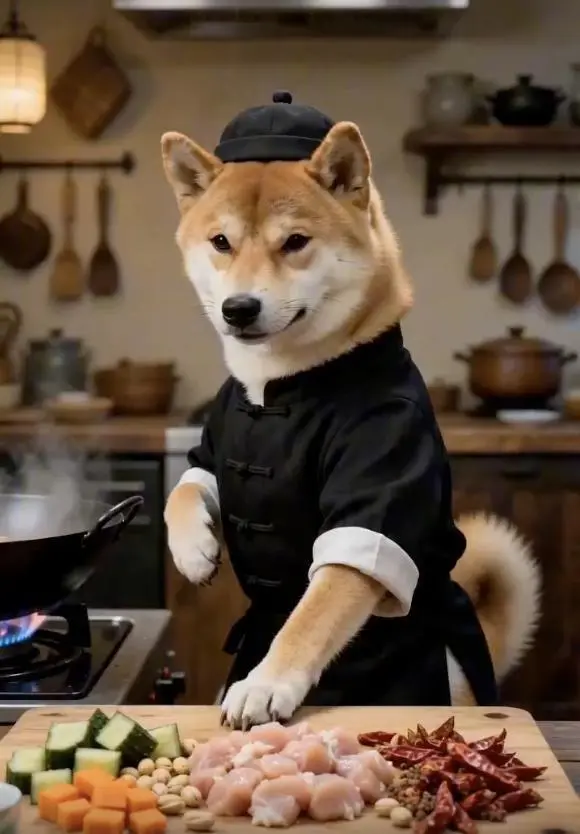
Use the dog in image 1 as the identity and outfit reference. Create a handmade clay-animation still of the same dog chef proudly presenting a small bowl of vegetable soup on a round wooden table. Keep the black chef outfit and upright ears. Use clearly visible clay texture, soft studio lighting, a pale blue backdrop and a simple centered composition. Vertical 3:4, no lettering or border.
Separate the Foreground Subject from the Crowd
Describe the foreground subject and background separately. This request places the player sharply in the foreground and a slightly blurred crowd behind him, then adds blue-and-red flags, falling confetti and stadium lights. Read the full prompt to see how subject placement, background detail and color work together.
This image captures a joyful football championship celebration in a packed stadium.At the center is a young male player with short curly hair and a trimmed beard, wearing a dark navy jersey with the word “CHAMPIONS” and the number 24 on the front. A gold medal hangs around his neck, and he appears to be dancing or moving to the rhythm of the celebration, with a relaxed smile and raised arms. A blue-and-red cape or flag is draped around his shoulders, adding to the victory atmosphere.Behind him, the crowd is exploding with energy. Fans and teammates are cheering, shouting, raising scarves, and waving blue-and-red flags. The entire background is filled with confetti raining down from above, along with bright stadium lights that make the moment feel huge and electrifying. The scene is dense, loud, and full of movement, as if the celebration has just reached its peak.The color palette is dominated by deep blue, red, and white, reinforcing the team-celebration mood. The player stands out sharply in the foreground, while the slightly blurred, excited crowd behind him makes the image feel dynamic and alive.Overall, it feels like a triumphant post-match moment: energetic, emotional, and full of pride, with the player soaking in the atmosphere of a major title win.
HOW TO USE
How to Use HiDream O1 on WeShop AI
Start with the HiDream O1 selection and the input path described below. Review the available settings and points before submitting.
Provide the Input for This Model
Choose a text-led brief or upload the subject to transform. For the reference path, name the person, object or clothing to retain and the new visual treatment.
Check the Available Settings and Points
Aspect ratios: Auto, 1:1, 2:3, 3:2, 4:3, 3:4, 16:9, 9:16, 21:9. These are selectable settings, not fixed pixel dimensions or file-format guarantees. Check the original output for the actual dimensions. Review the displayed points and your plan’s model access before submitting.
Open and Check the Result
For a reference edit, compare the subject’s face, shape, clothing and other requested details with the source. Review the visual style separately. If the image includes words, check the spelling, letter shapes and arrangement before using it.
Answers about this version, its inputs, and how to get started.
What is HiDream O1?
HiDream-O1-Image is HiDream-ai’s unified image model for text-to-image creation, instruction edits, and subject-driven personalization.
What is HiDream O1 useful for?
HiDream O1 supports text-led image creation, instruction editing and subject-driven design. Explore the reference-led paper-cut fox for a change of visual medium, or the cobalt ceramic tea set for a still life created from a written brief.
Can HiDream-O1 generate as well as edit?
The HiDream-O1-Image project describes text-to-image creation, instruction editing, and subject-driven personalization. Use the input and settings offered for the task you choose on WeShop.
What input does HiDream O1 need?
For a new image, provide a written brief. For an edit or subject-led design, provide the source and identify what it supplies.
Which size and aspect-ratio settings are available?
Aspect ratios: Auto, 1:1, 2:3, 3:2, 4:3, 3:4, 16:9, 9:16, 21:9. These are selectable settings, not fixed pixel dimensions or file-format guarantees. Check the original output for the actual dimensions.
Is HiDream O1 free, and how is usage charged?
Check the current WeShop Pricing page for your plan’s model access and allowance, and review the points estimate in the generator for your selected settings and quantity. This page does not quote a fixed per-request price or transfer another provider’s subscription quota to WeShop.
What limitations should I check?
For reference edits, check the subject’s identity and requested details against the source; recognizable identity does not guarantee every detail stays unchanged. Check spelling and layout in images containing text.
What do the HiDream O1 examples demonstrate?
The saved requests show Paper-Cut Fox from a Reference, Street Fashion with Illustrated Characters, Cobalt Ceramic Tea Set. Read each actual prompt and reference assignment alongside its result. These individual examples are not a success-rate measurement or a guarantee of exact preservation.
How should I write a HiDream O1 prompt?
Describe the subject, pose and clothing, then add the setting, composition and visual treatment. For a reference edit, identify what the source provides and which details to retain or change. The guide pairs a basketball-court scene, a clay dog chef and a stadium celebration with their complete original prompts and available inputs.