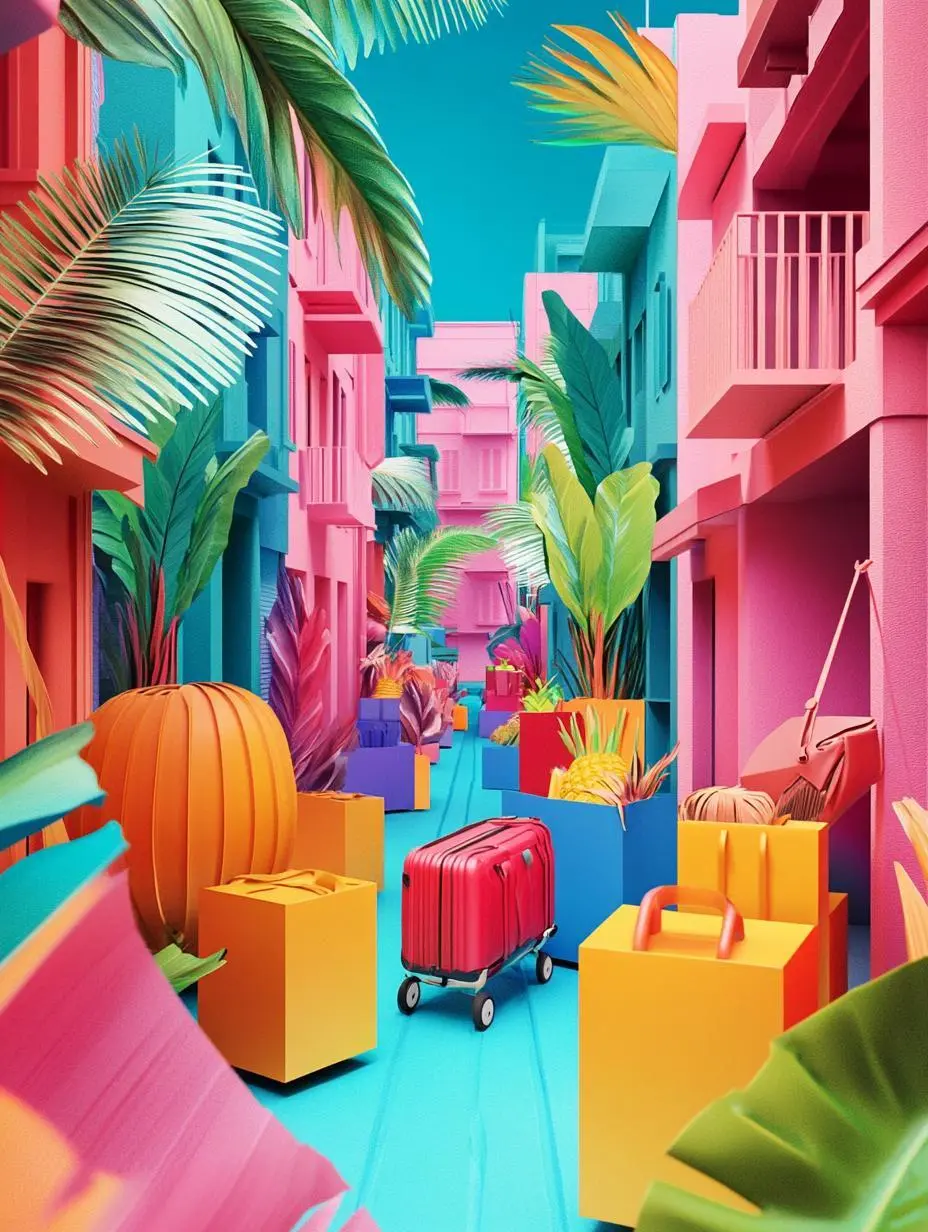
Explore detailed textures and coherent subject design with Midjourney V7. Describe a photographic scene, interior, or illustration, or add an image prompt to guide the visual direction.
Explore these Midjourney V7 results with their actual prompts and available reference images. Copy a prompt and adapt it to your own subject, or open the linked case to inspect its saved setup.
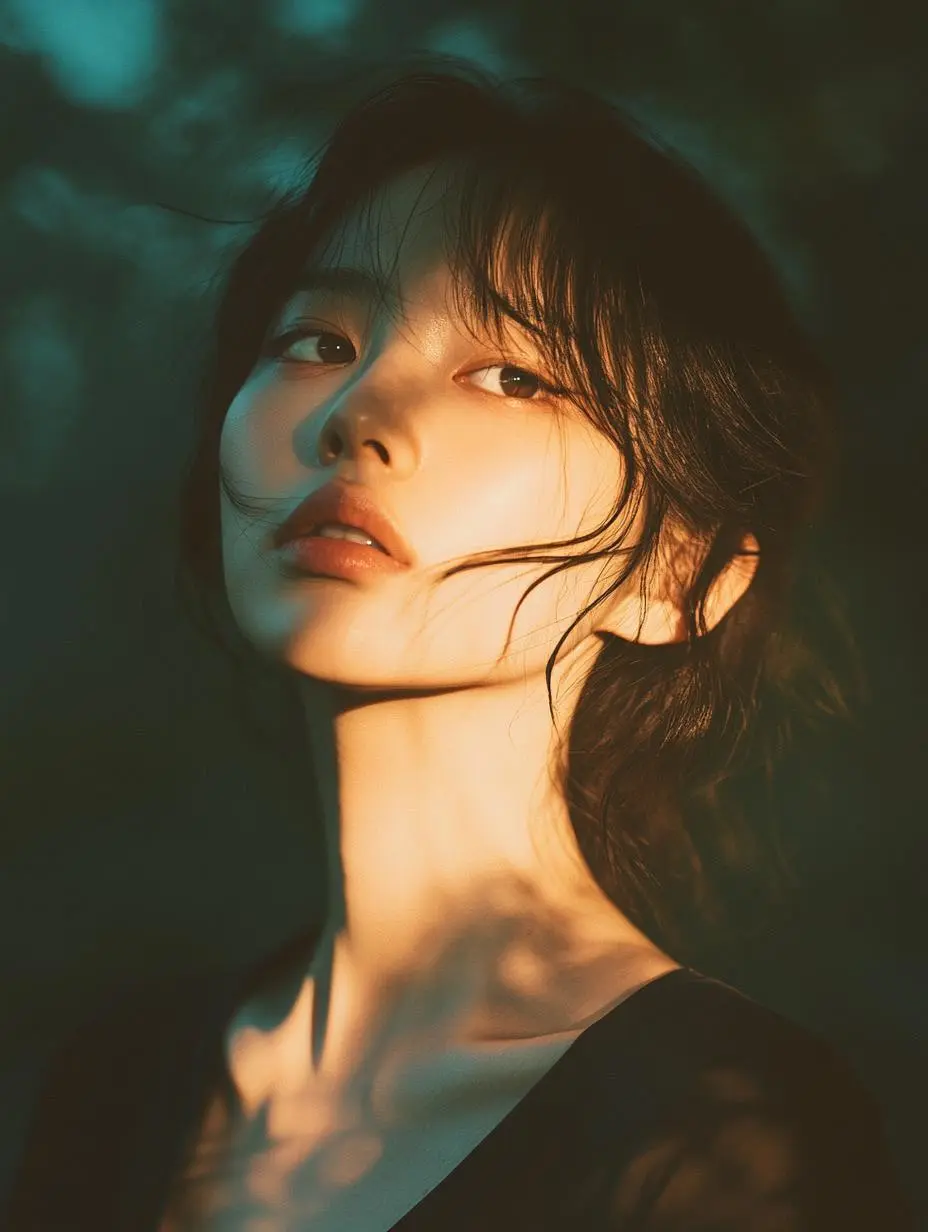
Soft-Light Portrait with Film Texture
Build a photographic portrait from a written brief that names side lighting, golden-hour color, film grain, and shallow depth of field. The result shows a different visual treatment from the illustrated character examples.
Japanese dreamy portrait photography, Asian woman, soft side lighting, warm golden hour glow, film grain texture, shallow depth of field, soft focus, muted color palette, warm skin tones with subtle blue-green shadows, intimate atmosphere, professional fashion photography, high-end magazine quality, cinematic mood, soft shadows, delicate facial features, Japanese aesthetic, premium fashion editorial, 4K ultra HD
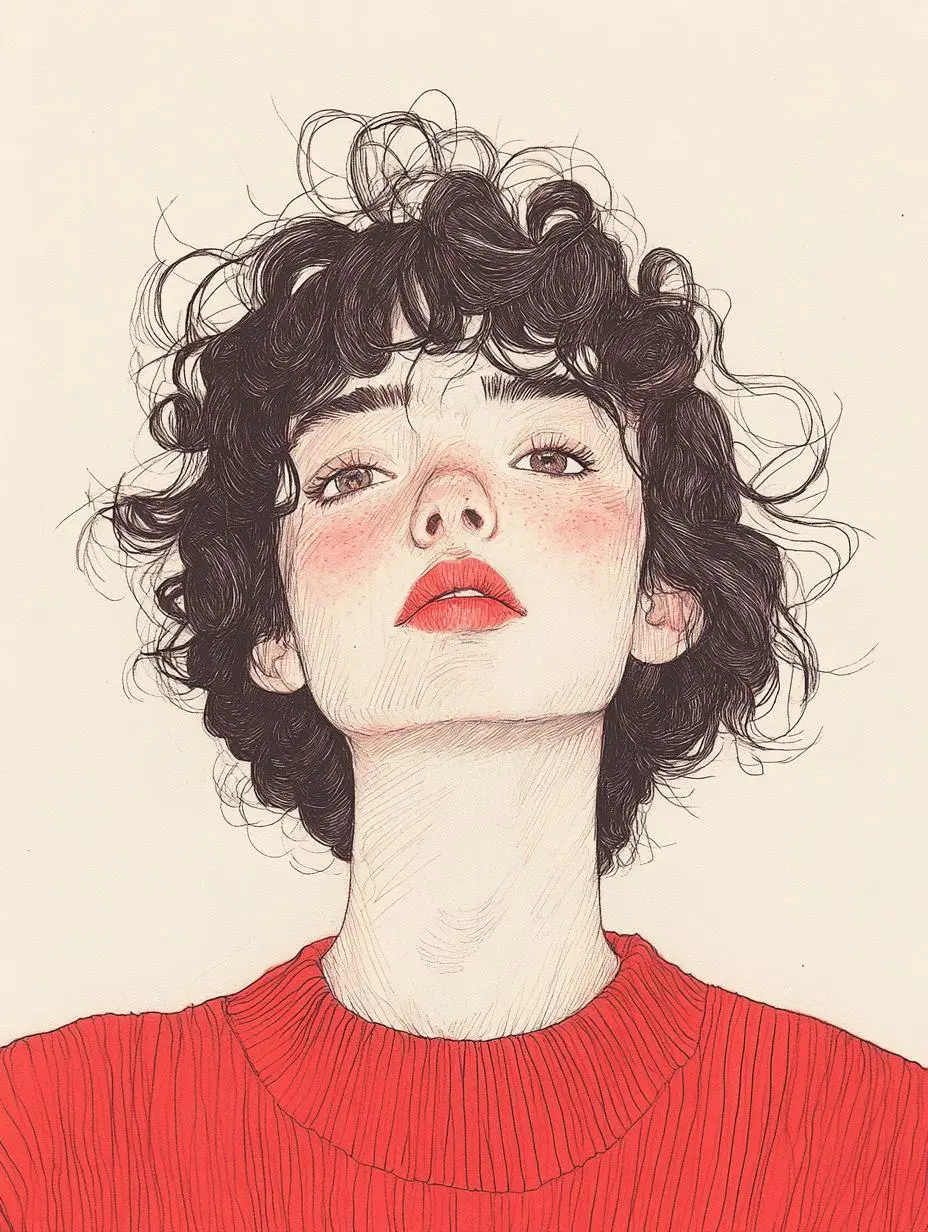
Create an illustrated character portrait with a red top and curly hairstyle as prominent visual details.
The lines are unrestrained, freely flowing, full of movement and vitality, presenting an unrestrained creative state. The lines are smooth and natural, giving a sense of ease and freedom. It does not pursue realistic depictions of objects, has a simple composition, concise brushstrokes, and expresses the richest connotations with the fewest elements, embodying a casual creative attitude, giving a fresh and natural feeling. Based on black pen lines and white paper, through the variation of line density and thickness to express light and shadow and layers, a strong black and white contrast is formed, making the picture have a simple and eye-catching visual effect. A few colors are used for embellishment, serving to highlight the key points, enhance the atmosphere or express emotions, making the picture more lively and interesting. A head of fluffy brown curly hair, casual and charming. Two lively eyes. The bright red sweater contrasts sharply with the soft background, directly creating a strong atmosphere.
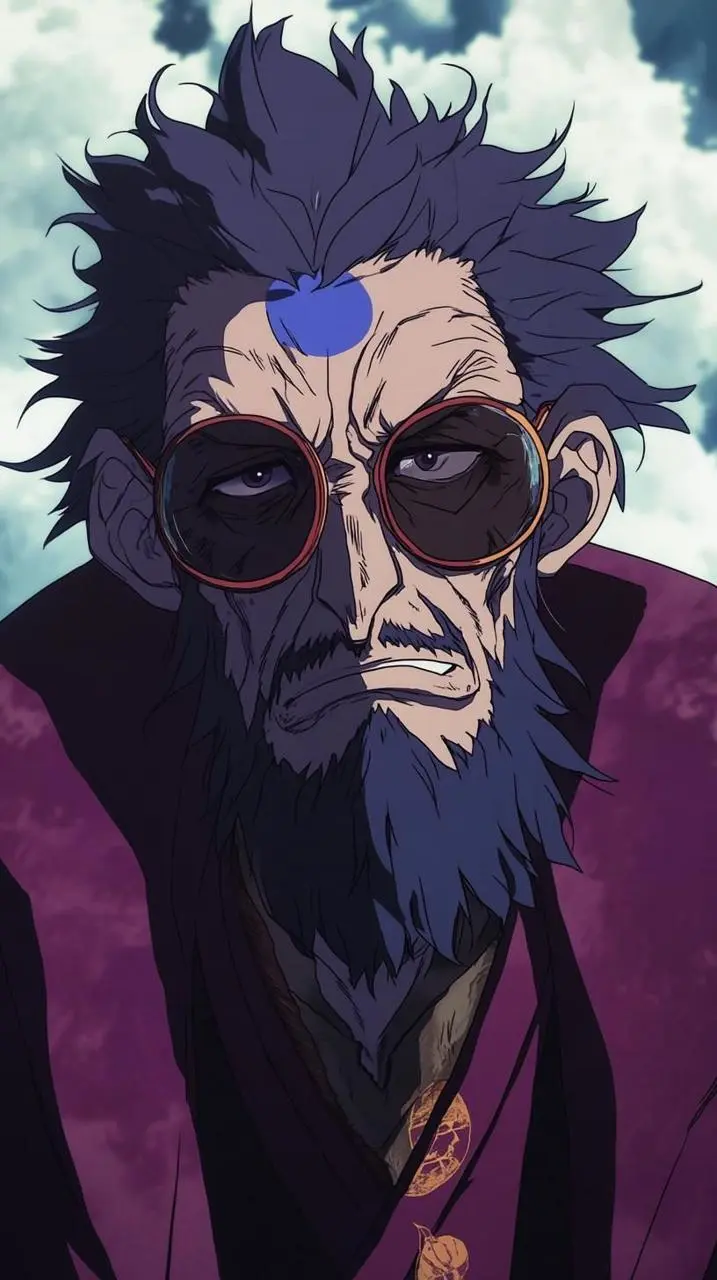
Create a masked anime character with a blue visual treatment, using costume and character styling to define the image.
Captain Liweil chops the monkey, Vortex Miharu enters the divine mode, and Verlitta turns her head.
2. Wukong removed his sunglasses and his eyes were deadpan.
3. Kanjirou, the cook, had blue veins on his forehead and was suppressing a smile as he laughed.
4. Bado, the sixth flower, was playing games with an expressionless face.
Midjourney V7 is an image model with richer textures and more coherent detail. It introduced Draft Mode and Omni Reference in Midjourney’s own product.
Texture and Subject Detail
Midjourney describes richer textures and more coherent bodies, hands, and objects in V7. The examples provide individual compositions to review.
An Image Model with Version-Specific Tools
V7 introduced Draft Mode and Omni Reference in Midjourney’s product. Those vendor tools do not establish that the same controls are exposed by WeShop.
WORKFLOWS
Choose Your Starting Input
Start with a text brief or use an image prompt for visual direction. These are the inputs currently offered for Midjourney V7 in WeShop.
Create from a Written Brief
Describe the subject, setting, composition, and photographic or illustrated treatment you want in the new image.
Guide the Image with a Reference
Upload an image and describe the new composition it should guide. An image prompt provides visual direction; it is not a dedicated control for editing one marked region.
PROMPT GUIDE
How to Direct Midjourney V7 with a Prompt
Study the actual instructions behind these results. Each card explains a specific part of its saved prompt; keep the full prompt and input roles in mind when adapting it to your own image.
Specify the Subject and Composition
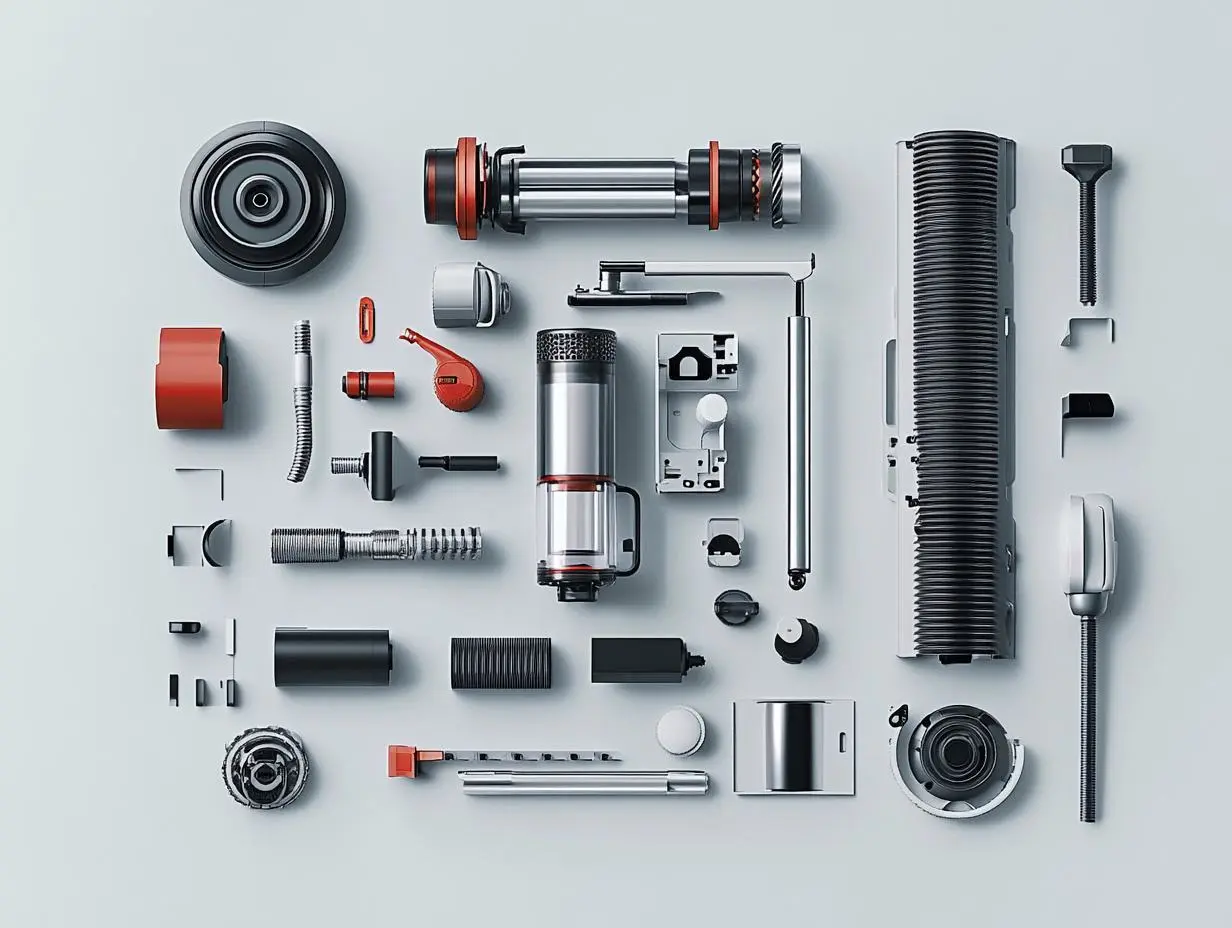
Describe the subject’s visible details and its position in the image. In this case: “Generate a disassembly illustration of a Dyson vacuum cleaner for me.”
Generate a disassembly illustration of a Dyson vacuum cleaner for me. The style should be like an advertising tech advertisement. The description text should be in both Chinese and English. The composition and layout should be fashionable and in a minimalist style.
Plan the Text and Its Hierarchy
Specify the written information and where it belongs in the design. Check the resulting words before use. In this case: “Create an online promotional poster for a large-sized brand, for use in cross-border e-commerce.”
Create an online promotional poster for a large-sized brand, for use in cross-border e-commerce.
HOW TO USE
Create Your First Image with Midjourney V7
Use the generator on this page. To try an example, copy its prompt, return to the description field, and replace any case-specific subjects or reference assignments.
Describe the Image and Add Any Reference
Write the subject, scene, composition, and visual treatment. If using an image prompt, upload your reference and explain the visual direction it provides.
Choose an Aspect Ratio
Select one of the ratios offered in the form: 1:1, 4:3, 3:4, 16:9, or 9:16. Review the displayed points before submitting.
Generate and Review
Click Generate, then check the composition, subject details, and any required words against your brief. Adjust the description or reference for your next attempt.
Compare the documented model roles and the inputs and options currently listed in WeShop. Model names or matching settings do not by themselves establish equal output quality or a fixed generation-time difference.
Dimension
Midjourney V6.1
Midjourney V7
Midjourney Niji 6
Model role
Earlier version emphasizing coherence and fine detail
Richer textures and coherent subject details
Legacy anime-oriented model
Inputs listed for the page
Text brief; optional image prompt
Text brief; optional image prompt
Text brief; optional image prompt
Current WeShop options
Aspect ratios: 1:1, 4:3, 3:4, 16:9, 9:16
Aspect ratios: 1:1, 4:3, 3:4, 16:9, 9:16
Aspect ratios: 1:1, 4:3, 3:4, 16:9, 9:16
Model role
Midjourney V6.1
Earlier version emphasizing coherence and fine detail
Midjourney V7
Richer textures and coherent subject details
Midjourney Niji 6
Legacy anime-oriented model
Inputs listed for the page
Midjourney V6.1
Text brief; optional image prompt
Midjourney V7
Text brief; optional image prompt
Midjourney Niji 6
Text brief; optional image prompt
Current WeShop options
Midjourney V6.1
Aspect ratios: 1:1, 4:3, 3:4, 16:9, 9:16
Midjourney V7
Aspect ratios: 1:1, 4:3, 3:4, 16:9, 9:16
Midjourney Niji 6
Aspect ratios: 1:1, 4:3, 3:4, 16:9, 9:16
When to Consider Midjourney V7
Match the Model to Your Task
Consider V7 for its documented texture and subject-detail focus, using a text brief or image prompt. Compare Niji 6 when an anime-oriented visual direction is central to the task.
MORE IMAGE MODELS
Explore More Image Models
Open a related model page to review its capabilities, examples, and current generation options.
Answers about this version, its inputs, and how to get started.
What is Midjourney V7?
Midjourney V7 is an image model with richer textures and more coherent detail. It introduced Draft Mode and Omni Reference in Midjourney’s own product.
What is a good task to consider it for?
Consider V7 for its documented texture and subject-detail focus, using a text brief or image prompt. Compare Niji 6 when an anime-oriented visual direction is central to the task.
What do I need to provide?
Write a description of the image you want to create. You can also add an image prompt to guide the visual direction; describe what the reference contributes to the new composition.
Which output settings are offered here?
This selection currently lists these aspect ratios: 1:1, 4:3, 3:4, 16:9, and 9:16. Use the controls displayed in the form; other Midjourney product settings are not implied.
How do I try an example prompt?
Click Copy Prompt, return to the generator, and paste it into the description field. Supply your own references when needed. Use This Prompt opens the saved case to inspect its setup.
What should I know about this version?
Draft Mode and Omni Reference are features of Midjourney’s own product. This WeShop form lists text and image-prompt inputs and aspect-ratio choices; it does not expose those named vendor tools.