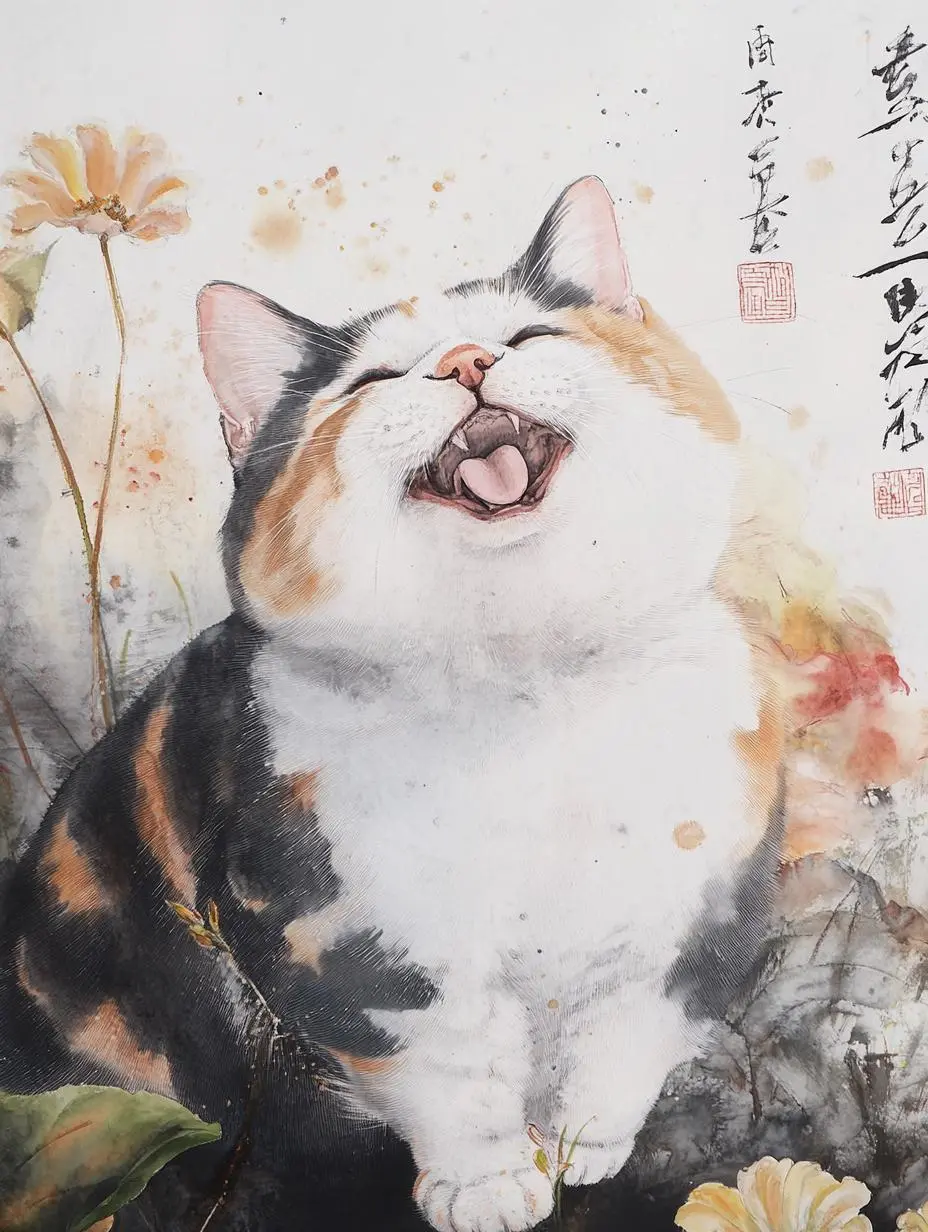
Watercolor Cat Illustration
Create a cat in a watercolor treatment, using the written brief for both the subject and the painted medium.
Chinese watercolor painting Art Nouveau happy expression cat

Explore photographic textures and illustrated styles with Midjourney V6.1. Describe a new composition or use the image-prompt input available in WeShop to guide the visual direction.
Explore the tasks shown by these actual Midjourney V6.1 results. Copy a prompt to try in the generator, or open the linked case for its saved setup. Supply your own images or clips when the request uses references.
Create a cat in a watercolor treatment, using the written brief for both the subject and the painted medium.
Chinese watercolor painting Art Nouveau happy expression cat
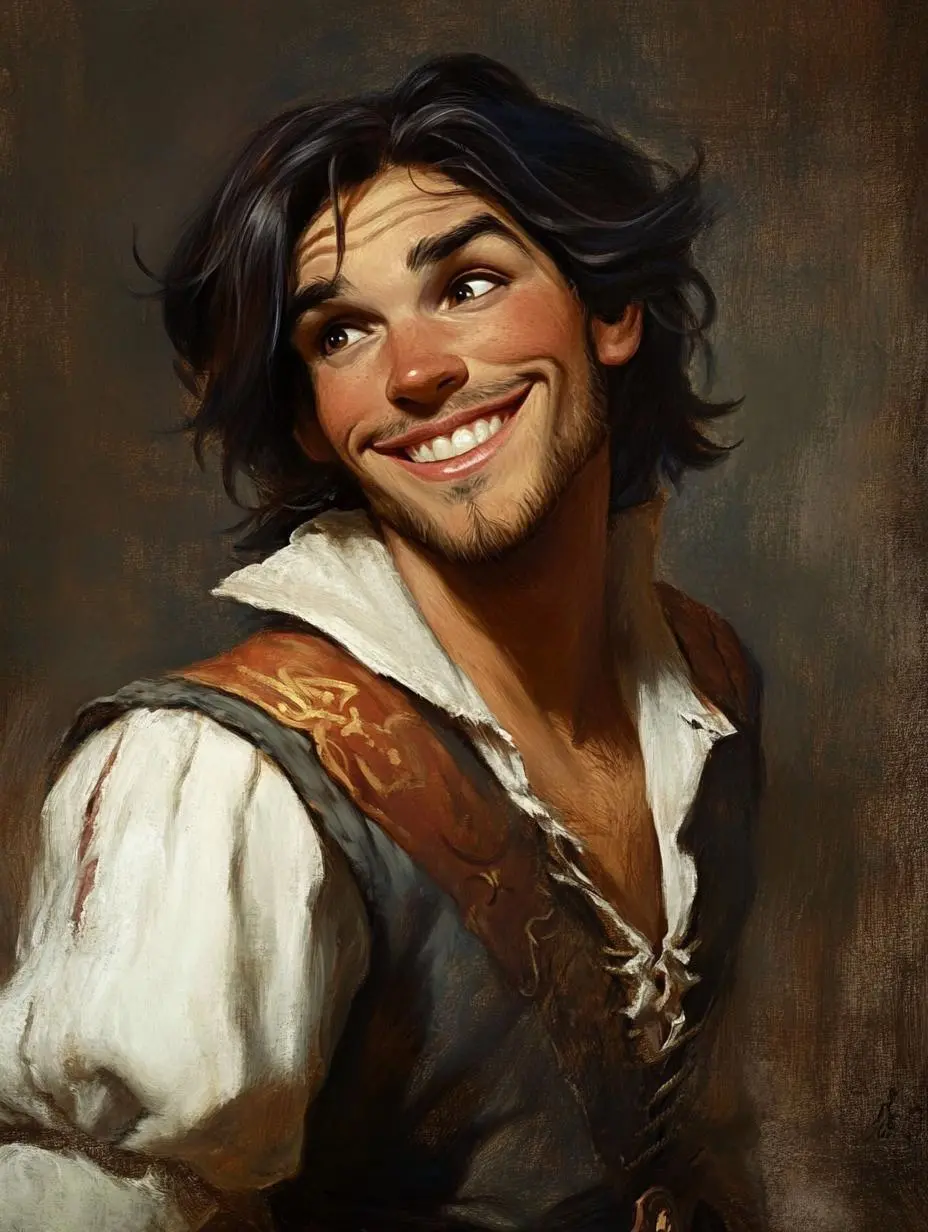
Create a character portrait with a painterly surface and expression, with the intended medium described in text.
Please create a picture of a Disney character.
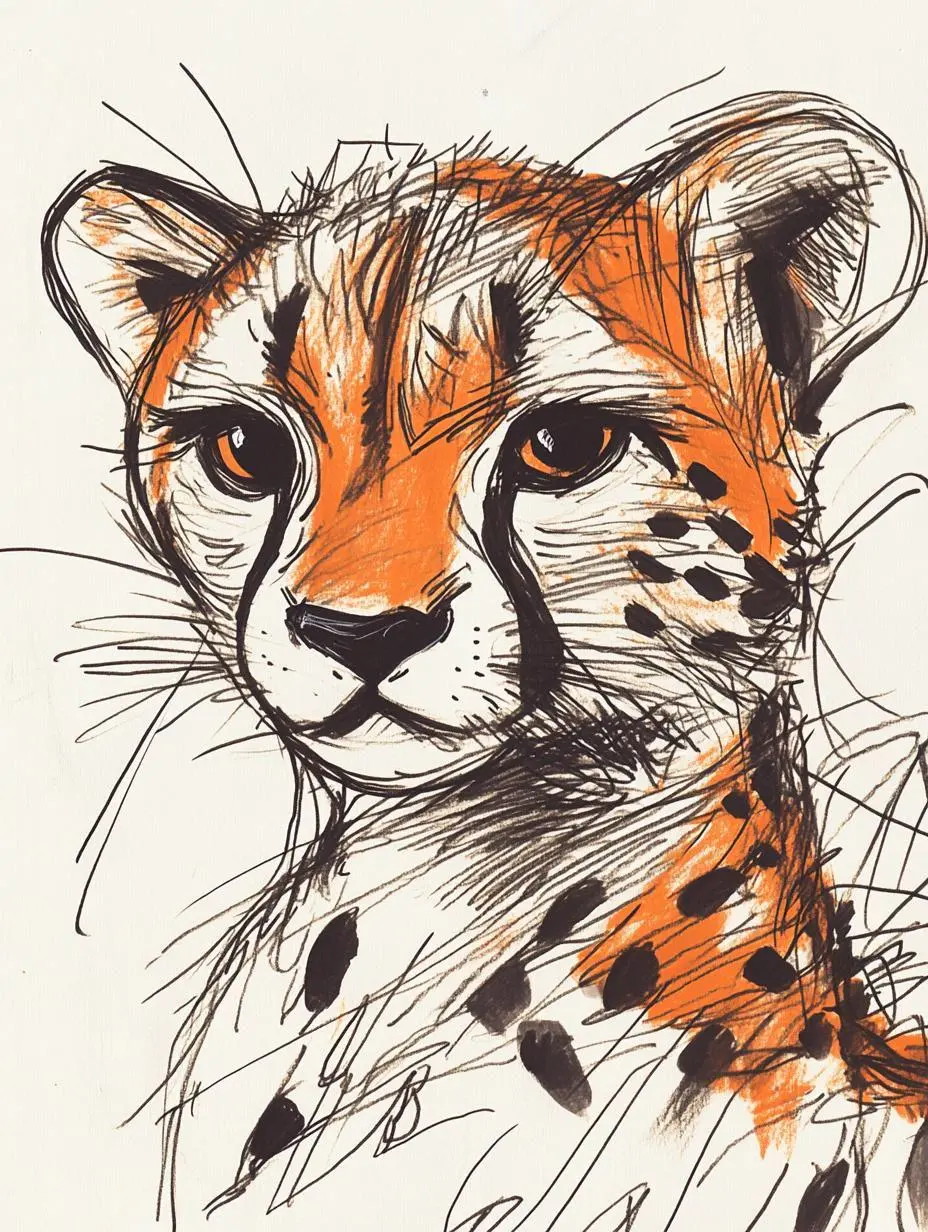
Create a tiger using an ink-illustration treatment, making the drawn marks part of the requested image.
Soulful sketch artist, simple hand-drawn line art, featuring a cheetah, humorous and whimsical, with a hazy and expressive aesthetic.
Midjourney V6.1 is an earlier Midjourney image model focused on coherent images, fine detail, and textures. It is not the current default Midjourney version.
Midjourney describes V6.1 as improving detail, textures, and image coherence over V6. It is an earlier version, rather than the current default model.
Text and image prompts can establish a photographic, painted, or illustrated treatment. The cat, portrait, and tiger examples use visibly different styles.
Use the Midjourney V6.1 input mode that matches the material you have.
Describe a new subject, setting, composition, and visual treatment. Include any words that belong in the image.
Add a reference image for visual direction. An image prompt influences the new composition; it is not a promise of a localized photo edit.
Learn from the actual instructions behind these results. Each example keeps its complete original prompt and available inputs. For a new request, replace its subject and reference assignments with your own.
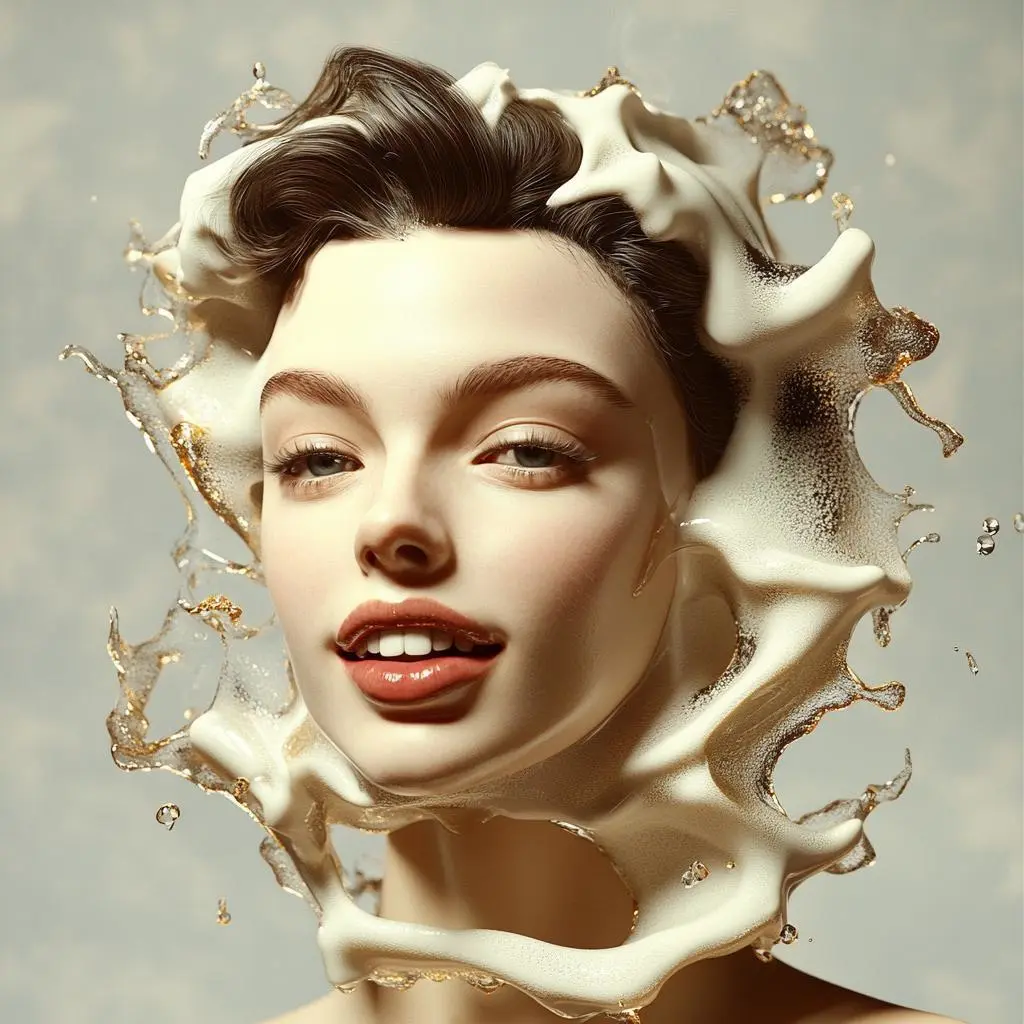
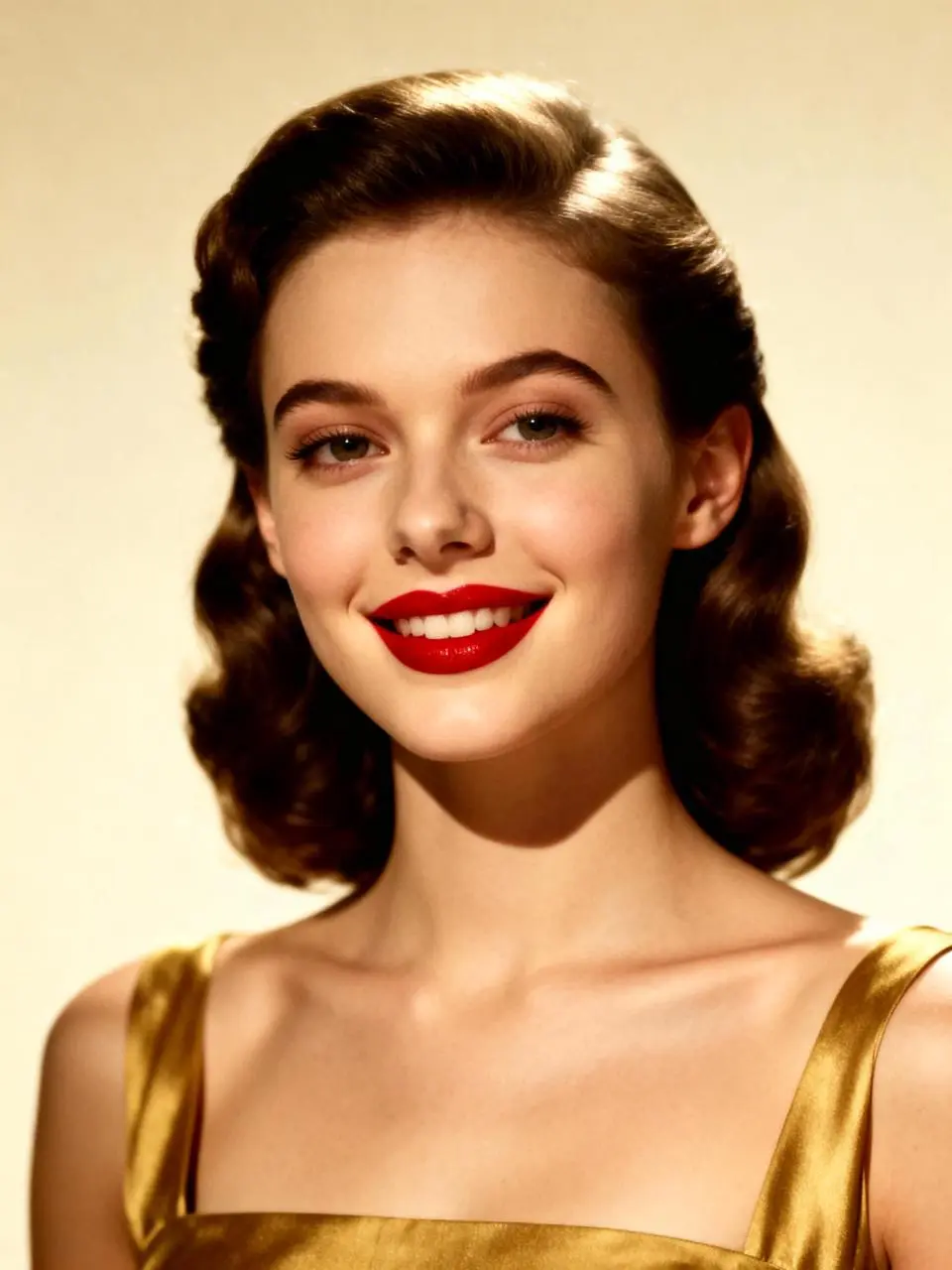
Describe the subject’s visible details and its position in the image. In this case: “Use this model to generate a surreal advertising image.3:4”
Use this model to generate a surreal advertising image.3:4
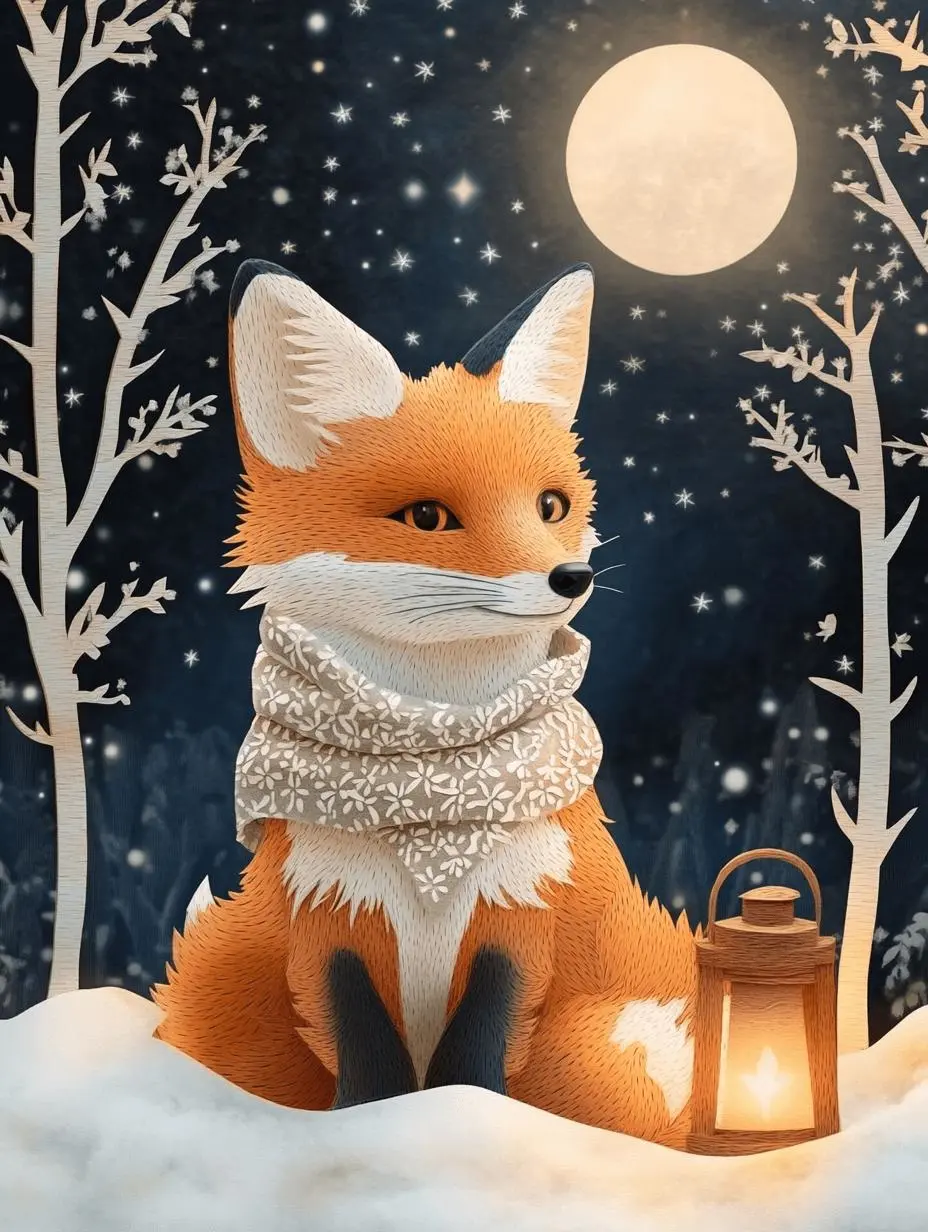
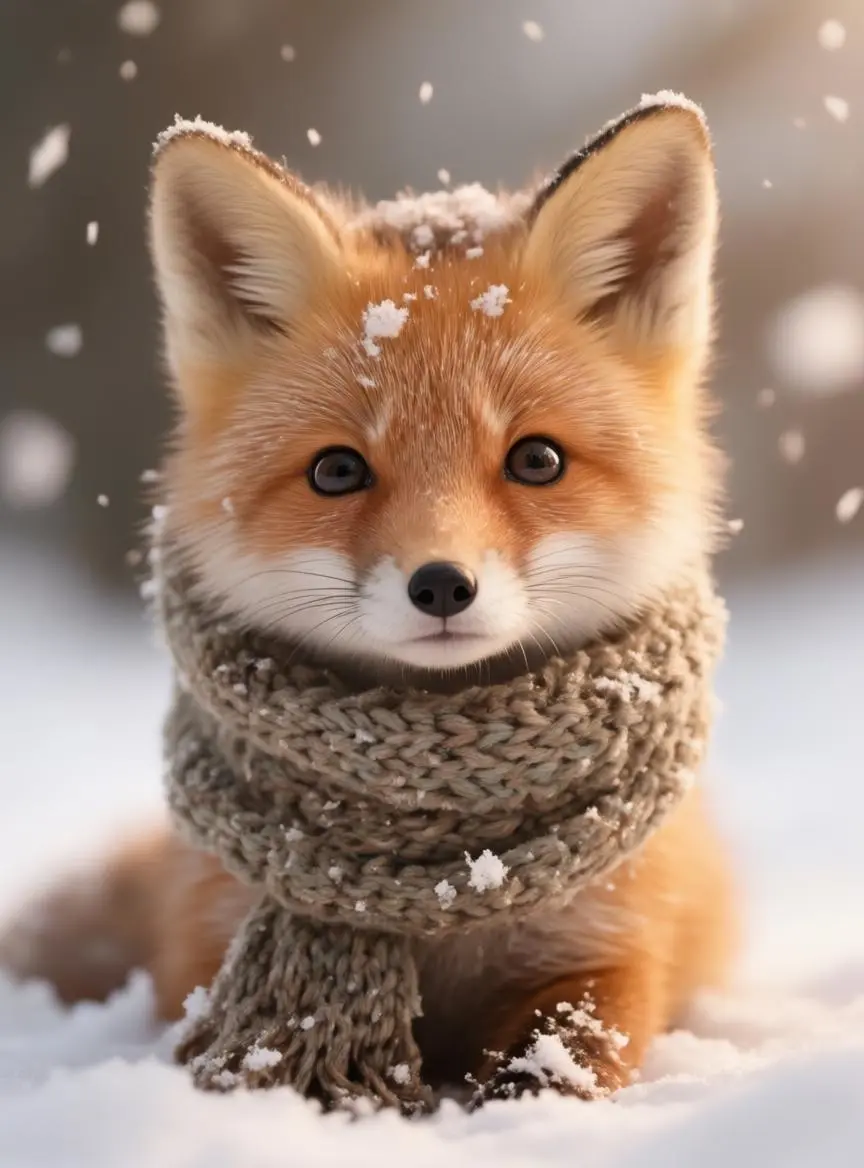
Identify the item and its replacement color rather than requesting a complete restyle. In this case: “Keep its pointed ears and recognizable orange-and-white face, but render the fur, scarf, trees and stars as visibly cut paper with crisp edges and soft cast shadows.”
Use the fox in image 1 as the character reference. Reimagine it as a layered paper-cut storybook scene in a moonlit woodland. Keep its pointed ears and recognizable orange-and-white face, but render the fur, scarf, trees and stars as visibly cut paper with crisp edges and soft cast shadows. Place the fox on the left and a glowing lantern on the right. Vertical 3:4 composition, no words or border.
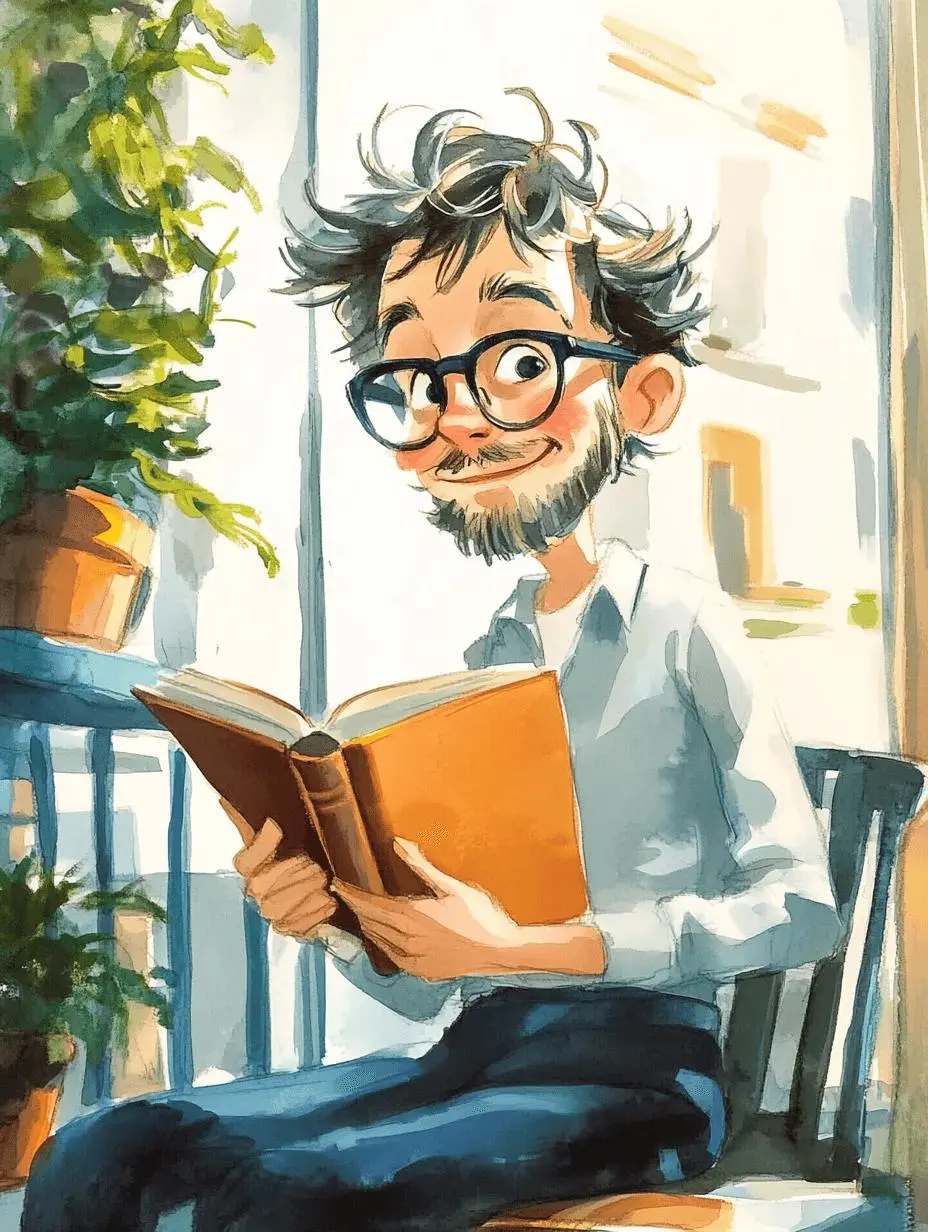
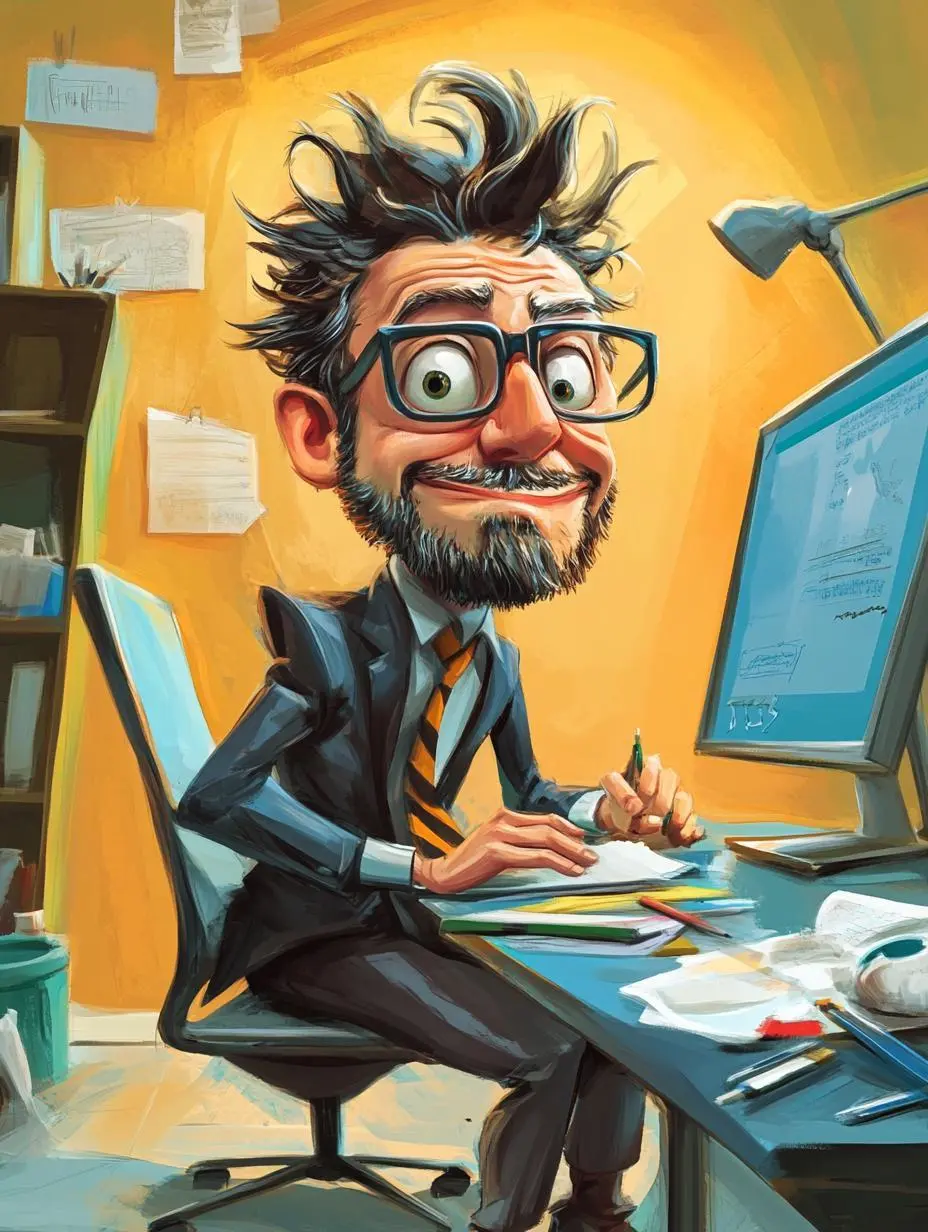
Name the visible treatment, such as the drawing marks or material, rather than relying only on a mood word. In this case: “Soft watercolor and visible ink outlines, warm daylight, vertical 3:4 composition, no words.”
Use image 1 as a reference for the person, glasses and hairstyle. Draw this person reading a book on a sunny balcony with green plants. Soft watercolor and visible ink outlines, warm daylight, vertical 3:4 composition, no words.
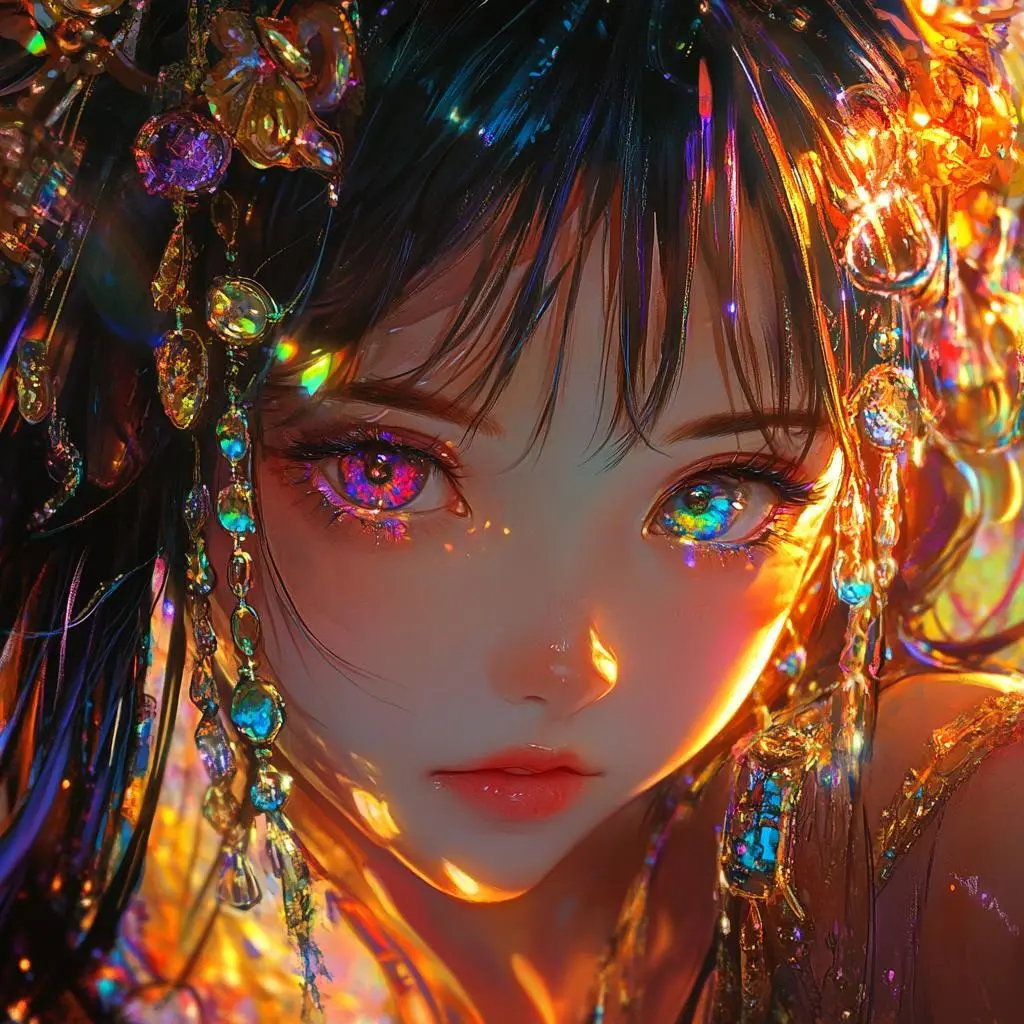
Specify the visible lighting or color arrangement as part of the composition. In this case: “1girl, anime style, intricate details, highly detailed, ultra detailed, fine details, elaborate details, vibrant and vivid colors, rich and bold color palette, high saturation, glowing highlights”
1girl, anime style, intricate details, highly detailed, ultra detailed, fine details, elaborate details, vibrant and vivid colors, rich and bold color palette, high saturation, glowing highlights
Start in the generator on this page. To reuse an example, click Copy Prompt, return to the description field, and adapt the prompt to your own inputs.
Write your brief and add the reference media required by the selected mode. Explain the role of each supplied input.
Choose the aspect ratio, image size, quality, and image count where offered. Check the form’s displayed points before submitting.
Click Generate and review the resulting image. Check composition, required words, and the subject details that matter to your task. Adjust your prompt or references for the next attempt.
Compare the documented model roles and the inputs and options currently listed in WeShop. Model names or matching settings do not by themselves establish equal output quality or a fixed generation-time difference.
| Dimension | Midjourney V6.1 | Midjourney V7 | Midjourney Niji 6 |
|---|---|---|---|
| Model role | Earlier version emphasizing coherence and fine detail | Richer texture and subject detail; WeShop routing needs confirmation | Legacy anime-oriented model; WeShop routing needs confirmation |
| Inputs listed for the page | Create from a Written Brief; Guide the Image with a Reference | Generation Availability Needs Confirmation | Generation Availability Needs Confirmation |
| Current WeShop options | Aspect ratios: 1:1, 4:3, 3:4, 16:9, 9:16 | Aspect ratios: 1:1, 4:3, 3:4, 16:9, 9:16 | Aspect ratios: 1:1, 4:3, 3:4, 16:9, 9:16 |
Consider V6.1 when its established aesthetic fits your brief. Compare V7 for its documented later texture updates, or Niji 6 for anime-oriented work, subject to route confirmation.
Open a related model page to review its capabilities, examples, and current generation options.
Answers about this version, its inputs, and how to get started.
Midjourney V6.1 is an earlier Midjourney image model focused on coherent images, fine detail, and textures. It is not the current default Midjourney version.
Consider V6.1 when its established aesthetic fits your brief. Compare V7 for its documented later texture updates, or Niji 6 for anime-oriented work, subject to route confirmation.
Create from a Written Brief. Describe a new subject, setting, composition, and visual treatment. Include any words that belong in the image. Guide the Image with a Reference. Add a reference image for visual direction. An image prompt influences the new composition; it is not a promise of a localized photo edit.
Aspect ratios: 1:1, 4:3, 3:4, 16:9, 9:16
Click Copy Prompt, return to the generator, and paste it into the description field. Add your own required references and update their roles. Linked case previews and Use This Prompt open the saved case; they do not automatically fill this page’s form.
Reference features differ across Midjourney versions. A tool documented for a newer version is not automatically available in V6.1.