Create anime-inspired characters and illustrated scenes with Midjourney Niji 6. Start from a written brief or add an image prompt for visual direction, then choose an offered aspect ratio.
Explore these Midjourney Niji 6 results with their actual prompts and available reference images. Copy a prompt and adapt it to your own subject, or open the linked case to inspect its saved setup.
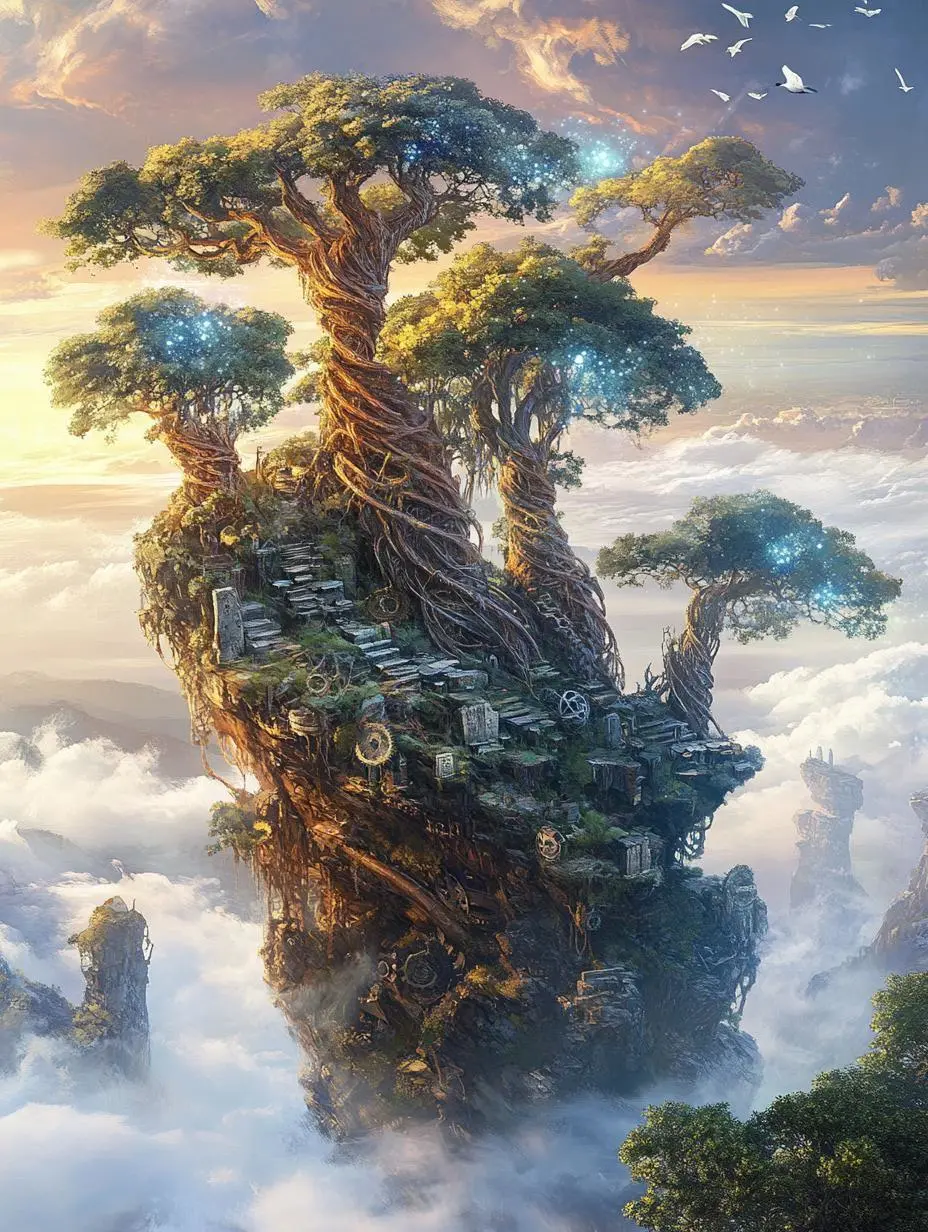
Floating Fantasy Tree Island
Create a fantasy island illustration built around a large tree, with the scene’s shapes and setting supplied by text.
Scene: Floating islands in the morning mist, huge spiral ancient trees rooted on the rocks, their roots entwined with luminous crystal veins, and below is the churning sea of clouds.
Light and Shadow: Soft morning light seeps through the gaps in the clouds, creating the Tyndall effect, and the crystals reflect pale rainbow-colored light spots.
Details: Rusty mechanical gears are half-buried in the soil, moss-covered stone tablets bear vine-like inscriptions, and a flock of white birds fly past the edge of the island.
Niji 6 is Midjourney’s earlier anime-oriented image model. Its documented update includes anime detail and short Japanese text rendering.
Anime-Oriented Character Design
Niji 6 is an anime-focused Midjourney model. The official legacy notes highlight character and eye detail.
Short Written Elements
The Niji 6 notes describe short Japanese kana and simple Chinese characters. That scope is different from reliable long-form text design.
WORKFLOWS
Choose Your Starting Input
Start with a text brief or use an image prompt for visual direction. These are the inputs currently offered for Midjourney Niji 6 in WeShop.
Create from a Written Brief
Describe the subject, setting, composition, and photographic or illustrated treatment you want in the new image.
Guide the Image with a Reference
Upload an image and describe the new composition it should guide. An image prompt provides visual direction; it is not a dedicated control for editing one marked region.
PROMPT GUIDE
How to Direct Midjourney Niji 6 with a Prompt
Study the actual instructions behind these results. Each card explains a specific part of its saved prompt; keep the full prompt and input roles in mind when adapting it to your own image.
Place the Light and Color in the Scene
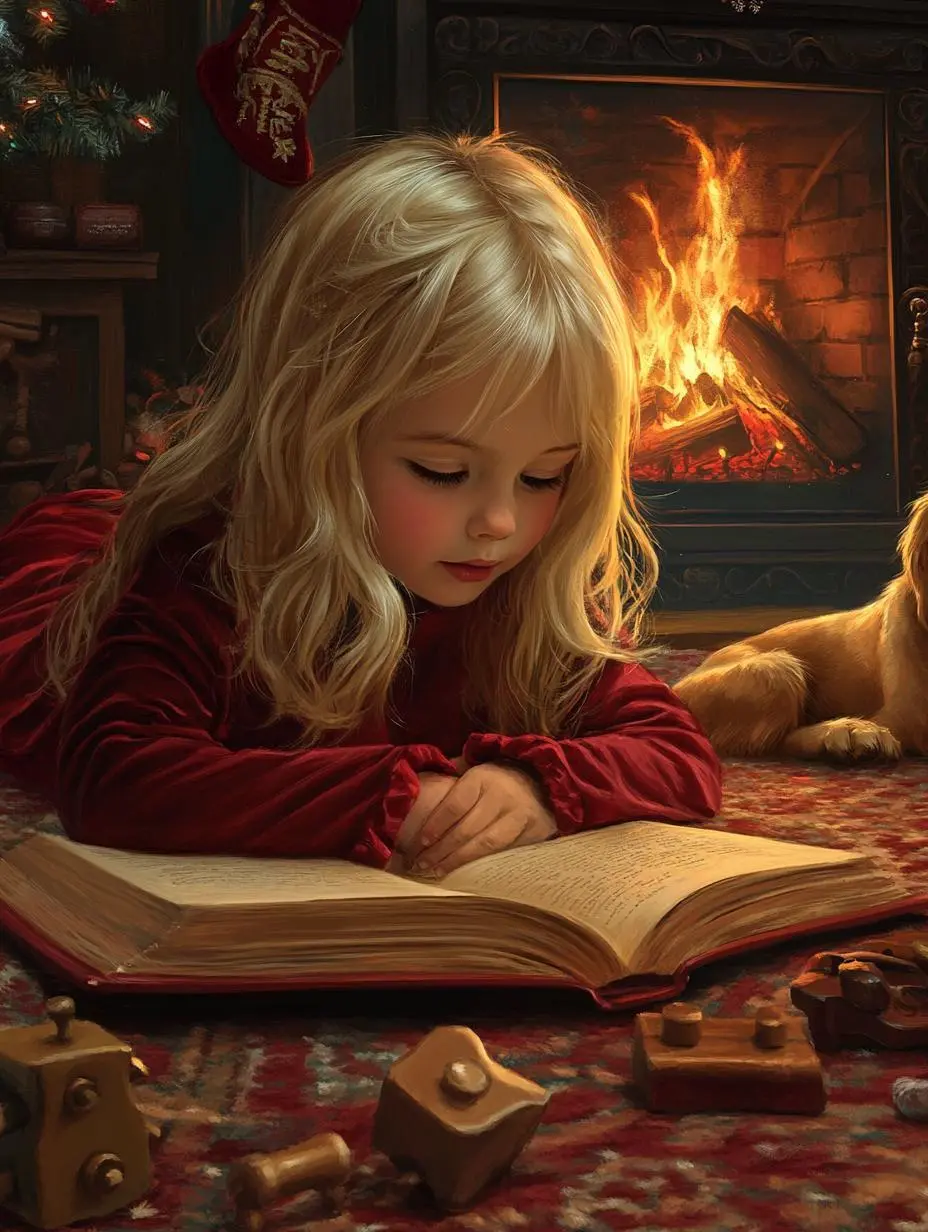
Specify the visible lighting or color arrangement as part of the composition. In this case: “The warm flames from the fireplace serve as the only light source, casting a soft, flickering glow on her cheeks and illuminating her curious, focused eyes.”
A Christmas illustration in the style of a classic fairy-tale picture book, rendered in hyper-realistic digital painting. It features a warm, close-up composition of a blonde girl around five years old, wearing a red velvet nightgown, lying on a thick carpet as she concentrates intently on an open Christmas storybook. The warm flames from the fireplace serve as the only light source, casting a soft, flickering glow on her cheeks and illuminating her curious, focused eyes. Beside her lies a drowsy golden retriever, surrounded by scattered vintage wooden toys. The entire scene is infused with hand-painted brushstrokes and paper-like textures, with an exceptionally warm color palette dominated by deep reds, golds, and warm browns, creating a tranquil, nostalgic, and story-filled bedtime atmosphere.
Specify the Subject and Composition
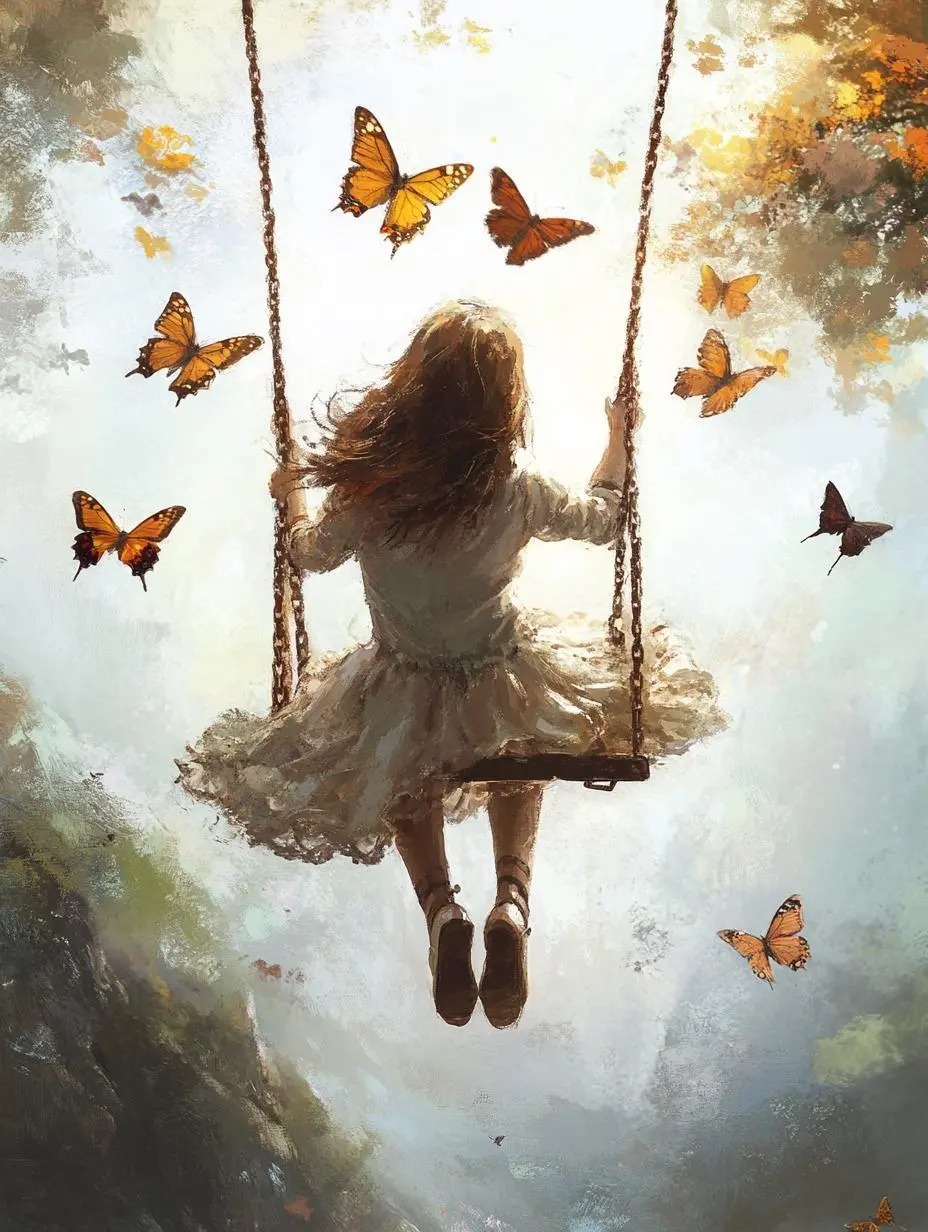
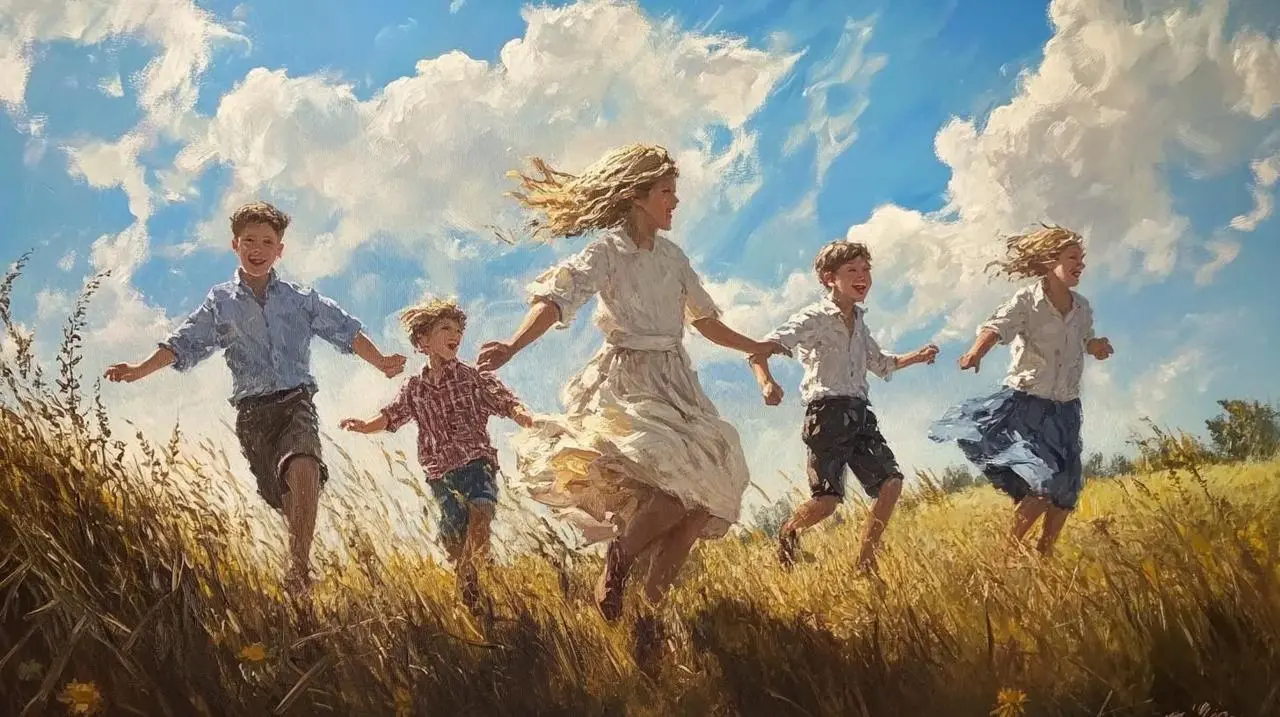
Describe the subject’s visible details and its position in the image. In this case: “I remember the sunny days in my youth,”
I remember the sunny days in my youth,
Laughter echoing through the air.
Describe the Marks or Medium
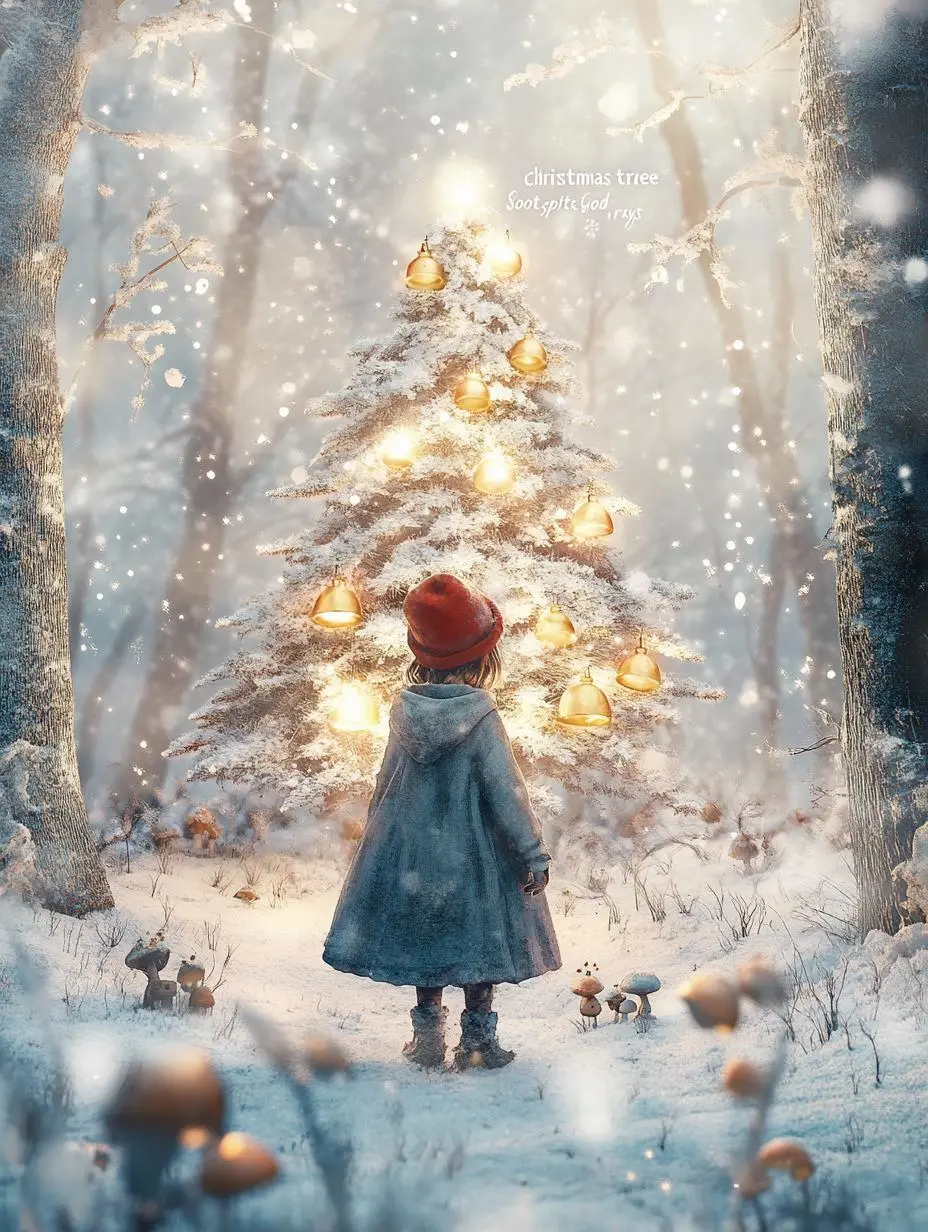
Name the visible treatment, such as the drawing marks or material, rather than relying only on a mood word. In this case: “A digital artwork brimming with the style of Hayao Miyazaki's animated films, blending watercolor textures with a soft, animated feel.”
A digital artwork brimming with the style of Hayao Miyazaki's animated films, blending watercolor textures with a soft, animated feel. Framed in a medium shot, a little girl in a thick cloak and a red woolen hat is captured in a winter forest after the snow has just cleared. She gazes in wonder at a "Christmas tree" adorned with glowing mushrooms and golden bells. Several fluffy, "Soot Sprite"-like creatures peek curiously out from a hollow in the tree. Sunlight filters through the gaps between branches laden with ice crystals, creating soft, warm "god rays" (Tyndall effect) that illuminate the tiny ice crystals floating in the air. The composition feels natural, with a gentle, soothing color palette dominated by the white of snow, the deep brown of trees, and the pale gold of sunlight, accented by the red of her hat and the fluorescent glow of the mushrooms. The scene evokes a warm, serene, and enchanted forest Christmas, filled with a sense of wonder and the spirit of all living things.
Plan the Text and Its Hierarchy
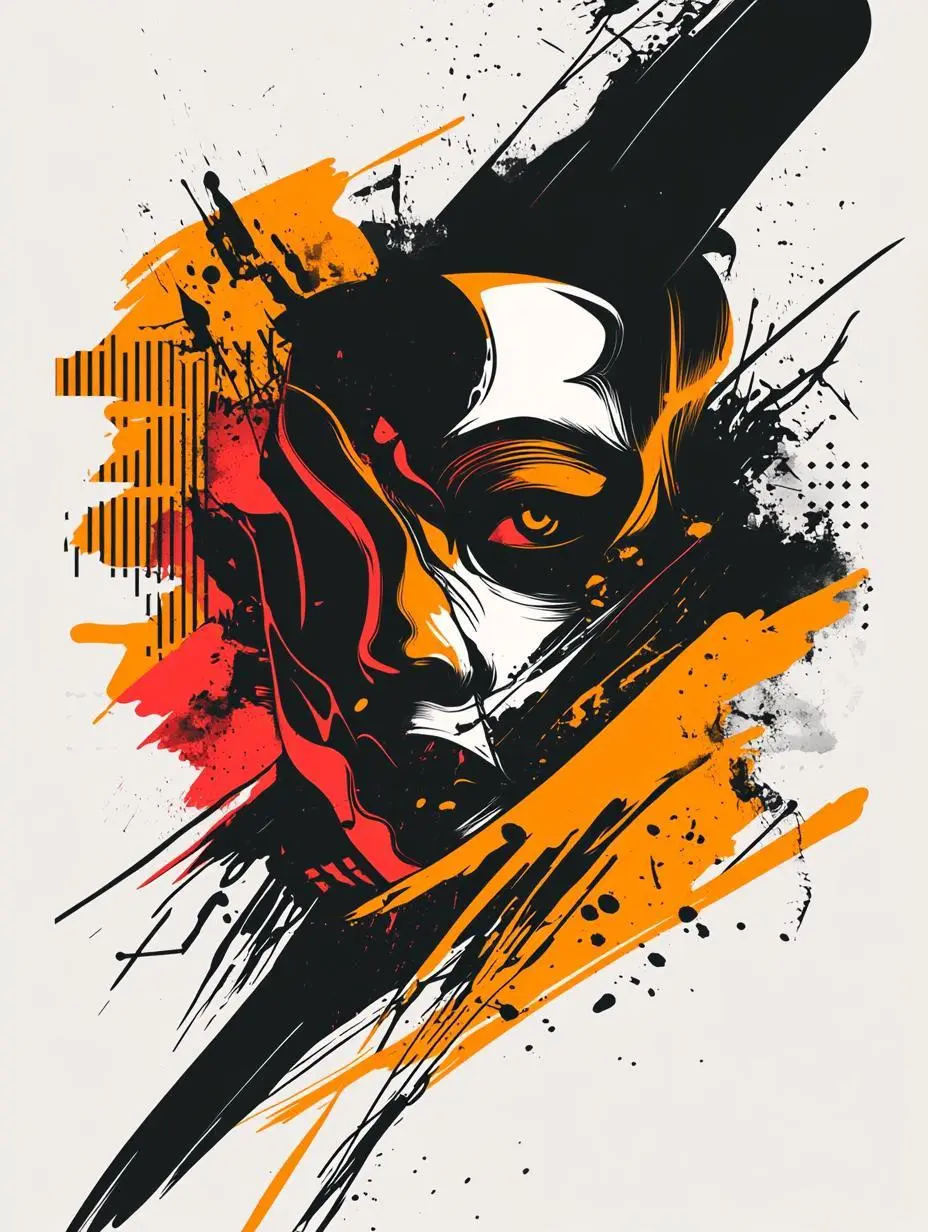
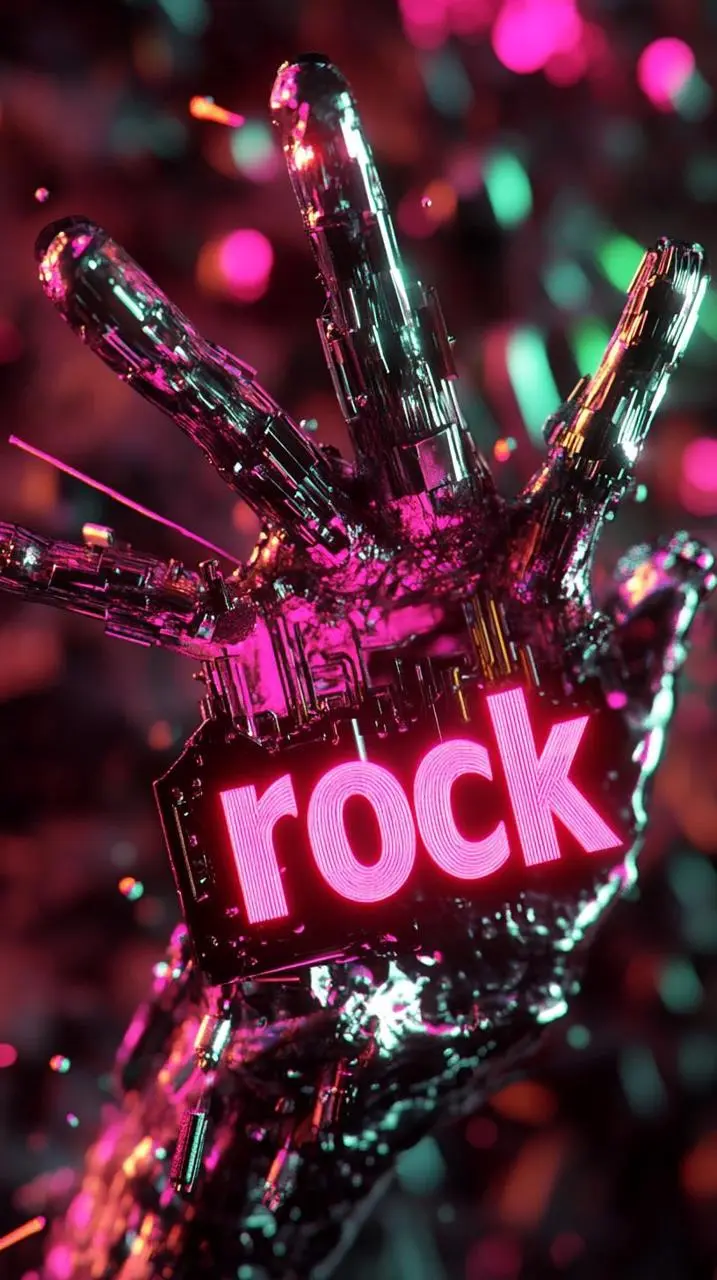
Specify the written information and where it belongs in the design. Check the resulting words before use. In this case: “Ultra-fine cyberpunk rock poster, dynamic interlocking burning hands, riveted fingers holding air guitar strings, 3D glowing metal letters "rock" floating in the negative space, vivid neon pink and gr”
Ultra-fine cyberpunk rock poster, dynamic interlocking burning hands, riveted fingers holding air guitar strings, 3D glowing metal letters "rock" floating in the negative space, vivid neon pink and green tones on the darkened concrete background, underground scattered skin textures, glowing circuit board patterns, volumetric smoke effects, distorted lens flare, dramatic perspective wide-angle composition, Cinema 4D rendering with metallic mirror highlights, 8k resolution, futuristic typography with cracked edges, glowing particle trajectories, heavy metal band logo elements in the background, dark academic color palette with fluorescent bullets, contour lines and velocity lines for motion blur effect.
HOW TO USE
Create Your First Image with Midjourney Niji 6
Use the generator on this page. To try an example, copy its prompt, return to the description field, and replace any case-specific subjects or reference assignments.
Describe the Image and Add Any Reference
Write the subject, scene, composition, and visual treatment. If using an image prompt, upload your reference and explain the visual direction it provides.
Choose an Aspect Ratio
Select one of the ratios offered in the form: 1:1, 4:3, 3:4, 16:9, or 9:16. Review the displayed points before submitting.
Generate and Review
Click Generate, then check the composition, subject details, and any required words against your brief. Adjust the description or reference for your next attempt.
Compare the documented model roles and the inputs and options currently listed in WeShop. Model names or matching settings do not by themselves establish equal output quality or a fixed generation-time difference.
Dimension
Midjourney V6.1
Midjourney V7
Midjourney Niji 6
Model role
Earlier version emphasizing coherence and fine detail
Richer textures and coherent subject details
Legacy anime-oriented model
Inputs listed for the page
Text brief; optional image prompt
Text brief; optional image prompt
Text brief; optional image prompt
Current WeShop options
Aspect ratios: 1:1, 4:3, 3:4, 16:9, 9:16
Aspect ratios: 1:1, 4:3, 3:4, 16:9, 9:16
Aspect ratios: 1:1, 4:3, 3:4, 16:9, 9:16
Model role
Midjourney V6.1
Earlier version emphasizing coherence and fine detail
Midjourney V7
Richer textures and coherent subject details
Midjourney Niji 6
Legacy anime-oriented model
Inputs listed for the page
Midjourney V6.1
Text brief; optional image prompt
Midjourney V7
Text brief; optional image prompt
Midjourney Niji 6
Text brief; optional image prompt
Current WeShop options
Midjourney V6.1
Aspect ratios: 1:1, 4:3, 3:4, 16:9, 9:16
Midjourney V7
Aspect ratios: 1:1, 4:3, 3:4, 16:9, 9:16
Midjourney Niji 6
Aspect ratios: 1:1, 4:3, 3:4, 16:9, 9:16
When to Consider Midjourney Niji 6
Match the Model to Your Task
Consider Niji 6 for an anime-oriented character or illustrated scene. It is a distinct legacy model, with a different documented focus from the general Midjourney V6.1 and V7 selections.
MORE IMAGE MODELS
Explore More Image Models
Open a related model page to review its capabilities, examples, and current generation options.
Answers about this version, its inputs, and how to get started.
What is Midjourney Niji 6?
Niji 6 is Midjourney’s earlier anime-oriented image model. Its documented update includes anime detail and short Japanese text rendering.
What is a good task to consider it for?
Consider Niji 6 for an anime-oriented character or illustrated scene. It is a distinct legacy model, with a different documented focus from the general Midjourney V6.1 and V7 selections.
What do I need to provide?
Write a description of the image you want to create. You can also add an image prompt to guide the visual direction; describe what the reference contributes to the new composition.
Which output settings are offered here?
This selection currently lists these aspect ratios: 1:1, 4:3, 3:4, 16:9, and 9:16. Use the controls displayed in the form; other Midjourney product settings are not implied.
How do I try an example prompt?
Click Copy Prompt, return to the generator, and paste it into the description field. Supply your own references when needed. Use This Prompt opens the saved case to inspect its setup.
What should I know about this version?
Niji 6 is an older, anime-oriented model. Its official text-rendering notes cover short Japanese kana and simple Chinese characters; they do not establish reliable long-form typography. Check any generated words before use.