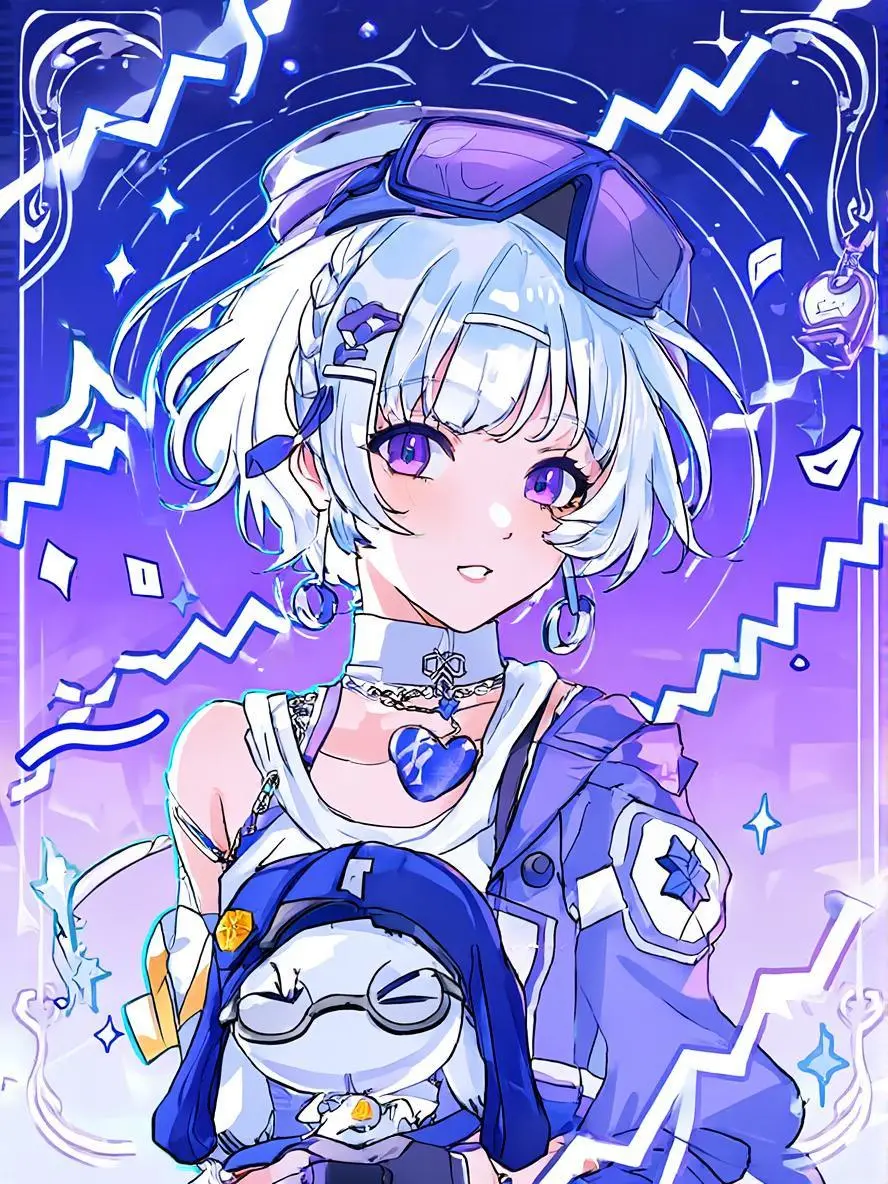
Create a character, graphic poster, or scene from a written brief with Z-Image. Tongyi-MAI’s image model family explores varied subjects, visual styles, and compositions.
Explore the tasks shown by these actual Z-Image results. Copy a prompt to try in the generator, or open the linked case for its saved setup. Supply your own images or clips when the request uses references.
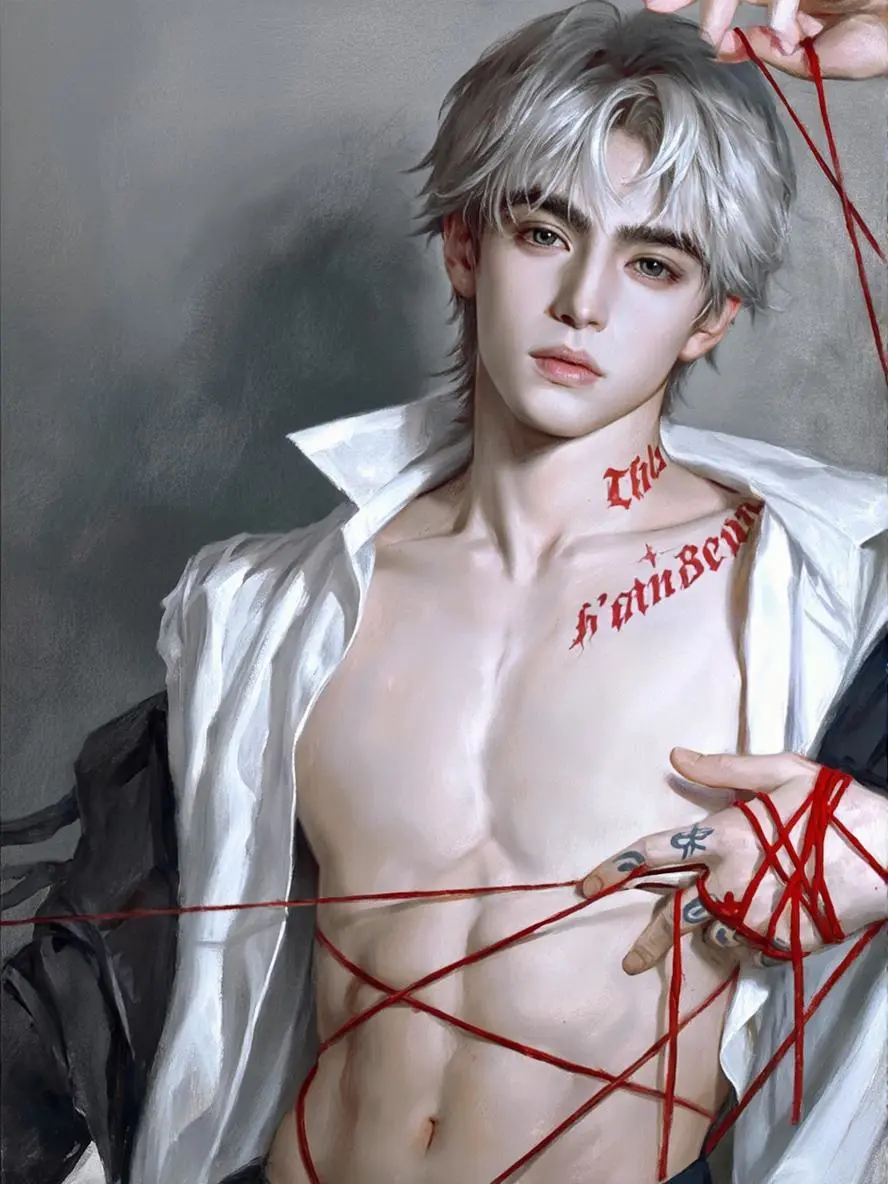
Stylized Character Portrait
Create a stylized portrait from a written subject and visual-treatment brief, rather than an image-edit input.
Male, with exquisite and three-dimensional facial features, detailed facial details, deep eyebrows and eyes, dark gray pupils, thin and delicate lips, finely drawn style, silver-white medium-length hair with distinct strands, white chiffon shirt with a slightly open collar, red fine thread wound around hands and fingertips, slightly raising the head, prominent Adam's apple, pale skin, ultra-clear quality, red letters tattoo on the collarbone, realistic thick application, soft and slightly hazy, dark black, looking at the camera, sickly appearance, oil painting touch, grayish-blurred wall background, red fine thread wound around the waist, wide shoulders and narrow waist, thin skin, exposed navel outfit, distinct abdominal muscle lines, hands pointing at the abdominal muscles, close-up half-body shot, fingers with tattoos, dramatic lighting.
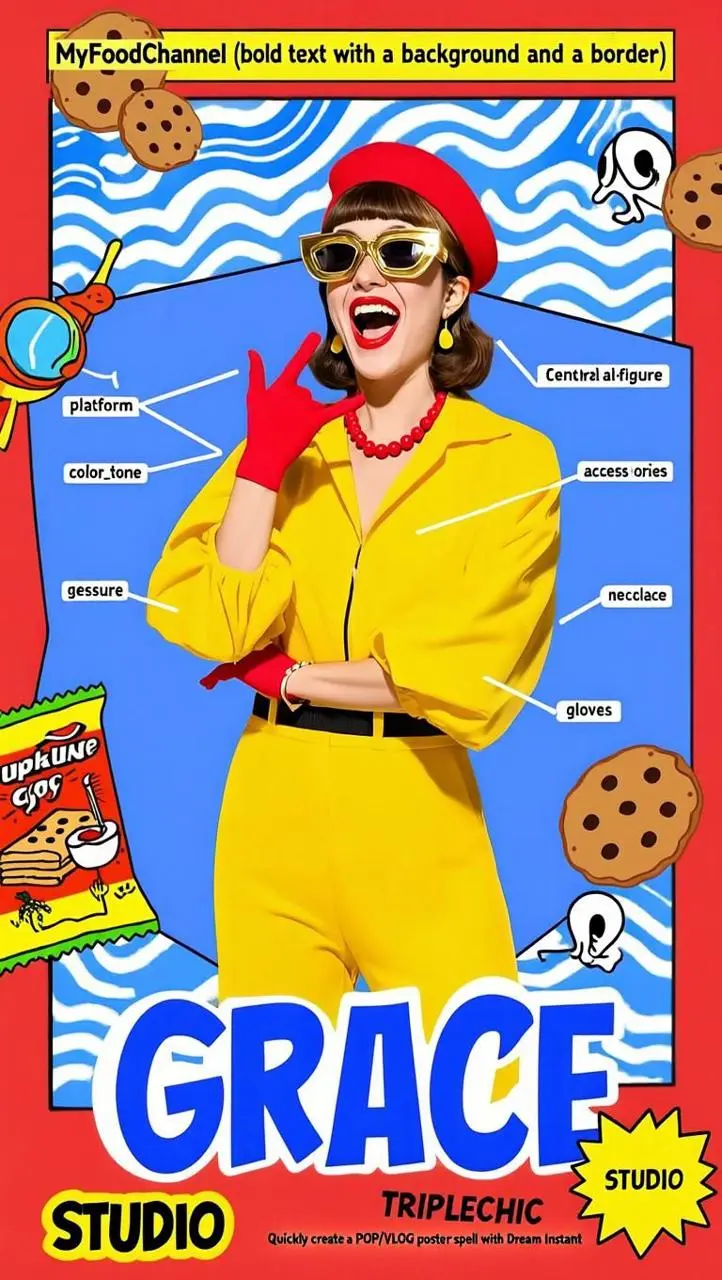
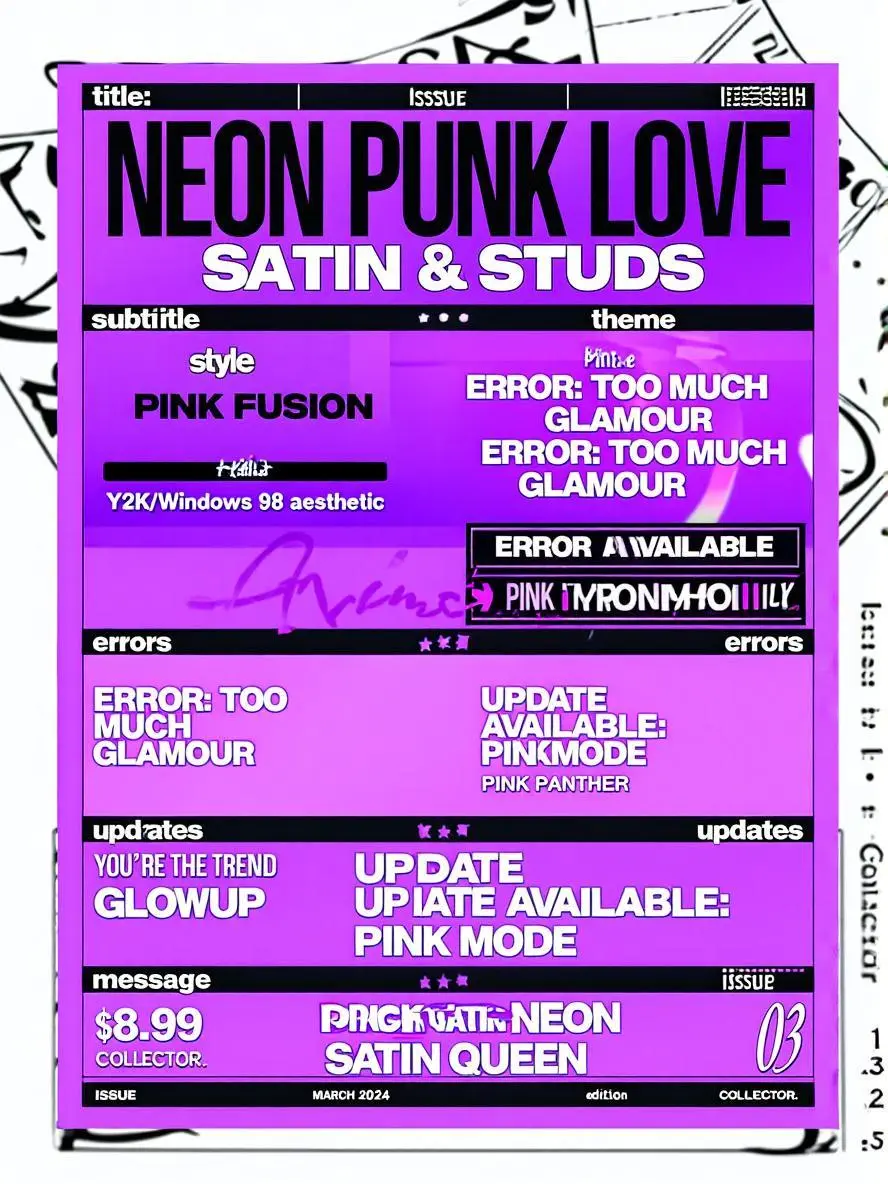
Create a fashion poster with a graphic composition, using the prompt for both the subject and the designed text areas.
"platform": "Imi Dream",
"purpose": "VLOG cover poster",
"style": "retro cartoon",
"color_tone": "strong colors",
"background": "a large area of bright red, with geometric shapes of blue and red, as well as multiple patterns of cookie-shaped crackers with curves" "central_figure": {
"Description": "A fashionable woman dressed in bright yellow clothing" "accessories": [
"Red beret",
"Golden thick-framed sunglasses",
"Red bead necklace",
"Metal necklace",
"Red gloves" ],
"expression": "Exaggeratedly excited expression, with wide-open mouth and laughing loudly",
"gesture": "Made the rock gesture" },
"text_elements": {
"top": "MyFoodChannel (bold text with a yellow background and a border)" "bottom": "GRACE"
},
"additional_elements": [
"Vintage cartoon-style cookie packaging illustration" ],
"hashtag_or_label": "TRIPLECHIC",
"studio": "STUDIO",
"tagline": "Quickly create a POP/VLOG poster spell with Dream Instant" }
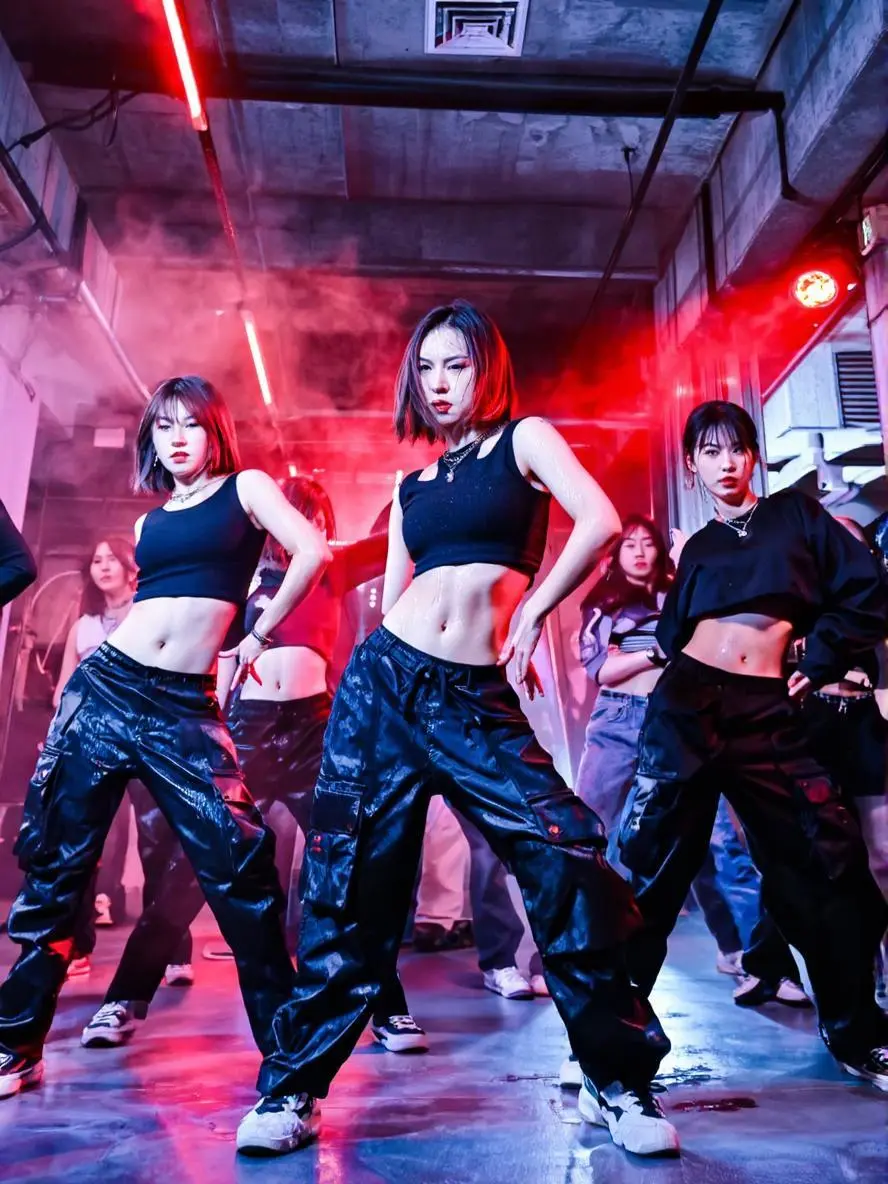
Create a still dance-scene image from text, with the performers, lighting, and setting arranged in one composition.
In the industrial-style basement with red lights and smoke, the dancers wore black crop tops and work pants, performing a powerful hip-hop dance routine. The focus was on showcasing the strength in the waist and precise hip movements. Their expressions were stern yet confident, and sweat glistened. The camera shots were fast and varied, including wide-angle low-angle shots. Style: Dark, sophisticated, and full of tension.
Z-Image is Tongyi-MAI’s image generation model family. The foundation Z-Image model focuses on creative generation, visual diversity, and controllable aesthetics.
Creative Image Generation
The foundation Z-Image model focuses on creative image production. A written scene can establish the subject, setting, and overall treatment.
Different Styles and Compositions
The project describes visual diversity across poses, identities, and layouts. The portrait, poster, and dance-scene examples use different composition briefs.
WORKFLOWS
Choose Your Starting Input
Use the Z-Image input mode that matches the material you have.
Create from a Written Brief
Describe a new subject, setting, composition, and visual treatment. Include any words that belong in the image.
PROMPT GUIDE
How to Direct Z-Image with a Prompt
Learn from the actual instructions behind these results. Each example keeps its complete original prompt and available inputs. For a new request, replace its subject and reference assignments with your own.
Describe a Visible Material
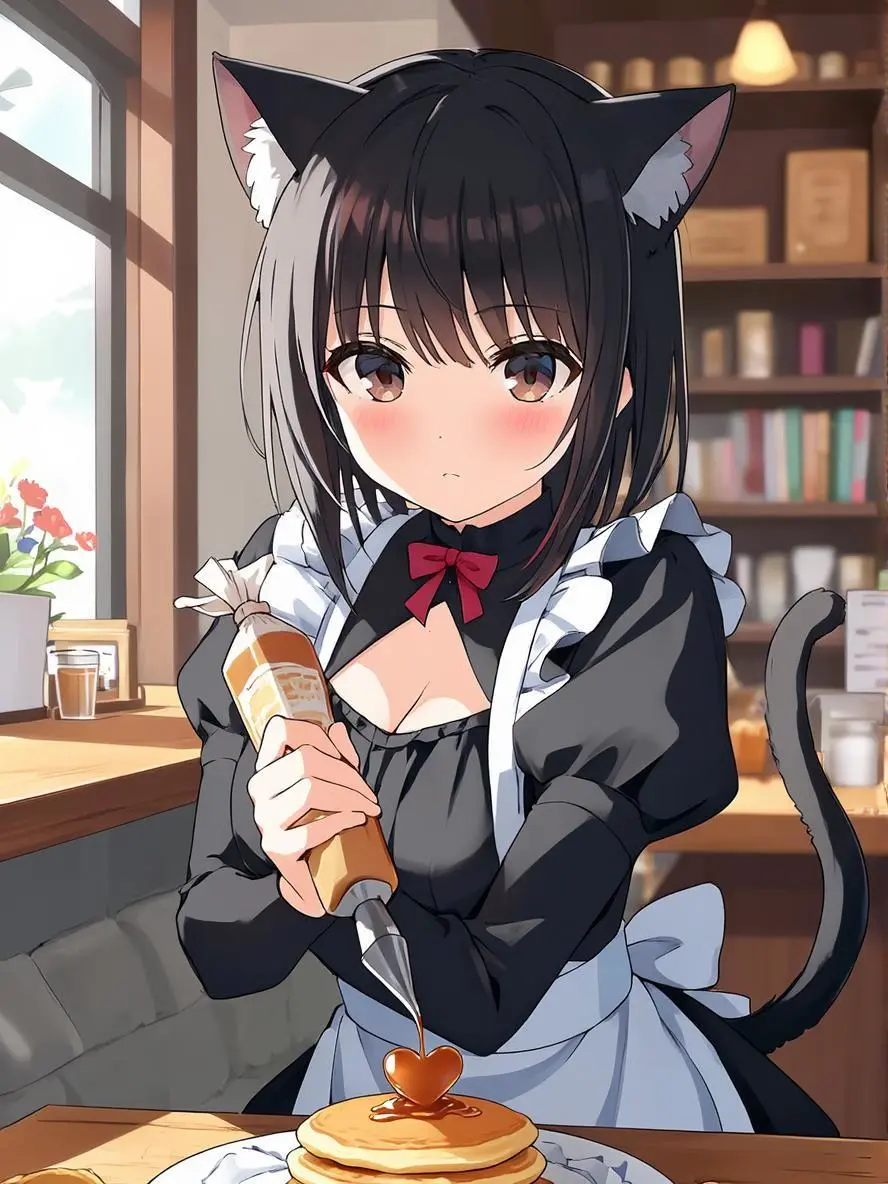
Use concrete surface or material details to define the requested look. In this case: “Close-up portrait, tsundere catgirl maid in a cozy traditional-meets-modern cafe, wearing a black maid dress with white frills and a red ribbon, black cat ears and tail twitching slightly, looking awa”
Close-up portrait, tsundere catgirl maid in a cozy traditional-meets-modern cafe, wearing a black maid dress with white frills and a red ribbon, black cat ears and tail twitching slightly, looking away with a slight blush while carefully squeezing heart-shaped syrup onto a pancake, soft morning light from the side window illuminating her face and hair strands, shallow depth of field, background is a softly blurred bookshelf and warm wooden counter, intimate atmosphere, expressive eyes, (detailed rendering of hair and fabric:1.2), inspired by VOFAN’s lighting and character design, digital painting.
Negative prompt: poorly drawn face, bad hands, full body, wide shot, cold colors, plain background.
Plan the Text and Its Hierarchy
Specify the written information and where it belongs in the design. Check the resulting words before use. In this case: “"title": "NEON PUNK LOVE",”
Describe the subject’s visible details and its position in the image. In this case: “generate a girl next to me that you think would suit me”
generate a girl next to me that you think would suit me
HOW TO USE
Create Your First Z-Image Image
Start in the generator on this page. To reuse an example, click Copy Prompt, return to the description field, and adapt the prompt to your own inputs.
Provide the Scene and Inputs
Write your brief and add the reference media required by the selected mode. Explain the role of each supplied input.
Choose the Output Options
Choose the aspect ratio, image size, quality, and image count where offered. Check the form’s displayed points before submitting.
Generate and Review
Click Generate and review the resulting image. Check composition, required words, and the subject details that matter to your task. Adjust your prompt or references for the next attempt.
Answers about this version, its inputs, and how to get started.
What is Z-Image?
Z-Image is Tongyi-MAI’s image generation model family. The foundation Z-Image model focuses on creative generation, visual diversity, and controllable aesthetics.
What is a good task to consider it for?
Consider this entry for text-led visual exploration. Keep Z-Image, Z-Image-Turbo, and Z-Image-Edit separate when checking specifications.
What do I need to provide?
Create from a Written Brief. Describe a new subject, setting, composition, and visual treatment. Include any words that belong in the image.
Click Copy Prompt, return to the generator, and paste it into the description field. Add your own required references and update their roles. Linked case previews and Use This Prompt open the saved case; they do not automatically fill this page’s form.
What should I know about this version?
The exact base or Turbo checkpoint is not disclosed by this unversioned entry. Turbo speed claims and Edit capabilities are not established here.