language

English

Steal the Look! Click to Replicate it with Your Product!
digital camera filter online by weshop ai

Digital Camera Filter Online – Create Retro 2000s Photo Effects Free

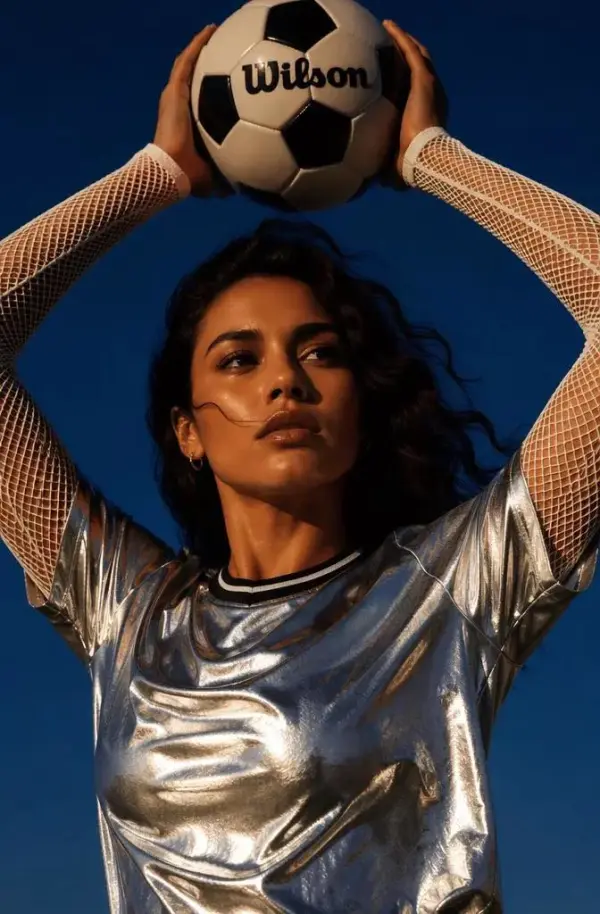
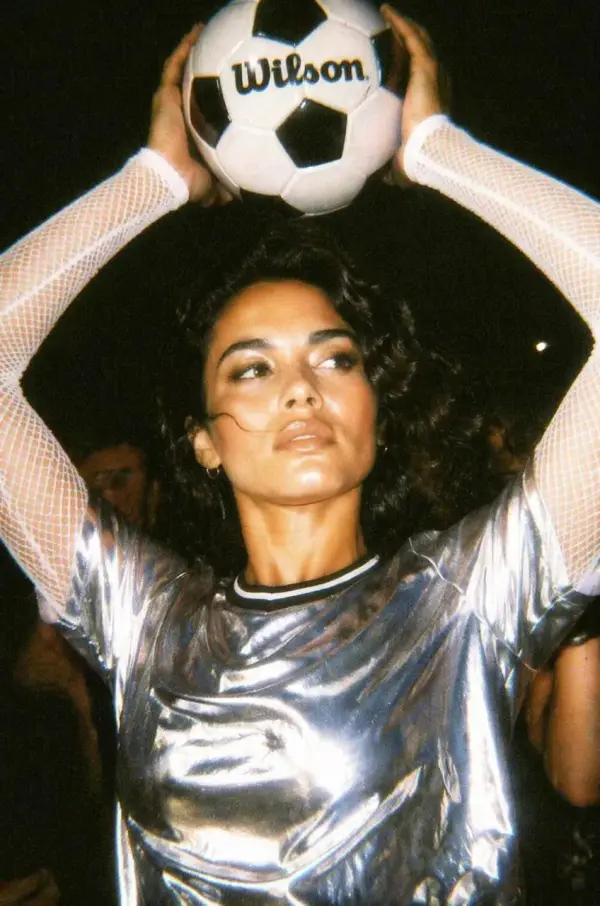
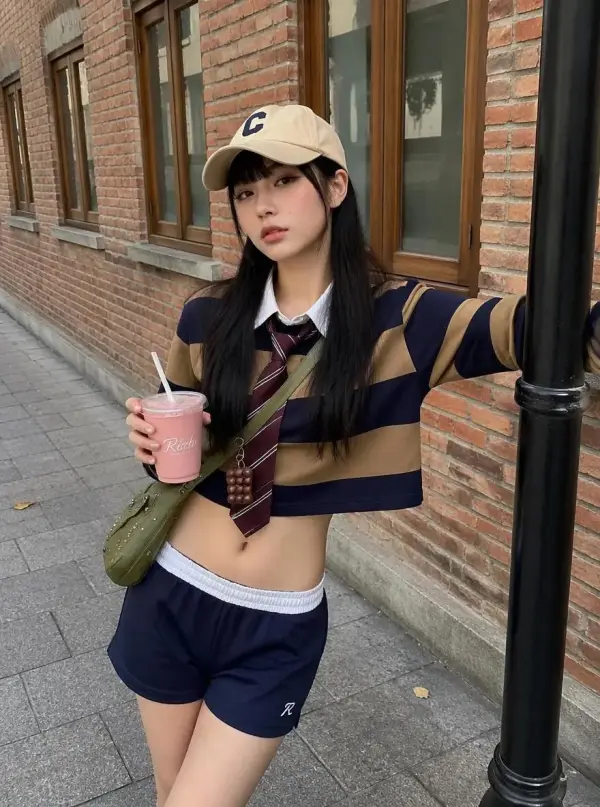
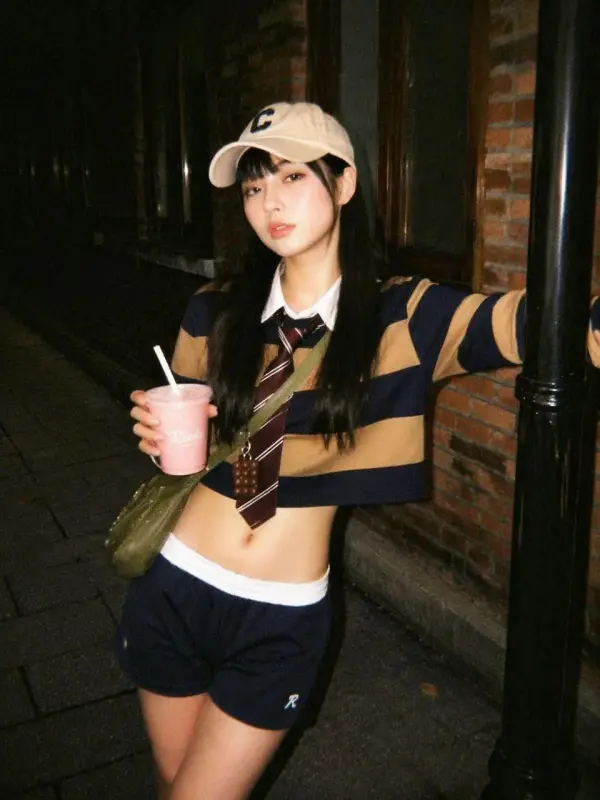
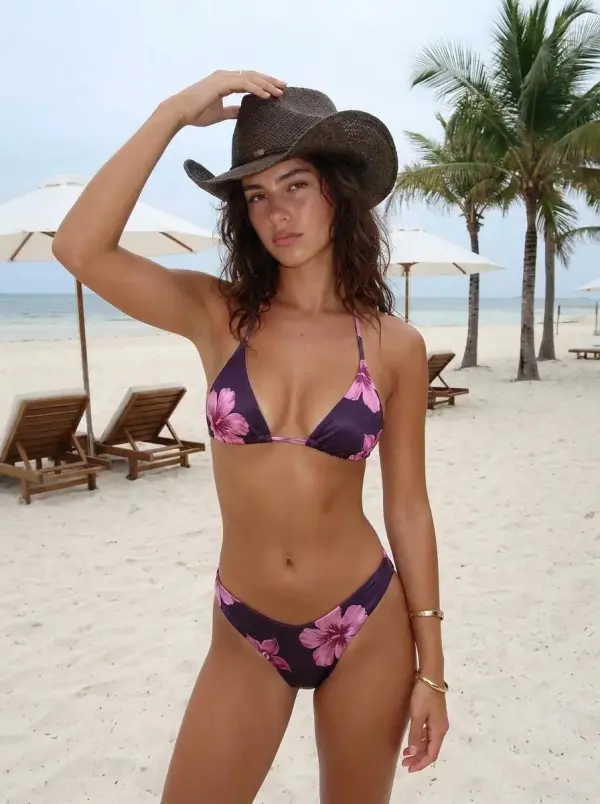
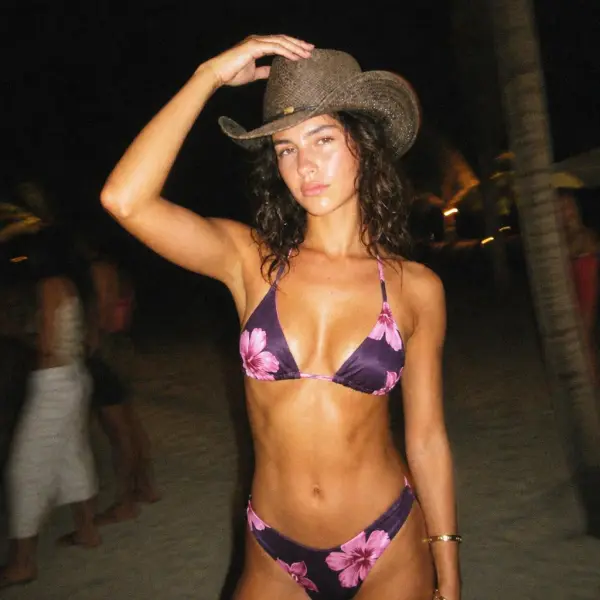
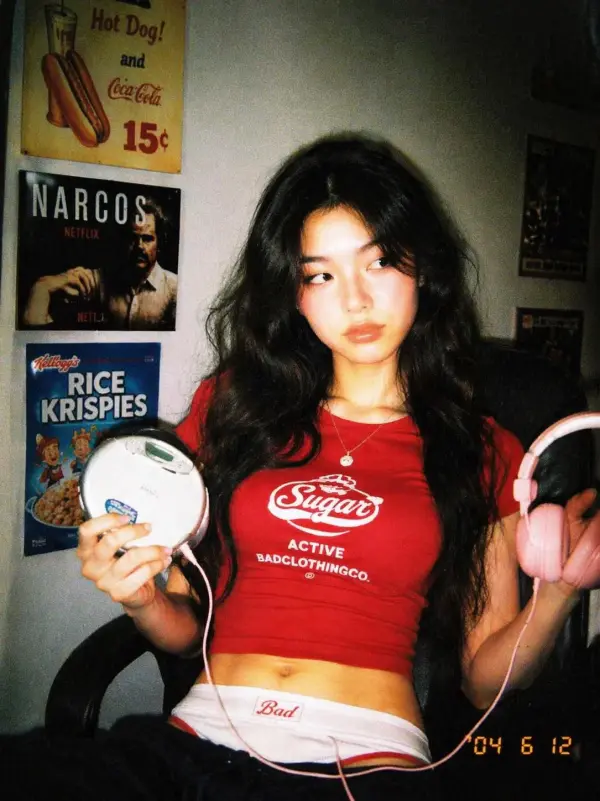
Digital Camera Filter Online is a free browser-based photo editing tool that helps users turn modern images into nostalgic old digital camera shots. Upload a selfie, portrait, product photo, party picture, travel image, or lifestyle shot, then apply a retro digital camera filter with CCD color noise, disposable flash, soft focus, muted colors, timestamp overlays, grain texture, overexposed highlights, and Y2K photo styling. Users can create Instagram photo dumps, TikTok edits, profile pictures, mood boards, album covers, fashion posts, campaign visuals, and nostalgic social media images without downloading software or learning advanced editing skills.

Real-World Uses of a Digital Camera Filter

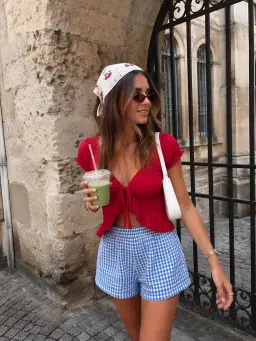
Creating a 2000s Photo Dump for Social Media

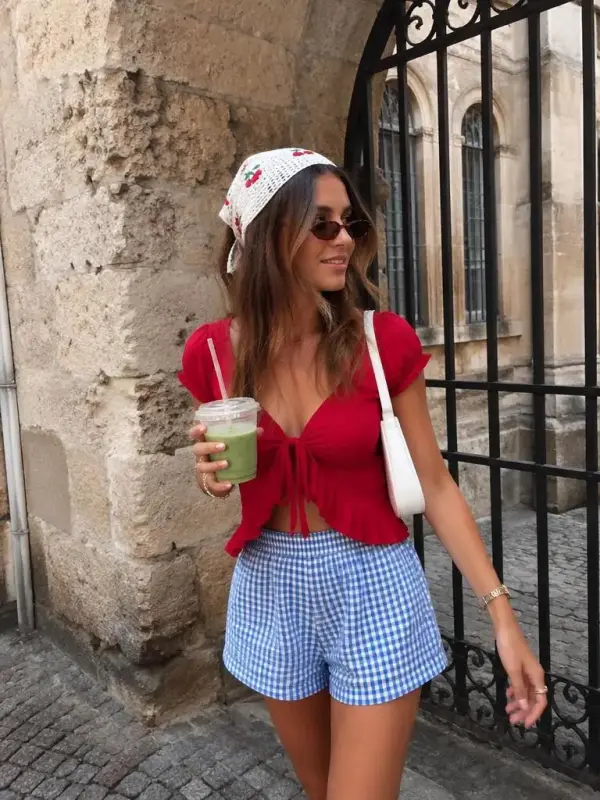
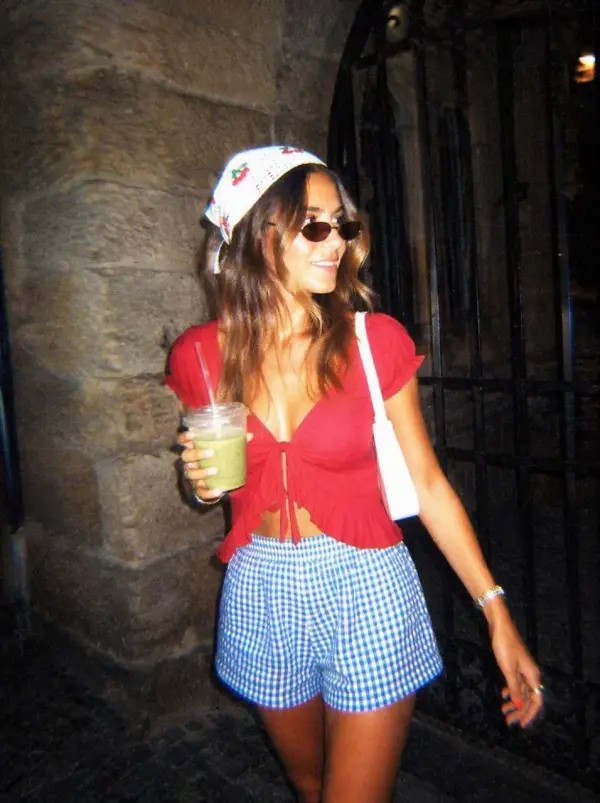
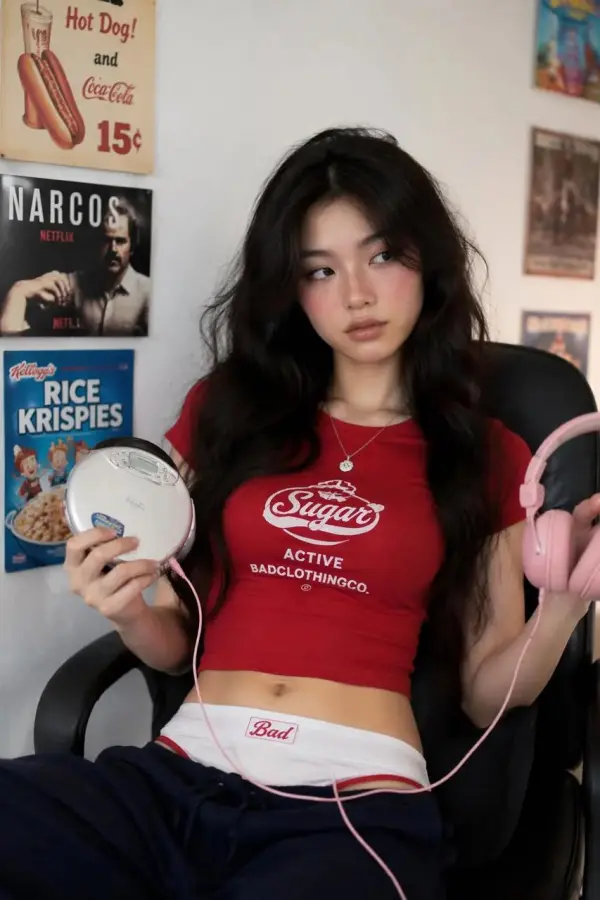
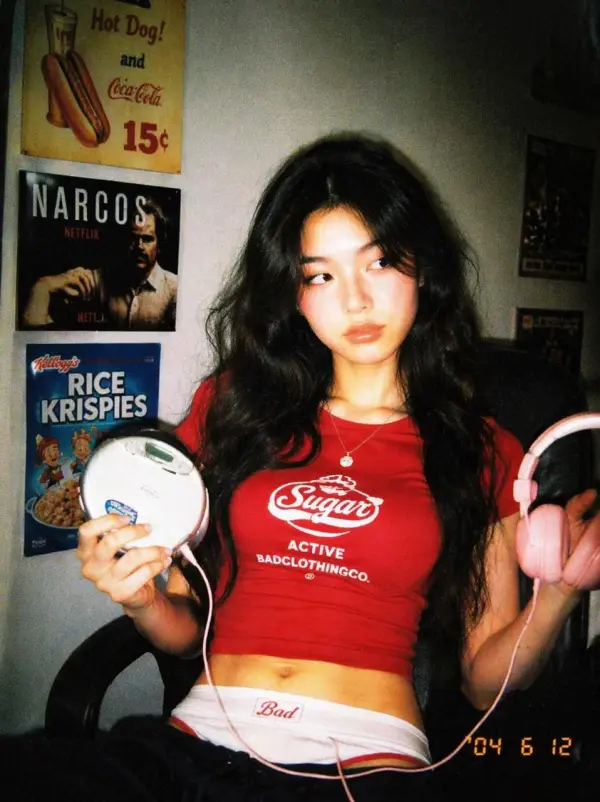
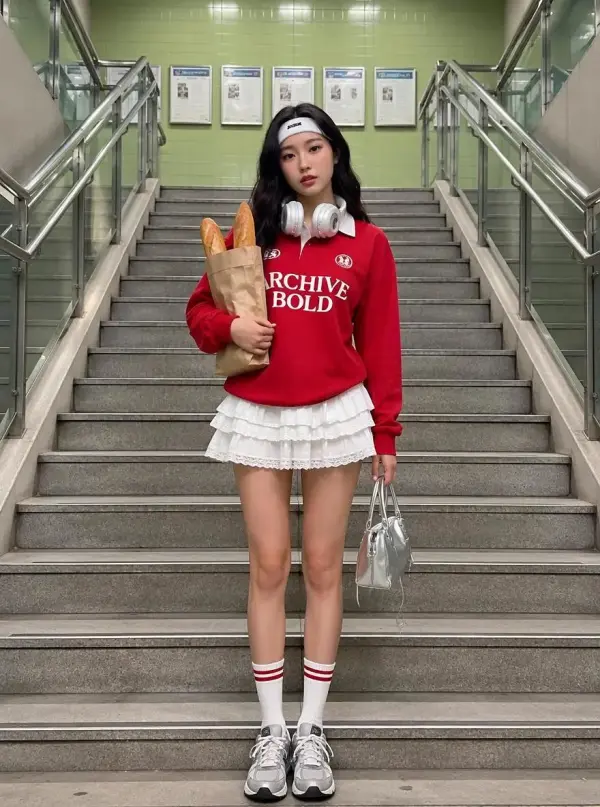
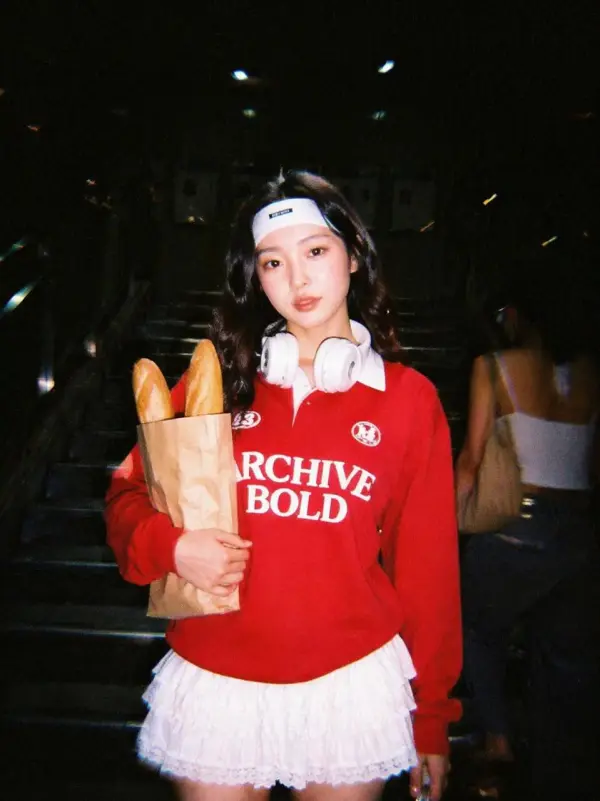
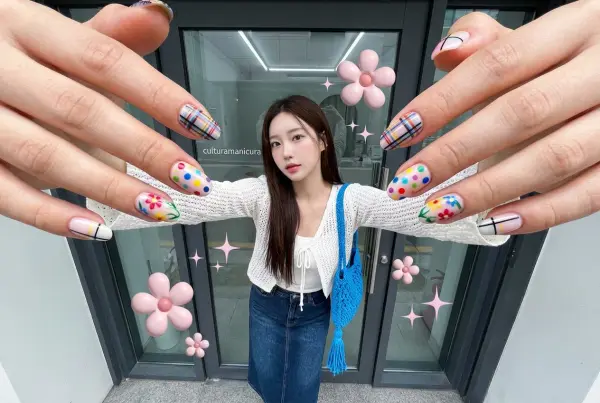
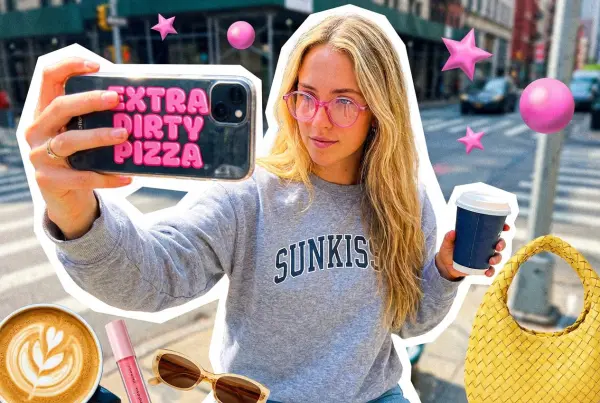
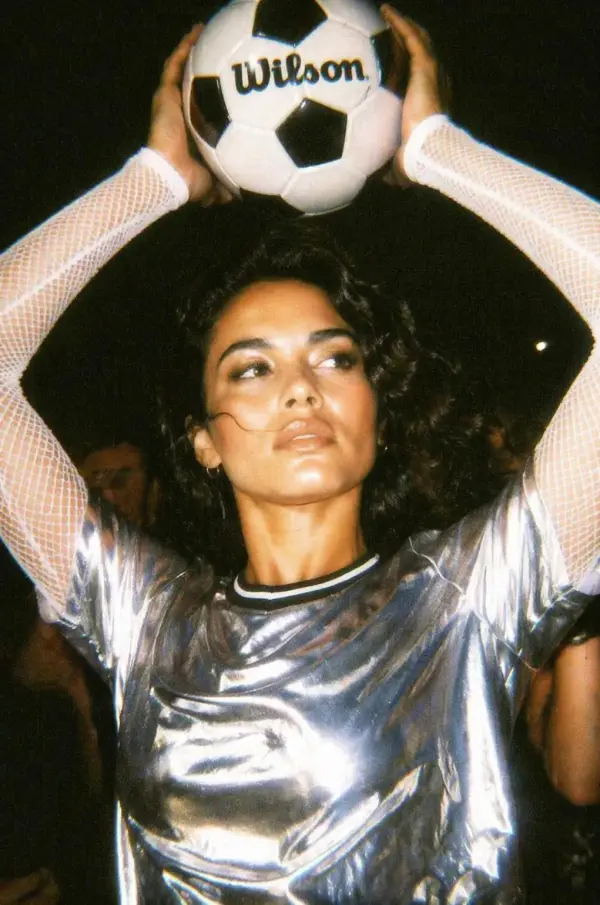
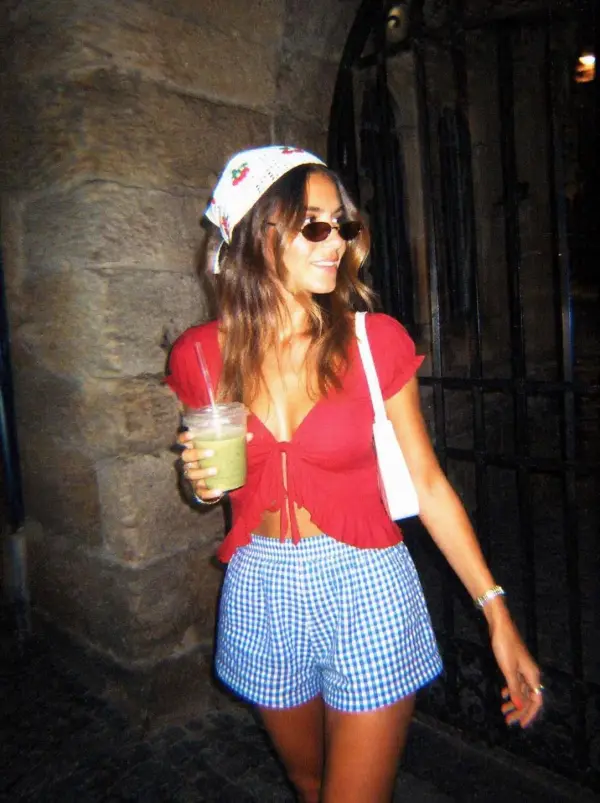
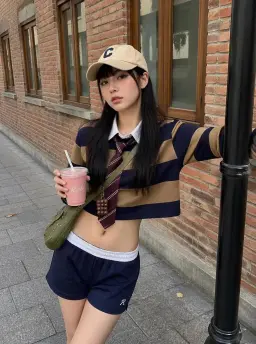
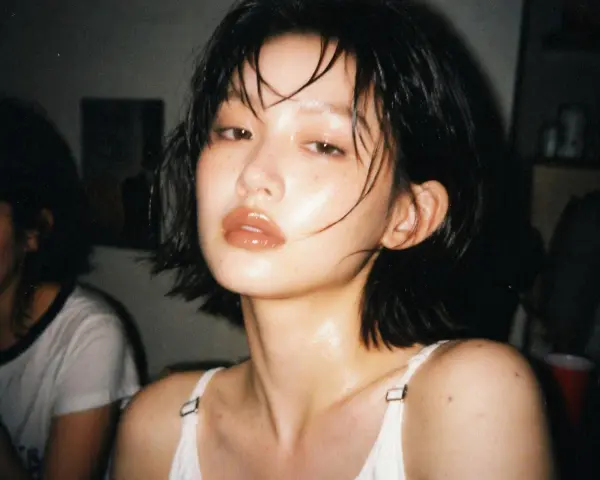
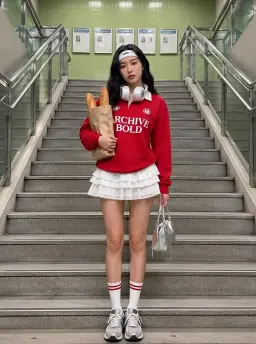
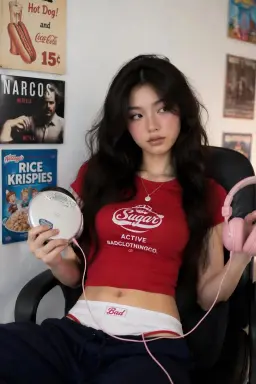
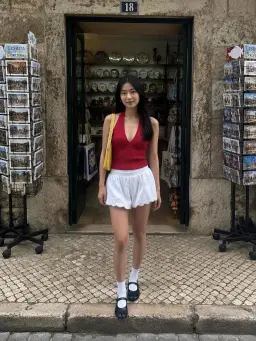
A creator named Maya Collins wanted her weekend photos to feel less polished and more nostalgic. She uploaded mirror selfies, party pictures, and street shots into a Digital Camera Filter Online tool, then applied a 2000s camera look with flash lighting, soft blur, color noise, and timestamp details. The final images looked like casual point-and-shoot memories, making them perfect for an Instagram photo dump and TikTok carousel.
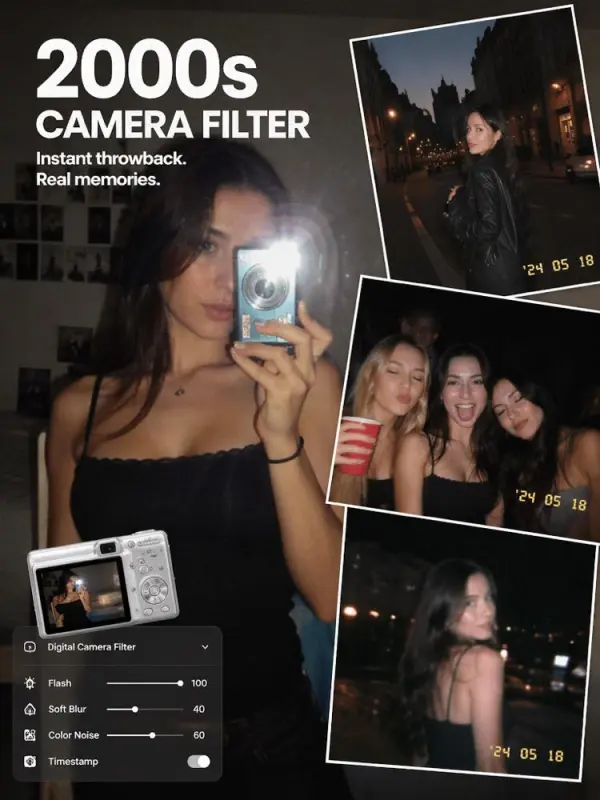
Creating a 2000s Photo by weshop

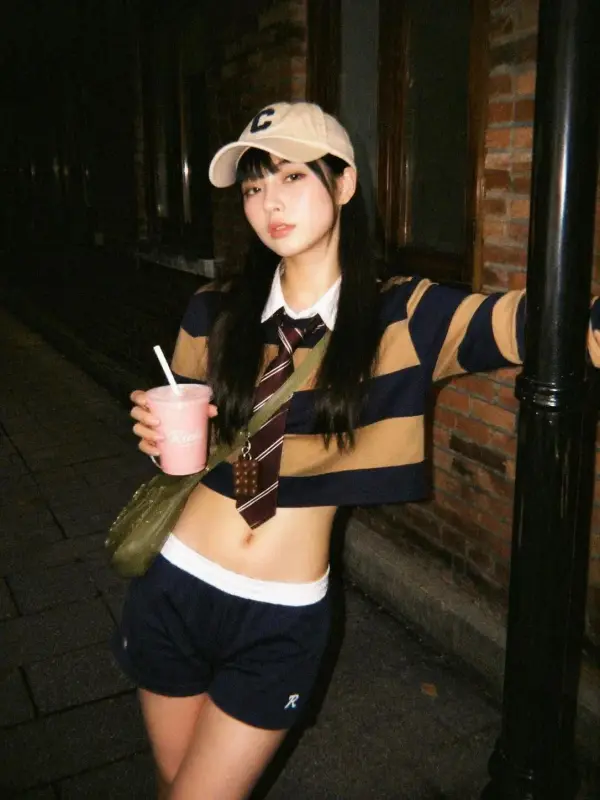
Turning Product Photos into Retro Campaign Visuals

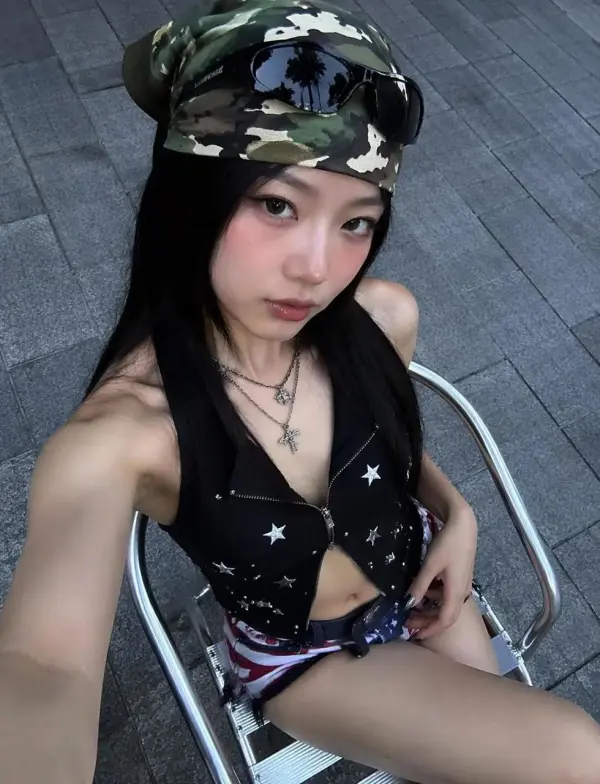
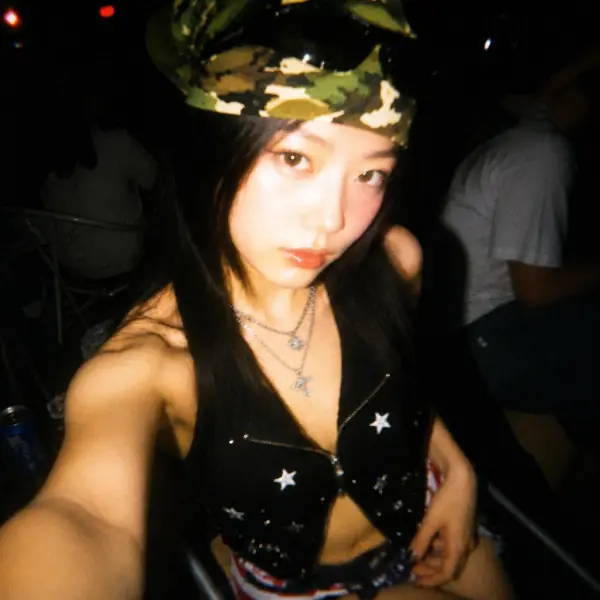
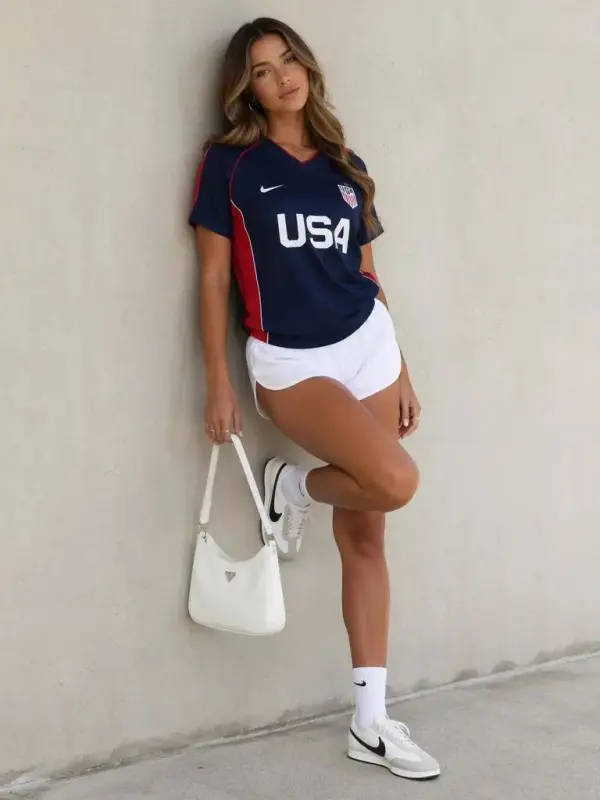
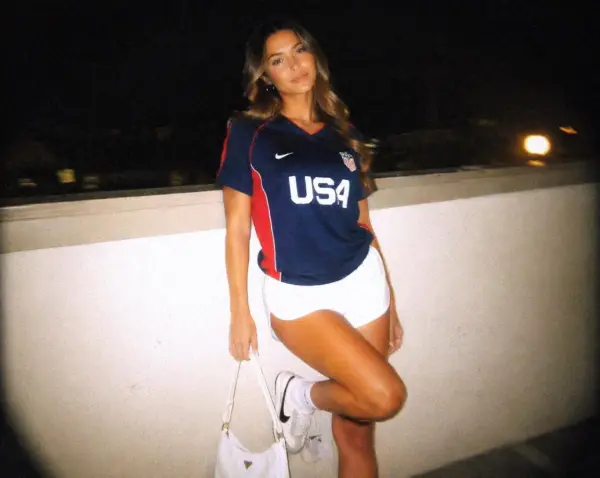
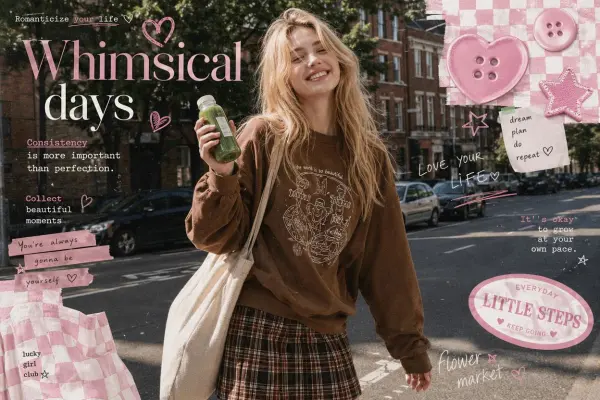
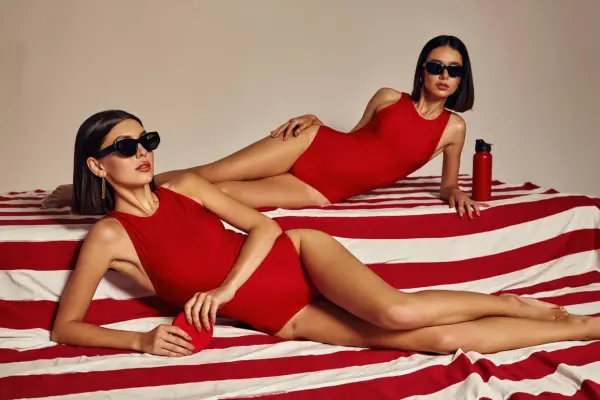
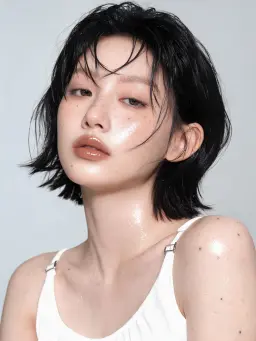
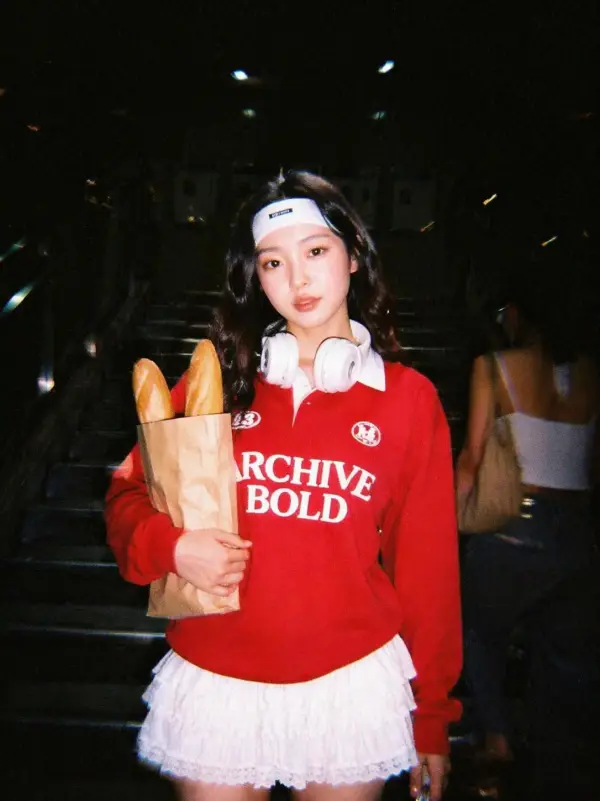
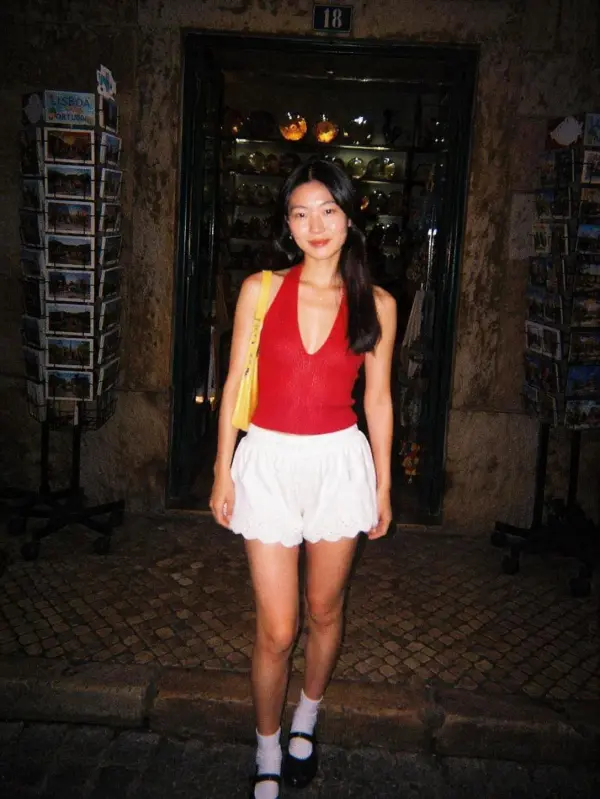
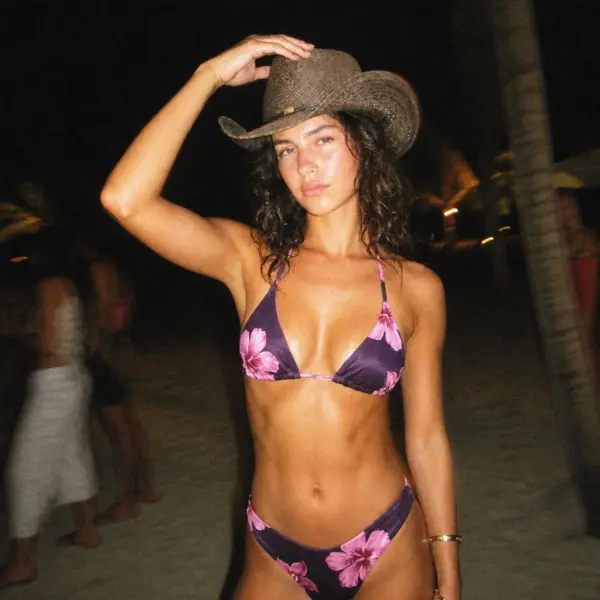
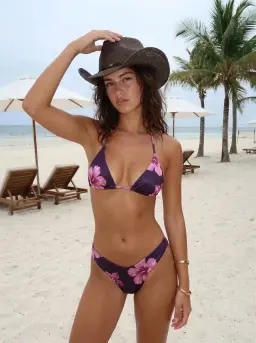
A small fashion brand called Northline Studio wanted to promote a Y2K-inspired collection with visuals that felt candid and camera-born. The team uploaded product photos and lifestyle shots, then used an AI digital camera filter to add disposable flash, muted shadows, warm color shifts, and grainy texture. The edited images kept the clothing recognizable while giving the campaign a nostalgic digital camera aesthetic for social ads, lookbooks, and product mood boards.
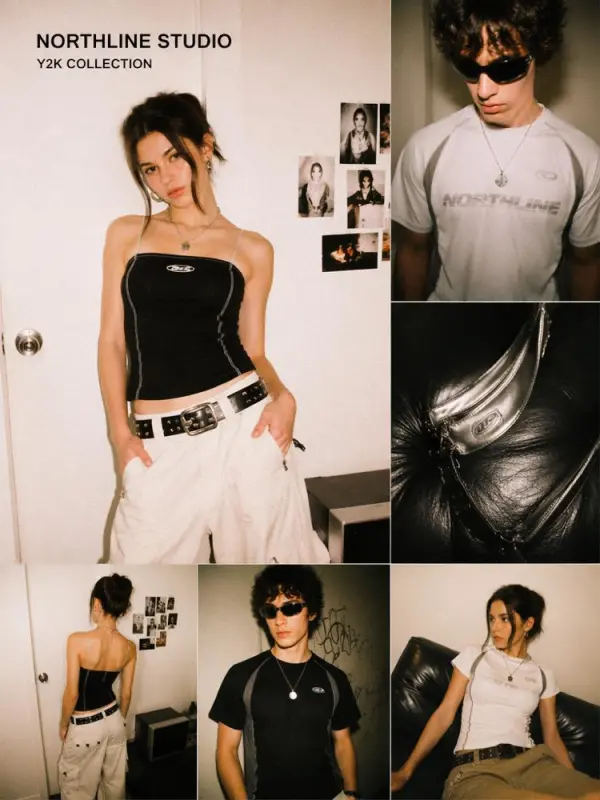
photos into retro campaign visuals by weshop
Previous
Next

Key Features of Digital Camera Filter Online

nostalgic compact-camera image

Apply a Retro Digital Camera Filter

Digital Camera Filter Online helps users turn clean modern photos into nostalgic compact-camera images. The filter can add early 2000s color shifts, low-resolution mood, soft focus, flash lighting, and casual point-and-shoot texture. This makes selfies, party photos, travel pictures, portraits, and lifestyle shots feel more spontaneous, personal, and ready for social sharing.
2000s digital camera look

Create a 2000s CCD Camera Look

The 2000s digital camera look often includes bright flash, color noise, muted contrast, slight blur, timestamp overlays, and imperfect exposure. Users can recreate this CCD-style aesthetic without owning an old camera. It is useful for Y2K photo edits, Instagram dumps, TikTok posts, fashion visuals, friendship pictures, and nostalgic creative projects.
overexposed highlights

Add Flash, Grain, and Color Noise

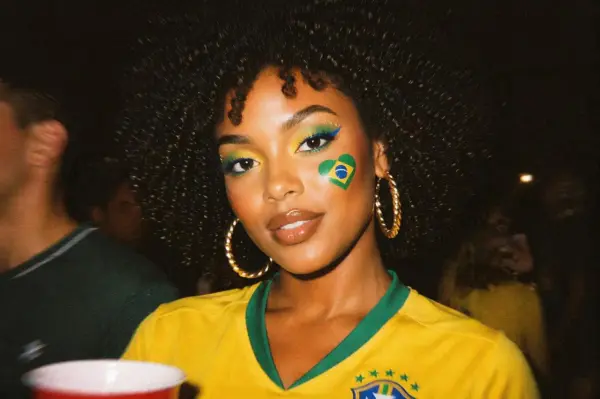
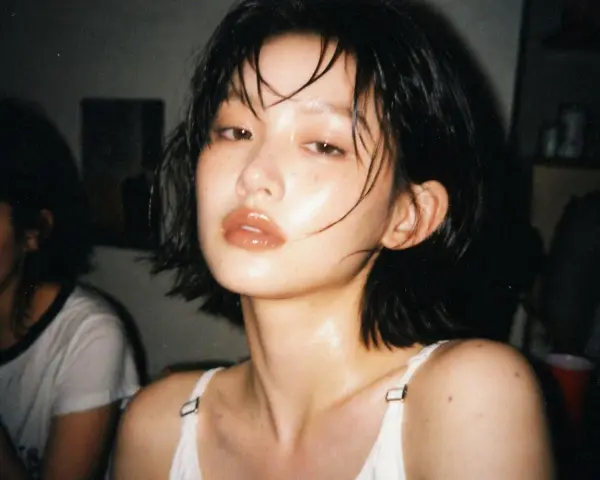
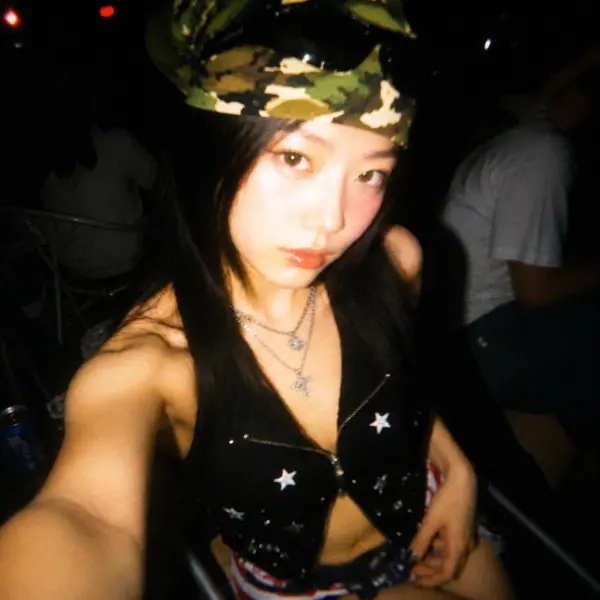
Users can apply disposable flash, film-like grain, CCD noise, faded colors, overexposed highlights, and subtle blur to create a more authentic old camera effect. These imperfections make digital photos feel less polished and more emotional. The effect works especially well for night-out pictures, mirror selfies, travel shots, concerts, and candid memories.
makes quick retro photo editing easier

Edit Photos Online Without Software

The workflow is browser-based, so users can upload, edit, preview, and download images on mobile or desktop without installing a separate app. This makes quick retro photo editing easier for social media creators, students, designers, marketers, and small teams that need fast visual experiments from any device.
vintage colors remain clear

Export High-Quality Retro Images

After applying the digital camera filter, users can export finished images for social posts, presentations, mood boards, wallpapers, campaign drafts, and design mockups. High-quality output helps grain texture, timestamp details, flash effects, and vintage colors remain clear. Available resolution, file formats, and watermark options may depend on the selected tool or plan.

What You Can Create with a Digital Camera Filter

Make Y2K Social Media Photos

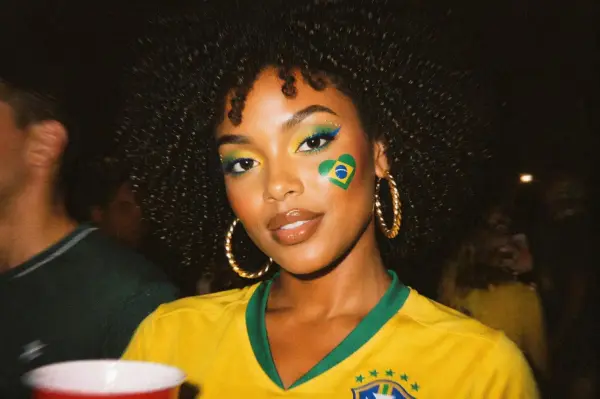
Upload selfies, party pictures, mirror shots, outfit photos, or travel images and apply a Y2K digital camera filter. Add flash lighting, CCD color noise, timestamp overlays, and muted colors to create a nostalgic social media look. These edits are ideal for Instagram photo dumps, TikTok posts, story graphics, and aesthetic profile updates.

aesthetic profile
aesthetic profile

Create Old Digital Camera Portraits

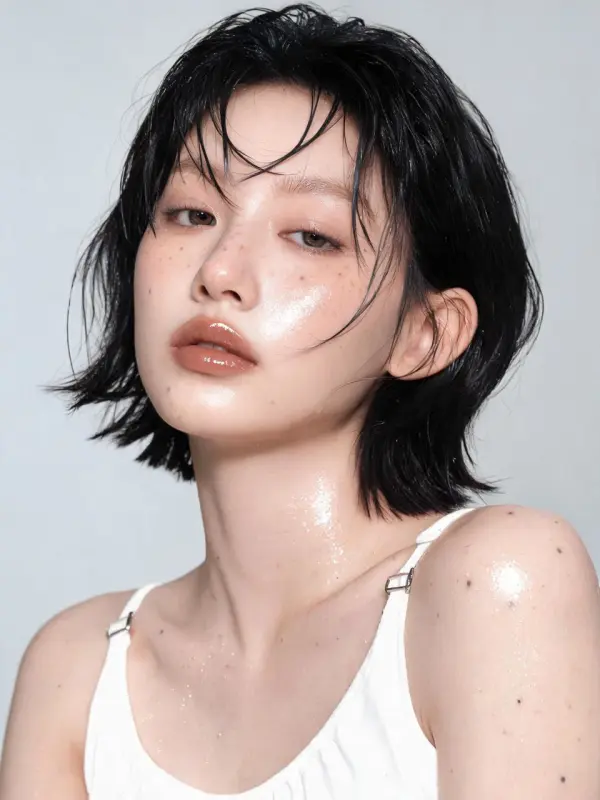
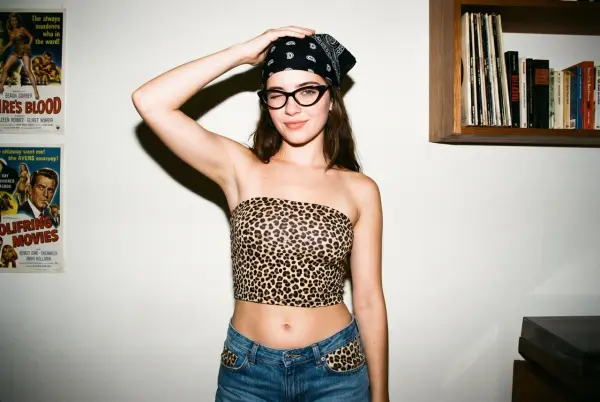
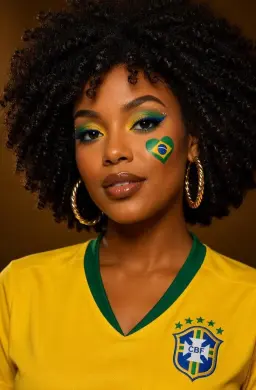
Use the filter to turn clean portraits into casual old-camera snapshots. A softer focus, grainy texture, and flash-lit face can make the image feel more candid and personal. This works well for profile pictures, friendship photos, couple portraits, birthday memories, night-out pictures, and lifestyle images that need a warmer retro mood.

lifestyle images
lifestyle images

Design Retro Brand and Campaign Visuals

Brands can use a digital camera photo effect to create nostalgic campaign images, product mood boards, fashion posts, event promotion visuals, and creator-style content. The look can make polished product photos feel more natural and trend-driven. It is especially useful for Y2K collections, lifestyle brands, music campaigns, and youth-focused social media visuals.

polished product photos

Build Album Covers and Poster Concepts

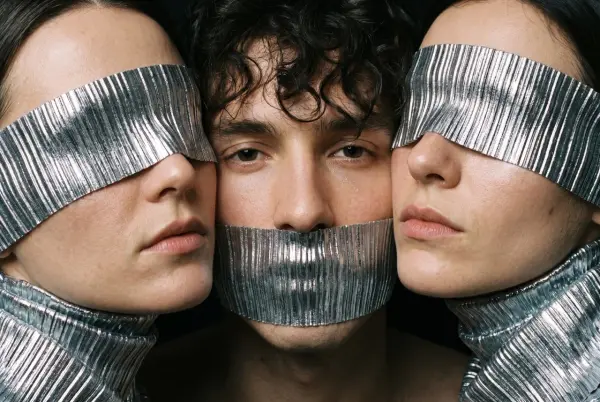
Artists, designers, and musicians can use digital camera filters to create lo-fi album covers, poster backgrounds, playlist visuals, event flyers, and editorial mood boards. The combination of flash, blur, timestamp, color noise, and low-resolution texture creates a raw snapshot style that can support music, fashion, nightlife, and cultural projects.
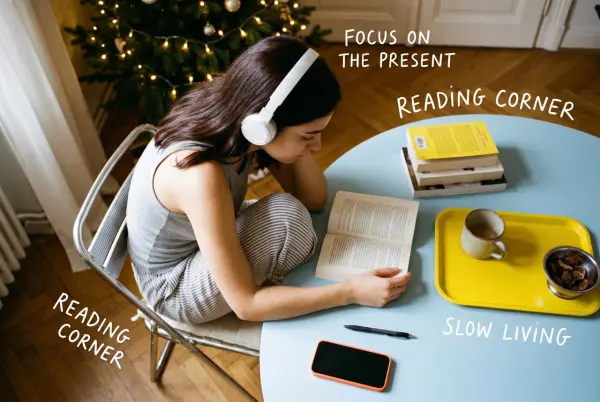

raw snapshot style
raw snapshot style

Compare Multiple Retro Looks

One photo can be tested with several retro styles, such as disposable camera flash, CCD color noise, VHS camcorder mood, 90s film tones, or 2000s digital camera effects. Comparing variations helps creators choose the best mood for a post, campaign, album, or brand concept before exporting the final image.

2000s digital camera effects

Frequently Asked Questions About Digital Camera Filter

What is a Digital Camera Filter?

A Digital Camera Filter is a photo effect that makes modern images look like they were captured on an older compact digital camera. It often adds flash lighting, CCD color noise, grain, soft focus, muted colors, timestamp overlays, and a casual point-and-shoot style.

What is a 2000s digital camera filter?

A 2000s digital camera filter recreates the look of early compact cameras, including bright flash, slight blur, low-resolution texture, color noise, overexposed highlights, and date-stamp details. It is popular for Y2K edits, photo dumps, party pictures, and nostalgic social media posts.

Is the digital camera filter free?

Many tools offer free digital camera filters, limited free exports, or no-login editing options. Features such as high-resolution download, watermark-free output, batch editing, premium presets, or commercial use may depend on the selected plan.

What photos work best with this filter?

Selfies, portraits, party photos, travel shots, street photography, fashion pictures, product lifestyle images, mirror selfies, and night scenes work especially well. Photos with a clear subject and visible lighting usually produce stronger retro results.

Can I keep the person recognizable?

Yes. A good AI digital camera filter should preserve the original subject while changing the camera style. The final result should keep key facial features, clothing, product details, and composition recognizable unless the user asks for a stronger transformation.

What effects make a photo look like an old digital camera?

Common effects include CCD noise, flash lighting, faded colors, soft blur, low contrast, overexposed highlights, timestamp overlays, slight pixel texture, and casual framing. These details help recreate the imperfect look of older digital cameras.

Can I use the filter for Instagram or TikTok?

Yes. Digital camera filters are popular for Instagram photo dumps, TikTok edits, Reels covers, story posts, profile images, and aesthetic carousels. The nostalgic look helps photos feel more candid, casual, and visually distinct.

Can I export the image in HD or 4K?

Export quality depends on the tool. Some editors support HD, 4K, PNG, or JPG downloads, while free versions may include resolution limits or watermarks. For the best result, start with a clear high-quality source image.

Can I use digital camera filter images commercially?

Commercial use depends on the tool’s license, uploaded image rights, stock assets, fonts, and export policy. Use images you own or have permission to edit, and review the usage terms before using retro-filtered photos in ads, products, or paid campaigns.

Explore More AI Tools

Our new Virtual Try-On just launched. Try it now!
close

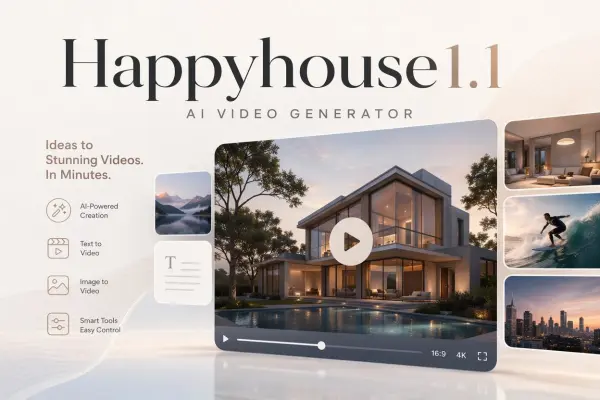
HappyHorse AI Video Generator

Create Cinematic Text-to-Video and Image-to-Video Content

GPT Image 2 AI Image Generator

Create High Quality Images, Text Rich Visuals, and Product Photography

Nano Banana

Google's Next-Gen AI Image Model for Instant Professional Creativity

AI Video Generator

Turn Images into Stunning AI Videos for Free

Virtual Try-On

Try On Clothes Online with AI Virtual Try Technology

Swap Model & BG

Realistic Model & Background Swapping Online with AI

AI Fashion Model

Showcase clothing with a variety of models

AI Product

Create stunning product images with few clicks from anywhere

Face Forge

AI Face Morph & Face Swap Generator Online

Product Recoloring

Recolor Image Online Free - Color Changer in WeShop AI

To Mannequin

Convert real model photos into mannequin displays

Change Pose

Change poses, switch between various model poses, making the clothing display more natural

Remove Background

Removing background with lightning speed and ease

AI Photo Enhancer

Enhance Photo Quality Online with Free AI

Relight

Relight your images automatically and efficiently

Expand Image

Expand images & backgrounds to fit any platform

Magic Eraser

Remove unwanted objects from your photos with AI

Hand/Feet Fixer

Regenerate natural-looking hands and feet in AI-generated images

Design Repair

Upload an image, highlight the area you wish to fix, and upload a target reference image

Outfit Generator

Create AI clothes styling from any model photo, garment, or style prompt.

Video Agent

Create and publish videos from a photo or description—instantly, in any style.

AI Clothing Piece Generator

Create Professional Flatlay Clothing Images From Any Photo or Idea

Watermark Video Remover Free Online

Remove Watermark from Video

AI Video Enhancer

Enhance Video Quality Online with AI

Replace Face in Video Online Free

AI Video Face Swap for Realistic Clips

Seedream 5.0

Try the Latest Smart Image Creation Model Online

Seedance 2.0

A Multi-Modal AI Video Creative Engine for Cinematic Storytelling

Sora 2

Next Generation AI Video Generator with Realistic Physics & Storytelling

Wan AI Video Generator

Advanced AI Image & Video Generation Model

Midjourney Image Generator

Use Midjourney v7 to Create AI-Generated Images

Kling O1 AI Video Generator

Create Cinematic Videos with Omni One Control

Kling 3.0 Omni

Create Multimodal Videos with Native Audio ---

Kling 3.0

AI Director Video Model with 4K Cinematic Storytelling

Kling Motion Control

Create Realistic Motion Videos from Reference Images and Videos

Qwen Image Edit

A Revolutionary Tool for Seamless Image Editing

Z-Image AI Image Generator

Create High-Quality Images from Text Instantly

FireRed Image Edit

Open Source AI Image Editing Model for High Fidelity Edits

Grok Imagine AI Image Generator

Create High-Resolution Images from Text with Aurora AI

Grok Imagine AI Video Generator

Create Cinematic AI Videos with Native Audio & Scene Control

Hailuo AI Video Generator

Create Cinematic AI Videos from Text or Images

Veo 3 AI Video Generator

Create Cinematic Videos from Text or Images

Vidu Q3 AI Video Generator

Create Cinematic Short Videos with Turbo and Pro Modes

Imagen 4

Create Photorealistic Images and Accurate Text Visuals with AI

HiDream AI Image Generator

Create Stunning AI-Generated Images Online

Sulphur2

Create Cinematic AI Videos from Text and Images

idea
helper