

Sign In

new chat
New Task
fold chat
Task List

WeShop AI Video Agent

upload
Image
reference
BGM
You can also try:
video_play

Best Examples

No data available

FAQs

What is the AI Video Generator tool?

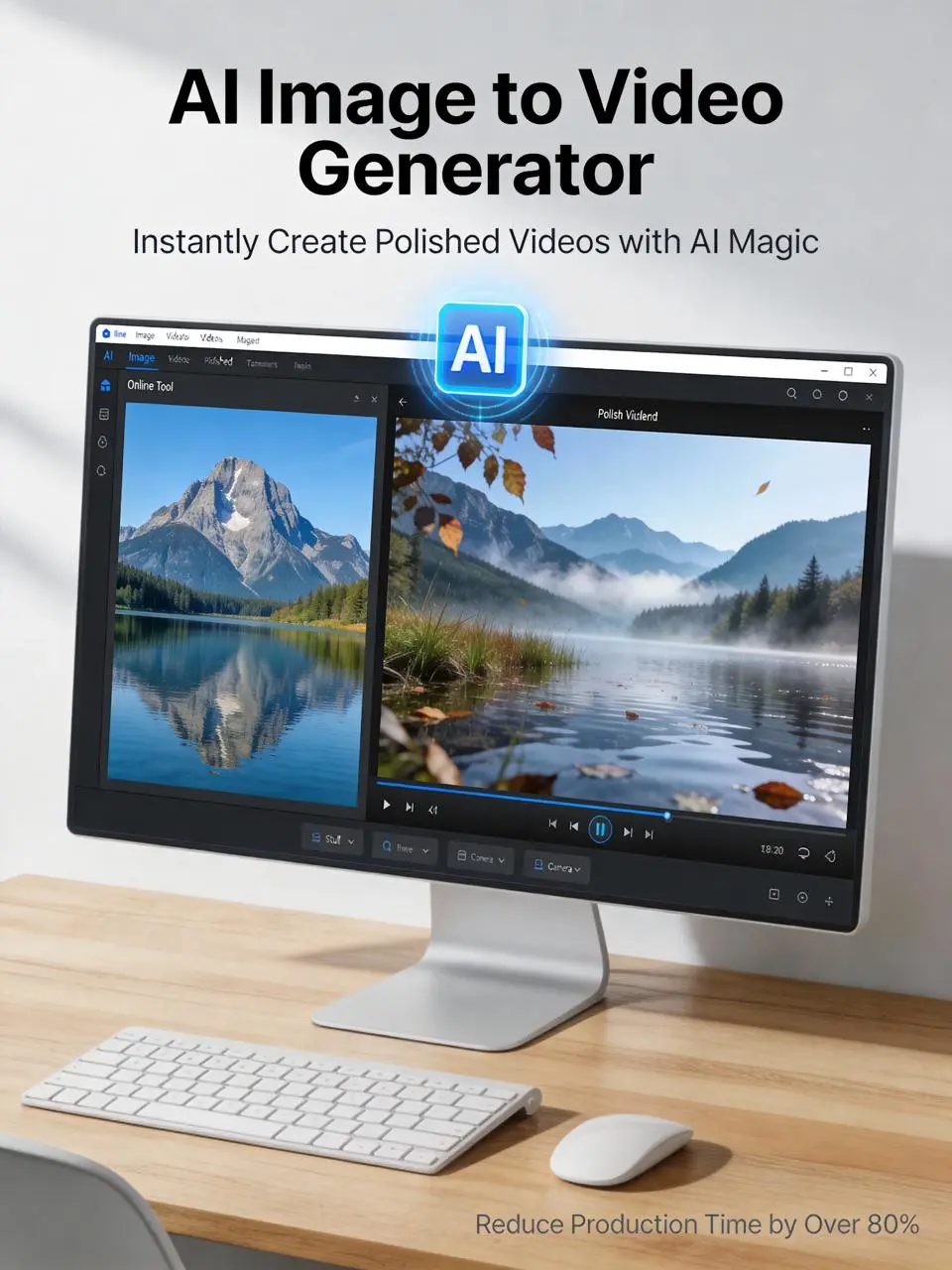
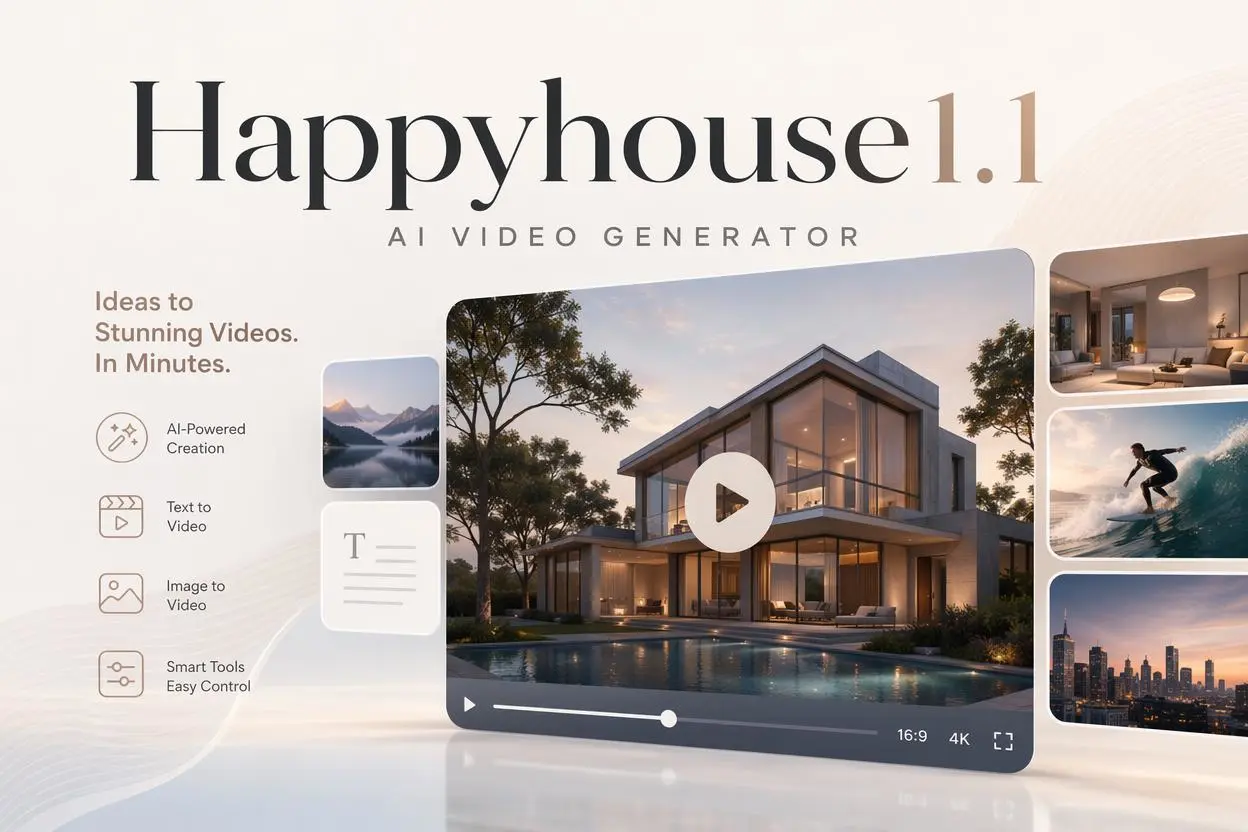
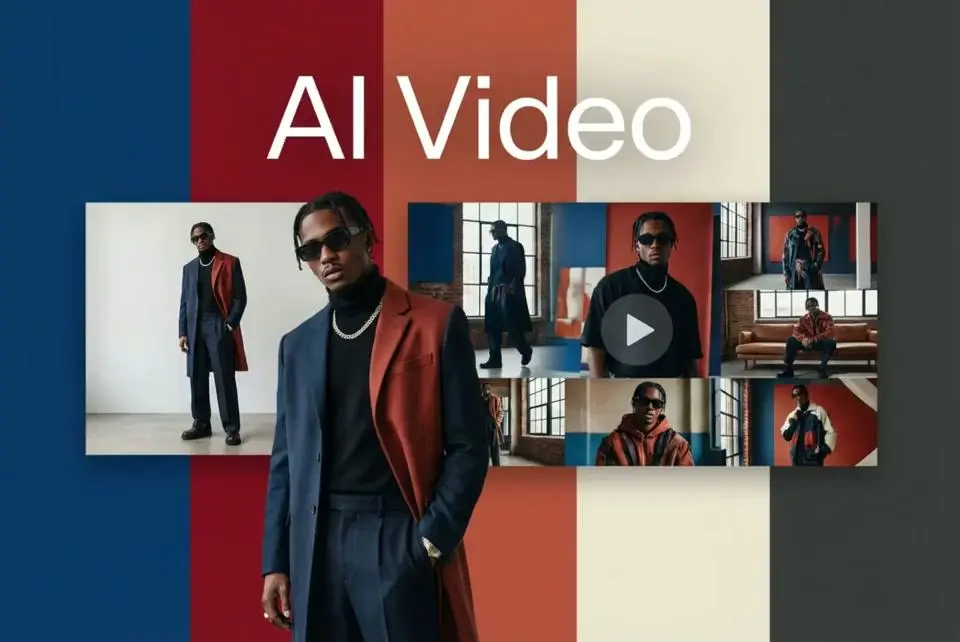
It’s a tool from WeShop AI that lets you create polished videos from a single image or prompt—ideal for e-commerce, social media, and marketing content.
Do I need video editing skills or software?

No. You don’t need prior editing experience. The tool handles storyboarding, scene composition, transitions and export, making it accessible for beginners.
How does the storyboard function work?

The storyboard lets you define scenes, shots, actions and operations before generating the video. This helps clarify the visual direction and gives you control over your video’s structure.

Can I customize background music, aspect ratio and transitions?

Yes. You can upload background music, set the video’s aspect ratio (e.g., 1:1, 9:16, 16:9). The transitions, however, is not edible.

How long does it take to produce a video?

Many users can finish a short video in less than five minutes. The process is designed for speed, significantly faster than traditional video production.

What kinds of videos is this tool best for?

It works best for quick promotional clips, social media posts, tutorials or short marketing videos. For highly complex or cinematic productions, manual editing may still be needed.

Can I use my own photos, logos or music in the video?

Absolutely. You can mix your own images, branding assets and audio with the tool’s template-based workflow to keep videos on-brand and unique.

Are AI-generated videos good for social platforms like Instagram and TikTok?

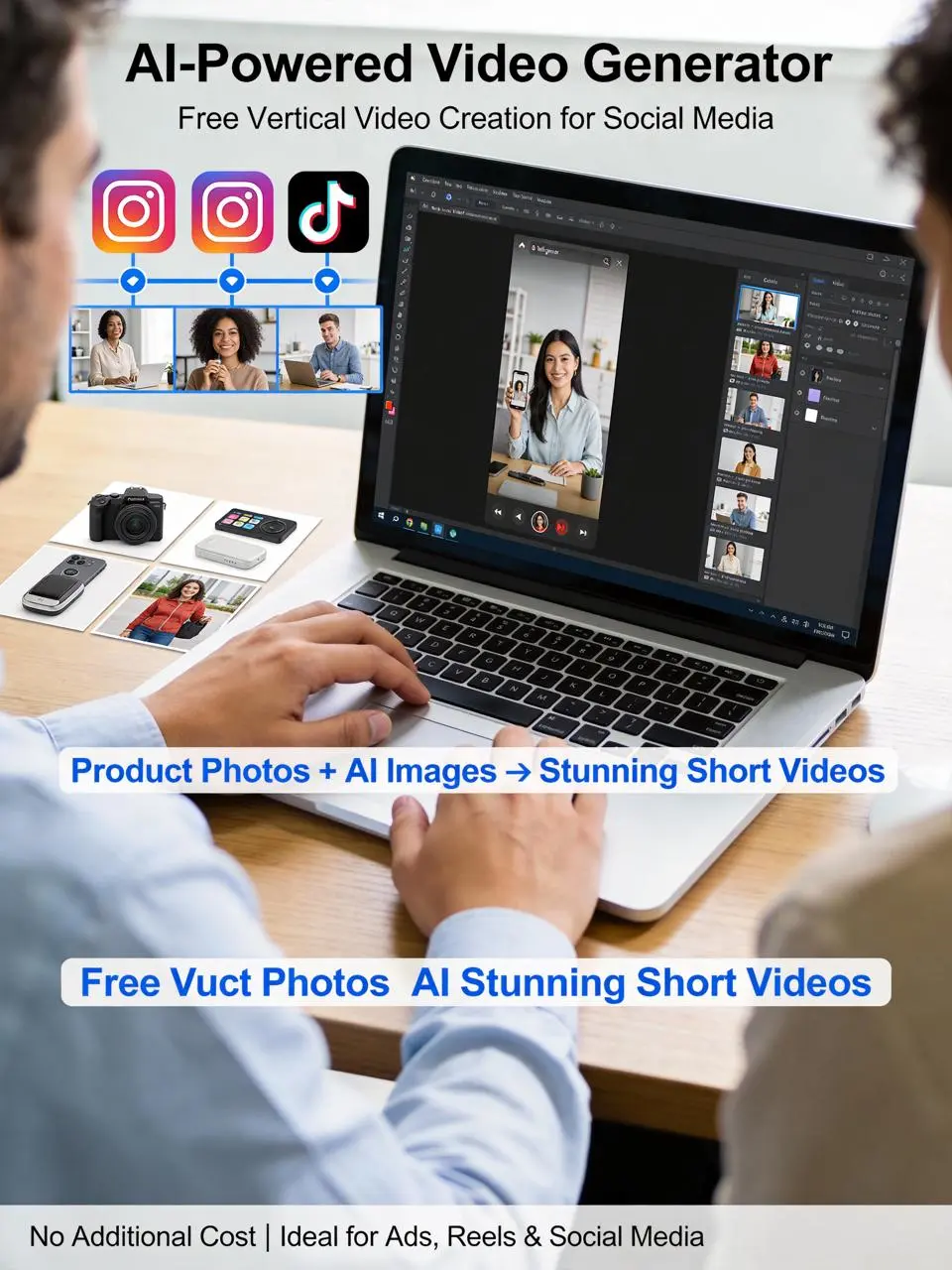
Yes. These videos are specifically well-suited for rapid sharing on platforms such as Instagram, TikTok and YouTube thanks to their fast production and optimized formats.

What are the limitations of the tool?

Some limitations include: videos may feel generic if many users use the same templates; complex or highly specific stylistic directions might not be fully captured; and longer or more elaborate videos may require additional editing.

Explore More AI Tools

Our new Virtual Try-On just launched. Try it now!
close

Virtual Try-On

Try On Clothes Online with AI Virtual Try Technology

AI Face Swap

Realistic Face Swapping Online with AI

AI Model

Showcase clothing with a variety of models

AI Product

Create stunning product images with few clicks from anywhere

Midjourney Image Generator

Use Midjourney v7 to Create AI-Generated Images

Kling AI Video Generator

Next-Generation AI Video Creation

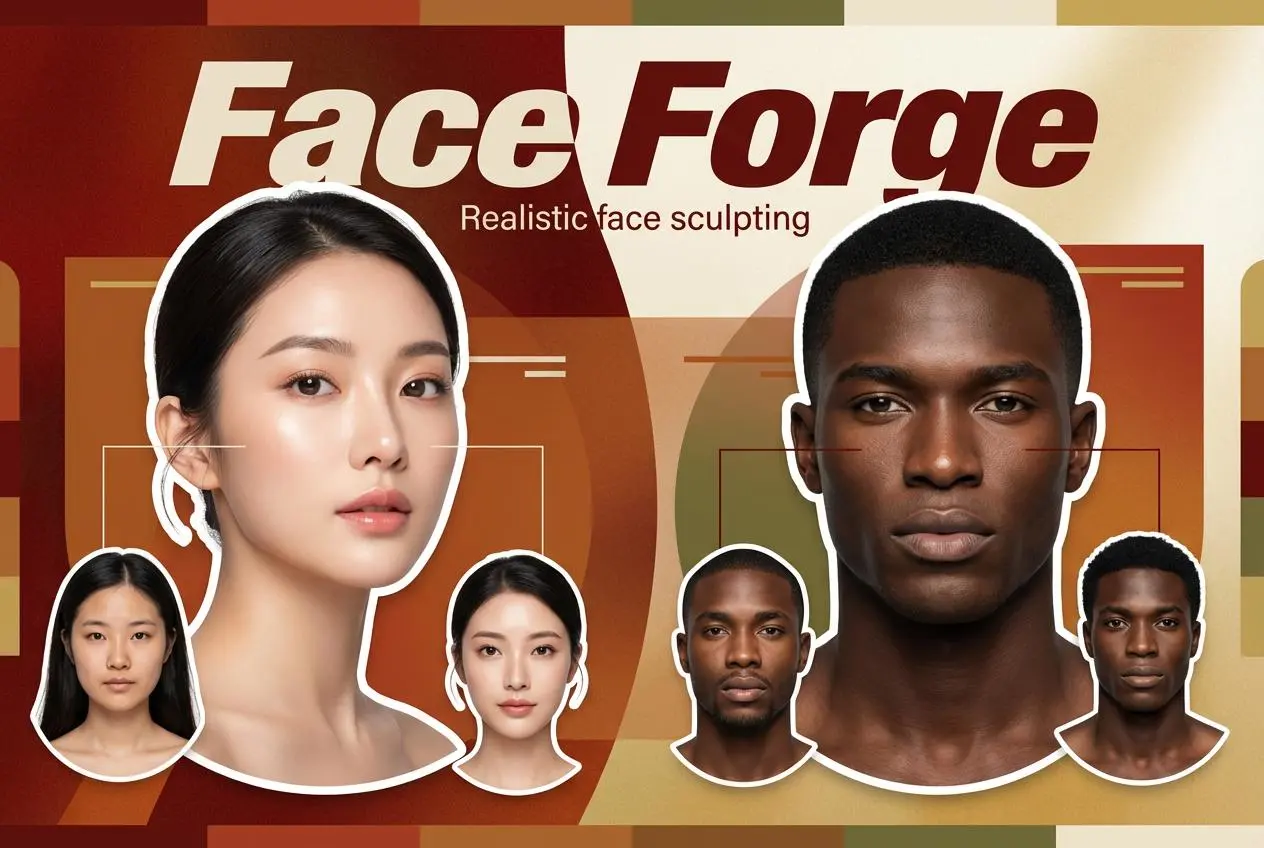
Face Forge

AI Face Morph & Face Swap Generator Online

Nano Banana Pro

Conversational editing, precisely consistent.

Qwen Image Edit

A Revolutionary Tool for Seamless Image Editing

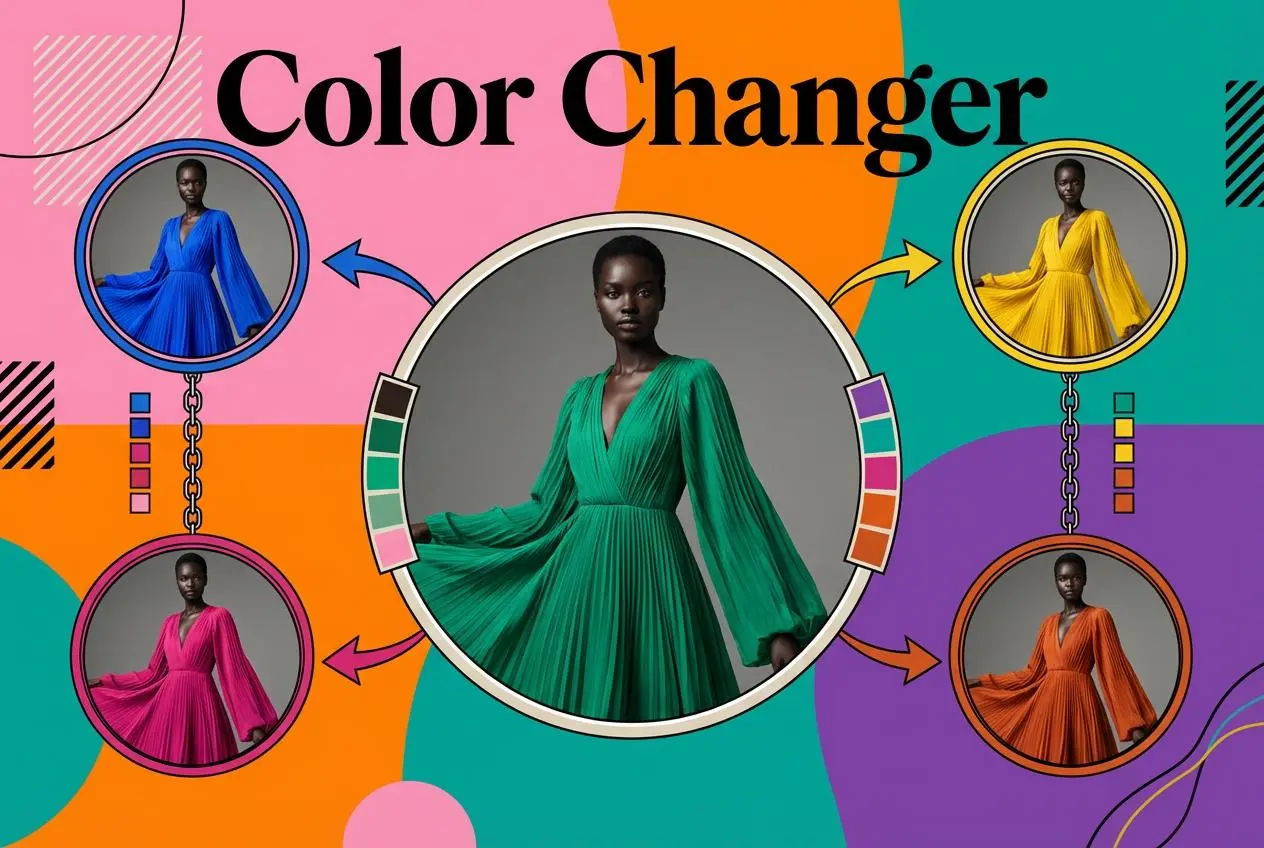
Product Recoloring

Recolor Image Online Free - Color Changer in WeShop AI

AI Image to Video Generator

Turn Images into Stunning AI Videos for Free

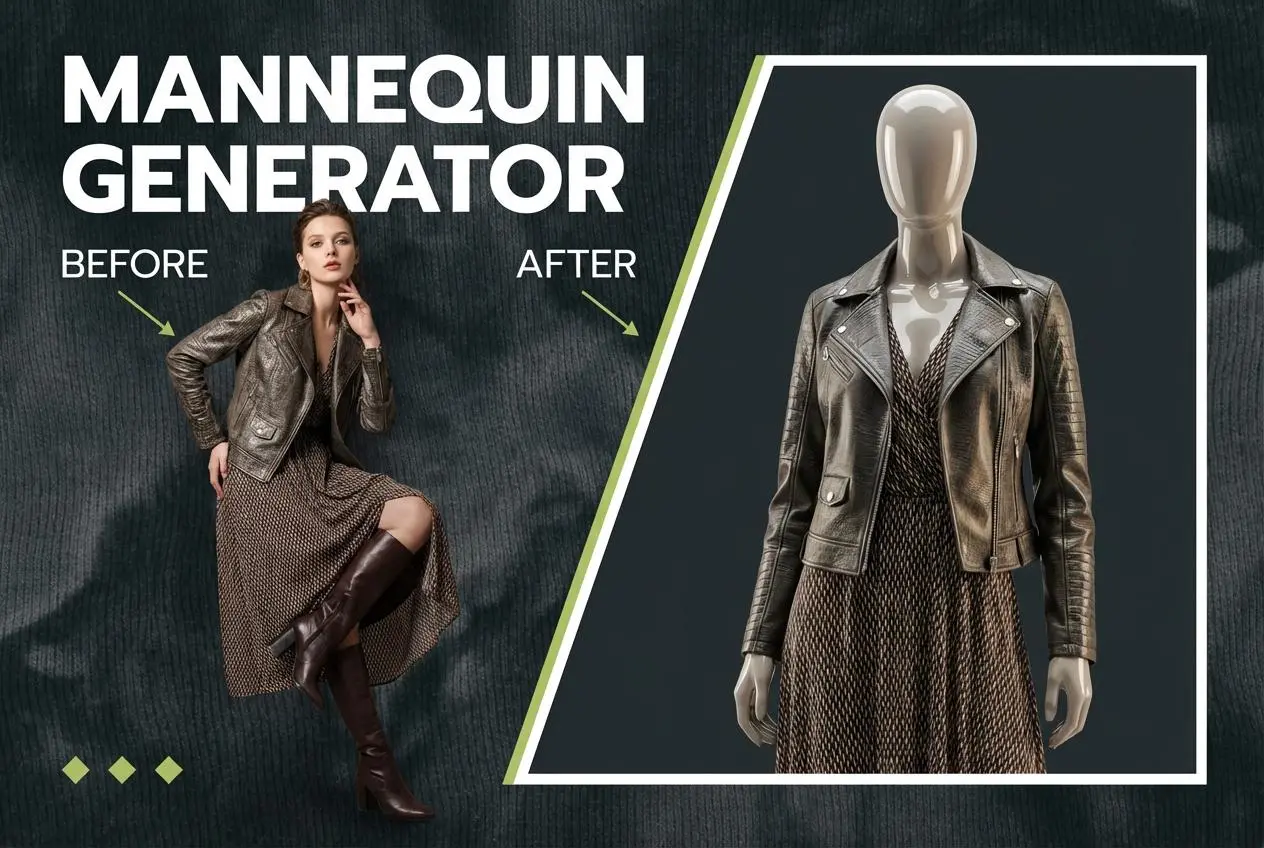
To Mannequin

Convert real model photos into mannequin displays

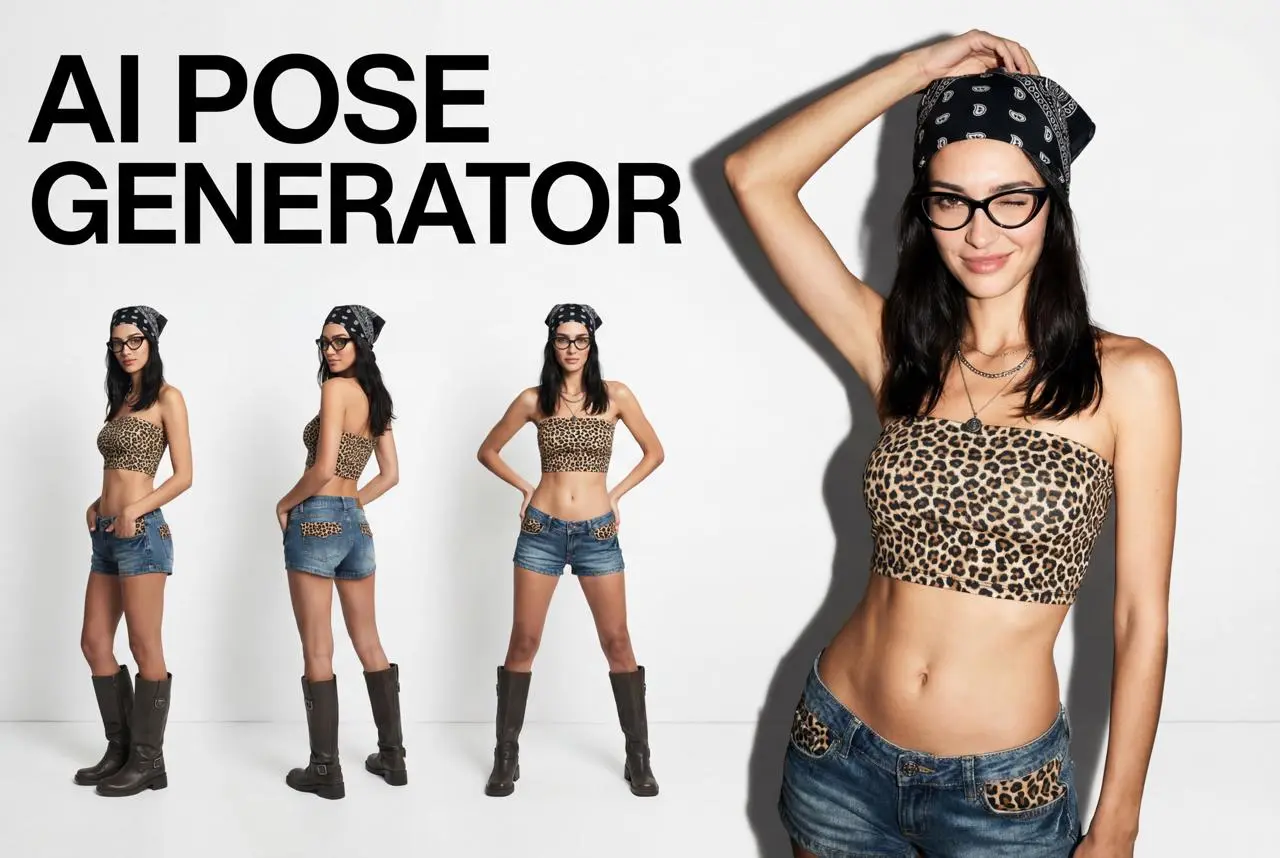
Change Pose

Change poses, switch between various model poses, making the clothing display more natural

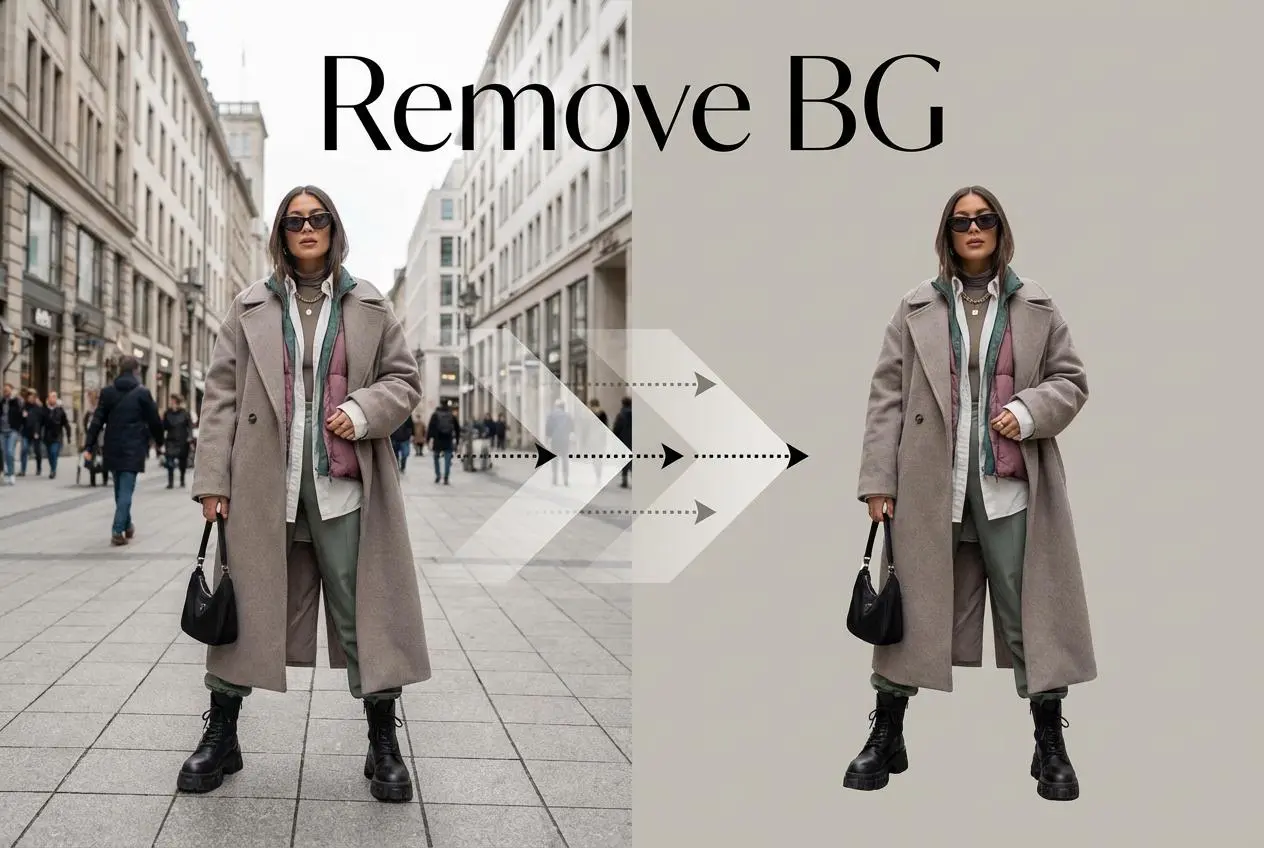
Remove Background

Removing background with lightning speed and ease

AI Photo Enhancer

Enhance Photo Quality Online with Free AI

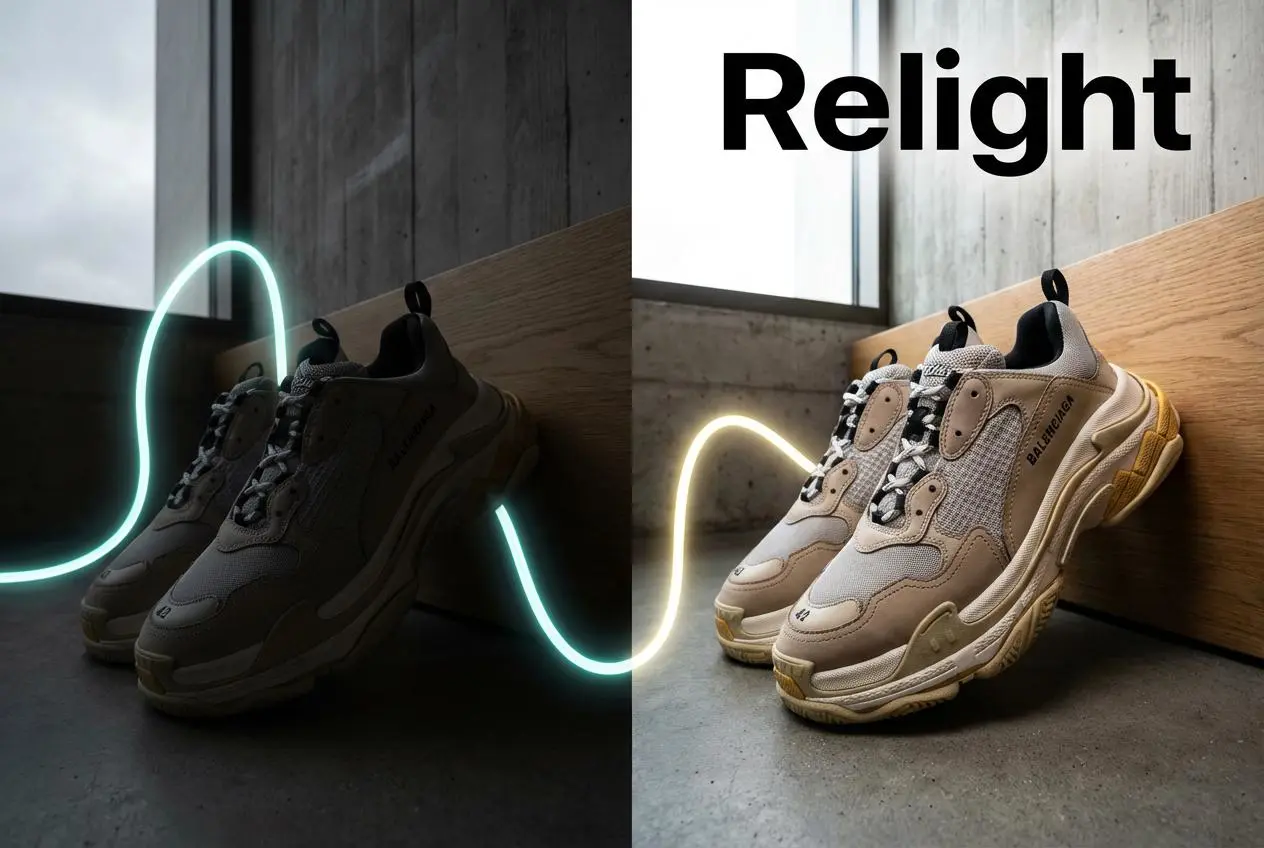
Relight

Relight your images automatically and efficiently

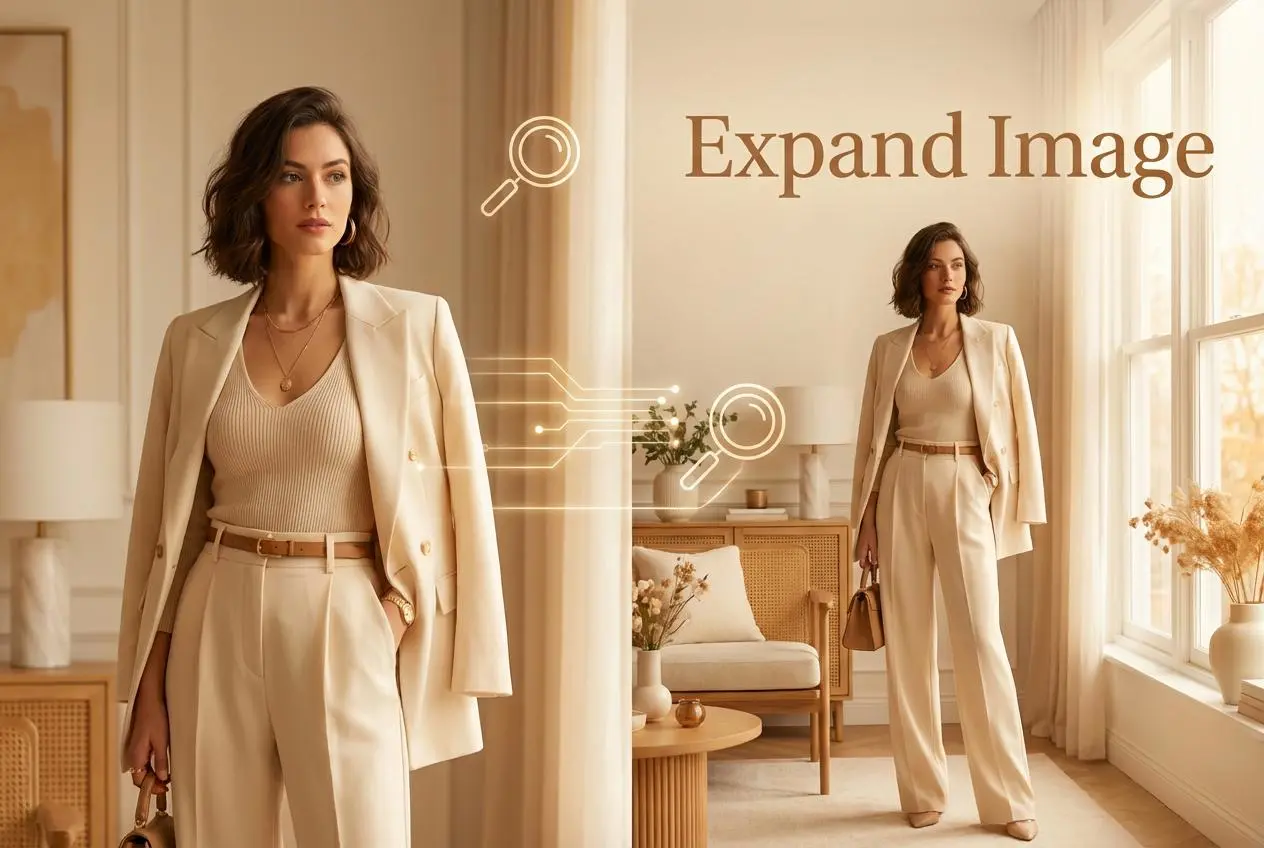
Expand Image

Expand images & backgrounds to fit any platform

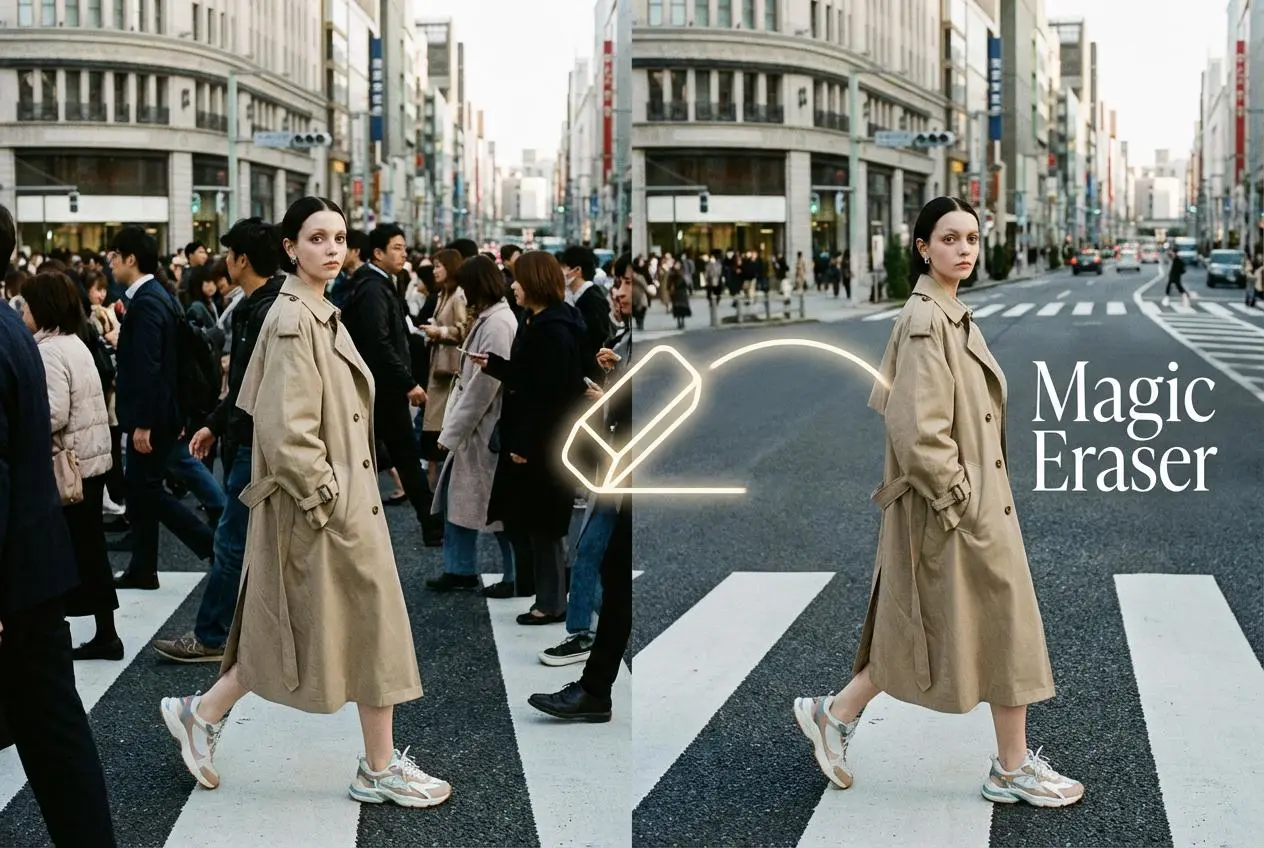
Magic Eraser

Remove unwanted objects from your photos with AI

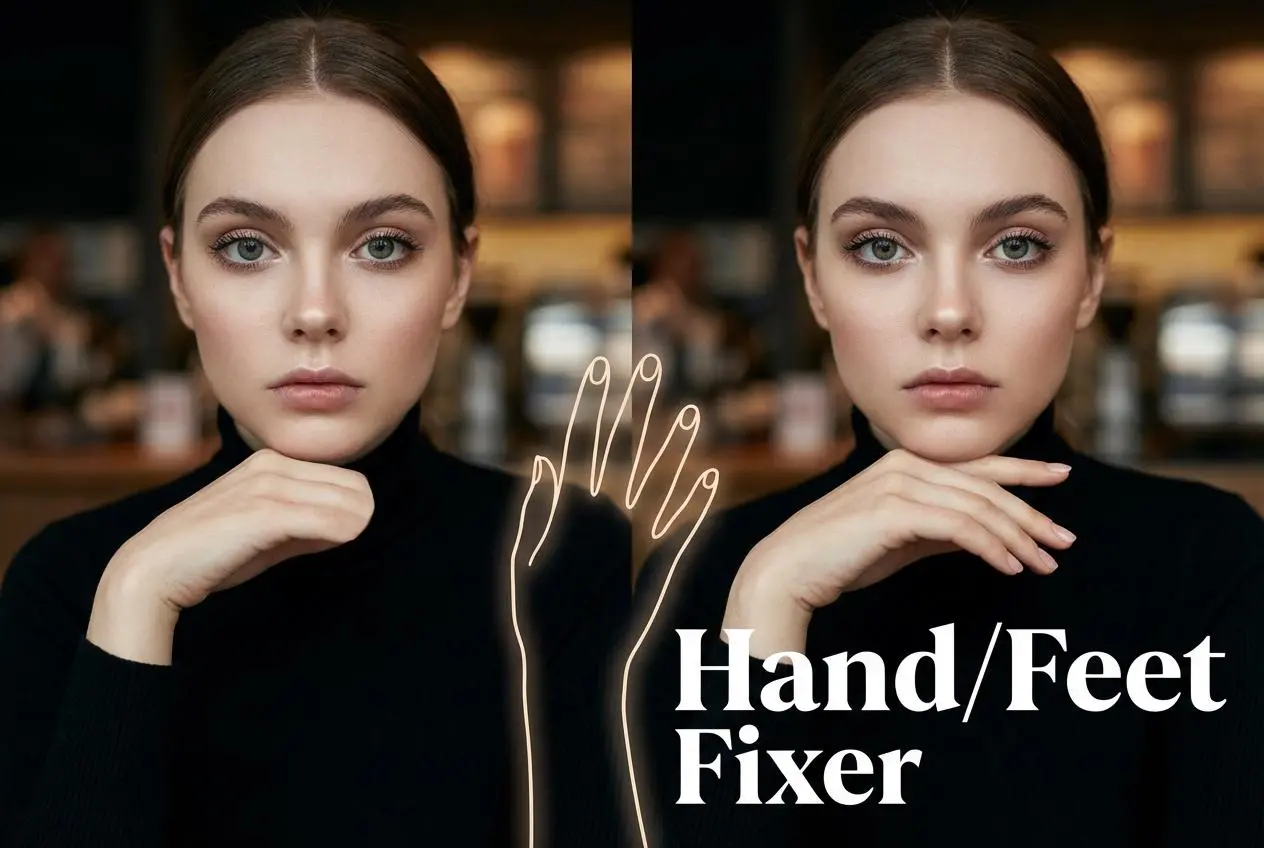
Hand/Feet Fixer

Regenerate natural-looking hands and feet in AI-generated images

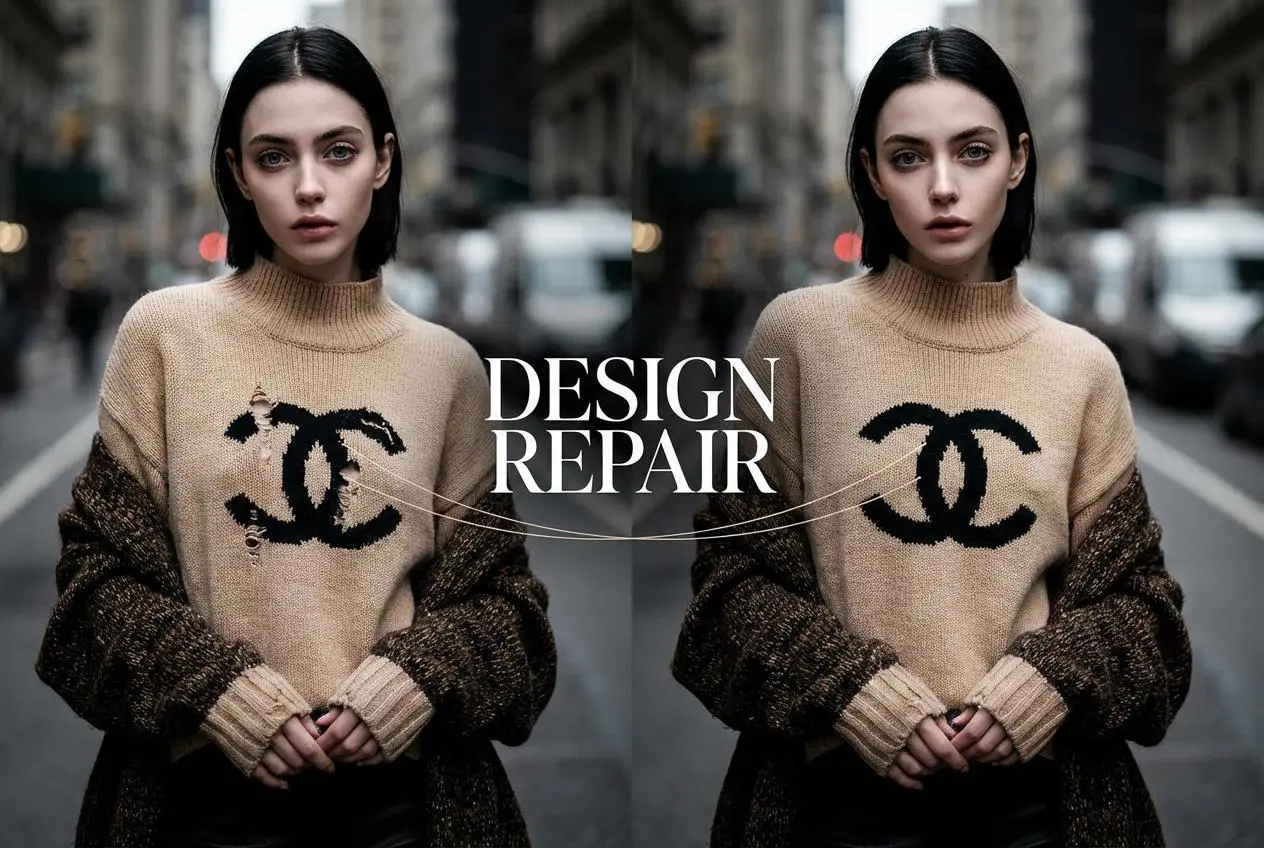
Design Repair

Upload an image, highlight the area you wish to fix, and upload a target reference image

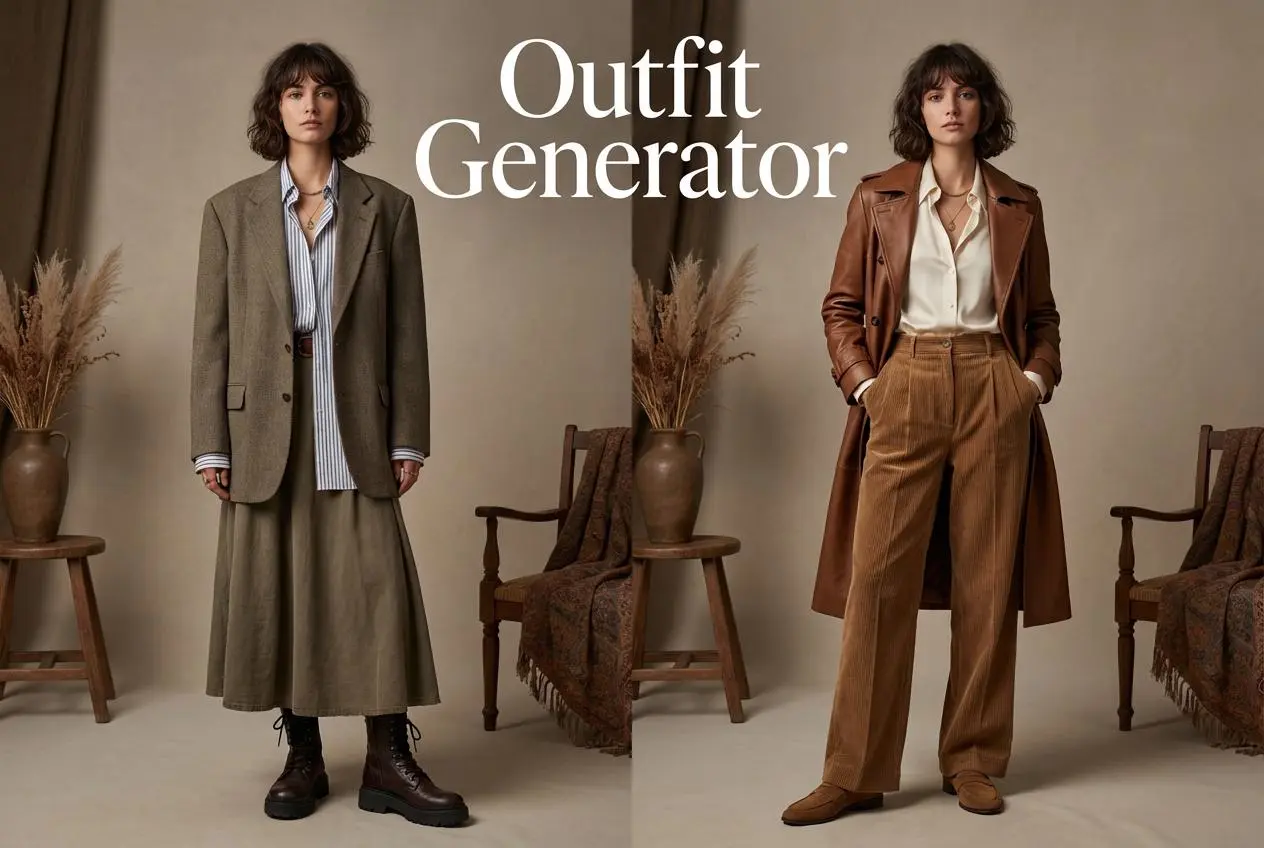
Outfit Generator

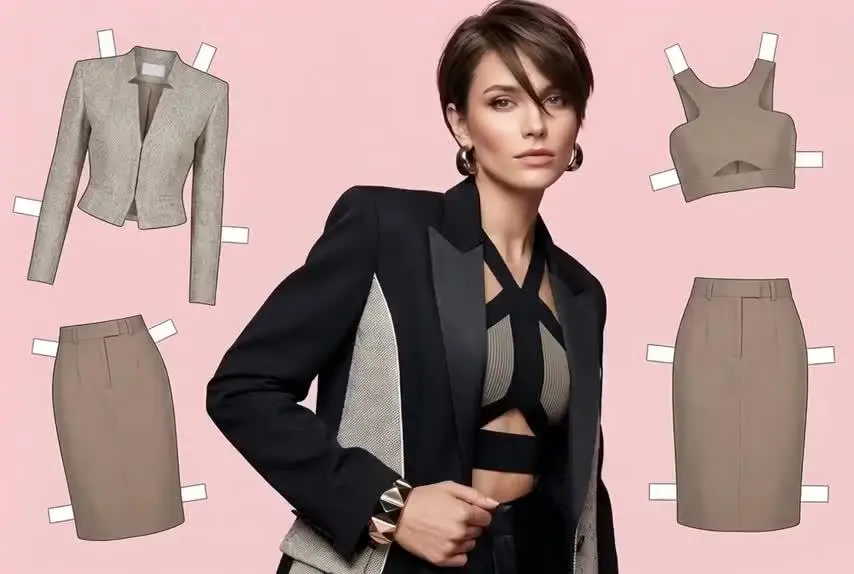
Create AI clothes styling from any model photo, garment, or style prompt.

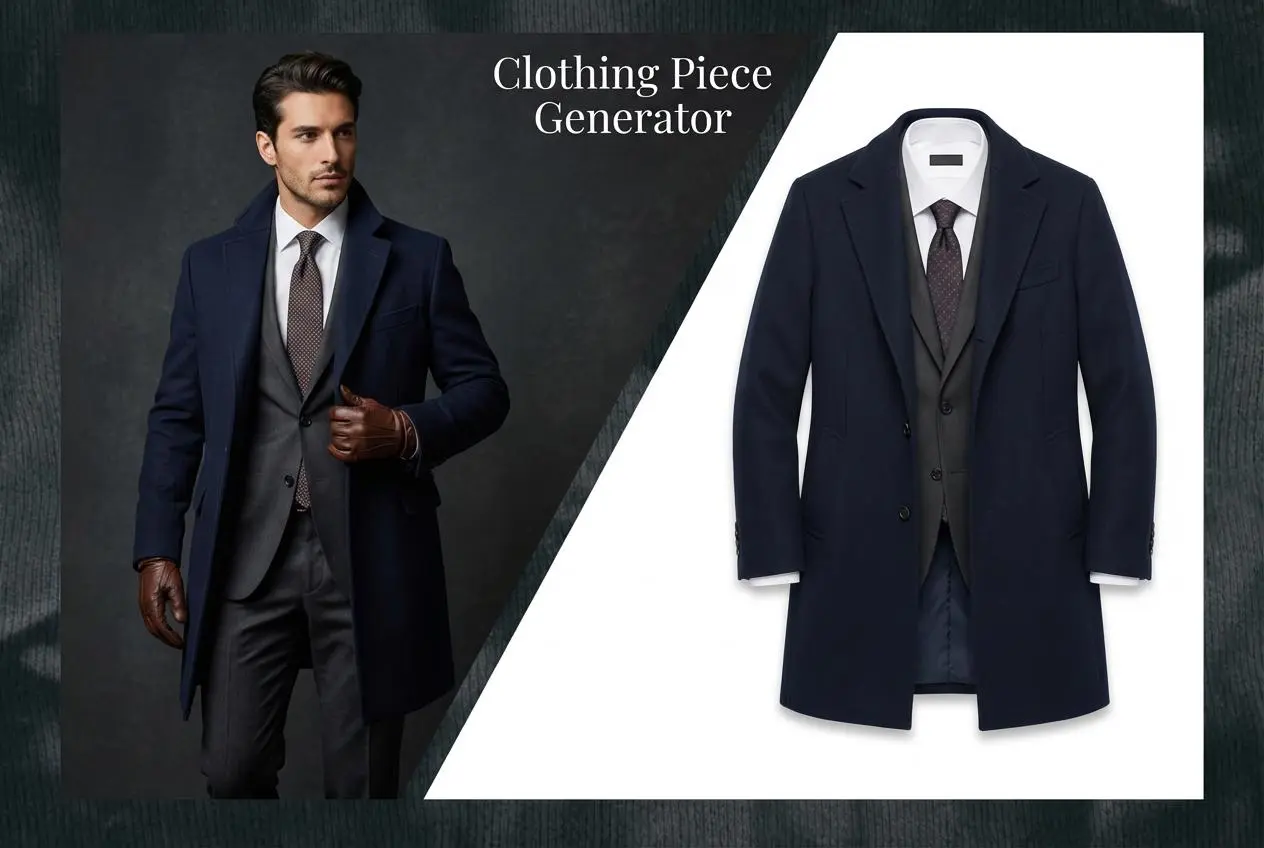
AI Clothing Piece Generator

Create Professional Flatlay Clothing Images From Any Photo or Idea

idea
helper