


language

English

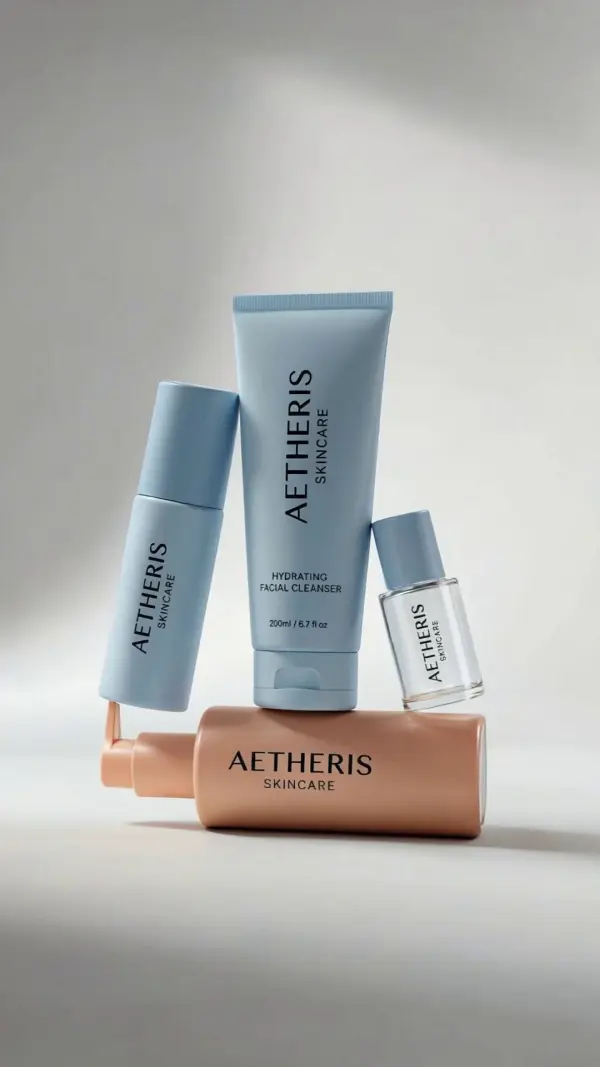
Steal the Look! Click to Replicate it with Your Product!
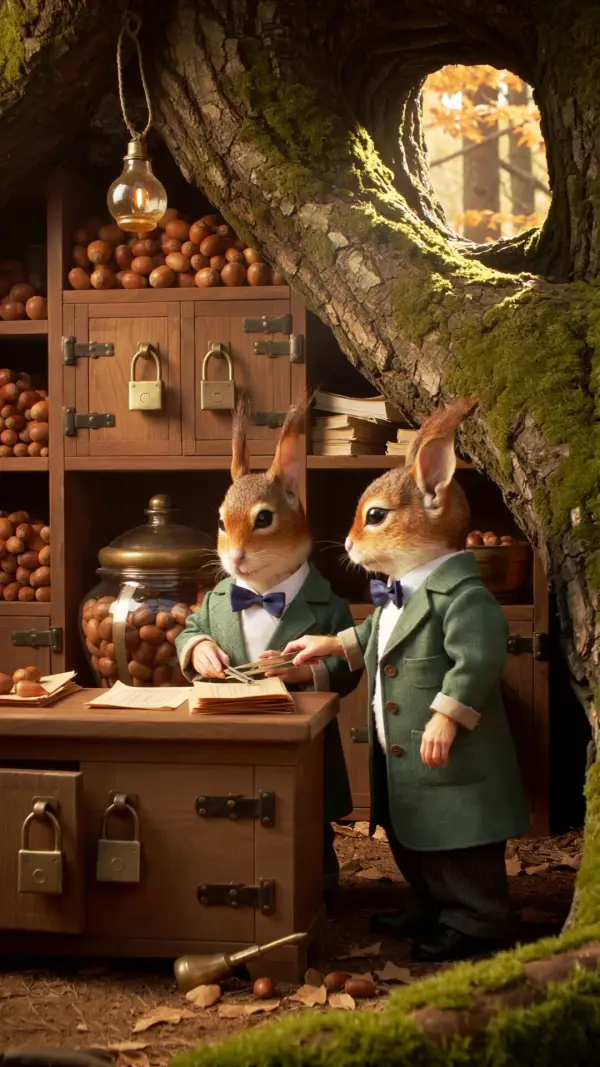
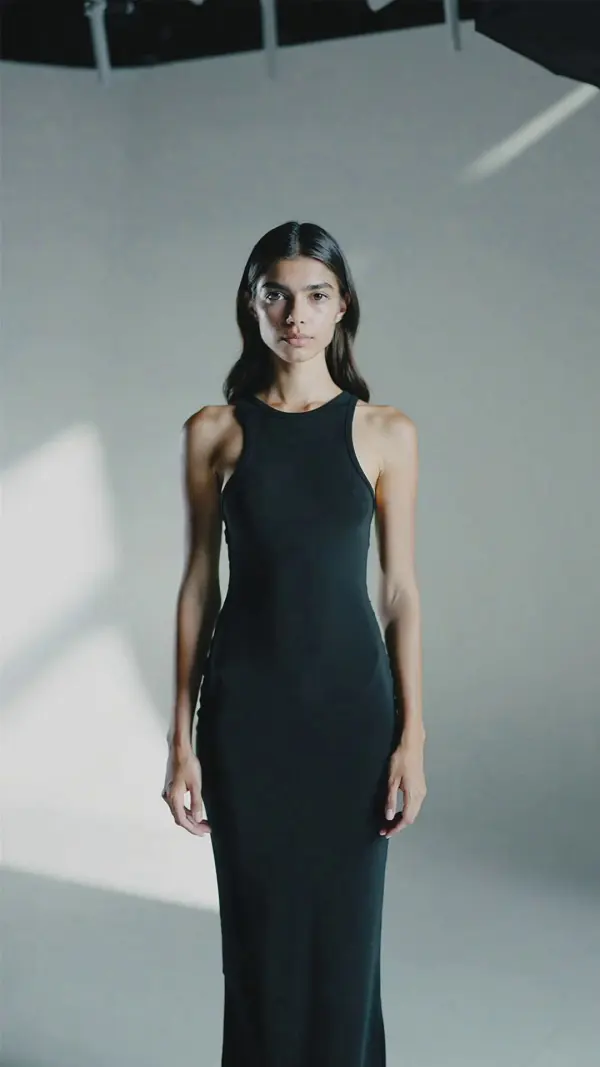
kling O1 by weshop aikling O1 by weshop ai
kling O1 by weshop ai
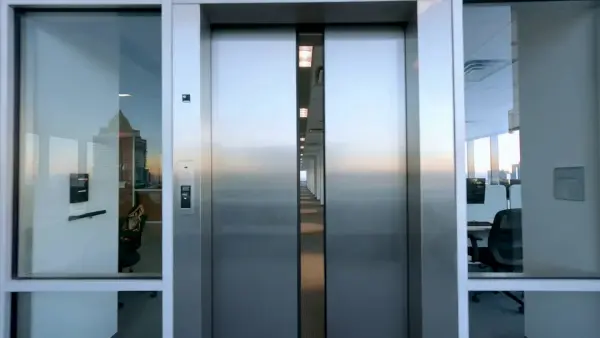
kling O1 by weshop aikling O1 by weshop ai
kling O1 by weshop ai
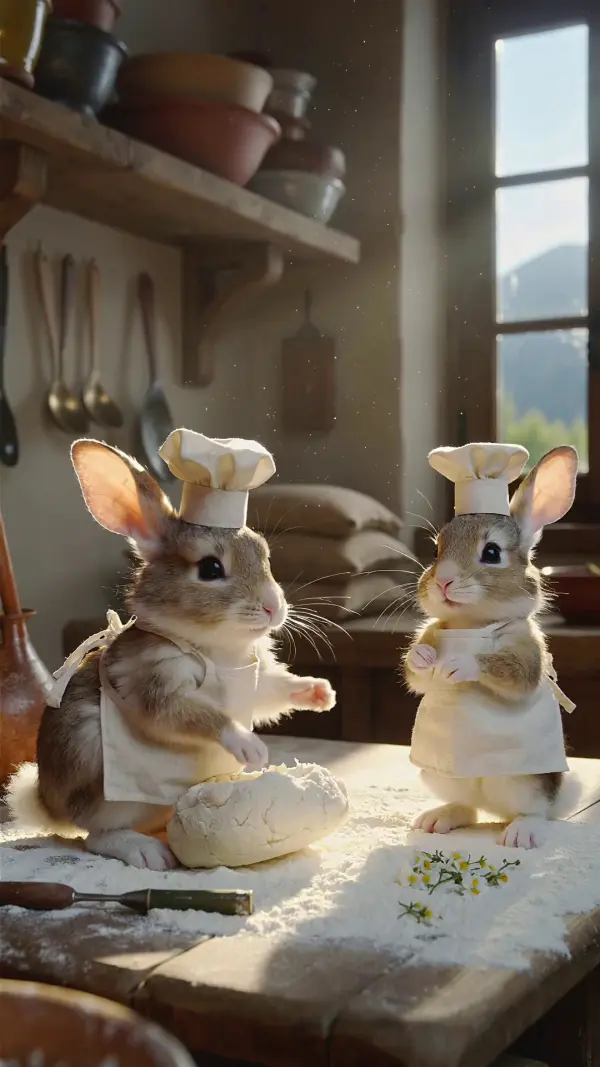
kling O1 by weshop aikling O1 by weshop ai
kling O1 by weshop ai
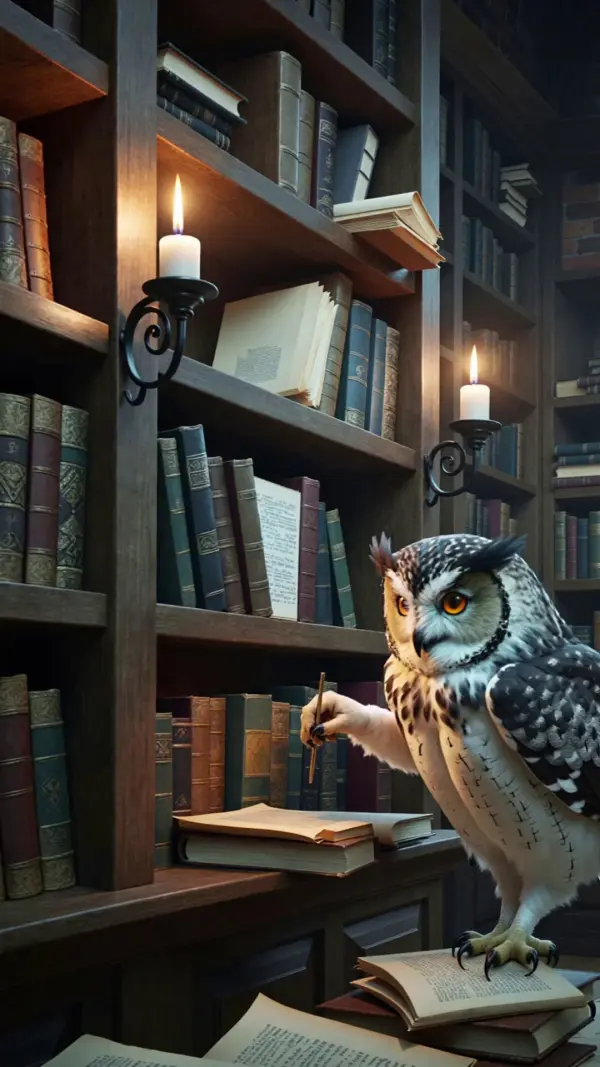
kling O1 by weshop aikling O1 by weshop ai
kling O1 by weshop ai
kling O1 by weshop aikling O1 by weshop ai
kling O1 by weshop ai
kling O1 by weshop aikling O1 by weshop ai
kling O1 by weshop ai
kling O1 by weshop aikling O1 by weshop ai
kling O1 by weshop ai

Kling O1 AI Video Generator – Create Cinematic Videos with Omni One Control

Kling O1 is a unified multimodal video model built for advanced AI video generation, cinematic footage, natural language editing, and consistent visual storytelling. Also known as Kling Omni or Omni One Video Model, Kling O1 combines text-to-video, image-to-video, reference-to-video, subject reference, start and end frame control, shot extension, character consistency, style transfer, controlled motion, physics simulation, and camera control inside one unified engine. Instead of switching tools between generation and video editing tools, users can create multiple shots, refine existing videos, guide scenes with multimodal visual language, and meet different video creation needs with cinematic transitions, synchronized audio, synchronized sound, and native audio generation support.

Real-World Use Cases for Kling O1

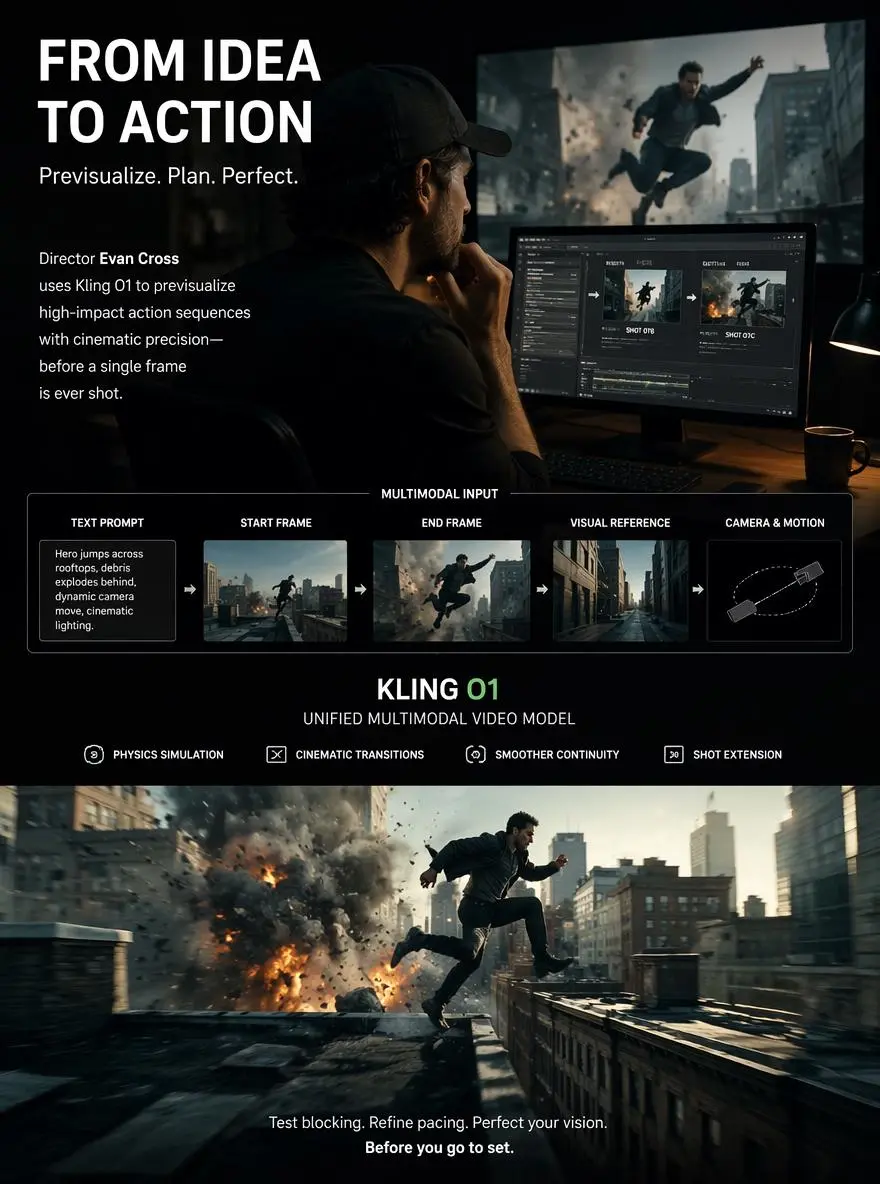
Previsualizing Cinematic Scenes for Filmmakers

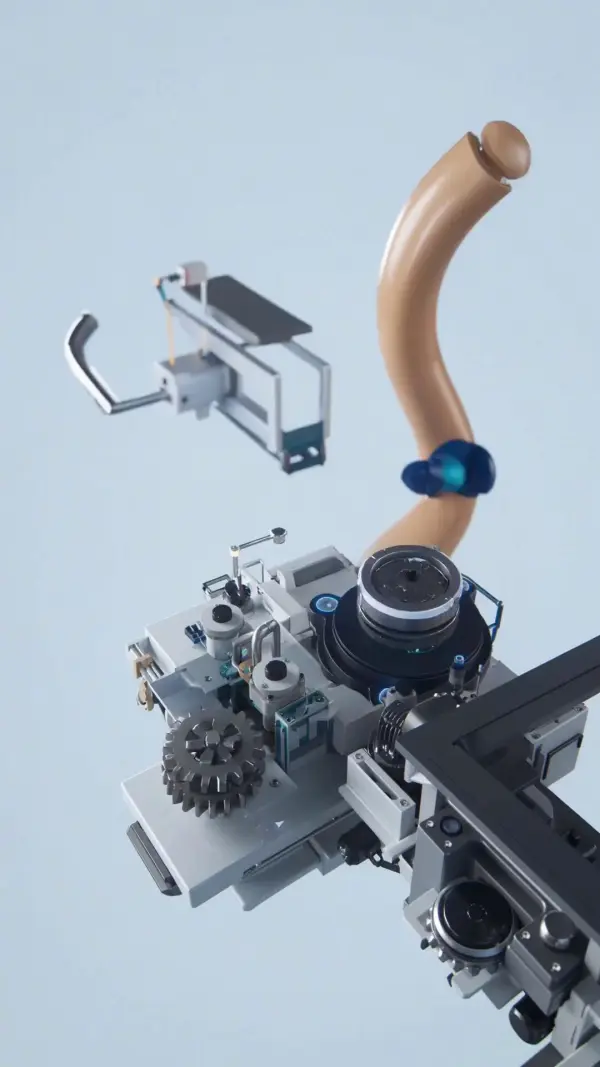
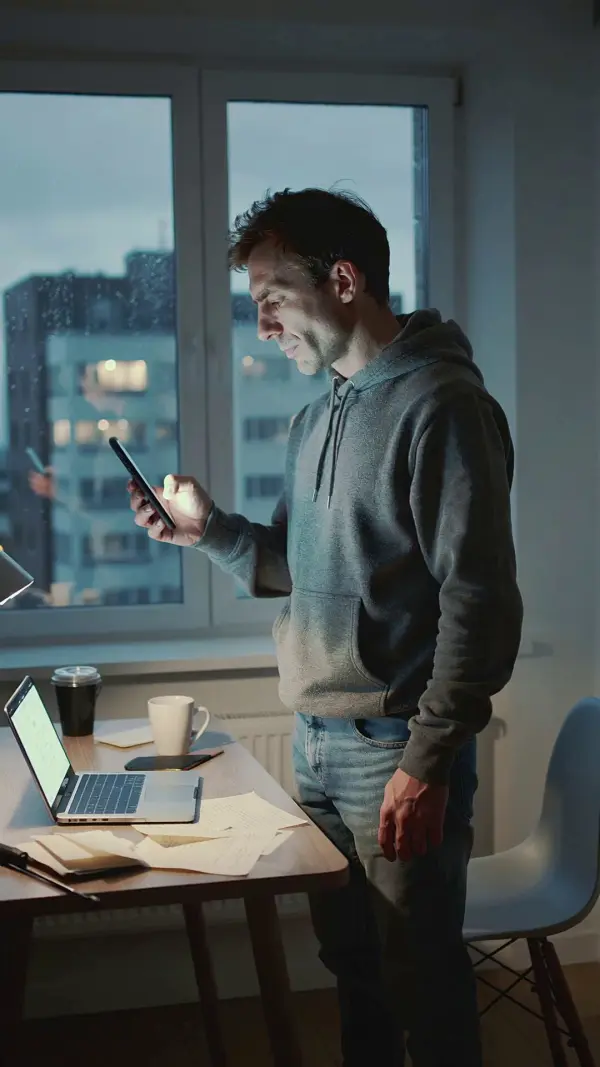
A film director named Evan Cross wanted to previsualize an action sequence before booking locations and crew. With Kling O1, he used text prompts, start frame images, end frame references, and multimodal visual language to define multiple shots with controlled motion. The unified multimodal video model helped generate cinematic footage with physics simulation, cinematic transitions, and smoother continuity. This gave Evan a faster way to test blocking, lighting, pacing, shot extension, and visual direction before live production.
text to video by weshop

Building Social Media Videos with Stable Characters

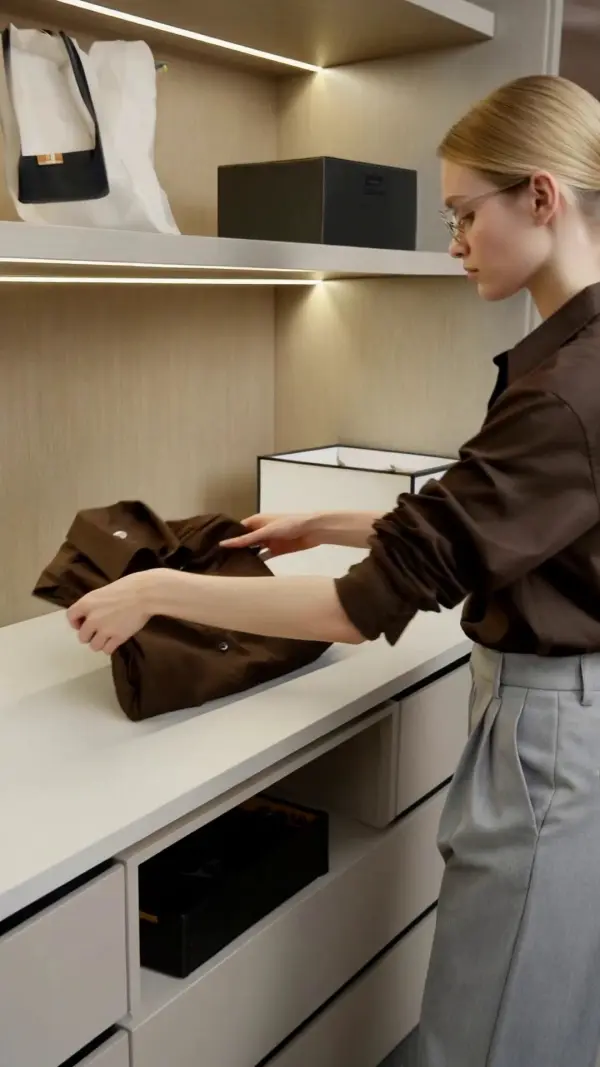
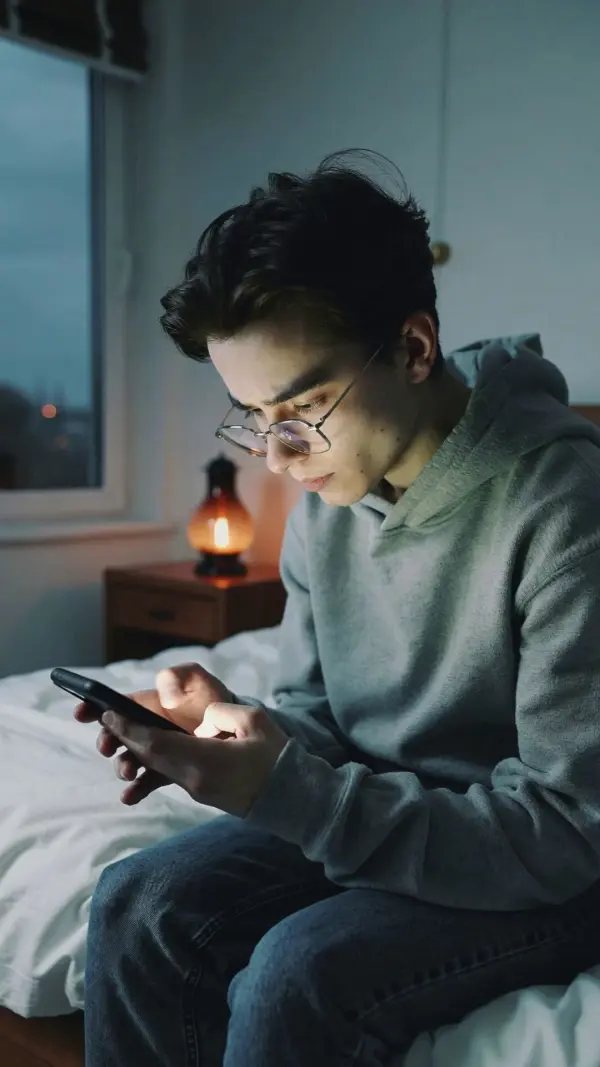
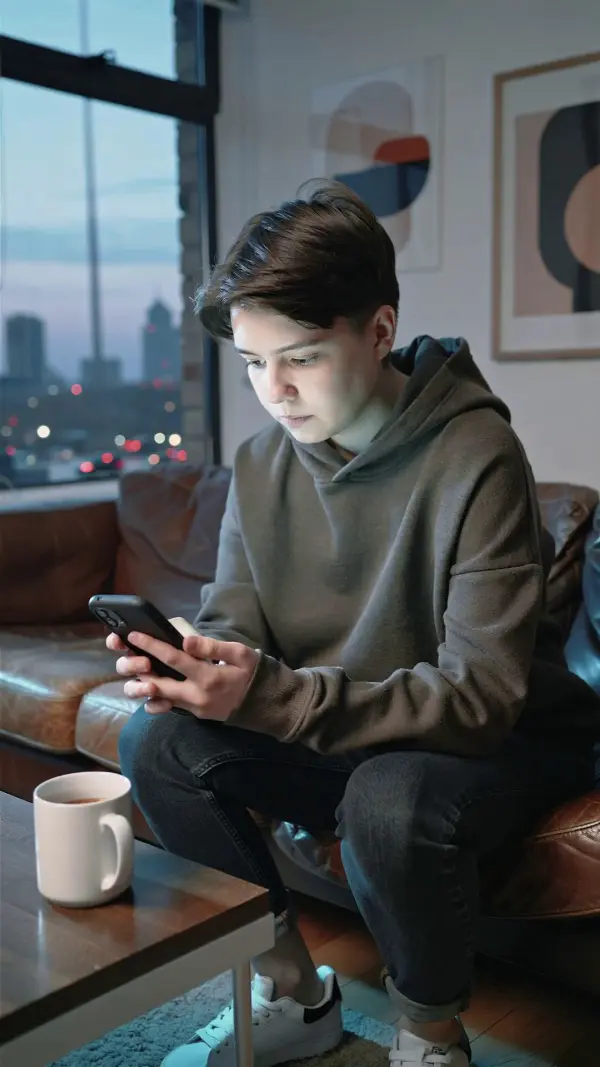
A social media creator named Lina Brooks wanted to build a recurring virtual character for TikTok and YouTube Shorts. With Kling O1’s reference-based generation and consistent characters feature, she could keep the same face, outfit, proportions, and visual style across multiple shots. Instead of switching tools or rebuilding scenes manually, she refined existing videos, tested vertical formats, added synchronized audio, and used free credits to explore different pacing, motion, and character-driven short-form ideas.
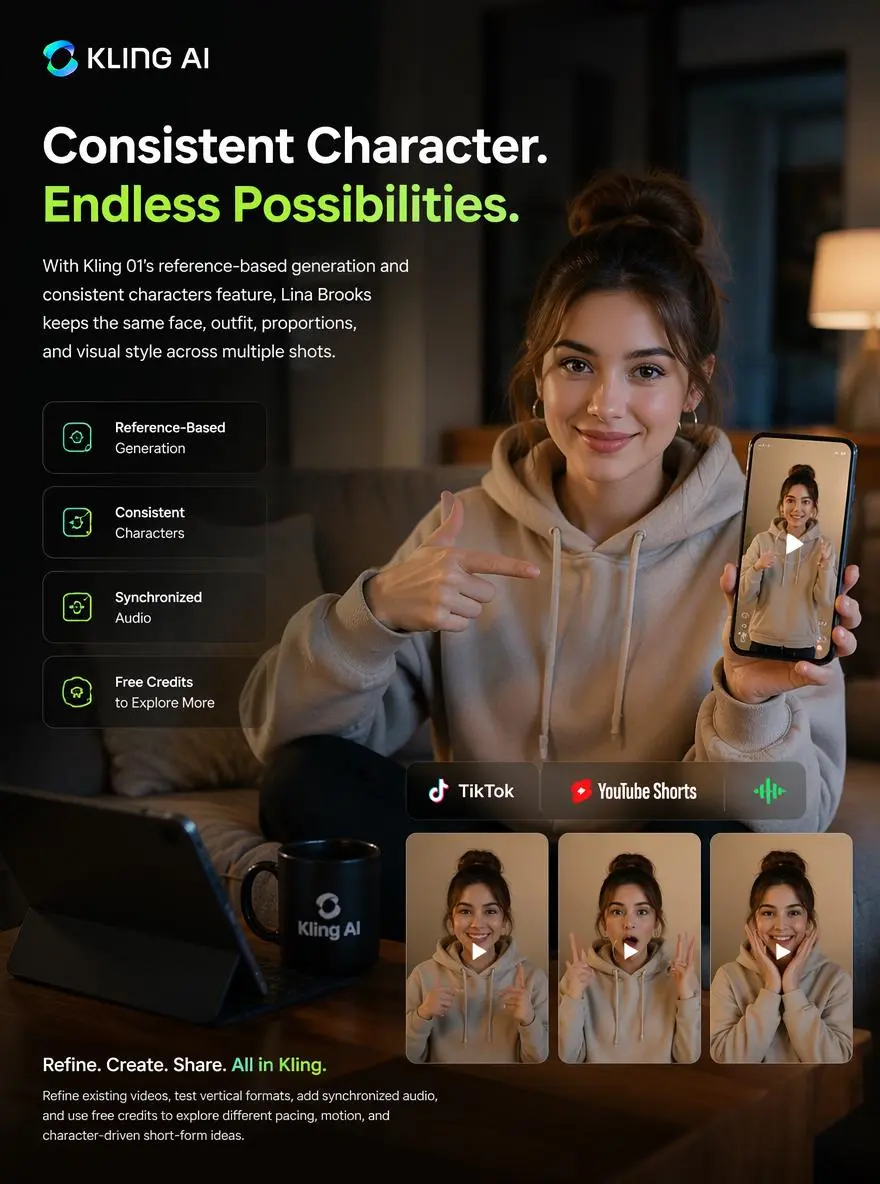
Social Media Video by klingO1
Previous
Next

Key Features of Kling O1 AI Video Generator

Unified Multimodal Video Generation

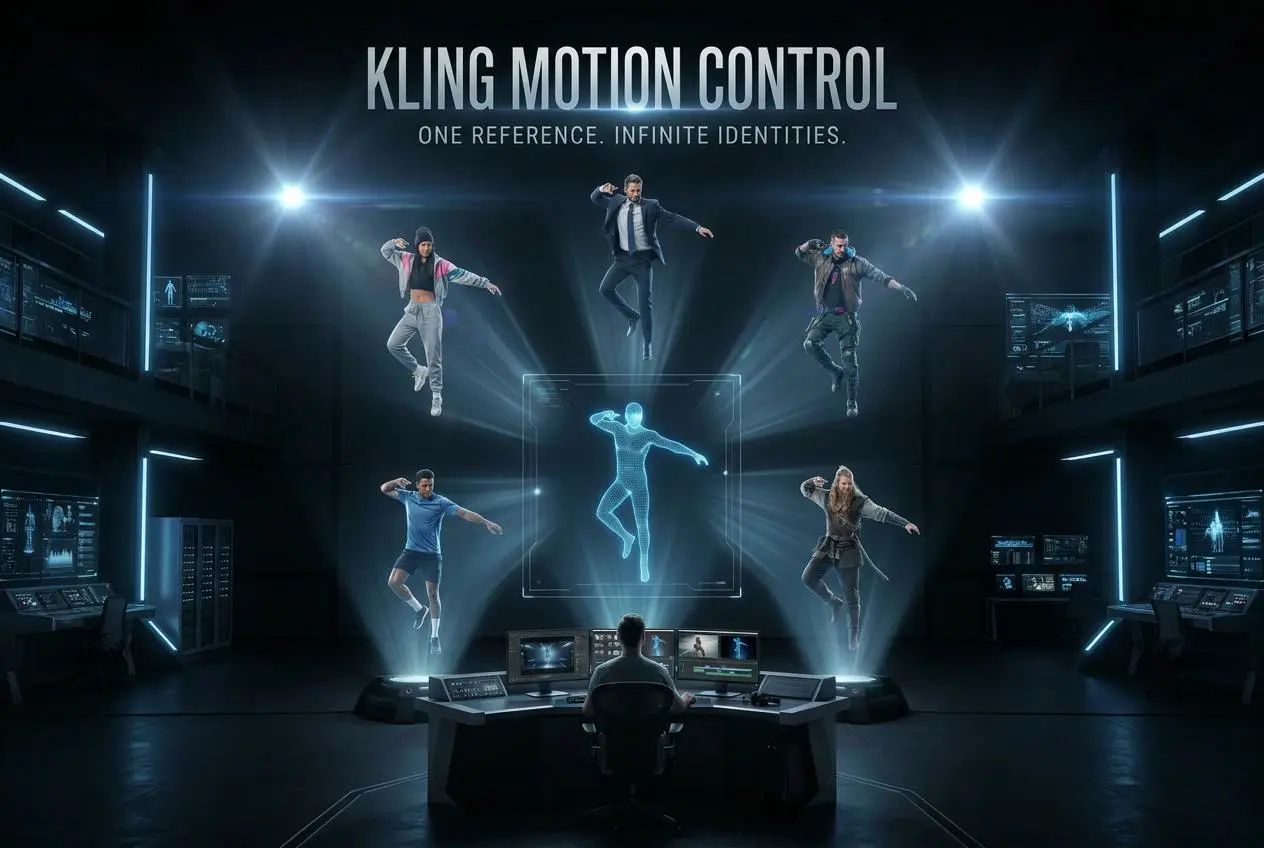
Kling O1 brings prompts, images, videos, and subject references into one unified workflow powered by advanced ai technology. Users can start creating with text, upload references, refine existing videos, or combine inputs for director level control. This helps growing teams iterate quickly without switching tools, making Kling AI more efficient for complex video creation needs.
Text-to-Video and Image-to-Video Creation

Kling O1 gives creators precise start and end frame control for smoother scene planning. Users can define how a shot begins and ends, then generate controlled motion between both points. This is useful for cinematic transitions, seamless loops, product reveals, and storyboard workflows where director level control helps produce predictable, polished results.
Start and End Frame Control

A major Kling O1 feature is start and end frame precision. Users can define how a scene begins and ends, allowing the AI to generate motion between the two visual points. This is especially valuable for seamless loops, controlled transitions, storyboard-to-video workflows, and cinematic shots where timing, framing, and continuity matter.

Locked Character and Product Consistency

Kling O1 gives creators precise start and end frame control for smoother scene planning. Users can define how a shot begins and ends, then generate controlled motion between both points. This is useful for cinematic transitions, seamless loops, product reveals, and storyboard workflows where director level control helps produce predictable, polished results.

Cinematic Camera and Style Control

Kling O1 supports cinematic direction with prompts for camera moves, depth of field, lighting, lens style, color grading, and visual tone. Users can guide pans, tilts, zooms, close-ups, and wide shots with more control. Paid plans may offer fastest queues, dedicated assistance, full commercial rights, and advanced options to refine results.

What You Can Do with Kling O1

Generate Cinematic Videos from Text

Use Kling O1 to generate cinematic videos from detailed prompts. Describe the subject, environment, camera moves, action, lighting, sound effects, and visual style. The model can support controlled motion and polished scene direction, making it useful for trailers, short films, product ads, social clips, and commercial projects that need reliable AI video output.

Animate Reference Images into Videos

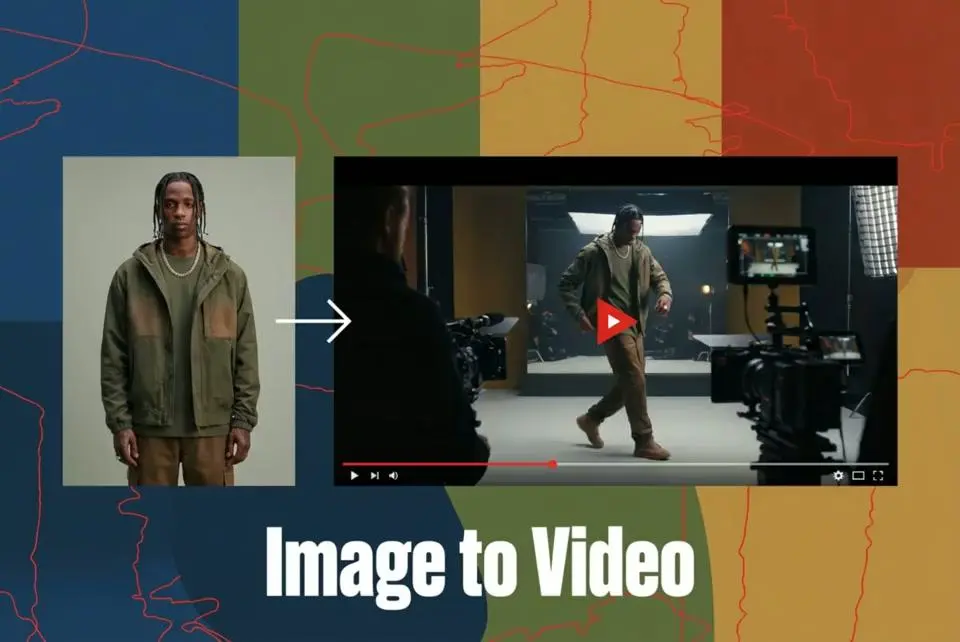
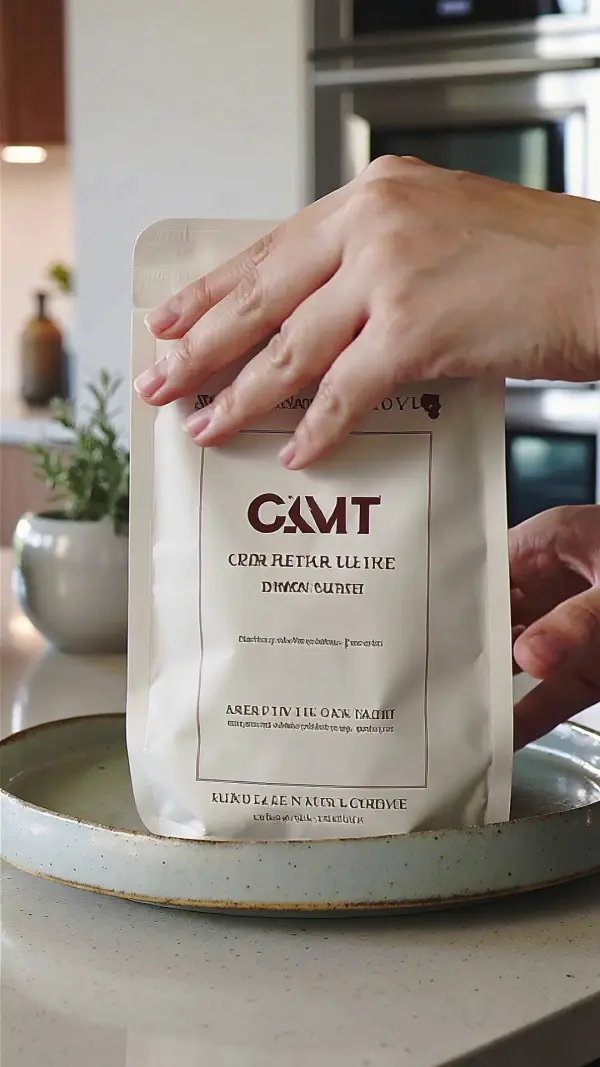
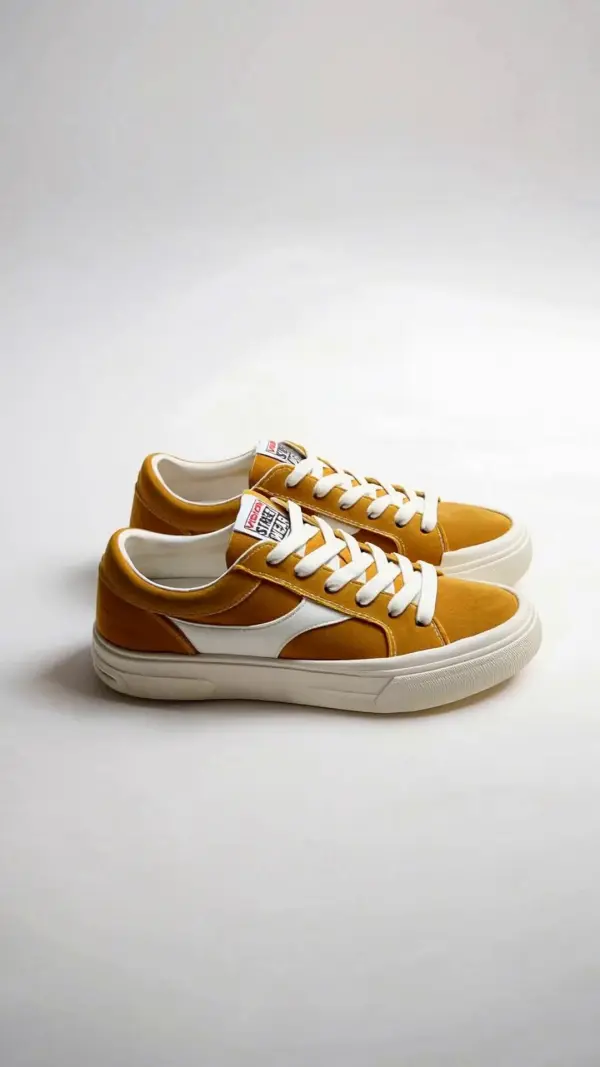
Upload a character image, product photo, scene reference, or brand visual and use Kling AI to animate it into video while preserving identity details. This workflow is useful for product showcases, virtual influencers, ecommerce clips, and branded content. New users can start creating with free credits before exploring paid plans.

Create Smooth Start-to-End Transitions

Kling O1 can use start and end frames to guide how a video begins and finishes. This helps users create cinematic transitions, planned camera moves, and smooth visual progressions. Filmmakers, designers, and marketers can iterate quickly, extend shots, and build polished sequences without relying only on separate video editing tools.

Build Multi-Shot Character Stories

Creators can use Kling O1 to build multi-shot stories with consistent characters, products, and environments. By anchoring identity and style, the tool helps preserve continuity across scenes. This is useful for brand mascots, game trailers, social series, product storytelling, and growing teams that need director level control over recurring visuals.

Create Platform-Ready Social Videos

Kling O1 helps users create videos for TikTok, Instagram Reels, YouTube Shorts, widescreen YouTube, and cinematic formats. Flexible aspect ratios, prompt-based control, and advanced ai technology make it easier to prepare native assets for each platform. Priority processing, fastest queues, and commercial rights may be available through paid plans.

Frequently Asked Questions About Kling O1

What is Kling O1?

Kling O1 is a unified multimodal AI video model from Kuaishou, also described as Kling Omni or Omni One. It supports text, image, video, and subject inputs for video generation and editing in one integrated workflow.

What can Kling O1 create?

Kling O1 can create cinematic AI videos, text-to-video clips, image-to-video outputs, reference-based videos, character-consistent scenes, product videos, social media clips, ad concepts, and multi-shot visual stories.

Does Kling O1 support character consistency?

Yes. Kling O1 is designed to preserve character identity, object details, product features, and scene consistency across frames and shots, which is especially useful for storytelling, ecommerce, branding, and recurring characters.

What is Kling O1 start and end frame control?

Start and end frame control lets users define the first and final visual states of a video. Kling O1 generates motion between those frames, helping creators control transitions, loops, shot timing, and visual continuity.

Can Kling O1 generate videos from reference images?

Yes. Kling O1 reference-to-video workflows can use character, object, product, or scene references to generate new video content while maintaining identity and visual details across frames.

Can I edit videos with natural language in Kling O1?

Yes. Kling O1 supports text-driven scene changes, allowing users to adjust motion, environment, styling, timing, and other visual details through natural language prompts instead of relying only on manual editing.

Who should use Kling O1?

Kling O1 is useful for filmmakers, directors, advertising teams, ecommerce brands, social media creators, designers, virtual production teams, and anyone who needs cinematic AI video generation with stronger control and consistency.

Is Kling O1 good for advertising and ecommerce?

Yes. Kling O1 is well suited for product videos, ad variations, campaign concepts, ecommerce visuals, brand mascot clips, and social media assets because it can preserve products, logos, and visual identity across multiple clips.

What makes Kling O1 different from basic AI video tools?

Kling O1 combines text-to-video, image-to-video, reference-to-video, start/end frame control, subject consistency, and natural language editing in one multimodal workflow, while many basic tools focus on only one generation mode.

Can Kling O1 be used for commercial projects?

Commercial use depends on the platform, API provider, licensing terms, and uploaded assets. Some API and model pages explicitly list commercial use, but users should review the exact service terms before publishing or selling generated videos.

Explore More AI Tools

Our new Virtual Try-On just launched. Try it now!
close

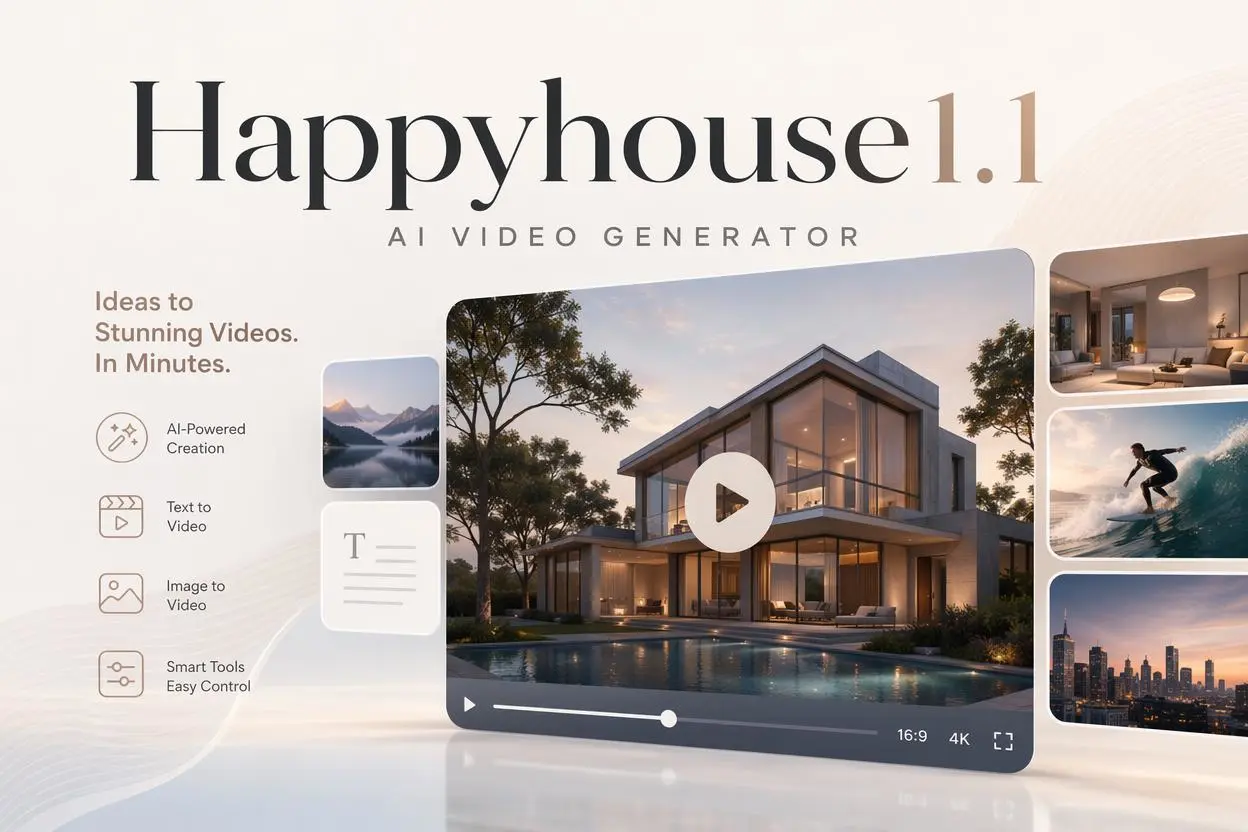
HappyHorse AI Video Generator

Create Cinematic Text-to-Video and Image-to-Video Content

GPT Image 2 AI Image Generator

Create High Quality Images, Text Rich Visuals, and Product Photography

Nano Banana

Google's Next-Gen AI Image Model for Instant Professional Creativity

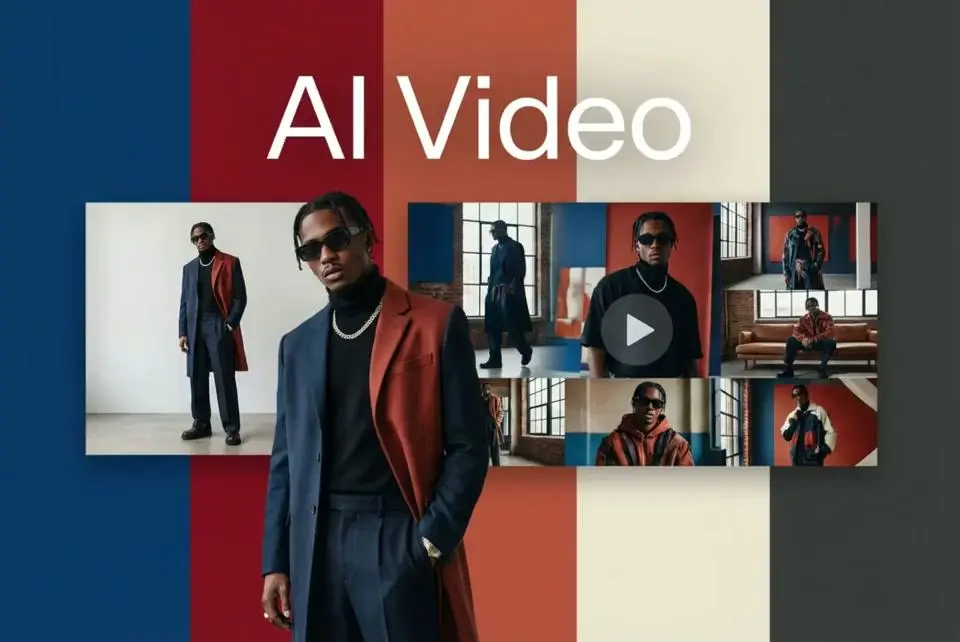
AI Video Generator

Turn Images into Stunning AI Videos for Free

Virtual Try-On

Try On Clothes Online with AI Virtual Try Technology

Swap Model & BG

Realistic Model & Background Swapping Online with AI

AI Fashion Model

Showcase clothing with a variety of models

AI Product

Create stunning product images with few clicks from anywhere

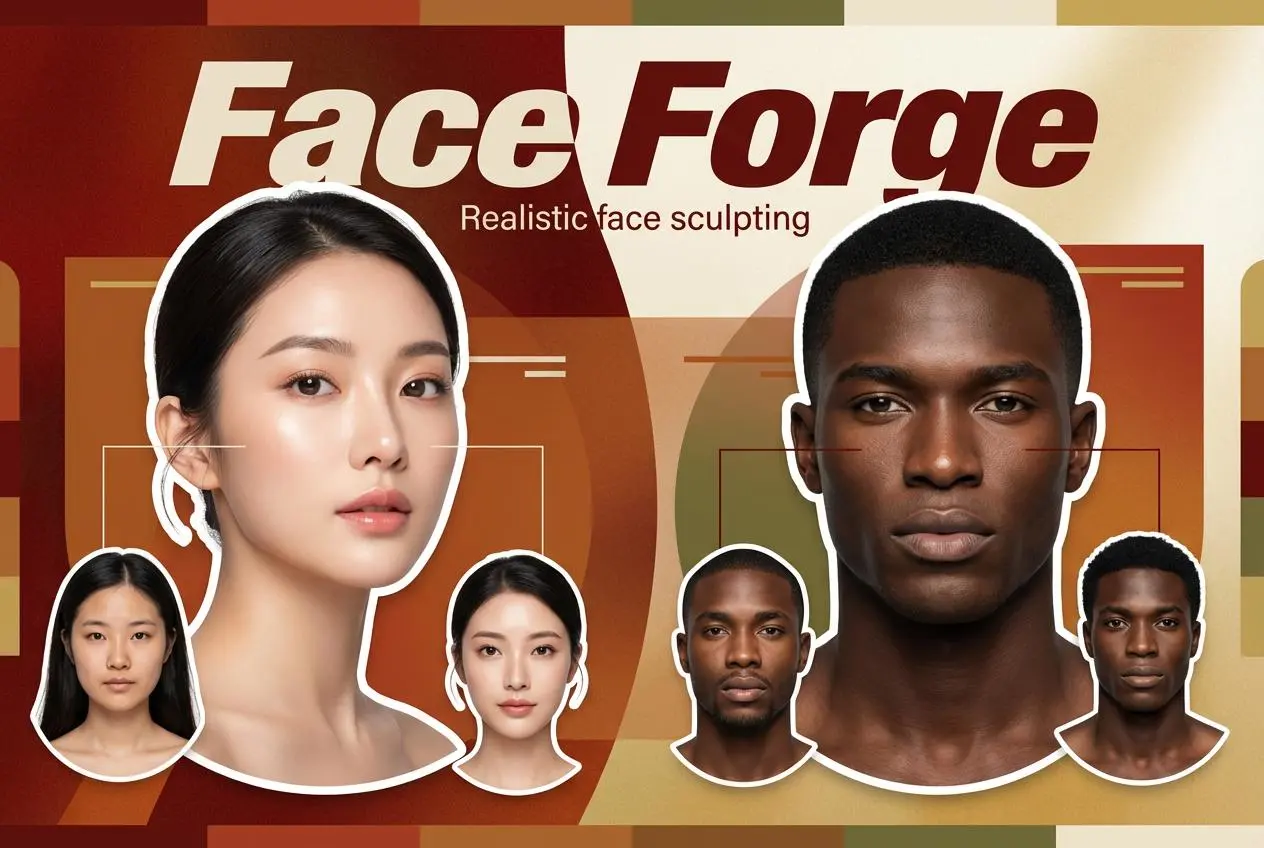
Face Forge

AI Face Morph & Face Swap Generator Online

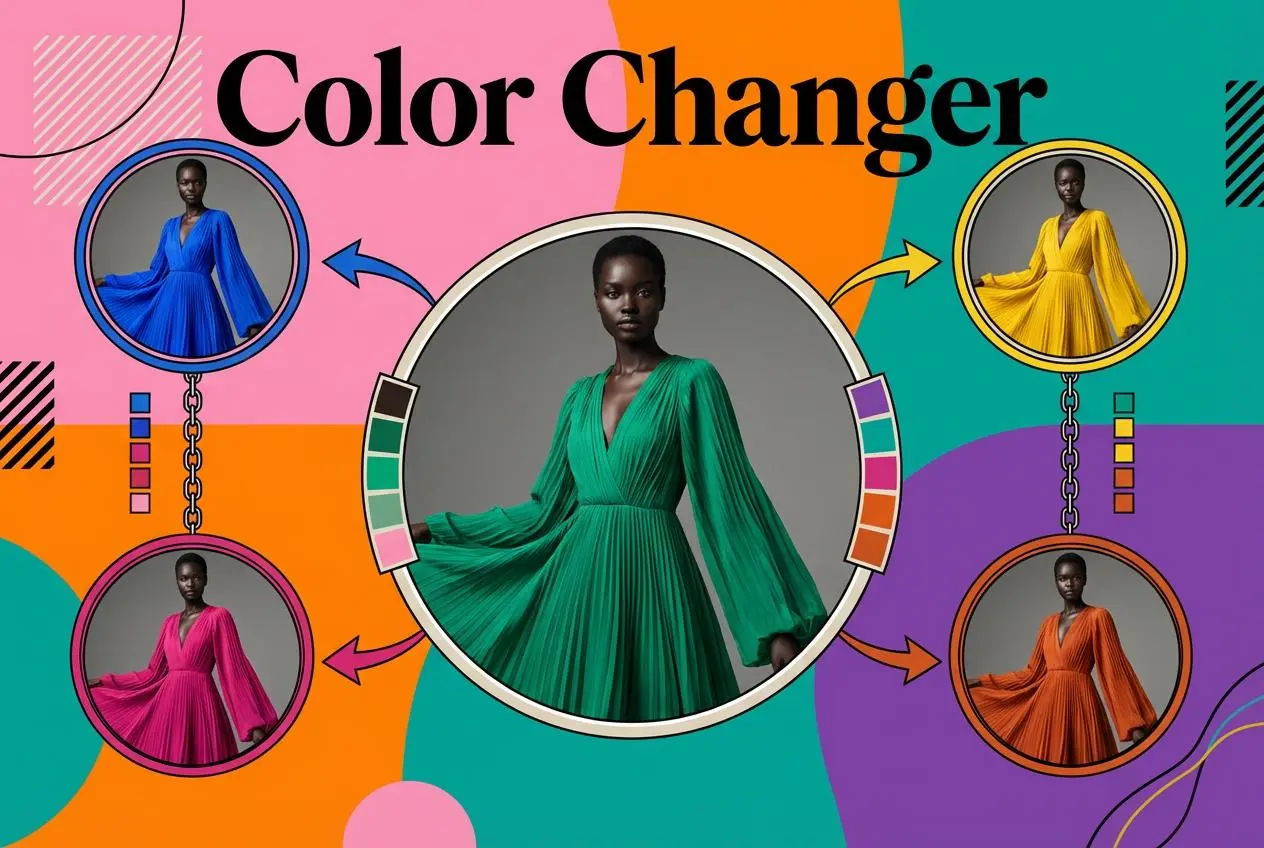
Product Recoloring

Recolor Image Online Free - Color Changer in WeShop AI

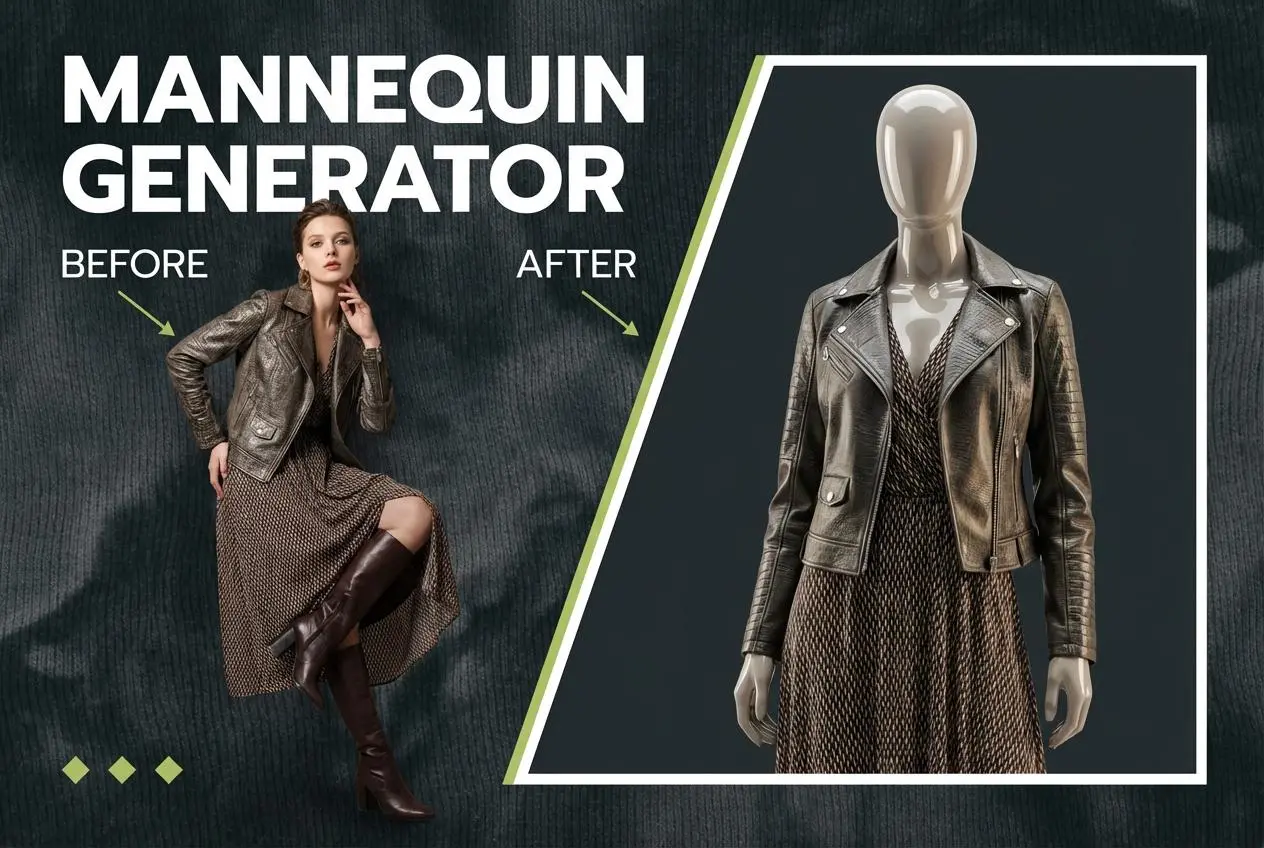
To Mannequin

Convert real model photos into mannequin displays

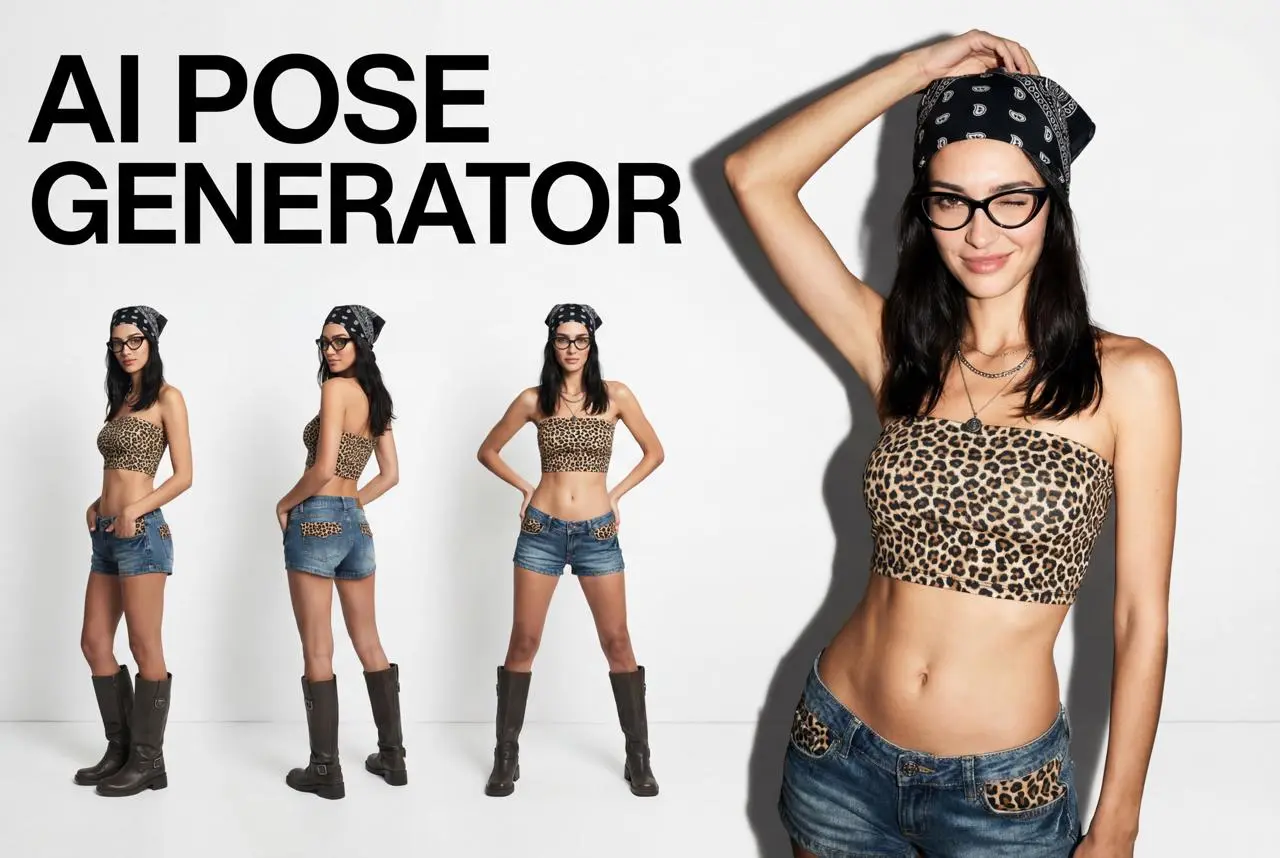
Change Pose

Change poses, switch between various model poses, making the clothing display more natural

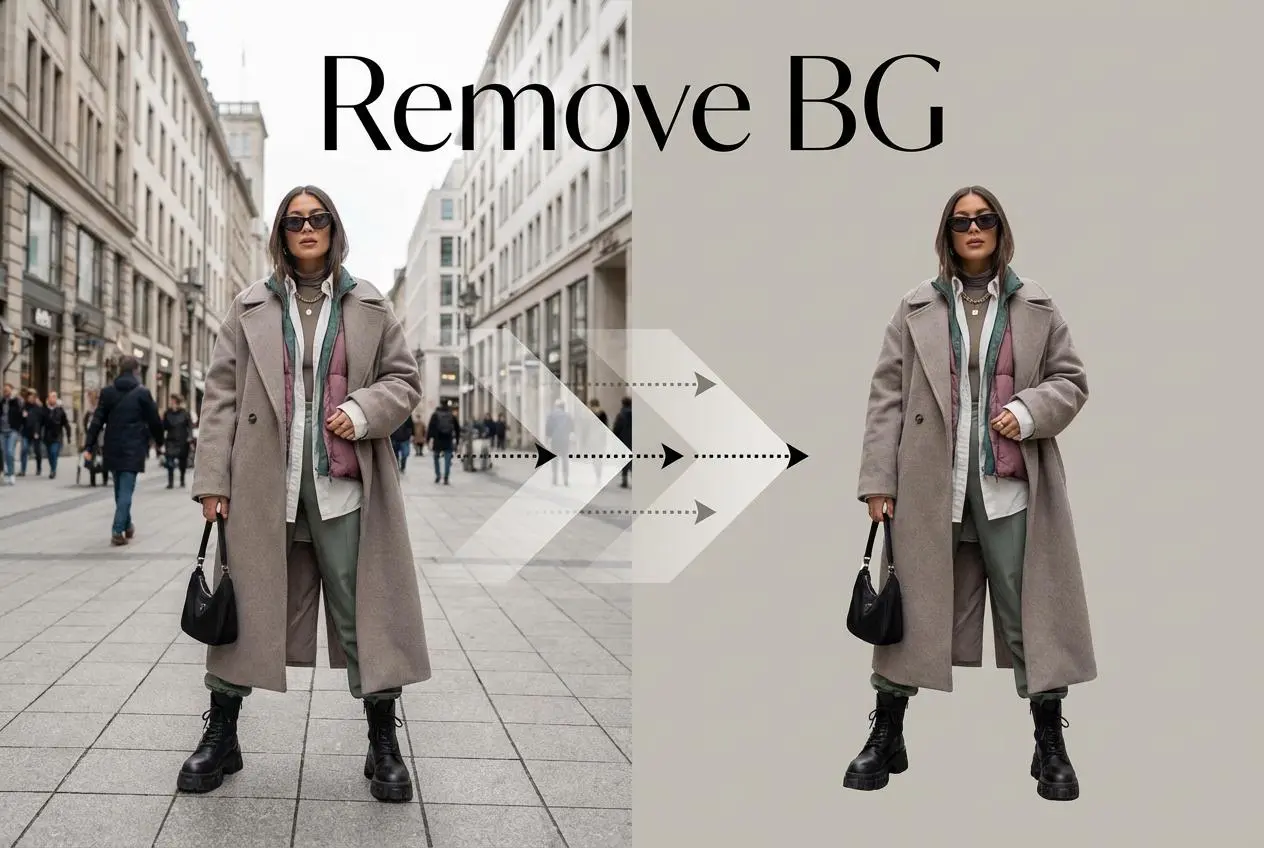
Remove Background

Removing background with lightning speed and ease

AI Photo Enhancer

Enhance Photo Quality Online with Free AI

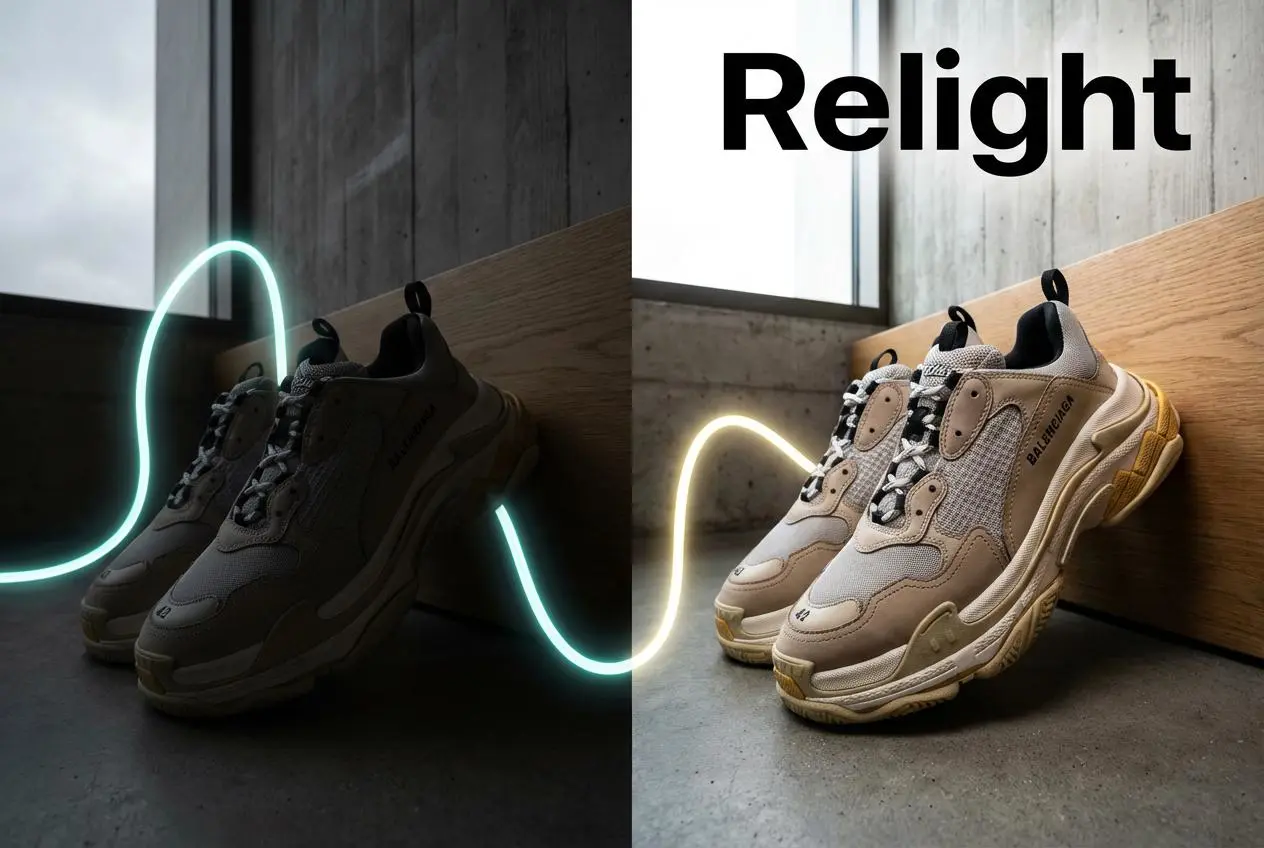
Relight

Relight your images automatically and efficiently

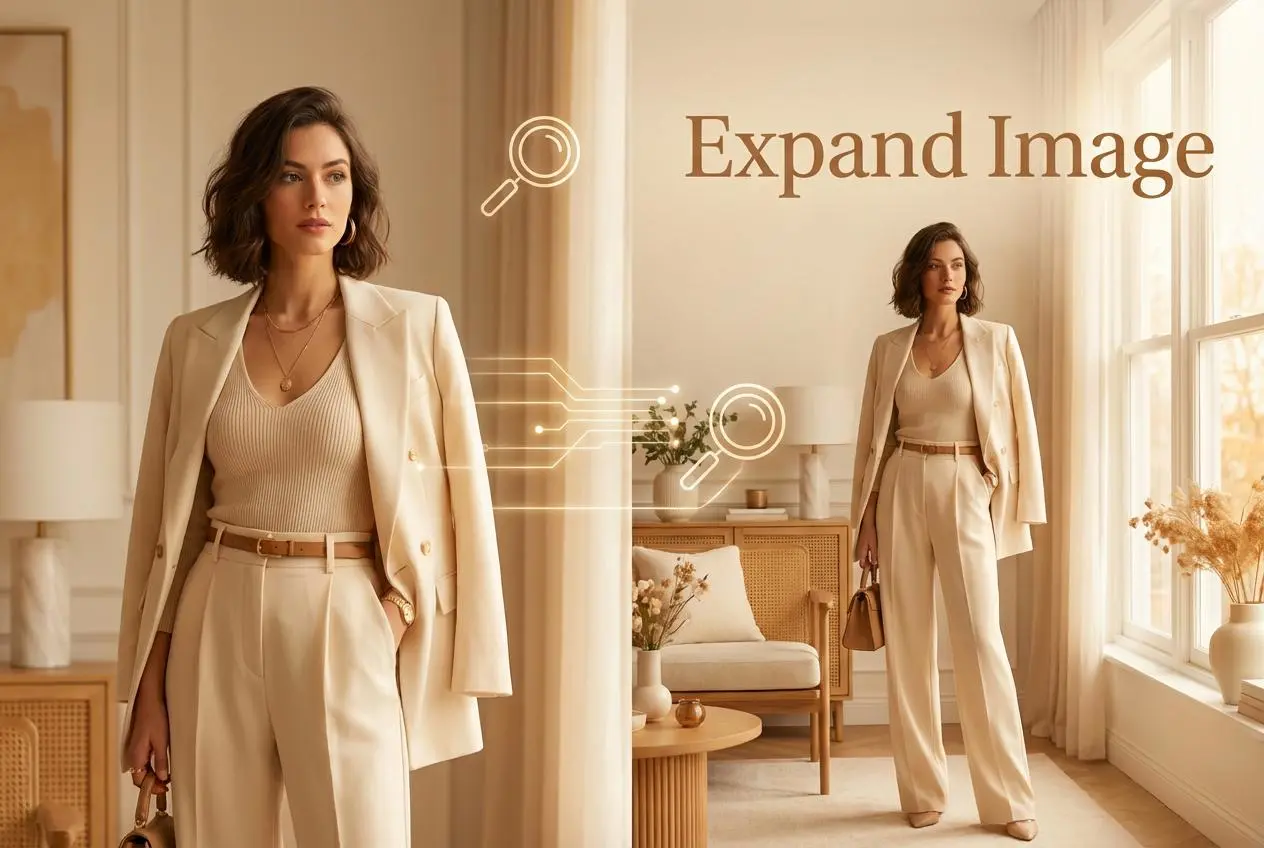
Expand Image

Expand images & backgrounds to fit any platform

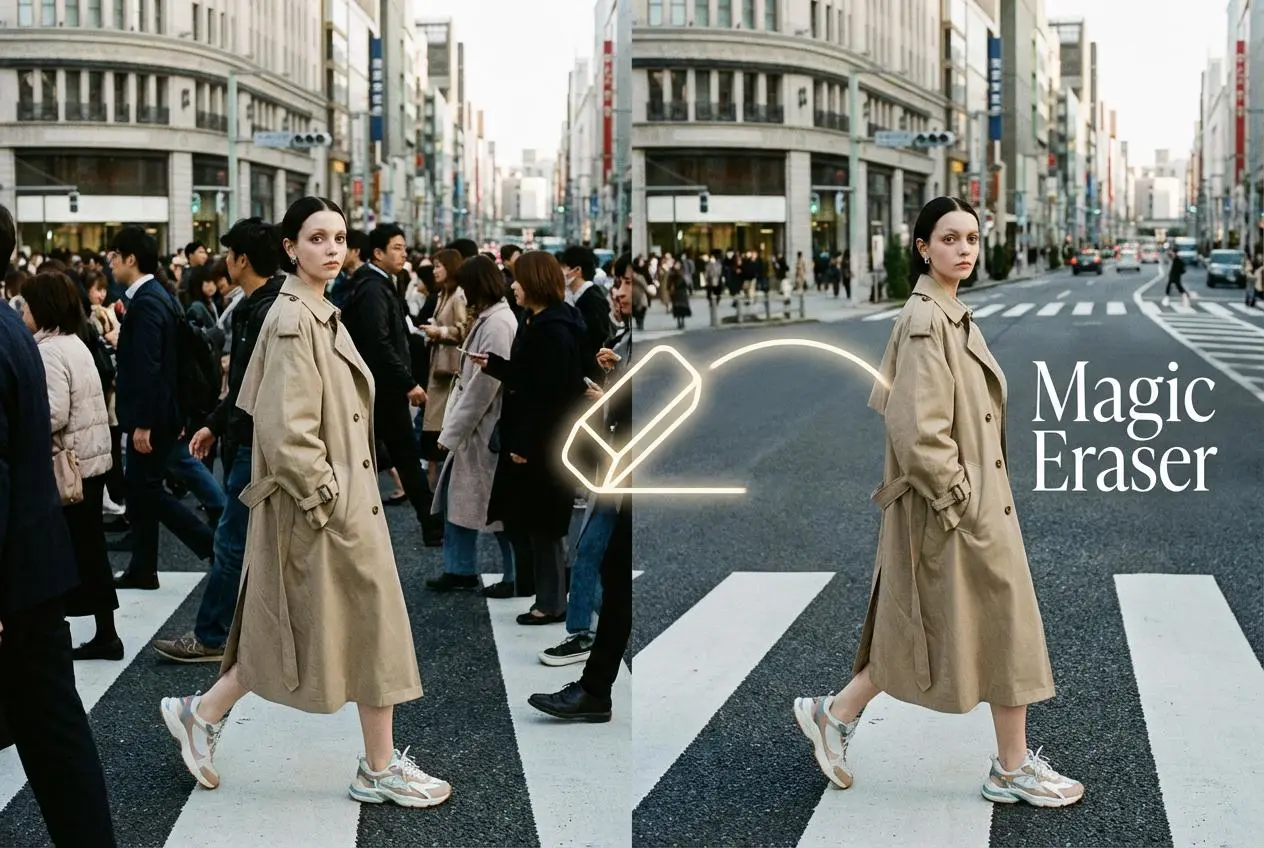
Magic Eraser

Remove unwanted objects from your photos with AI

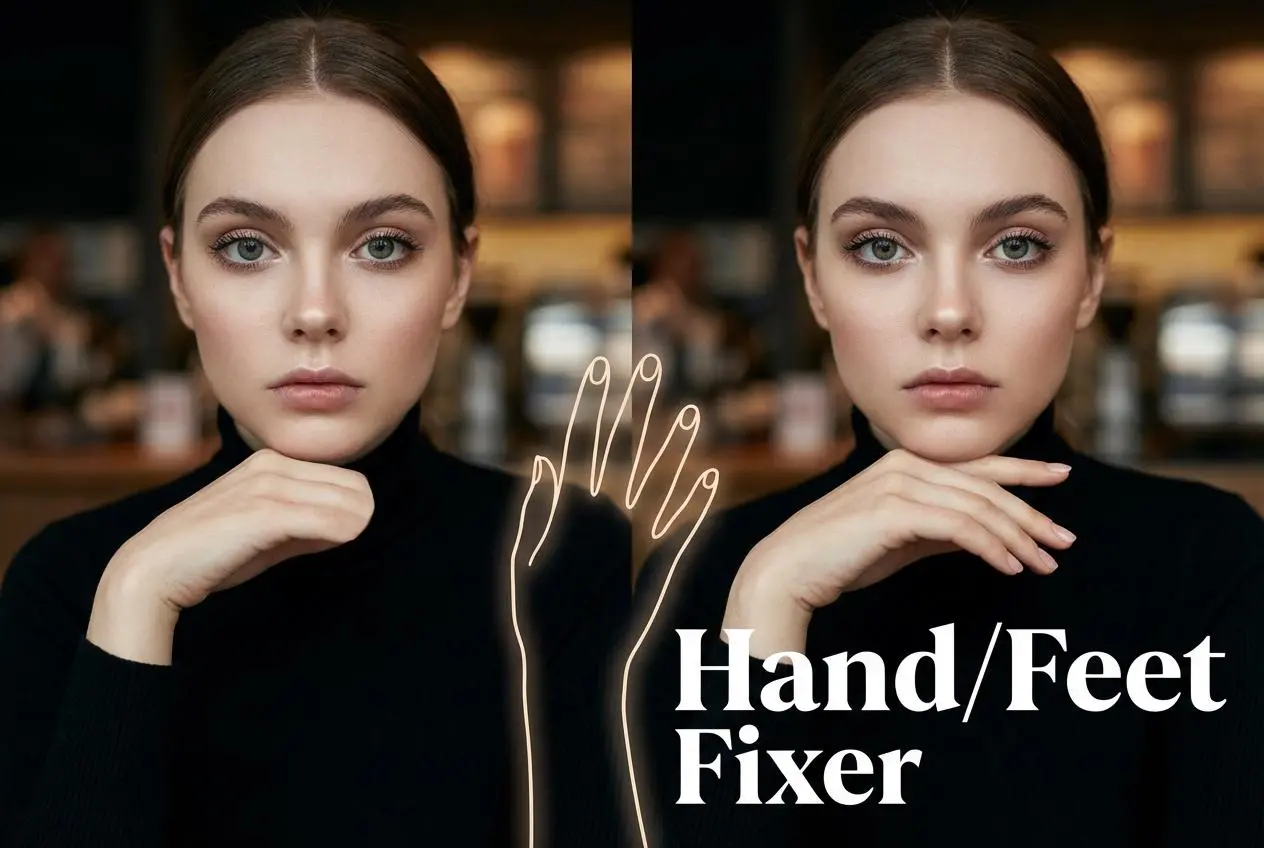
Hand/Feet Fixer

Regenerate natural-looking hands and feet in AI-generated images

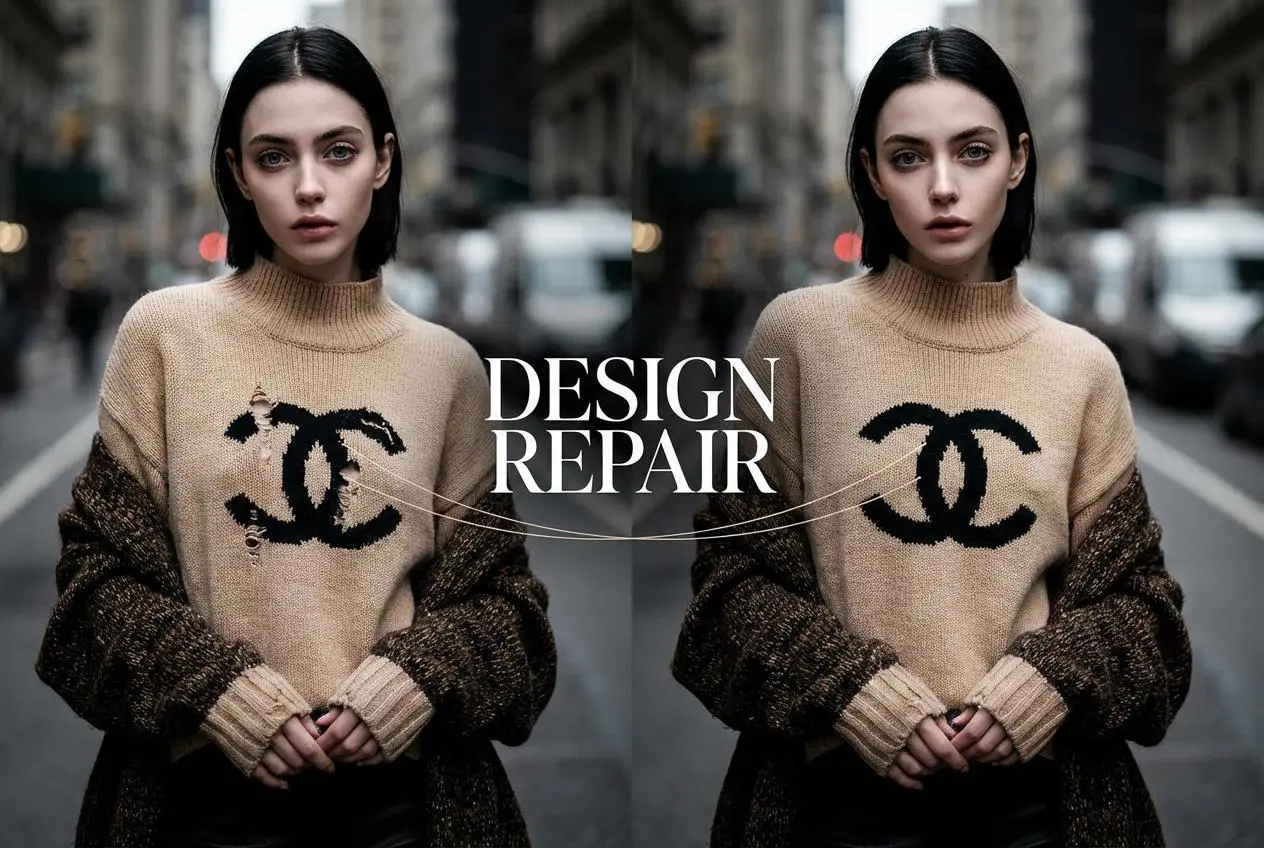
Design Repair

Upload an image, highlight the area you wish to fix, and upload a target reference image

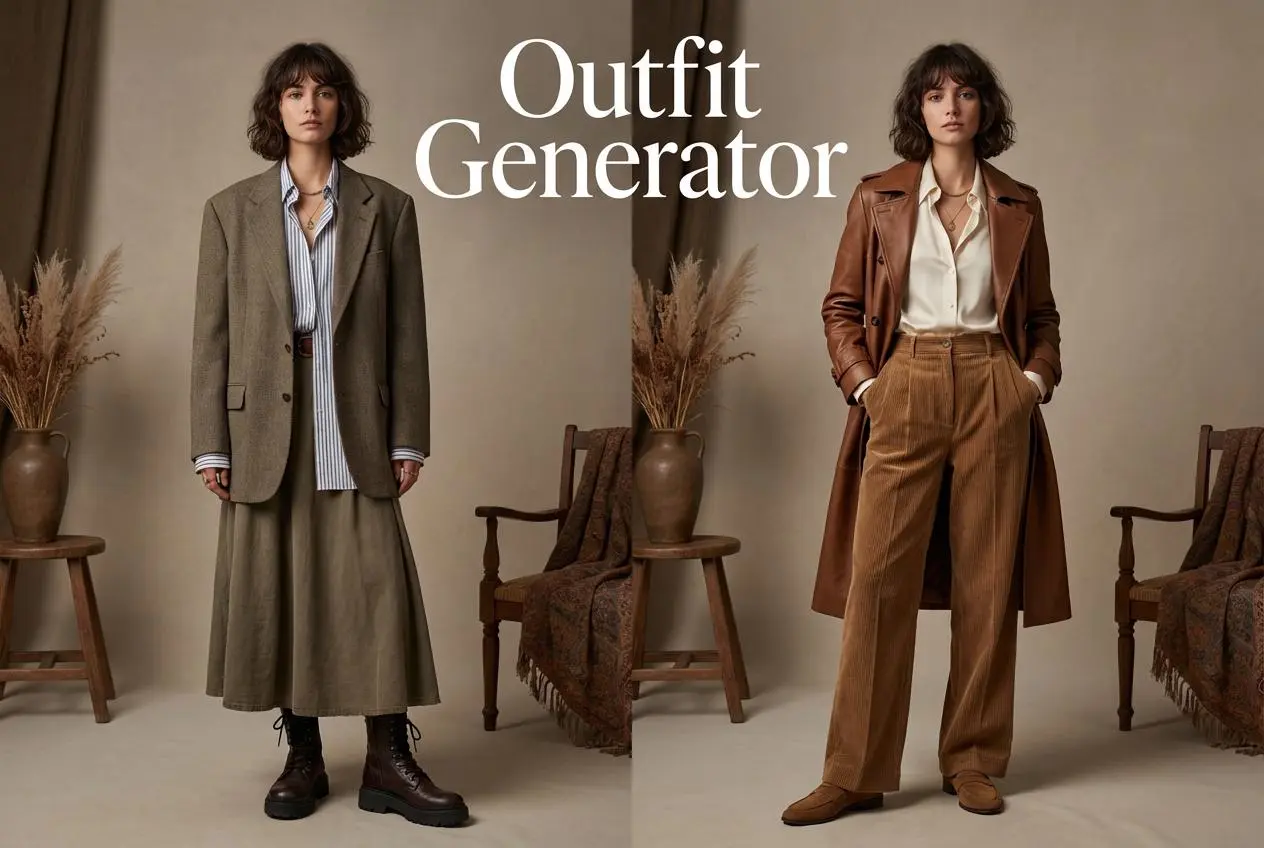
Outfit Generator

Create AI clothes styling from any model photo, garment, or style prompt.

Video Agent

Create and publish videos from a photo or description—instantly, in any style.

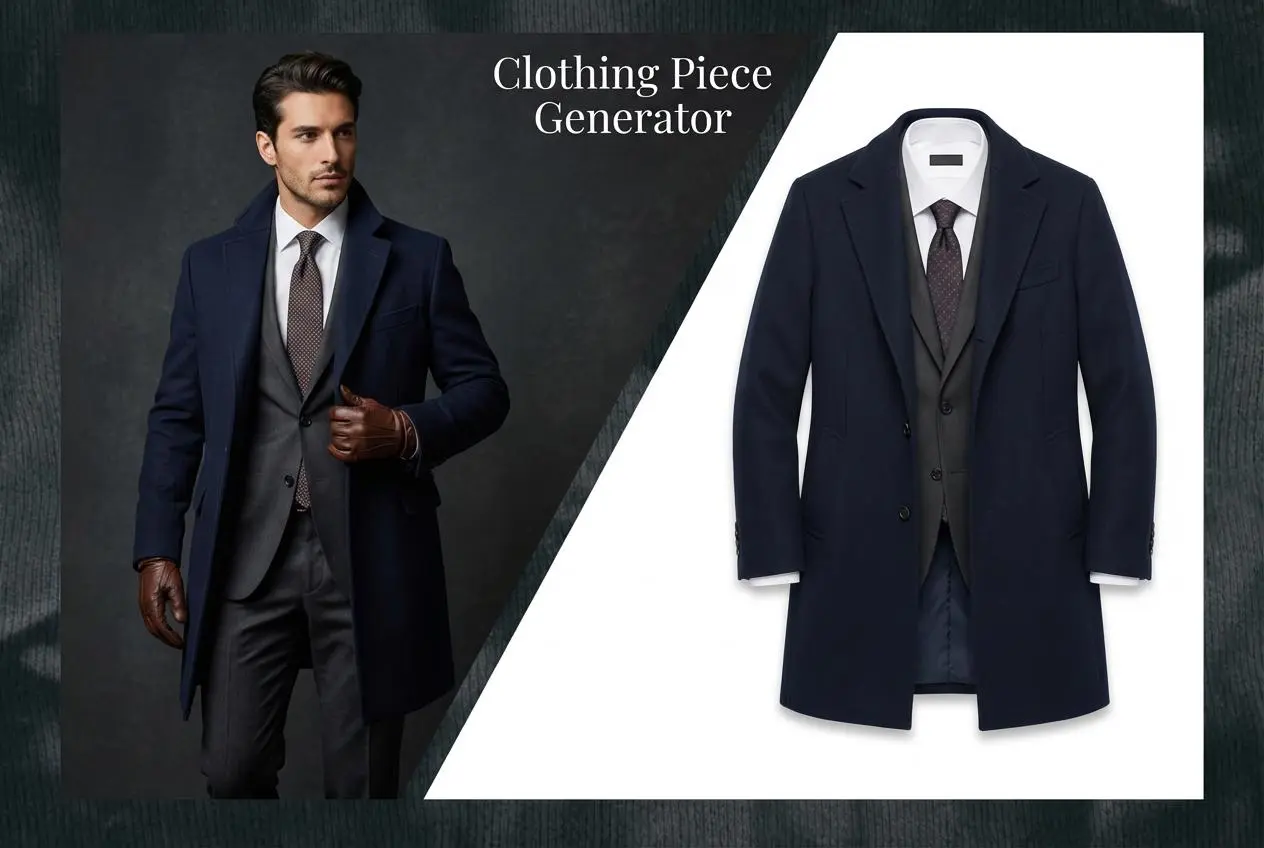
AI Clothing Piece Generator

Create Professional Flatlay Clothing Images From Any Photo or Idea

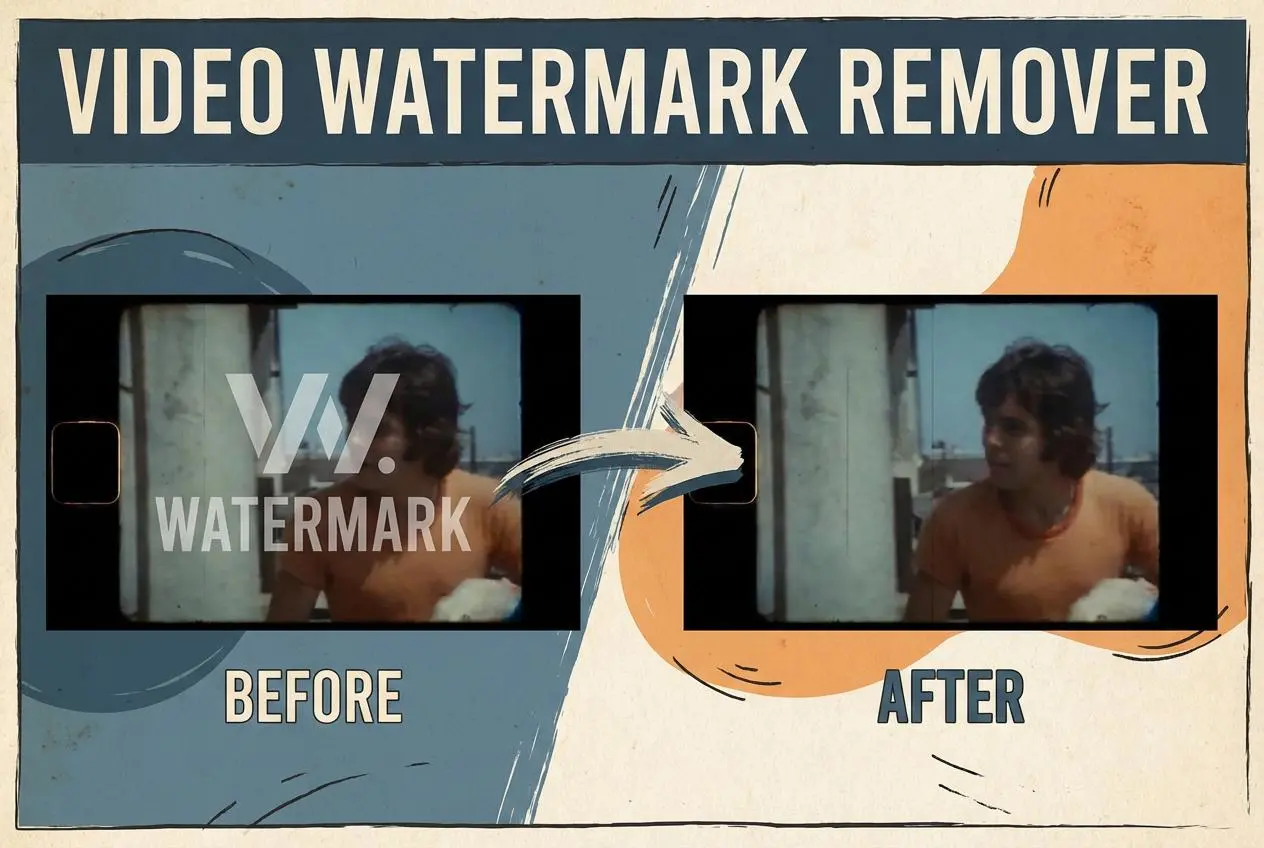
Watermark Video Remover Free Online

Remove Watermark from Video

AI Video Enhancer

Enhance Video Quality Online with AI

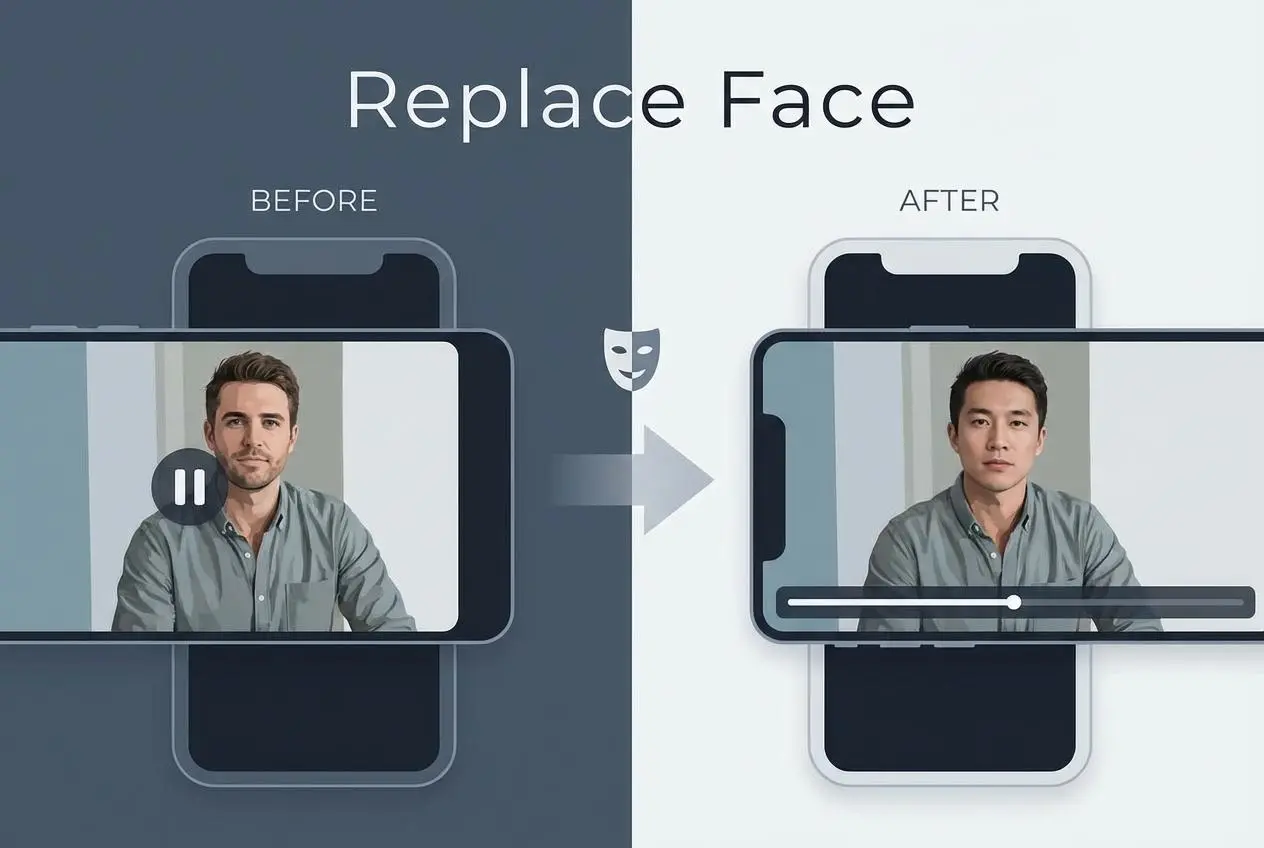
Replace Face in Video Online Free

AI Video Face Swap for Realistic Clips

Seedream 5.0

Try the Latest Smart Image Creation Model Online

Seedance 2.0

A Multi-Modal AI Video Creative Engine for Cinematic Storytelling

Sora 2

Next Generation AI Video Generator with Realistic Physics & Storytelling

Wan AI Video Generator

Advanced AI Image & Video Generation Model

Midjourney Image Generator

Use Midjourney v7 to Create AI-Generated Images

Kling 3.0

AI Director Video Model with 4K Cinematic Storytelling

Kling Motion Control

Create Realistic Motion Videos from Reference Images and Videos

Qwen Image Edit

A Revolutionary Tool for Seamless Image Editing

Z-Image AI Image Generator

Create High-Quality Images from Text Instantly

FireRed Image Edit

Open Source AI Image Editing Model for High Fidelity Edits

Grok Imagine AI Image Generator

Create High-Resolution Images from Text with Aurora AI

Grok Imagine AI Video Generator

Create Cinematic AI Videos with Native Audio & Scene Control

Hailuo AI Video Generator

Create Cinematic AI Videos from Text or Images

Veo 3 AI Video Generator

Create Cinematic Videos from Text or Images

Vidu Q3 AI Video Generator

Create Cinematic Short Videos with Turbo and Pro Modes

Imagen 4

Create Photorealistic Images and Accurate Text Visuals with AI

HiDream AI Image Generator

Create Stunning AI-Generated Images Online

Sulphur2

Create Cinematic AI Videos from Text and Images

idea
helper