





language

English

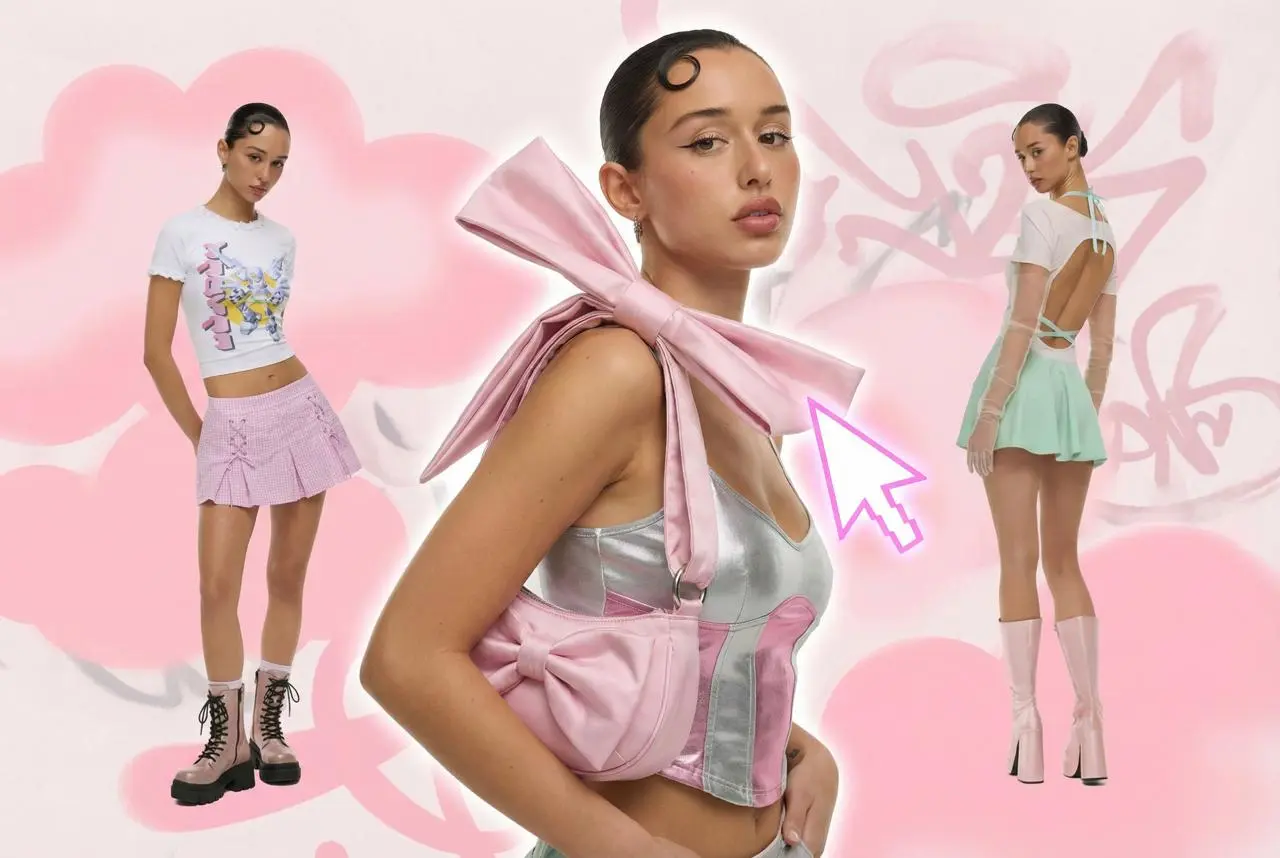
Steal the Look! Click to Replicate it with Your Product!
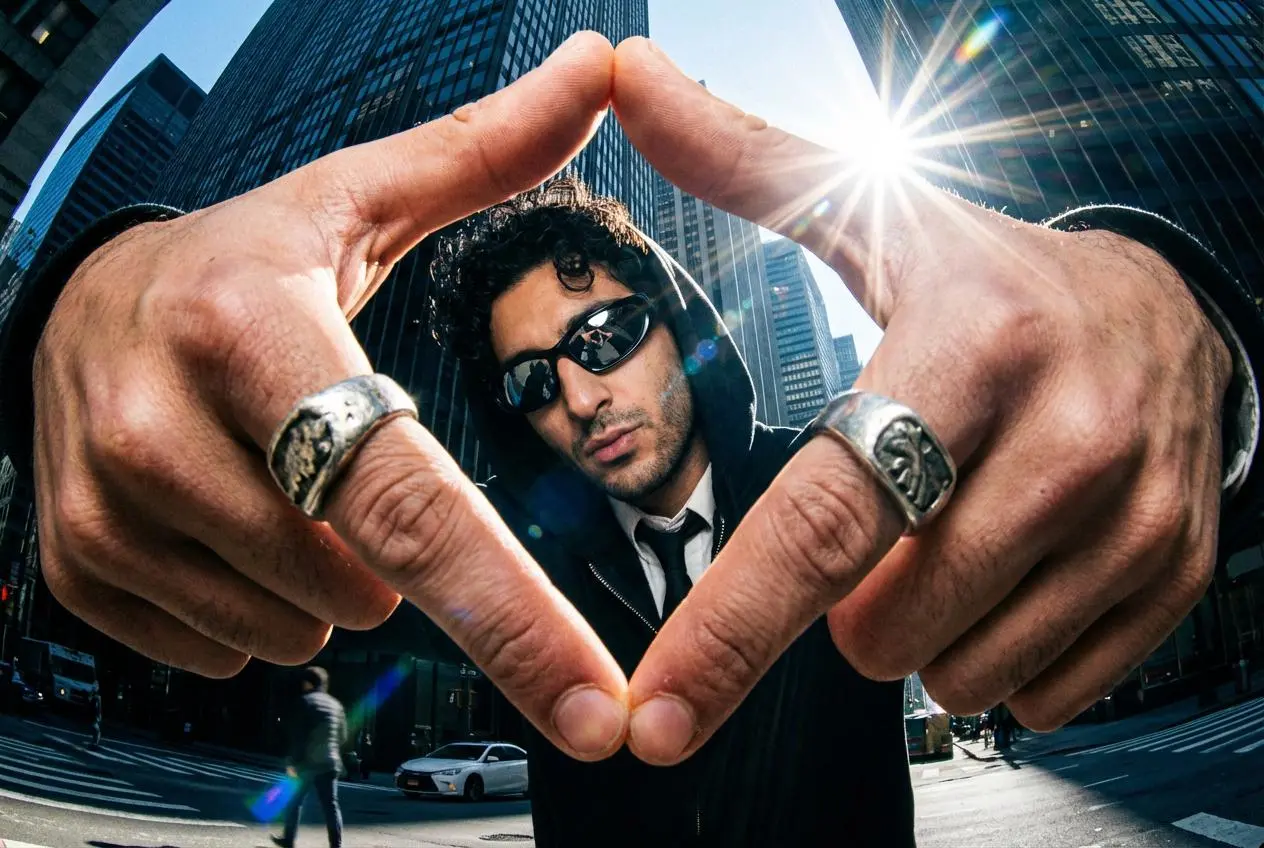
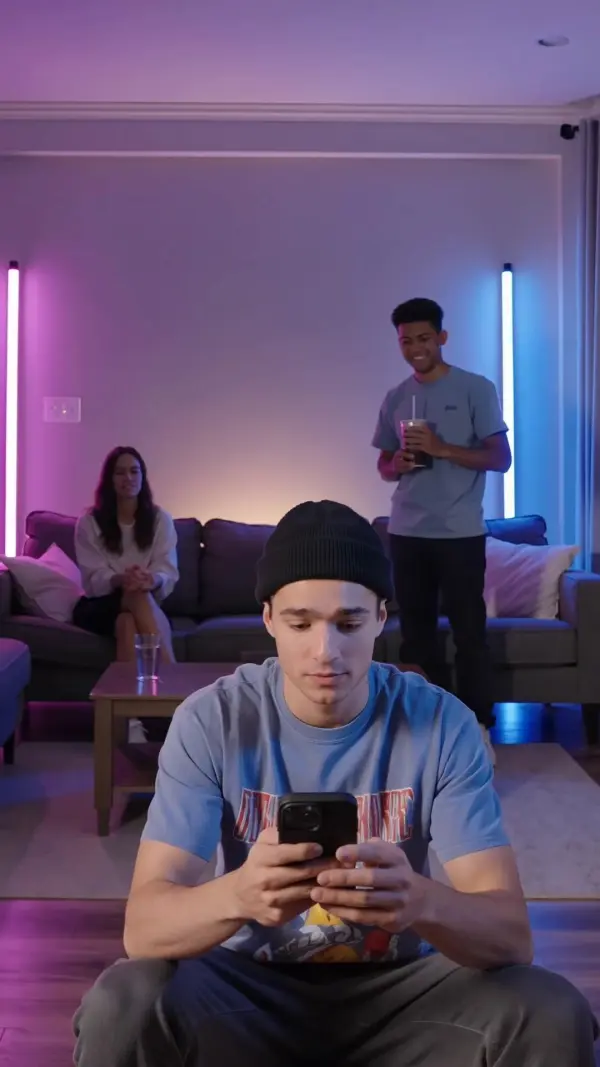
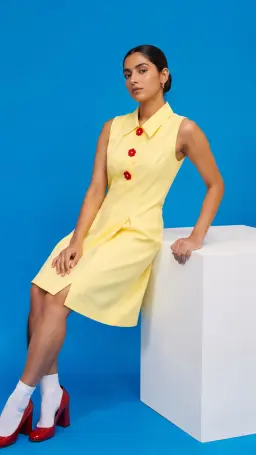
kling v3 omni by weshop aikling v3 omni by weshop ai
kling v3 omni by weshop ai
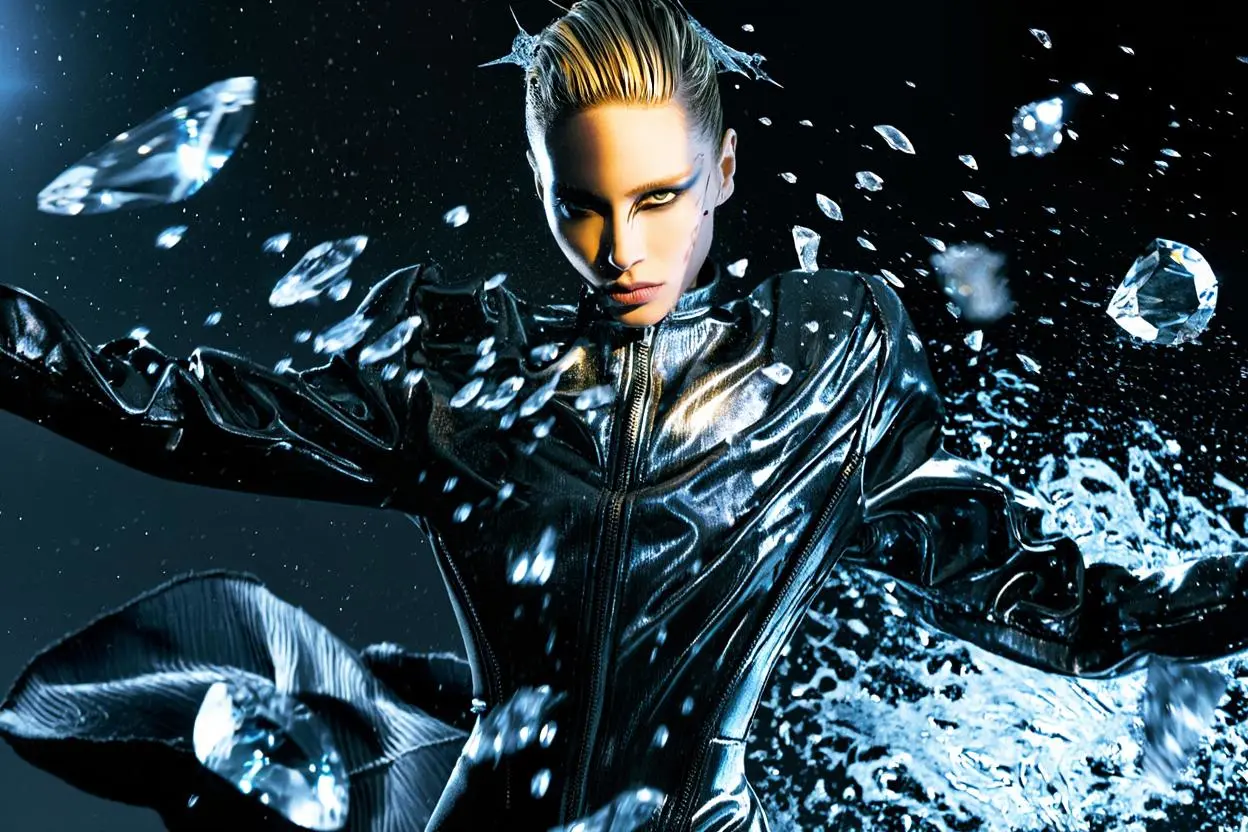
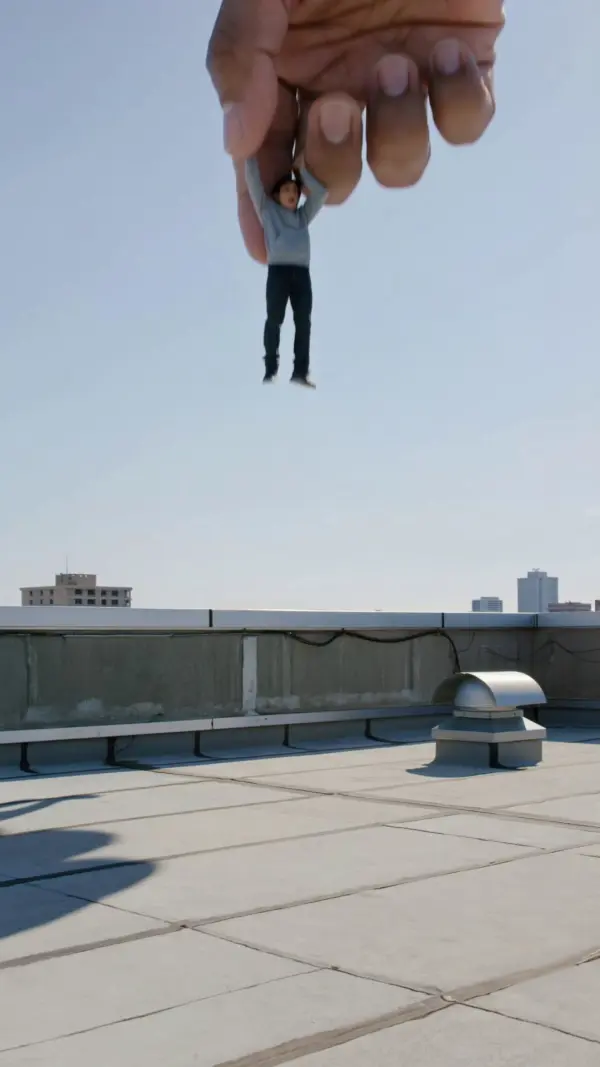
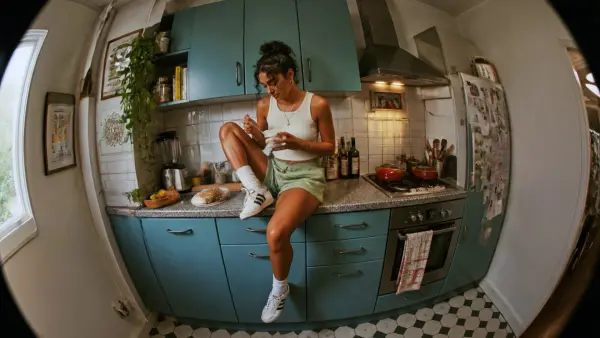
kling v3 omni by weshop aikling v3 omni by weshop ai
kling v3 omni by weshop ai
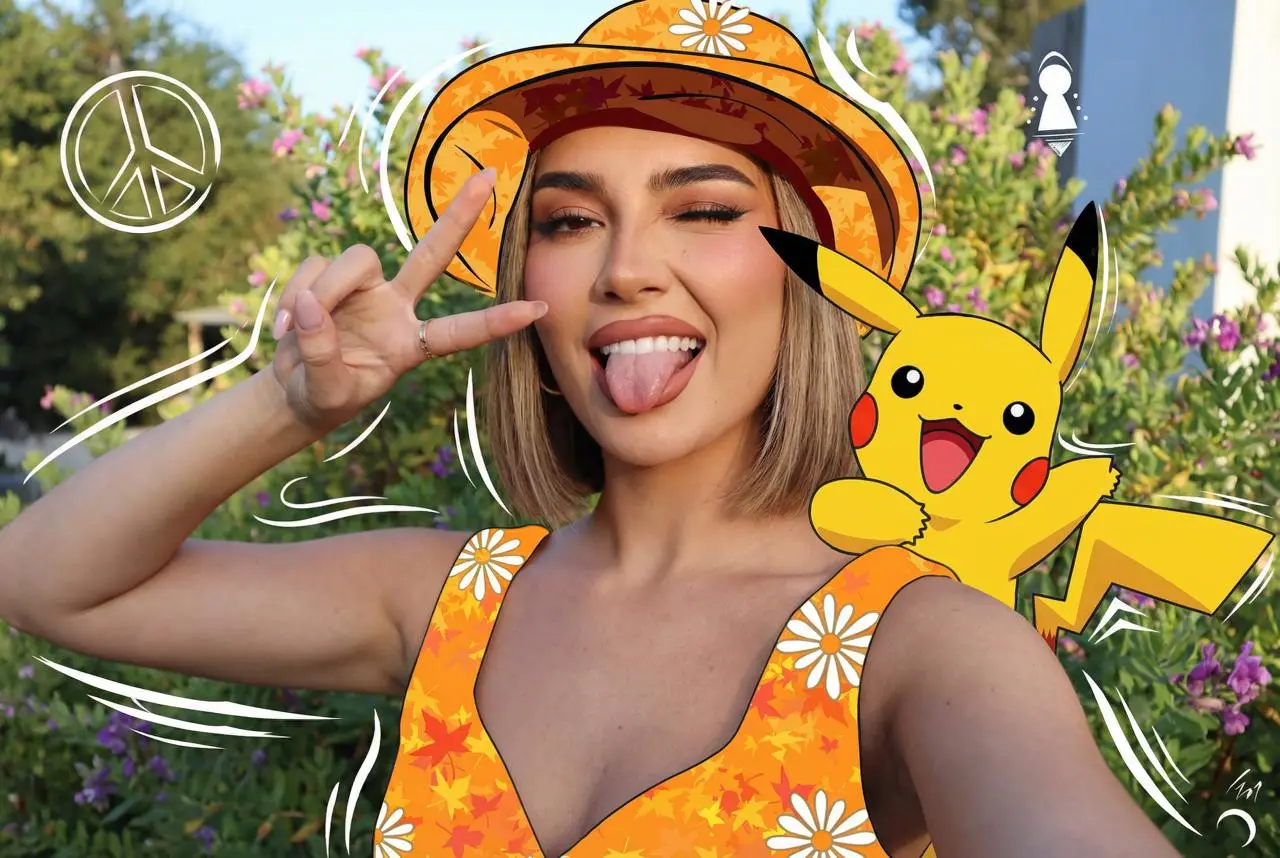
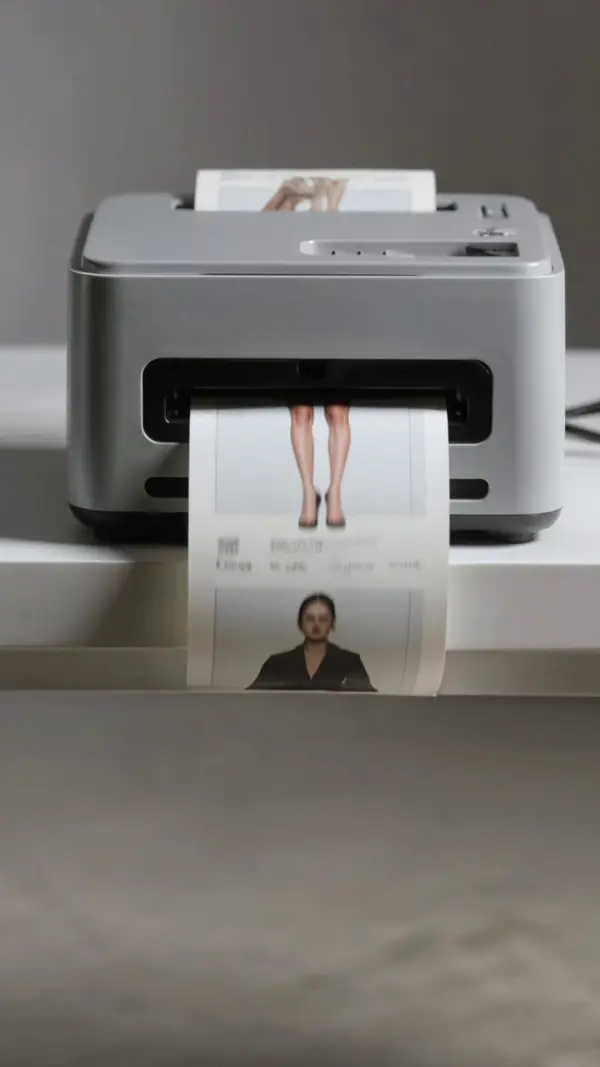
kling v3 omni by weshop aikling v3 omni by weshop ai
kling v3 omni by weshop ai
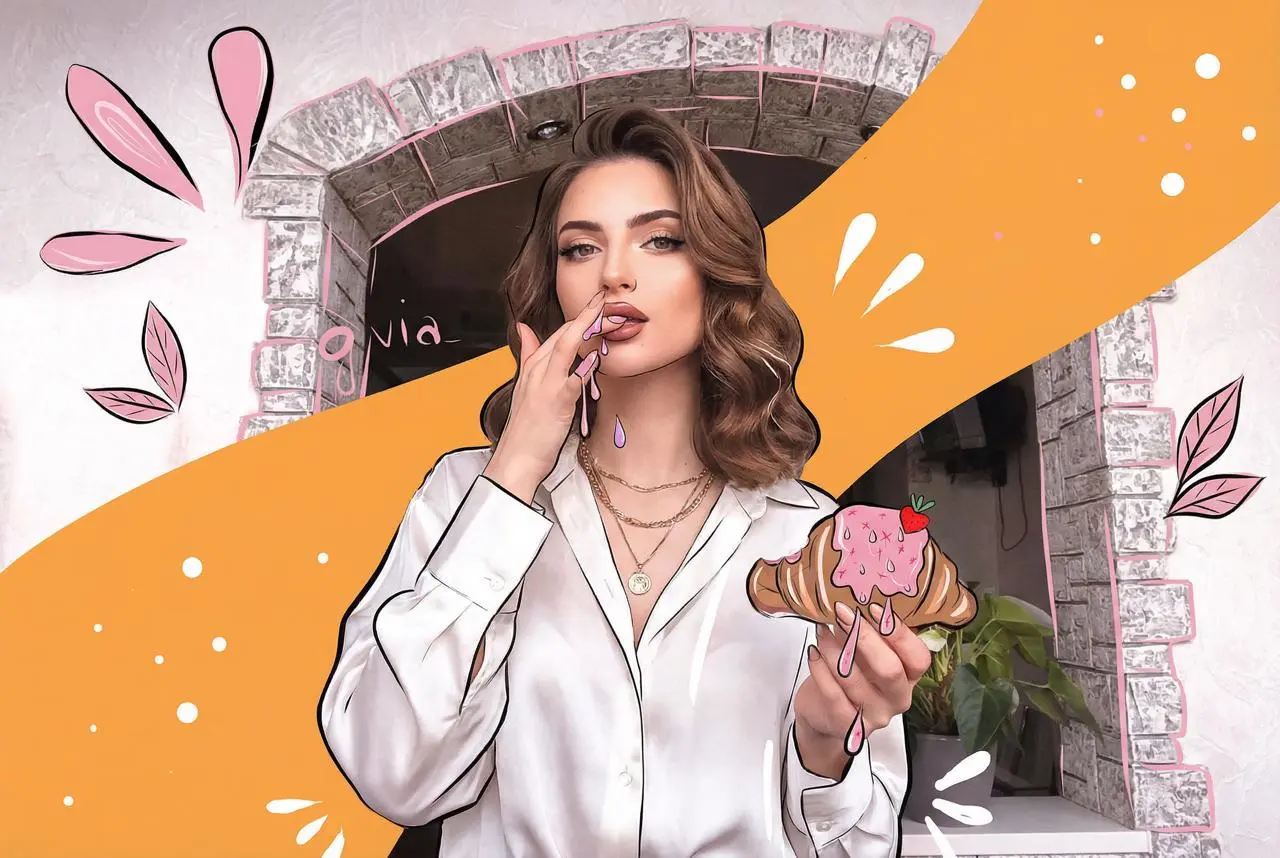
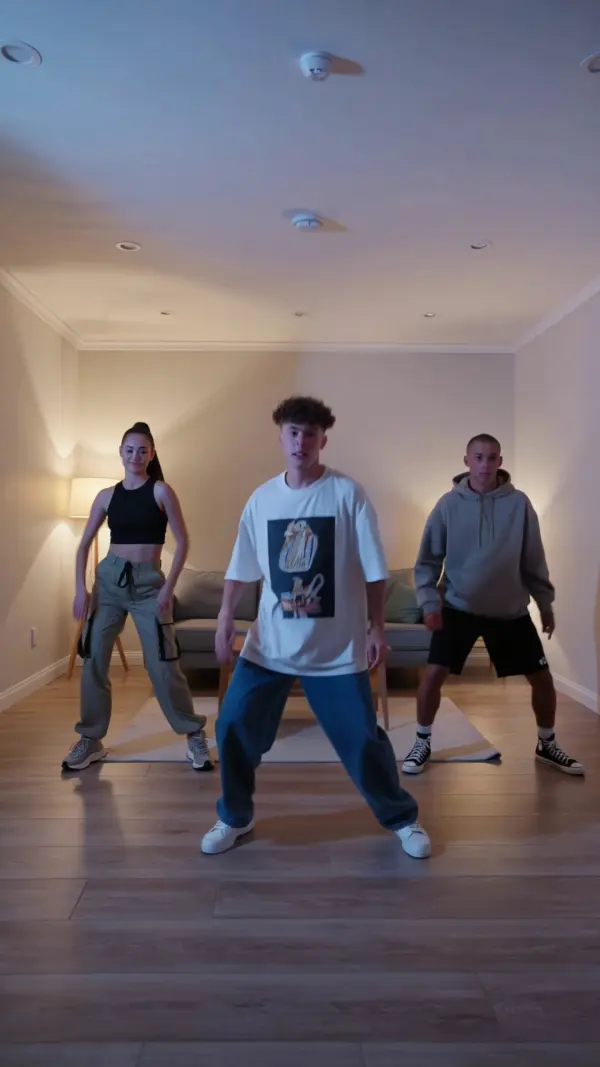
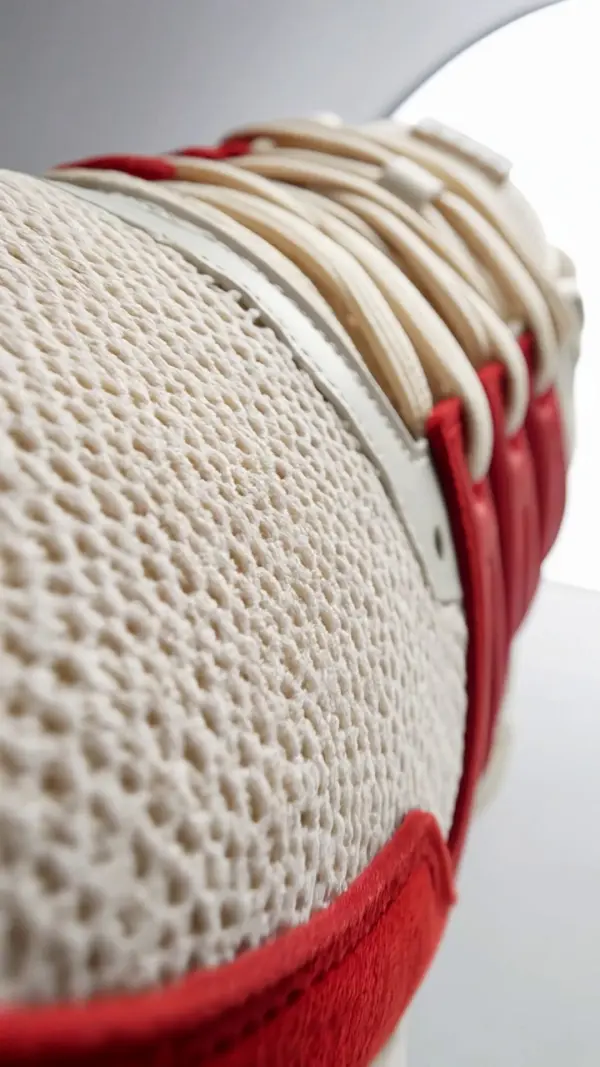
kling v3 omni by weshop aikling v3 omni by weshop ai
kling v3 omni by weshop ai
kling v3 omni by weshop aikling v3 omni by weshop ai
kling v3 omni by weshop ai
kling v3 omni by weshop aikling v3 omni by weshop ai
kling v3 omni by weshop ai
kling v3 omni by weshop aikling v3 omni by weshop ai
kling v3 omni by weshop ai
kling v3 omni by weshop aikling v3 omni by weshop ai
kling v3 omni by weshop ai
kling v3 omni by weshop aikling v3 omni by weshop ai
kling v3 omni by weshop ai

Kling 3.0 Omni – Create Multimodal Videos with Native Audio ---

Kling 3.0 Omni is a unified multimodal AI video generator built for reference-based video creation, voice-driven characters, native audio output, multi-shot storyboarding, and consistent visual storytelling. With text-to-video, image-to-video, video character reference, video input, native lip sync, synchronized dialogue, ambient sound, sound effects, and storyboard-based shot direction, users can create cinematic AI video content from text or image prompts, videos, and audio references in one connected workflow. The model can extract core character traits from references, maintain character identity across videos generated in different scenes, and support multi character scenes with stronger continuity. ---

Real-World Use Cases for Kling 3.0 Omni

Creating Dialogue Scenes with Consistent Characters

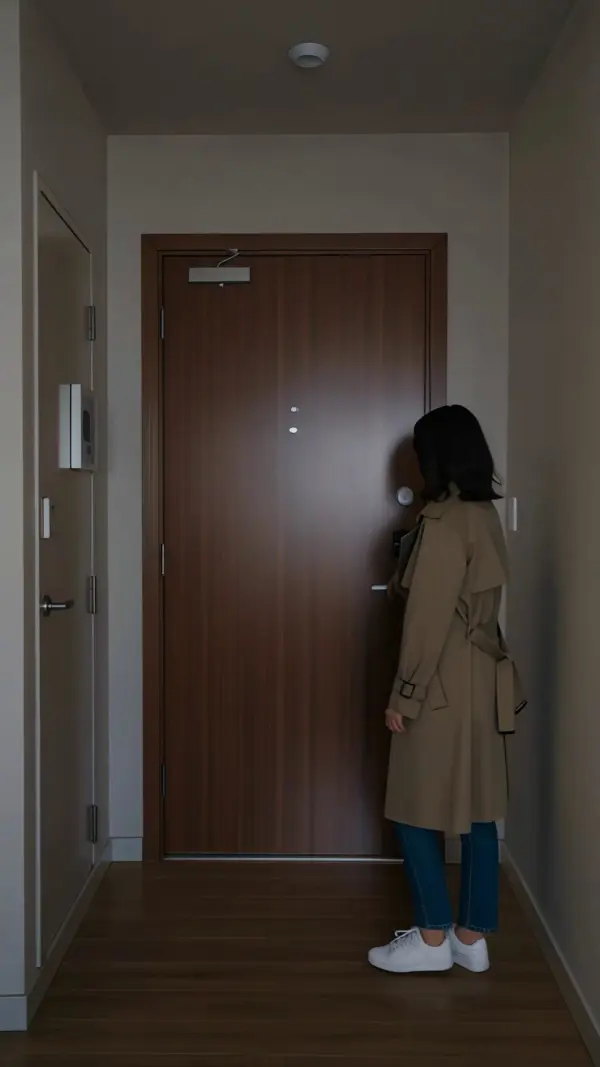
A short film director named Evan Cross wanted to create a cinematic AI video dialogue scene with two recurring characters, but earlier AI video tools often changed faces, voices, and costumes between shots. With Kling 3.0 Omni, he used video character reference, voice clips, and video input to extract core character traits and lock each character’s identity. He then wrote text or image prompts with dialogue, camera movement, sound effects, and scene direction. The videos generated helped him preview multi character scenes, synchronized speech, emotional reactions, native audio output, and cinematic pacing before planning a full production.
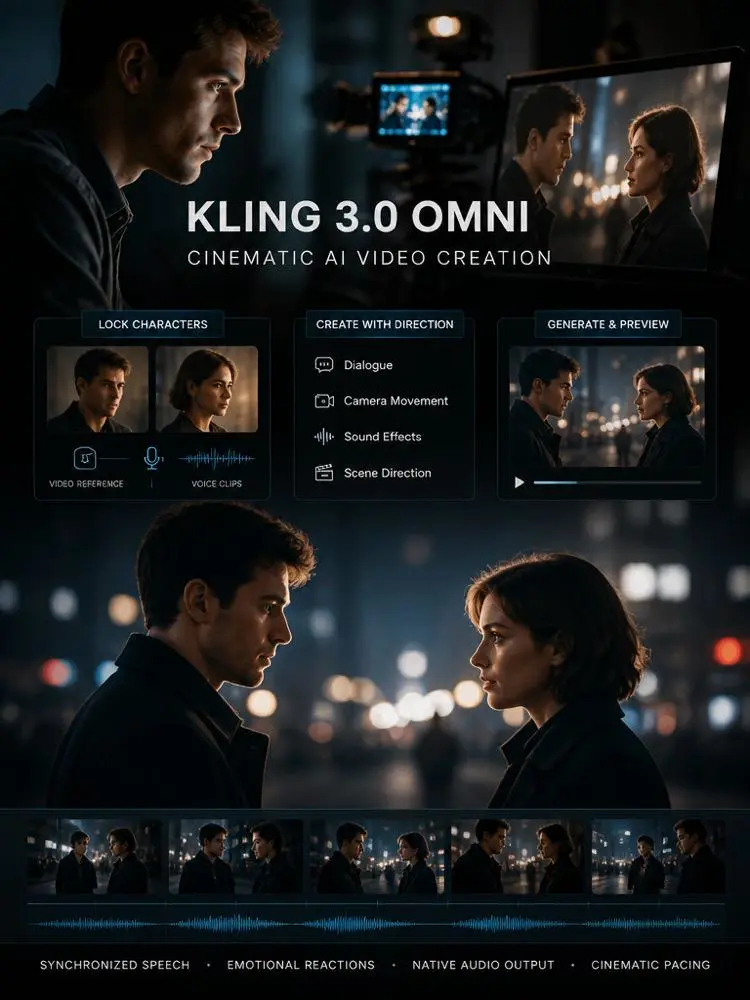
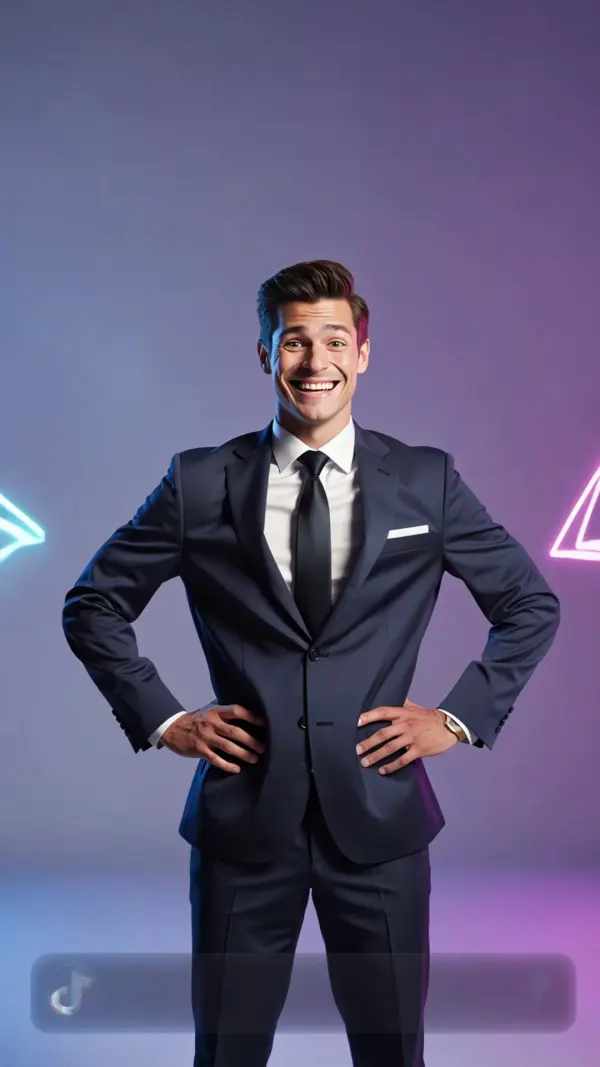
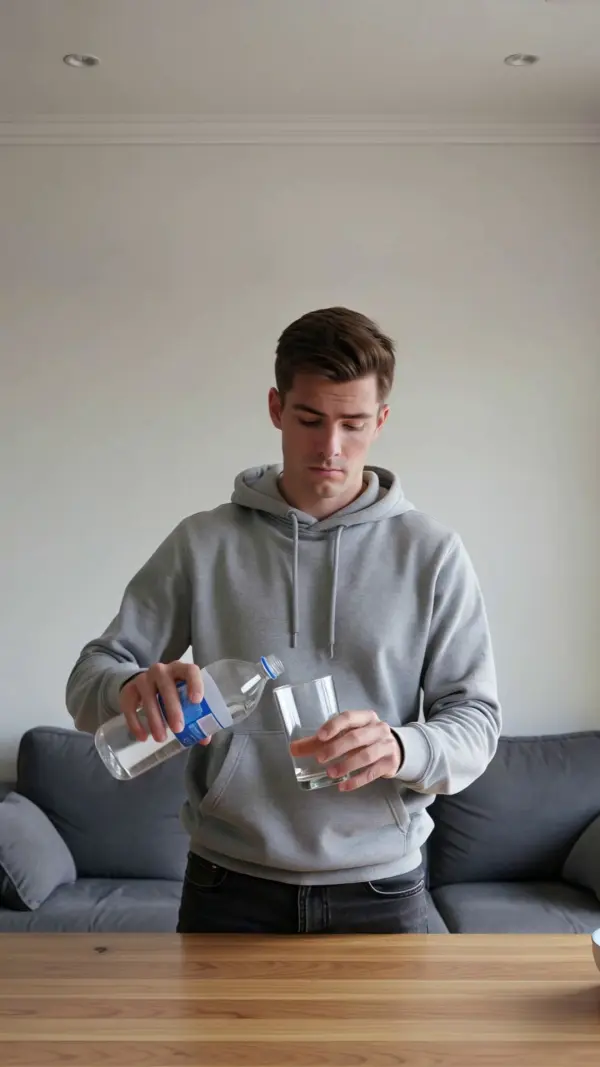
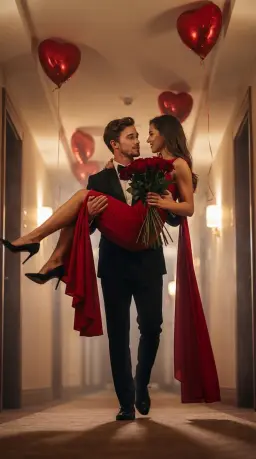
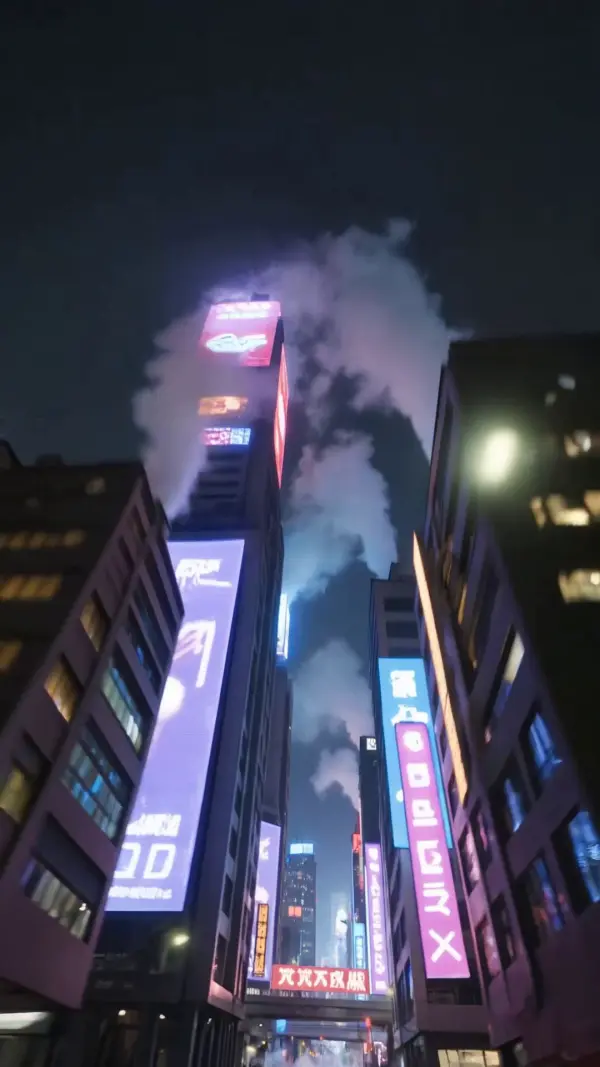
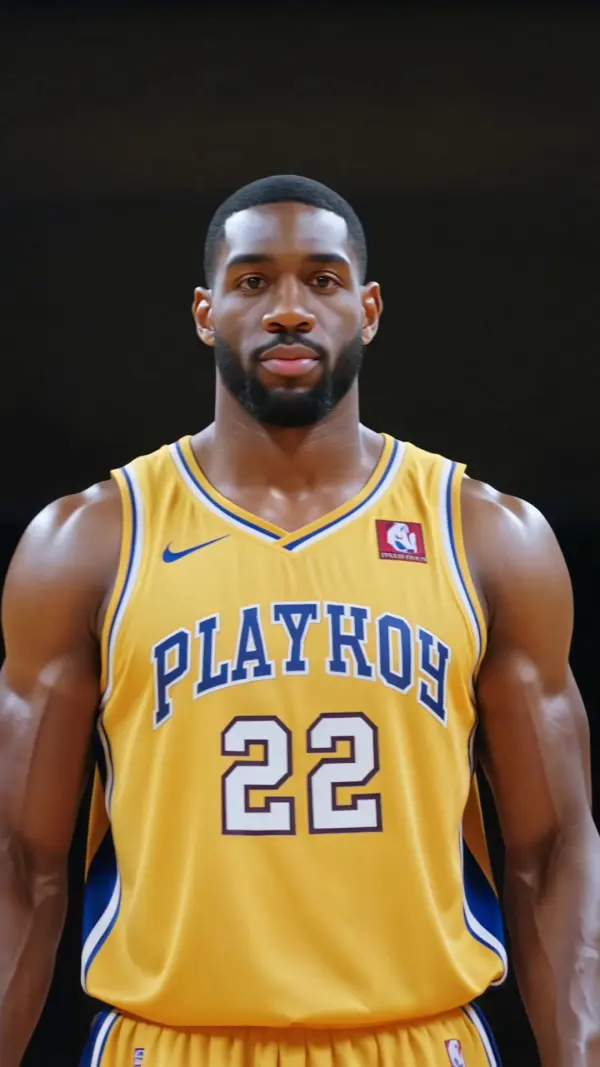
Character video by kling v3 omni

Building Multilingual Marketing Videos

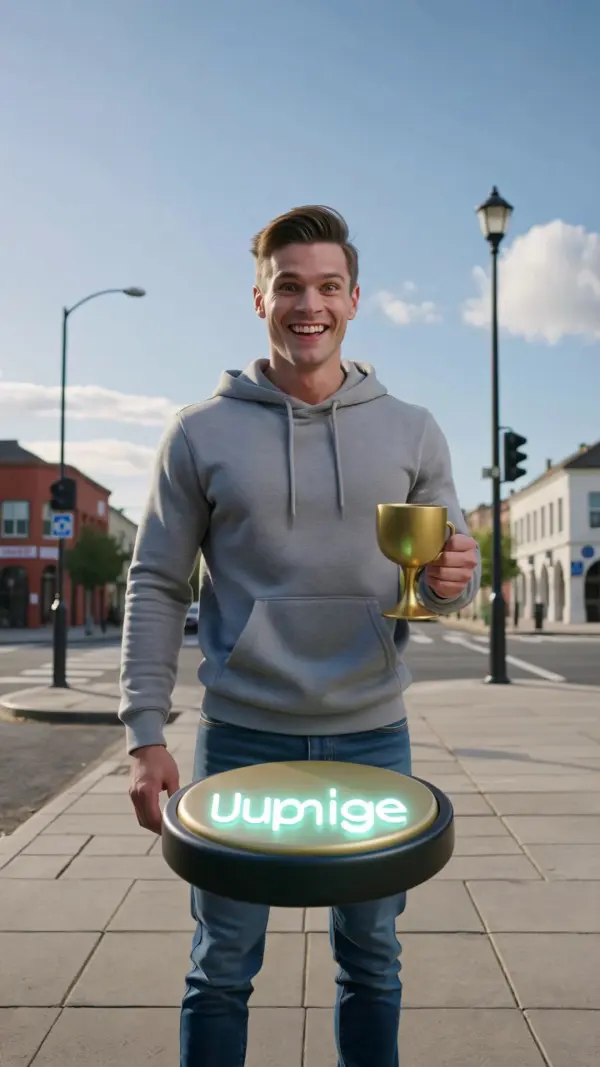
A brand team called Northline Studio needed character video assets and short product videos for different markets. Instead of recording separate voiceovers and manually editing each version, the team used Kling 3.0 Omni to generate videos with native audio output, lip-synced dialogue, sound effects, and consistent product identity. By using reference images, video input, and text or image prompts, they kept core character traits and presenter style stable across videos generated for different languages and campaign angles. This made it easier to create localized marketing videos, multi character scenes, ecommerce content, and longer video generation workflows for social media, product pages, and advertising campaigns.
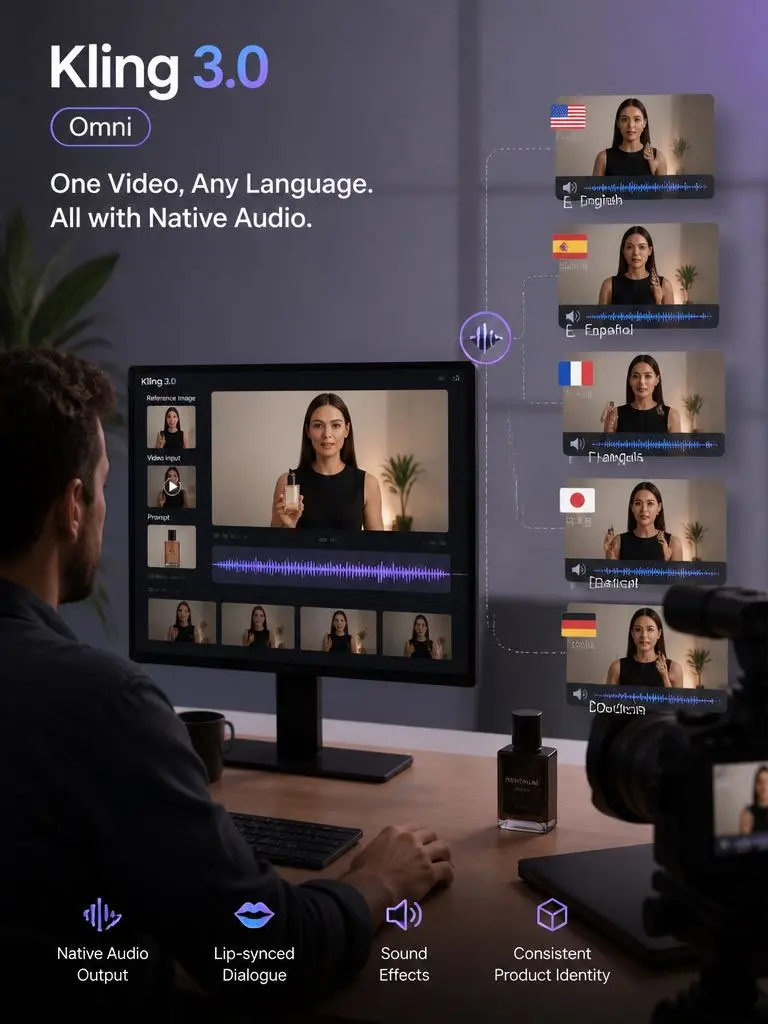
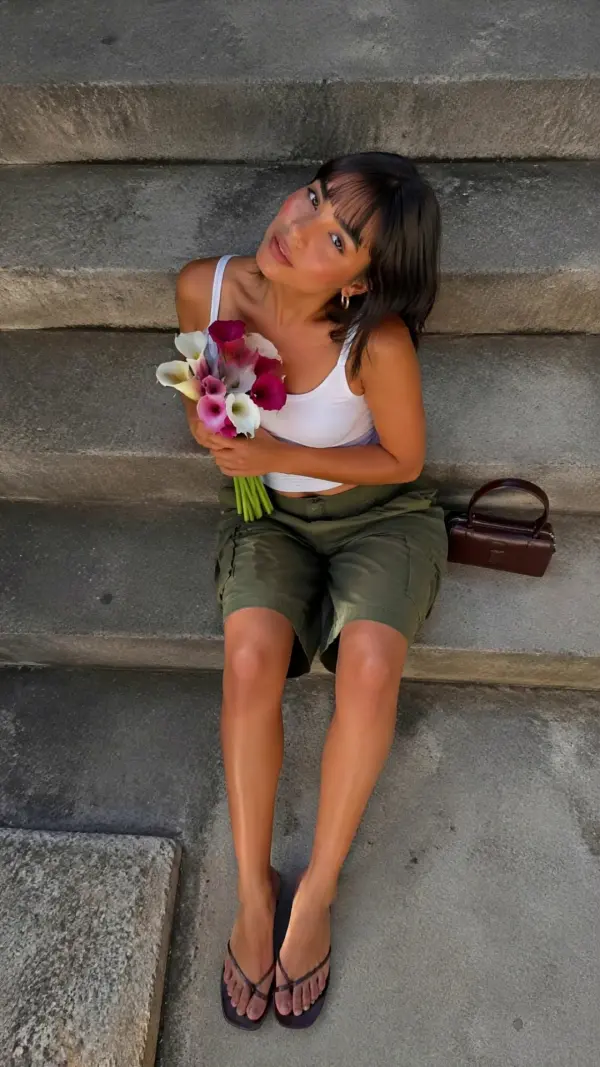
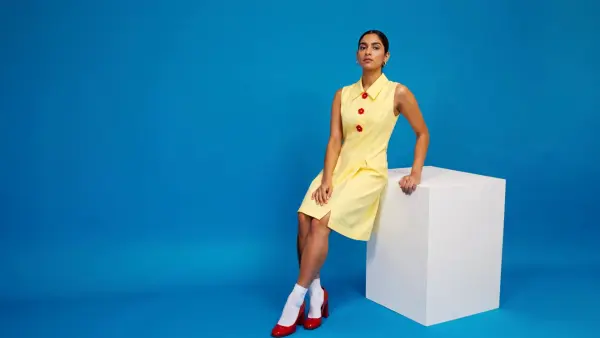
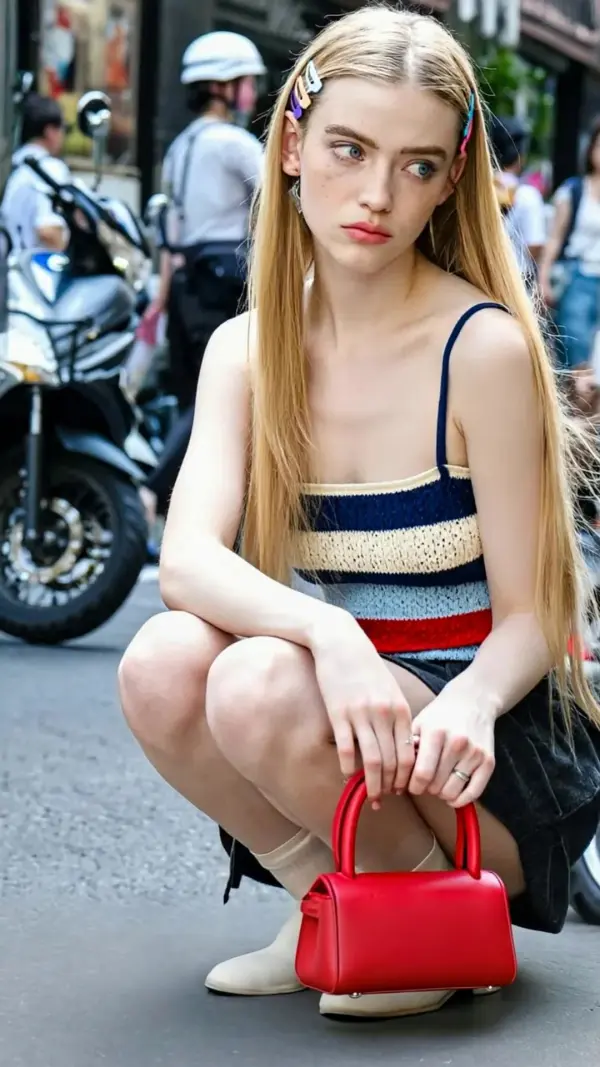
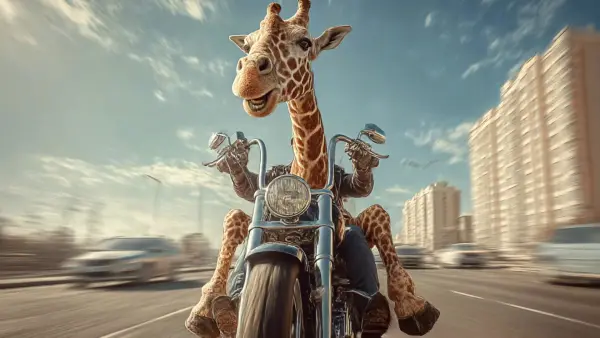
Marketing Video by kling v3 omini
Previous
Next

Key Features of Kling 3.0 Omni AI Video Generator

Unified Multimodal Video Generation

Kling 3.0 Omni uses a unified model and single architecture to bring text, images, videos, audio, and character references into one streamlined workflow. Users can start with text instructions, upload a start frame, add video input, or combine references for precise control. This helps creators generate cinematic scenes, stylized visuals, and smooth motion without switching tools.

Native Audio and Lip Sync

Kling 3.0 Omni supports native audio output, allowing video, dialogue, ambient sound, sound effects, and character speech to be created in a single pass. Instead of adding audio after generation, users can guide the original voice, lip sync, and emotional delivery directly through prompts. This makes character video creation faster, cleaner, and more complete.

Voice-Driven Character Consistency

With reference images, video character reference, and voice clips, Kling 3.0 Omni can create consistent characters across scenes. The model can extract core character traits, preserve visual identity, and maintain the original voice in videos generated from different prompts. Element consistency helps keep faces, clothing, voices, and character details stable across multi shot narratives.

Multi-Shot Storyboard Control

Kling 3.0 Omni gives creators stronger motion control for multi shot narratives, storyboards, trailers, ads, and cinematic sequences. Users can define aspect ratio, close up shots, camera movement, timing, dialogue, and narrative content for each scene. Pro Mode can support more precise control, helping creators build longer video generation workflows with better pacing.

Reference-Based Video Creation

Users can upload product visuals, character designs, scene references, start frame images, or short video clips to guide a single generation. Kling 3.0 Omni uses these references to preserve specific elements such as faces, outfits, objects, logos, environments, and visual identity. This makes it useful for brand campaigns, character stories, and commercial video concepts. ---

What You Can Do with Kling 3.0 Omni

Generate Videos from Text Prompts

Use Kling 3.0 Omni to create cinematic videos from detailed text instructions. Describe the subject, start frame, action, camera movement, close up shot, sound effects, lighting, and emotional tone. The unified model can produce smooth motion, stylized visuals, and synchronized audio, making it useful for social clips, product stories, and creative experiments.

Build Multi-Shot Storyboards

Use multi-shot storyboarding to plan video scenes with director-level structure. Define each shot with aspect ratio, duration, camera angle, shot size, dialogue, transition style, and narrative content. Kling 3.0 Omni supports multi character coreference, helping creators maintain character relationships, visual identity, and story flow across multi shot narratives in one streamlined workflow.

Add Dialogue, Sound, and Atmosphere

Kling 3.0 Omni can generate dialogue, ambient sound, sound effects, and native audio output together with video in a single pass. Users can describe the original voice, emotional delivery, background atmosphere, or character speech through text instructions. This reduces separate dubbing work and helps create complete audiovisual scenes with stronger element consistency.

Edit Existing Videos with Prompts

Creators can refine existing videos by describing specific elements they want to adjust, such as a character detail, background, object, lighting, camera feel, or motion control. The model can support targeted changes without rebuilding every scene manually. This makes it easier to test stylized visuals, improve product ads, and refine social content.

Create Commercial Video Content

Brands and teams can use Kling 3.0 Omni for ecommerce ads, product videos, explainers, branded stories, and commercial campaigns. Its single architecture supports text, image, video, and audio references in one streamlined workflow. Character consistency, native audio output, aspect ratio control, and visual identity preservation help teams produce polished videos for different markets. ---
Frequently Asked Questions About Kling 3.0 Omni

What is Kling 3.0 Omni?

Kling 3.0 Omni is a unified multimodal AI video model designed to generate and edit videos using text, images, videos, audio, and references. It supports native audio, character consistency, reference-based generation, multi-shot storyboarding, and targeted video editing.

How is Kling 3.0 Omni different from a basic AI video generator?

A basic AI video generator usually focuses on text-to-video or image-to-video. Kling 3.0 Omni combines multiple input types, native audio generation, voice-driven characters, reference control, multi-shot storyboarding, and video editing into one unified workflow.

Does Kling 3.0 Omni support native audio?

Yes. Kling 3.0 Omni is designed to generate video and audio together, including dialogue, ambient sound, and synchronized speech. This helps reduce the need for separate voiceover recording, dubbing, and audio post-production.

Can Kling 3.0 Omni keep the same character across scenes?

Yes. Users can use reference images, video references, and voice clips to help preserve character identity across multiple shots. This is useful for recurring characters, virtual presenters, brand mascots, story videos, and multi-scene advertising content.

What is multi-shot storyboarding?

Multi-shot storyboarding lets users describe several shots inside one video concept. Users can define shot duration, camera angle, shot size, character action, dialogue, and transitions. This helps create more structured videos with stronger pacing and cinematic flow.
Can I edit existing videos with Kling 3.0 Omni?

Yes. Kling 3.0 Omni can support prompt-based video editing, allowing users to modify selected elements, refine visual details, change scenes, or extend shots without recreating the entire video from the beginning.
What can I create with Kling 3.0 Omni?

You can create cinematic clips, social media videos, dialogue scenes, product ads, ecommerce videos, explainer videos, educational content, AI presenter videos, multilingual marketing videos, brand mascot clips, short films, trailers, and storyboard previews.

Is Kling 3.0 Omni useful for marketing?

Yes. Kling 3.0 Omni is useful for marketing because it supports consistent characters, product references, native audio, multilingual dialogue, and multiple video variations. Brands can use it for social ads, product launches, ecommerce pages, campaign testing, and branded storytelling.

Can I use Kling 3.0 Omni for commercial projects?

Commercial use depends on the platform, subscription plan, model terms, source assets, voice rights, music rights, and final export policy. For safer use, upload content you own or have permission to use, and review the commercial licensing terms before publishing.
---

Explore More AI Tools

Our new Virtual Try-On just launched. Try it now!
close

HappyHorse AI Video Generator

Create Cinematic Text-to-Video and Image-to-Video Content

GPT Image 2 AI Image Generator

Create High Quality Images, Text Rich Visuals, and Product Photography

Nano Banana

Google's Next-Gen AI Image Model for Instant Professional Creativity

AI Video Generator

Turn Images into Stunning AI Videos for Free

Virtual Try-On

Try On Clothes Online with AI Virtual Try Technology

Swap Model & BG

Realistic Model & Background Swapping Online with AI

AI Fashion Model

Showcase clothing with a variety of models

AI Product

Create stunning product images with few clicks from anywhere

Face Forge

AI Face Morph & Face Swap Generator Online

Product Recoloring

Recolor Image Online Free - Color Changer in WeShop AI

To Mannequin

Convert real model photos into mannequin displays

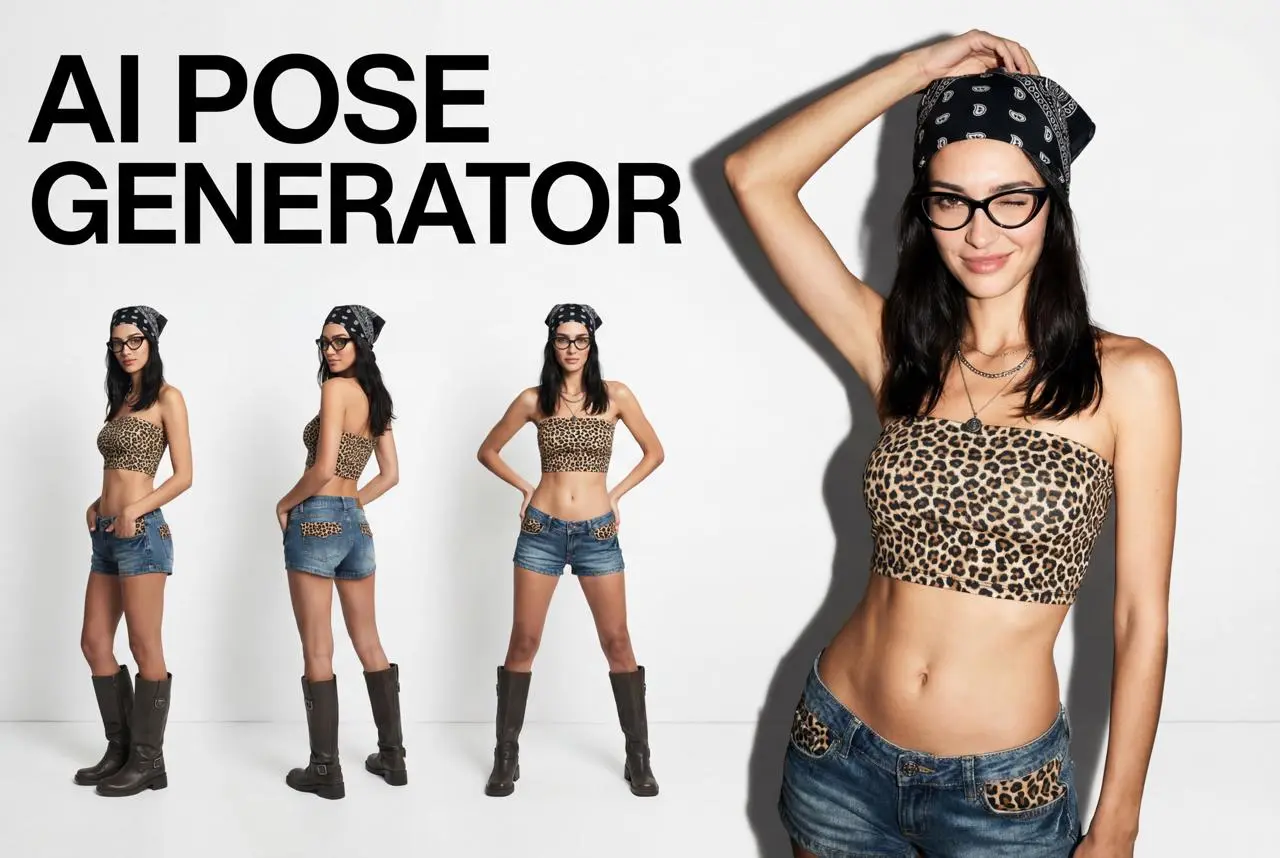
Change Pose

Change poses, switch between various model poses, making the clothing display more natural

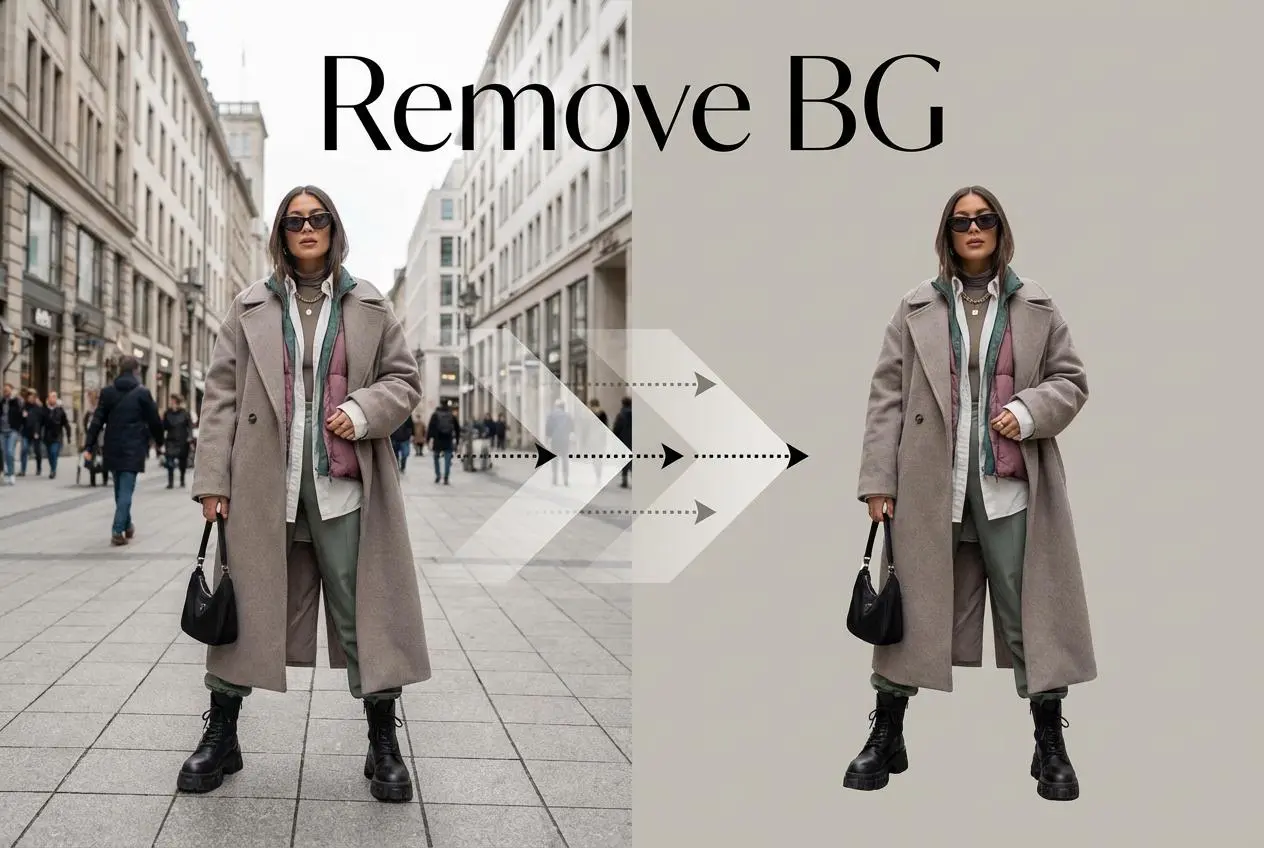
Remove Background

Removing background with lightning speed and ease

AI Photo Enhancer

Enhance Photo Quality Online with Free AI

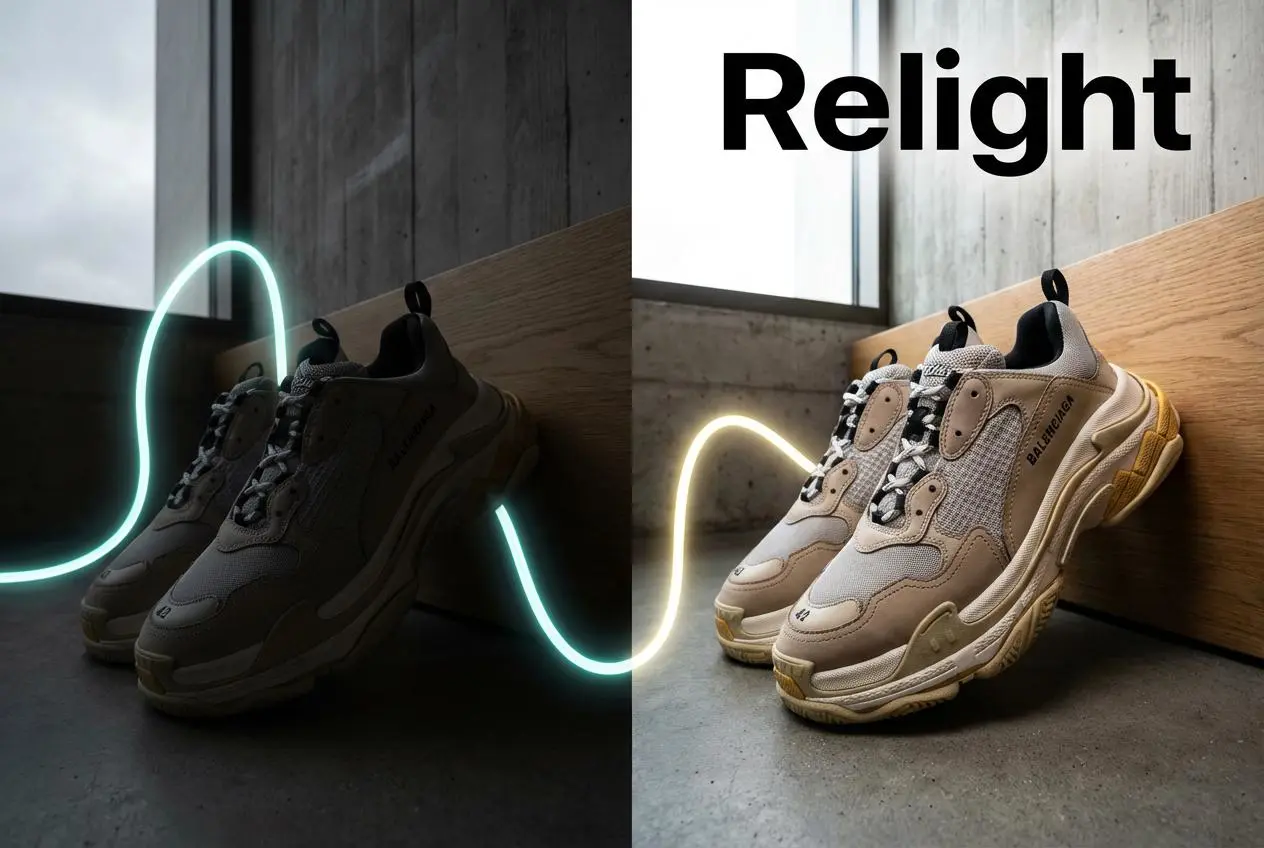
Relight

Relight your images automatically and efficiently

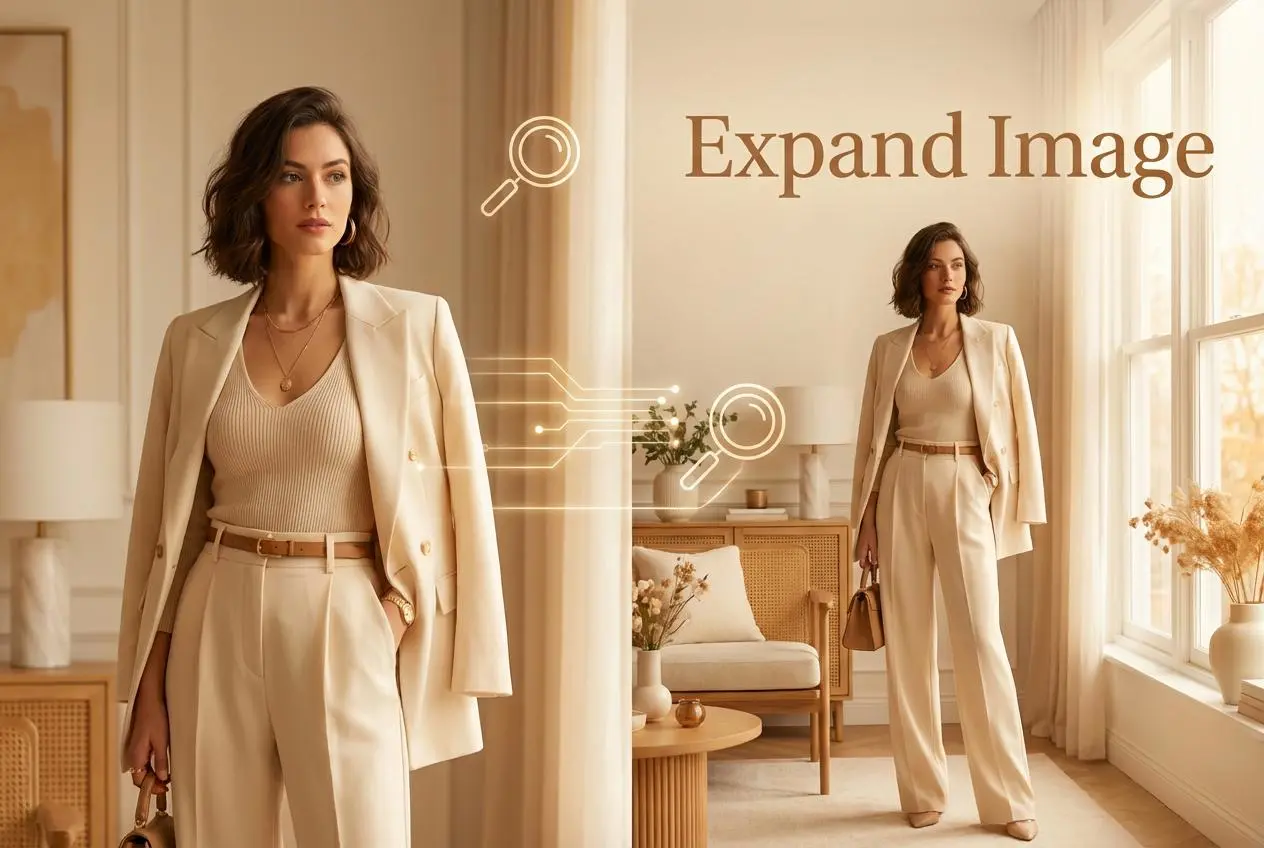
Expand Image

Expand images & backgrounds to fit any platform

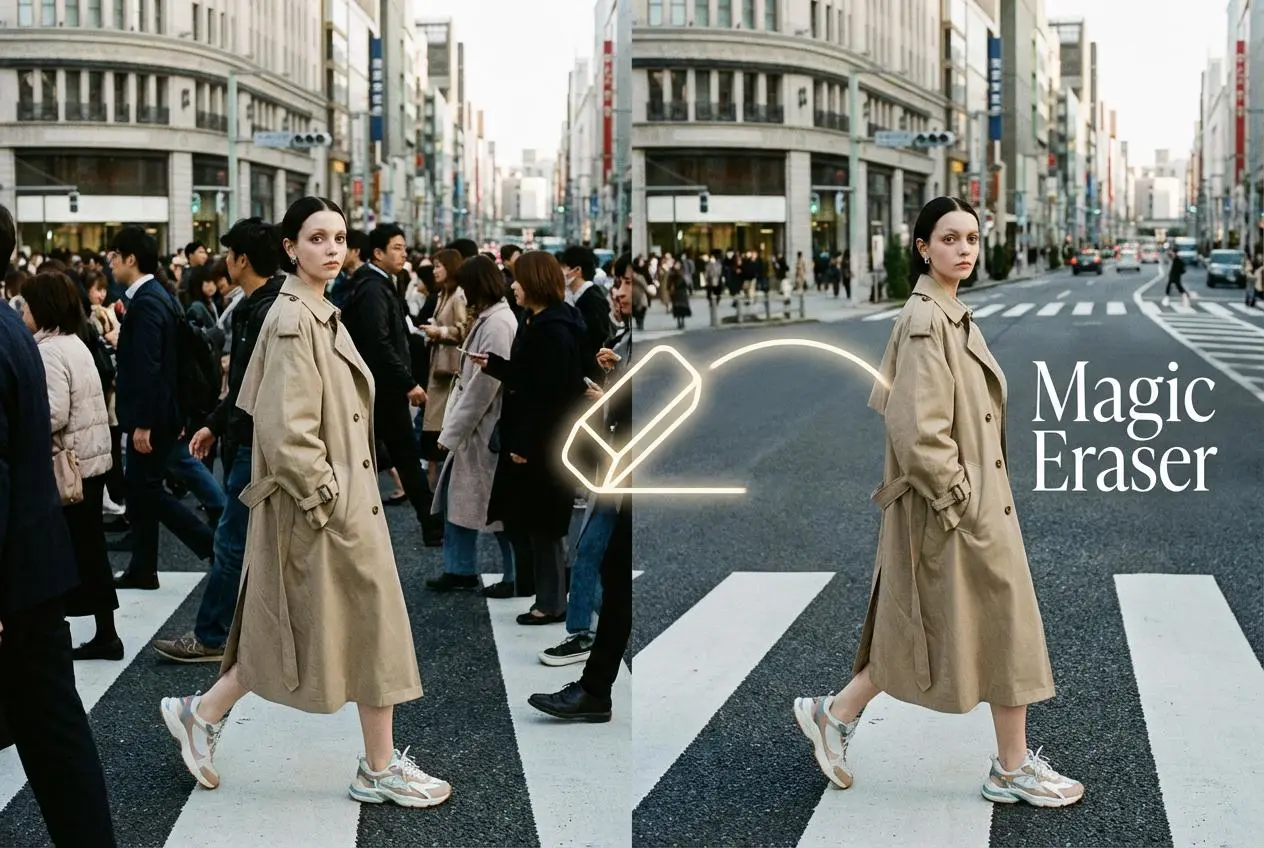
Magic Eraser

Remove unwanted objects from your photos with AI

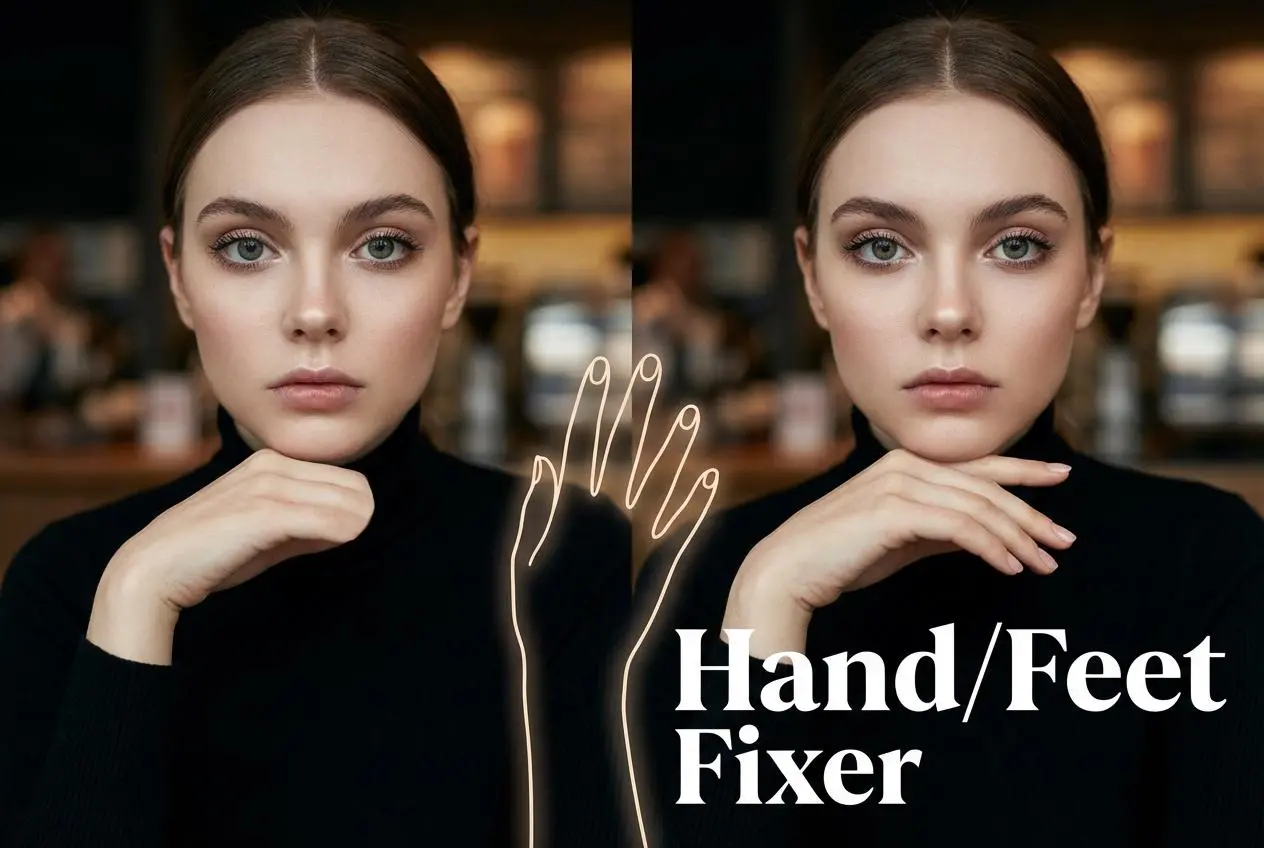
Hand/Feet Fixer

Regenerate natural-looking hands and feet in AI-generated images

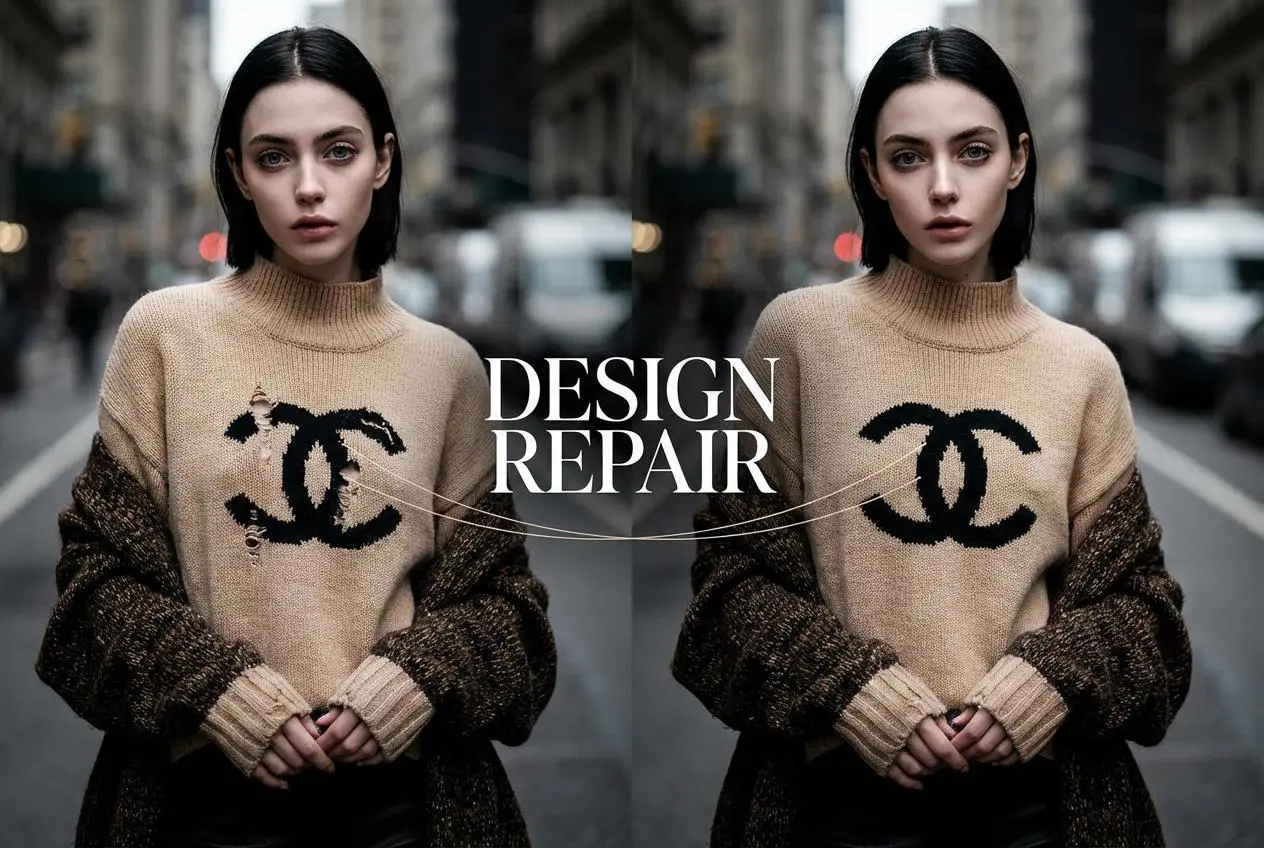
Design Repair

Upload an image, highlight the area you wish to fix, and upload a target reference image

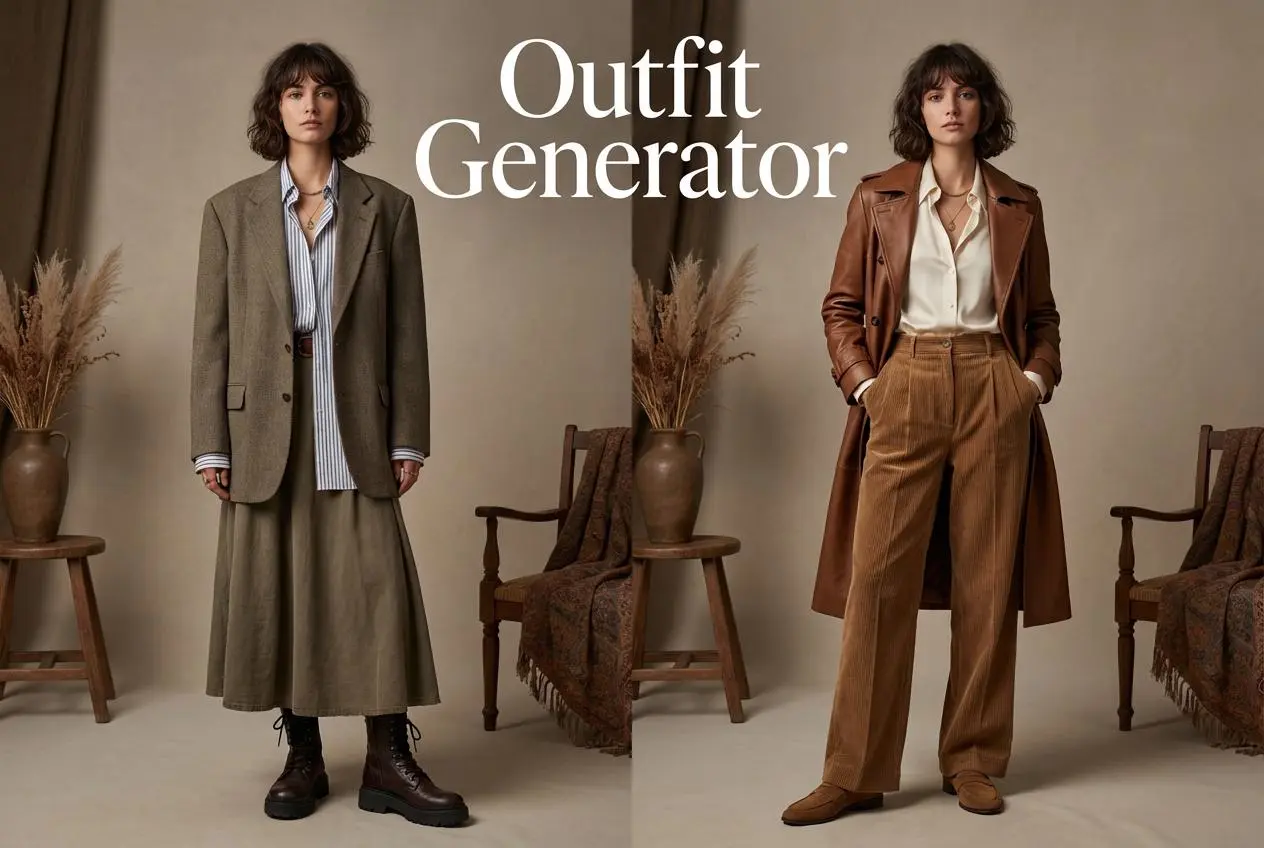
Outfit Generator

Create AI clothes styling from any model photo, garment, or style prompt.

Video Agent

Create and publish videos from a photo or description—instantly, in any style.

AI Clothing Piece Generator

Create Professional Flatlay Clothing Images From Any Photo or Idea

Watermark Video Remover Free Online

Remove Watermark from Video

AI Video Enhancer

Enhance Video Quality Online with AI

Replace Face in Video Online Free

AI Video Face Swap for Realistic Clips

Seedream 5.0

Try the Latest Smart Image Creation Model Online

Seedance 2.0

A Multi-Modal AI Video Creative Engine for Cinematic Storytelling

Sora 2

Next Generation AI Video Generator with Realistic Physics & Storytelling

Wan AI Video Generator

Advanced AI Image & Video Generation Model

Midjourney Image Generator

Use Midjourney v7 to Create AI-Generated Images

Kling O1 AI Video Generator

Create Cinematic Videos with Omni One Control

Kling 3.0

AI Director Video Model with 4K Cinematic Storytelling

Kling Motion Control

Create Realistic Motion Videos from Reference Images and Videos

Qwen Image Edit

A Revolutionary Tool for Seamless Image Editing

Z-Image AI Image Generator

Create High-Quality Images from Text Instantly

FireRed Image Edit

Open Source AI Image Editing Model for High Fidelity Edits

Grok Imagine AI Image Generator

Create High-Resolution Images from Text with Aurora AI

Grok Imagine AI Video Generator

Create Cinematic AI Videos with Native Audio & Scene Control

Hailuo AI Video Generator

Create Cinematic AI Videos from Text or Images

Veo 3 AI Video Generator

Create Cinematic Videos from Text or Images

Vidu Q3 AI Video Generator

Create Cinematic Short Videos with Turbo and Pro Modes

Imagen 4

Create Photorealistic Images and Accurate Text Visuals with AI

HiDream AI Image Generator

Create Stunning AI-Generated Images Online

Sulphur2

Create Cinematic AI Videos from Text and Images

idea
helper