language

English

Steal the Look! Click to Replicate it with Your Product!

Runway Gen 4 AI Video Generator - Create Consistent AI Videos Online

Runway Gen-4 is an advanced AI video generation model designed to help creators turn text prompts, reference images, character ideas, product concepts, visual storyboards, campaign briefs, cinematic scenes, and image-to-video inputs into highly consistent AI-generated videos. With prompt-based video generation, reference image control, world consistency, character consistency, object consistency, scene continuity, cinematic camera movement, realistic motion, image-to-video generation, text-to-video workflows, multi-shot storytelling, aspect ratio control, visual style guidance, product video generation, social media video creation, and professional creative iteration, users can create AI short films, brand ads, product launch videos, cinematic B-roll, social media reels, music video concepts, fashion lookbook clips, film previsualization, concept trailers, visual effects shots, animated story scenes, and marketing videos without traditional filming, 3D animation, or a large production crew.

Real-World Uses of Runway Gen-4

Creating a Consistent Brand Campaign Video

A creative director named Sophia Miller needed a short campaign video for a new skincare product. The team already had product photos, mood boards, and a visual style guide, but they needed fast video concepts before booking a shoot. Using Runway Gen-4, Sophia guided the scene with reference images, soft studio lighting, close-up product motion, and a clean camera push-in. The result helped her test multiple ad directions while keeping the product, tone, and brand world visually consistent.
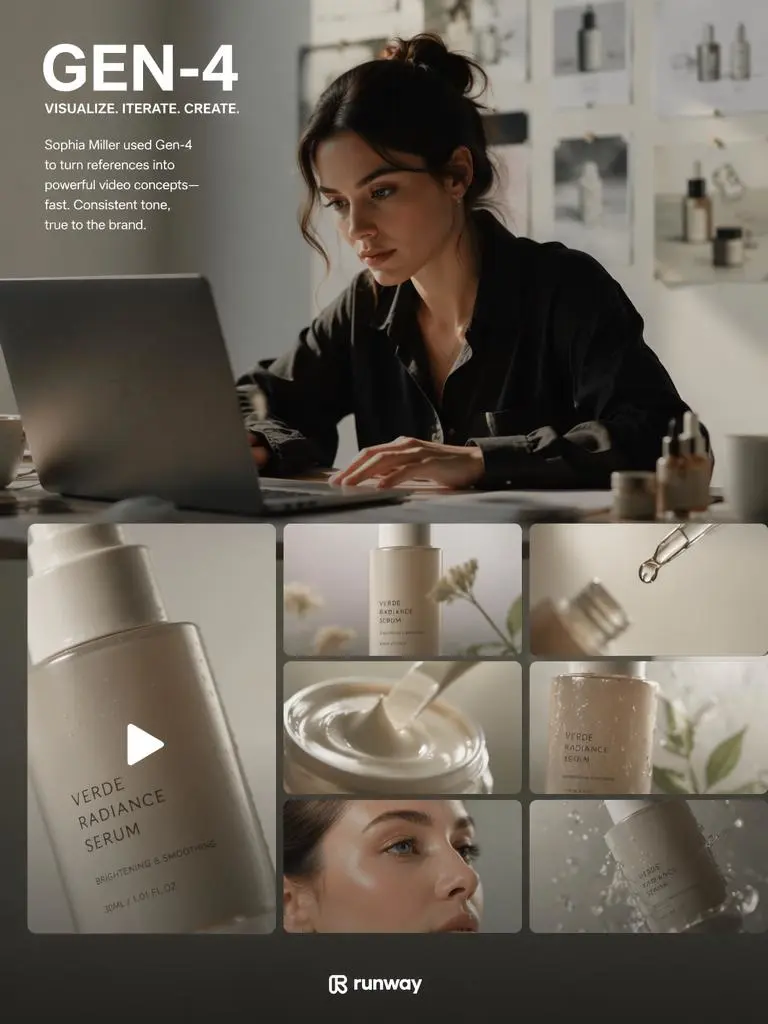
Brand Campaign Video

Producing Social Media Video Concepts

A content creator named Maya Chen needed fresh visuals for TikTok, Instagram Reels, and YouTube Shorts. She used a reference image of a character, wrote short prompts for action and camera movement, and generated multiple vertical video ideas. Runway Gen-4 helped her create polished AI video concepts for hooks, transitions, product mentions, and stylized storytelling without building every shot from scratch.
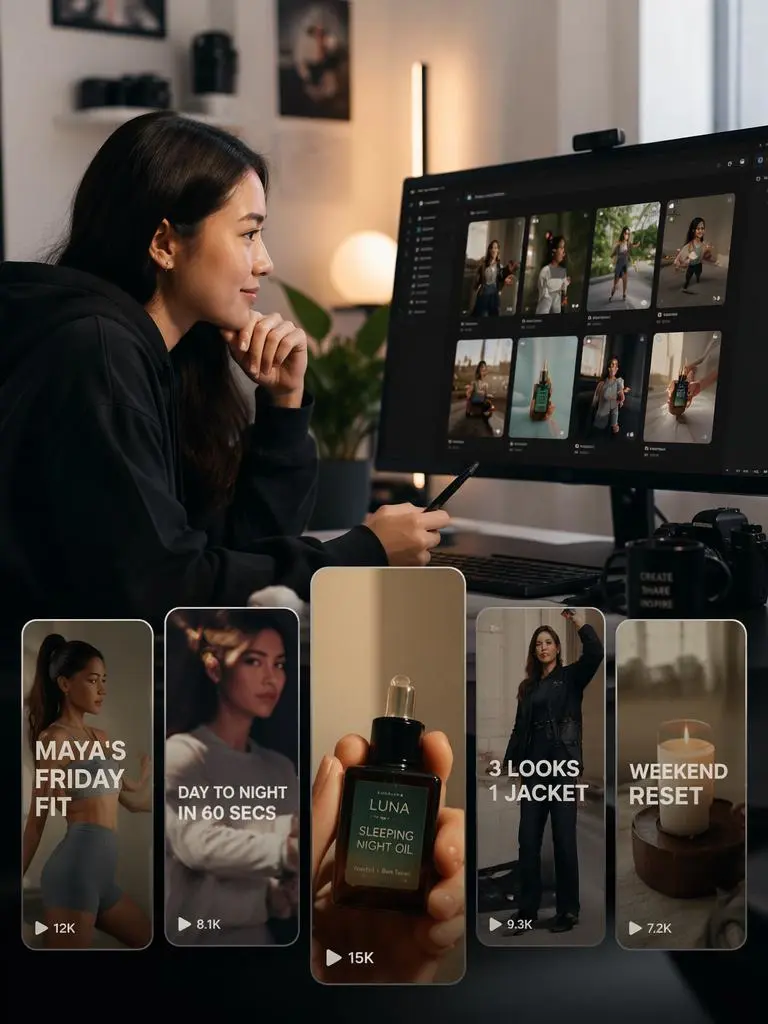
Social Media Video Concepts
Previous
Next

Key Features of Runway Gen-4

Generate Consistent AI Videos from Prompts

Runway Gen-4 lets users describe a scene, subject, camera movement, style, lighting, action, and mood in natural language. The model can generate AI videos with strong visual continuity, making it useful for cinematic scenes, product ads, concept videos, social media clips, creative campaigns, and visual storytelling. Clear prompts help guide subject behavior, framing, motion, atmosphere, and final output style.
Use Reference Images for Character and Scene Control

Reference image control is one of the most important workflows for Runway Gen-4. Users can provide images of a character, product, object, environment, or visual style and guide how that reference appears in the generated video. This helps creators keep faces, costumes, props, product design, room layout, color palette, and scene identity more stable across different shots.

Improve World Consistency Across Shots

Runway Gen-4 is designed for world consistency, which means the model can better preserve people, locations, objects, styles, and visual logic from one generated moment to another. This is valuable for short films, brand films, product stories, music videos, episodic social content, and campaign concepts where the same subject needs to remain recognizable instead of changing randomly between clips.

Create Cinematic Camera Movement

A strong AI video generator should support camera direction, not only subject movement. Runway Gen-4 prompts can describe tracking shots, dolly moves, handheld motion, close-up reveals, wide establishing shots, orbiting camera movement, slow push-ins, fast transitions, and dramatic pans. Better camera control helps AI-generated video feel more intentional, cinematic, and production-ready.

Support Image-to-Video and Creative Iteration

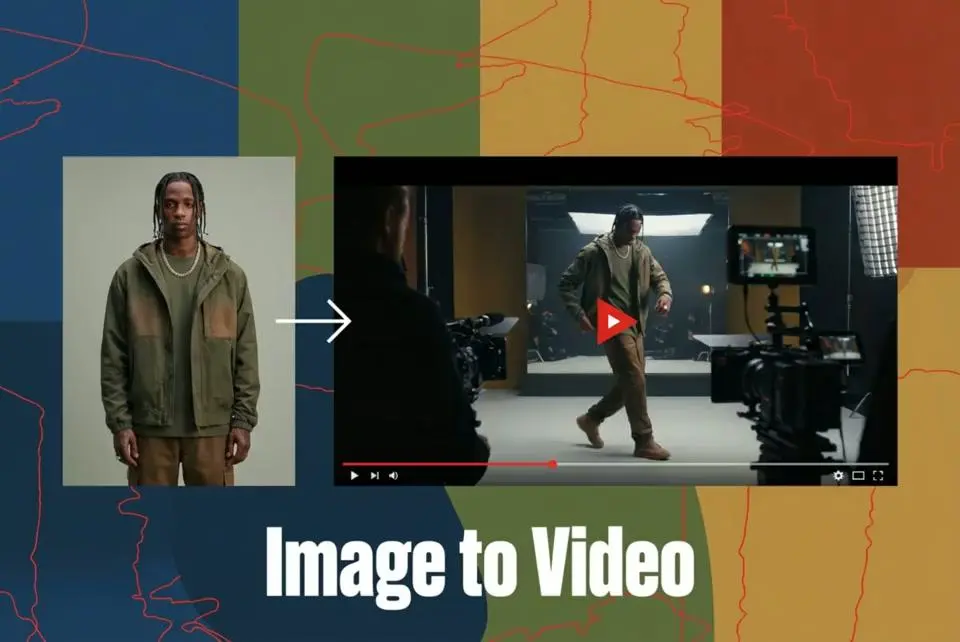
Runway Gen-4 can help turn still images, concept art, product photos, scene frames, and first-frame references into moving videos. Image-to-video generation is useful when users already have a strong visual direction and want to animate it into motion. Creators can test different movements, moods, lighting setups, and platform formats before choosing the best version.

What You Can Create with Runway Gen-4

Create AI Short Films and Cinematic Scenes

Use Runway Gen-4 to generate cinematic shots for short films, concept trailers, mood reels, scene previews, and visual storyboards. Prompts can define character appearance, location, camera movement, emotional tone, weather, lighting, and action beats. This helps filmmakers explore scene ideas before production or add stylized visual material to a pitch deck.

Make Product Ads and Launch Videos

Brands can use Runway Gen-4 to create product reveal videos, lifestyle ads, ecommerce clips, campaign visuals, and launch teasers. Reference images can guide the product shape, packaging, color, and style while prompts define the setting, motion, camera angle, and lighting. This workflow is useful for testing ad concepts faster and generating more creative variations.

Produce Social Media Reels and Shorts

Creators can generate vertical AI videos for TikTok, Instagram Reels, YouTube Shorts, Pinterest, Facebook, and paid social ads. Prompts should include a strong first-frame hook, clear action, short pacing, camera movement, visual style, and platform aspect ratio. Runway Gen-4 can help social teams create attention-grabbing visuals for content calendars and campaign experiments.

paid social ads

Build Fashion, Beauty, and Lifestyle Visuals

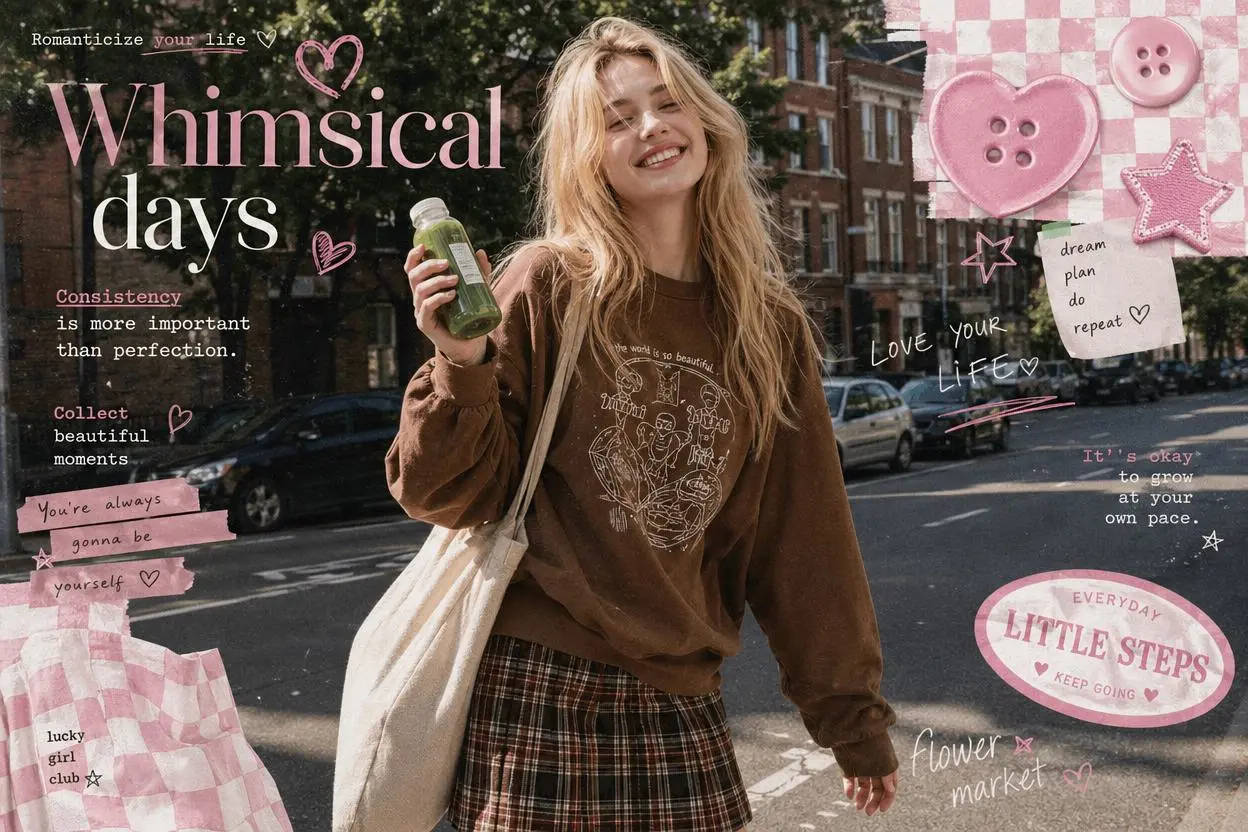
Runway Gen-4 can support fashion lookbooks, beauty ads, lifestyle scenes, editorial concepts, product close-ups, model-inspired visuals, and stylized brand worlds. Users can guide wardrobe, lighting, environment, motion, and scene mood while keeping a consistent visual identity. For commercial use, rights to input images, models, products, and brand assets should be checked before publishing.

Create Film Previsualization and Pitch Assets

Directors, producers, agencies, and creative teams can use Runway Gen-4 for previsualization, mood films, shot planning, commercial boards, VFX tests, and early concept development. AI-generated previews can make ideas easier to discuss before production, especially when a scene needs atmosphere, motion, camera language, or a clear visual world.

Frequently Asked Questions About Runway Gen-4

What is Runway Gen-4?

Runway Gen-4 is an AI video generation model from Runway that creates videos from prompts, reference images, and image-to-video inputs. It is known for stronger visual consistency, reference control, realistic motion, and cinematic AI video generation.

Can Runway Gen-4 create videos from text prompts?

Yes. Users can describe the subject, scene, camera movement, action, lighting, style, mood, and final use case in a text prompt. The model then generates a video based on that description.

Can I use reference images with Runway Gen-4?

Yes. Reference images can guide characters, products, objects, environments, and visual style. This helps make generated videos more consistent and recognizable across different scenes.

What does world consistency mean in Runway Gen-4?

World consistency means the model is better at keeping characters, objects, locations, lighting, and visual style stable across a generated video or related shots. This is important for storytelling, ads, product videos, and cinematic sequences.

Is Runway Gen-4 useful for product videos?

Yes. Product photos, packaging images, or brand references can be used to guide product reveal clips, ecommerce videos, launch teasers, social ads, and campaign visuals. Always check image rights and product claim accuracy before publishing.

Can Runway Gen-4 make cinematic AI videos?

Yes. Users can prompt for cinematic lighting, lens style, camera movement, dramatic pacing, atmospheric environments, realistic motion, and shot composition. Specific camera instructions usually produce more controlled results.

Can I create social media videos with Runway Gen-4?

Yes. Runway Gen-4 can support vertical, square, and widescreen formats for TikTok, Instagram Reels, YouTube Shorts, Facebook, websites, and ad platforms. Short prompts with clear action and a strong opening visual work best for social media.

What prompts work best for Runway Gen-4?

Good prompts include subject details, reference image purpose, action, location, camera movement, lighting, mood, style, shot type, motion speed, and aspect ratio. Keep each clip focused and avoid too many unrelated actions in one short scene.

Can Runway Gen-4 replace a video production team?

Runway Gen-4 can speed up concept development, previsualization, social content, ads, and creative iteration, but traditional production may still be needed for exact performances, regulated claims, licensed talent, physical products, and final brand shoots.

Can I use Runway Gen-4 videos commercially?

Commercial use depends on Runway terms, subscription plan, input image rights, music rights, talent releases, product rights, and brand usage rules. Avoid copyrighted characters, celebrity likenesses, protected logos, and misleading claims without permission.

How do I improve Runway Gen-4 results?

Use a clean reference image, write a specific prompt, define one main subject, describe camera movement, keep the scene focused, choose the right aspect ratio, and generate variations. Review output for consistency, rights, and factual accuracy before publishing.

Explore More AI Tools

Our new Virtual Try-On just launched. Try it now!
close

HappyHorse AI Video Generator

Create Cinematic Text-to-Video and Image-to-Video Content

GPT Image 2 AI Image Generator

Create High Quality Images, Text Rich Visuals, and Product Photography

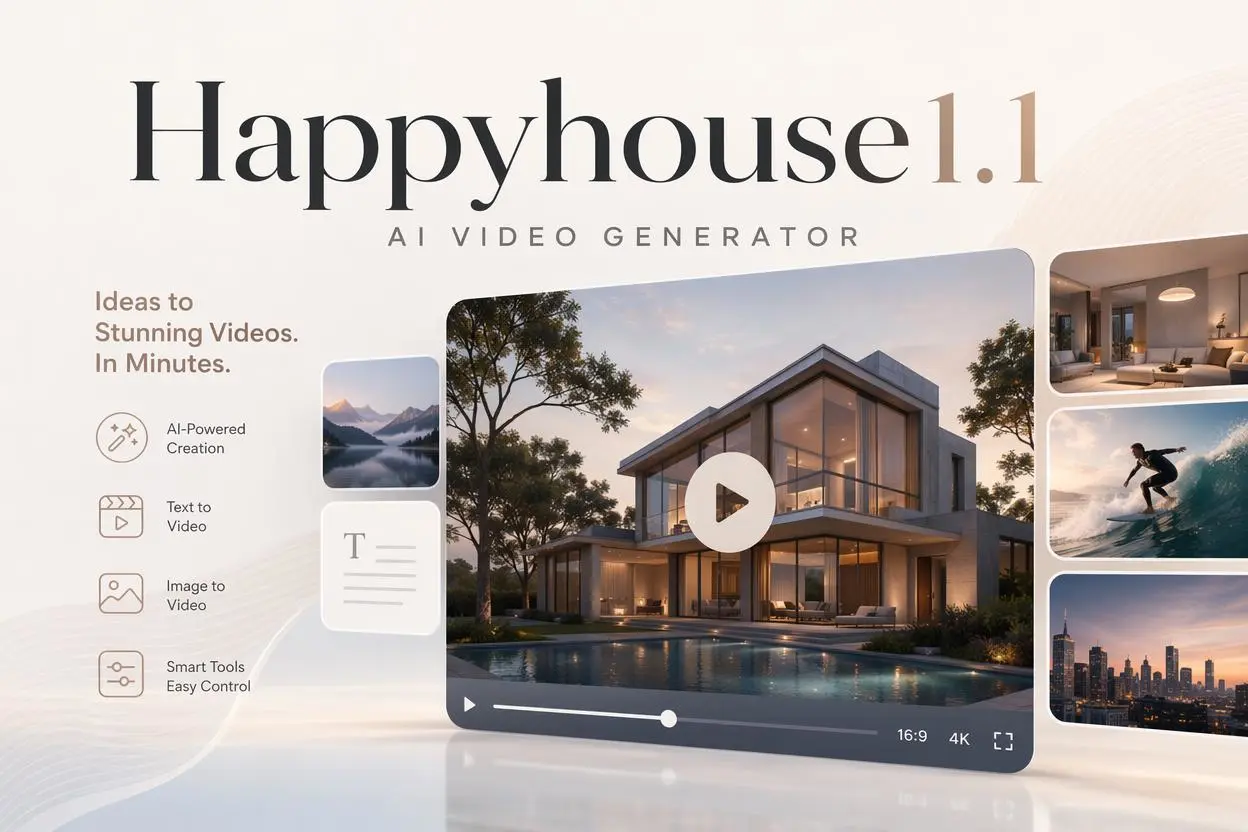
HappyHorse 1.1 AI Video Generator

Create Campaign-Ready Videos Online

Nano Banana

Google's Next-Gen AI Image Model for Instant Professional Creativity

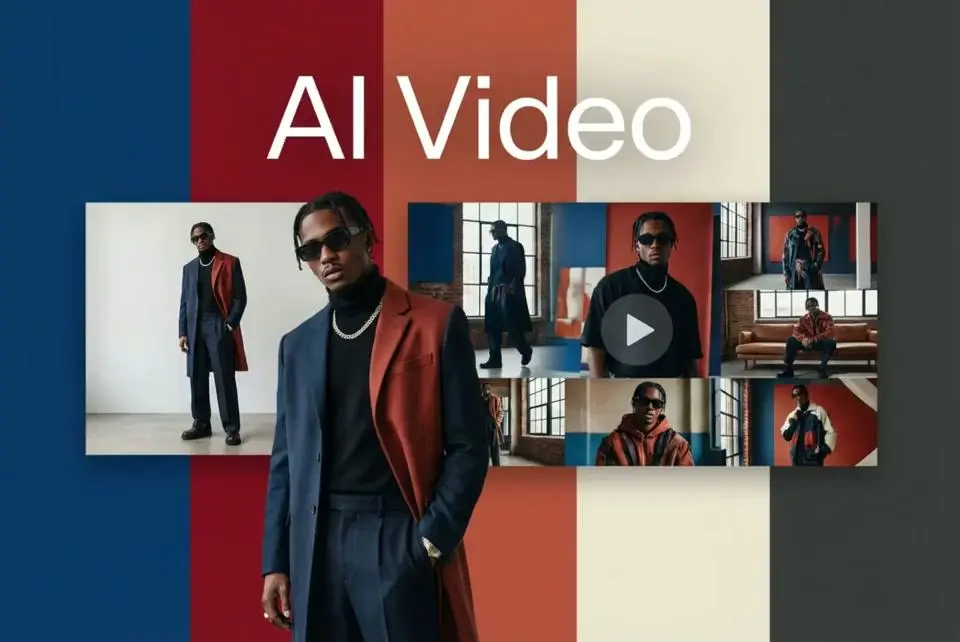
AI Video Generator

Turn Images into Stunning AI Videos for Free

Virtual Try-On

Try On Clothes Online with AI Virtual Try Technology

Swap Model & BG

Realistic Model & Background Swapping Online with AI

AI Fashion Model

Showcase clothing with a variety of models

AI Product

Create stunning product images with few clicks from anywhere

Face Forge

AI Face Morph & Face Swap Generator Online

Product Recoloring

Recolor Image Online Free - Color Changer in WeShop AI

To Mannequin

Convert real model photos into mannequin displays

Change Pose

Change poses, switch between various model poses, making the clothing display more natural

Remove Background

Removing background with lightning speed and ease

AI Photo Enhancer

Enhance Photo Quality Online with Free AI

Relight

Relight your images automatically and efficiently

Expand Image

Expand images & backgrounds to fit any platform

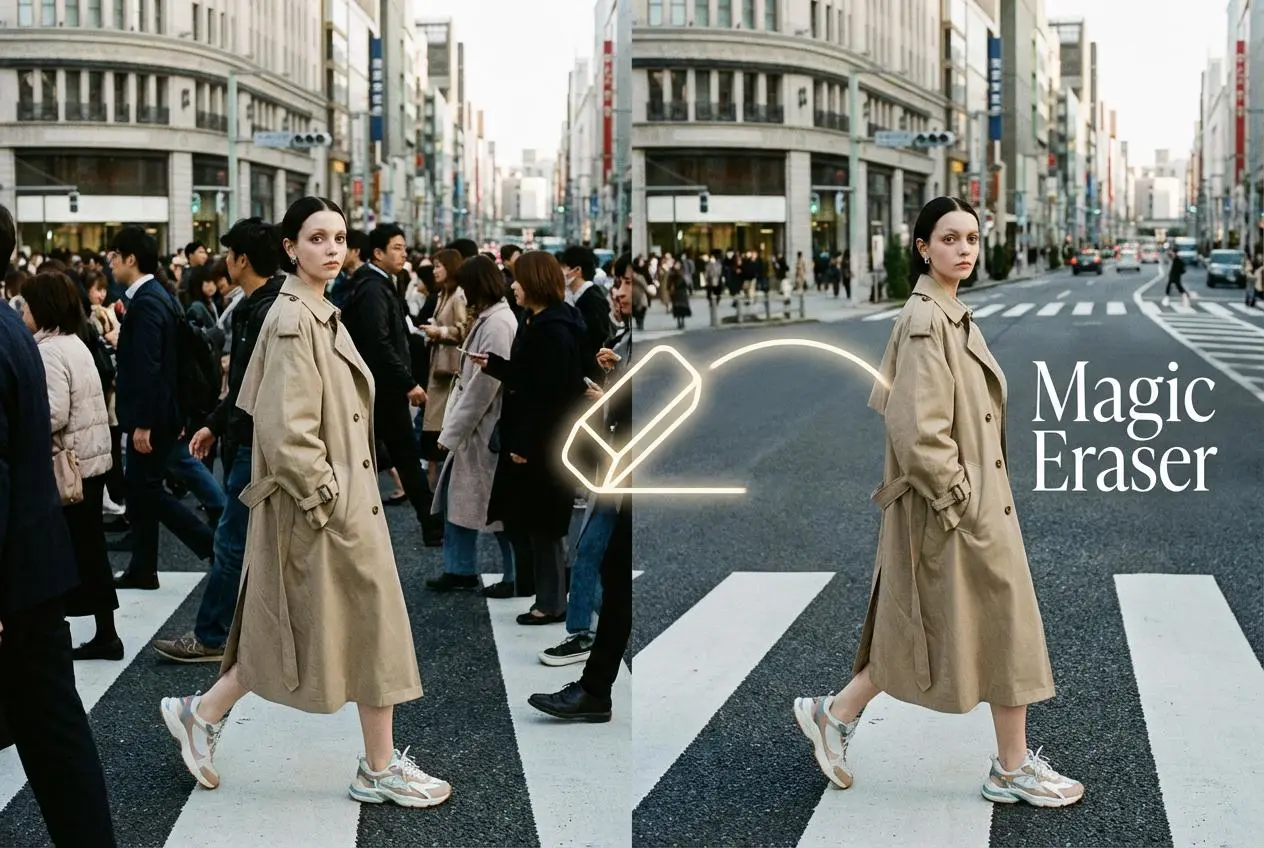
Magic Eraser

Remove unwanted objects from your photos with AI

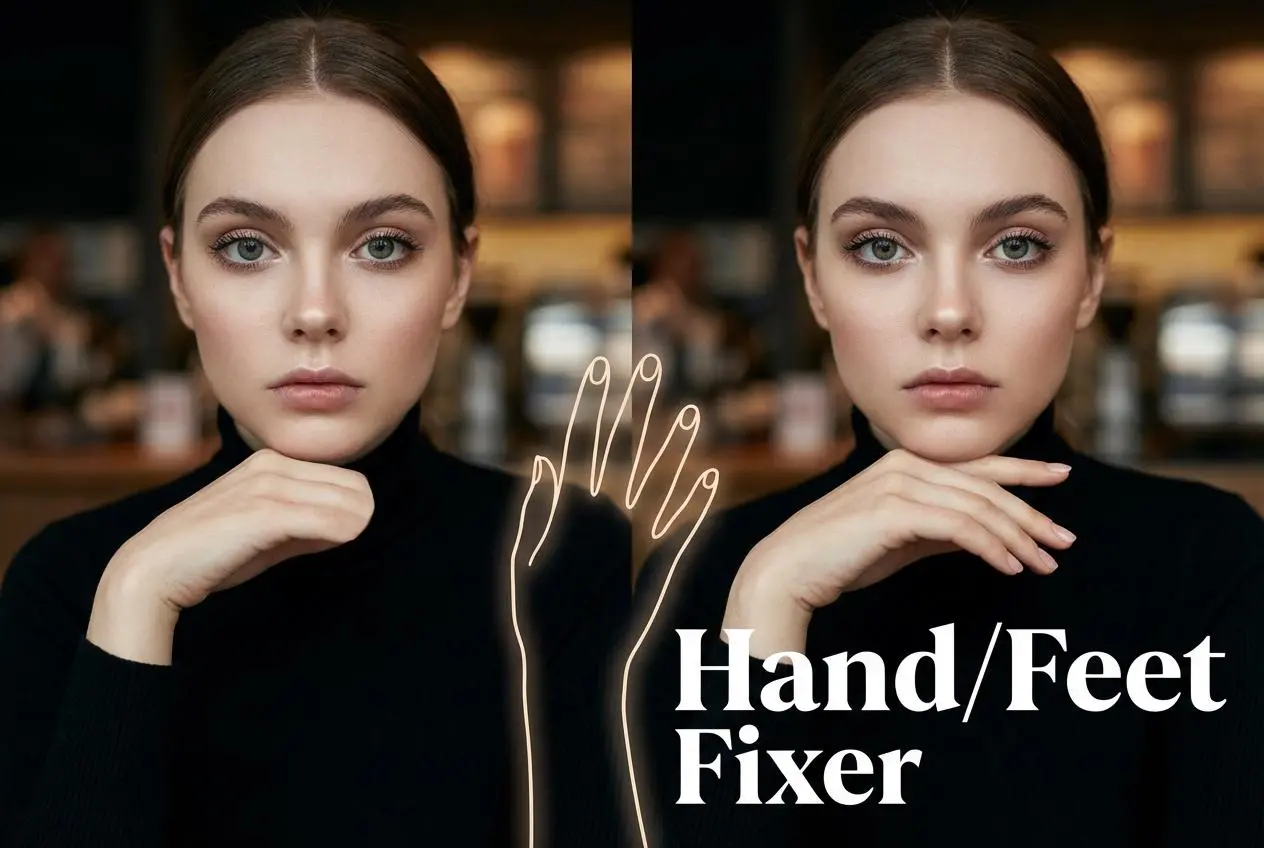
Hand/Feet Fixer

Regenerate natural-looking hands and feet in AI-generated images

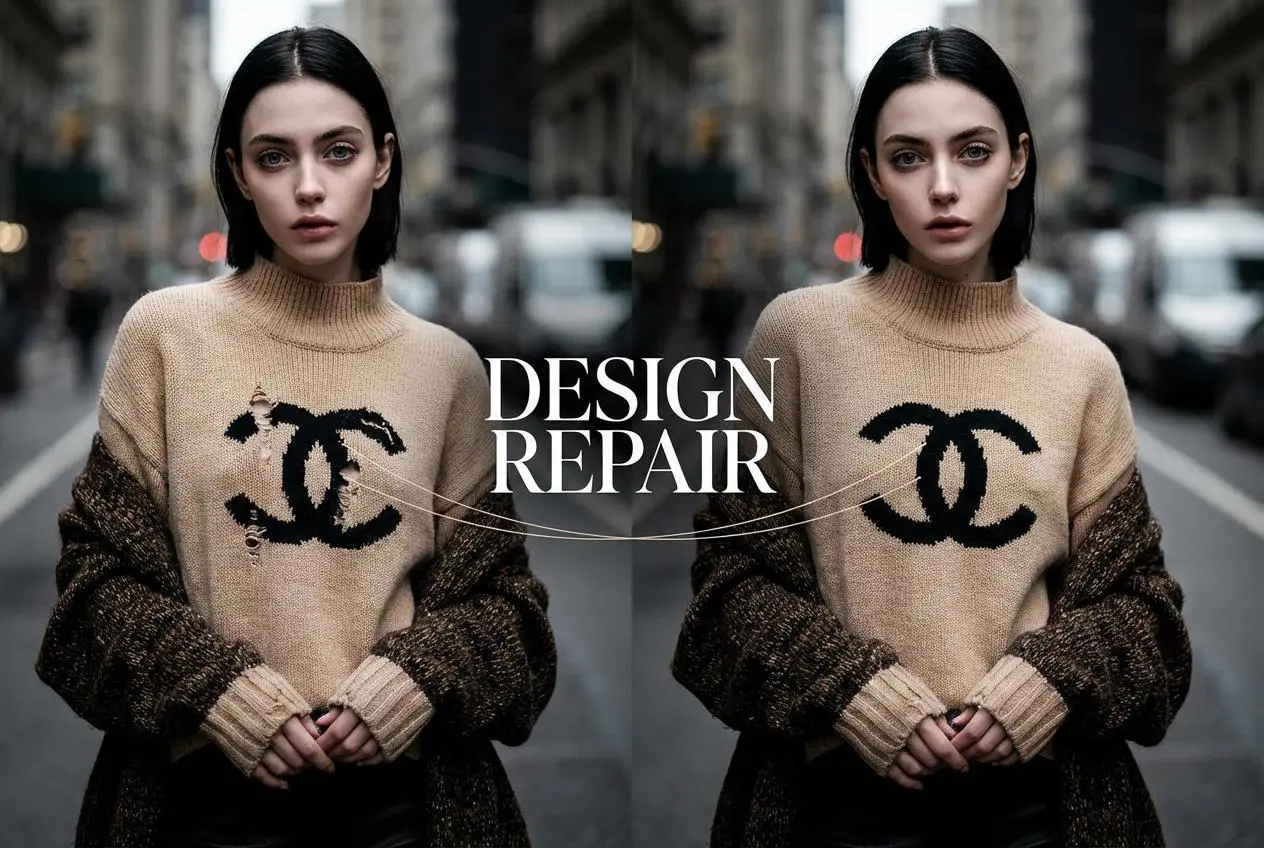
Design Repair

Upload an image, highlight the area you wish to fix, and upload a target reference image

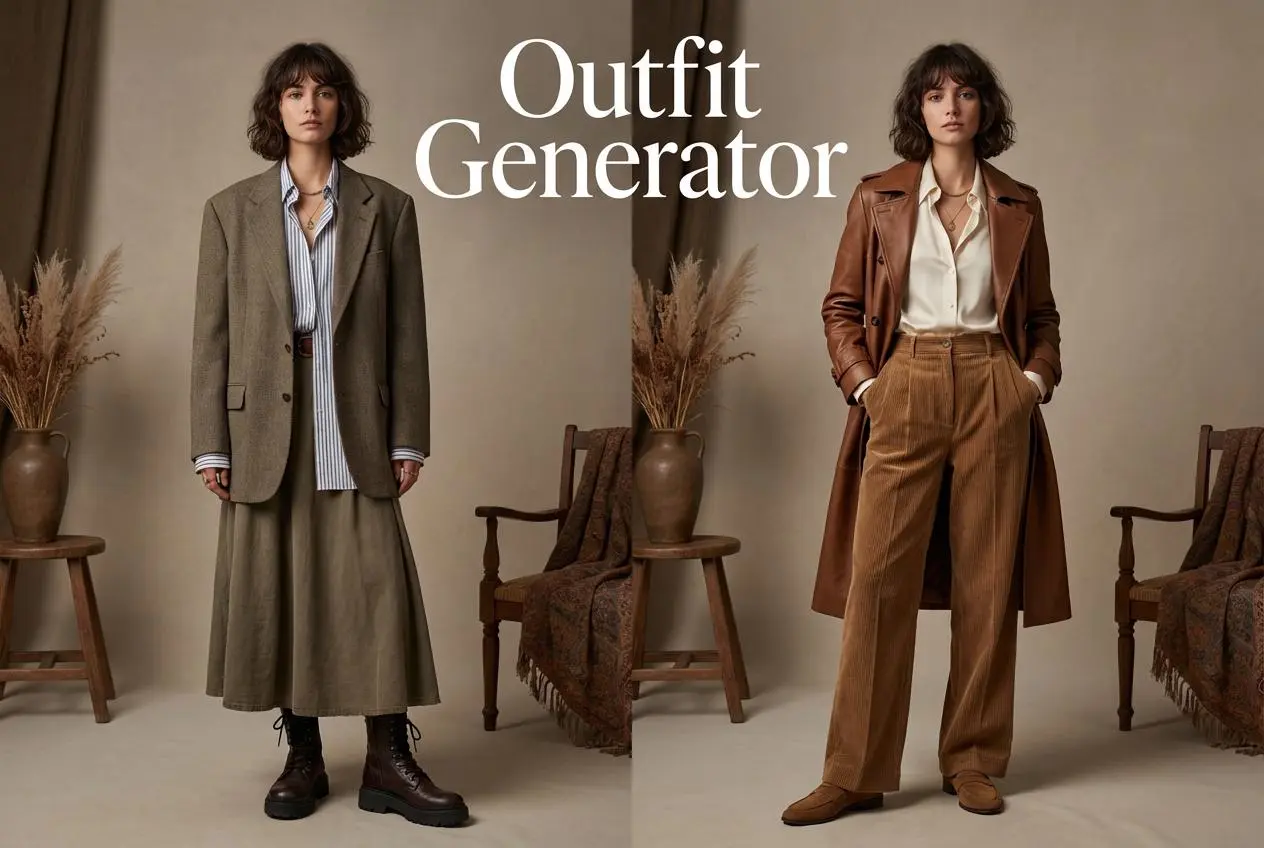
Outfit Generator

Create AI clothes styling from any model photo, garment, or style prompt.

Video Agent

Create and publish videos from a photo or description—instantly, in any style.

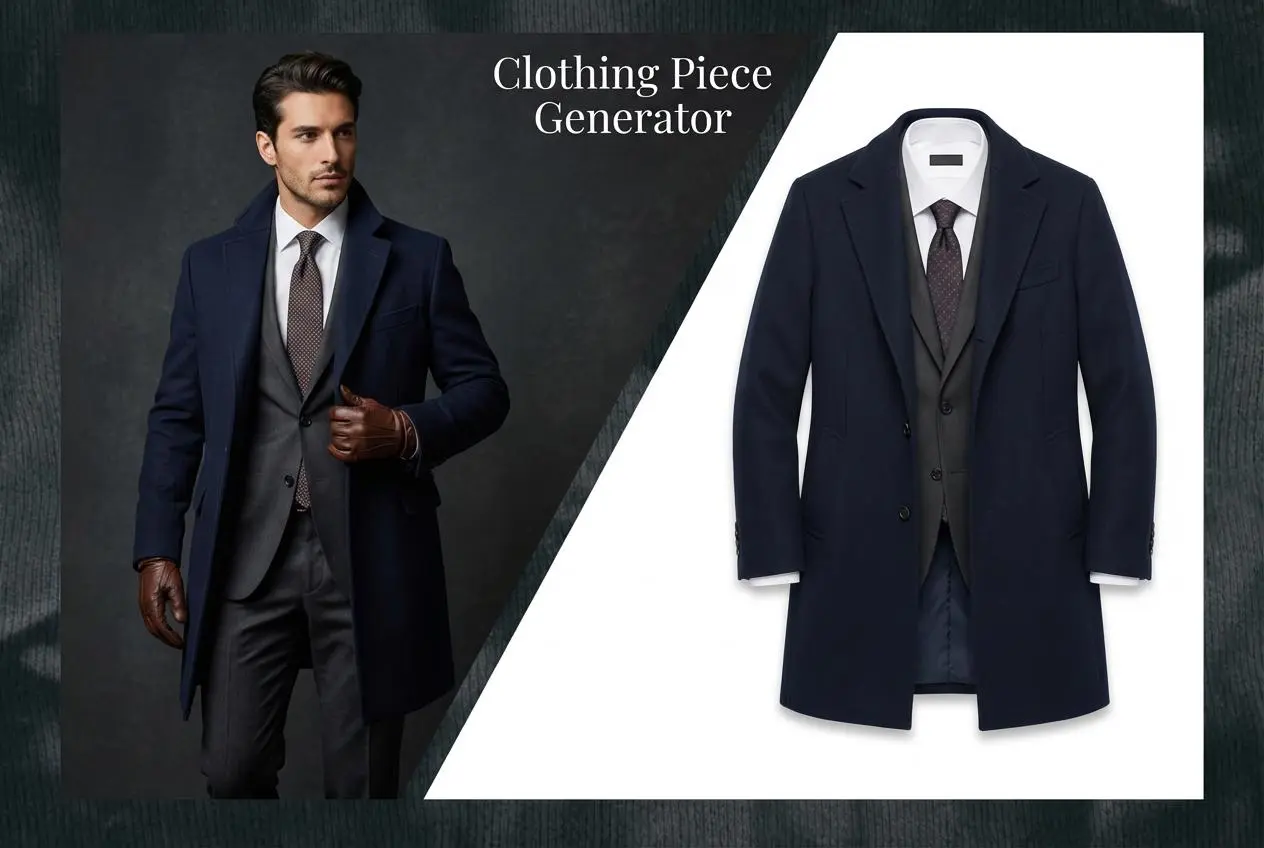
AI Clothing Piece Generator

Create Professional Flatlay Clothing Images From Any Photo or Idea

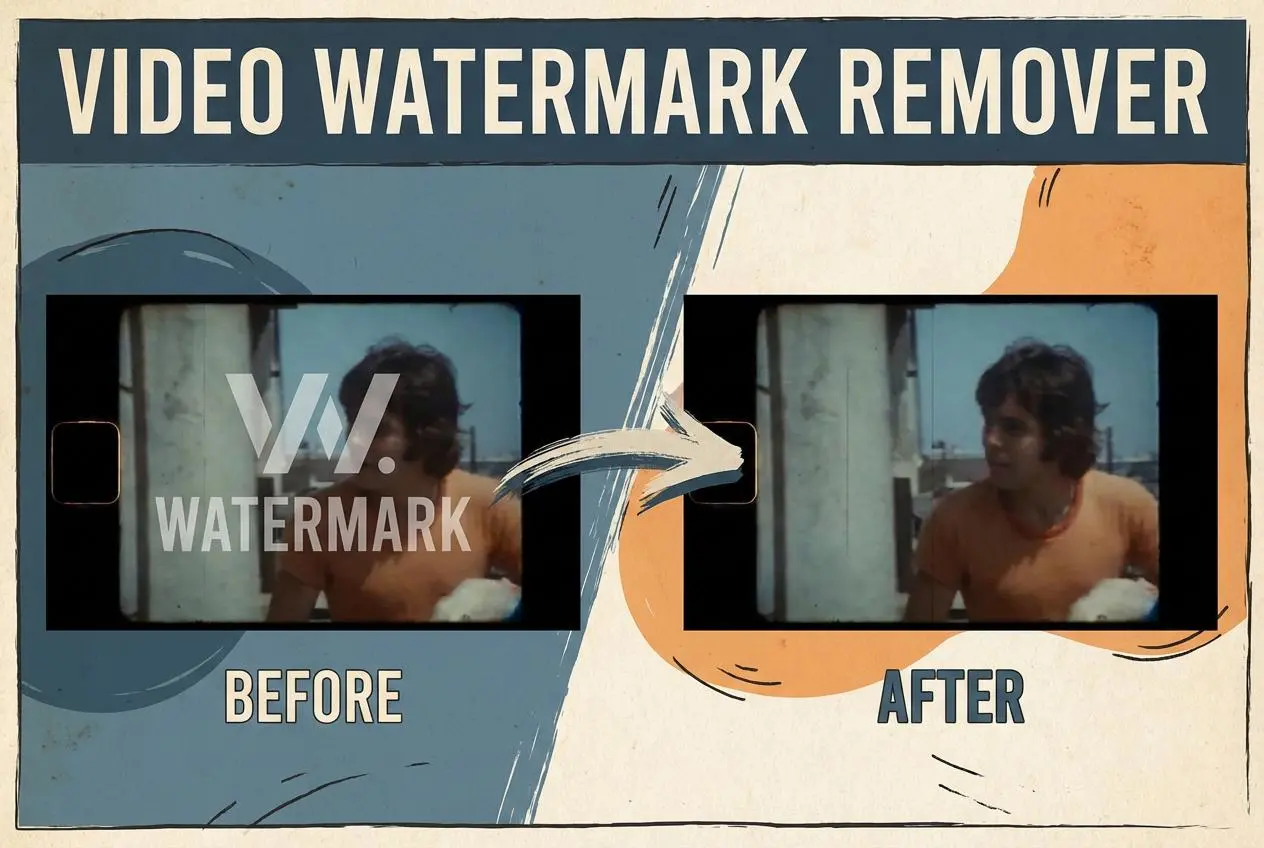
Watermark Video Remover Free Online

Remove Watermark from Video

AI Video Enhancer

Enhance Video Quality Online with AI

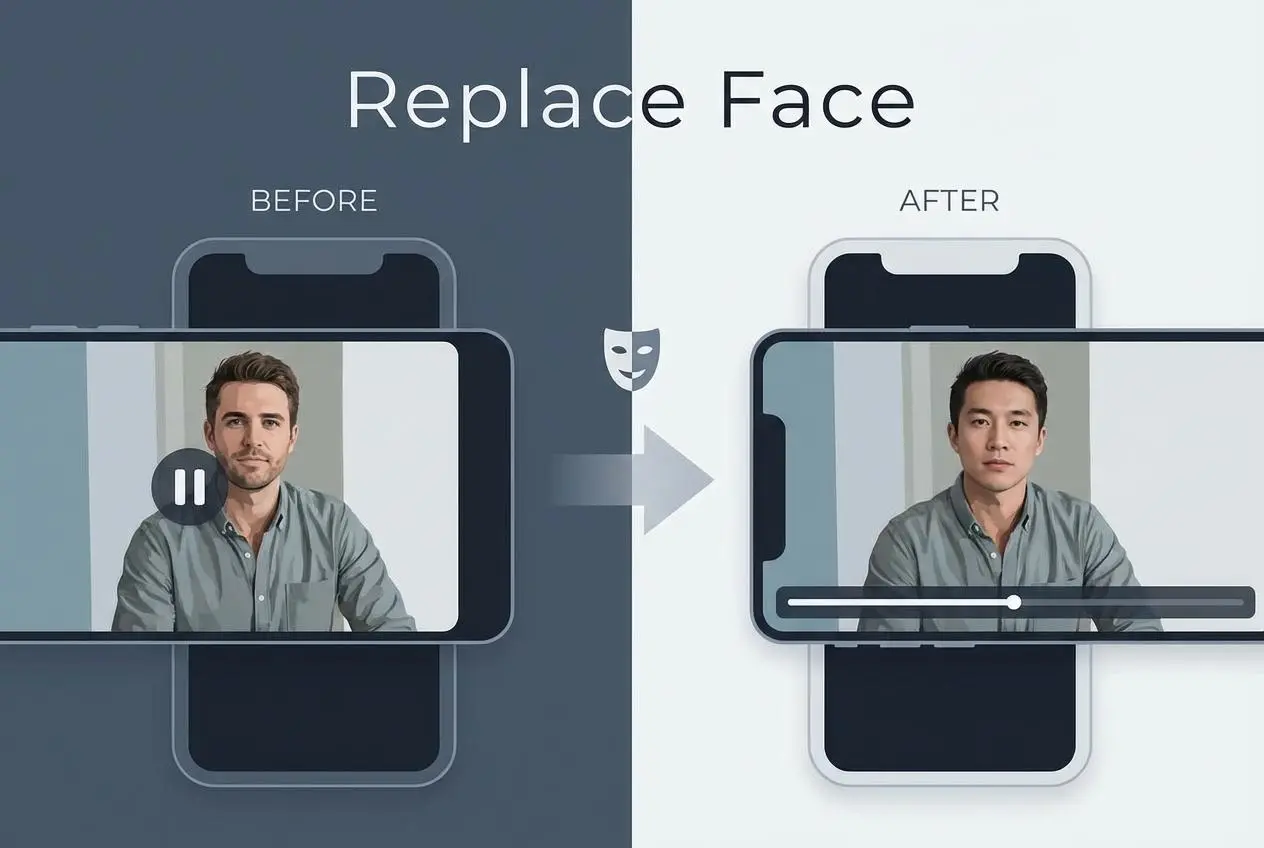
Replace Face in Video Online Free

AI Video Face Swap for Realistic Clips

Seedream 5.0

Try the Latest Smart Image Creation Model Online

Seedance 2.0

A Multi-Modal AI Video Creative Engine for Cinematic Storytelling

Sora 2

Next Generation AI Video Generator with Realistic Physics & Storytelling

Wan AI Video Generator

Advanced AI Image & Video Generation Model

Midjourney Image Generator

Use Midjourney v7 to Create AI-Generated Images

Kling O1 AI Video Generator

Create Cinematic Videos with Omni One Control

Kling 3.0 Omni

Create Multimodal Videos with Native Audio ---

Kling 3.0

AI Director Video Model with 4K Cinematic Storytelling

Kling Motion Control

Create Realistic Motion Videos from Reference Images and Videos

Qwen Image Edit

A Revolutionary Tool for Seamless Image Editing

Z-Image AI Image Generator

Create High-Quality Images from Text Instantly

FireRed Image Edit

Open Source AI Image Editing Model for High Fidelity Edits

Grok Imagine AI Image Generator

Create High-Resolution Images from Text with Aurora AI

Grok Imagine AI Video Generator

Create Cinematic AI Videos with Native Audio & Scene Control

Hailuo AI Video Generator

Create Cinematic AI Videos from Text or Images

Veo 3 AI Video Generator

Create Cinematic Videos from Text or Images

Vidu Q3 AI Video Generator

Create Cinematic Short Videos with Turbo and Pro Modes

Imagen 4

Create Photorealistic Images and Accurate Text Visuals with AI

HiDream AI Image Generator

Create Stunning AI-Generated Images Online

Sulphur2

Create Cinematic AI Videos from Text and Images

PixVerse AI Video Generator

Create Cinematic Videos with V6 and V5.5

Video Replication

Recreate Video Styles, Motion, and Scenes with AI

idea
helper