

























language

English

Sign In

Our new Virtual Try-On just launched. Try it now!
close
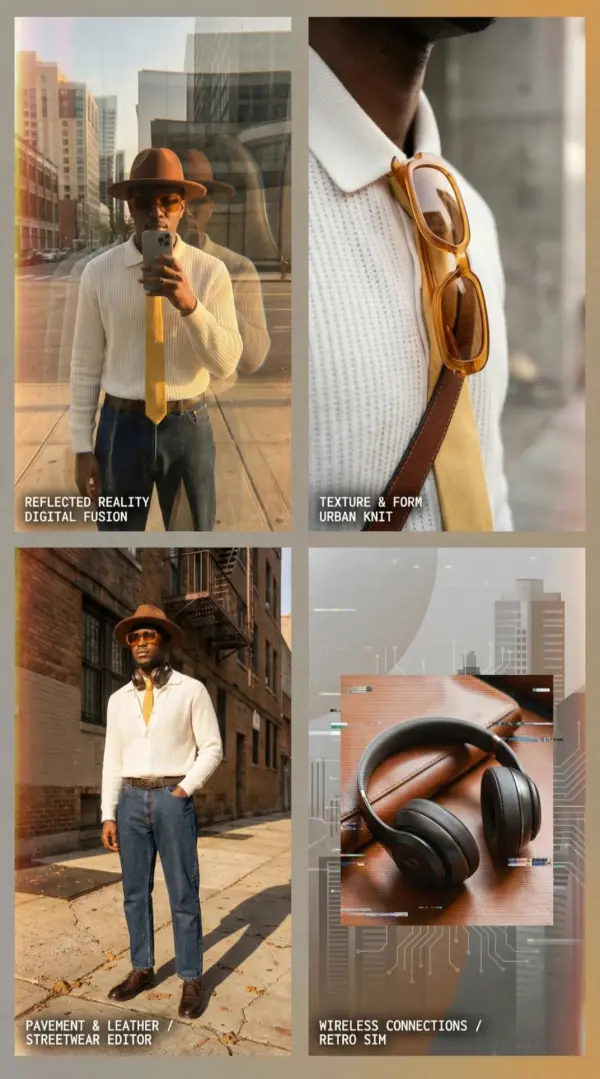
Steal the Look! Click to Replicate it with Your Product!

How Creators Use Kling 3.0 in Real Projects

Create AI Videos and Cinematic Sequences 5× Faster

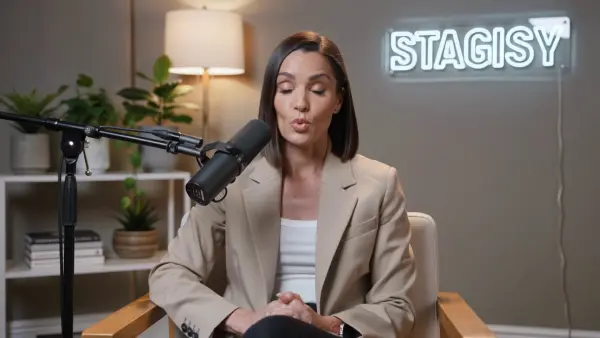
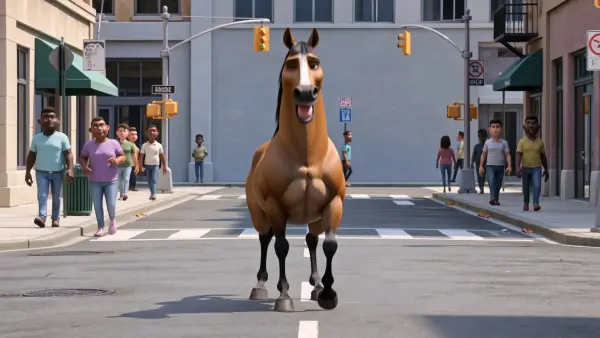
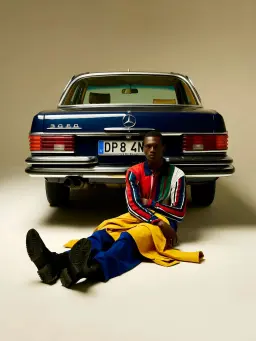
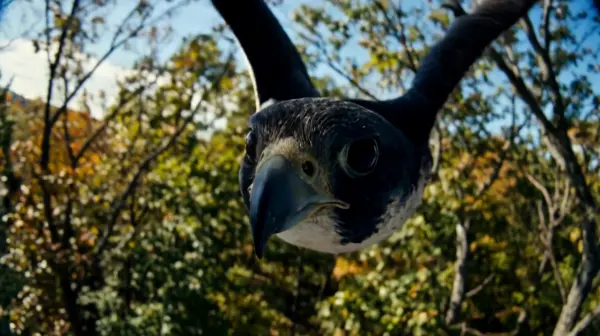
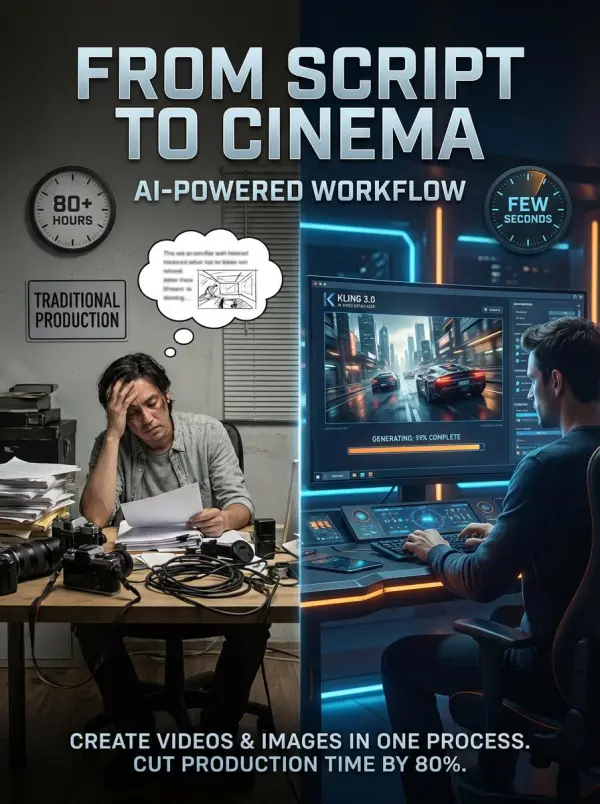
A short-film creator used Kling 3.0 as an AI video editor to generate complete cinematic sequences from a few lines of script. With built-in text to video and ai video generation features, the system automatically handled camera movement, lighting, and audio. This free AI video generator workflow helped the creator create videos and ai generated images in one process, cutting production time by more than 80%.
kling 3.0 by weshop ai

Produce Marketing Clips with High Visual Consistency

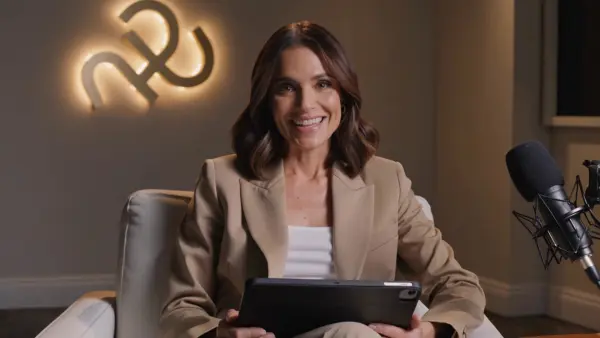
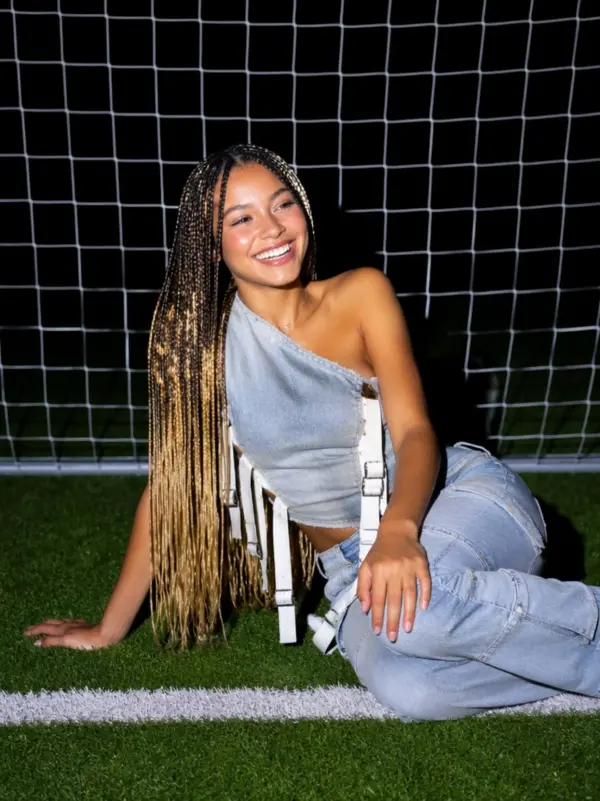
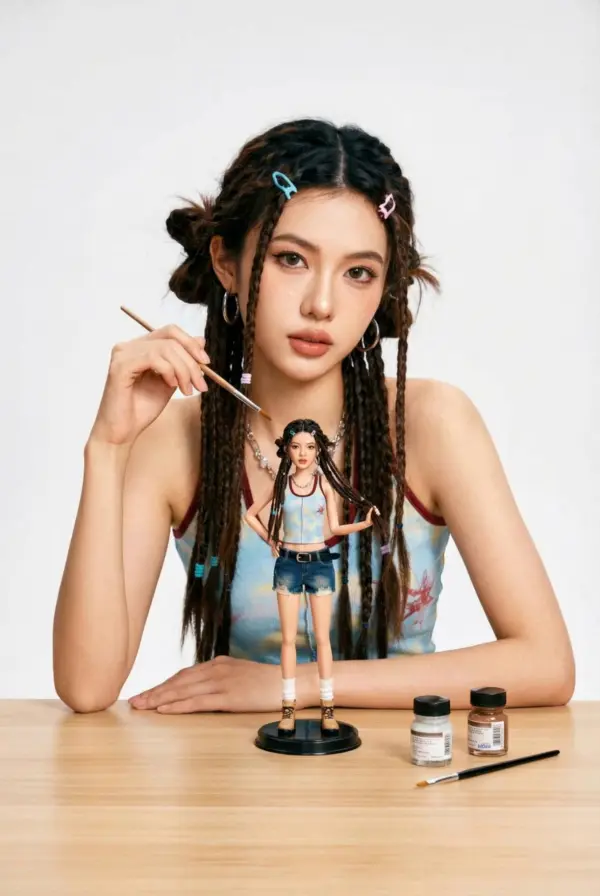
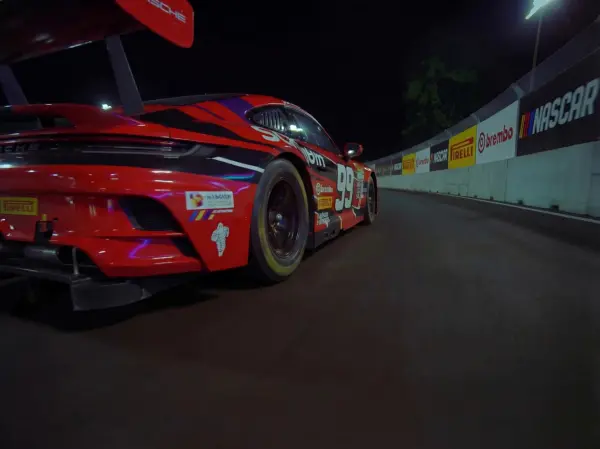
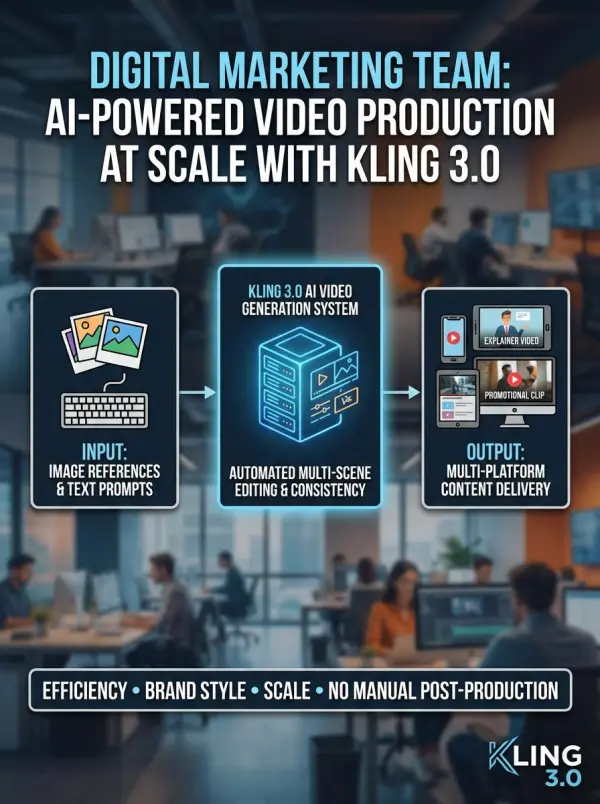
A digital marketing team used Kling 3.0 to create video content and marketing clips for multiple platforms. By combining image references, prompts, and automated editing, they generated consistent multi-scene videos without manual post-production. The AI video generation system helped them edit videos efficiently, maintain brand style, and deliver professional explainer videos and promotional content at scale.
kling 3.0 by weshop ai
Previous
Next

Powerful Features of Kling 3.0 AI Video Model

AI Director Workflow & Multi-Shot Storyboarding

Kling 3.0 features an advanced AI Director system that builds complete cinematic storyboards from a simple text prompt. With just a few clicks, the tool automatically plans camera motion, camera angles, and scene transitions. By combining image to video processing with other elements such as dialogue and timing, creators gain strong creative control and produce cinematic visuals with high quality visuals and minimal manual setup.

Native Audio, Background Music & Character Voice Generation

The platform includes built-in audio generation with synchronized character voices and background music. Dialogue, ambient sounds, and sound effects are matched precisely to visuals through AI tools. This integrated workflow ensures that every scene feels complete and professional, making it easy to generate social media content, explainer videos, and storytelling projects without separate audio editing.

Advanced Physics Simulation & Camera Movement Control

Kling 3.0 applies physics-based simulation to create realistic gravity, fluid motion, and object interactions. At the same time, it manages smooth camera motion and dynamic camera angles to enhance visual storytelling. These features help creators produce believable environments and cinematic visuals that feel natural, immersive, and suitable for professional video content.

Native 4K Output with Cinematic Visual Quality

With native 4K resolution and optimized rendering, Kling 3.0 delivers sharp details, accurate text, and consistent lighting. The system generates high quality visuals for presentations, branding, and social media campaigns. Whether used for short clips or longer narratives, the tool ensures reliable output for commercial and creative projects.

Intelligent Scene Reasoning & AI Text-to-Video Editing

Kling 3.0 supports reasoning-based editing through AI text to video commands. Users can modify pacing, composition, and narrative flow using simple instructions. By adjusting scenes with text prompts, creators maintain creative control while refining details, combining visuals with other elements, and achieving professional results without complex software.

What You Can Do with Kling 3.0

Produce Short Films and Story-Driven Videos

Creators use Kling 3.0 to generate short films and narrative projects through AI text to video workflows. By entering detailed text prompts, they can create videos with structured pacing, smooth camera motion, and cinematic visuals in just a few clicks.

Create Marketing, Advertising, and Social Media Content

Brands rely on Kling 3.0 as an AI video editor and creation tool for social media content and marketing clips. The platform helps teams generate consistent promotional videos, background music, and branded visuals while reducing production time and editing costs.

Develop Anime and Stylized Visual Content

With flexible style controls and powerful AI tools, Kling 3.0 supports anime-style and artistic video creation. Users can transform images into animated sequences, combine image to video features, and experiment with visual styles while maintaining smooth motion and scene coherence.

Build Training, Presentation, and Explainer Videos

Educators and businesses use Kling 3.0 to produce explainer videos and training materials with clear structure, native audio, and professional visuals. The tool simplifies video production by handling camera angles, narration, and layout automatically.

Experiment with AI Film Direction and Creative Control

Filmmakers and designers treat Kling 3.0 as a virtual director for testing ideas. By adjusting text prompts and scene instructions, they explore different storytelling approaches, camera setups, and editing styles before moving to full-scale production.

Frequently Asked Questions About Kling 3.0

What is Kling 3.0?

Kling 3.0 is a unified multimodal AI video model developed by Kuaishou that combines video, audio, physics, and storytelling into one system.

How is Kling 3.0 different from version 2.6?

Kling 3.0 expands beyond basic motion and audio by introducing AI Director workflows, multi-shot storyboarding, and advanced physics simulation.

Where can I access Kling 3.0?

Users can access Kling 3.0 through the Higgsfield platform once it is officially released.

Does Kling 3.0 support 4K video generation?

Yes. Kling 3.0 offers native 4K output with integrated text rendering and high visual fidelity.

Will Kling 3.0 offer a free trial?

Yes. Free access is expected to be available on Higgsfield after the official release.

How long can Kling 3.0 generate videos?

The model is expected to support video generation of up to 15 seconds, enabling longer narrative sequences.

Is Kling 3.0 suitable for commercial use?

Yes. Kling 3.0 is designed for professional and commercial video production workflows.

Are my uploaded files secure on Weshop AI?

Yes. Weshop AI processes uploaded images and videos securely and does not permanently store user content without permission.

Does Kling 3.0 require special software installation?

No. Kling 3.0 runs directly in your browser on Weshop AI, so no downloads or plugins are needed.

Can I use Kling 3.0 for social media platforms?

Yes. Kling 3.0 outputs are optimized for social media formats, making it easy to create videos for platforms like TikTok, YouTube, and Instagram.

Explore More AI Tools

Our new Virtual Try-On just launched. Try it now!
close

Seedance 2.0

A Multi-Modal AI Video Creative Engine for Cinematic Storytelling

Virtual Try-On

Try On Clothes Online with AI Virtual Try Technology

Swap Model & BG

Realistic Model & Background Swapping Online with AI

AI Model

Showcase clothing with a variety of models

AI Product

Create stunning product images with few clicks from anywhere

AI Video

Create and publish videos from a photo or description—instantly, in any style.

Face Forge

AI Face Morph & Face Swap Generator Online

Nano Banana Pro

Conversational editing, precisely consistent.

Product Recoloring

Recolor Image Online Free - Color Changer in WeShop AI

AI Image to Video Generator

Turn Images into Stunning AI Videos for Free

To Mannequin

Convert real model photos into mannequin displays

Change Pose

Change poses, switch between various model poses, making the clothing display more natural

Remove Background

Removing background with lightning speed and ease

AI Photo Enhancer

Enhance Photo Quality Online with Free AI

Relight

Relight your images automatically and efficiently

Expand Image

Expand images & backgrounds to fit any platform

Magic Eraser

Remove unwanted objects from your photos with AI

Hand/Feet Fixer

Regenerate natural-looking hands and feet in AI-generated images

Design Repair

Upload an image, highlight the area you wish to fix, and upload a target reference image

Outfit Generator

Create AI clothes styling from any model photo, garment, or style prompt.

AI Clothing Piece Generator

Create Professional Flatlay Clothing Images From Any Photo or Idea

Seedream 5.0 AI Image Generator

Try the Latest Smart Image Creation Model Online

Sora 2

Next Generation AI Video Generator with Realistic Physics & Storytelling

Wan AI Video Generator

Advanced AI Image & Video Generation Model

Midjourney Image Generator

Use Midjourney v7 to Create AI-Generated Images

Qwen Image Edit

A Revolutionary Tool for Seamless Image Editing

Z-Image AI Image Generator

Create High-Quality Images from Text Instantly

idea
helper