







































logo
AI E-Commerce Creative Studio

Sign In

🎉new
Our new Virtual Try-On just launched. Try it now!
🥳
close
addNew Task
How it works:
1
Create new task and upload an image
Image Tips
2
Generate

Image Enhancer

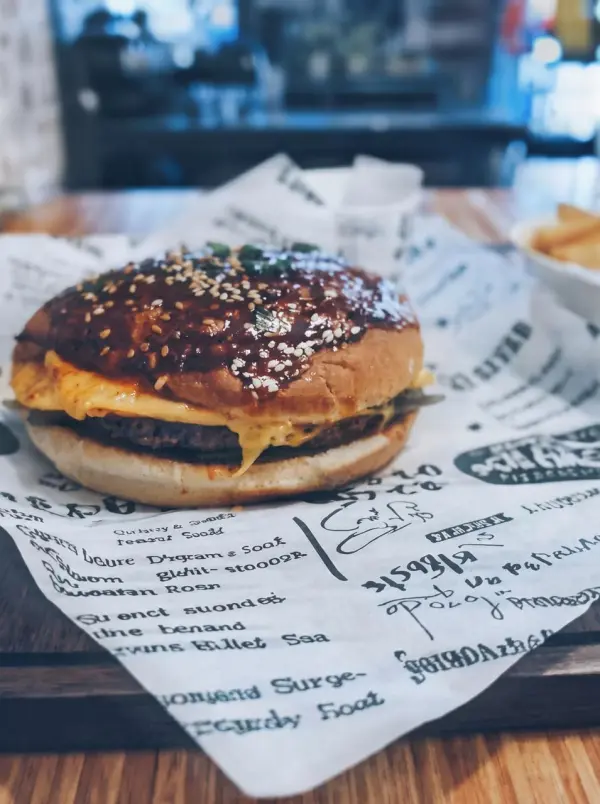
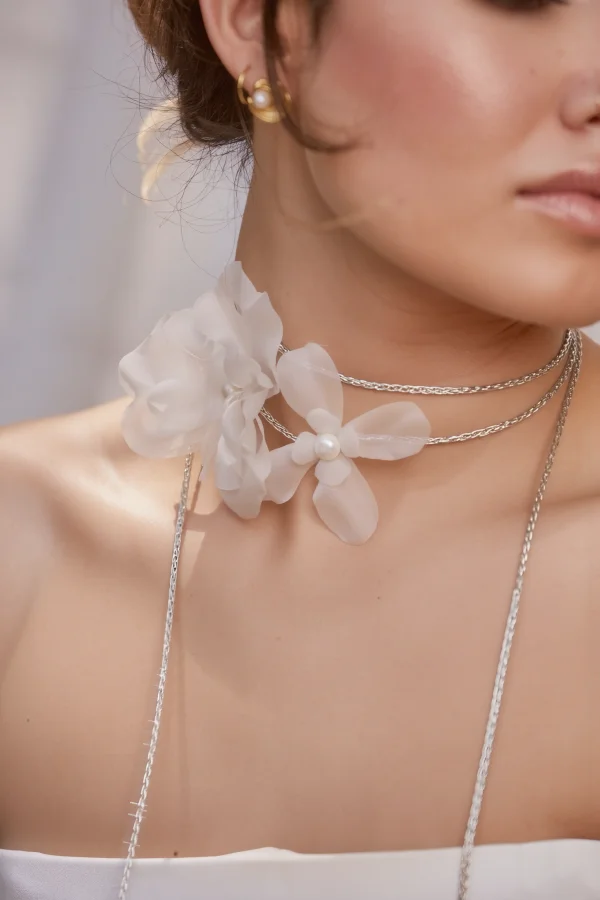
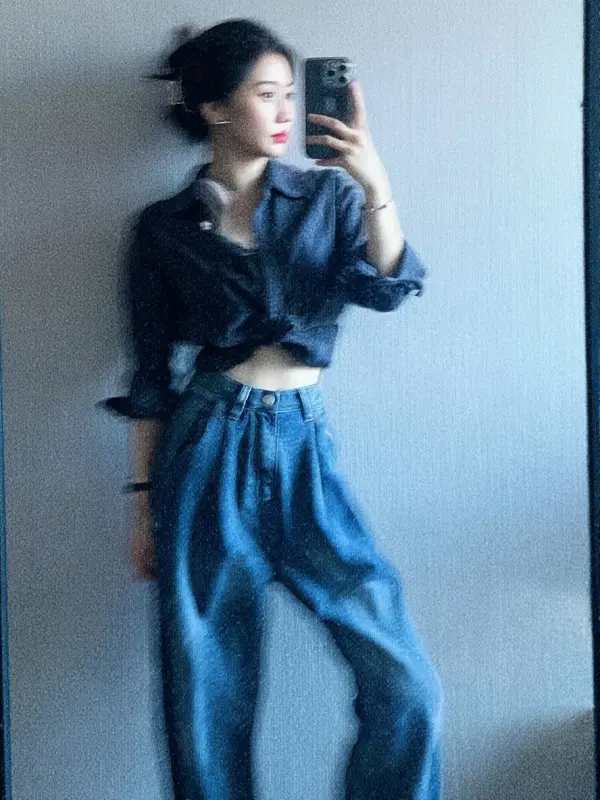
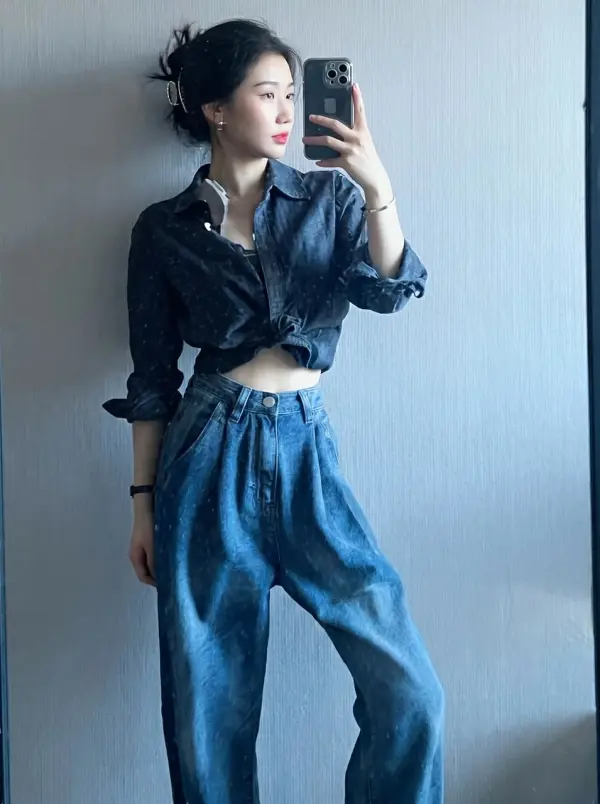
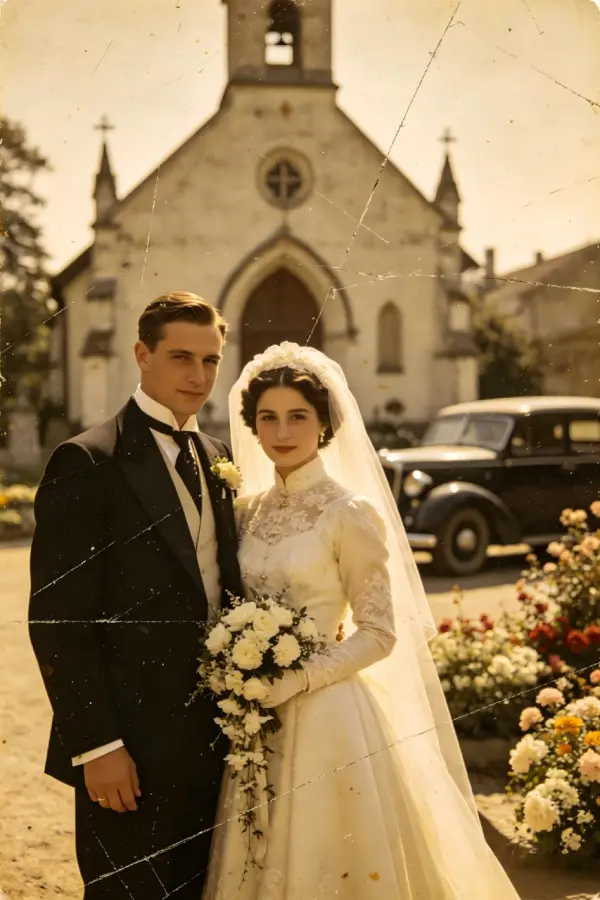
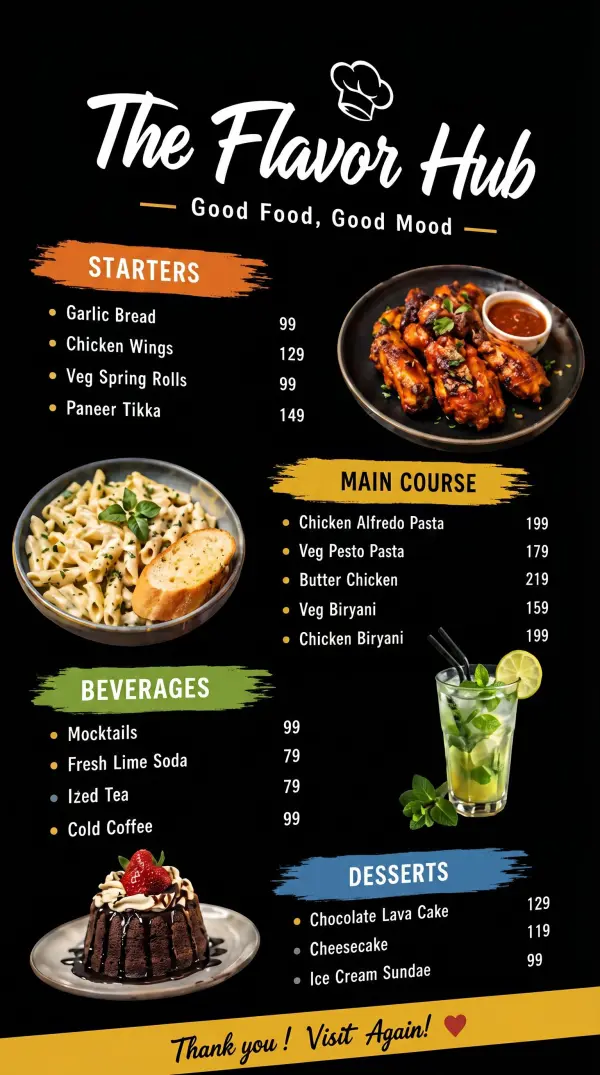
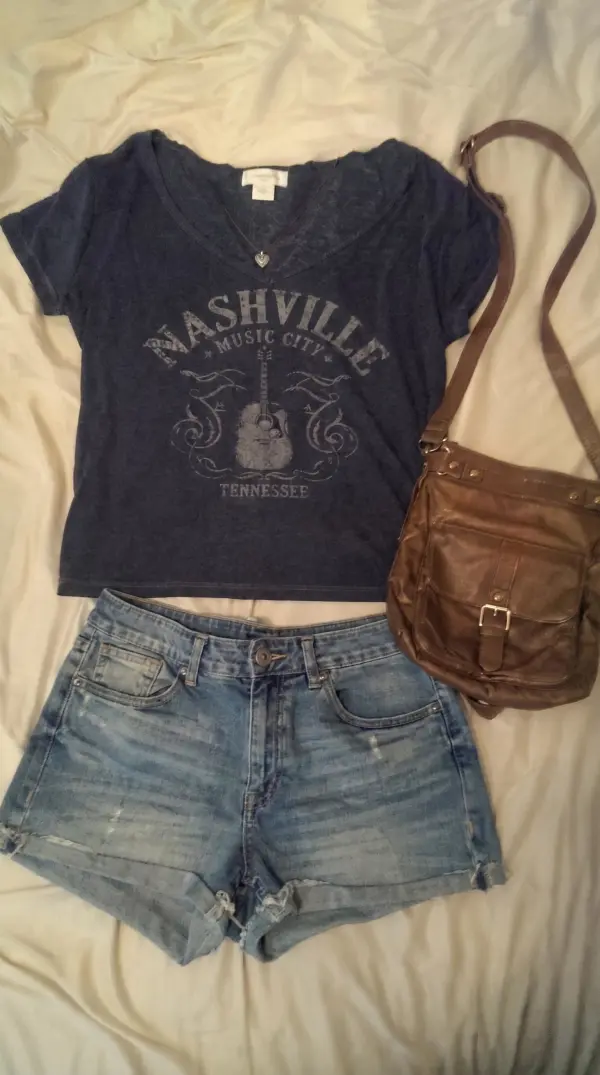
Boost clarity, sharpness, and detail instantly. Upgrade low-quality or blurry images into crisp, professional-grade visuals.

image-enhancer by weshop ai

Upscale User Guide

Enhance image with upscaler and sharpener to embark on a visual renaissance

Immerse yourself in a transformative experience as WeShop AI ushers your photography into a new era of unparalleled brilliance. Our cutting-edge technology seamlessly elevates image quality and enhancing intricate details to unveil the true essence of your visuals.

image enhancer by weshop ai

FAQs

What is the AI Image Enhancer tool?

It’s a feature that uses AI to upscale and improve image quality—enhancing resolution, sharpening edges, and preserving detail for high-quality visuals.

What types of input images work best?

Images that are reasonably clear, well-lit and have defined subject matter (e.g., product shots, portraits). Low-quality or extremely blurry images may limit enhancement results.

What output resolutions are supported?

The tool supports upscaling to 4K resolution (among other formats) to deliver high-definition visuals.

What enhancement modes are available?

Modes include “General (Original 4K)”, “Edge Sharpening” (for images with defined edges like architecture) and “Detail Preserving” (for textures and fine detail) among others.

How fast does the image enhancement process take?

It’s designed to be fast—upload → select mode → generate. Many users report minutes rather than hours for standard workflows.

Will the enhanced image look natural or over-processed?

The tool is built to preserve natural look, materials, textures and avoid artifacting—even when increasing resolution significantly.

Can I batch-process multiple images?

Yes. The workspace allows batch processing, 9 uploads maximum, so you can upscale or enhance many product shots in one workflow.

Is this tool suitable for e-commerce product photography?

Absolutely. It’s especially useful for product shots needing clarity, texture detail and e-commerce standards like crisp edges and high resolution.

What happens if my input image is heavily compressed or full of artifacts?

While the tool can improve quality, highly compressed or artifact-laden inputs will have reduced results. Best practice is to start with the best possible source image.

Explore More AI Tools

idea
helper