


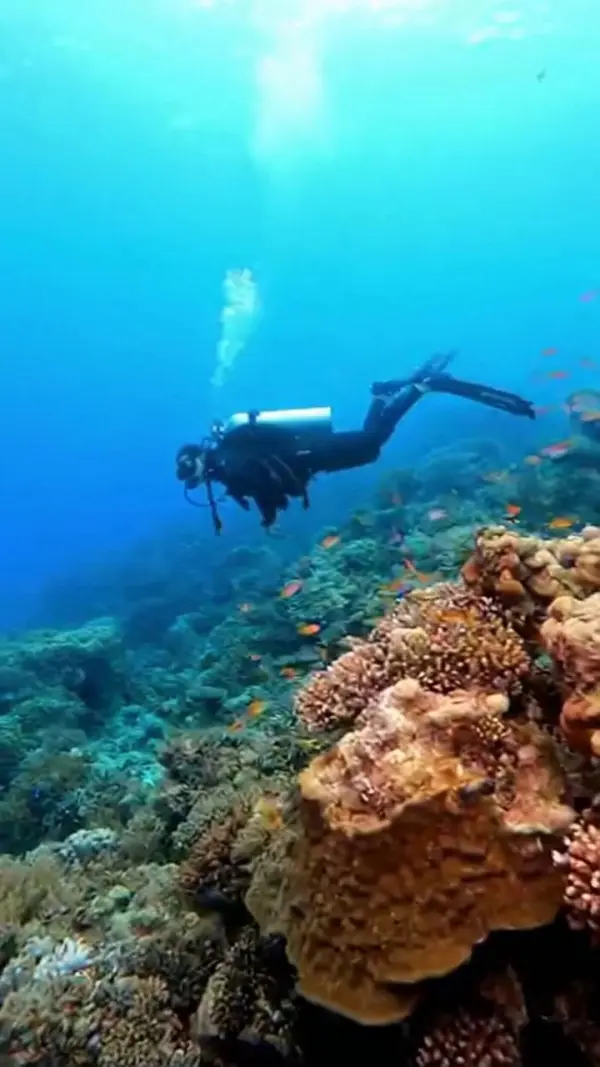
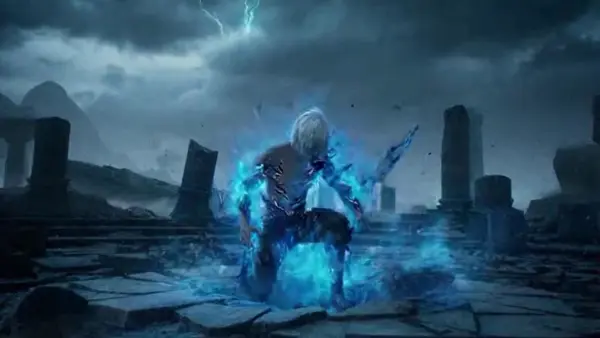
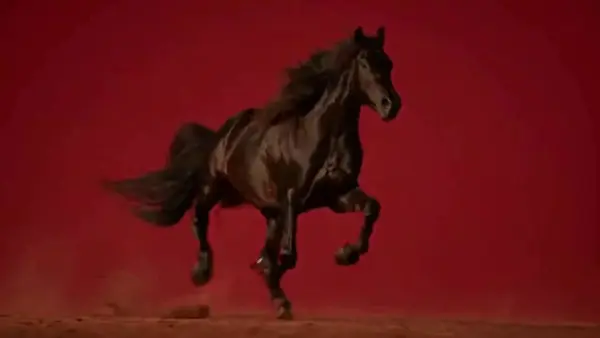


Sign In

Our new Virtual Try-On just launched. Try it now!
close
Steal the Look! Click to Replicate it with Your Product!
sora 2 by weshop aisora 2 by weshop ai
sora 2 by weshop ai
sora 2 by weshop aisora 2 by weshop ai
sora 2 by weshop ai

Key Features of Sora 2 AI Video Model

Realistic Physics & World Understanding

Realistic Physics & World Understanding

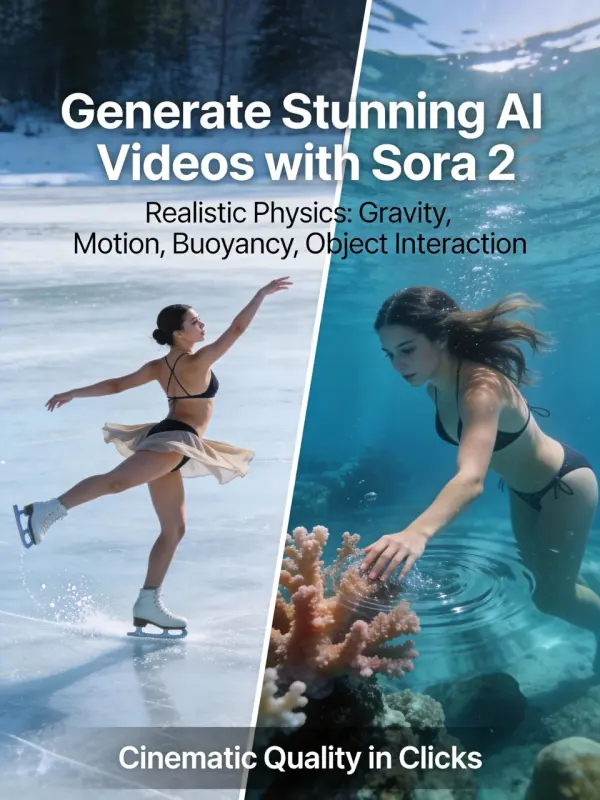
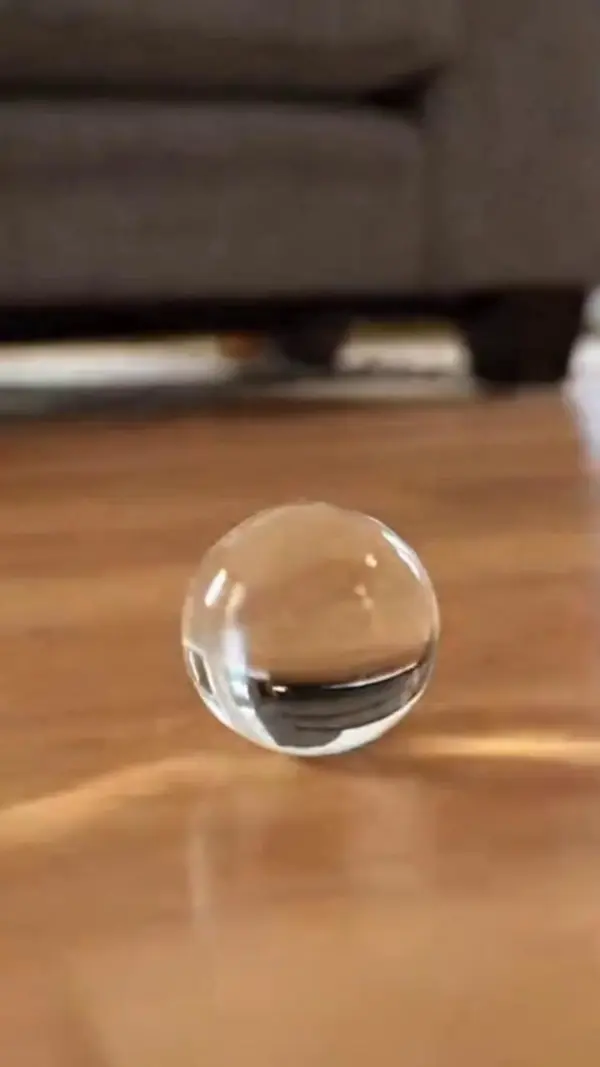
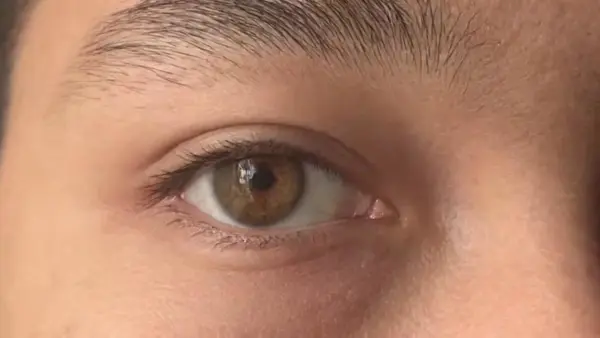
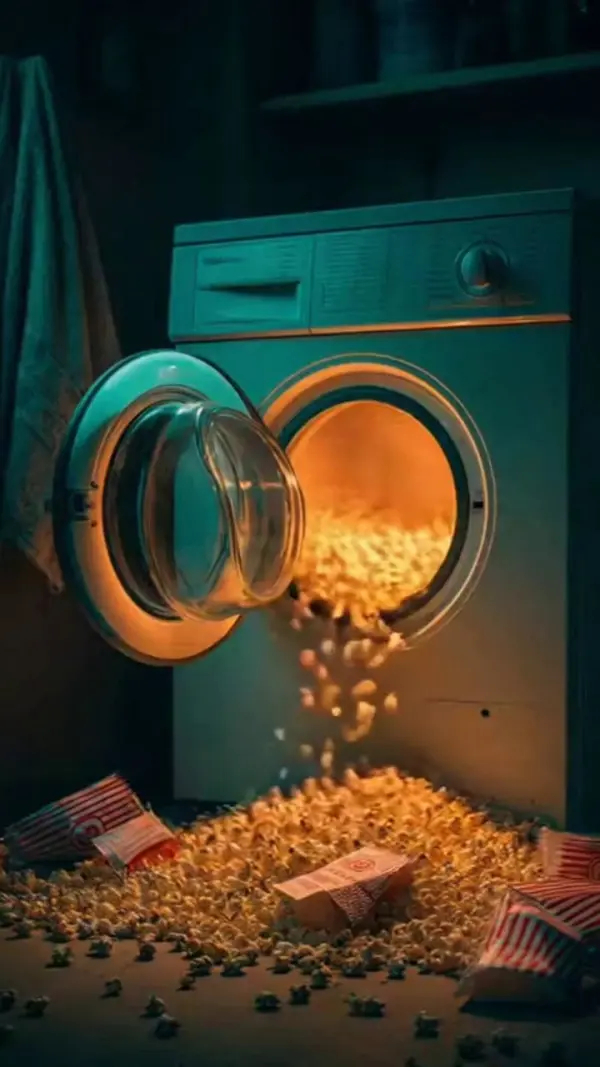
Developed with advanced OpenAI AI technology, Sora 2 accurately simulates real-world dynamics such as gravity, collisions, buoyancy, and object permanence, allowing AI videos created from a photo or upload to behave naturally. As part of the OpenAI video model system, it understands how other elements interact in a scene, generating high quality videos with believable motion and spatial logic for both creative fun and commercial purposes.
Fast Creation Workflow & Easy Control

Fast Creation Workflow & Easy Control

The OpenAI-powered Sora 2 AI video generator focuses on a smooth and efficient creation workflow, allowing users to control scenes using simple text prompts. Videos created through this OpenAI system feel natural and visually polished, even when multiple characters or other elements are included. With a minimal learning curve, creators can start generating stunning video content quickly, without advanced editing experience.
High Consistency & Multi-Shot Storytelling

High Consistency & Multi-Shot Storytelling

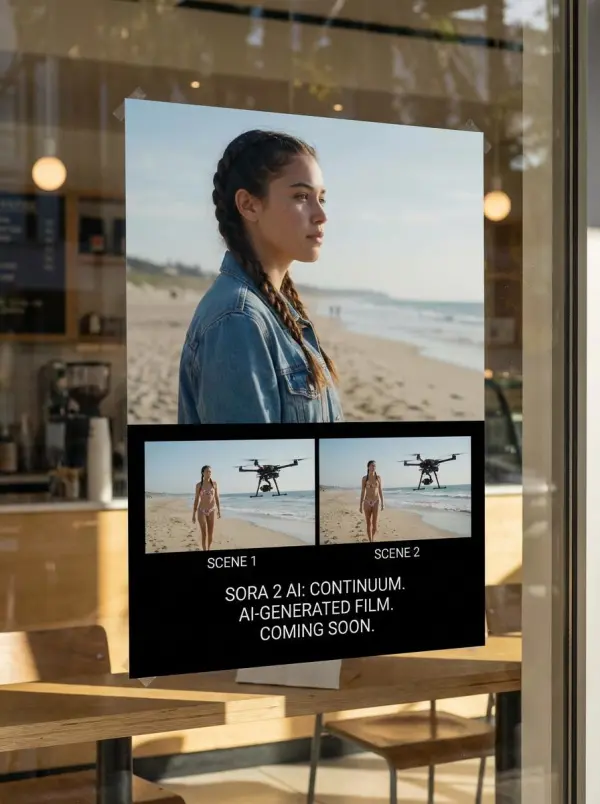
Sora 2 maintains long-term consistency across scenes, ensuring characters, objects, and environments remain stable throughout multi-shot videos. Whether you plan a cinematic story, anime-style sequence, or branded narrative, the AI models preserve continuity automatically. This makes it easy to produce high quality videos for friends, creative projects, or commercial purposes without complex post-production work.
Image to Video & Text to Video AI

Image to Video & Text to Video AI

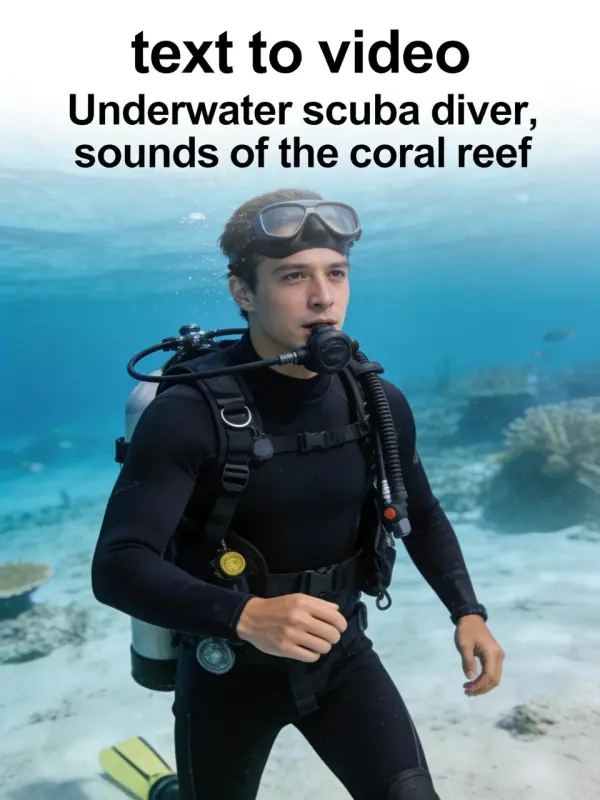
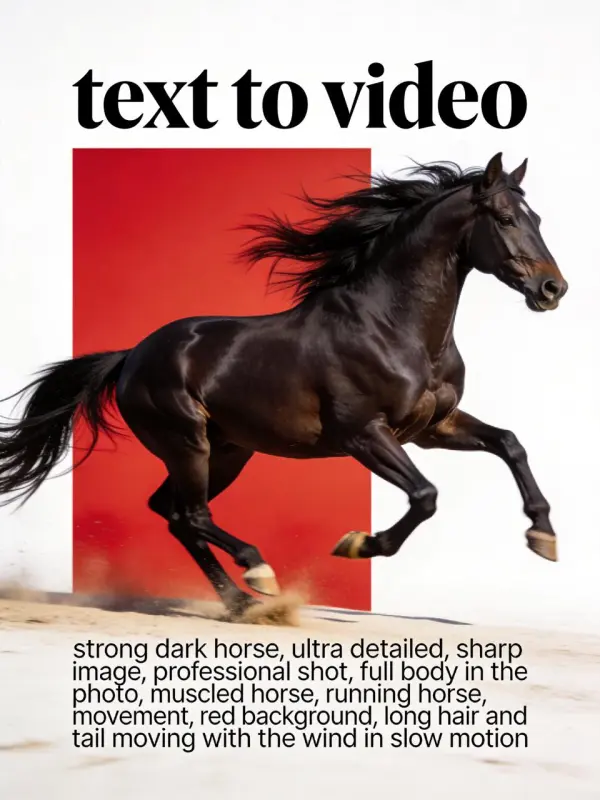
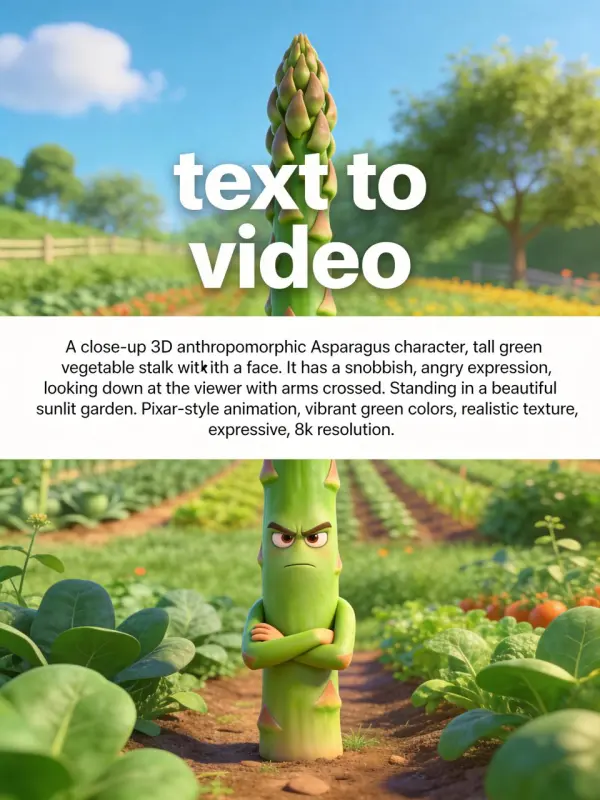
With Image to Video & Text to Video AI, users can upload a photo or enter text prompts to start generating videos instantly. Sora 2 turns images and detailed text instructions into dynamic scenes with smooth motion and intelligent camera behavior. By automatically handling other elements in the frame, the AI helps create high quality videos with a low learning curve, even for users without professional editing experience.

What You Can Do with Sora 2 AI Video Generator

Create AI Videos for Marketing & Social Media

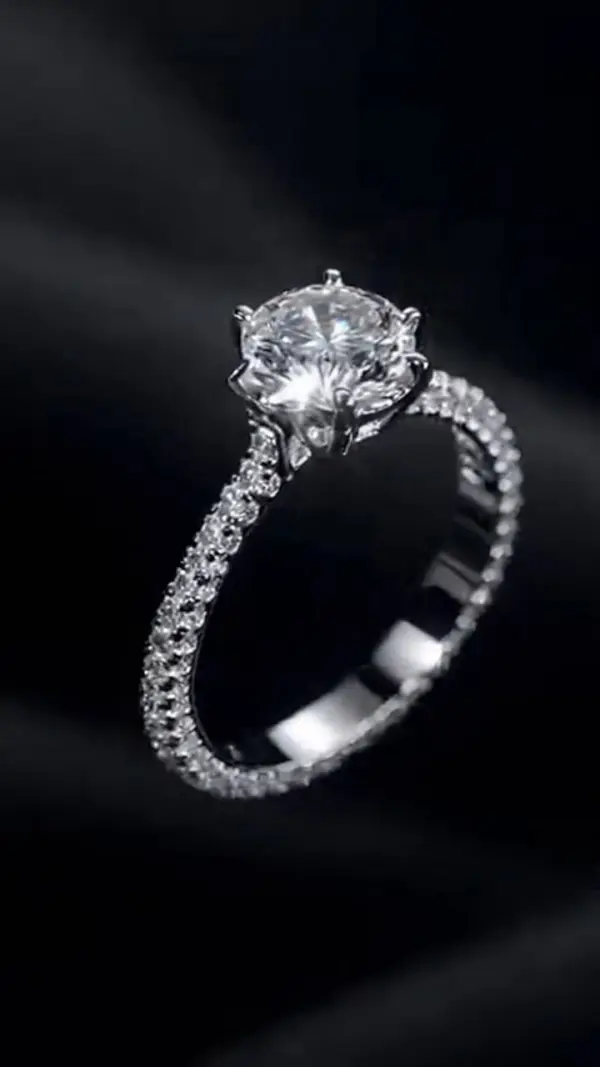
Marketers use Sora 2 to create stunning video content for ads, landing pages, and social platforms. Videos created with realistic motion and sound help brands stand out and build trust. Whether you’re planning a campaign launch or sharing ideas with friends, the ability to upload assets and generate videos quickly saves time and production costs.

Build Anime & Stylized AI Animations

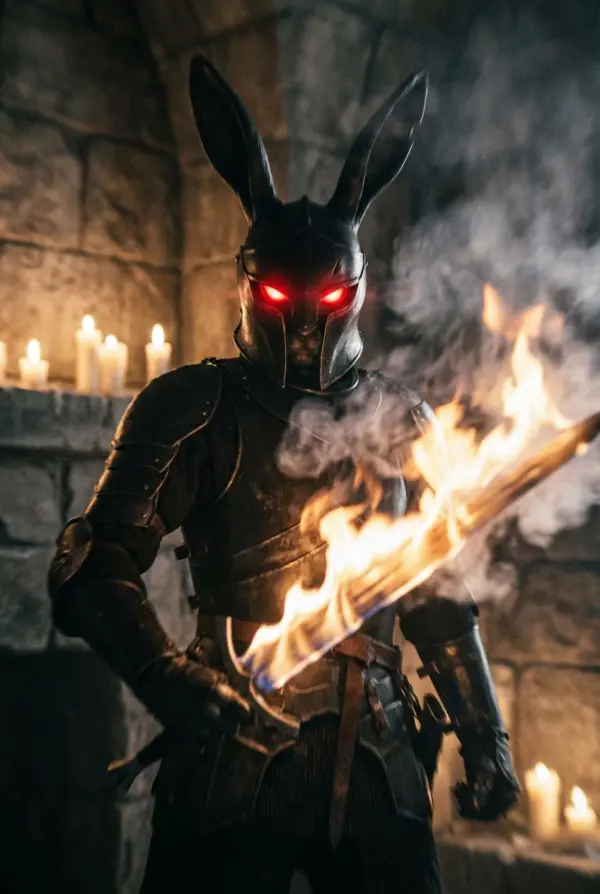
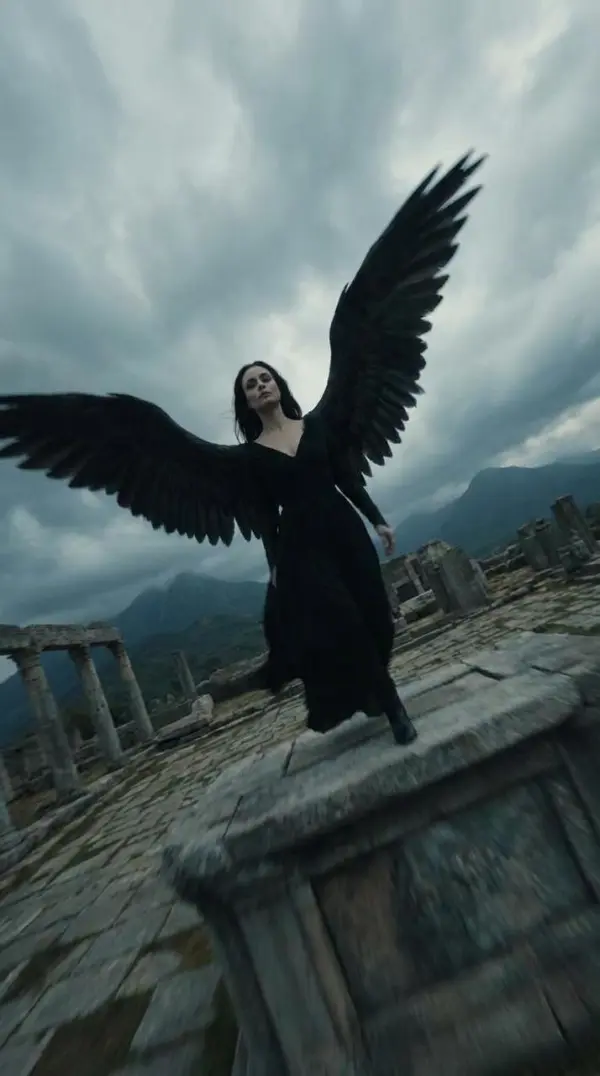
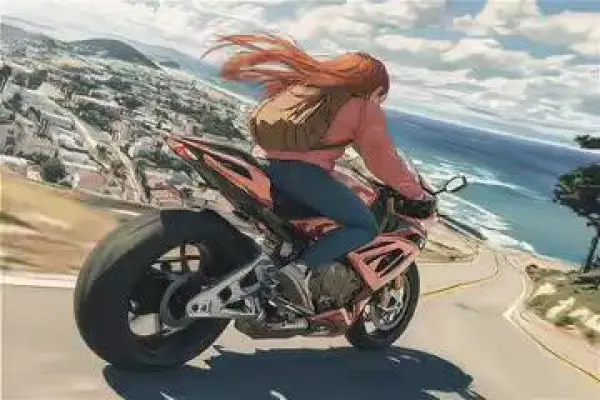
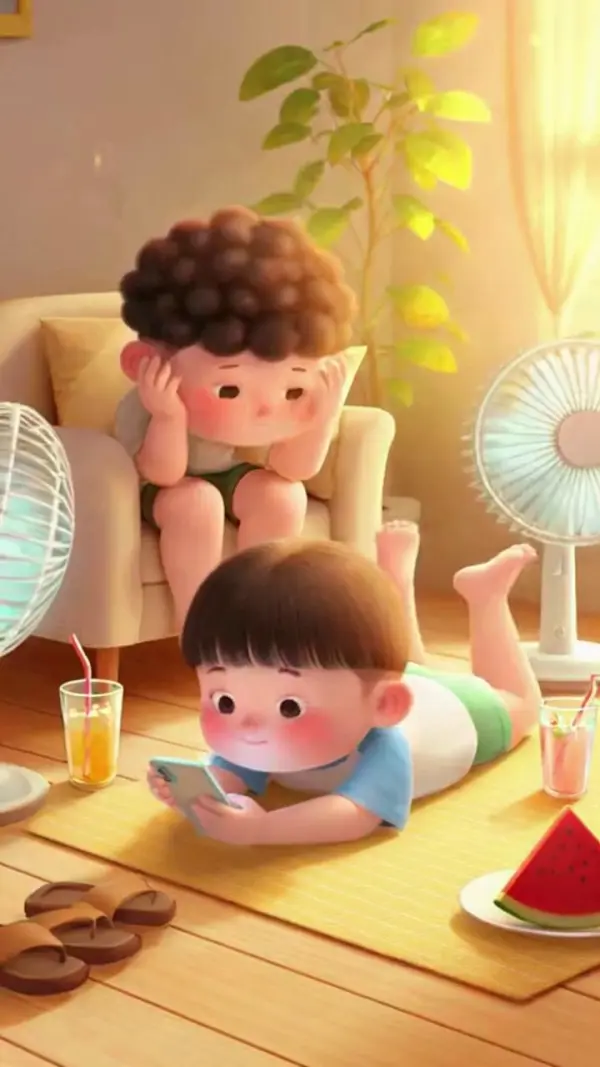
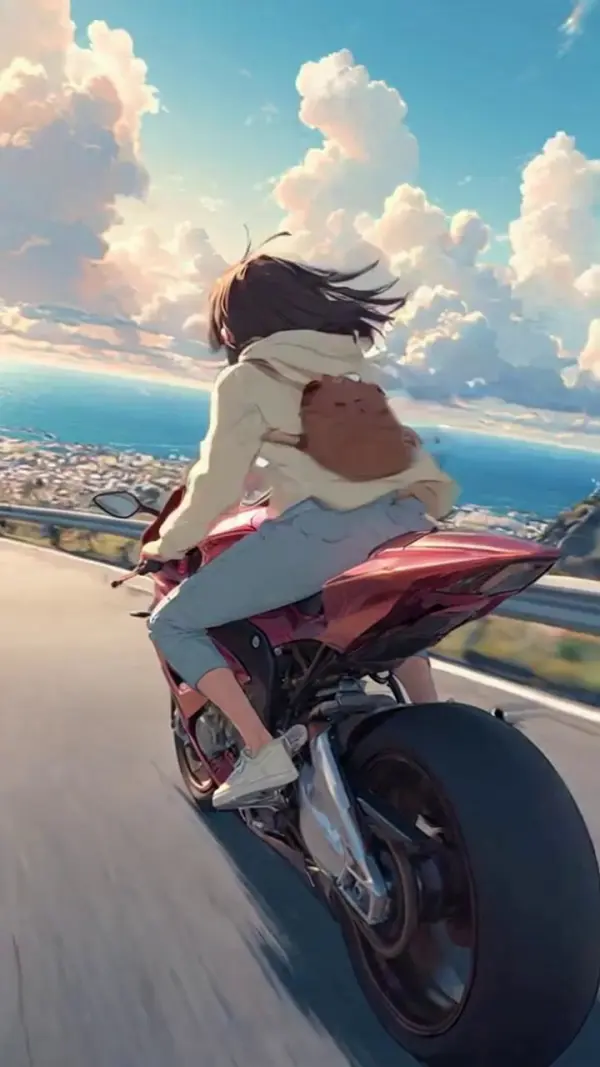
Sora 2 supports realistic, cinematic, and anime-style visuals, allowing users to imagine unique worlds and characters with ease. By combining text prompts, photos, and other elements, creators can experiment creatively with a short learning curve. It’s ideal for passion projects, concept trailers, or animated stories created just for fun or future plans.

Produce Professional AI Videos Without Filming

Creators can upload a photo or describe a scene and start generating cinematic videos without cameras, actors, or locations. Sora 2 handles motion, lighting, audio, and other elements automatically, keeping the learning curve low. This makes it easy to create high quality videos for creative fun, storytelling, or commercial purposes—anytime, anywhere.

Generate Creative Content for Fun & Inspiration

Sora 2 is also widely used for creative fun and inspiration. Users can upload a photo, experiment with different styles, and start generating videos just to explore ideas. With minimal editing experience required, the AI video generator makes it easy to create visually rich content for personal projects, storytelling, or sharing creative moments with friends.

Generate AI Videos Online with No Download

Using Sora 2 online, users can upload content, adjust settings, and start generating videos directly in the browser—no app download required. This fast, beginner-friendly workflow makes it easy to create high quality videos whether you’re working remotely, collaborating with friends, or exploring creative ideas from anywhere, including teams based in San Francisco.

FAQs About Sora 2 AI Video Generator

What is Sora 2?

Sora 2 is an advanced AI video model developed by OpenAI that generates realistic, cinematic videos from text prompts or images. It is designed to understand motion, physics, and scene structure, allowing users to create high-quality AI videos without traditional filming, animation, or advanced video editing skills.

What makes Sora 2 different from other AI video tools?

Sora 2 stands out for its strong focus on physical realism, long-term scene consistency, and intelligent world modeling. Unlike many AI video tools that generate short or unstable clips, Sora 2 can maintain characters, environments, and objects across multiple shots, making it ideal for storytelling, cinematic projects, and professional-quality video creation.

Can I try Sora 2 online for free?

Yes. Users can try Sora 2 on WeShop AI with free options available. The tool runs directly in the browser, so there is no need to download or install any software.

Can I generate videos using both text and images?

Yes. Sora 2 supports both text-to-video and image-to-video workflows. Users can upload an image or photo as a reference, combine it with text instructions, and generate dynamic videos that include motion, camera movement, and additional visual elements. This flexibility makes the tool useful for a wide range of creative and professional scenarios.

Is Sora 2 suitable for beginners with no video editing experience?

Yes. Sora 2 is built with a low learning curve in mind. Users do not need professional video editing skills to get started. By using simple text prompts and basic inputs, beginners can generate polished, cinematic AI videos quickly, making the platform accessible to creators of all experience levels.

What types of videos can I create with Sora 2?

Sora 2 can be used to create cinematic scenes, marketing videos, product concepts, animated stories, social media content, and creative experiments. Its ability to handle realistic motion and consistent environments makes it suitable for both fun, exploratory projects and serious professional productions.

Is Sora 2 suitable for commercial use?

Yes. Sora 2 AI videos are widely used for marketing, advertising, creative projects, and professional video production workflows. Many businesses and creators rely on Sora 2 to produce high-quality video content efficiently for commercial purposes, reducing production costs and timelines.

Does Sora 2 require powerful hardware to use?

No. Since Sora 2 runs online, users do not need high-end hardware or powerful GPUs. All processing is handled in the cloud, allowing creators to generate AI videos from standard computers or laptops through a web browser.

Do I need a separate OpenAI API key for Sora 2?

Only if you plan to access Sora 2 directly through OpenAI’s APIs. If you’re using Sora 2 on an integrated platform like WeShop AI, the API access and billing are handled by the platform, and you don’t need your own OpenAI key.

Explore More AI Tools

Our new Virtual Try-On just launched. Try it now!
close

Virtual Try-On

Try On Clothes Online with AI Virtual Try Technology

AI Face Swap

Realistic Face Swapping Online with AI

AI Model

Showcase clothing with a variety of models

AI Product

Create stunning product images with few clicks from anywhere

AI Video

Create and publish videos from a photo or description—instantly, in any style.

Face Forge

AI Face Morph & Face Swap Generator Online

Nano Banana Pro

Conversational editing, precisely consistent.

Product Recoloring

Recolor Image Online Free - Color Changer in WeShop AI

AI Image to Video Generator

Turn Images into Stunning AI Videos for Free

To Mannequin

Convert real model photos into mannequin displays

Change Pose

Change poses, switch between various model poses, making the clothing display more natural

Remove Background

Removing background with lightning speed and ease

AI Photo Enhancer

Enhance Photo Quality Online with Free AI

Relight

Relight your images automatically and efficiently

Expand Image

Expand images & backgrounds to fit any platform

Magic Eraser

Remove unwanted objects from your photos with AI

Hand/Feet Fixer

Regenerate natural-looking hands and feet in AI-generated images

Design Repair

Upload an image, highlight the area you wish to fix, and upload a target reference image

Outfit Generator

Create AI clothes styling from any model photo, garment, or style prompt.

AI Clothing Piece Generator

Create Professional Flatlay Clothing Images From Any Photo or Idea

Wan AI Video Generator

Advanced AI Image & Video Generation Model

Z-Image AI Image Generator

Create High-Quality Images from Text Instantly

Midjourney Image Generator

Use Midjourney v7 to Create AI-Generated Images

Kling AI Video Generator

Next-Generation AI Video Creation

Qwen Image Edit

A Revolutionary Tool for Seamless Image Editing

idea
helper