






language

English

Sign In

Our new Virtual Try-On just launched. Try it now!
close
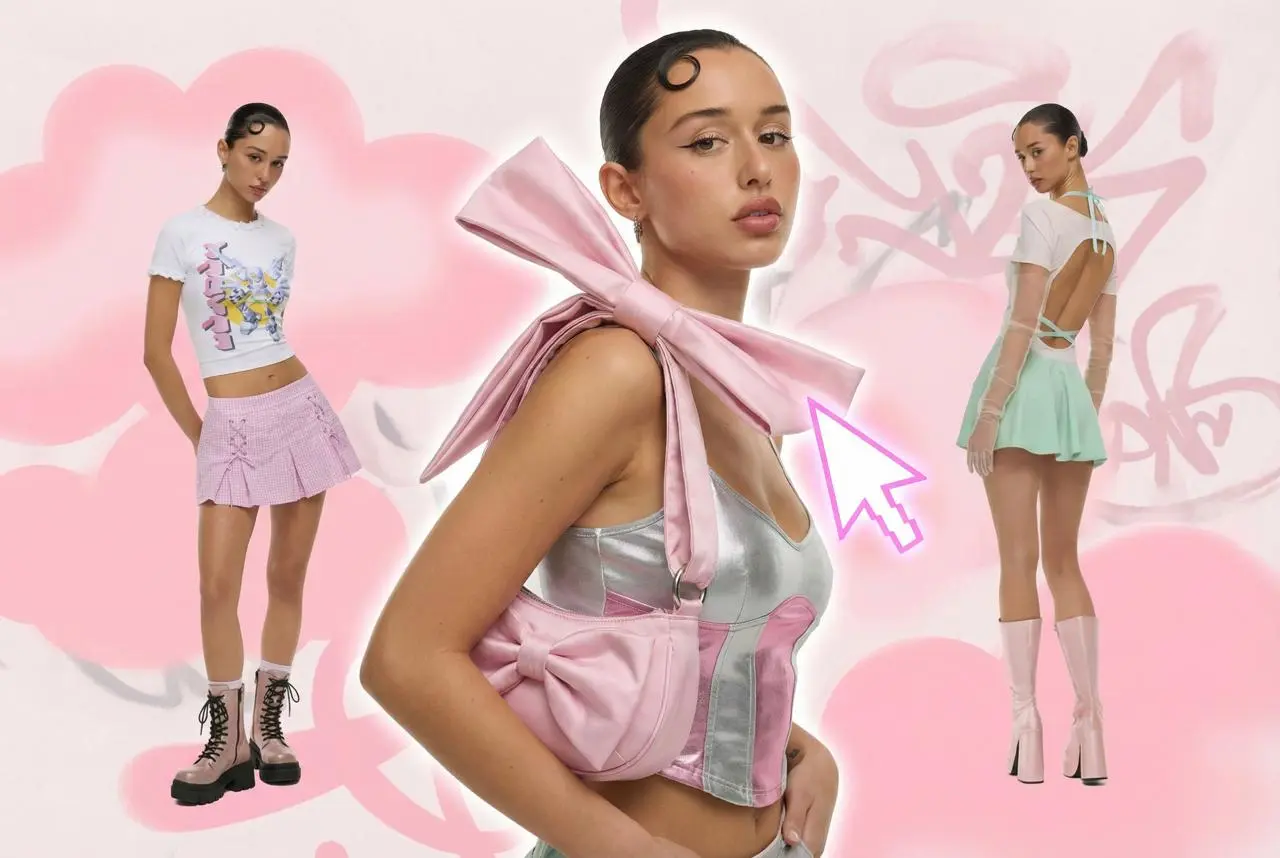
Steal the Look! Click to Replicate it with Your Product!

HappyHorse AI Video Generator – Create Cinematic Text-to-Video and Image-to-Video Content

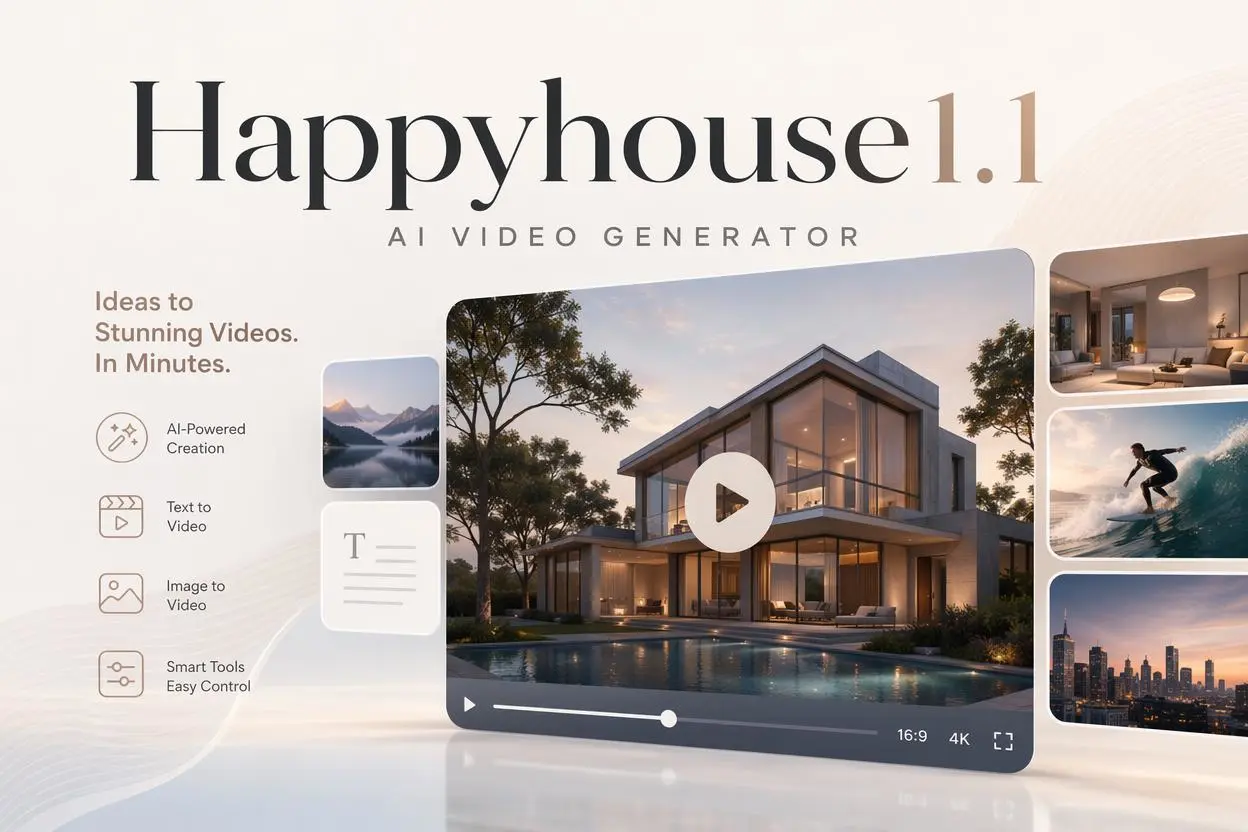
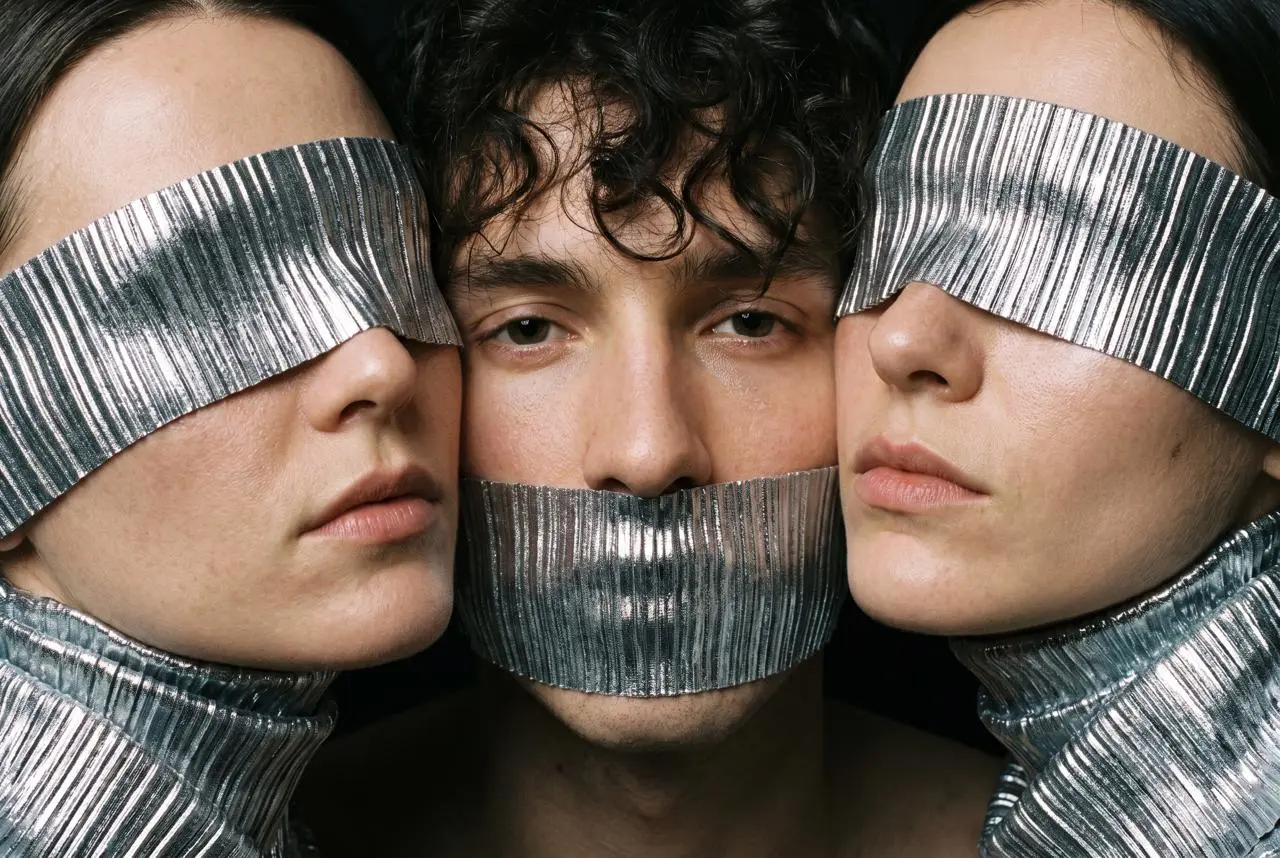
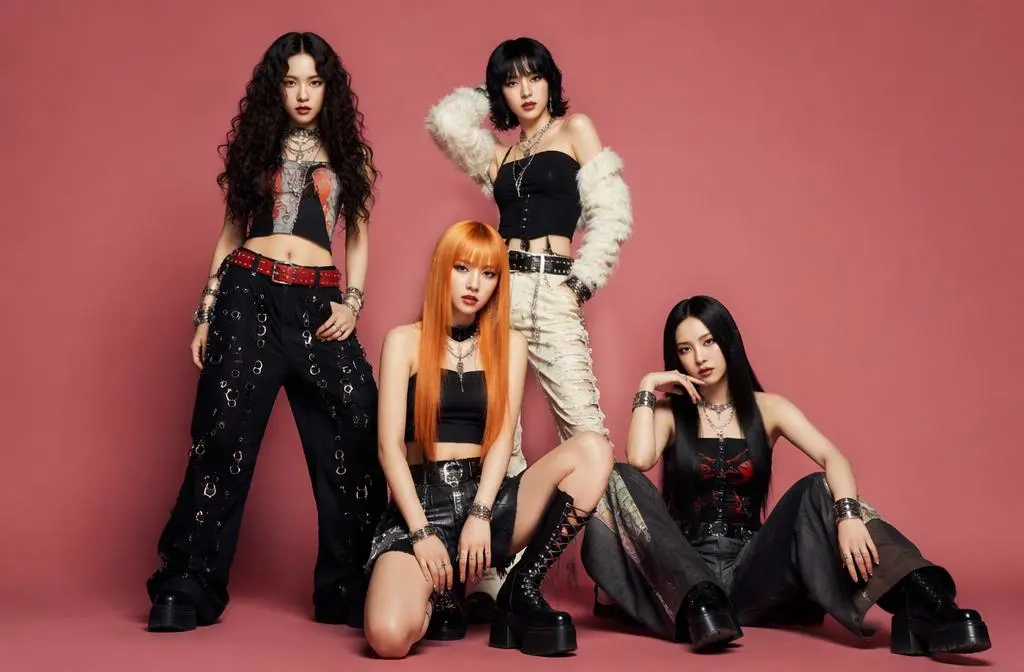
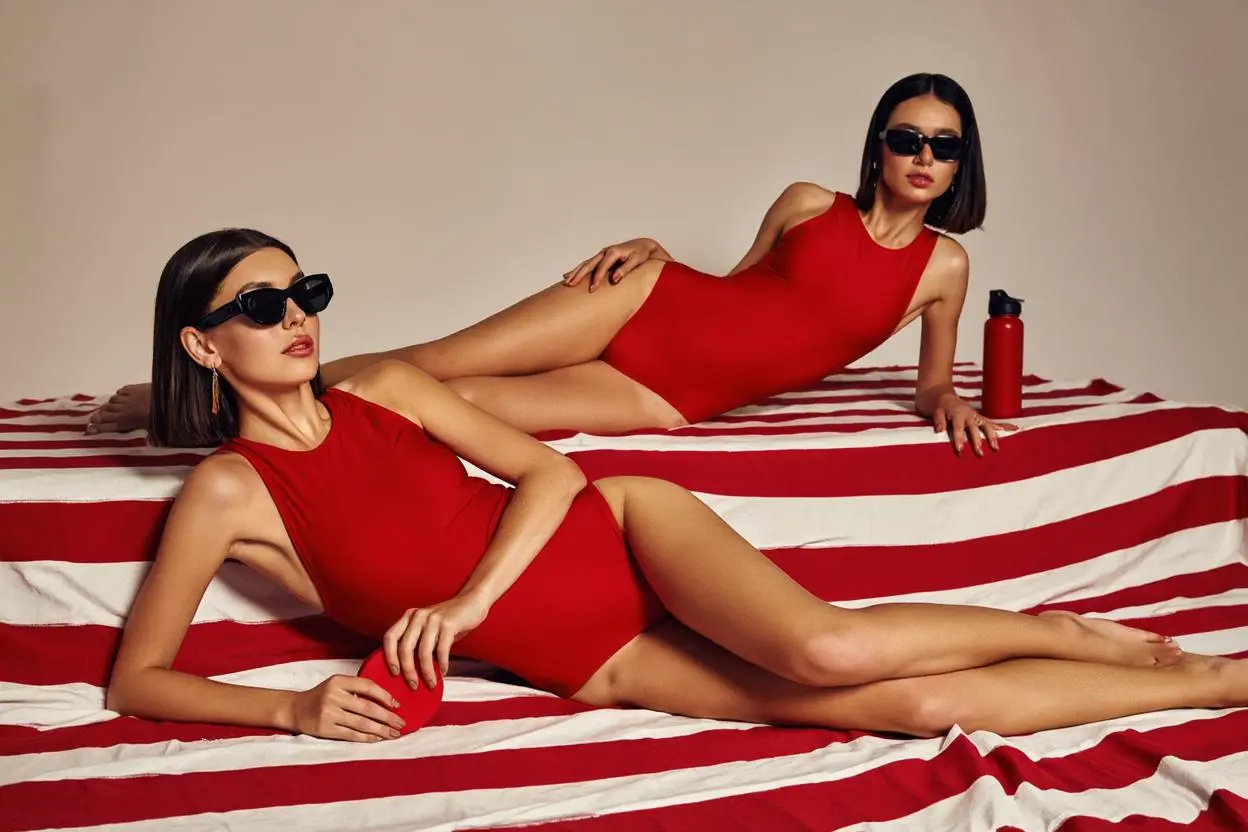
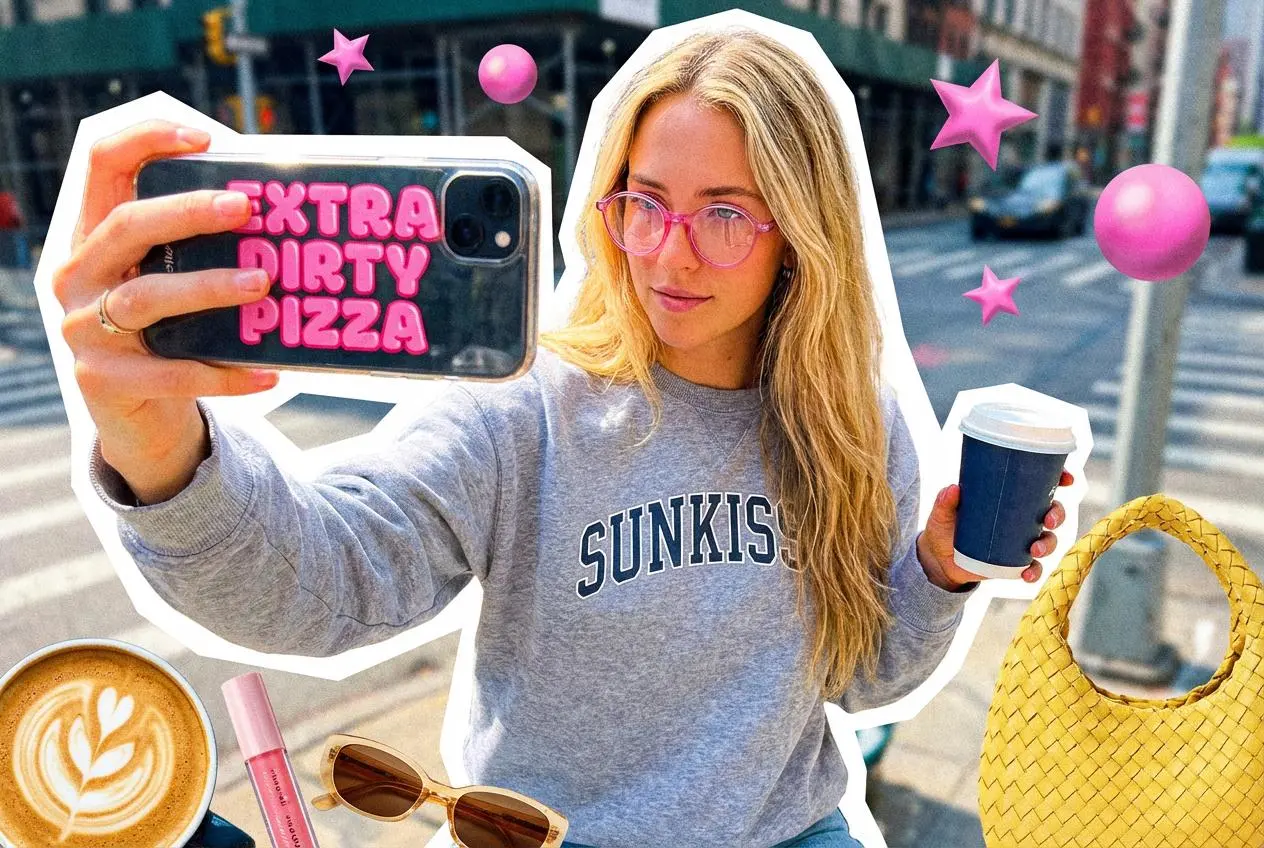
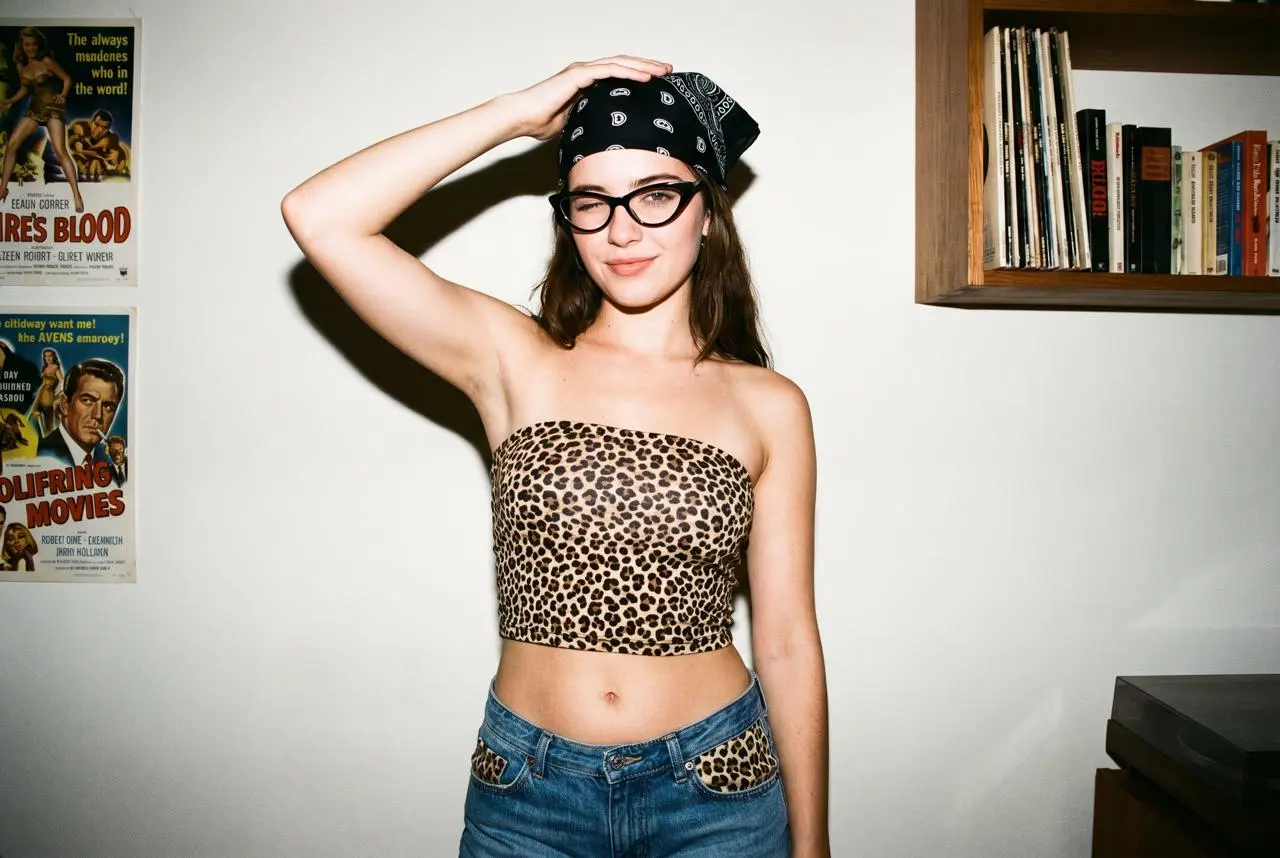
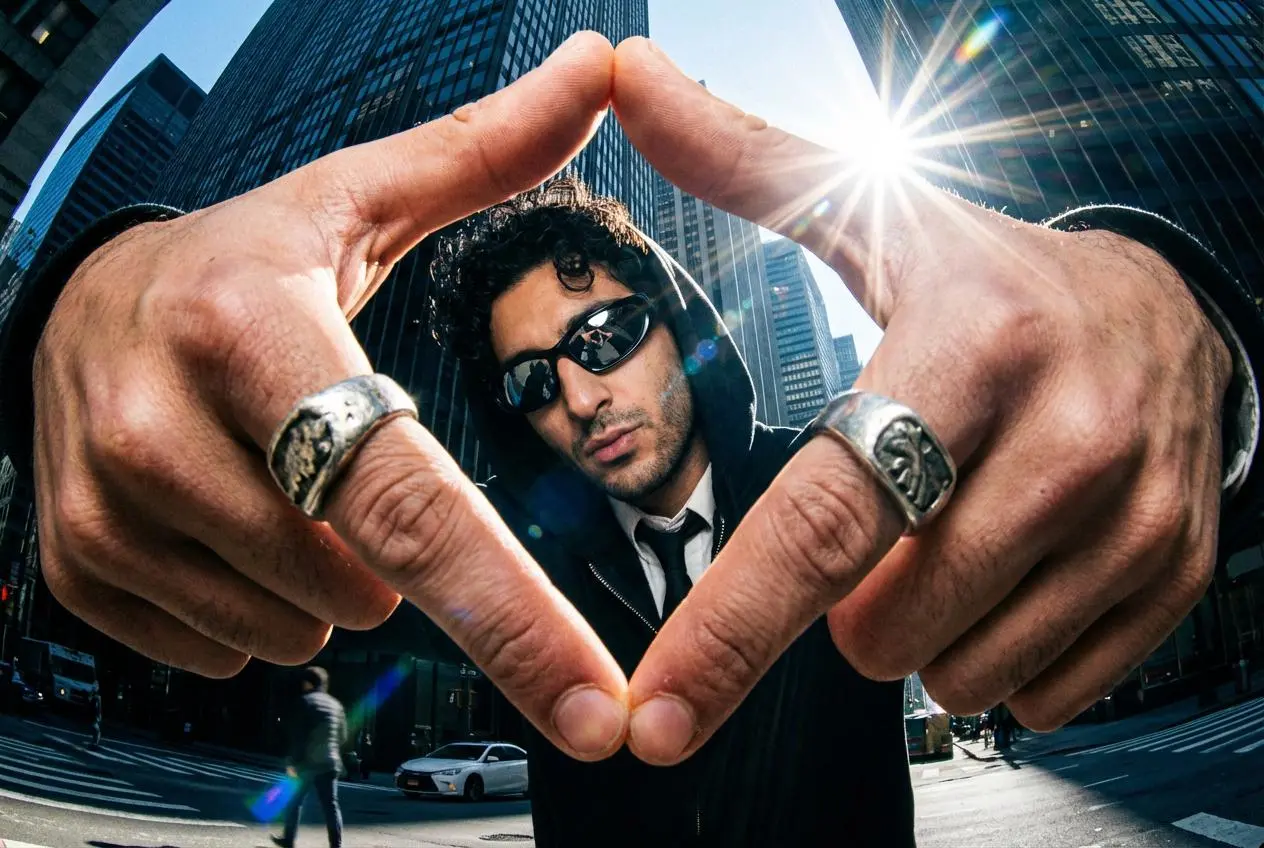
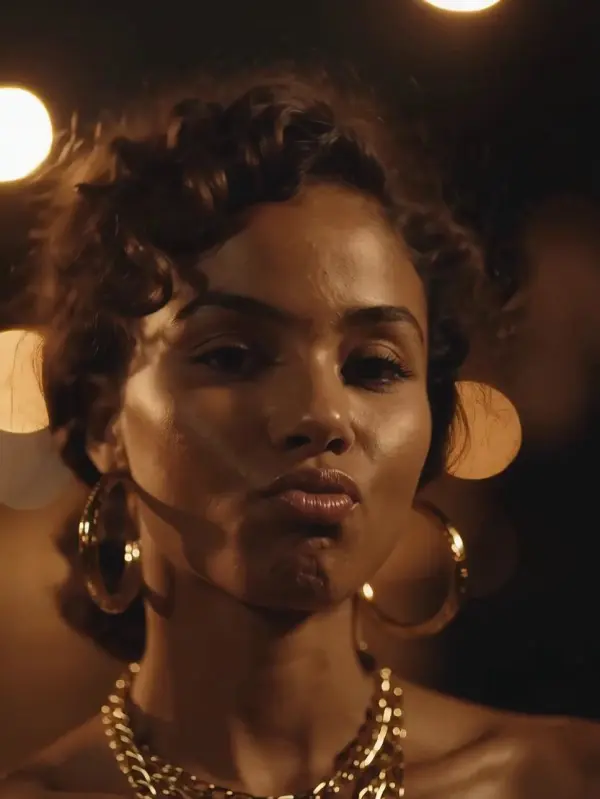
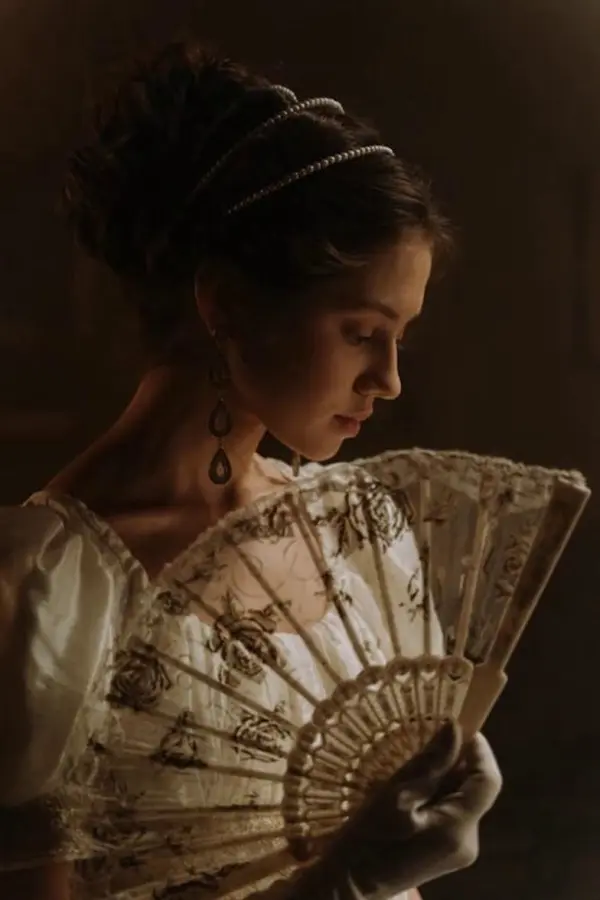
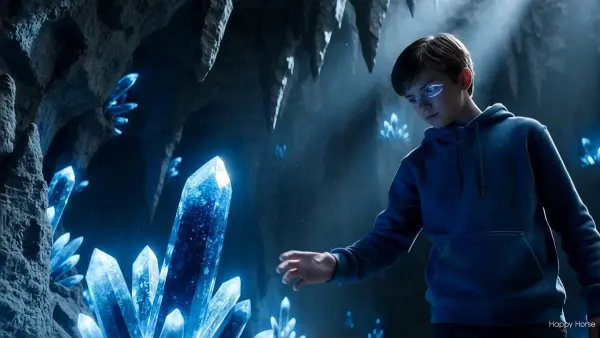
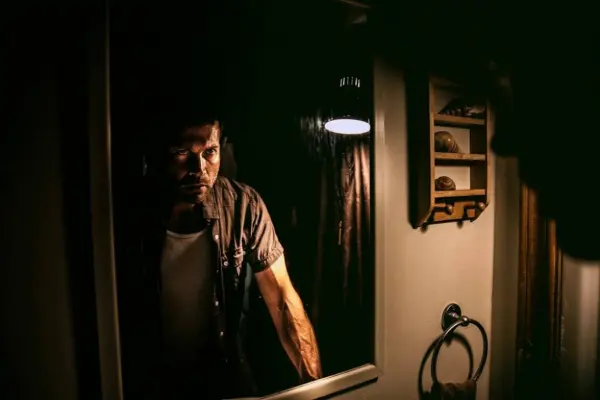
HappyHorse AI Video Generator is a cinematic video maker built for creators, marketers, and teams that want to create videos and create ai videos faster from text prompts, reference footage, audio, and ai generated images. As a flexible platform with advanced features, HappyHorse supports text-to-video, image-to-video, native 1080p HD output, integrated audio-visual sync, and 50+ visual styles. Whether you start with just a prompt, a video idea, or visuals from an ai image generator, HappyHorse helps turn concepts into ai generated visuals, dynamic videos, engaging videos, and stunning videos with more natural control and realistic motion.

Real-World Use Cases for HappyHorse AI Video Generator

Creating Product Launch Videos and Ad Variations Faster

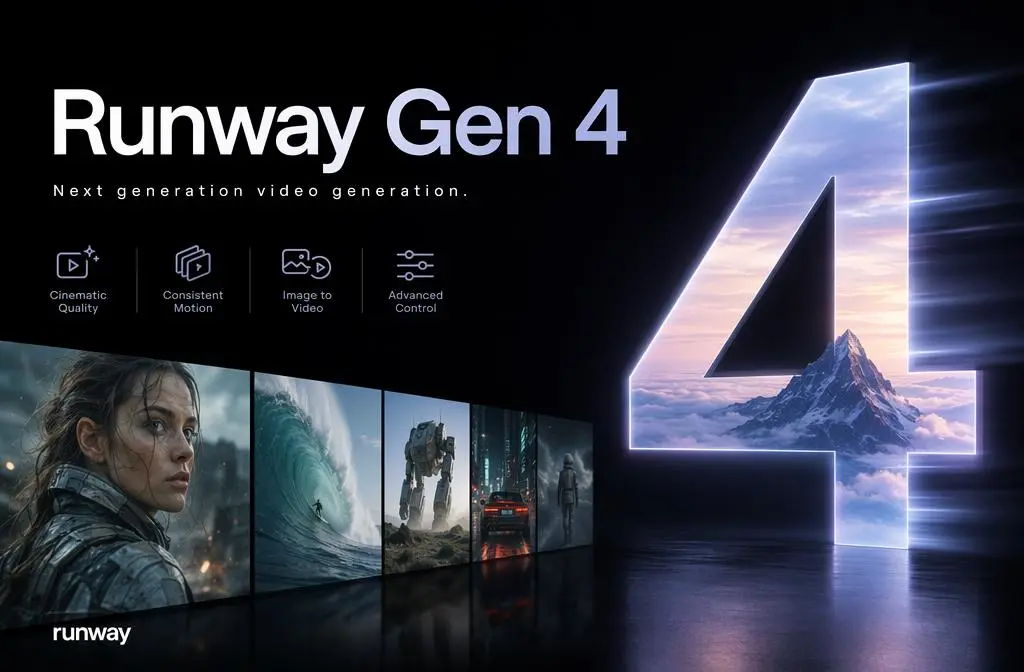
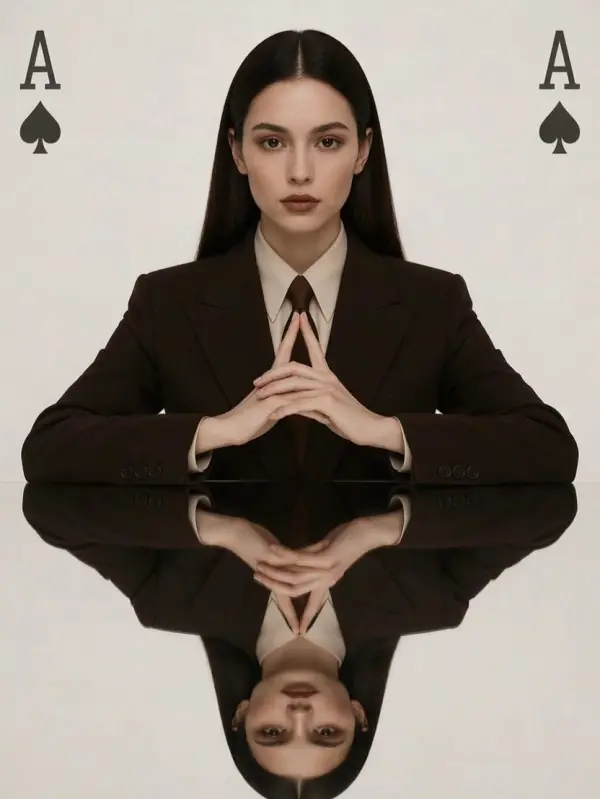
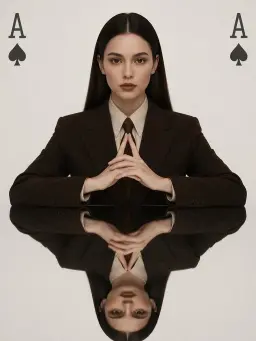
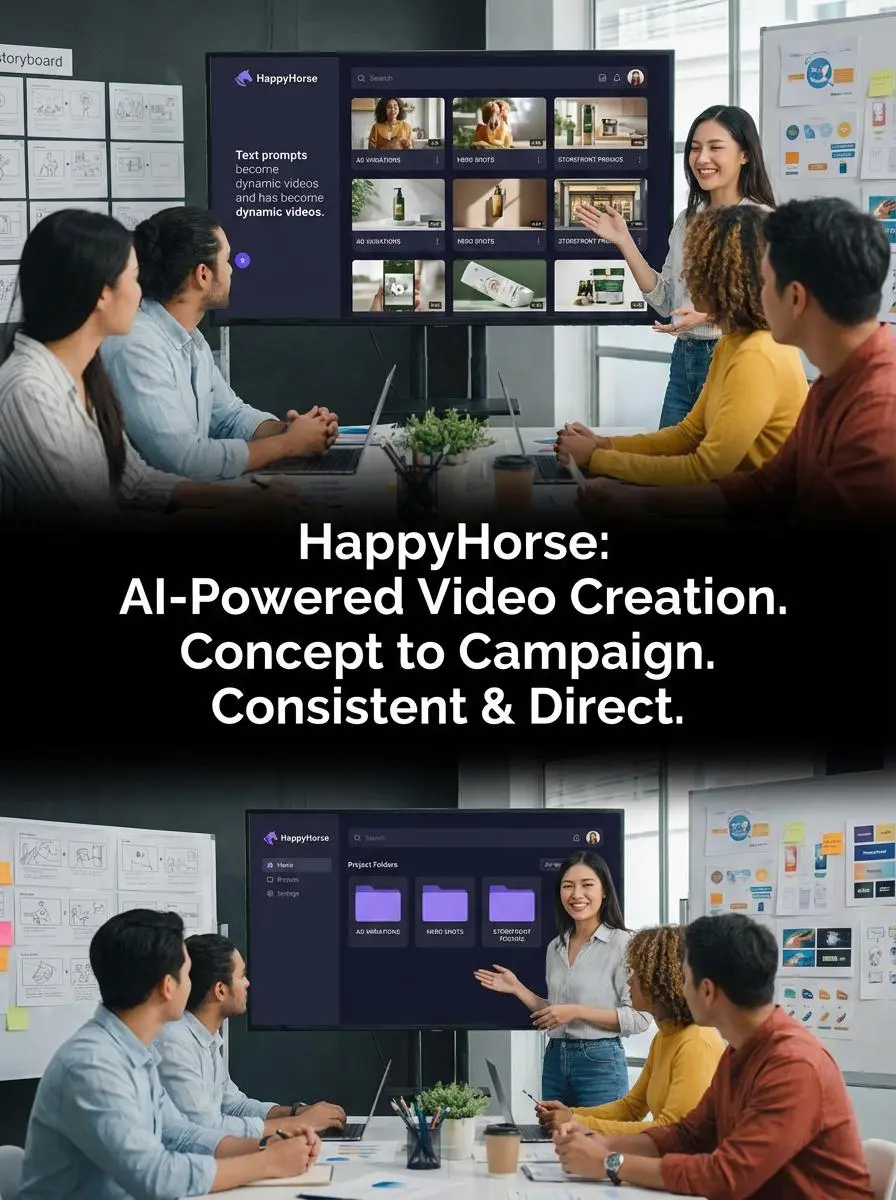
A brand team launching a new product line needed multiple short ad variations, product hero shots, and storefront promos without building a full video production pipeline. HappyHorse fit this workflow because it helps teams create videos and create ai videos from text prompts, reference assets, and ai generated images while keeping output consistent across campaigns. With native 1080p, advanced features, and support for repeatable prompt structures, HappyHorse made it easier to move from a single video idea to engaging videos, dynamic videos, and other ai generated visuals for ads, explainers, and launch content. For teams comparing options like Google Veo, HappyHorse stands out by giving marketers a more direct path from concept to stunning videos without depending on a separate ai video editor.
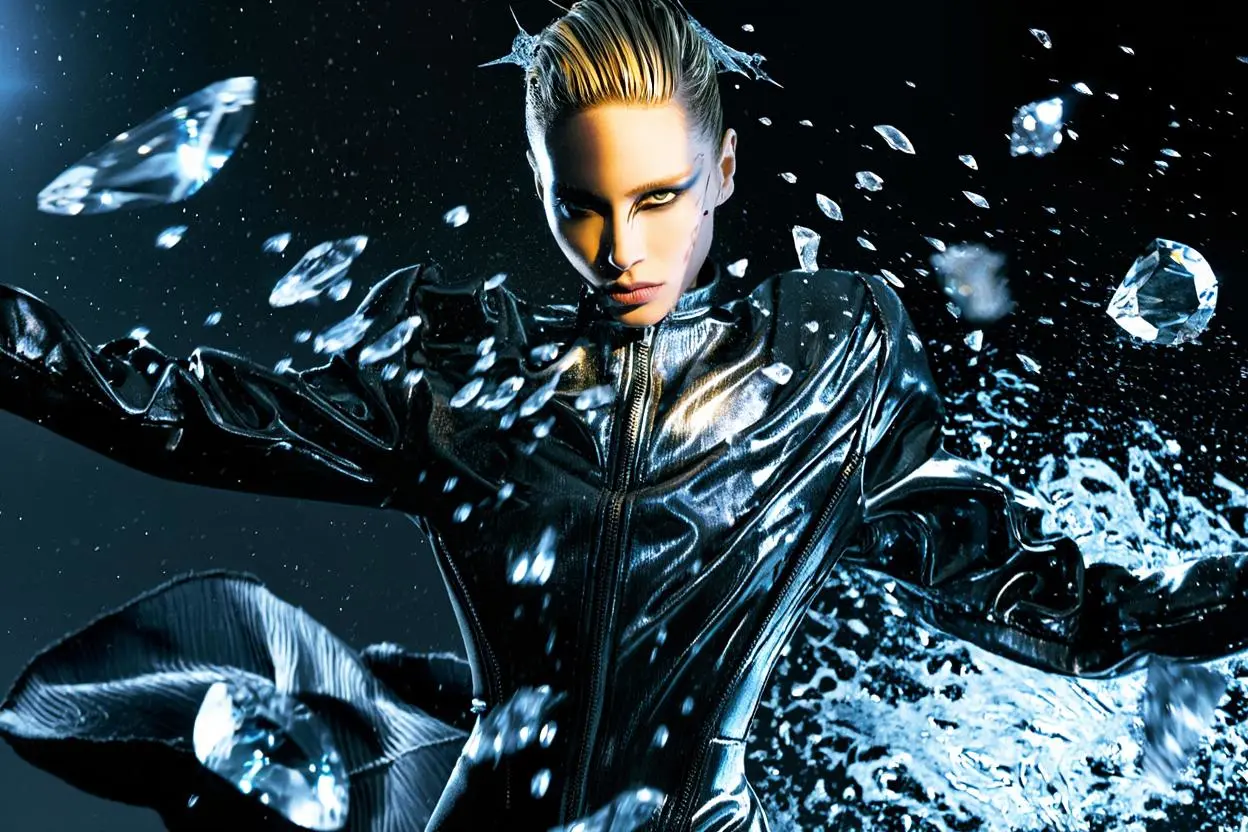
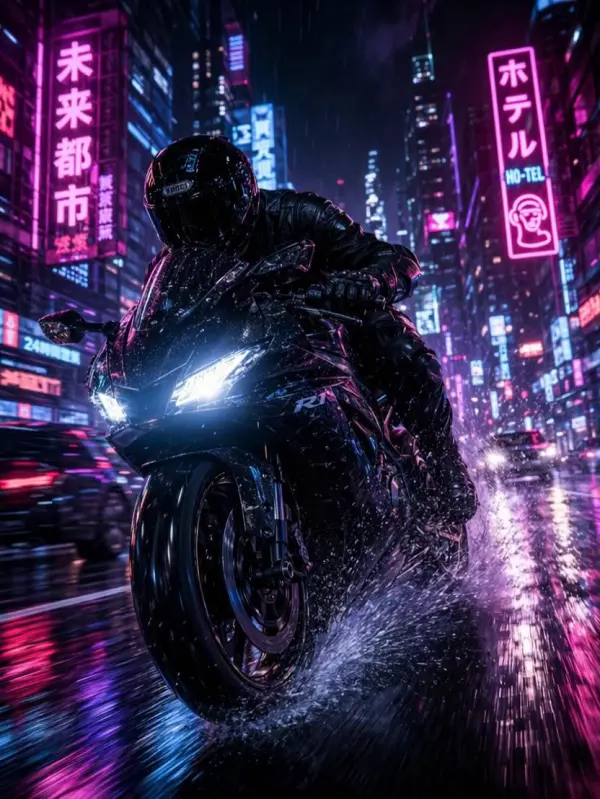
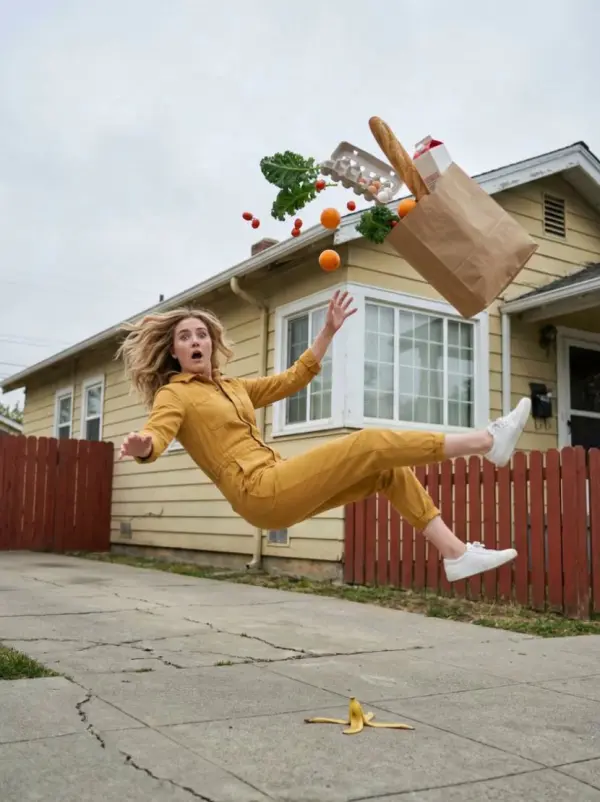
happyhorse by weshop ai

Turning Reference Images into Cinematic Creator Content

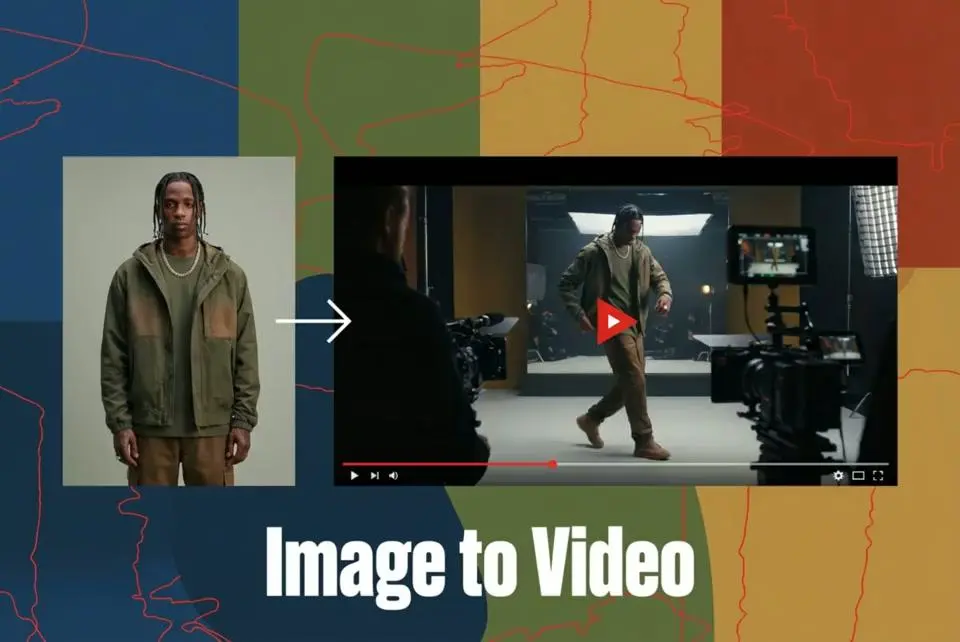
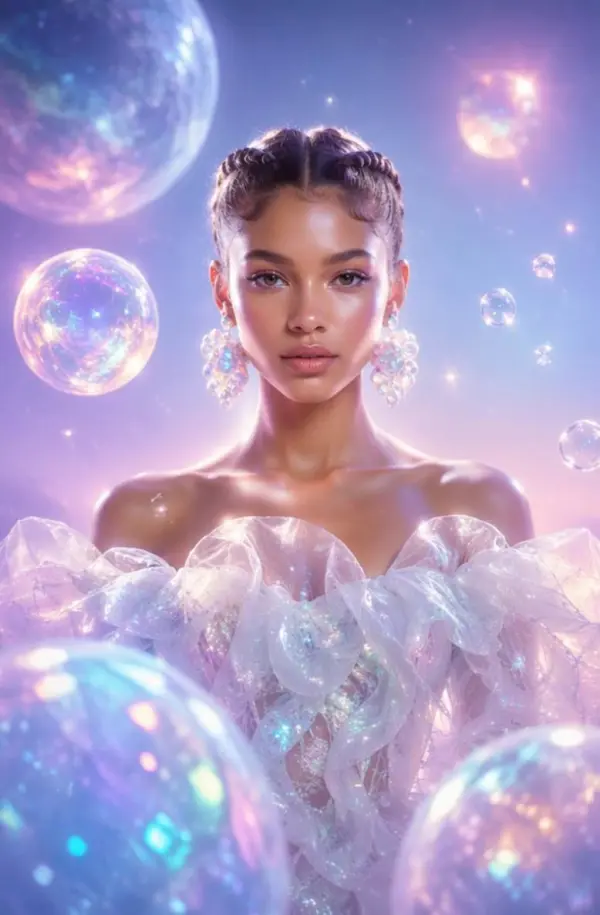
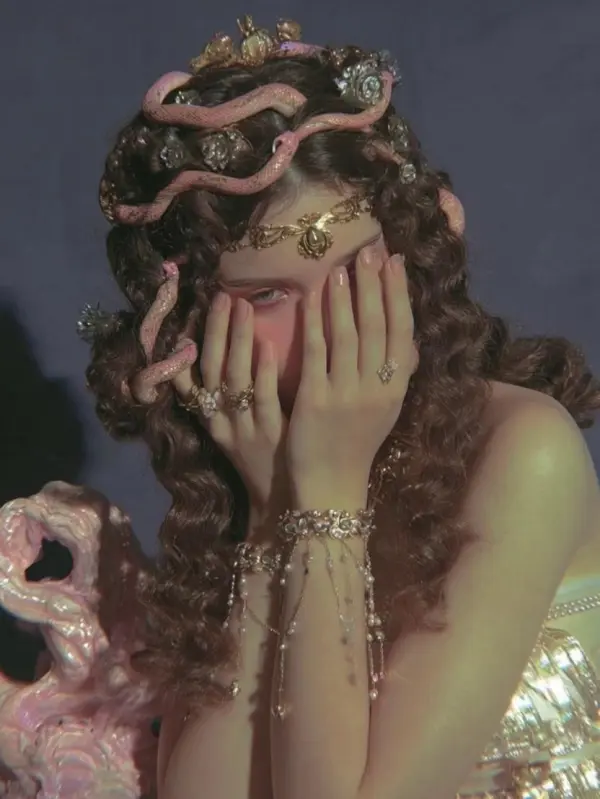
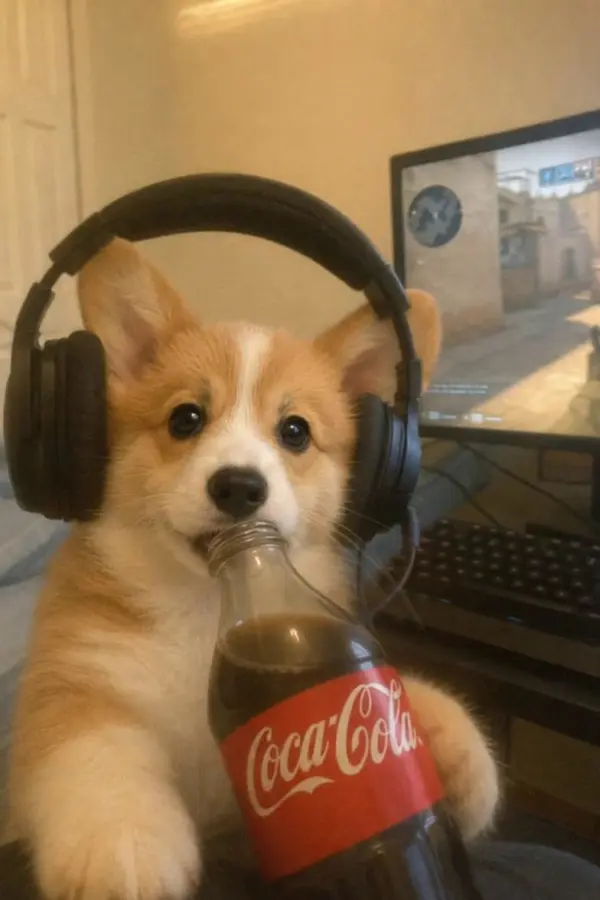
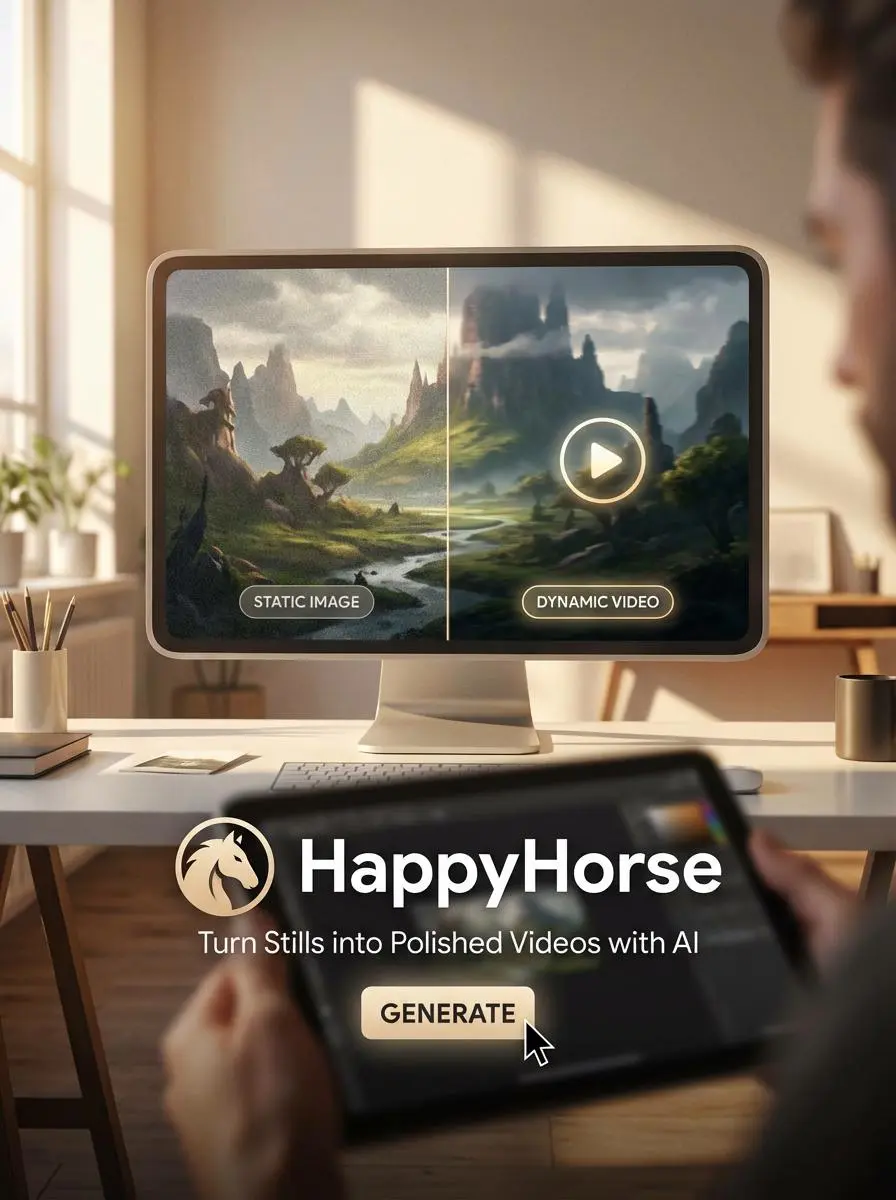
A creator wanted to transform static images into polished short clips with stronger identity and smoother movement. HappyHorse is designed for exactly that kind of workflow, helping users turn stills from an ai image generator or other ai generated images into dynamic videos with realistic motion, camera movement, and multimodal guidance. Starting from just a prompt or a simple video idea, the creator used HappyHorse to build engaging videos, music-led clips, and creator-ready ai generated visuals with less manual editing. Instead of juggling multiple ai tools, they could use HappyHorse as a more complete video maker for producing stunning videos from images instead of live footage.
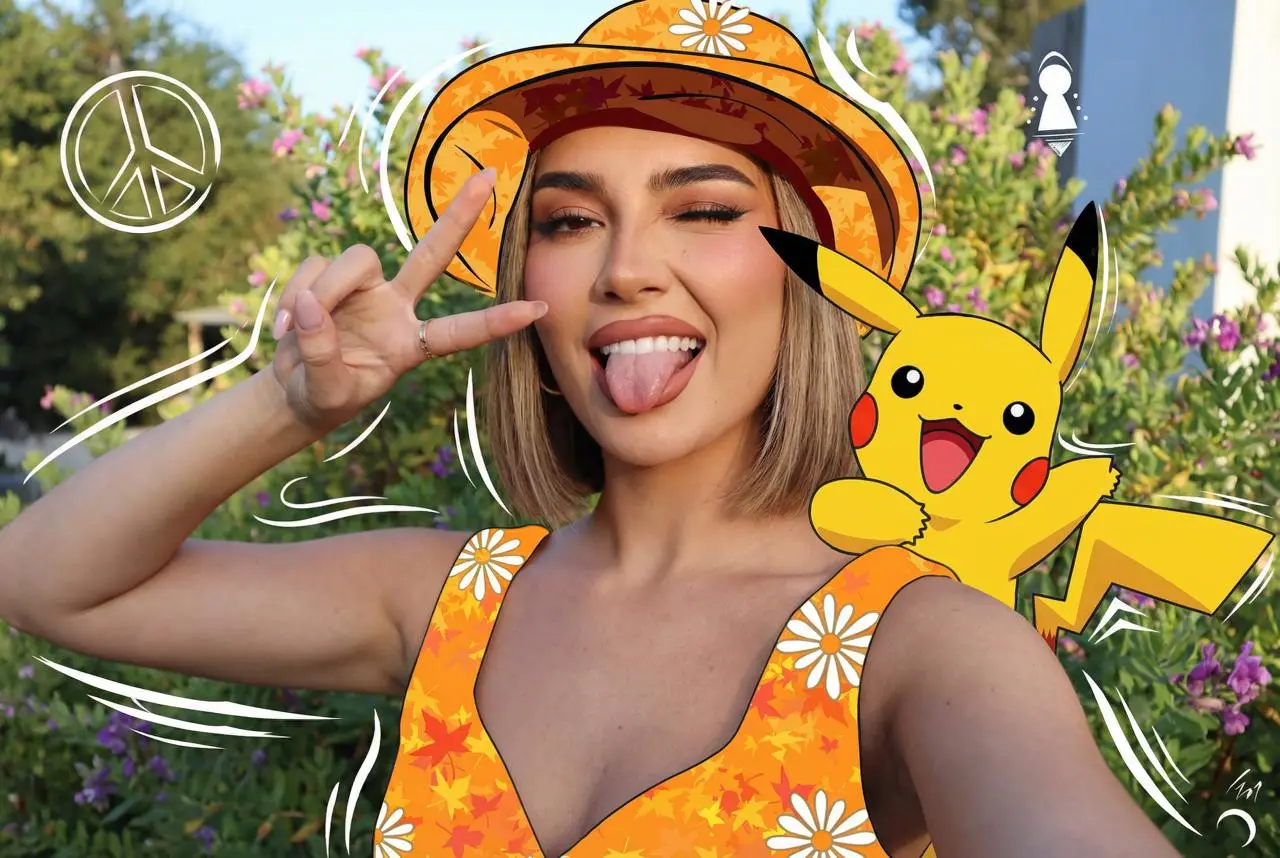
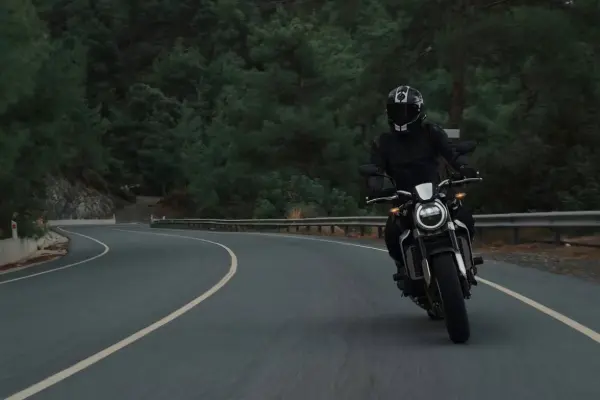
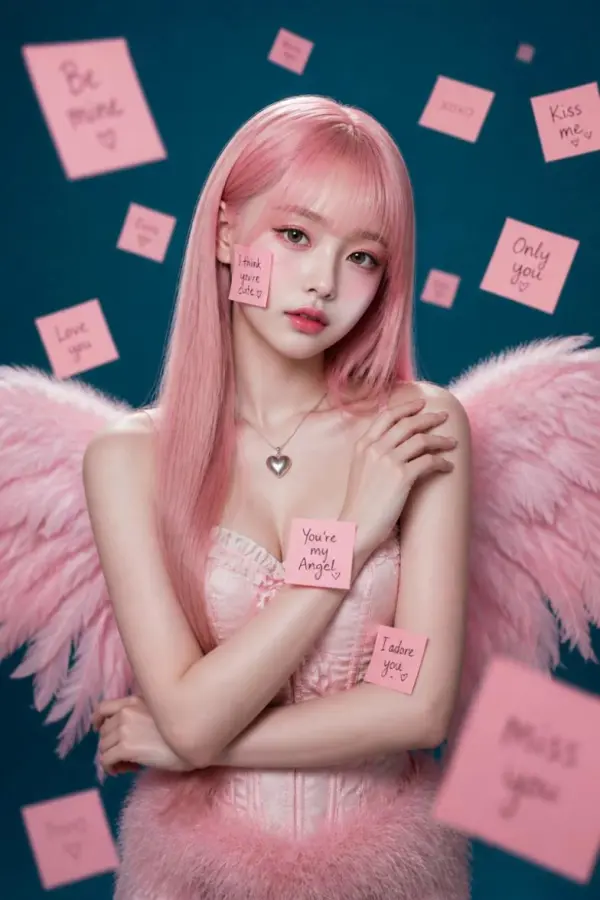
happyhorse by weshop ai
Previous
Next

Key Features of the HappyHorse AI Video Generator

Text-to-Video and Image-to-Video in One Platform

HappyHorse brings text-to-video and image-to-video into one workflow, making video creation more flexible for different teams. Users can start from a prompt, an image start, or a first frame reference to build clips with cinematic motion, subtle facial expressions, and high quality visuals. This helps creators move from concept to high quality videos with more reliable results.

Native 1080p HD Output

One of the biggest strengths of HappyHorse is native 1080p output for high quality results without depending on extra upscaling. It also supports other resolution options and different aspect ratio needs, which gives creators more control for ads, social media, and branded creative assets. This makes it easier to produce high quality videos for both fast publishing and polished presentation.

Integrated Audio-Visual Sync

HappyHorse combines video and audio generation in a more unified way, including lip-sync, ambient audio, and sound effects that help scenes feel more natural. This makes it useful for product demos, explainers, and content that needs voice, rhythm, and visuals working together. The result is smoother video creation with high quality visuals and more stunning ai generated videos.

Multimodal Inputs and Creative Control

HappyHorse supports text, images, video, and audio inputs, giving users more control over scene direction, subject framing, and timing. This helps teams maintain consistency across campaigns and shape outputs around a specific look or workflow. With stronger input control and seamless integration, creators can build branded creative assets for content creation and commercial projects with less manual effort.

50+ Visual Styles for Different Creative Needs

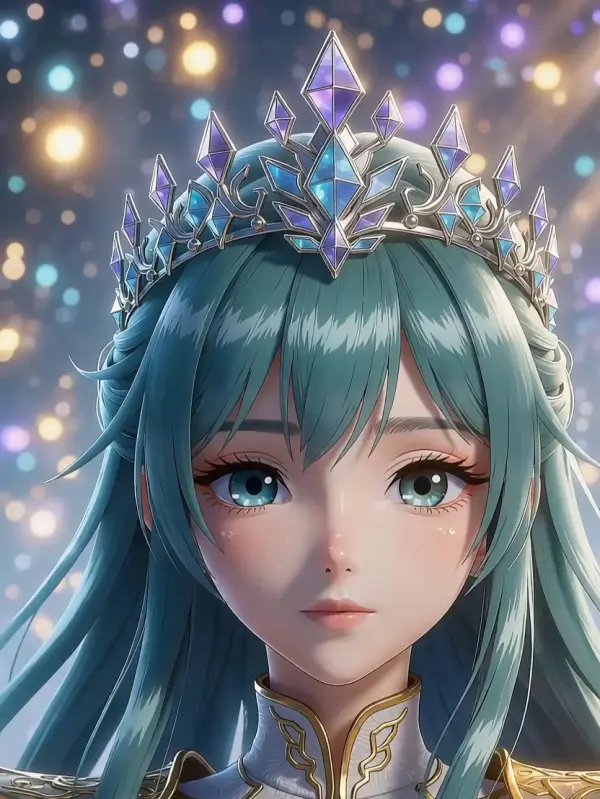
With more than 50 visual styles, HappyHorse can adapt to cinematic, anime, fashion, documentary, and commercial looks in one platform. This makes it easier to create high quality visuals for social media, branded promos, and storytelling without rebuilding the process each time. The wider style range also helps teams produce more stunning ai generated videos for commercial projects and creator campaigns.
What You Can Do with HappyHorse AI

Create Cinematic Videos from Text Prompts

Use HappyHorse to turn text prompts into short clips with cinematic motion, sound effects, and high quality visuals. This is useful for launch videos, ad hooks, and social media content where speed matters. Starting from a simple idea, users can create high quality videos and stunning ai generated videos with more reliable results in a streamlined video creation workflow.

Animate Reference Images into Video

HappyHorse lets users animate reference images with an image start or first frame approach that makes still visuals feel more alive. This works well for creator campaigns, stylized promos, and branded storytelling that need subtle facial expressions and stronger scene motion. It is a practical way to turn static inputs into high quality results for content creation and visual testing.

Use Audio and Visual Inputs Together

Because the model supports multimodal generation, users can combine prompts with images, videos, and audio in one workflow. This helps shape rhythm, mood, and pacing more precisely while making outputs feel more directed. It is especially useful for product demos, explainers, and commercial projects that need high quality visuals, clean timing, and stronger seamless integration between sound and video.

Build Ad Creatives, Product Hero Shots, and Explainers

HappyHorse works well for ad variations, launch content, hero shots, and explainers that need to maintain consistency across formats. Teams can adapt outputs to different aspect ratio needs, build polished creative assets, and prepare content for social media or broader commercial use. That makes it a strong option for fast-turn marketing and branded video creation.

Scale Video Workflows for Teams and Developers

With API access and broader model components, HappyHorse can support team-based production at a larger scale. It is useful for automation, repeated output generation, and systems that need reliable results across campaigns. For users with more technical expertise, it supports deeper workflow control, while premium plans make it easier to expand into high-volume commercial projects and professional content creation.

Reviews

ratingratingratingratingrating

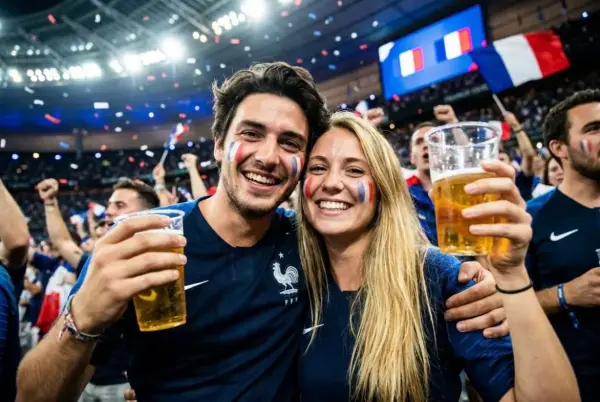
I'm a video creator, and I always try out new model videos as soon as they're released. This Happy Horse model is really popular lately, so I gave it a try, and it's pretty good. Uploading images and converting them into videos produces better results.

avatar
Aiden
Previous
Next

Frequently Asked Questions About HappyHorse AI

What is HappyHorse 1.0?

HappyHorse 1.0 is an AI video generation model from HappyHorse that supports text-to-video, image-to-video, and integrated audio-video generation with native 1080p HD output. The official site describes it as being built on a single-stream Transformer architecture with about 15B parameters.

What inputs can I use with HappyHorse?

HappyHorse documentation says the model supports text prompts, reference images, reference videos, and audio references. The docs also say users can combine up to 12 multimodal inputs in total.

How fast is HappyHorse video generation?

HappyHorse says average generation time is about 10 seconds for HappyHorse 1.0.

What resolution does HappyHorse support?

HappyHorse 1.0 supports native 1080p HD output, and official docs also list 480p and 720p as available options.

Can HappyHorse generate audio too?

Yes. HappyHorse 1.0 supports integrated audio-video generation with lip-sync, ambient sound, and multi-language voiceover in a single pass.

Is HappyHorse open source?

HappyHorse states that open-source releases are available, including the base model, distilled model, super-resolution module, and inference code.

Can I use HappyHorse for ads and product launches?

Yes. The official site explicitly lists ad variations, hooks testing, product hero shots, and explainers among common workflows.

How is HappyHorse different from other AI video models?

HappyHorse is positioned around native 1080p output, realistic motion, multi-shot storytelling, and a simple browser-based workflow that turns text or images into cinematic clips without heavy production setup. Its FAQ also explicitly frames the tool as useful for marketing campaigns, social media content, product demonstrations, and creative storytelling.

Why choose HappyHorse over other AI video generators?

HappyHorse is designed for users who want fast generation, smoother motion, and an easier path from prompt or image to polished video. The platform highlights native 1080p quality, multi-shot consistency, realistic motion, and support for both text-to-video and image-to-video in one workflow.

Do I need to download software to use HappyHorse?

No. HappyHorse says it works directly in major browsers with no download required, and its site also notes that the browser-based experience works on smartphone browsers as well.

Explore More AI Tools

Our new Virtual Try-On just launched. Try it now!
close

GPT Image 2 AI Image Generator

Create High Quality Images, Text Rich Visuals, and Product Photography

Nano Banana 2

Google’s Next-Gen AI Image Model for Instant Professional Creativity

Virtual Try-On

Try On Clothes Online with AI Virtual Try Technology

Swap Model & BG

Realistic Model & Background Swapping Online with AI

AI Model

Showcase clothing with a variety of models

AI Product

Create stunning product images with few clicks from anywhere

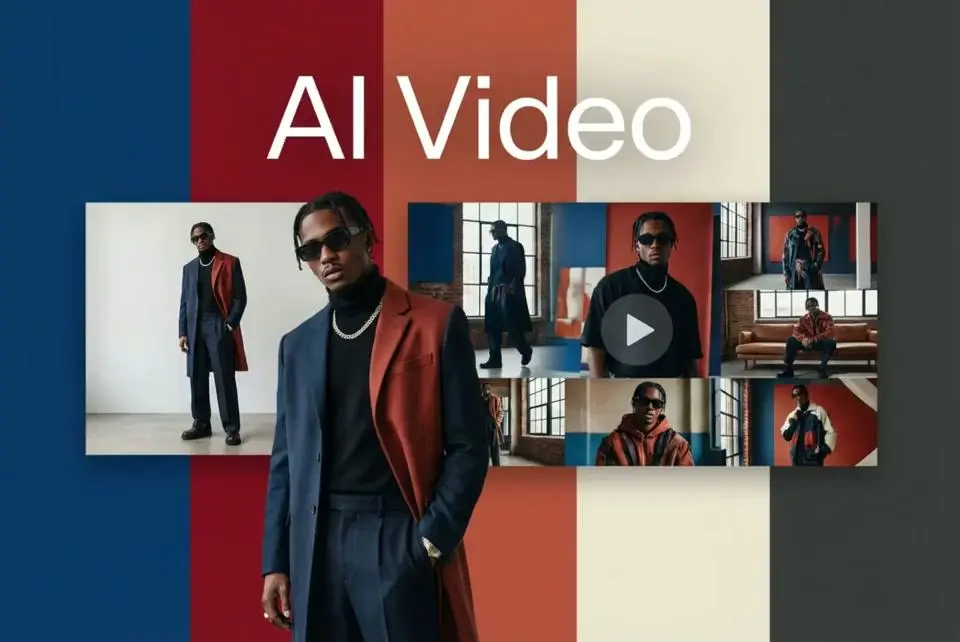
AI Video

Create and publish videos from a photo or description—instantly, in any style.

Face Forge

AI Face Morph & Face Swap Generator Online

Nano Banana Pro

Conversational editing, precisely consistent.

Product Recoloring

Recolor Image Online Free - Color Changer in WeShop AI

AI Image to Video Generator

Turn Images into Stunning AI Videos for Free

To Mannequin

Convert real model photos into mannequin displays

Change Pose

Change poses, switch between various model poses, making the clothing display more natural

Remove Background

Removing background with lightning speed and ease

AI Photo Enhancer

Enhance Photo Quality Online with Free AI

Relight

Relight your images automatically and efficiently

Expand Image

Expand images & backgrounds to fit any platform

Magic Eraser

Remove unwanted objects from your photos with AI

Hand/Feet Fixer

Regenerate natural-looking hands and feet in AI-generated images

Design Repair

Upload an image, highlight the area you wish to fix, and upload a target reference image

Outfit Generator

Create AI clothes styling from any model photo, garment, or style prompt.

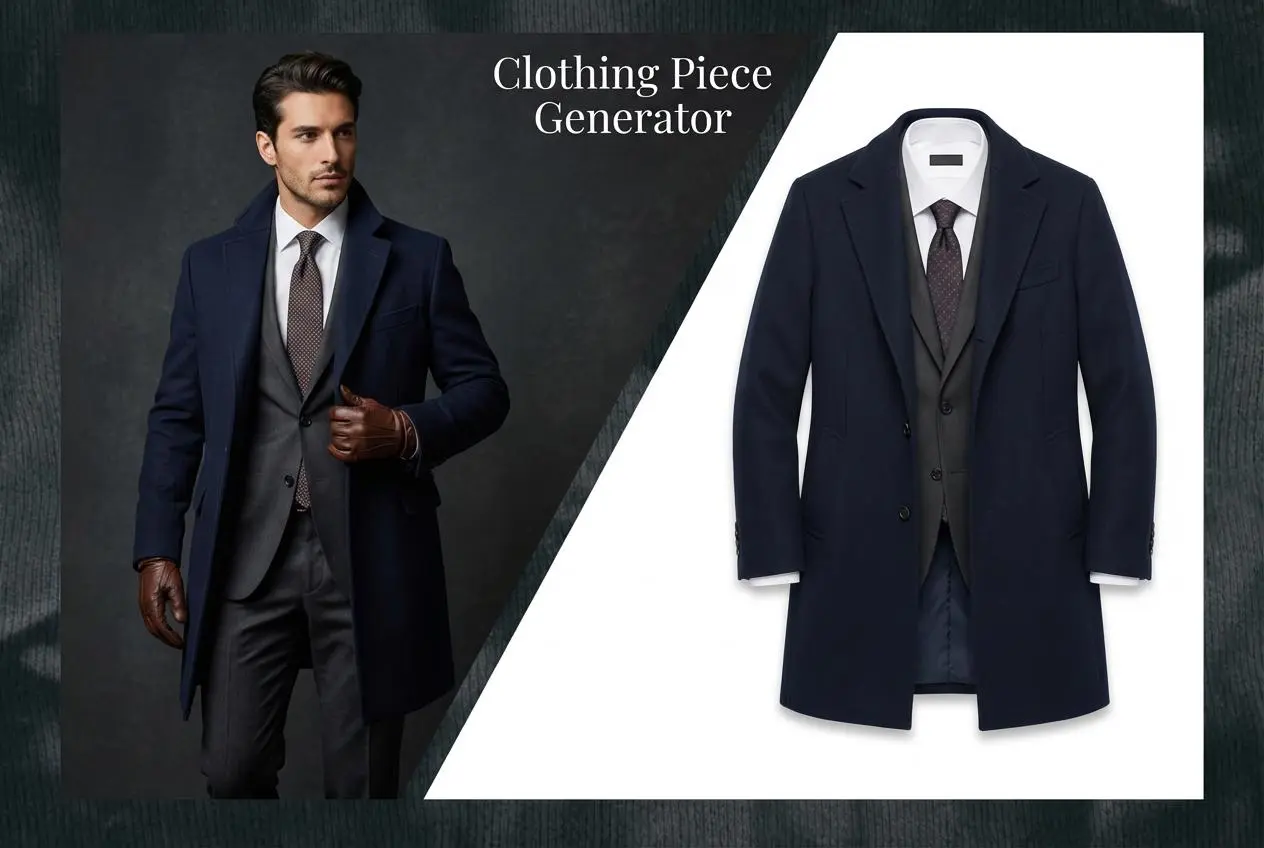
AI Clothing Piece Generator

Create Professional Flatlay Clothing Images From Any Photo or Idea

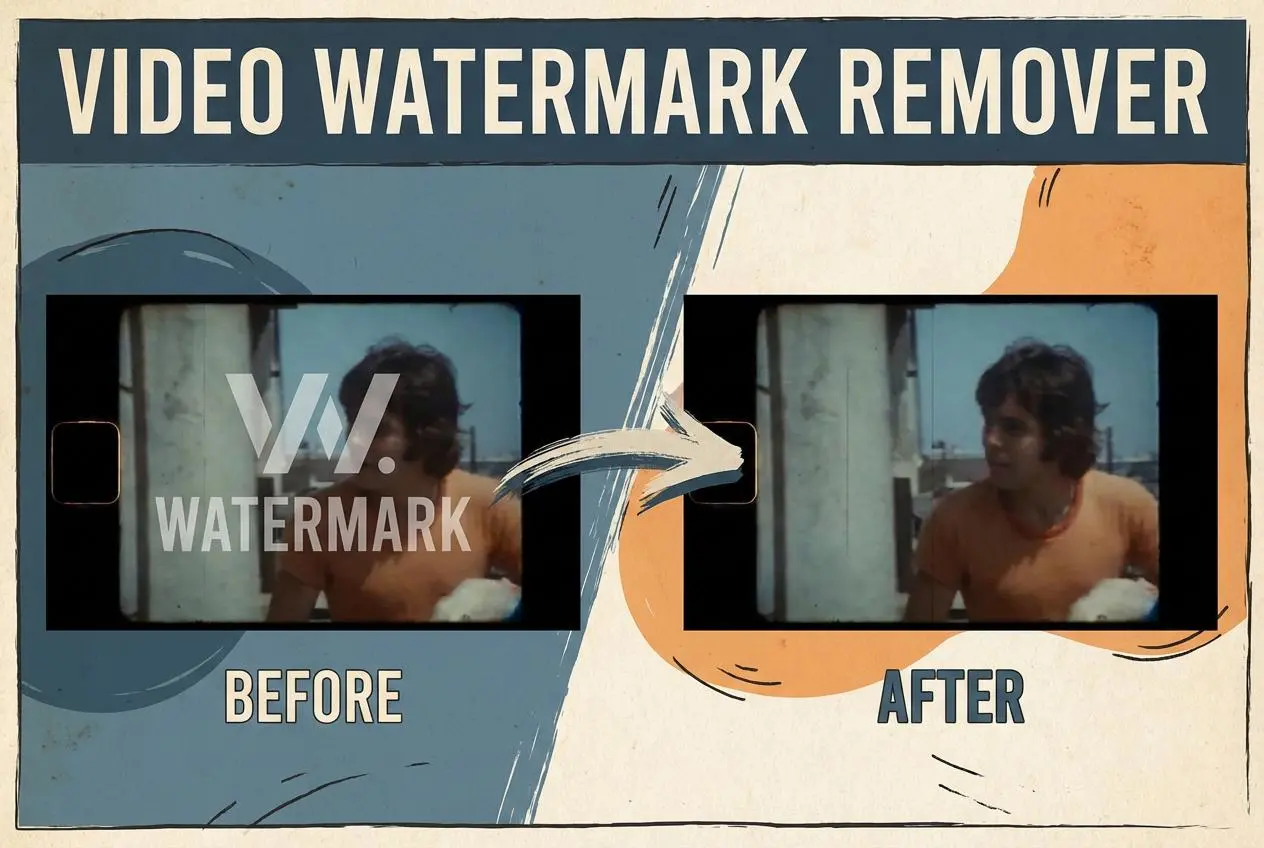
Watermark Video Remover Free Online

Remove Watermark from Video

AI Video Enhancer

Enhance Video Quality Online with AI

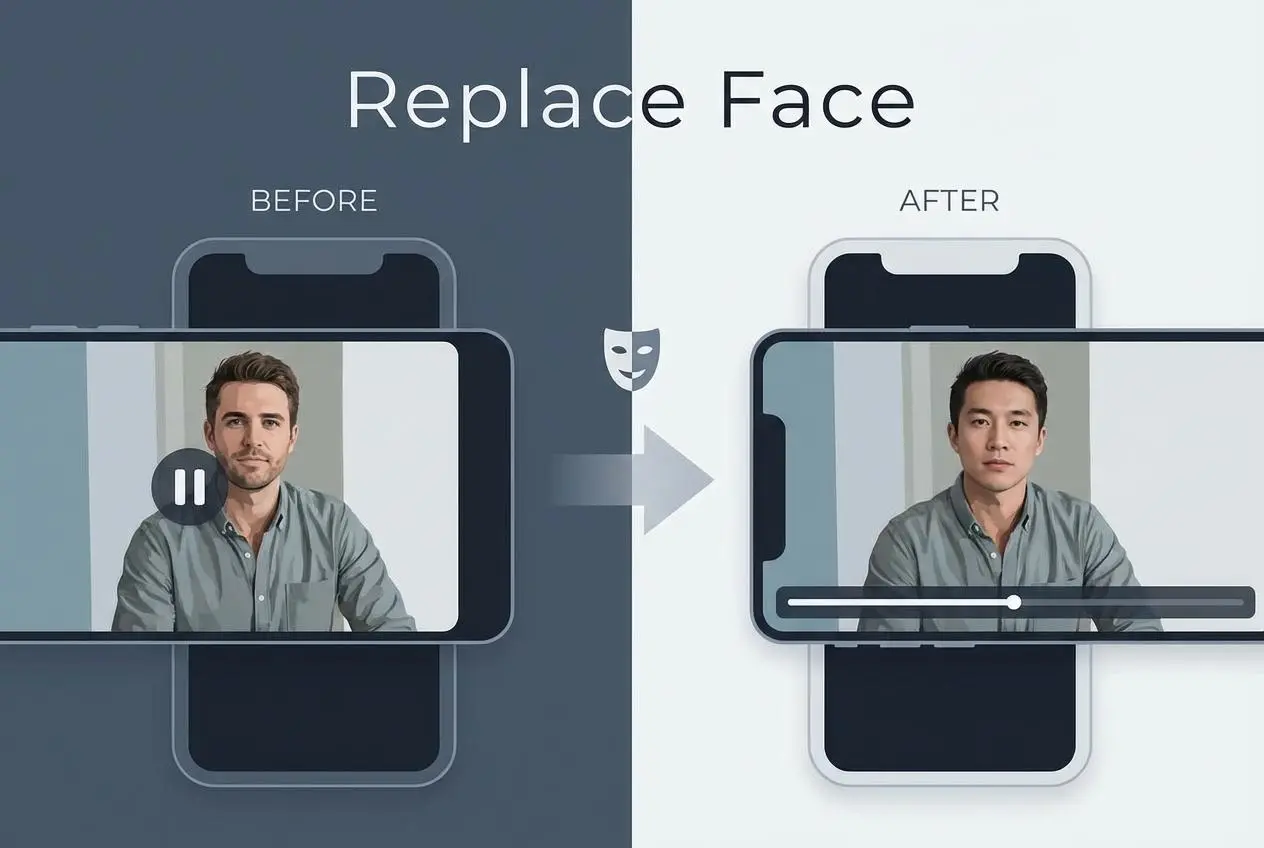
Replace Face in Video Online Free

AI Video Face Swap for Realistic Clips

Seedream 5.0

Try the Latest Smart Image Creation Model Online

Seedance 2.0

A Multi-Modal AI Video Creative Engine for Cinematic Storytelling

Sora 2

Next Generation AI Video Generator with Realistic Physics & Storytelling

Wan AI Video Generator

Advanced AI Image & Video Generation Model

Midjourney Image Generator

Use Midjourney v7 to Create AI-Generated Images

Kling 3.0

AI Director Video Model with 4K Cinematic Storytelling

Qwen Image Edit

A Revolutionary Tool for Seamless Image Editing

Z-Image AI Image Generator

Create High-Quality Images from Text Instantly

FireRed Image Edit

Open Source AI Image Editing Model for High Fidelity Edits

Grok Imagine AI Image Generator

Create High-Resolution Images from Text with Aurora AI

Grok Imagine AI Video Generator

Create Cinematic AI Videos with Native Audio & Scene Control

Hailuo AI Video Generator

Create Cinematic AI Videos from Text or Images

Veo 3 AI Video Generator

Create Cinematic Videos from Text or Images

Vidu Q3 AI Video Generator

Create Cinematic Short Videos with Turbo and Pro Modes

Wan Animate AI Video Generator

Create Character Animation and Replacement Videos Online

idea
helper