













language

English

Our new Virtual Try-On just launched. Try it now!
close
Steal the Look! Click to Replicate it with Your Product!

Sulphur 2 Online – Create Cinematic AI Videos from Text and Images

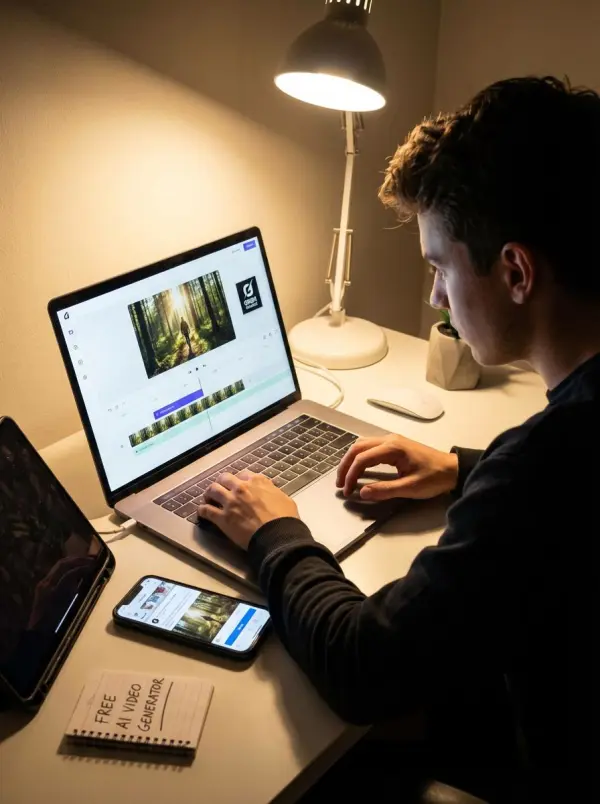
Sulphur 2 Online is a browser-based AI video generator for fast ai video generation, helping users create short cinematic videos from text prompts, reference images, product visuals, and even ai generated images. Built around the LTX 2.3 video model ecosystem, Sulphur 2 supports text-to-video and image-to-video workflows for product showcases, social media clips, ad concepts, landing page videos, explainer videos, creative storyboards, and early campaign tests. Whether users want to create video concepts, generate short video clips, or turn still visuals into an ai generated video with realistic motion, Sulphur 2 makes video generation easier through simple prompts, camera direction, lighting, mood, and visual style.

Real-World Use Cases for Sulphur 2 Online

urning Still Images into Social Media Clips

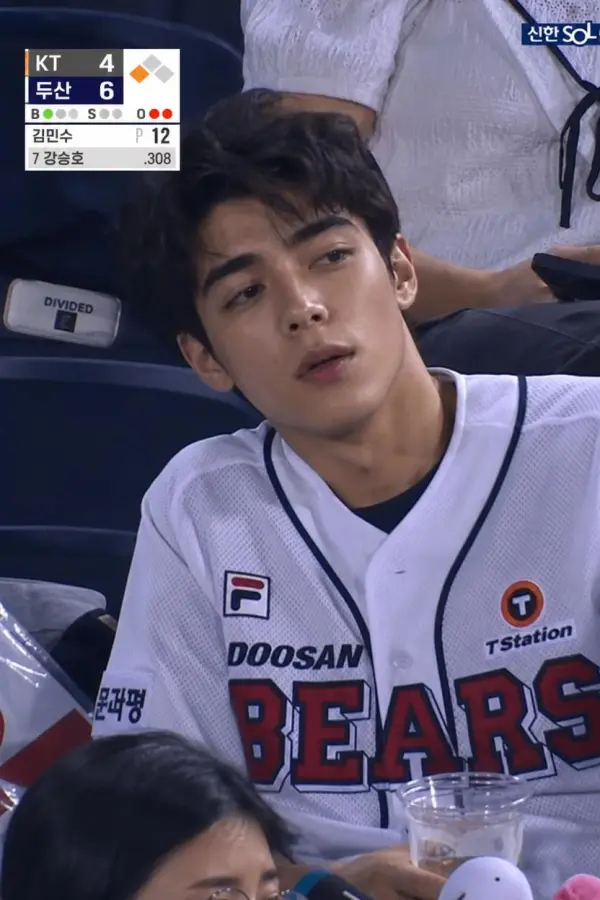
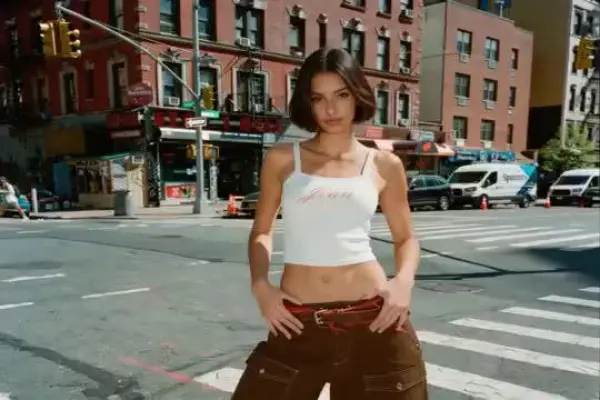
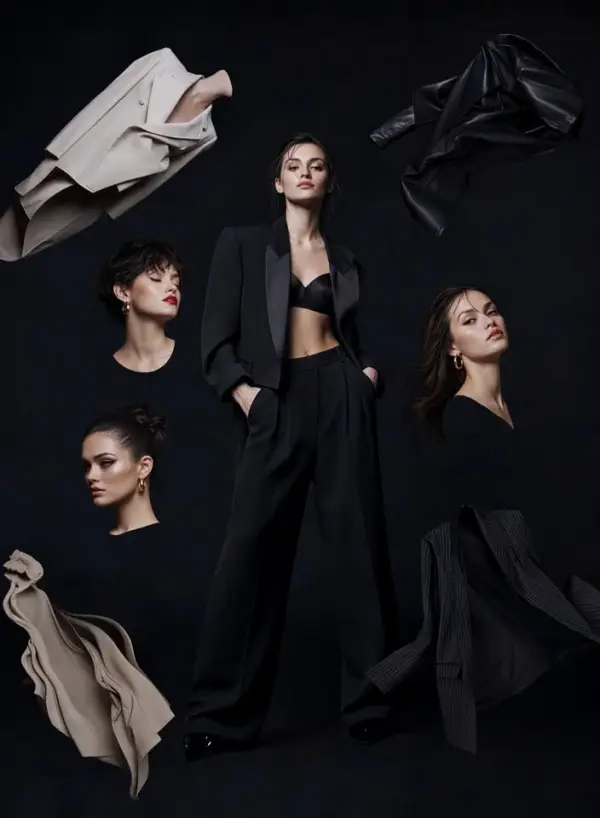
Barton had product images, brand visuals, and ai generated images, but needed short moving clips for TikTok, Reels, and YouTube Shorts. With Sulphur 2 image-to-video animation, he uploaded reference images and described how the scene should move, including close-up framing, smooth camera movement, background action, and vertical video composition. The AI helped him create video assets with realistic motion, transform static visuals into ai generated video clips, and produce engaging videos that felt more dynamic than ordinary static posts. This gave him a faster way to test social media video ideas, generate short video clips, and build stronger creative assets for marketing with modern ai tools.
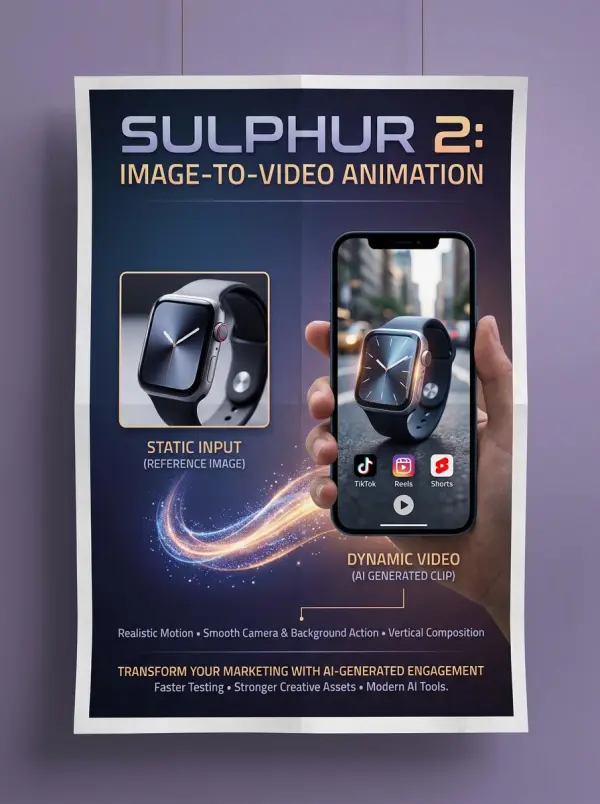
sulphur 2 by weshop ai

Visualizing Cinematic Story Ideas Faster

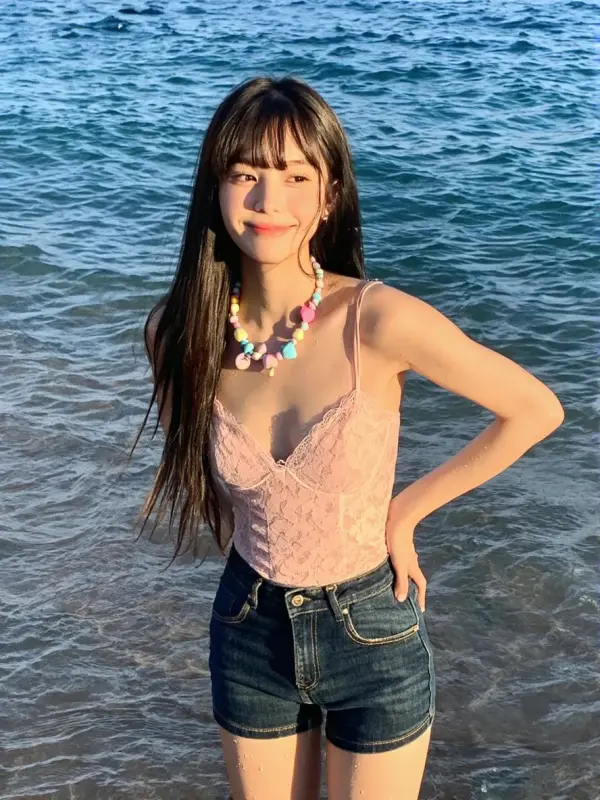
Leona was developing a short film concept and wanted to test mood, atmosphere, pacing, and camera movement before building a full storyboard. Using Sulphur 2 as an AI storyboard generator, she wrote scene prompts with character action, lighting, location, and camera direction to guide the video generation process. She experimented with dolly-in shots, wide cinematic frames, overcast haze, neon backlight, and slow dramatic motion to create high quality videos with a more cinematic feel. Sulphur 2 helped her turn rough ideas into ai generated visual references, compare different scene directions, and create explainer videos, story beats, and engaging videos before moving into full production.
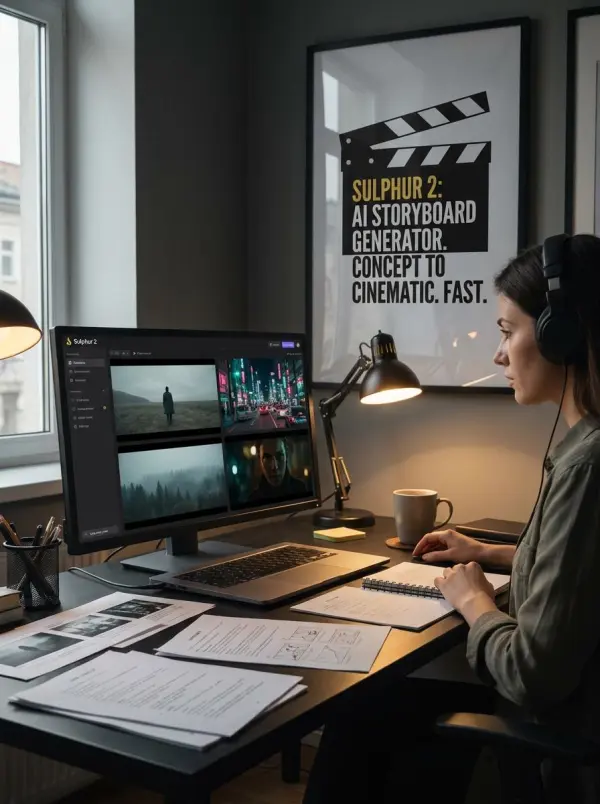
sulphur 2 by weshop ai
Previous
Next

Key Features of Sulphur 2 Online

Text-to-Video Creation from Simple Prompts

Sulphur 2 helps users turn text prompts into short cinematic videos that bring ideas to life. By describing the subject, action, setting, lighting, mood, and camera movement, creators can create video concepts with stronger creative control. For reliable results and more cinematic results, the ai video generator depends on clear visual direction.
Image-to-Video Animation for Product and Brand Visuals

Image-to-Video Animation for Product and Brand Visuals

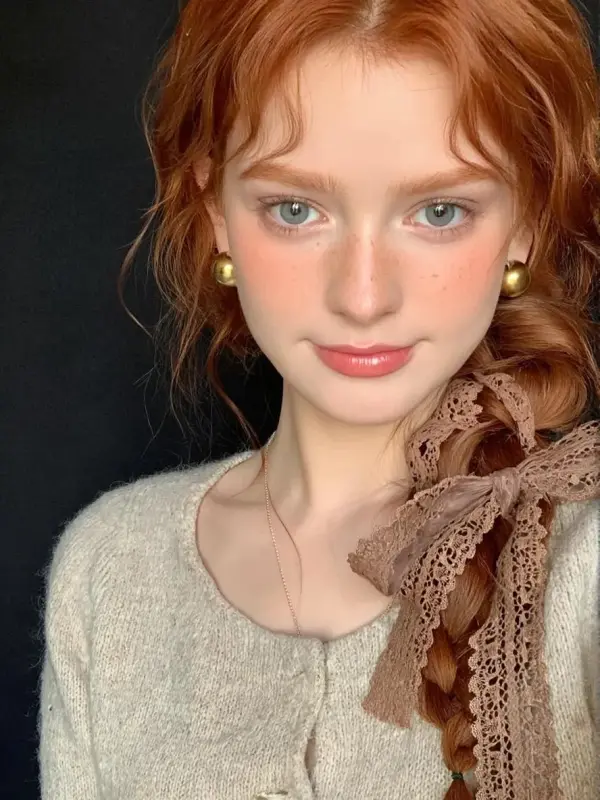
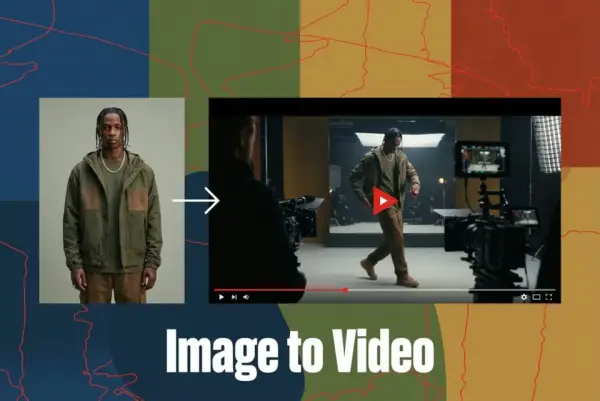
With image-to-video workflows, Sulphur 2 lets users upload a reference image or use an image start as the first frame for motion. This helps turn product shots, portraits, brand visuals, and ai generated images into short video clips with realistic motion, smooth transitions, seamless integration, and high quality visuals for commercial projects.
Cinematic Camera and Motion Control

Cinematic Camera and Motion Control

Sulphur 2 supports prompt-based camera direction, allowing users to guide the result with terms like close-up, wide shot, dolly-in, tracking shot, orbit motion, slow motion, and smooth cinematic pacing. These camera words help make AI videos feel more intentional, polished, and suitable for storytelling, ads, and visual presentations.
Creative Workflows for Ads, Storyboards, and Social Content

Creative Workflows for Ads, Storyboards, and Social Content

Sulphur 2 supports creative workflows for ads, landing pages, product launches, social media clips, explainer videos, and storyboards. Marketers, designers, and filmmakers can test campaign ideas, compare visual directions, and create engaging videos for commercial projects. These ai tools help teams move faster from concept to high quality visuals.
Prompt Guide for Cleaner Video Results

Prompt Guide for Cleaner Video Results

A strong Sulphur 2 prompt includes the subject, action, camera movement, lighting, mood, style, and other elements that shape the final video. For more reliable results, users should describe the first frame, image start, motion direction, and desired atmosphere. Advanced features and clear prompts help produce more consistent cinematic results.

What You Can Do with Sulphur 2 Online

Create Cinematic AI Videos from Text

Use Sulphur 2 to turn text prompts into cinematic AI videos for ads, stories, social posts, and creative tests. Describe the main subject, action, location, camera movement, and mood to create video ideas quickly. With enough detail, the ai video generator depends less on guessing and delivers more reliable results.

Animate Product Images into Showcase Videos

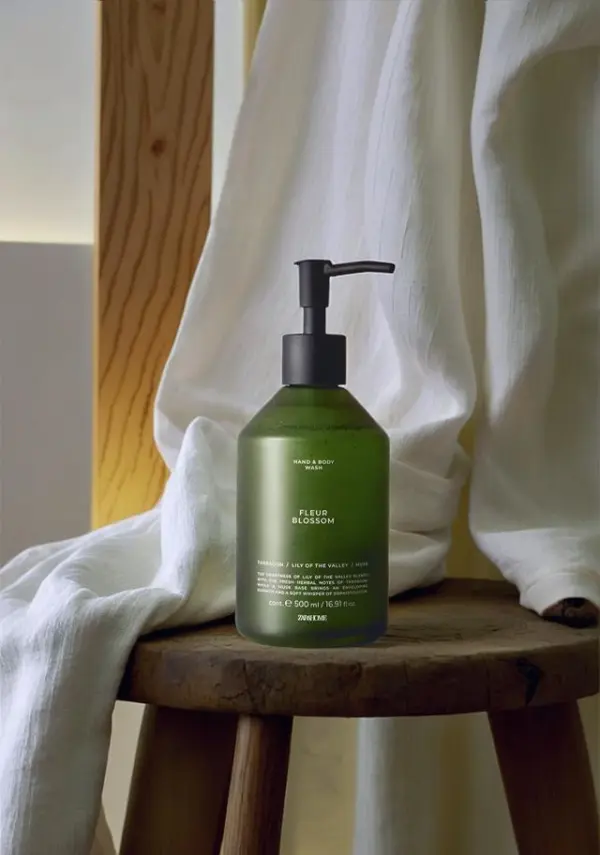
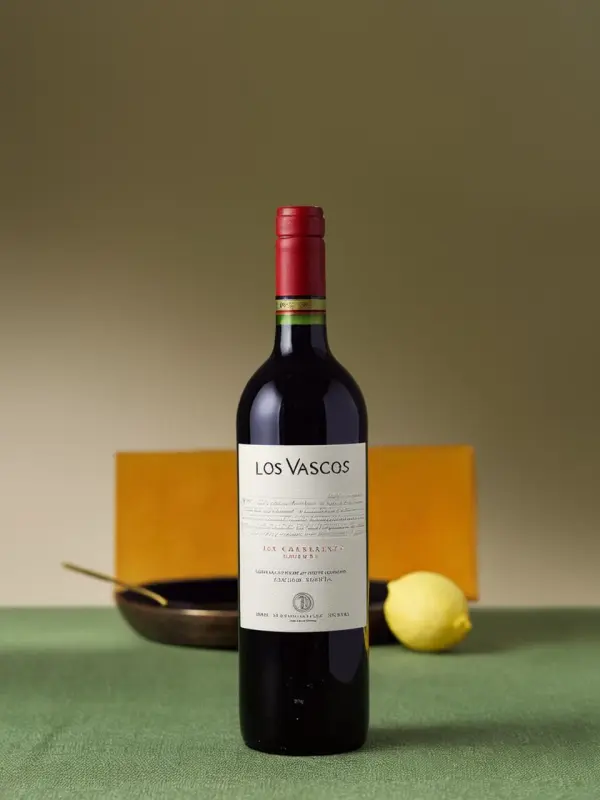
Upload a product image and use it as an image start or first frame to guide the motion. Sulphur 2 can animate still visuals with slow rotation, reflective surfaces, studio lighting, and smooth camera movement. This helps brands create stunning ai generated videos and high quality visuals for e-commerce and commercial projects.

Generate AI Video Concepts for Ads and Campaigns

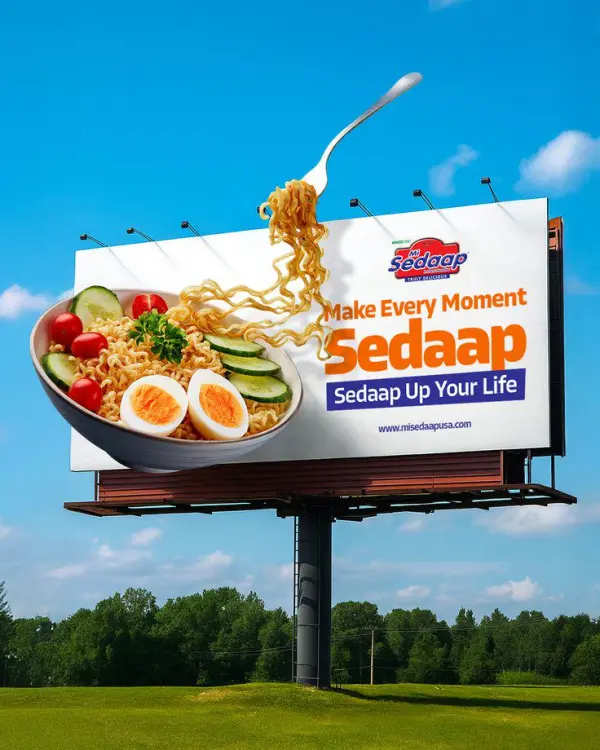
Sulphur 2 helps marketing teams create quick video concepts for ads, landing pages, product launches, and campaign testing. Users can test lighting, mood, product details, camera angles, and other elements before production. This workflow provides creative control, faster video generation, and engaging videos that can support real commercial projects.
Make Social Media Clips for TikTok, Reels, and Shorts

Use Sulphur 2 to create short video clips for TikTok, Instagram Reels, YouTube Shorts, and mobile-first campaigns. For better results, describe vertical framing, subject movement, background details, and camera direction. The tool helps bring static visuals to life and create engaging videos with smooth motion and high quality visuals.
Visualize Mood, Style, and Atmosphere

Sulphur 2 is useful for concept visualization when teams need to explain mood, style, motion, and atmosphere clearly. Users can combine prompts, reference images, advanced features, and creative control to generate high quality videos directly in the browser. This helps transform abstract ideas into stunning ai generated videos for planning and presentation.
Reviews

4.7

I need to create various creative videos. This animation part is okay, but the movement of the characters is a bit ordinary and there's a feeling of frame drops. It would be better if the duration could be shortened.

avatar
Blair
Video creator
Previous
Next

Frequently Asked Questions About Sulphur 2 Online

What is Sulphur 2 Online?

Sulphur 2 Online is an AI video generator that helps users create short cinematic videos from text prompts and reference images directly in the browser.

What can I create with Sulphur 2?

You can create product videos, social media clips, ad concepts, landing page videos, storyboards, cinematic scenes, brand visuals, and early campaign tests.

Does Sulphur 2 support text-to-video?

Yes. Sulphur 2 supports text-to-video creation, allowing users to turn written prompts into short AI video clips by describing the subject, action, setting, camera movement, lighting, and style.

Can I animate images with Sulphur 2?

Yes. Sulphur 2 supports image-to-video animation, so users can upload a reference image and describe how the image should move or transform into a cinematic clip.

Can I use Sulphur 2 for product showcase videos?

Yes. Sulphur 2 is useful for turning product images into short showcase clips with slow rotations, studio lighting, clean backgrounds, reflective surfaces, and smooth camera movement.

Is Sulphur 2 useful for TikTok, Reels, and YouTube Shorts?

Yes. Sulphur 2 can be used to create short AI videos for TikTok, Instagram Reels, YouTube Shorts, and other social media formats. For stronger results, describe vertical framing, action, background, and camera movement clearly.

Do I need video editing skills to use Sulphur 2?

No. Sulphur 2 is designed as an online browser workflow, so users can enter a prompt, upload an image if needed, adjust basic settings, preview the result, and download the video without complex editing software.

How do I write better Sulphur 2 prompts?

Start with the subject and action, then add the environment, camera movement, lighting, mood, and style. Clear terms like dolly-in, tracking shot, orbit motion, golden hour, neon backlight, or soft studio light can help guide the result.

Who can use Sulphur 2?

Sulphur 2 can be used by marketers, designers, filmmakers, e-commerce teams, content creators, social media managers, and creative teams that need fast cinematic AI video concepts.

Explore More AI Tools

Our new Virtual Try-On just launched. Try it now!
close

HappyHorse AI Video Generator

Create Cinematic Text-to-Video and Image-to-Video Content

GPT Image 2 AI Image Generator

Create High Quality Images, Text Rich Visuals, and Product Photography

Nano Banana

Google's Next-Gen AI Image Model for Instant Professional Creativity

AI Video Generator

Turn Images into Stunning AI Videos for Free

Virtual Try-On

Try On Clothes Online with AI Virtual Try Technology

Swap Model & BG

Realistic Model & Background Swapping Online with AI

AI Model

Showcase clothing with a variety of models

AI Product

Create stunning product images with few clicks from anywhere

Face Forge

AI Face Morph & Face Swap Generator Online

Product Recoloring

Recolor Image Online Free - Color Changer in WeShop AI

To Mannequin

Convert real model photos into mannequin displays

Change Pose

Change poses, switch between various model poses, making the clothing display more natural

Remove Background

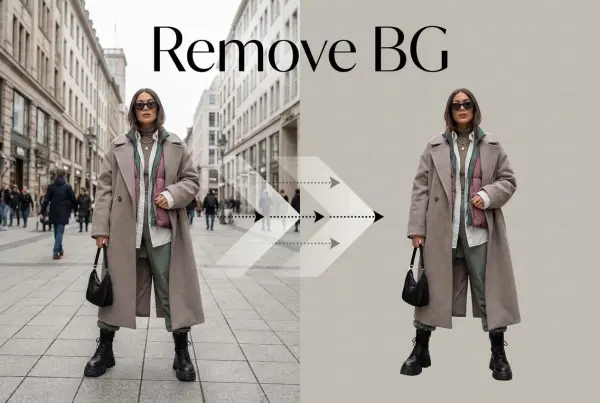
Removing background with lightning speed and ease

AI Photo Enhancer

Enhance Photo Quality Online with Free AI

Relight

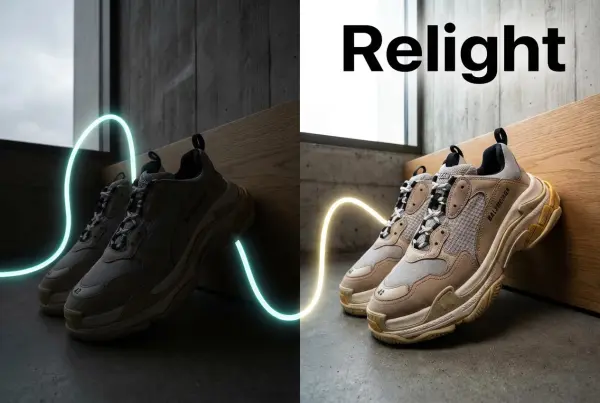
Relight your images automatically and efficiently

Expand Image

Expand images & backgrounds to fit any platform

Magic Eraser

Remove unwanted objects from your photos with AI

Hand/Feet Fixer

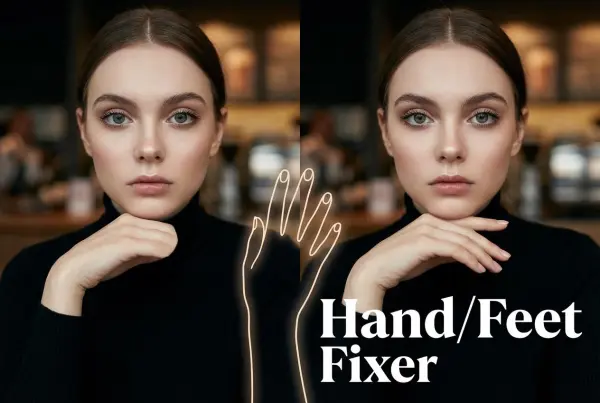
Regenerate natural-looking hands and feet in AI-generated images

Design Repair

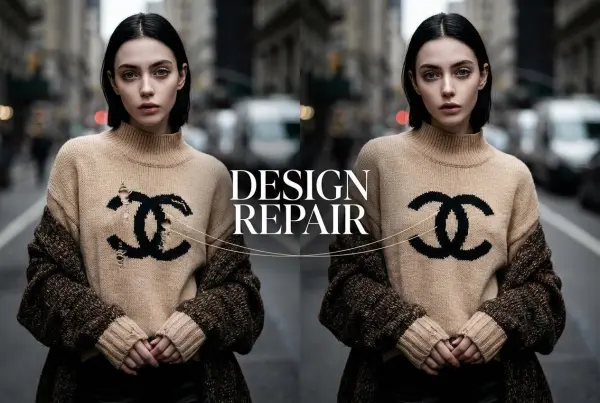
Upload an image, highlight the area you wish to fix, and upload a target reference image

Outfit Generator

Create AI clothes styling from any model photo, garment, or style prompt.

Video Agent

Create and publish videos from a photo or description—instantly, in any style.

AI Clothing Piece Generator

Create Professional Flatlay Clothing Images From Any Photo or Idea

Watermark Video Remover Free Online

Remove Watermark from Video

AI Video Enhancer

Enhance Video Quality Online with AI

Replace Face in Video Online Free

AI Video Face Swap for Realistic Clips

Seedream 5.0

Try the Latest Smart Image Creation Model Online

Seedance 2.0

A Multi-Modal AI Video Creative Engine for Cinematic Storytelling

Sora 2

Next Generation AI Video Generator with Realistic Physics & Storytelling

Wan AI Video Generator

Advanced AI Image & Video Generation Model

Midjourney Image Generator

Use Midjourney v7 to Create AI-Generated Images

Kling 3.0

AI Director Video Model with 4K Cinematic Storytelling

Qwen Image Edit

A Revolutionary Tool for Seamless Image Editing

Z-Image AI Image Generator

Create High-Quality Images from Text Instantly

FireRed Image Edit

Open Source AI Image Editing Model for High Fidelity Edits

Grok Imagine AI Image Generator

Create High-Resolution Images from Text with Aurora AI

Grok Imagine AI Video Generator

Create Cinematic AI Videos with Native Audio & Scene Control

Hailuo AI Video Generator

Create Cinematic AI Videos from Text or Images

Veo 3 AI Video Generator

Create Cinematic Videos from Text or Images

Vidu Q3 AI Video Generator

Create Cinematic Short Videos with Turbo and Pro Modes

Kling Motion Control

Create Realistic Motion Videos from Reference Images and Videos

Imagen 4

Create Photorealistic Images and Accurate Text Visuals with AI

idea
helper