
language

English

Steal the Look! Click to Replicate it with Your Product!
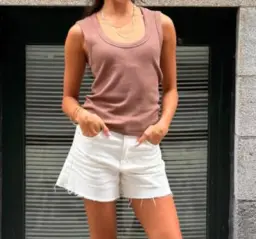
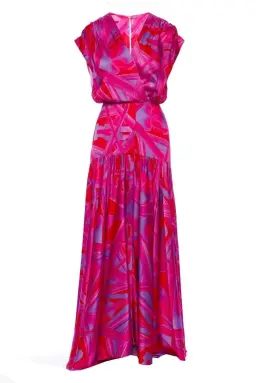
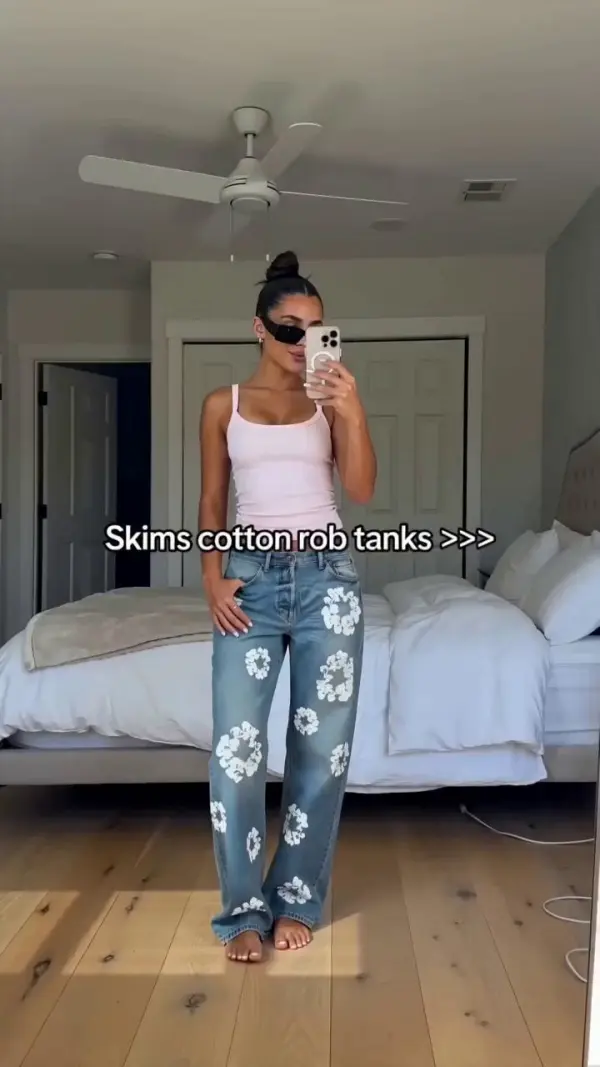
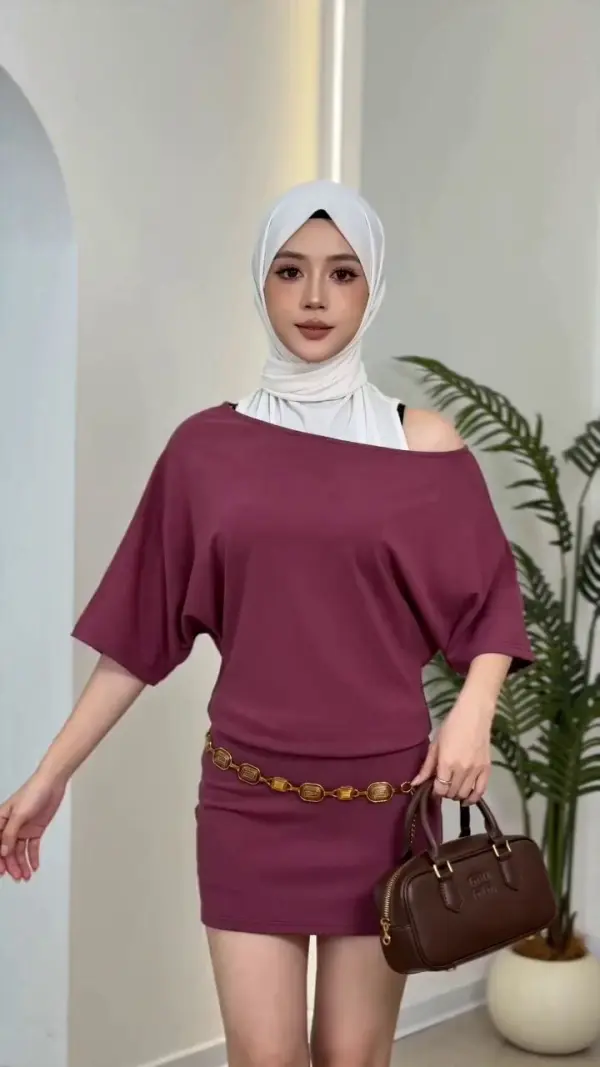
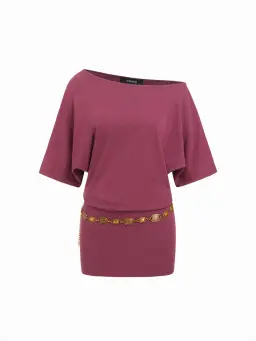
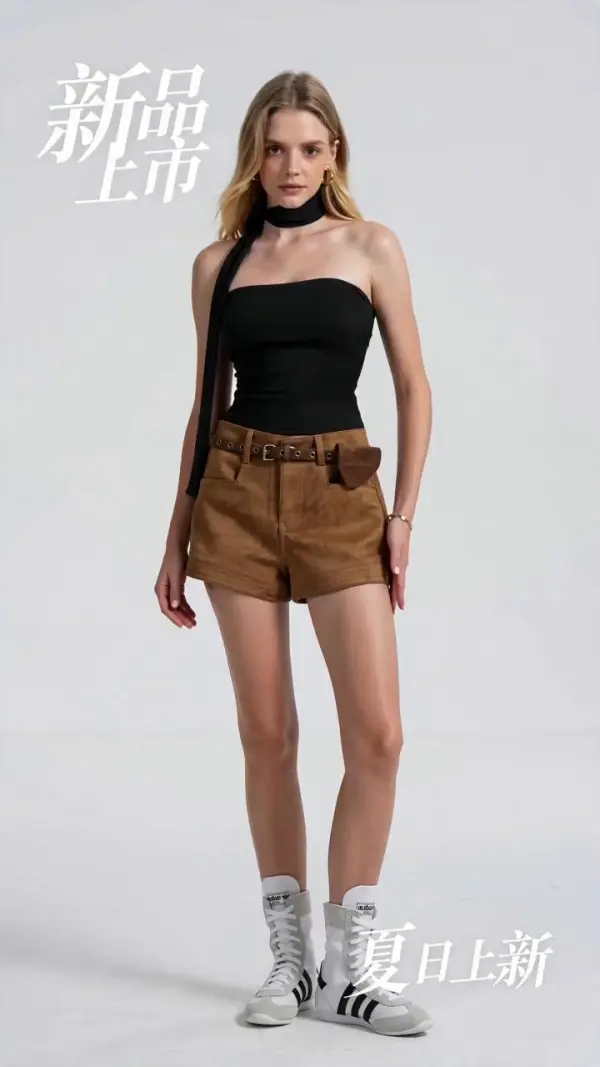
video replication by weshop aivideo replication by weshop ai
video replication by weshop ai
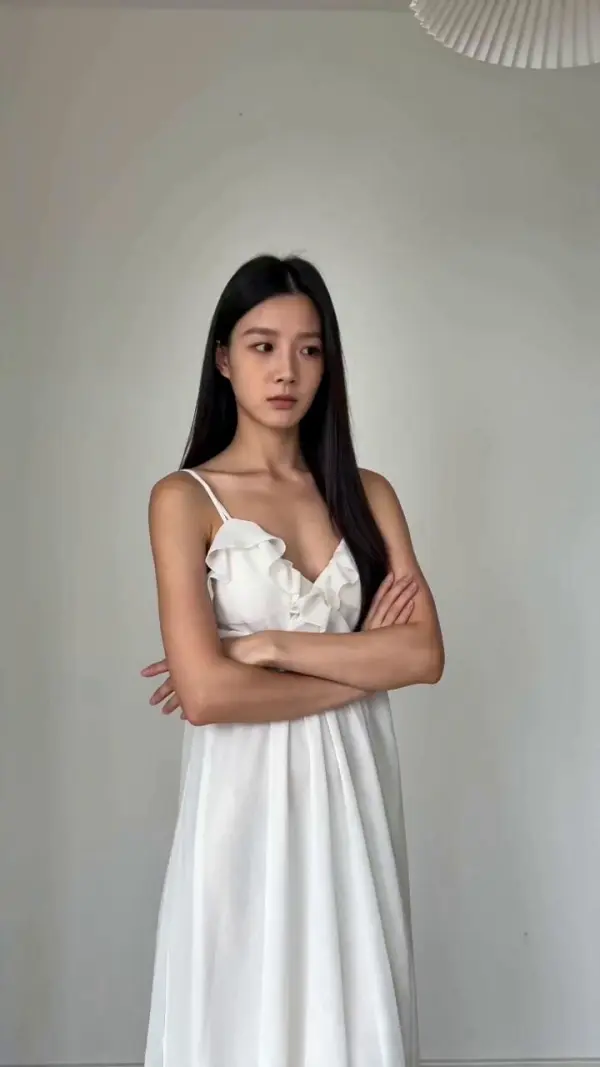
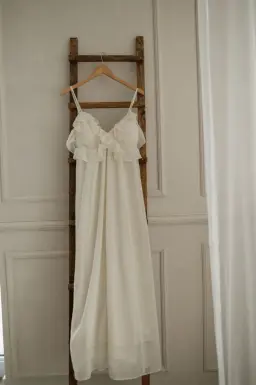
video replication by weshop aivideo replication by weshop ai
video replication by weshop ai
video replication by weshop aivideo replication by weshop ai
video replication by weshop ai
video replication by weshop aivideo replication by weshop ai
video replication by weshop ai
video replication by weshop aivideo replication by weshop ai
video replication by weshop ai
video replication by weshop aivideo replication by weshop ai
video replication by weshop ai
video replication by weshop aivideo replication by weshop ai
video replication by weshop ai
video replication by weshop aivideo replication by weshop ai
video replication by weshop ai
video replication by weshop aivideo replication by weshop ai
video replication by weshop ai
video replication by weshop aivideo replication by weshop ai
video replication by weshop ai
video replication by weshop aivideo replication by weshop ai
video replication by weshop ai
video replication by weshop aivideo replication by weshop ai
video replication by weshop ai
video replication by weshop aivideo replication by weshop ai
video replication by weshop ai
video replication by weshop aivideo replication by weshop ai
video replication by weshop ai
video replication by weshop aivideo replication by weshop ai
video replication by weshop ai
video replication by weshop aivideo replication by weshop ai
video replication by weshop ai
video replication by weshop aivideo replication by weshop ai
video replication by weshop ai
video replication by weshop aivideo replication by weshop ai
video replication by weshop ai
video replication by weshop aivideo replication by weshop ai
video replication by weshop ai
video replication by weshop aivideo replication by weshop ai
video replication by weshop ai
video replication by weshop aivideo replication by weshop ai
video replication by weshop ai
video replication by weshop aivideo replication by weshop ai
video replication by weshop ai
video replication by weshop aivideo replication by weshop ai
video replication by weshop ai
video replication by weshop aivideo replication by weshop ai
video replication by weshop ai
video replication by weshop aivideo replication by weshop ai
video replication by weshop ai
video replication by weshop aivideo replication by weshop ai
video replication by weshop ai
video replication by weshop aivideo replication by weshop ai
video replication by weshop ai
video replication by weshop aivideo replication by weshop ai
video replication by weshop ai
video replication by weshop aivideo replication by weshop ai
video replication by weshop ai
video replication by weshop aivideo replication by weshop ai
video replication by weshop ai

Video Replication – Recreate Video Styles, Motion, and Scenes with AI

Video Replication is an AI-powered video creation workflow that helps users recreate the style, structure, motion, camera movement, pacing, and visual mood of an existing video. Instead of starting from a blank idea, users can use a reference video, prompt, image, first frame, or storyboard to generate a new video with similar rhythm, scene direction, and creative structure. With video-to-video AI, reference video control, motion control, pose control, style transfer, camera motion replication, temporal consistency, and AI video editing, users can create social media videos, product ads, viral video remakes, cinematic clips, tutorial videos, promotional videos, character videos, and branded content faster without rebuilding every scene from scratch.

Real-World Uses of Video Replication

Recreating a Viral Short Video Format

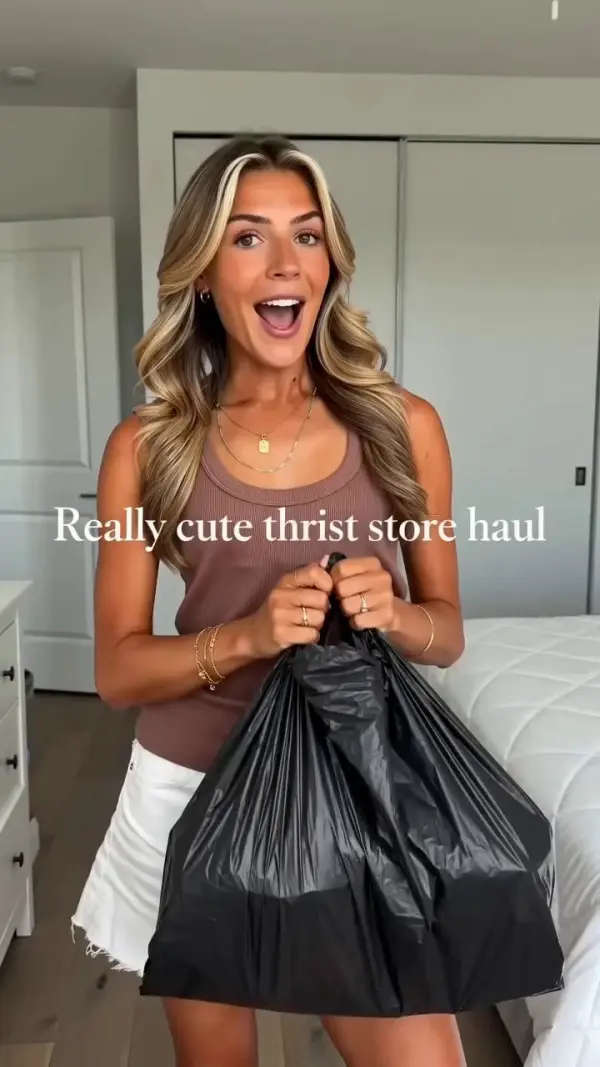
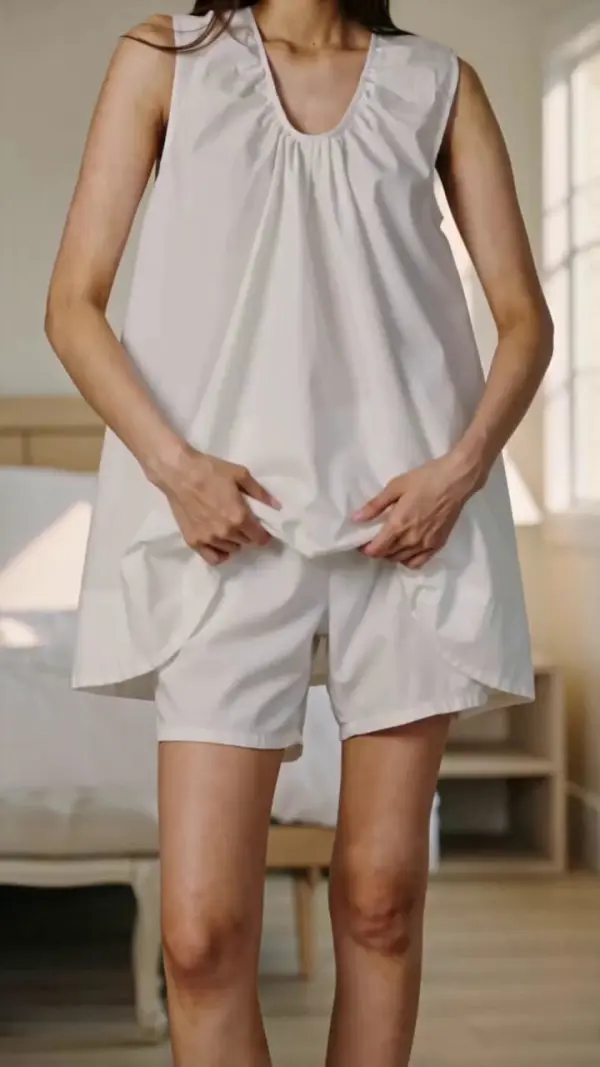
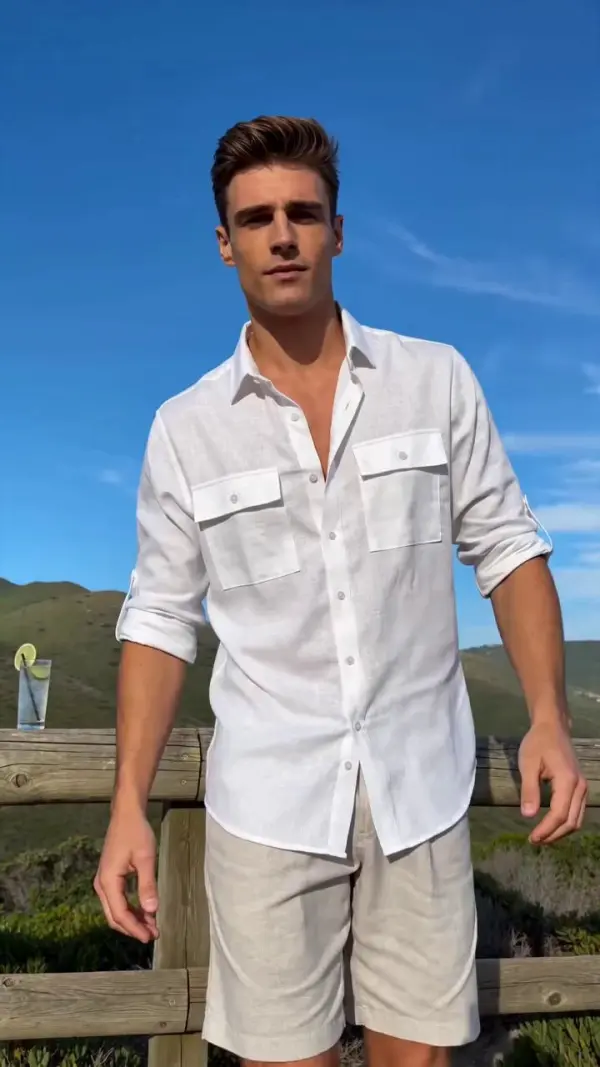
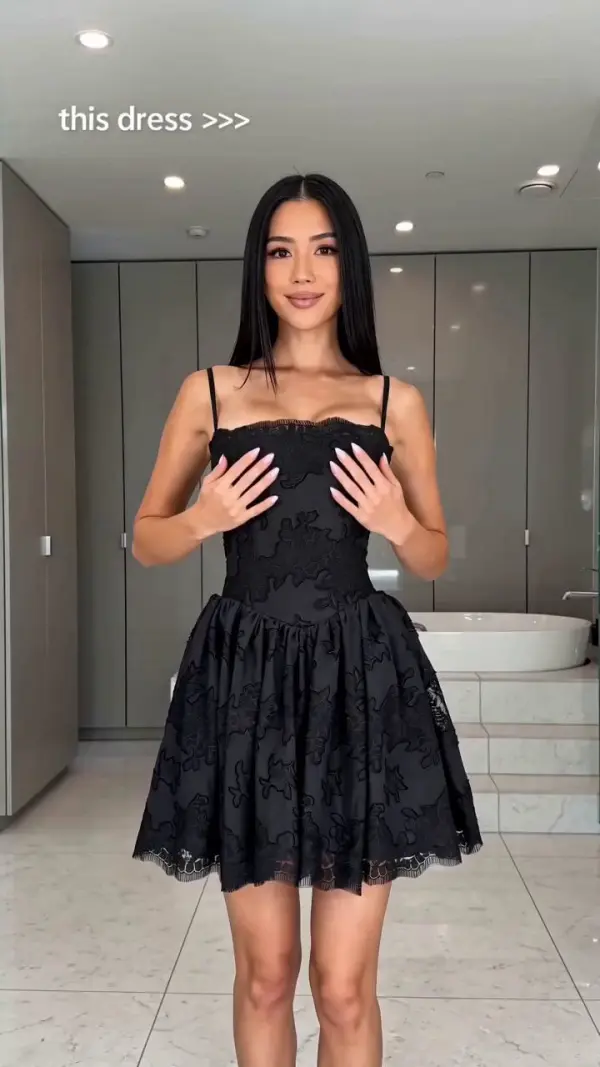
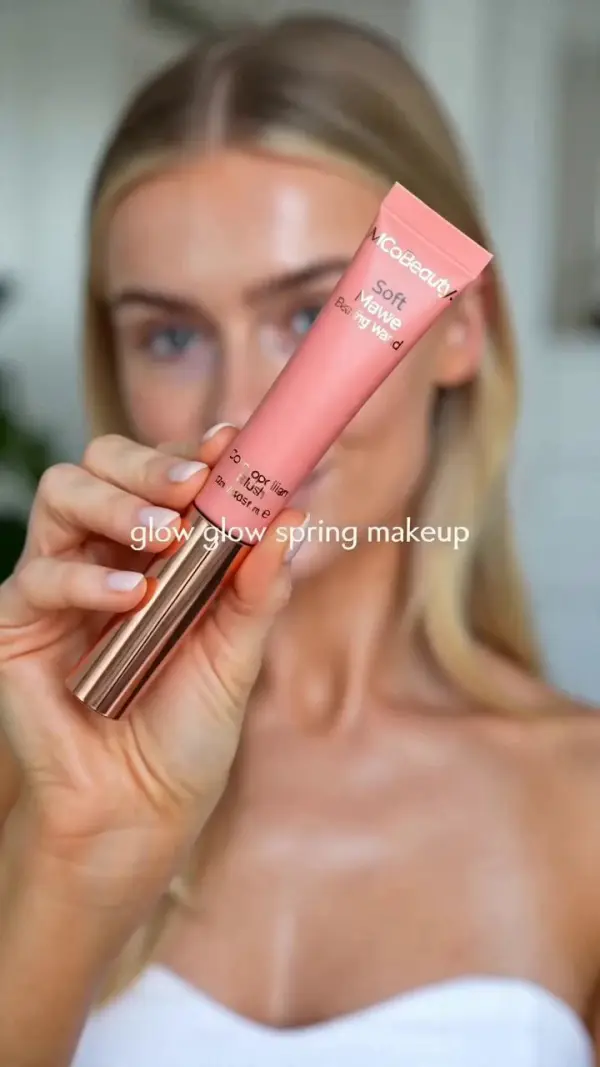
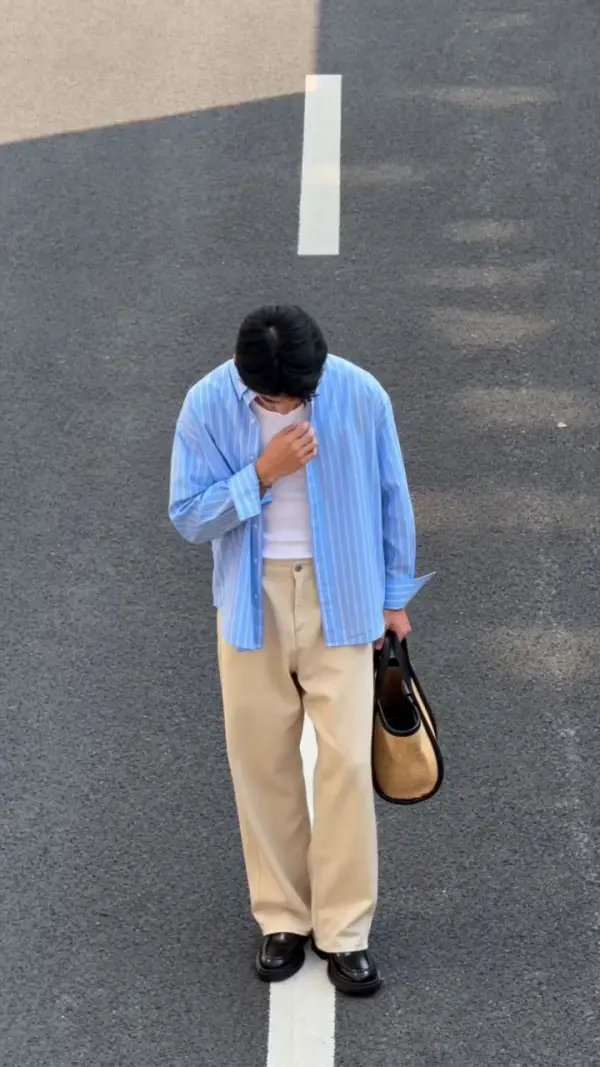
A social media creator sees a viral short video with fast cuts, close-up shots, smooth camera movement, and a strong final reveal. Instead of copying the original video directly, the creator uses Video Replication to study the structure, pacing, transitions, and visual rhythm. Then they generate a new version with their own subject, product, background, and message. This makes it easier to create TikTok videos, Instagram Reels, YouTube Shorts, and promotional clips that follow a proven format while still feeling original.
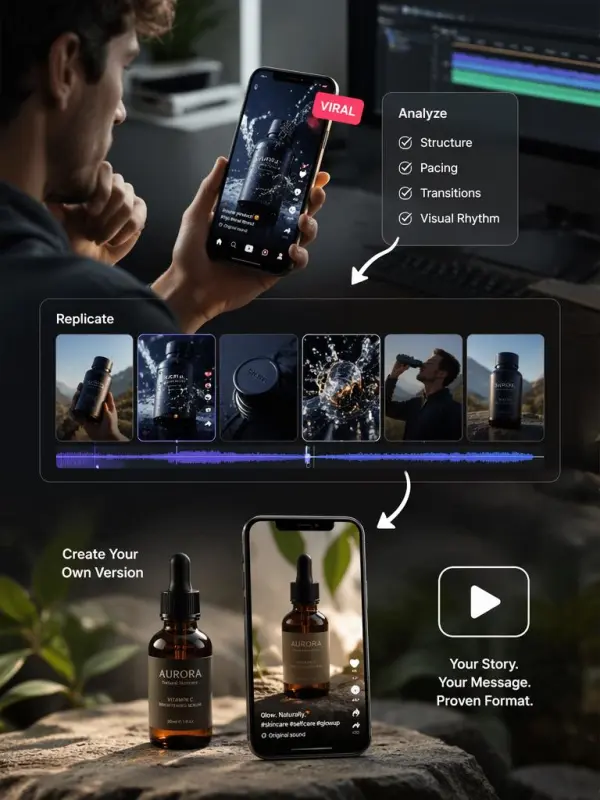
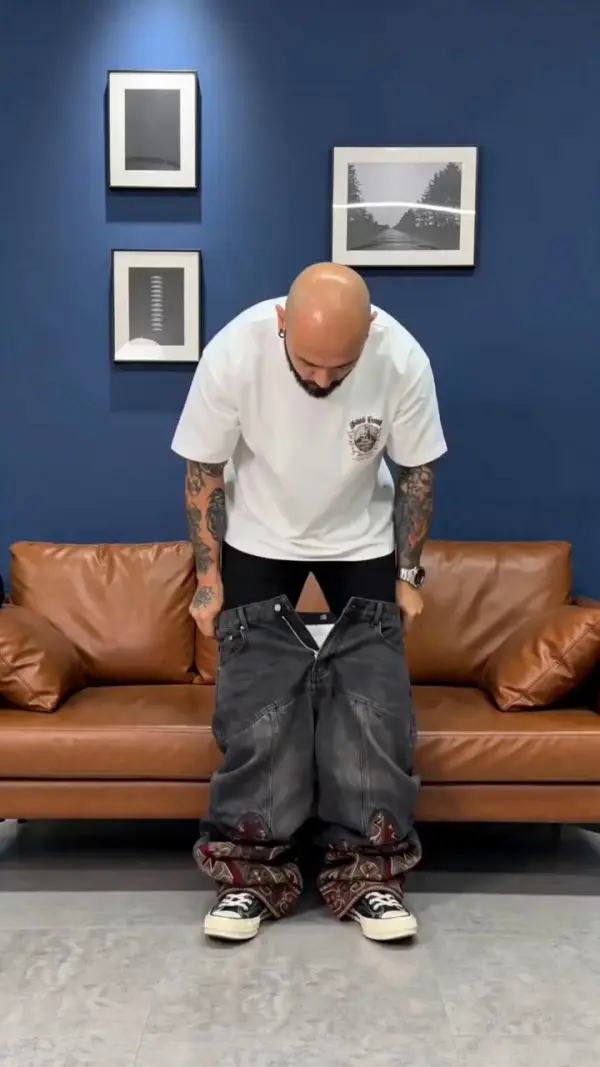
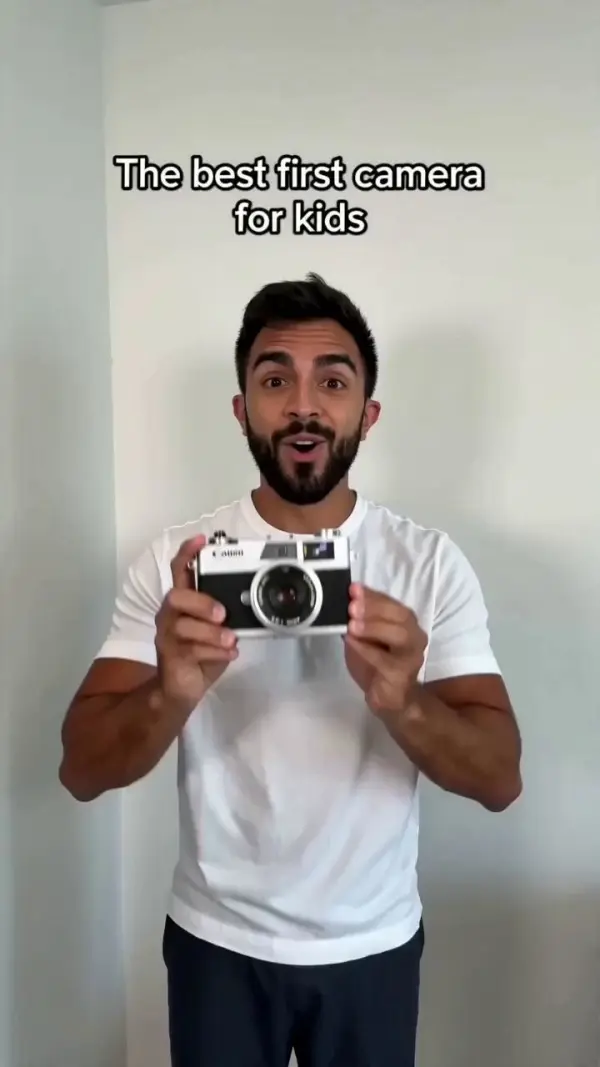
original video

Turning a Reference Video into a New Creative Version

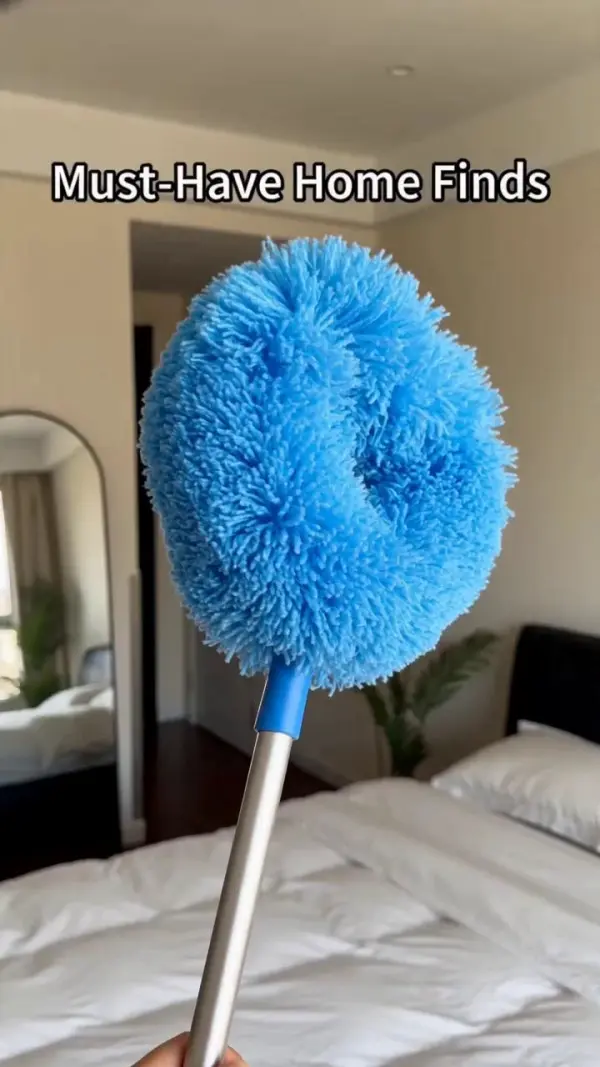
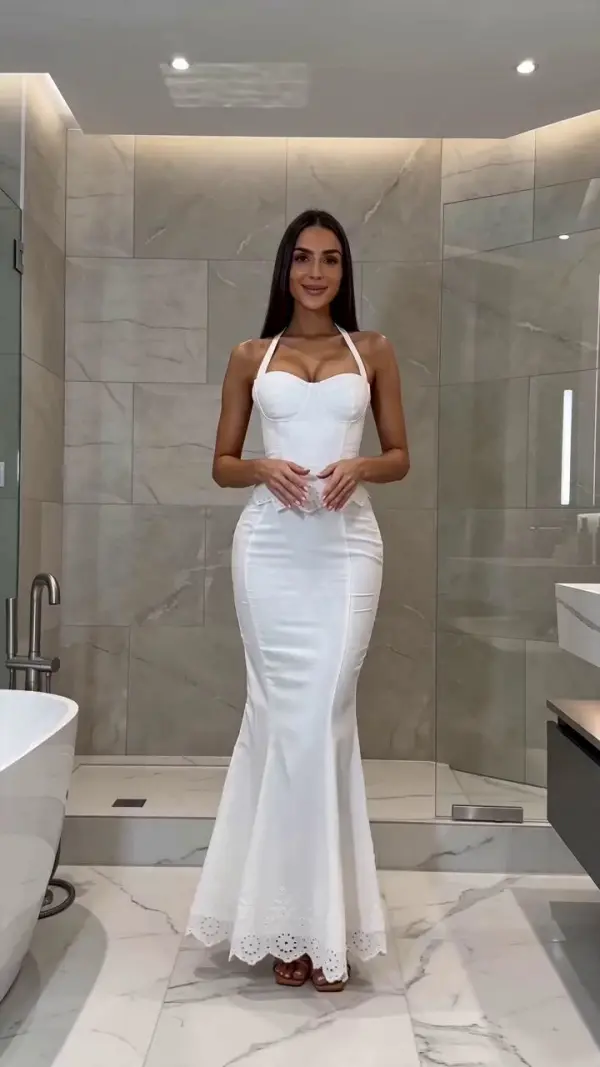
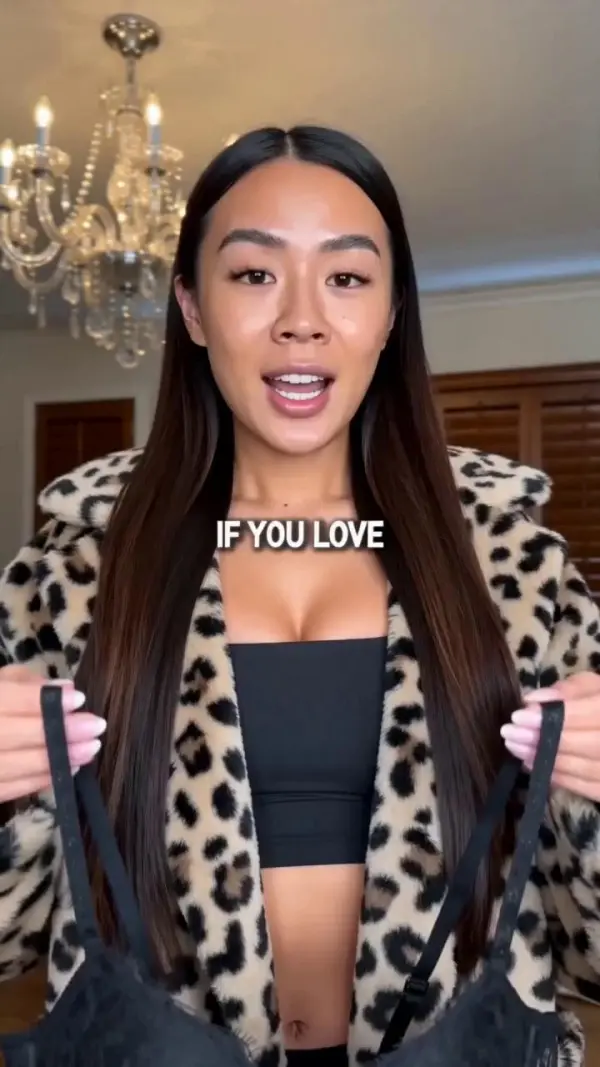
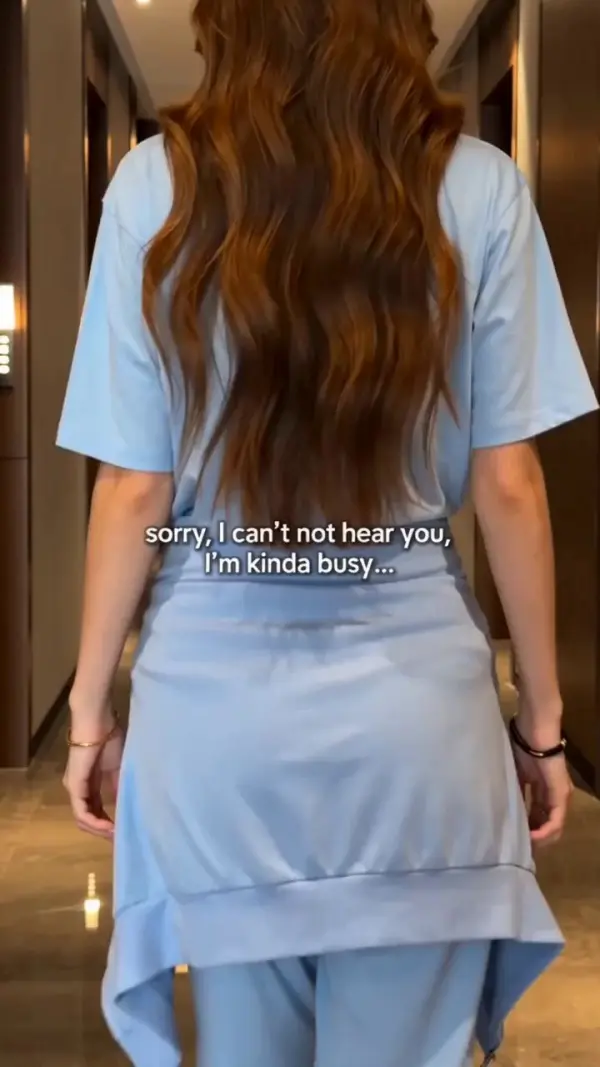
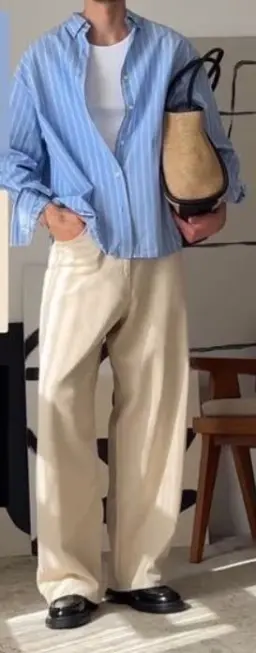
A content creator has a reference video with strong motion and camera direction but wants a completely different look. Using video-to-video generation and reference video control, they can keep the movement, timing, and shot logic while changing the character, scene, lighting, style, or background. This is useful for cinematic experiments, character videos, music visuals, AI ads, and creative storytelling.
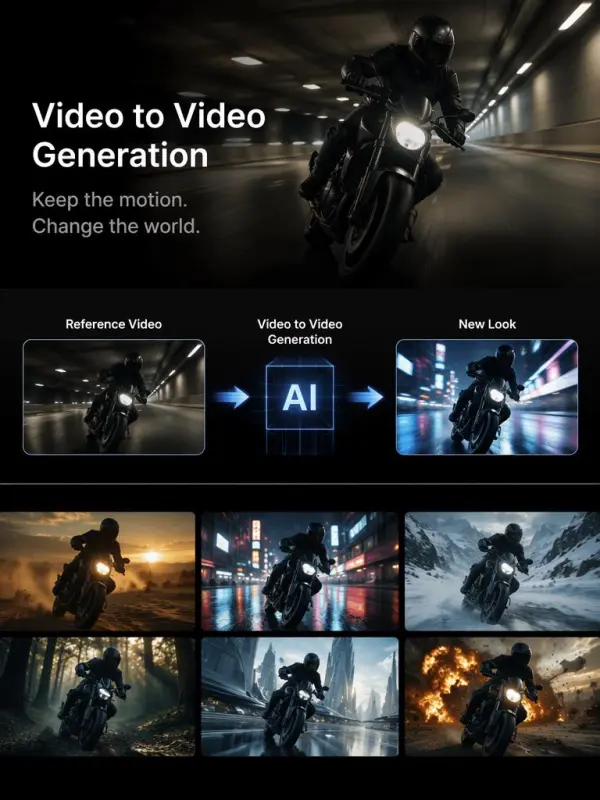
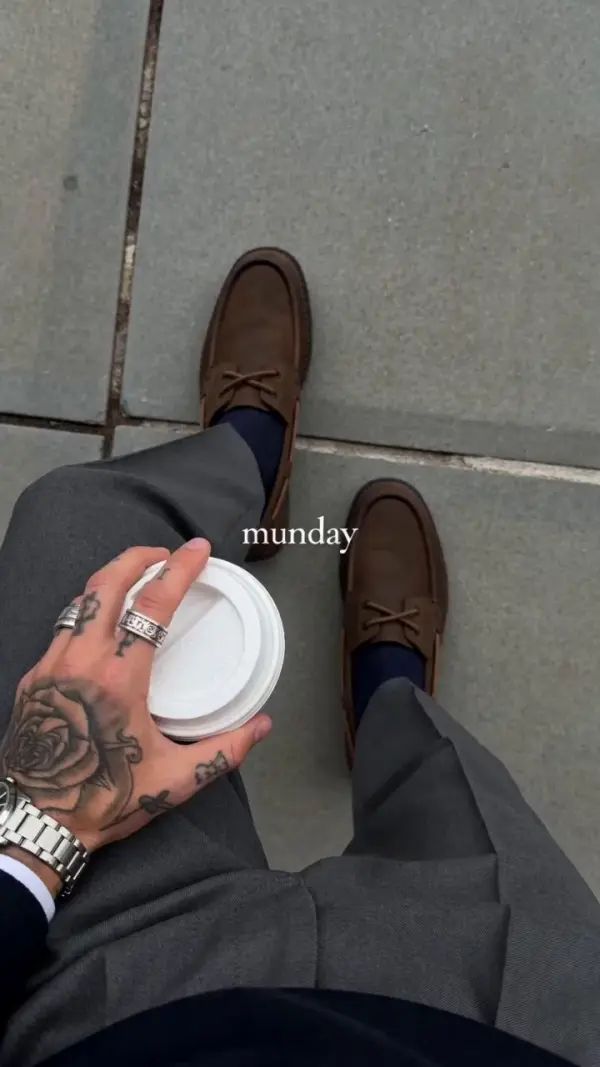
reference Video
Previous
Next

Key Features of Video Replication

Recreate Video Structure

Video Replication helps users recreate the structure of an existing video, including opening shot, scene order, pacing, transitions, camera angles, and ending frame. This is useful when users want to make a similar video format for a new product, character, brand, or social media campaign.

Use Reference Video Control

Reference video control allows users to guide the generated video with an existing clip. The AI can follow the motion, action, camera rhythm, or scene layout of the reference while generating a new visual result. This makes video replication more controllable than simple text-to-video generation.

Support Video-to-Video Generation

Video-to-video generation is one of the main technologies behind AI Video Replication. Users upload a video and describe how they want it to change. The AI can transform the style, background, character, object, lighting, or visual mood while keeping parts of the original movement and timing.

Improve Motion Consistency

Motion consistency is important for realistic video replication. AI video tools use reference frames, motion control, pose control, and temporal consistency to reduce flickering, unstable subjects, distorted movement, and random scene changes. This helps the final video feel smoother and more professional.

Create Replicable Video Templates

Video Replication can turn one successful video structure into a repeatable creative template. Users can reuse the same shot order, pacing, camera movement, and transition logic for different products, characters, brands, or campaigns. This is especially useful for agencies, ecommerce teams, influencers, and social media creators.

What You Can Create with Video Replication

Create Social Media Video Replication

Use Video Replication to recreate popular short video formats for TikTok, Instagram Reels, YouTube Shorts, and Facebook videos. Users can follow the same pacing, camera style, hook structure, and ending format while changing the topic, product, character, or visual identity.

Recreate Ad Video Styles

Video Replication is useful for creating advertising videos inspired by proven formats. Users can recreate the mood, timing, lighting, and camera direction of a reference ad while using original assets and brand-safe visuals. This helps produce campaign variations faster.

Build Character Motion Videos

With motion control and pose control, users can make a character follow the action or movement from a reference video. This can be used for AI avatars, dance videos, animated characters, virtual influencers, talking-head clips, and entertainment content.

Replicate Camera Movement

Camera motion is one of the most important parts of video replication. Users can recreate push-ins, zoom-outs, tracking shots, handheld movement, rotating shots, top-down views, close-up transitions, and cinematic reveal shots. Clear camera direction makes AI videos feel more intentional.

Make Brand Campaign Variations

Marketing teams can use Video Replication to create multiple campaign versions from one creative idea. The same structure can be adapted into different aspect ratios, languages, products, backgrounds, audience segments, and platform formats. This helps teams test more video concepts with less production time. ---

Frequently Asked Questions About Video Replication

What is Video Replication?

Video Replication is the process of recreating the structure, style, motion, camera movement, pacing, or visual mood of an existing video. With AI, users can generate a new video inspired by a reference clip, prompt, image, or storyboard.

Is Video Replication the same as copying a video?

No. Video Replication should not mean directly copying copyrighted footage, music, logos, characters, or brand assets. A safer workflow is to replicate the structure, motion, or creative style while using original visuals, new prompts, and your own content.

How does AI Video Replication work?

AI Video Replication usually works through video-to-video generation, reference video control, motion control, pose control, style transfer, and prompt-based editing. Users provide a reference or description, and the AI generates a new video based on the intended motion, structure, or style.

What is video-to-video AI?

Video-to-video AI is a generation method where users upload an existing video and transform it into a new version. The AI can change the style, background, subject, lighting, or visual mood while preserving parts of the original motion and timing.

What is reference video control?

Reference video control means using an existing video as guidance for the new output. The reference can guide action, pose, camera movement, timing, layout, or scene rhythm.

Can I replicate a TikTok or Reels video?

Yes. You can replicate the format, pacing, hook, transition style, and shot structure of a short video. However, you should avoid copying the exact original footage, music, creator likeness, watermark, or protected brand assets.

Can I use Video Replication for product ads?

Yes. Video Replication is useful for product ads because it helps recreate proven advertising structures. You can use your own product images, brand colors, message, and call-to-action while following a strong reference format.

What kind of videos can I replicate?

You can replicate social media videos, product videos, ads, tutorial videos, character videos, dance videos, cinematic clips, talking-head videos, fashion videos, ecommerce videos, and campaign videos.

What keywords should I use in a Video Replication prompt?

Use keywords such as reference video, same camera movement, similar pacing, matching shot structure, motion control, style transfer, cinematic lighting, smooth transitions, product close-up, final reveal, and consistent motion.

How do I get better Video Replication results?

Use a clear reference video, describe which parts should be replicated, separate motion from visual style, keep the prompt focused, use high-quality source material, and generate several versions. For longer videos, create multiple short clips and edit them together.

Can Video Replication keep the same character?

Some AI workflows can help maintain character consistency with reference images, character control, or first frame guidance. Results may vary depending on the model, clip length, motion complexity, and input quality.

Is Video Replication useful for brands?

Yes. Brands can use Video Replication to create repeatable video templates, test ad variations, localize campaigns, refresh product videos, and produce more social content while keeping a consistent creative structure.

Explore More AI Tools

Our new Virtual Try-On just launched. Try it now!
close

HappyHorse AI Video Generator

Create Cinematic Text-to-Video and Image-to-Video Content

GPT Image 2 AI Image Generator

Create High Quality Images, Text Rich Visuals, and Product Photography

HappyHorse 1.1 AI Video Generator

Create Campaign-Ready Videos Online

Nano Banana

Google's Next-Gen AI Image Model for Instant Professional Creativity

AI Video Generator

Turn Images into Stunning AI Videos for Free

Virtual Try-On

Try On Clothes Online with AI Virtual Try Technology

Swap Model & BG

Realistic Model & Background Swapping Online with AI

AI Fashion Model

Showcase clothing with a variety of models

AI Product

Create stunning product images with few clicks from anywhere

Face Forge

AI Face Morph & Face Swap Generator Online

Product Recoloring

Recolor Image Online Free - Color Changer in WeShop AI

To Mannequin

Convert real model photos into mannequin displays

Change Pose

Change poses, switch between various model poses, making the clothing display more natural

Remove Background

Removing background with lightning speed and ease

AI Photo Enhancer

Enhance Photo Quality Online with Free AI

Relight

Relight your images automatically and efficiently

Expand Image

Expand images & backgrounds to fit any platform

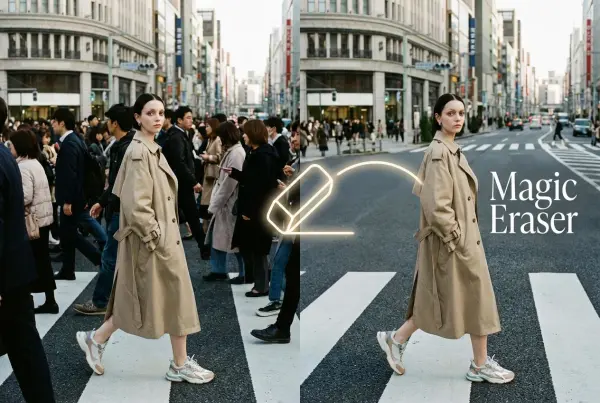
Magic Eraser

Remove unwanted objects from your photos with AI

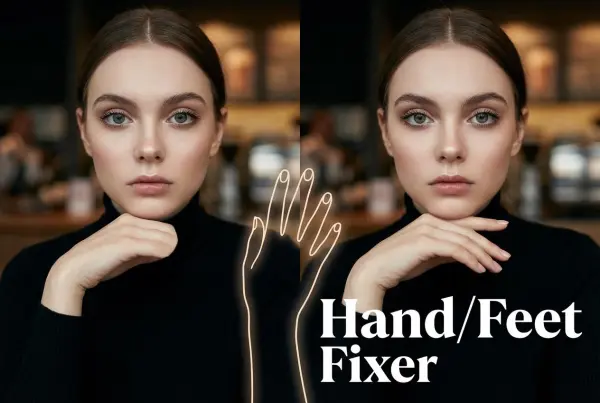
Hand/Feet Fixer

Regenerate natural-looking hands and feet in AI-generated images

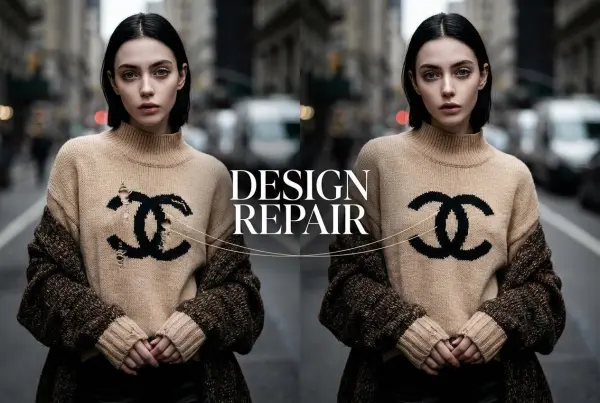
Design Repair

Upload an image, highlight the area you wish to fix, and upload a target reference image

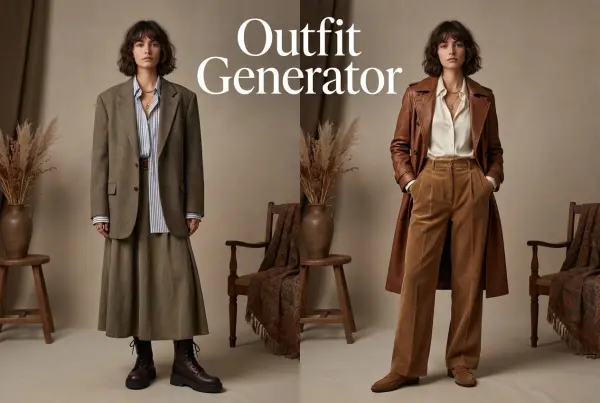
Outfit Generator

Create AI clothes styling from any model photo, garment, or style prompt.

Video Agent

Create and publish videos from a photo or description—instantly, in any style.

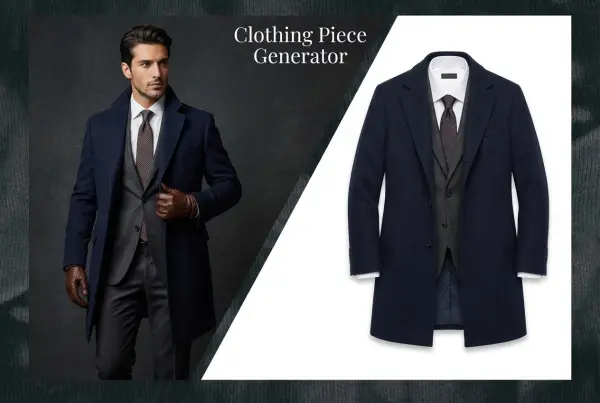
AI Clothing Piece Generator

Create Professional Flatlay Clothing Images From Any Photo or Idea

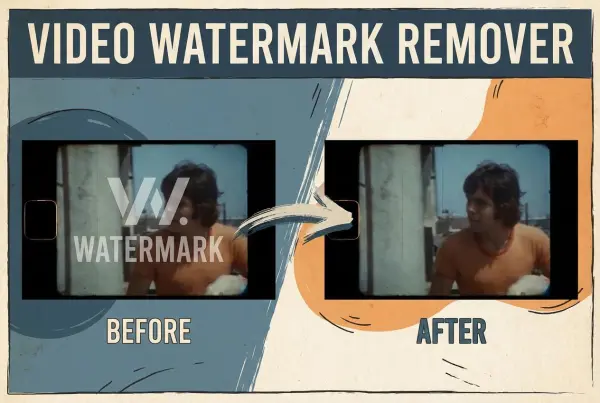
Watermark Video Remover Free Online

Remove Watermark from Video

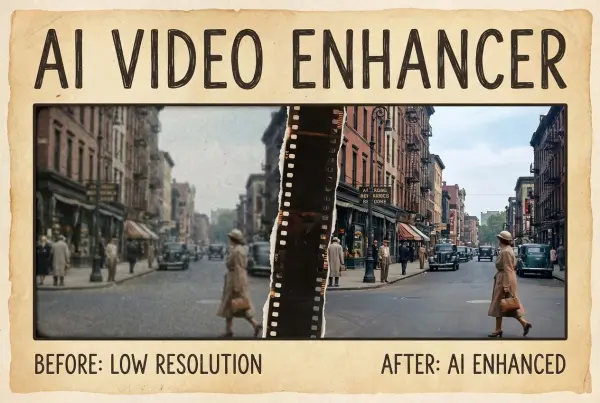
AI Video Enhancer

Enhance Video Quality Online with AI

Replace Face in Video Online Free

AI Video Face Swap for Realistic Clips

Seedream 5.0

Try the Latest Smart Image Creation Model Online

Seedance 2.0

A Multi-Modal AI Video Creative Engine for Cinematic Storytelling

Sora 2

Next Generation AI Video Generator with Realistic Physics & Storytelling

Wan AI Video Generator

Advanced AI Image & Video Generation Model

Midjourney Image Generator

Use Midjourney v7 to Create AI-Generated Images

Kling O1 AI Video Generator

Create Cinematic Videos with Omni One Control

Kling 3.0 Omni

Create Multimodal Videos with Native Audio ---

Kling 3.0

AI Director Video Model with 4K Cinematic Storytelling

Kling Motion Control

Create Realistic Motion Videos from Reference Images and Videos

Qwen Image Edit

A Revolutionary Tool for Seamless Image Editing

Z-Image AI Image Generator

Create High-Quality Images from Text Instantly

FireRed Image Edit

Open Source AI Image Editing Model for High Fidelity Edits

Grok Imagine AI Image Generator

Create High-Resolution Images from Text with Aurora AI

Grok Imagine AI Video Generator

Create Cinematic AI Videos with Native Audio & Scene Control

Hailuo AI Video Generator

Create Cinematic AI Videos from Text or Images

Veo 3 AI Video Generator

Create Cinematic Videos from Text or Images

Vidu Q3 AI Video Generator

Create Cinematic Short Videos with Turbo and Pro Modes

Imagen 4

Create Photorealistic Images and Accurate Text Visuals with AI

HiDream AI Image Generator

Create Stunning AI-Generated Images Online

Sulphur2

Create Cinematic AI Videos from Text and Images

idea
helper