
language

English

Sign In

Our new Virtual Try-On just launched. Try it now!
close
Steal the Look! Click to Replicate it with Your Product!

Kling Motion Control – Create Realistic Motion Videos from Reference Images and Videos

Kling Motion Control is an advanced ai video generator built for creators who want more precise, reference-based ai video generation from a character image and a motion reference video. As a flexible motion control video workflow, it combines clean motion extraction, identity preservation, camera movement, and prompt-based refinement to help users create video clips with stronger facial expressions, smoother action, and more precise control over results. Whether you are working on creator content, product demos, or short-form edits with high difficulty body motion, Kling Motion Control makes video generation feel more directed and efficient.

Real-World Use Cases for Kling Motion Control

Creating AI Dance Videos and Viral Short-Form Content

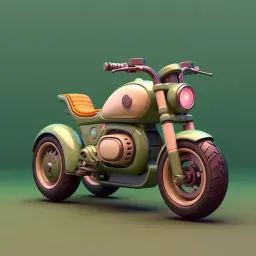
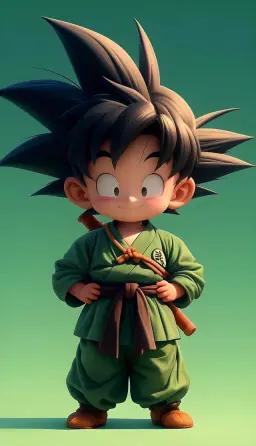
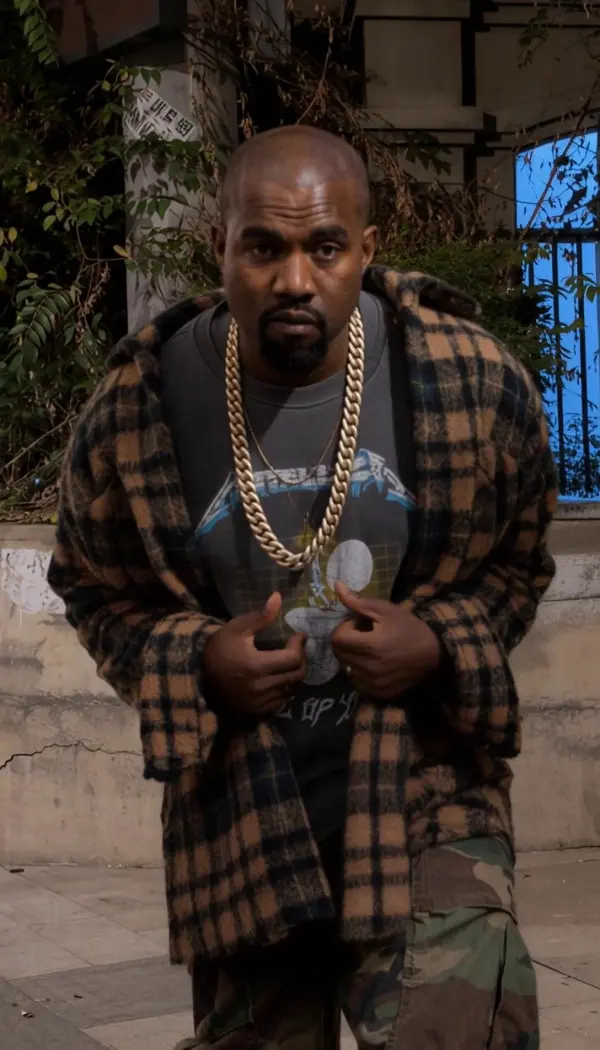
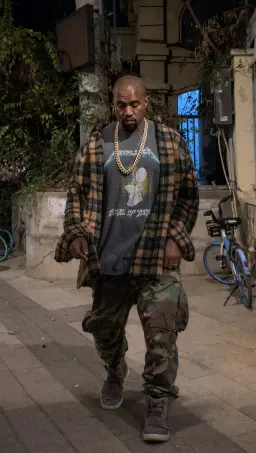
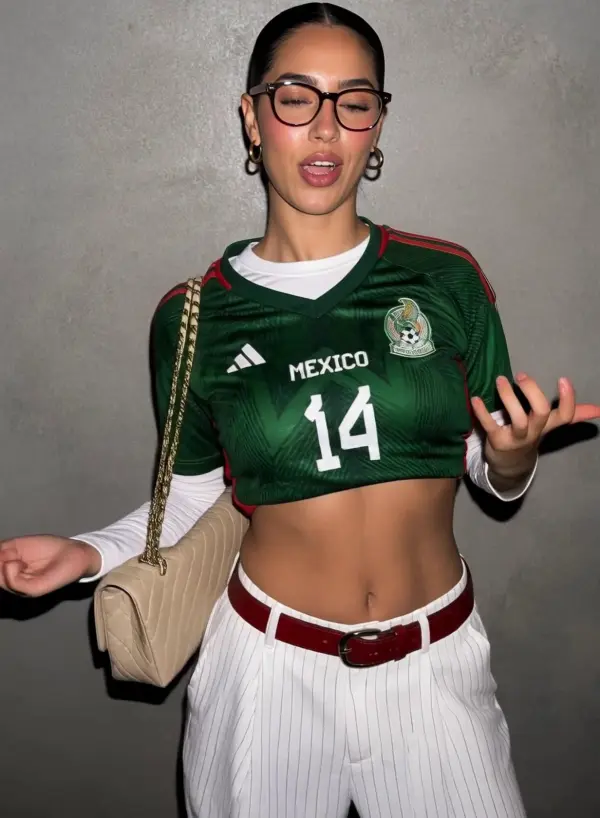
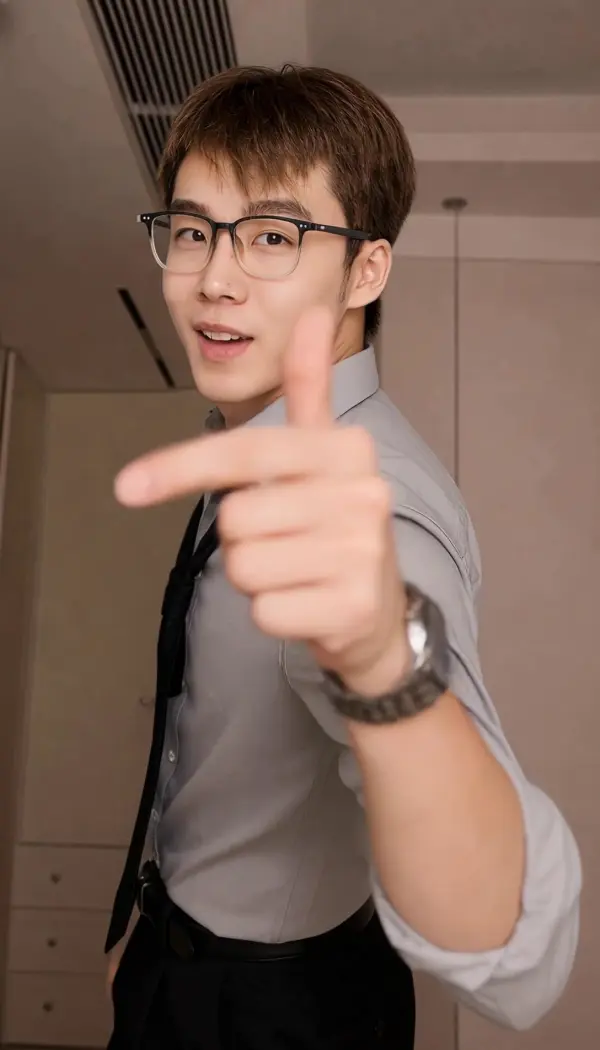
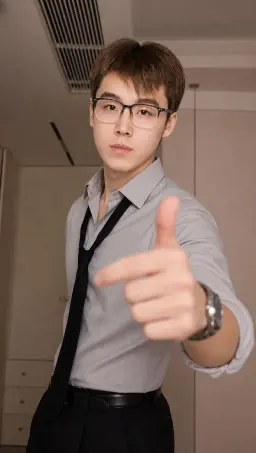
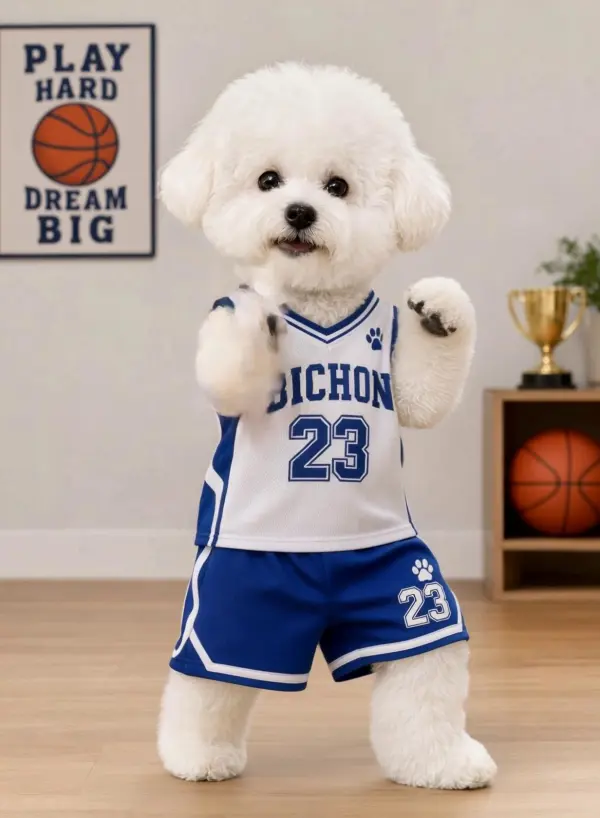
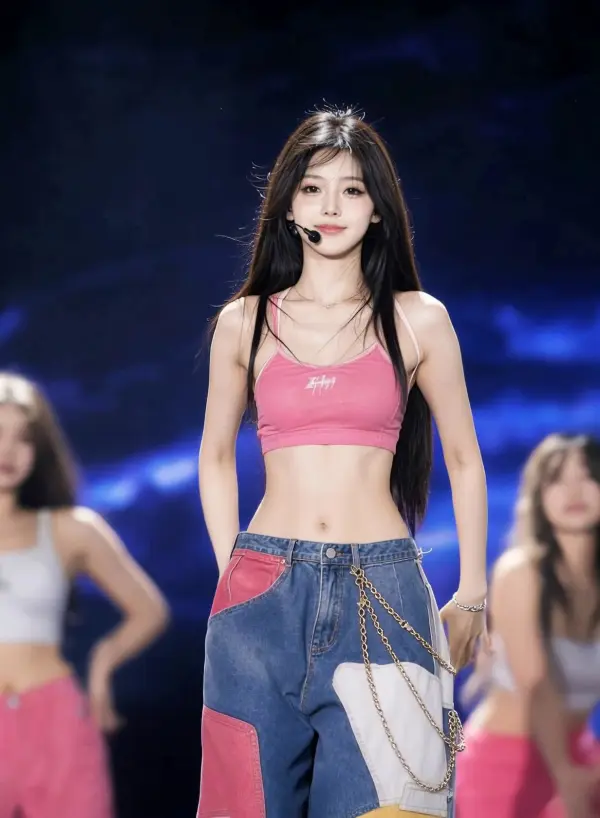
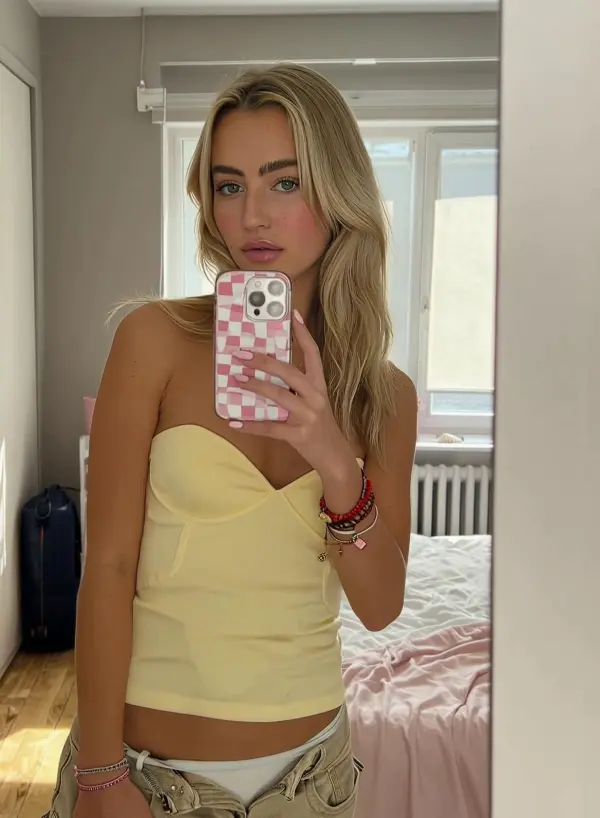
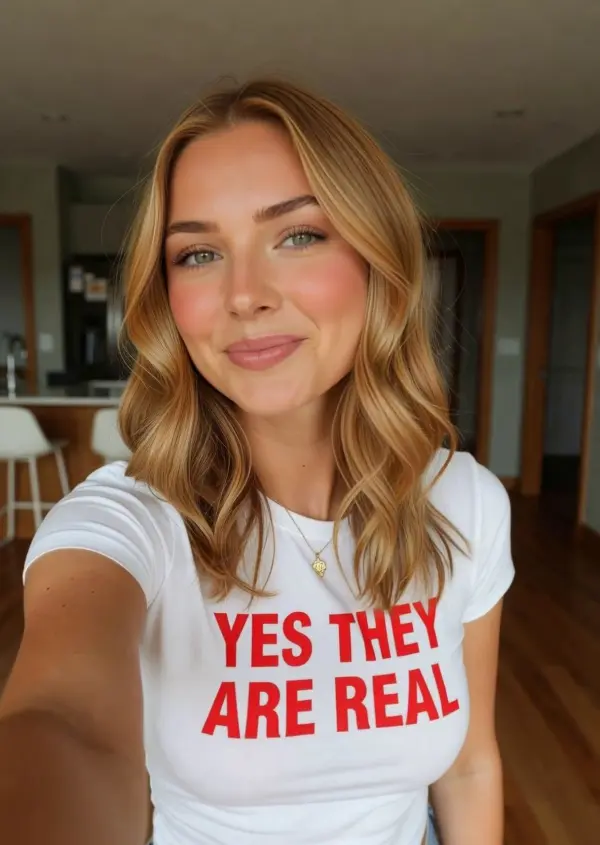
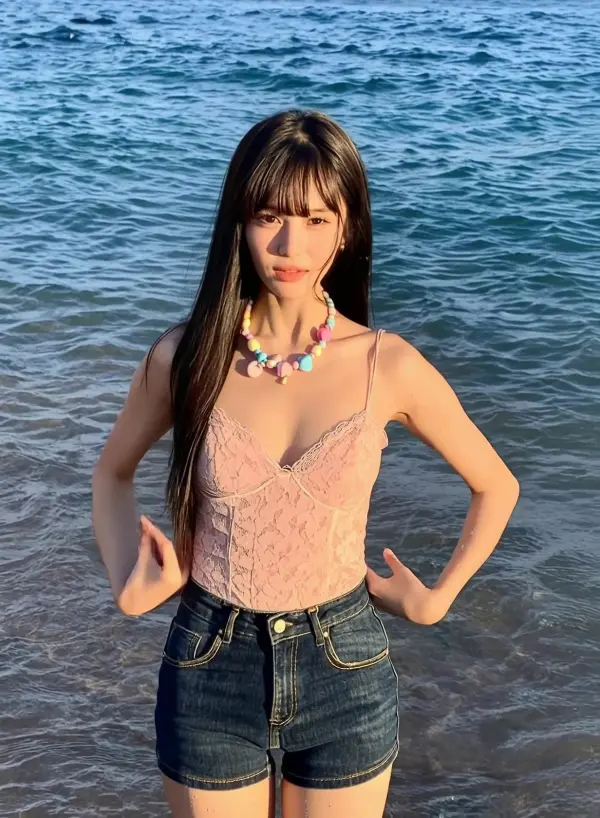
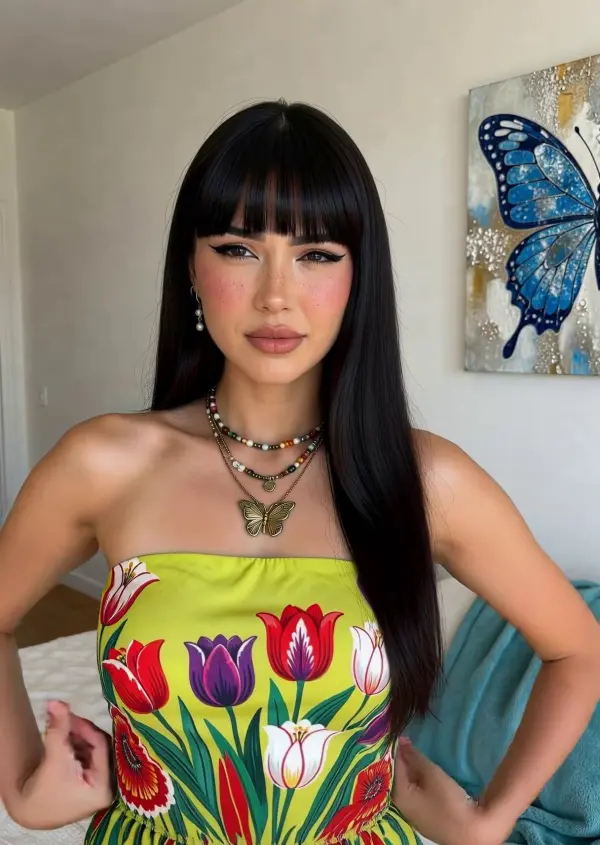
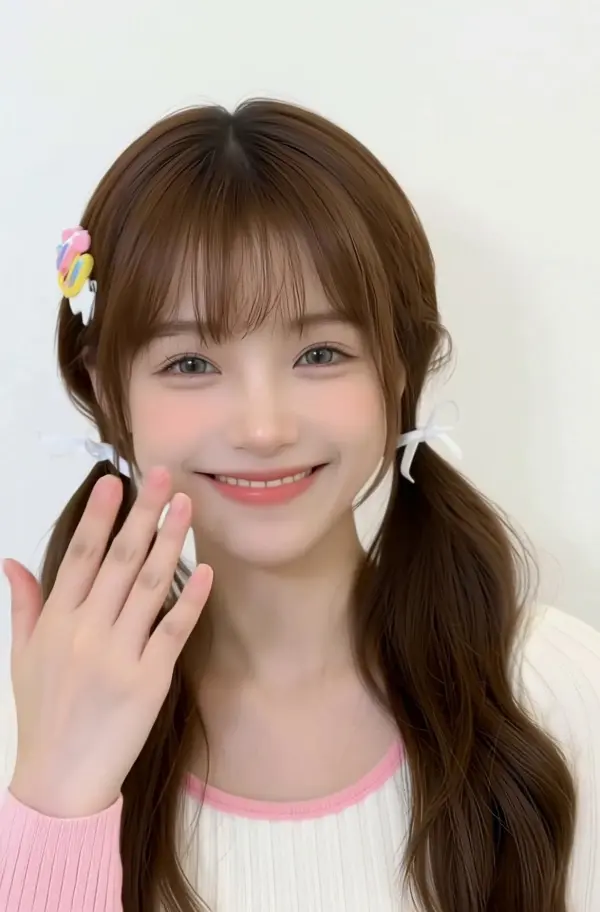
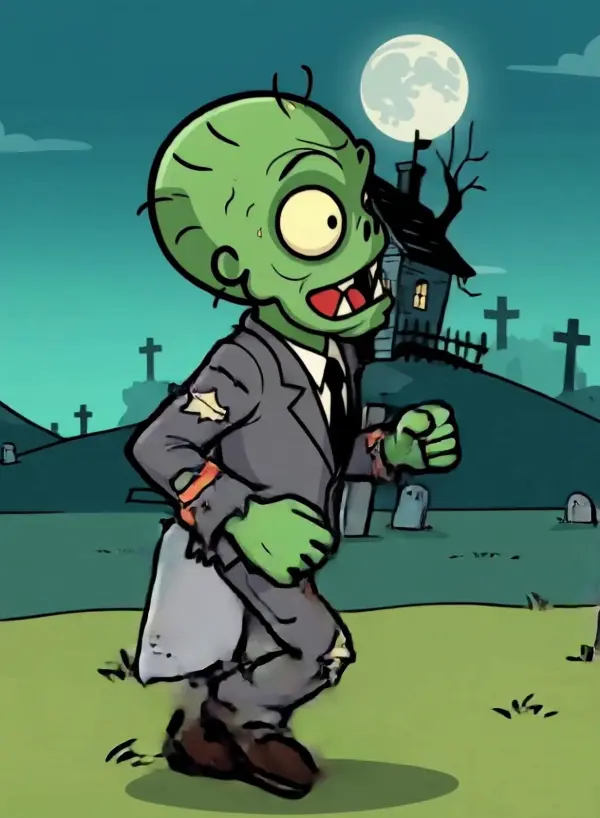
A creator wanted to turn a static character image into a lively dance clip for TikTok and Instagram Reels without building a full animation pipeline. By using Kling Motion Control as an ai video generator with one reference image and one motion reference video, they could create video content with cleaner choreography transfer, smoother camera movement, and more natural facial expressions. This motion control video workflow was especially useful for high difficulty body motion, helping them improve ai video generation quality without needing strong video editing skills.
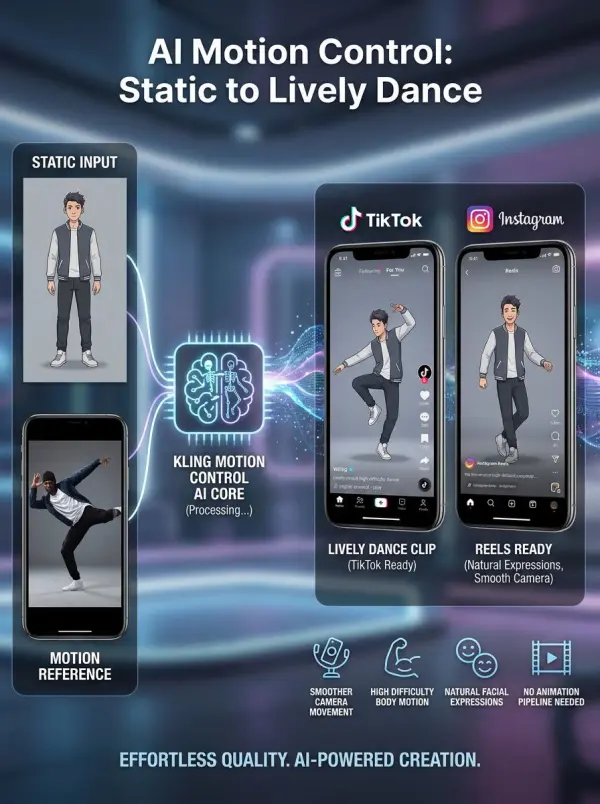
kling motion control by weshop ai

Reusing One Motion Across Multiple Characters for Campaign Variants

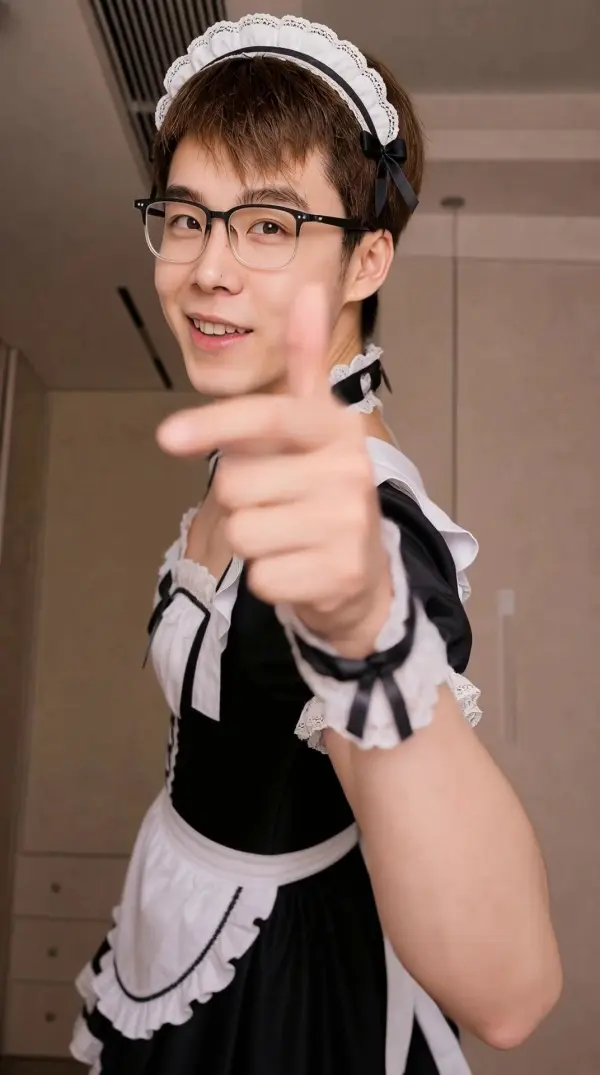
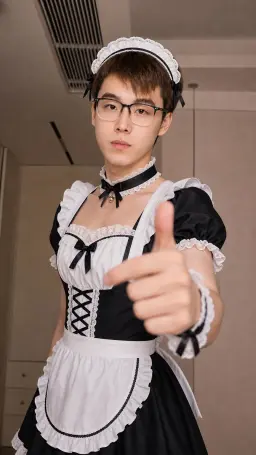
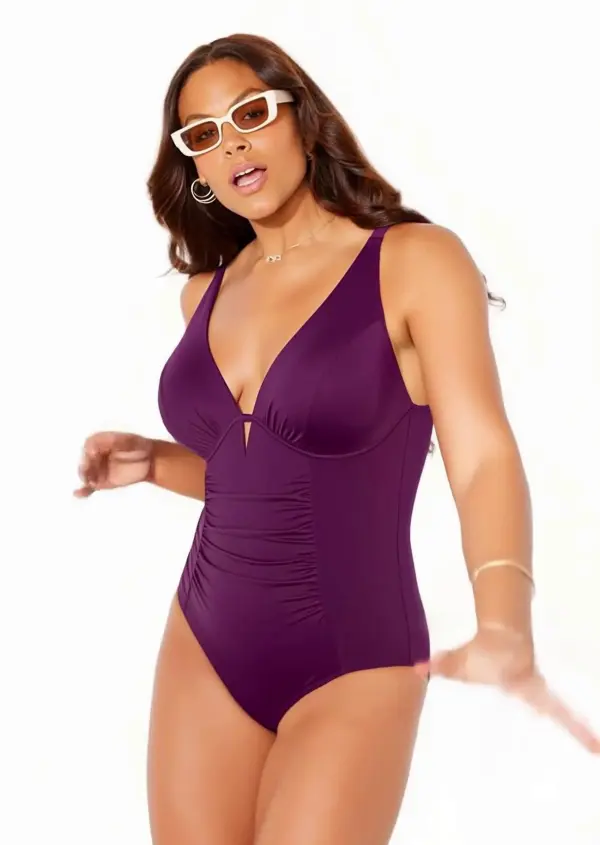
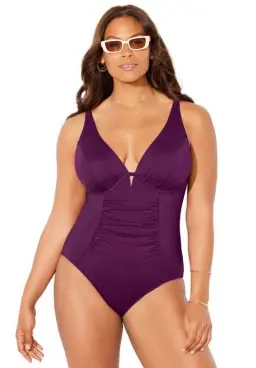
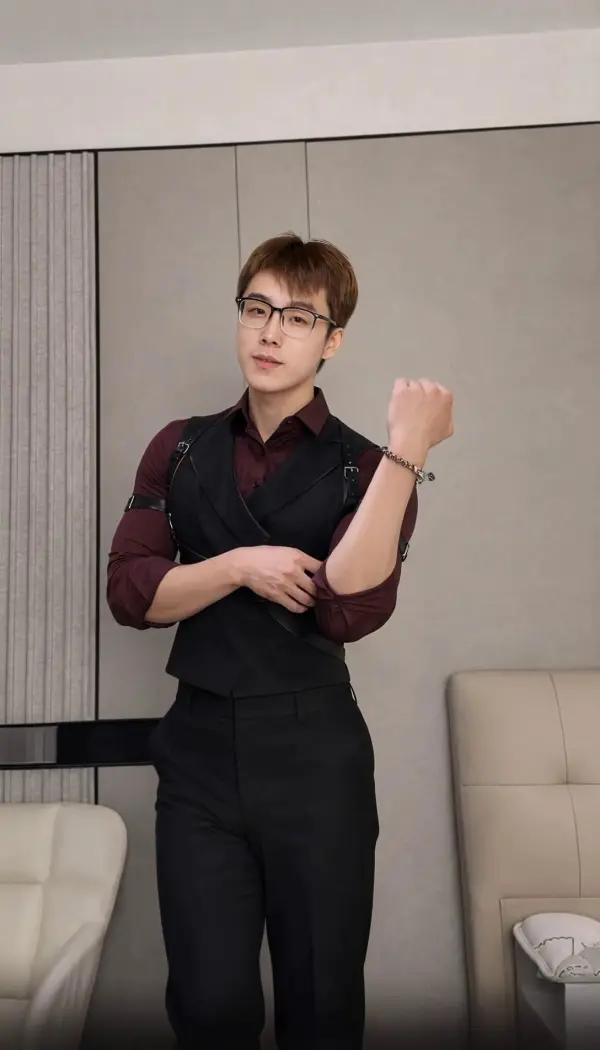
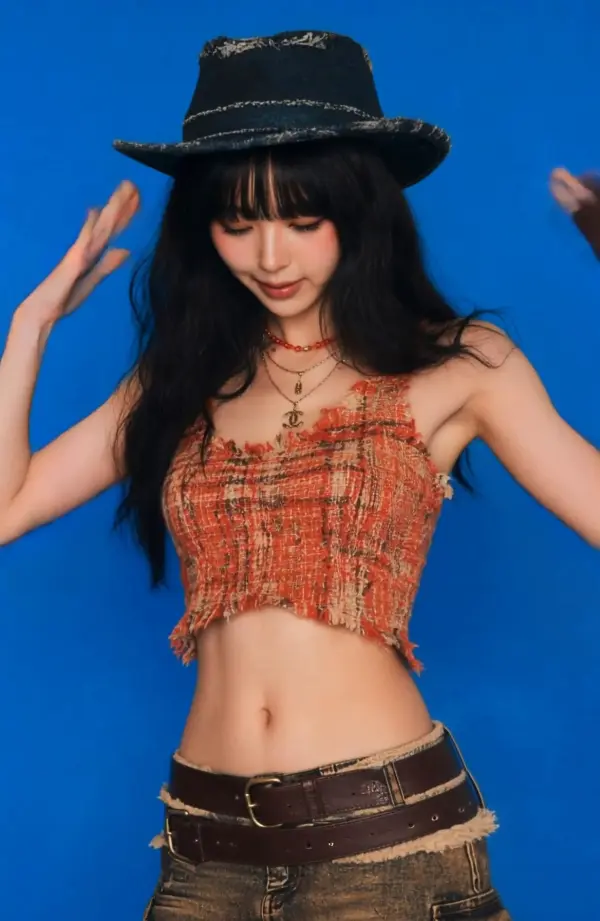
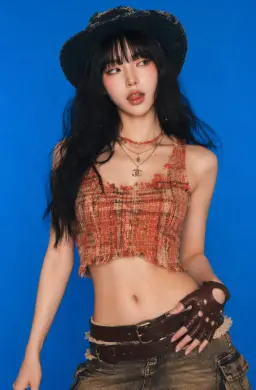
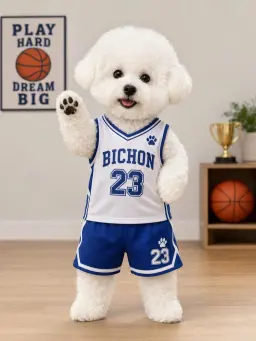
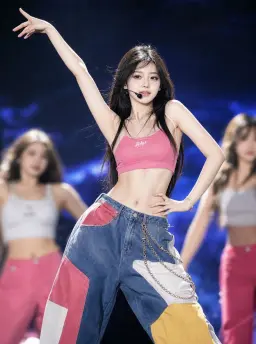
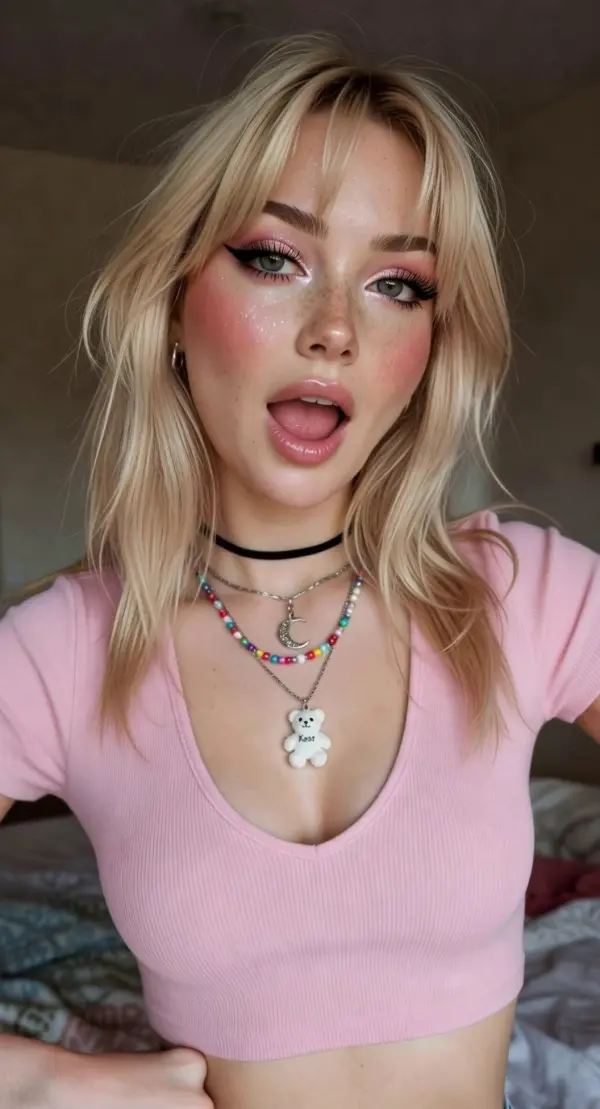
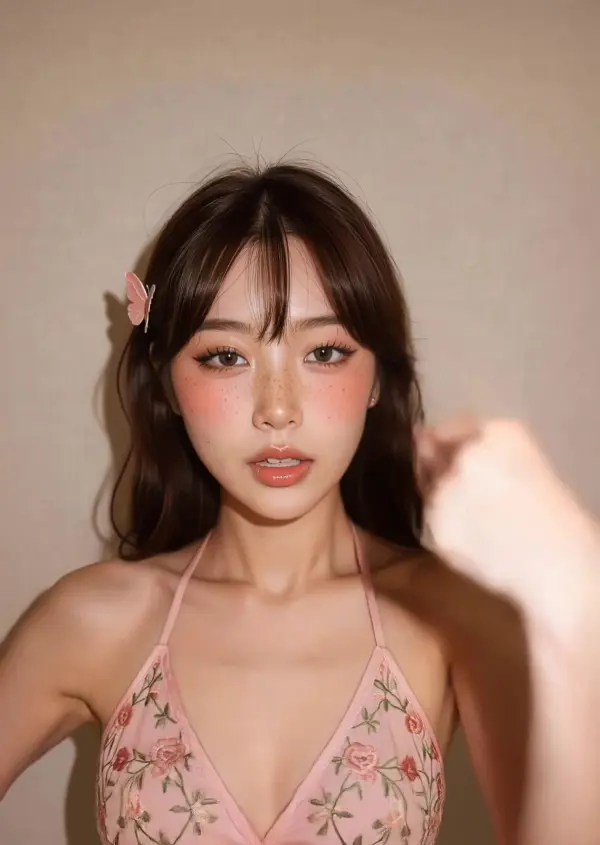
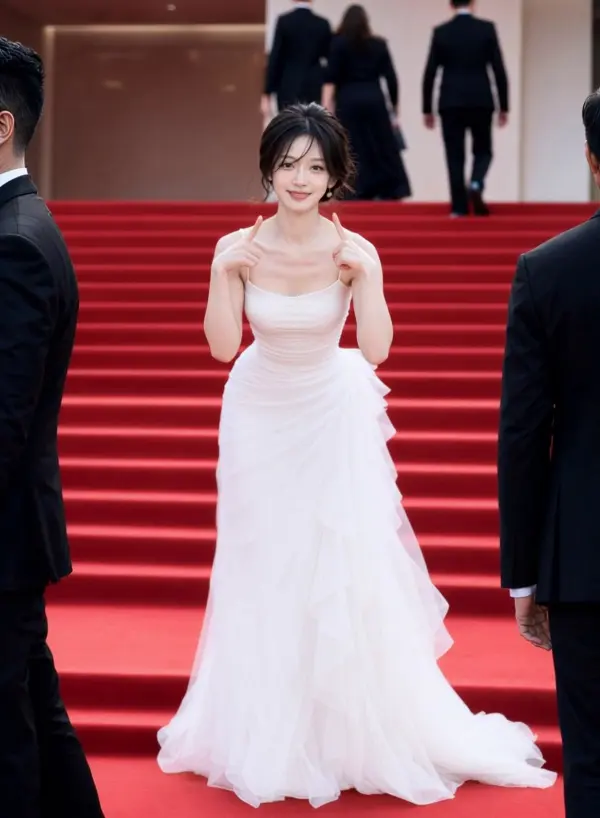
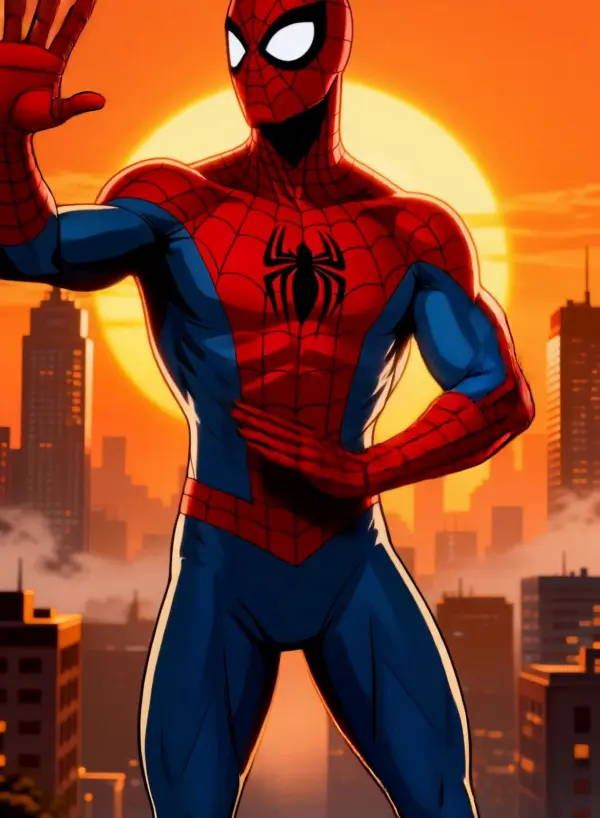
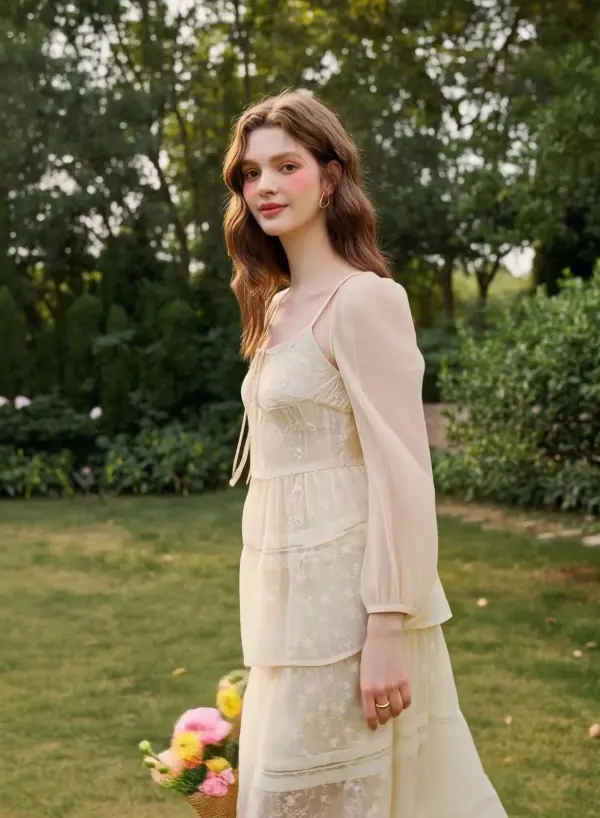
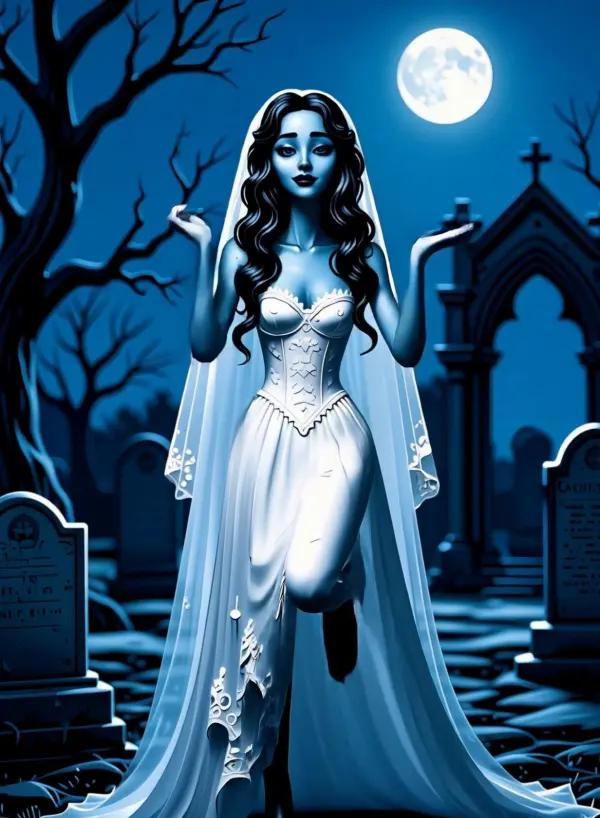
Another team wanted to produce a set of campaign videos using the same action pattern across different outfits and identities. With Kling Motion Control, they applied one motion reference from a single motion reference video to several character setups, using each character image to generate a different variation while keeping timing, motion flow, and overall action stable. This gave the team more efficient ai video generation for creator templates, influencer content, and promotional clips, while maintaining precise control, strong element binding, and better preserving visual integrity.
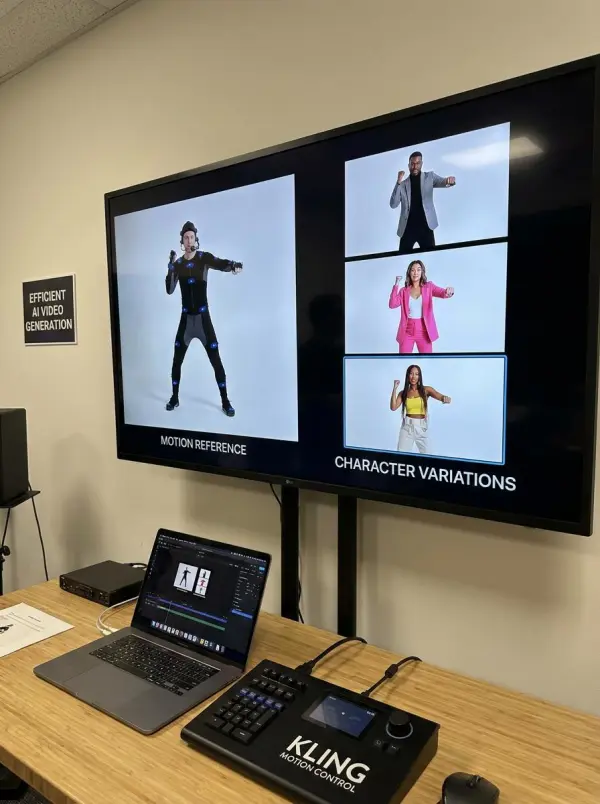
kling motion control by weshop ai
Previous
Next

Key Features of the Kling Motion Control

Frame-Accurate Motion Transfer

Kling Motion Control is built to transfers action from an action video with strong timing accuracy, helping creators keep motion paths and pacing intact. It works well for athletic movements, dynamic performances, and even dramatic acting, making it easier to build ai generated videos with smoother movement and more reliable motion behavior.

Reference Image and Reference Video Workflow

A strong motion tool should connect identity and movement in one workflow. Users can simply upload a still image, own images, or stylized artwork as the subject, then pair them with a motion clip. This helps animate digital avatars and portrait shots with cleaner motion sync, stronger facial consistency, and better control over final output.

Consistent Character Identity Across Frames

The system is designed to maintain face details, outfit structure, and proportions across the full clip. This is especially important for multiple subjects, swap outfits experiments, and character agnostic workflows where the same motion needs to work across different designs. Strong element binding technology helps preserve identity while supporting smooth expressions and stable animation.

Prompt-Based Motion Refinement

Beyond motion transfer, users can refine scene styling with prompts after the base animation is created. This gives more creative direction for background changes, cinematic lighting, or mood adjustments while keeping the original motion and pacing intact. It is useful in broader ai workflows where creators want more control without heavy video editing experience.

Useful for Dance, Reactions, Demos, and Digital Characters

Kling Motion Control works well for dance clips, reactions, explainer videos, product demos, product visuals, and short-form storytelling. It can animate digital avatars for social media clips, short films, and commercial projects, making it easier to create scroll stopping visuals for both personal creators and teams working on commercial purposes with advanced features.

What You Can Do with Kling Motion Control

Animate a Character from a Reference Video

Use Kling Motion Control to animate a still image or portrait by pairing it with a source clip. The system transfers action from the action video into digital avatars, helping users create lifelike movement from own images or stylized artwork. This is useful for creators who want motion without needing deep video editing experience.

Create AI Dance Videos with Consistent Motion

The tool works well for dance and choreography transfer, especially when creators need athletic movements, dynamic performances, and smooth expressions in one output. It can also support lip sync-friendly character clips and expressive portrait shots, making it practical for ai generated videos, social media clips, and music-driven creator content with stronger facial consistency.

Reuse One Motion Across Multiple Characters

Users can apply the same performance to multiple subjects, different character looks, or swap outfits variations while keeping the motion flow stable. This character agnostic setup is useful for campaigns, templates, and commercial projects where one performance needs to scale across several concepts. It fits modern ai workflows with more efficiency and less repeated production work.

Refine Motion Results with Prompts

After motion is transferred, creators can guide the result with prompts to change mood, background, or visual style. This adds more creative direction for cinematic lighting, polished scenes, or complex action scenes while keeping pacing intact. It is useful for short branded clips, reactions, and even short films that need more control and advanced features.

Make Short-Form Videos for Social Platforms

Kling Motion Control is practical for TikTok, Reels, Shorts, and other social media clips where speed and clarity matter. It helps turn avatars and characters into scroll stopping visuals for greetings, memes, reactions, and explainer videos. For many creators, free access to motion experiments also makes it easier to test ideas before scaling into bigger commercial purposes.

Reviews

4.8

I used to have to re-edit every time I wanted to recreate a trending video, which was too much trouble. This tool does a great job of recreating it; the background remains unchanged, and the people are well preserved.

avatar
Susie
Video creators
4.9

It's very easy to use and works well.It can also be used in conjunction with other tools to generate images that can then be used in videos, making it even more convenient.

avatar
Thera
freelancers
Previous
Next

Frequently Asked Questions About Kling Motion Control

What is Kling Motion Control?

Kling Motion Control is an AI video workflow that uses a reference image and a reference video to generate animated clips with transferred movement, consistent identity, and more controllable motion.

How does Kling Motion Control work?

Users typically upload a reference image for the character and a reference video for the movement. The system then extracts motion from the video and applies it to the character while preserving facial features, outfit details, and body proportions.

Can Kling Motion Control animate both portraits and full-body characters?

Yes. It can be used for subtle portrait expressions as well as full-body action, including dance, posture shifts, and larger character movement.

Is Kling Motion Control good for AI dance videos?

Yes. One of the most common use cases is AI dance video creation, because the system is built to preserve choreography, timing, and human-like movement more accurately.

Can I reuse one motion clip across different characters?

Yes. Kling Motion Control can apply the same motion reference to multiple reference images, which is useful for campaign variants, creator templates, and AI influencer workflows.

Can I control the result with prompts?

Yes. Prompt-based refinement can help adjust background, styling, lighting, or scene details while preserving the main motion path from the reference video.

What kind of content is Kling Motion Control useful for?

It is useful for AI dance videos, product demos, reactions, greetings, meme animation, digital character clips, creator content, and other short-form video workflows.

Does Kling Motion Control help keep character identity stable?

Yes. A major strength of the workflow is identity consistency, including facial features, proportions, outfit details, and overall character stability across frames.

Explore More AI Tools

Our new Virtual Try-On just launched. Try it now!
close

HappyHorse AI Video Generator

Create Cinematic Text-to-Video and Image-to-Video Content

GPT Image 2 AI Image Generator

Create High Quality Images, Text Rich Visuals, and Product Photography

Nano Banana 2

Google’s Next-Gen AI Image Model for Instant Professional Creativity

Virtual Try-On

Try On Clothes Online with AI Virtual Try Technology

Swap Model & BG

Realistic Model & Background Swapping Online with AI

AI Model

Showcase clothing with a variety of models

AI Product

Create stunning product images with few clicks from anywhere

AI Video

Create and publish videos from a photo or description—instantly, in any style.

Face Forge

AI Face Morph & Face Swap Generator Online

Product Recoloring

Recolor Image Online Free - Color Changer in WeShop AI

AI Image to Video Generator

Turn Images into Stunning AI Videos for Free

To Mannequin

Convert real model photos into mannequin displays

Change Pose

Change poses, switch between various model poses, making the clothing display more natural

Remove Background

Removing background with lightning speed and ease

AI Photo Enhancer

Enhance Photo Quality Online with Free AI

Relight

Relight your images automatically and efficiently

Expand Image

Expand images & backgrounds to fit any platform

Magic Eraser

Remove unwanted objects from your photos with AI

Hand/Feet Fixer

Regenerate natural-looking hands and feet in AI-generated images

Design Repair

Upload an image, highlight the area you wish to fix, and upload a target reference image

Outfit Generator

Create AI clothes styling from any model photo, garment, or style prompt.

AI Clothing Piece Generator

Create Professional Flatlay Clothing Images From Any Photo or Idea

Watermark Video Remover Free Online

Remove Watermark from Video

AI Video Enhancer

Enhance Video Quality Online with AI

Replace Face in Video Online Free

AI Video Face Swap for Realistic Clips

Nano Banana Pro

Conversational editing, precisely consistent.

Seedream 5.0

Try the Latest Smart Image Creation Model Online

Seedance 2.0

A Multi-Modal AI Video Creative Engine for Cinematic Storytelling

Sora 2

Next Generation AI Video Generator with Realistic Physics & Storytelling

Wan AI Video Generator

Advanced AI Image & Video Generation Model

Midjourney Image Generator

Use Midjourney v7 to Create AI-Generated Images

Kling 3.0

AI Director Video Model with 4K Cinematic Storytelling

Qwen Image Edit

A Revolutionary Tool for Seamless Image Editing

Z-Image AI Image Generator

Create High-Quality Images from Text Instantly

FireRed Image Edit

Open Source AI Image Editing Model for High Fidelity Edits

Grok Imagine AI Image Generator

Create High-Resolution Images from Text with Aurora AI

Grok Imagine AI Video Generator

Create Cinematic AI Videos with Native Audio & Scene Control

Hailuo AI Video Generator

Create Cinematic AI Videos from Text or Images

Veo 3 AI Video Generator

Create Cinematic Videos from Text or Images

Vidu Q3 AI Video Generator

Create Cinematic Short Videos with Turbo and Pro Modes

idea
helper