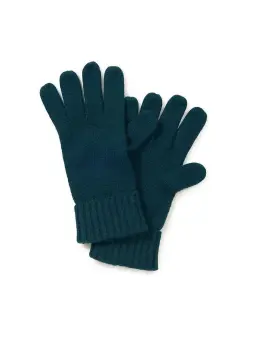
AI Photo Recolor


Key Features
AI-Powered Color Changer for Instant Results
Recolor Image Online for Free With Smart Masking
Supports PNG, JPEG, and Vector-Like Sharpness
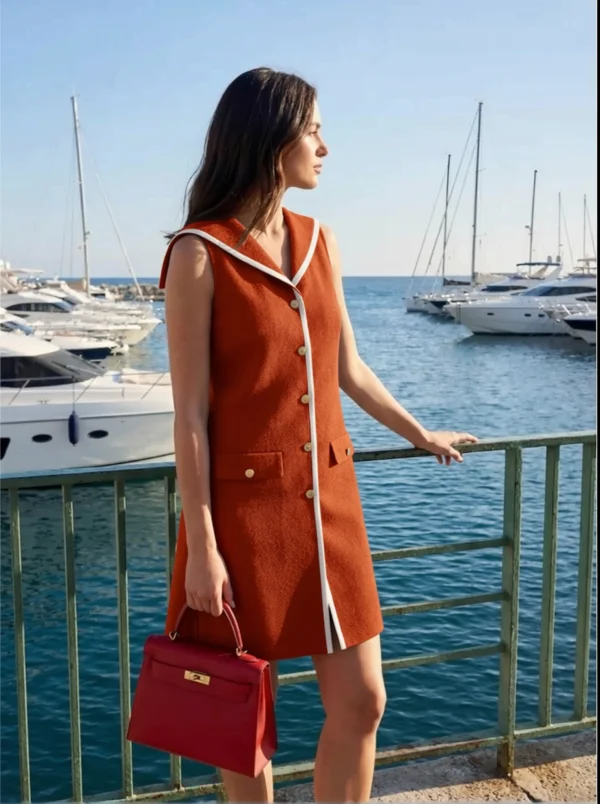
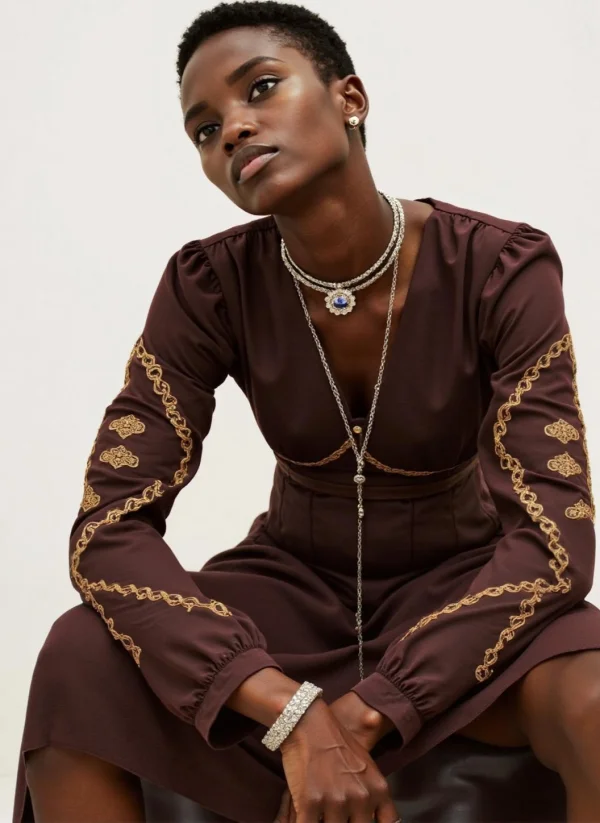
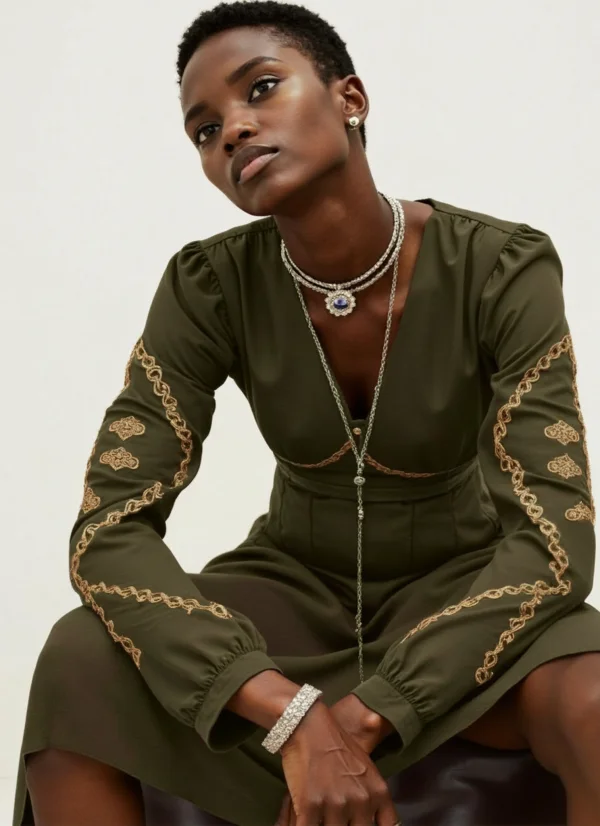
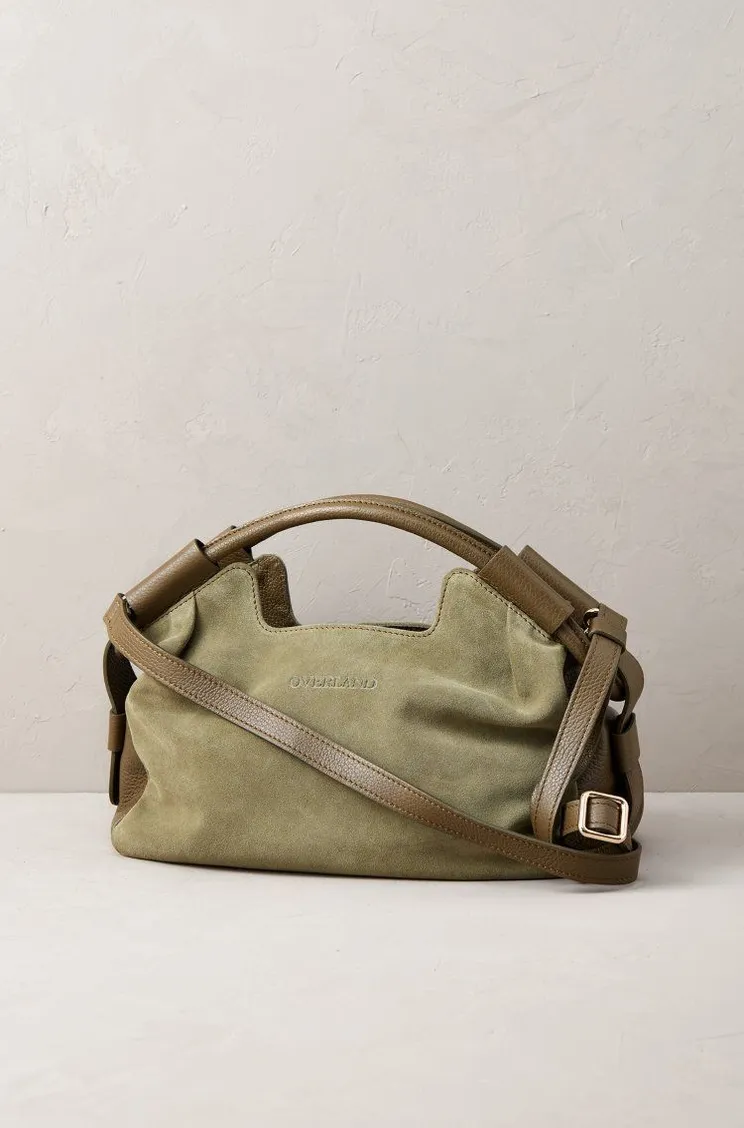
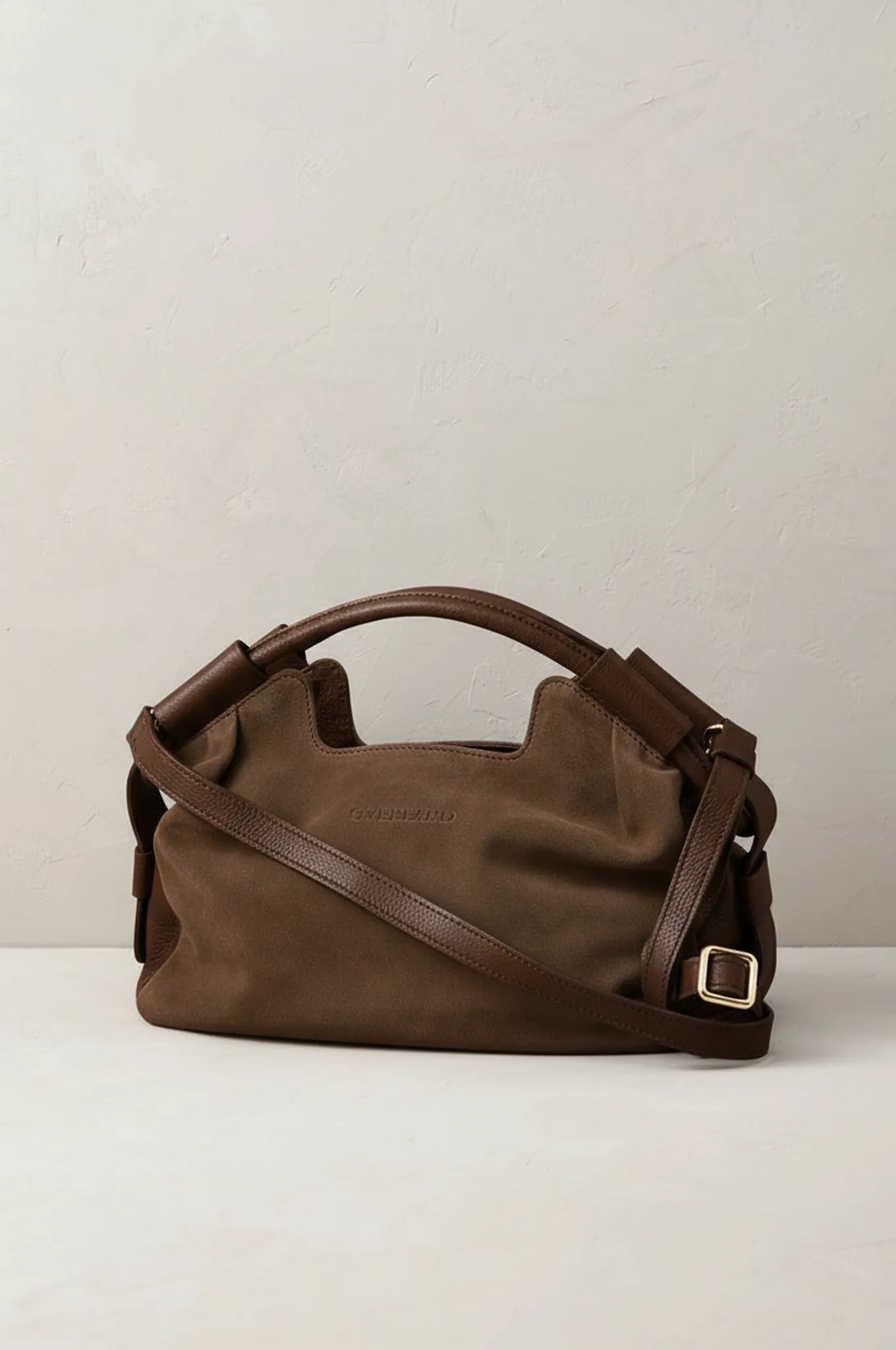
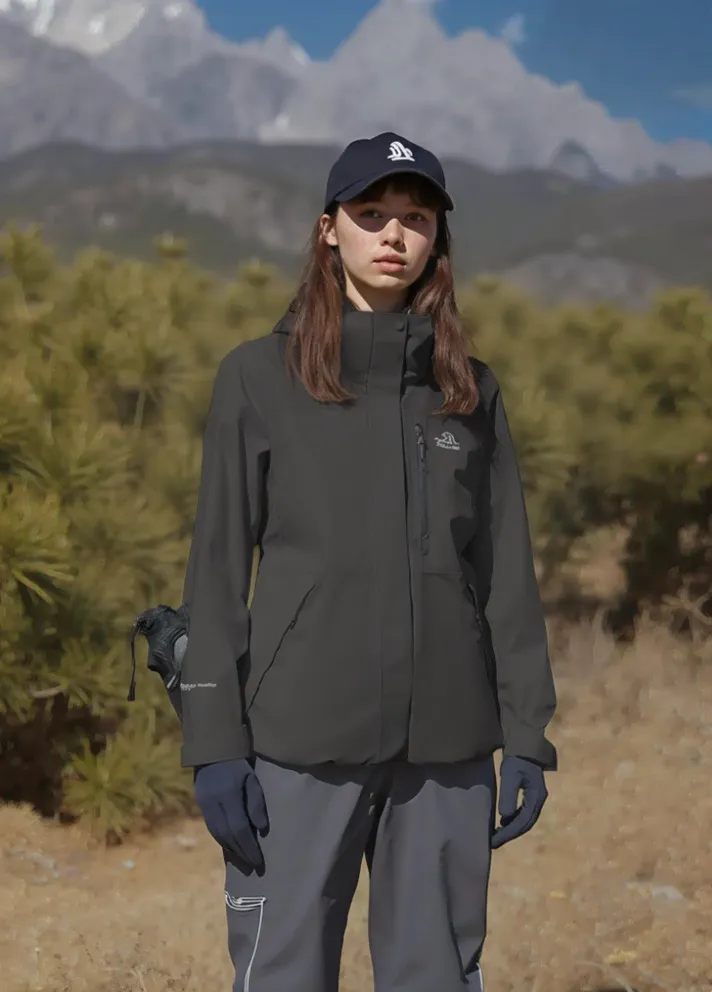
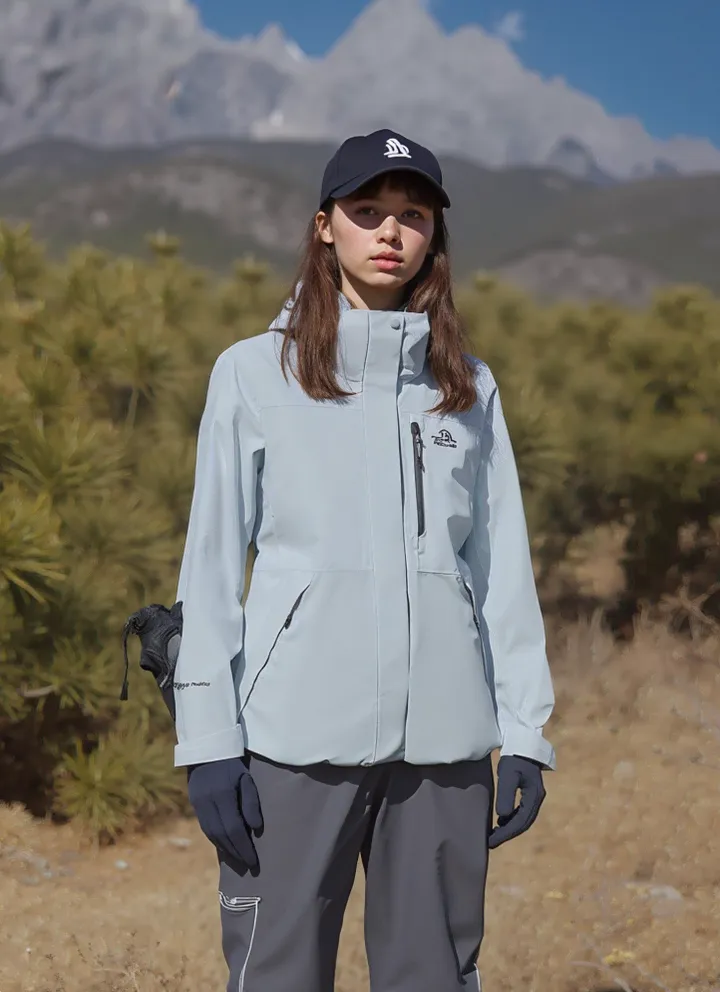
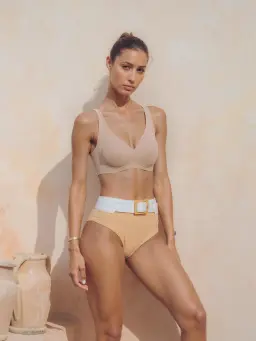
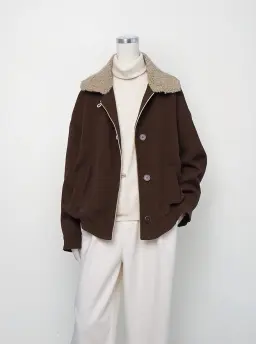
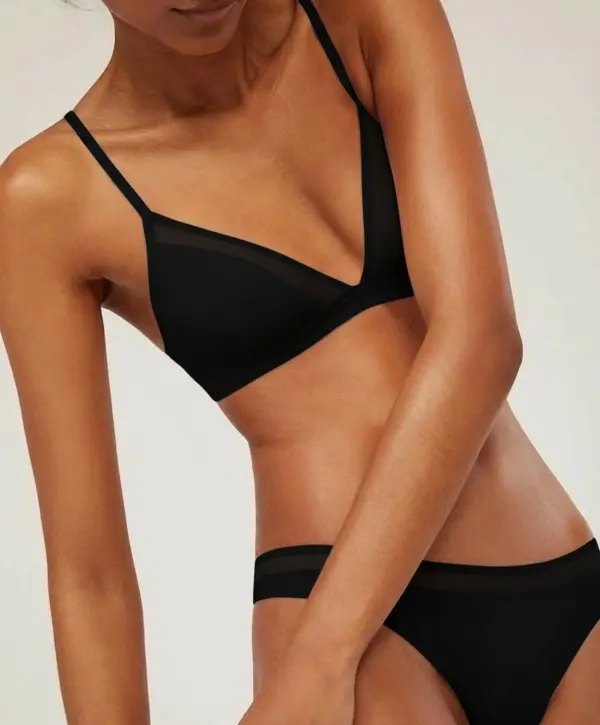
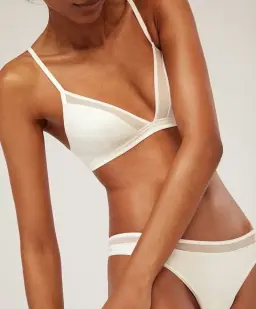
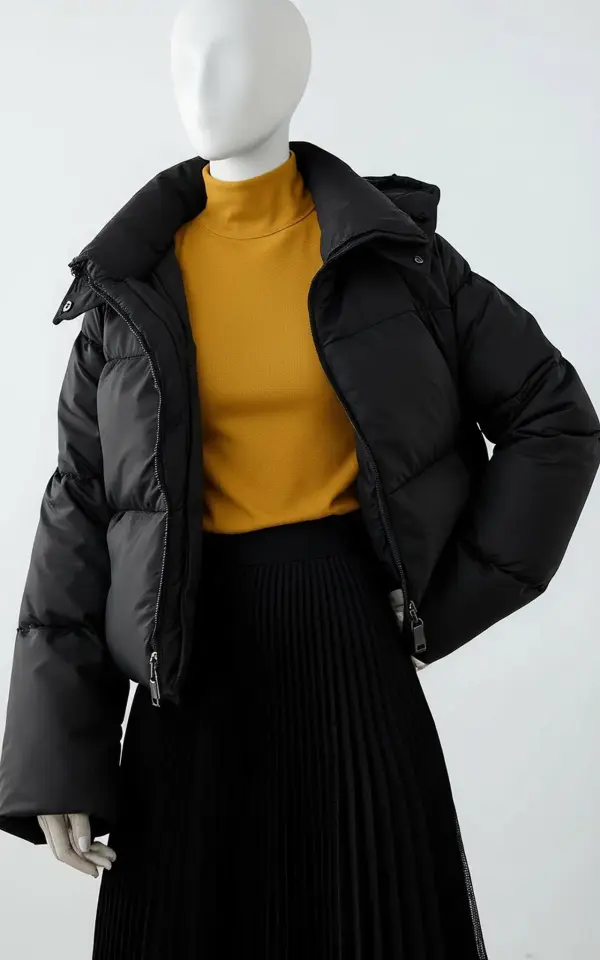
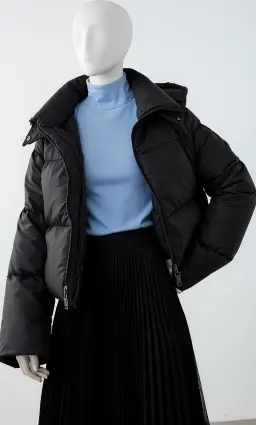
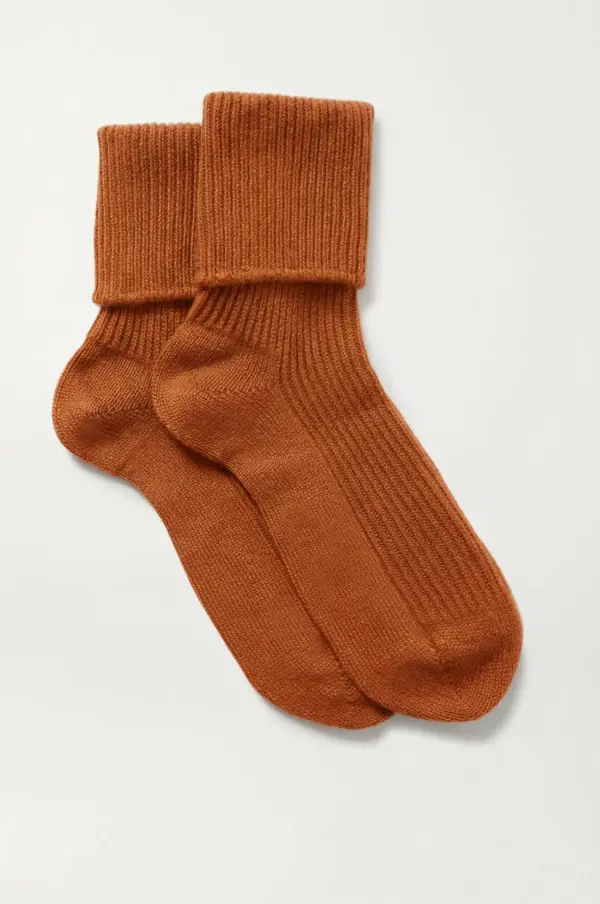
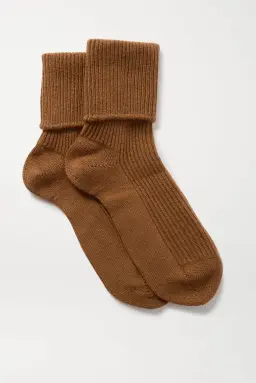
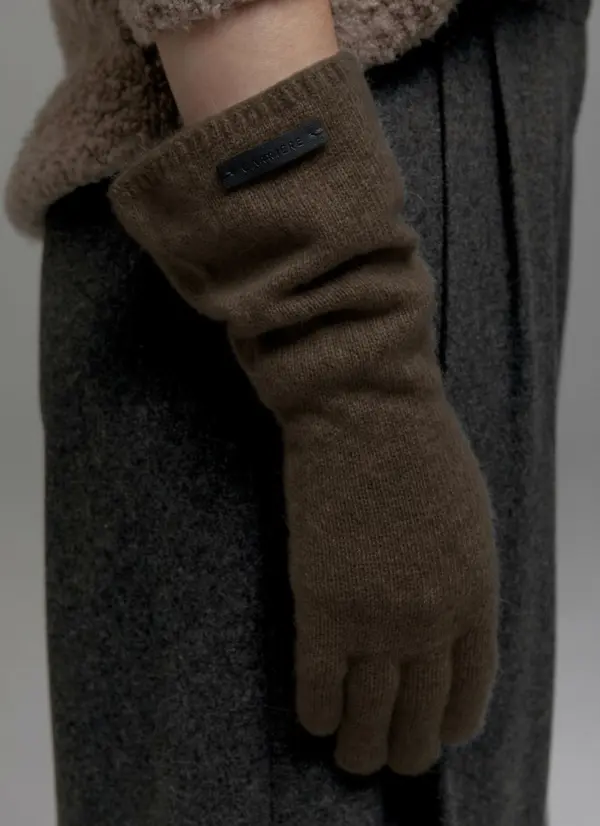
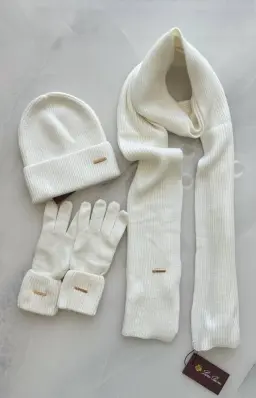
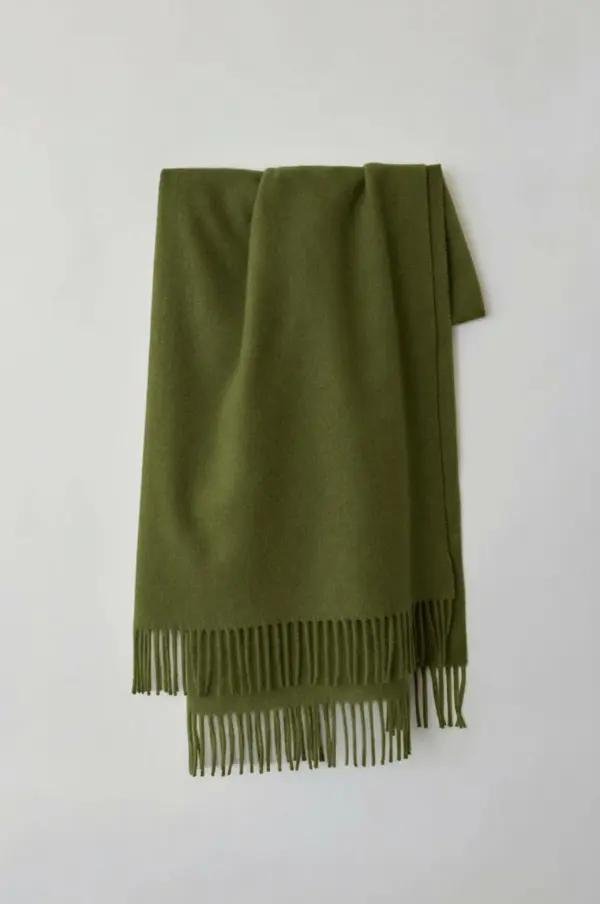
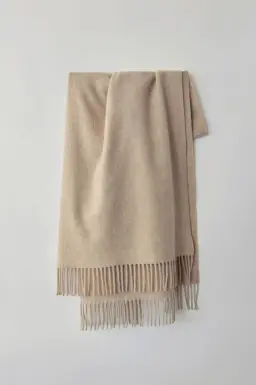
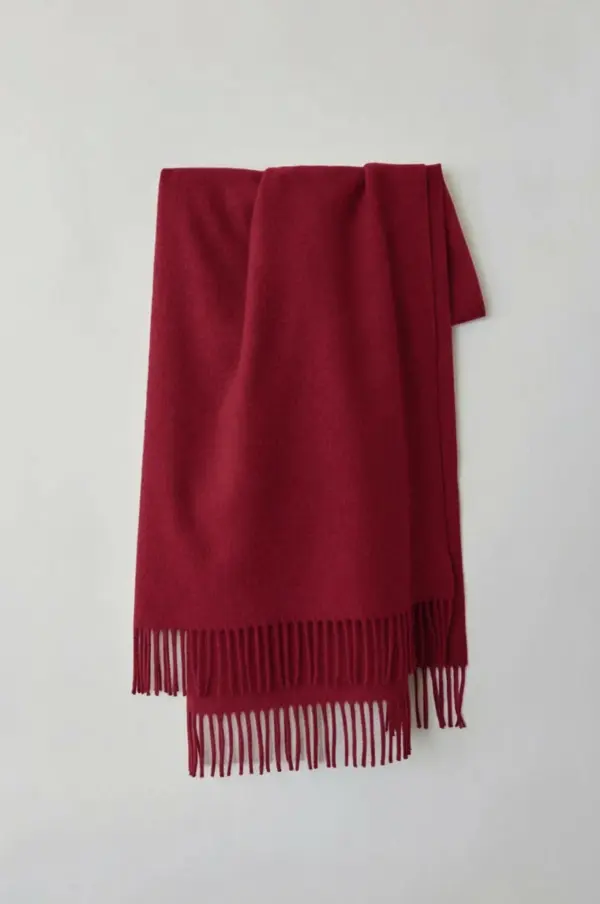
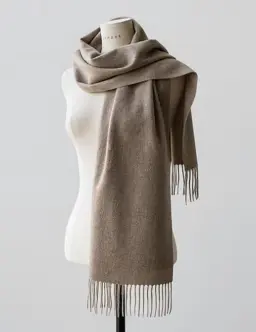
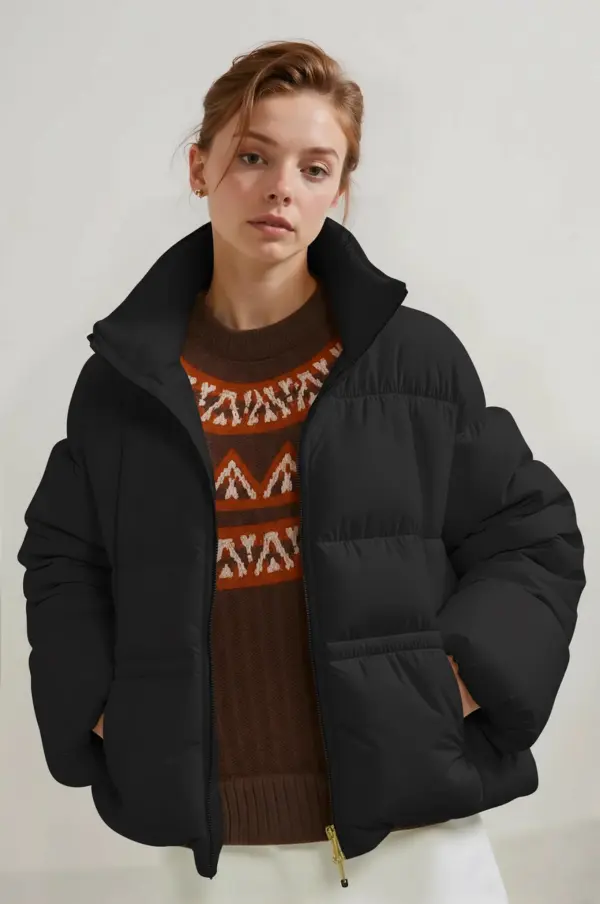
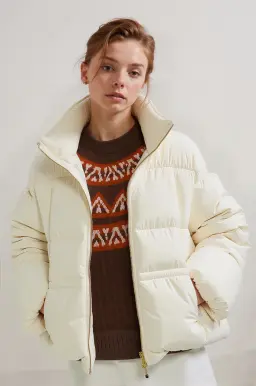
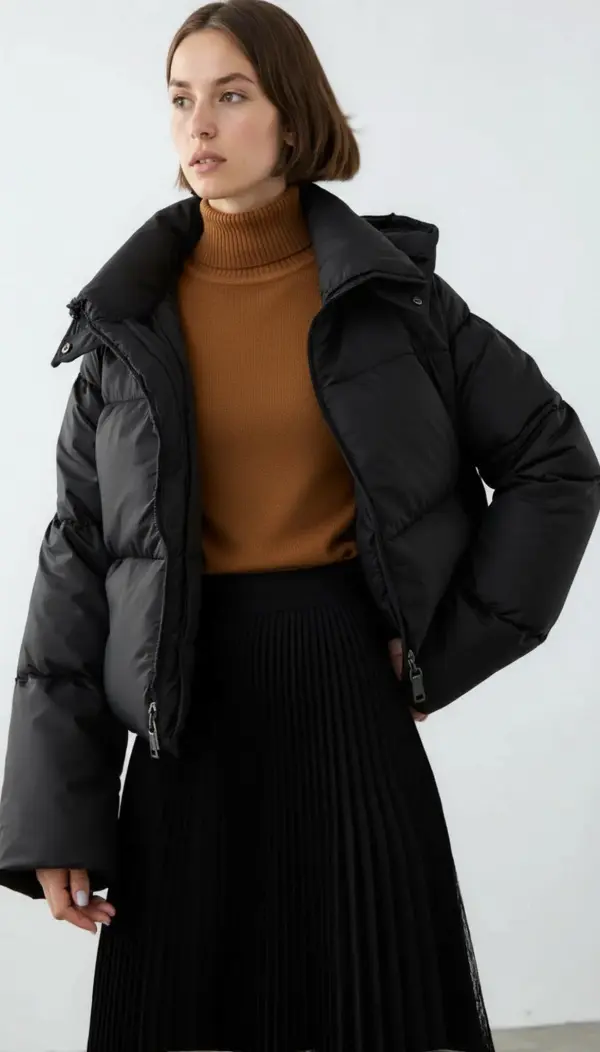
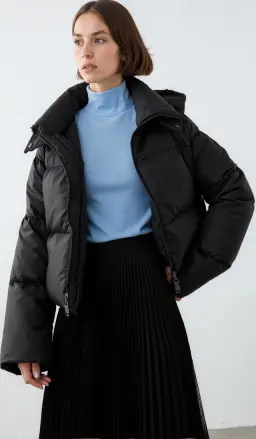
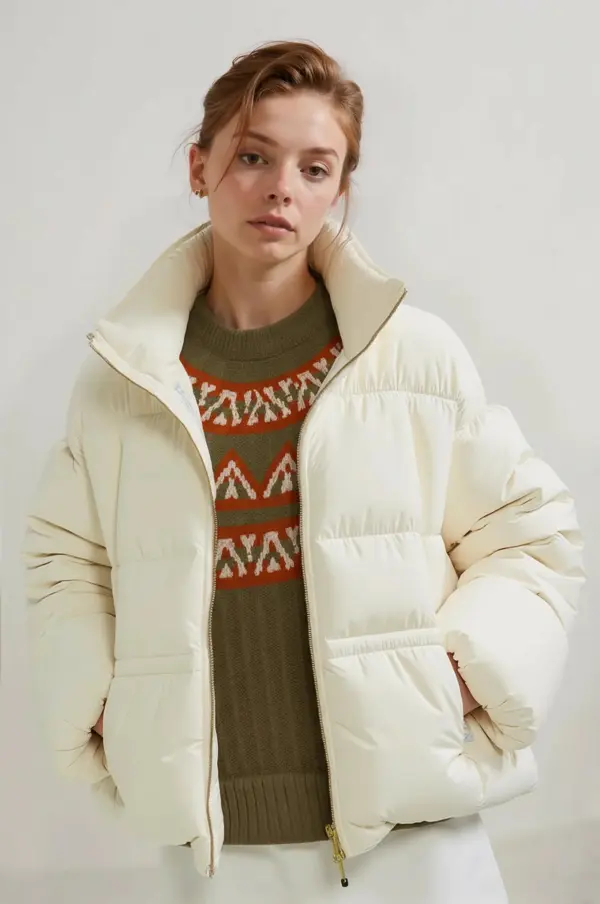
Clothing & Fashion Recoloring for Product Shoots
Fast Online Photo Recolor Tool With Export Options
AI Photo Recolor User Guide
Recolor Clothing for E-Commerce Product Variations
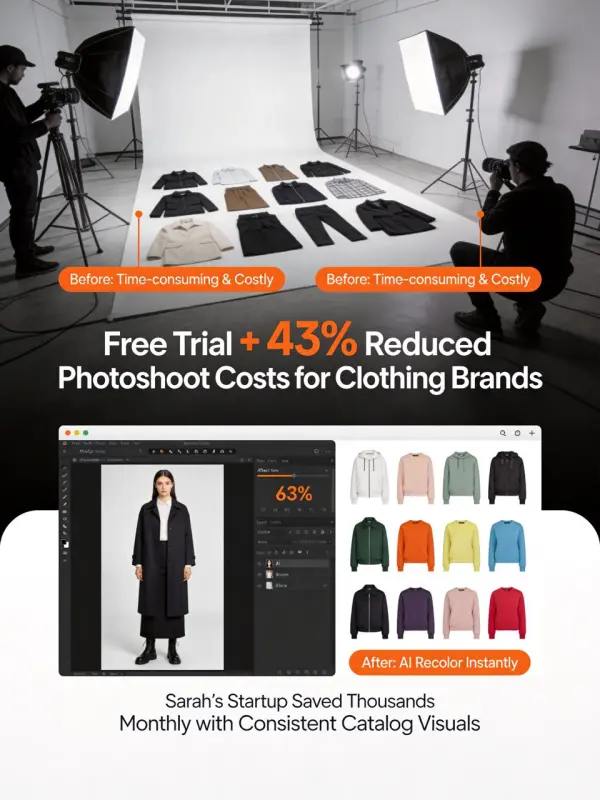
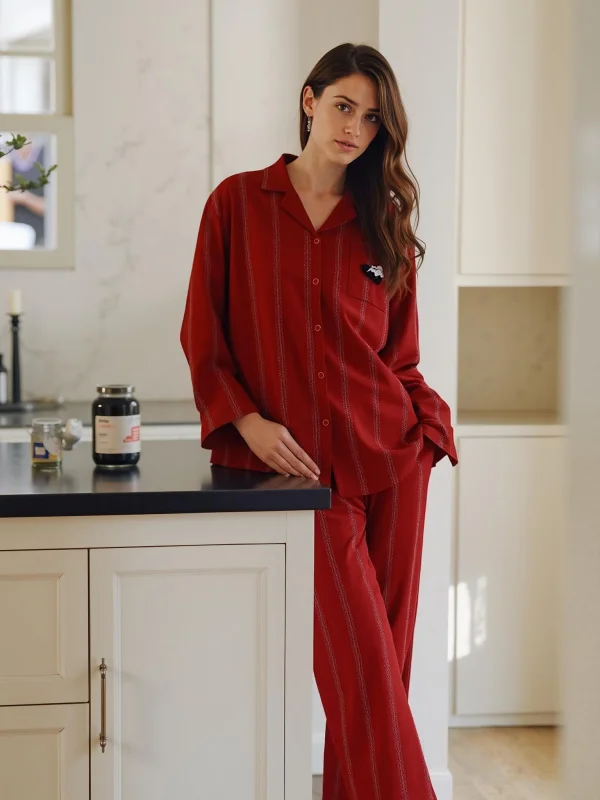
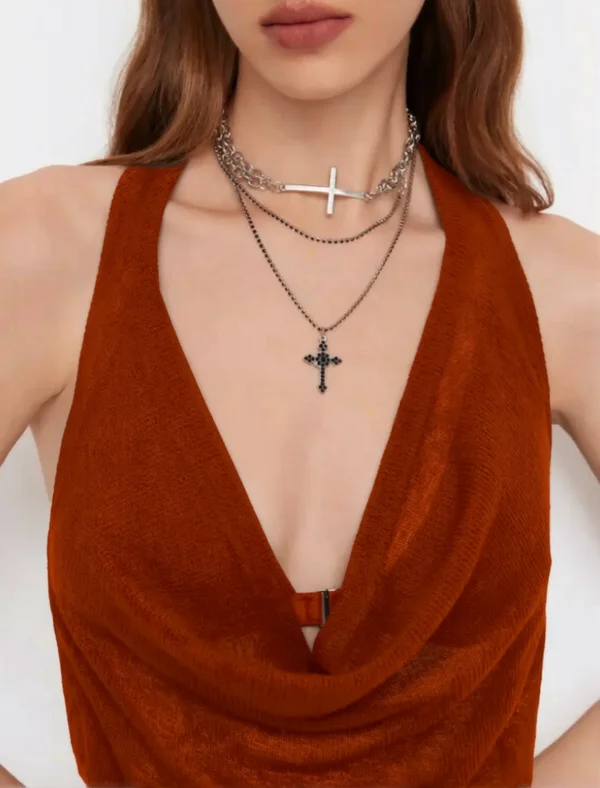
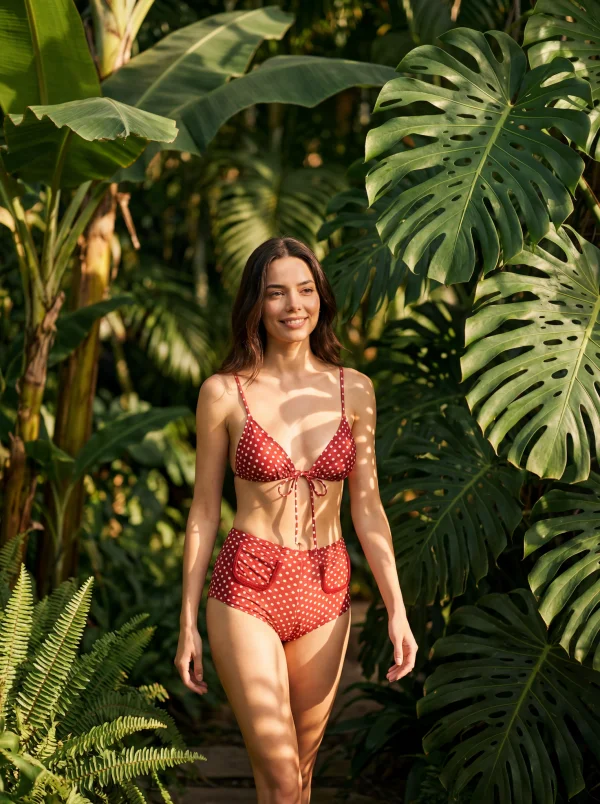
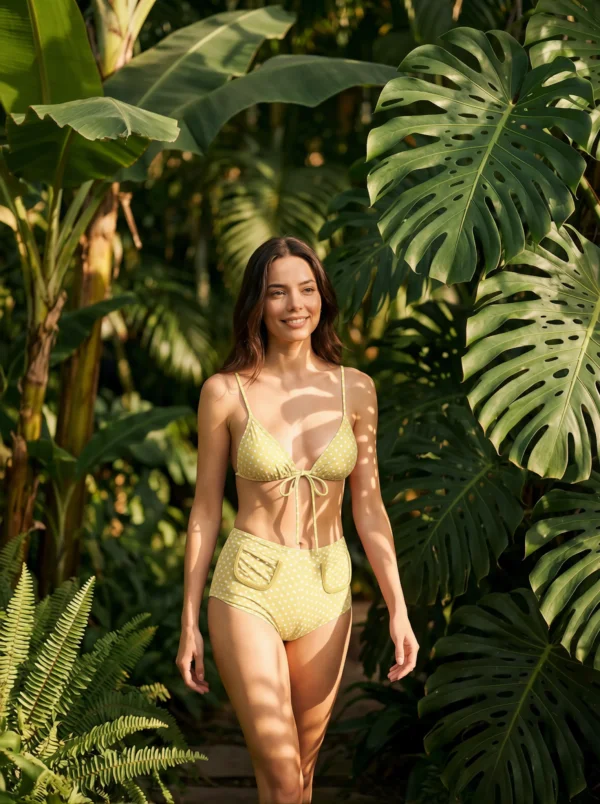
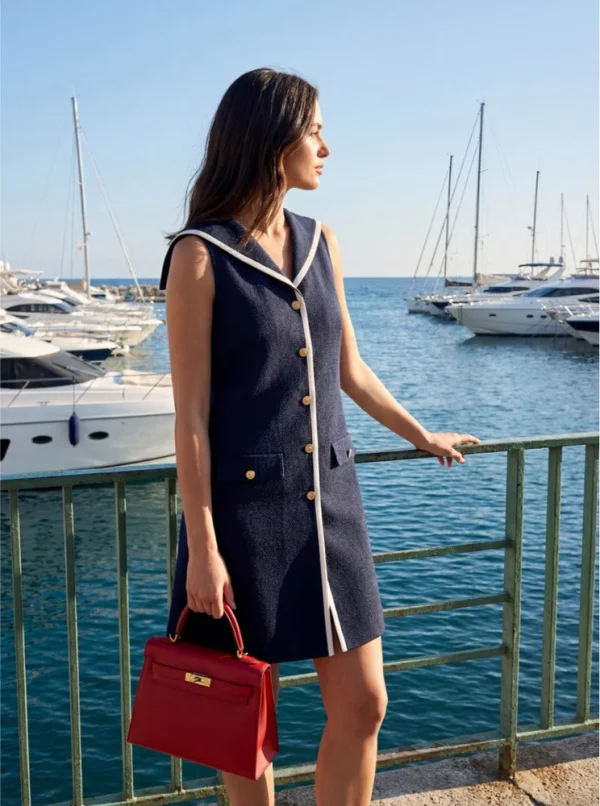
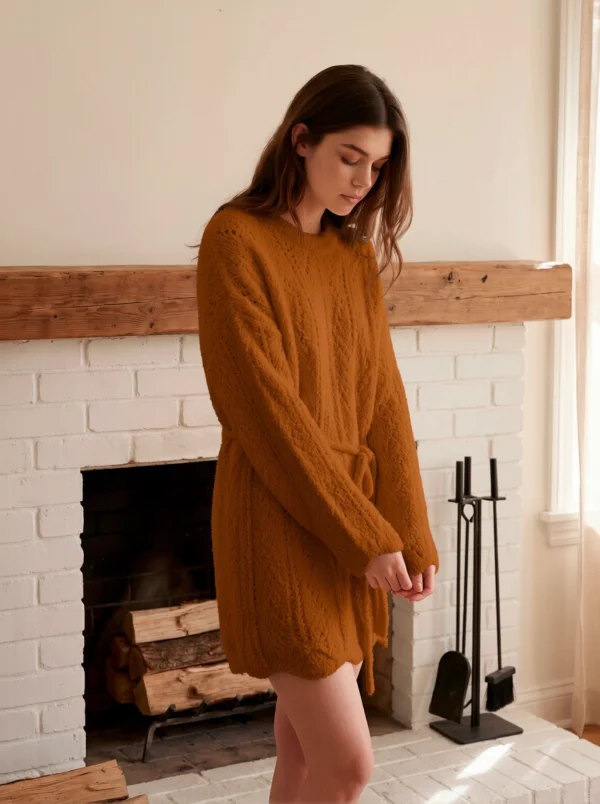
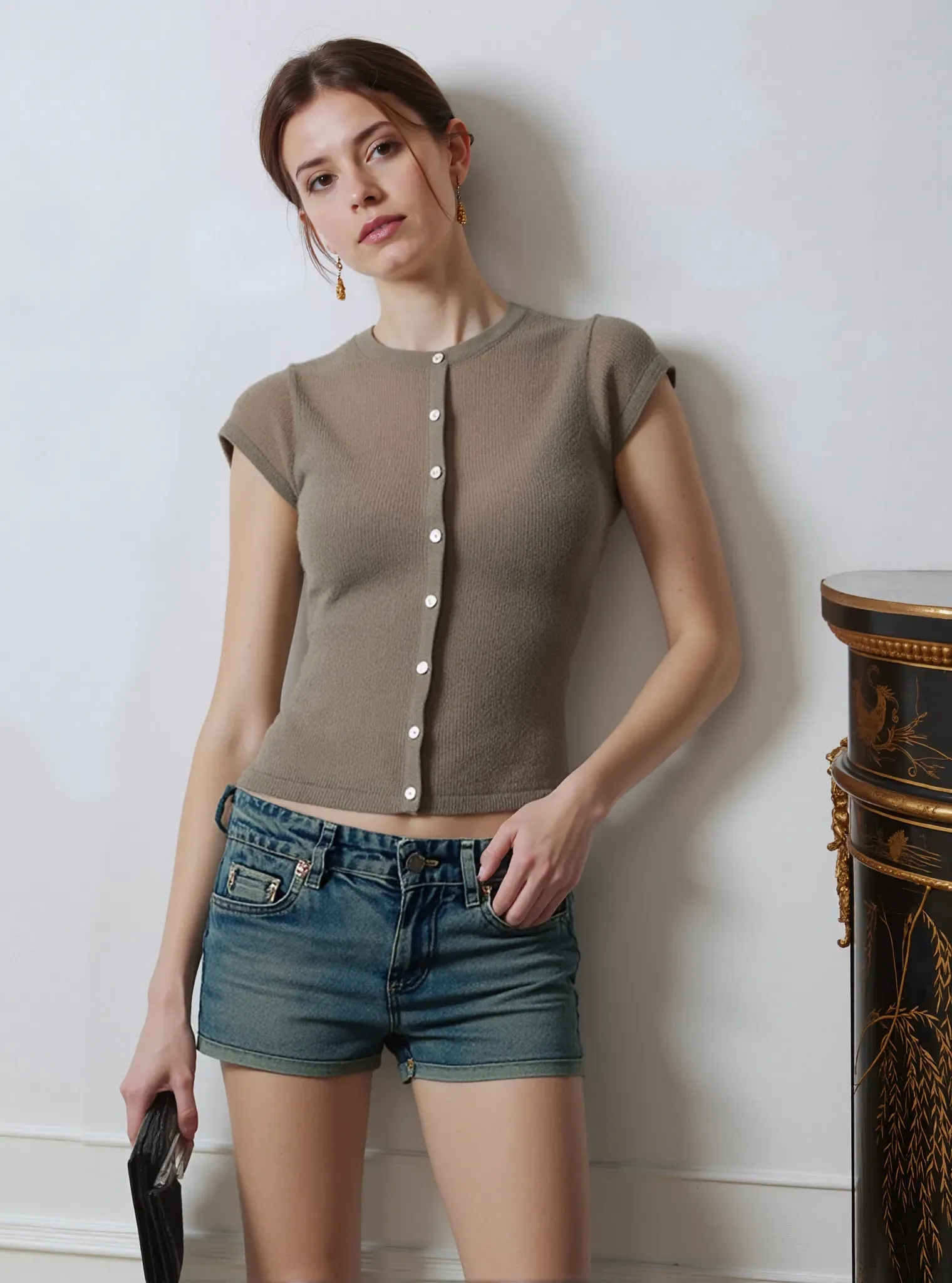
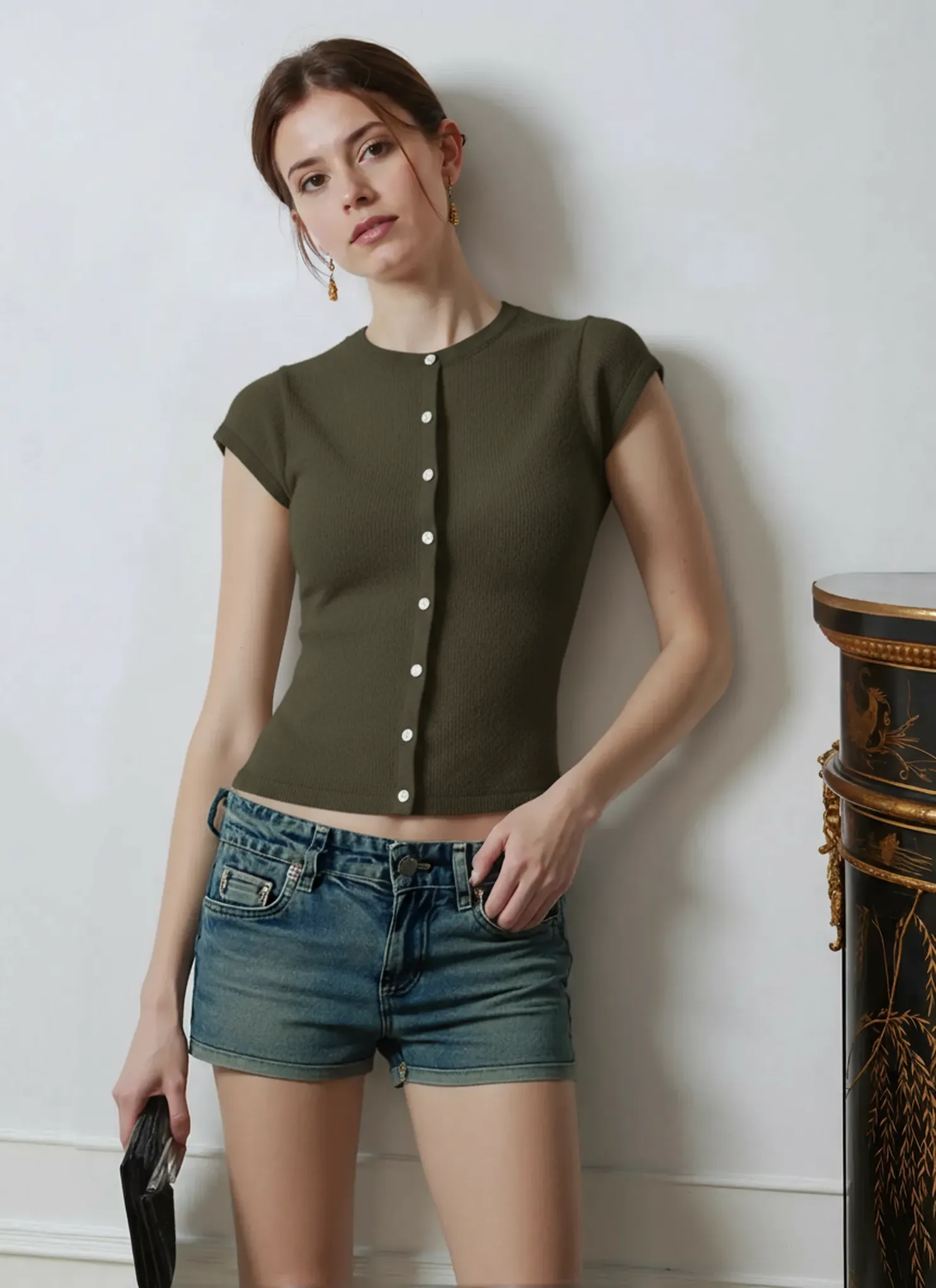
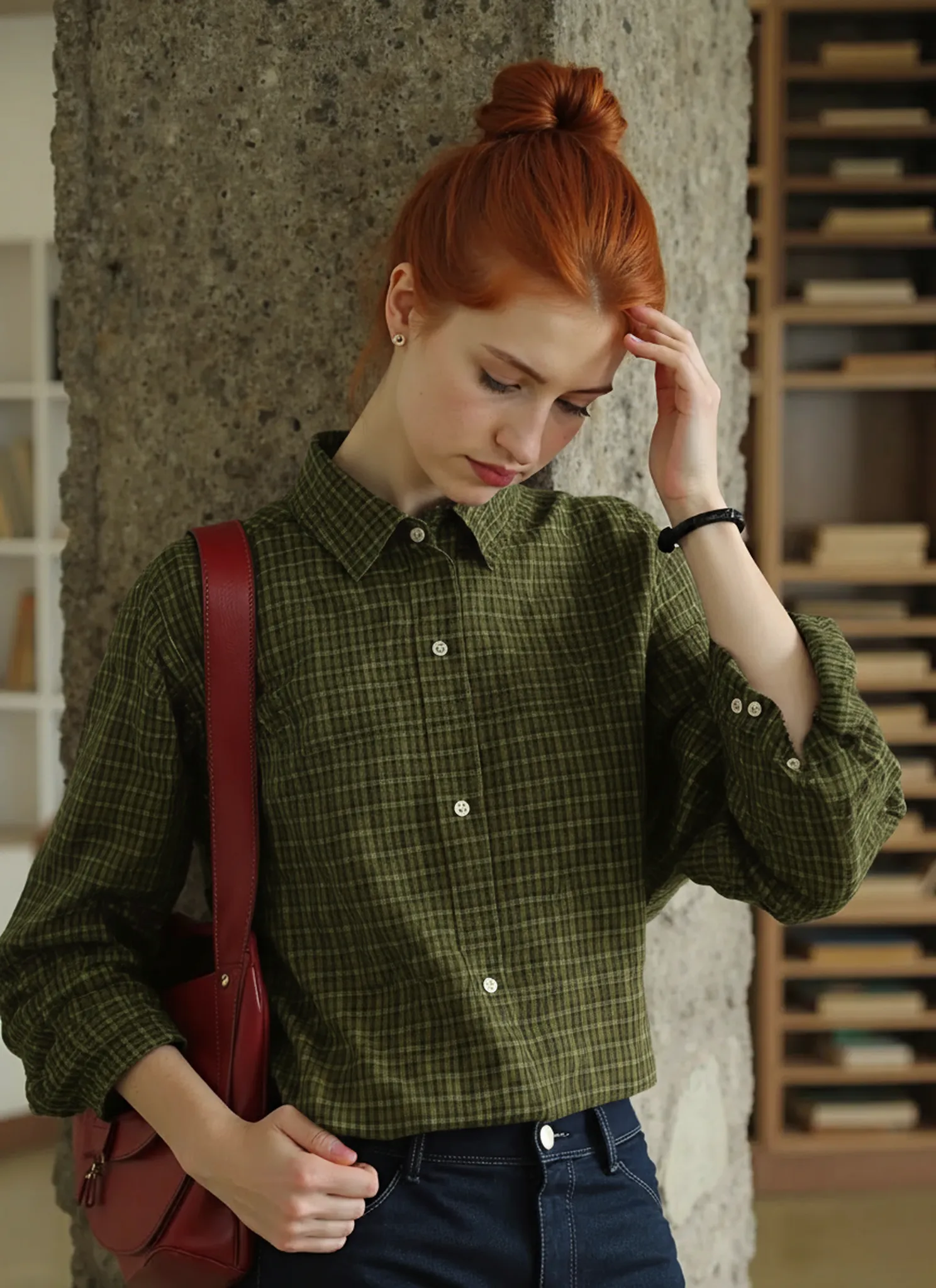
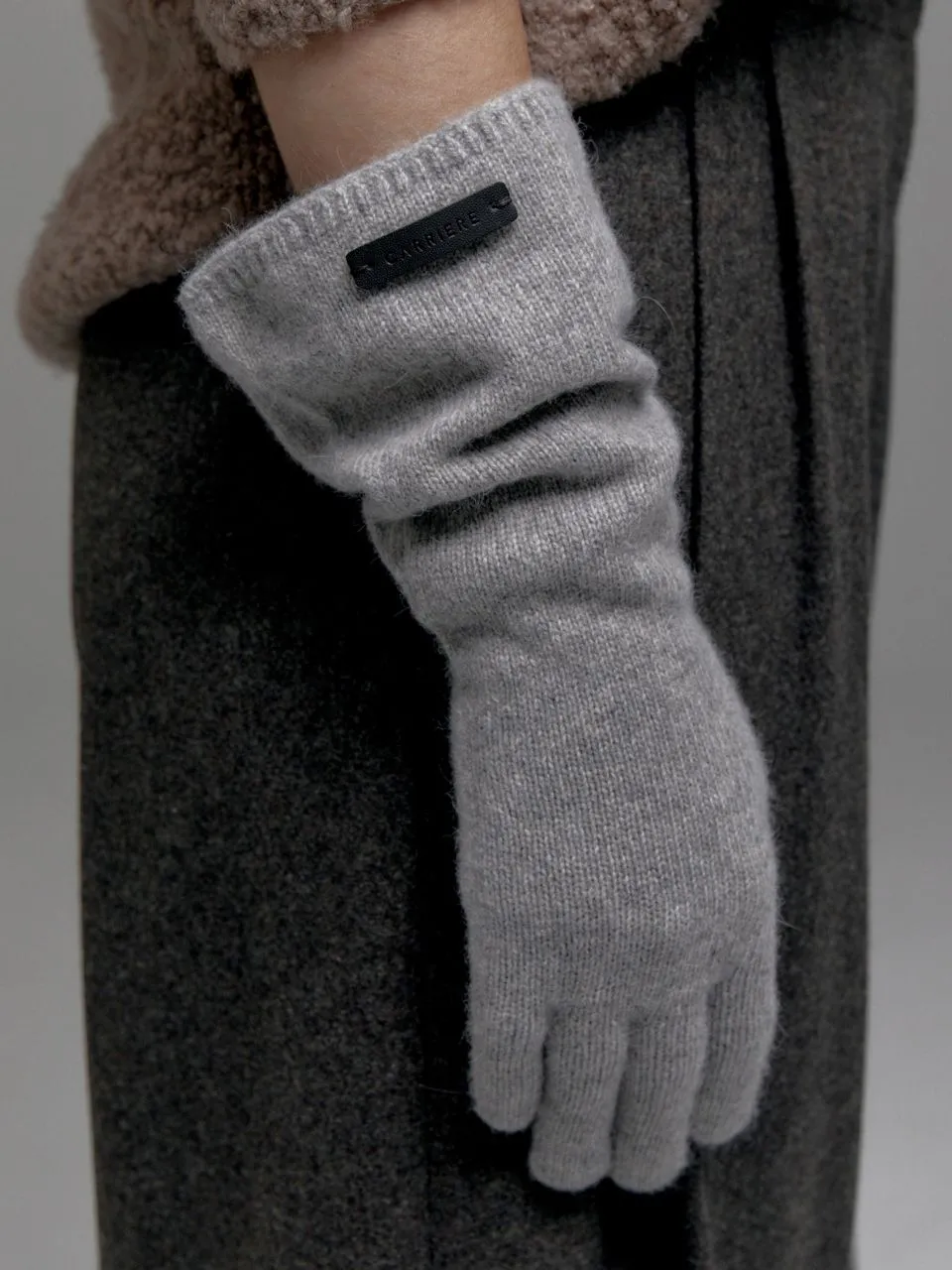
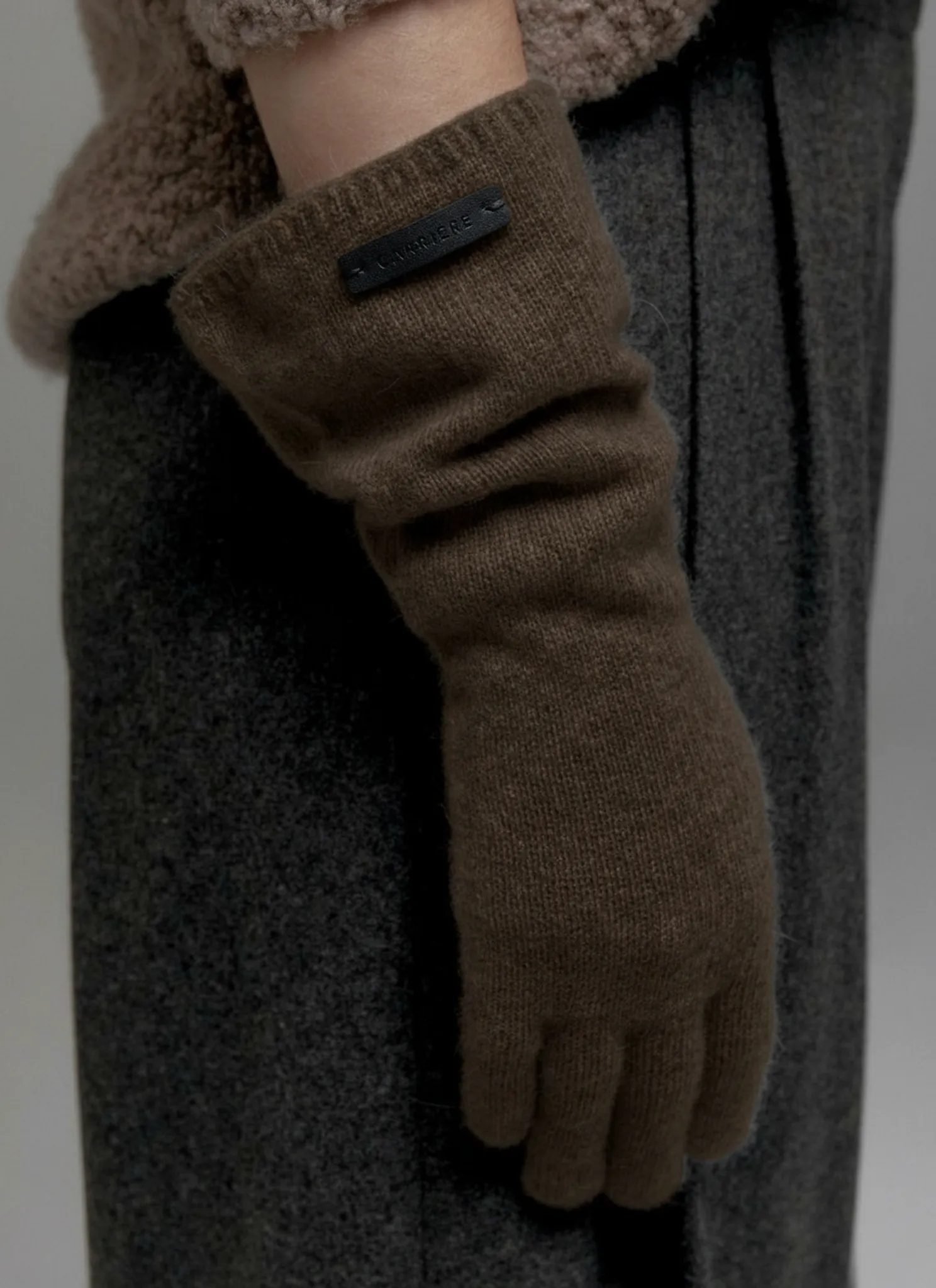
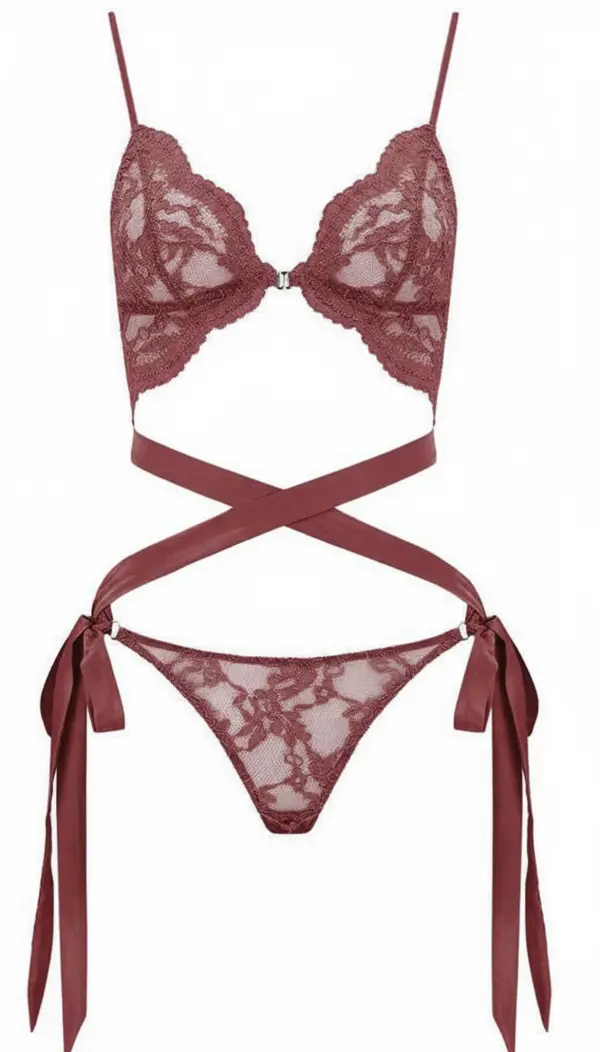
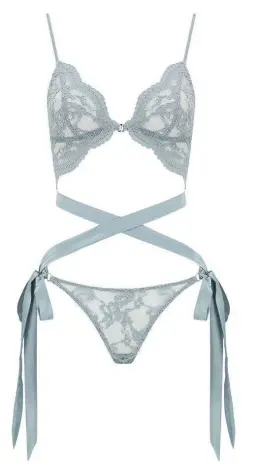
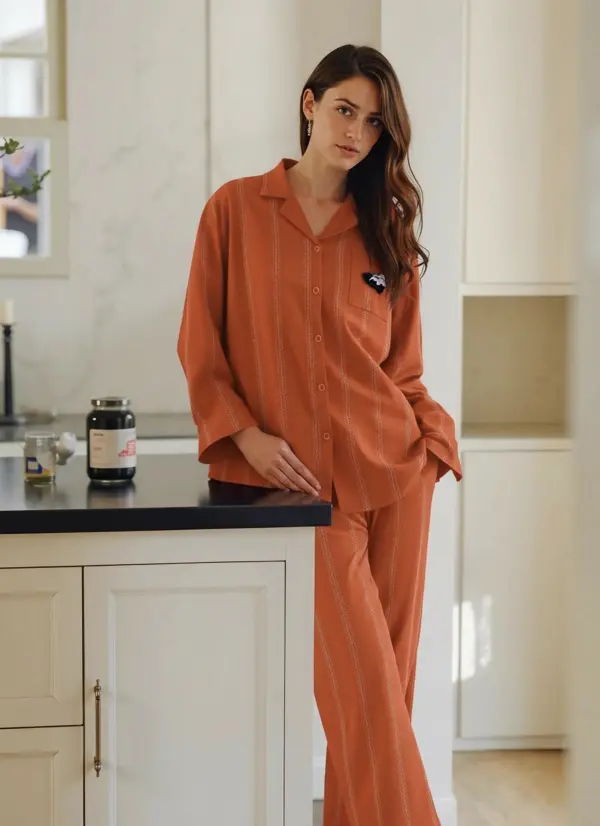
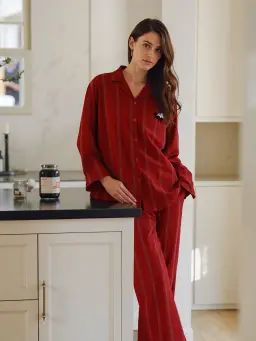
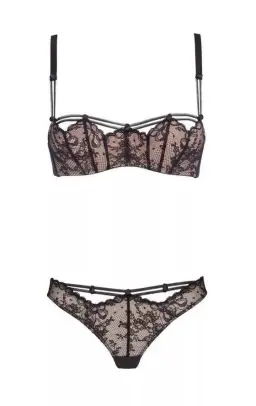
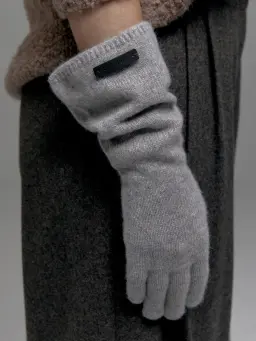
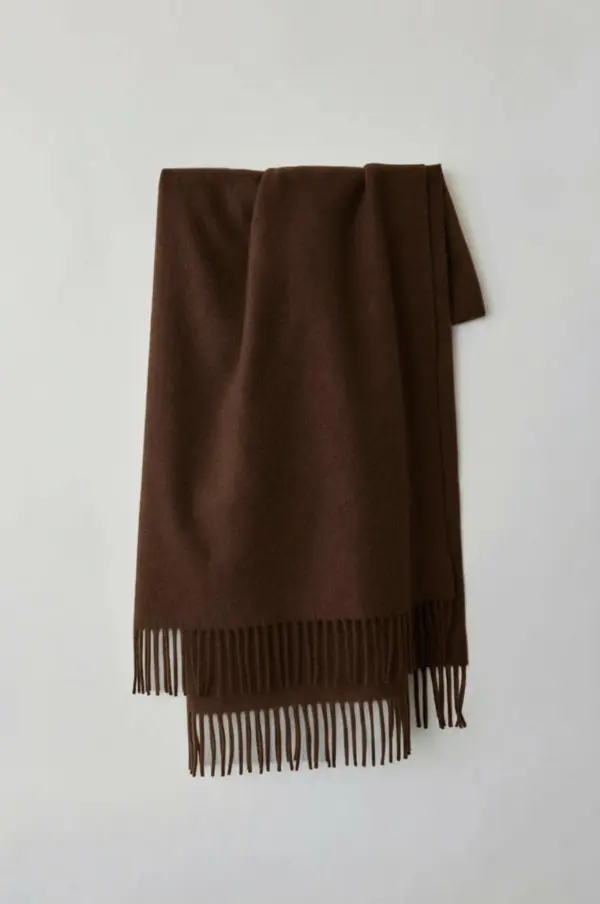
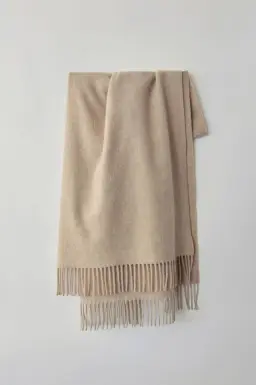
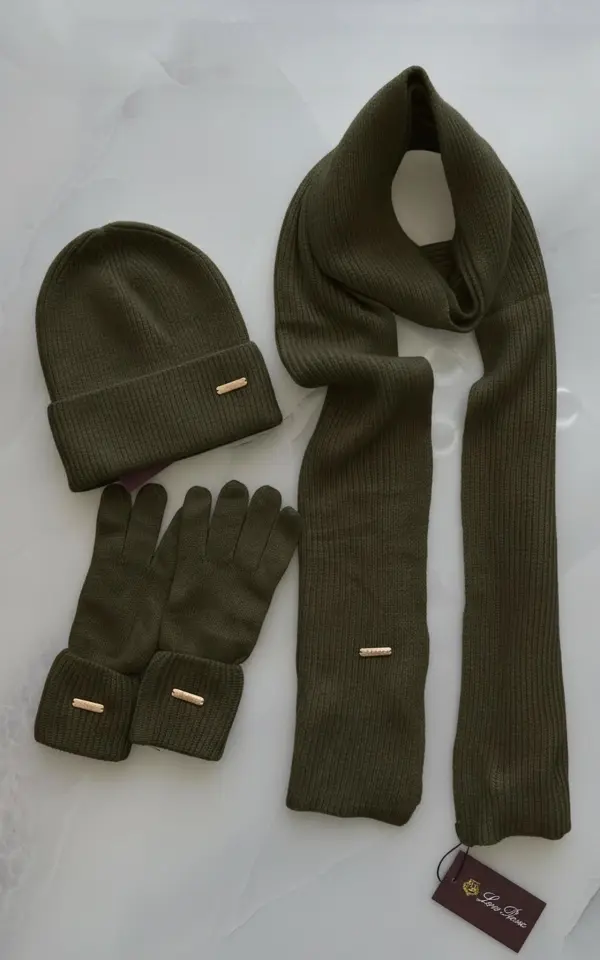
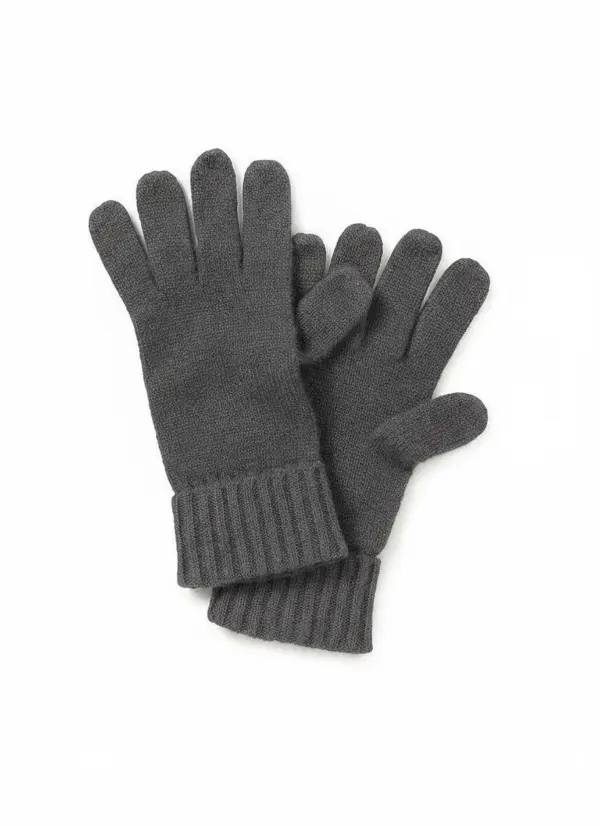
E-commerce sellers can recolor clothing items instantly using this ai recolor tool, generating multiple color options without new photoshoots. Simply upload your image, select a shade, and change the color of shirts, dresses, and accessories. This ai image solution reduces manual image editing and delivers accurate color variations online free.


Recolor an Image for Faster Marketing Campaigns
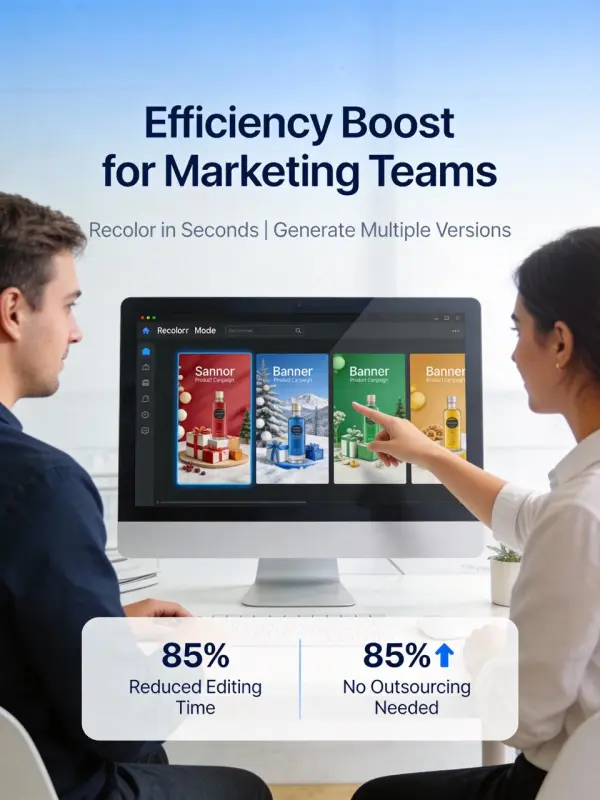
Marketers can use ai to recolor an image across various brand palettes in seconds. This recolor tool serves as a powerful ai color changer, allowing teams to transform the image color of any product or object. Perfect for agencies needing fast visual updates online free with minimal effort.


AI Recolor Image for Social Media A/B Tests
Creators can run A/B tests by using ai recolor features to change colors of backgrounds, objects, or outfits. Upload your photo and generate multiple versions with this image recolor method. It’s ideal for increasing engagement, testing visuals, and producing ai photo content quickly for all platforms.


Product Mockups Without Photoshop
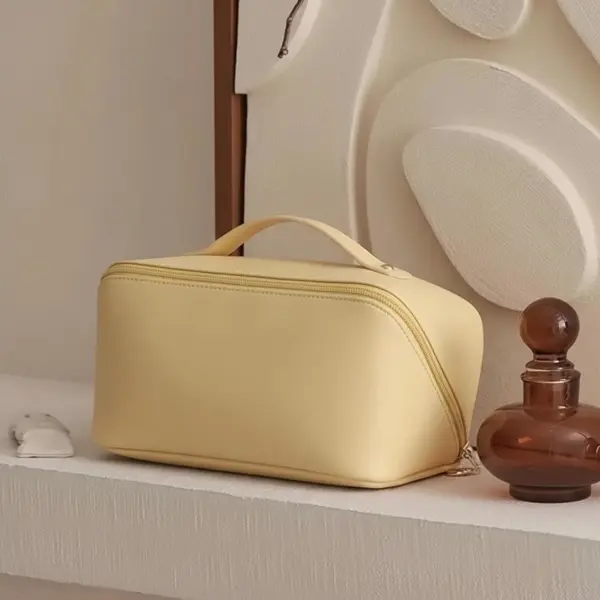
Brands can generate instant mockups by using ai tools instead of Adobe Photoshop. The ai recolor image tool helps marketers change the color of packaging, labels, and merchandise. This image with ai workflow saves hours of manual edits and creates professional results directly in your web browser.


Recolor PNG or JPEG Files for Designers
Designers can quickly recolor PNG and JPEG product assets using AI-powered image recolorer technology. Just upload your design and effortlessly replace color using intelligent hue detection. This free ai solution is perfect for transforming icons, vector graphics, UI elements, and brand kits.


Transform Hairstyle Colors in Photos
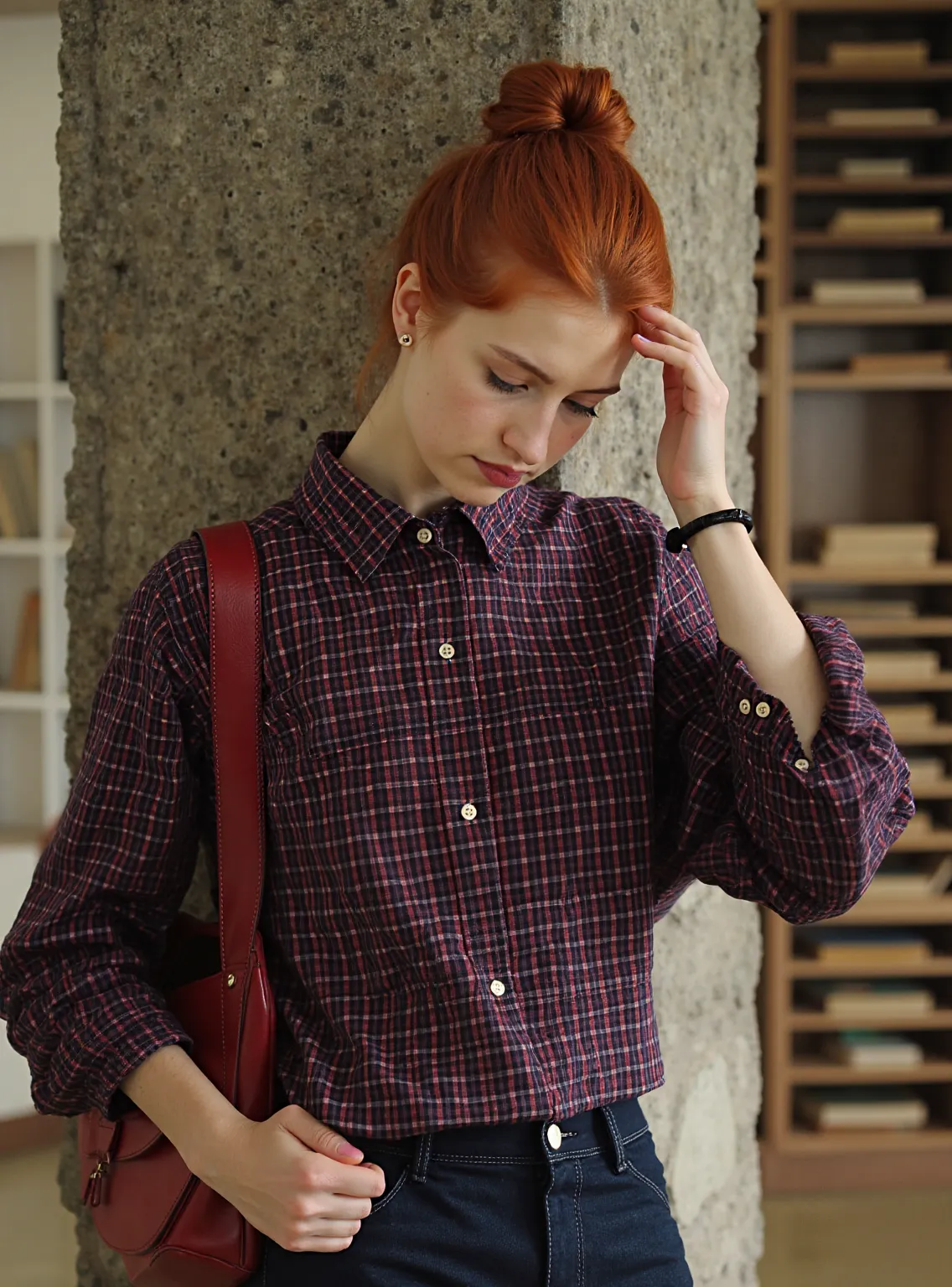
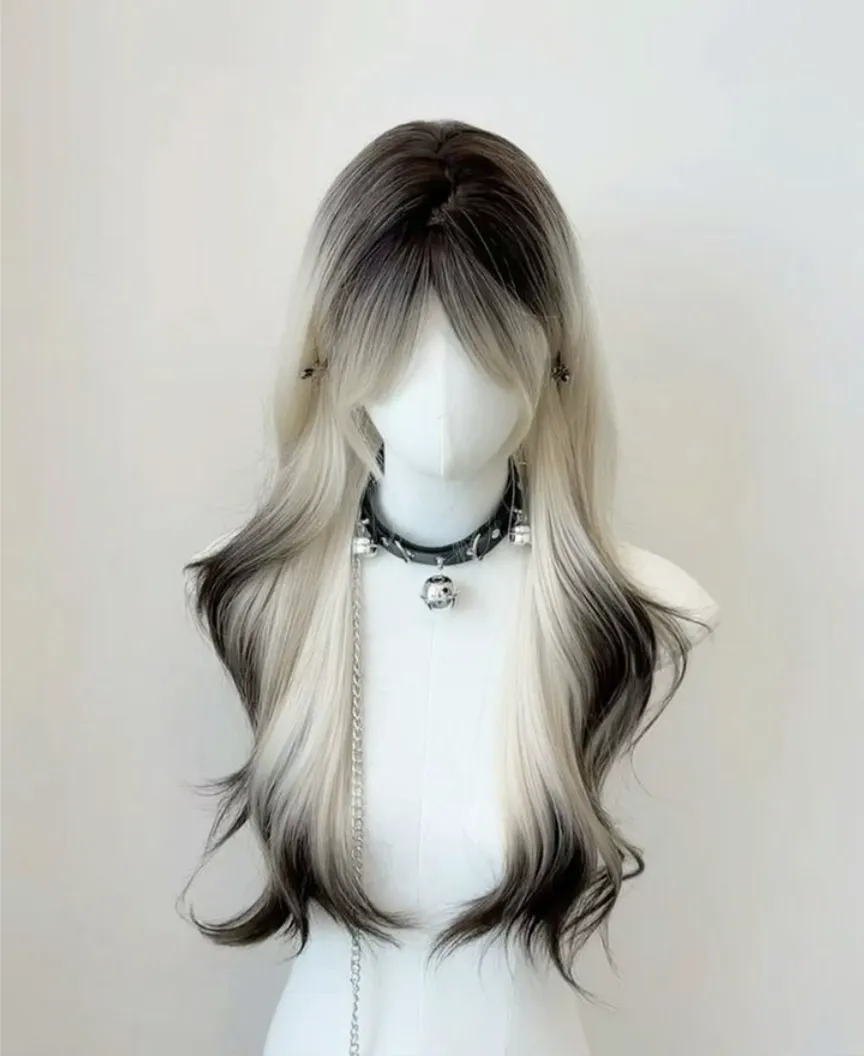
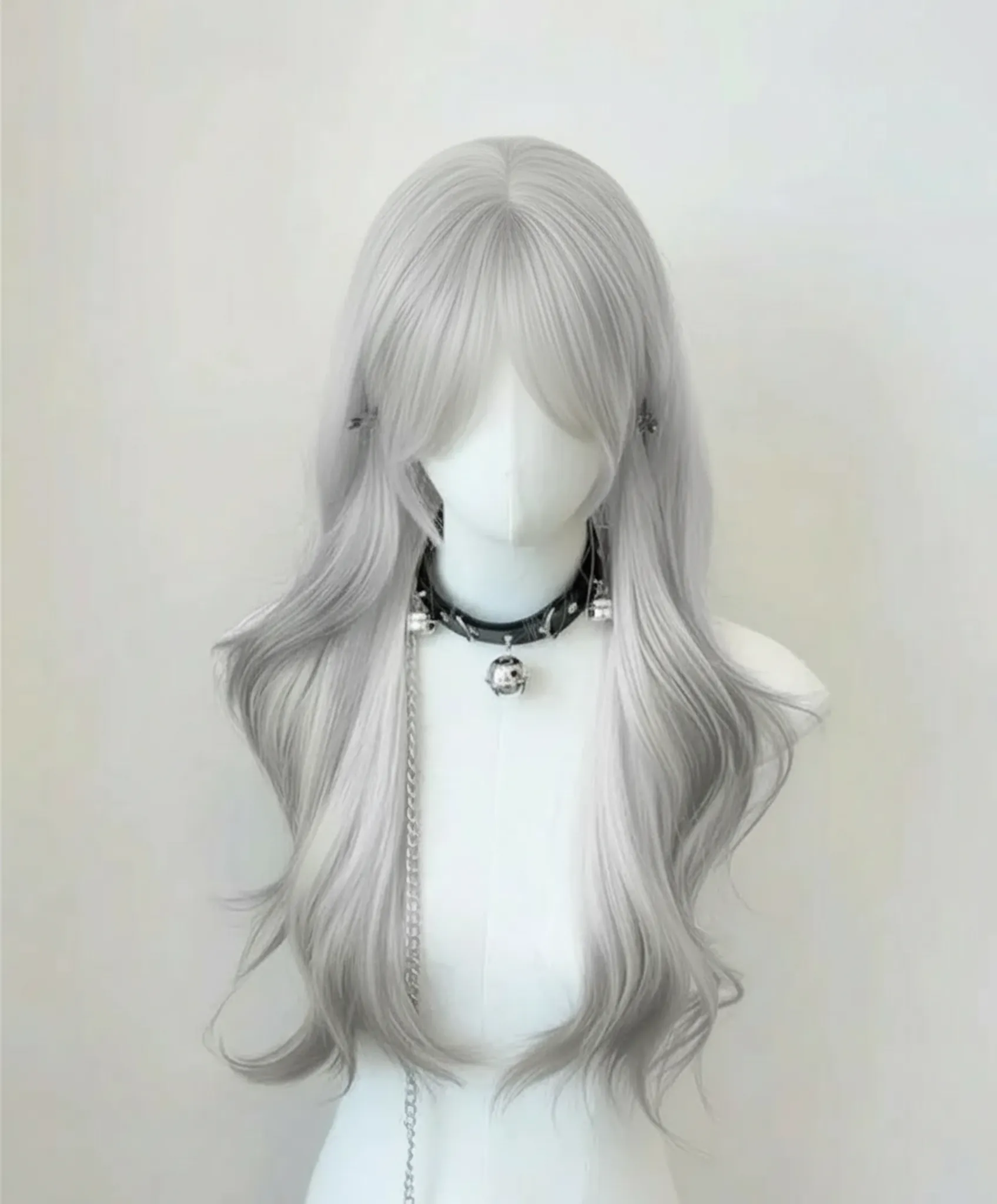
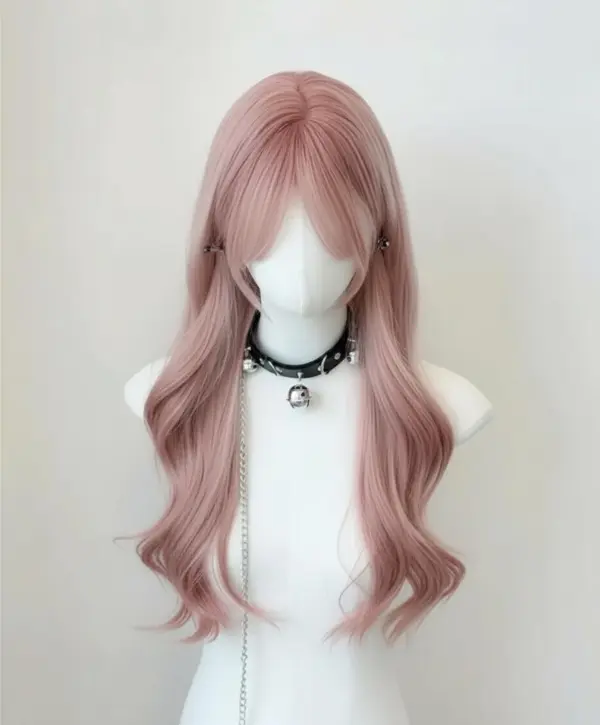
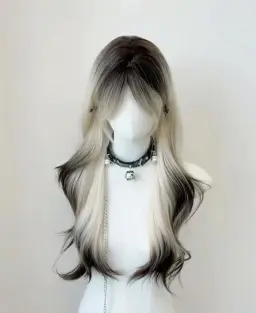
Creators can use the ai image color changer to alter hairstyle shades from blonde to red, ash, or vivid colors. This tool uses artificial intelligence to map hair strands and effortlessly change the color. Perfect for beauty creators who want realistic previews or fast photo editing experiments.


Fashion Designers Changing Clothing Colors with AI
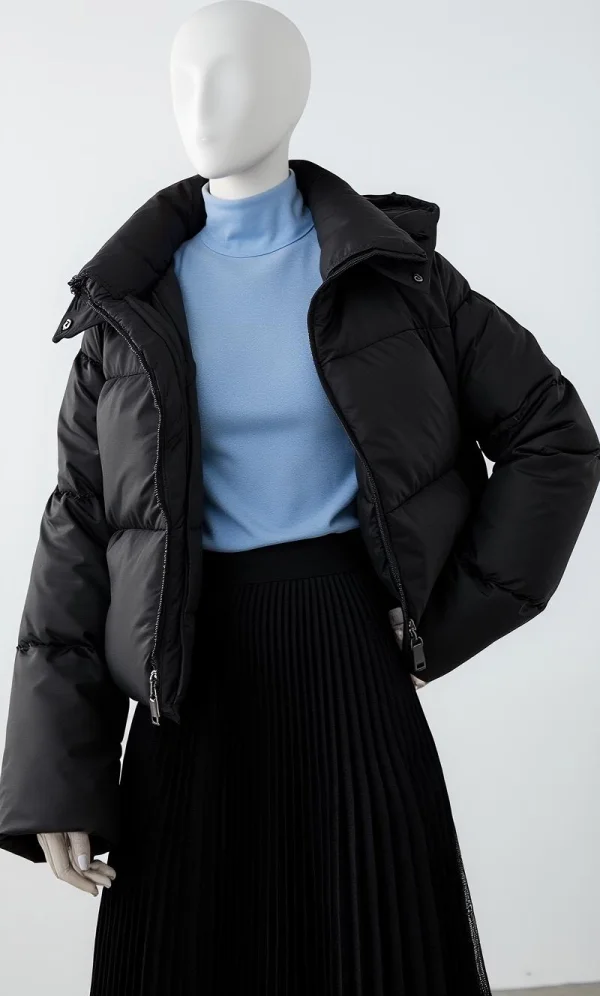
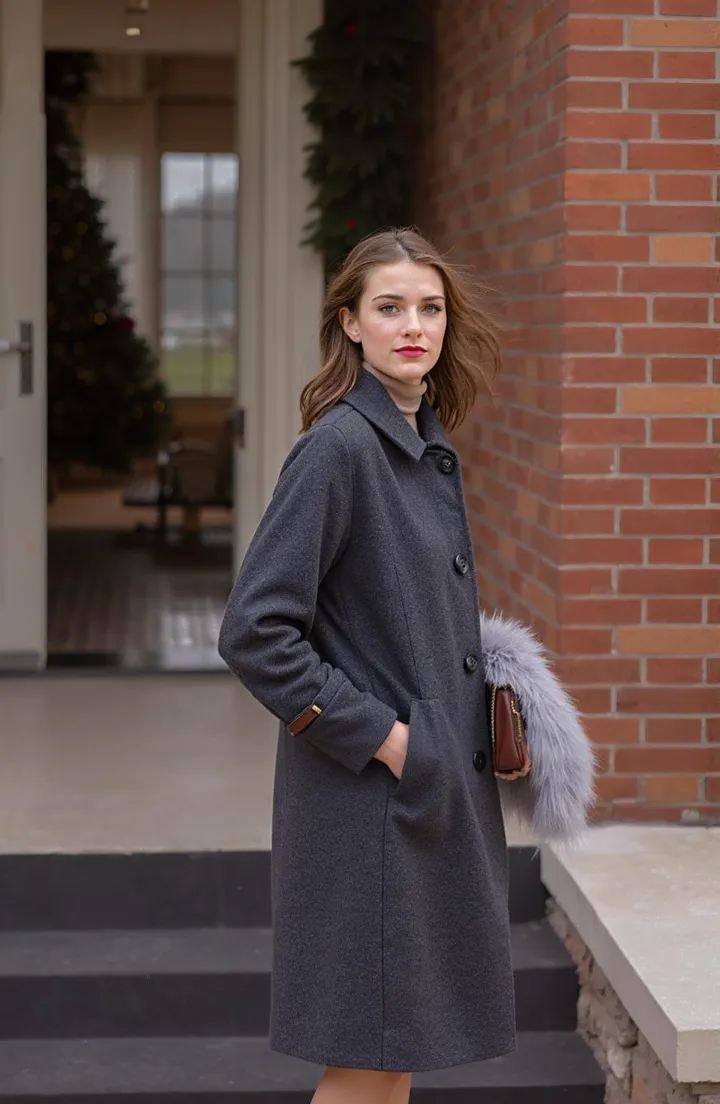
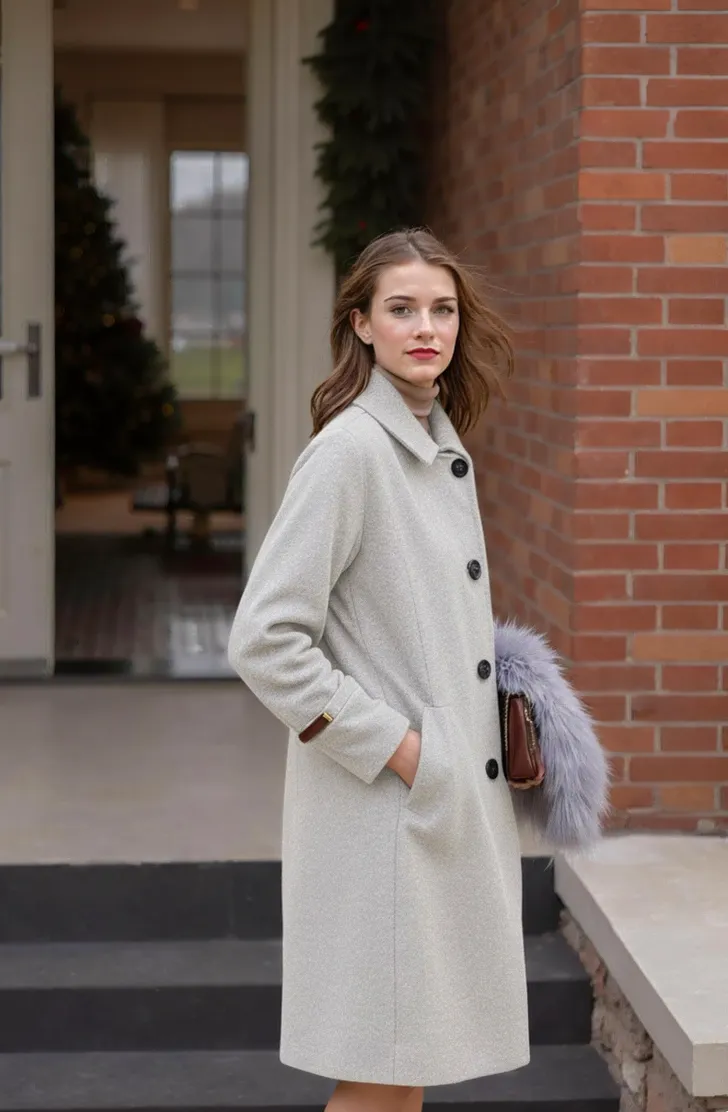
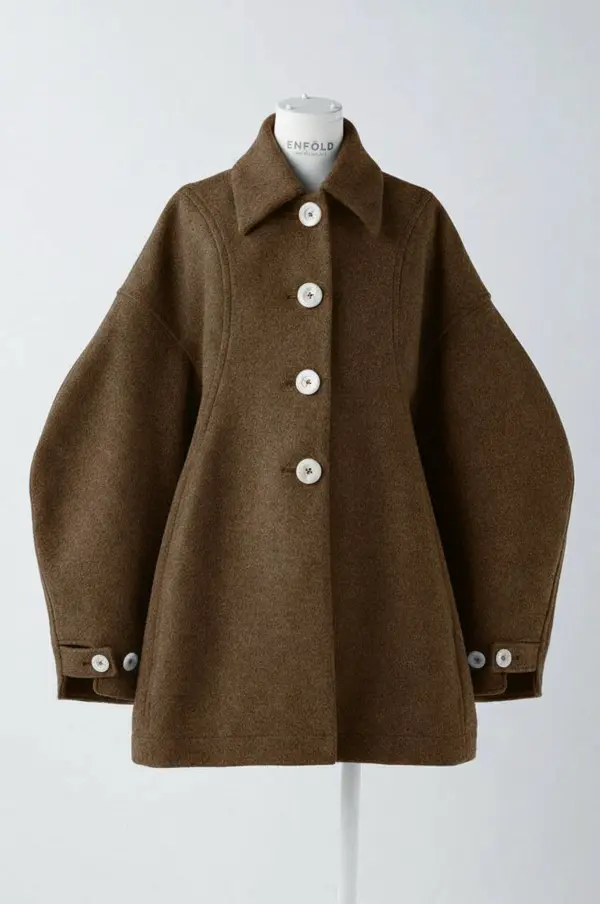
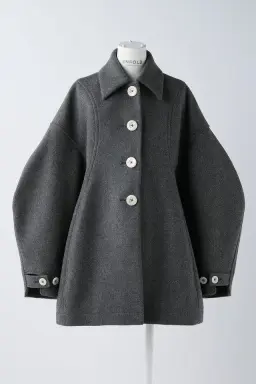
Fashion teams can recolor image online to preview clothing prototypes in various styles without producing physical samples. The ai color replacer instantly adjusts fabric tones, helping designers visualize shirts, jackets, or a dress in any palette. This reduces costs and speeds up prompt engineering workflows.


Recolor Image for Photography Retouching
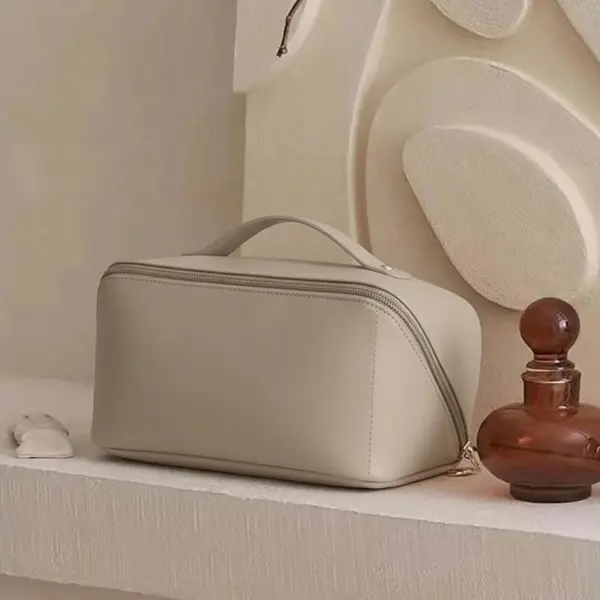
Photographers can refresh old shoots by using the recolor image tool to correct lighting errors, adjust photo color, or change object shades. This ai image editor allows fast image recoloring for product shoots, portraits, shoes, bags, and more—allowing thousands of updates online for free.


Recolor Objects for Advertising Visuals
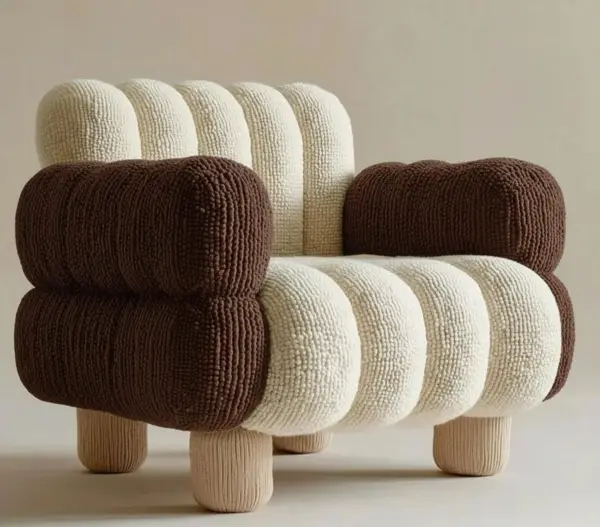
Advertisers can use ai to recolor any object in a photograph, from furniture to cars. The color changer tool quickly maps the part of an image you want to adjust and generates the desired color automatically. This allows refreshing large campaign sets across many images.


Recolor Image for Online Merch & Print-on-Demand
Creators selling merch can recolor image online for free to visualize shirts, hoodies, or tote bag graphics in different tones. The ai photo colorizer supports fast color replacement for artwork, patterns, and logos. This tool lets you preview multiple color versions before printing, reducing waste and cost.


FAQs
How do I recolor an image using your ai recolor tool?
Does the tool use Artificial intelligence to change the color accurately?
Can I recolor Clothing like a Shirt or Dress?
Does the tool work with PNG, JPEG, and vector graphics?
Is this ai recolor image tool free to use online?
How accurate is the ai image color changer compared to Photoshop?
Can I change only part of an image, like a single object?
Can I use this for professional E-commerce or photo editing work?
Related Tools
Virtual Try On
AI Fitting Room, Professional Face & Scene
AI Model
Showcase clothing with a variety of models
AI Product
Create stunning product images with few clicks from anywhere
AI Video
Create and publish videos from a photo or description—instantly, in any style.
Nano Banana Pro
Conversational editing, precisely consistent.
Image to Video
Transform static images into dynamic videos with one click
To Mannequin
Convert real model photos into mannequin displays
Change Pose
Change poses, switch between various model poses, making the clothing display more natural
Remove Background
Removing background with lightning speed and ease
Upscale
Enhance image with upscaler to embark on a visual renaissance
Relight
Relight your images automatically and efficiently
Expand Image
Expand images & backgrounds to fit any platform
Magic Eraser
Remove unwanted objects from your photos with AI
Hand/Feet Fixer
Regenerate natural-looking hands and feet in AI-generated images
Design Repair
Upload an image, highlight the area you wish to fix, and upload a target reference image