

logo
AI E-Commerce Creative Studio

Sign In

🎉new
Our new Virtual Try-On just launched. Try it now!
🥳
close
tools
More Tools
addNew Task
How it works:
1
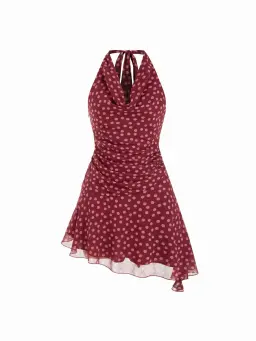
Create new task and upload an image
Image Tips
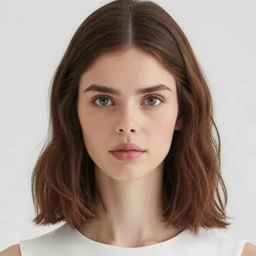
virtual try on by weshop ai
2
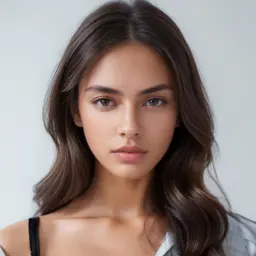
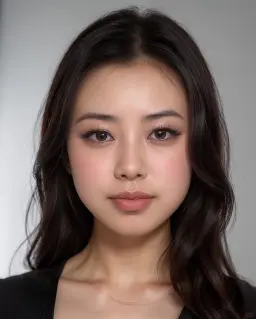
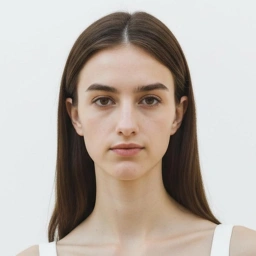
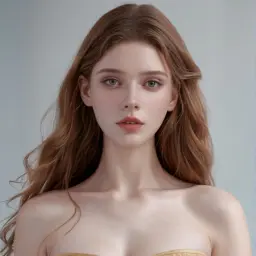
Choose a model and location
3
Generate

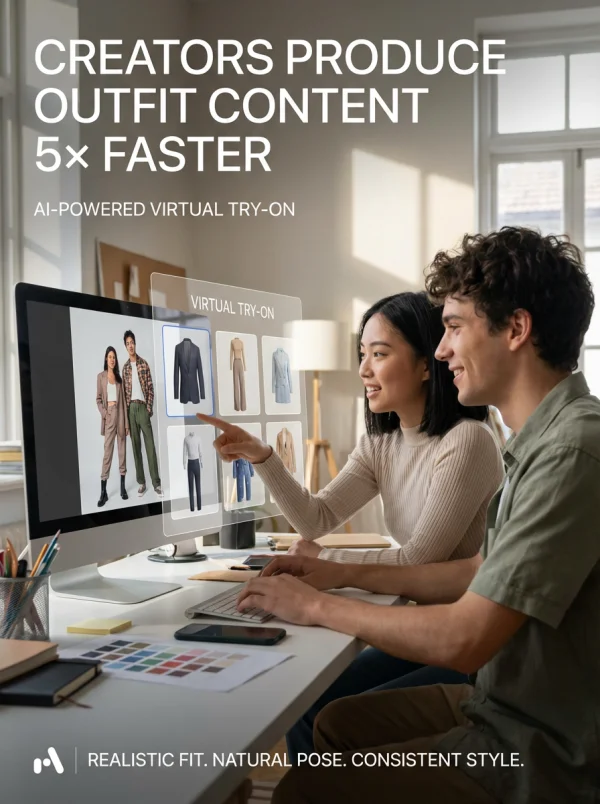
Virtual Try On

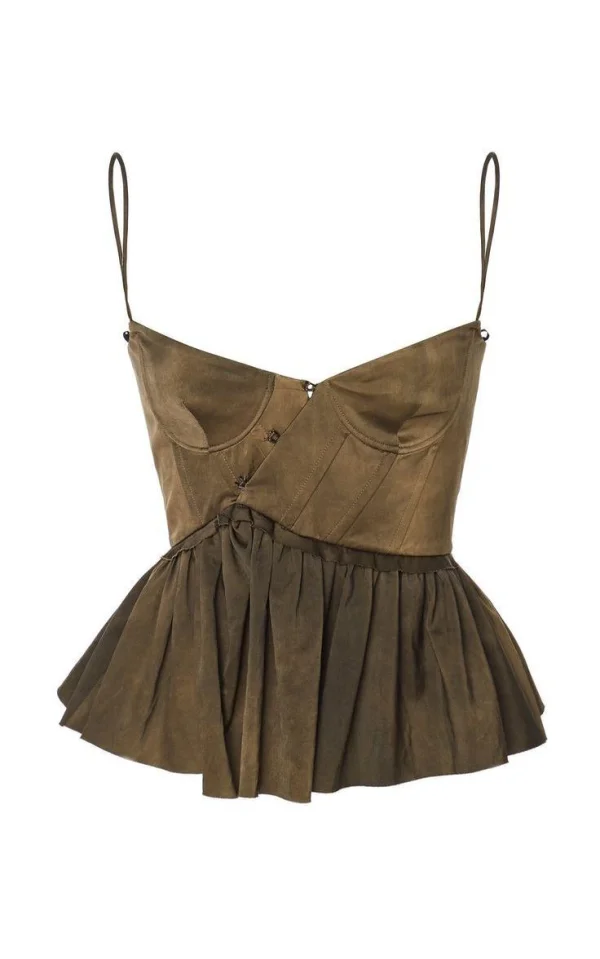
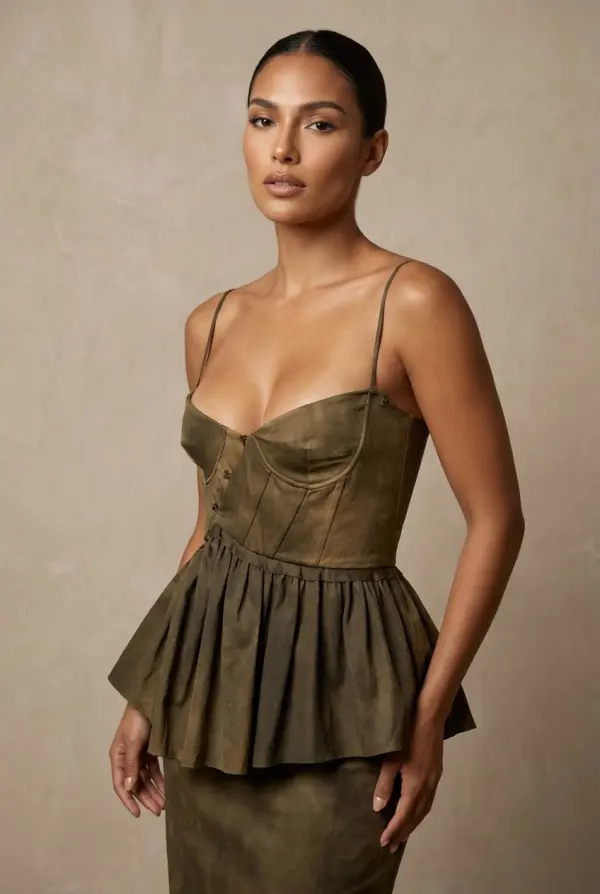
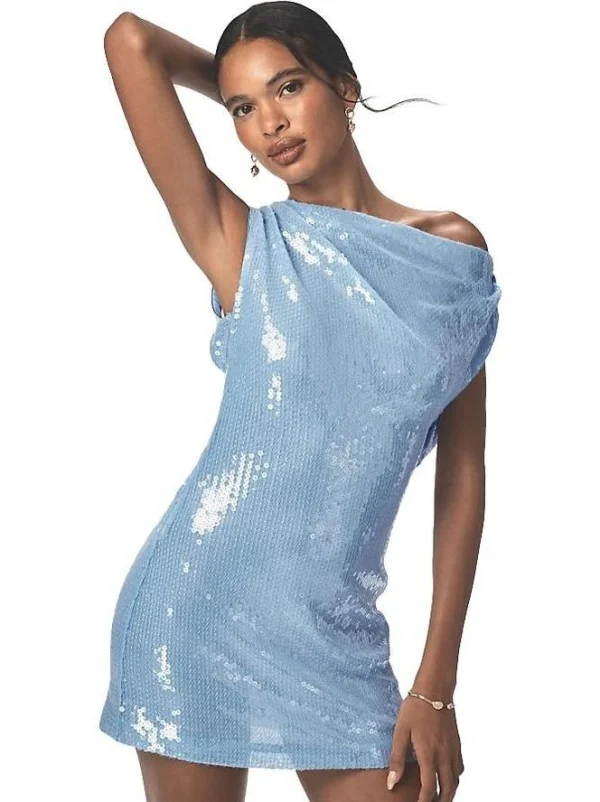
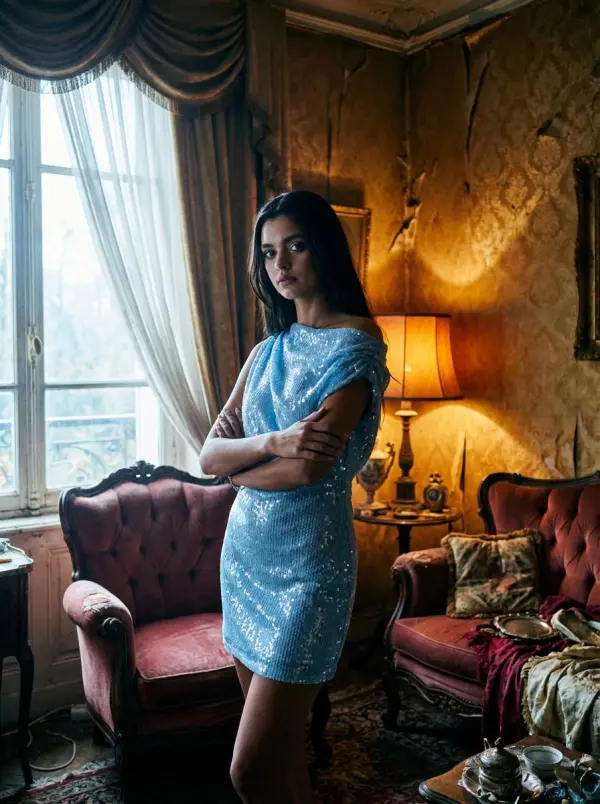
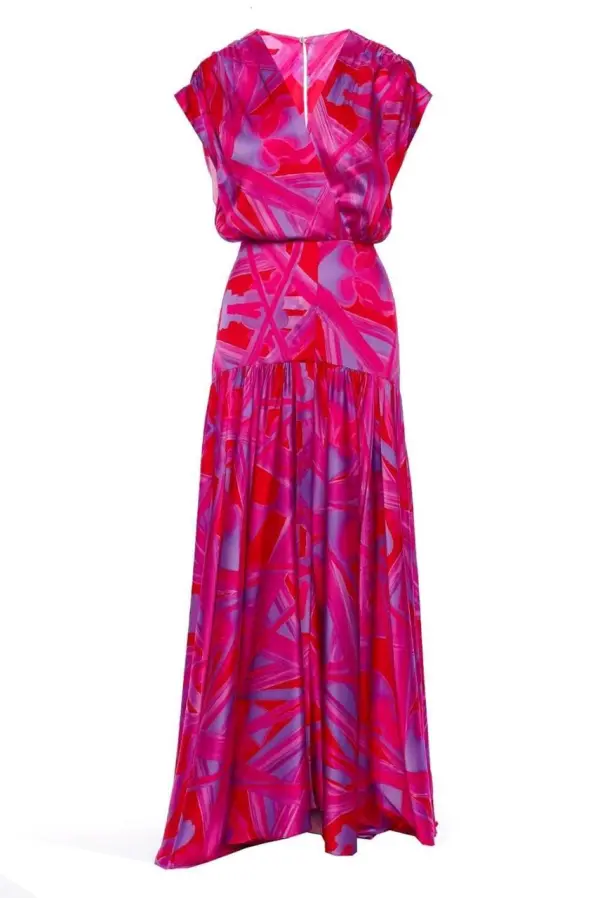
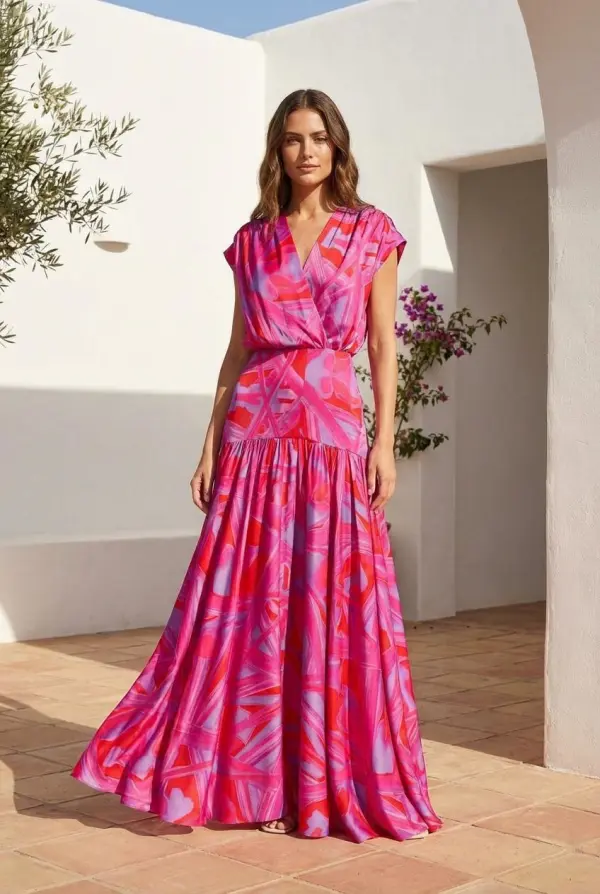
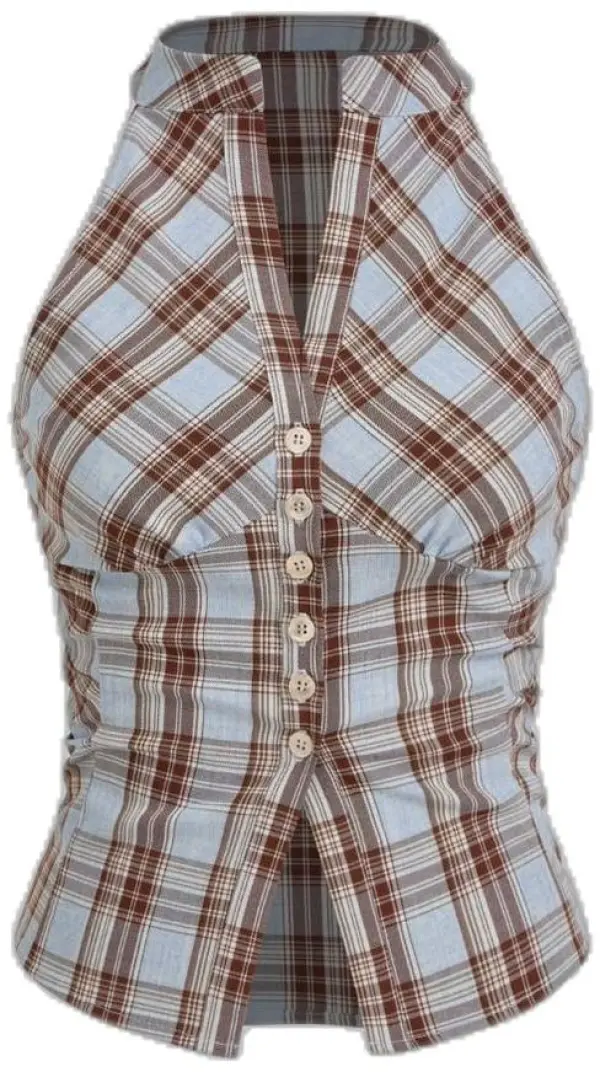
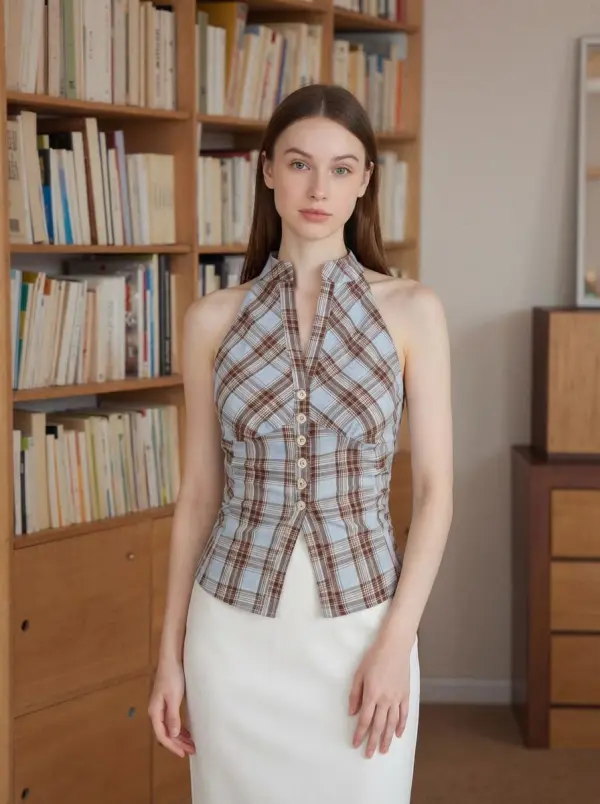
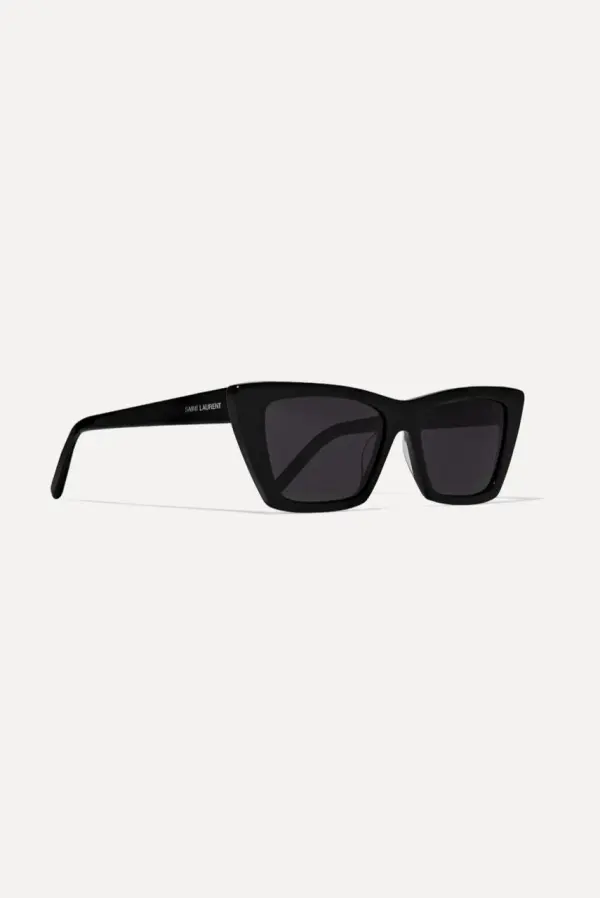
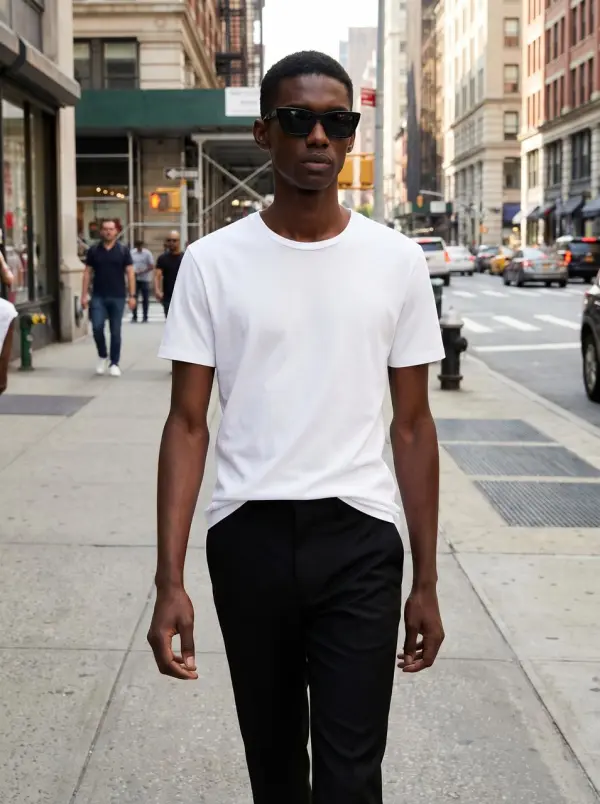
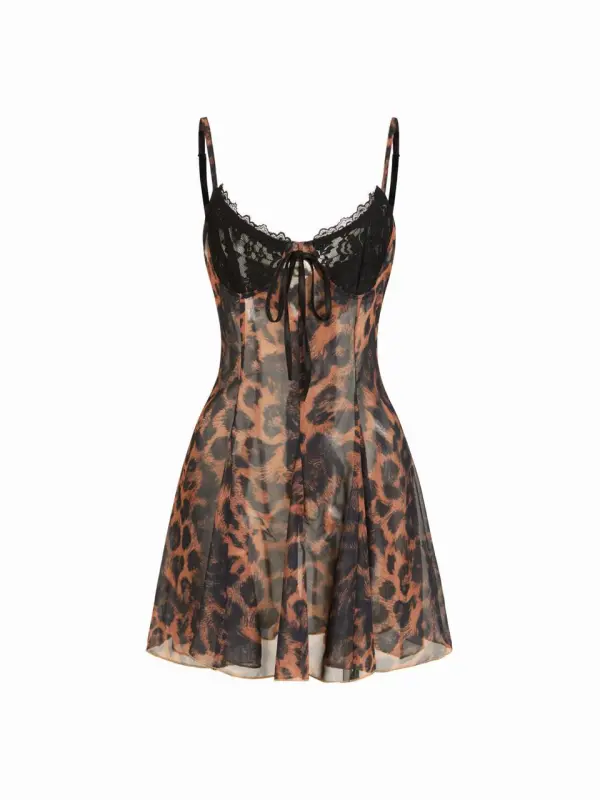
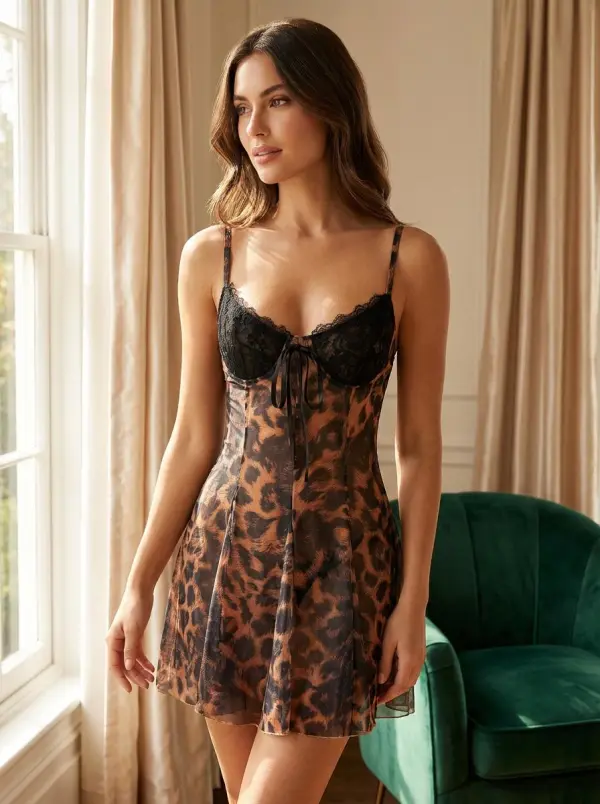
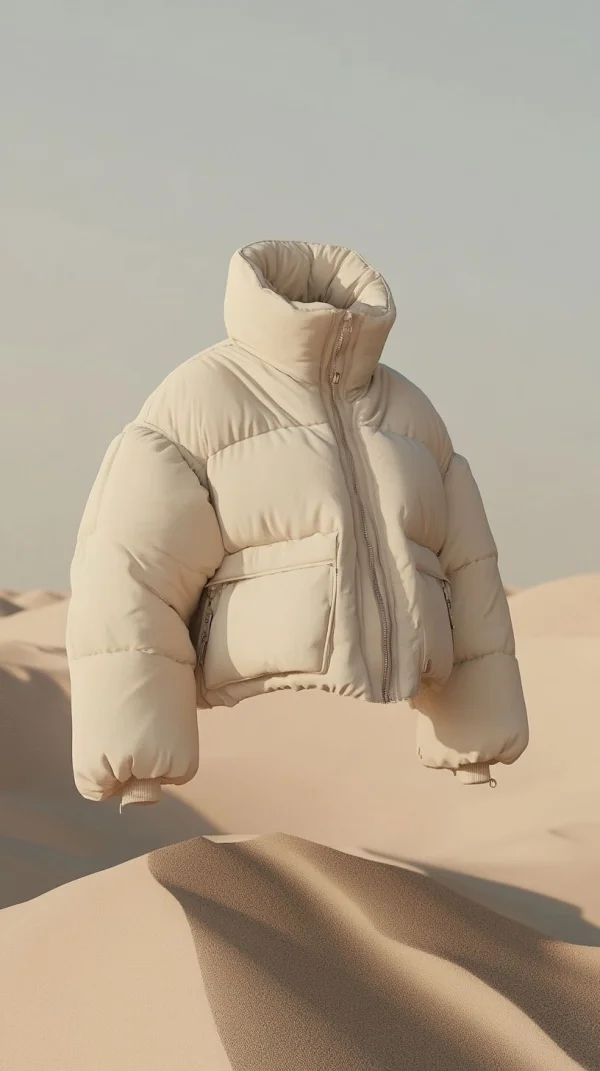
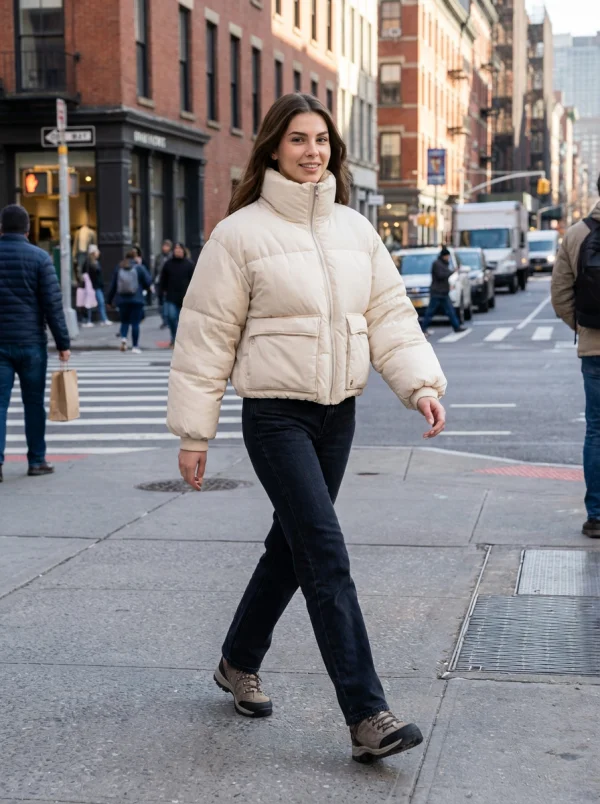
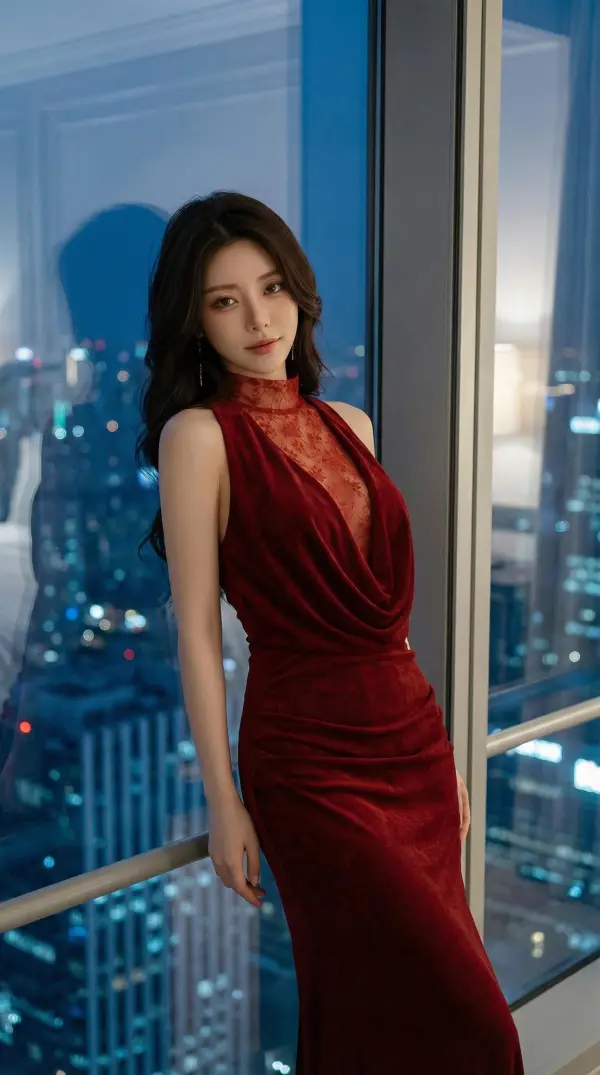
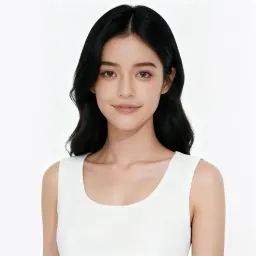
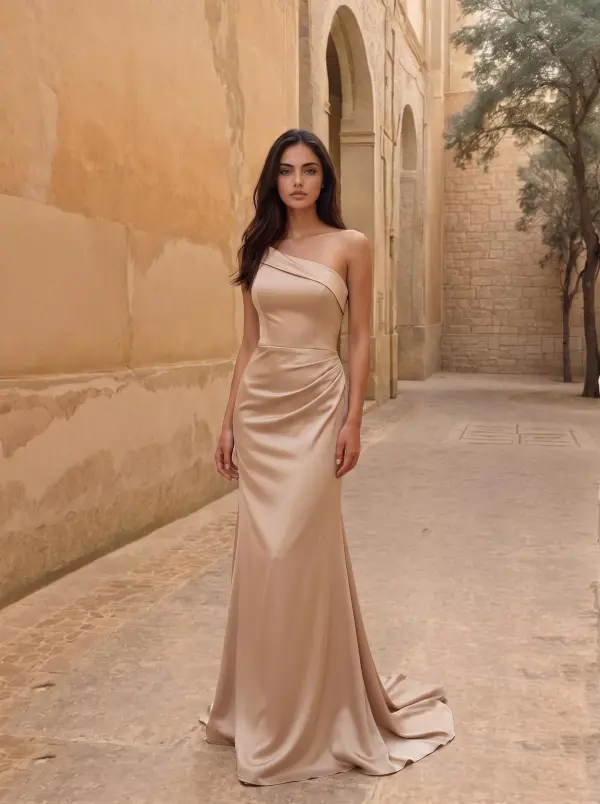
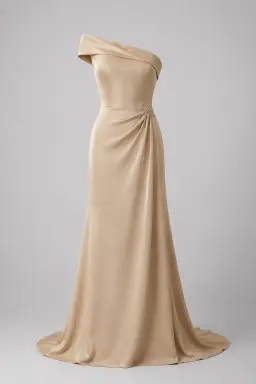
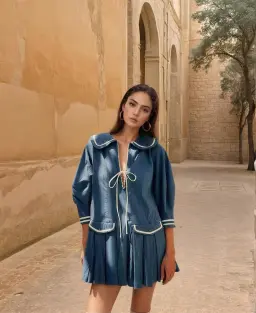
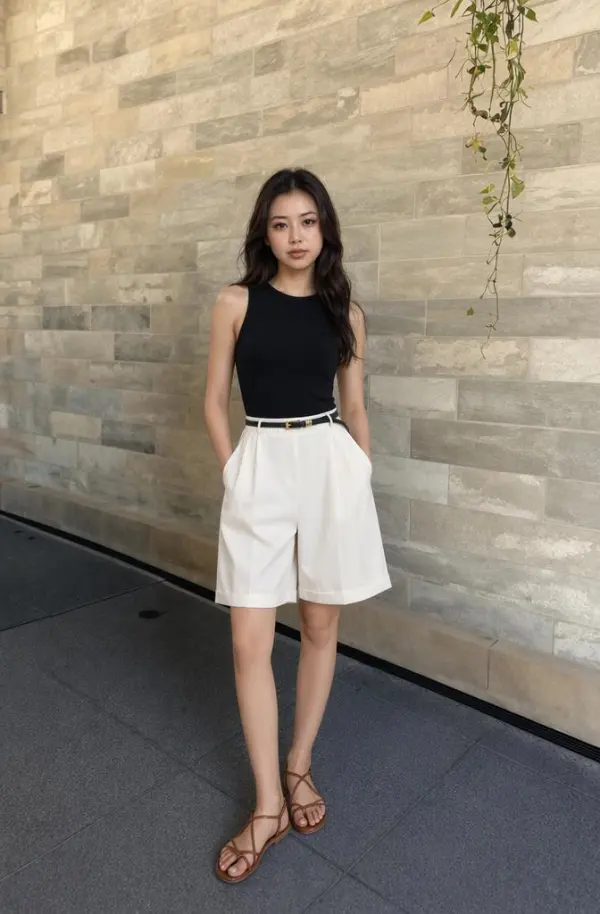
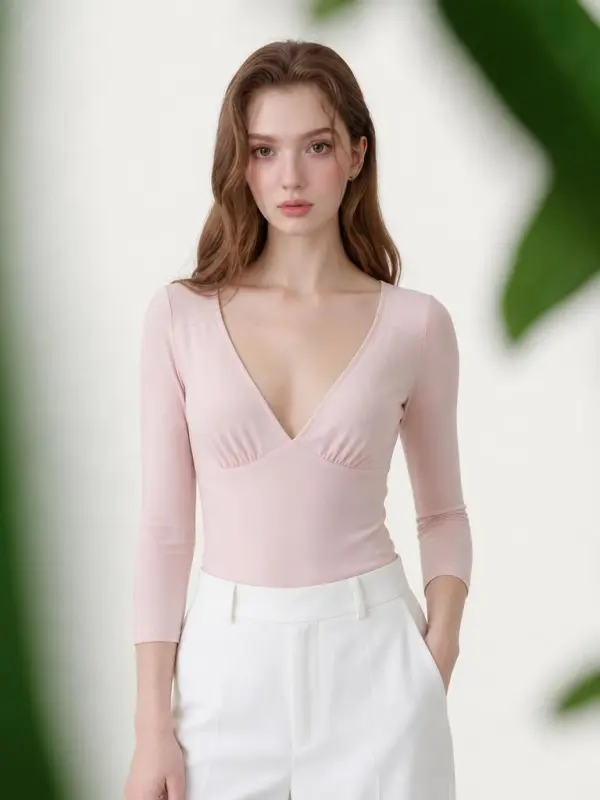
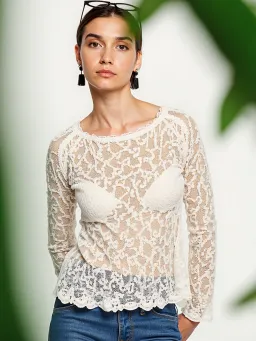
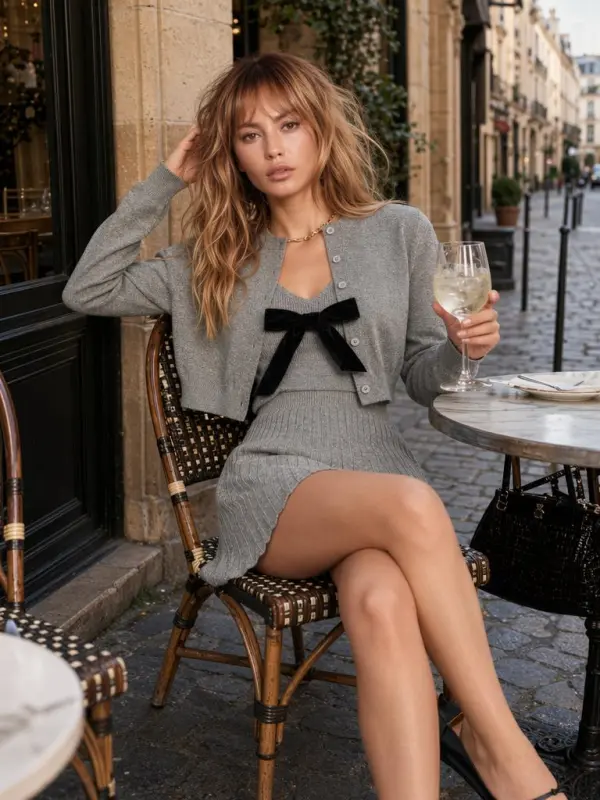
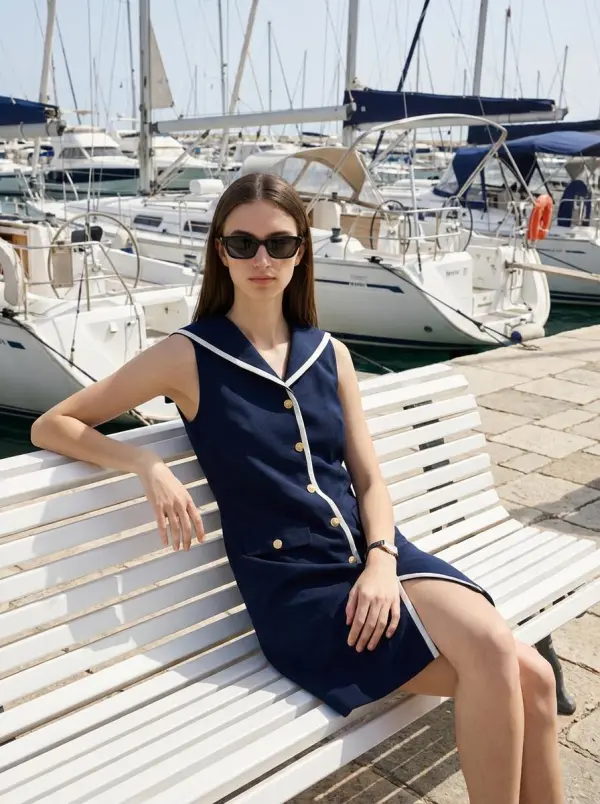
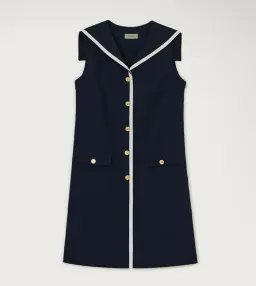
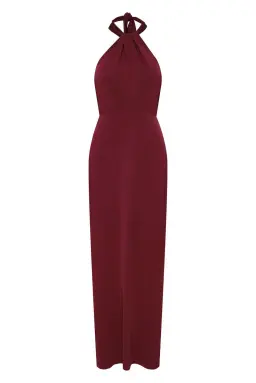
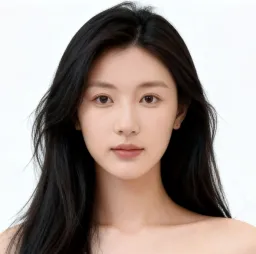
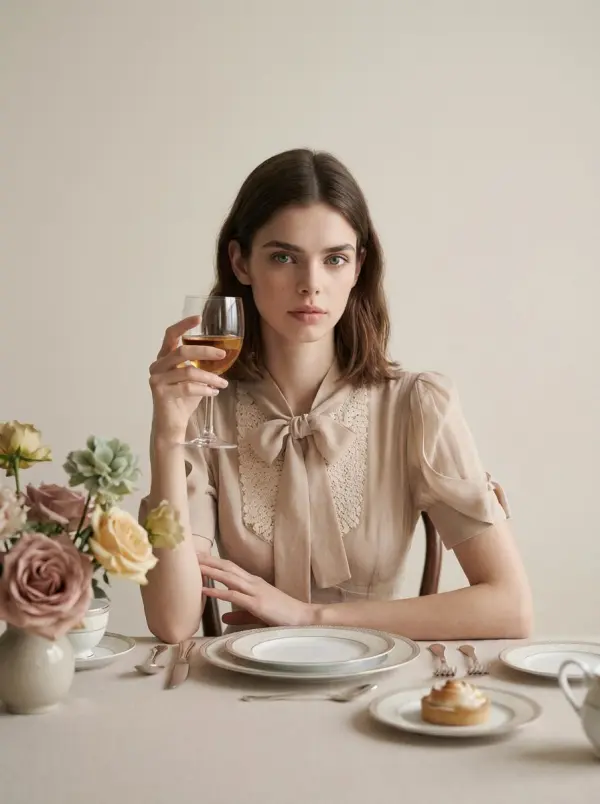
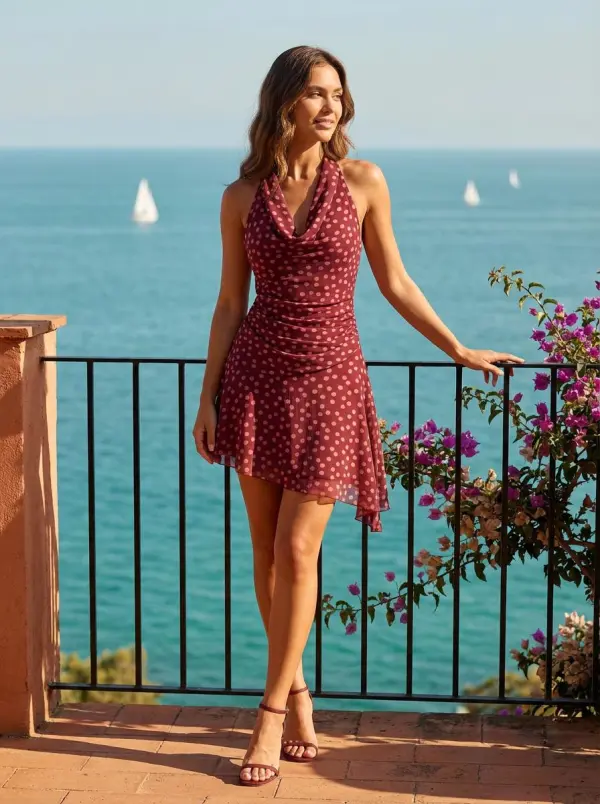
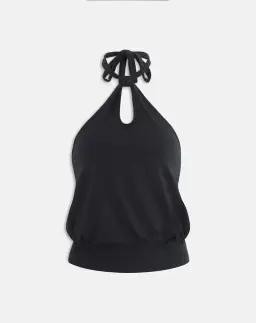
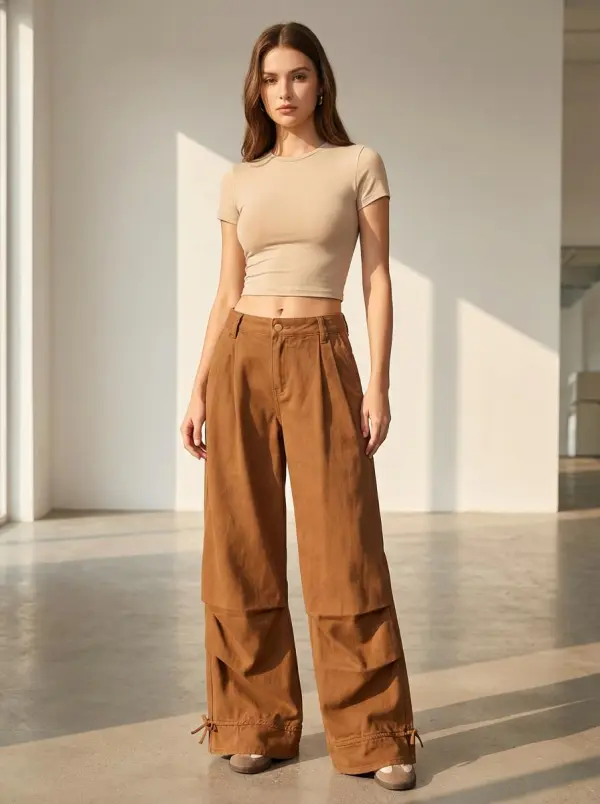
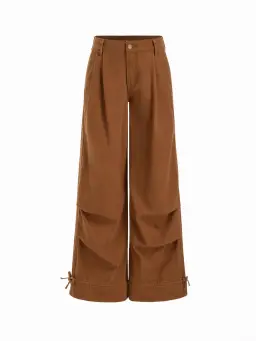
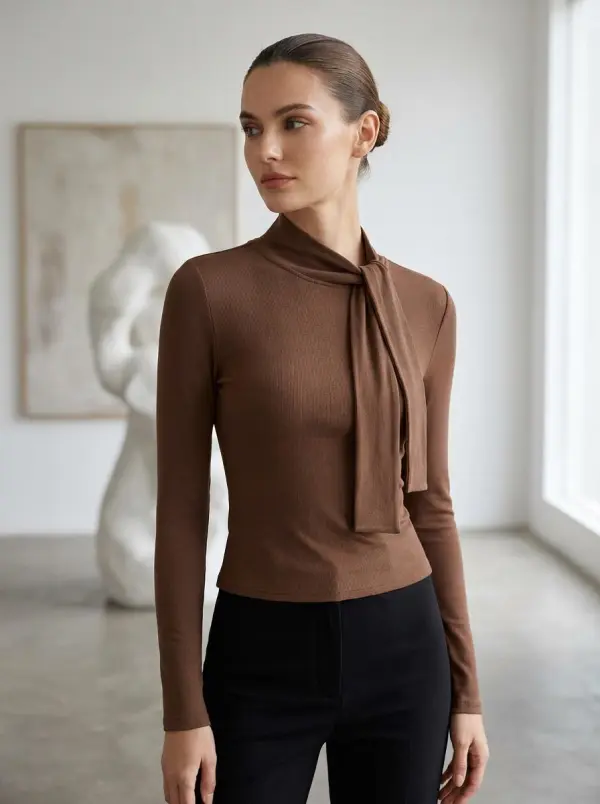
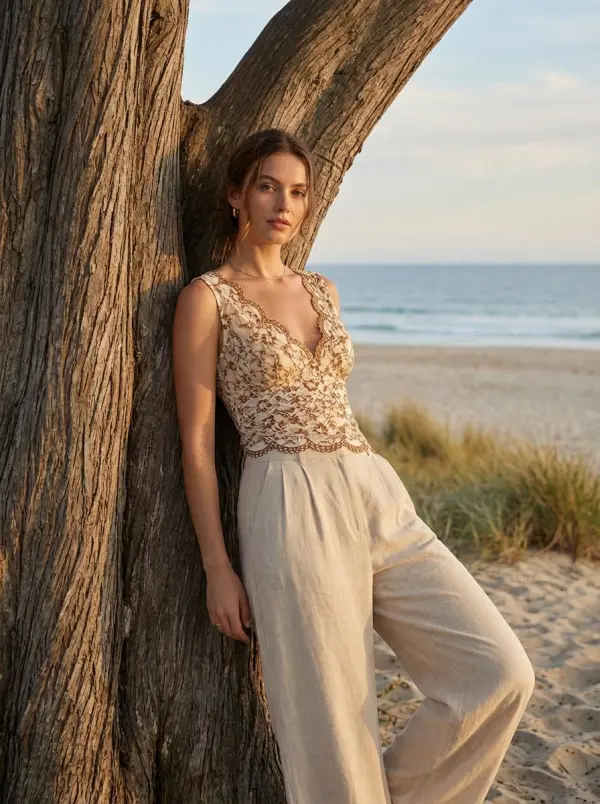
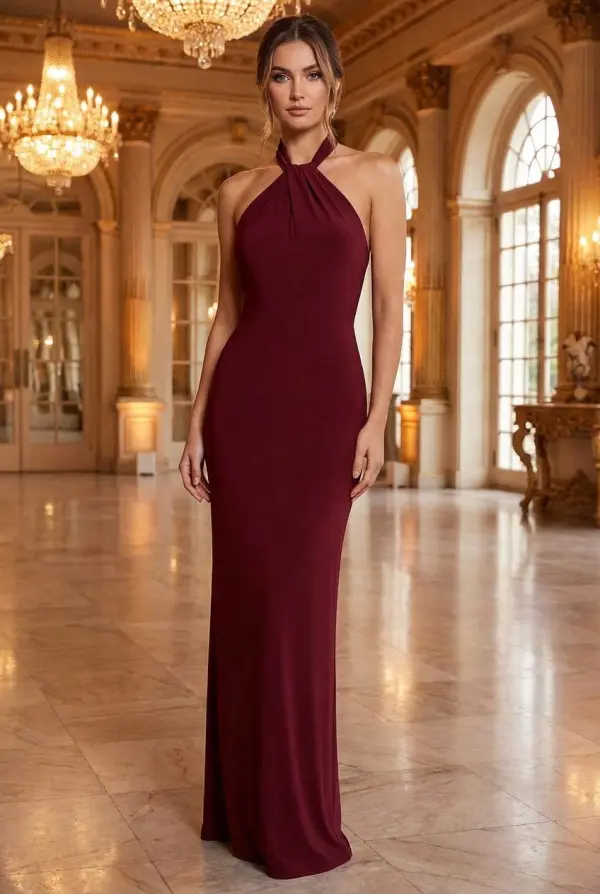
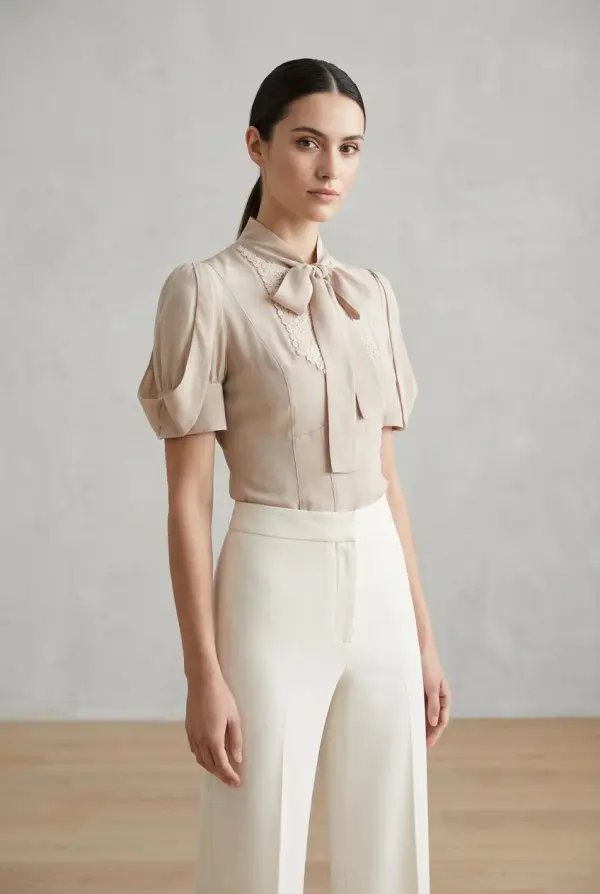
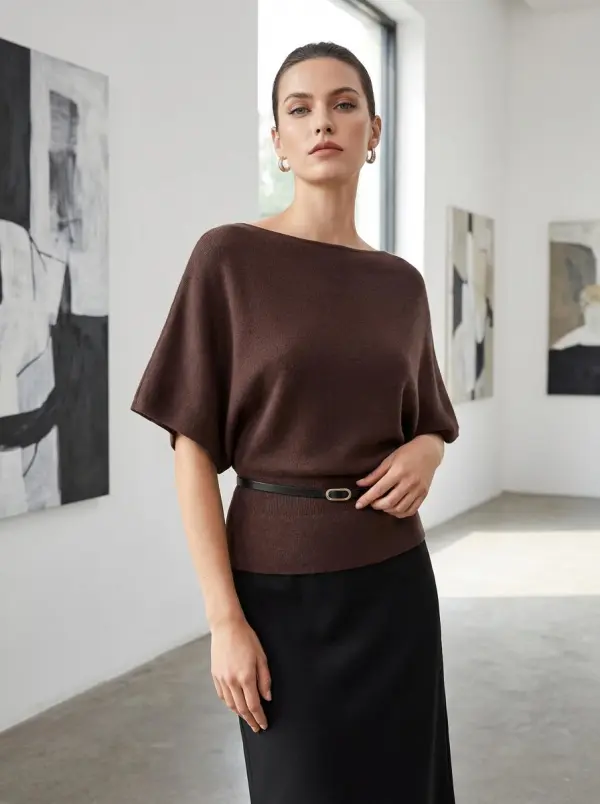
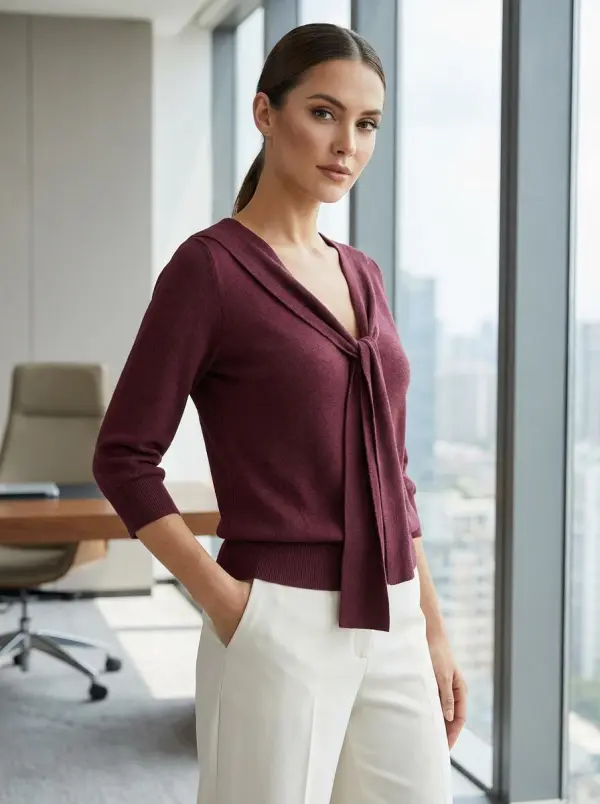
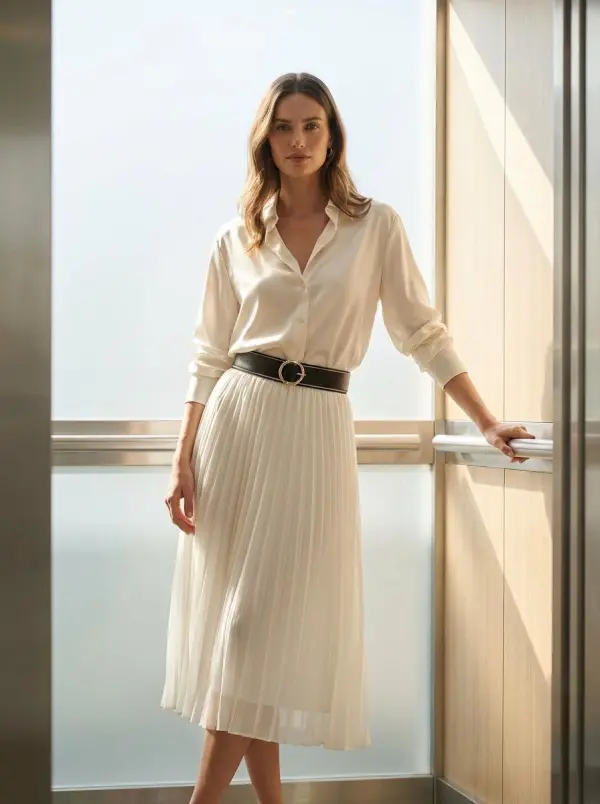
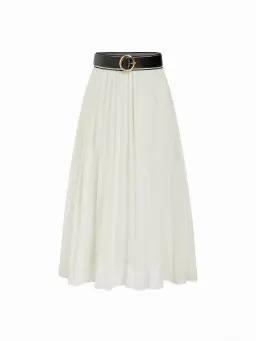
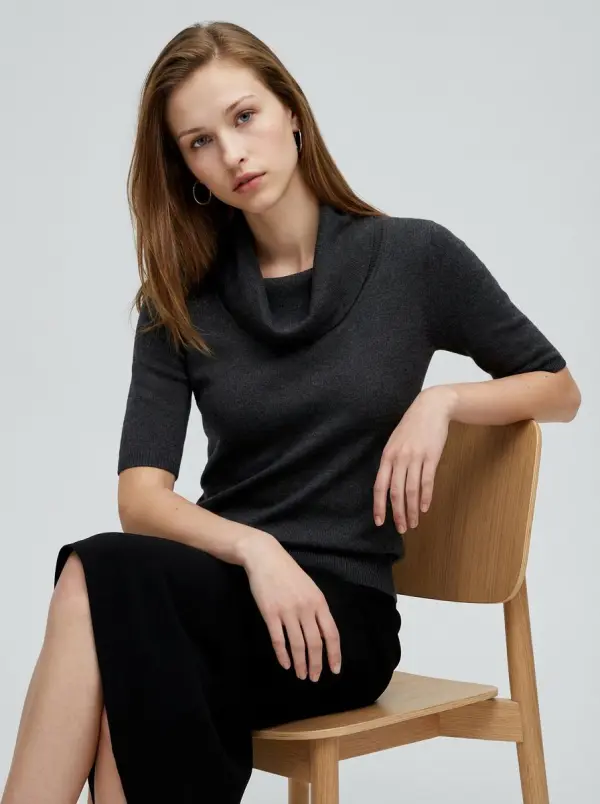
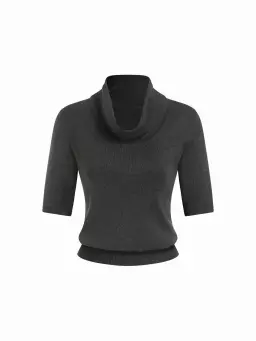
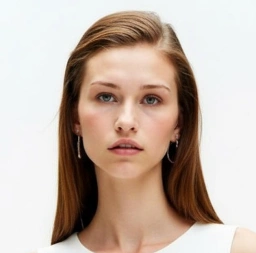
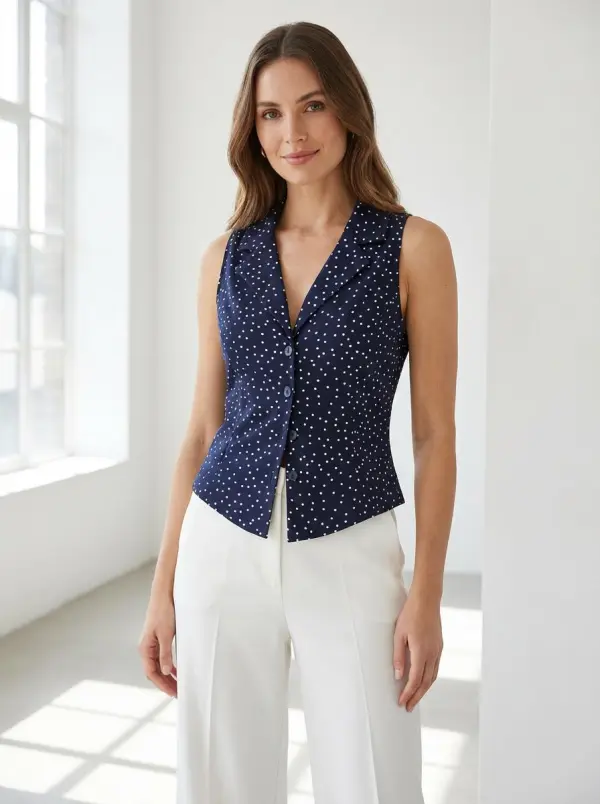
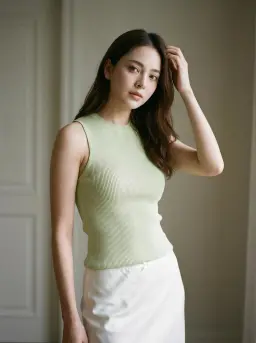
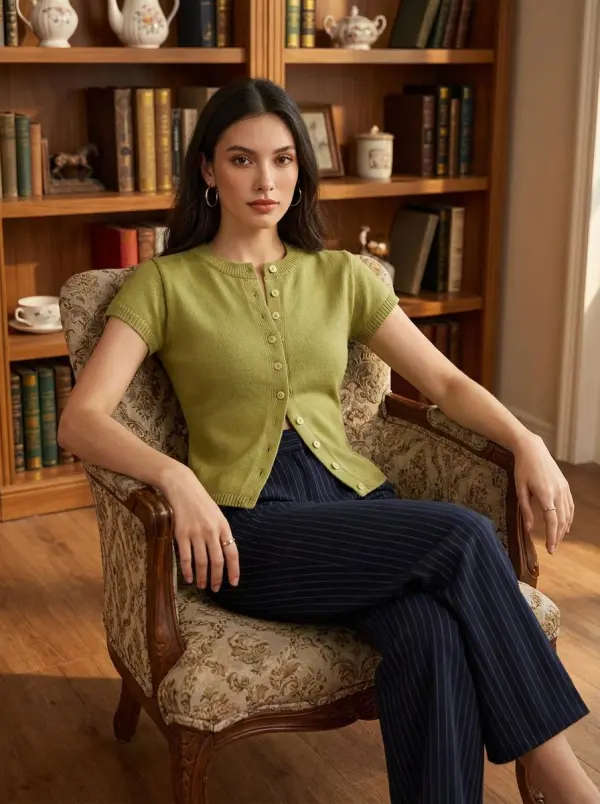
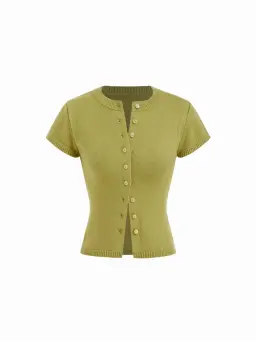
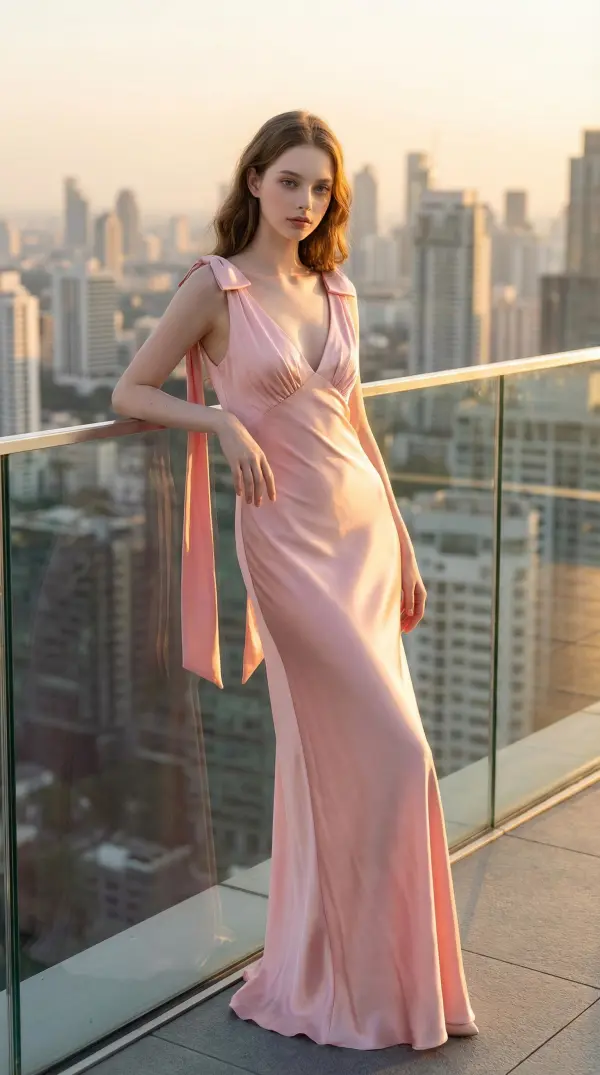
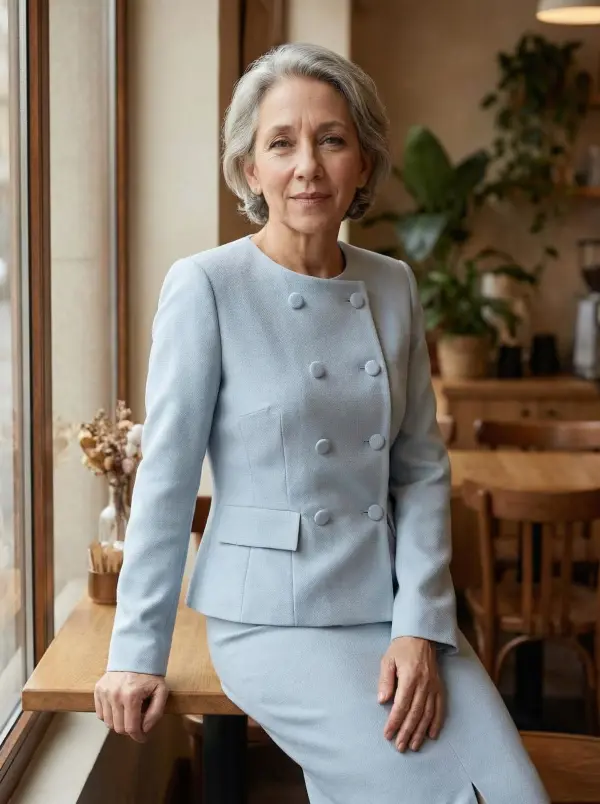
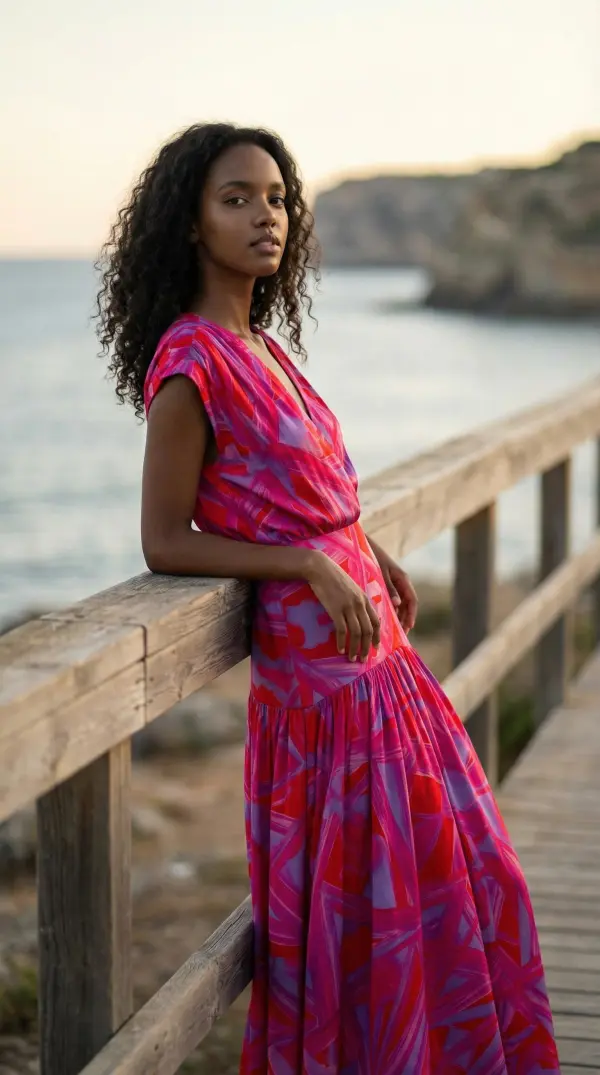
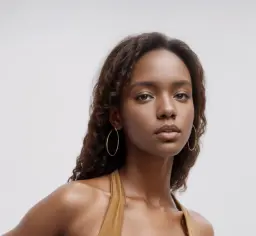
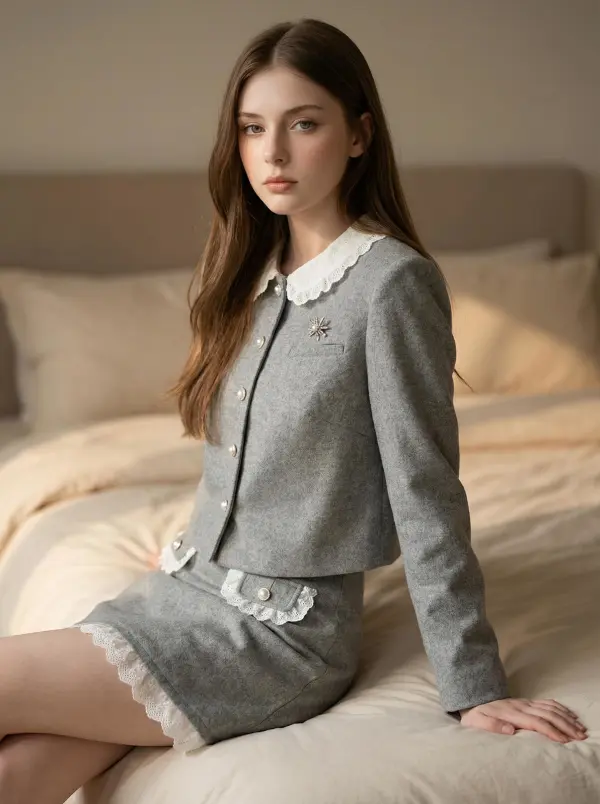
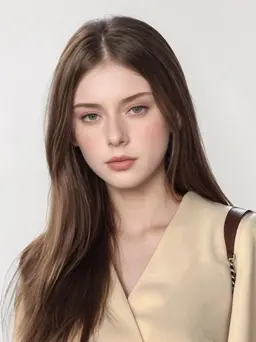
Upload any garment such as jacket, pants or glasses, and we’ll dress it onto an AI model with perfect fit, pose, and styling. Ideal for e-commerce fashion presentations.

Virtual Try-On User Guide

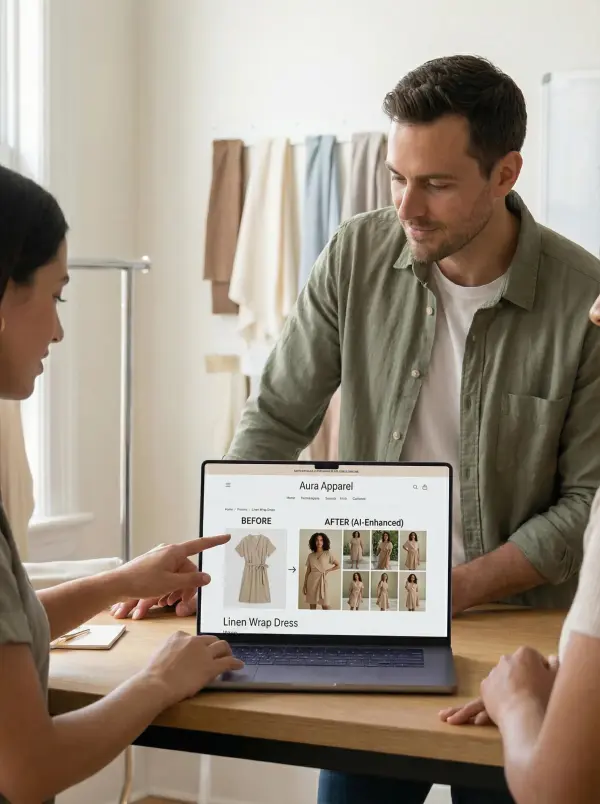
Launch a Fashion Collection Without a Studio

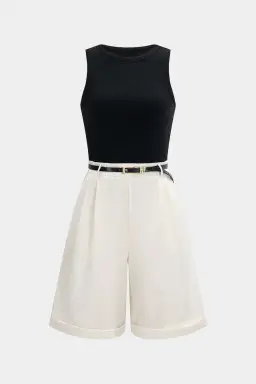
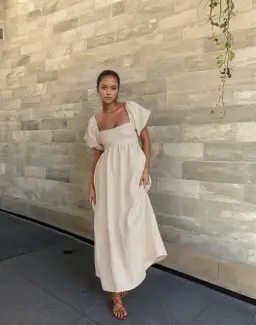
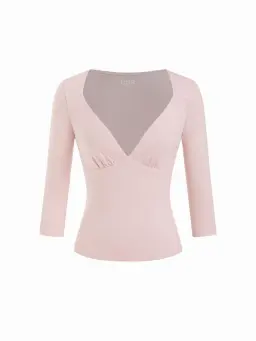
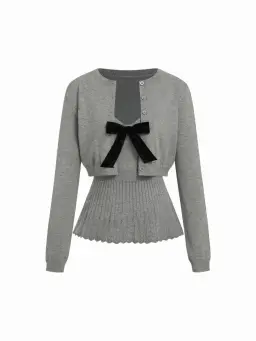
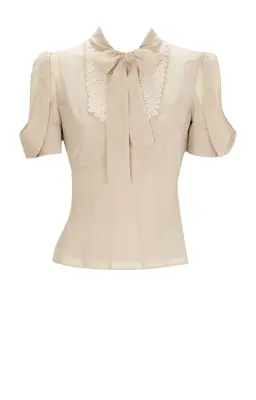
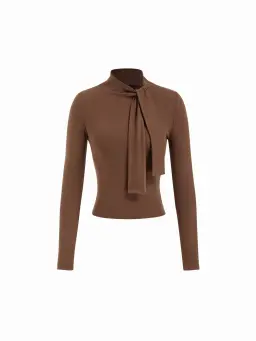
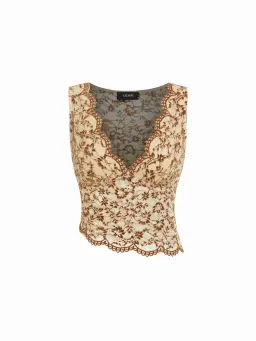
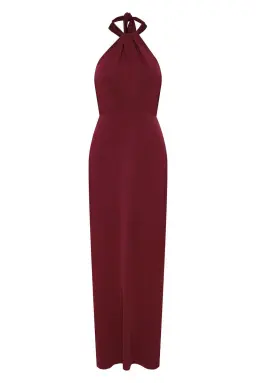
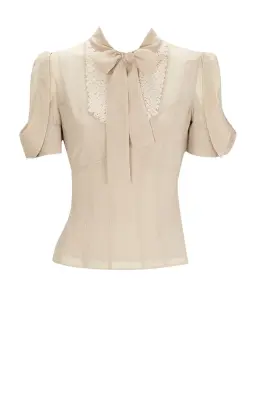
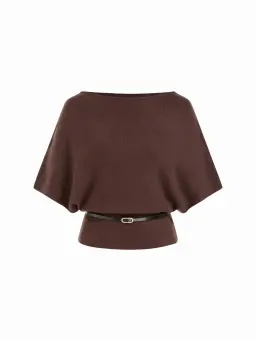
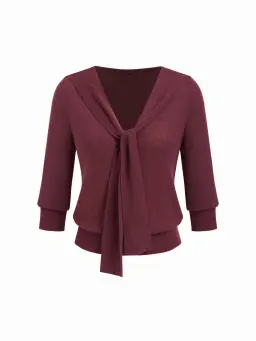
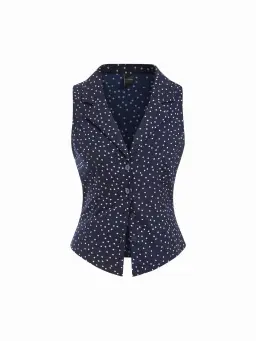
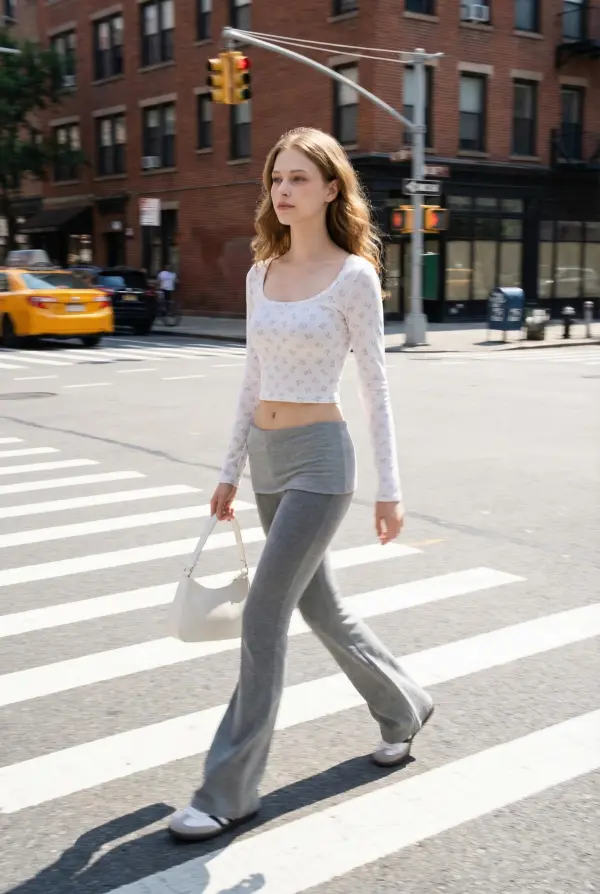
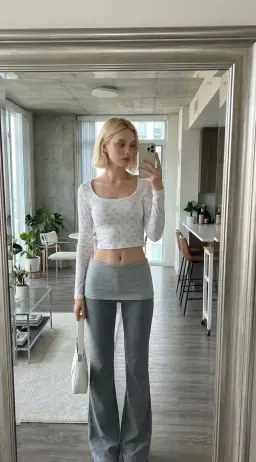
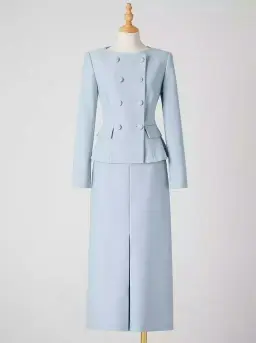
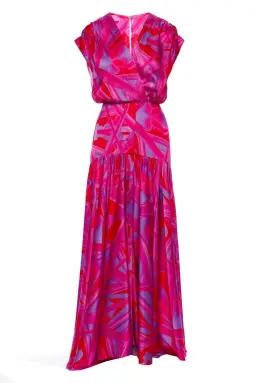
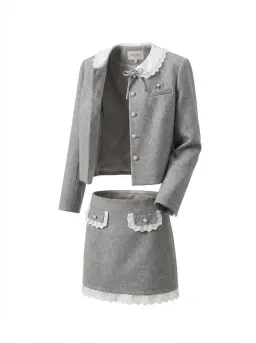
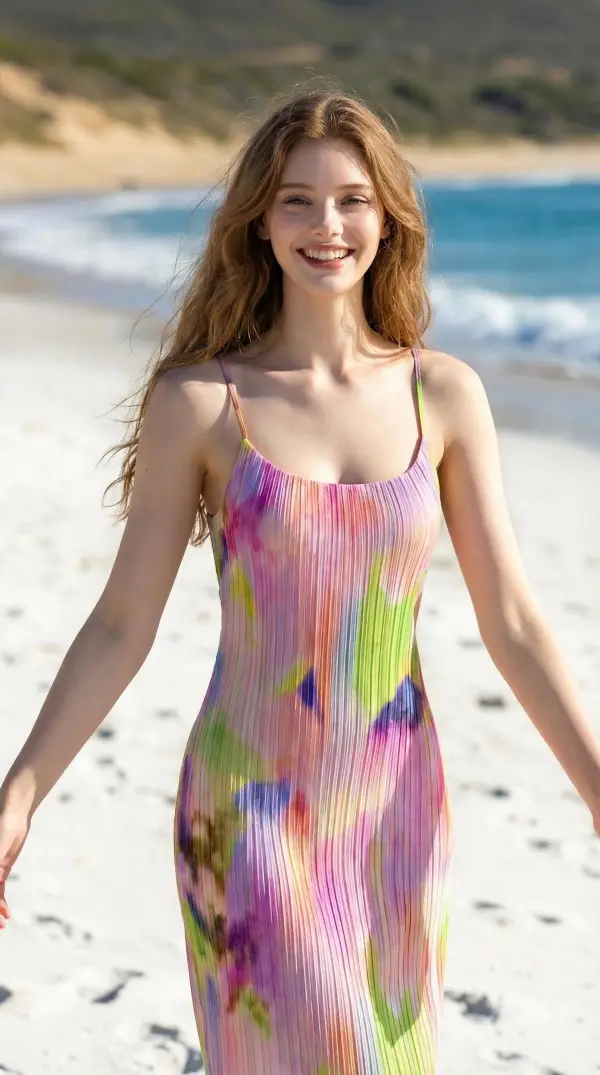
Upload flat-lay or mannequin shots of your garments and instantly generate on-model visuals in diverse scenes. This drastically reduces the time and cost of traditional photoshoots.

virtual try on by weshop ai

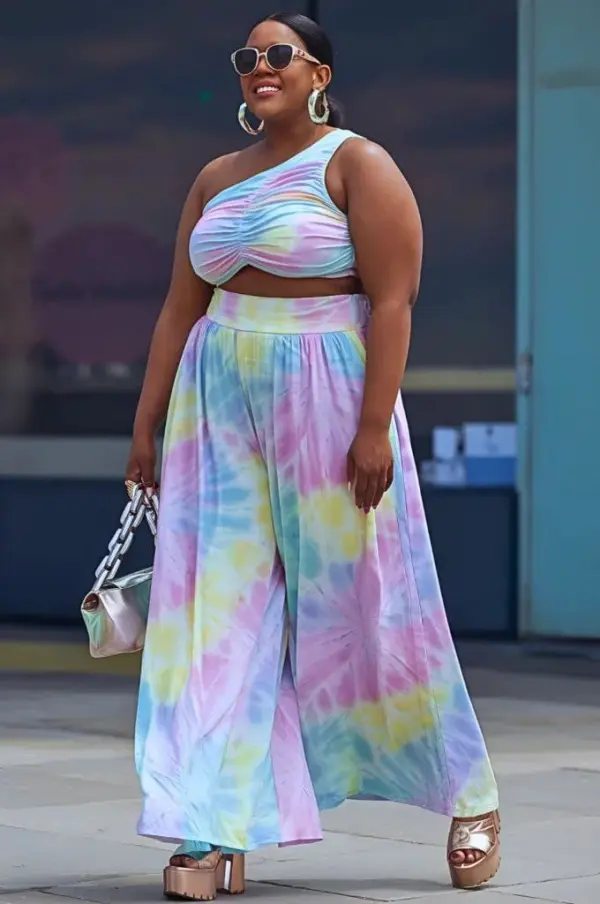
Diversify Model Looks for Different Markets

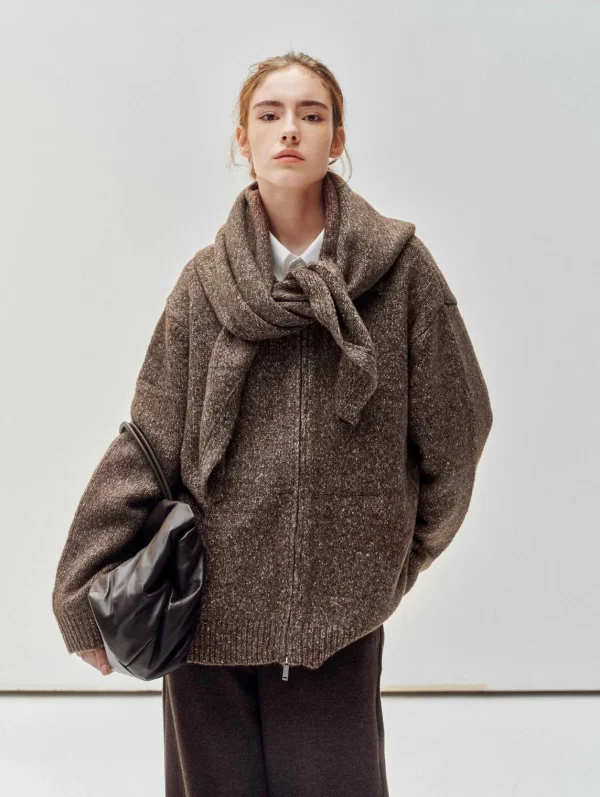
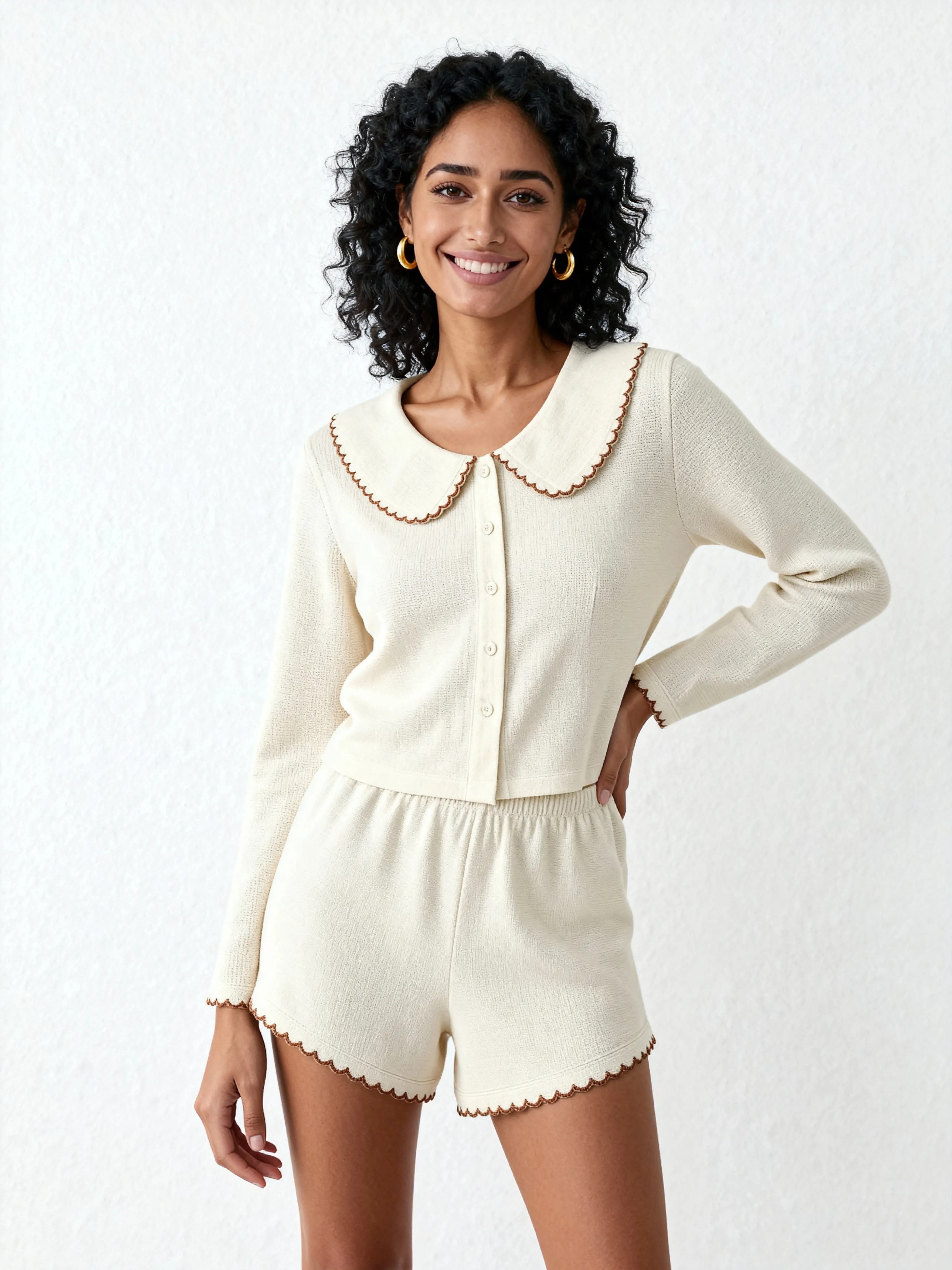
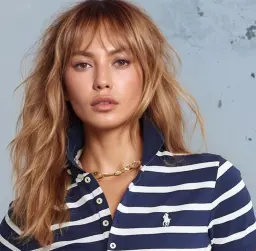
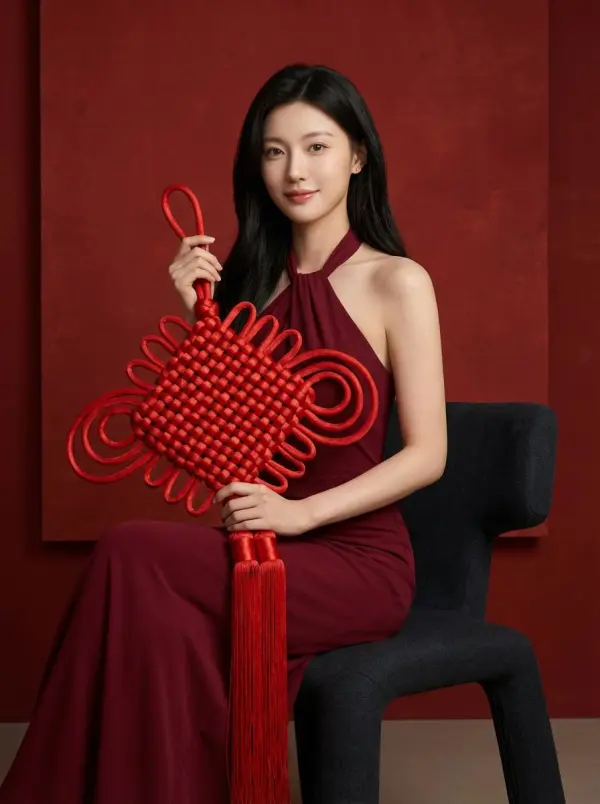
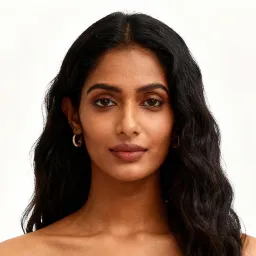
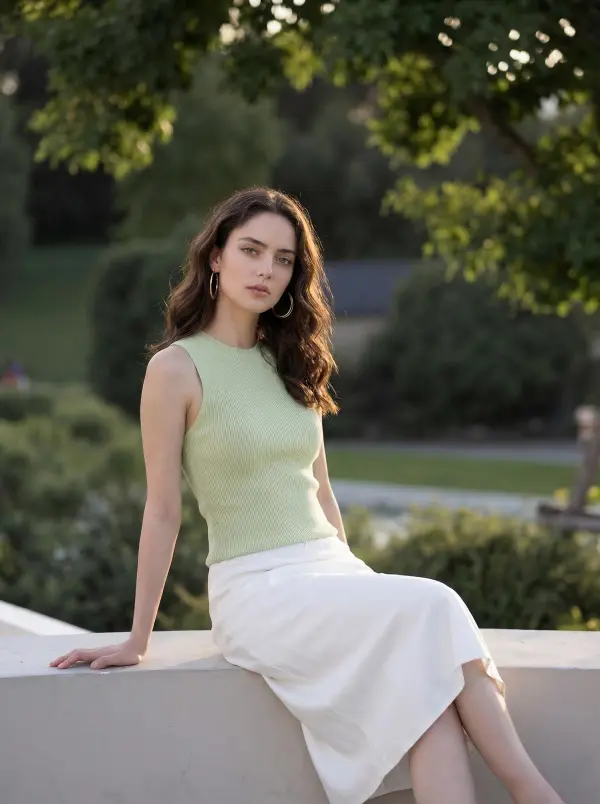
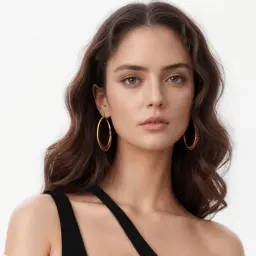
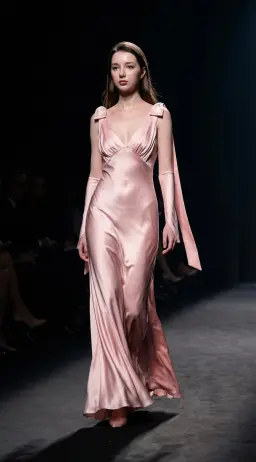
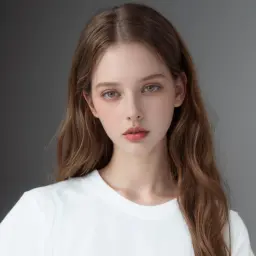
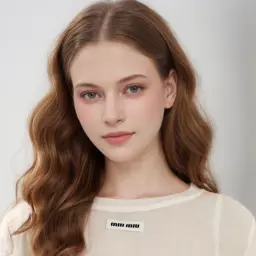
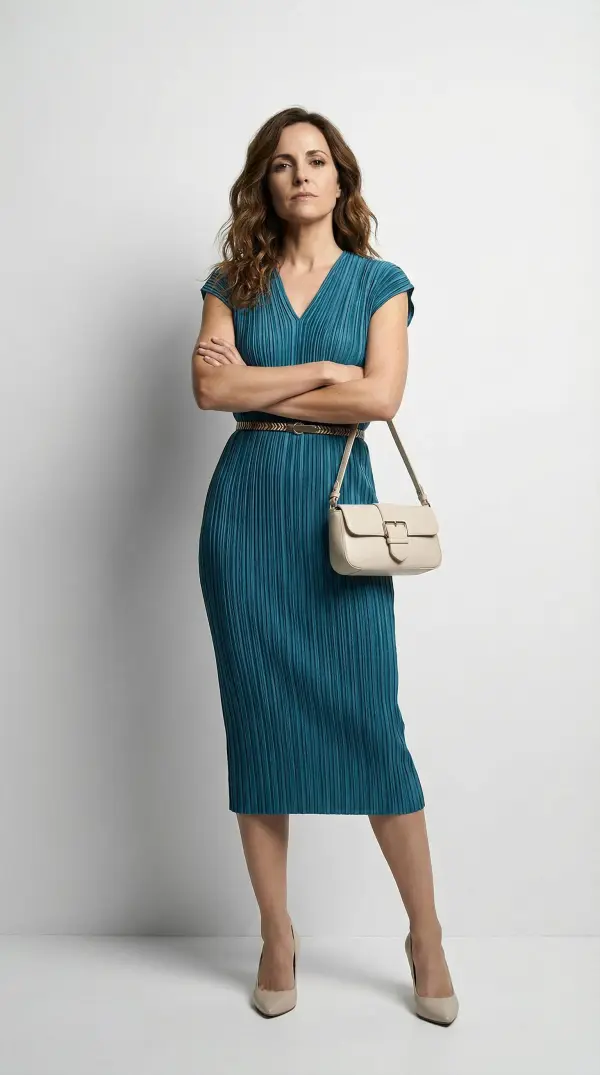
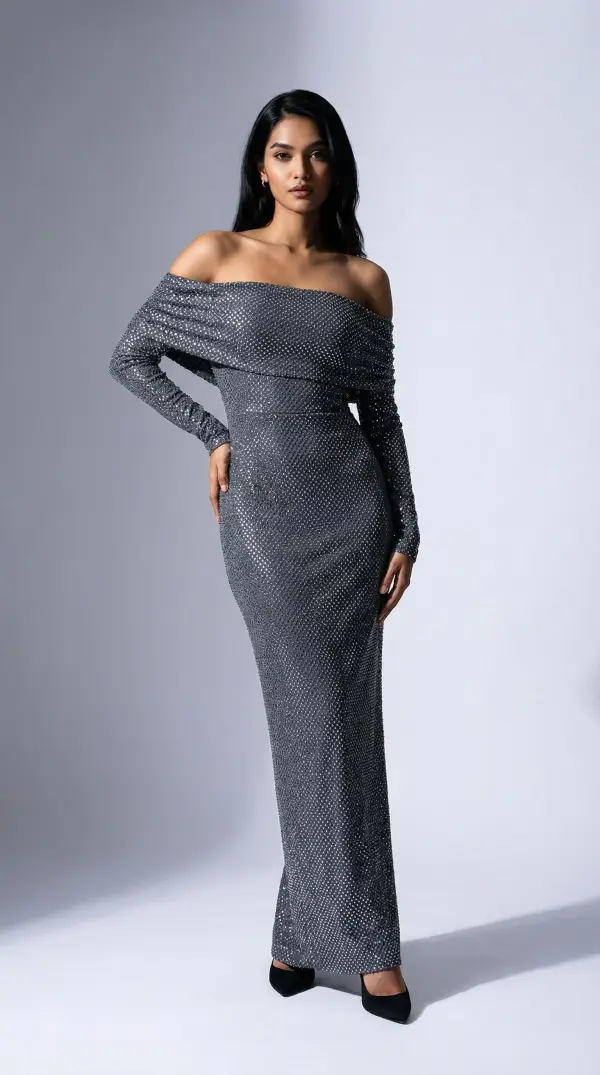
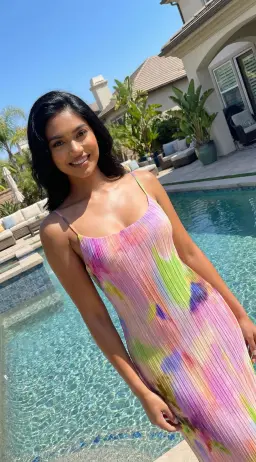
Use the virtual try-on tool to display outfits on models of different body types, ethnicities, and poses—helping you localize and tailor visuals for global audiences.

virtual try on by weshop ai

Create High-Impact Social & Ad Visuals

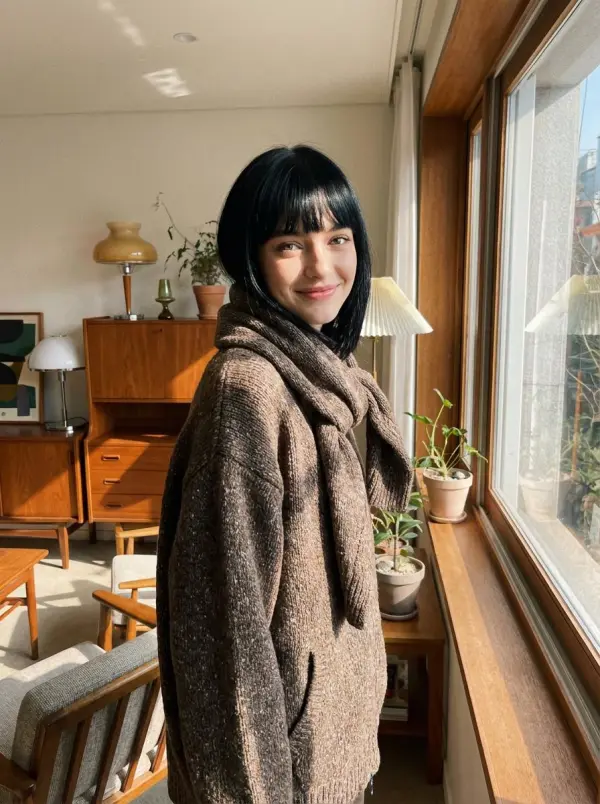
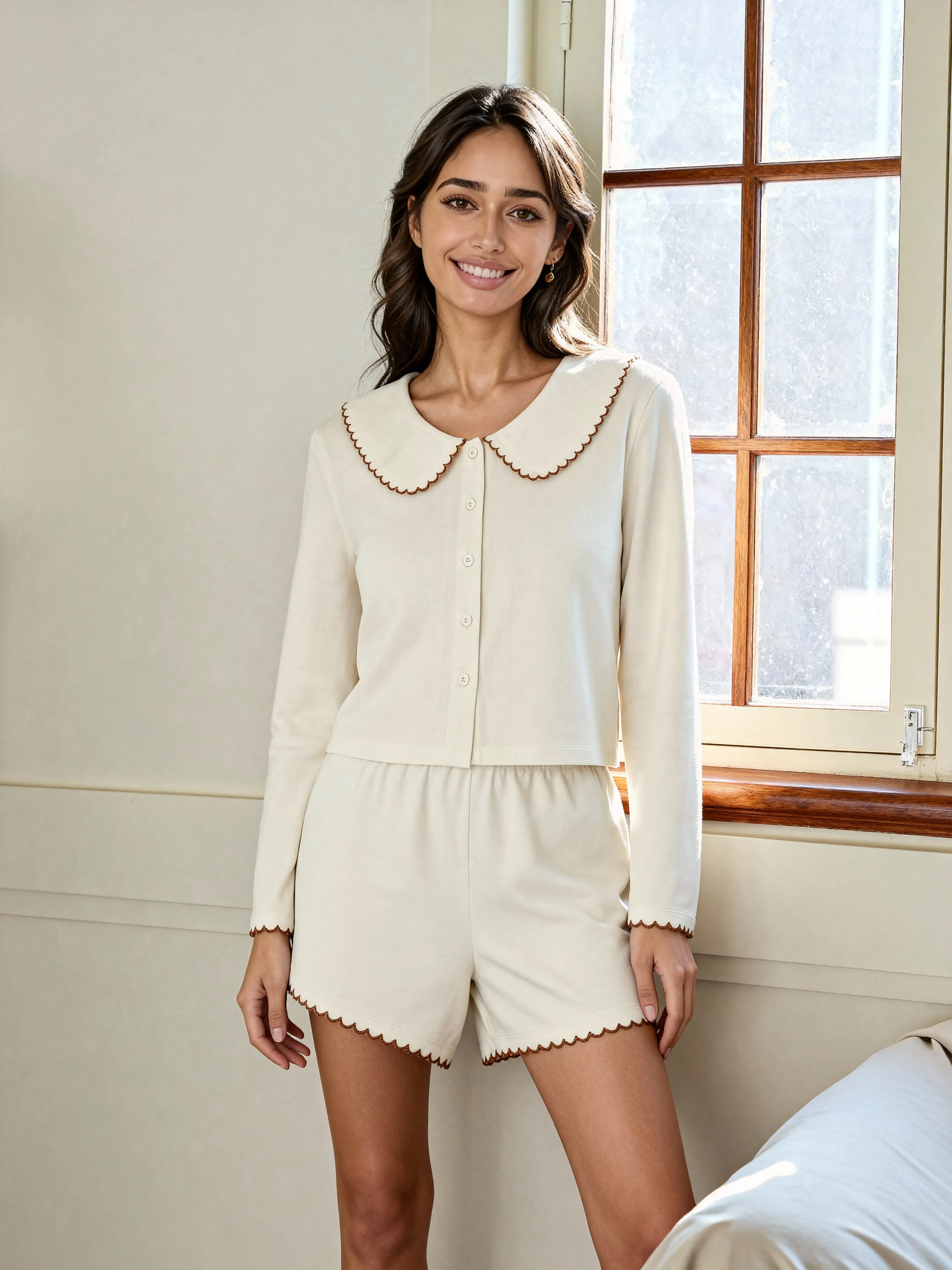
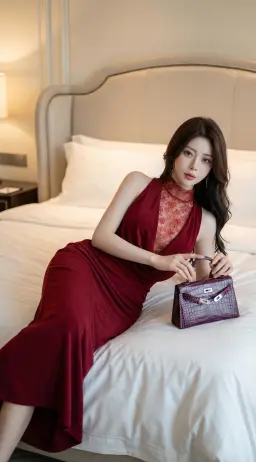
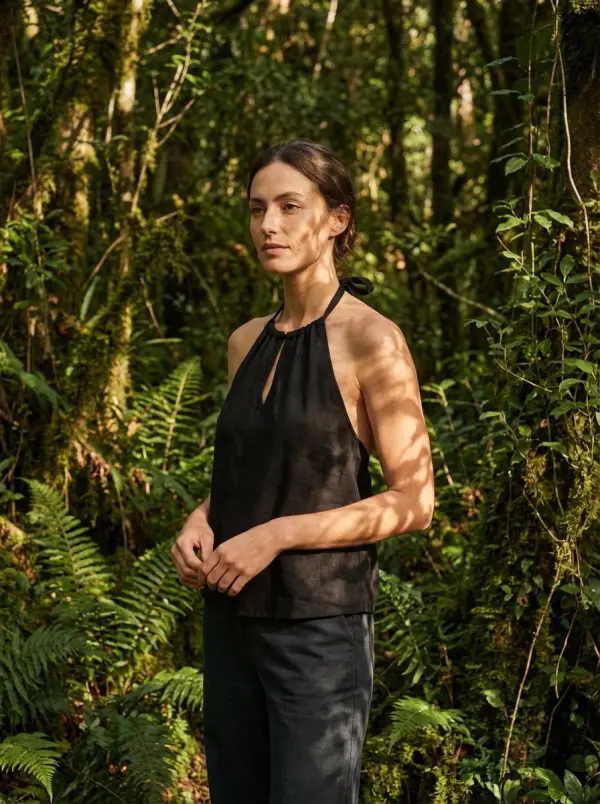
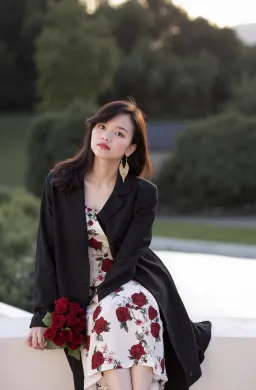
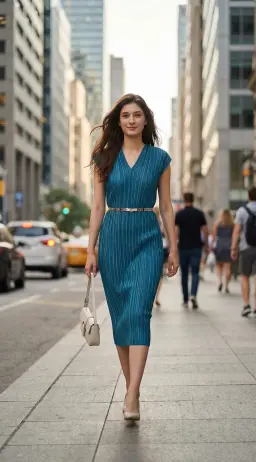
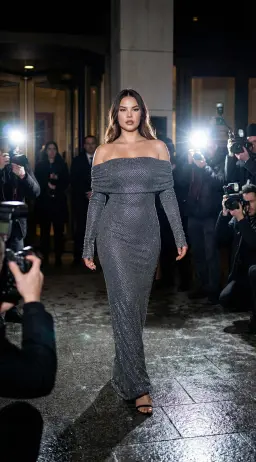
Instead of plain product shots, generate lifestyle model images showing your garment in real-world settings. Great for Instagram, TikTok, lookbooks and paid ads.

virtual try on by weshop ai

Batch Variations for A/B Testing

Quickly generate multiple pose/scene variations of the same outfit, enabling you to test which visuals resonate best with customers and optimize conversion.

virtual try on by weshop ai

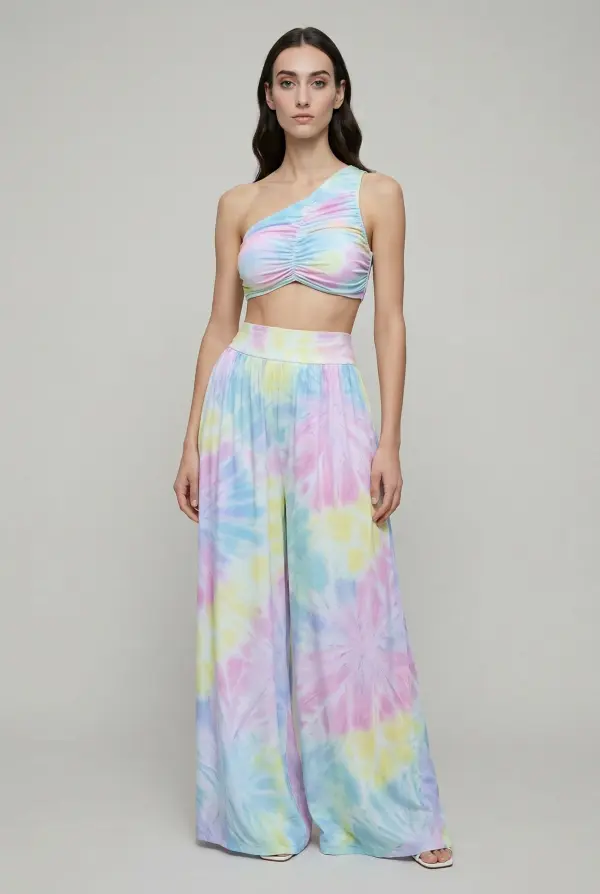
Revamp Older Inventory or Create New Angles

Rather than re-shooting old stock, upload existing flat-lays or mannequin images and apply them to new poses, models or backgrounds—making stale inventory feel fresh and aspirational.

virtual try on by weshop ai

FAQs

What is the Virtual Try-On tool?

It’s a feature of WeShop AI that lets you upload a single image (flat-lay, mannequin or real model) and generate a professional-grade image of a model wearing your product, in a styled scene.

What kinds of input images work best?

Flat-lay shots, mannequin images, and photos of real people all work. For best results: front-facing view, clean background, even lighting, and full-body or half-body framing.

Can I change the pose, background or model?

Yes. You can pick a model and location from the library, adjust the pose using reference or AI-free pose settings, and swap backgrounds while keeping your garment and model consistent.

Is it only for fashion apparel?

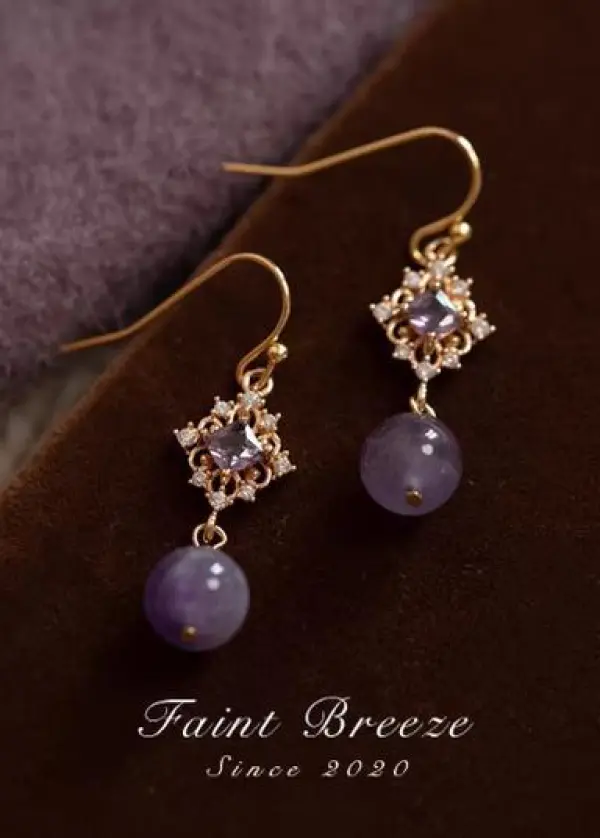
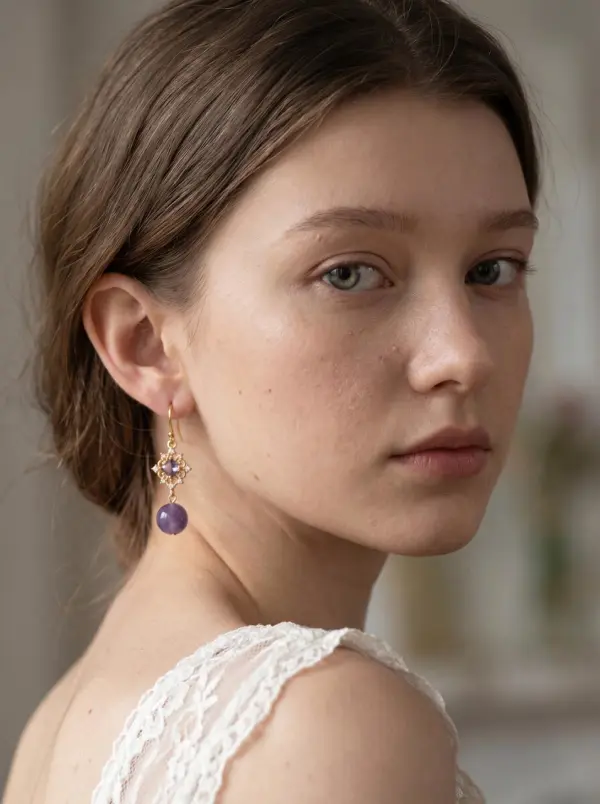
While fashion apparel is a primary use-case, the tool also works for accessories (bags, shoes), home dĂŠcor items styled on models or lifestyle scenes.

How does this benefit e-commerce brands?

It saves time and cost by removing the need for physical models, studios and photo-shoots. It enables creative flexibility and high-quality visuals that boost engagement and conversion.

Are there best practices or things to avoid?

Yes. Best practices include: clear full-body or half-body images, even lighting, clean backgrounds. Avoid cropped faces, obstructed garments, busy backgrounds or far-away shots.

Can I reuse or swap garments in the scene?

Yes. You can keep the model and scene consistent while changing only clothing items/accessories—allowing multiple outfit variations without full re-shots.

How quickly can I generate results?

The process is fast — upload your image, choose model/scene settings, click generate, and you’ll have ready-to-download visuals in minutes.

Related Tools

idea
helper