









app download

App

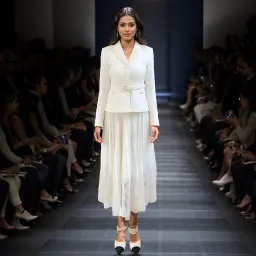
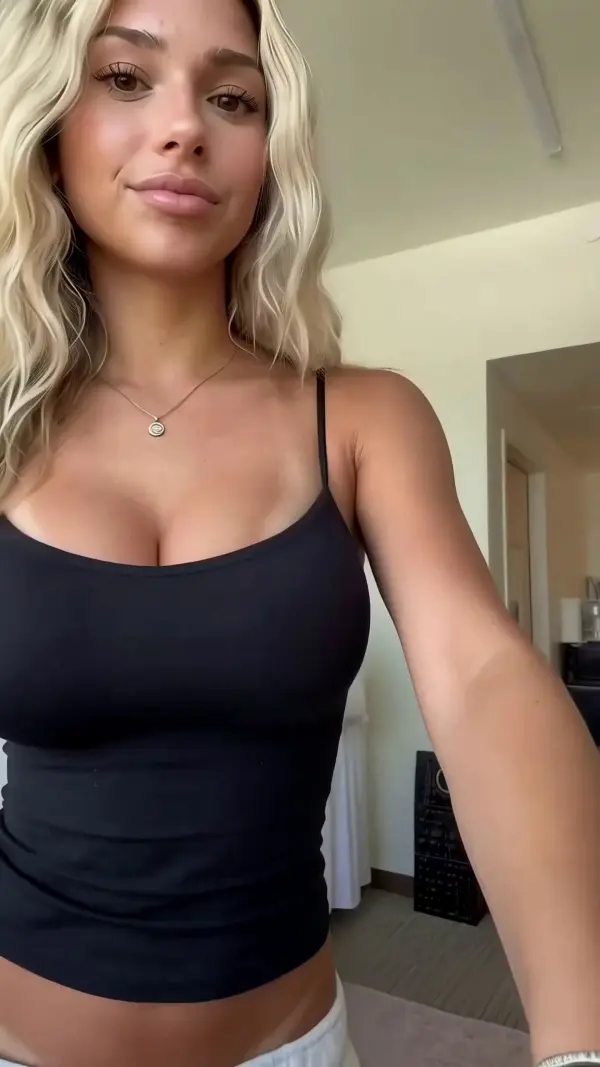
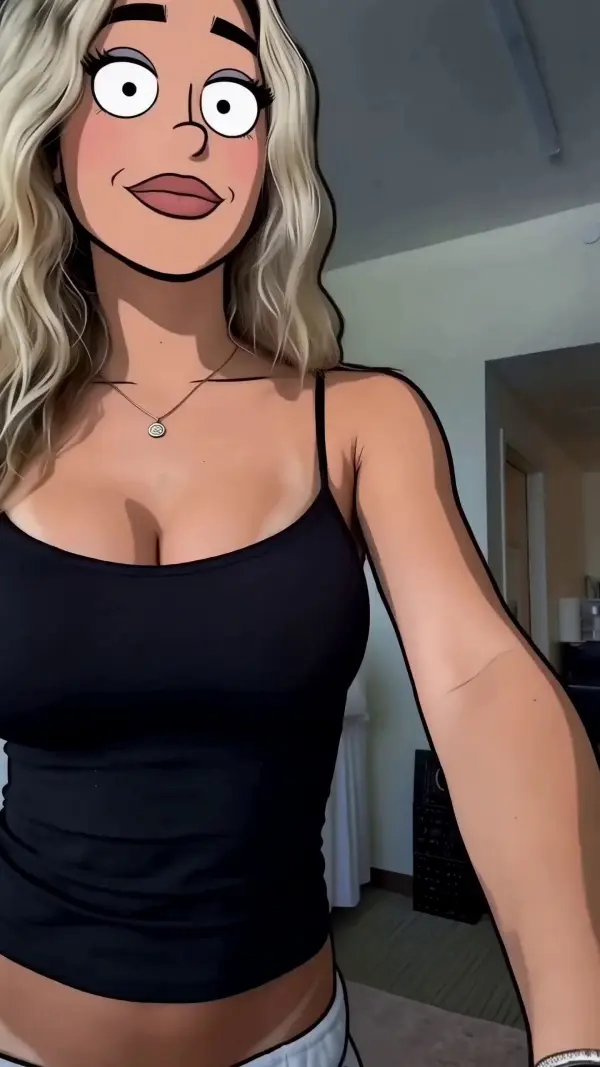
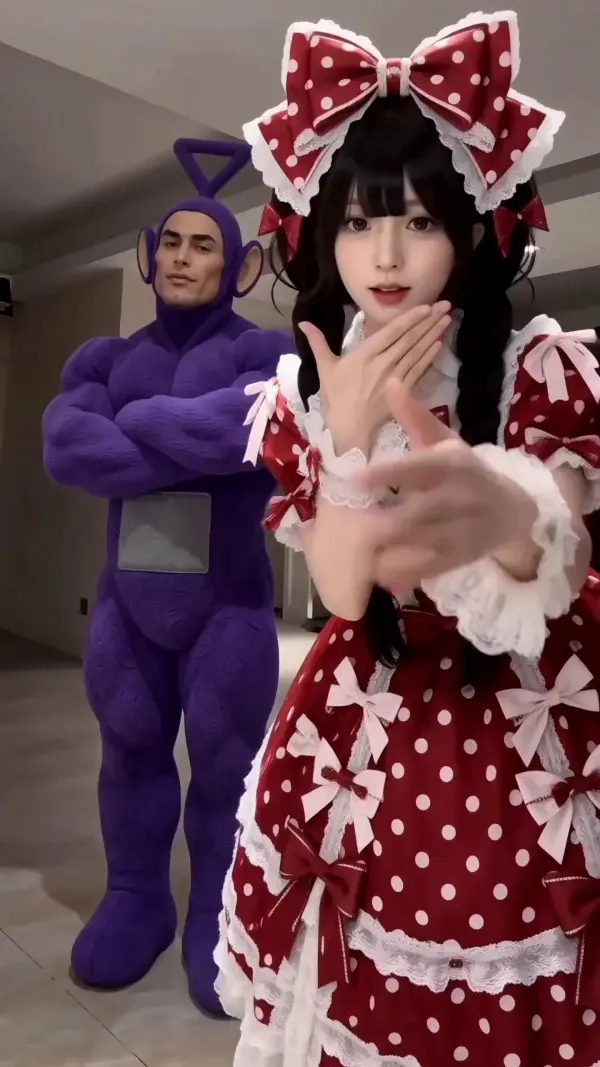
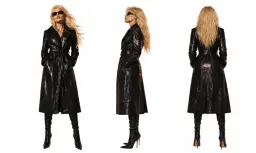
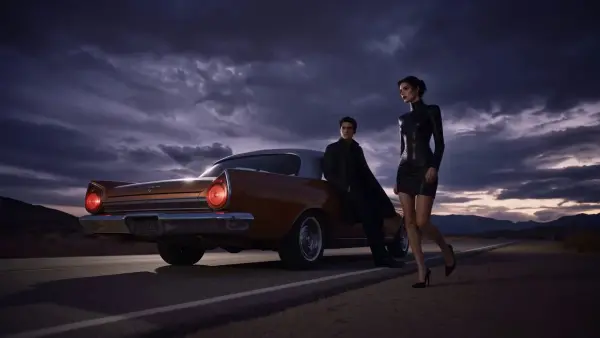
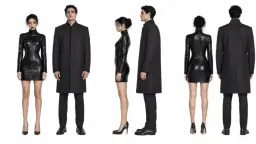
Steal the Look! Click to Replicate it with Your Product!

MiniMax H3 – Build Multimodal AI Video Workflows

MiniMax H3 is designed for multimodal AI video generation, editing, and reference-driven creative workflows. Through one interface, users can combine text prompts, reference images, audio inputs, source videos, character materials, motion cues, and camera directions in one generation. With aspect ratio control, native audio, synchronized audio, synchronized sound, and contextual sound effects, creators and developers can build product videos, character scenes, social ads, storyboard previews, and controlled edits. An integrated editor and accessible support team also help users refine settings and achieve the best results without maintaining separate pipelines for every input type.

Real-World Uses of MiniMax H3

Creating Product-Motion Ads from Campaign Assets

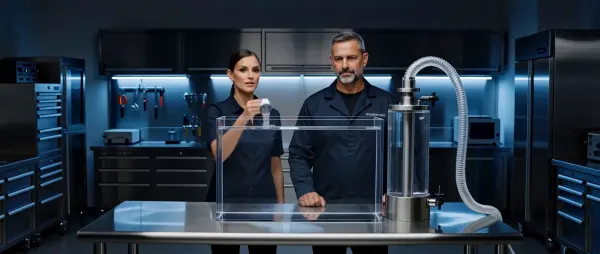
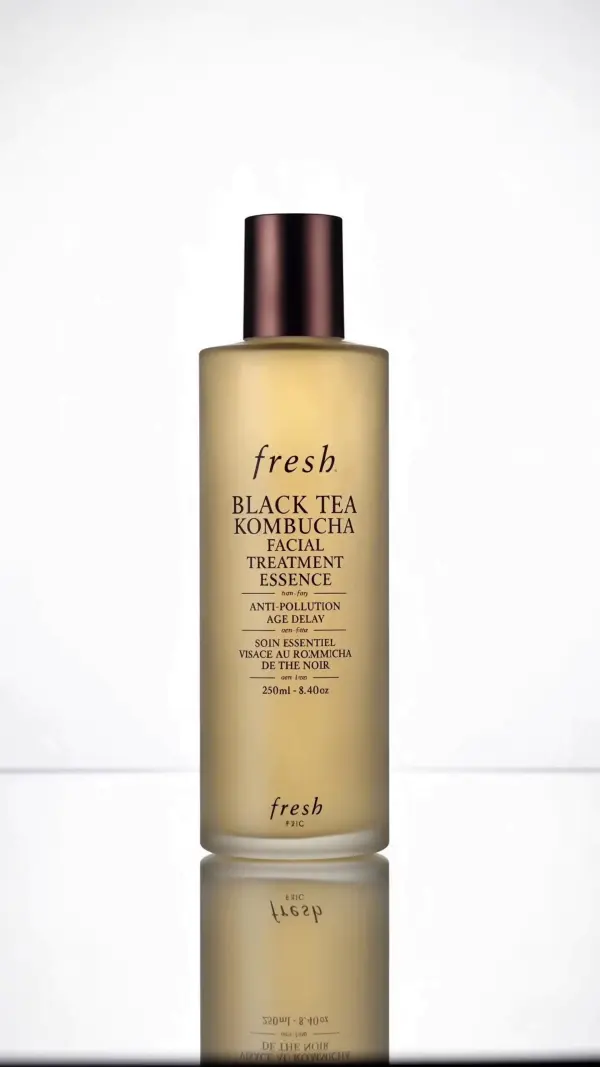
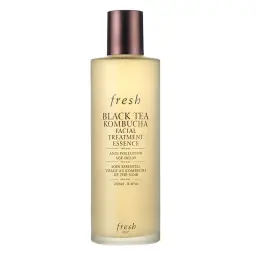
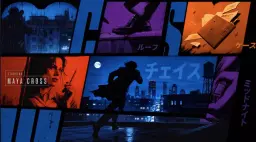
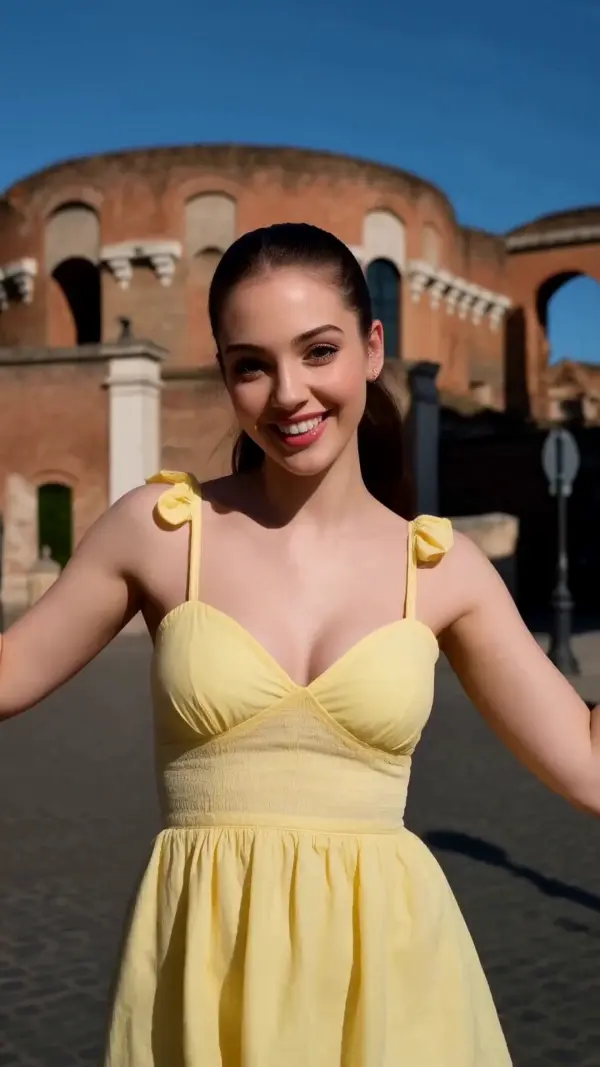
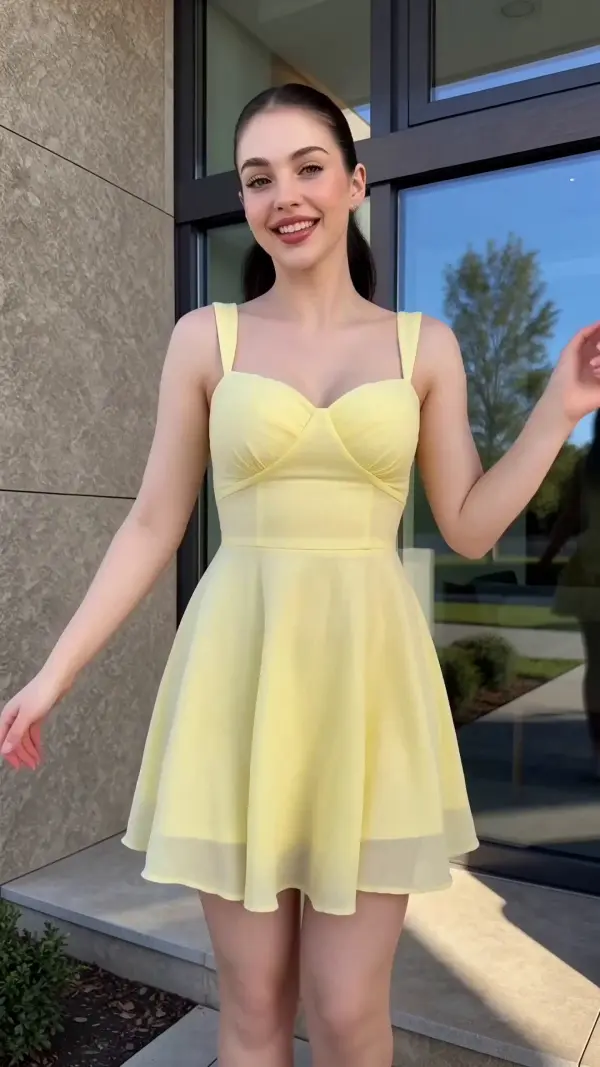
A performance marketing team called Northline Studio needed several video concepts for a new skincare campaign. The team combined approved product photography, campaign copy, reference images, audio inputs, and motion instructions through one interface. MiniMax H3 produced cinematic product scenes with controlled camera movement, flexible aspect ratio options, native audio, synchronized sound, and contextual sound effects. The editor then helped the team compare multiple hooks and product reveals before selecting the strongest direction.
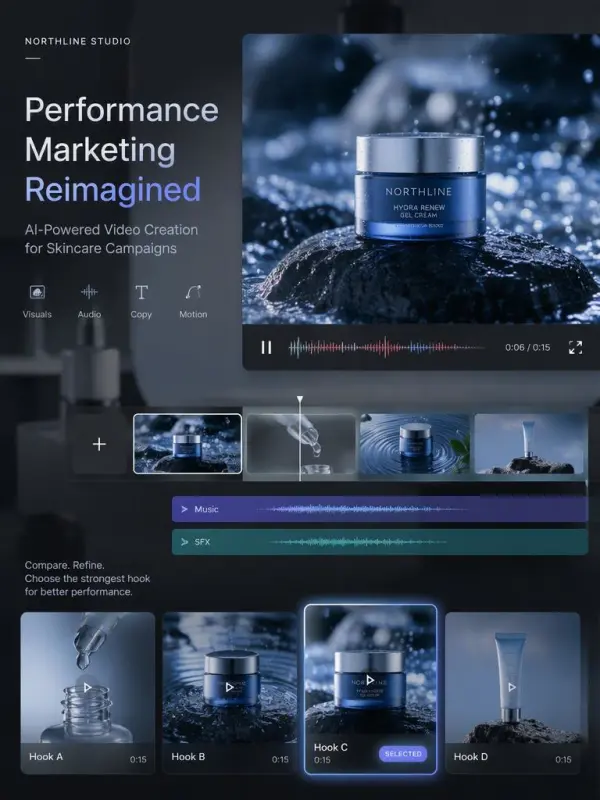
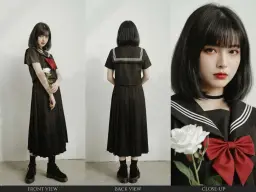
several video concepts

Turning Storyboards into Pre-Production Animatics

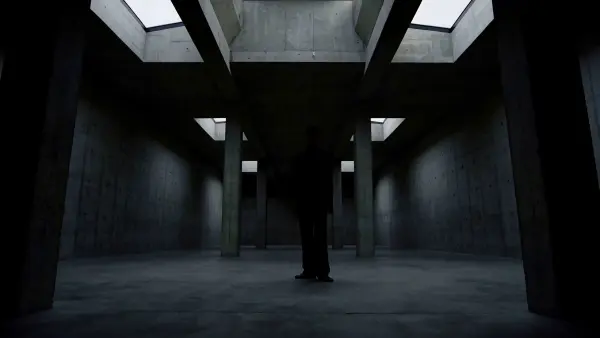
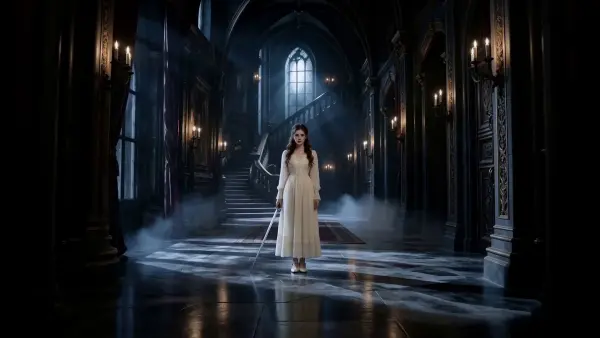
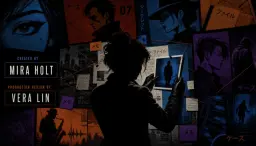
A creative director named Maya Collins needed to communicate a commercial concept before arranging a live shoot. She supplied a short script, storyboard frames, character reference images, camera notes, and atmosphere descriptions. MiniMax H3 combined image-to-video, frame-controlled transitions, and synchronized audio in one generation, creating animatics with clear scene composition, character movement, and editing rhythm. With guidance from the support team, the production crew refined the prompts and achieved the best results before investing in actors, locations, and equipment.
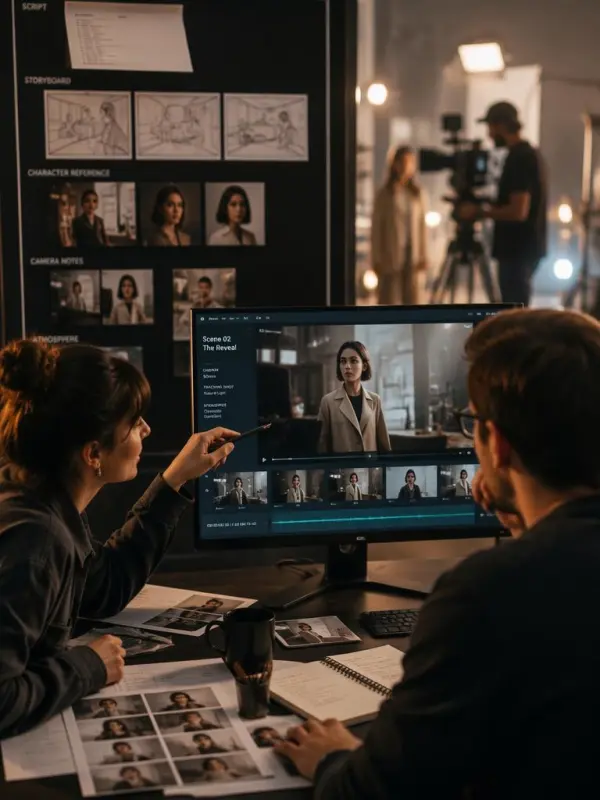
production crew refined
Previous
Next

Key Features of MiniMax H3

Unified Multimodal Video Creation

MiniMax H3 combines text, images, audio, and video within one creative context, helping users build a complete project without starting from scratch. The model connects visual intent, sound, emotion, motion, and editing instructions across one workflow. For example, creators can combine a campaign brief, product photos, character references, and audio cues when pushing an early concept toward polished advertising, film, game, ecommerce, or social content.

Text, Image, and Frame-Controlled Generation

Users can generate scenes from detailed prompts, animate a supplied first frame, or guide transitions between opening and ending images. These workflows provide control over subjects, actions, lighting, camera direction, pacing, transformations, and final composition. For example, a project can move from a static product image to a cinematic reveal, bringing the concept to life without filming every scene or building a complex animation pipeline from scratch.

Multi-Asset Character and Camera References

MiniMax H3 can use multiple creative references to guide character appearance, body movement, action patterns, visual style, voice, camera motion, and scene composition. This helps teams maintain recognizable subjects while exploring new environments and narrative ideas. For example, an IP character project can combine images, action clips, camera references, and mood materials, pushing visual storytelling further while keeping the main identity and planned movement consistent throughout the generated video.

Voice Transfer and Precise Video Editing

Audio references can support voice transfer, dialogue replacement, vocal adjustments, and synchronized audiovisual creation, while detailed instructions can modify characters, objects, backgrounds, lighting, effects, and atmosphere. Users can change selected elements while keeping unaffected content relatively stable. For example, an editor can replace dialogue, update a background, and refine sound within one project, bringing an existing scene back to life instead of rebuilding it from scratch.

Asynchronous API and Production Workflow

MiniMax H3 can support an asynchronous API pattern in which an application submits a request, receives a task ID, checks generation status, and retrieves the completed file. This makes longer video jobs easier to manage across creative platforms, ecommerce tools, and automated systems. For example, developers can build a project that handles batch requests, progress updates, failures, and file delivery while pushing video generation into real production workflows.

What You Can Create with MiniMax H3

Generate Prompt-Led Social and Creative Videos

Start with a detailed prompt describing the main subject, action, environment, camera direction, lighting, emotion, pacing, and intended aspect ratio. MiniMax H3 can turn the brief into short films, product promotions, game scenes, brand campaigns, social media hooks, and visual experiments. This text-to-video workflow helps creators test narrative ideas and opening scenes before investing in filming, animation, or extensive manual editing.

Animate Product Images for Ecommerce Campaigns

Upload product photography, packaging visuals, campaign posters, or branded illustrations as the starting frame, then describe product rotation, camera movement, lighting changes, environmental effects, and the final reveal. Image-to-video generation can transform static assets into product demonstrations, lifestyle scenes, ecommerce ads, landing-page videos, marketplace content, social posts, and performance marketing variations while preserving the original product identity and visual direction.

Build Frame Transitions and Pre-Production Animatics

Use opening and ending images to guide transformations, location changes, character development, product reveals, or cinematic transitions. Scripts, storyboard frames, shot descriptions, character references, and camera notes can also become fast pre-production animatics. These previews help directors and creative teams evaluate composition, pacing, scene flow, movement, visual effects, and transition logic before arranging a live shoot or starting a full animation production.

Develop and Edit Character-Based Videos

Combine character images, action references, dialogue, audio, and scene descriptions to explore how an IP character moves, speaks, interacts, and appears in different environments. Users can also edit authorized source videos by replacing characters, removing objects, changing backgrounds, adjusting effects, or refining the atmosphere. Clear instructions help preserve unaffected content while supporting game promotions, mascots, localized campaigns, narrative experiments, and creative corrections.

Integrate Video Generation into Creative Software

Developers can add MiniMax H3 workflows to design tools, ecommerce platforms, presentation applications, marketing systems, or agent-driven software. A unified asynchronous API can manage text-to-video, image-to-video, and frame-controlled generation while the application handles task submission, status polling, file retrieval, storage, and progress updates. This creates a more consistent production workflow than maintaining separate integrations for every generation and editing mode.

Frequently Asked Questions About MiniMax H3

What Is MiniMax H3?

MiniMax H3 is a new-generation multimodal video model positioned to understand text, images, video, and sound within one creative context. It is intended to move beyond isolated generation and editing tasks by connecting creative intent, visual references, movement, dialogue, voice, atmosphere, and editing direction inside a more unified video workflow.

Has MiniMax H3 Been Officially Released?

H3 has been publicly previewed as a forthcoming multimodal generation model. API access, supported model identifiers, pricing, rate limits, durations, resolutions, and detailed request parameters may depend on its official release and the platform providing access. Developers should confirm the current documentation before building a production integration.

What Is the MiniMax H3 API?

The MiniMax H3 API refers to programmatic access for integrating H3 video workflows into an application. Depending on the available implementation, developers may be able to submit text prompts, images, frame references, audio, or videos, receive a task ID, monitor generation status, and retrieve the completed output through an asynchronous request workflow.

Does MiniMax H3 Support Text-to-Video?

H3 is positioned for prompt-led video generation. A text-to-video workflow allows users to describe scene composition, characters, actions, camera direction, lighting, atmosphere, pacing, and visual style through natural language. Exact output settings and supported parameters should be checked against the current API documentation when the model becomes available.

Can MiniMax H3 Animate an Image?

The image-to-video workflow is designed to animate a supplied first-frame image with a motion prompt. The input image establishes the starting subject and composition, while the prompt explains how the character, object, camera, background, or environment should move. This can be used for product photos, concept art, illustrations, campaign images, and character designs.

Does MiniMax H3 Support First and Last Frames?

Frame-controlled workflows use an opening image and an ending image to guide the generated transition. This is useful when creators need more control over how a scene begins and ends. Typical applications include product reveals, character transformations, scene changes, before-and-after videos, visual effects, camera transitions, and branded closing frames.

Can MiniMax H3 Use Multiple Reference Materials?

H3 is positioned around a multimodal context that can combine text, images, audio, and video references. These materials may guide character identity, actions, camera movement, composition, voice, visual style, narrative rhythm, and sound atmosphere. The exact number, size, format, and combination of supported references should be confirmed from current API specifications.

Can MiniMax H3 Edit Existing Videos?

The described H3 workflow includes character and object editing, background replacement, visual-effect changes, dialogue replacement, voice modification, and atmosphere adjustments. Users should provide precise instructions about what should change and what should remain stable. Availability and technical limits may vary depending on the released model and API implementation.

Does MiniMax H3 Support Voice Cloning?

H3 is positioned to support audio-reference workflows such as voice transfer, voice cloning, dialogue replacement, and vocal adjustments. Users must have permission to use the supplied voice. Voice cloning should not be used for impersonation, fraud, deceptive endorsements, or unauthorized reproduction of another person’s identity.

How Does the Asynchronous API Workflow Operate?

An asynchronous video API normally begins when an application submits a generation request. The server returns a task ID instead of waiting for the video to finish. The application periodically checks the task status and retrieves the output file after completion. Production applications should also handle failed tasks, timeouts, expired files, retries, storage, and user progress updates.

What Can Developers Build with MiniMax H3?

Developers can use multimodal video APIs to build product video generators, creative assistants, ecommerce applications, presentation tools, storyboard systems, social media platforms, advertising tools, game-content workflows, character applications, and agent-driven production systems. The best integration depends on available input modes, output quality, generation time, pricing, licensing, and API reliability.

Can MiniMax H3 Videos Be Used Commercially?

Commercial use depends on the applicable API terms, account plan, output license, reference material rights, voice permissions, music licenses, brand assets, and local regulations. Before publishing commercial content, users should verify product claims, subtitles, logos, character rights, dialogue, audio, and any material supplied as a creative reference.

How Do I Get Better MiniMax H3 Results?

Use detailed prompts that identify the subject, action, environment, camera direction, composition, lighting, pacing, visual style, sound, emotion, and final use case. For reference-driven workflows, explain what each image, video, or audio file should control. For editing, clearly separate requested modifications from elements that should remain unchanged.

Explore More AI Tools

Our new Virtual Try-On just launched. Try it now!
close

HappyHorse AI Video Generator

Create Cinematic Text-to-Video and Image-to-Video Content

GPT Image 2 AI Image Generator

Create High Quality Images, Text Rich Visuals, and Product Photography

HappyHorse 1.1 AI Video Generator

Create Campaign-Ready Videos Online

Nano Banana

Google's Next-Gen AI Image Model for Instant Professional Creativity

AI Video Generator

Turn Images into Stunning AI Videos for Free

Virtual Try-On

Try On Clothes Online with AI Virtual Try Technology

Swap Model & BG

Realistic Model & Background Swapping Online with AI

AI Fashion Model

Showcase clothing with a variety of models

AI Product

Create stunning product images with few clicks from anywhere

Face Forge

AI Face Morph & Face Swap Generator Online

Product Recoloring

Recolor Image Online Free - Color Changer in WeShop AI

To Mannequin

Convert real model photos into mannequin displays

Change Pose

Change poses, switch between various model poses, making the clothing display more natural

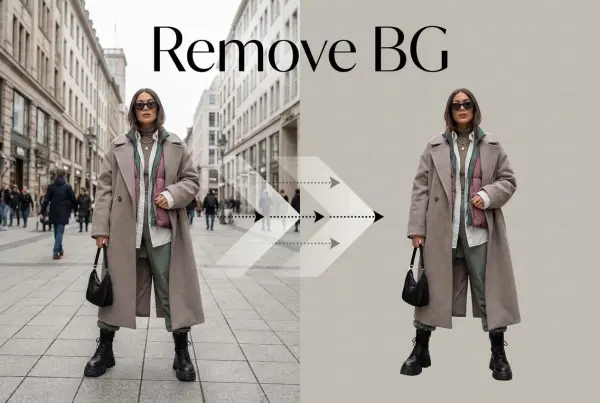
Remove Background

Removing background with lightning speed and ease

AI Photo Enhancer

Enhance Photo Quality Online with Free AI

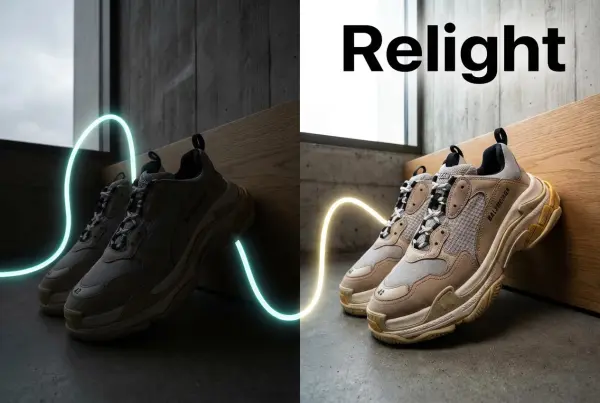
Relight

Relight your images automatically and efficiently

Expand Image

Expand images & backgrounds to fit any platform

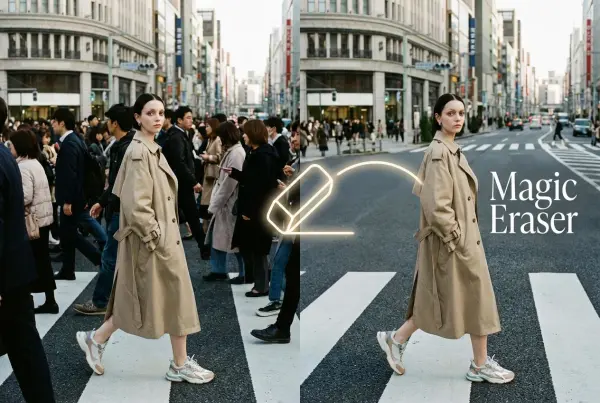
Magic Eraser

Remove unwanted objects from your photos with AI

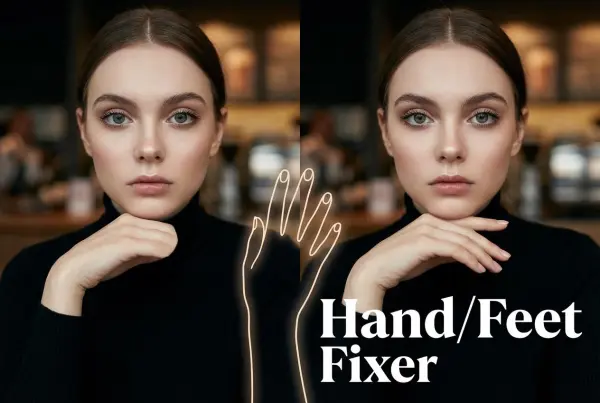
Hand/Feet Fixer

Regenerate natural-looking hands and feet in AI-generated images

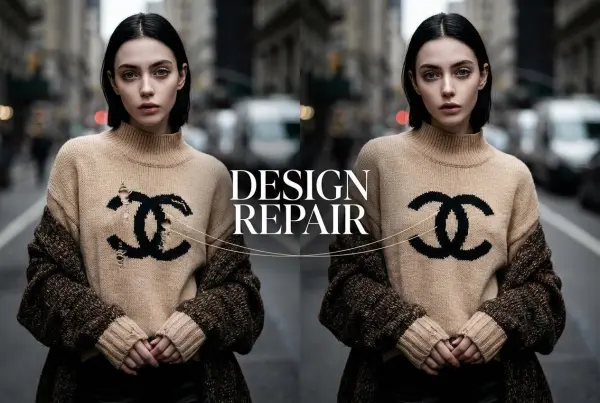
Design Repair

Upload an image, highlight the area you wish to fix, and upload a target reference image

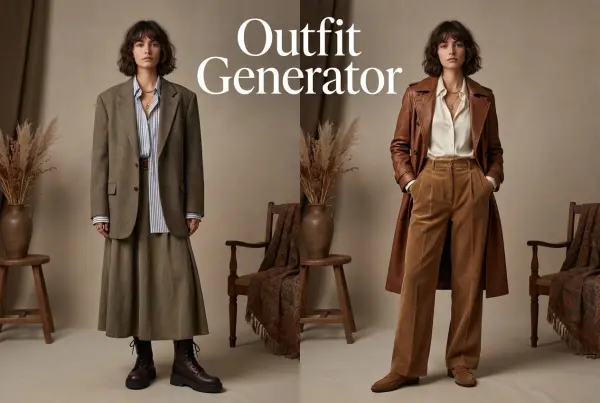
Outfit Generator

Create AI clothes styling from any model photo, garment, or style prompt.

Video Agent

Create and publish videos from a photo or description—instantly, in any style.

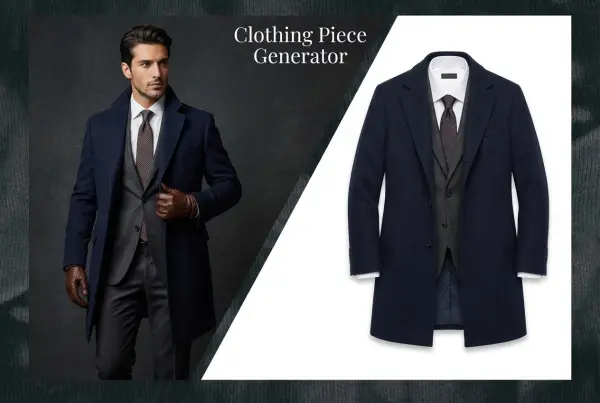
AI Clothing Piece Generator

Create Professional Flatlay Clothing Images From Any Photo or Idea

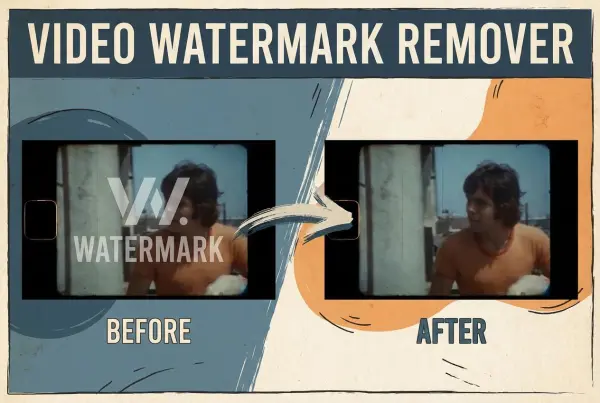
Watermark Video Remover Free Online

Remove Watermark from Video

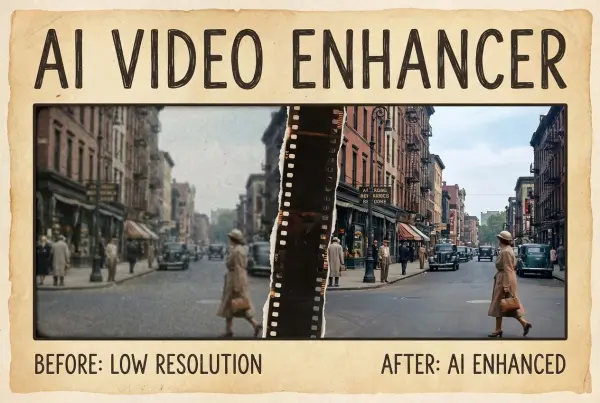
AI Video Enhancer

Enhance Video Quality Online with AI

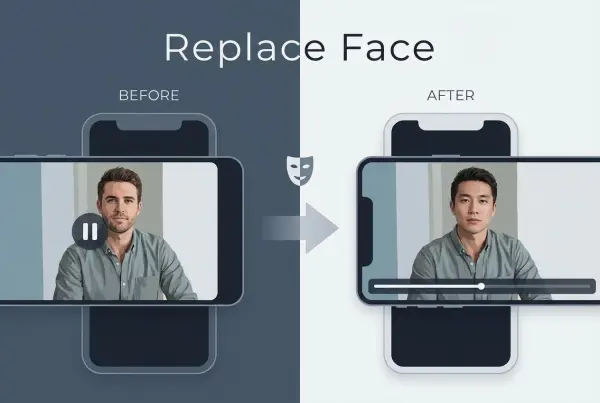
Replace Face in Video Online Free

AI Video Face Swap for Realistic Clips

Seedream 5.0 Pro

Create Grounded Edits and Infographics Online

Seedance 2.0

A Multi-Modal AI Video Creative Engine for Cinematic Storytelling

Sora 2

Next Generation AI Video Generator with Realistic Physics & Storytelling

Wan AI Video Generator

Advanced AI Image & Video Generation Model

Midjourney Image Generator

Use Midjourney v7 to Create AI-Generated Images

Kling O1 AI Video Generator

Create Cinematic Videos with Omni One Control

Kling 3.0 Omni

Create Multimodal Videos with Native Audio ---

Kling 3.0

AI Director Video Model with 4K Cinematic Storytelling

Kling Motion Control

Create Realistic Motion Videos from Reference Images and Videos

Qwen Image Edit

A Revolutionary Tool for Seamless Image Editing

Z-Image AI Image Generator

Create High-Quality Images from Text Instantly

FireRed Image Edit

Open Source AI Image Editing Model for High Fidelity Edits

Grok Imagine AI Image Generator

Create High-Resolution Images from Text with Aurora AI

Grok Imagine AI Video Generator

Create Cinematic AI Videos with Native Audio & Scene Control

Hailuo AI Video Generator

Create Cinematic AI Videos from Text or Images

Veo 3 AI Video Generator

Create Cinematic Videos from Text or Images

Vidu Q3 AI Video Generator

Create Cinematic Short Videos with Turbo and Pro Modes

Imagen 4

Create Photorealistic Images and Accurate Text Visuals with AI

HiDream AI Image Generator

Create Stunning AI-Generated Images Online

Sulphur2

Create Cinematic AI Videos from Text and Images

PixVerse AI Video Generator

Create Cinematic Videos with V6 and V5.5

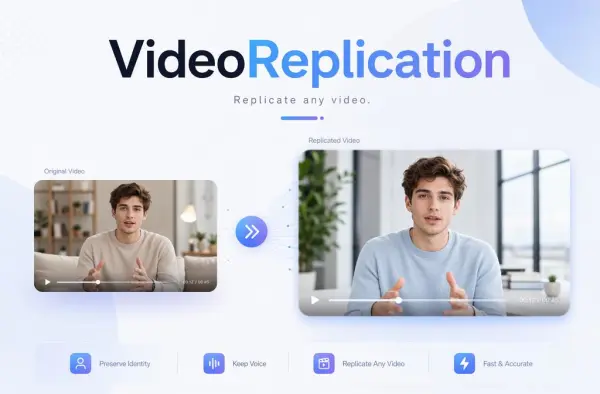
Video Replication

Recreate Video Styles, Motion, and Scenes with AI

Runway Gen 4 AI Video Generator

Create Consistent AI Videos Online

idea
helper