app download

App

Steal the Look! Click to Replicate it with Your Product!

AI Workout Video Generator – Create Fitness and Training Clips

Create polished workout, fitness, and training videos from a description or reference image—ideal for class previews, coaching content, exercise libraries, and social posts without a camera setup.

Fitness Content Without a Full Production Setup

Sunrise Mobility Flow on a Rooftop

A mobility coach needs a calm preview for a morning class but has no time to arrange a shoot. The prompt describes a full-body athlete moving through a controlled hip-opening sequence on a quiet rooftop at sunrise, with soft side lighting and a stable vertical camera. The generated clip communicates the class mood and movement style in a polished visual.
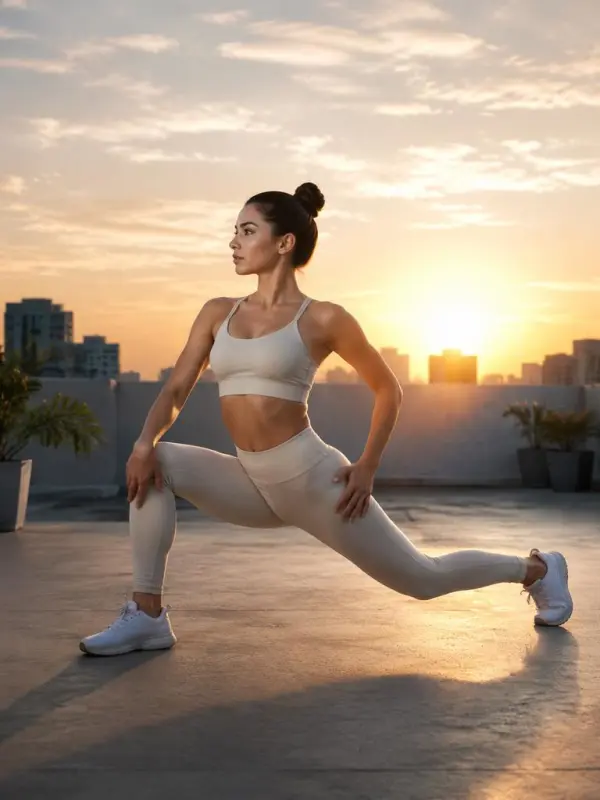
sunrise rooftop mobility flow

Athletic Strength Drill in a Minimal Studio

A trainer wants a short demonstration of a powerful kettlebell-inspired hinge pattern for a training post. A reference image establishes the athlete, clothing, and studio palette, while the motion direction calls for grounded foot placement, a neutral spine, and a steady three-quarter camera. The finished clip becomes a clear visual concept for coaching content.
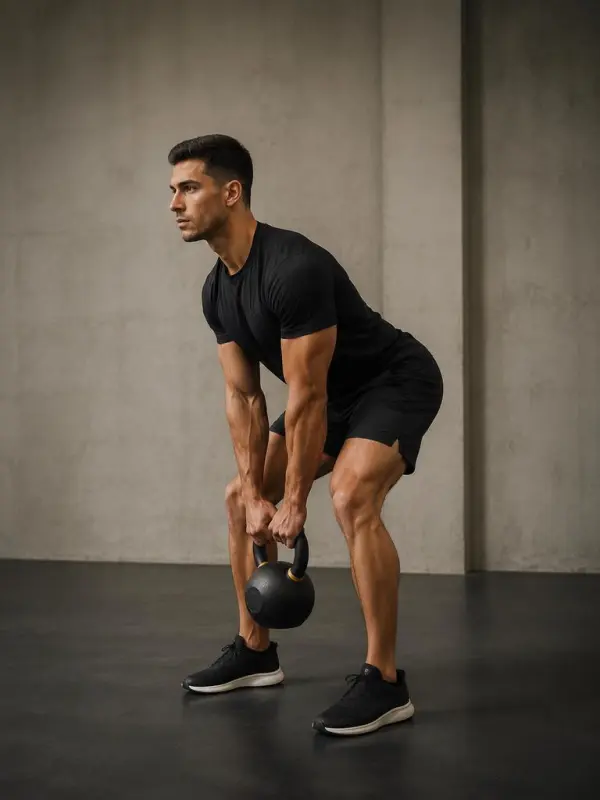
strength drill in minimal fitness studio
Previous
Next

Flexible Tools for Workout Video Creation

full body exercise visualization

Full-Body Exercise Visualization

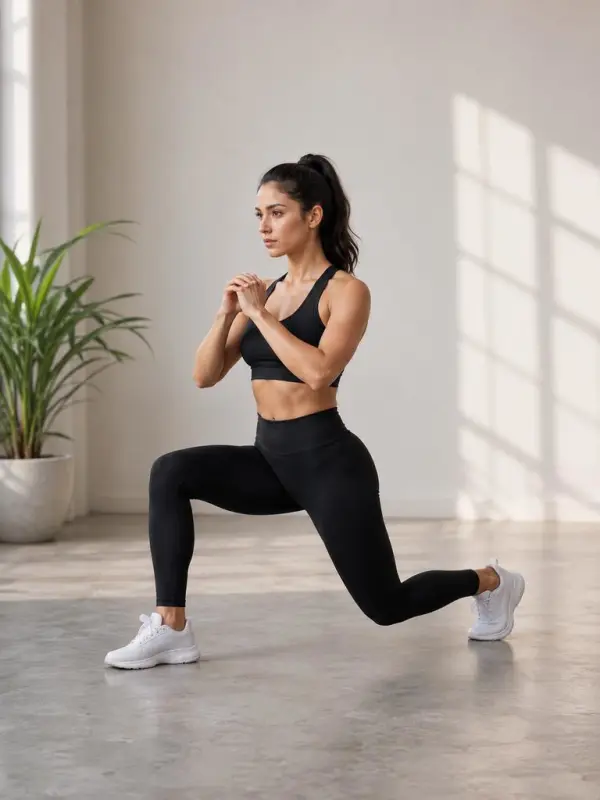
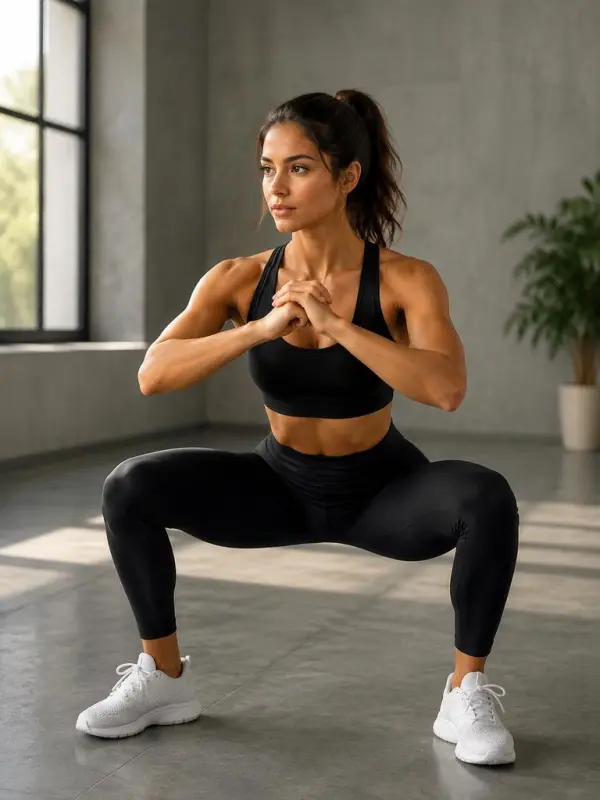
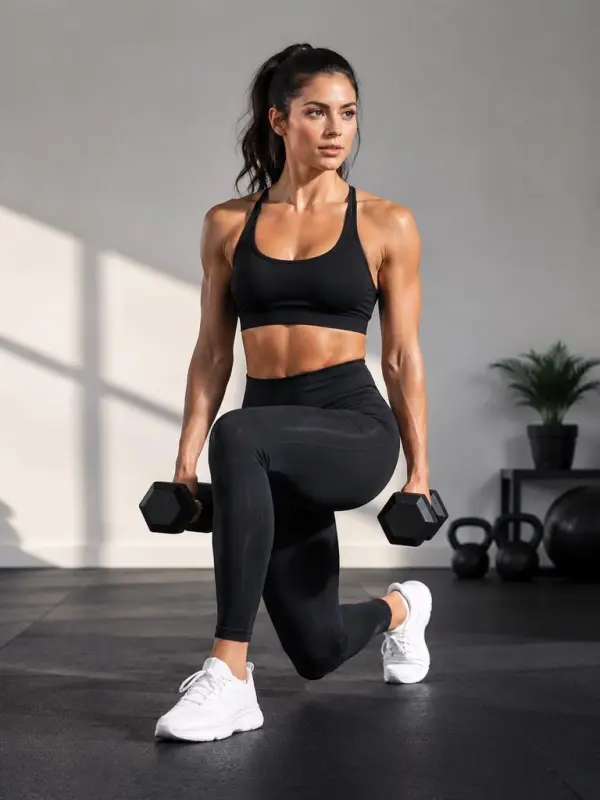
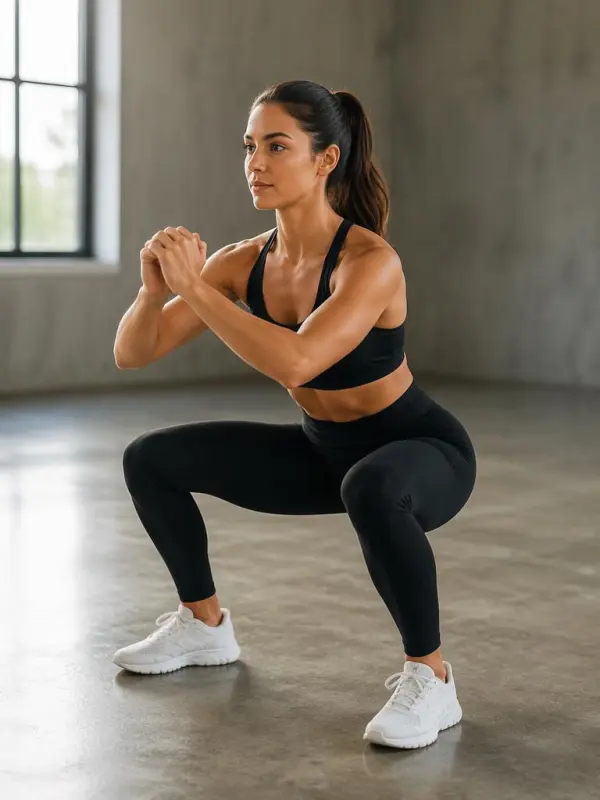
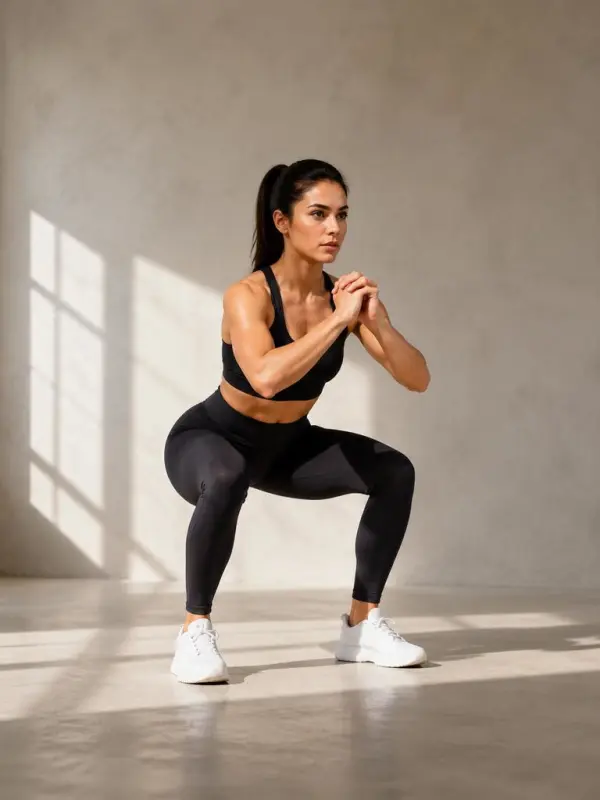
Describe the athlete, exercise, starting position, movement path, environment, and camera angle to create a focused workout clip. Full-body framing helps keep the motion visible for previews, content planning, and illustrative demonstrations.
reference guided athlete movement

Reference-Guided Fitness Motion

Upload a suitable reference image to guide the subject, outfit, lighting, or setting. The visual direction can preserve the overall portrait composition while introducing controlled movement appropriate for a fitness or wellness concept.
vertical social training scene

Social-Ready Training Scenes

Create vertical fitness visuals designed for short-form posts, challenge announcements, class teasers, and coaching series. Consistent lighting, clear subject separation, and stable camera behavior help the generated footage feel intentional.
How to Make an AI Workout Video

Choose One Exercise or Training Moment

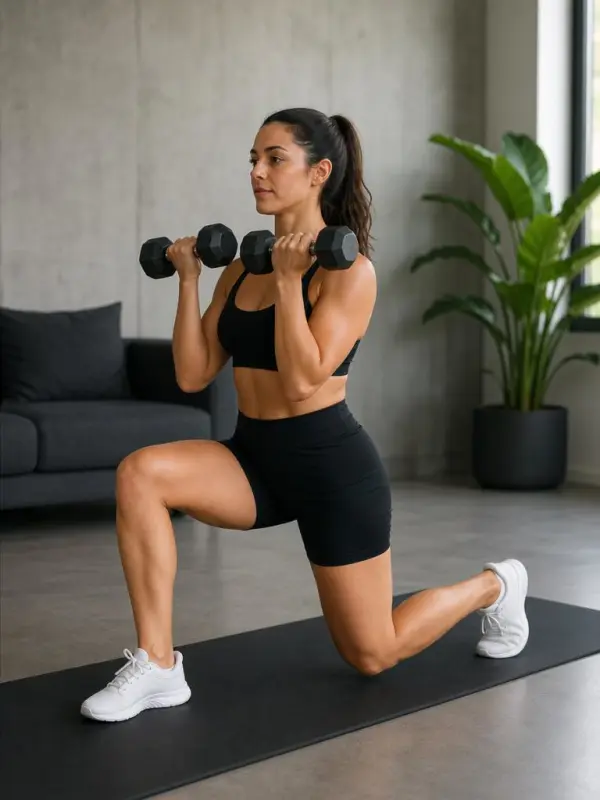
Focus on a single movement, such as a squat, stretch, lunge, mobility drill, or recovery pose. Describe the starting position and the most important visible action.

single exercise selection for video

Set the Athlete Scene and Camera

Define the athlete’s appearance, clothing, environment, lighting, shot size, and camera angle. Request a stable full-body view when the movement path needs to remain visible.

athlete scene and camera setup

Generate and Review Movement Clarity

Generate the clip and inspect body continuity, framing, pace, and scene stability. Refine the prompt if joints, equipment, or the movement path are unclear, and avoid presenting generated footage as individualized medical advice.

exercise movement clarity review

Frequently Asked Questions About AI Workout Videos

What is an AI workout video generator?

It is a creative tool that produces fitness and exercise clips from text direction or reference imagery. It can help visualize workout concepts without filming a real session.

Can I use a reference image?

Yes. A reference can guide the athlete, outfit, setting, or composition. Use images you own or have permission to use and avoid implying that a generated person endorses a program.

Is it suitable for coaching demonstrations?

It can support illustrative coaching content and class previews, but generated motion should be reviewed carefully for safe, anatomically plausible form. It should not replace qualified instruction or personalized health advice.

Which prompts produce clearer exercise clips?

Describe one movement, the starting pose, the direction of travel, the camera angle, and the desired pace. A stable full-body composition is generally easier to understand than rapid cuts or multiple exercises in one short clip.

Can I publish the result on social media?

Yes, subject to the platform terms, output license, and rights to any uploaded image, music, logo, or likeness. Add appropriate context when the clip is illustrative rather than a real filmed demonstration.

Explore More AI Tools

Our new Virtual Try-On just launched. Try it now!
close

HappyHorse AI Video Generator

Create Cinematic Text-to-Video and Image-to-Video Content

GPT Image 2 AI Image Generator

Create High Quality Images, Text Rich Visuals, and Product Photography

HappyHorse 1.1 AI Video Generator

Create Campaign-Ready Videos Online

Nano Banana

Google's Next-Gen AI Image Model for Instant Professional Creativity

AI Video Generator

Turn Images into Stunning AI Videos for Free

Virtual Try-On

Try On Clothes Online with AI Virtual Try Technology

Swap Model & BG

Realistic Model & Background Swapping Online with AI

AI Fashion Model

Showcase clothing with a variety of models

AI Product

Create stunning product images with few clicks from anywhere

Face Forge

AI Face Morph & Face Swap Generator Online

Product Recoloring

Recolor Image Online Free - Color Changer in WeShop AI

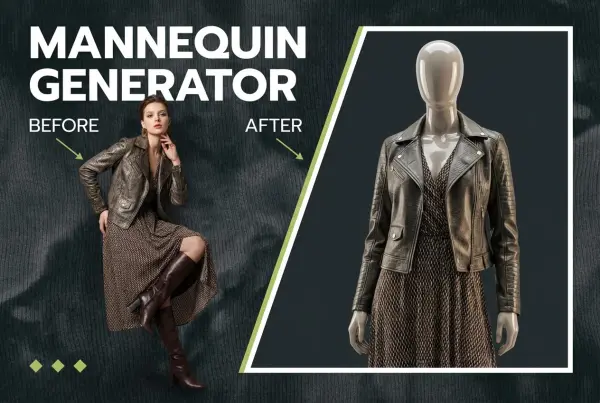
To Mannequin

Convert real model photos into mannequin displays

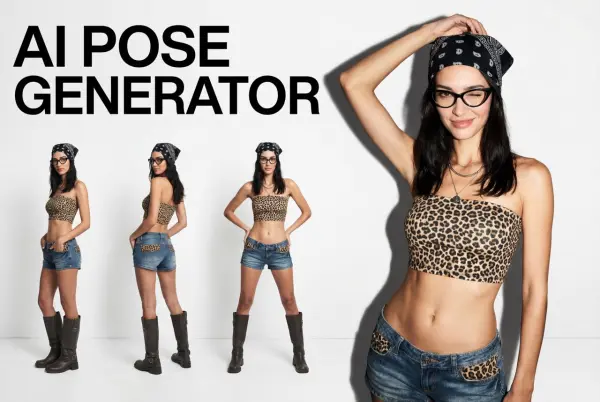
Change Pose

Change poses, switch between various model poses, making the clothing display more natural

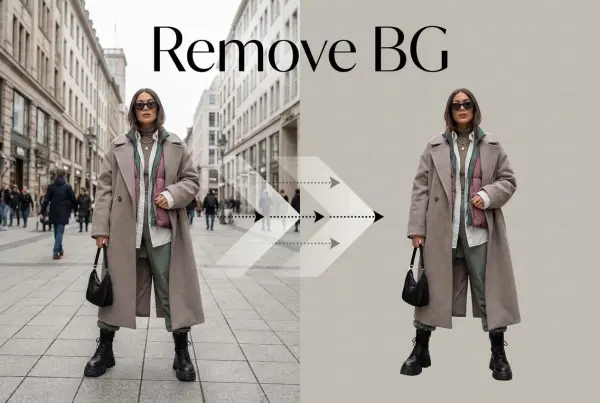
Remove Background

Removing background with lightning speed and ease

AI Photo Enhancer

Enhance Photo Quality Online with Free AI

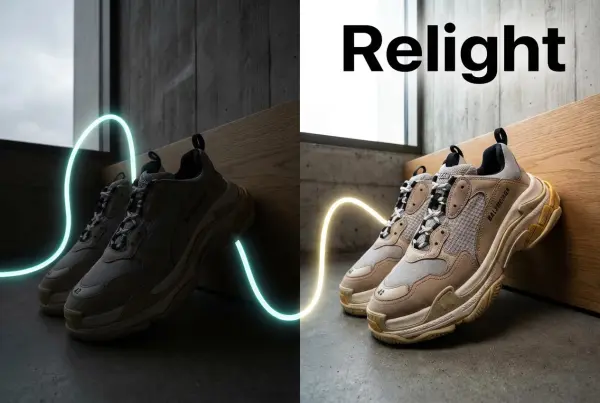
Relight

Relight your images automatically and efficiently

Expand Image

Expand images & backgrounds to fit any platform

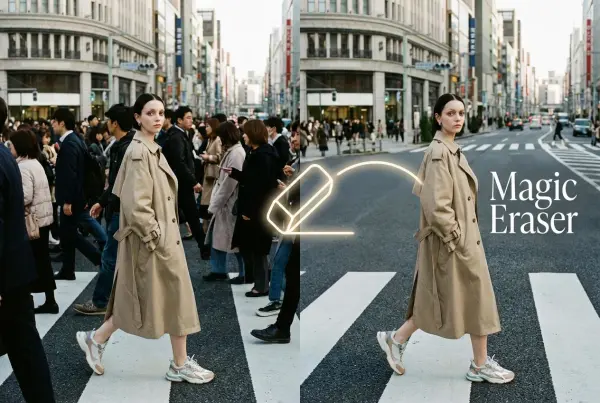
Magic Eraser

Remove unwanted objects from your photos with AI

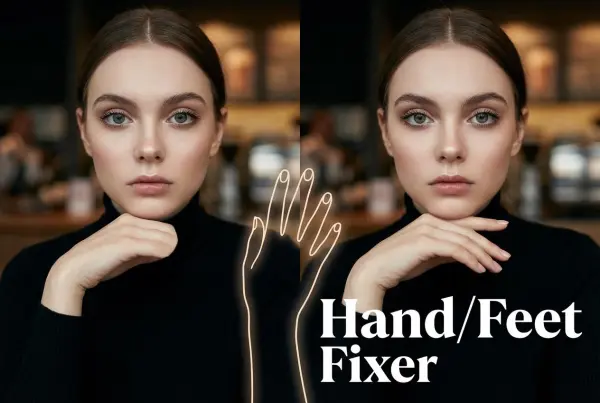
Hand/Feet Fixer

Regenerate natural-looking hands and feet in AI-generated images

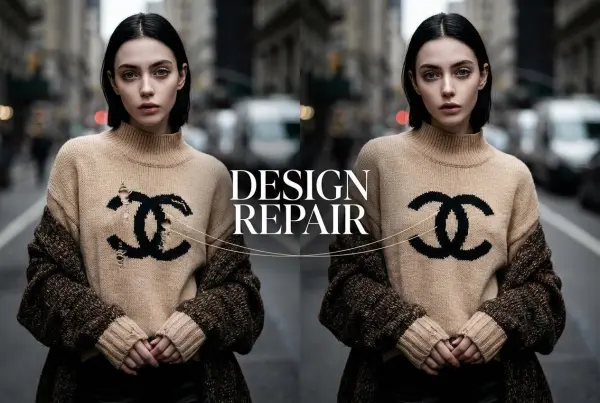
Design Repair

Upload an image, highlight the area you wish to fix, and upload a target reference image

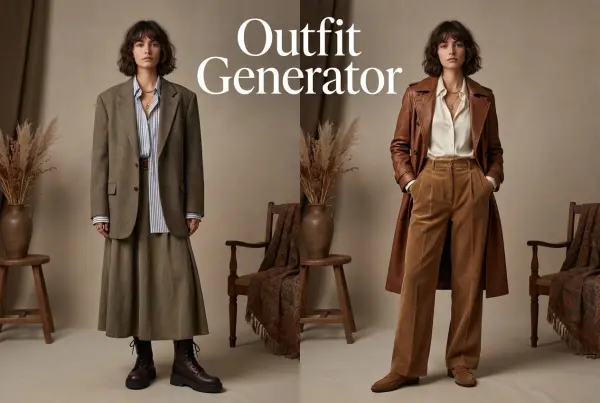
Outfit Generator

Create AI clothes styling from any model photo, garment, or style prompt.

Video Agent

Create and publish videos from a photo or description—instantly, in any style.

AI Clothing Piece Generator

Create Professional Flatlay Clothing Images From Any Photo or Idea

Watermark Video Remover Free Online

Remove Watermark from Video

AI Video Enhancer

Enhance Video Quality Online with AI

Replace Face in Video Online Free

AI Video Face Swap for Realistic Clips

Seedream 5.0 Pro

Create Grounded Edits and Infographics Online

Seedance 2.0

A Multi-Modal AI Video Creative Engine for Cinematic Storytelling

Sora 2

Next Generation AI Video Generator with Realistic Physics & Storytelling

Wan AI Video Generator

Advanced AI Image & Video Generation Model

Midjourney Image Generator

Use Midjourney v7 to Create AI-Generated Images

Kling O1 AI Video Generator

Create Cinematic Videos with Omni One Control

Kling 3.0 Omni

Create Multimodal Videos with Native Audio ---

Kling 3.0

AI Director Video Model with 4K Cinematic Storytelling

Kling Motion Control

Create Realistic Motion Videos from Reference Images and Videos

Qwen Image Edit

A Revolutionary Tool for Seamless Image Editing

Z-Image AI Image Generator

Create High-Quality Images from Text Instantly

FireRed Image Edit

Open Source AI Image Editing Model for High Fidelity Edits

Grok Imagine AI Image Generator

Create High-Resolution Images from Text with Aurora AI

Grok Imagine AI Video Generator

Create Cinematic AI Videos with Native Audio & Scene Control

Hailuo AI Video Generator

Create Cinematic AI Videos from Text or Images

Veo 3 AI Video Generator

Create Cinematic Videos from Text or Images

Vidu Q3 AI Video Generator

Create Cinematic Short Videos with Turbo and Pro Modes

Imagen 4

Create Photorealistic Images and Accurate Text Visuals with AI

HiDream AI Image Generator

Create Stunning AI-Generated Images Online

Sulphur2

Create Cinematic AI Videos from Text and Images

PixVerse AI Video Generator

Create Cinematic Videos with V6 and V5.5

Video Replication

Recreate Video Styles, Motion, and Scenes with AI

Runway Gen 4 AI Video Generator

Create Consistent AI Videos Online

MiniMax H3

Build Multimodal AI Video Workflows

idea
helper