


language

English

Sign In

Our new Virtual Try-On just launched. Try it now!
close
Steal the Look! Click to Replicate it with Your Product!

How Users Use AI Face Swap to Create Realistic Results Faster

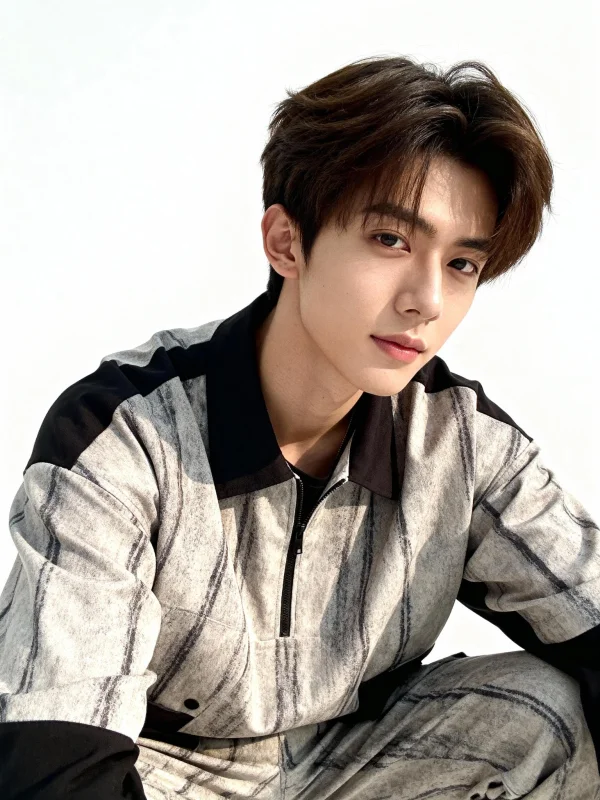
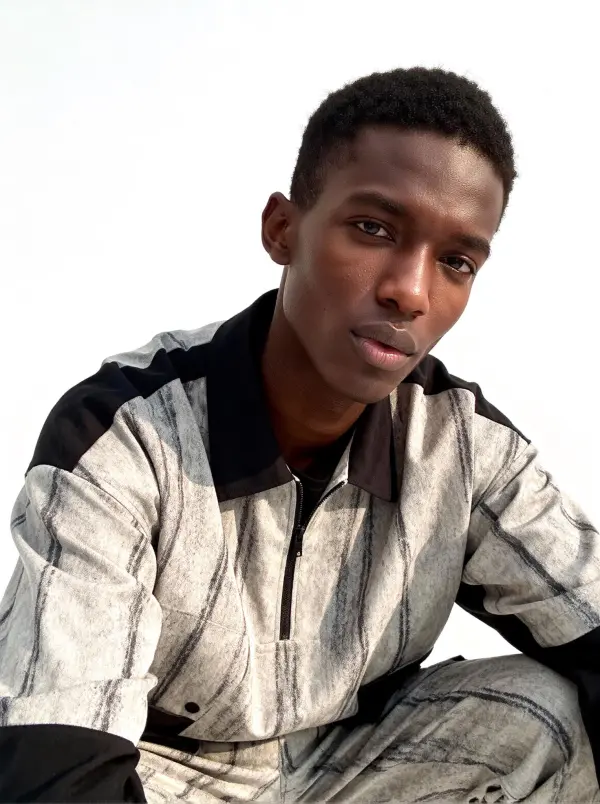
Save 70% Editing Time with Free AI Face Swap Online

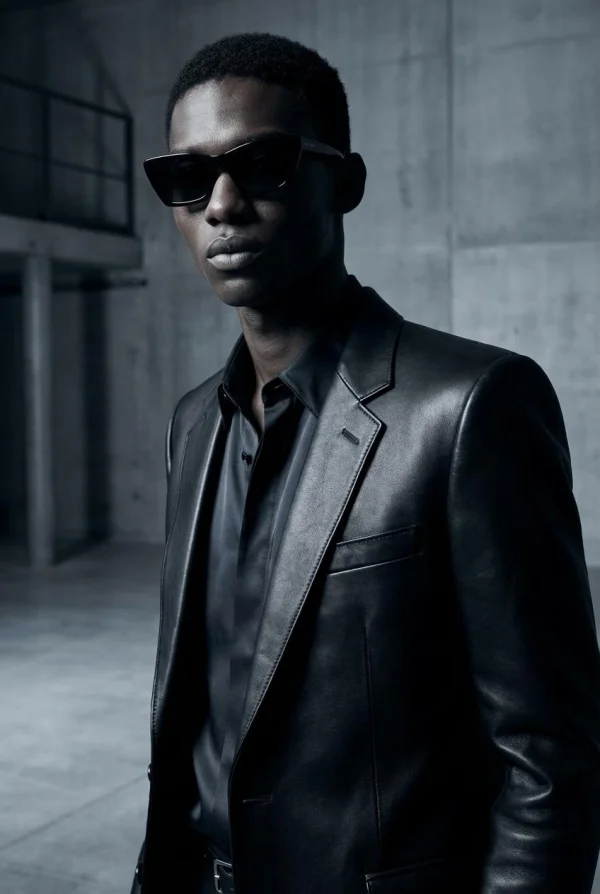
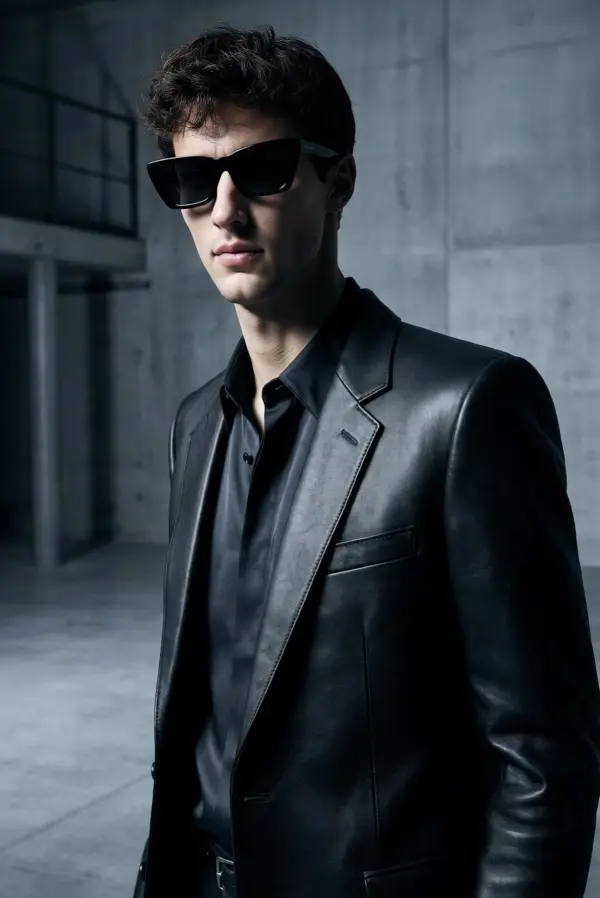
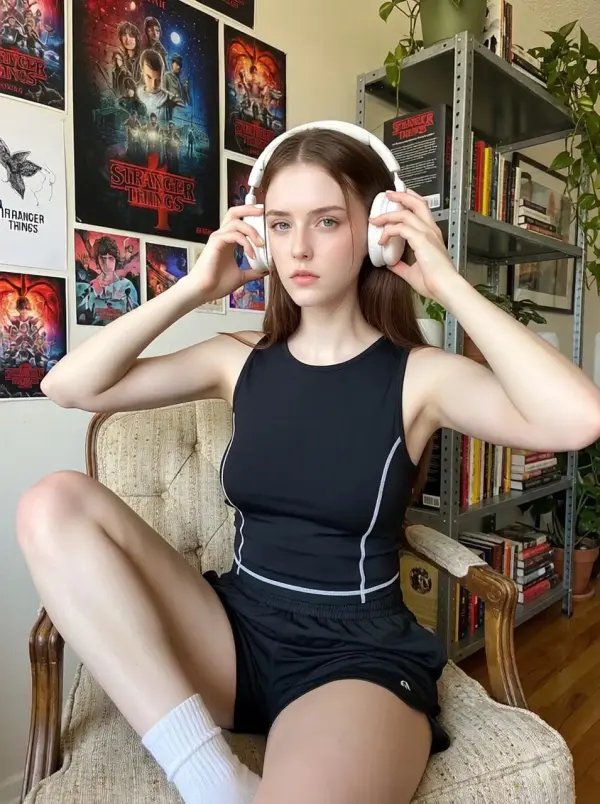
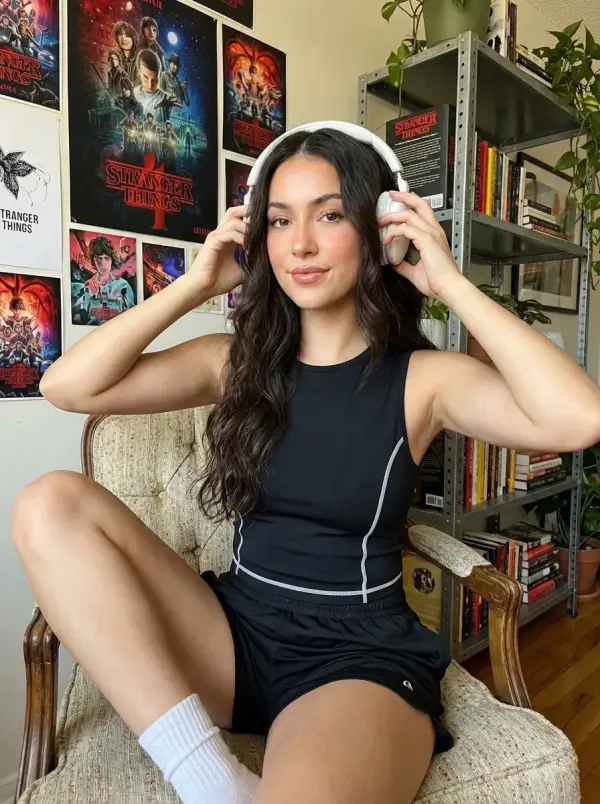
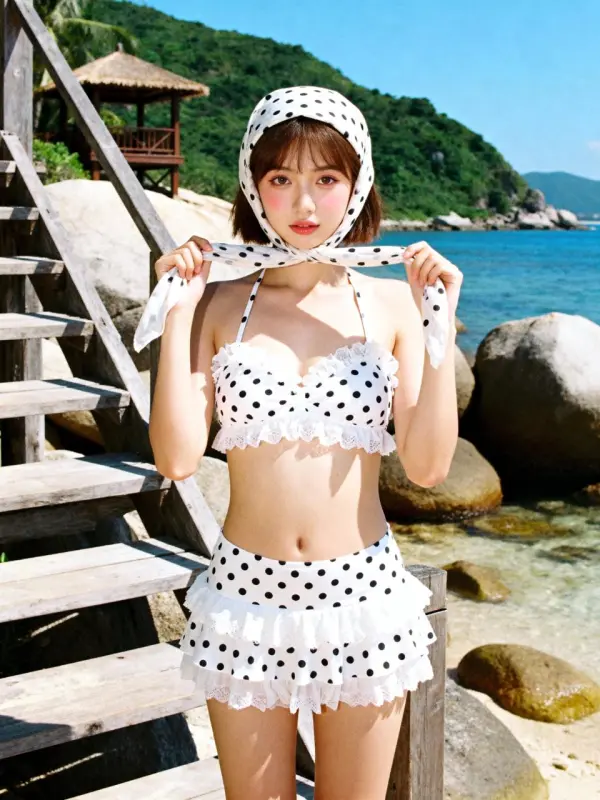
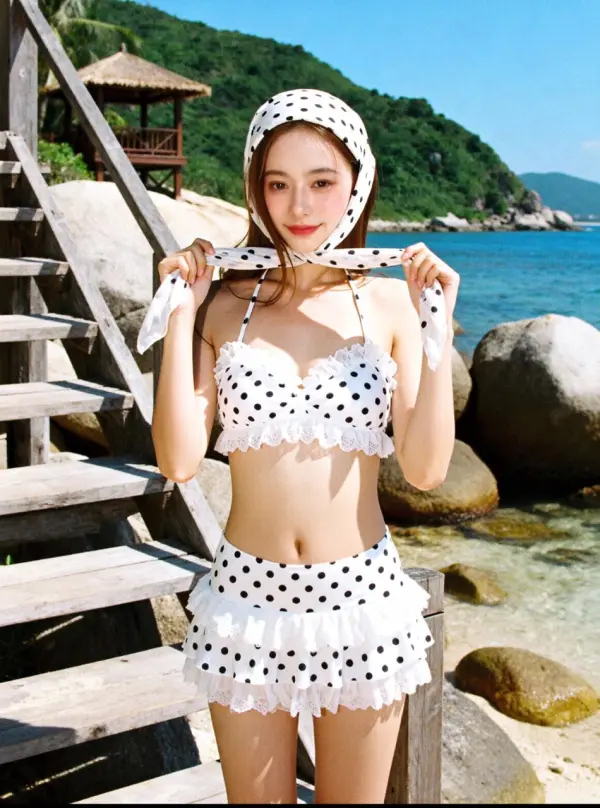
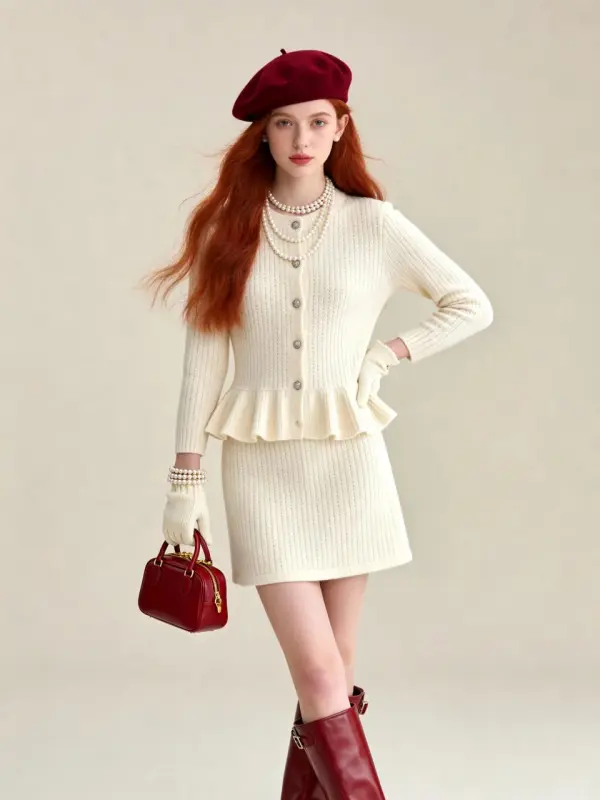
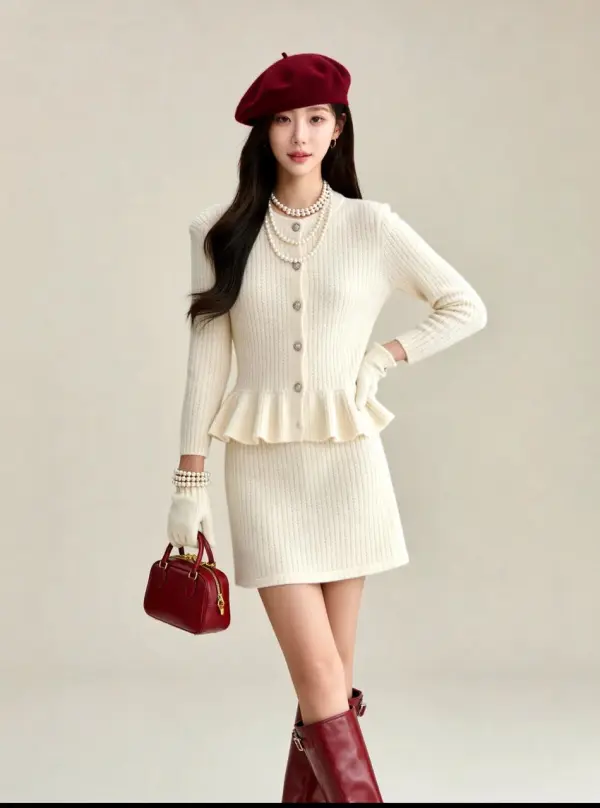
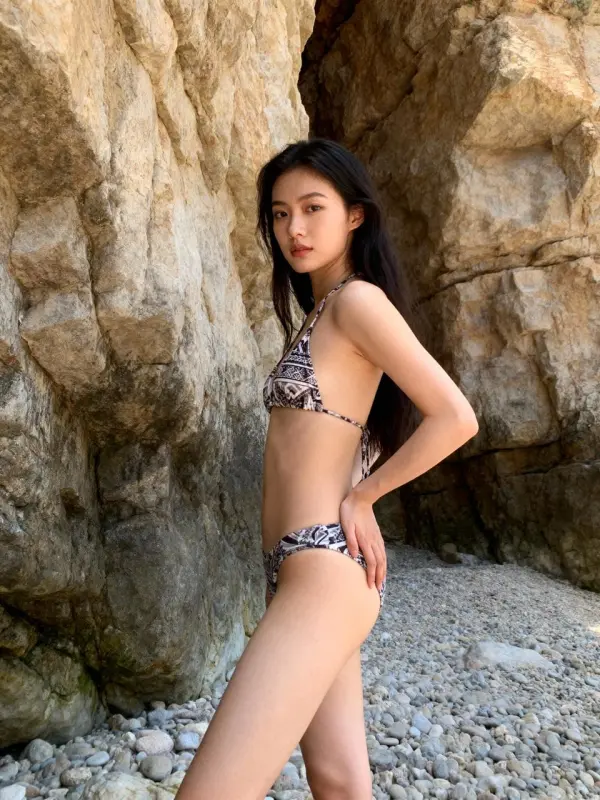
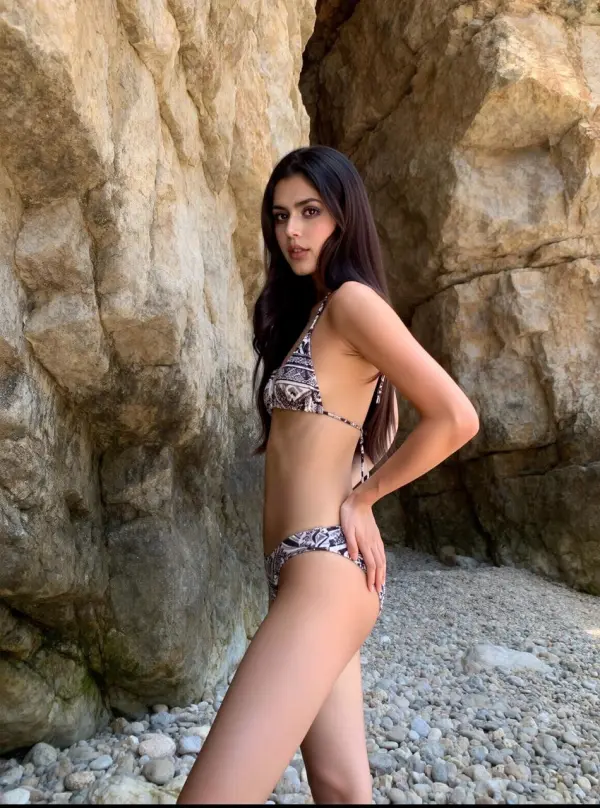
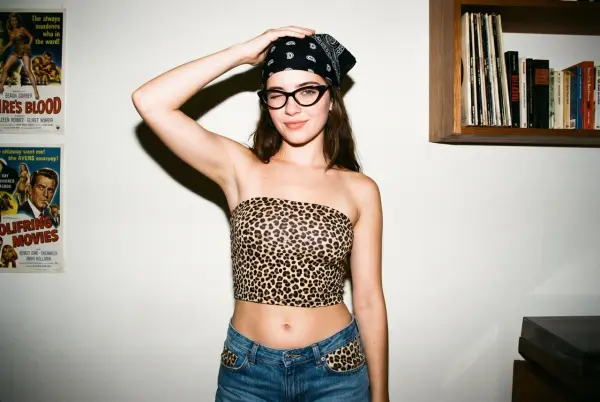
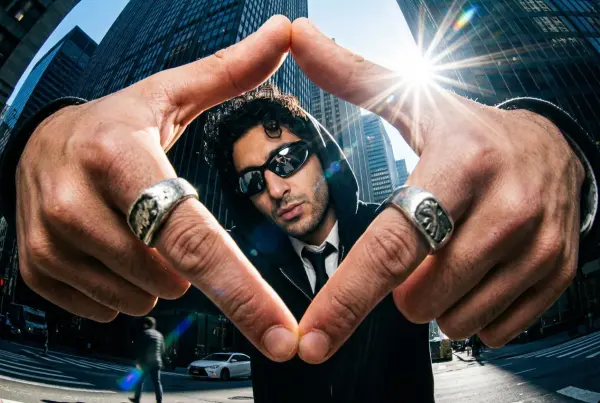
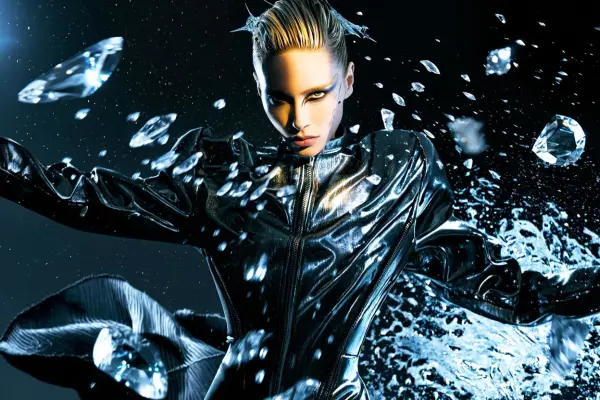
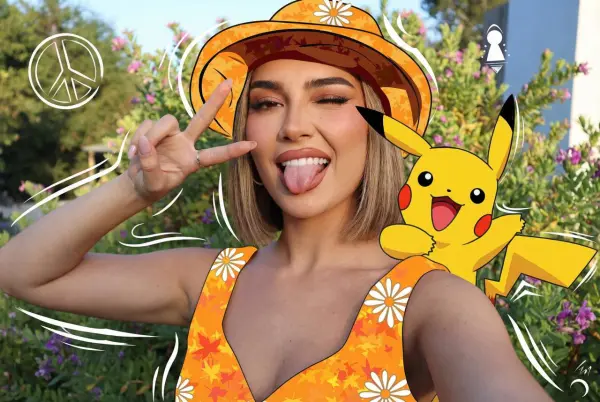
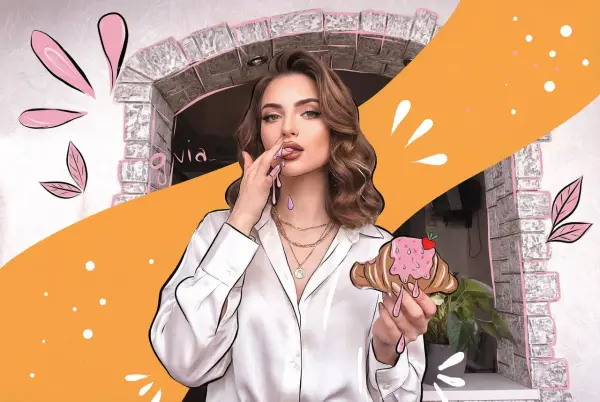
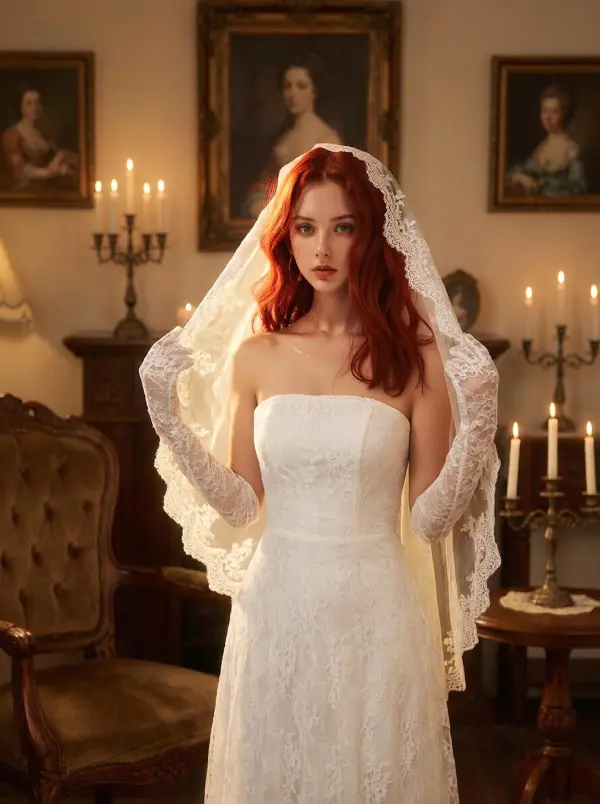
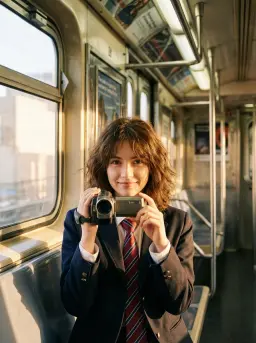
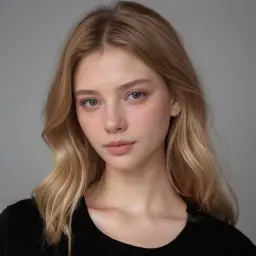
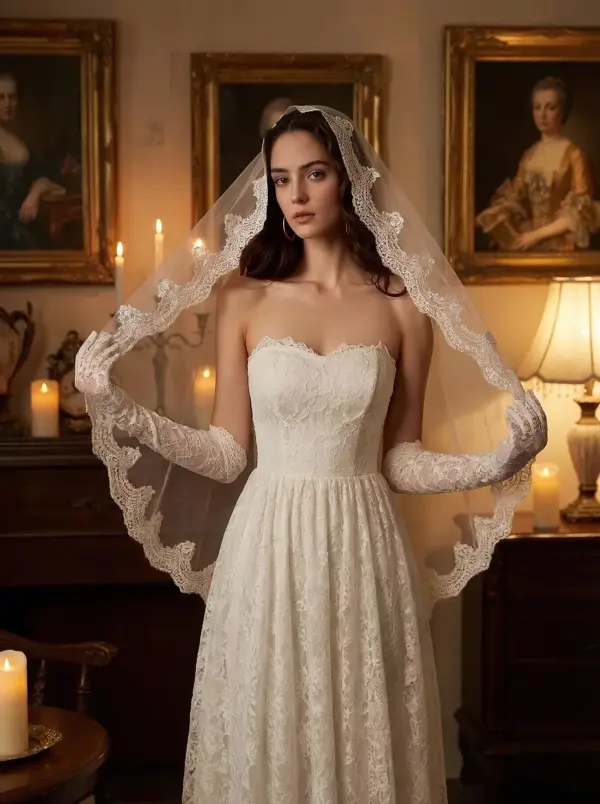
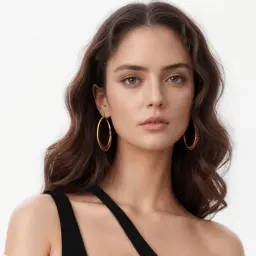
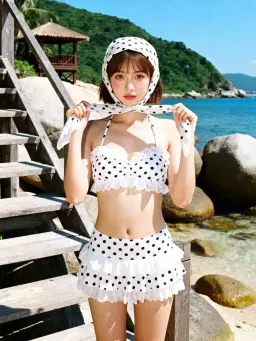
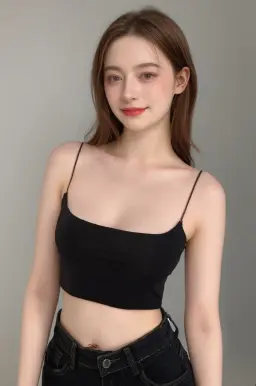
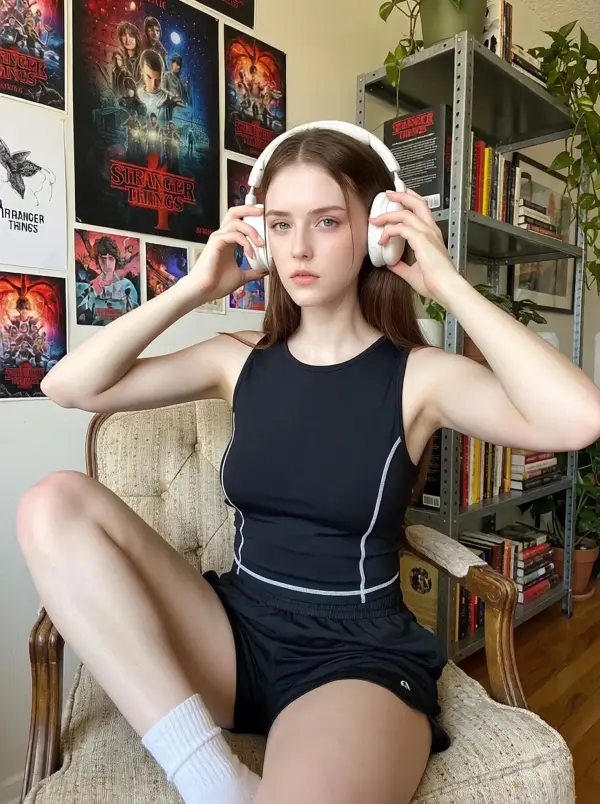
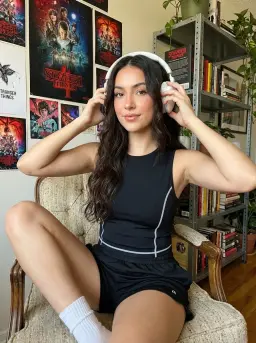
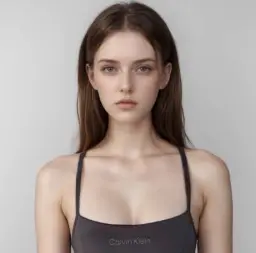
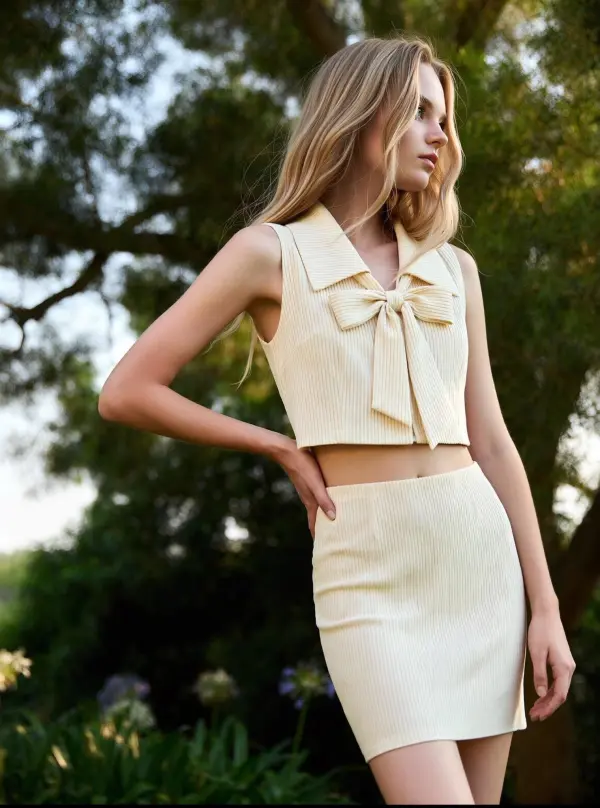
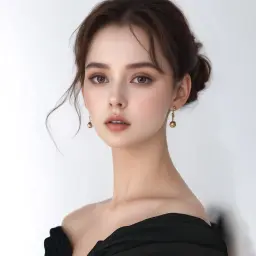
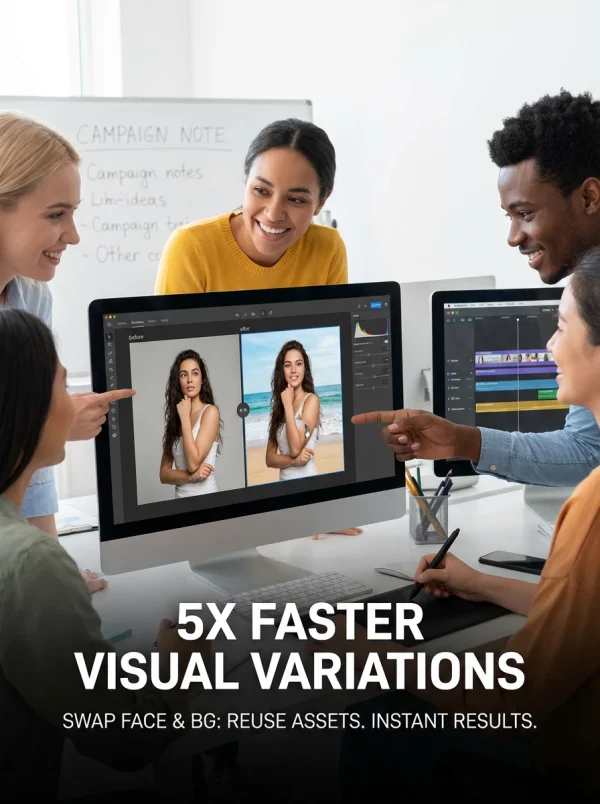
A content creator used the free AI face swap tool to swap face in photos for memes and social media posts. Instead of manual editing in complex software, they uploaded a target photo and completed the face swap in just a few clicks. The AI face swapper seamlessly swapped faces in just a few seconds, reducing editing time by over 70% while keeping results realistic and high-quality.
swap face by weshop ai

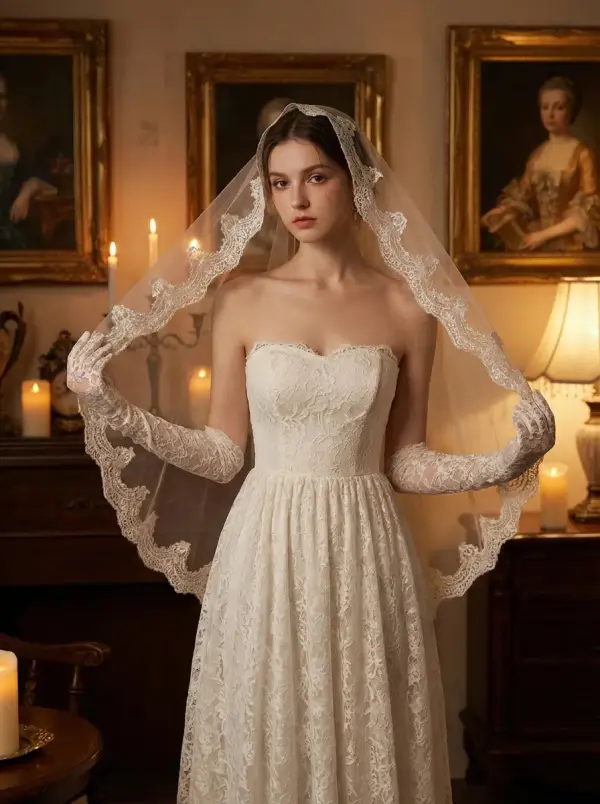
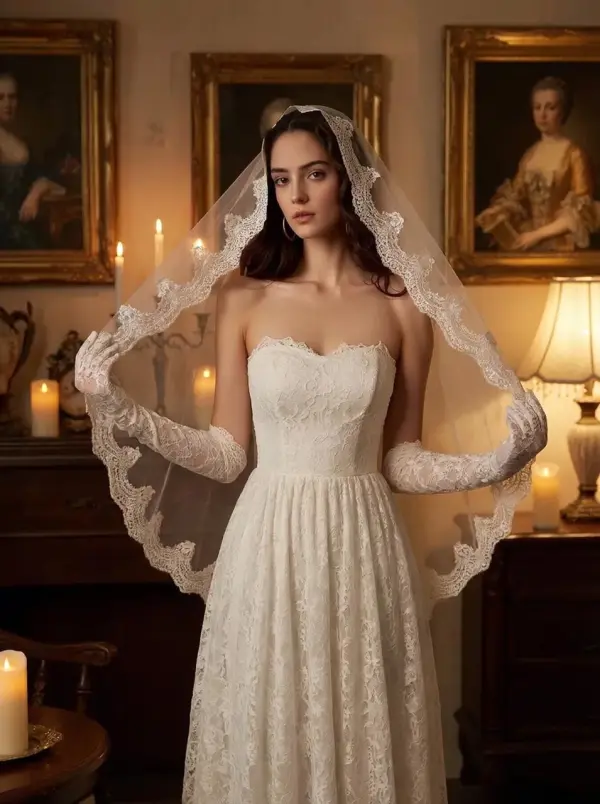
Realistic Face Swap for Photos, Videos & Group Images

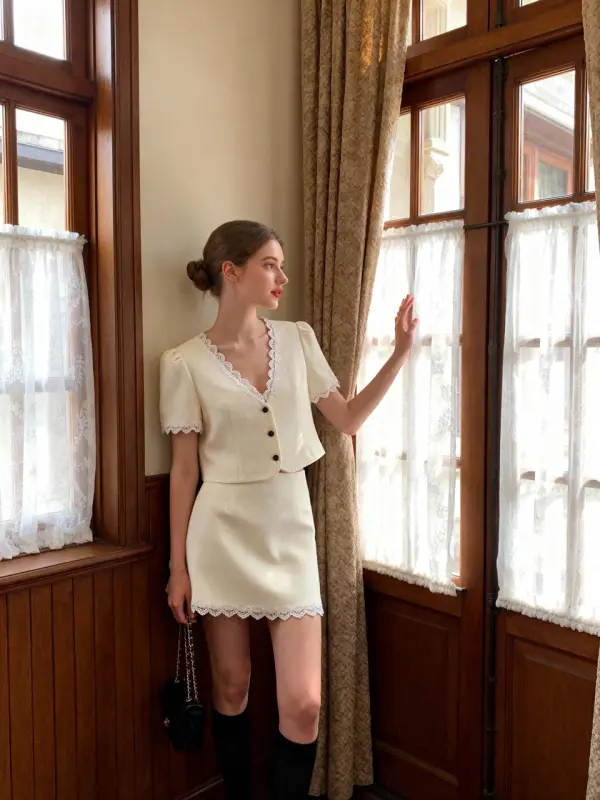
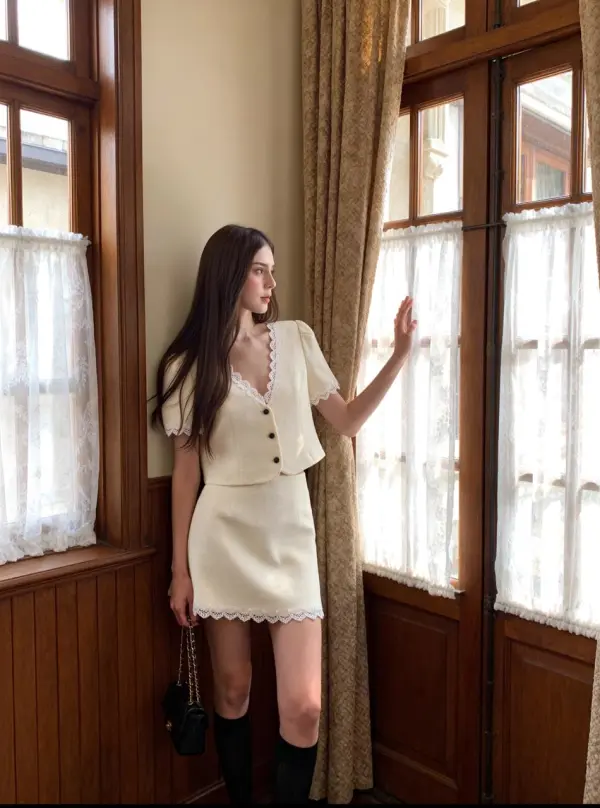
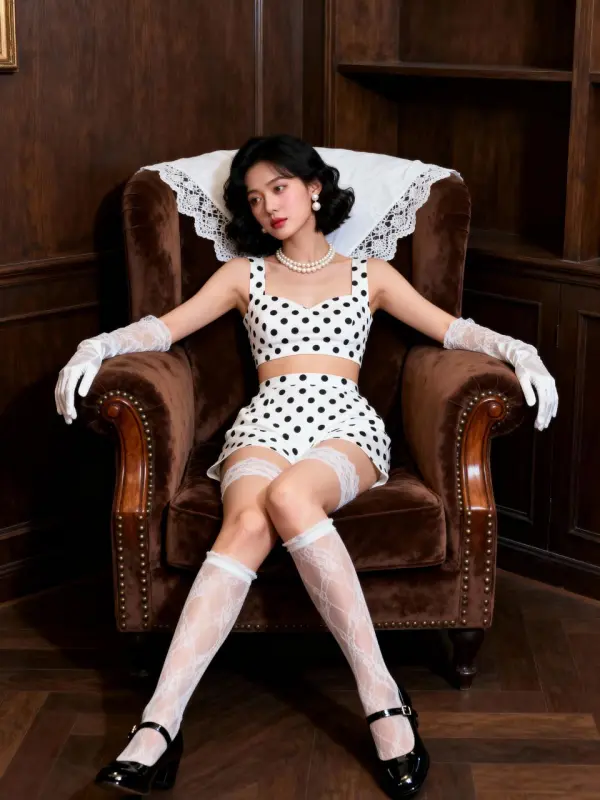
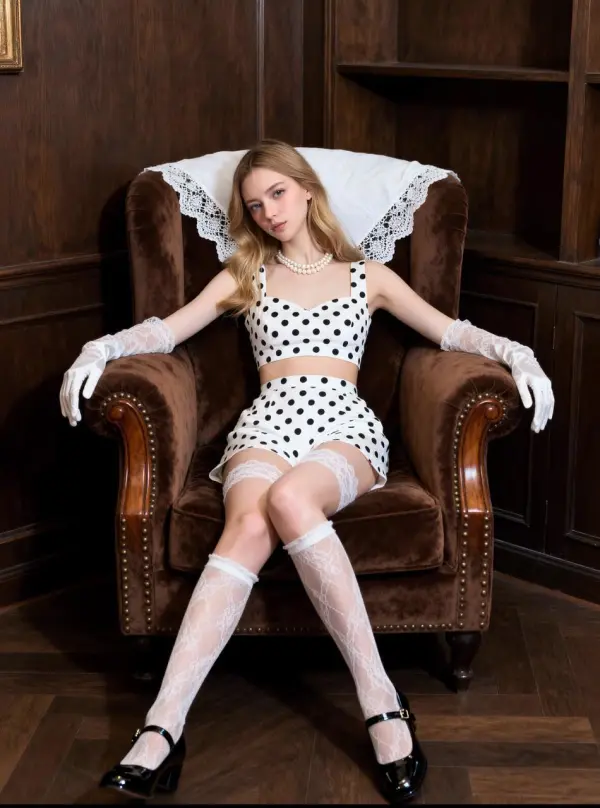
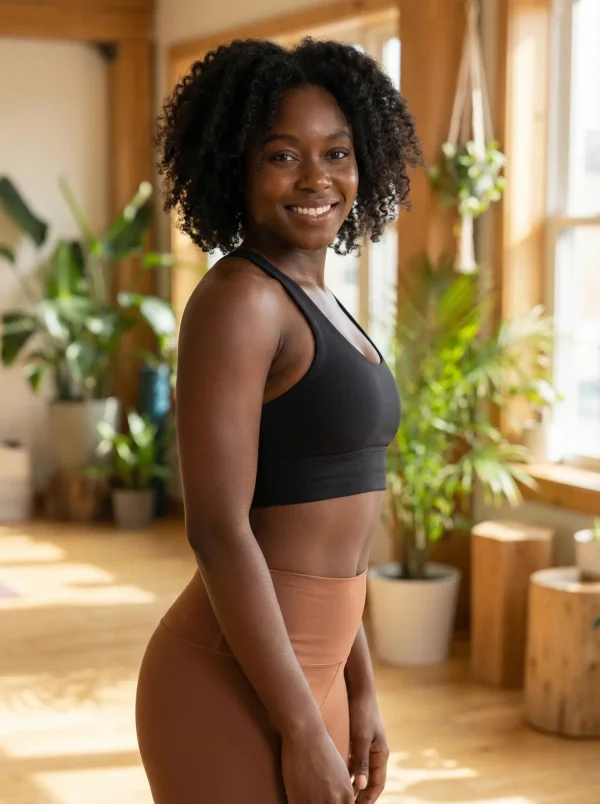
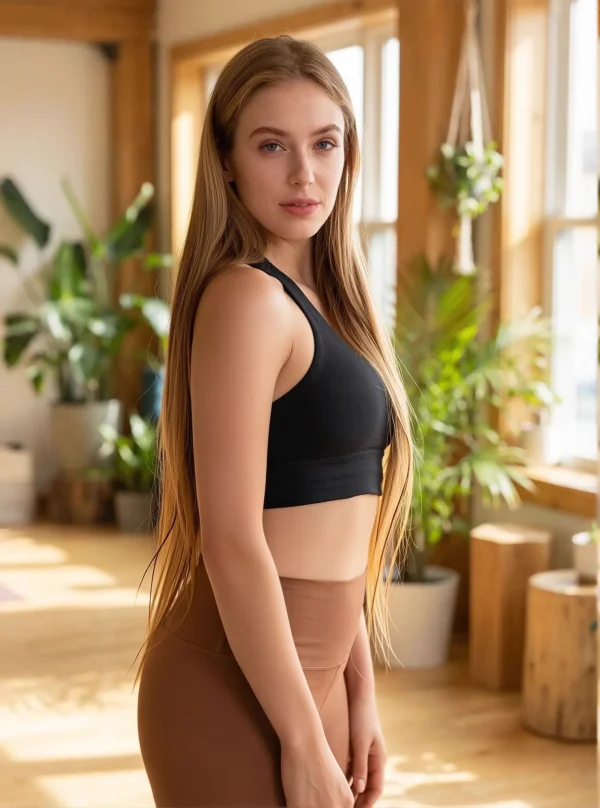
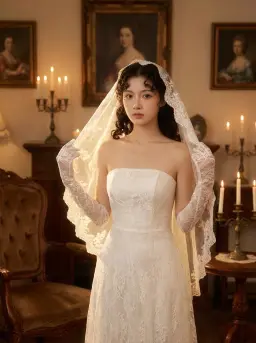
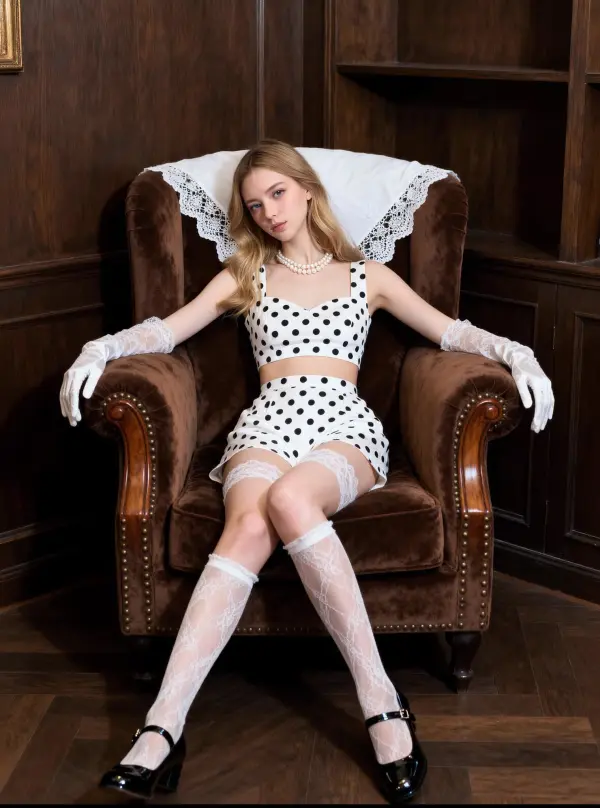
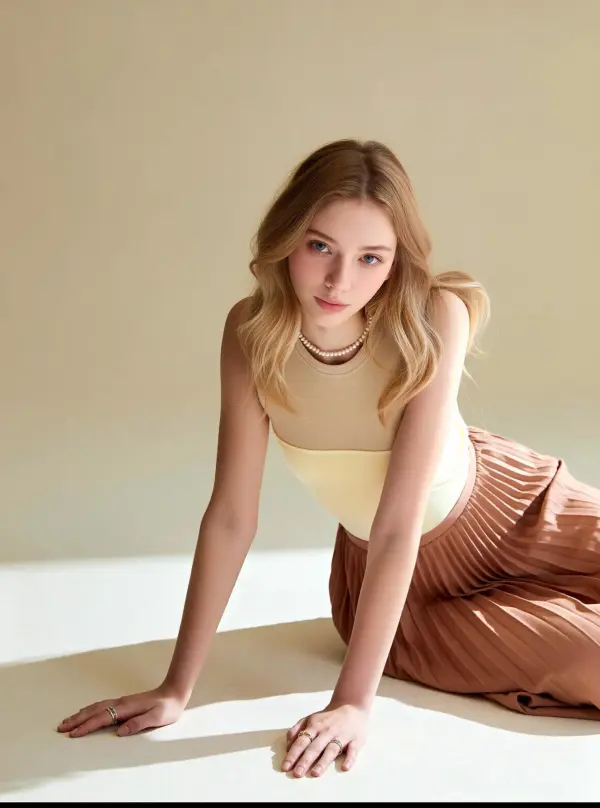
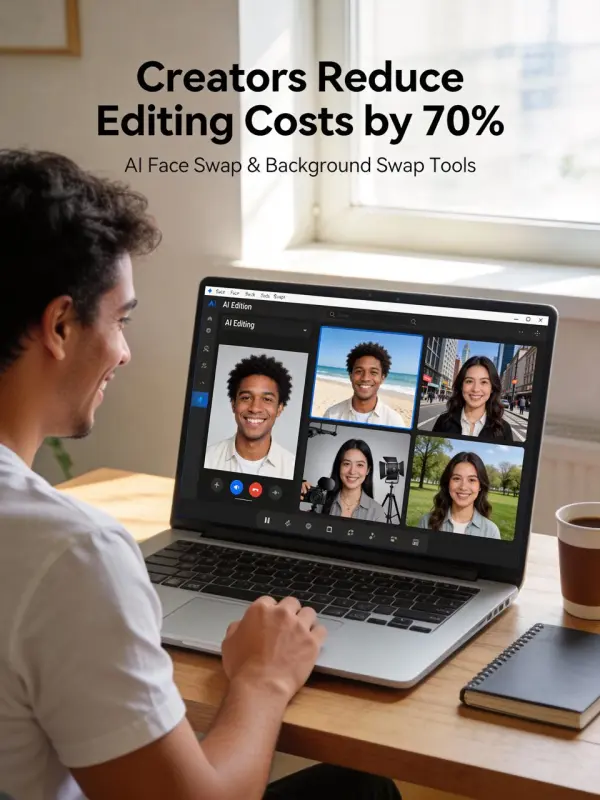
Another user relied on AI face swap online to handle batch face swap tasks for group photos and short video clips. By uploading multiple faces at once, the AI-powered face swap automatically matched expressions and facial features, producing seamless face swap images and video face swap results suitable for TikTok, GIFs, and creative content—without watermarks, hidden costs, or safety concerns.
swap face by weshop ai
Previous
Next

Powerful Features of the AI Face Swap Tool

swap face by weshop ai

AI-Powered Face Swap for Commercial Photos & Videos

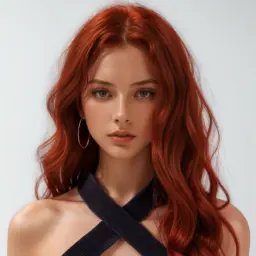
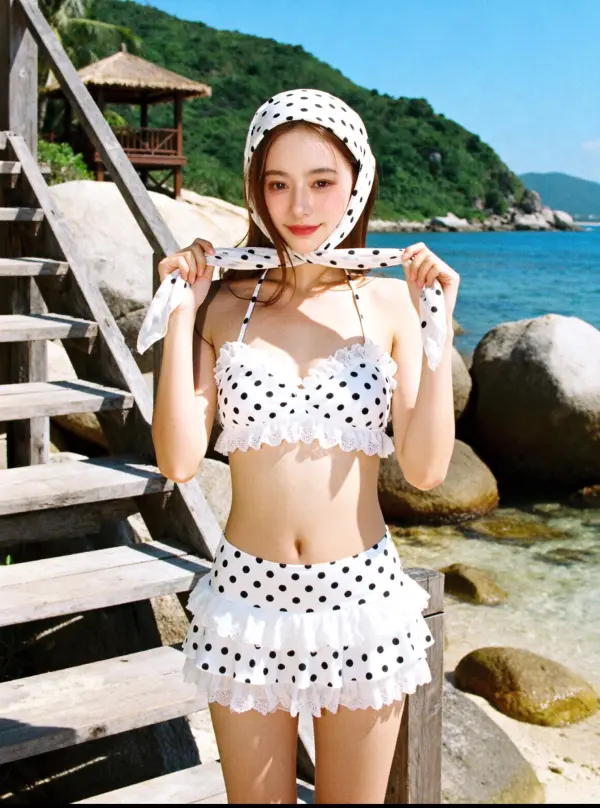
This AI face swap tool uses artificial intelligence and sophisticated algorithms to easily swap face details while preserving expressions and lighting. By analyzing the source image and upload target, it creates realistic results suitable for professional headshots, branded images, and different scenarios—no advanced editing skills required.
swap face by weshop ai

Free Online AI Face Swap with Privacy Protection

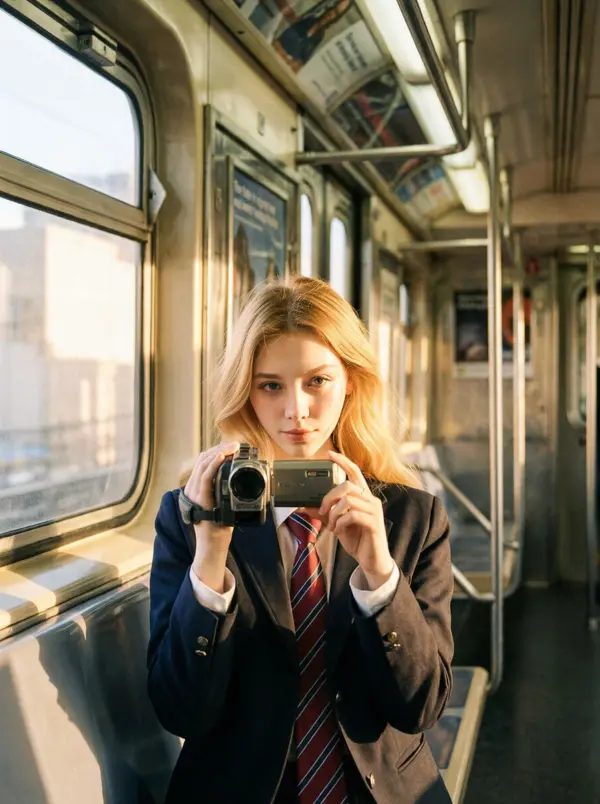
The free AI face swap works entirely online and completes tasks in just seconds. Users can easily swap face from a single photo without sign-up or hidden fees. Robust privacy protections are built in, helping prevent misuse of unauthorized images and ensuring safe, compliant face swapping.
swap face by weshop ai

Multiple Face Swap for Teams & Campaigns

Designed for business use, the tool supports multiple face swap in one workflow. Brands can replace faces across group photos or campaign assets, creating unique visuals efficiently while keeping consistency across different scenarios and marketing materials.
swap face by weshop ai

Template-Based Face Swap for Creative Marketing

With template-based face swap, users can apply faces to predefined layouts for ads or product visuals. Whether testing a celebrity face swap concept or creating engaging content, the tool ensures clean composition and professional results from a single photo.
swap face by weshop ai

High-Quality Results for Professional Presentation

The AI-powered face swap delivers high-quality output with natural skin tones and accurate alignment. Even when using a favorite celebrity or different source images, results remain realistic and polished—ideal for commercial visuals, presentations, and client-ready assets.

What You Can Do with AI Face Swap Online

Commercial Photo Editing & Model Replacement

Brands use free face swap tools to effortlessly swap faces in commercial photos without reshoots. By upload photos once, teams can replace faces while keeping the original image, lighting, and layout intact—unlocking endless possibilities for faster campaigns and scalable visual updates.

swap face by weshop ai

Marketing Videos & Advertising Content

Marketers apply face swap videos to refresh ads and localized campaigns. With advanced face swap features, teams can update visuals in just seconds, adapting creatives for different audiences while preserving brand style and message across multiple channels.


swap face by weshop ai

Product Shoots & Lifestyle Imagery

For e-commerce and lifestyle imagery, AI face swap helps maintain consistency across product shoots. Creators effortlessly swap faces to align models with branding needs, saving production costs and enabling fun images or polished visuals from a single original image.

swap face by weshop ai

Team Photos & Corporate Visuals

Companies use AI face swap online to update team photos and corporate materials. Multiple face swaps make it easy to refine group images, replace outdated portraits, or apply subtle edits—without redesigning layouts or repeating photo sessions.

swap face by weshop ai

Social Media & Scalable Branded Content

Creators rely on free face swap tools to generate engaging social visuals at scale. From polished brand posts to fun images and experimental gender swap concepts, AI face swap supports fast content creation while keeping results realistic and professional.

swap face by weshop ai

Creative Mockups & Pre-Production Testing

Designers use face swap features during pre-production to test ideas before final shoots. By swapping faces in mockups or face swap videos, teams can explore endless possibilities, validate concepts early, and reduce creative risk with minimal effort.

swap face by weshop ai

Frequently Asked Questions About AI Face Swap

What is AI face swap and how does it work?

AI face swap is a technology that uses artificial intelligence to detect facial features in a source image and seamlessly replace them onto a target image or video. The AI analyzes face shape, skin tone, lighting, and expressions to generate realistic face swap results automatically.

Is there a 100% free AI face swap tool online?

Yes. WeShop AI offers a free AI face swap tool you can use directly online with no sign-up or software installation. You can swap faces in photos using free credits, making it easy to try AI face swapping at no cost while maintaining realistic results and privacy protection.

Can I swap faces online without installing an app?

Absolutely. Modern AI face swap tools work directly in your browser. You don’t need to download any app or software—just upload your photo or video and start face swapping online.

Can I upload my own photos or videos?

Yes. You can upload your own photos, GIFs, or videos as the source image and target image. This allows full control over the face swap process for personal, creative, or commercial use.

Does AI face swap support multiple faces in one image?

Yes. Many AI face swap tools support multiple face swap in a single image, making them ideal for group photos, team visuals, or campaign images where several faces need to be replaced at once.

Can I swap faces in videos as well as photos?

Yes. In addition to photo face swap, many tools support AI video face swap for short clips. The AI tracks facial movement frame by frame to maintain realistic motion and expressions.

How fast does AI face swap generate results?

Most AI face swap results are generated in just a few seconds after upload. Processing time may vary slightly depending on image resolution, video length, or the number of faces being swapped.

Will the face swap still look natural if skin tones are different?

Yes. Advanced AI face swap algorithms adjust skin tone, lighting, and texture automatically, helping the swapped face blend naturally even when the source and target faces have different skin tones.

Is AI face swap safe and privacy-friendly?

Reputable AI face swap tools follow strict privacy standards. Images are processed securely, not stored permanently, and protected against misuse. Always avoid uploading sensitive or unauthorized images.

Can I use AI face swap results for commercial purposes?

Some tools allow commercial use, while others restrict it to personal or creative projects. Always check the specific tool’s license or terms of use before using face swap results for ads, branding, or marketing.

Do AI face swap tools add watermarks?

Many free AI face swap tools do not add watermarks, while some may include them depending on the plan. Premium or upgraded plans usually offer watermark-free outputs.

What image and video formats are supported?

Most AI face swap tools support common formats such as JPG and PNG for photos, and MP4 or GIF for videos. High-resolution images generally produce better results.

Do I need photo editing skills to use AI face swap?

No. AI face swap tools are designed for beginners and professionals alike. The AI handles all complex editing automatically, so no Photoshop or technical skills are required.

How many face swaps can I make?

The number of face swaps depends on the free plan or credits offered by the tool. Some allow unlimited swaps, while others limit daily or monthly usage.

What types of photos work best for face swapping?

Clear, front-facing photos with good lighting work best. Faces should be unobstructed, with minimal blur, shadows, or extreme angles for the most realistic results.

Explore More AI Tools

Our new Virtual Try-On just launched. Try it now!
close

Seedance 2.0

A Multi-Modal AI Video Creative Engine for Cinematic Storytelling

Virtual Try-On

Try On Clothes Online with AI Virtual Try Technology

Swap Model & BG

Realistic Model & Background Swapping Online with AI

AI Model

Showcase clothing with a variety of models

AI Product

Create stunning product images with few clicks from anywhere

AI Video

Create and publish videos from a photo or description—instantly, in any style.

Face Forge

AI Face Morph & Face Swap Generator Online

Nano Banana Pro

Conversational editing, precisely consistent.

Product Recoloring

Recolor Image Online Free - Color Changer in WeShop AI

AI Image to Video Generator

Turn Images into Stunning AI Videos for Free

To Mannequin

Convert real model photos into mannequin displays

Change Pose

Change poses, switch between various model poses, making the clothing display more natural

Remove Background

Removing background with lightning speed and ease

AI Photo Enhancer

Enhance Photo Quality Online with Free AI

Relight

Relight your images automatically and efficiently

Expand Image

Expand images & backgrounds to fit any platform

Magic Eraser

Remove unwanted objects from your photos with AI

Hand/Feet Fixer

Regenerate natural-looking hands and feet in AI-generated images

Design Repair

Upload an image, highlight the area you wish to fix, and upload a target reference image

Outfit Generator

Create AI clothes styling from any model photo, garment, or style prompt.

AI Clothing Piece Generator

Create Professional Flatlay Clothing Images From Any Photo or Idea

Seedream 5.0 AI Image Generator

Try the Latest Smart Image Creation Model Online

Sora 2

Next Generation AI Video Generator with Realistic Physics & Storytelling

Wan AI Video Generator

Advanced AI Image & Video Generation Model

Midjourney Image Generator

Use Midjourney v7 to Create AI-Generated Images

Kling 3.0

AI Director Video Model with 4K Cinematic Storytelling

Qwen Image Edit

A Revolutionary Tool for Seamless Image Editing

Z-Image AI Image Generator

Create High-Quality Images from Text Instantly

idea
helper