Real-World Uses of Seedance 2.5
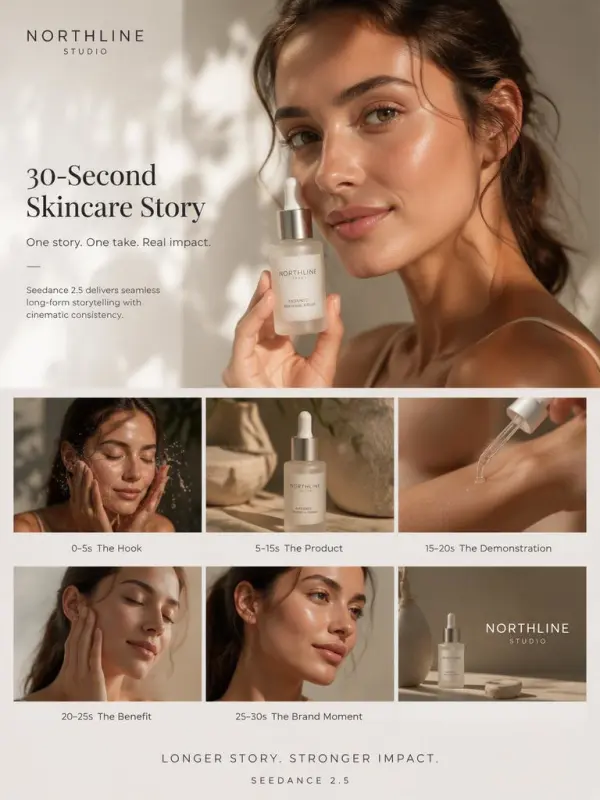
Creating a Complete Product Ad in One Segment

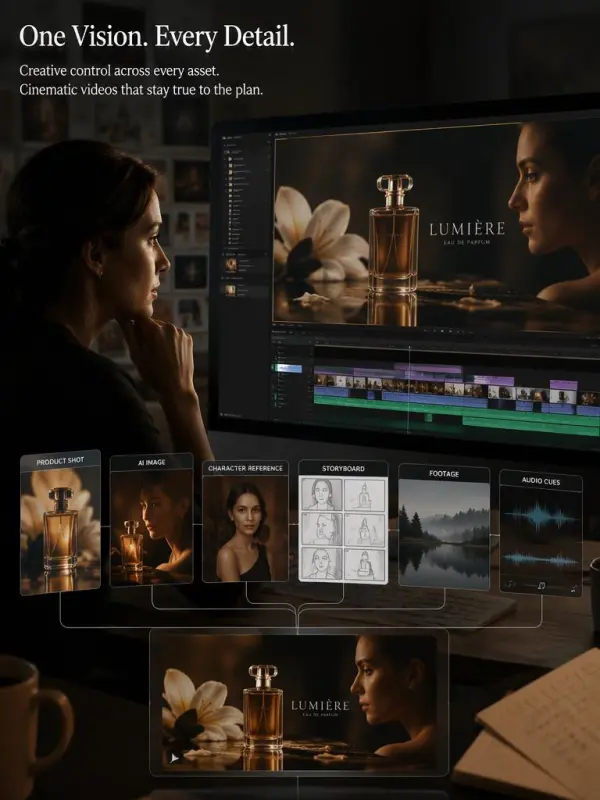
Coordinating Multiple References for a Brand Campaign


Sign In


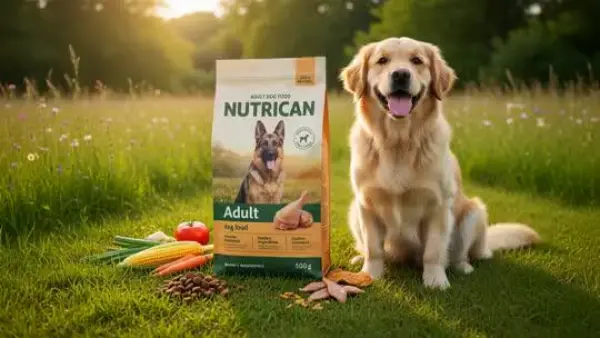
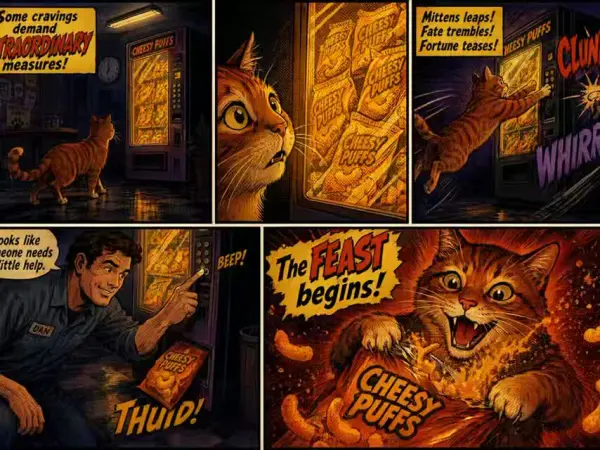
Use detailed text prompts to define an opening hook, product introduction, feature demonstration, emotional benefit, and final reveal. Seedance 2.5 can create a complete clip in one generation, giving product videos enough clip length for cinematic storytelling and smooth camera movement. This creative workflow helps teams start generating marketing videos, product demos, launch content, and social ads while keeping viewers engaged.
Upload product images, brand colors, character designs, style boards, audio clips, background music, and motion references to guide complex briefs. The first frame can establish the main visual direction while joined assets shape identity, movement, and atmosphere. This workflow supports brand films, IP stories, game promotions, mascot content, and cinematic-quality campaigns without requiring creators to swap models or manage separate video tools.
Extend an existing scene by describing the next action, camera direction, environment, or narrative outcome. Directors can also combine scripts, storyboards, location images, and character references to create pre-production animatics. Longer continuation supports cinematic storytelling, smoother transitions, and clearer scene development, helping teams evaluate pacing and visual direction before committing expensive production resources to the final output.
Turn product photography, packaging visuals, lifestyle references, and campaign briefs into vertical social stories or detailed ecommerce product demos. Add background music, audio clips, text prompts, and smooth camera movement to strengthen the presentation. Longer video creation gives each product enough time to show appearance, function, and benefits while helping marketing videos maintain cinematic quality and keep viewers engaged.
Review the complete clip and identify specific elements that need improvement, such as lighting, timing, background details, product appearance, or camera movement. Targeted edits preserve approved content while refining selected areas. Teams can export generated videos in suitable aspect ratios, adjust clip length, create localized versions, or swap models when needed, keeping the creative workflow connected from initial concept to final output.
Build Multimodal AI Video Workflows for free
Create Cinematic Text-to-Video and Image-to-Video Content
Create High Quality Images, Text Rich Visuals, and Product Photography
Create Campaign-Ready Videos Online
Google's Next-Gen AI Image Model for Instant Professional Creativity
Turn Images into Stunning AI Videos for Free
Try On Clothes Online with AI Virtual Try Technology
Realistic Model & Background Swapping Online with AI
Showcase clothing with a variety of models
Create stunning product images with few clicks from anywhere
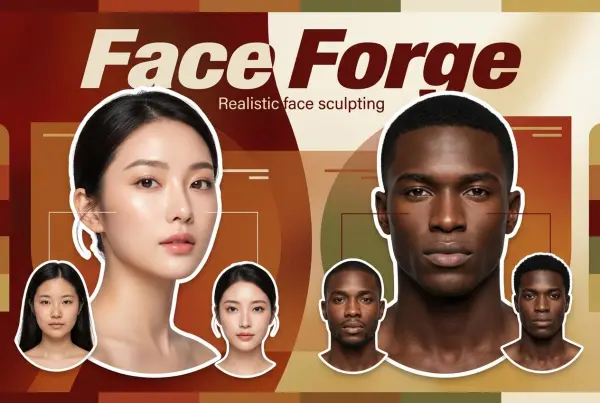
AI Face Morph & Face Swap Generator Online
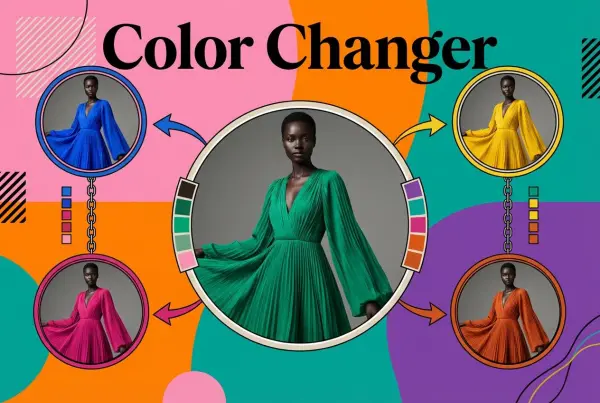
Recolor Image Online Free - Color Changer in WeShop AI
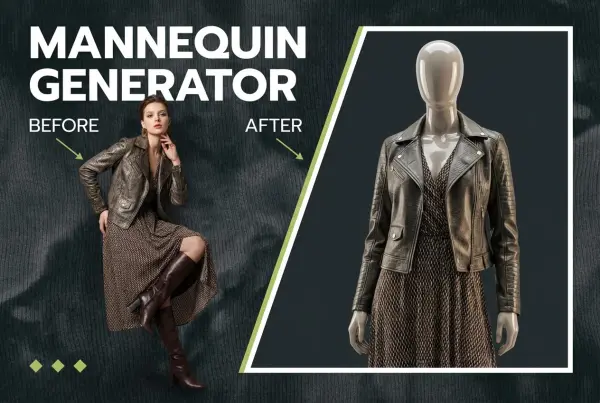
Convert real model photos into mannequin displays
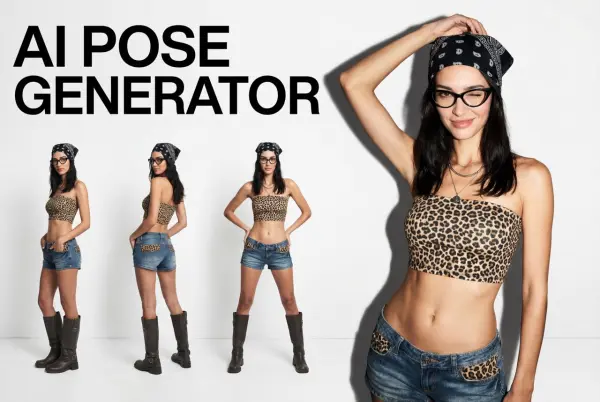
Change poses, switch between various model poses, making the clothing display more natural
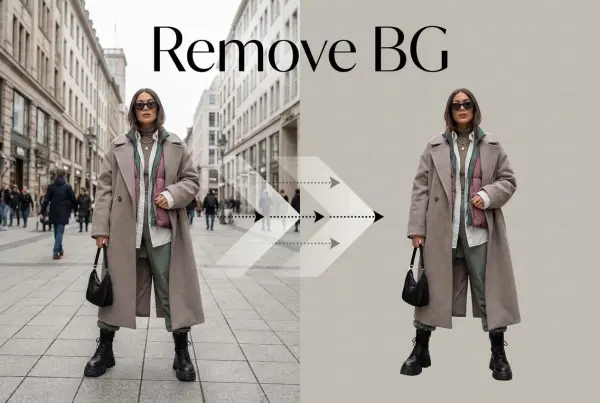
Removing background with lightning speed and ease
Enhance Photo Quality Online with Free AI
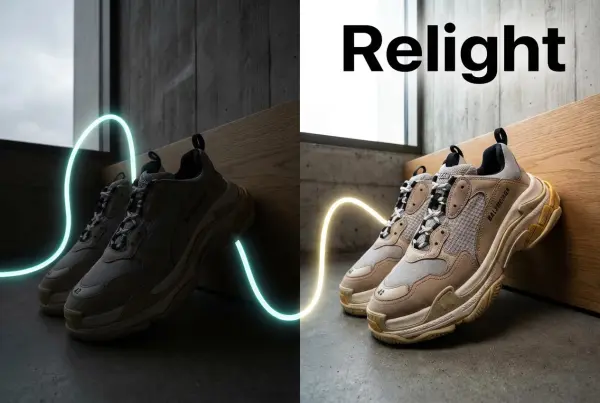
Relight your images automatically and efficiently
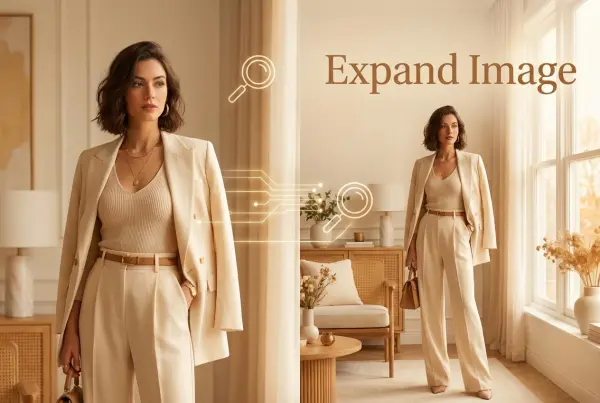
Expand images & backgrounds to fit any platform
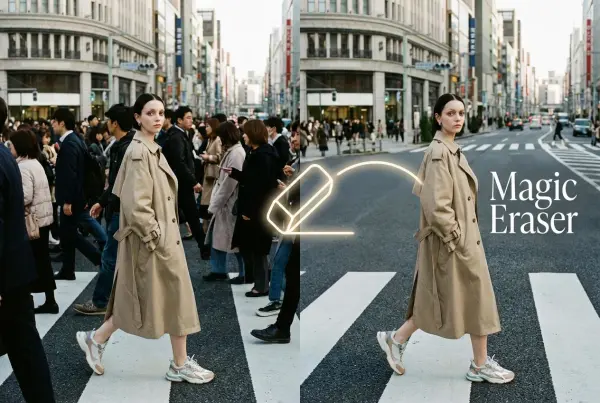
Remove unwanted objects from your photos with AI
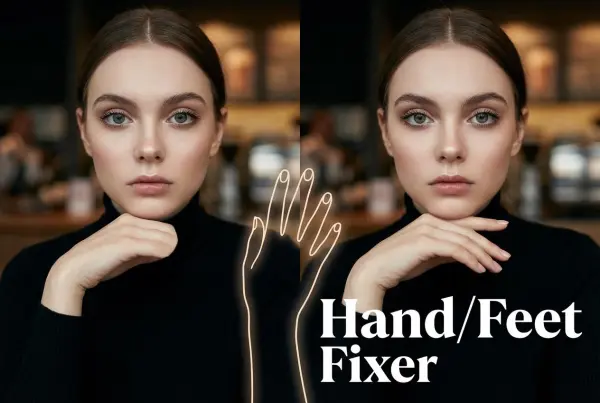
Regenerate natural-looking hands and feet in AI-generated images
Upload an image, highlight the area you wish to fix, and upload a target reference image
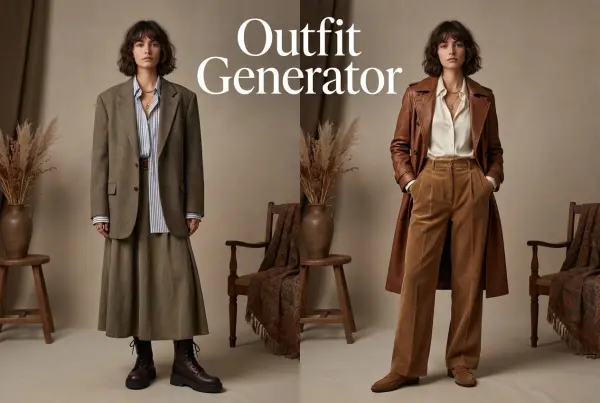
Create AI clothes styling from any model photo, garment, or style prompt.
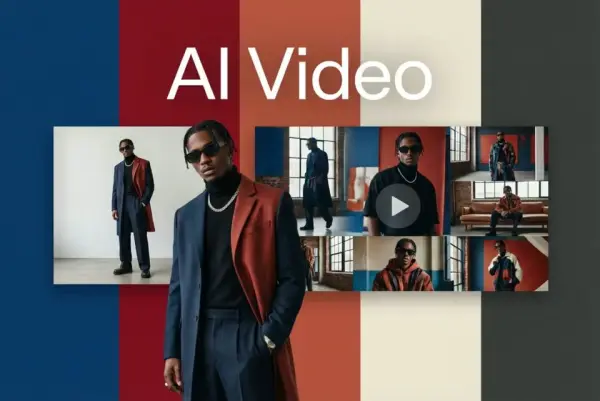
Create and publish videos from a photo or description—instantly, in any style.
Create Professional Flatlay Clothing Images From Any Photo or Idea
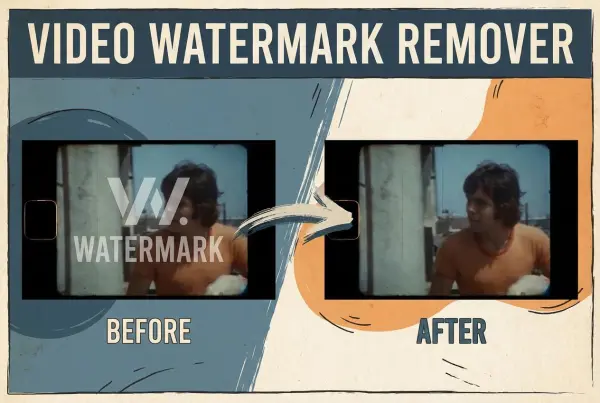
Remove Watermark from Video
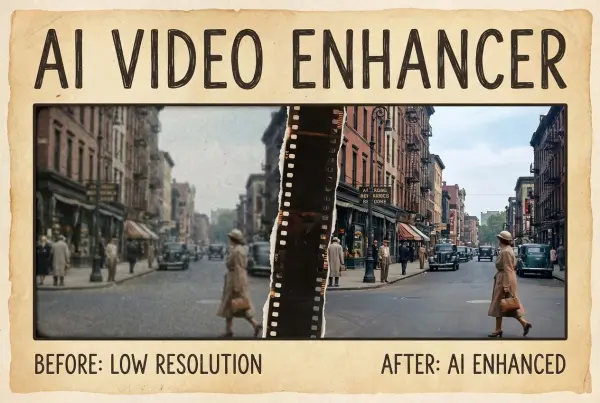
Enhance Video Quality Online with AI
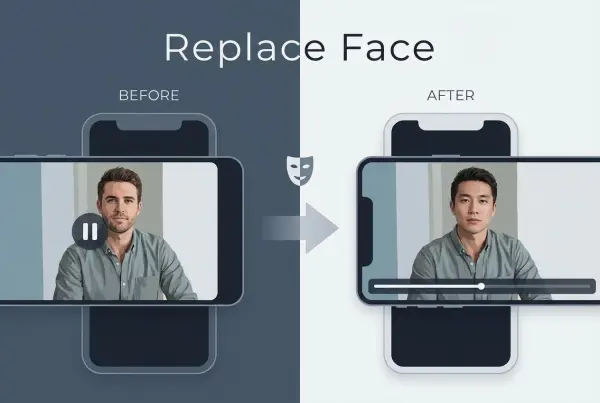
AI Video Face Swap for Realistic Clips
Create Grounded Edits and Infographics Online
A Multi-Modal AI Video Creative Engine for Cinematic Storytelling
Next Generation AI Video Generator with Realistic Physics & Storytelling
Advanced AI Image & Video Generation Model
Use Midjourney v7 to Create AI-Generated Images
Create Cinematic Videos with Omni One Control
Create Multimodal Videos with Native Audio ---
AI Director Video Model with 4K Cinematic Storytelling
Create Realistic Motion Videos from Reference Images and Videos
A Revolutionary Tool for Seamless Image Editing
Create High-Quality Images from Text Instantly
Open Source AI Image Editing Model for High Fidelity Edits
Create High-Resolution Images from Text with Aurora AI
Create Cinematic AI Videos with Native Audio & Scene Control
Create Cinematic AI Videos from Text or Images
Create Cinematic Videos from Text or Images
Create Cinematic Short Videos with Turbo and Pro Modes
Create Photorealistic Images and Accurate Text Visuals with AI
Create Stunning AI-Generated Images Online
Create Cinematic AI Videos from Text and Images
Create Cinematic Videos with V6 and V5.5
Recreate Video Styles, Motion, and Scenes with AI
Create Consistent AI Videos Online