












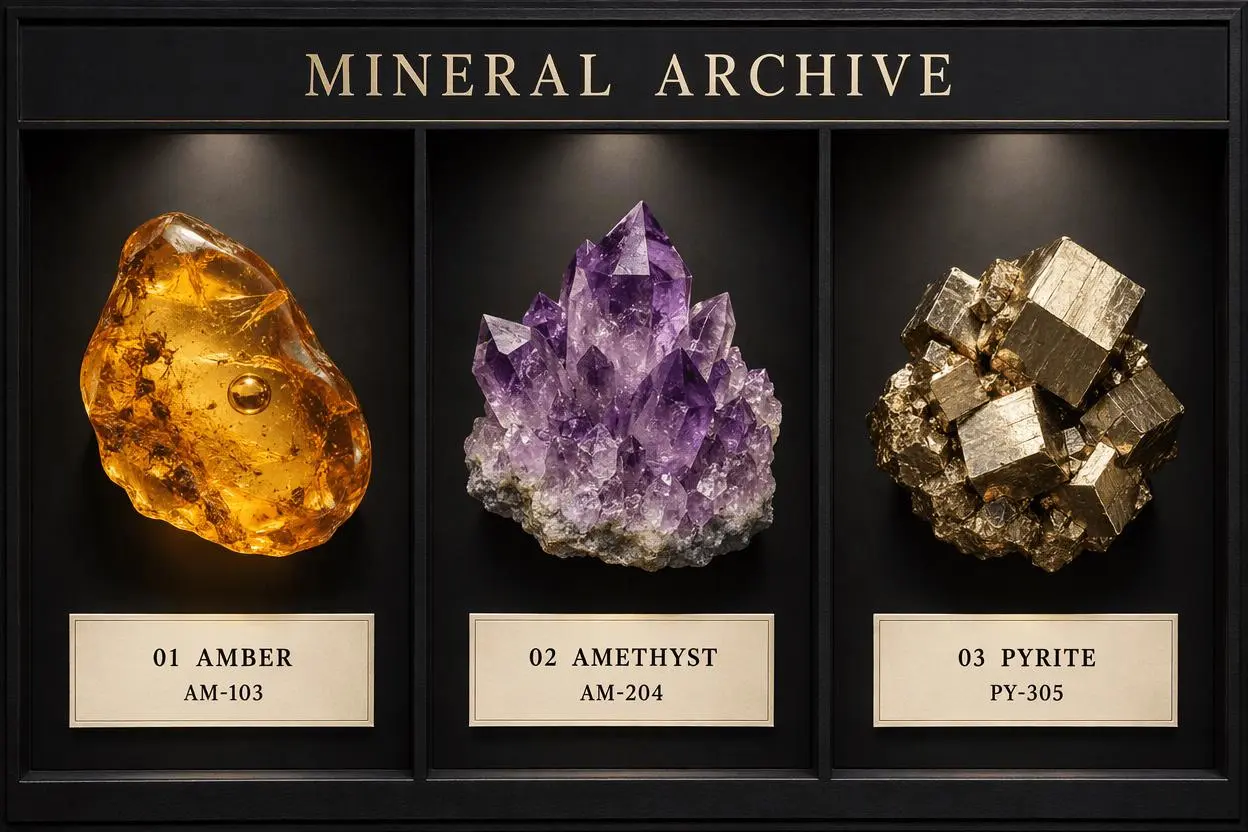
GPT Image 2.5 Text Accuracy: Flare and Sunburst Tested
Flare and Sunburst face the same museum-label brief and a single-code edit. Compare exact text, specimen layout, and preservation in four new WeShop outputs.

Select Model & Location


Have the model showcase your product!

Explore solution playbooks, tool guides, and generated pages designed for repeatable creative operations.
Flare and Sunburst face the same museum-label brief and a single-code edit. Compare exact text, specimen layout, and preservation in four new WeShop outputs.
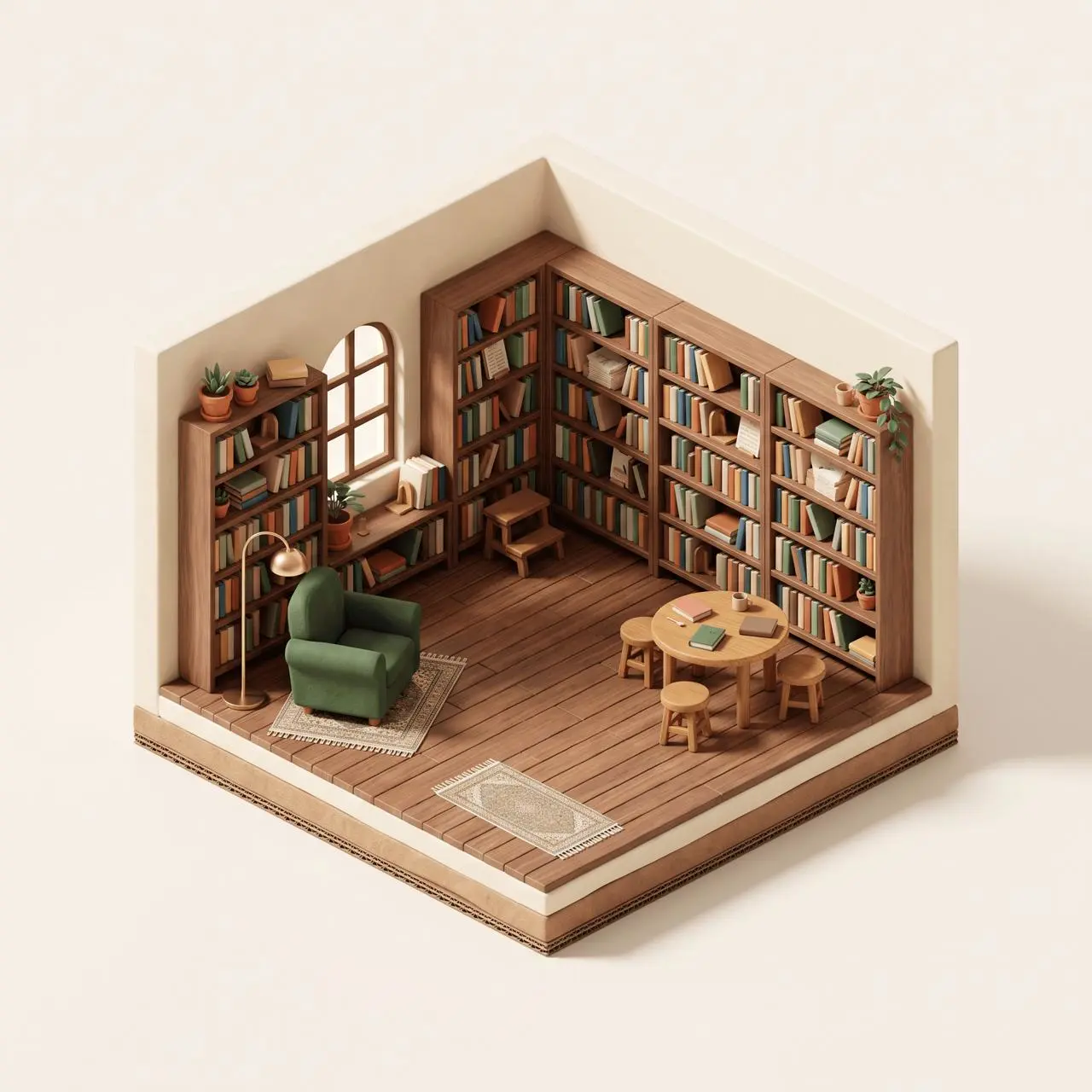
Create a miniature library cutaway from text with Nano Banana 2.1, using a tested prompt and checks for camera, open walls, layout, and object counts.
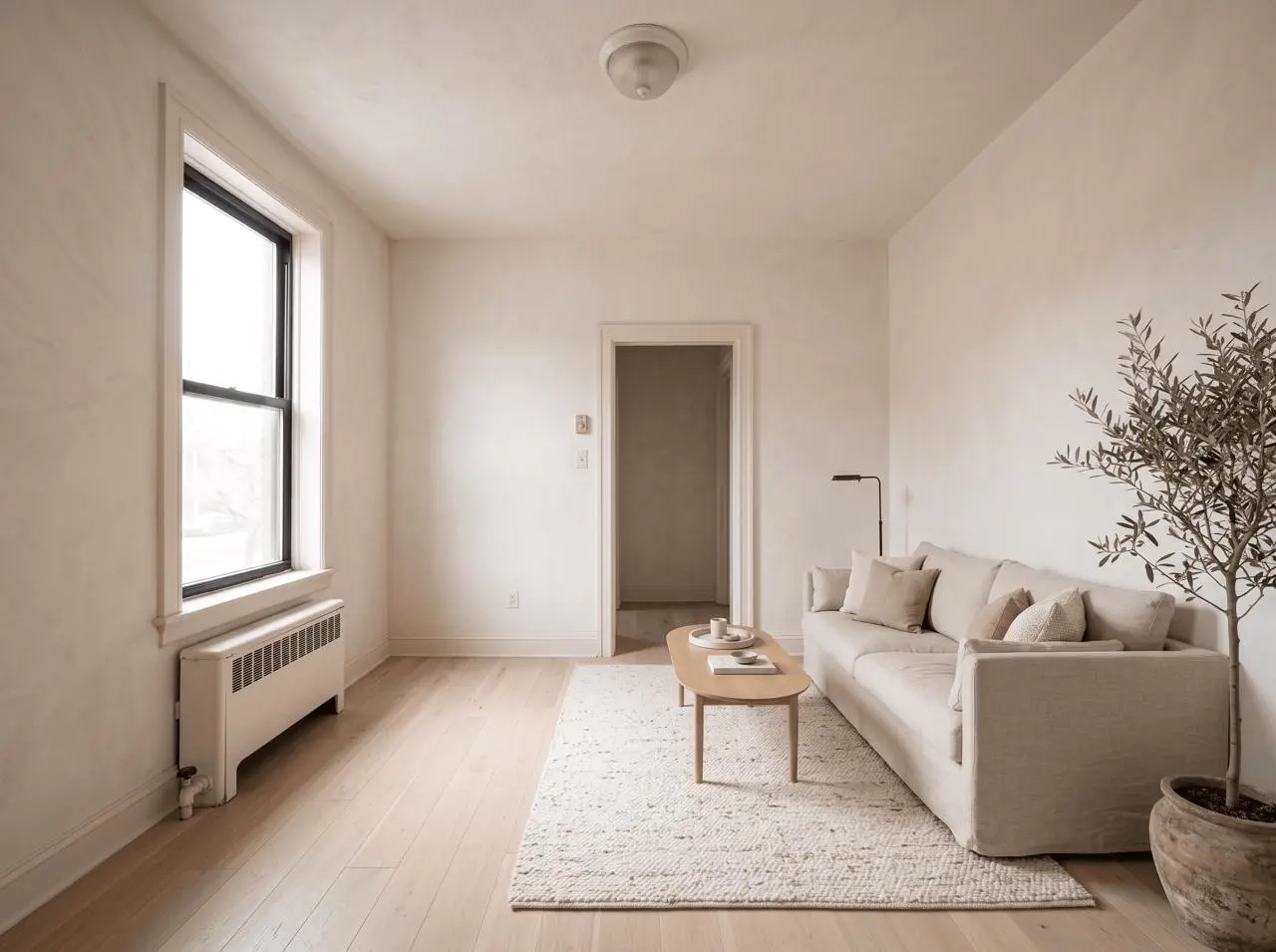
Use Nano Banana 2.1 to restyle a room while preserving its camera, walls, window, doorway, and radiator, with a tested prompt and an honest drift audit.
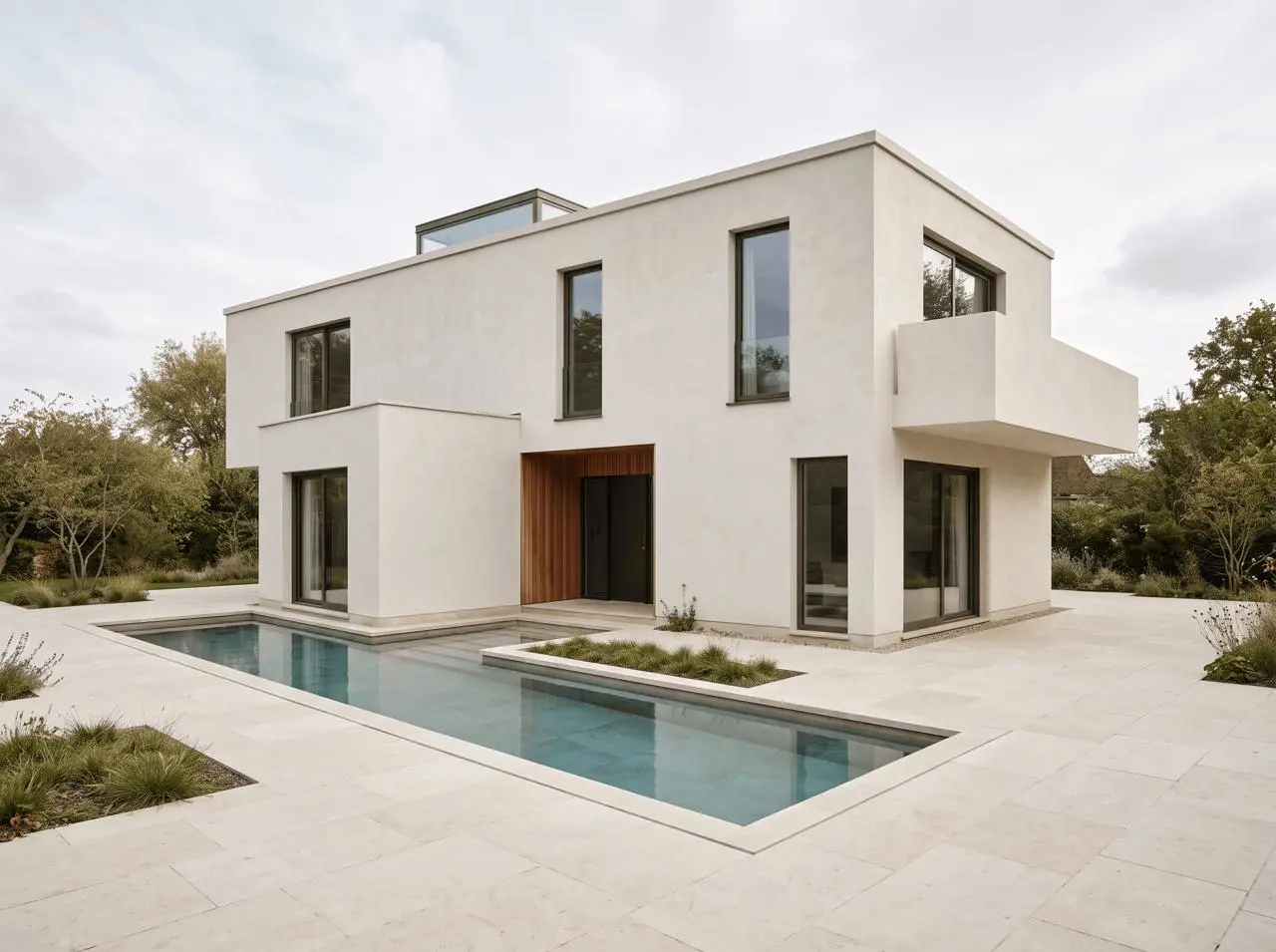
Turn an architectural line sketch into daylight and blue-hour renders with Nano Banana 2.1 while preserving the camera, massing, openings, and pool.
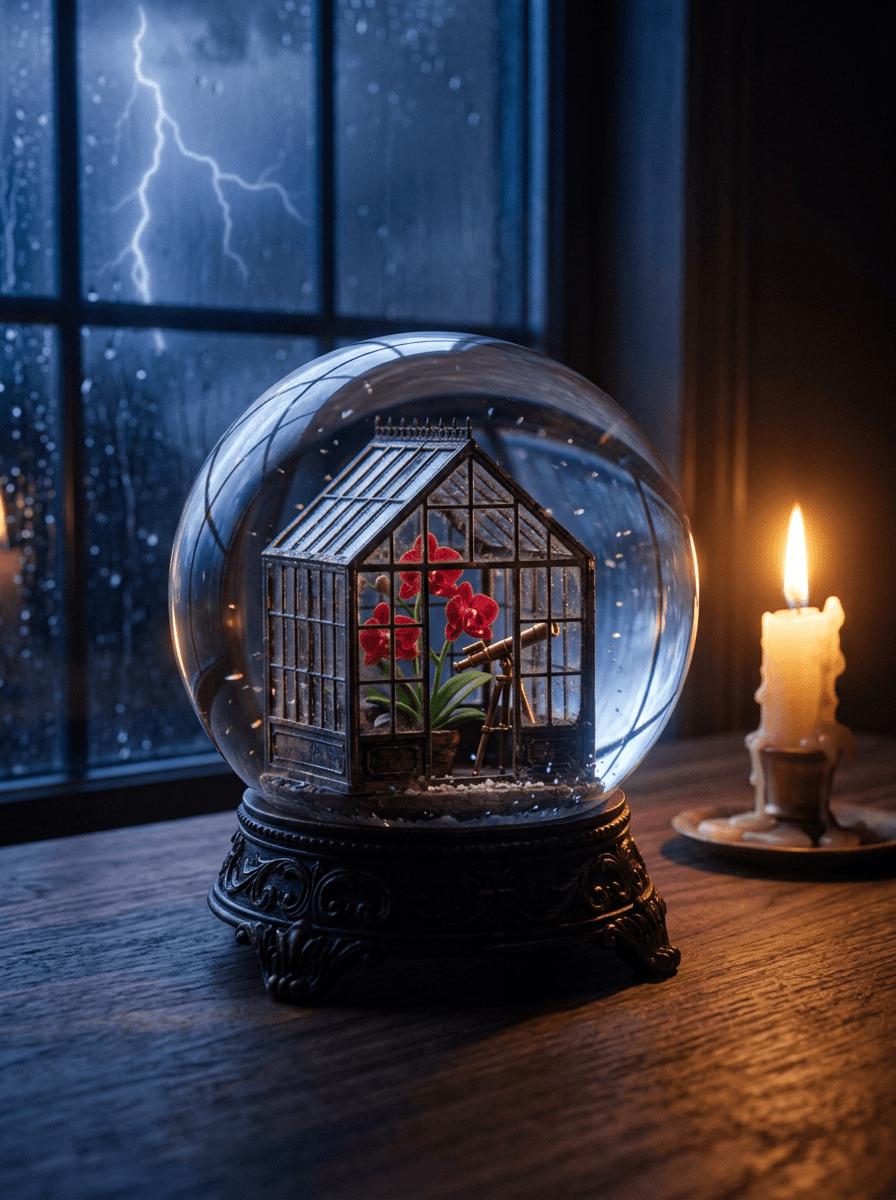
Nano Banana 2.1 and GPT Image 2 face the same infographic and photorealism prompts in a transparent two-test comparison.
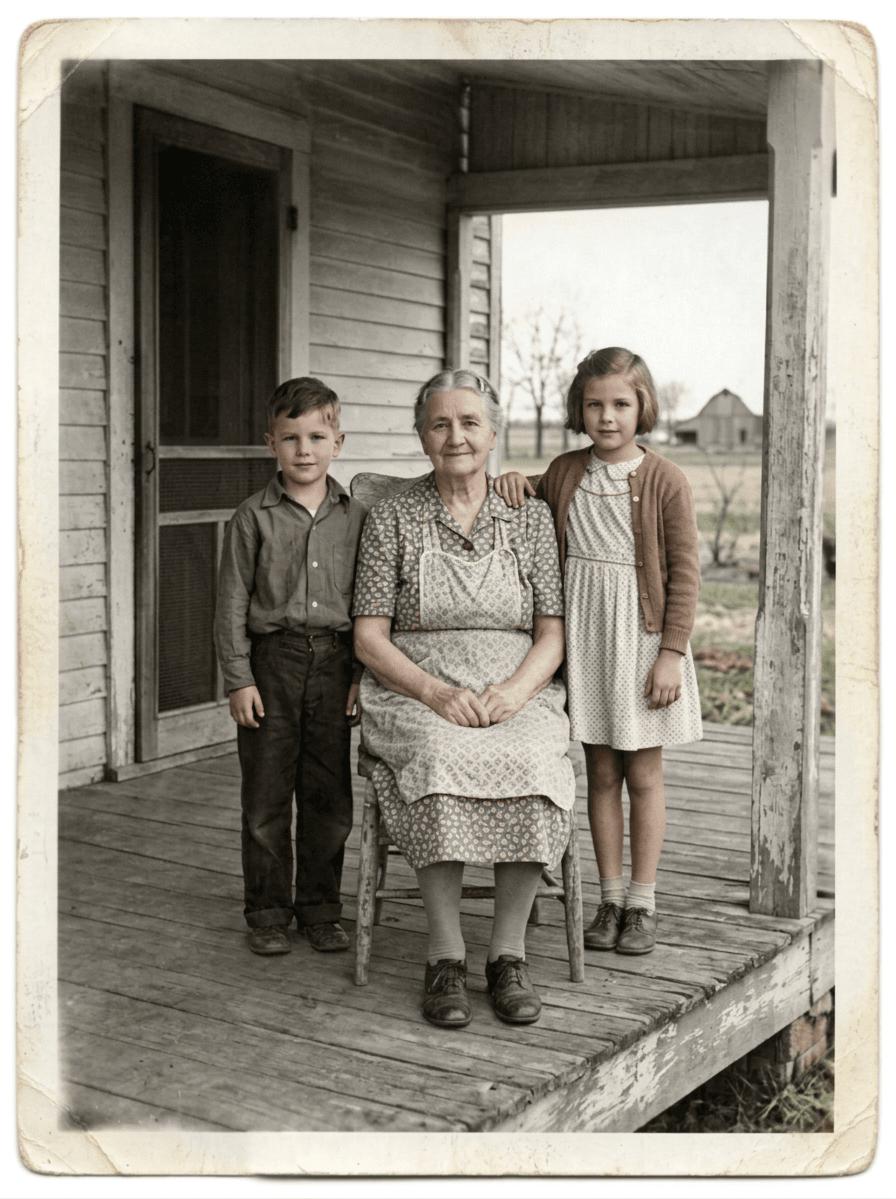
A tested Nano Banana 2.1 workflow for repairing tears, scratches, fading, and color while preserving people and historical character.
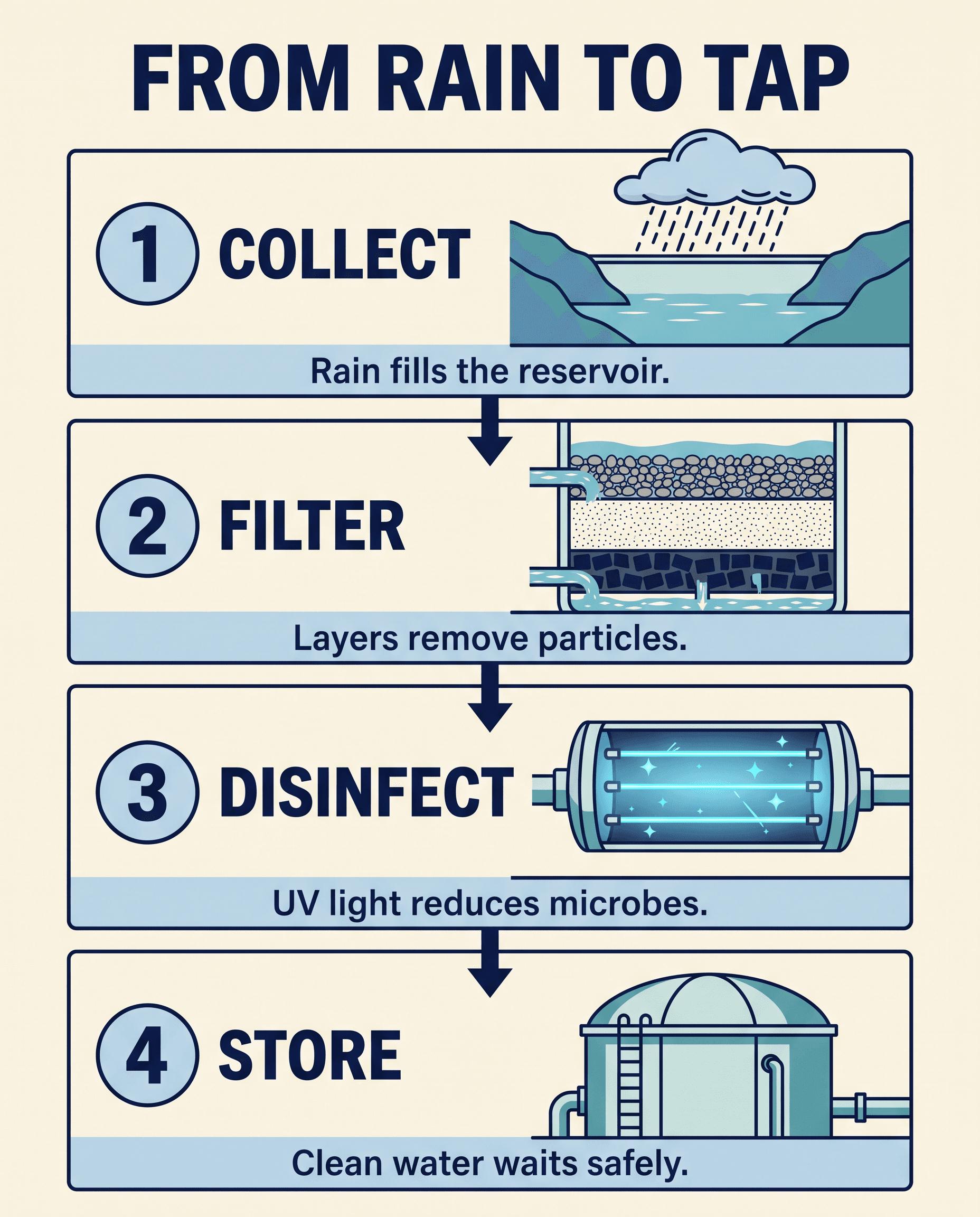
A tested Nano Banana 2.1 infographic prompt, reusable templates, and a practical checklist for text, hierarchy, arrows, and factual review.
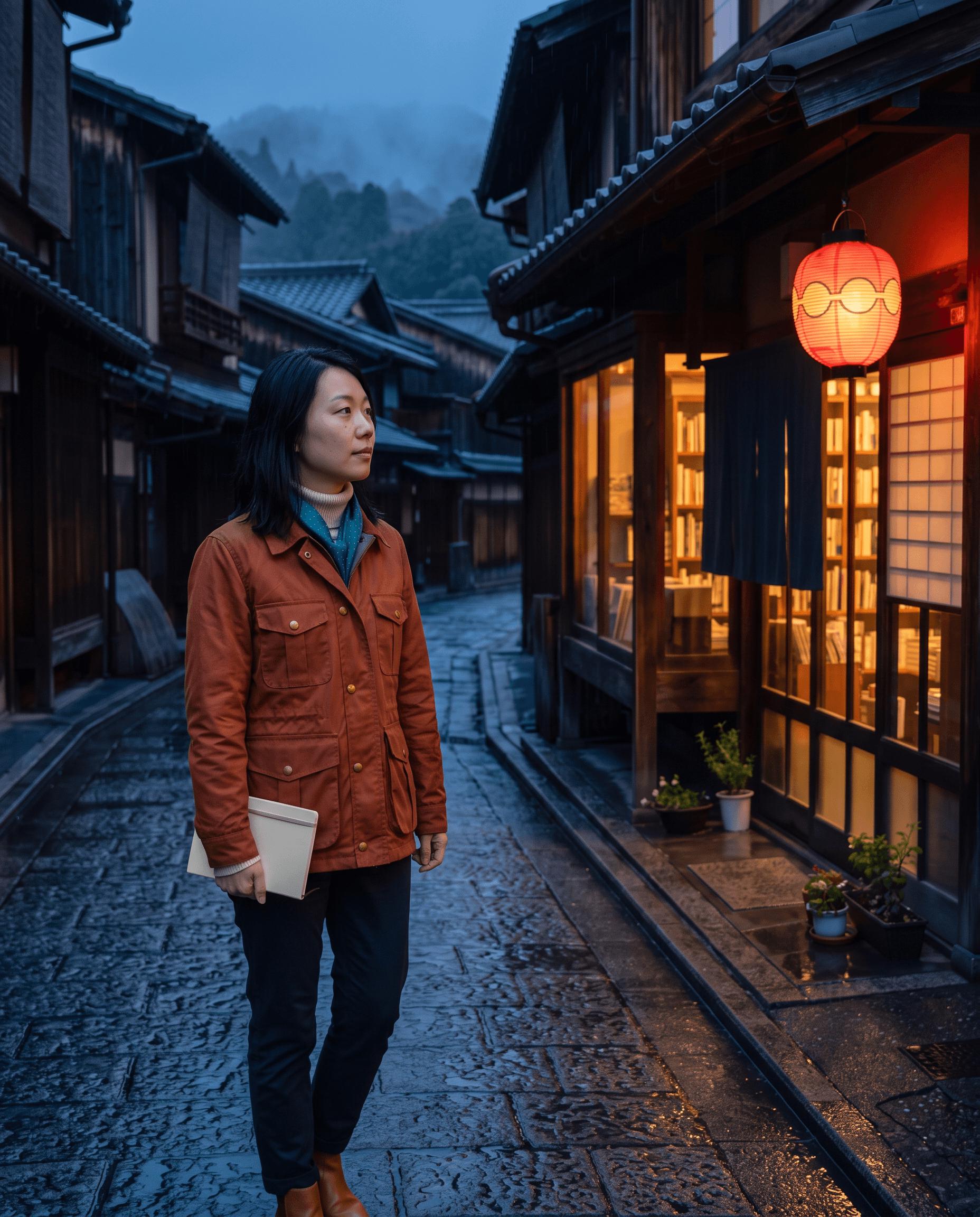
A tested Nano Banana 2.1 workflow for combining identity, wardrobe, and location references without losing the details that matter.
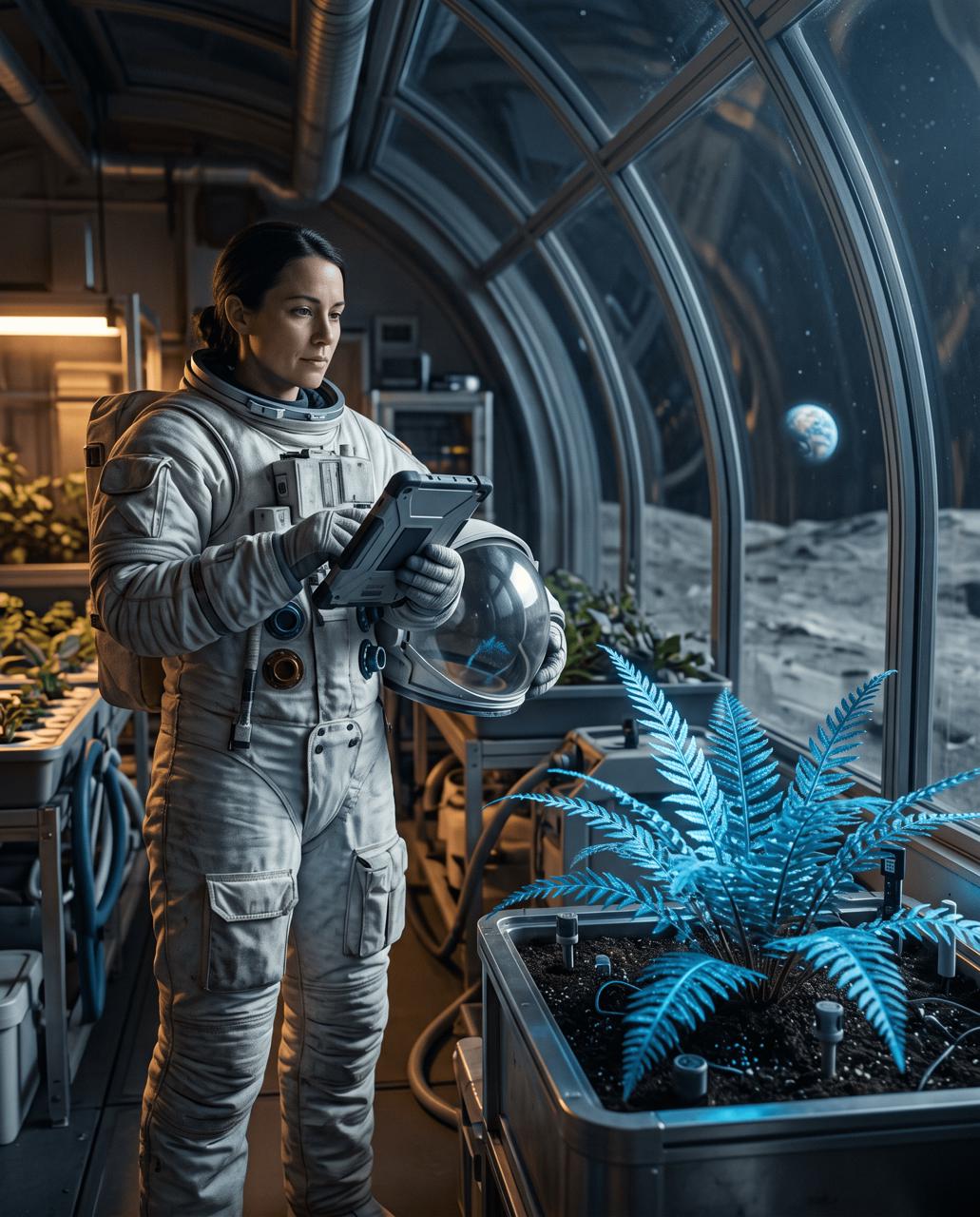
An evidence-led Nano Banana 2.1 review covering prompt control, exact layouts, local image editing, observed failures, and the workflows it fits best.

Learn a tested six-part Nano Banana 2.1 prompt formula through a weak-vs-strong comparison, an exact grid, an environmental portrait, and reusable templates.
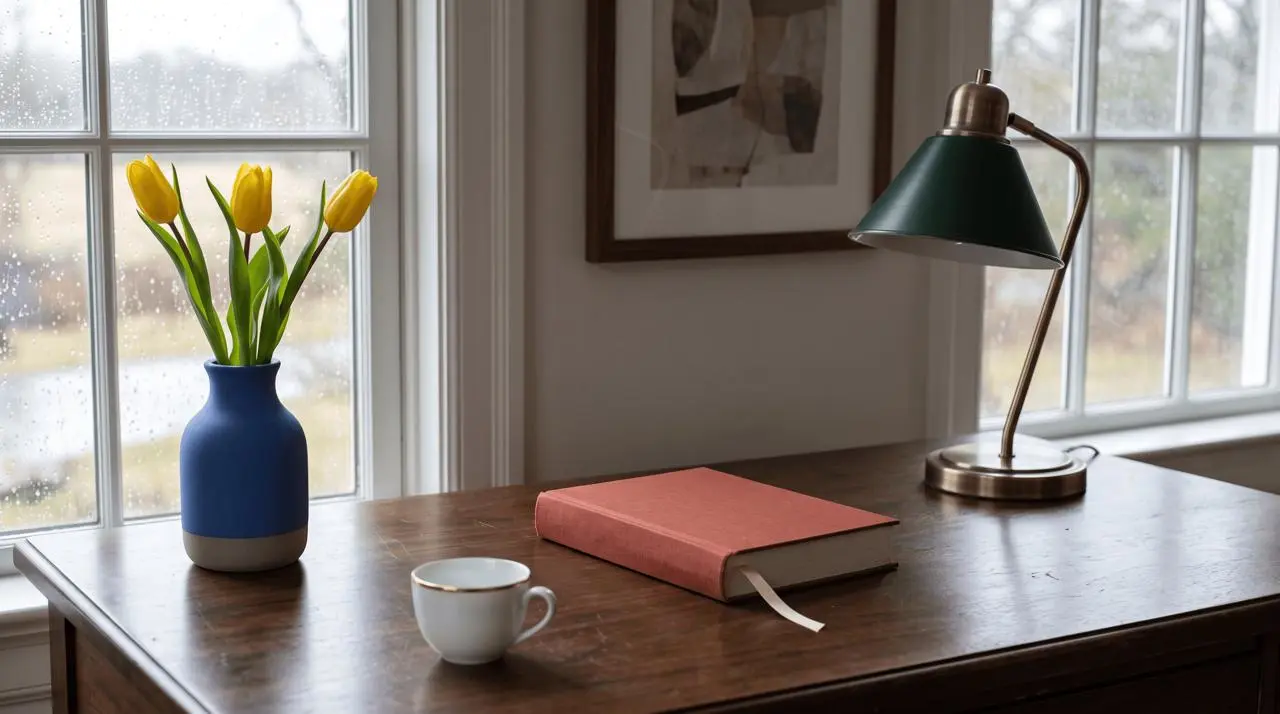
Test three local edits in Nano Banana 2.1—recoloring, moving, and replacing one object—while checking the rest of the frame for drift.
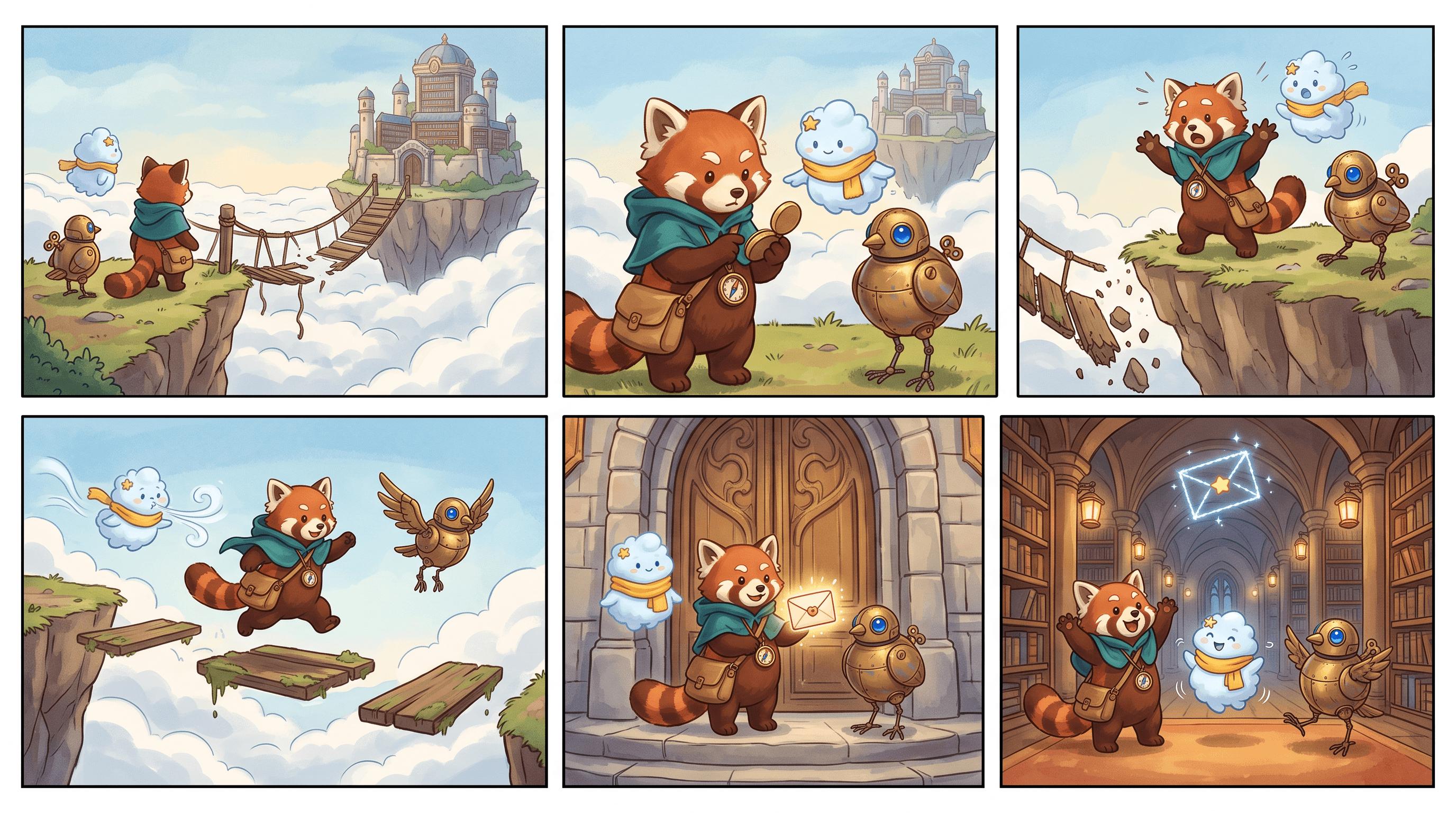
Turn one three-character lineup into a six-panel storyboard with Nano Banana 2.1, then fix duplicate characters and unwanted panel labels.