












MiniMax H3 Prompt Guide: Formula, Storyboards, Templates, and Common Mistakes
Learn how to write MiniMax H3 prompts for multimodal references, image-to-video, text-to-video, storyboards, dialogue, sound, and on-screen text.

Select Model & Location


Have the model showcase your product!

Explore solution playbooks, tool guides, and generated pages designed for repeatable creative operations.
Learn how to write MiniMax H3 prompts for multimodal references, image-to-video, text-to-video, storyboards, dialogue, sound, and on-screen text.
MiniMax H3 brings text, images, video, and audio into one unified multimodal workflow, making it easier to control what should be preserved, what should be used as a reference, and what the final content should communicate.
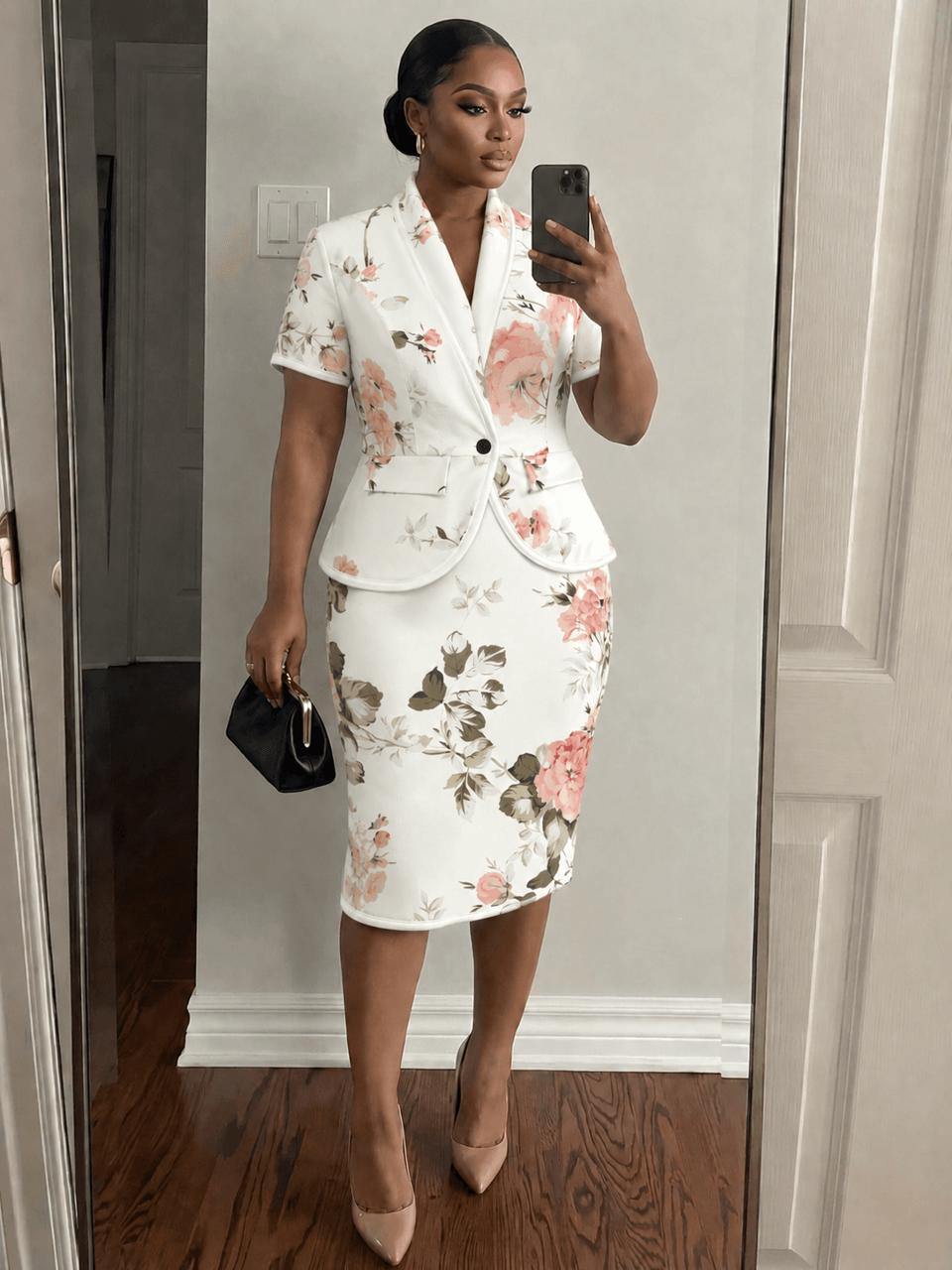
Learn how e-commerce apparel merchants can use AI image generation for virtual try-on and precise color matching. This beginner-friendly tutorial walks through replacing clothing on a model and calibrating fabric colors—no Photoshop skills required.
Learn how to use MiniMax-H3 in WeShop AI to turn a static product image and a viral reference video into a short-form ecommerce sales video for TikTok, Instagram Reels, Shopify, and other channels.
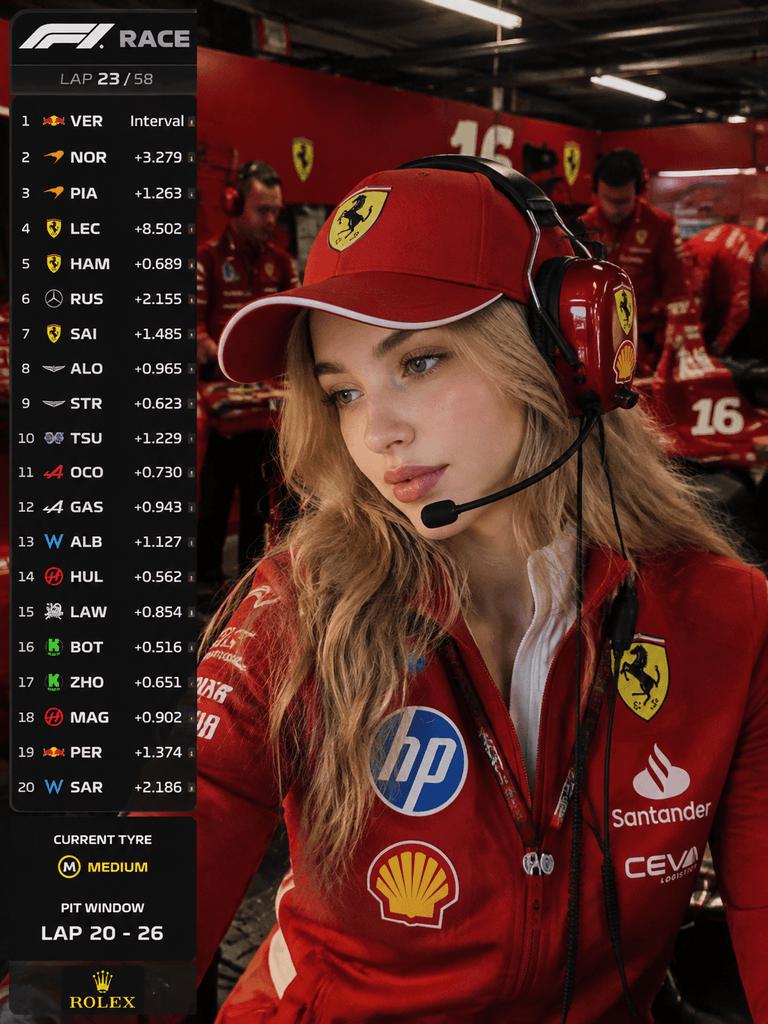
Learn how to use WeShop AI's GPT Image Generator to create hyper-realistic F1 pit garage live-broadcast screenshots, with a complete prompt you can copy and refine.

Create a cinematic silhouette double-exposure graduation poster with AI in 5 minutes. This step-by-step guide covers required tools, a copy-paste English prompt, customization tips, and FAQ troubleshooting—no Photoshop skills needed.
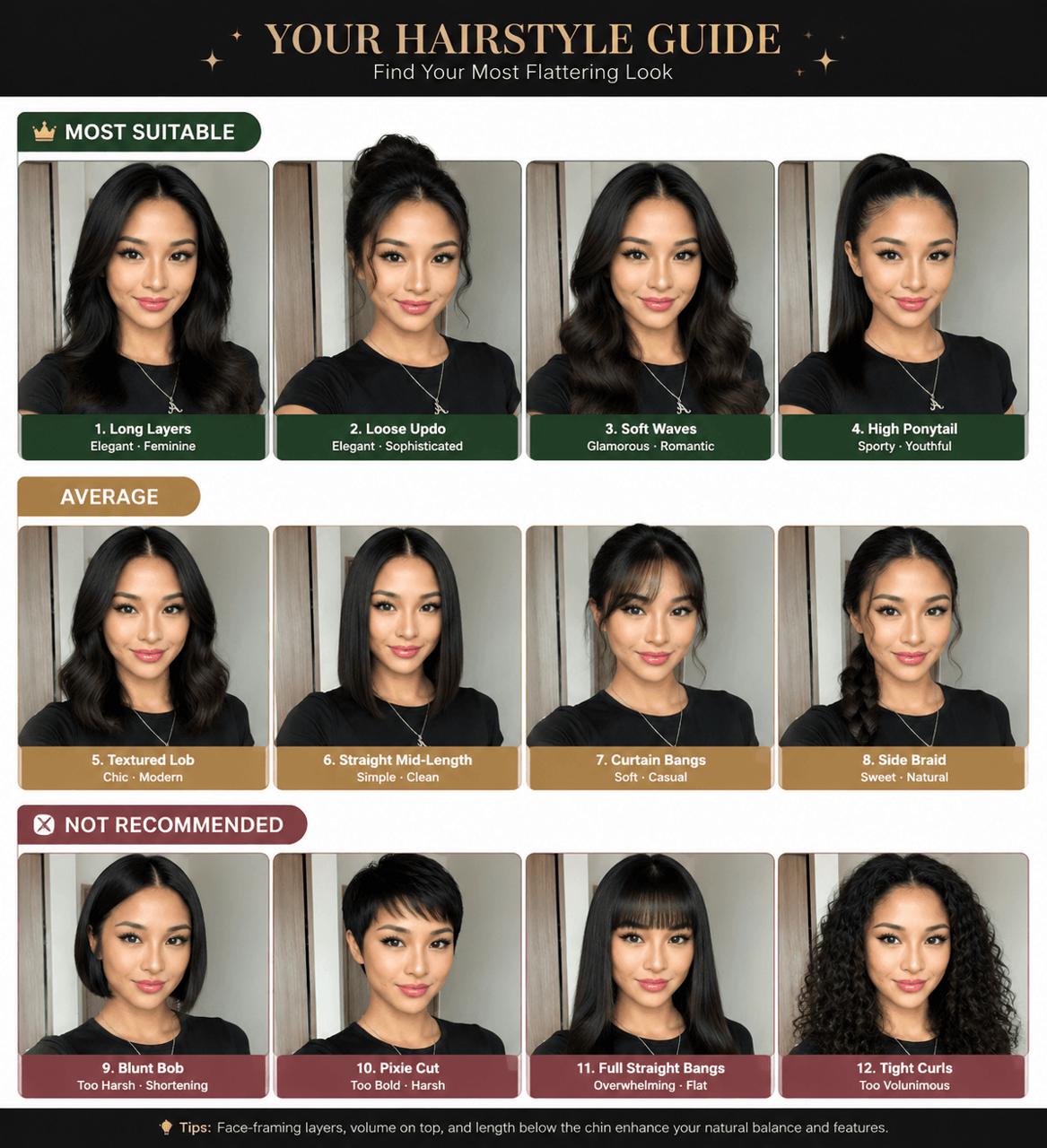
Learn how to use WeShop AI to upload a front-facing photo and generate a professional hairstyle analysis infographic with 12 different hairstyles. Step-by-step guide with prompt and parameter tips.
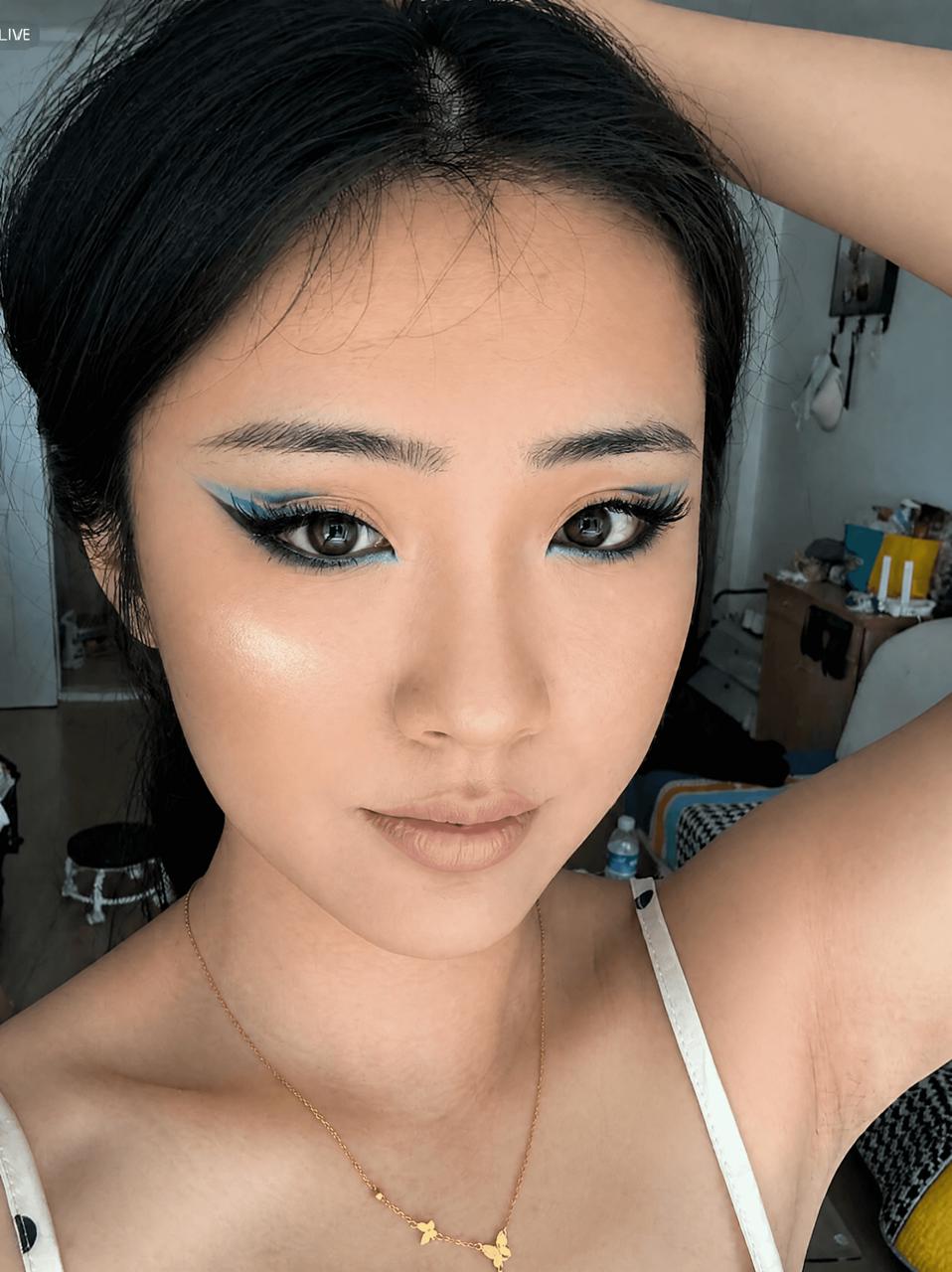
Learn how to use GPT Image 2 in WeShop to transfer makeup styles from a reference image to your selfie in just a few clicks. Step-by-step guide with prompt examples.
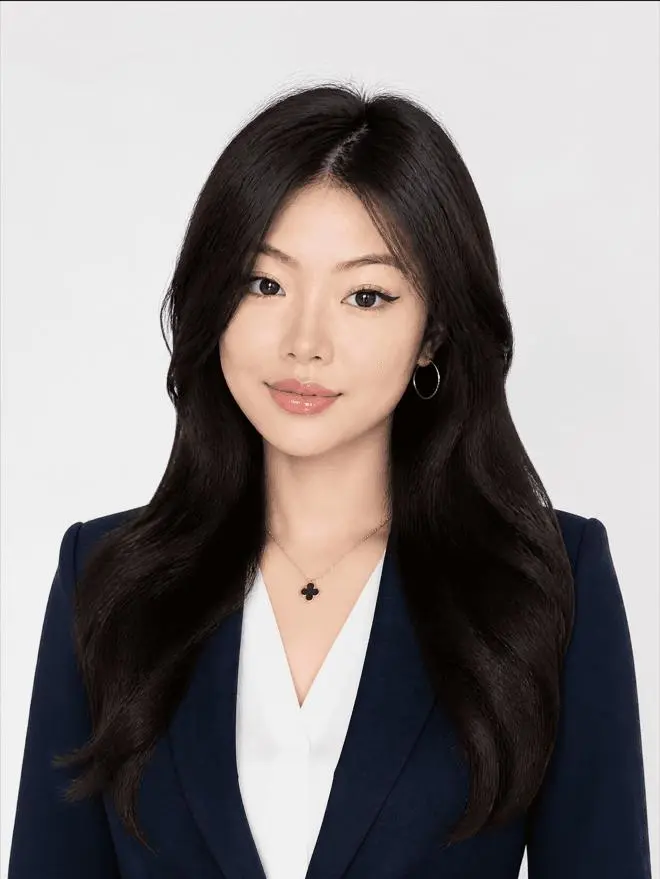
Transform a casual selfie or old badge photo into a premium American corporate headshot using WeShop AI's GPT Image 2. This tutorial covers photo preparation, prompt writing, generation tips, and platform-specific recommendations for LinkedIn, school profiles, and more.
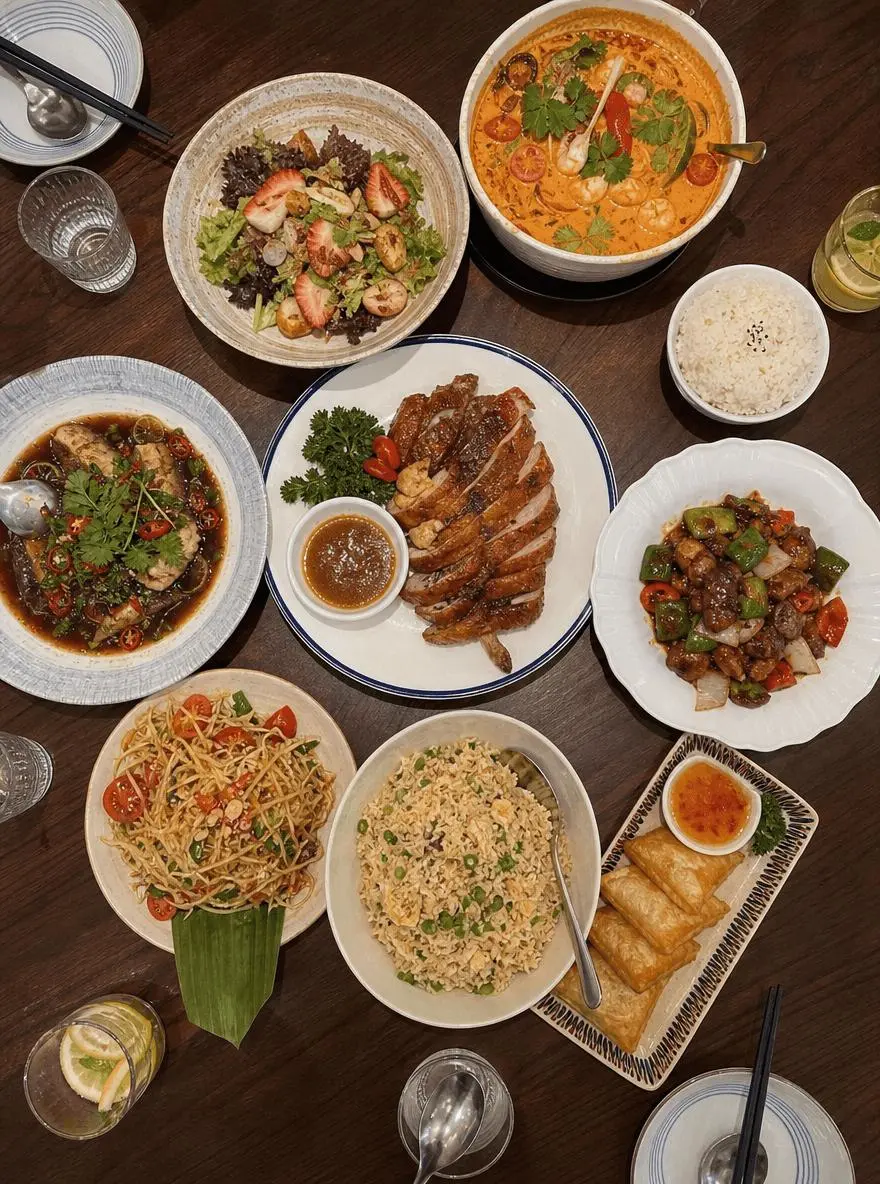
Learn how to use WeShop AI to turn ordinary everyday photos into cute Japanese-style hand-drawn Plogs with doodles and emotional handwritten text. Follow a simple step-by-step guide with a powerful prompt to create viral-worthy social media content in seconds.
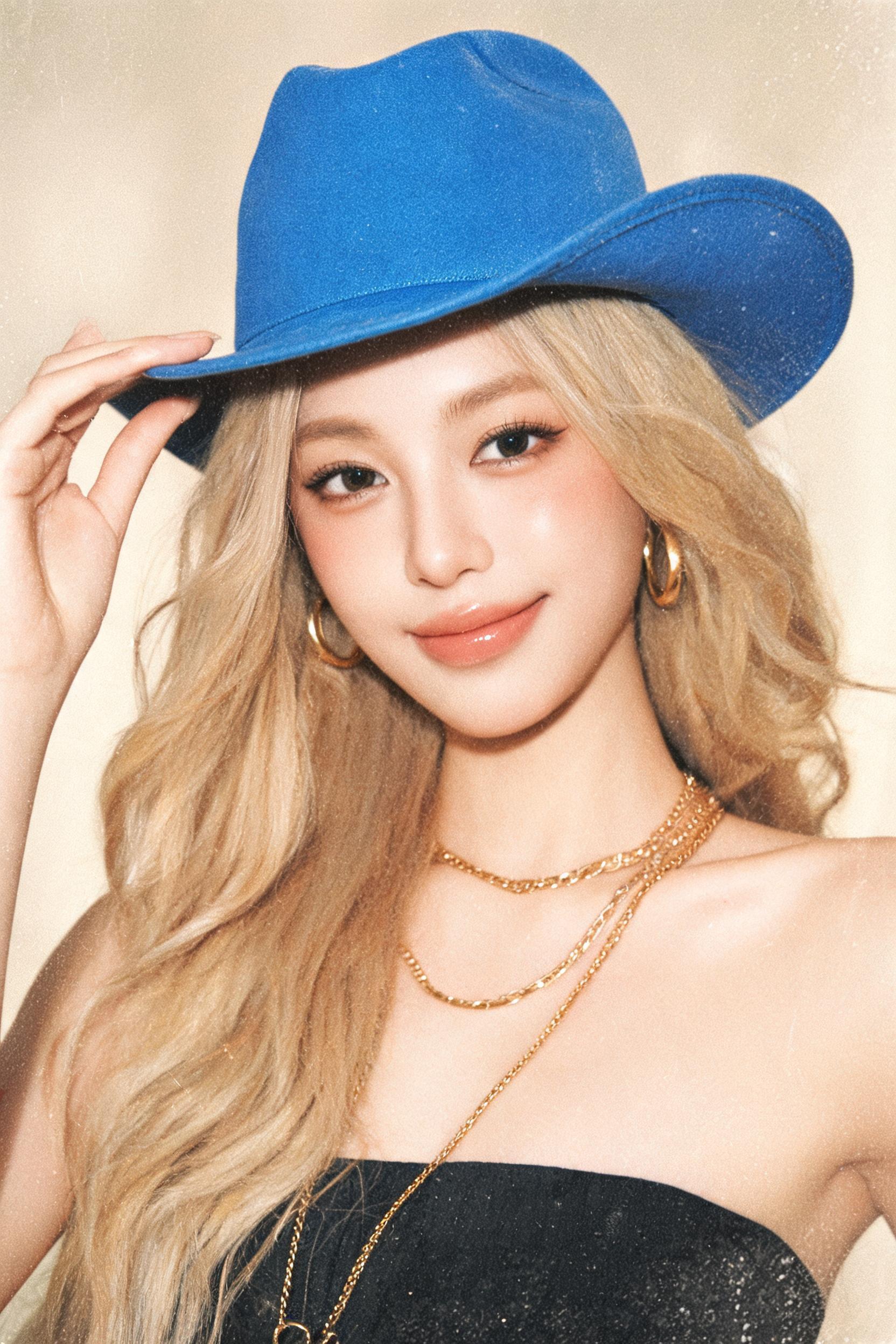
Discover how ecommerce brands and marketers use the Seedream 5.0 AI model integrated with WeShop AI to create professional product lifestyle images, fashion campaigns, advertising creatives, and scalable visual content without costly photoshoots.
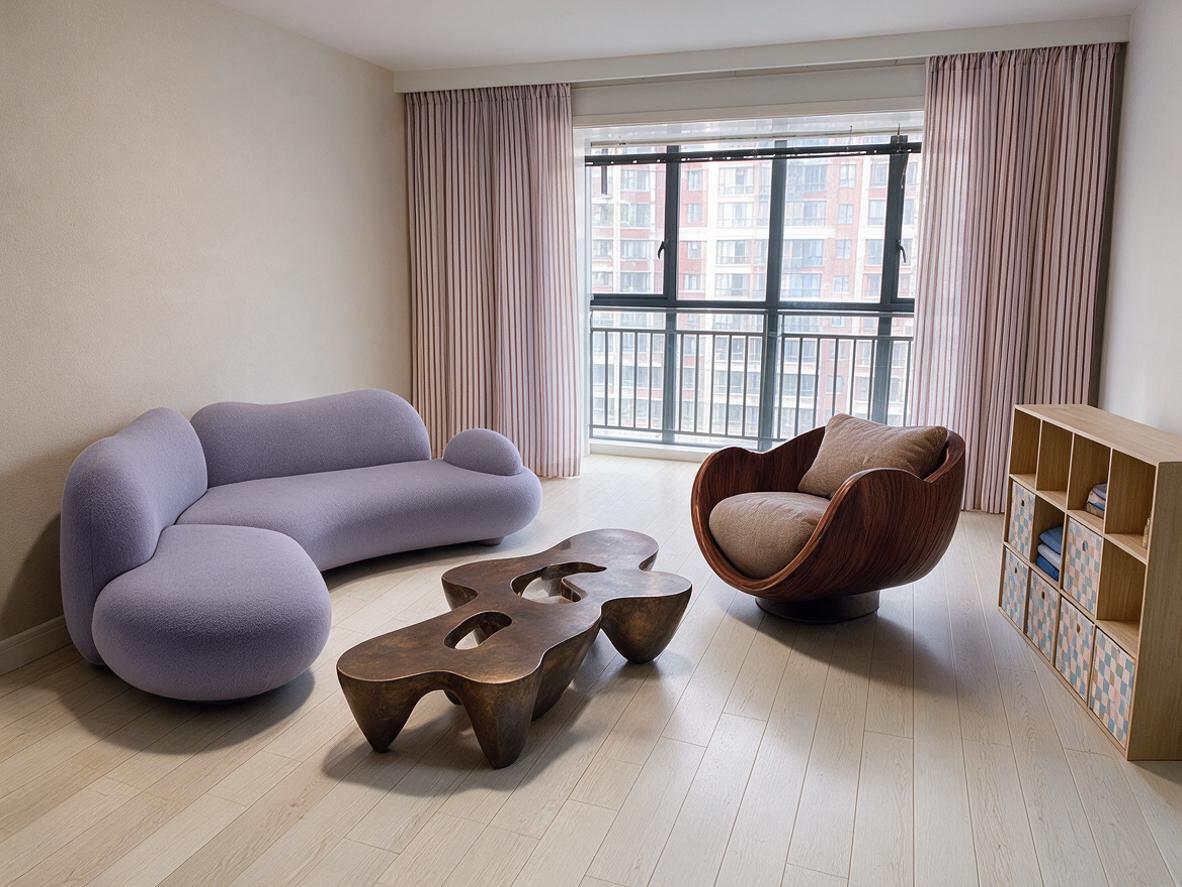
ByteDance's new Seedream 5.0 Pro brings interactive editing with point marks, region selection, and doodles, enabling precise local control. From cluttered rooms to complete home designs, it transforms image generation into a visual editing tool.