












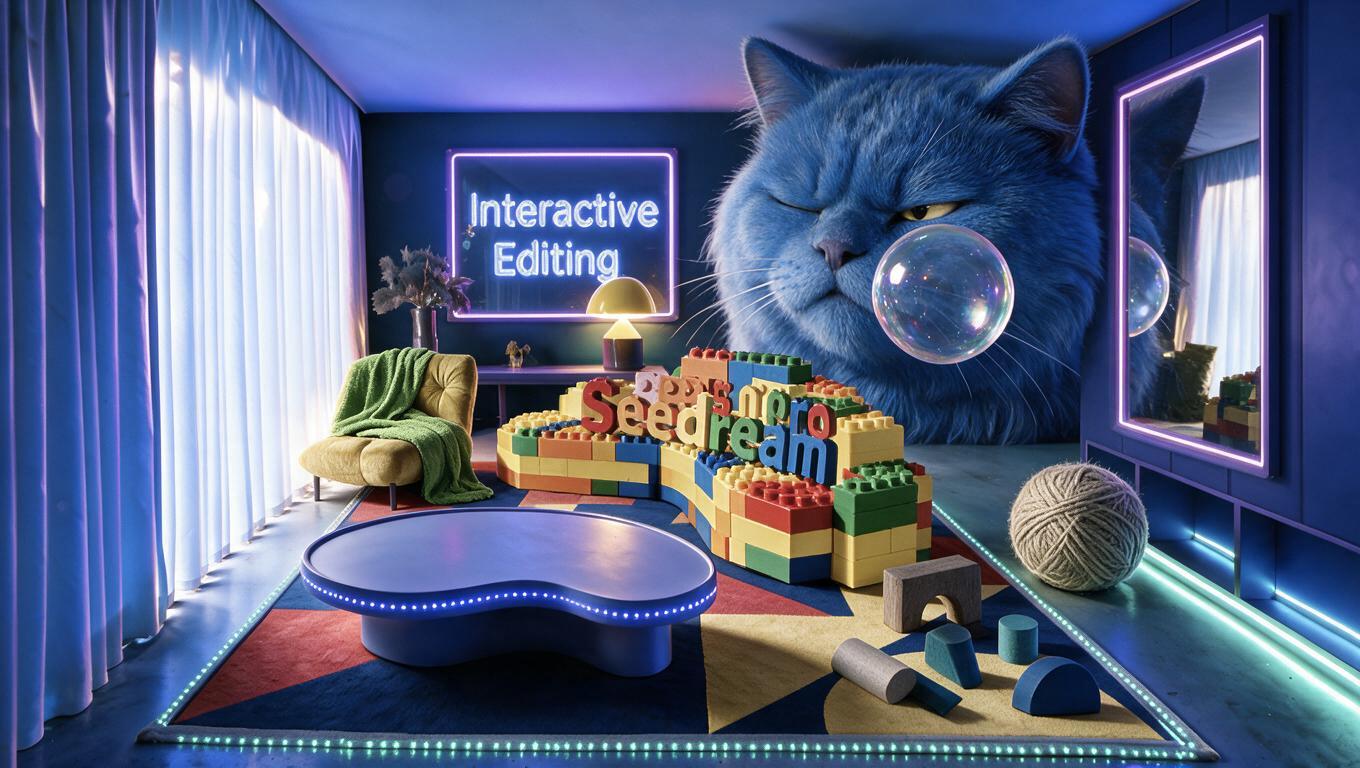
Seedream 5.0 Pro AI Image Generator: Select and Edit Multiple Regions
Learn how to use Seedream 5.0 Pro to select multiple image regions, add independent objects, and preserve the original scene’s structure, lighting, and perspective.

Select Model & Location


Have the model showcase your product!

Explore solution playbooks, tool guides, and generated pages designed for repeatable creative operations.
Learn how to use Seedream 5.0 Pro to select multiple image regions, add independent objects, and preserve the original scene’s structure, lighting, and perspective.
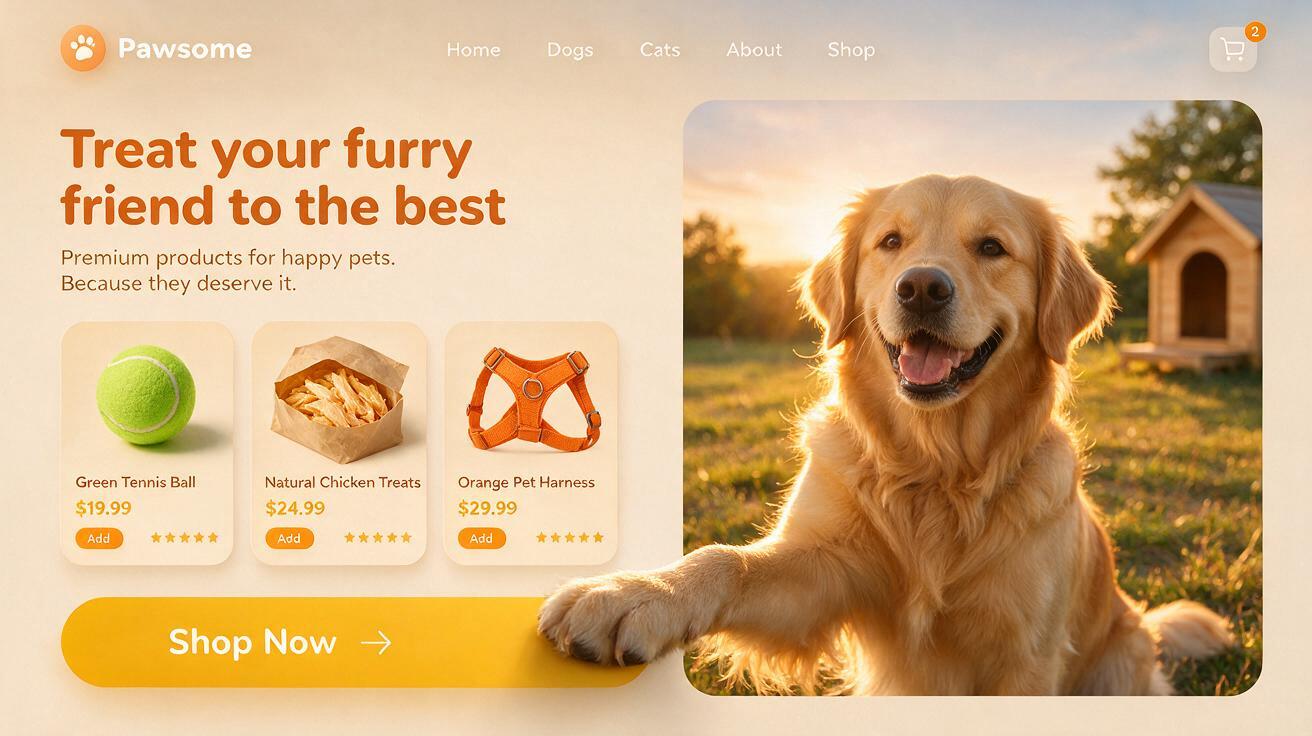
Learn how to create a polished pet ecommerce hero concept with product cards, branding, and a layered 3D paw-to-CTA interaction using Seedream 5.0 Pro.

Learn how to use Seedream 5.0 Pro to swap a dress from a reference image while preserving the model’s pose, improving fabric details, and generating a 2K result.
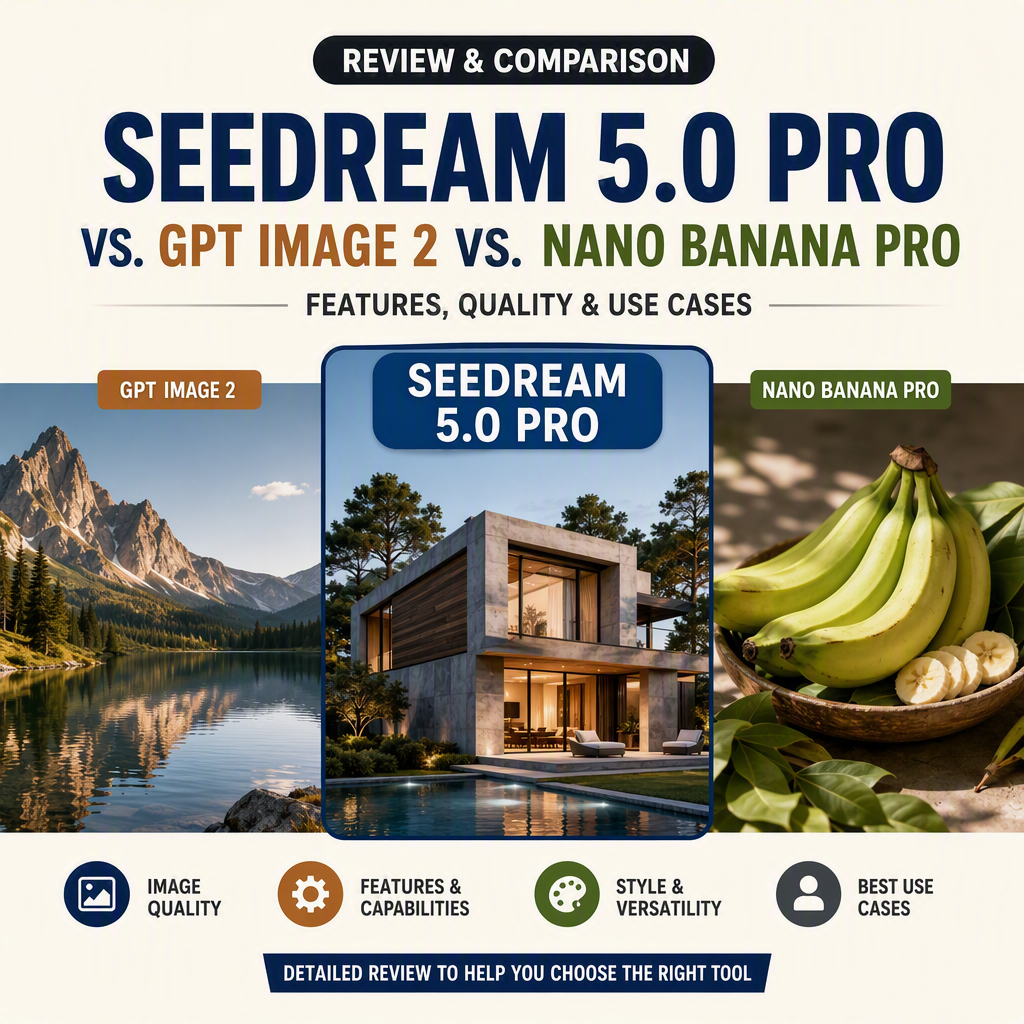
Seedream 5.0 Pro goes head-to-head with GPT Image 2 and Nano Banana Pro in eight first-output tests covering ecommerce ads, product editing, lifestyle imagery, storytelling, and infographics. See where each model wins—and which one is safest for real production.
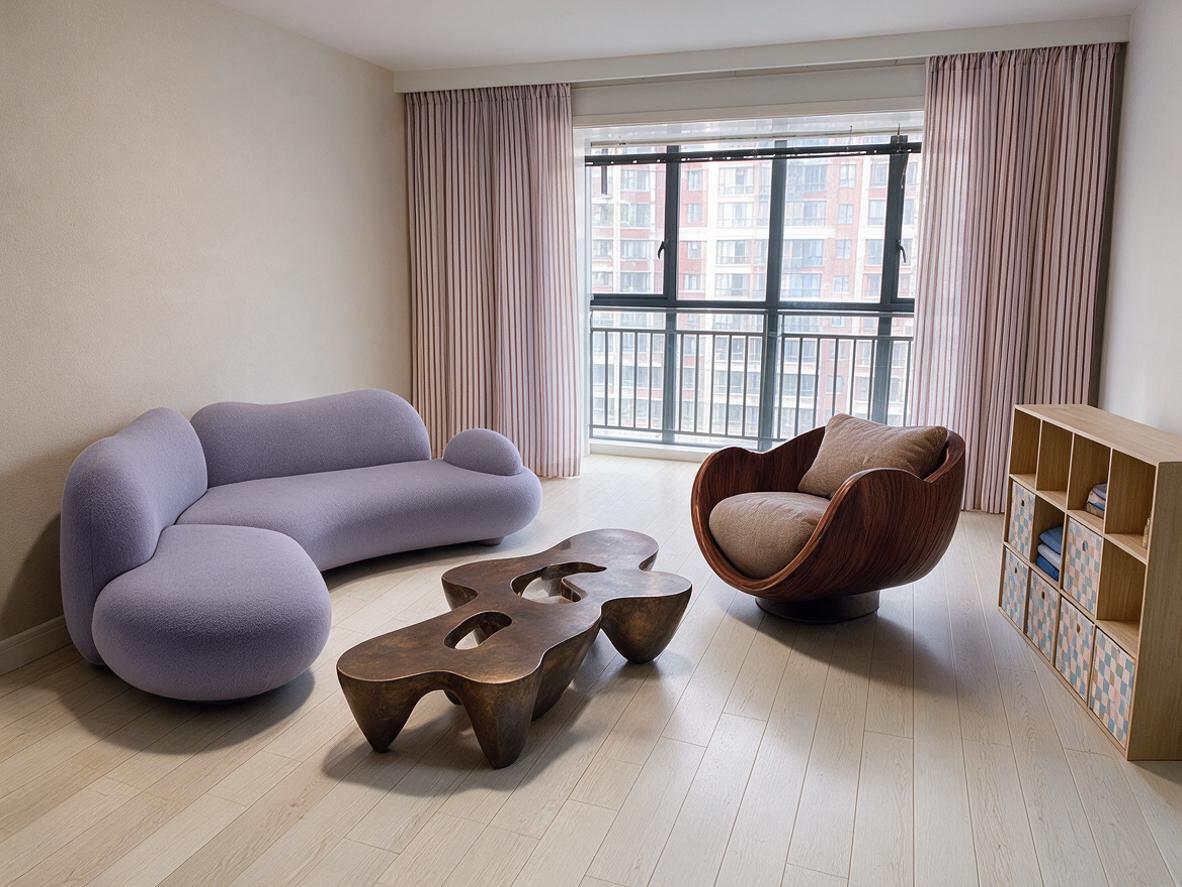
ByteDance's new Seedream 5.0 Pro brings interactive editing with point marks, region selection, and doodles, enabling precise local control. From cluttered rooms to complete home designs, it transforms image generation into a visual editing tool.