












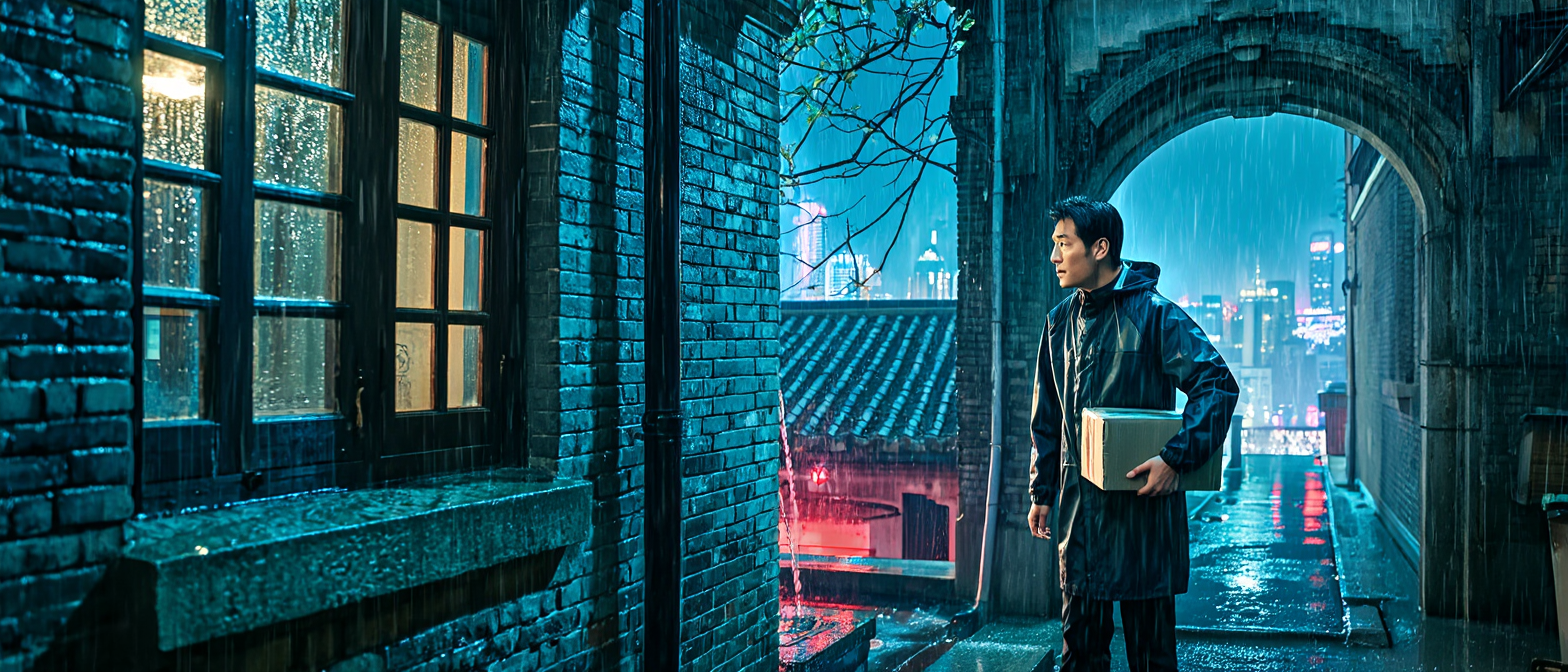
Z-Image AI Image Generator for Film Concept Art: Turn a Script into a Cinematic Frame
Learn how to turn a screenplay scene into a cinematic keyframe with Z-Image, using a structured prompt for near-future film concept art and preproduction reviews.

Select Model & Location


Have the model showcase your product!

Explore solution playbooks, tool guides, and generated pages designed for repeatable creative operations.
Learn how to turn a screenplay scene into a cinematic keyframe with Z-Image, using a structured prompt for near-future film concept art and preproduction reviews.
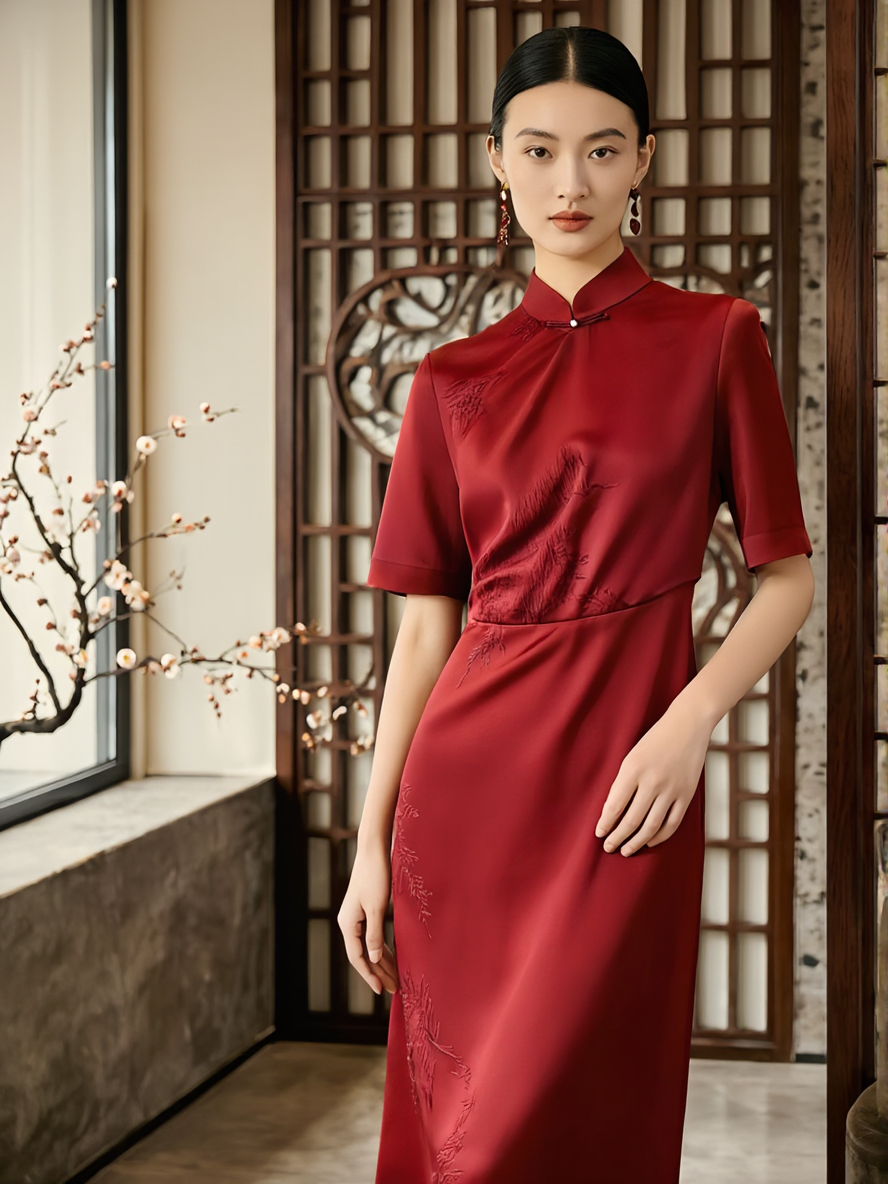
Learn how to turn a text brief into a realistic Asian fashion campaign concept with Z-Image, including a ready-to-copy prompt, layout guidance, and review tips.
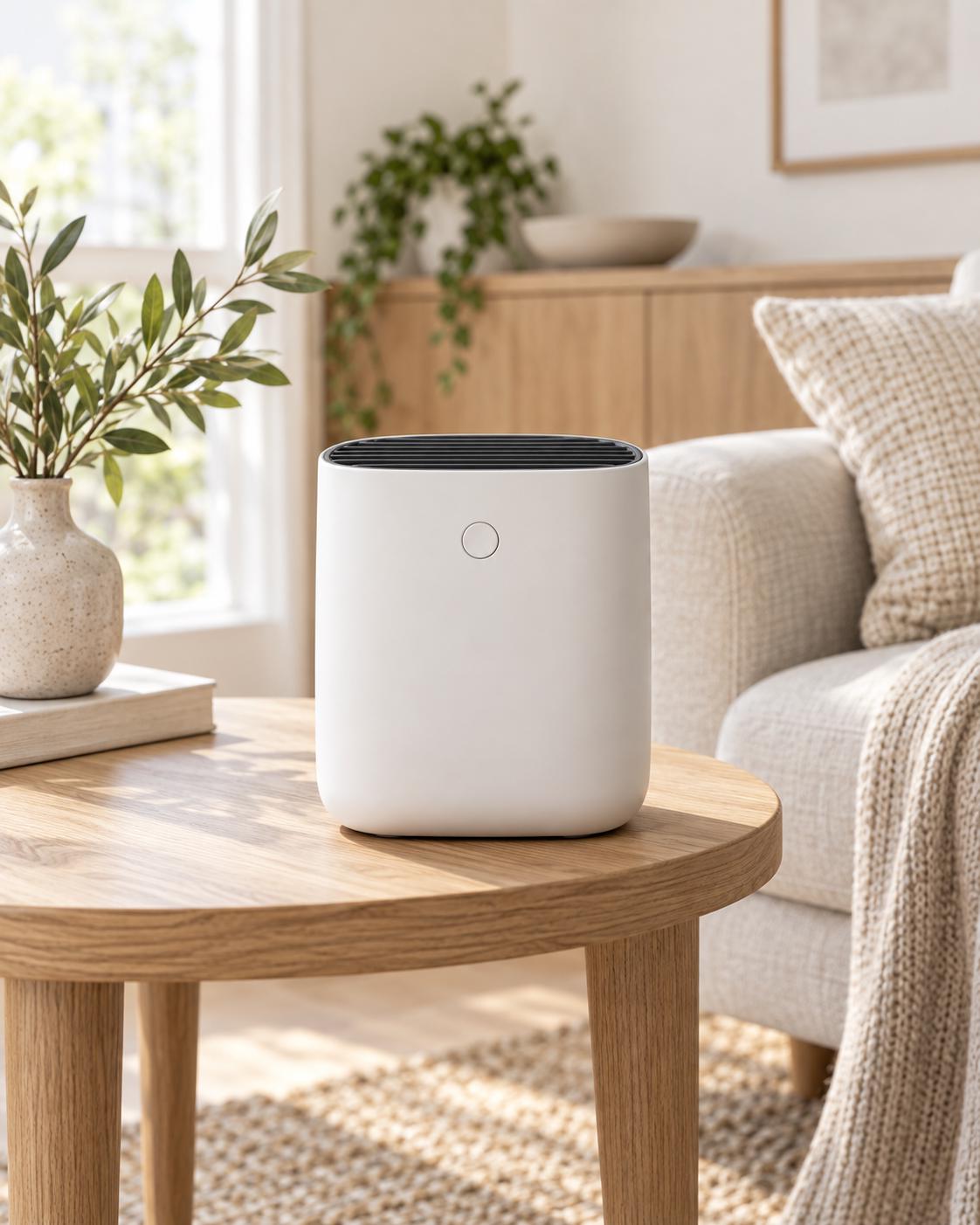
Learn how GPT Image 2.5 Flare and Sunburst compare for image generation, editing, reference fidelity, transparent assets, text rendering, and production workflows.
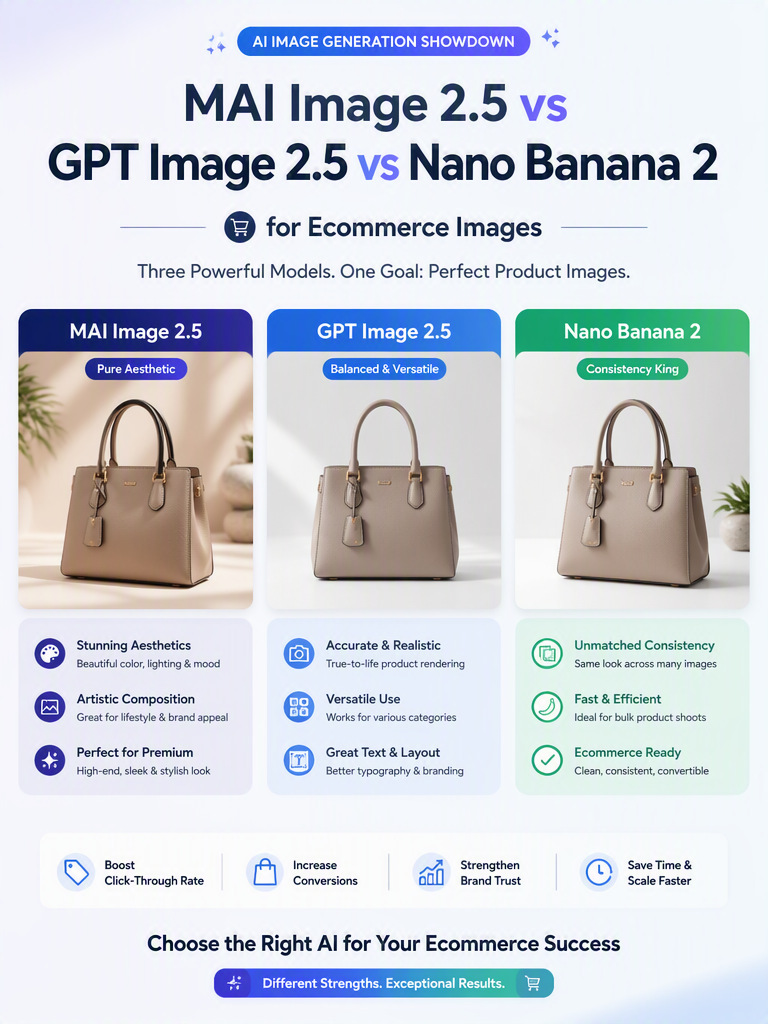
Compare MAI Image 2.5, GPT Image 2.5, and Nano Banana 2 for product preservation, text rendering, multi-edit consistency, and ecommerce workflows.
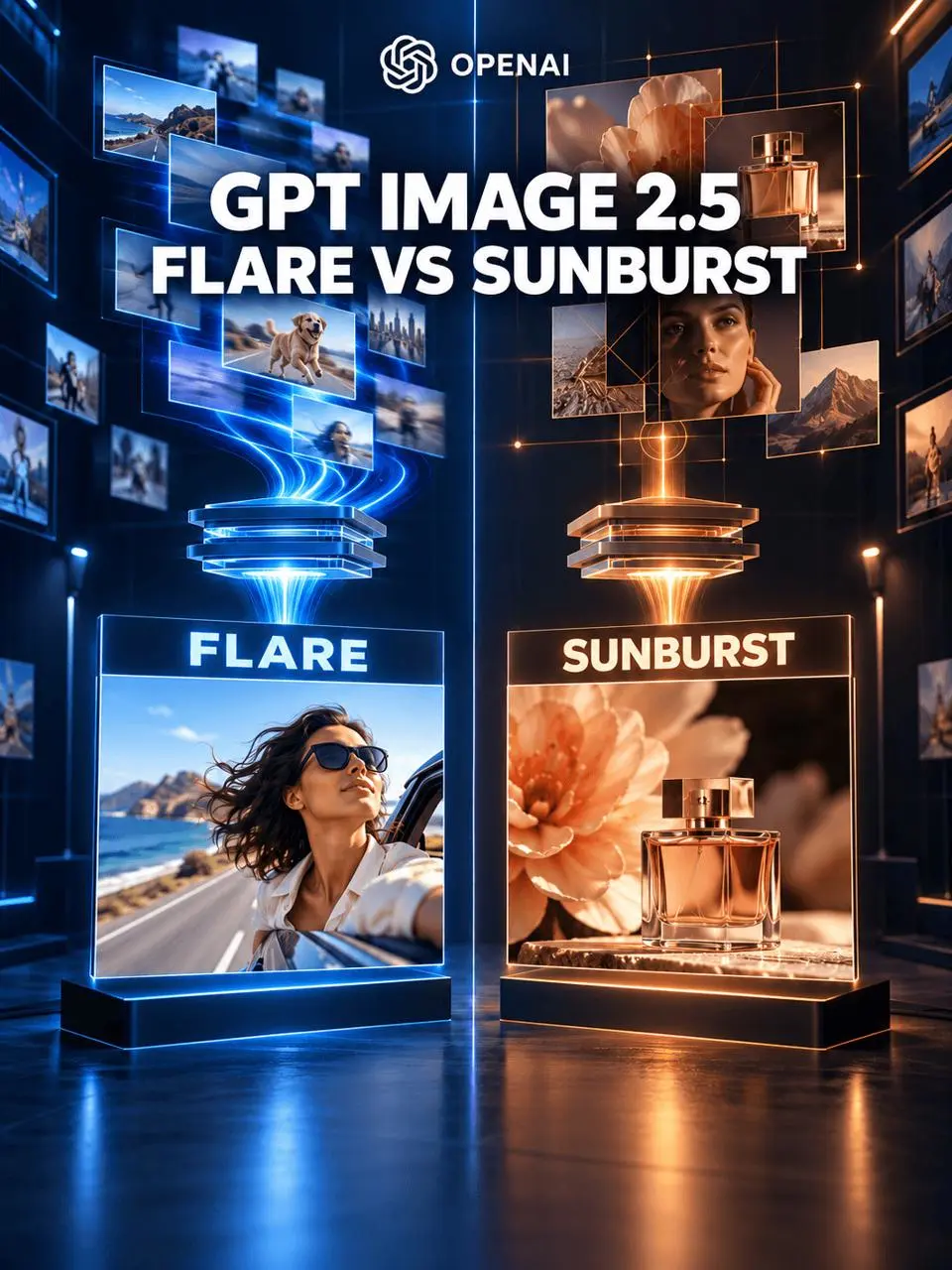
Compare GPT Image 2.5 Flare and Sunburst by generation speed, editing precision, API workflows, and common creative tasks to choose the right model.
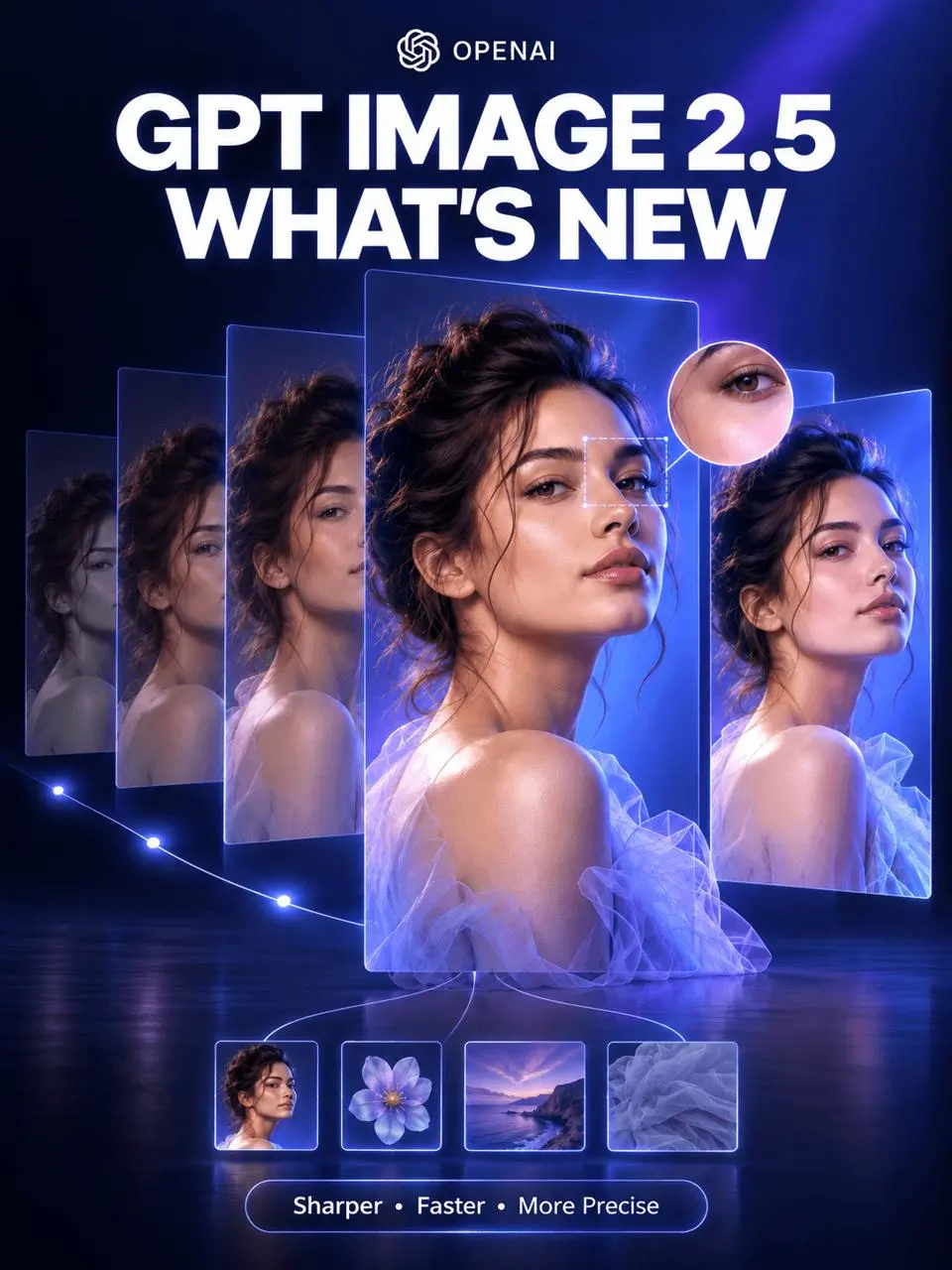
Explore GPT Image 2.5’s sharper reference fidelity, more precise editing, improved multi-turn consistency, creative controls, and faster image generation.
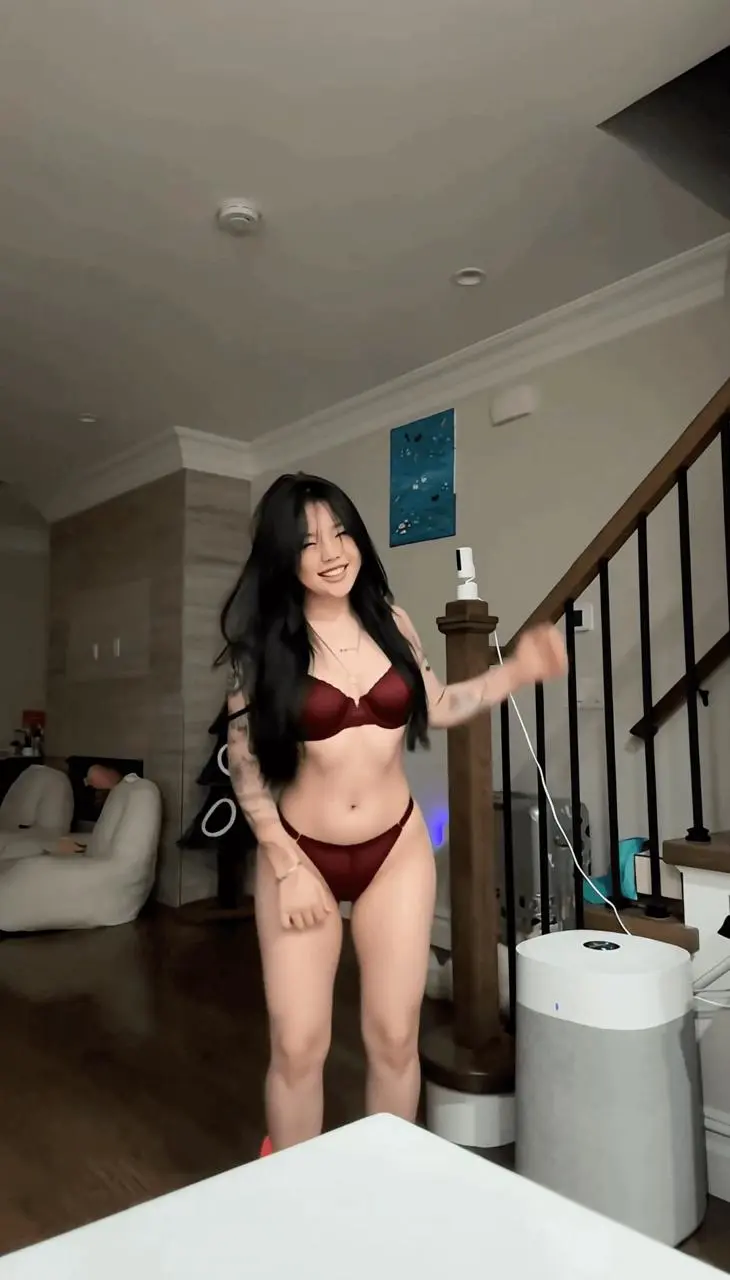
Learn how to upload a source clip, use a short outfit-transformation prompt, and review the generated video with MiniMax H3 on WeShop AI.
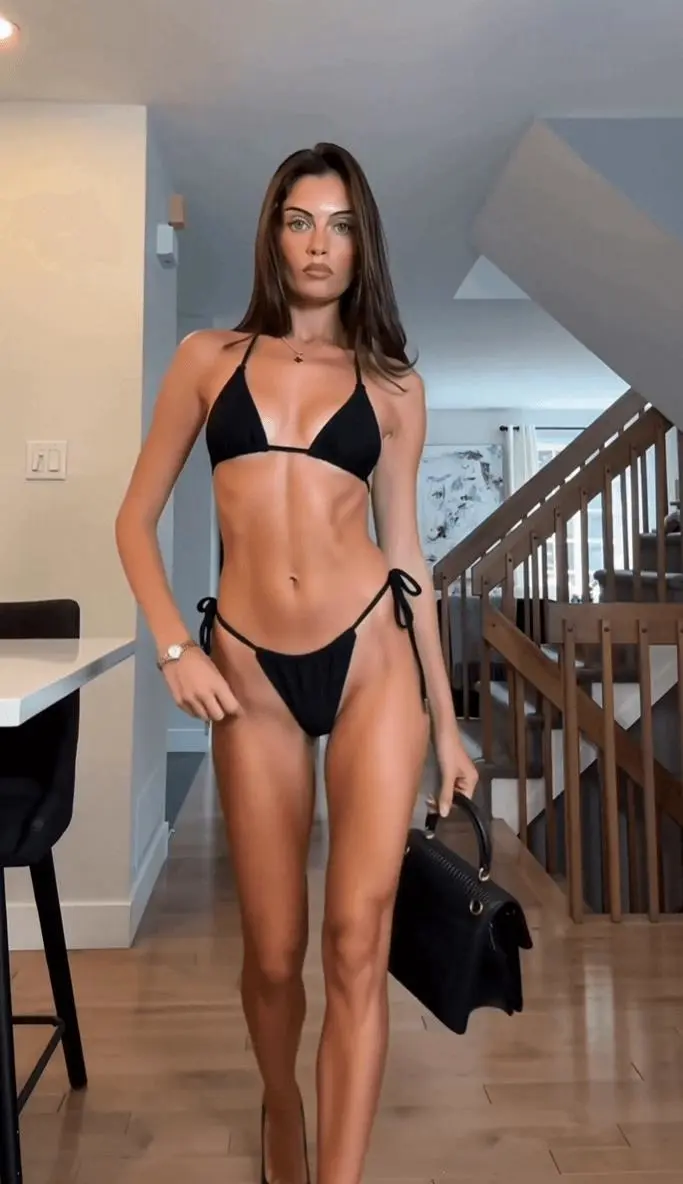
Learn how to turn an authorized fashion clip into a swimwear version with MiniMax H3, preserving motion, scene details, and a consistent outfit.
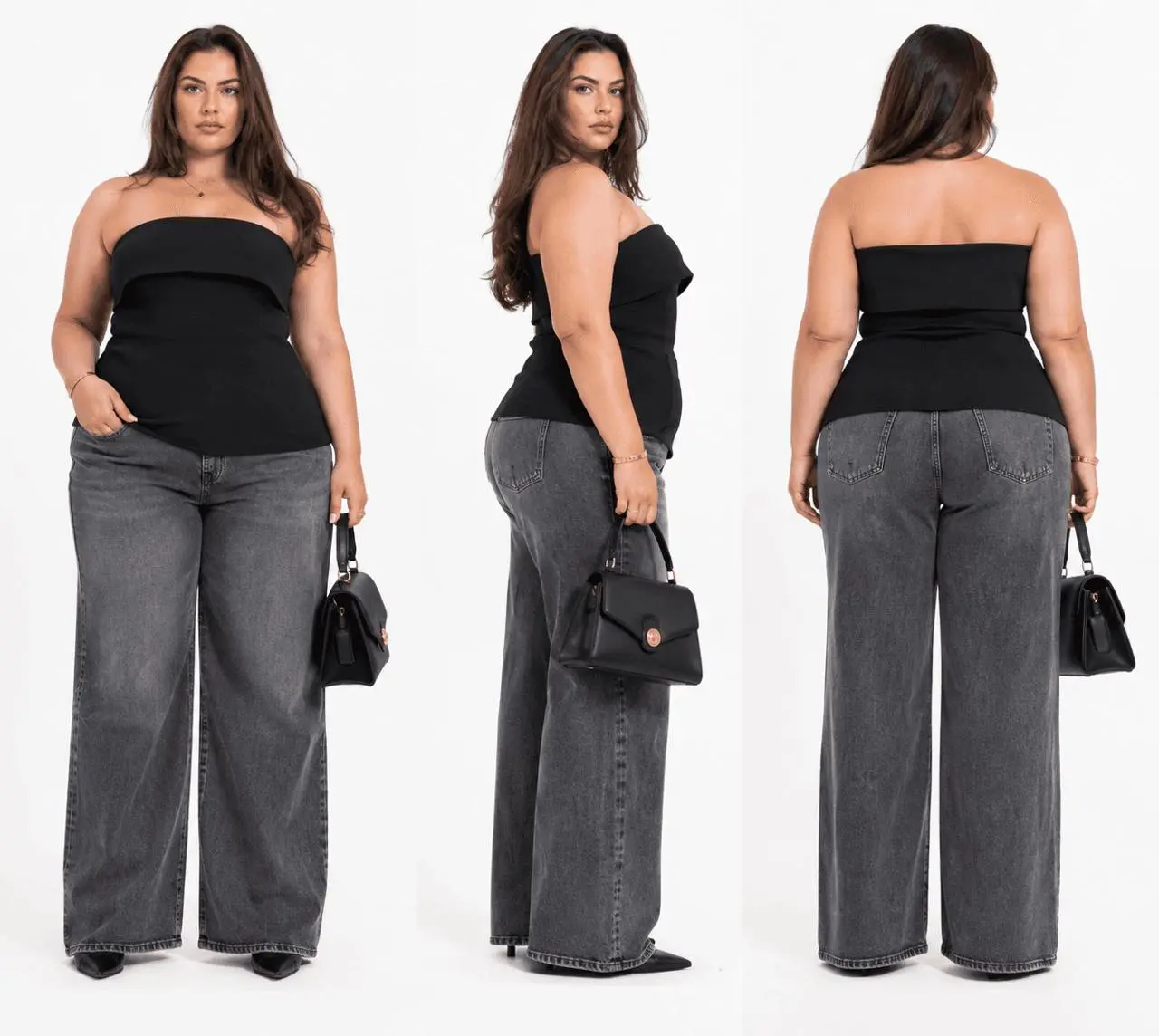
Learn how to use MiniMax H3 to replace a fashion video character with an XL–XXXL model reference while retaining the source clip’s movement, framing, and scene flow.
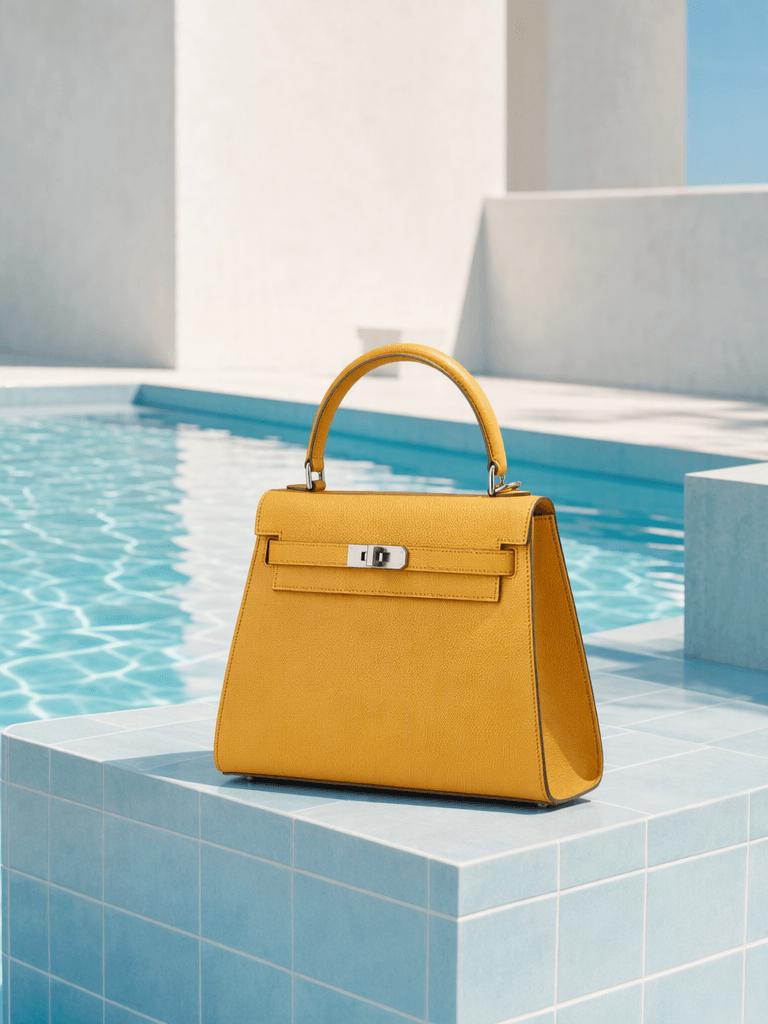
Test 10 copy-ready photo editing prompts across portraits, product images, and street scenes. See what worked, what partially failed, and how to preserve faces, materials, lighting, and composition with GPT Image 2.
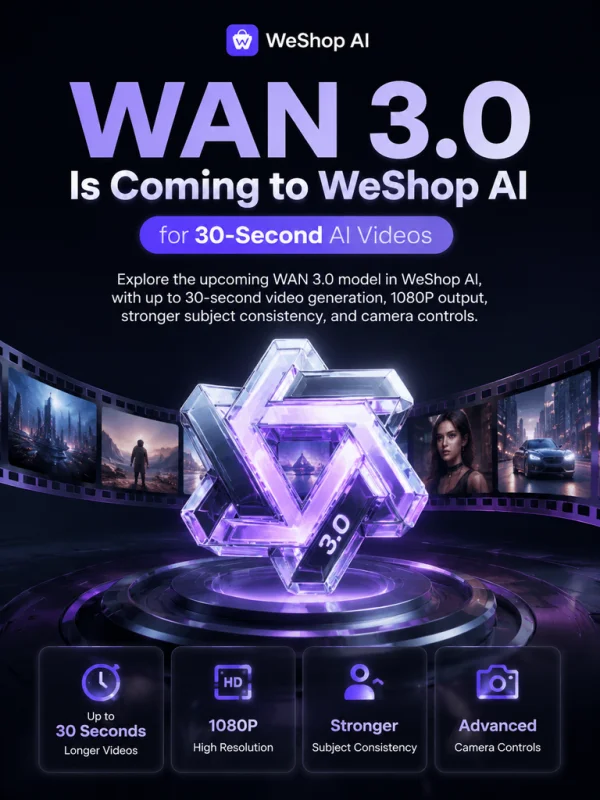
Explore the upcoming WAN 3.0 model in WeShop AI, with up to 30-second video generation, 1080P output, stronger subject consistency, and camera controls.
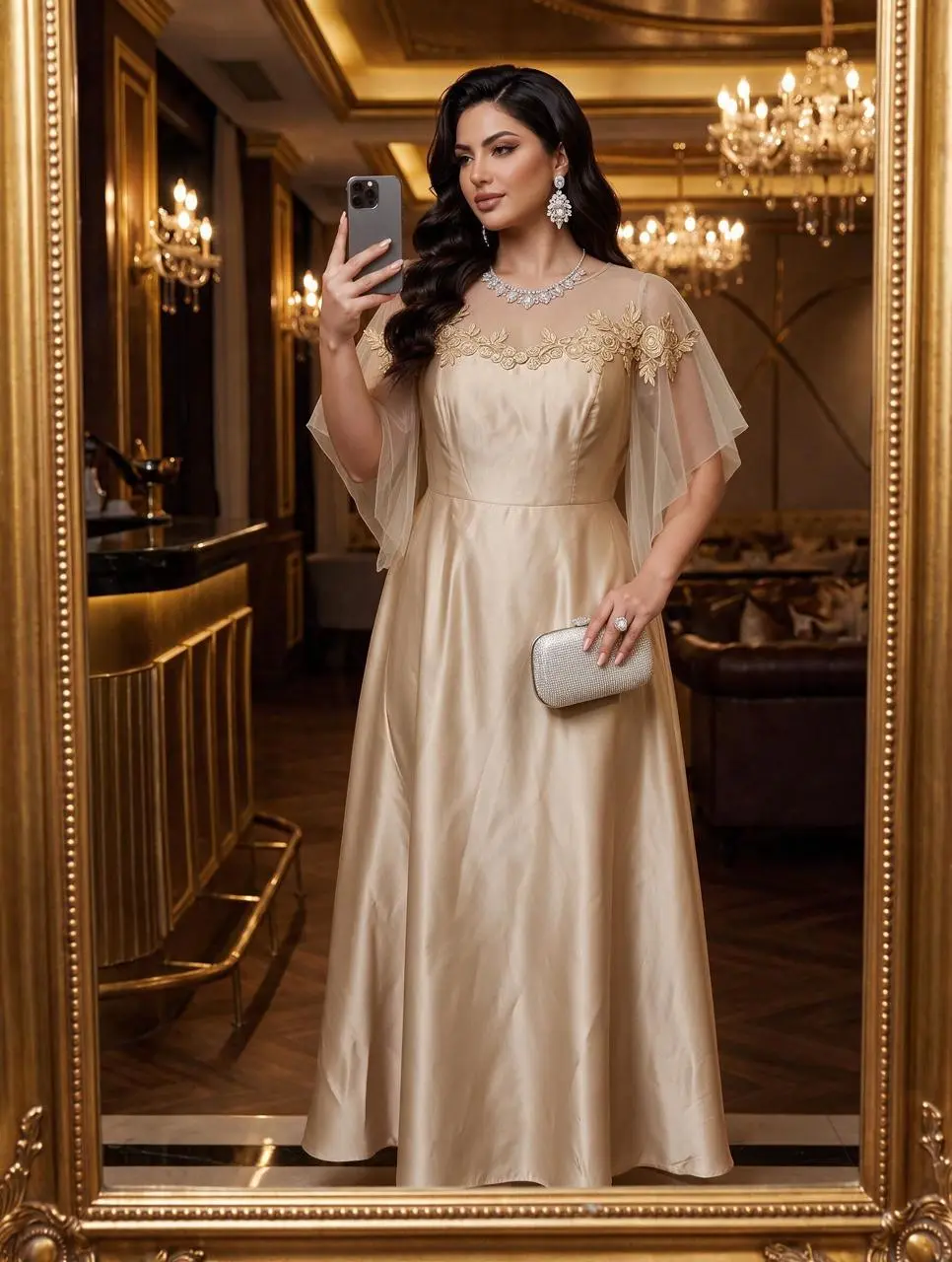
Learn how to use Seedream 5.0 Pro to swap a dress from a reference image while preserving the model’s pose, improving fabric details, and generating a 2K result.