












GPT Image 2.5 Flare vs Sunburst: Which Model Should You Use?
Compare GPT Image 2.5 Flare and Sunburst by generation speed, editing precision, API workflows, and common creative tasks to choose the right model.
Choose GPT-Image-2.5 Flare when speed and everyday production matter most. Choose GPT-Image-2.5 Sunburst when a demanding edit needs tighter control and a longer generation time is acceptable.
That is the clearest distinction in OpenAI’s current positioning. This comparison explains the documented differences without treating the two models as if they had been tested under identical benchmark conditions.
GPT Image 2.5 Flare vs Sunburst at a Glance
| Decision | GPT-Image-2.5 Flare | GPT-Image-2.5 Sunburst |
|---|---|---|
| Primary role | Fast, high-quality everyday generation | High-precision generation and editing |
| Best fit | Frequent creation, rapid iteration, social content, prototypes and higher-volume workflows | Detailed edits, polished product imagery and premium campaign creative |
| Speed | Faster option | Longer generation time |
| Text input | Supported | Supported |
| Image input and editing | Supported | Supported |
| Quality settings | low, medium, high, xhigh, max, auto | low, medium, high, xhigh, max, auto |
| Audio or video output | Not supported | Not supported |
The available documentation does not establish a universal image-quality winner. The better choice depends on whether a task is constrained more by turnaround time or by editing precision.
Choose Flare for Speed and Everyday Production
OpenAI describes GPT-Image-2.5 Flare as its fastest option for high-quality everyday image generation. It is also the default recommendation for most API applications.
Flare is the stronger starting point when your workflow involves:
- creator and social media images;
- rapid image prototypes;
- frequent campaign variations;
- visual search or product experiences;
- larger volumes of generation;
- fast creative iteration.
OpenAI reports that Flare delivers higher-quality images than GPT-Image-2 with 50% lower latency. This is an official platform claim, not an independent WeShop benchmark.
Choose Sunburst for Precision-Critical Editing
GPT-Image-2.5 Sunburst is positioned as the more capable option for image generation and editing when control matters most. Its tradeoff is longer generation time.
Sunburst is better aligned with tasks such as:
- production-ready campaign creative;
- polished product photography;
- detailed changes to an existing composition;
- edits where unrelated elements should remain stable;
- creative assets that will pass through several refinement rounds.
This does not mean every Sunburst result will automatically outperform Flare. It means Sunburst is designed for workflows where editing precision deserves greater priority than speed.
What Both GPT Image 2.5 Models Share
Flare and Sunburst accept both text and image inputs and produce image outputs. Both can be selected through the Images API or through the image-generation tool in the Responses API.
They also share the broader Images 2.5 improvements announced by OpenAI, including better reference fidelity, more precise edits, stronger multi-turn consistency, and improved handling of complex visual instructions.
Because they support the same quality-setting range, selecting max does not erase the difference in model positioning. Model choice and quality setting are separate decisions: first choose the workflow priority, then choose how much generation effort that task requires.
Which Model Fits Common Creative Jobs?
| Creative job | Recommended starting point | Why |
|---|---|---|
| Social post variations | Flare | Faster iteration is usually more valuable |
| Early visual concepts | Flare | Efficient for exploring several directions |
| High-volume image production | Flare | Positioned for frequent generation |
| Final campaign hero image | Sunburst | Precision may matter more than turnaround time |
| Product photo refinement | Sunburst | Better aligned with controlled editing |
| Small change to a complex layout | Sunburst | Designed for tighter control across edits |
| Unsure which model to choose | Flare | OpenAI positions it as the default for most applications |
These recommendations follow the models’ documented roles. They are not claims that one model won a same-prompt visual benchmark.
Three Practical Model-Selection Scenarios
The Images 2.5 release includes examples spanning fast creative exploration, structured layouts, and polished visual assets. The examples below illustrate the kinds of jobs involved; they are not labeled by OpenAI as direct Flare-versus-Sunburst benchmark outputs.
Scenario 1: Rapid Social and Creator Variations
| Fast visual concept | Shareable creator asset |
|---|---|
 | 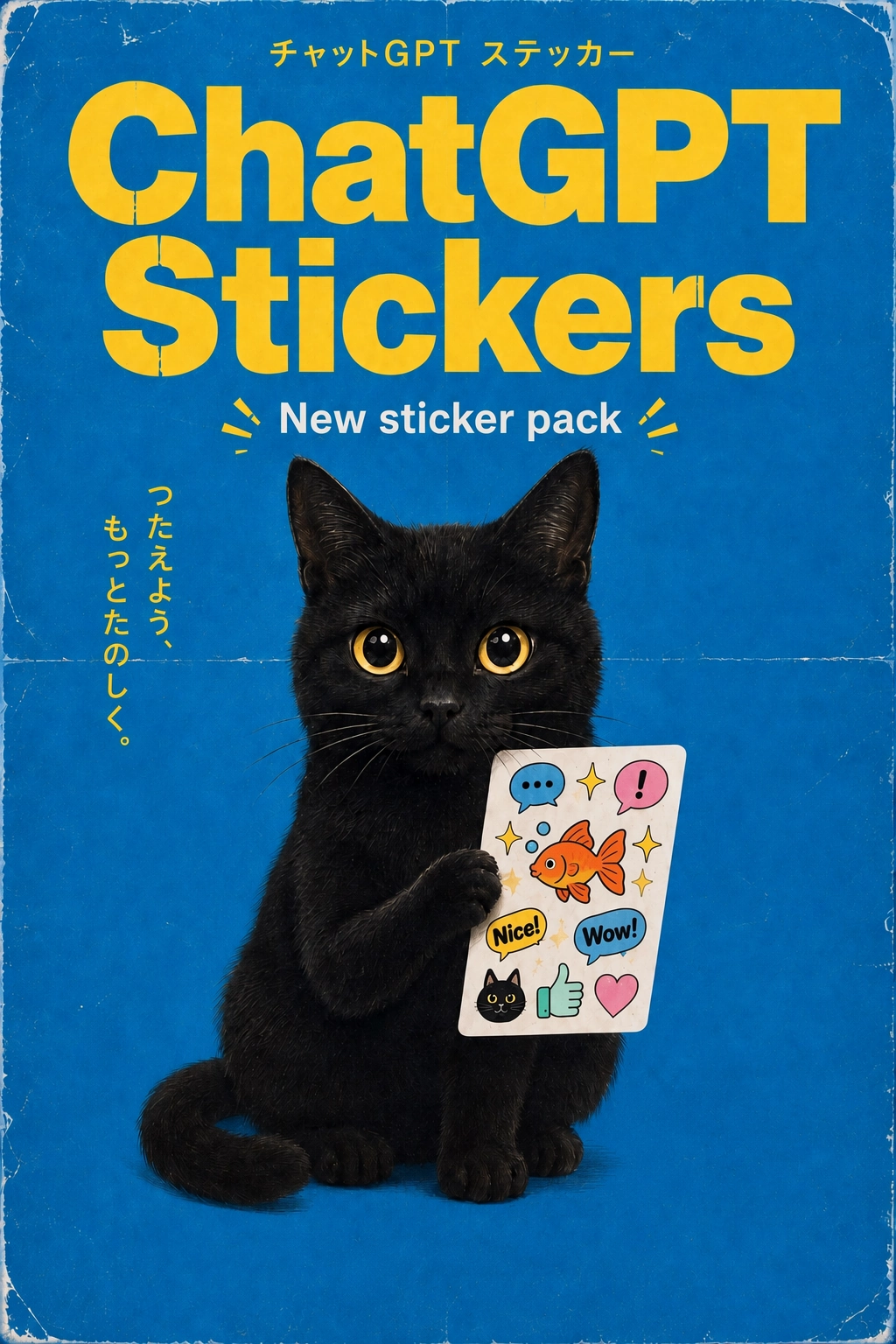 |
When the goal is to explore several directions, react quickly to a trend, or generate frequent creator assets, Flare is the more natural starting point because its documented role prioritizes speed and everyday production.
Scenario 2: Premium Layout and Campaign Refinement
| Detailed editorial layout | Structured presentation asset |
|---|---|
 | 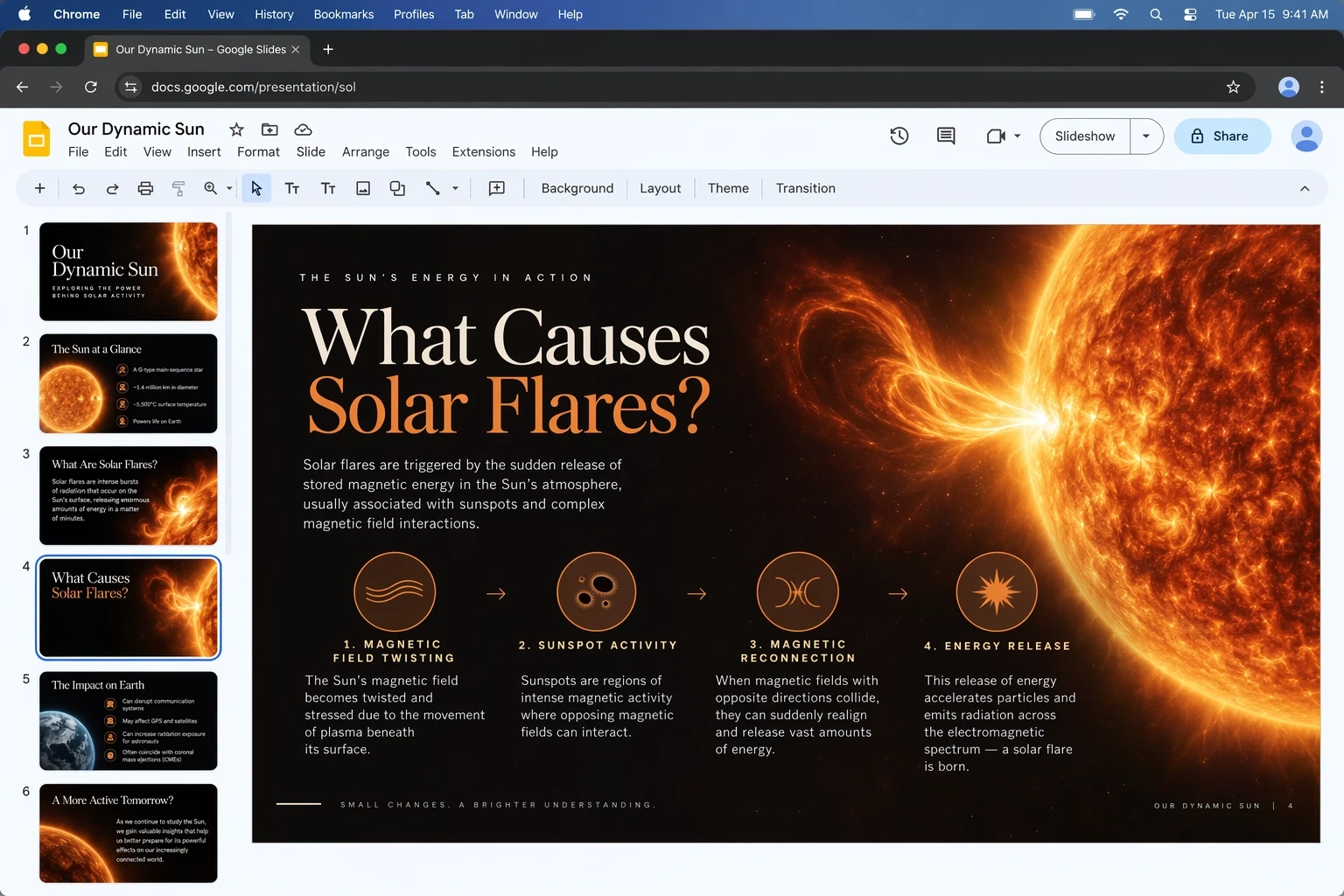 |
For a final asset with tightly connected typography, decorative details, and layout relationships, Sunburst better matches the documented need: prioritize editing precision even when generation takes longer.
Scenario 3: Explore with Flare, Finish with Sunburst
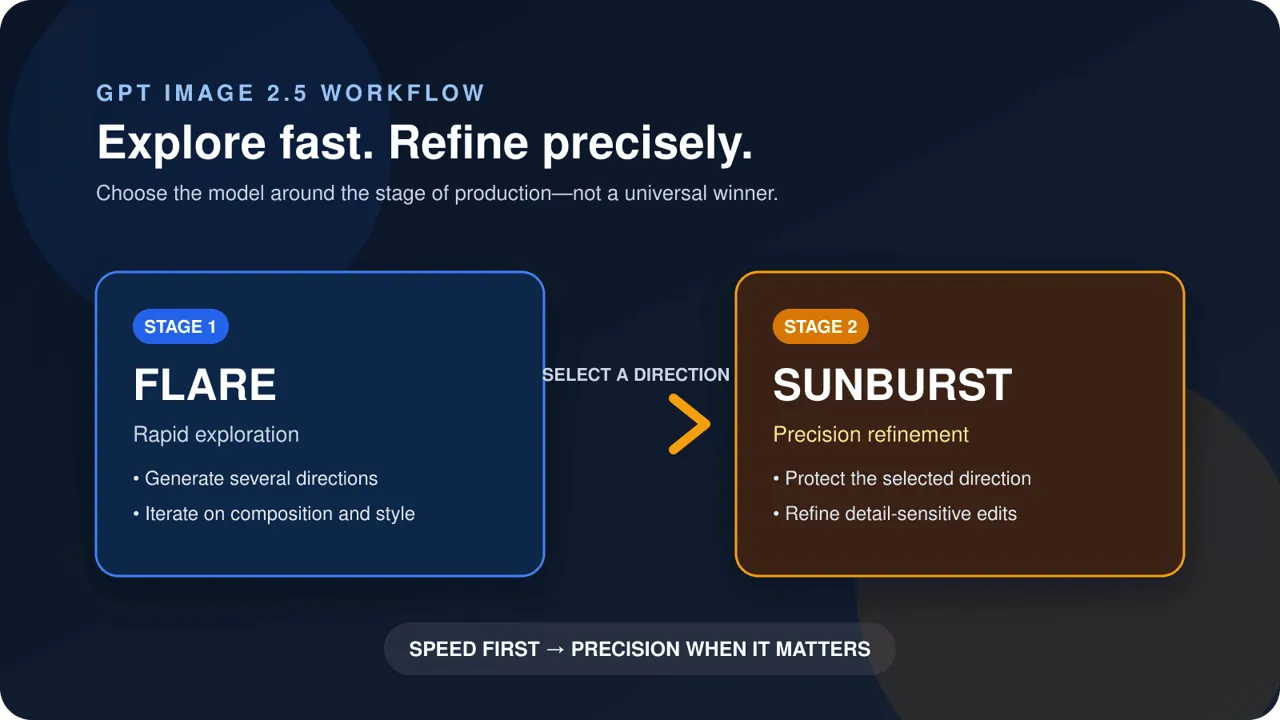
A practical production pattern is to use Flare for broad exploration, select one direction, and move precision-sensitive refinements to Sunburst. This two-stage recommendation is an inferred workflow based on each model’s documented positioning, not an official requirement or a measured benchmark.
A Simple Selection Rule
Use this decision before adjusting quality settings:
- Is the goal to generate and iterate quickly? Start with Flare.
- Is the goal to preserve a complex image while making exact changes? Start with Sunburst.
- Does the task move from exploration to final production? Explore with Flare, then test the final precision-sensitive stage with Sunburst.
The third workflow is an inferred production strategy based on the documented positioning of the two models, not a requirement from OpenAI.
Final Recommendation
GPT-Image-2.5 Flare is the practical default for speed, iteration, and everyday generation. GPT-Image-2.5 Sunburst is the specialist choice for detailed edits and premium production work.
Until equivalent same-prompt results are available, the most honest comparison is not “Which model makes prettier images?” It is “Which production constraint matters more for this task: speed or precision?”
For broader context on the release, read our GPT Image 2.5 feature overview or review OpenAI’s Images 2.5 announcement.