












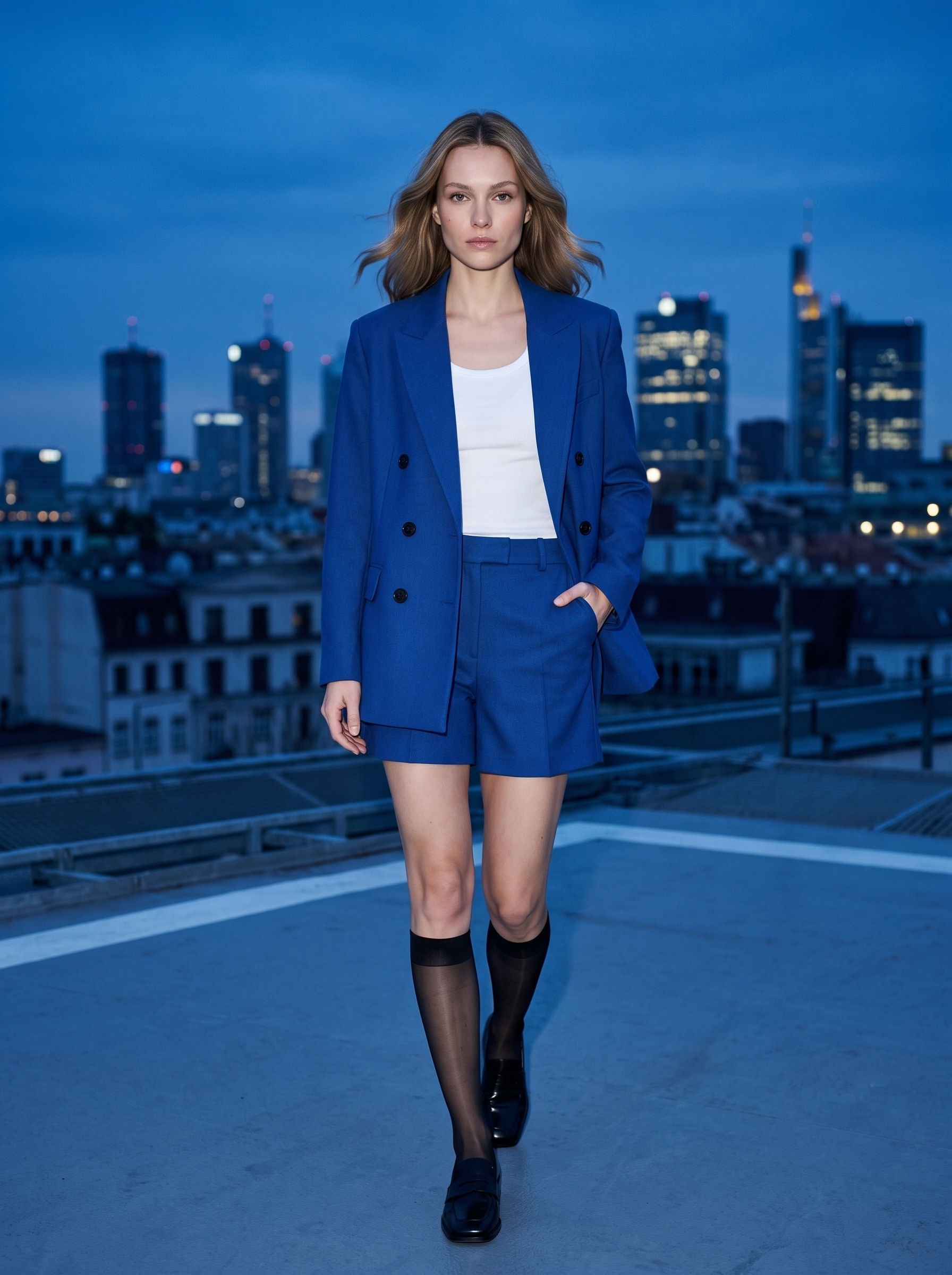
Turn One Casting Photo Into a Fashion Editorial with Nano Banana 2.1
Learn how to turn one casting reference into rooftop and hotel fashion editorials while keeping the same model identity, hairstyle, and cobalt-blue outfit.

Select Model & Location


Have the model showcase your product!

Explore solution playbooks, tool guides, and generated pages designed for repeatable creative operations.
Learn how to turn one casting reference into rooftop and hotel fashion editorials while keeping the same model identity, hairstyle, and cobalt-blue outfit.
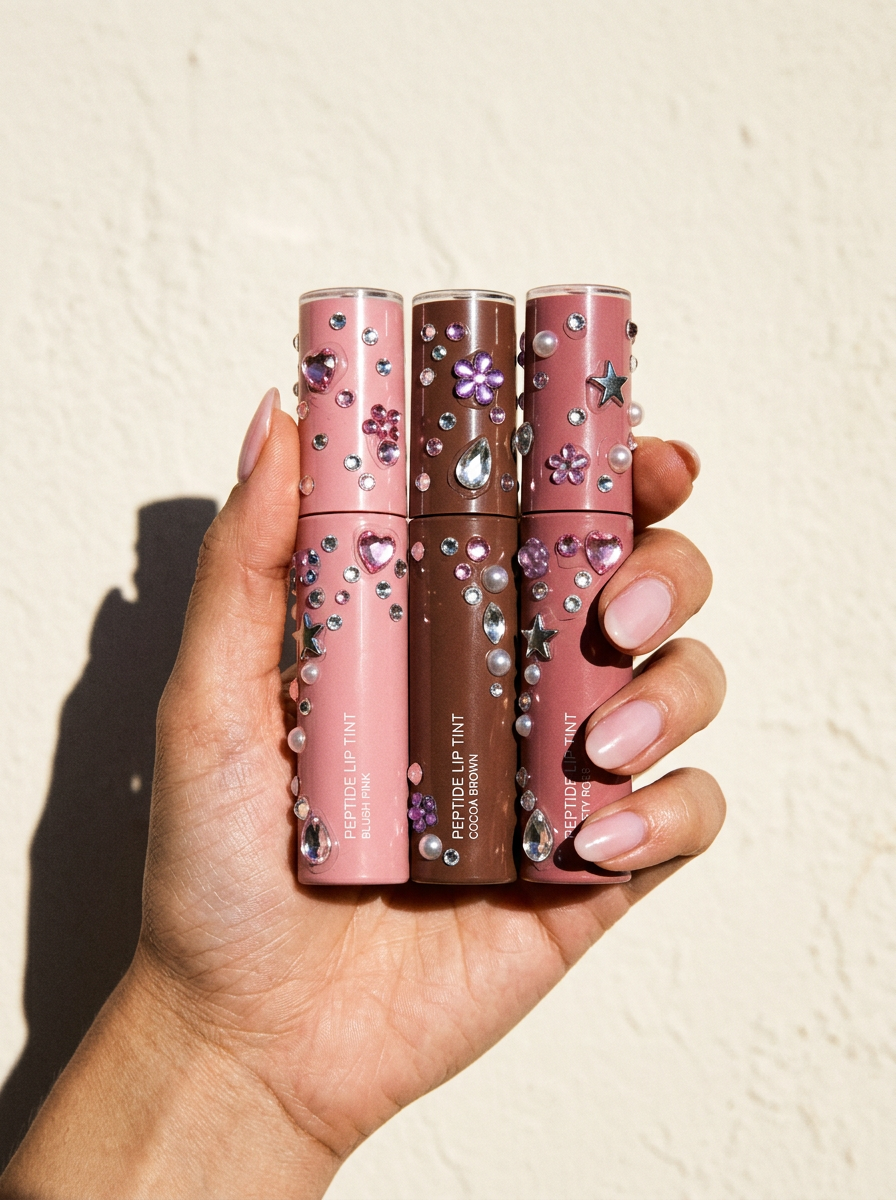
Learn how to add realistic Y2K acrylic rhinestones to product photos with Nano Banana 2.1 while preserving packaging, labels, lighting, and perspective.
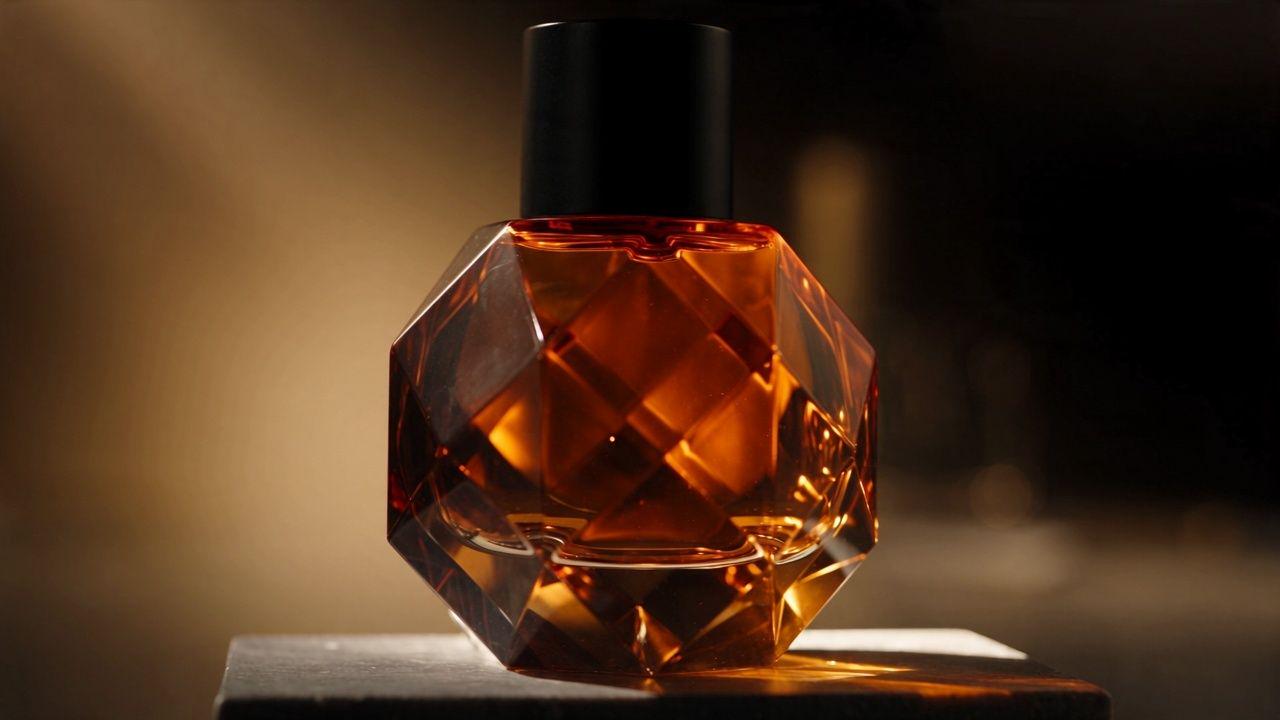
See a tested Seedance 2.5 video-extension workflow that continues an eight-second perfume ad while preserving its bottle, set, and visual direction.
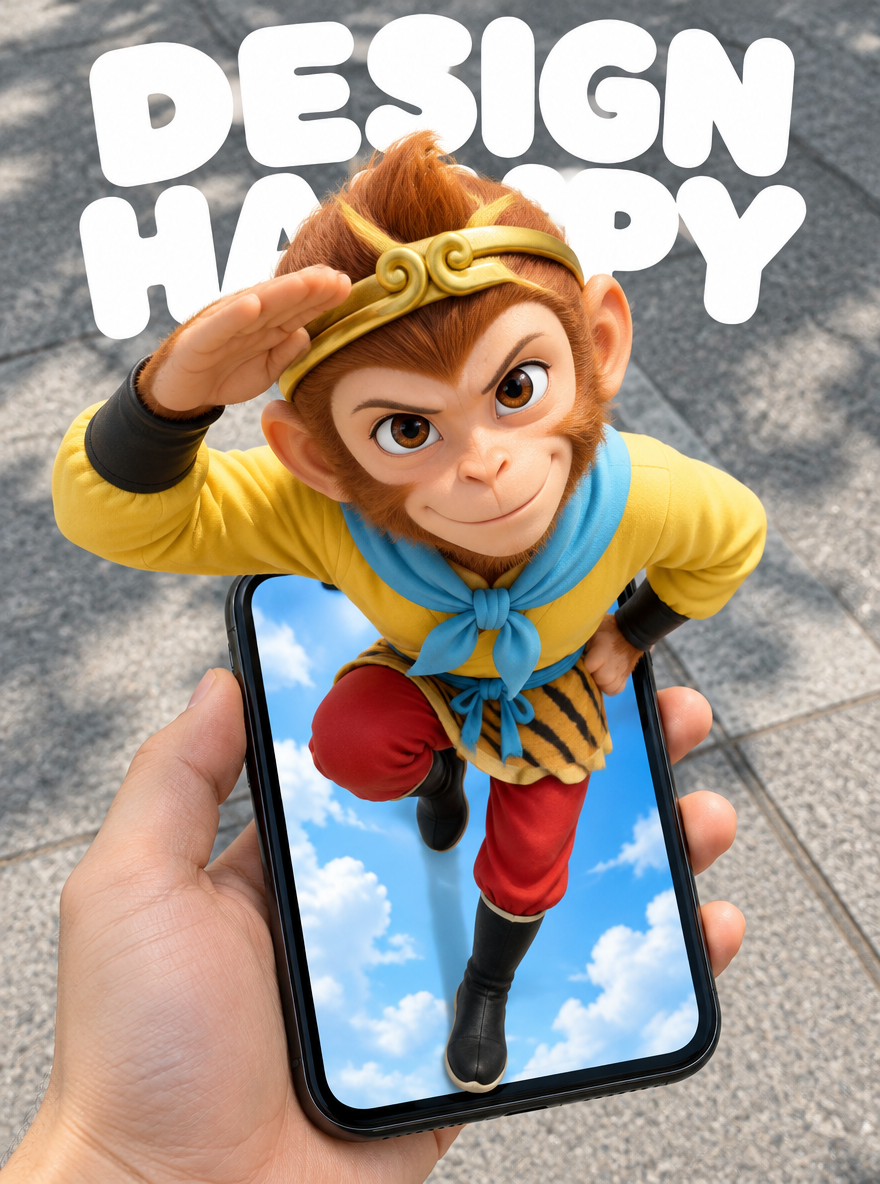
Learn how to generate 3D phone pop-out posters with GPT Image 2.5, using five reference-based scenes, composition tips, and ready-to-use English prompts.
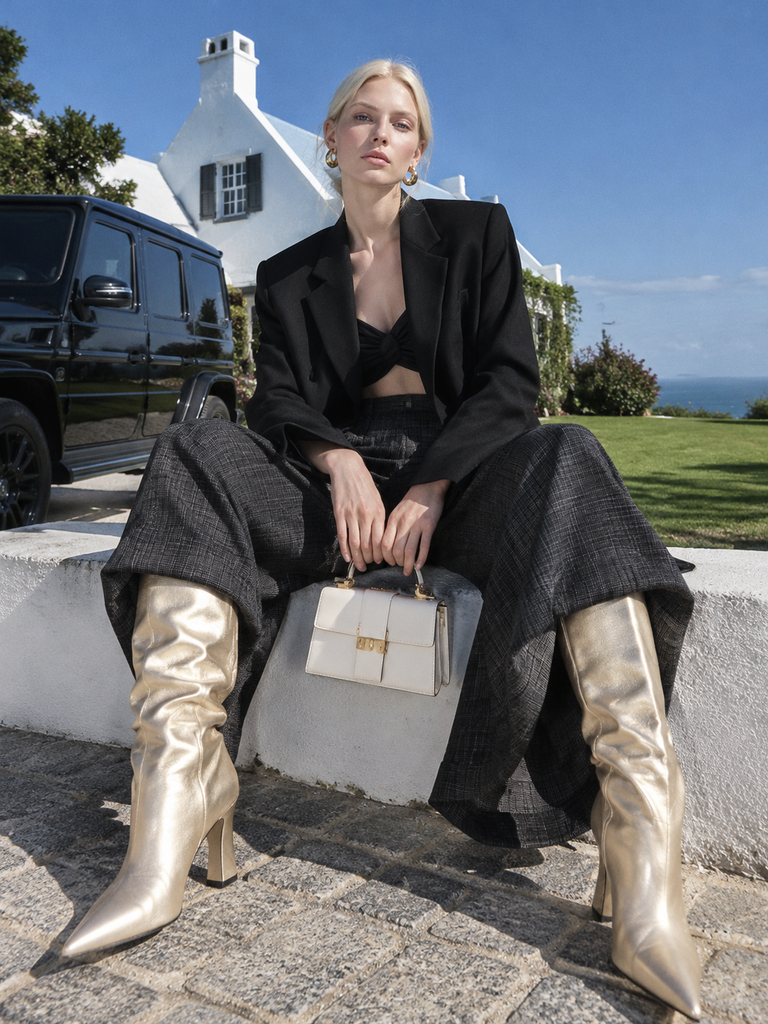
Create a cohesive avant-garde AI fashion editorial with oversized tailoring, platinum-blonde styling, hard light and contrasting everyday locations. Follow eight scene prompts and inspect the generated results in WeShop AI.
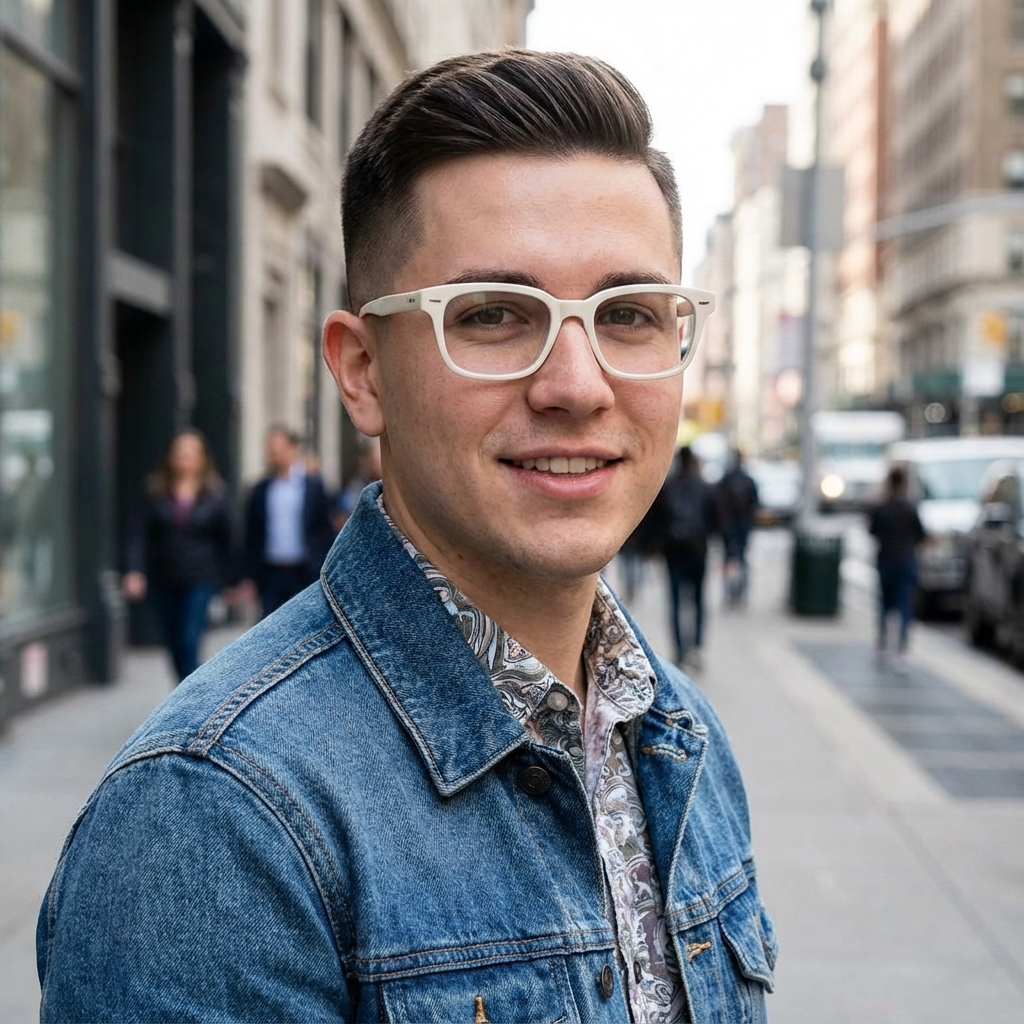
Learn how to create consistent front, side, and back AI character views with Nano Banana 2.1 using identity locks, reference images, and multi-turn editing.
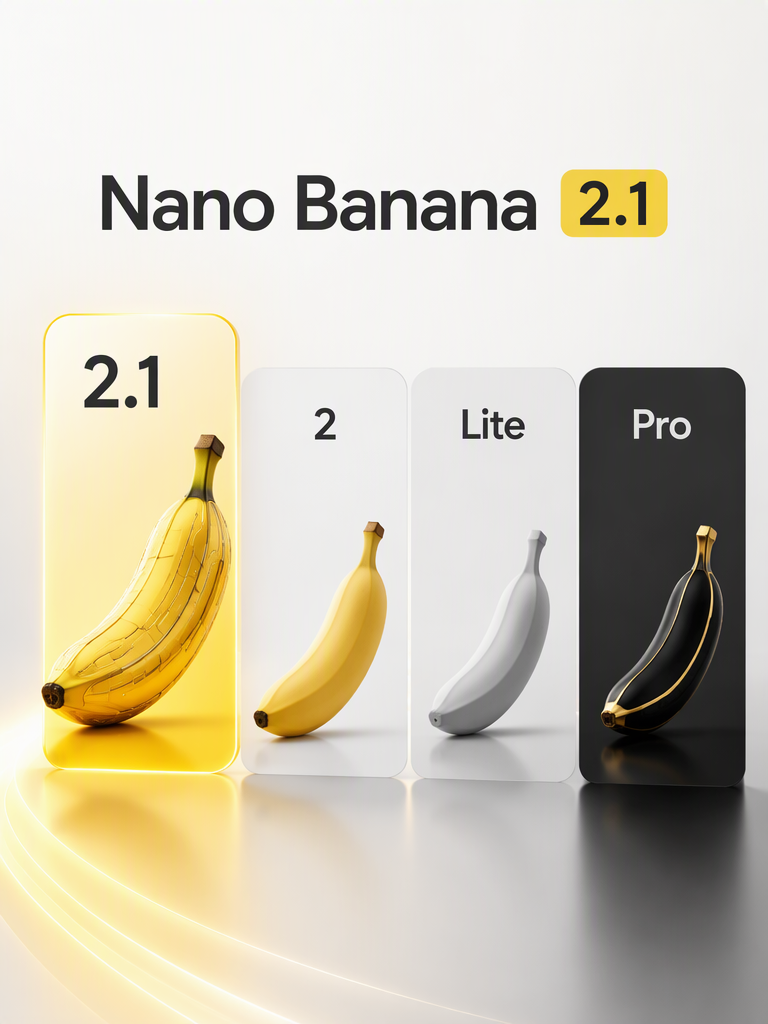
Compare Nano Banana 2.1, Nano Banana 2, 2 Lite, and Pro by resolution, references, thinking controls, search grounding, pricing, and use case.
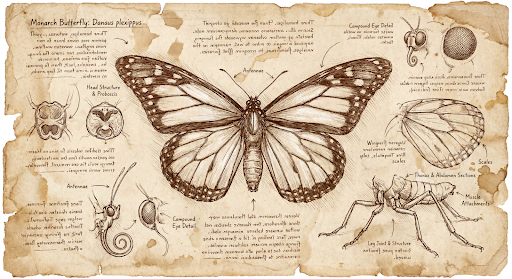
Learn how to use Nano Banana 2.1 with the Gemini API for text-to-image generation, editing, multi-reference workflows, Search grounding, and 1K, 2K, or 4K exports.
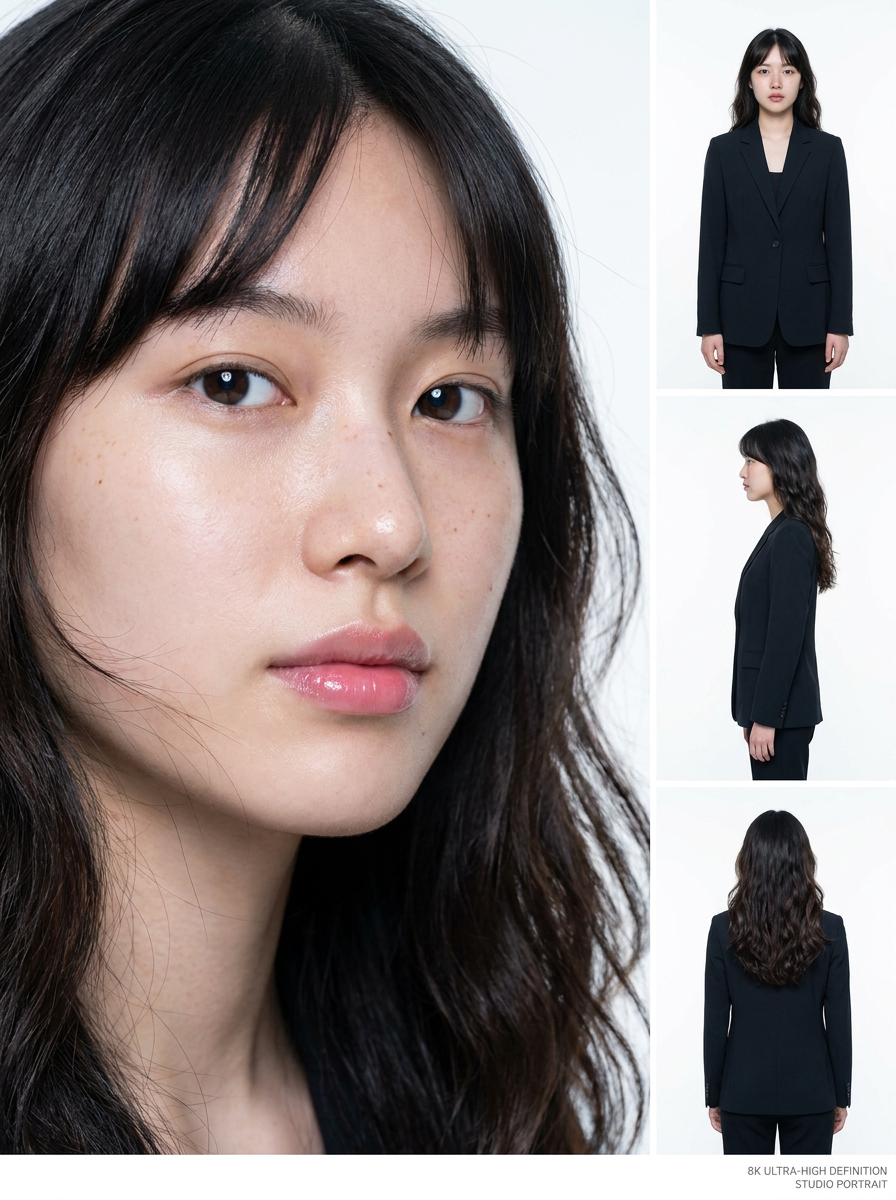
Learn how to use WeShop Nano Banana to create a consistent four-view AI comic drama heroine sheet with close-up, front, side, and back views.
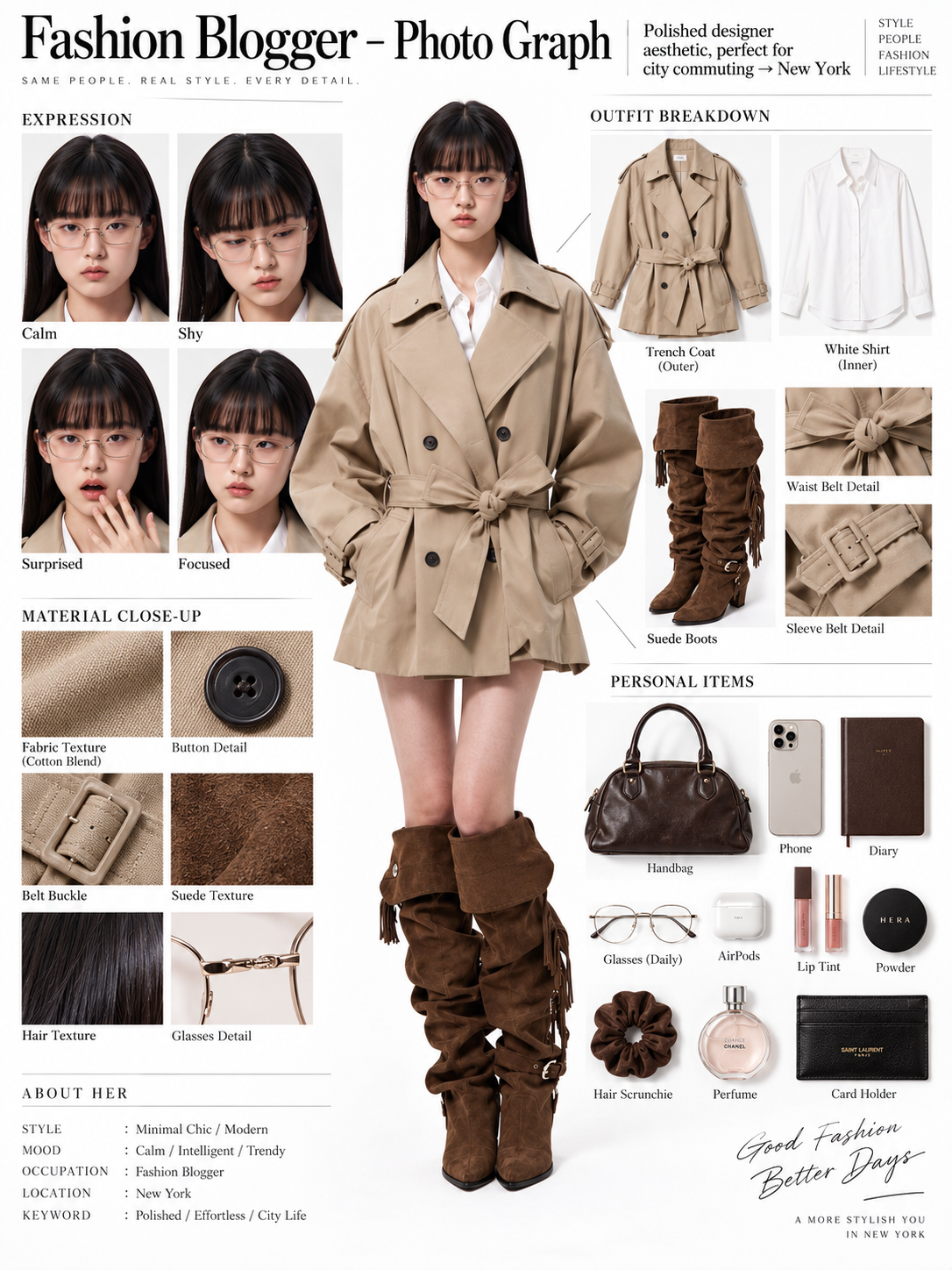
Turn one full-body fashion photo into an editorial OOTD board with expression studies, garment breakdowns, material close-ups, and style-matched personal items.
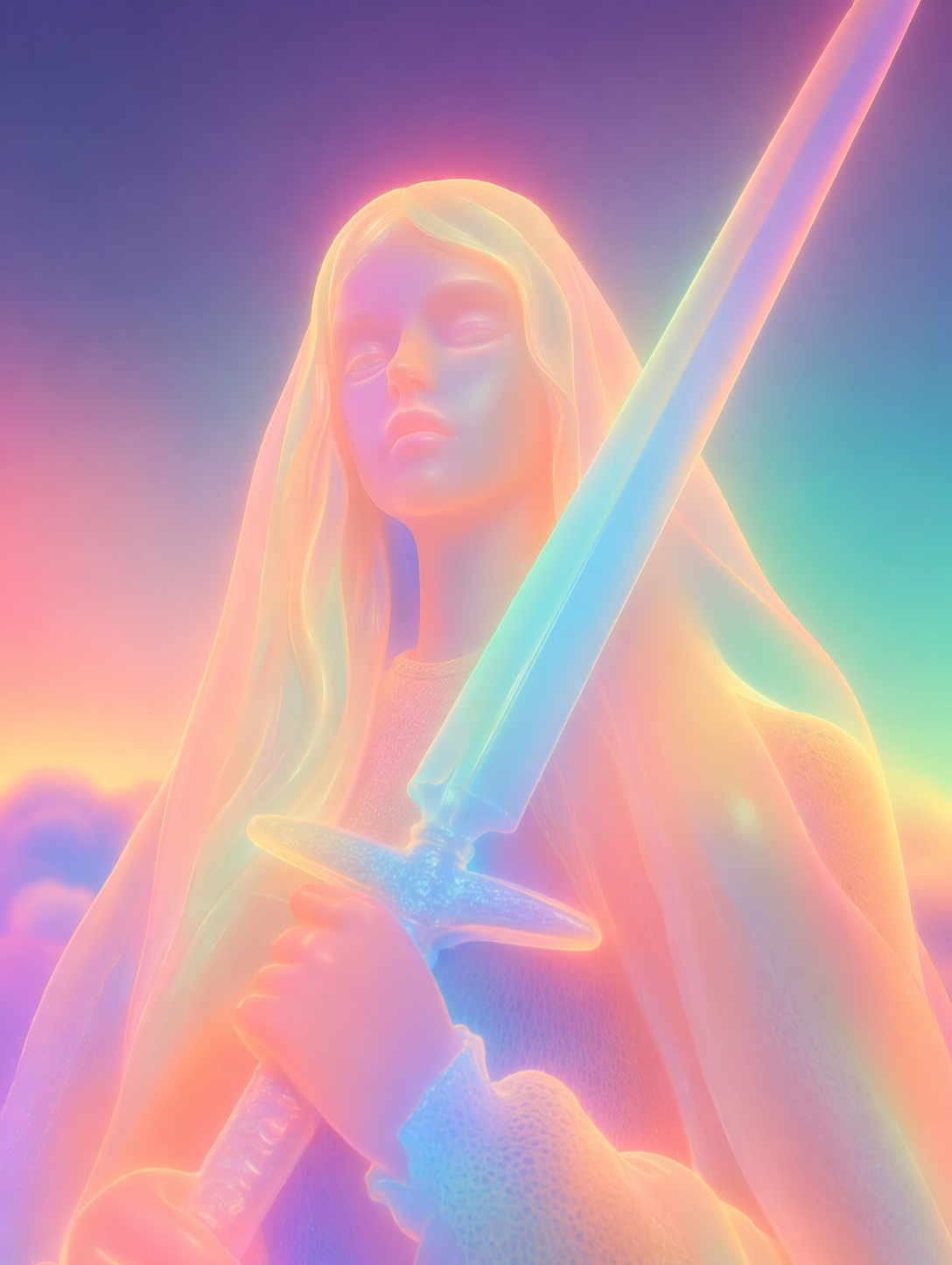
Turn portraits, multi-subject photos, and pet images into glowing soft neon 3D sculptures with a detailed WeShop AI prompt and practical refinement tips.
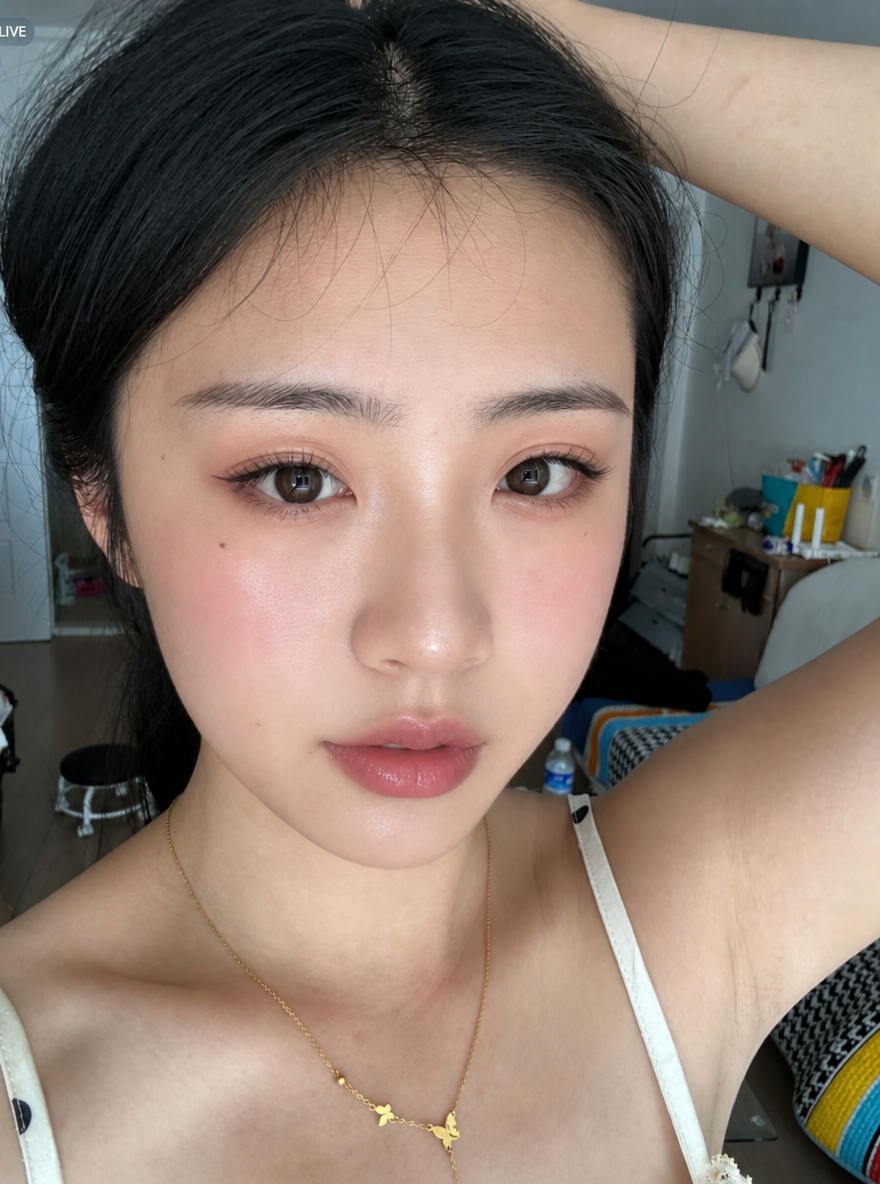
Use WeShop AI GPT Image and GPT Image 2.5 to transfer eyeshadow, eyeliner, blush, contour, and lip color from a makeup reference to your selfie while preserving identity, hair, clothing, pose, and background.