app download

App

language

English

Steal the Look! Click to Replicate it with Your Product!

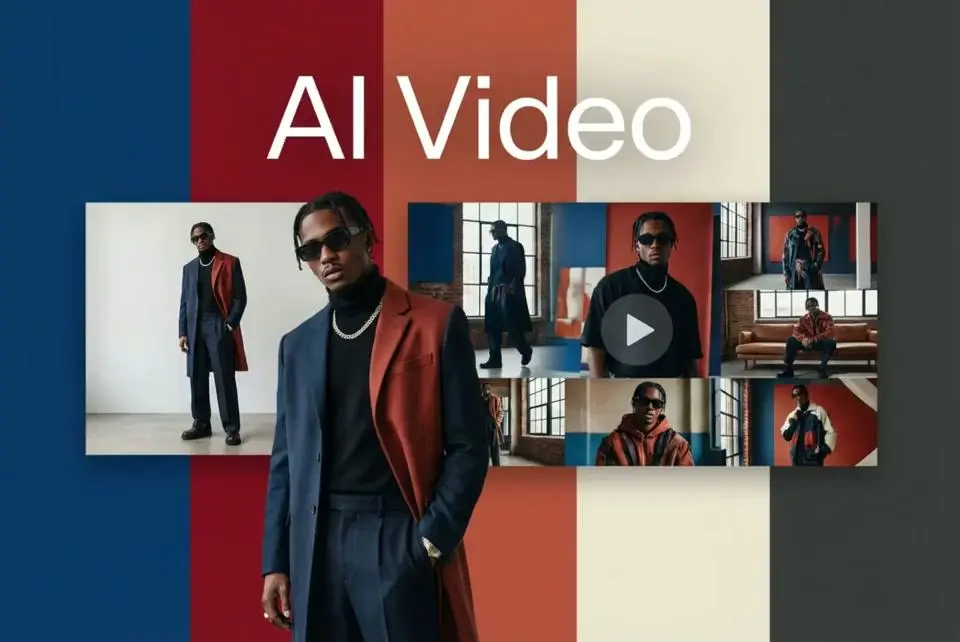
AI Video Editor – Edit Videos with Text, Images, and AI Online

AI Video Editor is an online generative video editing tool for users searching for the best AI video editor to combine text, images, raw footage, AI-generated visuals, voiceovers, subtitles, music, and video clips in one streamlined workflow. Powered by advanced AI models, the platform simplifies the video editing process through text commands, free templates, video templates, and automated video generation. Users can start editing their own videos in just a few clicks, replace media, update captions, apply video effects, and refine complete videos without learning complicated video editing software.

Real-World Uses of an AI Video Editor

Turning Product Images and Copy into Marketing Videos

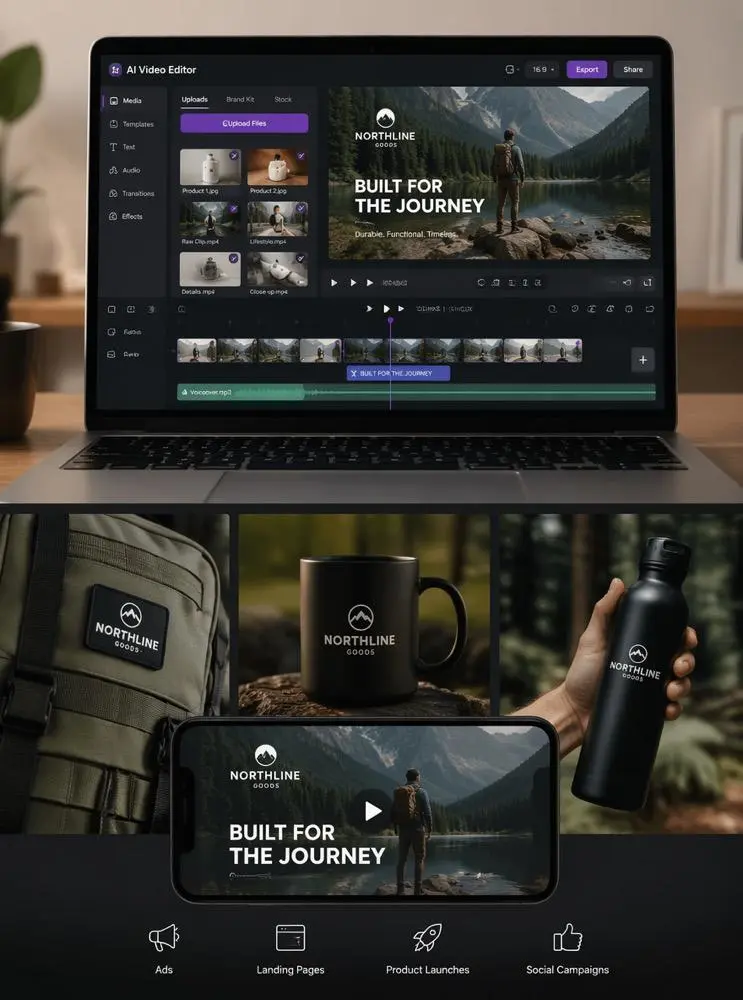
A small ecommerce brand called Northline Goods had product photos, campaign copy, raw footage, and several short clips but no complete promotional video. The team uploaded each video file to an AI Video Editor and used AI tools, video templates, and free templates to combine product images, animated text, voiceover, and branded transitions. In just a few clicks, they replaced scenes, added video effects, updated product details, and improved the visual pacing. This streamlined video editing process helped the team create and export videos for ads, landing pages, product launches, and social campaigns without rebuilding every sequence in traditional video editing software.
Copy into Marketing Videos

Repurposing Campaign Assets for Social Media

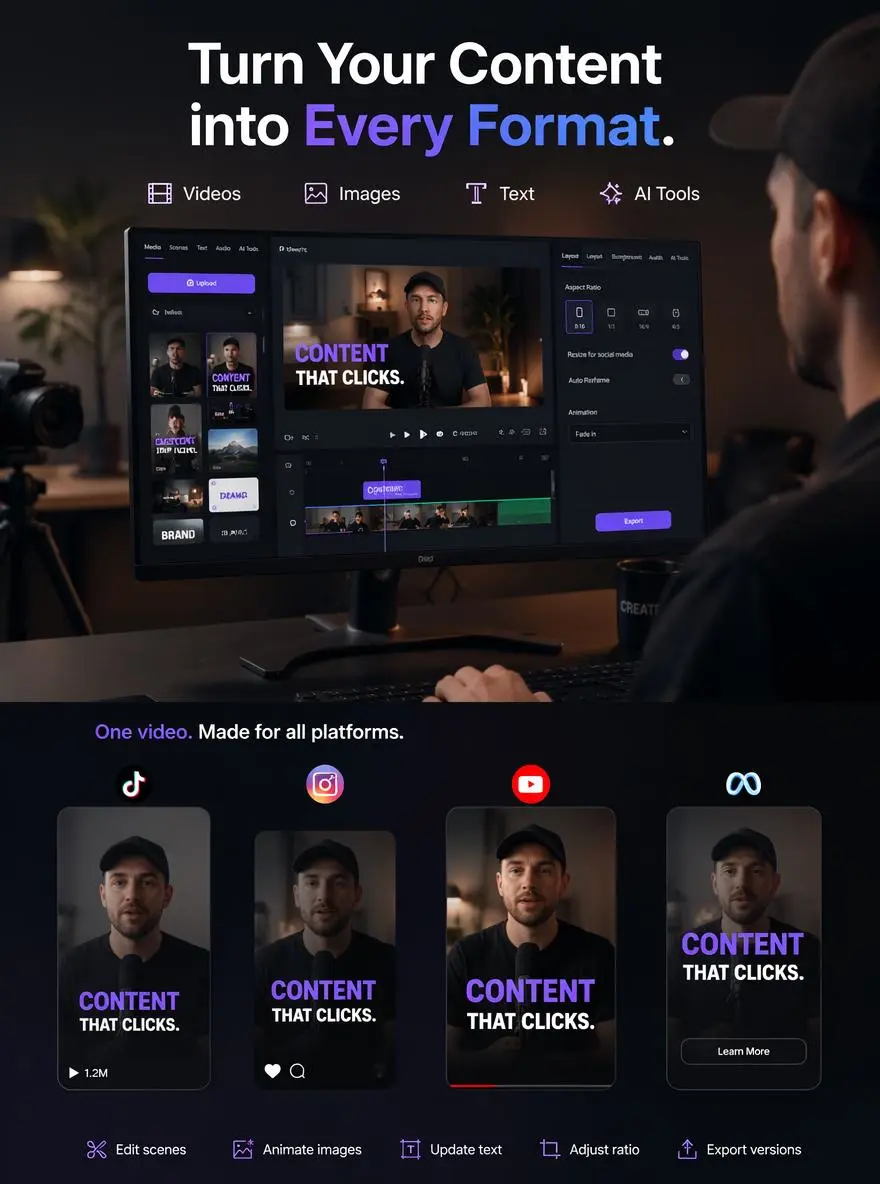
A marketing creator named Evan Cross had posters, brand graphics, talking head videos, interview footage, and AI-generated images from an earlier campaign. He used AI video editing software to arrange these assets into vertical video content for multiple platforms. After opening the tool in Microsoft Edge, he could start editing his own videos, change scene order, animate images, update text overlays, and adjust the aspect ratio. Advanced AI models supported video generation and helped him produce complete videos for TikTok, Instagram Reels, YouTube Shorts, and paid campaigns. The free plan also allowed him to test different video tools before preparing the final video online and exporting multiple versions.
AI video editing by weshop
Previous
Next

Key Features of AI Video Editor

Edit Videos with Simple Text Commands

AI Video Editor supports text based editing, letting users describe changes in everyday language. Ask it to replace an image, trim clips, update on-screen text, switch subtitle styles, or adjust pacing. This workflow helps creators start video creation faster in Google Chrome and refine each sequence without navigating complex menus or rebuilding scenes manually.

Combine Images, Text, and Video Clips

Users can combine product photos, illustrations, logos, screenshots, written copy, stock media, uploaded footage, and AI generated content in one project. The editor arranges these assets into connected scenes using professionally designed templates, transitions, and text overlays. This is useful for explainers, online courses, product showcases, presentations, and engaging videos tailored to a target audience.

Generate Scenes from Scripts and Prompts

The editor can turn a script, article, product description, or prompt into an initial video structure with suggested scenes and visuals. Users can add their own footage, replace AI generated content, or rewrite sections to better match the target audience. This provides a faster starting point while preserving creative control over tone, message, and final video creation.

Replace Images and Media with AI

Creators can update a video by swapping product photos, background images, short clips, or stock media with simple text instructions. Replacements can follow the desired subject, mood, brand style, or scene purpose. This makes it easier to reuse one polished video across campaigns, products, online courses, social media posts, and seasonal promotions without starting over.
Create Videos for Multiple Platforms

AI Video Editor helps prepare horizontal, vertical, and square versions for different social media platforms. Users can reposition images, adjust text, trim clips, select subtitle styles, and export in common file formats. This reduces repeated work and supports polished, engaging videos for TikTok, Instagram Reels, YouTube Shorts, websites, product pages, and presentationsa.

What You Can Create with AI Video Editor

Edit Existing Videos with Prompts

Upload a video file and describe the changes you need through text based editing. Ask the AI to replace a scene, insert an image, trim clips, update subtitles, or change the visual style. Working online in Google Chrome, users can refine existing footage and create a polished video without manually adjusting every element on a traditional timeline.

Build Product and Ecommerce Videos

Businesses can combine product images, close-up footage, benefits, logos, stock media, and promotional copy into complete product videos. AI tools can organize scenes, animate photos, apply professionally designed templates, and highlight features for a specific target audience. The final content can support ecommerce pages, ads, launches, social media posts, and marketplace listings.

Create Social Media Videos

Combine images, short clips, hooks, captions, music, and AI generated content to build engaging videos for social media platforms. Users can adjust pacing, choose subtitle styles, replace media, and switch aspect ratios for TikTok, Instagram Reels, and YouTube Shorts. This helps creators reuse the same assets across multiple social media posts and file formats.

Produce Branded Marketing Videos

Marketing teams can use logos, campaign images, product footage, brand colors, fonts, and written copy to create consistent promotional videos. AI editing helps arrange these elements, apply templates, generate voiceovers, and adjust scenes. This makes it easier to create campaign variations for different products, audiences, and marketing channels.

Update Videos Without Starting Over

When product information, campaign text, images, or visual styles change, users can update specific parts of a video instead of recreating the entire project. Replace an image, rewrite a caption, change the voiceover, or insert a new video clip using text instructions. This supports faster revisions and repeated content updates.
Frequently Asked Questions About AI Video Editor

What is an AI Video Editor?

An AI Video Editor is a tool that uses artificial intelligence to help create and refine videos. It can combine images, text, uploaded footage, voiceovers, subtitles, music, and AI-generated visuals while allowing users to make changes through prompts or automated editing features.

Can I edit videos using text commands?

Yes. Prompt-based AI video editors can interpret natural language instructions.Available commands depend on the specific tool and project type.

Can I combine images and videos?

Yes. Users can combine photos, illustrations, logos, screenshots, product images, AI-generated visuals, and video clips in one project. Images can be animated, placed between video scenes, used as backgrounds, or combined with text, narration, and transitions.
Can AI turn text into a video?

Yes. Users can enter a script, prompt, article, product description, or lesson outline, and AI can help generate a video draft with scenes, visuals, captions, and voiceover. The result can then be refined with uploaded images and existing footage.
Can I replace images in an existing video?

Yes. AI video editing can help replace product photos, stock images, backgrounds, visual references, or short media clips. Users can describe what the new image should show or upload a specific replacement.

Can I add text and captions?

Yes. AI Video Editor can add titles, subtitles, captions, product information, headings, calls to action, and animated text. Users can usually adjust wording, timing, position, font, and visual style.

Is AI Video Editor suitable for product videos?

Yes. Businesses can combine product photos, demonstration footage, descriptions, logos, voiceovers, and promotional text to create product showcases, ecommerce videos, ads, product launch content, and social media campaigns.

Can I create explainer and training videos?

Yes. AI Video Editor is useful for explainer videos, tutorials, lessons, onboarding videos, training modules, and presentations. Users can combine scripts, diagrams, screenshots, captions, narration, and demonstration clips.

Do I need video editing experience?

No. AI-assisted workflows are designed to reduce complex editing work. Users can begin with images, text, or video clips, describe the desired result, preview the generated video, and refine individual scenes without advanced technical knowledge.

Can AI-edited videos be used commercially?

Commercial use depends on the editor’s terms, subscription plan, generated media license, stock asset rights, music rights, and uploaded content. Users should use materials they own or have permission to edit and review the applicable commercial-use policy before publishing.

Explore More AI Tools

Our new Virtual Try-On just launched. Try it now!
close

HappyHorse AI Video Generator

Create Cinematic Text-to-Video and Image-to-Video Content

GPT Image 2 AI Image Generator

Create High Quality Images, Text Rich Visuals, and Product Photography

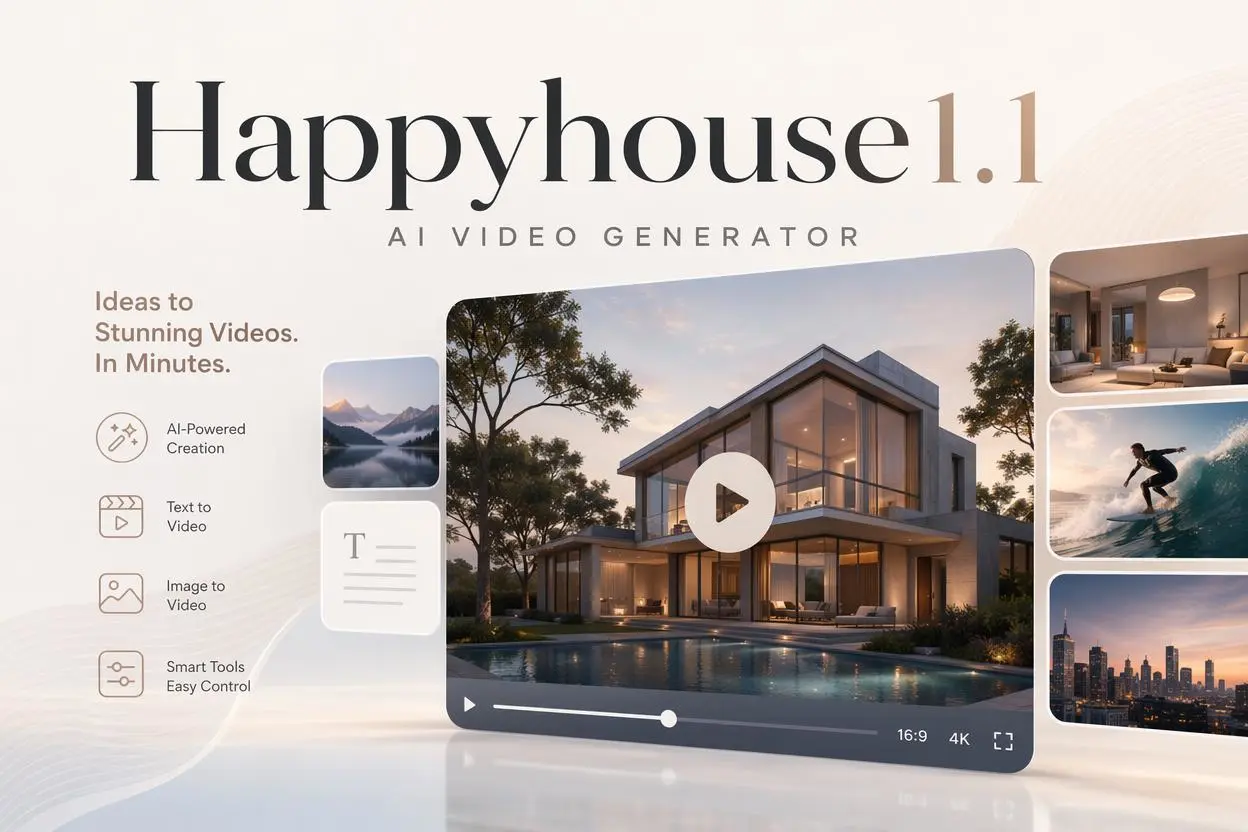
HappyHorse 1.1 AI Video Generator

Create Campaign-Ready Videos Online

Nano Banana

Google's Next-Gen AI Image Model for Instant Professional Creativity

AI Video Generator

Turn Images into Stunning AI Videos for Free

Virtual Try-On

Try On Clothes Online with AI Virtual Try Technology

Swap Model & BG

Realistic Model & Background Swapping Online with AI

AI Fashion Model

Showcase clothing with a variety of models

AI Product

Create stunning product images with few clicks from anywhere

Face Forge

AI Face Morph & Face Swap Generator Online

Product Recoloring

Recolor Image Online Free - Color Changer in WeShop AI

To Mannequin

Convert real model photos into mannequin displays

Change Pose

Change poses, switch between various model poses, making the clothing display more natural

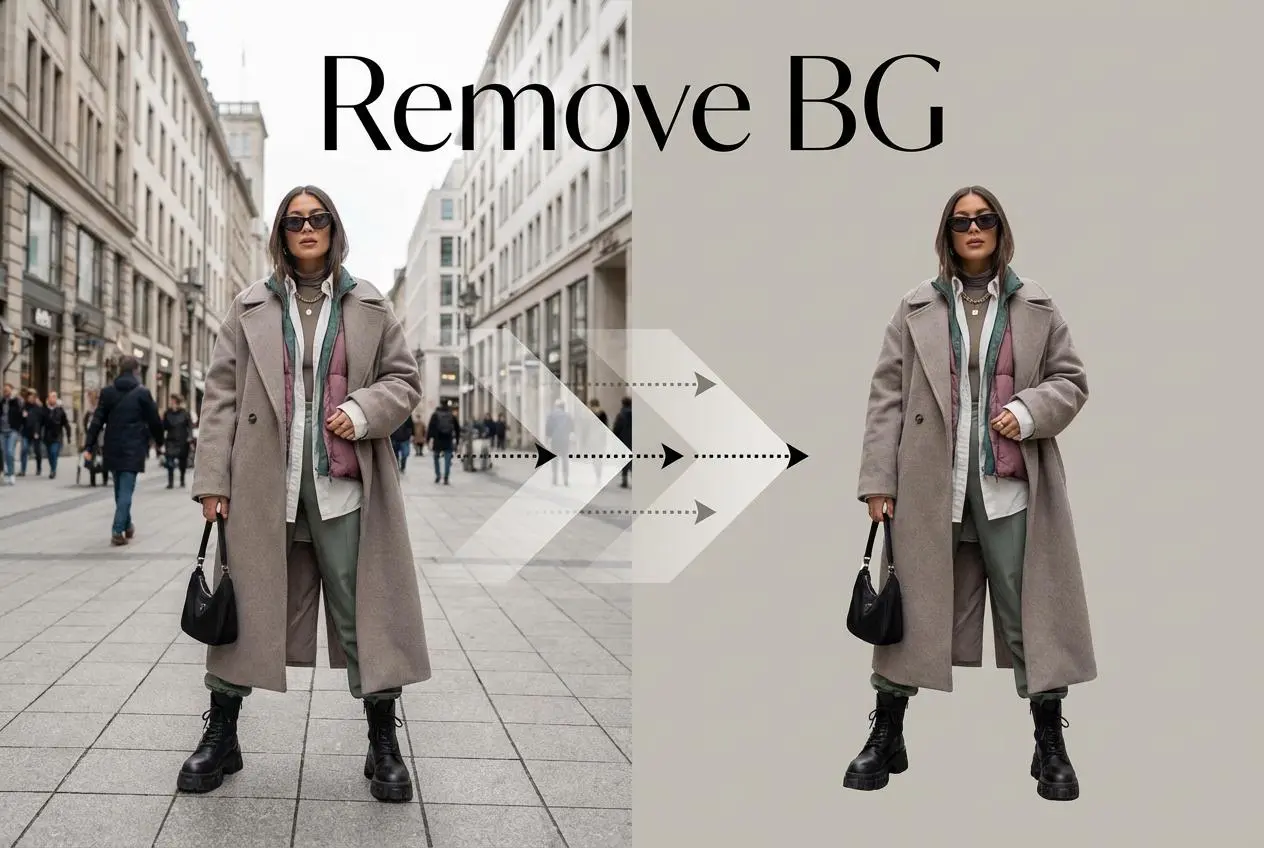
Remove Background

Removing background with lightning speed and ease

AI Photo Enhancer

Enhance Photo Quality Online with Free AI

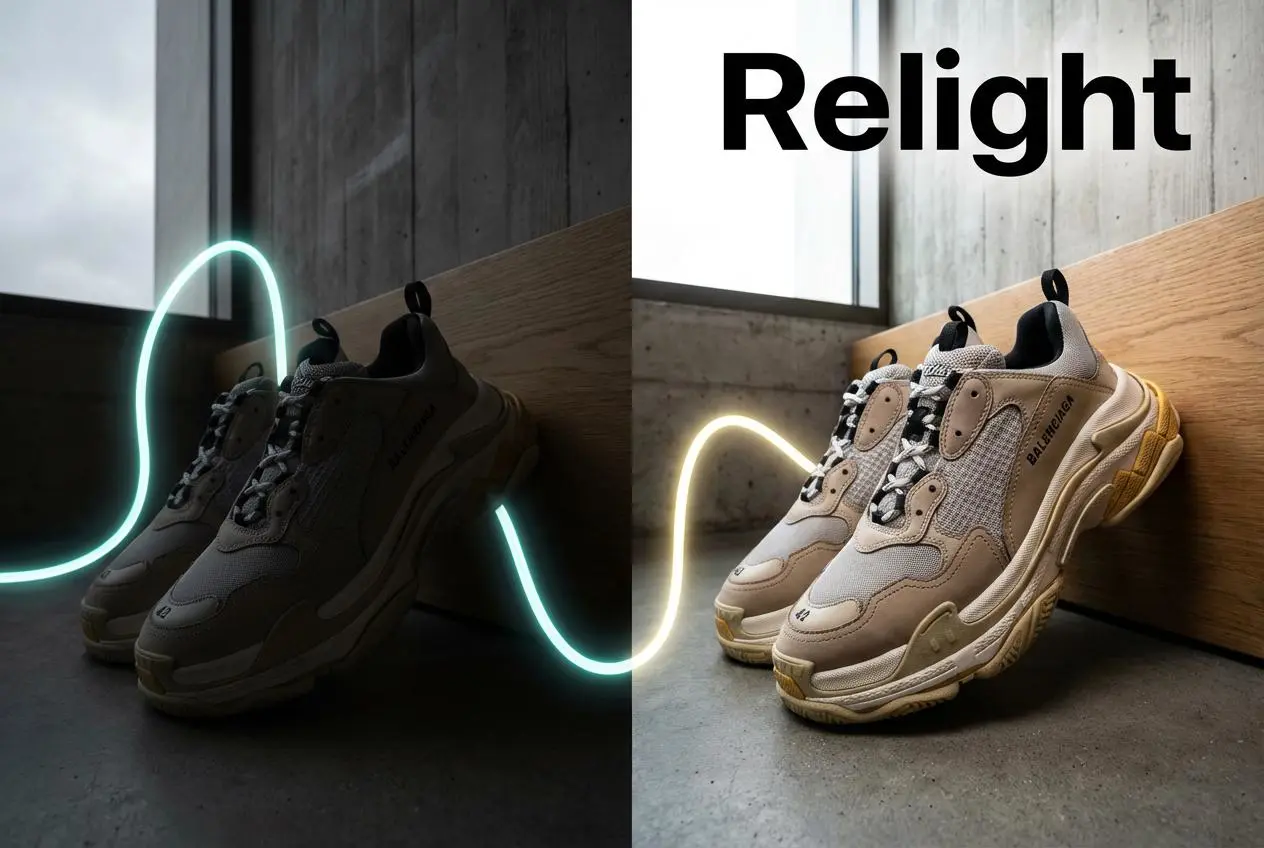
Relight

Relight your images automatically and efficiently

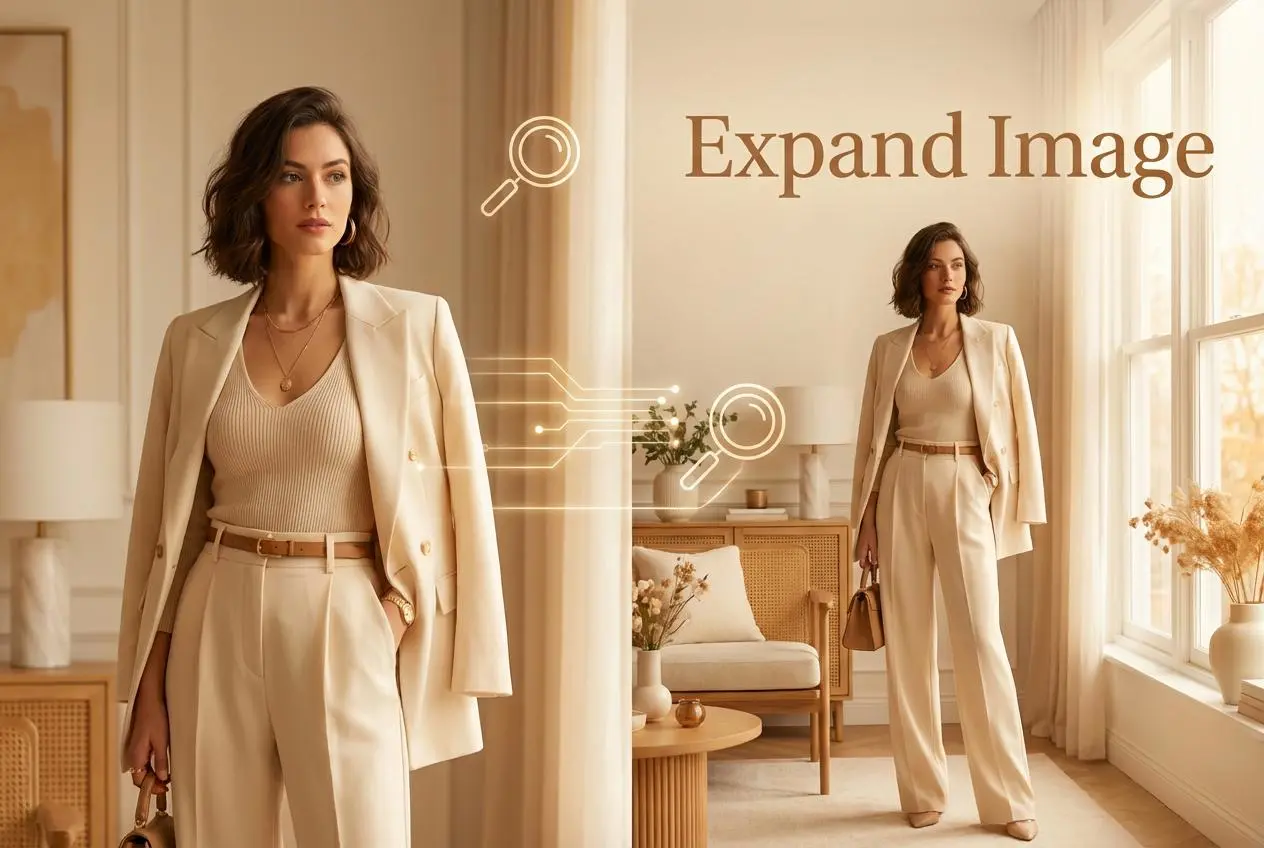
Expand Image

Expand images & backgrounds to fit any platform

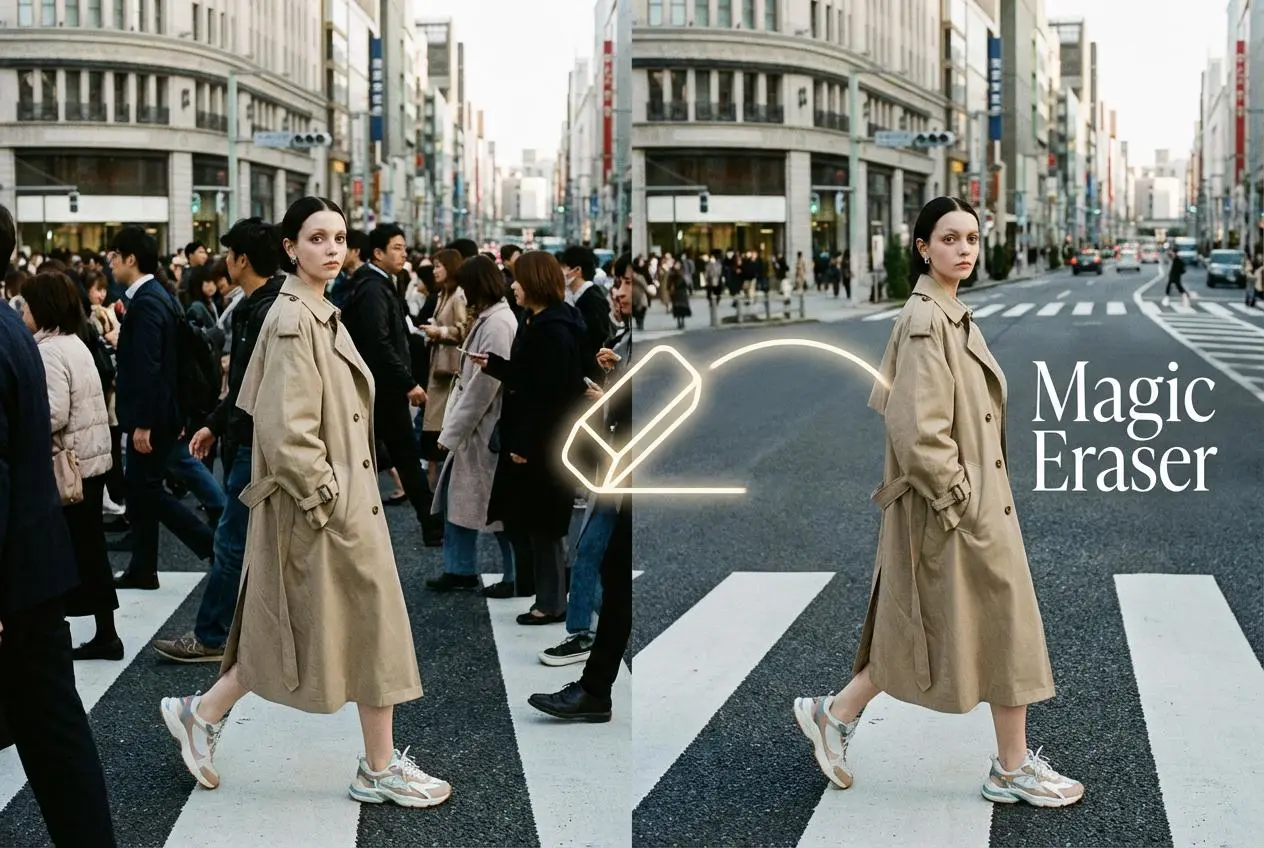
Magic Eraser

Remove unwanted objects from your photos with AI

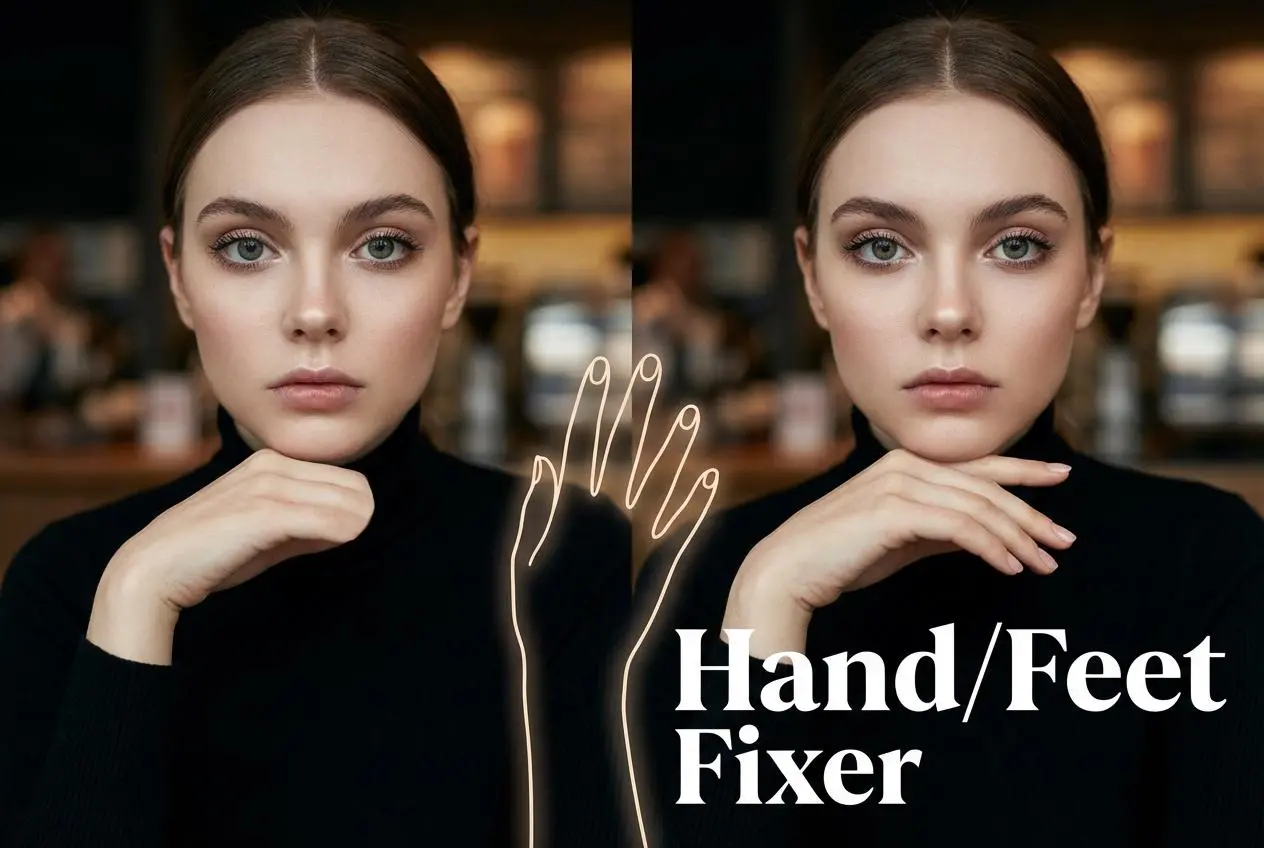
Hand/Feet Fixer

Regenerate natural-looking hands and feet in AI-generated images

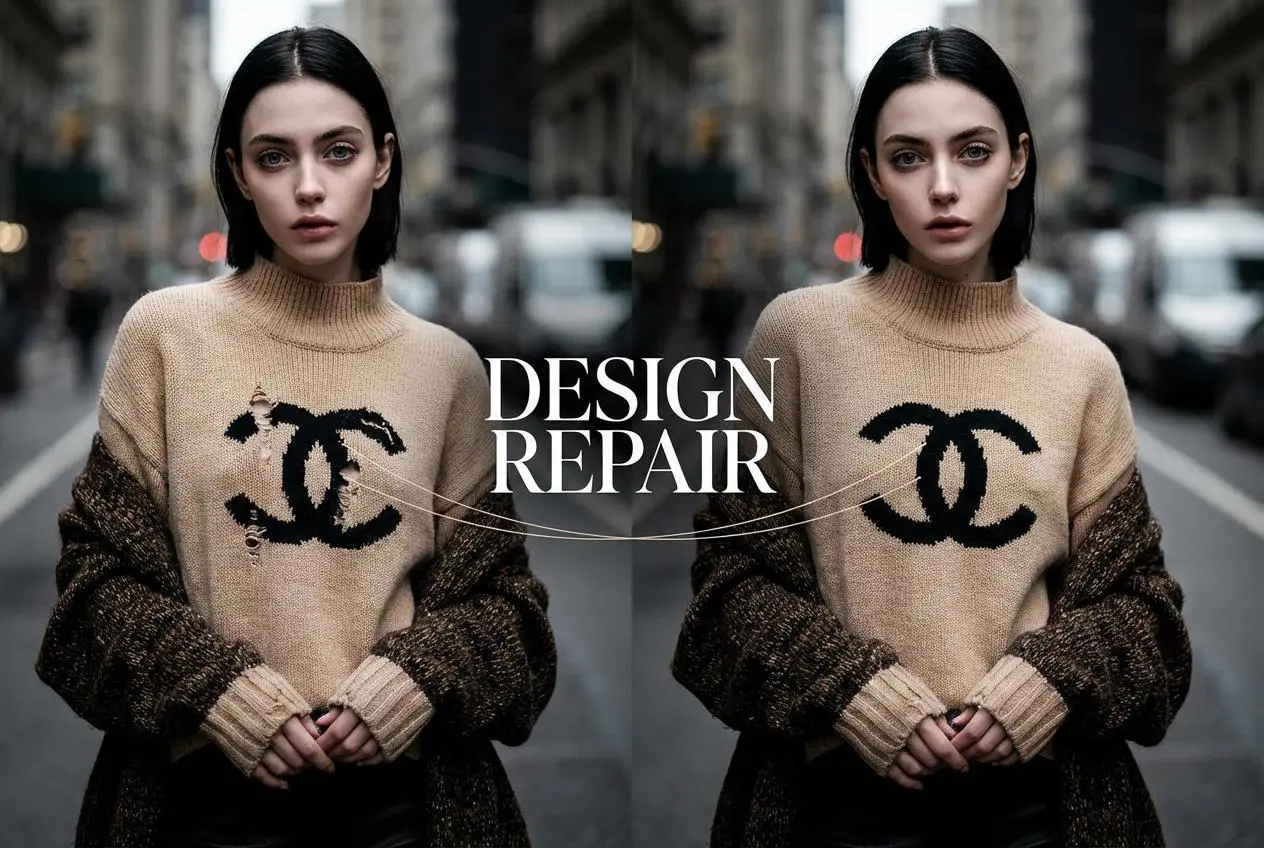
Design Repair

Upload an image, highlight the area you wish to fix, and upload a target reference image

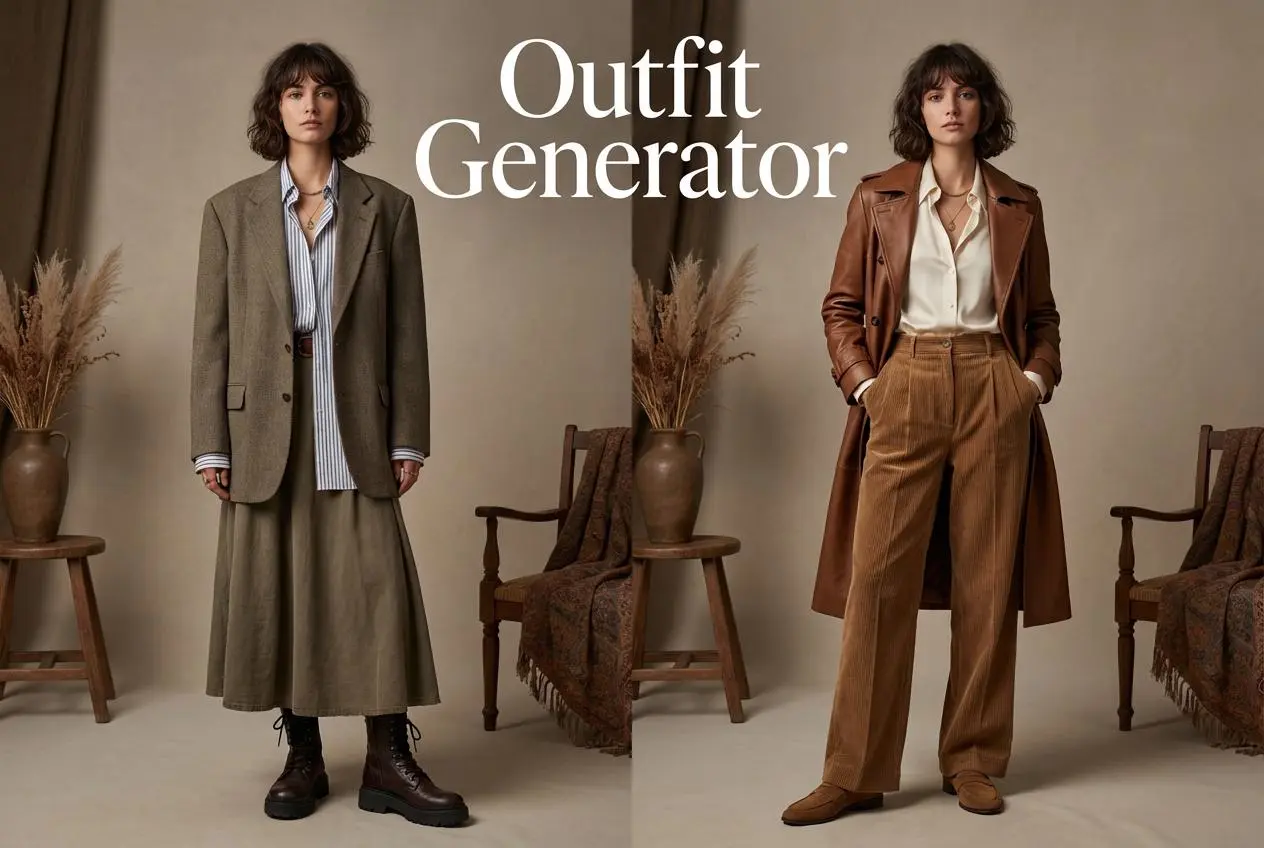
Outfit Generator

Create AI clothes styling from any model photo, garment, or style prompt.

Video Agent

Create and publish videos from a photo or description—instantly, in any style.

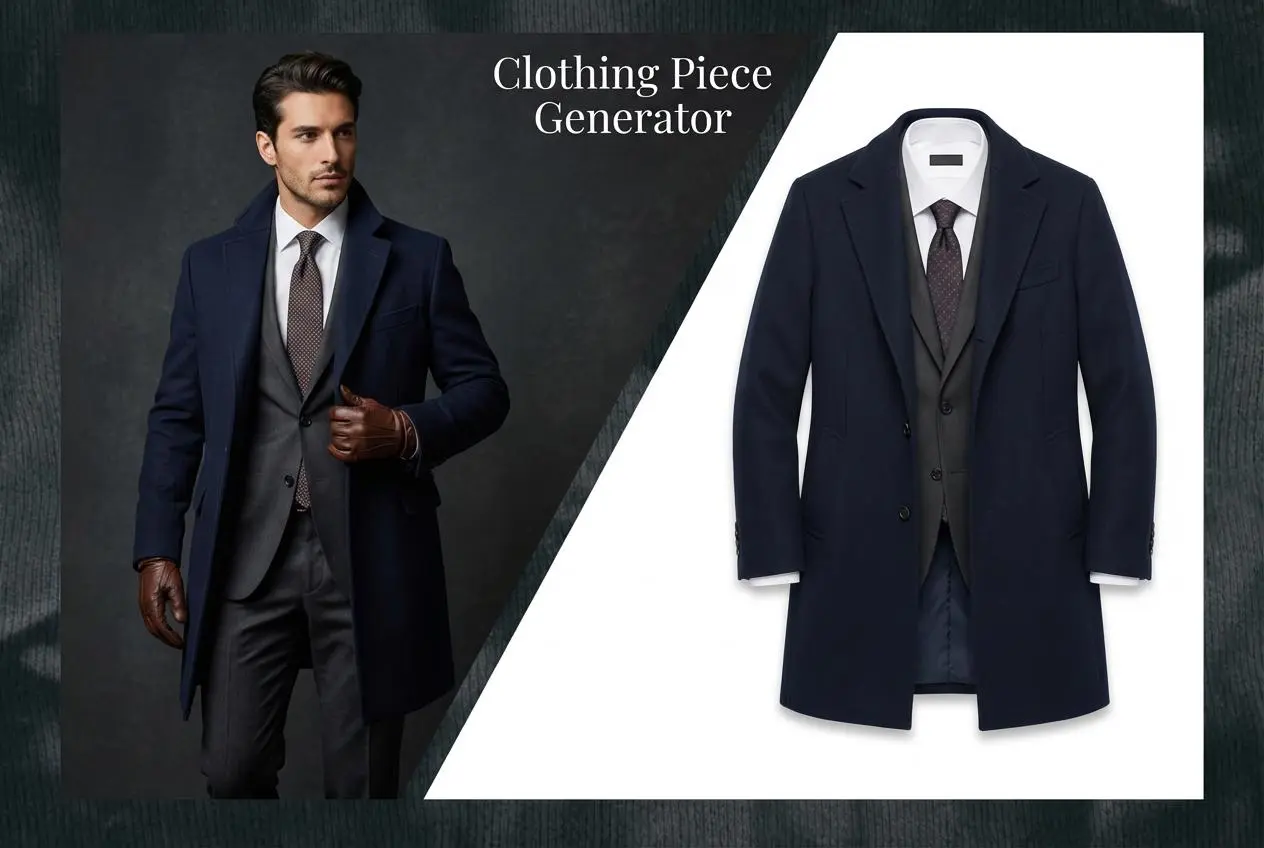
AI Clothing Piece Generator

Create Professional Flatlay Clothing Images From Any Photo or Idea

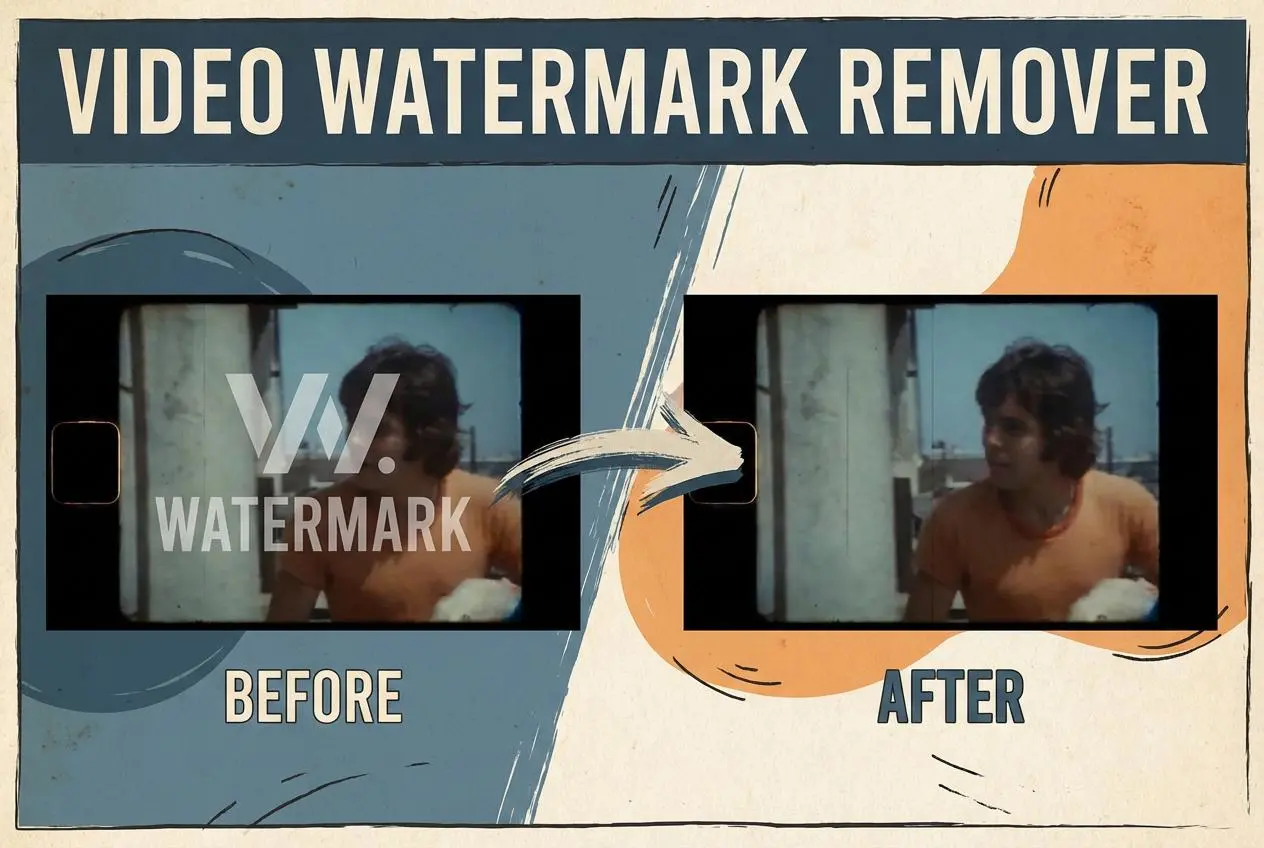
Watermark Video Remover Free Online

Remove Watermark from Video

AI Video Enhancer

Enhance Video Quality Online with AI

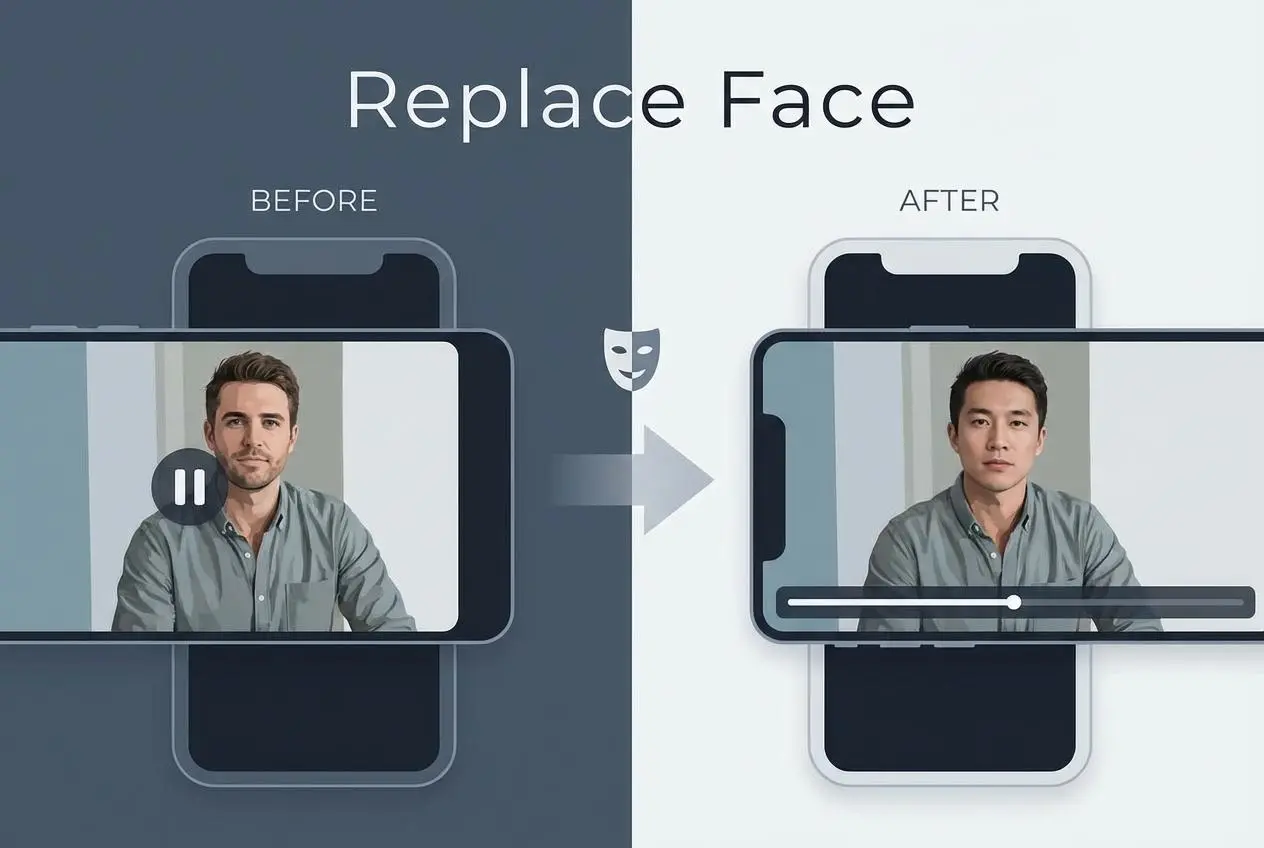
Replace Face in Video Online Free

AI Video Face Swap for Realistic Clips

Seedream 5.0 Pro

Create Grounded Edits and Infographics Online

Seedance 2.0

A Multi-Modal AI Video Creative Engine for Cinematic Storytelling

Sora 2

Next Generation AI Video Generator with Realistic Physics & Storytelling

Wan AI Video Generator

Advanced AI Image & Video Generation Model

Midjourney Image Generator

Use Midjourney v7 to Create AI-Generated Images

Kling O1 AI Video Generator

Create Cinematic Videos with Omni One Control

Kling 3.0 Omni

Create Multimodal Videos with Native Audio ---

Kling 3.0

AI Director Video Model with 4K Cinematic Storytelling

Kling Motion Control

Create Realistic Motion Videos from Reference Images and Videos

Qwen Image Edit

A Revolutionary Tool for Seamless Image Editing

Z-Image AI Image Generator

Create High-Quality Images from Text Instantly

FireRed Image Edit

Open Source AI Image Editing Model for High Fidelity Edits

Grok Imagine AI Image Generator

Create High-Resolution Images from Text with Aurora AI

Grok Imagine AI Video Generator

Create Cinematic AI Videos with Native Audio & Scene Control

Hailuo AI Video Generator

Create Cinematic AI Videos from Text or Images

Veo 3 AI Video Generator

Create Cinematic Videos from Text or Images

Vidu Q3 AI Video Generator

Create Cinematic Short Videos with Turbo and Pro Modes

Imagen 4

Create Photorealistic Images and Accurate Text Visuals with AI

HiDream AI Image Generator

Create Stunning AI-Generated Images Online

Sulphur2

Create Cinematic AI Videos from Text and Images

PixVerse AI Video Generator

Create Cinematic Videos with V6 and V5.5

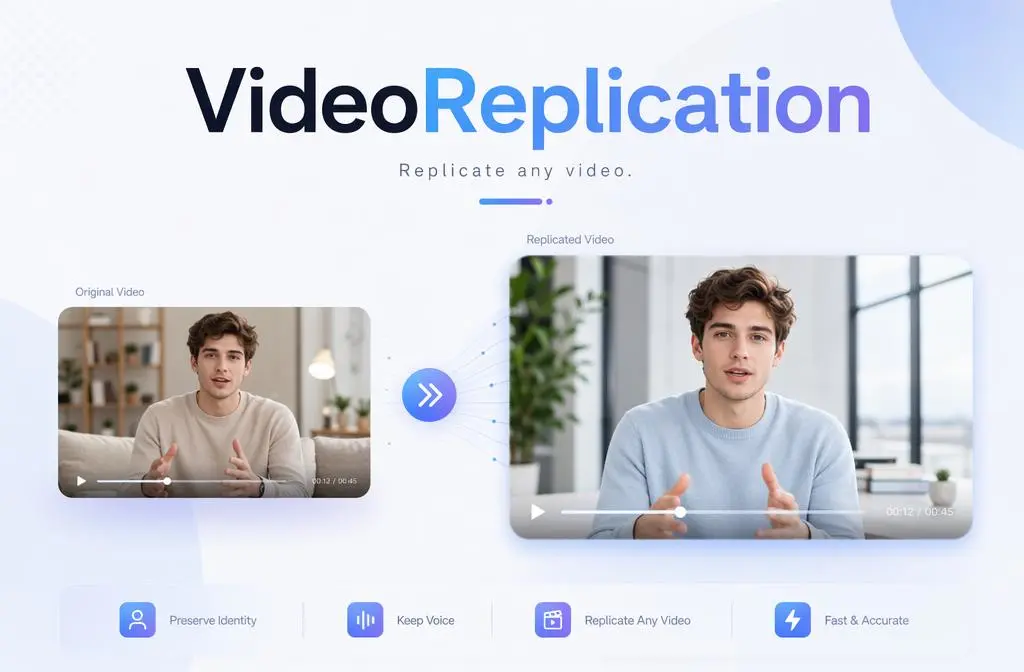
Video Replication

Recreate Video Styles, Motion, and Scenes with AI

Runway Gen 4 AI Video Generator

Create Consistent AI Videos Online

idea
helper