app download

App

Steal the Look! Click to Replicate it with Your Product!

AI Medical Video Generator – Create Healthcare Explainer Videos

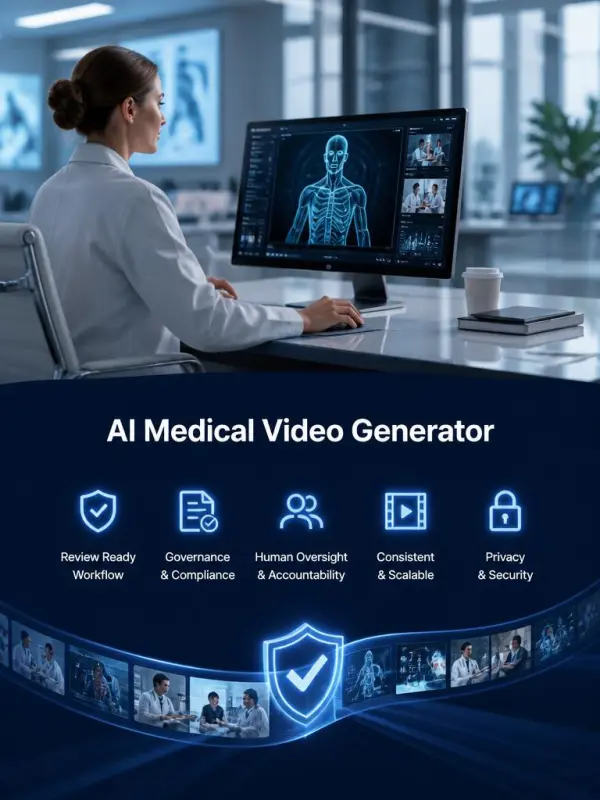
AI Medical Video Generator helps healthcare communication teams turn reviewed scripts into clear visual scenes for patient education, staff training, public-health campaigns, medical-device onboarding, and clinical presentations. Describe the audience, learning objective, anatomy, environment, camera movement, and visual style to generate a focused educational clip. Every result should be checked by qualified medical, legal, and compliance reviewers before use, and generated content must never replace professional diagnosis, treatment, or emergency guidance.

Business Uses of AI Medical Video Generator

Clearwell Health Prepares a Patient Education Series

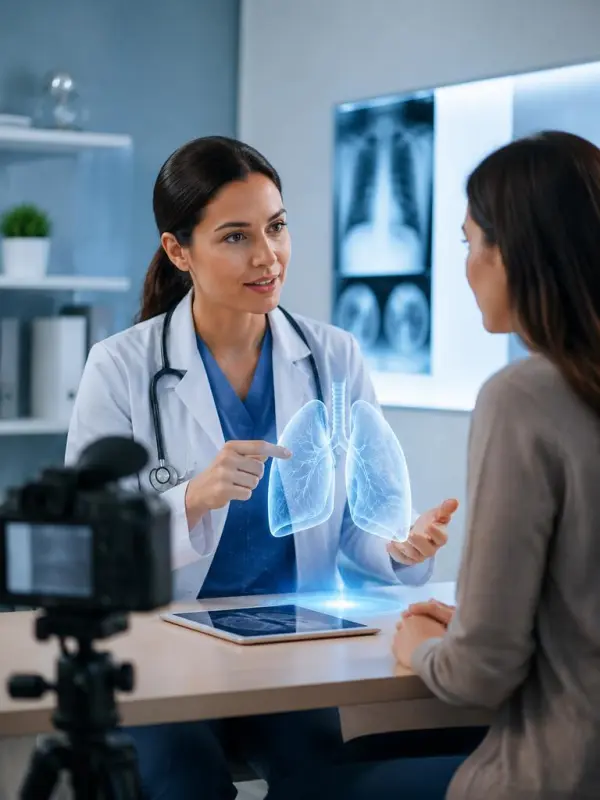
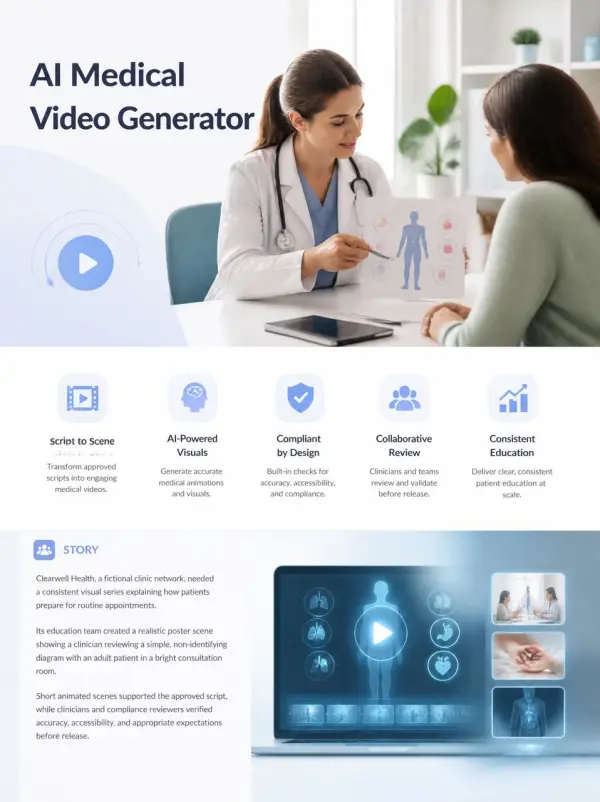
Clearwell Health, a fictional clinic network, needed a consistent visual series explaining how patients prepare for routine appointments. Its education team created a realistic poster scene showing a clinician reviewing a simple non-identifying diagram with an adult patient in a bright consultation room. Short animated scenes supported the approved script, while clinicians and compliance reviewers verified accuracy, accessibility, and appropriate expectations before release.
Clearwell Health Prepares a Patient Education Series

Novacare Devices Trains Regional Support Teams

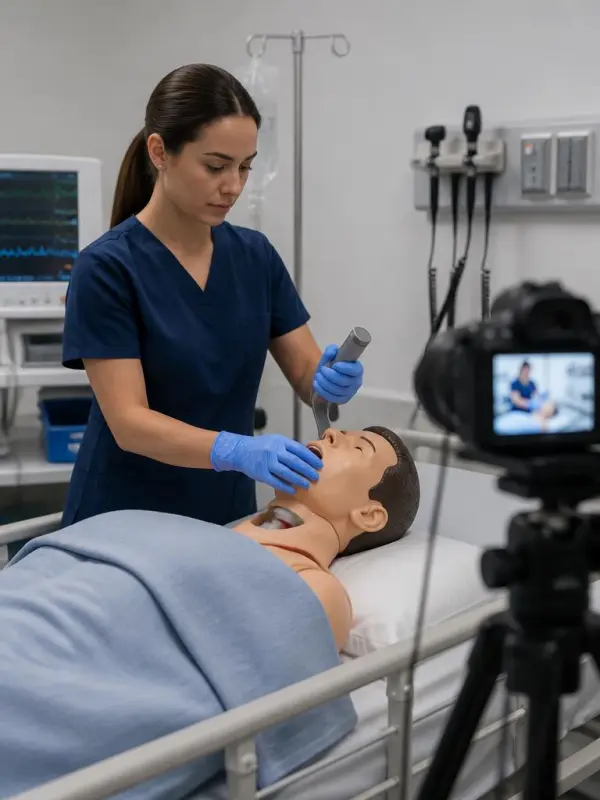
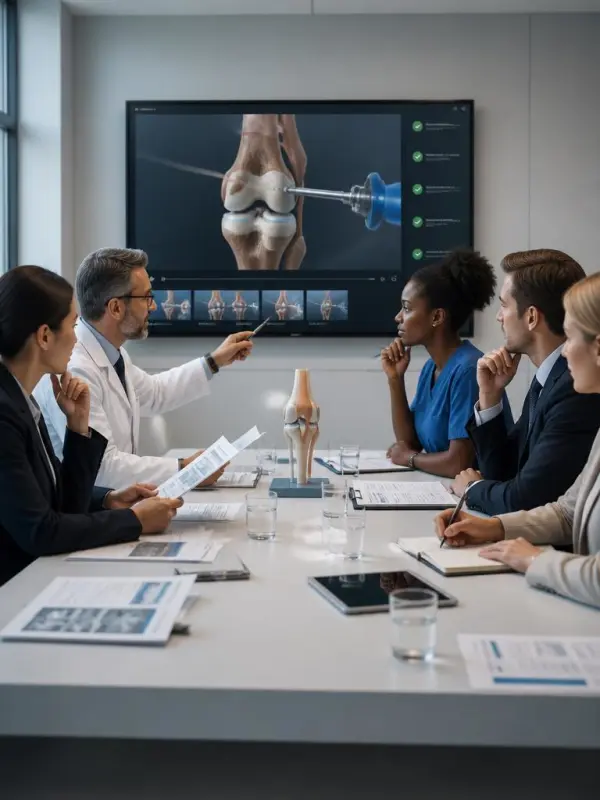
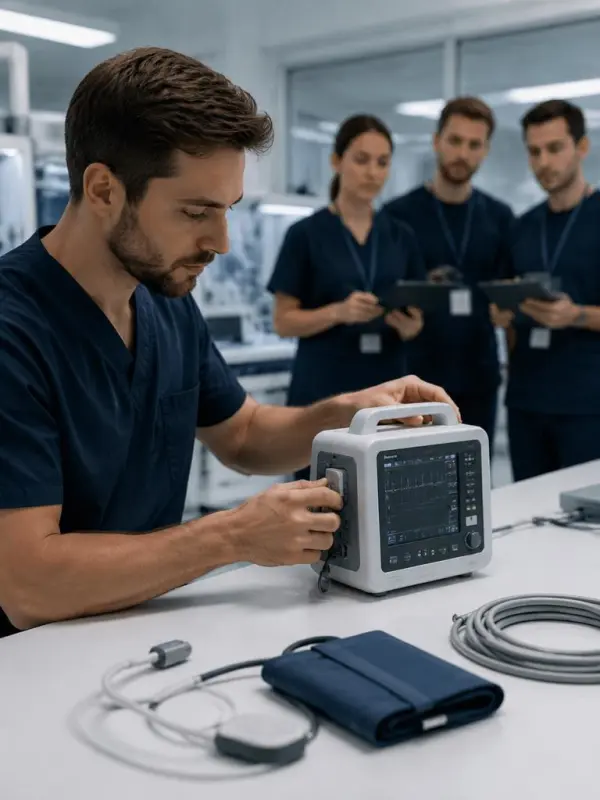
Novacare Devices, a fictional medical technology company, wanted a visual aid for internal product onboarding. The training group generated a realistic demonstration scene featuring a technician handling a generic monitoring device in a controlled lab environment. The video clarified sequence and ergonomics without presenting treatment advice, and subject-matter experts reviewed every step against the official training documentation before distribution.
Novacare Devices Trains Regional Support Teams
Previous
Next

Key Features of AI Medical Video Generator

Script Based Healthcare Visualization

Script Based Healthcare Visualization

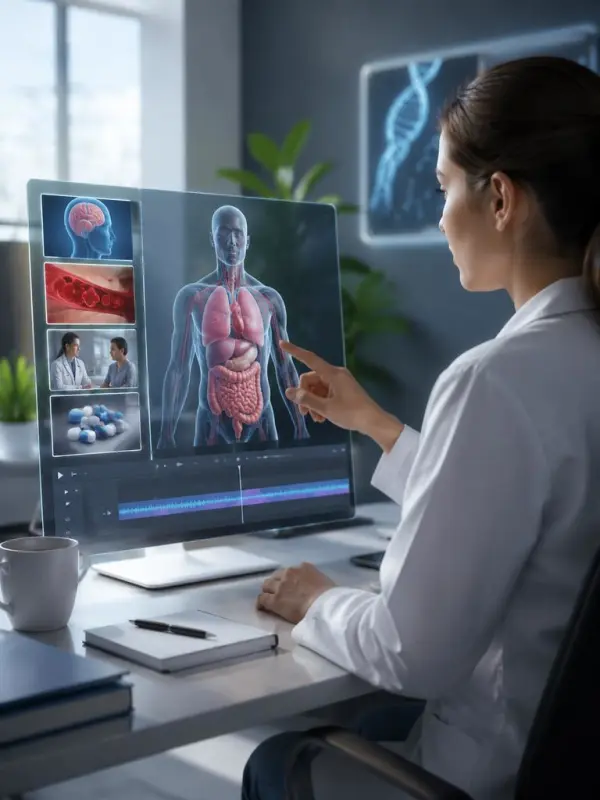
Transform an approved healthcare script into a focused visual scene with a defined learning goal, audience, environment, and sequence. AI Medical Video Generator can support patient education, staff onboarding, public-health communication, and medical presentations. The generated clip provides a visual draft, while qualified reviewers remain responsible for factual accuracy, terminology, disclosures, and final publication approval.
Clear Anatomy and Process Direction

Clear Anatomy and Process Direction

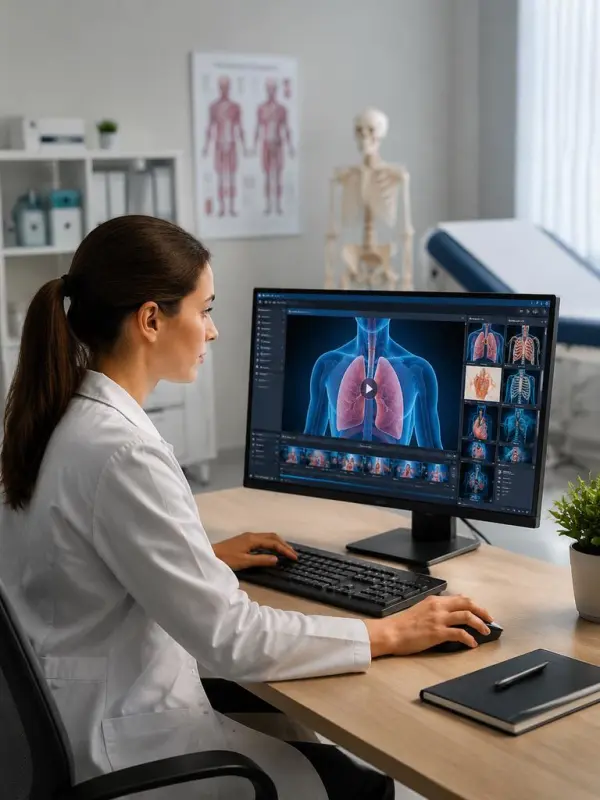
Describe anatomical orientation, device placement, workflow order, and the level of detail appropriate for the audience. Use non-graphic educational framing when possible and distinguish conceptual visualization from clinical imaging. Clear prompts help create readable scenes, but every anatomical representation and process step must be checked against reliable sources and organization-specific guidance before use.
Audience Appropriate Visual Style

Audience Appropriate Visual Style

Adjust the visual approach for patients, caregivers, clinicians, technicians, students, or public-health audiences. A calm consultation scene may suit patient education, while a clean technical demonstration may better support staff training. Define tone, complexity, color, and pacing carefully so the visual improves understanding without creating fear, false certainty, or misleading medical expectations.
Consistent Training Scene Development

Consistent Training Scene Development

Use a coherent reference frame to anchor equipment, uniforms, room layout, color, and composition across a short training clip. Stable visual structure helps viewers follow the intended action and reduces distraction. Teams can build reusable concepts for onboarding and procedure communication, then verify each generated step against approved policies, device instructions, and current clinical practice.
Review Ready Business Workflow

Review Ready Business Workflow

Prepare visual drafts that can move through medical, legal, privacy, accessibility, and brand review. Keep source scripts, references, version notes, and reviewer decisions connected to each output. AI Medical Video Generator can accelerate early visualization, but it should operate inside a controlled governance process with documented human oversight and clear responsibility for the final message.

How to Create an AI Medical Video

Define the Educational Objective

State exactly what the audience should understand after watching the scene. Separate education from diagnosis, treatment selection, or emergency advice, and identify the intended viewers and reading level. A narrow objective helps the script, visual sequence, terminology, and pacing remain focused. Confirm the topic is suitable for generated media before adding any clinical detail.

Define the Educational Objective

Prepare an Approved Medical Script

Use content reviewed by qualified subject-matter experts and grounded in current, reliable references. Remove patient-identifying information and avoid unsupported outcomes, absolute claims, or ambiguous instructions. Mark any required disclaimers, captions, and terminology before generation. The visual workflow should support the approved script rather than inventing new medical facts or substituting for professional review.
Prepare an Approved Medical Script

Describe a Safe Visual Scene

Specify the location, participants, equipment, anatomy, action, and camera view without including real patient data. Choose a respectful, non-graphic style appropriate for the learning goal. If showing a device or workflow, clarify what must remain accurate and what is only illustrative. Keep the scene visually simple so viewers can follow the intended information.
Describe a Safe Visual Scene

Generate and Conduct Expert Review

Review the clip for anatomical accuracy, sequence, terminology, device appearance, inclusivity, accessibility, and unintended implications. Ask medical, legal, privacy, and compliance reviewers to document required changes. Regenerate or edit any scene that could confuse viewers, suggest a diagnosis, imply guaranteed results, or conflict with approved instructions and local regulations.
Generate and Conduct Expert Review

Publish with Context and Accessibility

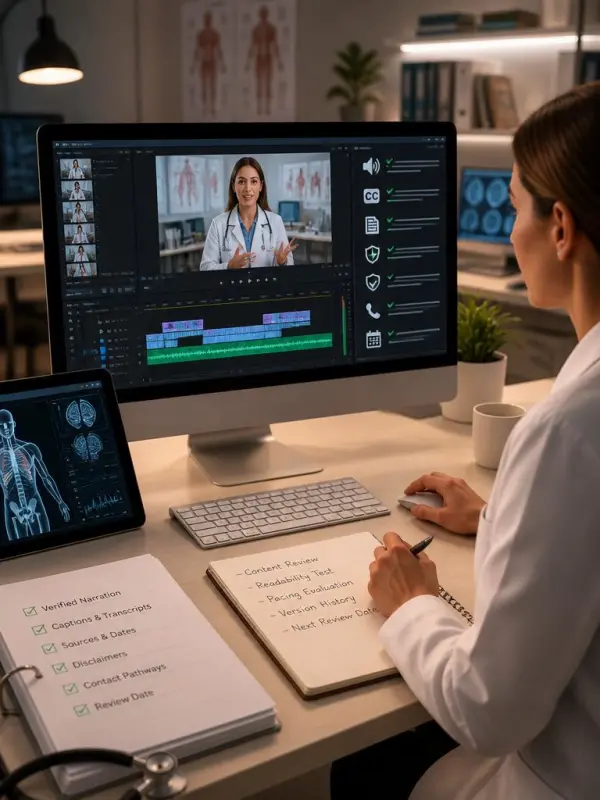
Add verified narration, captions, transcripts, sources, dates, contact pathways, and appropriate educational disclaimers during final editing. Test readability and pacing with representative users when possible. Keep a version history and define a review date so outdated content can be revised. For urgent symptoms or personal medical decisions, direct viewers to qualified professionals and emergency services.

Publish with Context and Accessibility

Frequently Asked Questions About AI Medical Video Generator

What is an AI Medical Video Generator?

It is a creative tool that converts reviewed healthcare scripts or visual prompts into short educational scenes for communication, training, and presentation workflows.

Can generated videos diagnose a condition?

No. Generated medical videos must not diagnose, prescribe treatment, or replace consultation with qualified healthcare professionals.

Who should review an AI medical video?

Appropriate medical subject-matter experts, legal or compliance teams, privacy reviewers, accessibility specialists, and brand owners should review content before release.

Can I use real patient information?

Do not include identifiable patient data unless an authorized, compliant workflow explicitly permits it. Use fictional or de-identified scenarios whenever possible.

What medical content works well?

General patient education, non-graphic anatomy concepts, staff onboarding, approved device demonstrations, public-health information, and clinical presentation visuals can be suitable.

How can I reduce misleading output?

Use an approved script, narrow the learning goal, specify accurate details, avoid absolute claims, compare results with reliable references, and require documented human review.

Explore More AI Tools

Our new Virtual Try-On just launched. Try it now!
close

HappyHorse AI Video Generator

Create Cinematic Text-to-Video and Image-to-Video Content

GPT Image 2 AI Image Generator

Create High Quality Images, Text Rich Visuals, and Product Photography

HappyHorse 1.1 AI Video Generator

Create Campaign-Ready Videos Online

Nano Banana

Google's Next-Gen AI Image Model for Instant Professional Creativity

AI Video Generator

Turn Images into Stunning AI Videos for Free

Virtual Try-On

Try On Clothes Online with AI Virtual Try Technology

Swap Model & BG

Realistic Model & Background Swapping Online with AI

AI Fashion Model

Showcase clothing with a variety of models

AI Product

Create stunning product images with few clicks from anywhere

Face Forge

AI Face Morph & Face Swap Generator Online

Product Recoloring

Recolor Image Online Free - Color Changer in WeShop AI

To Mannequin

Convert real model photos into mannequin displays

Change Pose

Change poses, switch between various model poses, making the clothing display more natural

Remove Background

Removing background with lightning speed and ease

AI Photo Enhancer

Enhance Photo Quality Online with Free AI

Relight

Relight your images automatically and efficiently

Expand Image

Expand images & backgrounds to fit any platform

Magic Eraser

Remove unwanted objects from your photos with AI

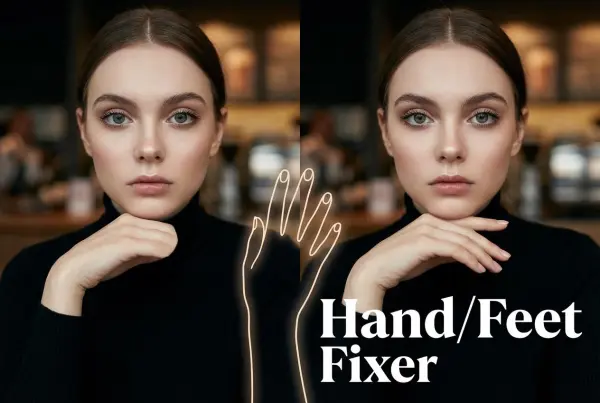
Hand/Feet Fixer

Regenerate natural-looking hands and feet in AI-generated images

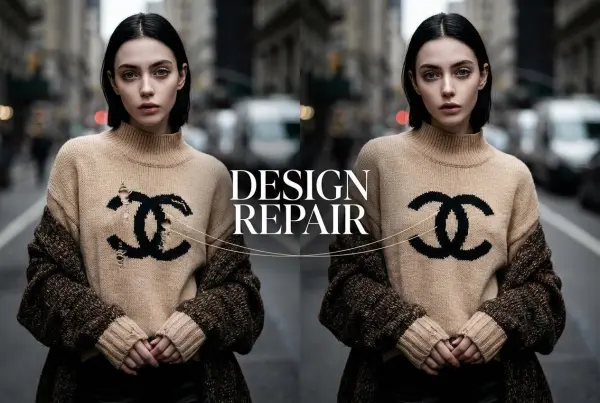
Design Repair

Upload an image, highlight the area you wish to fix, and upload a target reference image

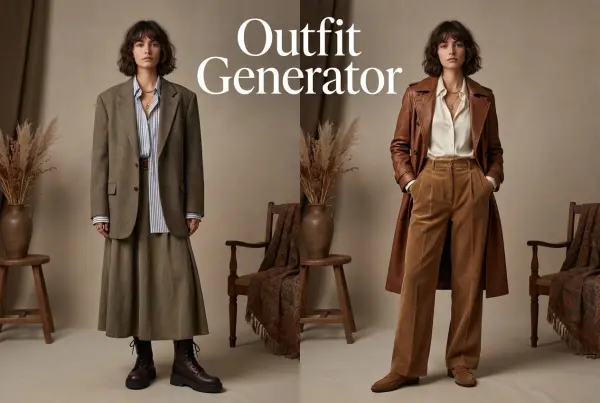
Outfit Generator

Create AI clothes styling from any model photo, garment, or style prompt.

Video Agent

Create and publish videos from a photo or description—instantly, in any style.

AI Clothing Piece Generator

Create Professional Flatlay Clothing Images From Any Photo or Idea

Watermark Video Remover Free Online

Remove Watermark from Video

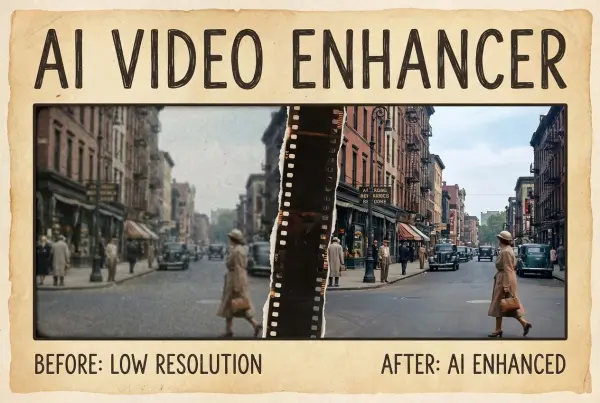
AI Video Enhancer

Enhance Video Quality Online with AI

Replace Face in Video Online Free

AI Video Face Swap for Realistic Clips

Seedream 5.0 Pro

Create Grounded Edits and Infographics Online

Seedance 2.0

A Multi-Modal AI Video Creative Engine for Cinematic Storytelling

Sora 2

Next Generation AI Video Generator with Realistic Physics & Storytelling

Wan AI Video Generator

Advanced AI Image & Video Generation Model

Midjourney Image Generator

Use Midjourney v7 to Create AI-Generated Images

Kling O1 AI Video Generator

Create Cinematic Videos with Omni One Control

Kling 3.0 Omni

Create Multimodal Videos with Native Audio ---

Kling 3.0

AI Director Video Model with 4K Cinematic Storytelling

Kling Motion Control

Create Realistic Motion Videos from Reference Images and Videos

Qwen Image Edit

A Revolutionary Tool for Seamless Image Editing

Z-Image AI Image Generator

Create High-Quality Images from Text Instantly

FireRed Image Edit

Open Source AI Image Editing Model for High Fidelity Edits

Grok Imagine AI Image Generator

Create High-Resolution Images from Text with Aurora AI

Grok Imagine AI Video Generator

Create Cinematic AI Videos with Native Audio & Scene Control

Hailuo AI Video Generator

Create Cinematic AI Videos from Text or Images

Veo 3 AI Video Generator

Create Cinematic Videos from Text or Images

Vidu Q3 AI Video Generator

Create Cinematic Short Videos with Turbo and Pro Modes

Imagen 4

Create Photorealistic Images and Accurate Text Visuals with AI

HiDream AI Image Generator

Create Stunning AI-Generated Images Online

Sulphur2

Create Cinematic AI Videos from Text and Images

PixVerse AI Video Generator

Create Cinematic Videos with V6 and V5.5

Video Replication

Recreate Video Styles, Motion, and Scenes with AI

Runway Gen 4 AI Video Generator

Create Consistent AI Videos Online

idea
helper