
language

English

Steal the Look! Click to Replicate it with Your Product!
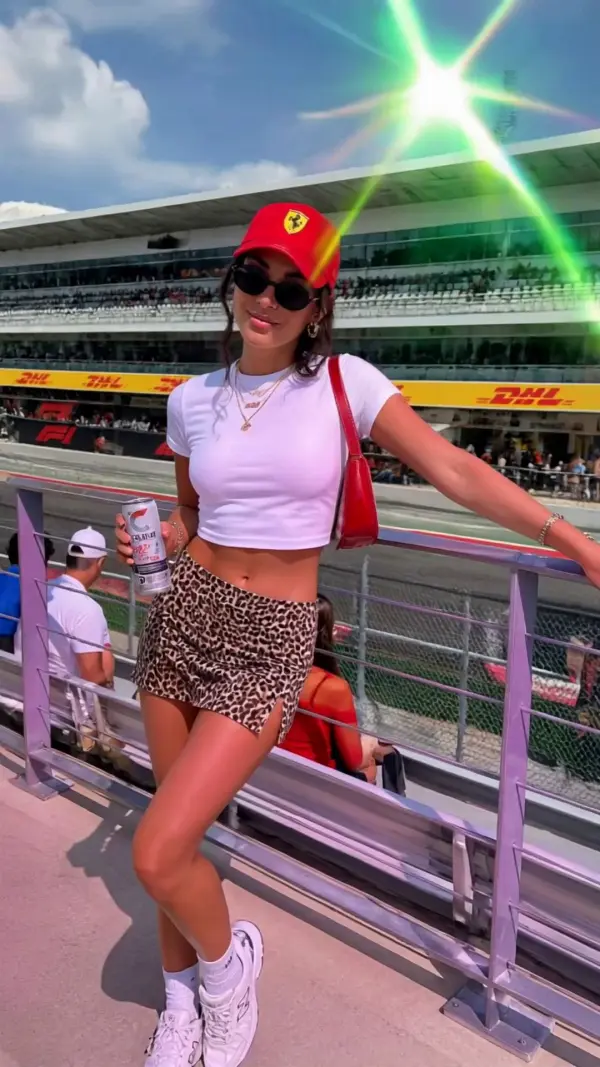
instagram video editor by weshop aiinstagram video editor by weshop ai
instagram video editor by weshop ai
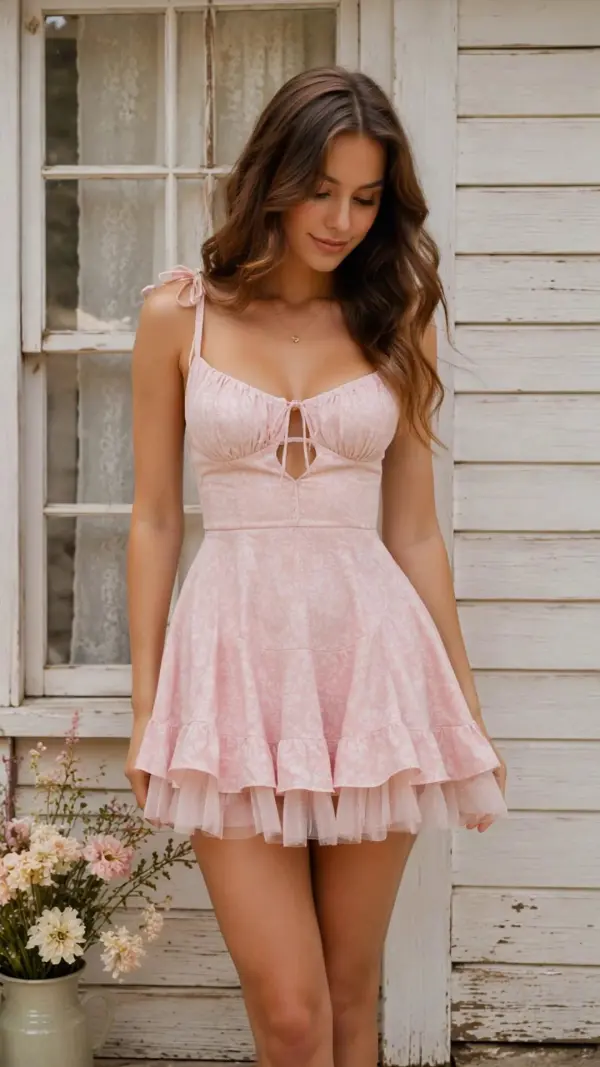
instagram video editor by weshop aiinstagram video editor by weshop ai
instagram video editor by weshop ai
instagram video editor by weshop aiinstagram video editor by weshop ai
instagram video editor by weshop ai
instagram video editor by weshop aiinstagram video editor by weshop ai
instagram video editor by weshop ai
instagram video editor by weshop aiinstagram video editor by weshop ai
instagram video editor by weshop ai
instagram video editor by weshop aiinstagram video editor by weshop ai
instagram video editor by weshop ai
instagram video editor by weshop aiinstagram video editor by weshop ai
instagram video editor by weshop ai
instagram video editor by weshop aiinstagram video editor by weshop ai
instagram video editor by weshop ai

Instagram Video Editor – Create Reels, Stories and Feed Videos Online

Instagram Video Editor is an online AI-powered video creation tool that helps creators, brands, marketers, and businesses combine video clips, photos, product images, text, logos, voiceovers, captions, music, and animations into polished Instagram content. Users can create Instagram Reels, Stories, square feed videos, product promos, tutorials, event announcements, and social media ads without advanced editing experience. With customizable templates, automatic captions, AI dubbing, smart cropping, aspect ratio conversion, brand styling, text animation, and high-quality video export, one collection of visual assets can become multiple on-brand videos designed for different Instagram formats and campaign goals.

How Creators and Brands Use an Instagram Video Editor

Turning Product Photos and Clips into Instagram Reels

A small ecommerce brand called Northline Goods had product photos, short demonstration clips, customer quotes, and campaign copy but no complete Reel. The marketing team used an Instagram Video Editor to combine these materials into a vertical video with animated text, captions, music, branded colors, and smooth transitions. They adjusted the pacing, highlighted key product benefits, and added a call to action. This helped the brand create polished product Reels without arranging another photoshoot or rebuilding every visual element manually.
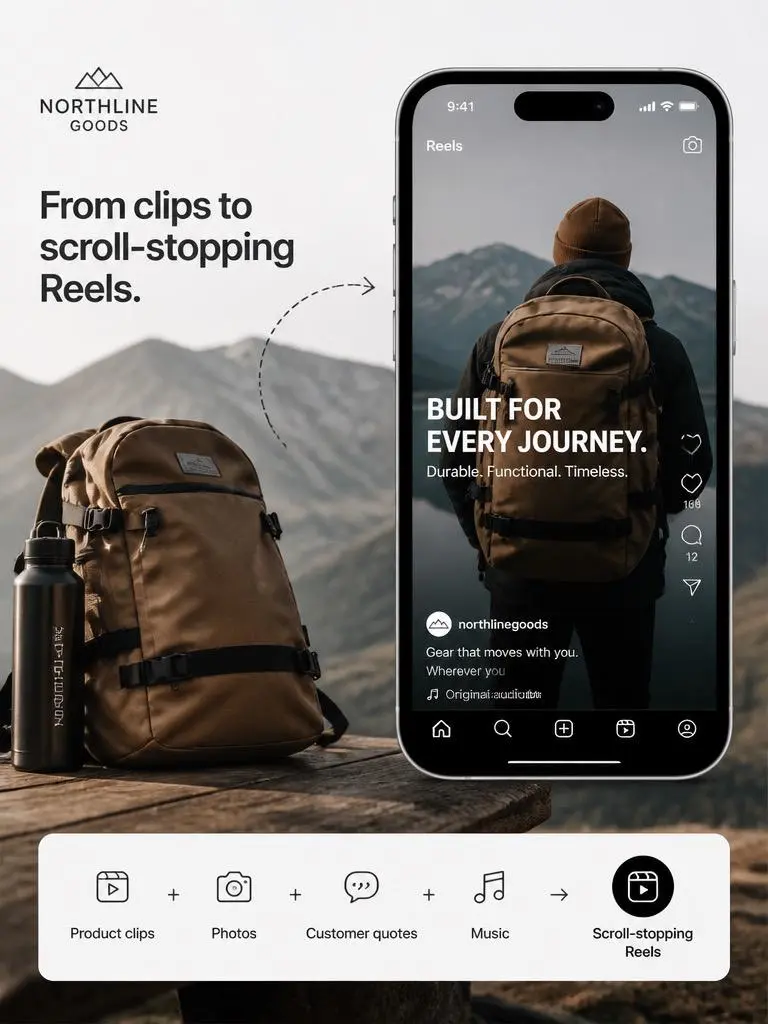
ecommerce brand video by weshop

Repurposing One Campaign for Reels, Stories and Feed Posts

A social media manager named Maya Collins needed to promote the same event through Instagram Reels, Stories, and square feed videos. She uploaded event footage, speaker photos, logos, dates, and promotional text, then created several format-specific versions from the same content. The editor repositioned important subjects, resized the layouts, and kept captions visible. This gave Maya a consistent campaign across multiple placements while reducing repeated design and editing work.
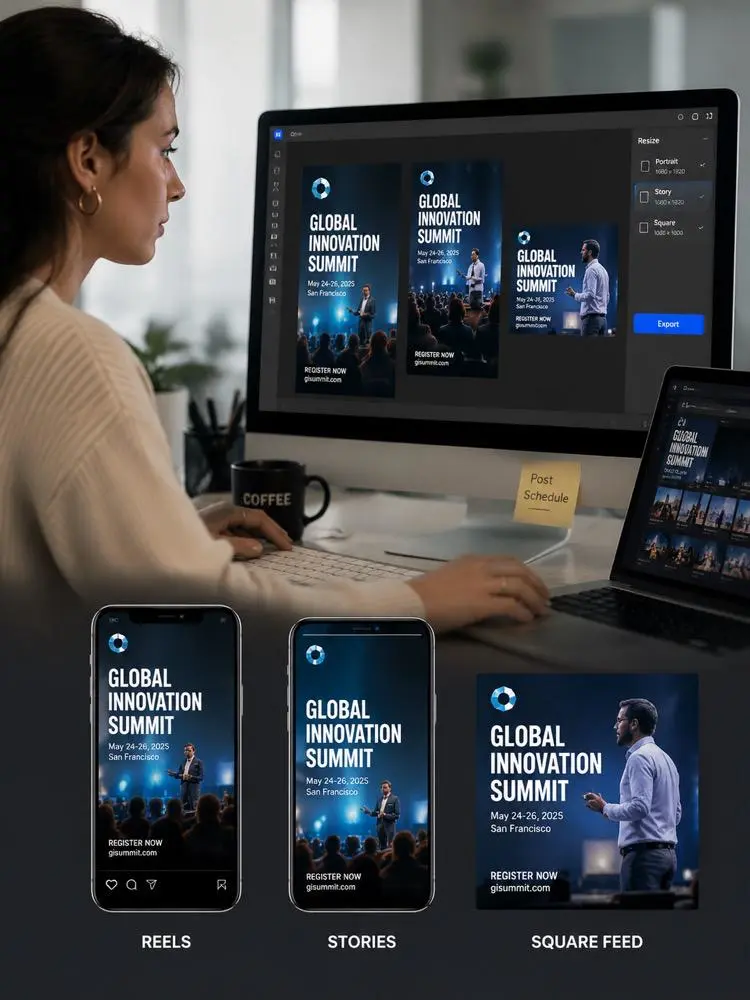
Instagram Reels social media by weshop
Previous
Next

Key Features of an AI Instagram Video Editor

visual posts built

Create Reels from Photos, Text and Video Clips

Instagram Video Editor lets users combine uploaded footage, product photos, portraits, screenshots, logos, AI-generated images, and written copy in one connected video. Photos can appear between clips, move with subtle animation, or support text-based storytelling. This makes the editor useful for product Reels, travel content, event promotions, educational videos, brand stories, and visual posts built from mixed media.

Edit Instagram Videos with AI Assistance

AI-assisted editing helps users organize scenes, refine pacing, shorten clips, replace media, and adjust the overall video style. Creators can work from existing footage, images, campaign text, or a basic content idea. The editor helps structure these assets into a clearer Instagram video, reducing repetitive editing while keeping users in control of the message, visuals, and final sequence.
Instagram content

Apply Instagram Video Templates and Brand Styles

Customizable templates give users a starting structure for Reels, Stories, product videos, event announcements, tutorials, and promotions. Brand colors, fonts, logos, caption styles, transitions, and layouts can be applied consistently across each scene. Reusable brand settings help teams create more Instagram content while maintaining a recognizable visual identity across campaigns, products, and publishing schedules.

Add Music, Sound Effects and Animated Text

Users can combine background music, sound effects, voiceovers, captions, headings, calls to action, and animated text with their visual content. Audio and motion help connect photos and video clips into a more cohesive story. These elements are useful for product reveals, fashion Reels, event invitations, travel videos, tutorials, sale announcements, and other fast-moving Instagram formats.

What You Can Create with an Instagram Video Editor

Create Instagram Reels from Existing Content

Upload short clips, product footage, photos, graphics, and written hooks, then arrange them into a vertical Reel. Add captions, transitions, music, animated text, and a closing call to action. This workflow helps creators repurpose campaign assets, tutorials, interviews, product demonstrations, or personal footage into engaging short-form videos without recording entirely new content.

instagram reels

Make Instagram Stories for Promotions and Events

Businesses can combine event details, sale information, product images, countdown messages, and short video clips into full-screen Instagram Stories. Templates and animated text help organize the information clearly, while brand colors and logos maintain a consistent look. Story videos are useful for limited-time offers, product launches, event invitations, reminders, behind-the-scenes content, and quick announcements.

Turn Product Assets into Instagram Ads

Marketing teams can upload product photos, demonstration footage, feature lists, logos, campaign copy, and calls to action to build Instagram video ads. AI-assisted editing can help organize the scenes, add captions, animate product images, and create a clearer visual flow. The finished videos can support ecommerce promotions, seasonal campaigns, product launches, and paid social advertising.

Create Travel, Fashion and Lifestyle Videos

Travel photos, fashion footage, beauty clips, food images, and personal moments can be arranged into visually connected Instagram videos. Users can add music, filters, transitions, animated titles, and different scene lengths to shape the mood. This helps creators transform separate visual assets into polished Reels, Stories, and feed posts with a consistent style.

travel photos

Frequently Asked Questions About Instagram Video Editor

What is an Instagram Video Editor?

An Instagram Video Editor is an online tool for creating and editing videos designed for Instagram Reels, Stories, feed posts, and advertisements. It can combine video clips, photos, text, captions, music, voiceovers, logos, animations, and templates into a complete social media video.

Can I make Instagram Reels from photos and videos?

Yes. You can combine photos, product images, illustrations, and video footage in one Reel. Images can be animated or used between clips, while captions, music, transitions, and text overlays help connect the content into a cohesive video.

Can I edit Instagram videos online?

Yes. An online Instagram video editor works through a browser and allows users to upload their media, choose a format, add text and audio, preview the project, and export the final video without installing complex professional editing software.

Can I create Instagram Stories?

Yes. Users can create full-screen Instagram Stories from photos, video clips, event details, product information, promotional copy, music, and animated text. Story templates can help organize the visual hierarchy and keep important information readable on mobile screens.

Can I create square Instagram videos?

Yes. In addition to vertical Reels and Stories, users can create square or portrait videos for Instagram feed posts. The correct format depends on the content, layout, and publishing goal.

Can AI add captions to Instagram videos?

Yes. AI caption tools can transcribe spoken audio and place synchronized subtitles on the video. Users can usually adjust the font, color, animation, position, size, and timing to match their content and brand style.

Can I translate or dub Instagram videos?

AI dubbing and subtitle translation can help adapt Instagram videos for multiple languages. Availability and language options depend on the tool, voice settings, and selected plan.

Can I resize one video for different Instagram formats?

Yes. One project can be adapted into Reels, Stories, square feed videos, and portrait posts. Smart cropping and reframing help keep important subjects, products, captions, and logos visible after the aspect ratio changes.

Can I add my brand colors and logo?

Yes. Brand tools and reusable templates can apply logos, colors, fonts, caption designs, and layouts across Instagram videos. This helps businesses and creators maintain a consistent visual identity.

What content can I make with an Instagram Video Editor?

You can create product Reels, tutorials, Stories, event videos, sale announcements, travel videos, fashion content, ecommerce ads, customer testimonials, product demos, educational clips, brand stories, behind-the-scenes content, and feed videos.

Do I need video editing experience?

No. Most Instagram video editors include templates, guided workflows, automatic captions, resizing tools, and drag-and-drop media controls. Beginners can start with existing images, clips, and text, then preview and refine the result before export.

Can Instagram videos be used commercially?

Commercial use depends on the editor’s license, stock media rights, music rights, uploaded assets, voiceover terms, and subscription plan. Users should use content they own or have permission to publish and review the applicable licensing conditions.

Explore More AI Tools

Our new Virtual Try-On just launched. Try it now!
close

HappyHorse AI Video Generator

Create Cinematic Text-to-Video and Image-to-Video Content

GPT Image 2 AI Image Generator

Create High Quality Images, Text Rich Visuals, and Product Photography

Nano Banana

Google's Next-Gen AI Image Model for Instant Professional Creativity

AI Video Generator

Turn Images into Stunning AI Videos for Free

Virtual Try-On

Try On Clothes Online with AI Virtual Try Technology

Swap Model & BG

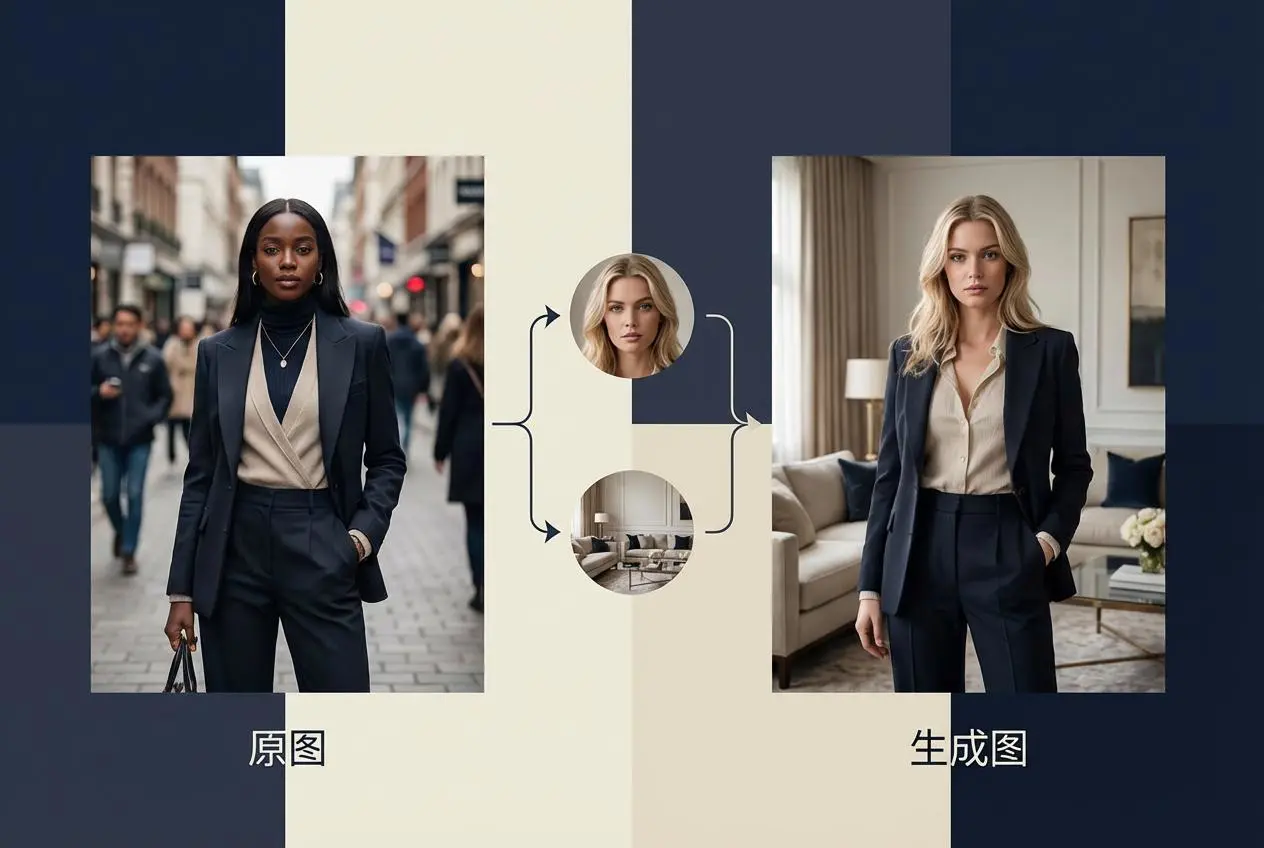
Realistic Model & Background Swapping Online with AI

AI Fashion Model

Showcase clothing with a variety of models

AI Product

Create stunning product images with few clicks from anywhere

Face Forge

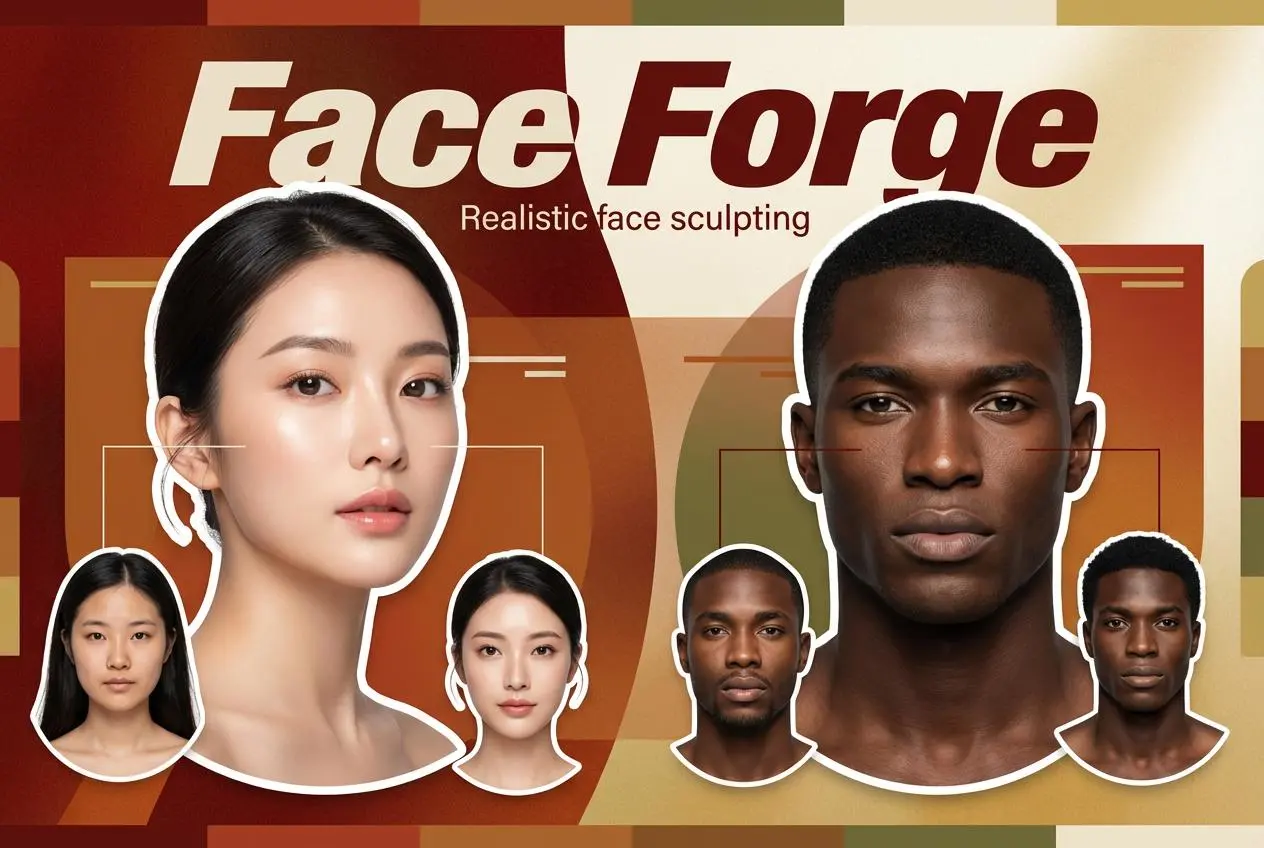
AI Face Morph & Face Swap Generator Online

Product Recoloring

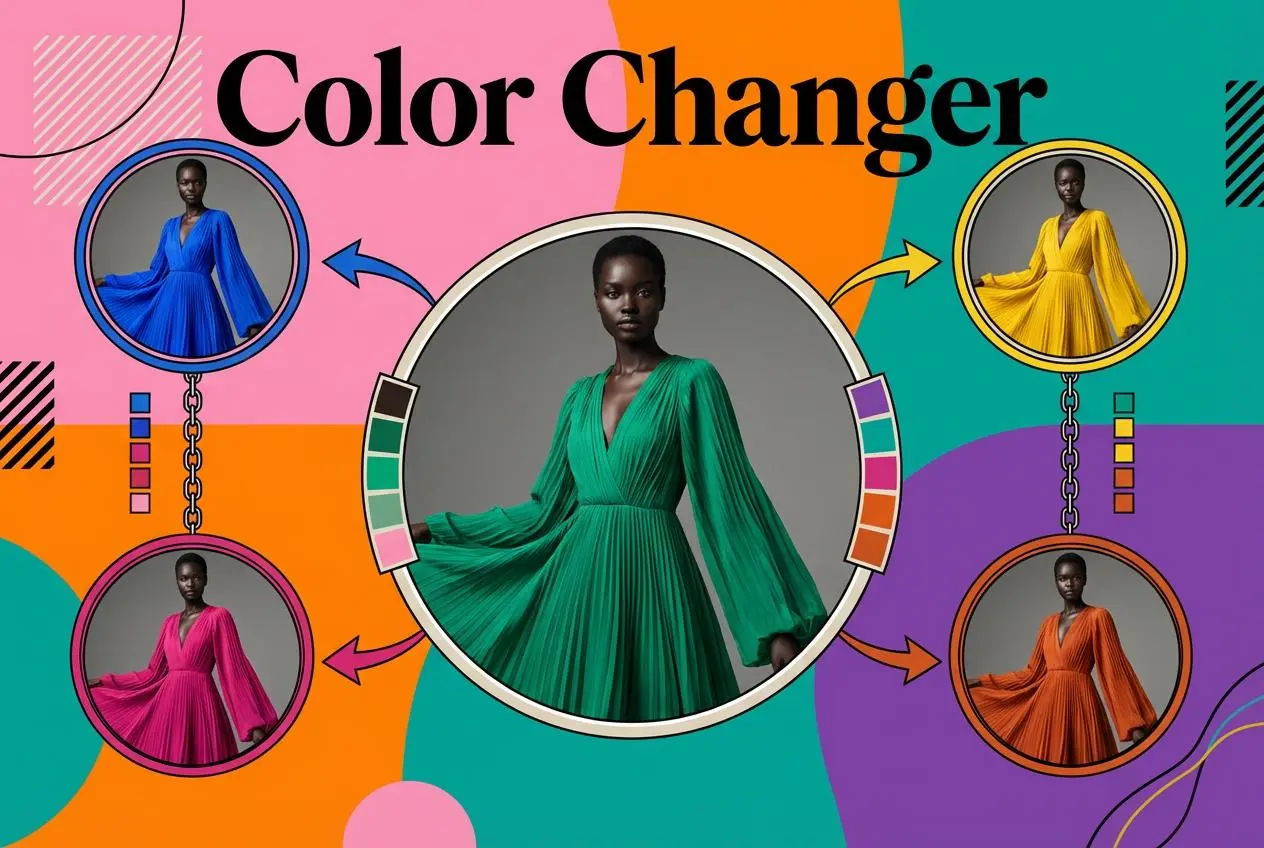
Recolor Image Online Free - Color Changer in WeShop AI

To Mannequin

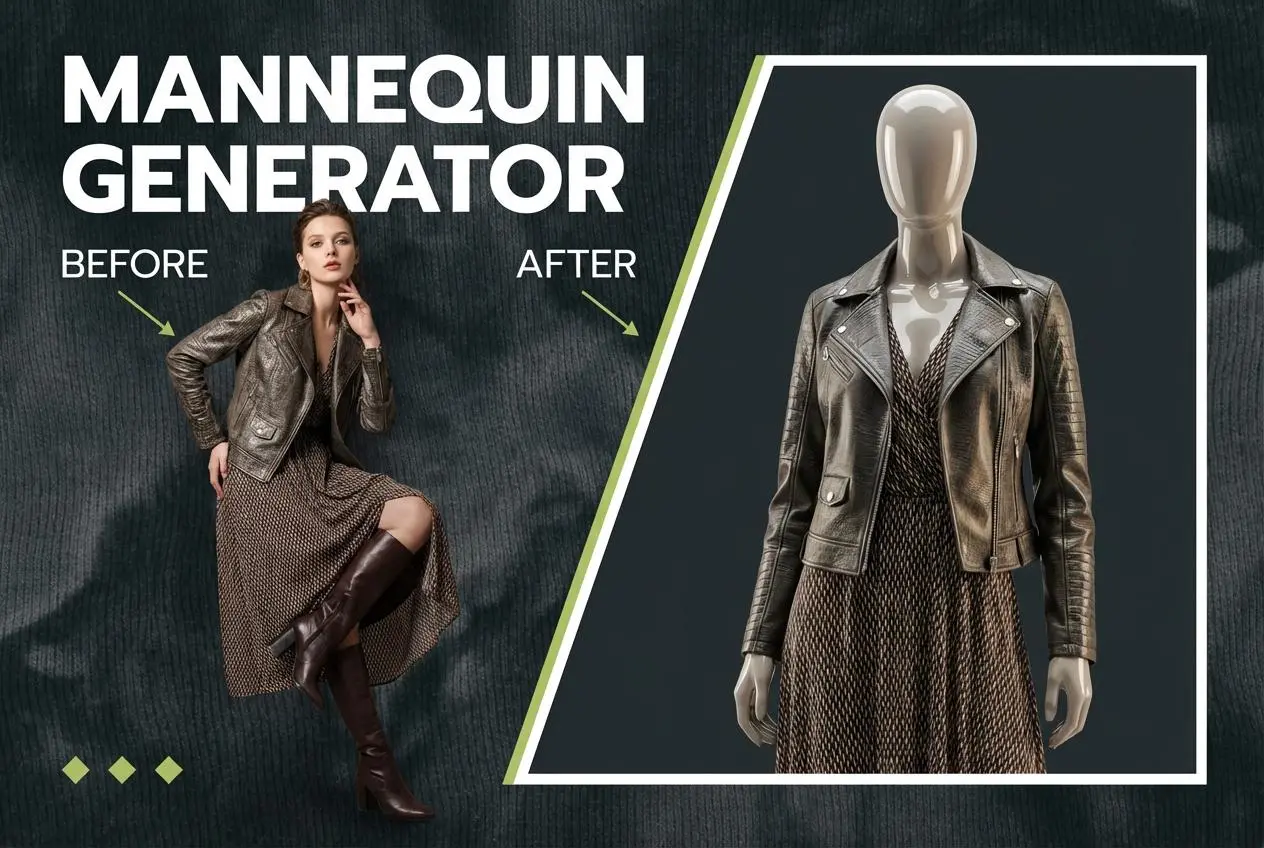
Convert real model photos into mannequin displays

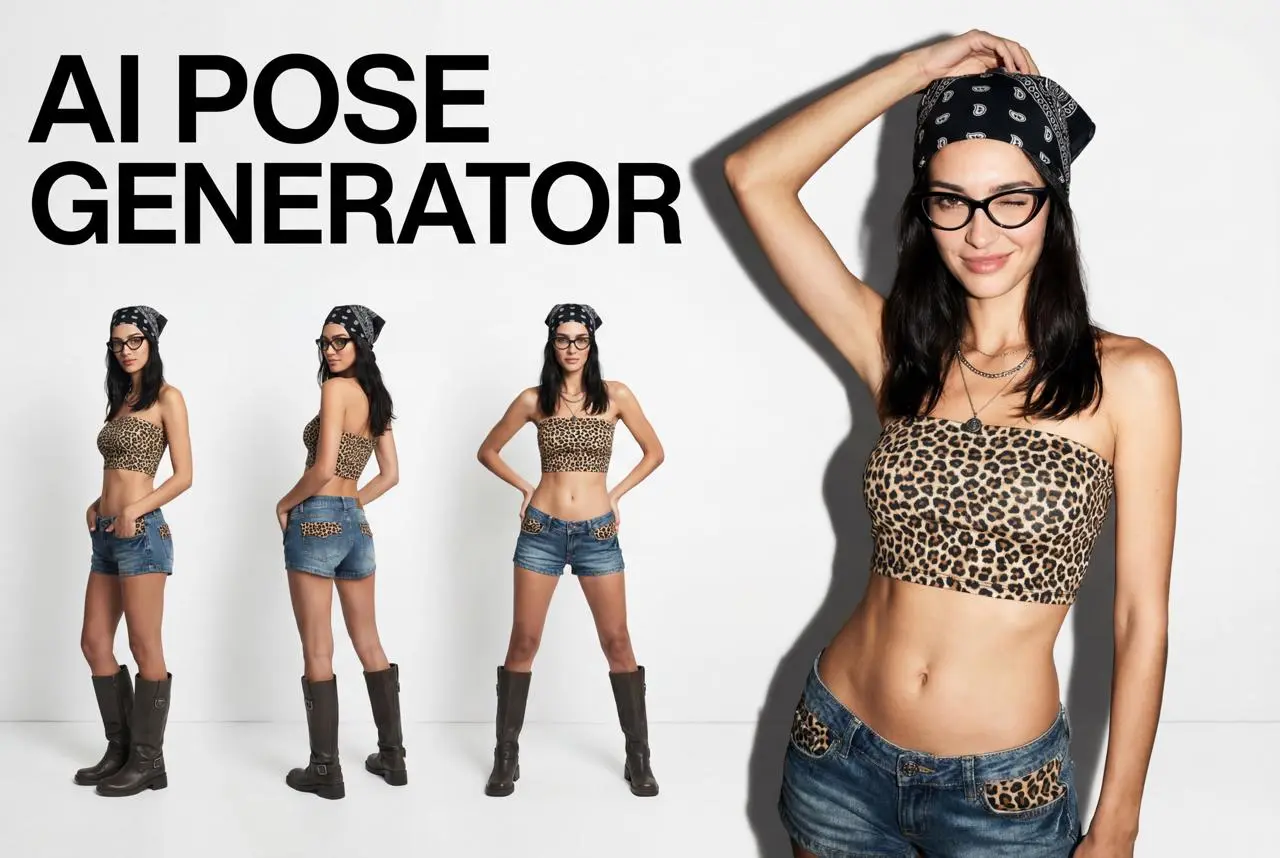
Change Pose

Change poses, switch between various model poses, making the clothing display more natural

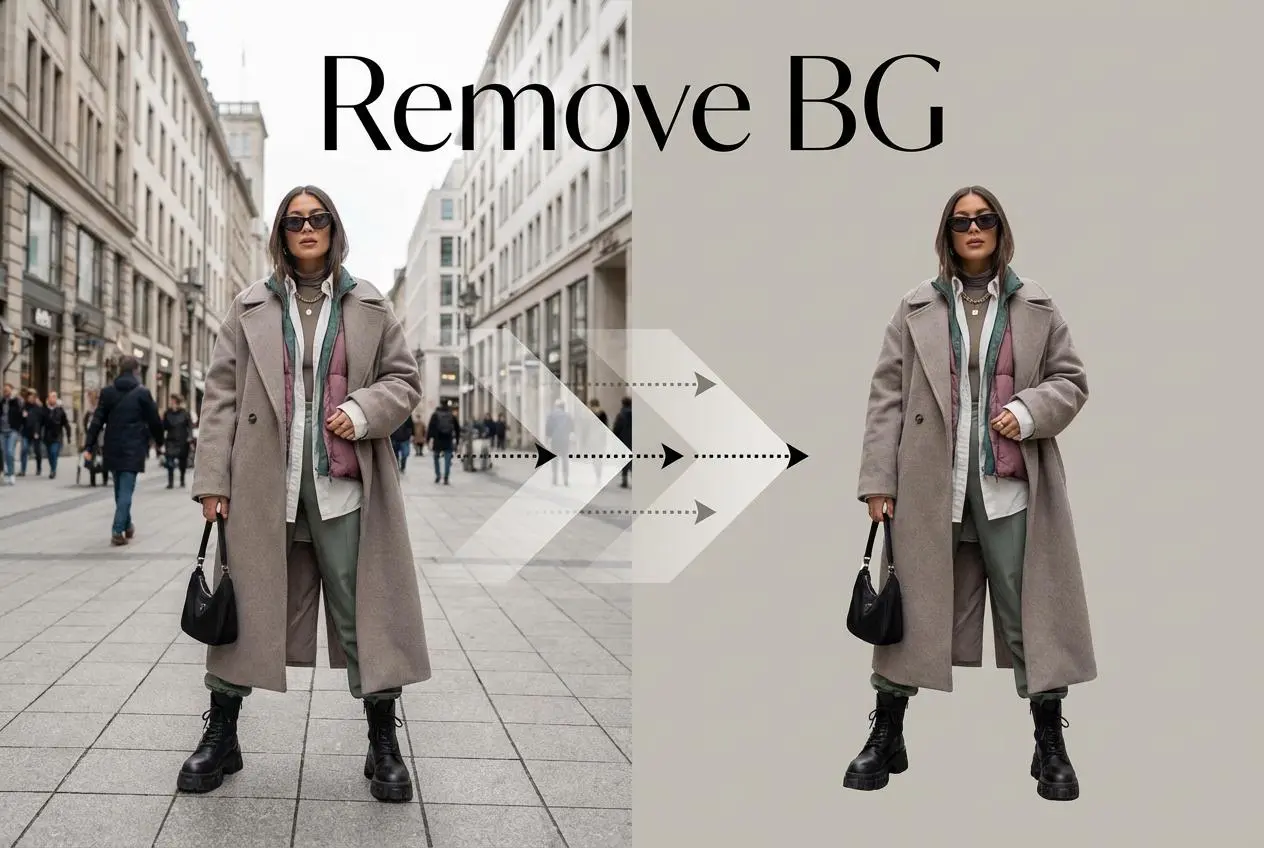
Remove Background

Removing background with lightning speed and ease

AI Photo Enhancer

Enhance Photo Quality Online with Free AI

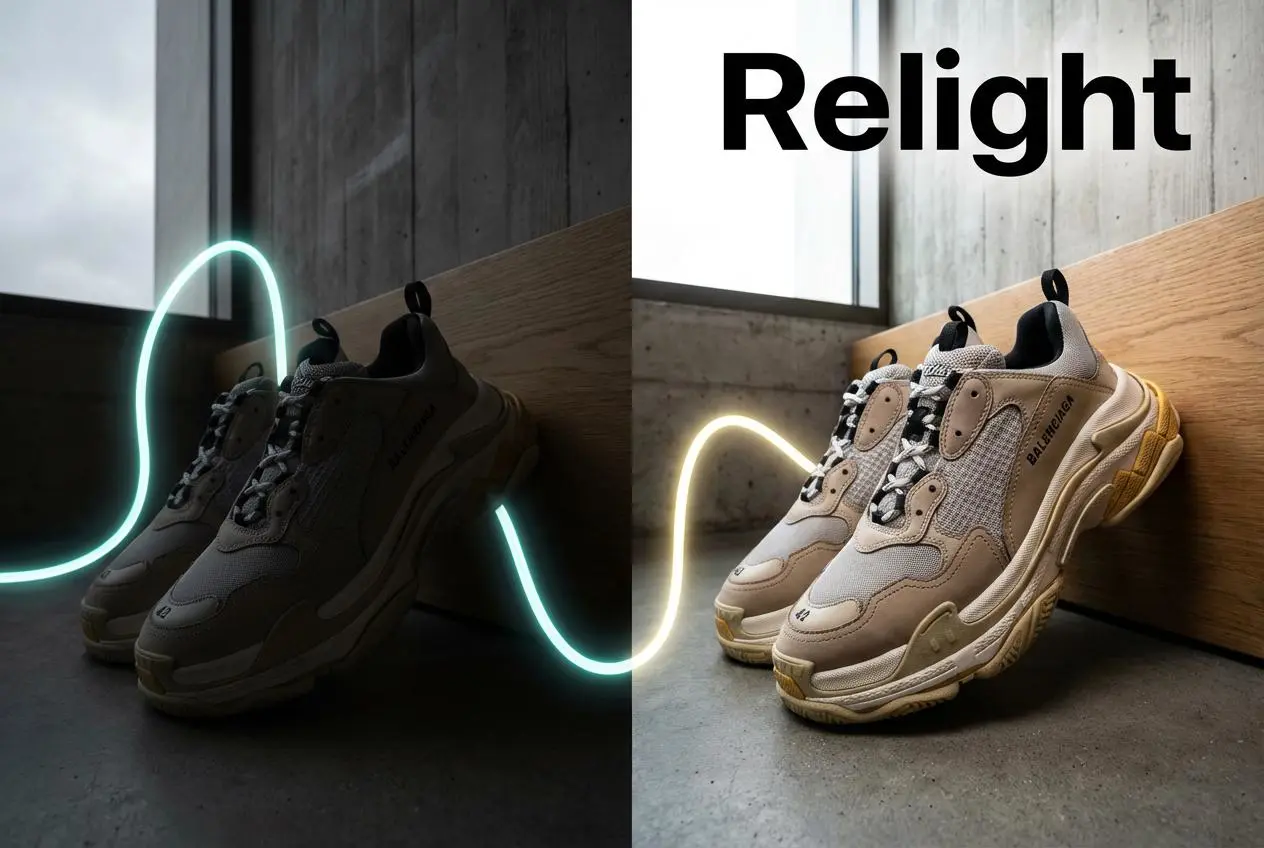
Relight

Relight your images automatically and efficiently

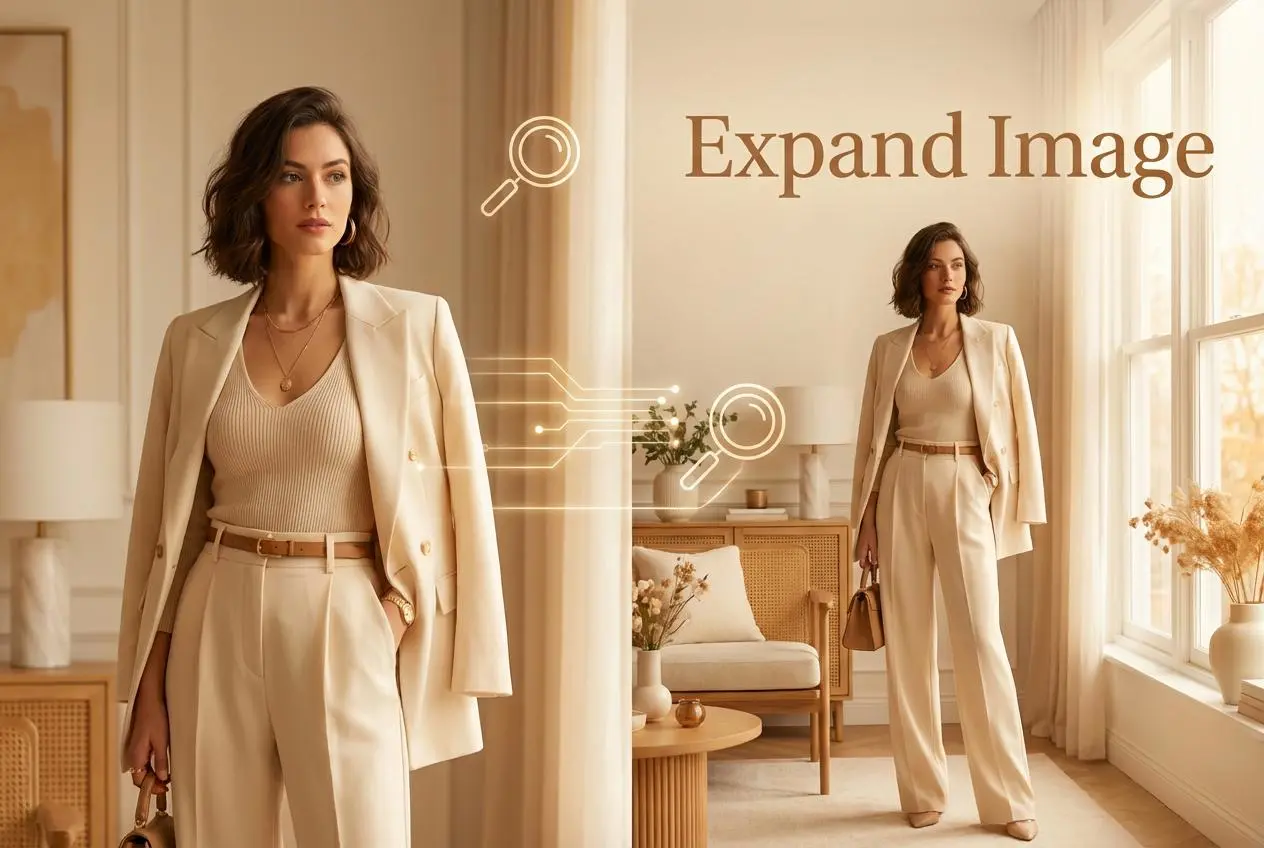
Expand Image

Expand images & backgrounds to fit any platform

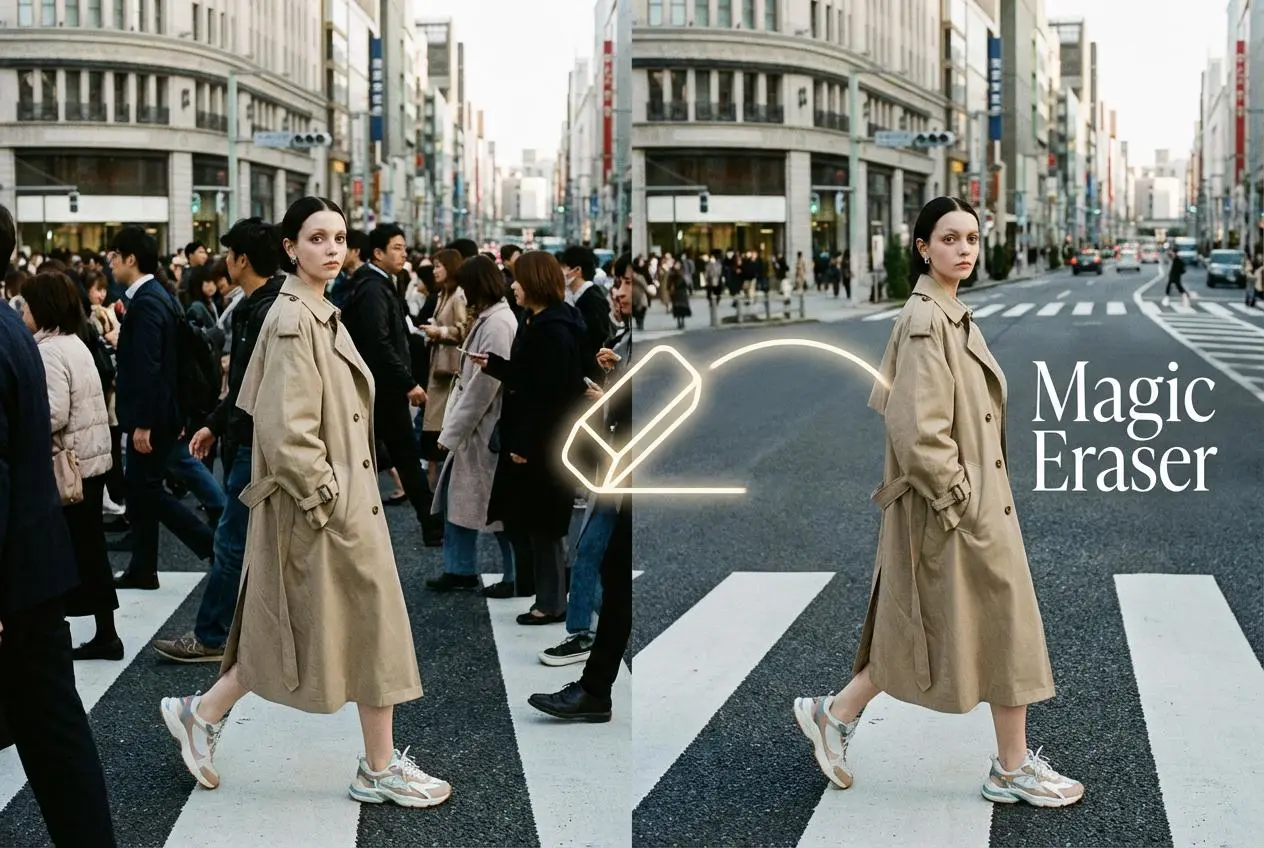
Magic Eraser

Remove unwanted objects from your photos with AI

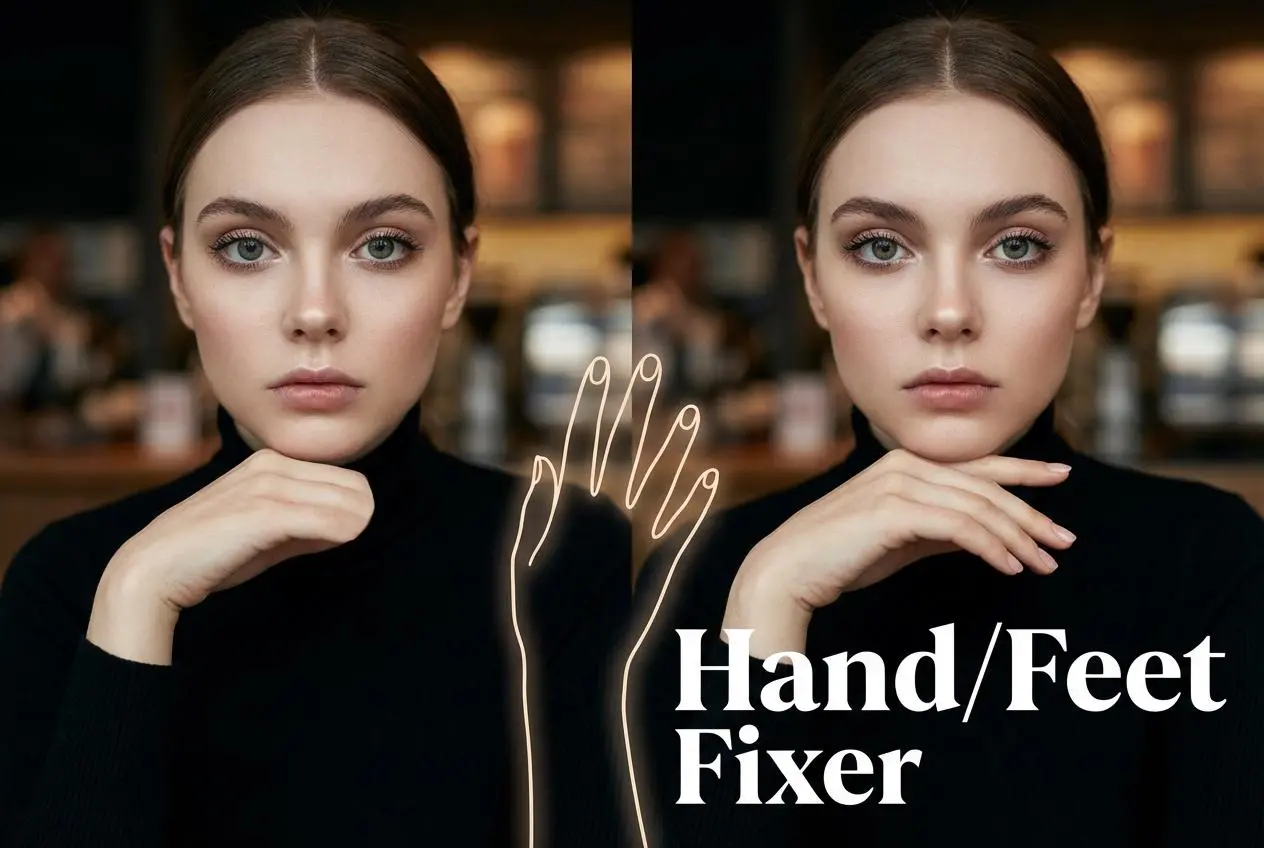
Hand/Feet Fixer

Regenerate natural-looking hands and feet in AI-generated images

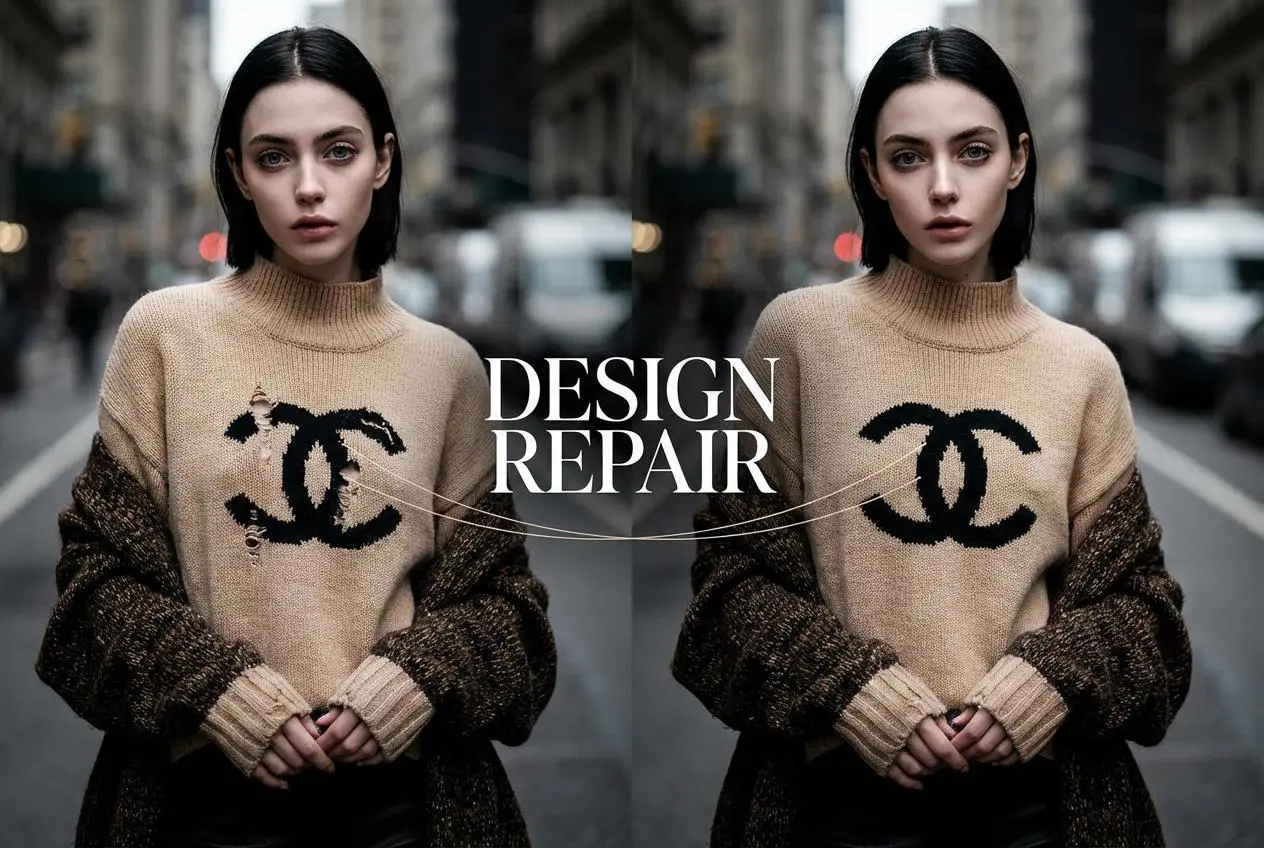
Design Repair

Upload an image, highlight the area you wish to fix, and upload a target reference image

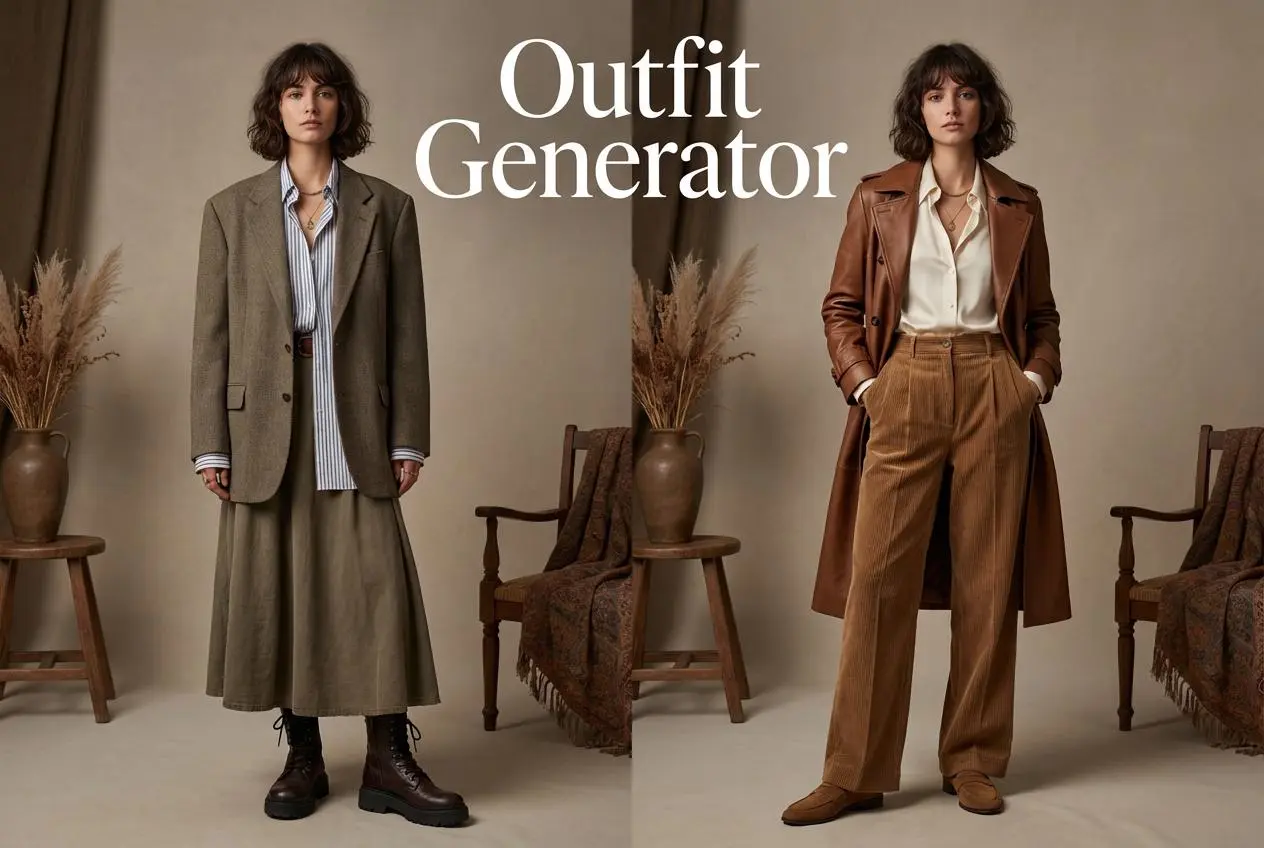
Outfit Generator

Create AI clothes styling from any model photo, garment, or style prompt.

Video Agent

Create and publish videos from a photo or description—instantly, in any style.

AI Clothing Piece Generator

Create Professional Flatlay Clothing Images From Any Photo or Idea

Watermark Video Remover Free Online

Remove Watermark from Video

AI Video Enhancer

Enhance Video Quality Online with AI

Replace Face in Video Online Free

AI Video Face Swap for Realistic Clips

Seedream 5.0

Try the Latest Smart Image Creation Model Online

Seedance 2.0

A Multi-Modal AI Video Creative Engine for Cinematic Storytelling

Sora 2

Next Generation AI Video Generator with Realistic Physics & Storytelling

Wan AI Video Generator

Advanced AI Image & Video Generation Model

Midjourney Image Generator

Use Midjourney v7 to Create AI-Generated Images

Kling O1 AI Video Generator

Create Cinematic Videos with Omni One Control

Kling 3.0 Omni

Create Multimodal Videos with Native Audio ---

Kling 3.0

AI Director Video Model with 4K Cinematic Storytelling

Kling Motion Control

Create Realistic Motion Videos from Reference Images and Videos

Qwen Image Edit

A Revolutionary Tool for Seamless Image Editing

Z-Image AI Image Generator

Create High-Quality Images from Text Instantly

FireRed Image Edit

Open Source AI Image Editing Model for High Fidelity Edits

Grok Imagine AI Image Generator

Create High-Resolution Images from Text with Aurora AI

Grok Imagine AI Video Generator

Create Cinematic AI Videos with Native Audio & Scene Control

Hailuo AI Video Generator

Create Cinematic AI Videos from Text or Images

Veo 3 AI Video Generator

Create Cinematic Videos from Text or Images

Vidu Q3 AI Video Generator

Create Cinematic Short Videos with Turbo and Pro Modes

Imagen 4

Create Photorealistic Images and Accurate Text Visuals with AI

HiDream AI Image Generator

Create Stunning AI-Generated Images Online

Sulphur2

Create Cinematic AI Videos from Text and Images

idea
helper