language

English

Steal the Look! Click to Replicate it with Your Product!
candle mockup generator by weshop ai

Candle Mockup Generator – Create Realistic Candle Packaging Mockups Online

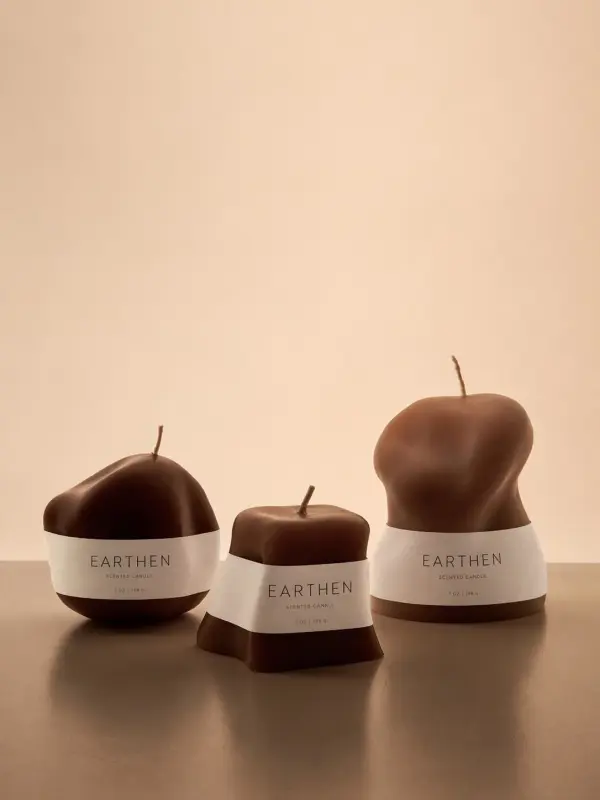
Candle Mockup Generator is an online product visualization tool that helps candle makers, designers, small businesses, and ecommerce brands create realistic candle mockups from label designs, product photos, packaging artwork, or simple creative ideas. Users can preview candle jars, tins, boxes, labels, wax colors, lids, glass finishes, and studio backgrounds before printing or producing physical samples. With AI mockup generation, label placement, background removal, product scene creation, realistic shadows, glass reflections, wax texture, and high-resolution export, users can create candle mockups for online stores, social media posts, brand presentations, product launches, wholesale catalogs, and seasonal collections without arranging a full photoshoot.

How Brands Use a Candle Mockup Generator

Building Product Images for an Ecommerce Store

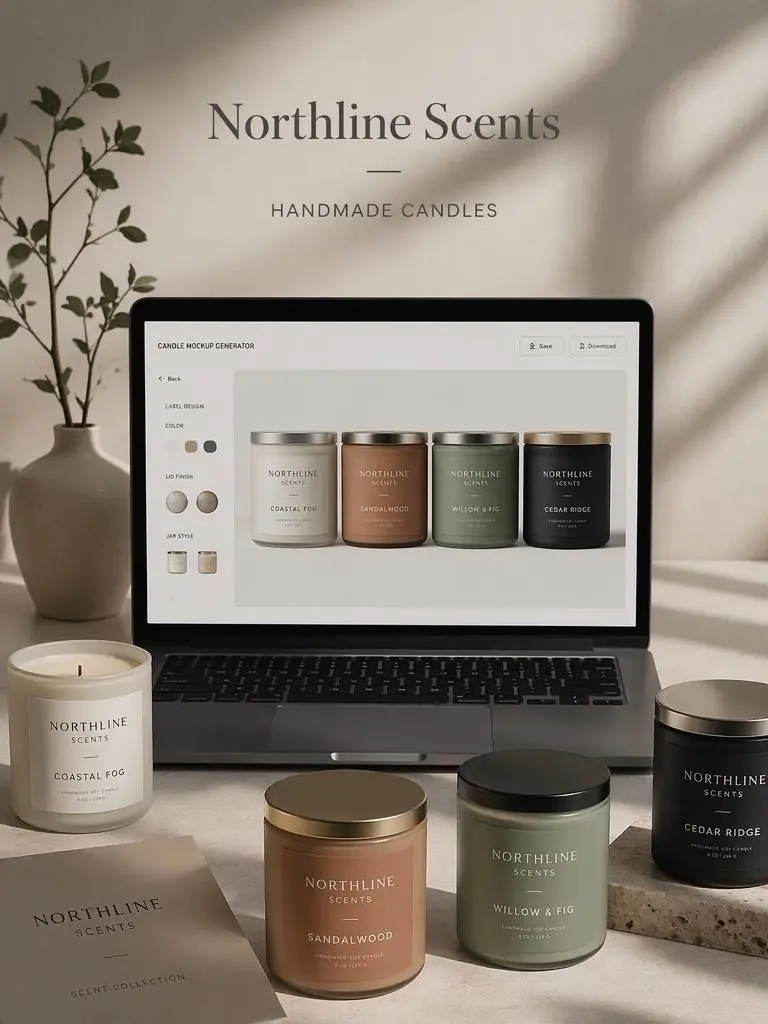
A small ecommerce seller named Maya Collins needed product visuals for glass jar candles, amber candles, travel tins, and gift boxes. She uploaded label artwork and used candle mockups to create consistent product listing images with realistic lighting, shadows, and backgrounds. The mockups helped her prepare store pages, product ads, and social media posts without booking a studio photoshoot for every scent.
ecommerce seller image

Presenting Seasonal Candle Collections to Clients

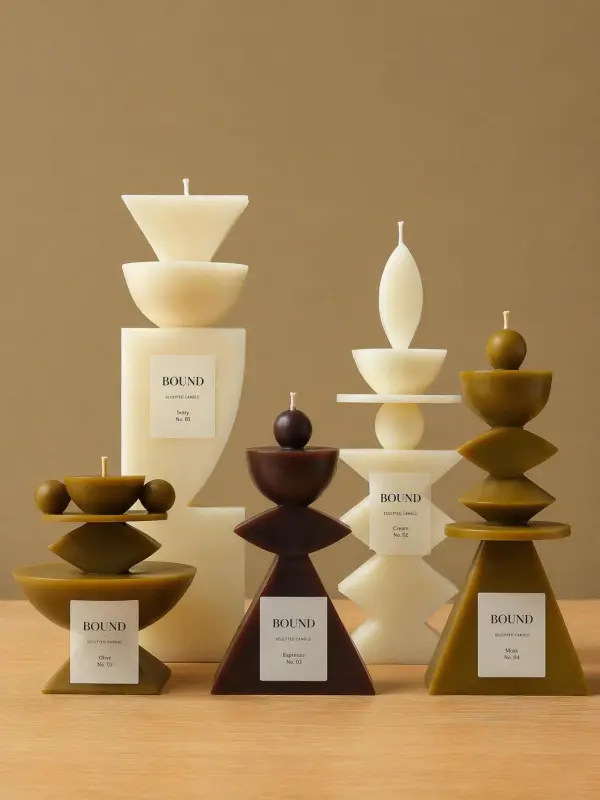
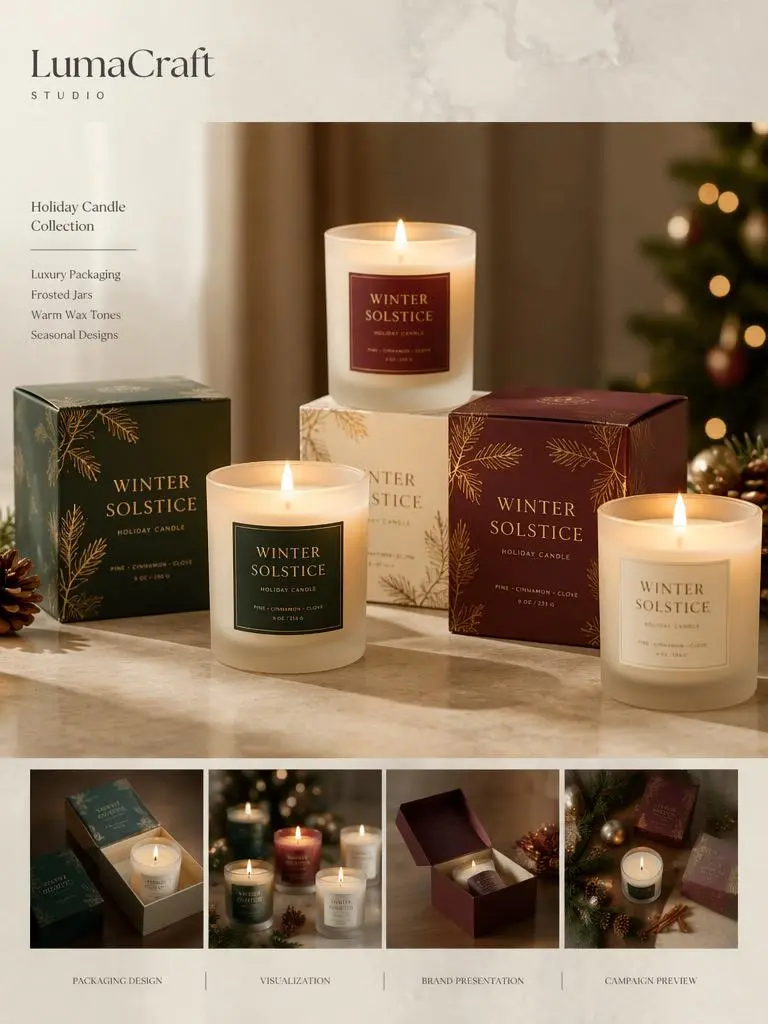
A design studio called LumaCraft Studio created packaging concepts for a holiday candle collection. The team used a candle mockup maker to show luxury boxes, frosted jars, warm wax tones, and seasonal label designs in polished scenes. By exporting high-resolution visuals, they prepared client presentations, lookbook pages, wholesale catalog previews, and campaign drafts that looked close to finished product photography.
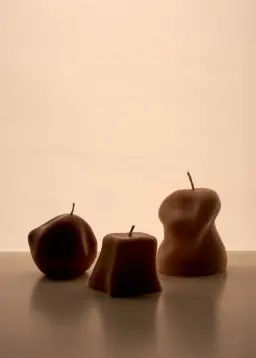
candle product photography
Previous
Next

Key Features of Candle Mockup Generator

create realistic product previews for candle jars

Create Realistic Candle Mockups Online

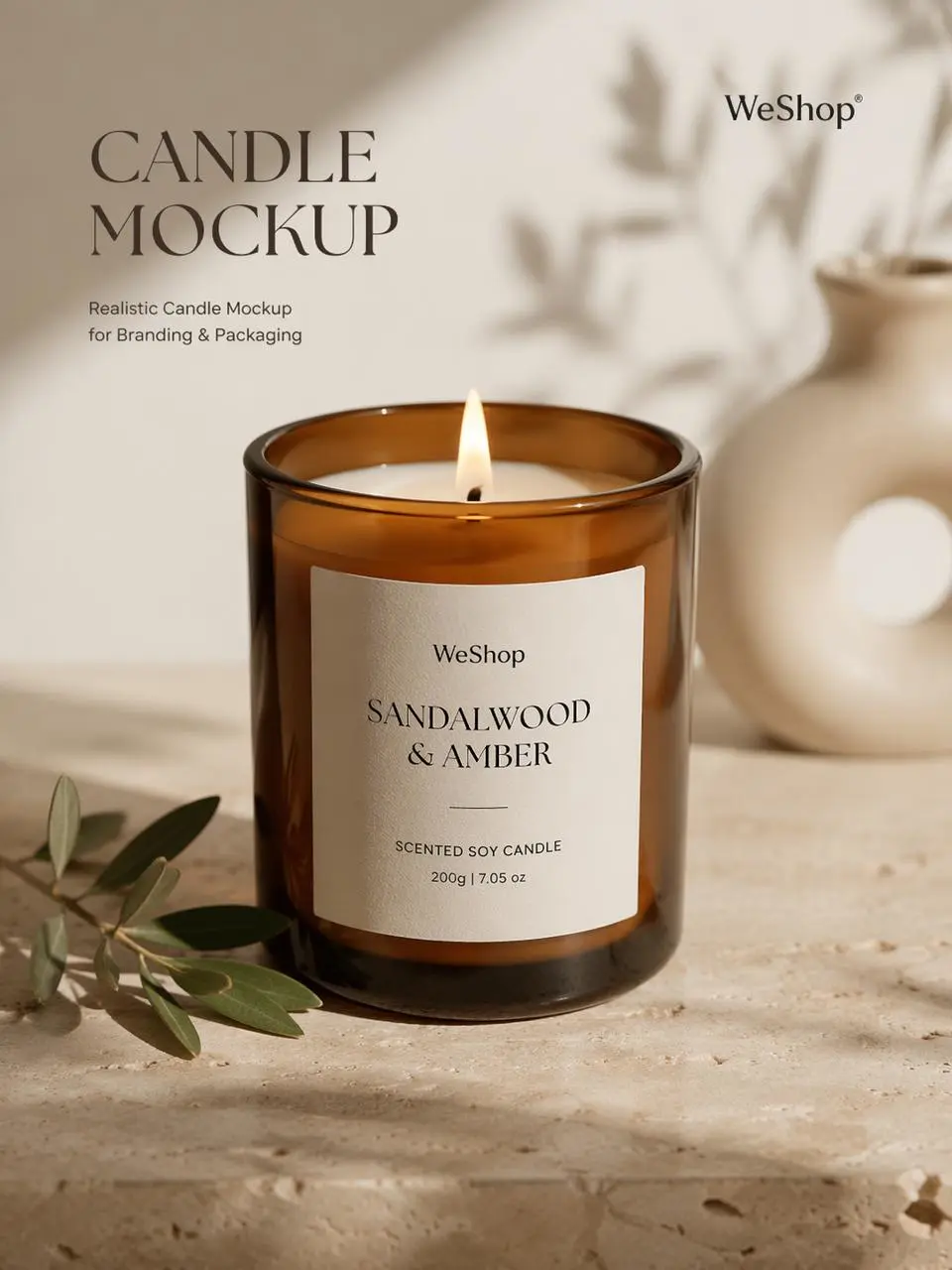
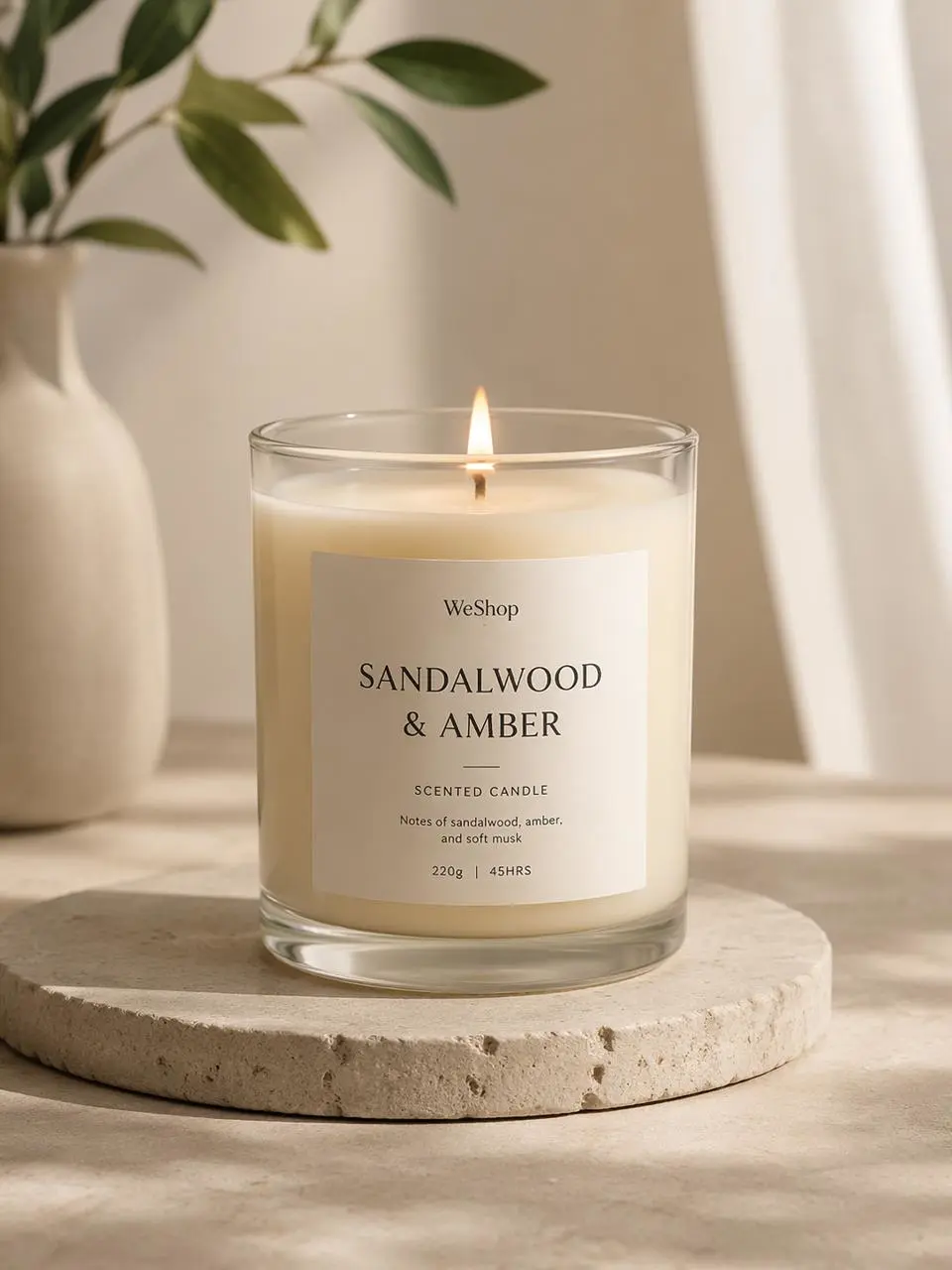
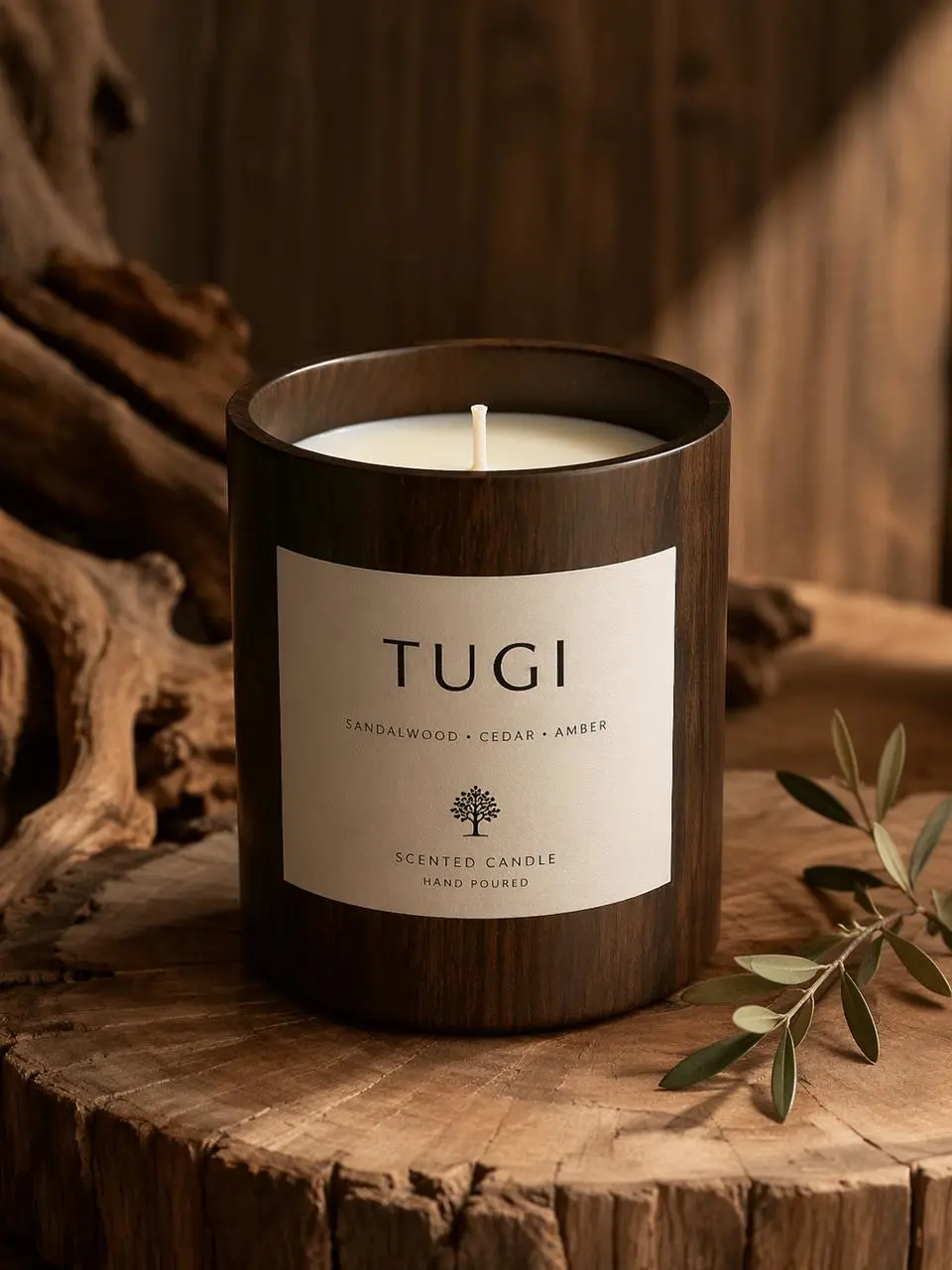
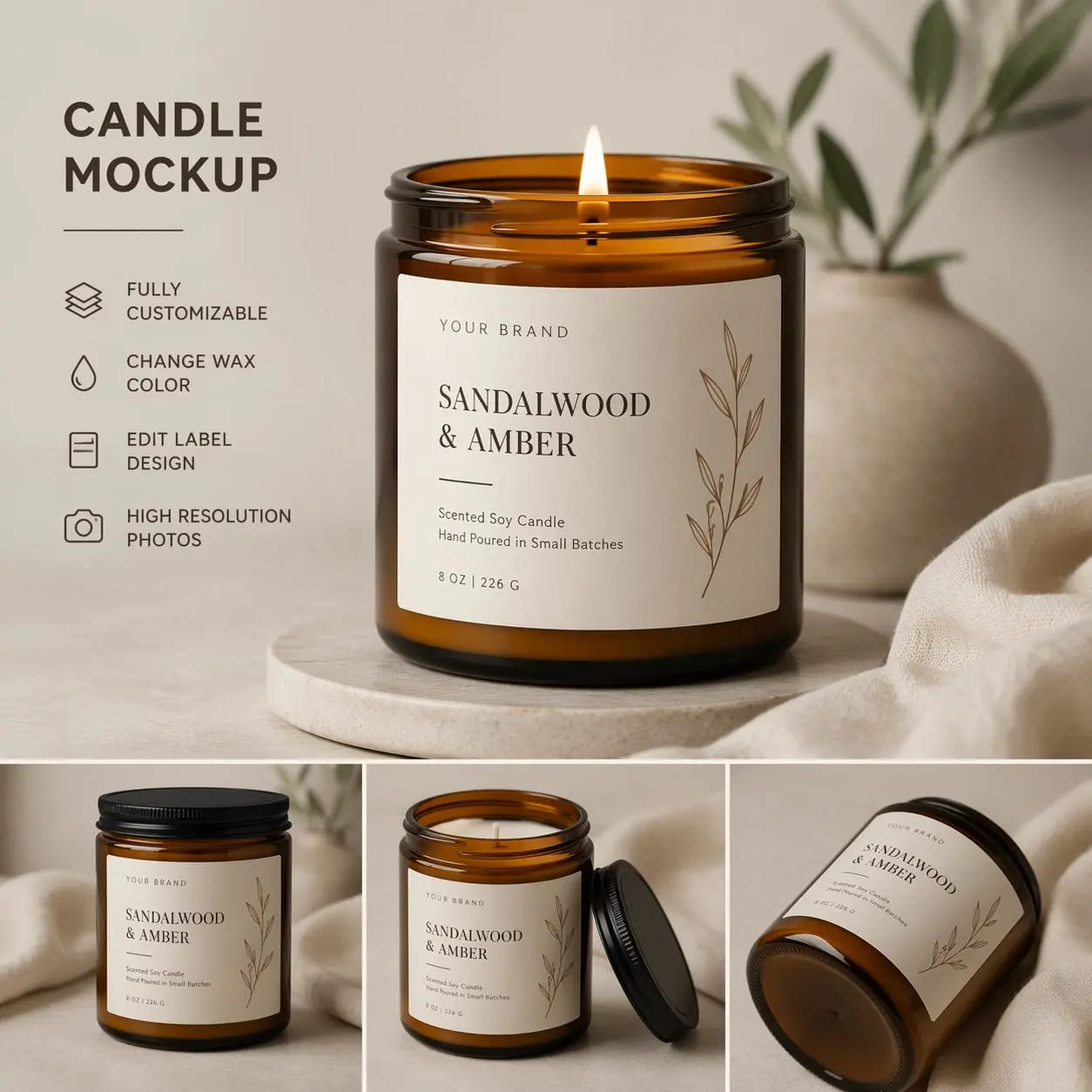
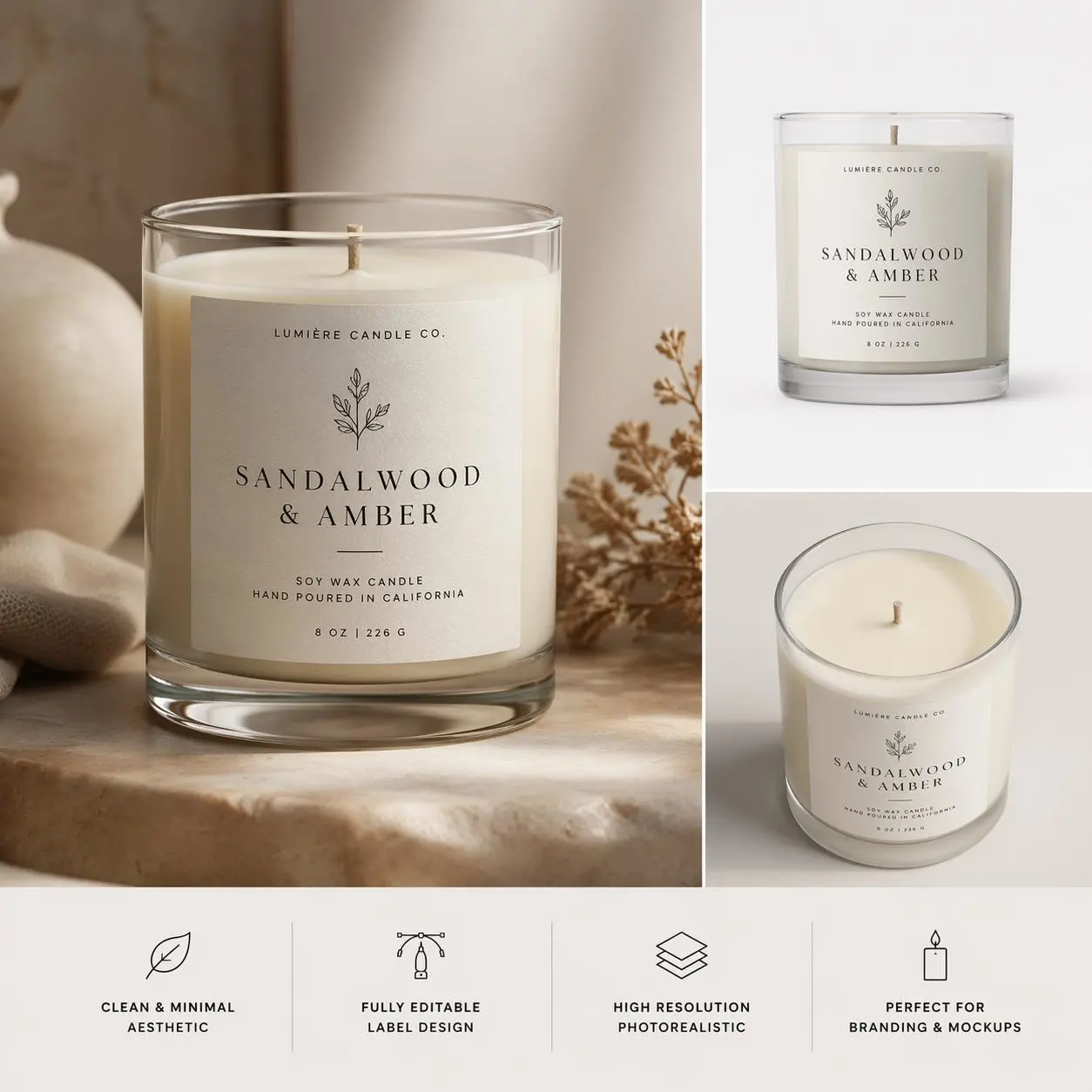
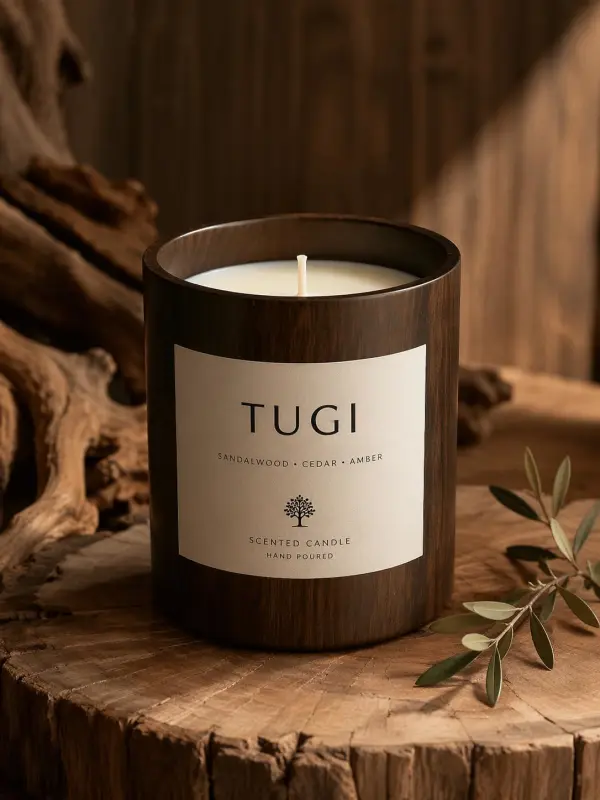
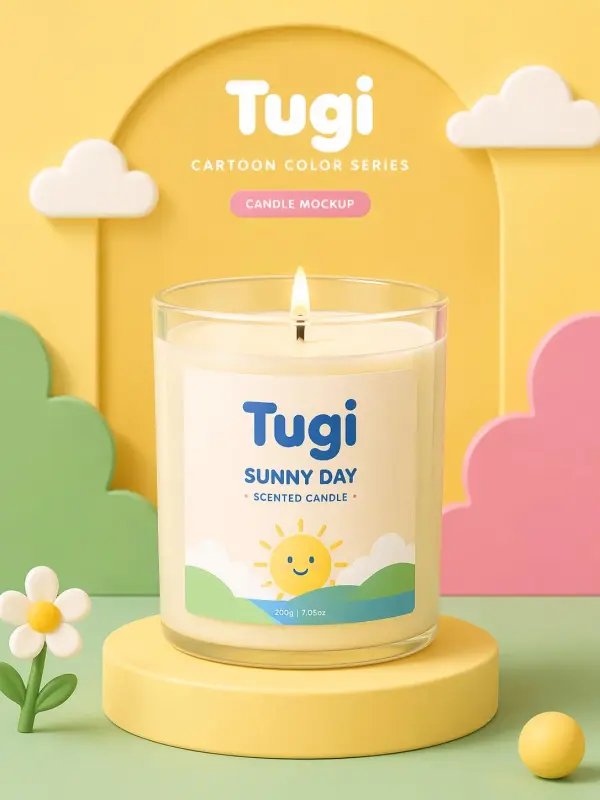
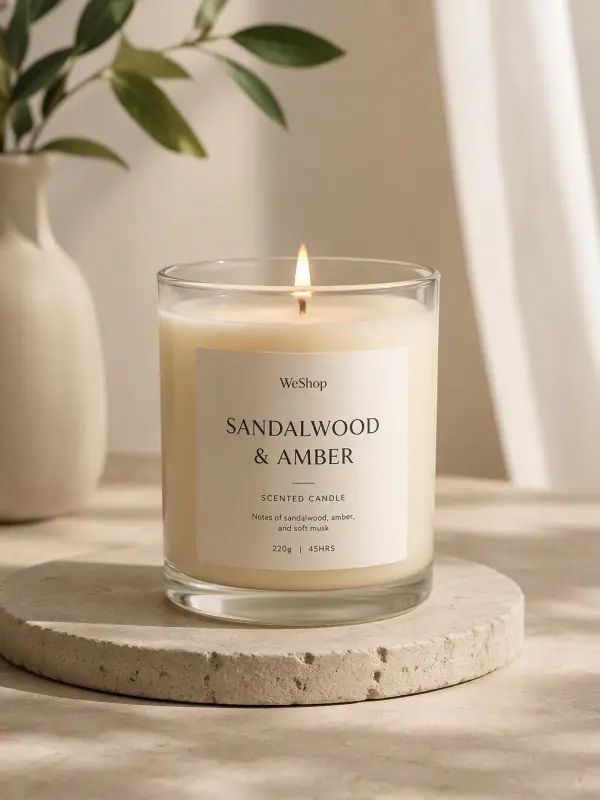
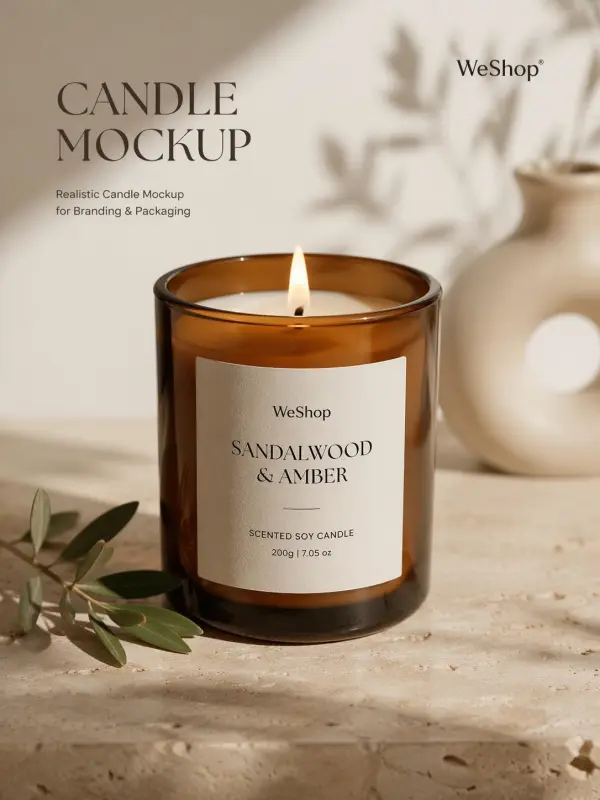
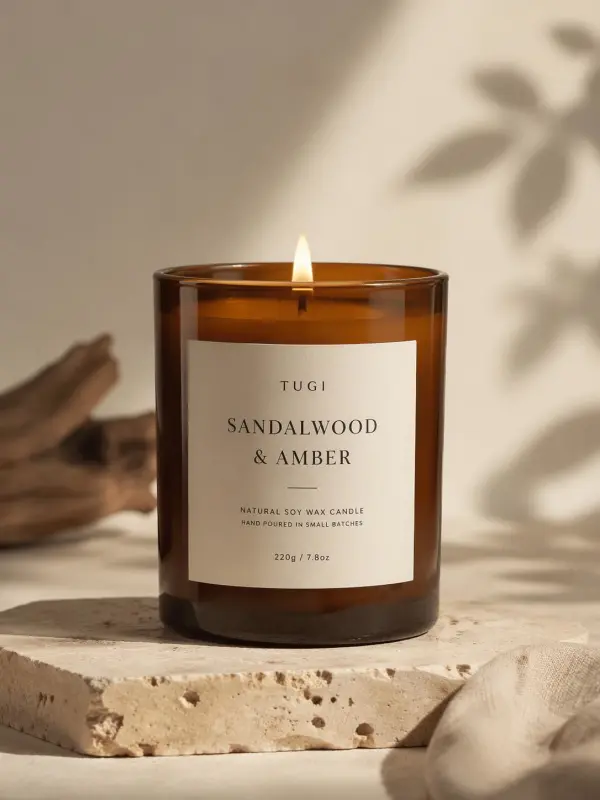
Candle Mockup Generator helps users create realistic product previews for candle jars, tins, pillars, votives, boxes, and custom packaging styles. Upload a label design or candle photo, then preview how the product could look in a polished studio or lifestyle scene. This is useful for testing branding before printing, photography, or product launch.
adjust label placement

Customize Candle Labels and Packaging

Users can adjust label placement, logo size, scent names, typography, colors, patterns, and packaging details directly on the mockup. This makes it easier to test multiple candle label designs before committing to production. Brands can compare minimal, luxury, handmade, seasonal, and gift-ready packaging styles while keeping the overall visual identity consistent.
create cohesive scent collections

Change Jar, Wax, Lid, and Label Colors

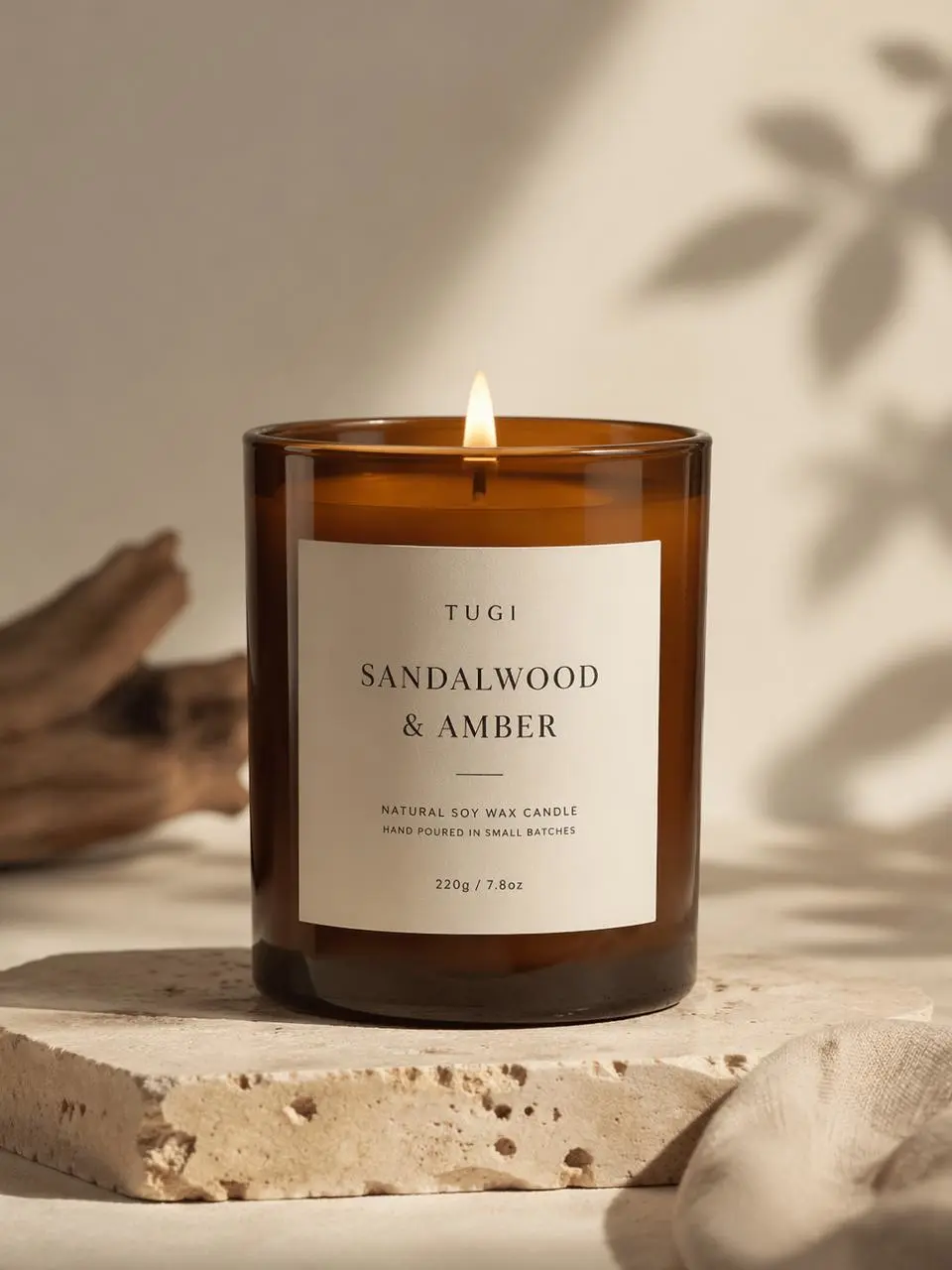
A strong candle mockup generator should allow users to customize jar color, wax tone, lid finish, label background, and packaging palette. Glass jars, amber jars, tins, matte boxes, glossy finishes, and natural textures can all support different brand moods. Color testing helps users create cohesive scent collections and more persuasive product visuals.
help brands create more engaging ecommerce images

Generate Product Scenes and Backgrounds

AI background generation can place candle mockups in cozy home settings, clean studio layouts, spa scenes, wooden tables, bathroom shelves, holiday displays, or premium product environments. These backgrounds help brands create more engaging ecommerce images, social posts, and campaign visuals without arranging props, lighting, or physical photography sets.
turn cluttered candle photos into cleaner product

Remove Backgrounds and Clean Product Photos

Background removal and object cleanup tools help users turn cluttered candle photos into cleaner product mockups. Unwanted tags, reflections, creases, shadows, or distracting objects can be removed or reduced. This makes product images easier to reuse in catalogs, online stores, advertising banners, pitch decks, and social media layouts.

What You Can Create with a Candle Mockup Generator

Create Candle Jar Mockups

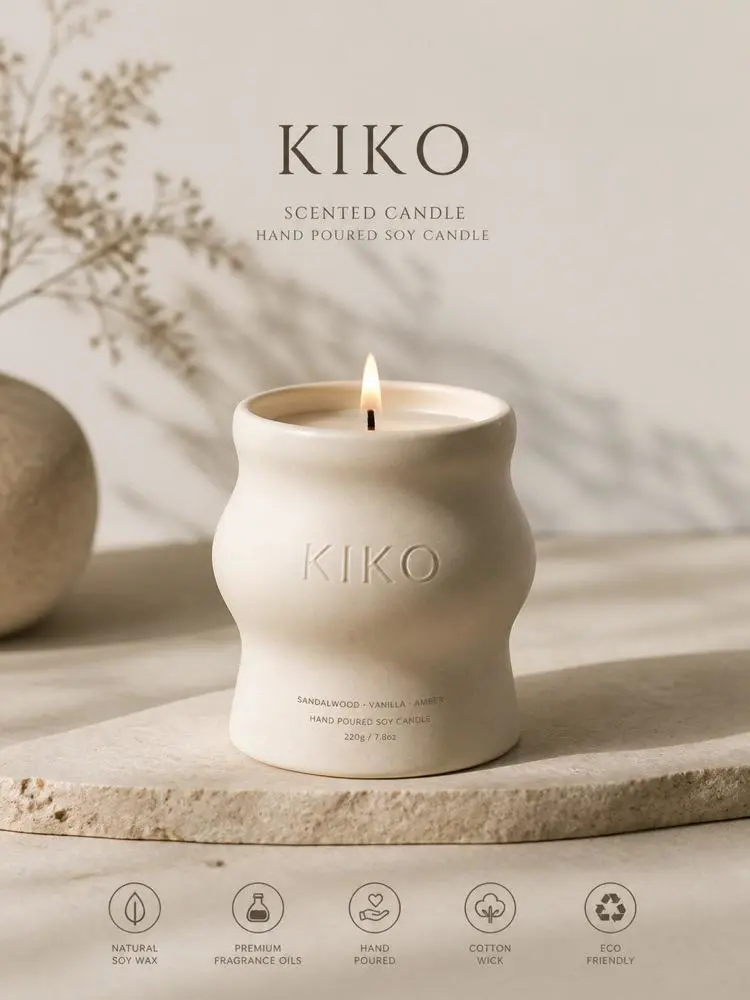
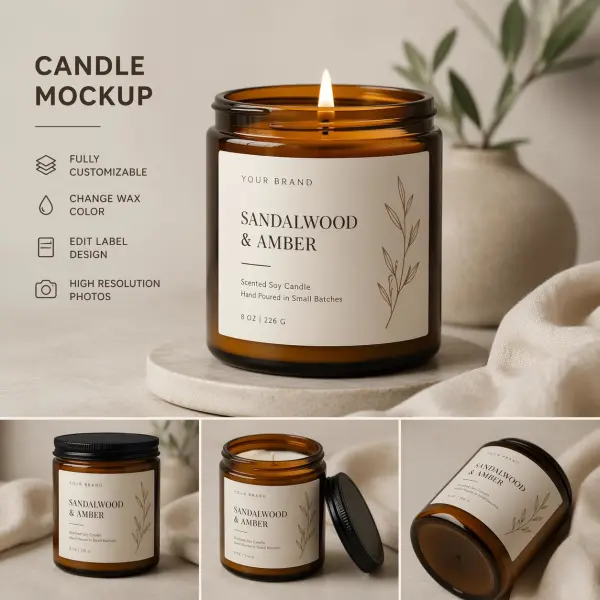
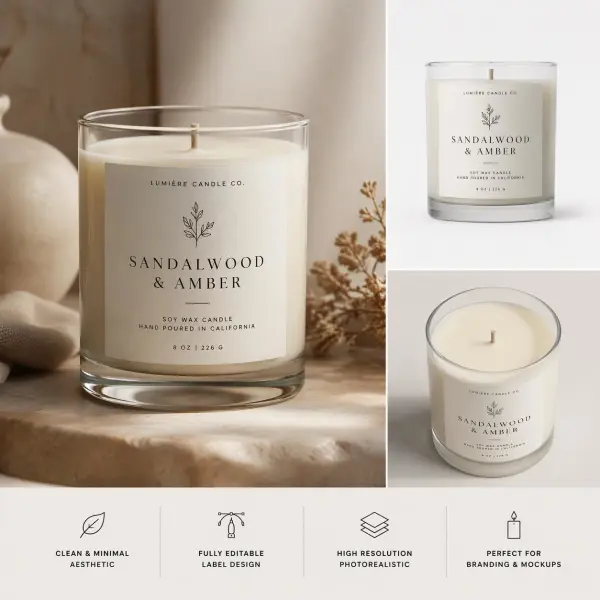
Upload a label design and place it on a glass jar, amber jar, ceramic jar, frosted jar, or luxury candle container. Adjust the size, position, and alignment until the label feels balanced. Candle jar mockups are useful for product listings, brand launches, scent previews, packaging tests, and online store visuals.

online store visuals

Design Candle Label Mockups

Use the candle mockup maker to test logo placement, fragrance names, ingredient notes, warning labels, typography, and color combinations. You can create several label versions for the same candle and compare them side by side. This helps designers and small businesses choose a stronger label direction before printing.

fragrance names

Build Candle Packaging Mockups

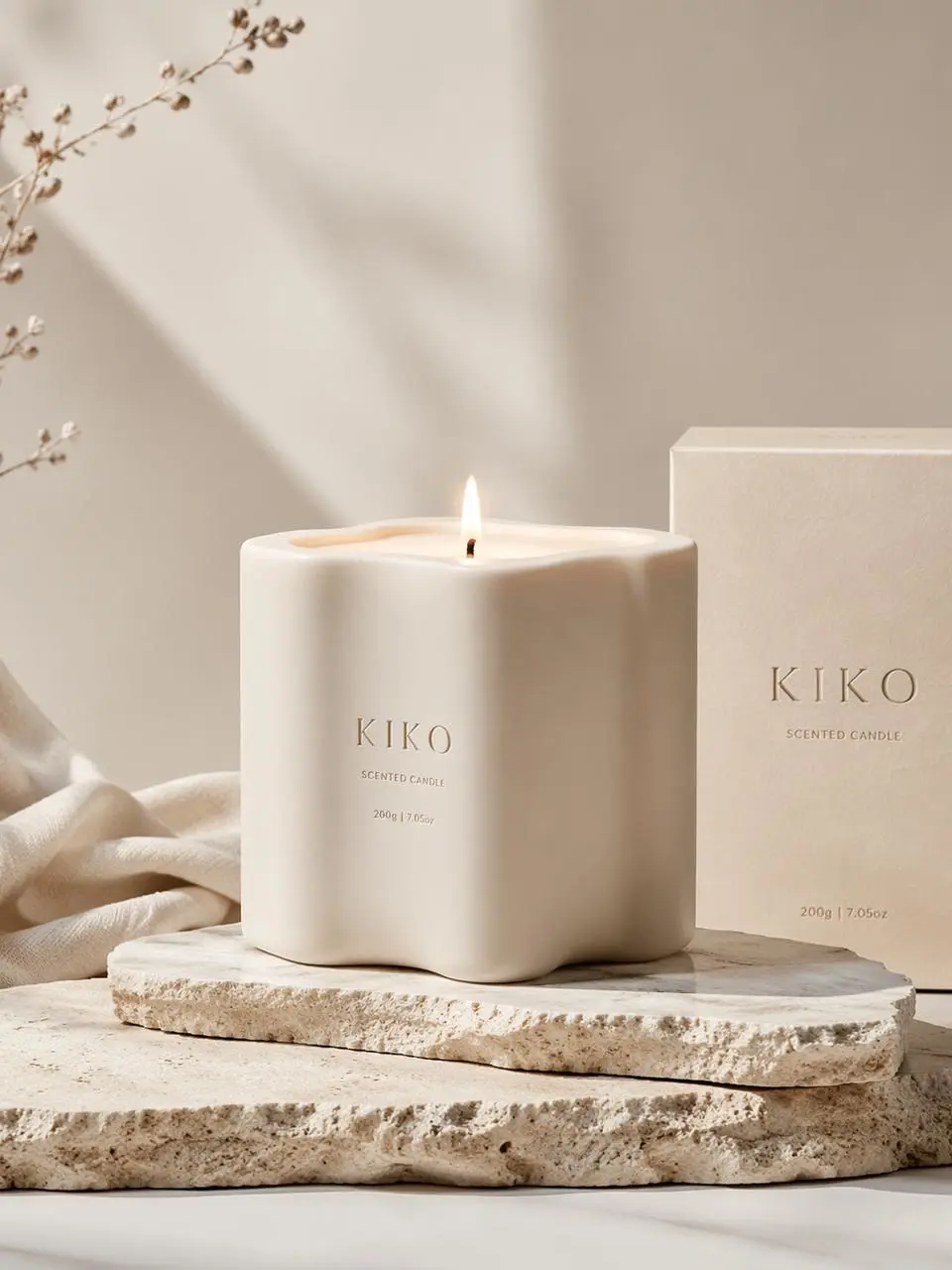
Create candle box mockups, gift packaging previews, sleeve designs, label wraps, and full collection layouts. Packaging mockups help brands test luxury editions, holiday sets, travel tins, subscription boxes, and wholesale presentation visuals. This is especially useful when preparing product launches or showing packaging ideas to clients.

gift packaging previews

Make Ecommerce Product Images

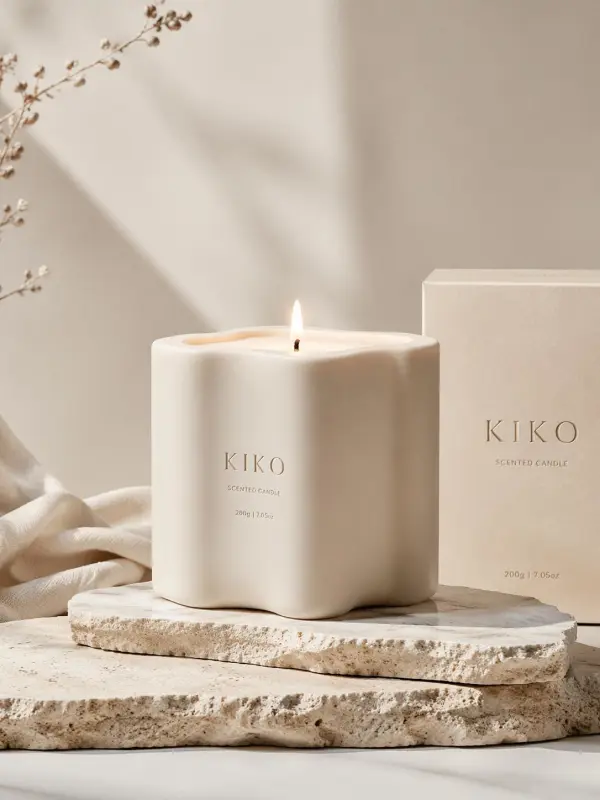
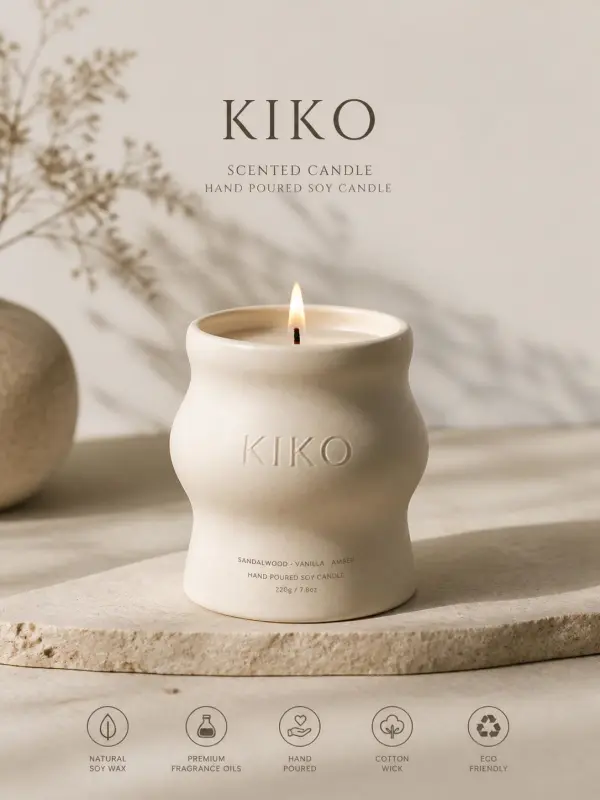
Candle brands can create product images for online stores, marketplaces, catalogs, and product pages. A realistic candle mockup can show the jar, label, wax, lid, and packaging in a polished setting. Consistent product images help shoppers compare scents, understand the brand style, and trust the product before purchasing.

candle brands can create product images

Create Social Media and Ad Visuals

Use candle mockups to create Instagram posts, Pinterest graphics, TikTok covers, website banners, email visuals, and social media ads. Add warm lighting, lifestyle backgrounds, seasonal props, or clean studio scenes to match the campaign mood. This helps brands promote scent collections, holiday offers, new launches, and gift-ready products.

Pinterest graphics

Prepare Client Presentations and Lookbooks

Designers and agencies can use candle mockups to present packaging concepts before production. High-quality mockups help clients understand how labels, boxes, colors, and materials will look in real-world use. These visuals can support pitch decks, design approvals, wholesale catalogs, brand guidelines, and collection lookbooks.

candle mockups to present packaging

Test Seasonal and Limited-Edition Designs

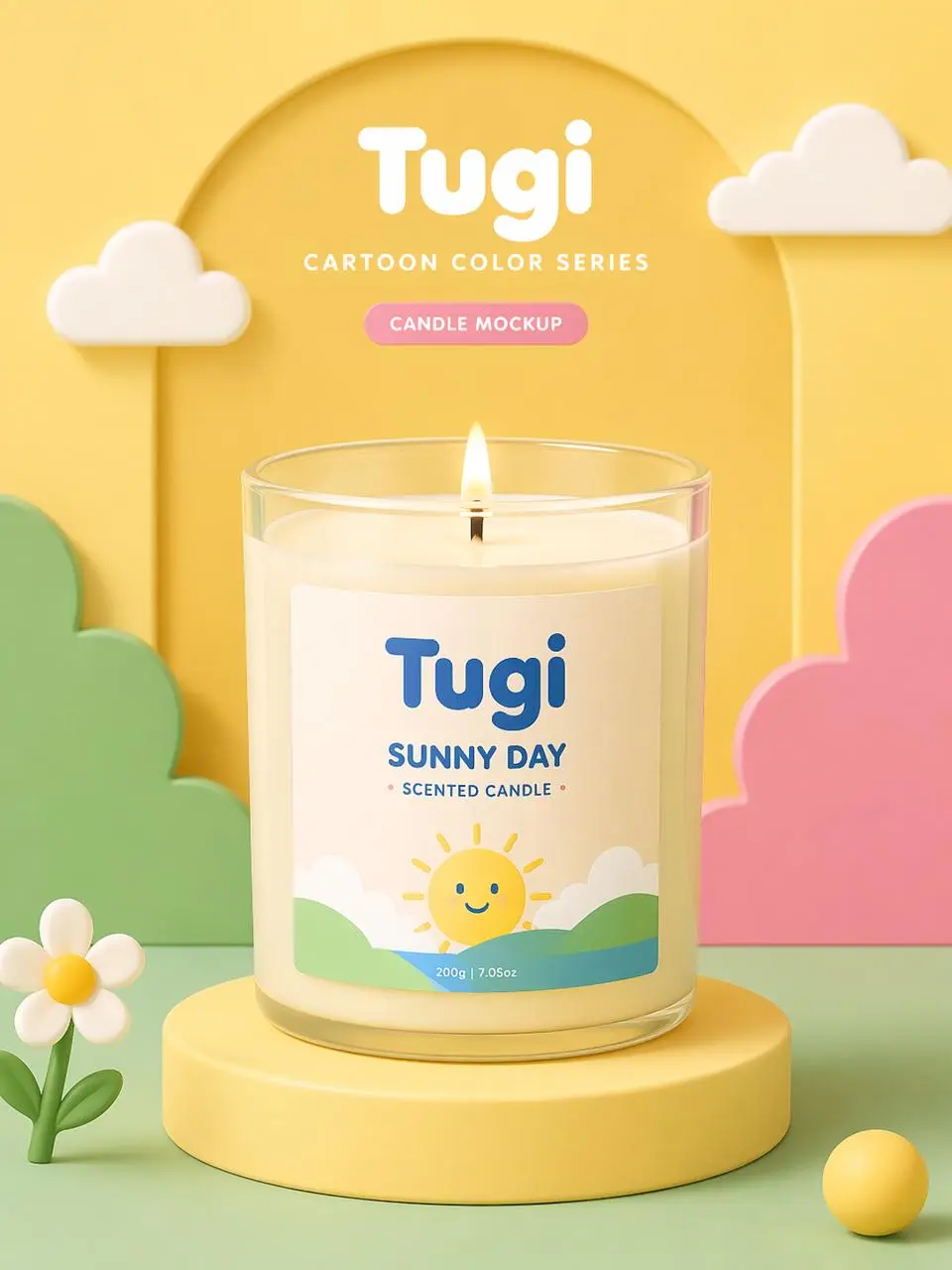
Candle makers can quickly create variations for holiday collections, wedding favors, limited batches, seasonal scents, and gift sets. Change label colors, background scenes, packaging styles, and scent names without producing physical samples. This makes it easier to experiment with new ideas and plan collections more efficiently.

seasonal scents

Frequently Asked Questions About Candle Mockup Generator

What is a candle mockup?

A candle mockup is a realistic product preview that shows how a candle jar, label, box, tin, or packaging design could look before production. It helps brands test visual ideas without printing labels or arranging a photoshoot.

What is a Candle Mockup Generator?

A Candle Mockup Generator is an online tool that places label designs, logos, packaging artwork, or candle photos into realistic product scenes. It can help users preview candle jars, tins, boxes, wax colors, backgrounds, shadows, and product presentation styles.

Can I create a candle mockup for free?

Many tools offer free candle mockup creation, free templates, trial exports, or limited mockup downloads. Available features, resolution, watermark policy, file formats, and commercial usage rights may vary depending on the platform or plan.

Can I upload my own candle label design?

Yes. Most candle mockup generators allow users to upload label artwork, logo files, packaging designs, or product images. You can then adjust label size, placement, alignment, colors, and background settings to create a polished preview.

Can I customize wax, jar, and lid colors?

Yes. Many candle mockup tools support customization for jar color, wax color, lid finish, label background, packaging color, and overall scene style. This helps users test scent lines, gift editions, and brand collections more quickly.

What candle types can I mock up?

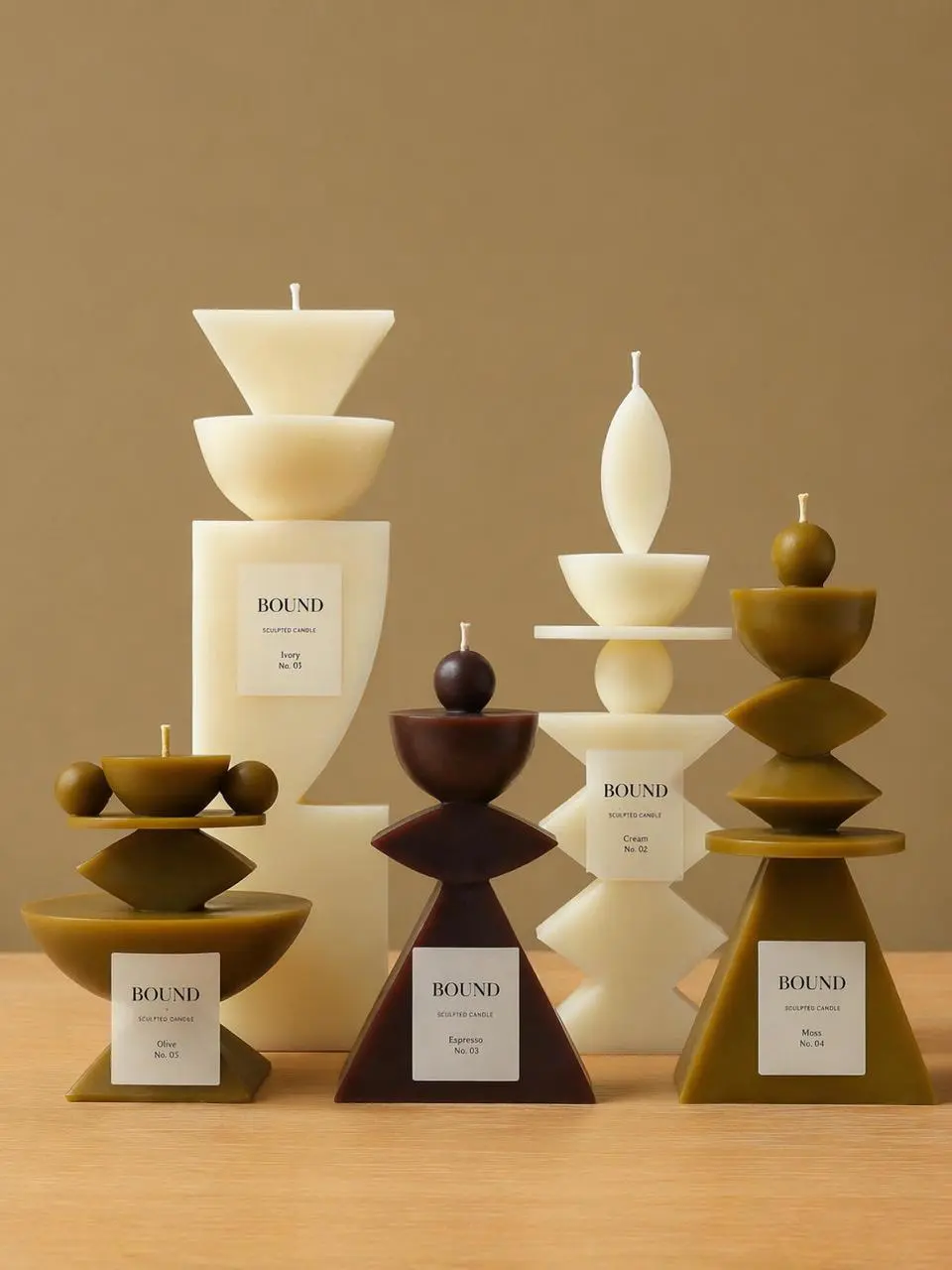
You can create mockups for glass jar candles, amber jars, ceramic jars, tins, pillar candles, votives, candle boxes, gift sets, label wraps, luxury packaging, seasonal designs, and custom product shapes depending on the available template or uploaded image.

Can I use candle mockups for ecommerce?

Yes. Candle mockups are useful for ecommerce product listings, online stores, marketplace images, product pages, ads, email campaigns, and social media posts. Realistic visuals can help shoppers understand the product before purchase.

Do I need design skills?

No. Candle mockup generators are designed to simplify product visualization. Users can upload a design, choose a candle style, adjust colors and placement, preview the result, and download the final mockup without advanced Photoshop or 3D design skills.

Can I use candle mockups commercially?

Commercial use depends on the tool’s license, template rights, uploaded artwork rights, font licenses, stock assets, and export terms. For safer use, upload designs you own or have permission to use and review the commercial-use policy before publishing.

How can I make candle mockups look more realistic?

Use high-quality label artwork, choose a candle style that matches your product, align the label carefully, keep lighting consistent, use natural shadows, select a suitable background, and avoid overcrowding the scene. Realistic reflections and clean product composition can make the mockup feel more professional.

Explore More AI Tools

Our new Virtual Try-On just launched. Try it now!
close

HappyHorse AI Video Generator

Create Cinematic Text-to-Video and Image-to-Video Content

GPT Image 2 AI Image Generator

Create High Quality Images, Text Rich Visuals, and Product Photography

Nano Banana

Google's Next-Gen AI Image Model for Instant Professional Creativity

AI Video Generator

Turn Images into Stunning AI Videos for Free

Virtual Try-On

Try On Clothes Online with AI Virtual Try Technology

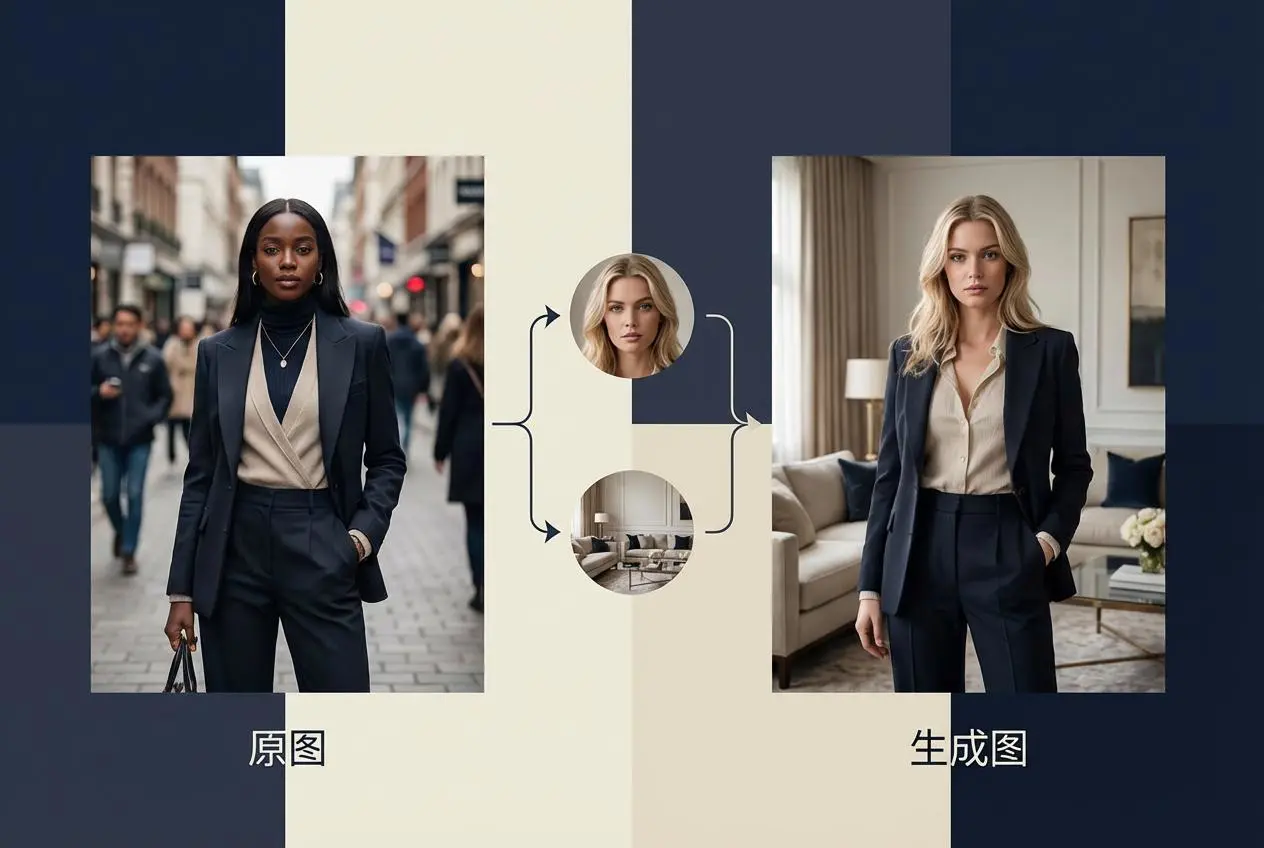
Swap Model & BG

Realistic Model & Background Swapping Online with AI

AI Fashion Model

Showcase clothing with a variety of models

AI Product

Create stunning product images with few clicks from anywhere

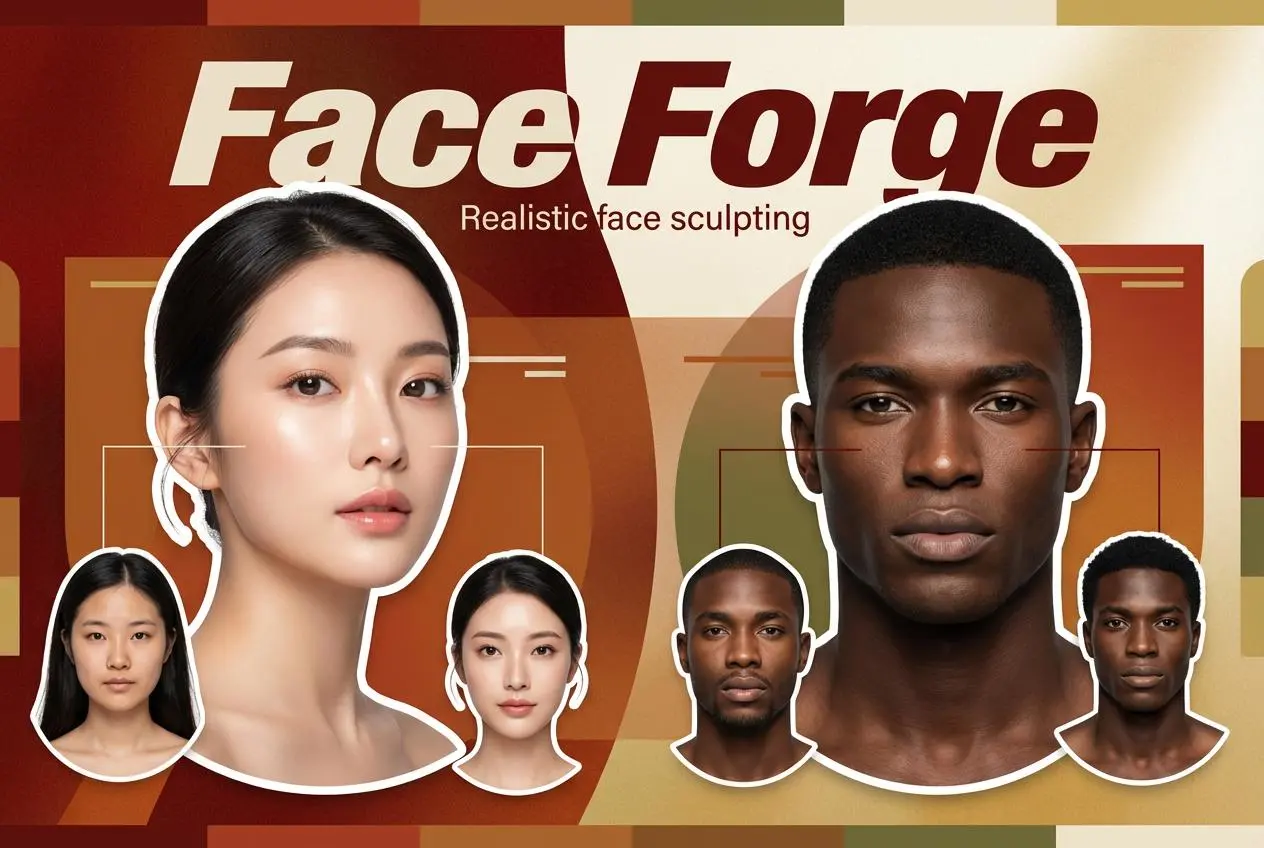
Face Forge

AI Face Morph & Face Swap Generator Online

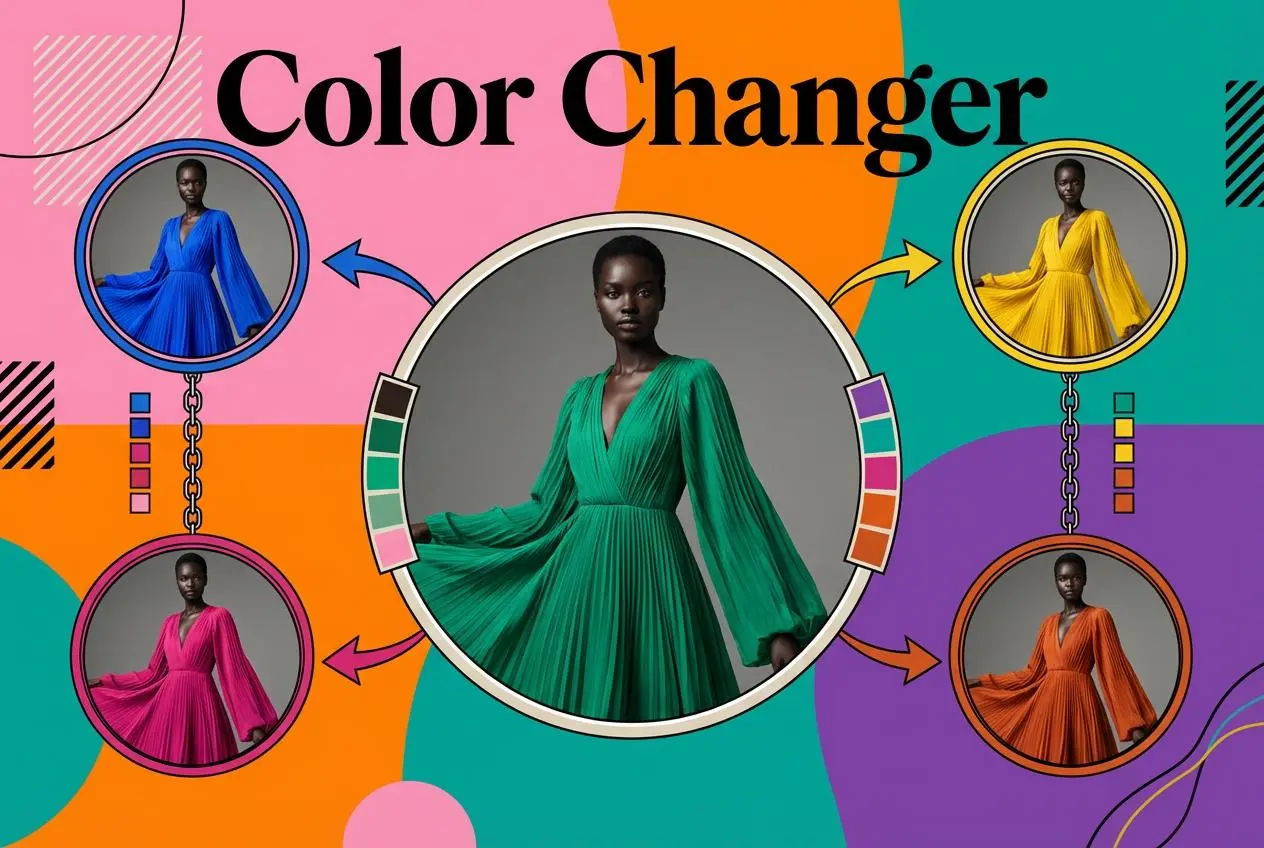
Product Recoloring

Recolor Image Online Free - Color Changer in WeShop AI

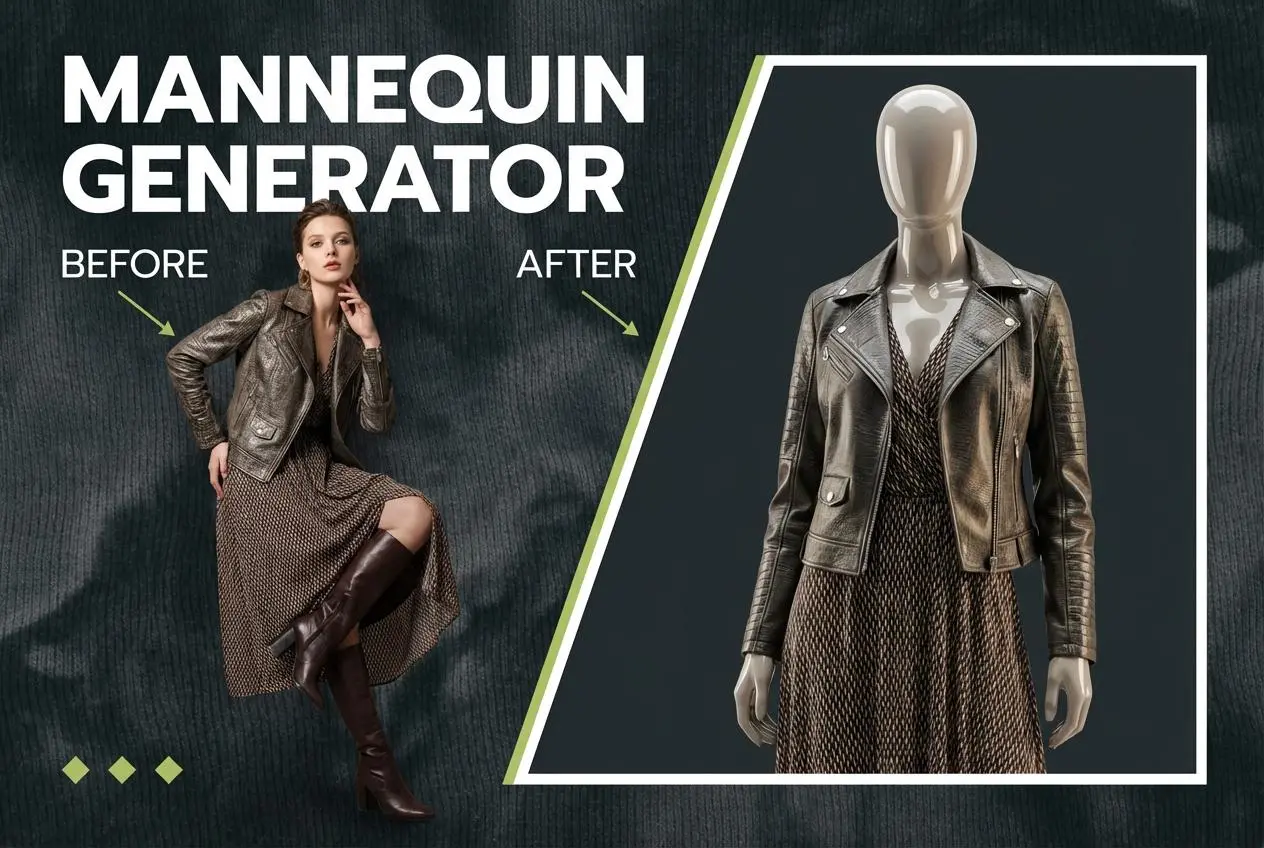
To Mannequin

Convert real model photos into mannequin displays

Change Pose

Change poses, switch between various model poses, making the clothing display more natural

Remove Background

Removing background with lightning speed and ease

AI Photo Enhancer

Enhance Photo Quality Online with Free AI

Relight

Relight your images automatically and efficiently

Expand Image

Expand images & backgrounds to fit any platform

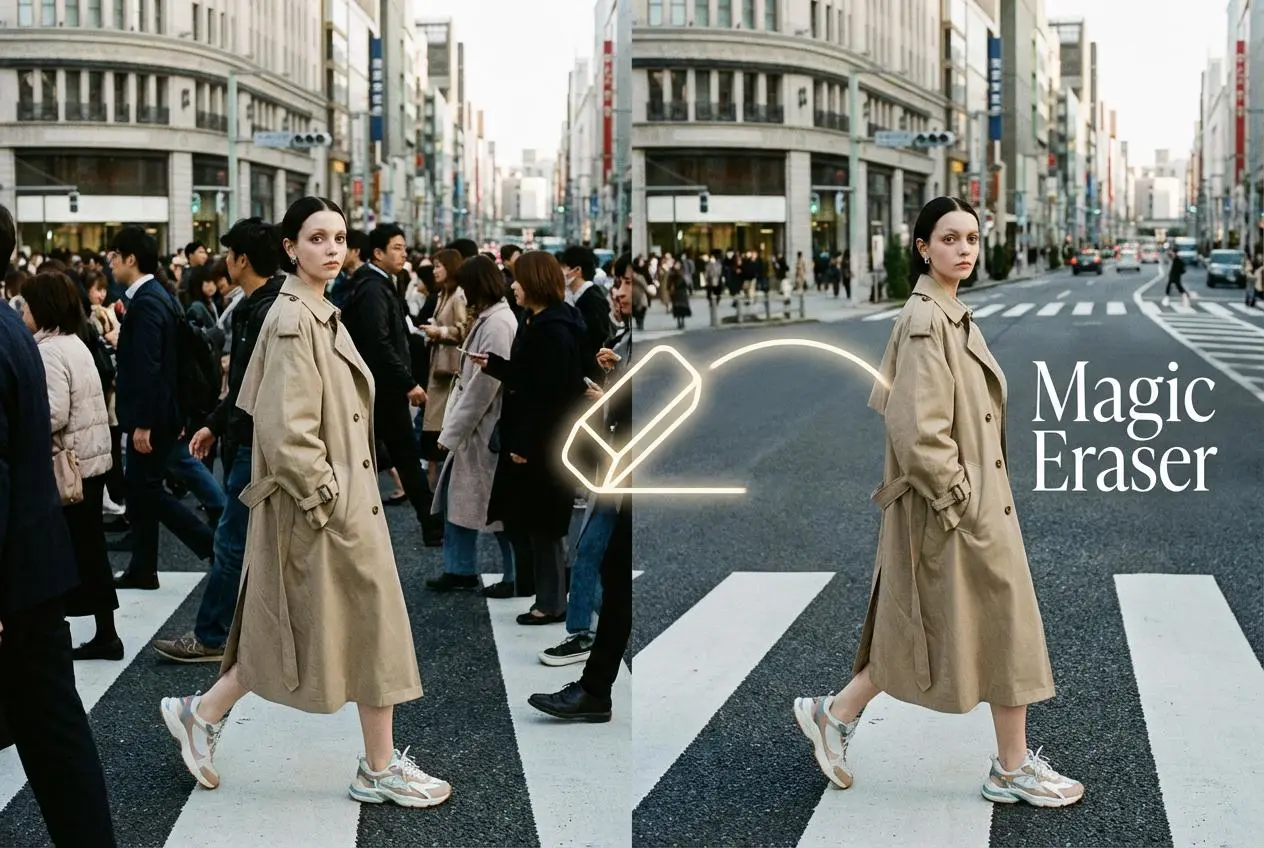
Magic Eraser

Remove unwanted objects from your photos with AI

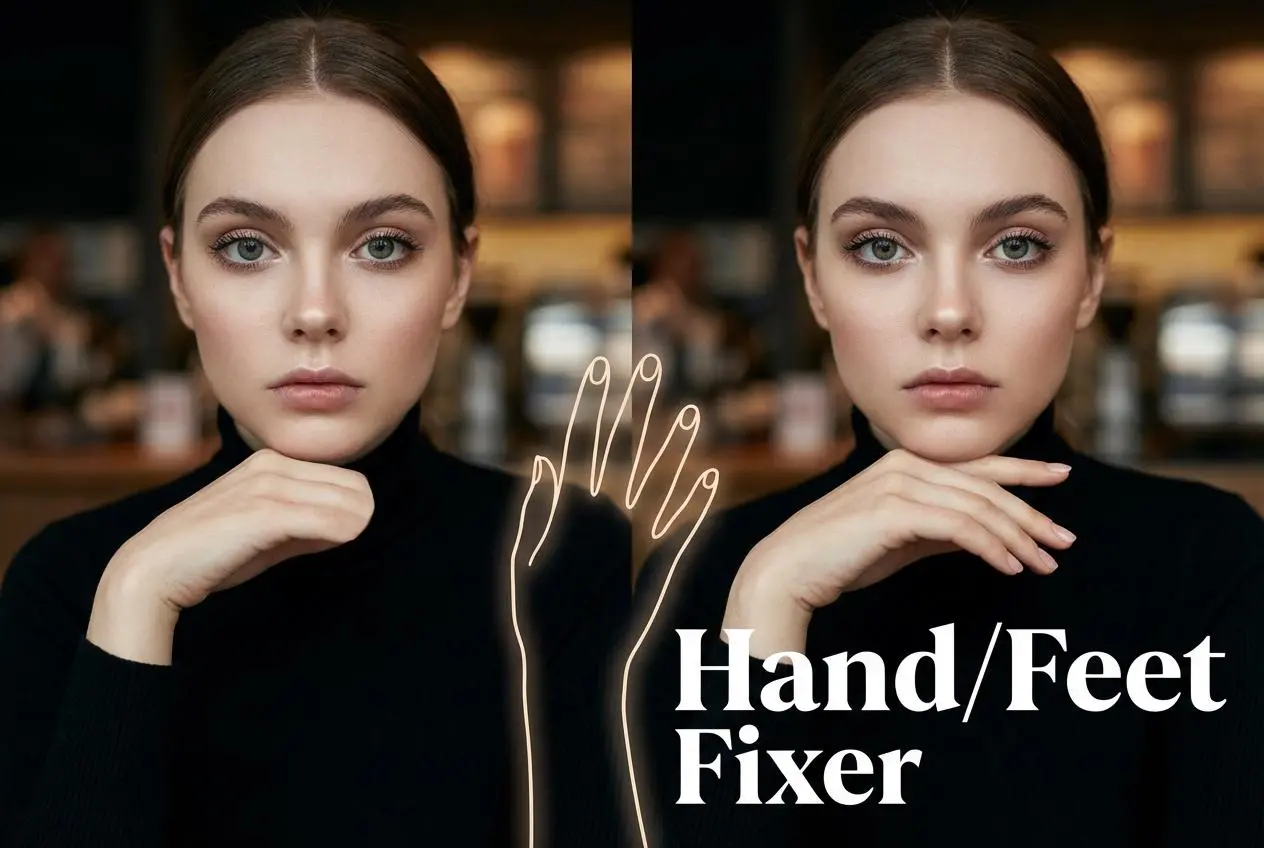
Hand/Feet Fixer

Regenerate natural-looking hands and feet in AI-generated images

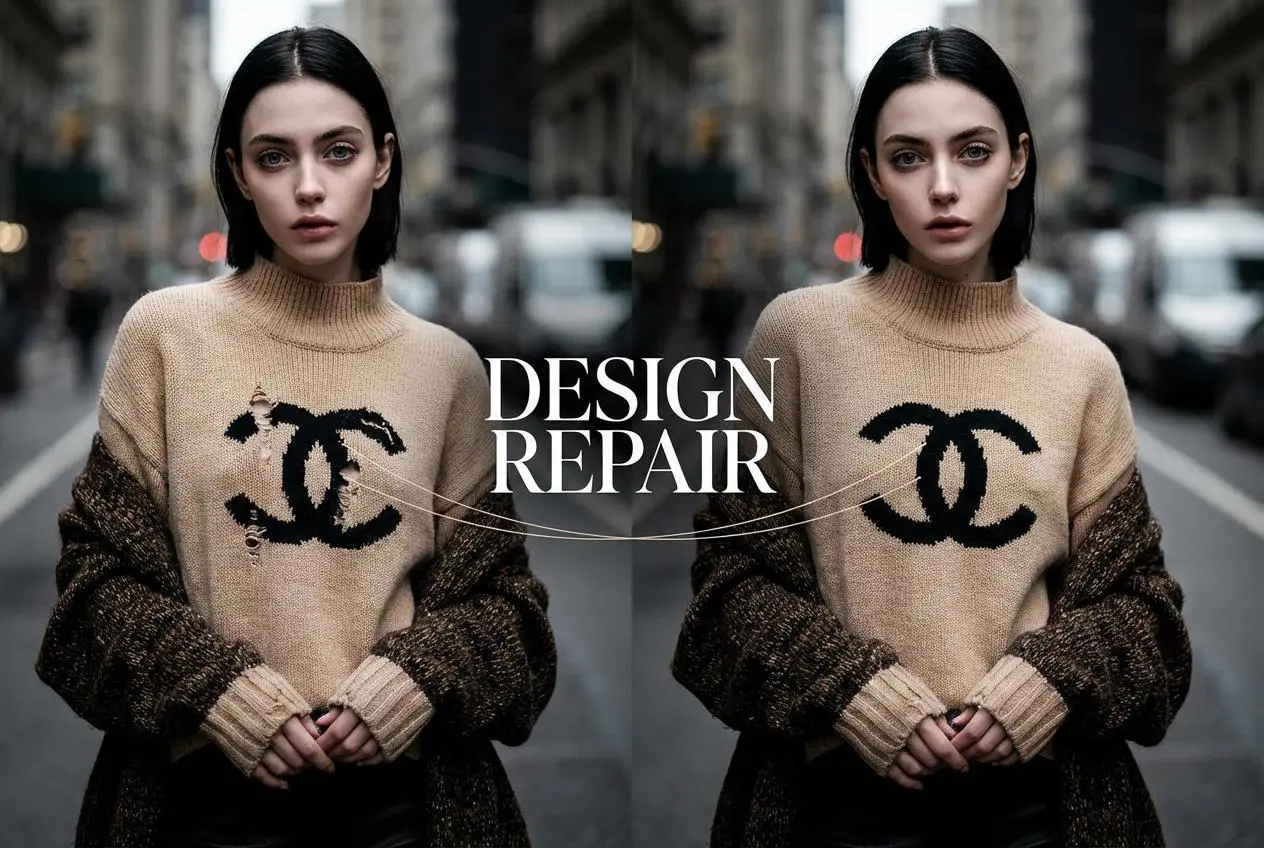
Design Repair

Upload an image, highlight the area you wish to fix, and upload a target reference image

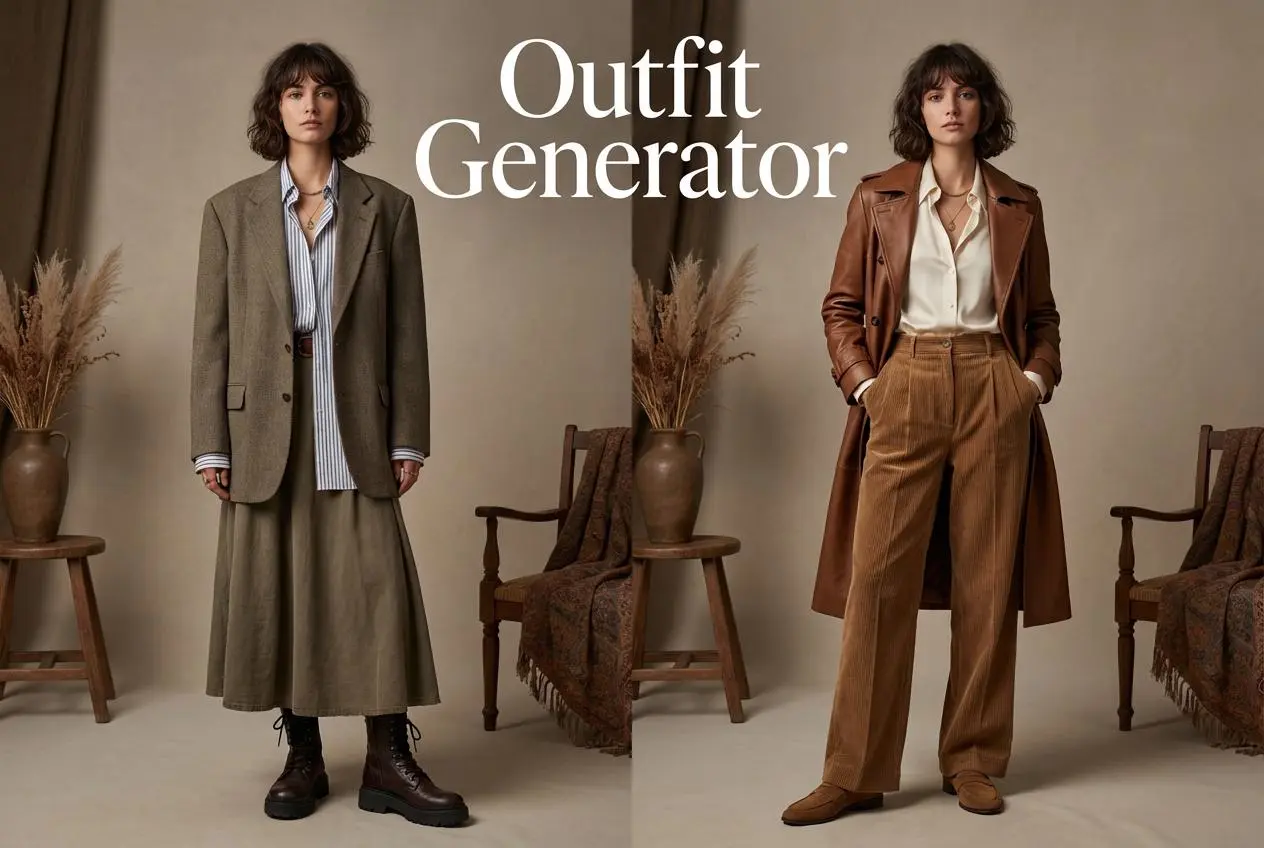
Outfit Generator

Create AI clothes styling from any model photo, garment, or style prompt.

Video Agent

Create and publish videos from a photo or description—instantly, in any style.

AI Clothing Piece Generator

Create Professional Flatlay Clothing Images From Any Photo or Idea

Watermark Video Remover Free Online

Remove Watermark from Video

AI Video Enhancer

Enhance Video Quality Online with AI

Replace Face in Video Online Free

AI Video Face Swap for Realistic Clips

Seedream 5.0

Try the Latest Smart Image Creation Model Online

Seedance 2.0

A Multi-Modal AI Video Creative Engine for Cinematic Storytelling

Sora 2

Next Generation AI Video Generator with Realistic Physics & Storytelling

Wan AI Video Generator

Advanced AI Image & Video Generation Model

Midjourney Image Generator

Use Midjourney v7 to Create AI-Generated Images

Kling O1 AI Video Generator

Create Cinematic Videos with Omni One Control

Kling 3.0 Omni

Create Multimodal Videos with Native Audio ---

Kling 3.0

AI Director Video Model with 4K Cinematic Storytelling

Kling Motion Control

Create Realistic Motion Videos from Reference Images and Videos

Qwen Image Edit

A Revolutionary Tool for Seamless Image Editing

Z-Image AI Image Generator

Create High-Quality Images from Text Instantly

FireRed Image Edit

Open Source AI Image Editing Model for High Fidelity Edits

Grok Imagine AI Image Generator

Create High-Resolution Images from Text with Aurora AI

Grok Imagine AI Video Generator

Create Cinematic AI Videos with Native Audio & Scene Control

Hailuo AI Video Generator

Create Cinematic AI Videos from Text or Images

Veo 3 AI Video Generator

Create Cinematic Videos from Text or Images

Vidu Q3 AI Video Generator

Create Cinematic Short Videos with Turbo and Pro Modes

Imagen 4

Create Photorealistic Images and Accurate Text Visuals with AI

HiDream AI Image Generator

Create Stunning AI-Generated Images Online

Sulphur2

Create Cinematic AI Videos from Text and Images

idea
helper