












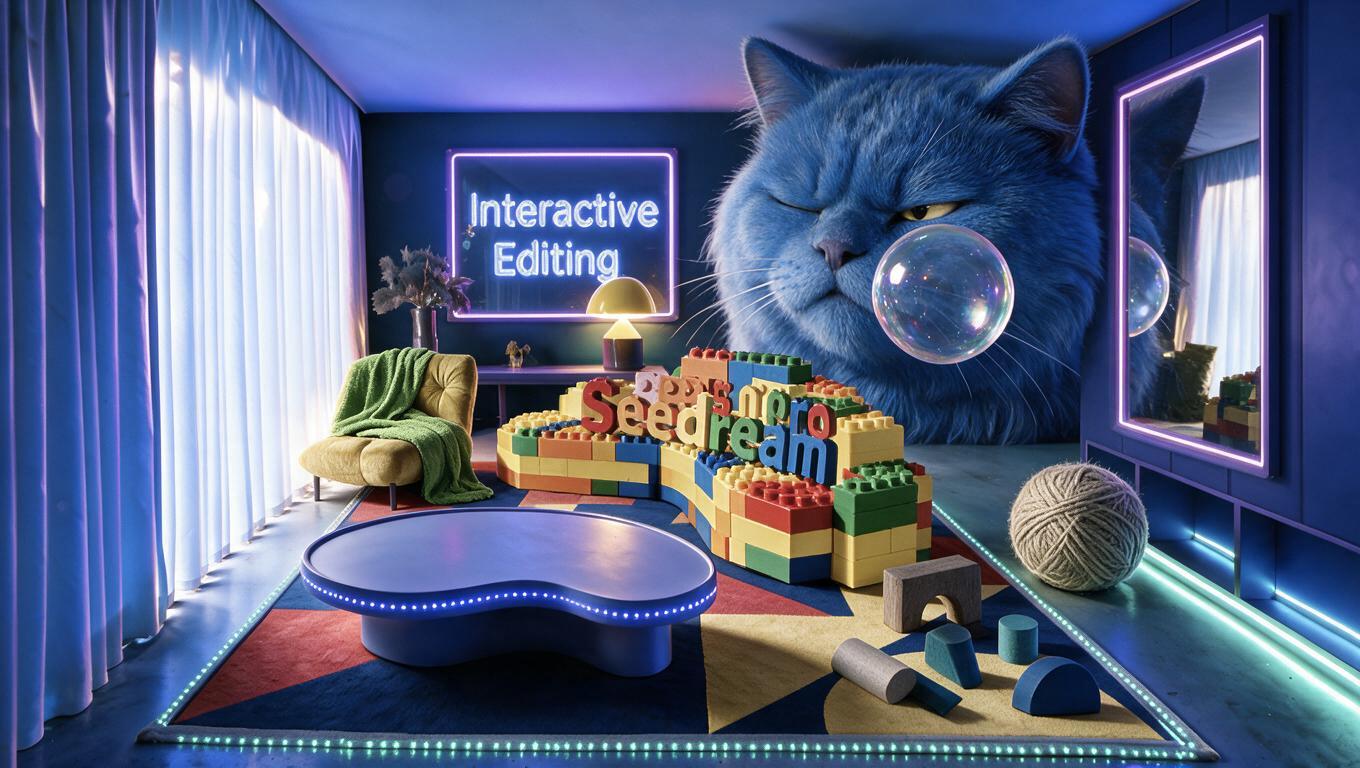
Seedream 5.0 Pro AI Image Generator: Select and Edit Multiple Regions
Learn how to use Seedream 5.0 Pro to select multiple image regions, add independent objects, and preserve the original scene’s structure, lighting, and perspective.

Select Model & Location


Have the model showcase your product!

Explore solution playbooks, tool guides, and generated pages designed for repeatable creative operations.
Learn how to use Seedream 5.0 Pro to select multiple image regions, add independent objects, and preserve the original scene’s structure, lighting, and perspective.
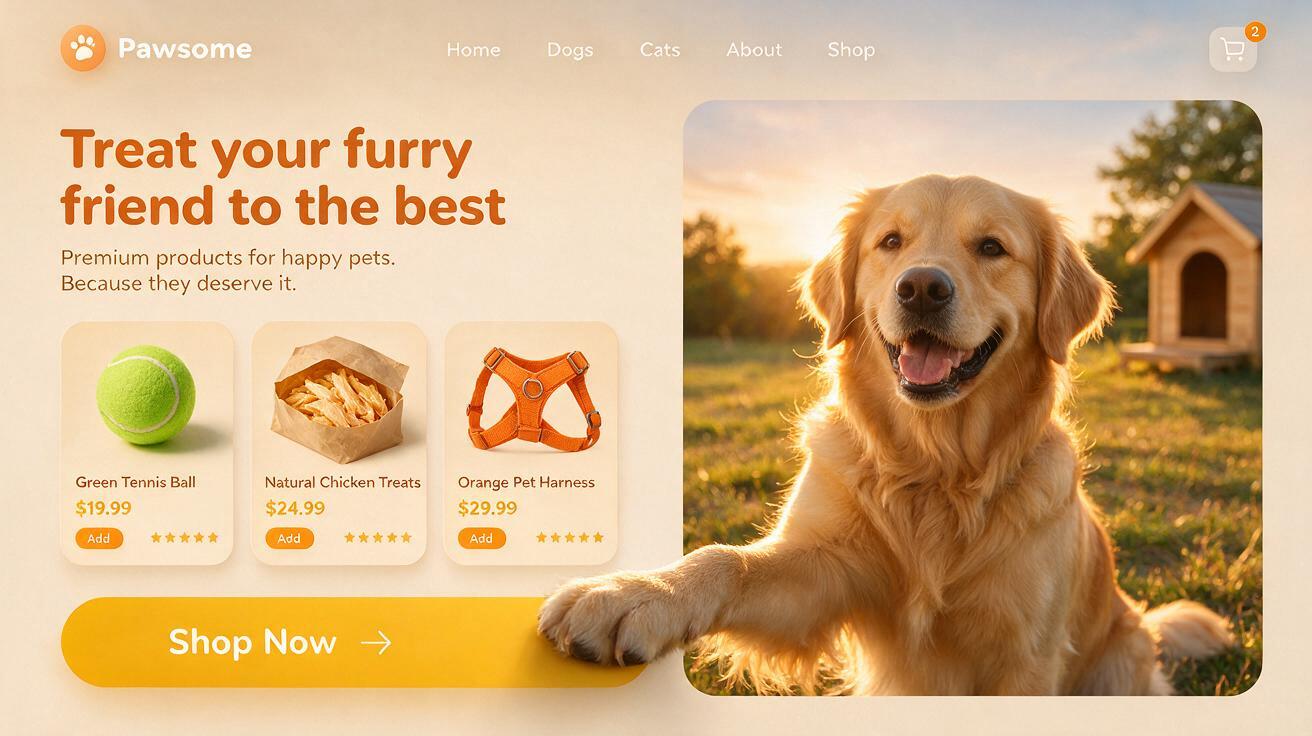
Learn how to create a polished pet ecommerce hero concept with product cards, branding, and a layered 3D paw-to-CTA interaction using Seedream 5.0 Pro.
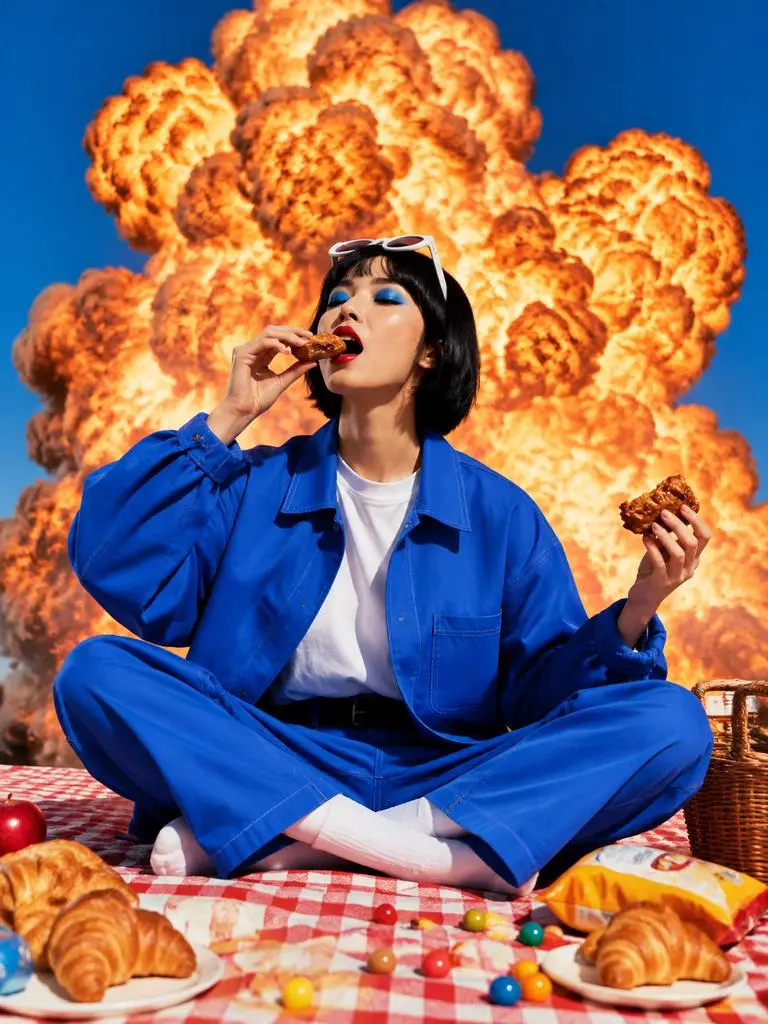
Create a surreal Instagram-style explosion effect with the GPT Image 2.5 AI image generator using a copy-ready text-to-image fashion prompt.
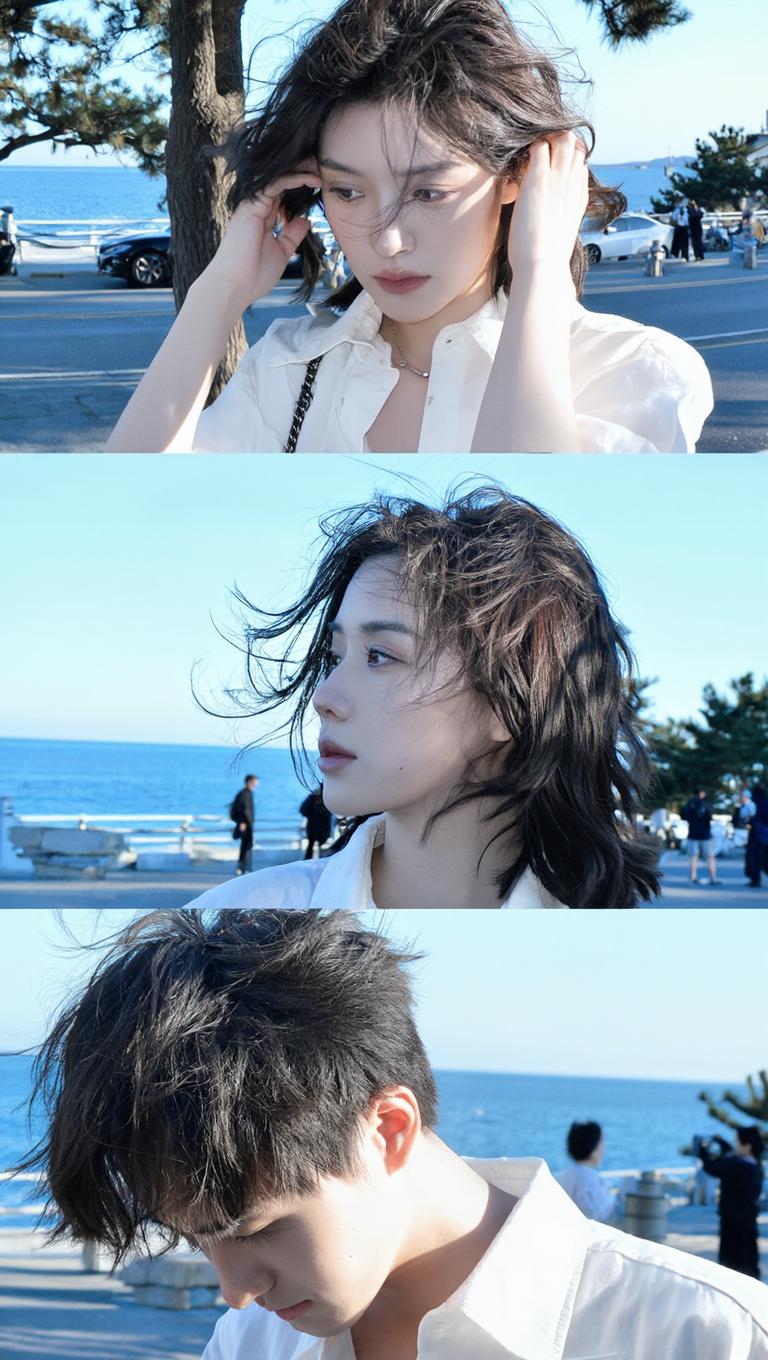
Learn how to prompt Z-Image for cinematic 3:4 candid seaside portraits, with natural movement, off-camera gaze, coastal backlight, and action variations.
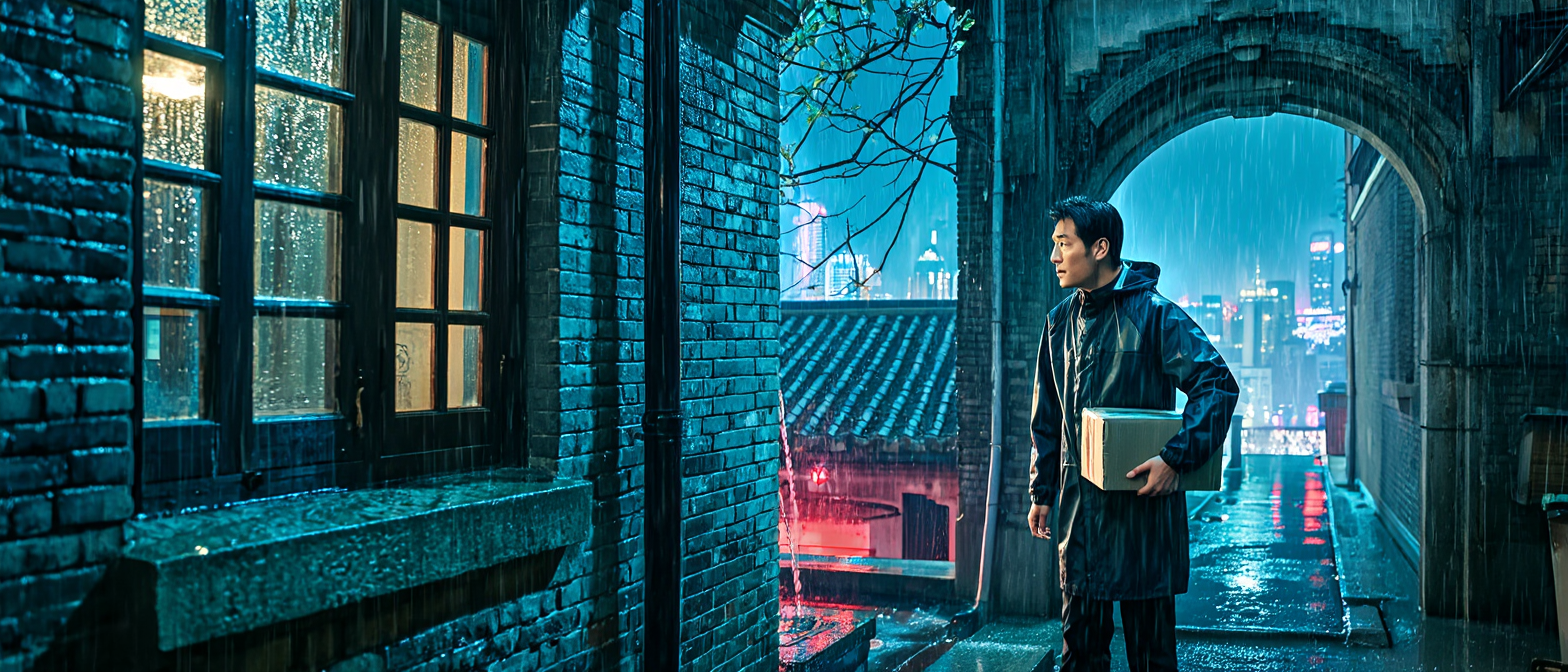
Learn how to turn a screenplay scene into a cinematic keyframe with Z-Image, using a structured prompt for near-future film concept art and preproduction reviews.
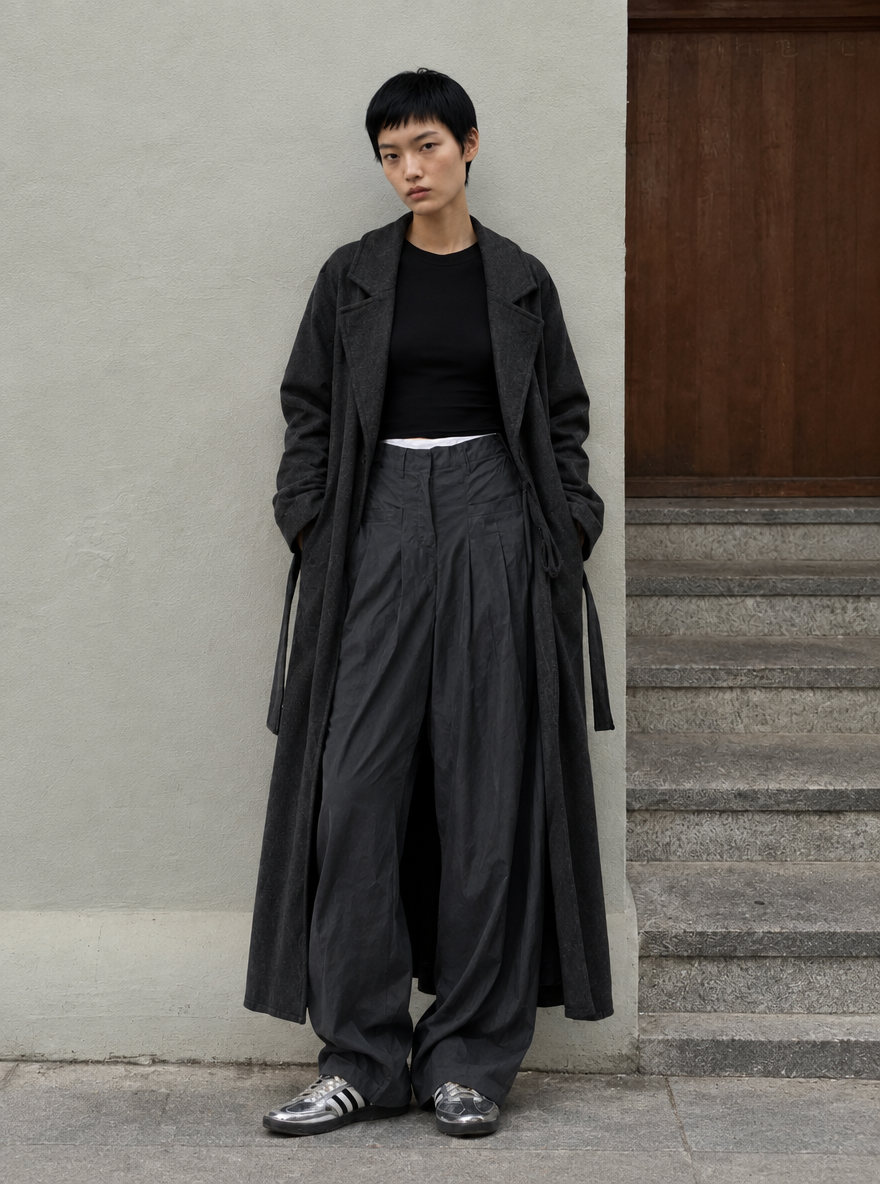
Learn how to create a controlled AI fashion image by assigning separate outfit, adult model, and background references, then using a clear three-image prompt.
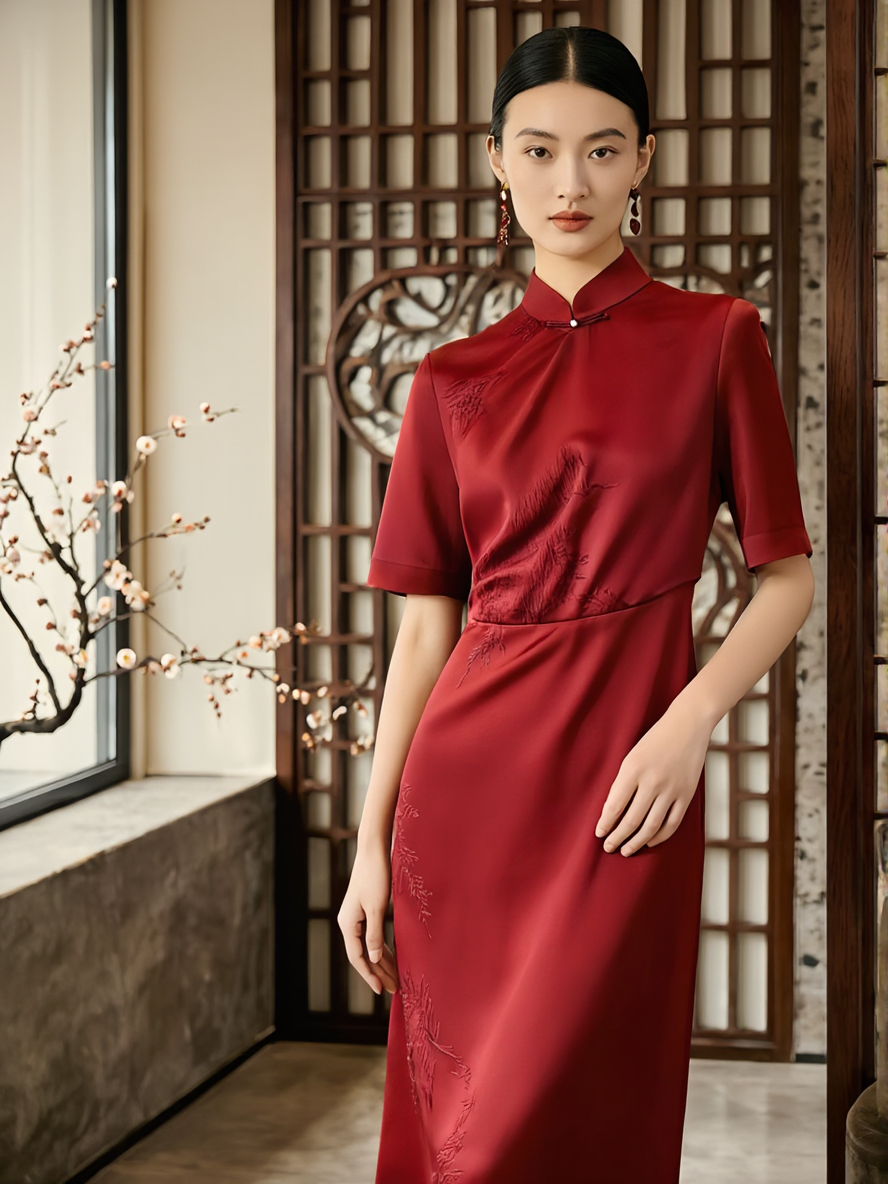
Learn how to turn a text brief into a realistic Asian fashion campaign concept with Z-Image, including a ready-to-copy prompt, layout guidance, and review tips.
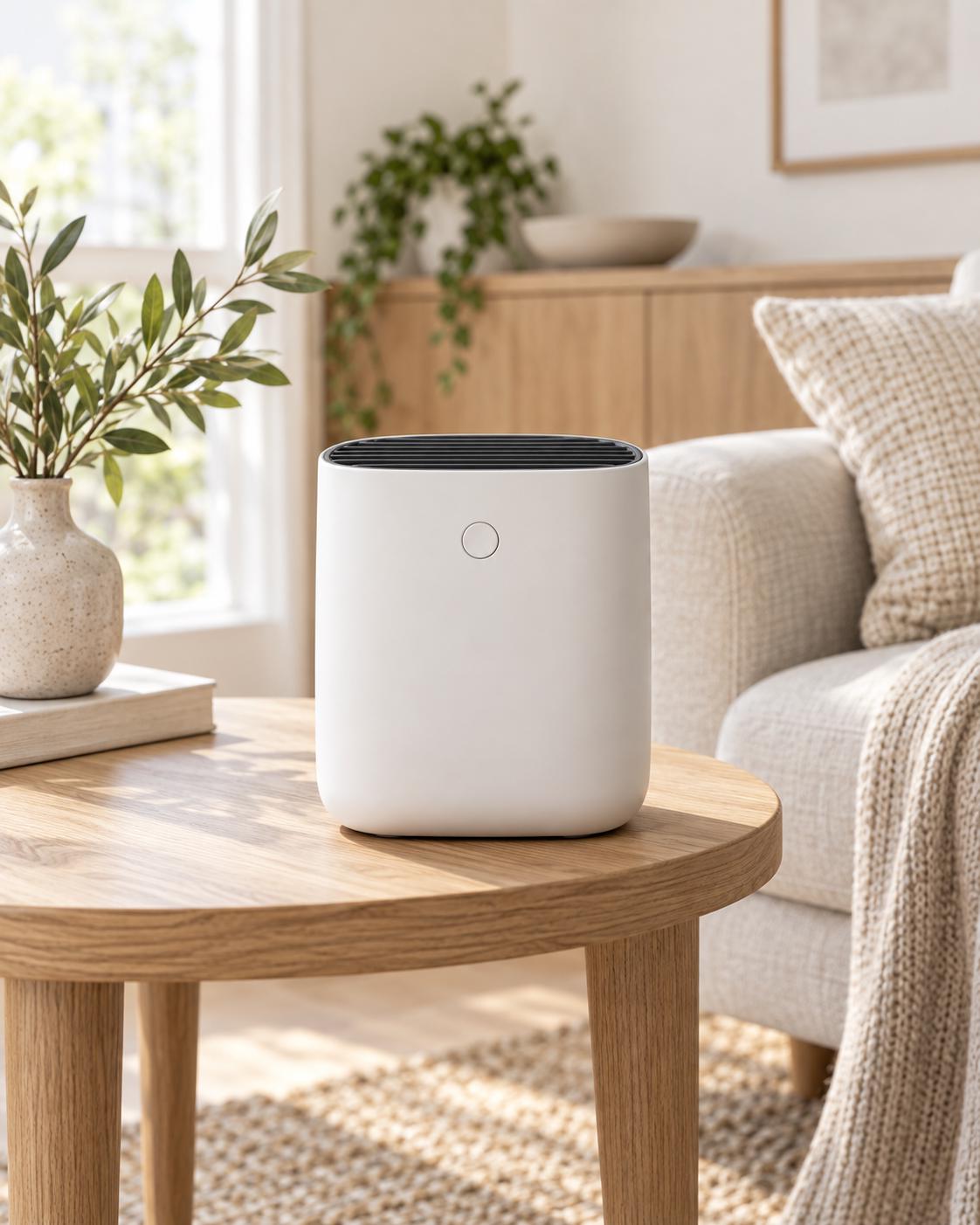
Learn how GPT Image 2.5 Flare and Sunburst compare for image generation, editing, reference fidelity, transparent assets, text rendering, and production workflows.
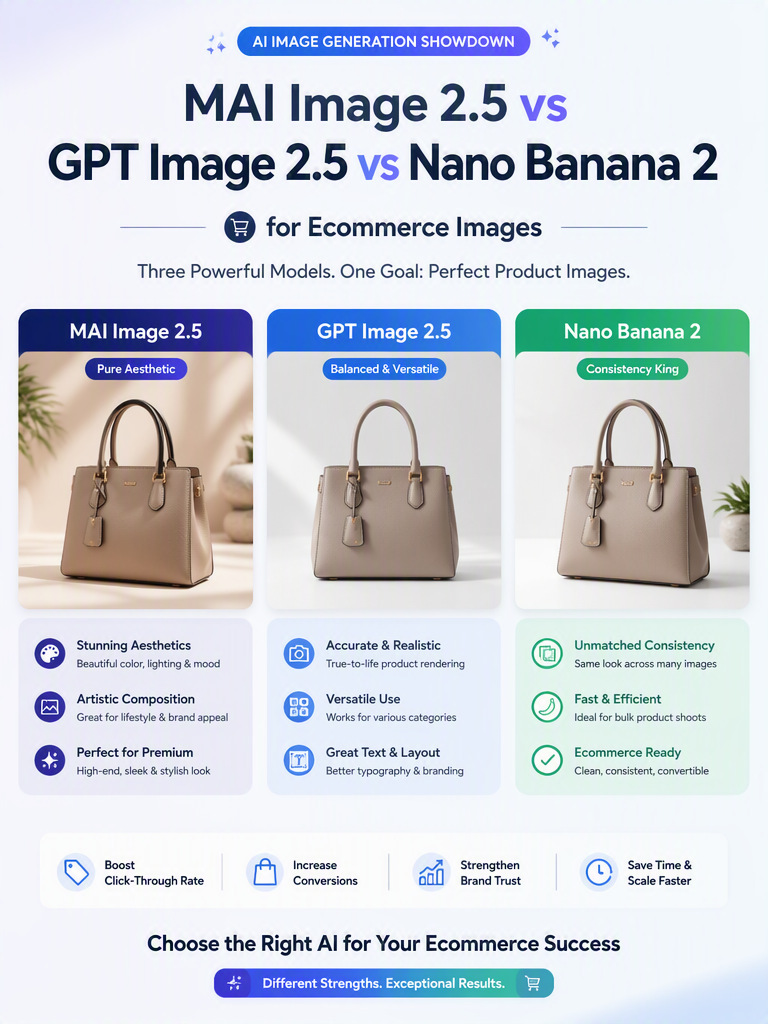
Compare MAI Image 2.5, GPT Image 2.5, and Nano Banana 2 for product preservation, text rendering, multi-edit consistency, and ecommerce workflows.
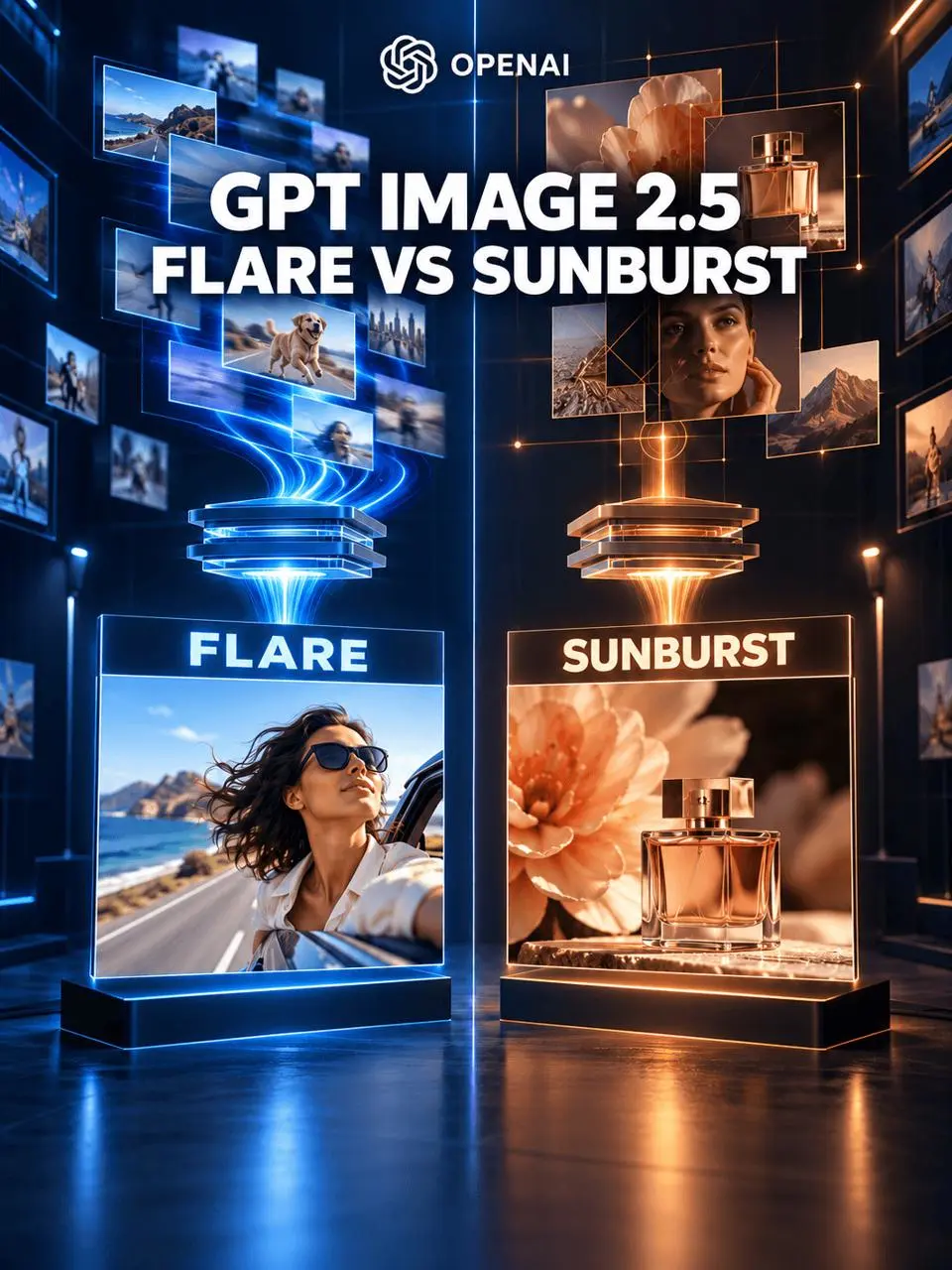
Compare GPT Image 2.5 Flare and Sunburst by generation speed, editing precision, API workflows, and common creative tasks to choose the right model.
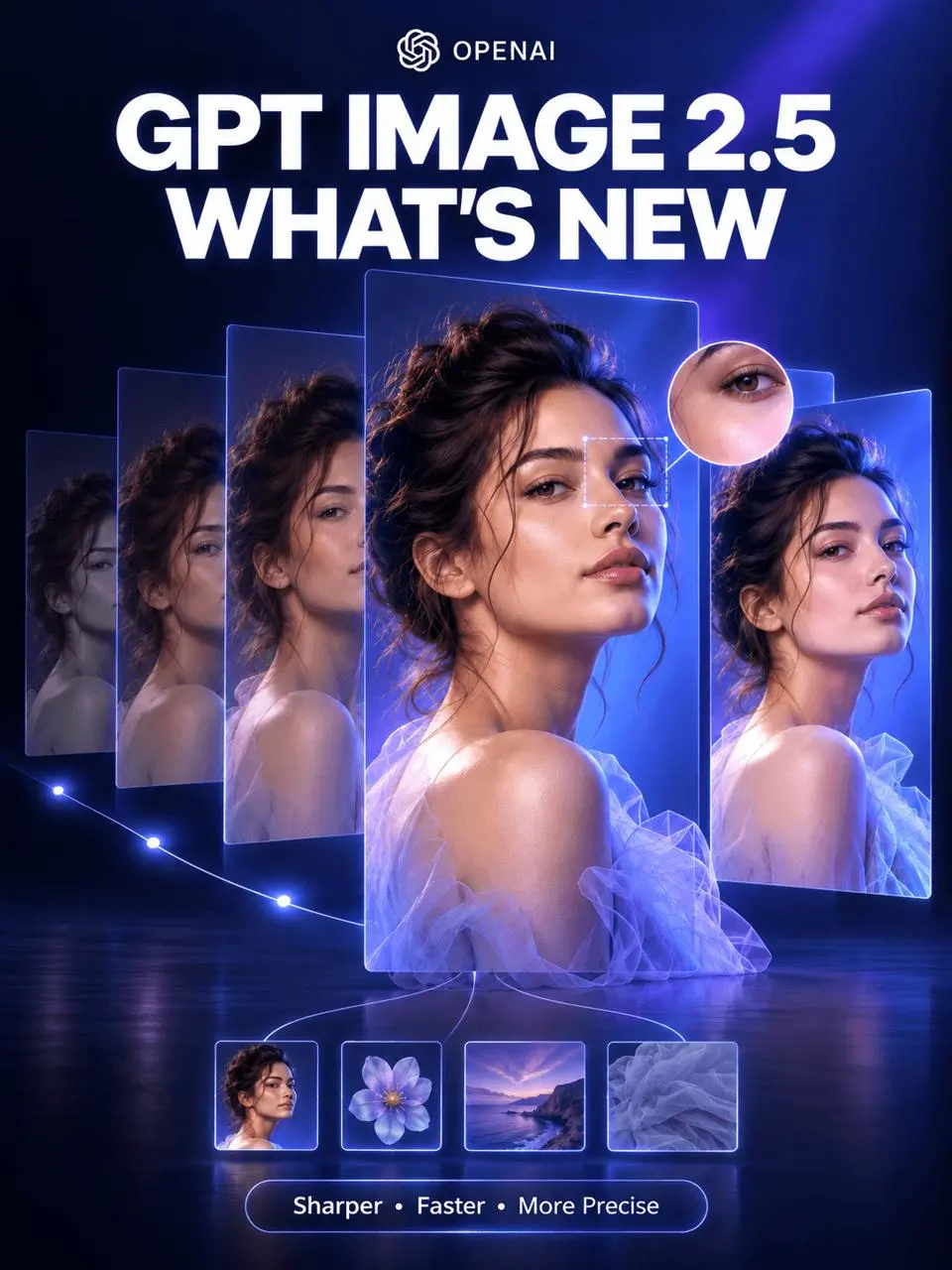
Explore GPT Image 2.5’s sharper reference fidelity, more precise editing, improved multi-turn consistency, creative controls, and faster image generation.
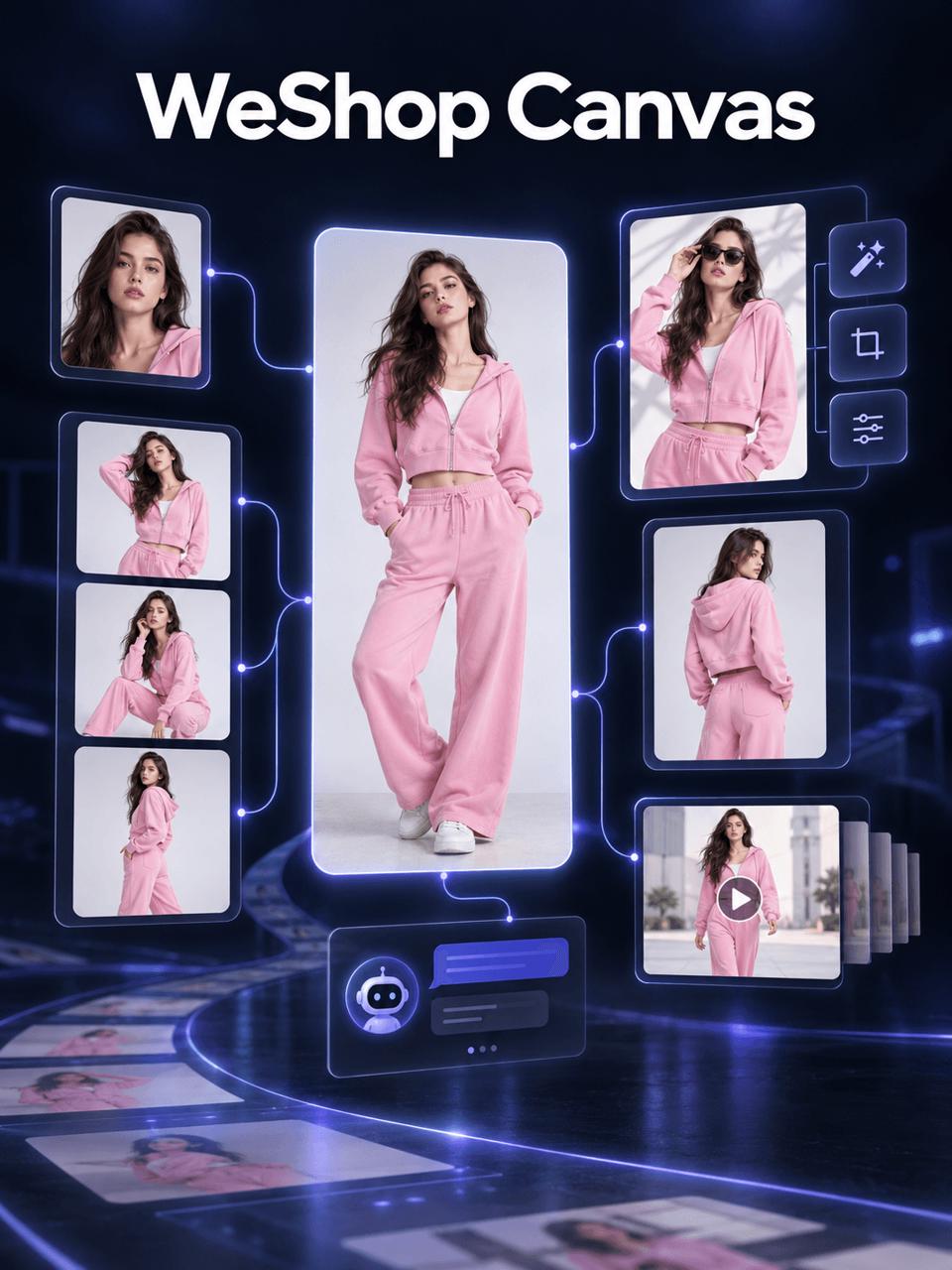
Learn how to use WeShop Canvas to plan, refine, and generate apparel pose variations, Skill-based image branches, and a five-second showcase video.