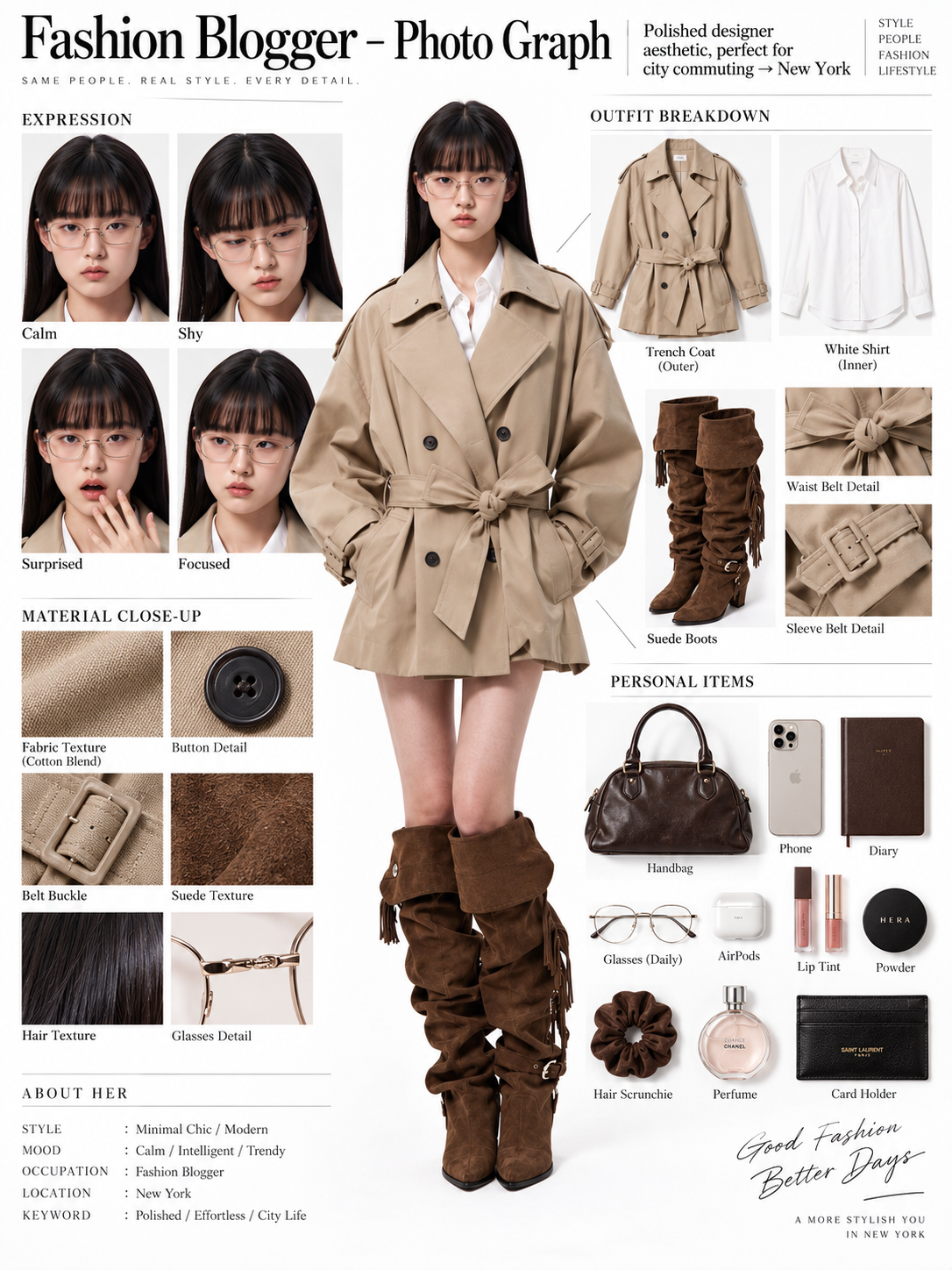
Fashion Blogger OOTD Breakdown with an AI Image Generator
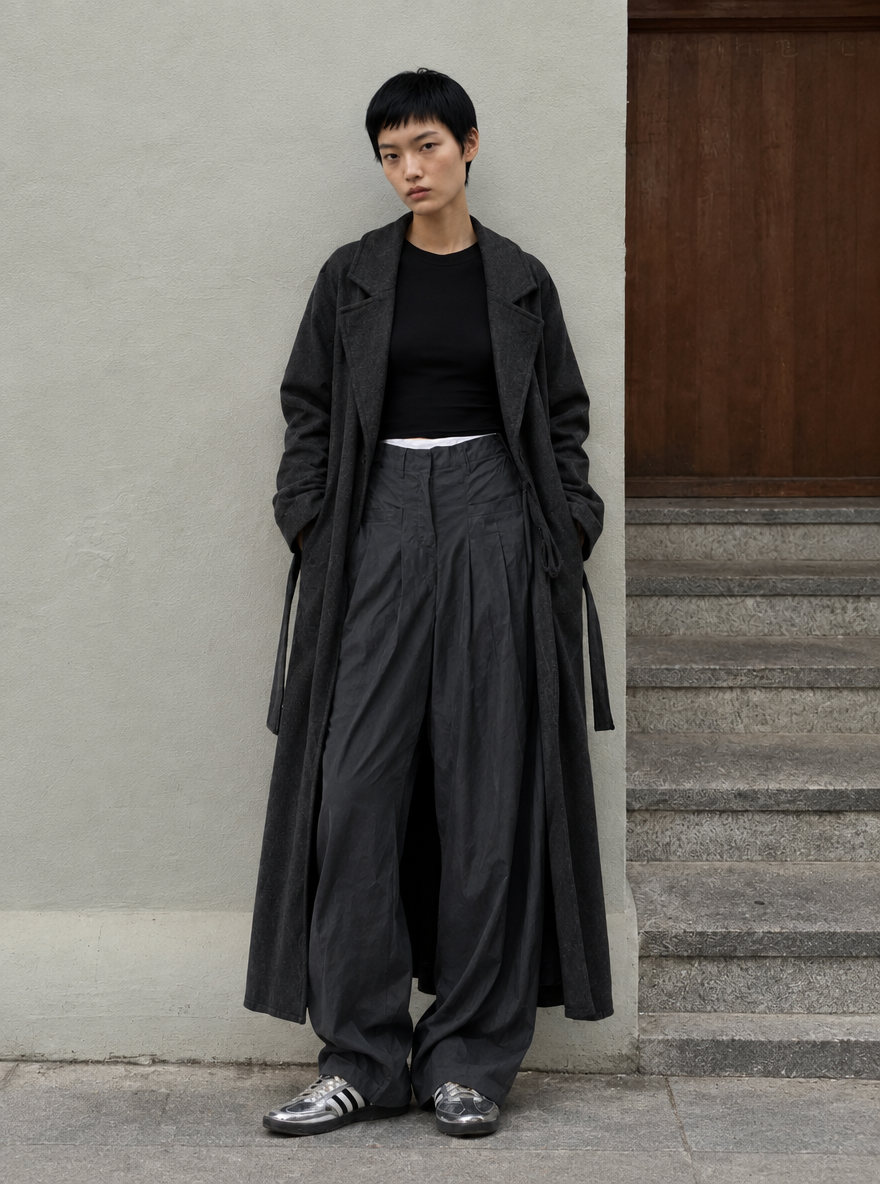
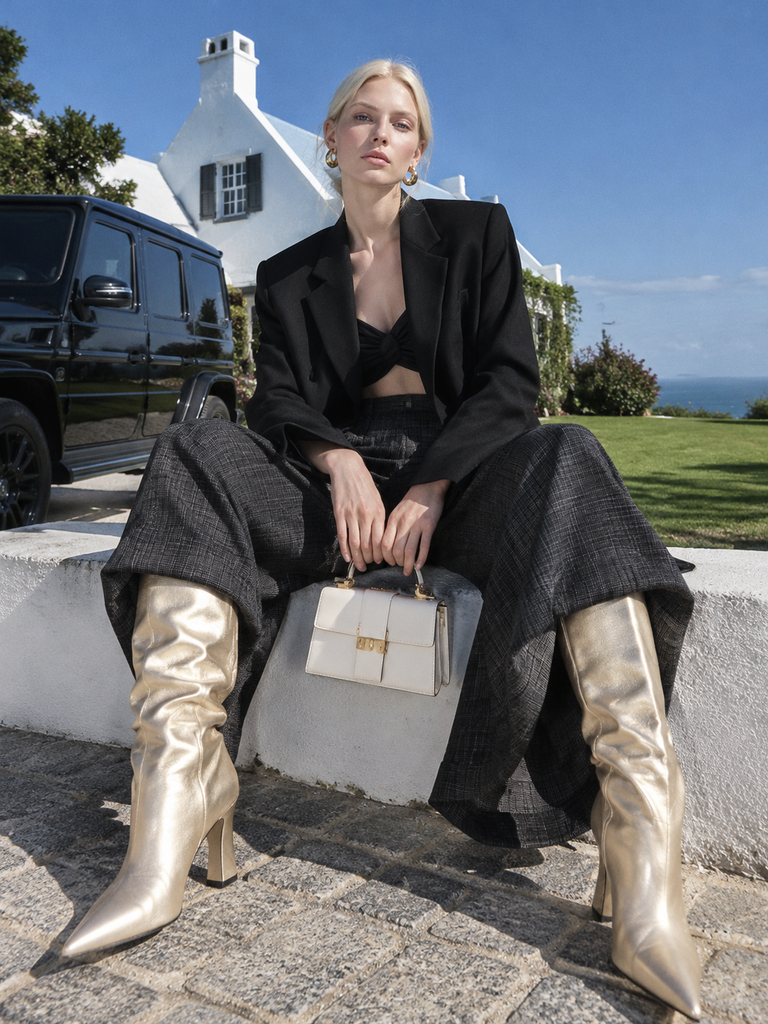
Turn one full-body fashion photo into an editorial OOTD board with expression studies, garment breakdowns, material close-ups, and style-matched personal items.
Explore solution playbooks, tool guides, and generated pages designed for repeatable creative operations.
Turn one full-body fashion photo into an editorial OOTD board with expression studies, garment breakdowns, material close-ups, and style-matched personal items.
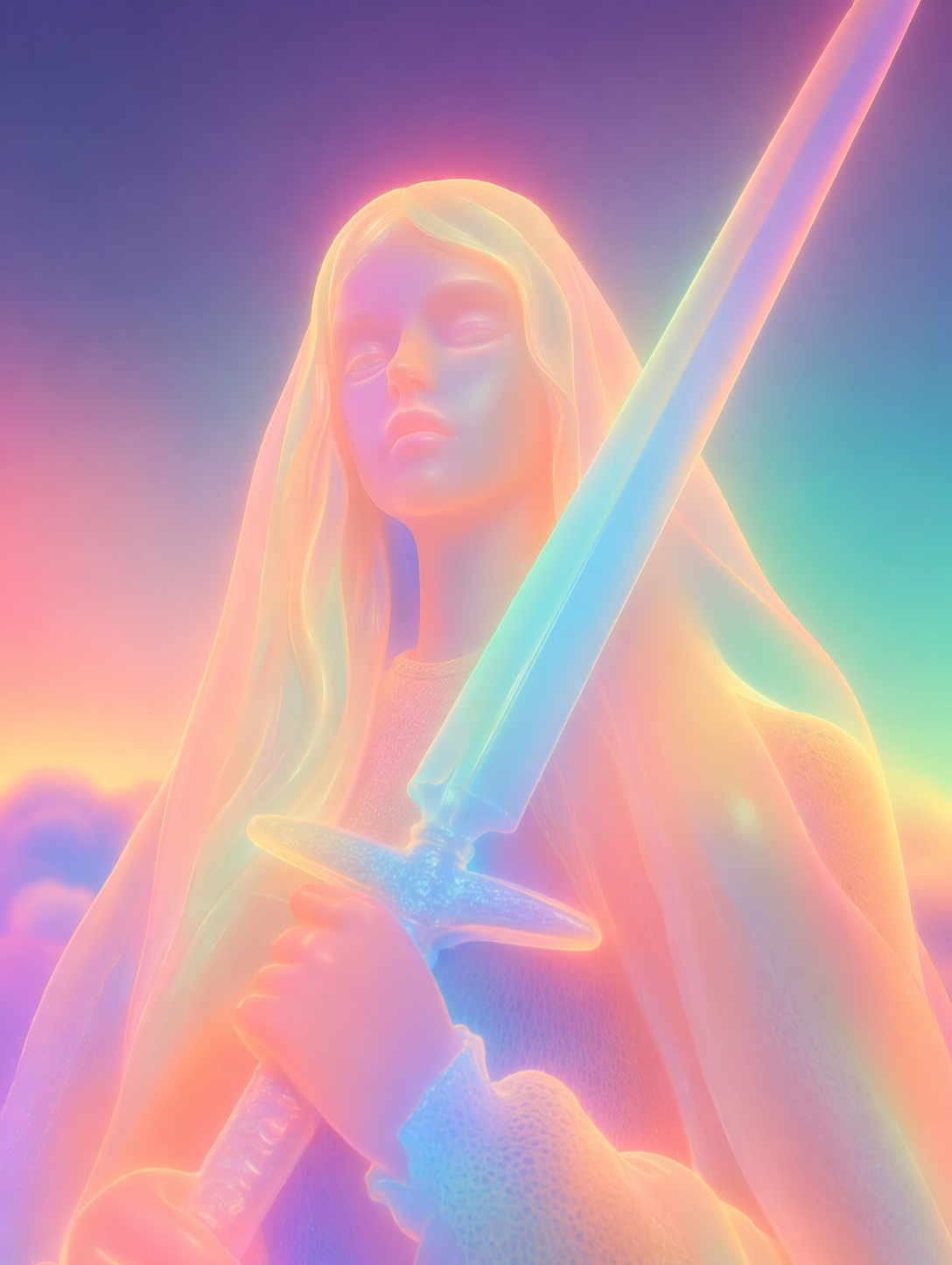
Turn portraits, multi-subject photos, and pet images into glowing soft neon 3D sculptures with a detailed WeShop AI prompt and practical refinement tips.
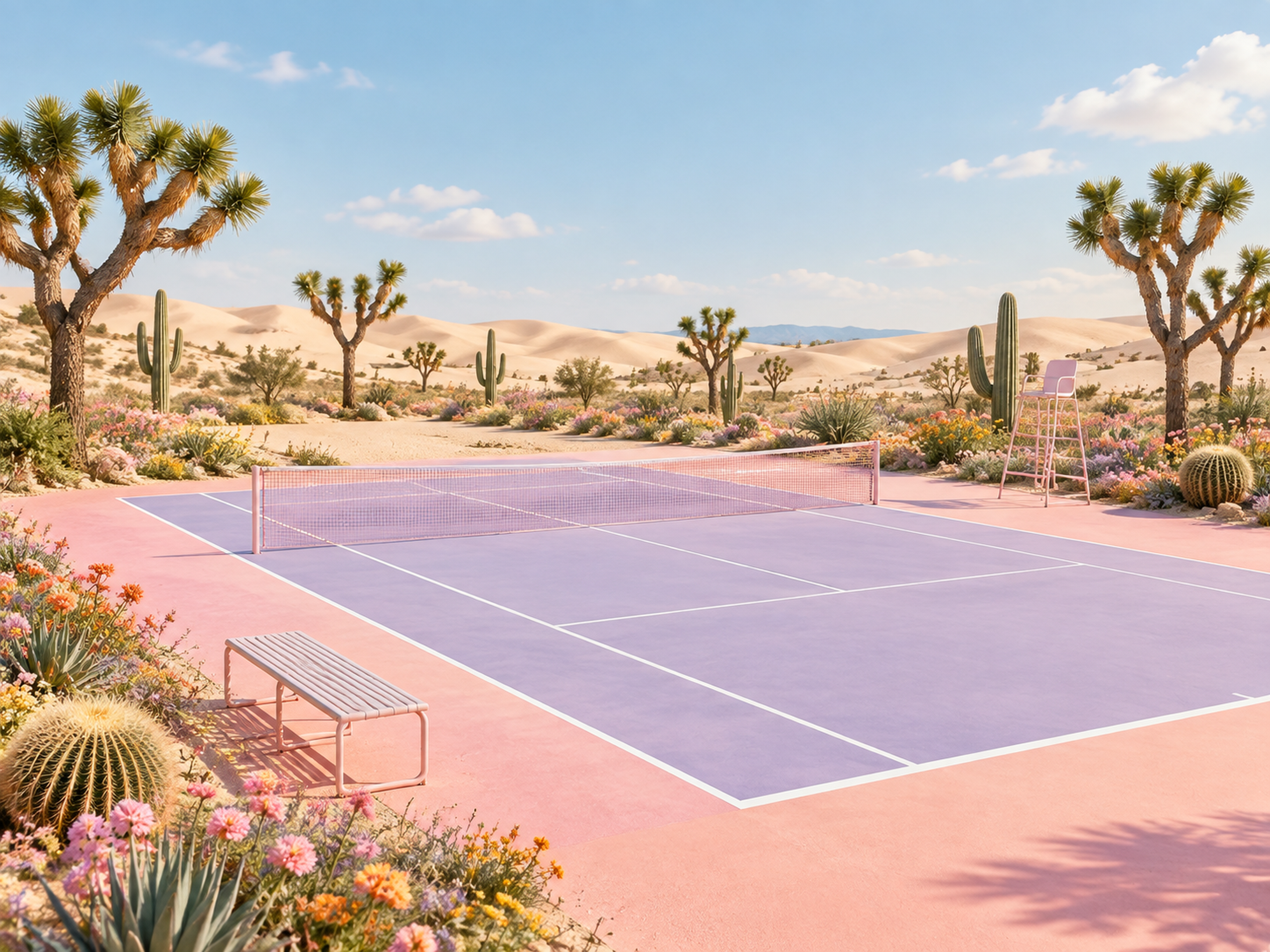
Learn how to assign environment and composition roles to two AI image references and generate a cohesive pastel desert tennis court with precise geometry.
Learn how to replace cluttered product photo backgrounds with polished Shopify lifestyle scenes while preserving products, models, branding, and key design details.
Learn how to use Seedream 5.0 Pro to select multiple image regions, add independent objects, and preserve the original scene’s structure, lighting, and perspective.
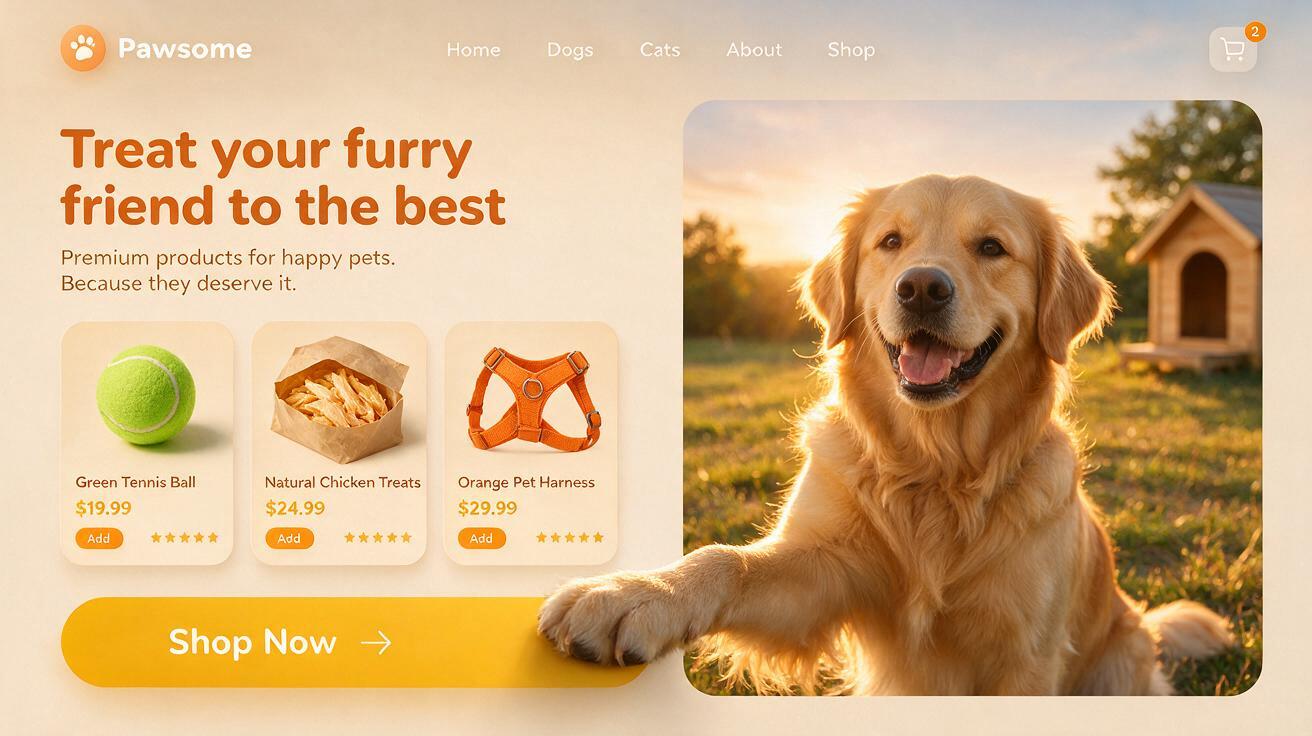
Learn how to create a polished pet ecommerce hero concept with product cards, branding, and a layered 3D paw-to-CTA interaction using Seedream 5.0 Pro.
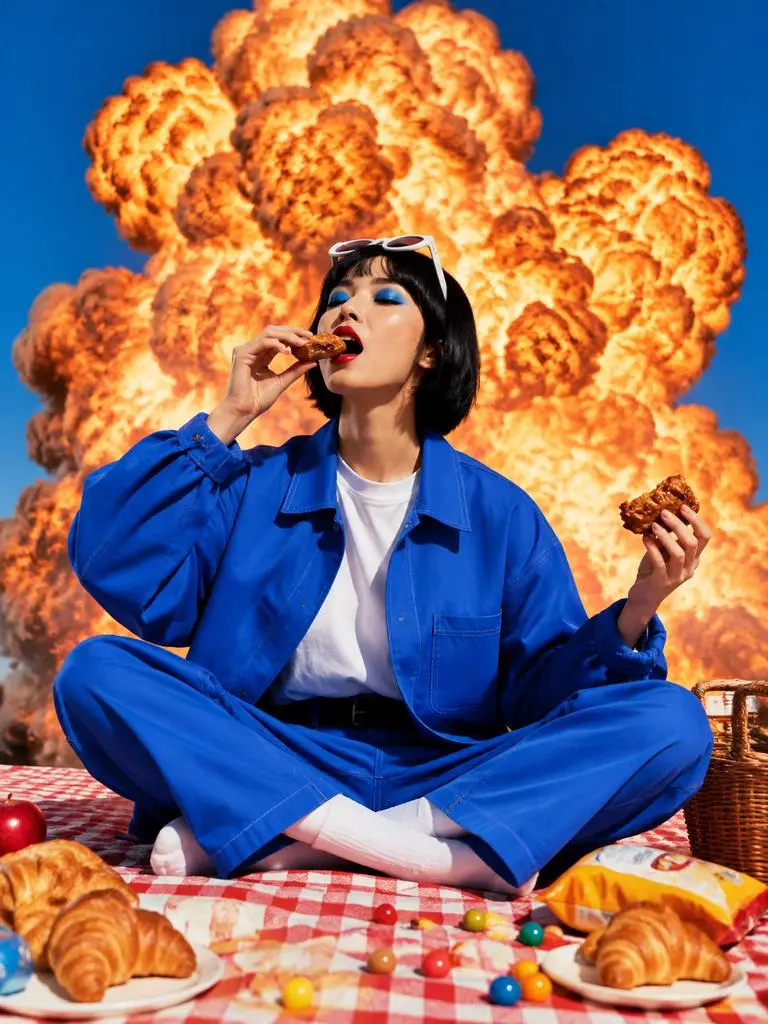
Create a surreal Instagram-style explosion effect with the GPT Image 2.5 AI image generator using a copy-ready text-to-image fashion prompt.
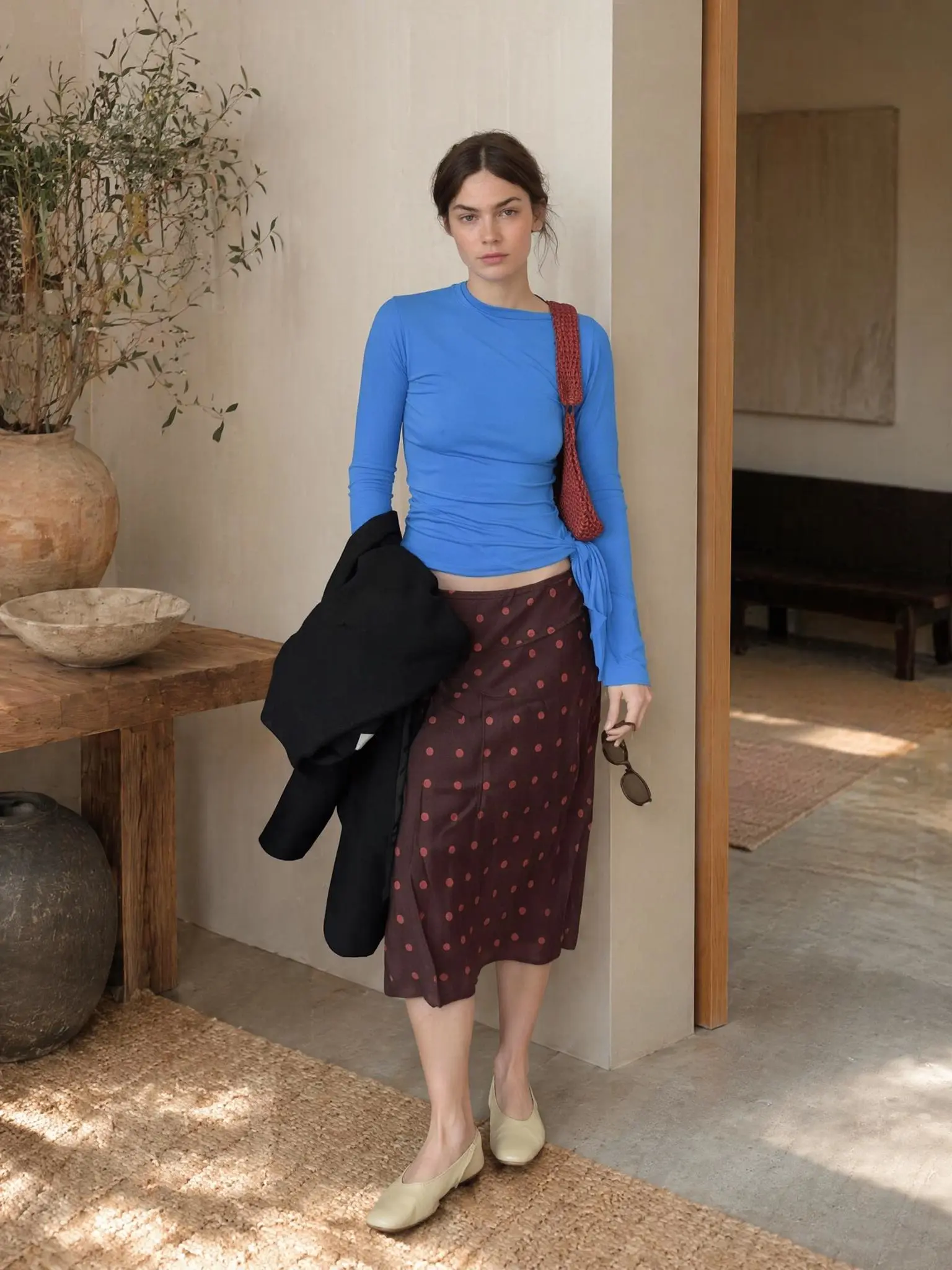
Learn how to create a controlled AI fashion image by assigning separate outfit, adult model, and background references, then using a clear three-image prompt.
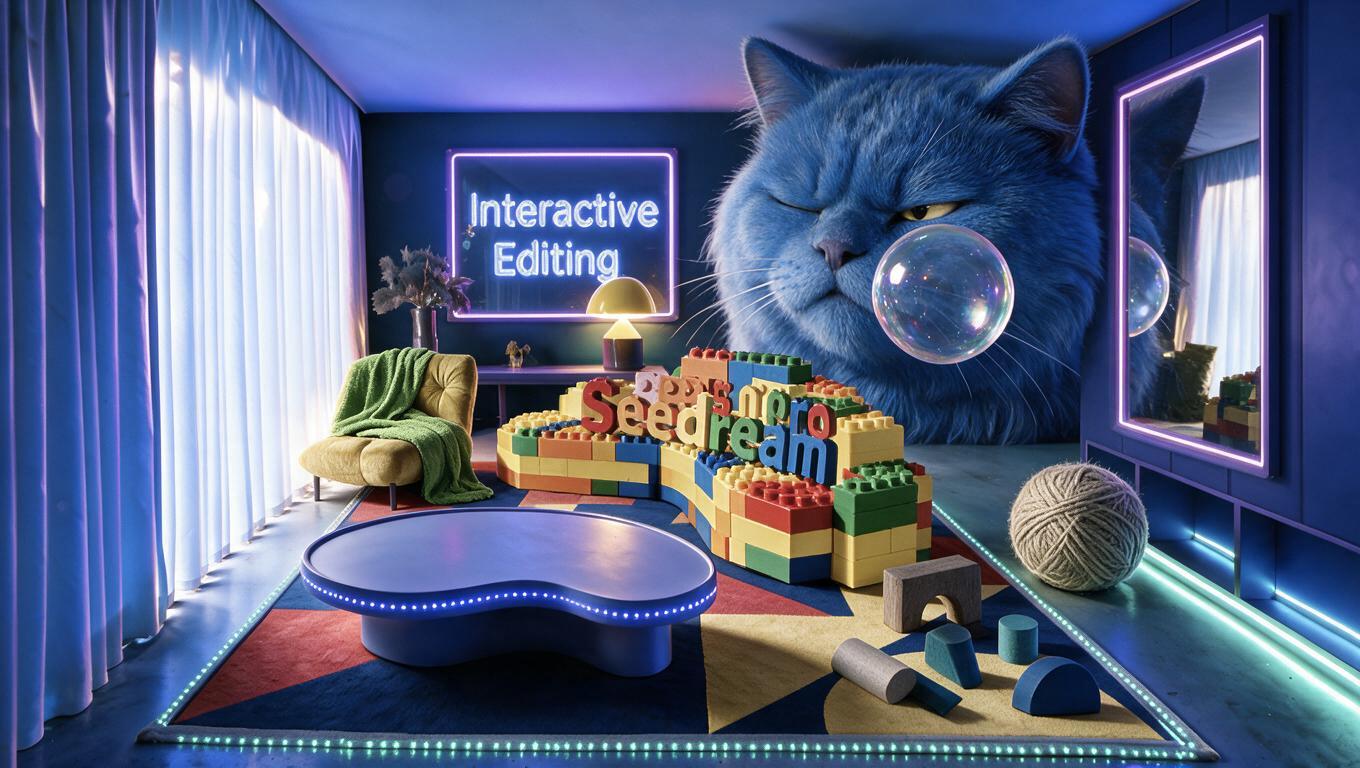
ByteDance's new Seedream 5.0 Pro brings interactive editing with point marks, region selection, and doodles, enabling precise local control. From cluttered rooms to complete home designs, it transforms image generation into a visual editing tool.