








Preview Outfit and Accessory Concepts With Seedream 5.5
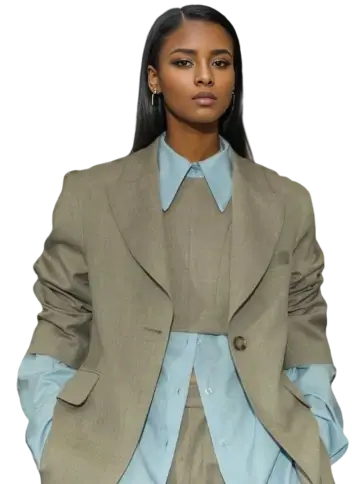
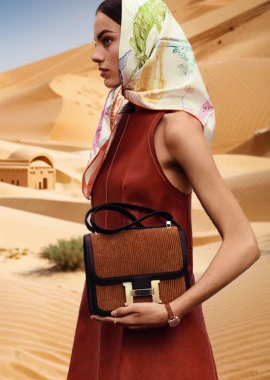
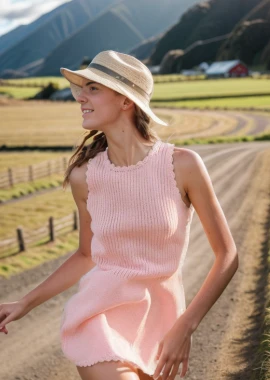
Plan virtual outfit, accessory, color, and material variations while protecting adult identity, pose, garment construction, and fit cues.

Select Model & Location


Have the model showcase your product!


Explore solution playbooks, tool guides, and generated pages designed for repeatable creative operations.
Plan virtual outfit, accessory, color, and material variations while protecting adult identity, pose, garment construction, and fit cues.
Direct fashion portrait concepts by separating identity, wardrobe, camera, lighting direction, mood, texture, and final realism checks.
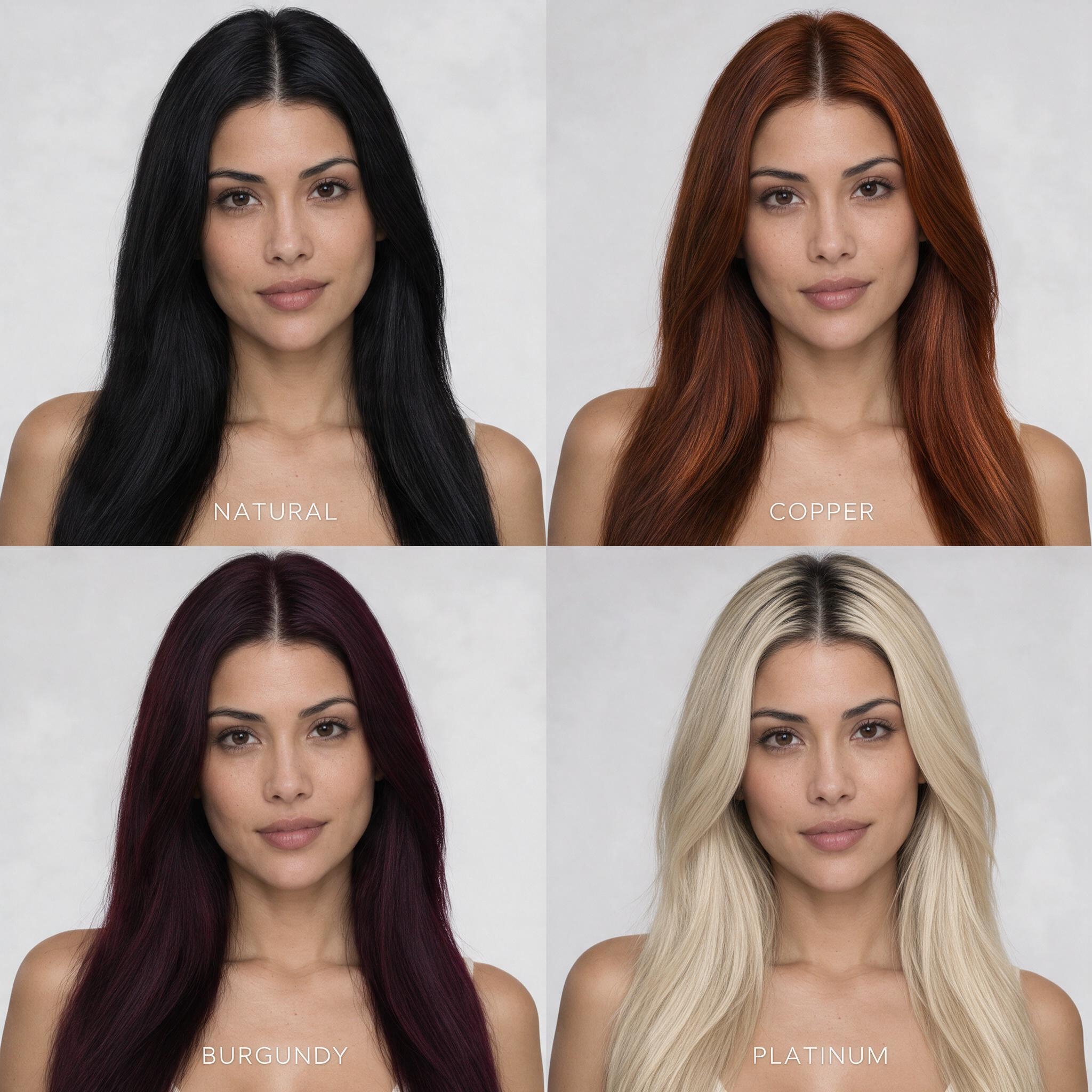
Build a controlled four-color hair try-on grid while keeping identity, haircut, pose, and lighting consistent.
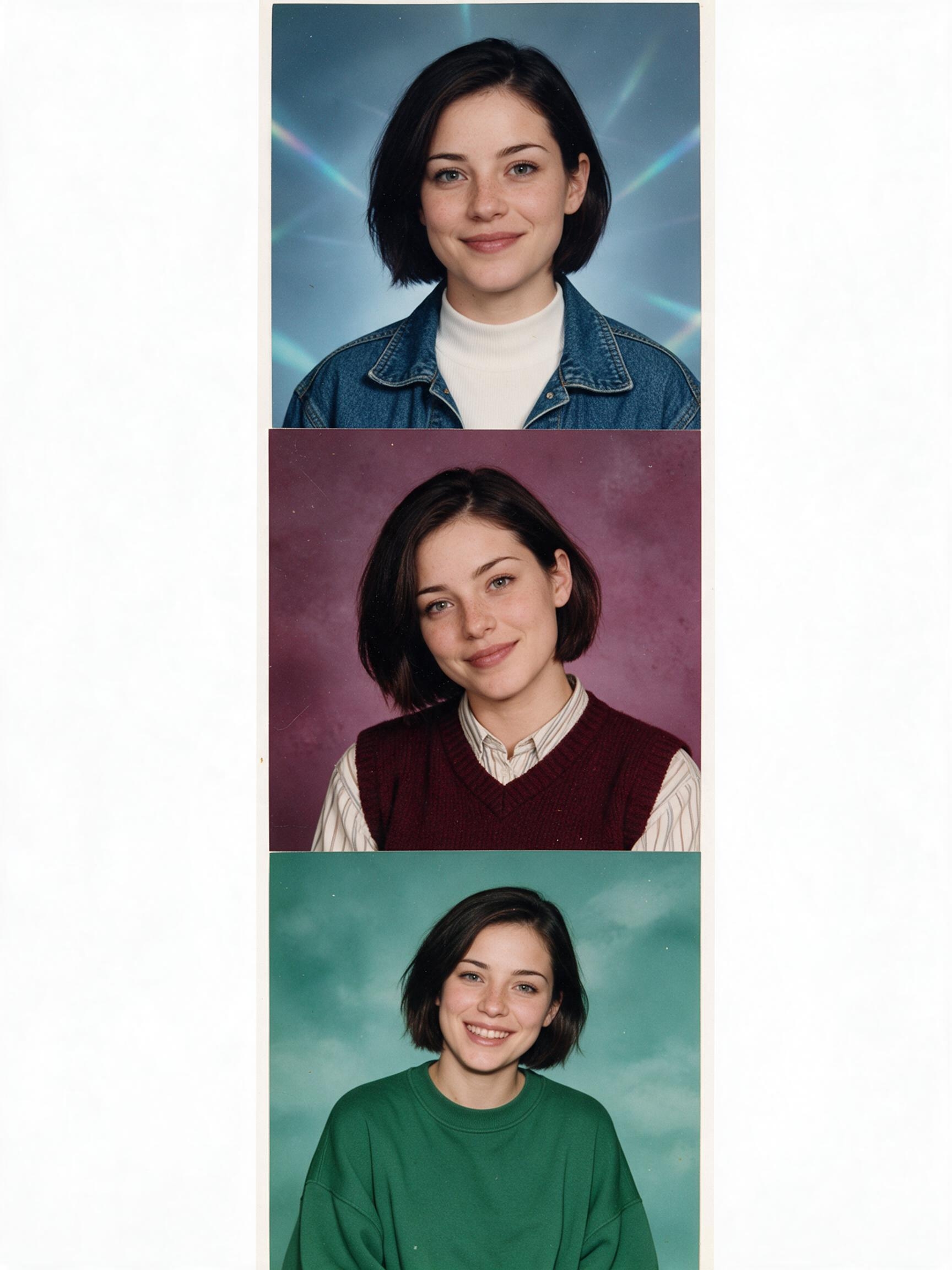
Create three original 1990s school portrait variations from one adult identity photo with authentic period styling.
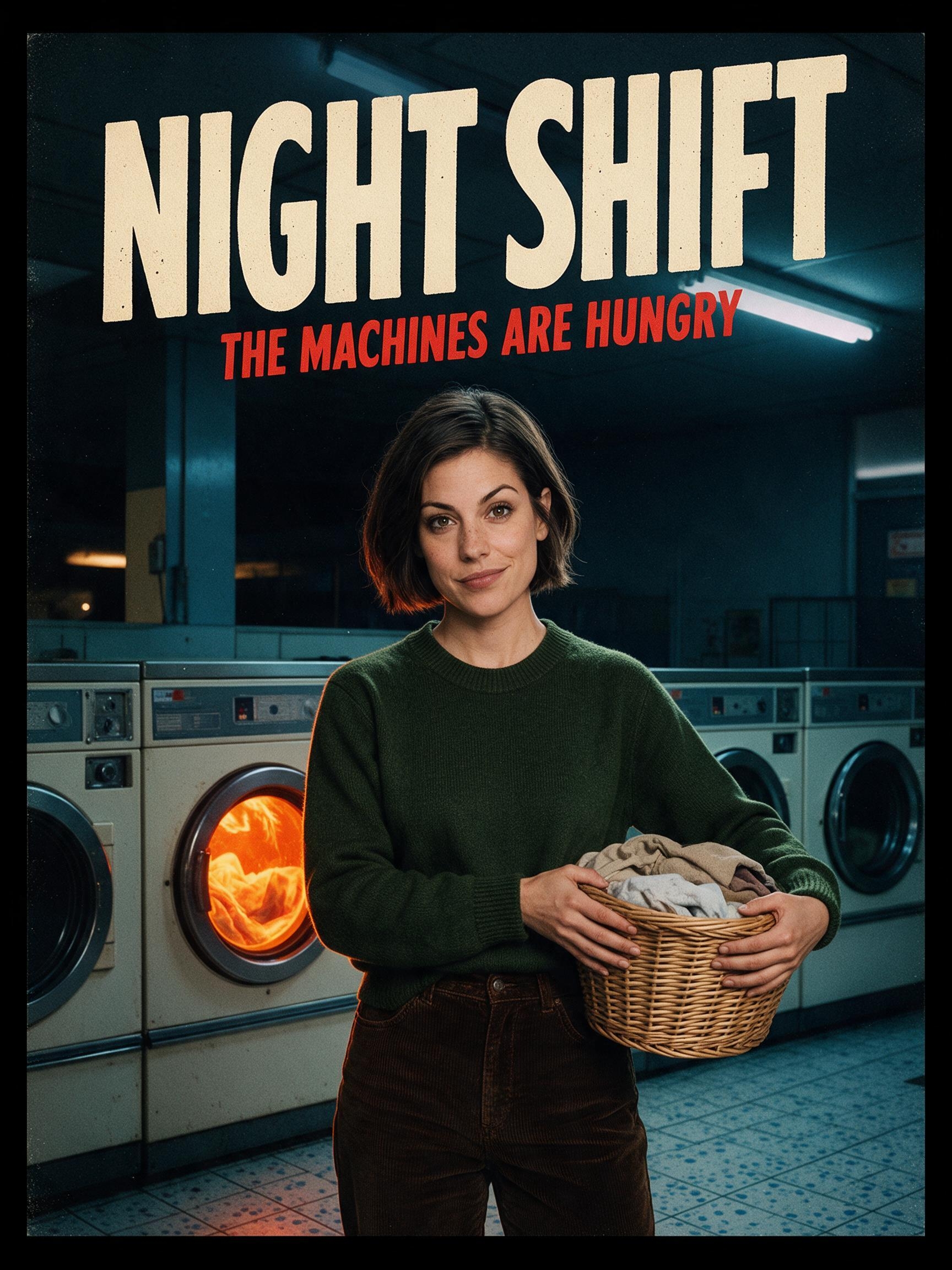
Use one adult portrait to cast a consistent hero across three original retro horror-comedy posters with exact titles and taglines.
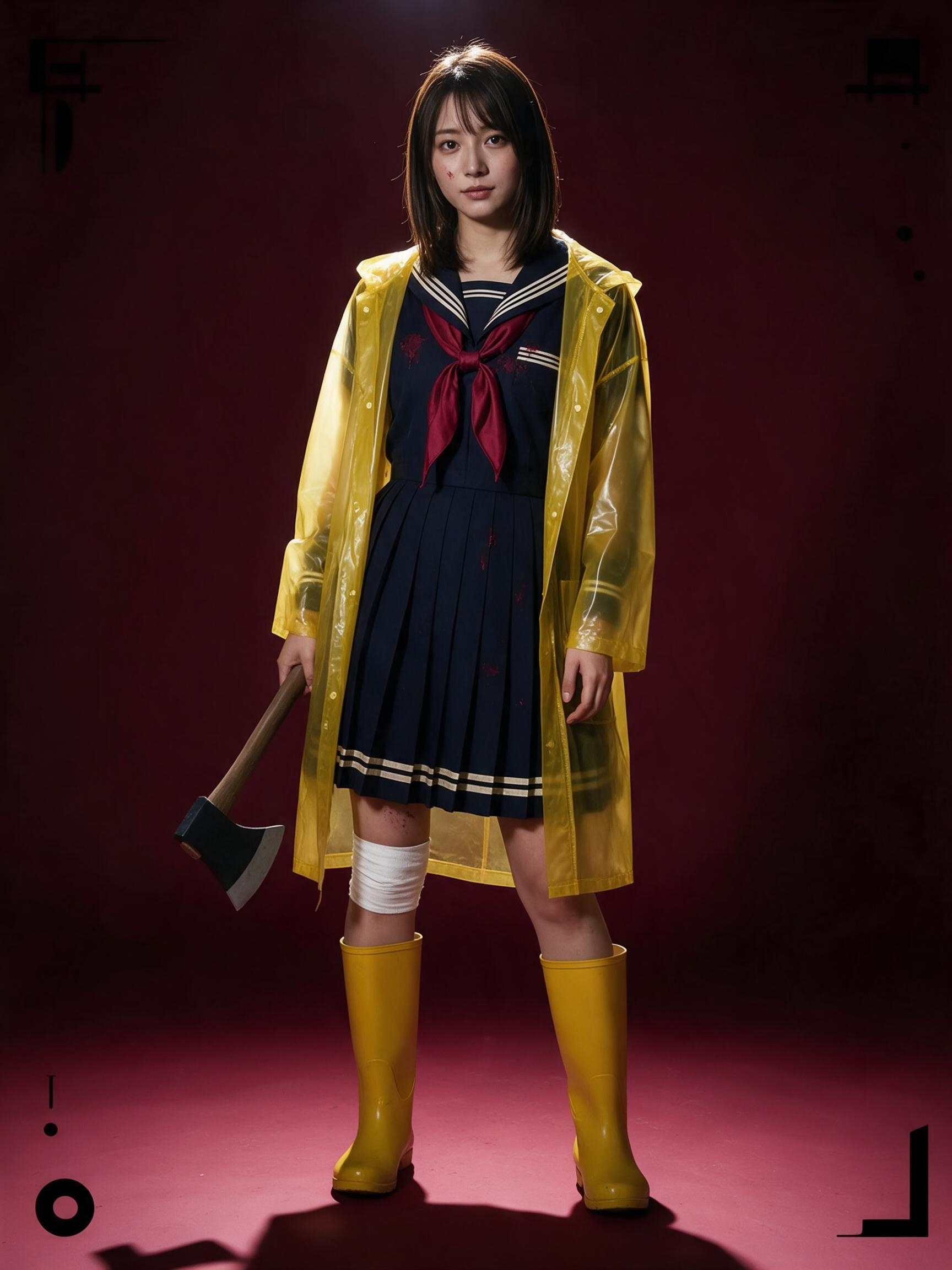
Transform one adult casting photo into a consistent five-shot Halloween fashion editorial using yellow rainwear, theatrical props, and hard overhead light.
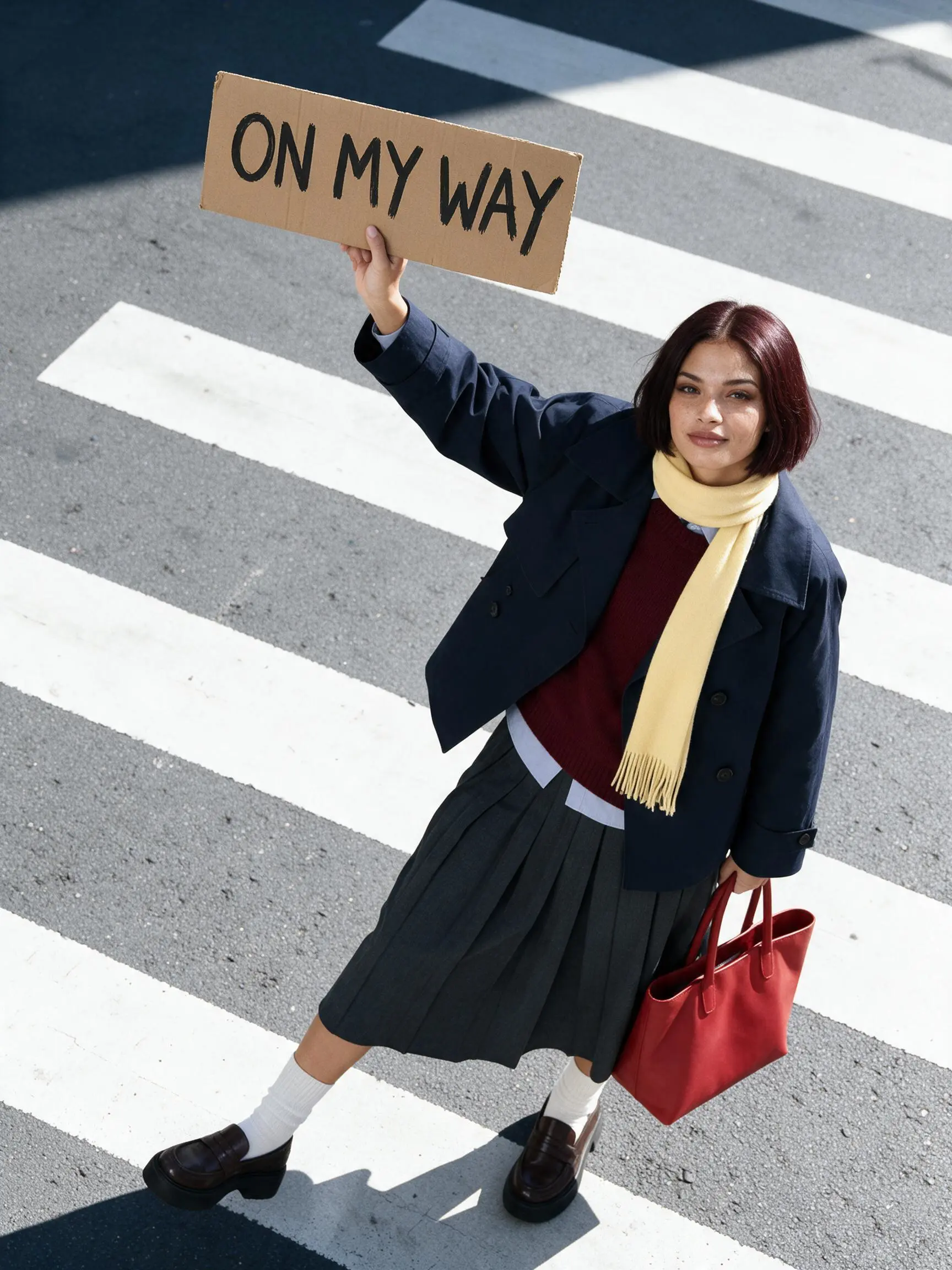
Use Seedream 5.0 Pro to transform one white-background model photo into a consistent set of overhead crosswalk fashion ads while preserving identity and wardrobe.
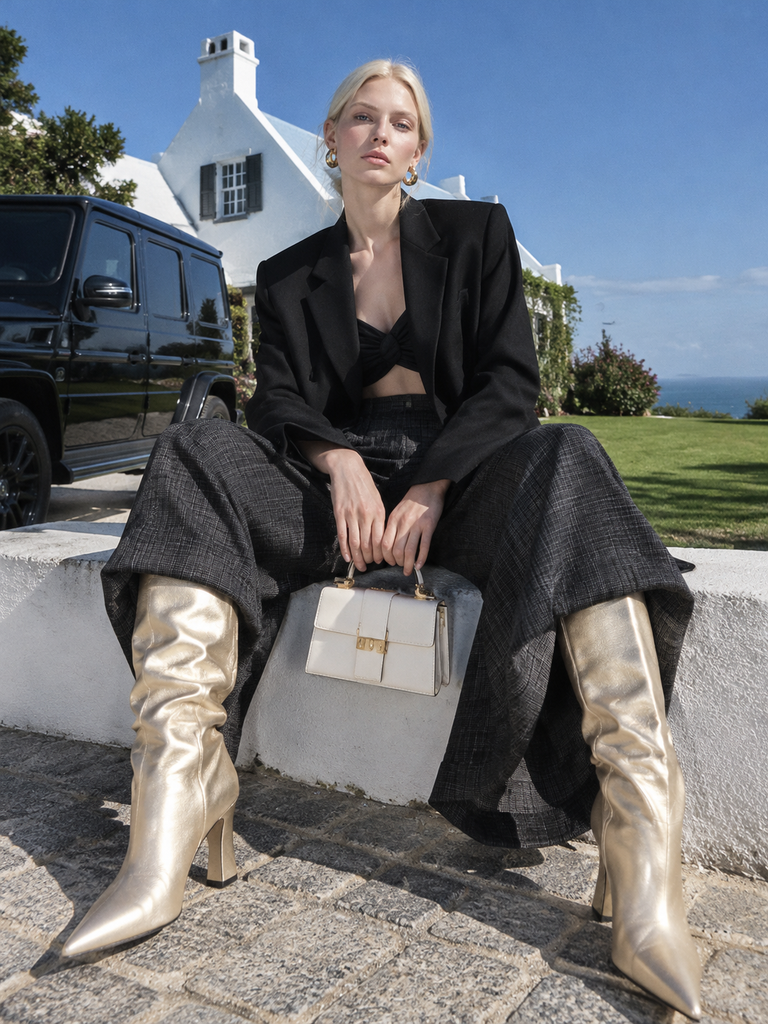
Create a cohesive avant-garde AI fashion editorial with oversized tailoring, platinum-blonde styling, hard light and contrasting everyday locations. Follow eight scene prompts and inspect the generated results in WeShop AI.
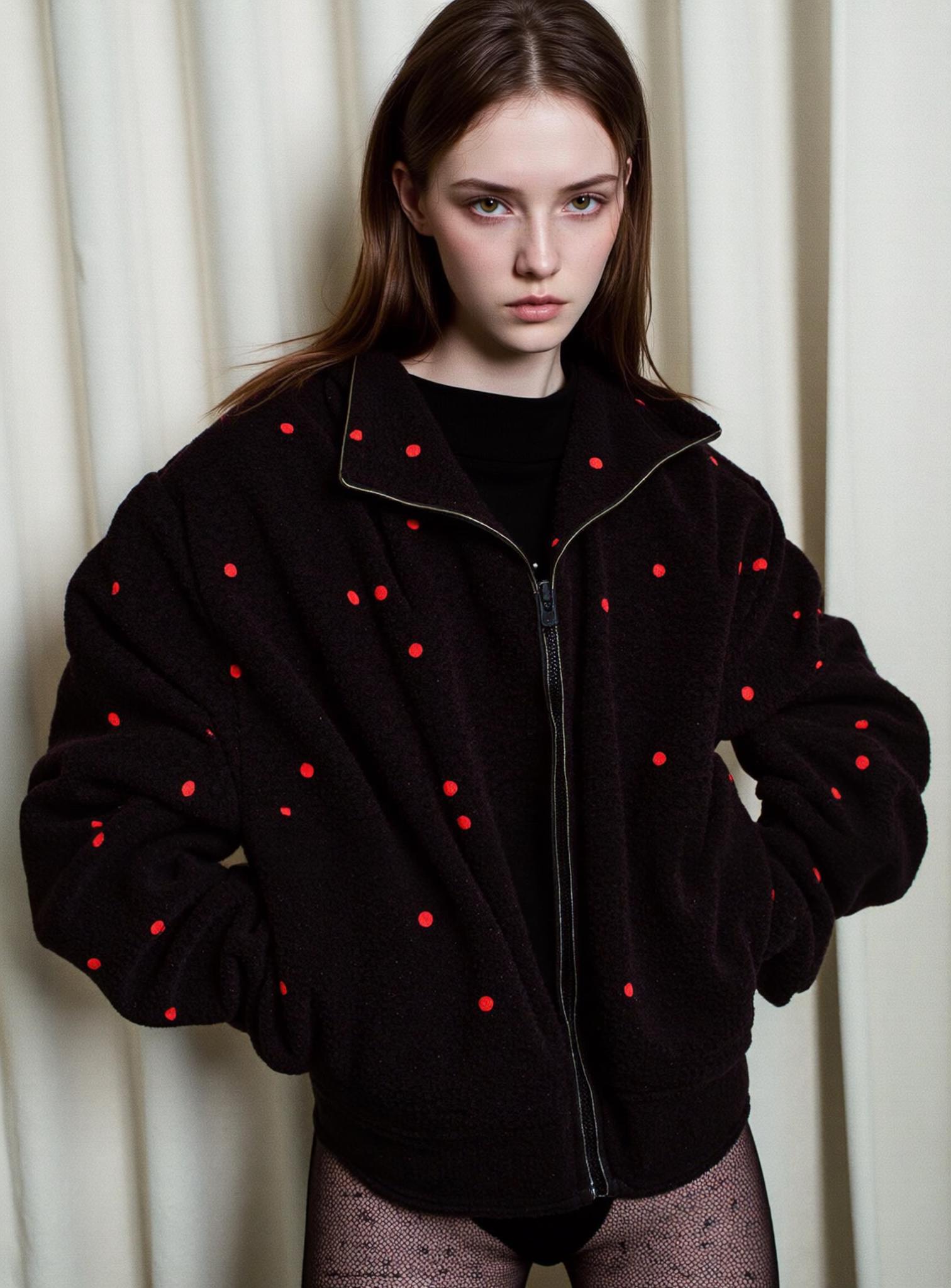
Turn one approved person image into new Amazon-ready lifestyle visuals. Upload separate face and background references, generate the result, and review every detail for product fidelity.
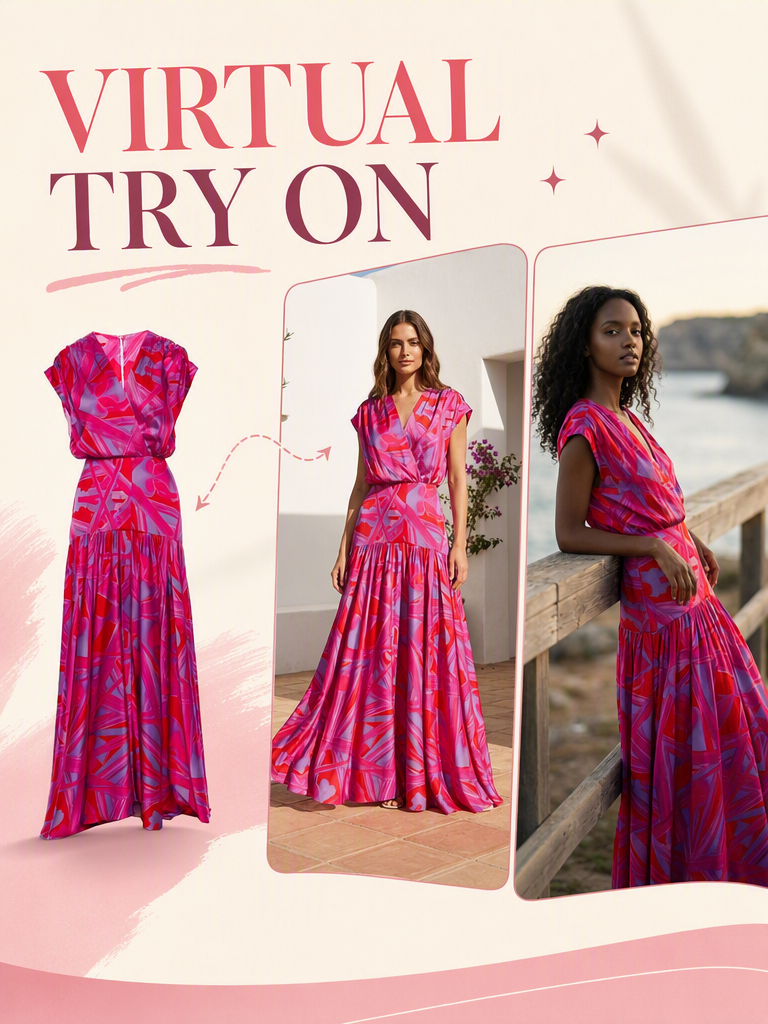
Use AI virtual try-on to try on clothes online instantly. Upload garments, generate realistic try-on images, and create professional visuals for e-commerce and fashion.
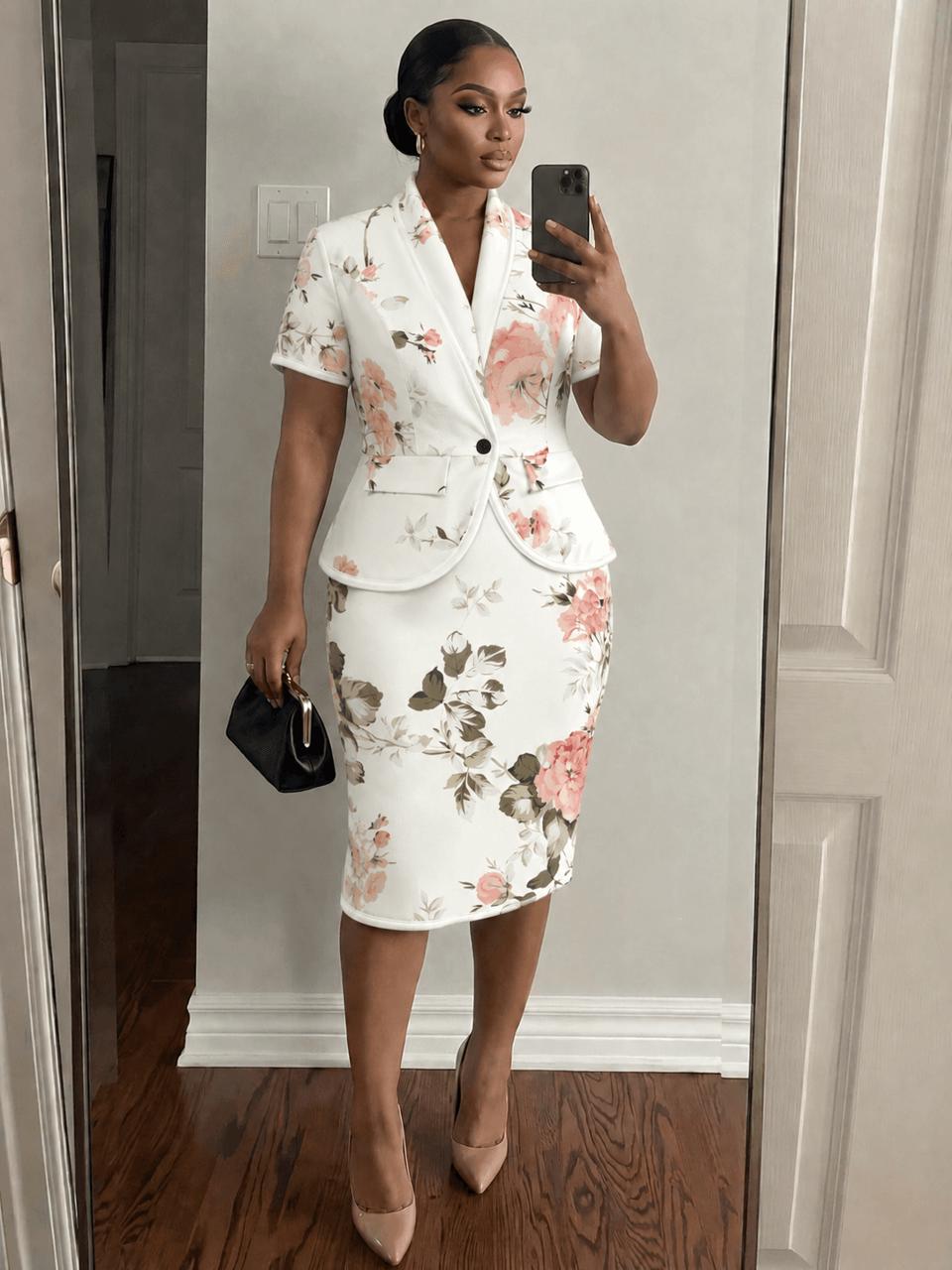
Learn how e-commerce apparel merchants can use AI image generation for virtual try-on and precise color matching. This beginner-friendly tutorial walks through replacing clothing on a model and calibrating fabric colors—no Photoshop skills required.