












Virtual Try-On: Create Fashion Product Images Without a Photoshoot
Use AI virtual try-on to try on clothes online instantly. Upload garments, generate realistic try-on images, and create professional visuals for e-commerce and fashion.
When generating virtual try-on images, concise prompts are more important than complex ones. Today, we bring you a simpler AI try-on solution: simply upload a picture of a garment, and the virtual try-on tool will automatically generate realistic model try-on effects. No complicated settings, no professional editing, and no repeated adjustments are needed. This online virtual try-on tool helps e-commerce sellers easily and quickly generate clothing model images for product pages, advertisements, social media posts, and online stores.
This tutorial will demonstrate a real-world WeShop AI virtual try-on case study. A pinkish-purple patterned long dress is transformed from a flat lay image into a real-life photograph showing a woman in a sunny Mediterranean courtyard. The final virtual try-on image can be used for product pages, social media, advertisements, and other promotional platforms. The image clearly shows how the dress looks on the model while fully preserving the original colors, pattern, silhouette, and important details of the garment.
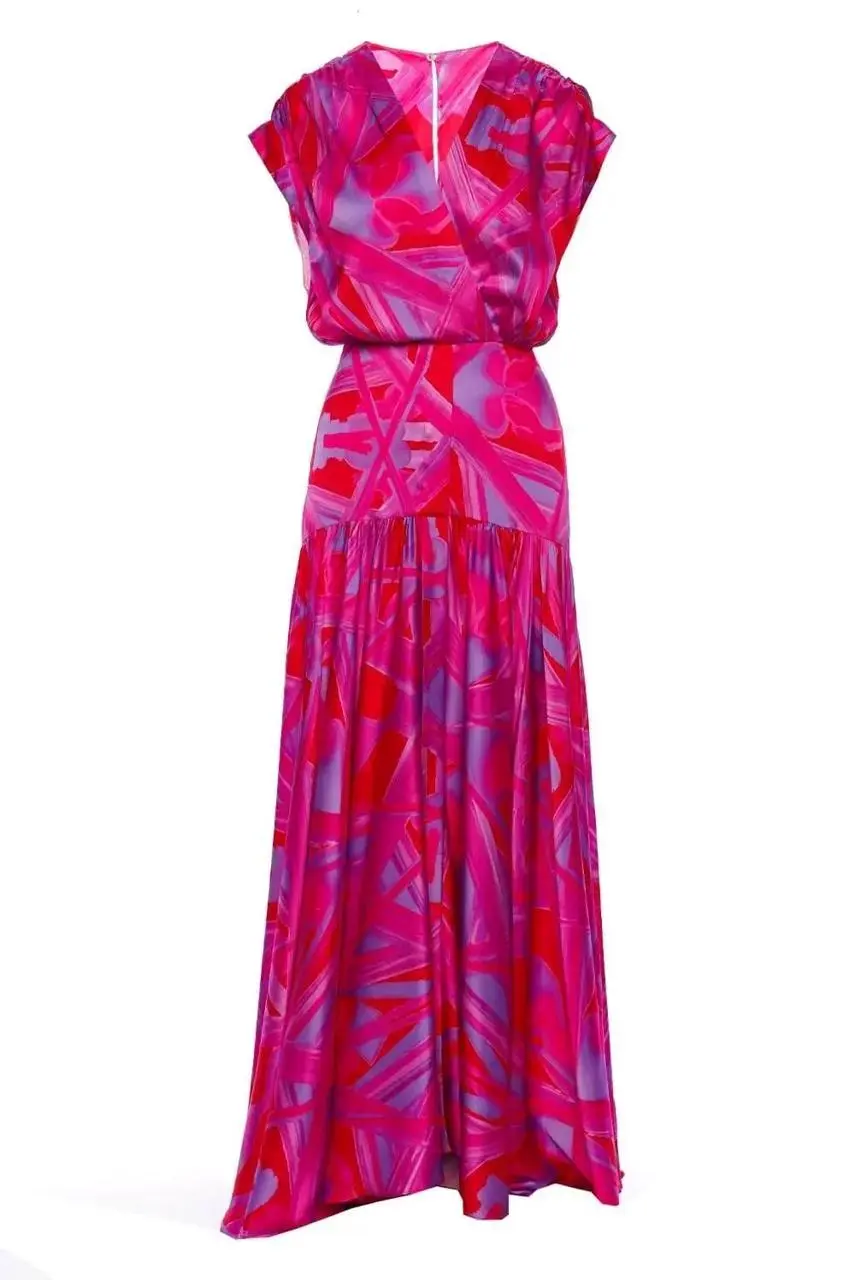
|
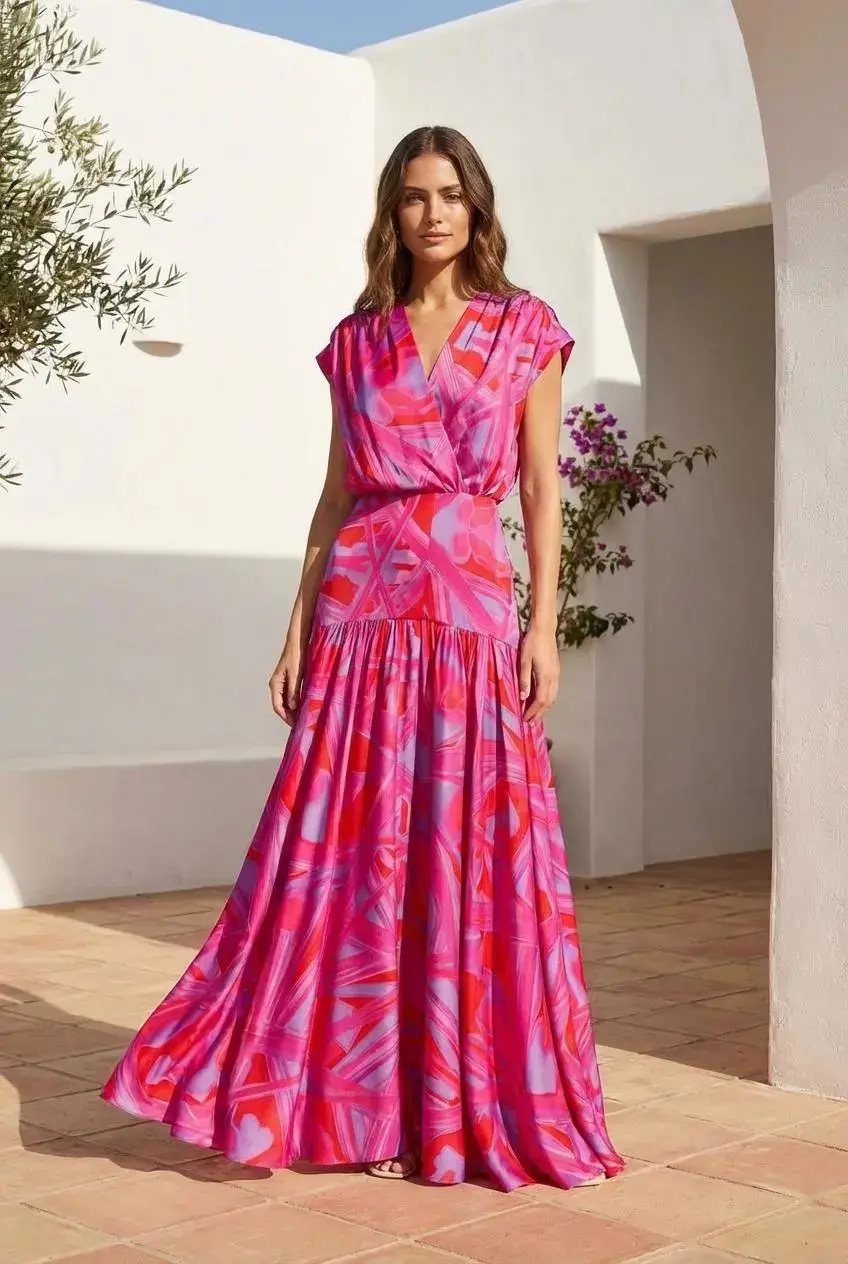
|
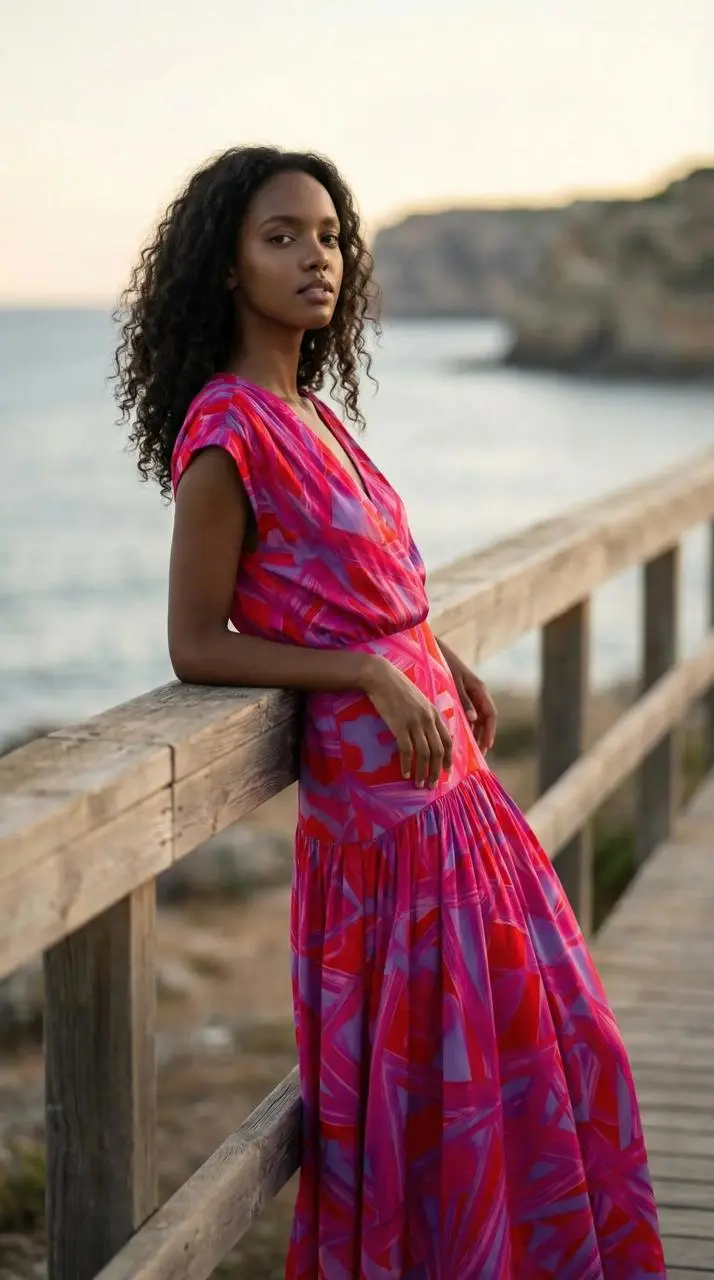
|
How to Try On Clothes Online with WeShop AI
- Prepare Clothing Images
- Upload a clear, front-facing product image or a neat flat lay.
- Use even lighting and ensure the edges of the clothing are clearly visible.
- Avoid using hands, props, or overlapping items to obscure the product.
- Start Virtual Try-On
- Open the WeShop AI Virtual Try-On tool.
- Upload the clothing as the original image.
- Select a model or provide a suitable model reference.
- Match the model's pose to the clothing: You can choose our smart fill to automatically describe it for you.
- Determine Creative Direction
- Describe the scene, lighting, pose, camera composition, and atmosphere.
- Ensure product consistency: Require identical clothing, colors, patterns, and lengths.
- In the example on the right, you could use the following description: "A professional female model wears a printed maxi dress, standing elegantly in a sun-drenched Mediterranean courtyard, with soft architectural shadows, in a full-body fashion shoot."
- Check the generated results
- Confirm that the style, color, pattern, and key details of the clothing match the original product image.
- Create more variations
- If the virtual try-on effect is good, you can continue generating images with different backgrounds.
- You can also create a clean white background version as the main product image.
AI Virtual Try-On Description Suggestions
When generating virtual try-on images, concise prompts are more important than complex ones. Use clear descriptions to preserve important details of the garment, such as color, pattern, fabric texture, buttons, and overall silhouette. Model and scene selection are also crucial. Ensure the model matches the product style, the background coordinates with the clothing, and the pose doesn't obscure or distort important details. For example, a seated posture might obscure the drape of a long dress, and exaggerated poses might distort the garment's appearance.
Commercial Uses of Virtual Try-On
Shopify teams can use the virtual try-on workflow to quickly launch products after preparing basic clothing images; Amazon sellers can add realistic model images to clothing product pages, and photographers can use virtual try-on images as reference before actual photoshoots. Creators can also use virtual try-on tools to plan brand content. The same model image can be used as an Instagram Reels cover, visual material for TikTok ads, lookbook pages, or even source material for image-to-video generation.
Quickly Get Started with Your AI Virtual Try-On Workflow
The printed dress example on the right demonstrates the convenience of this workflow. With just one image of clothing, you can create commercially viable lifestyle photos, complete with a model, natural poses, realistic lighting, and a suitable background. The same virtual try-on workflow can also be used to create images for product pages, seasonal launches, or cross-channel marketing campaigns. Simply upload a clear image of clothing to generate your first AI-powered virtual try-on fashion visual. Through a reusable virtual try-on workflow, your team can produce high-quality product content more efficiently, while reducing production time and costs.