












Amazon Product Images with AI Model & Background Swap
Turn one approved person image into new Amazon-ready lifestyle visuals. Upload separate face and background references, generate the result, and review every detail for product fidelity.
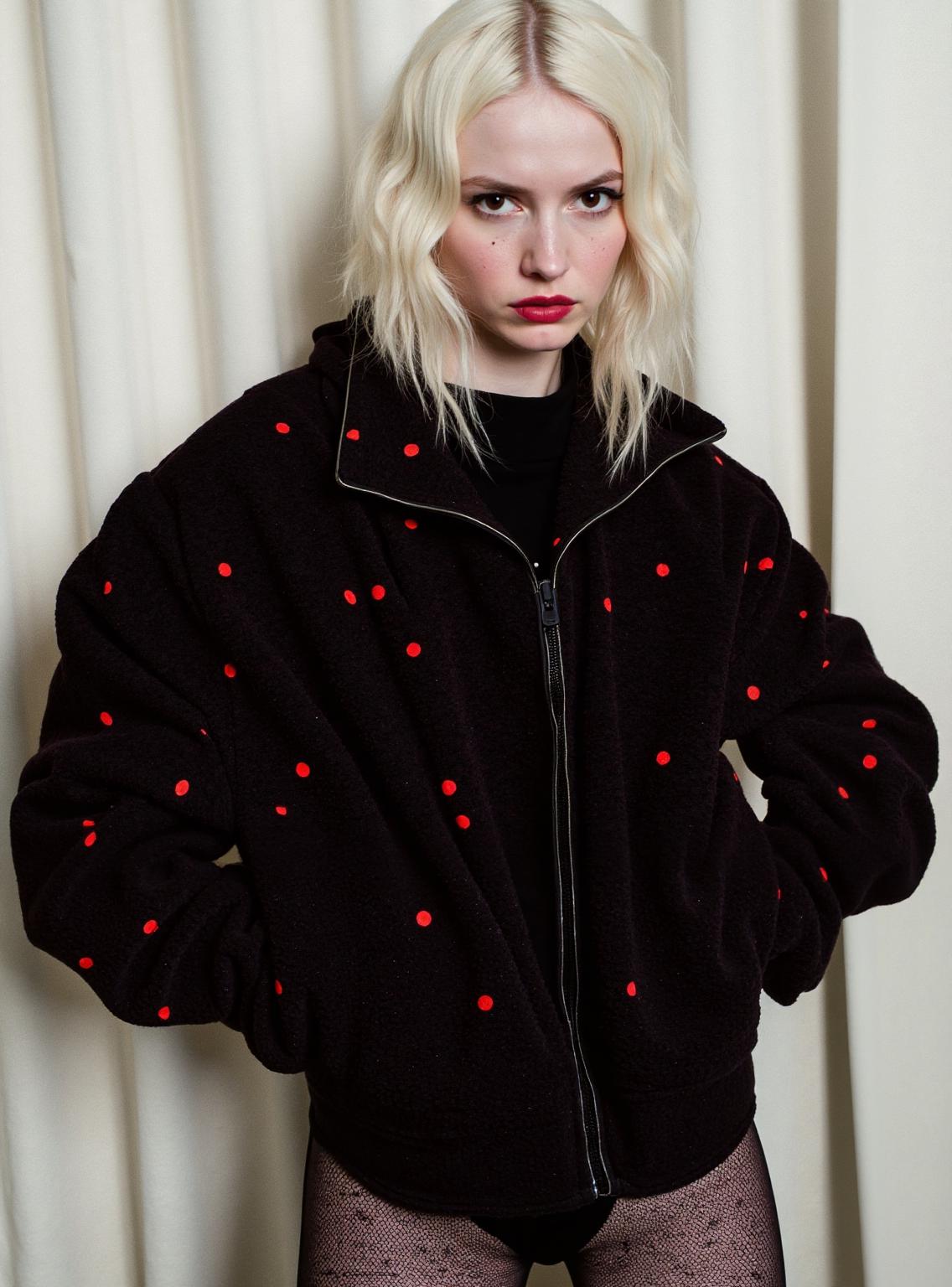
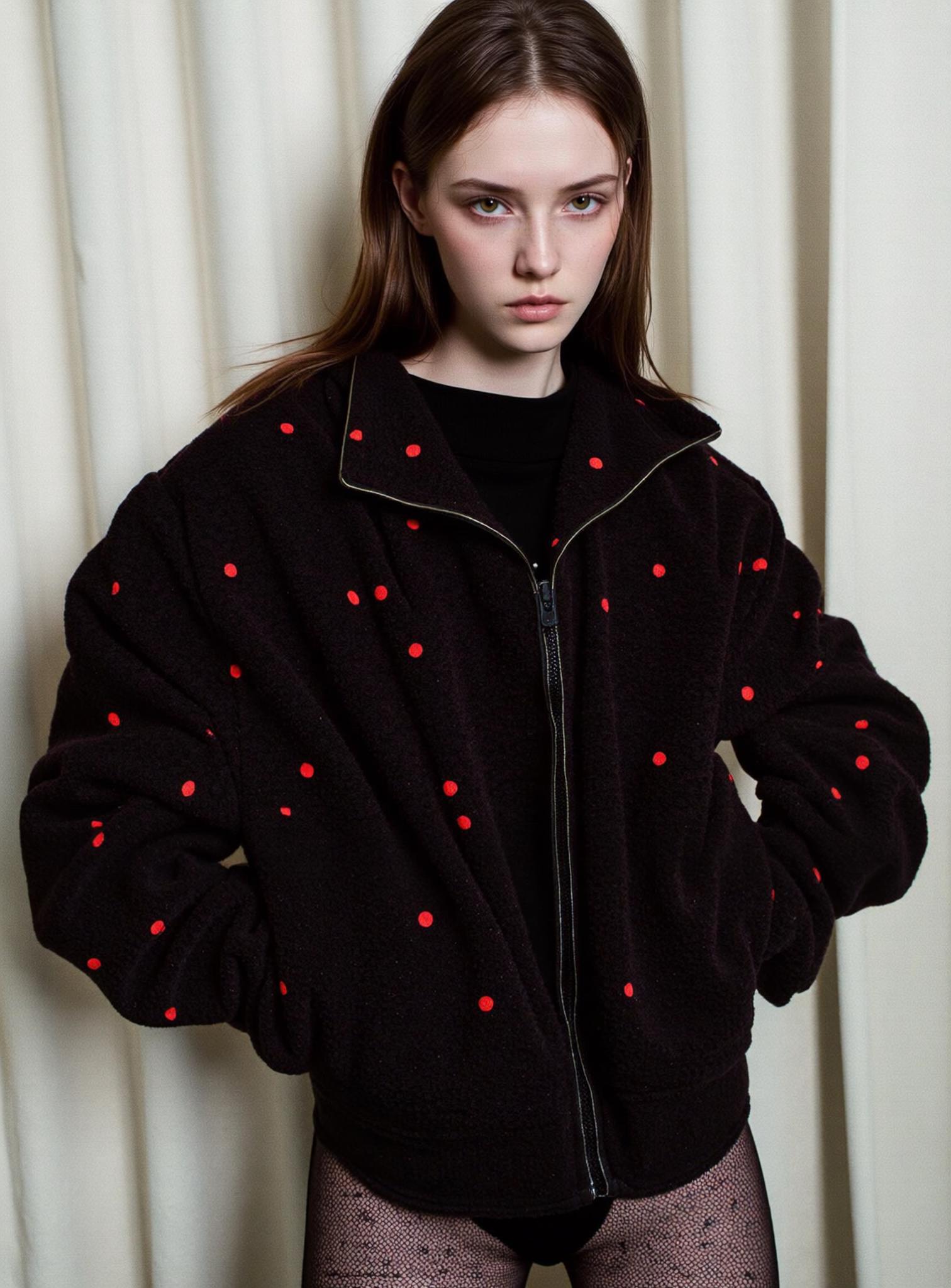
Create Amazon Product Images with AI Model and Background Swaps
Strong Amazon product images must do more than look polished. They need to show the product clearly, support buyer decisions, and fit the target market. However, one photoshoot rarely gives an Amazon seller enough model choices, locations, or campaign variations.
WeShop AI's Swap Model & BG tool offers a flexible workflow. Start with an existing model or product photo. Then select a different model and background to create a new commercial visual. This can help sellers refresh secondary Amazon product images, build lifestyle scenes, and adapt campaigns without planning a new shoot for every concept.
Why Amazon Product Images Need More Than One Studio Shot
Shoppers cannot touch, wear, or test a product on a marketplace page. Therefore, Amazon product images need to answer visual questions quickly. A clean packshot shows the item, while a lifestyle image can explain scale, context, styling, or intended use.
Yet producing those variations is often difficult. A fashion seller may have the right garment photo but need another model for a regional campaign. An accessories brand may have a strong composition but need a seasonal scene. AI model and background swapping helps teams extend Amazon product images from a reusable starting point while keeping the product central to the creative decision.
What Amazon Product Images Can You Create with Swap Model & BG?
The best use of Swap Model & BG is not to disguise a product. It is to create relevant models and settings around an accurate product presentation. The workflow can support:
- Lifestyle scenes for secondary gallery slots
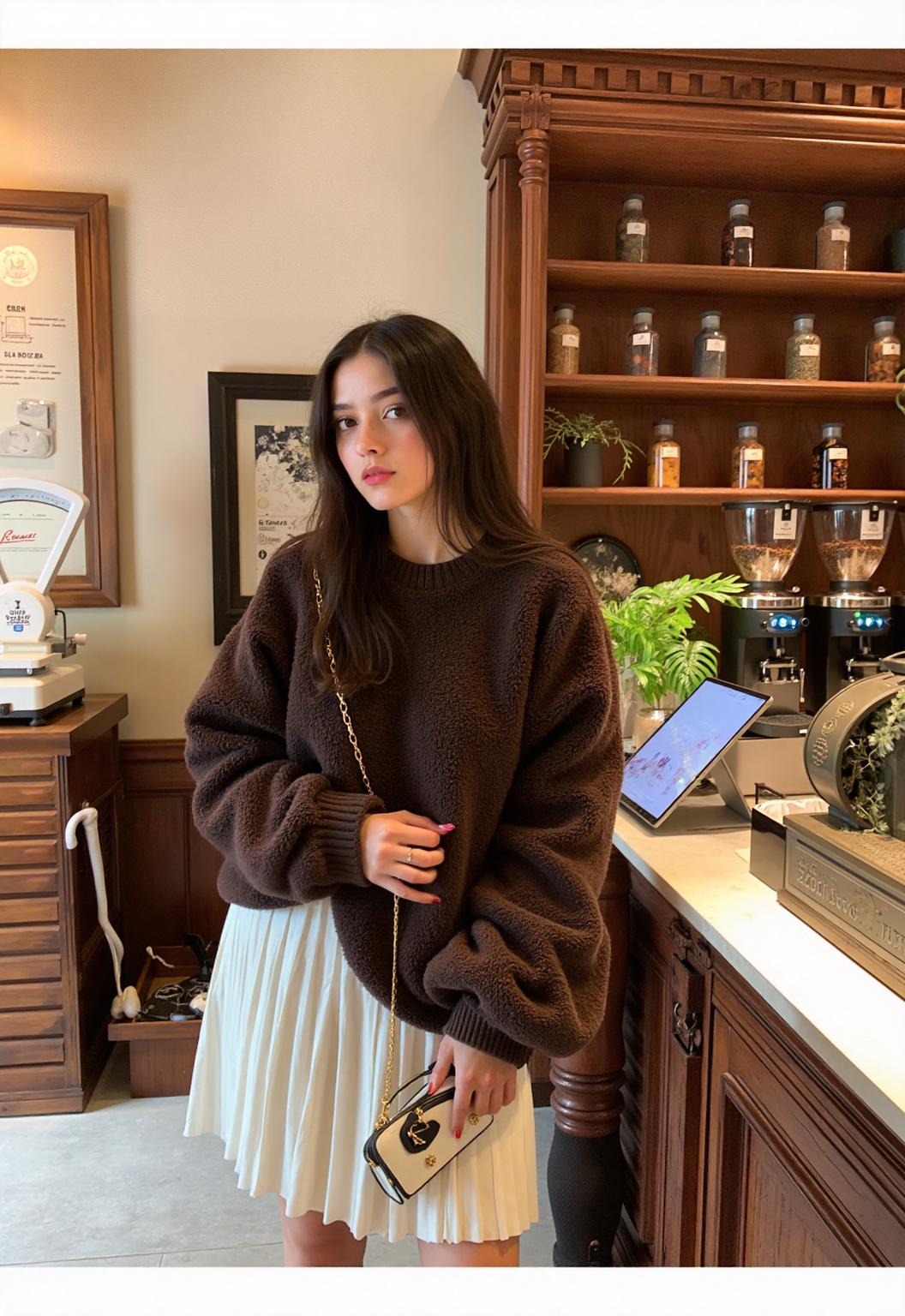
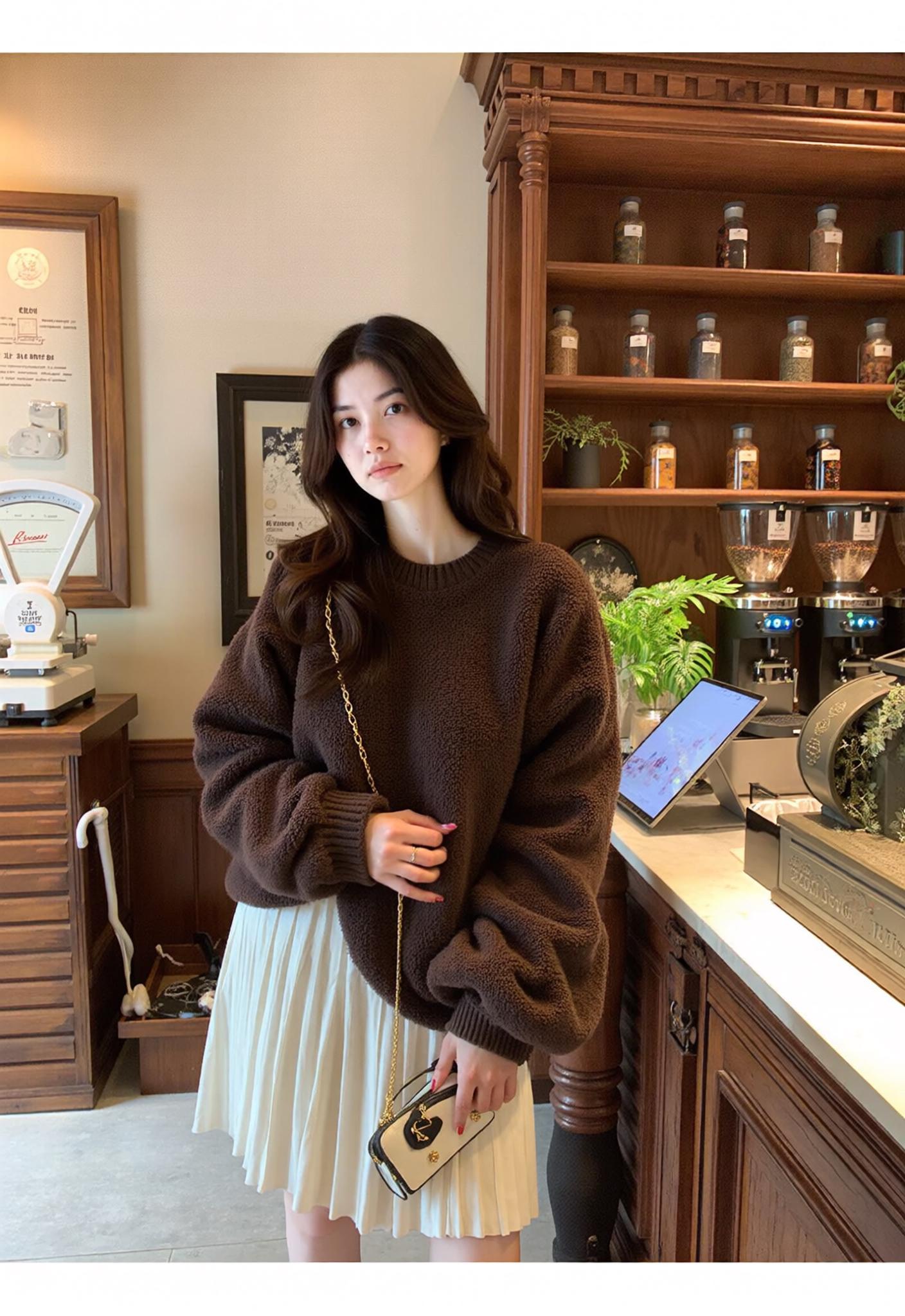
- Model-led fashion, accessories, or beauty visuals
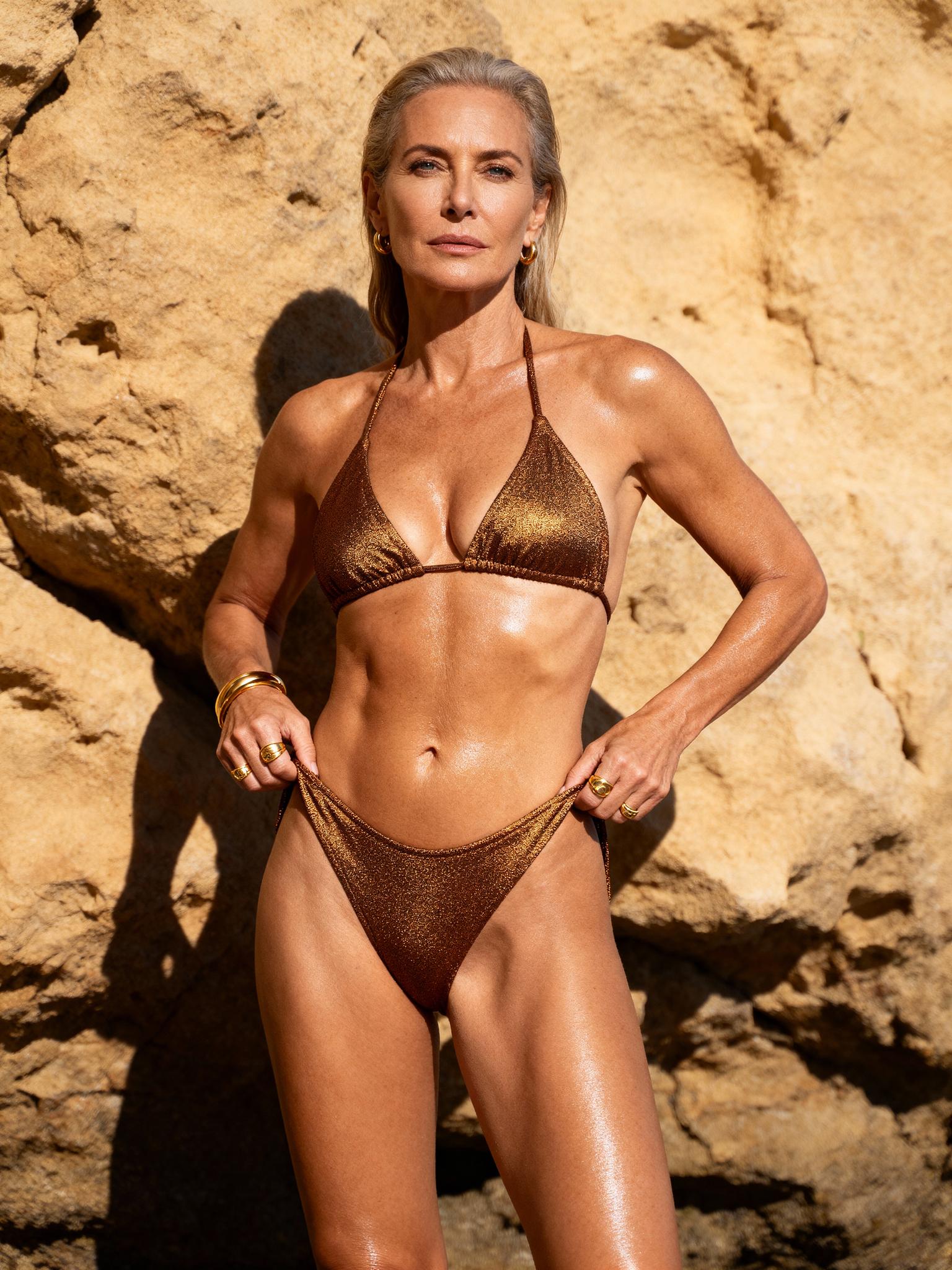
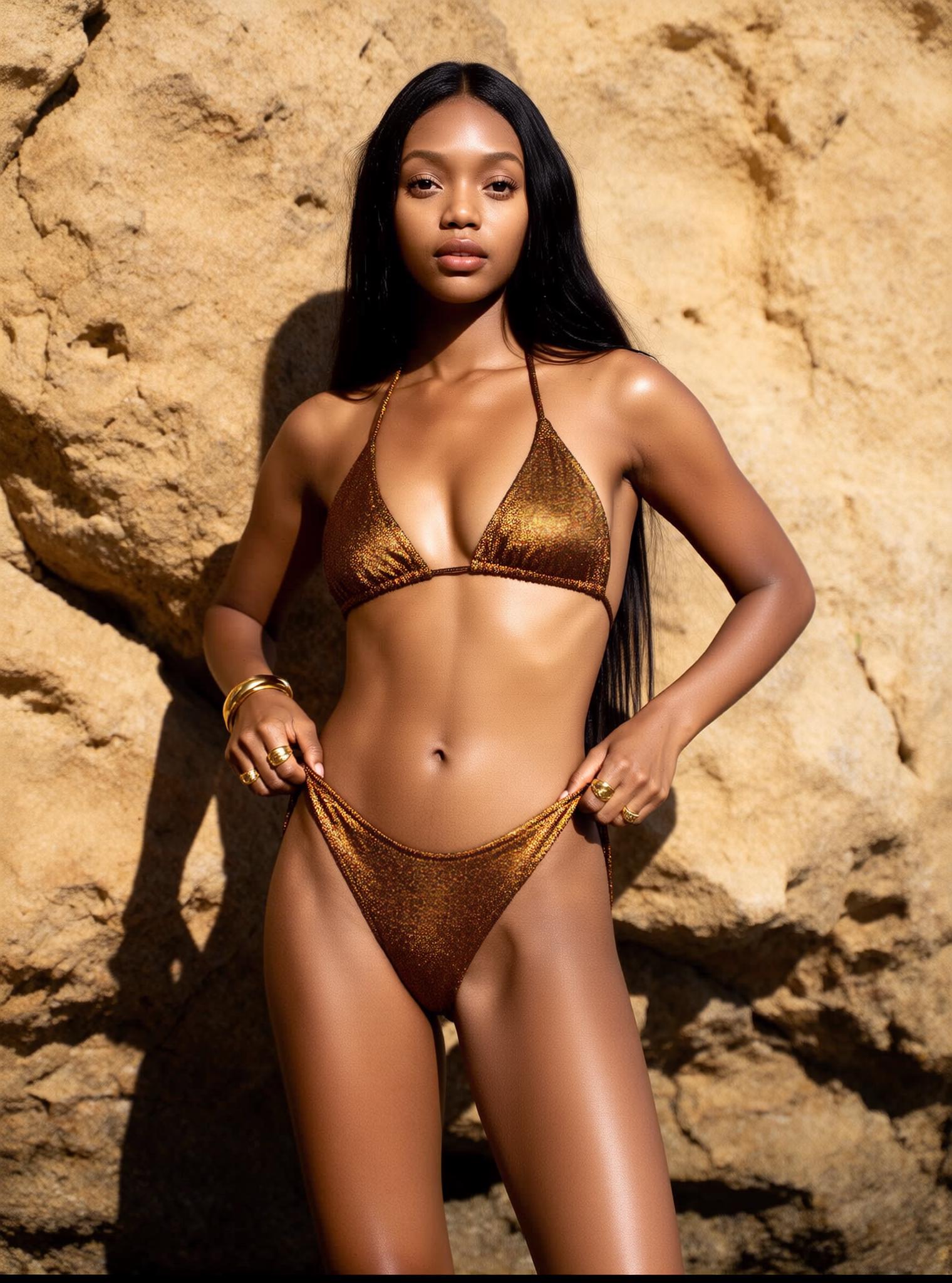
- Regional or audience-specific campaign variations

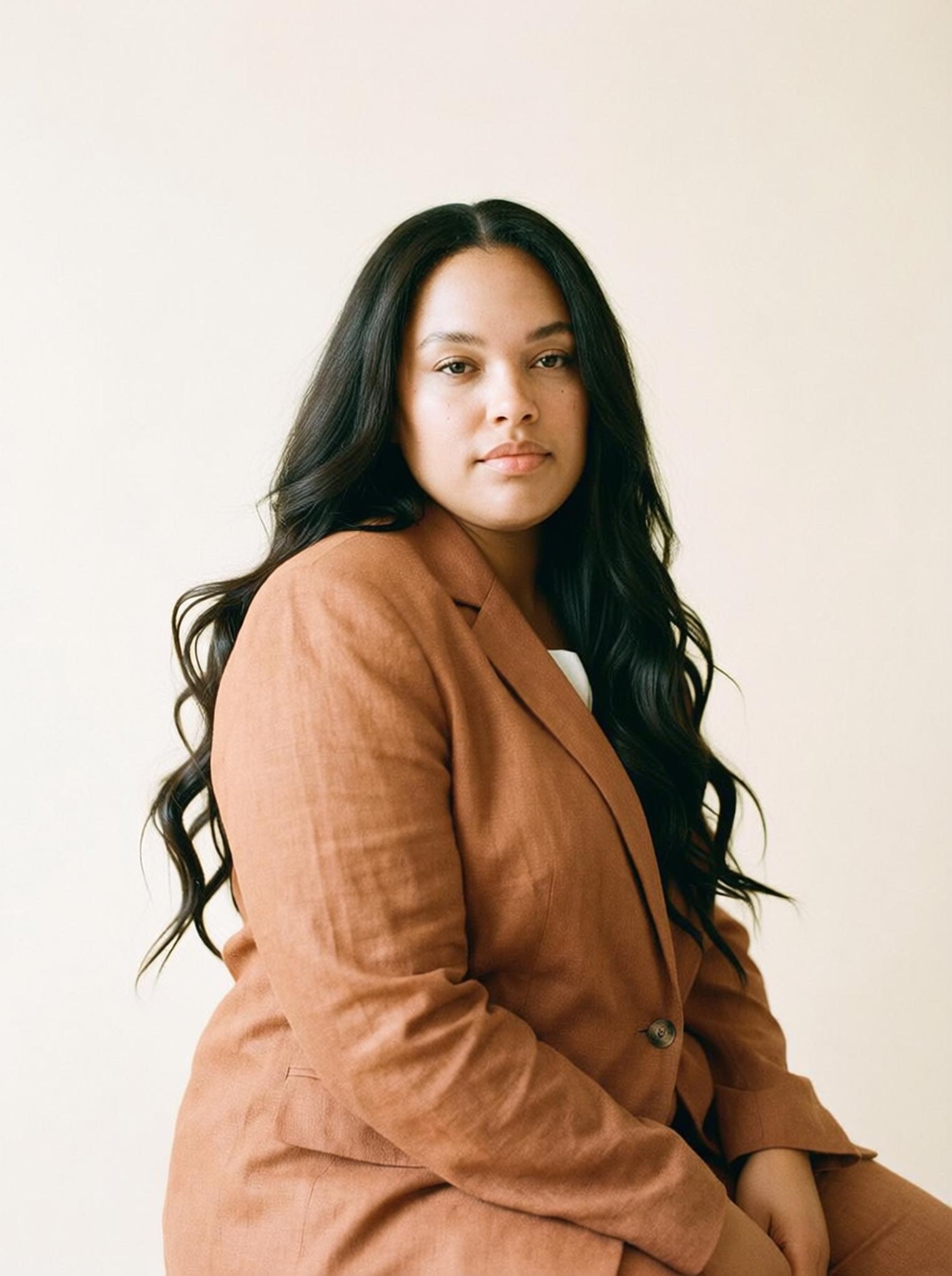
- Seasonal settings for launches and promotions
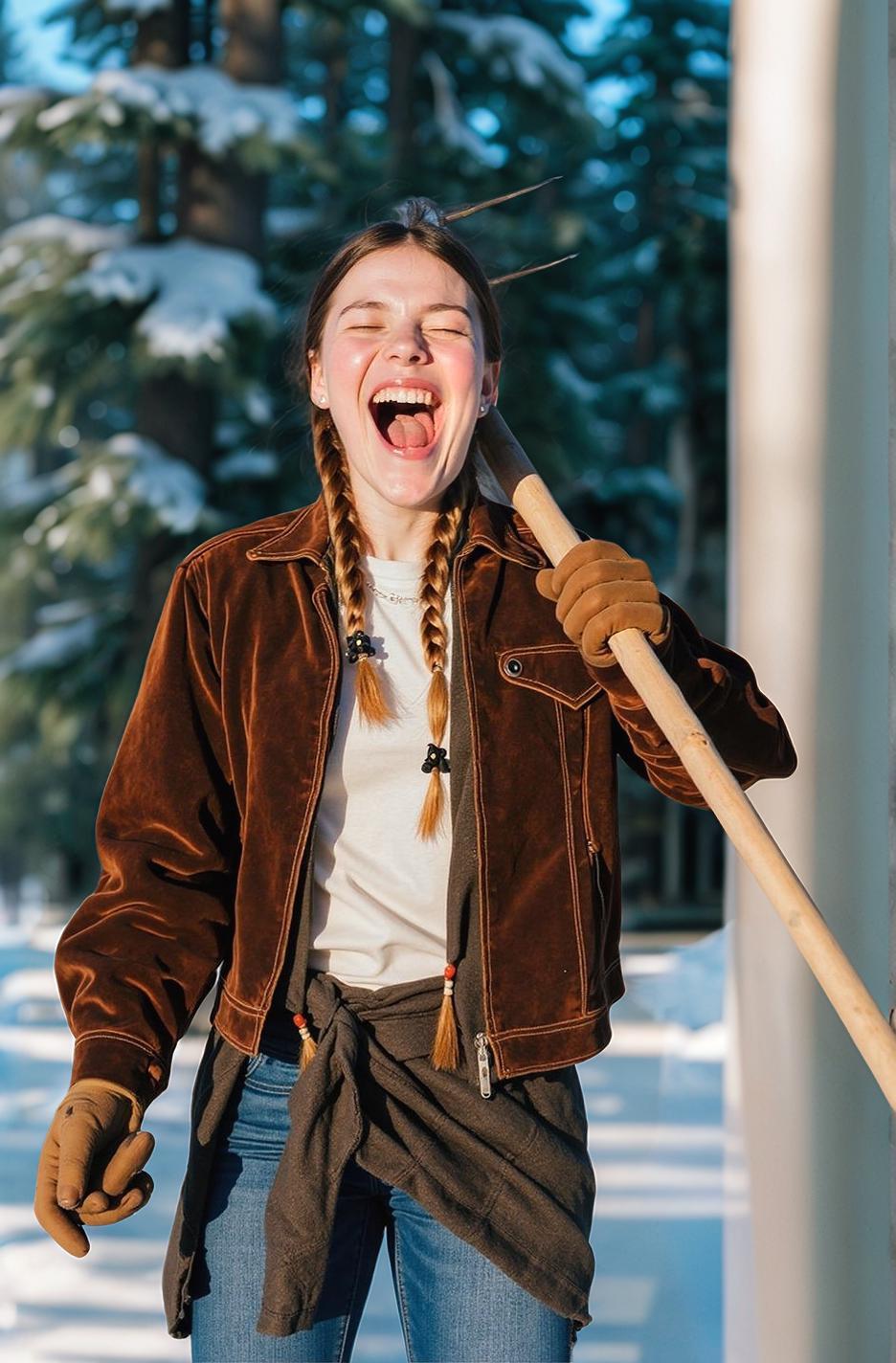

- Creative concepts for ads and an Amazon Store
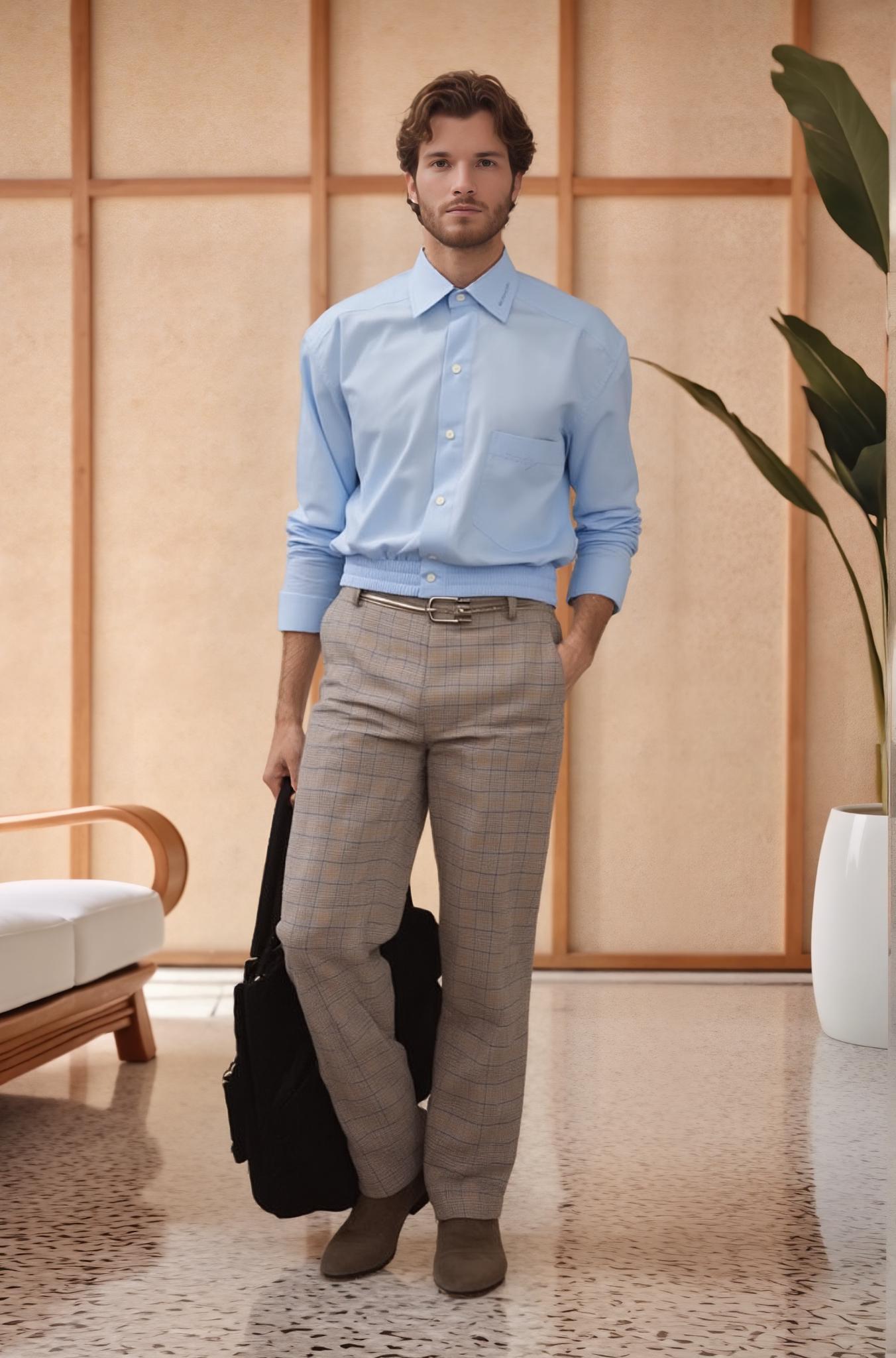

For many categories, the main image follows stricter rules than secondary images. Therefore, keep it compliant with current requirements for the marketplace and category. Use swapped models and scenes only where that content is allowed. In addition, never add a feature, accessory, or product detail that buyers will not receive.
How to Create Amazon Product Images with Swap Model & BG
You do not need a long multi-tool workflow. The official process has three core actions: create a task and upload an image, select a model and background, and generate the result.
How to Create Amazon Product Images with Swap Model & BG
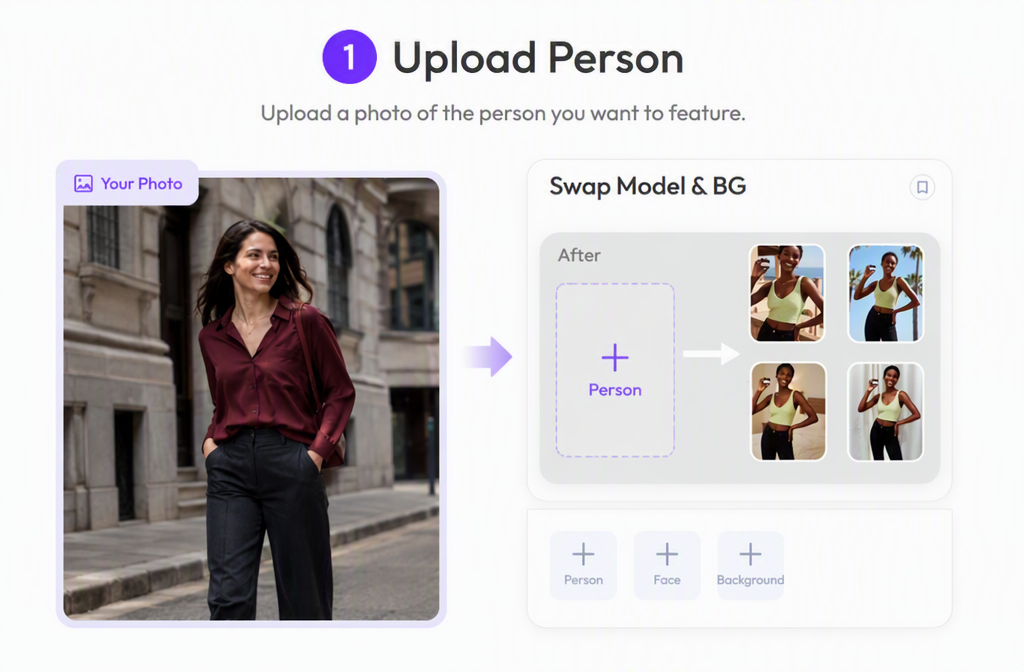
The workflow requires three key inputs: a person image, a face reference, and a background reference. After uploading all three images, generate the result and review it for product accuracy and visual consistency.
Step 1: Upload the Person Image
Open Swap Model & BG, create a new task, and upload the person image you want to edit. Choose a clear source photo in which the model and product are fully visible. Avoid heavy blur, blocked clothing details, or unclear body edges, as this image provides the main pose and product structure for the finished Amazon product images.
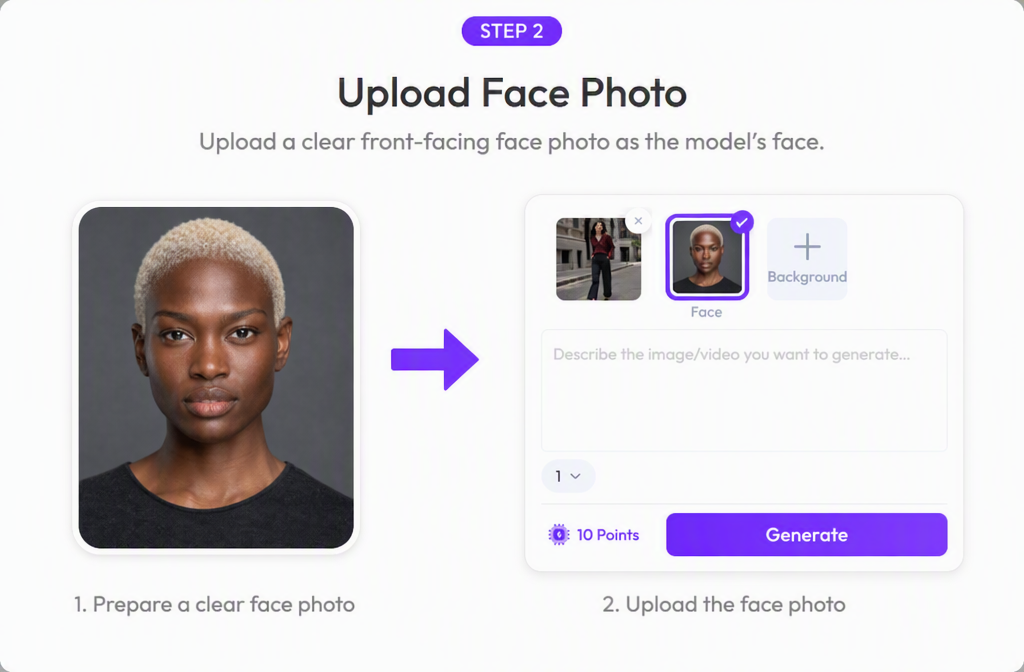
Step 2: Upload the Face Reference
Upload a clear face photo for the replacement model. Use a front-facing or slightly angled portrait with even lighting, visible facial features, and no hair, glasses, or accessories covering the face.
Choose a face that fits the intended audience and campaign direction. For more natural results, use a reference with a head angle and lighting direction similar to the person image.
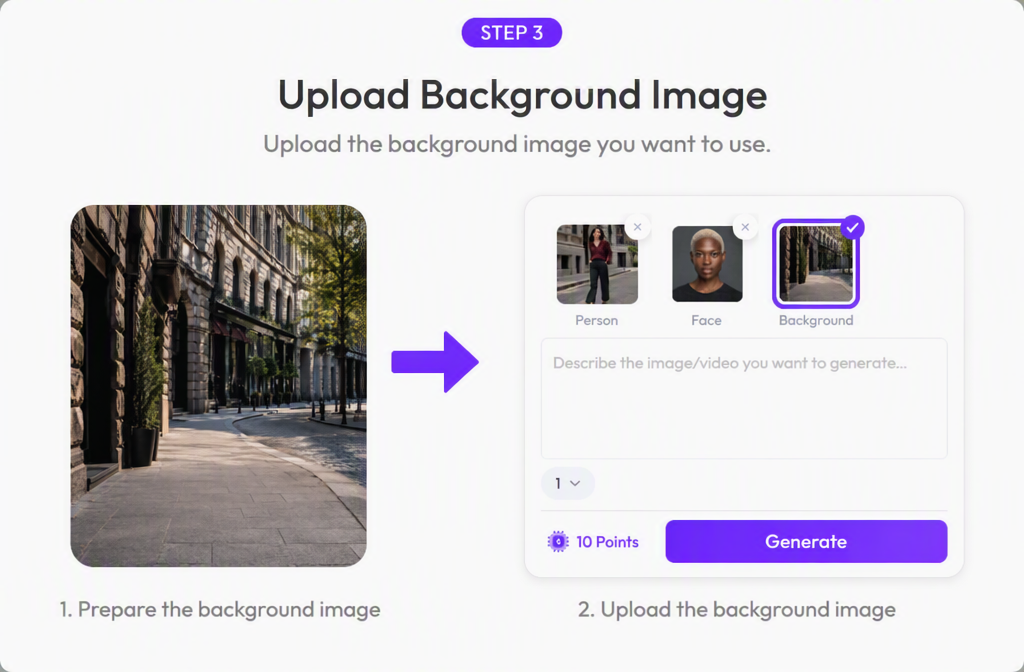
Step 3: Upload the Background Reference
Upload the scene you want to use as the new background. Choose an image with a clear ground plane, compatible camera angle, and enough open space for the model. The scene lighting should also match the person image as closely as possible.
After uploading the background, generate the result. Then check the face, hair edges, hands, garment details, product color, shadows, scale, and contact points. For coordinated Amazon product images, use consistent face references, background styles, lighting, and framing across each output.
Step 4: Generate and Review the Result
Generate the new Amazon product images, then compare them with the source at full size. Review the product before judging the mood. Check the face, hands, hair edges, garment boundaries, shadows, reflections, and contact points. Also inspect any text or logo. If a visual looks attractive but changes the item, it is not ready for a listing.
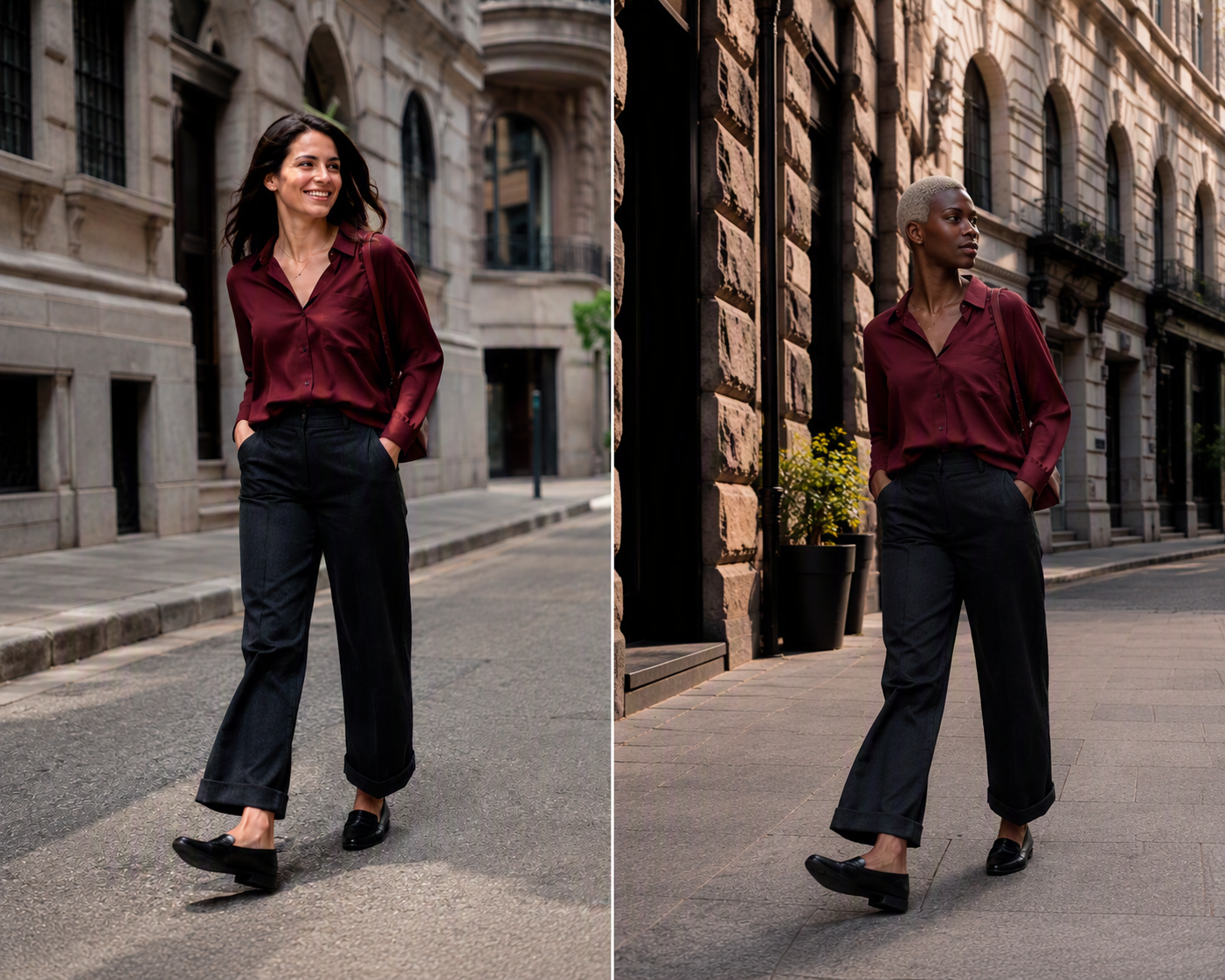
Quality Control for Listing-Ready Visuals
AI can speed up creative exploration, but the seller remains responsible for accuracy. A short review process helps teams avoid polished Amazon product images that misrepresent the offer.
Protect Product Accuracy in Amazon Product Images
Compare each output with the physical product or approved source photo. Zoom in on patterns, closures, seams, edges, labels, reflective surfaces, and small components. For apparel, confirm that the garment length, neckline, sleeves, and fit remain accurate. For accessories, check scale and attachment points.
Do not use an image if it changes quantity or implies a feature that does not exist. Accurate Amazon product images create a clearer path from the product page to delivery. Generate more variants only after one base result passes review.
Build a Consistent Gallery
Every gallery image should have a job. For example, a sequence can move from a compliant main image to a close detail, an on-model view, a lifestyle setting, and a benefit-focused composition.
Keep color temperature, contrast, crop, and product scale reasonably consistent. Also allow safe space for any approved overlays in secondary Amazon product images. Finally, review the complete set on desktop and mobile before publishing.
Create Localized Listing Visuals
Changing a model can help a campaign speak to another audience, but localization should not rely on appearance alone. Consider climate, styling, setting, season, and how the product is used in that market. Useful Amazon product images adapt the full context while avoiding stereotypes.
For several regions, build a controlled matrix of models and scenes. Keep the product, framing logic, and brand palette stable. Then change only the elements that support each market. This makes Amazon image localization easier to review and prevents the campaign from becoming fragmented.
Practical Uses Across Amazon Teams
Different teams can turn the same approved asset into focused outputs:
- Marketplace managers can refresh secondary Amazon product images for seasonal merchandising.
- Fashion sellers can test model choices while preserving product styling.
- Creative teams can compare concepts before approving a larger campaign.
- Global sellers can develop region-aware model and setting combinations.
- Performance marketers can adapt listing assets into ad concepts for testing.
These Amazon product images still need human approval. However, the workflow gives teams more creative options and a clearer way to reuse approved source photography.
Turn One Shoot into More Listing Assets
A useful Amazon gallery needs clarity, context, and consistency. Swap Model & BG helps sellers turn an existing photo into new model-led and lifestyle directions without rebuilding every composition from scratch.
Start with one accurate source. Select a model and background that support the buyer and product story. Then review every output for fidelity and marketplace suitability. With this process, Amazon product images can become more varied while the product stays recognizable and trustworthy.
Use Swap Model & BG to create your next set of Amazon product images.