












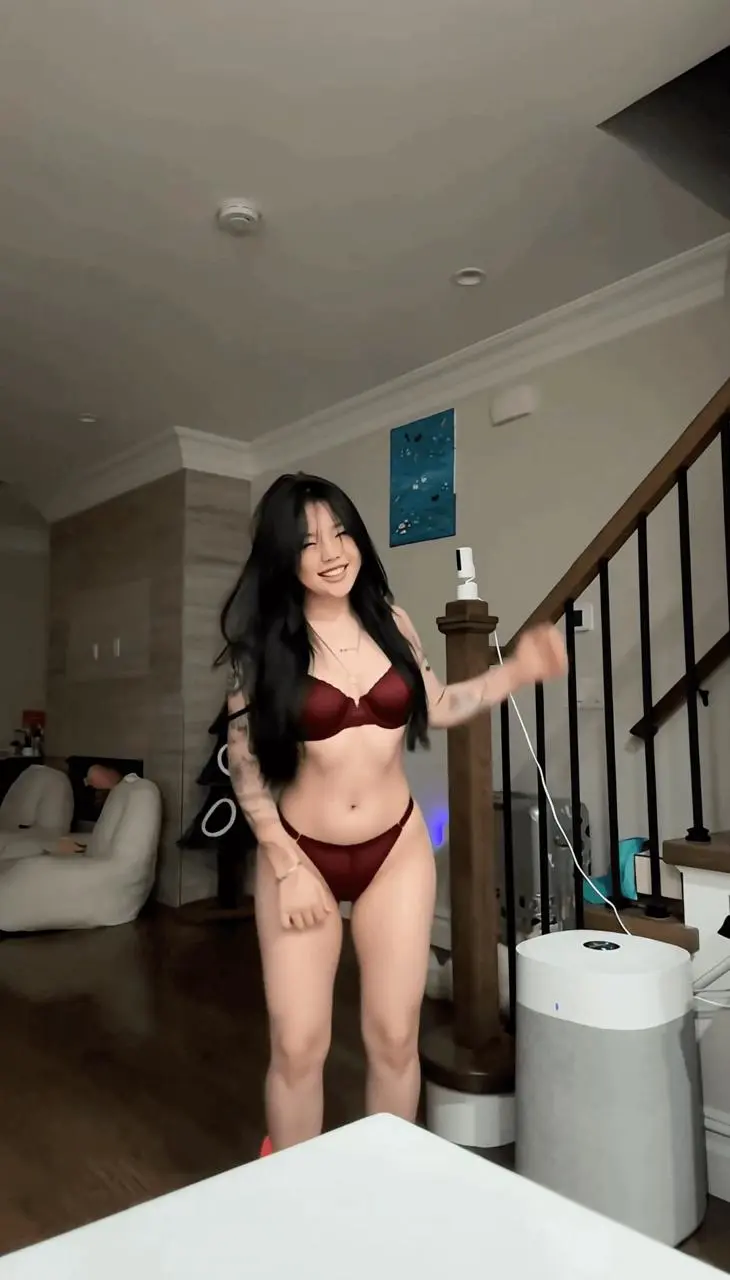
AI Sexy Video Generator: Create an Undressing AI Video With MiniMax H3
Learn how to upload a source clip, use a short outfit-transformation prompt, and review the generated video with MiniMax H3 on WeShop AI.

Select Model & Location


Have the model showcase your product!

Explore solution playbooks, tool guides, and generated pages designed for repeatable creative operations.
Learn how to upload a source clip, use a short outfit-transformation prompt, and review the generated video with MiniMax H3 on WeShop AI.
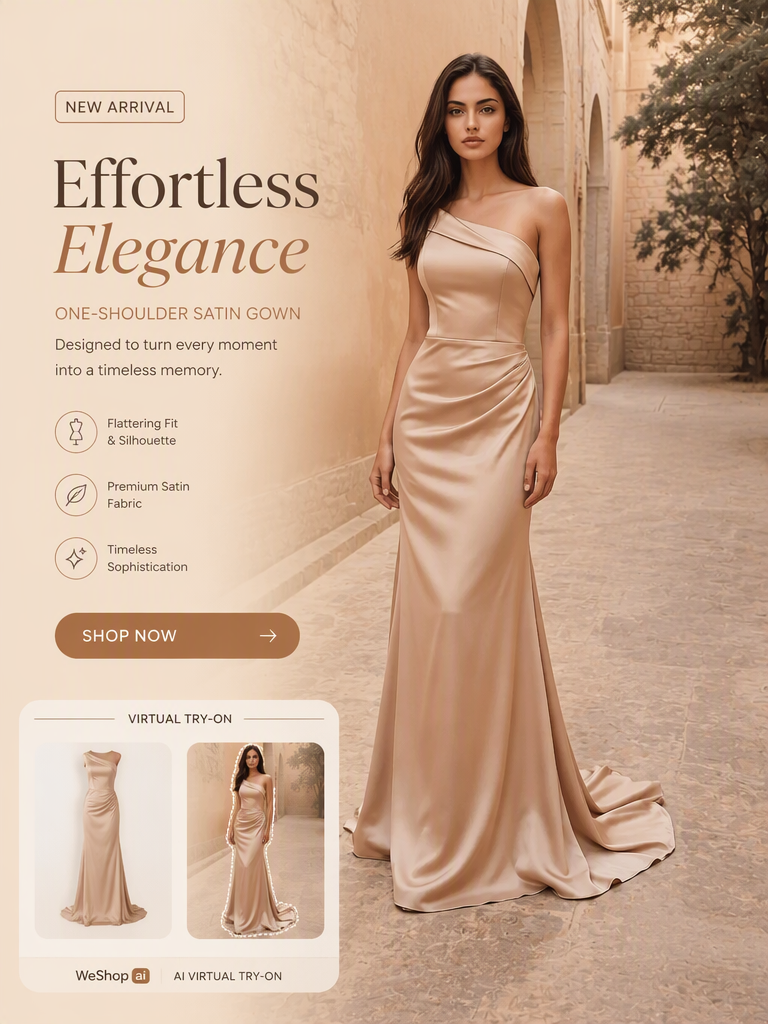
Learn how to turn a clean dress image into an AI-generated on-model photo, preserve key garment details, and add it to a Shopify product gallery.
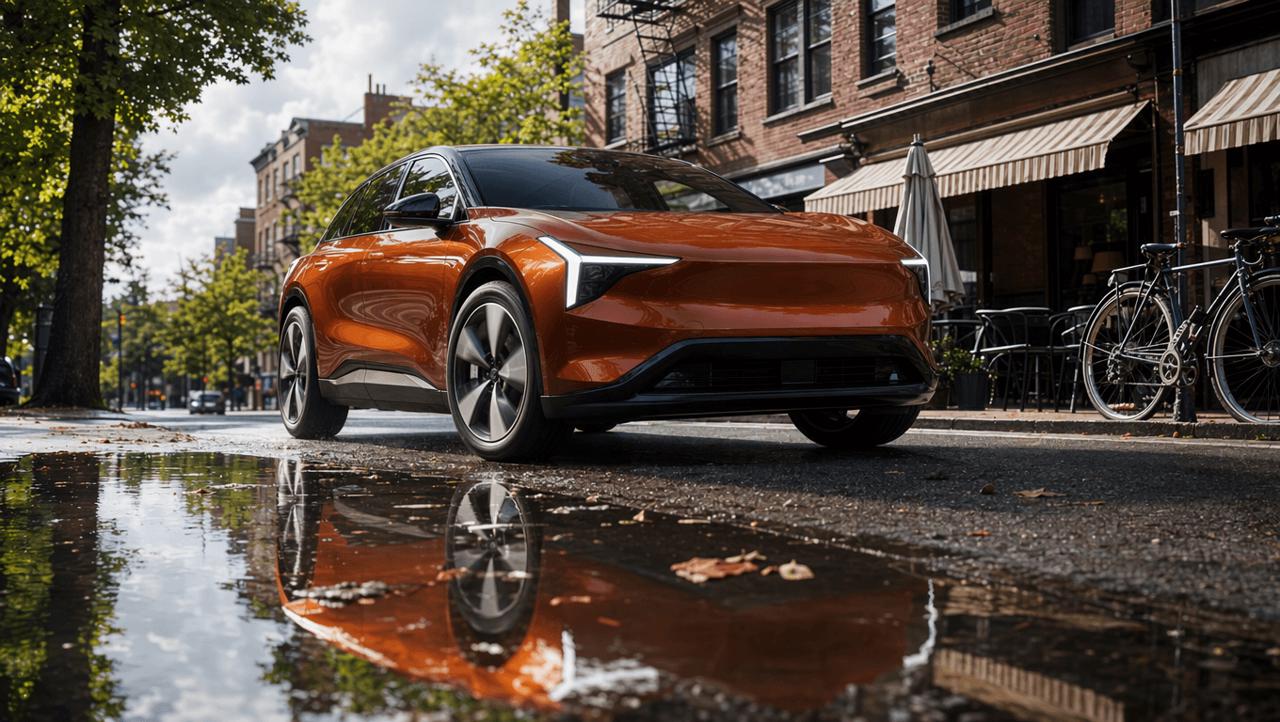
This real-world MiniMax H3 for Shopify test turns skincare, pet, automotive, and jewelry references into four short product ads. It compares creative transitions, product fidelity, physical consistency, typography, and the prompt corrections needed before publishing.
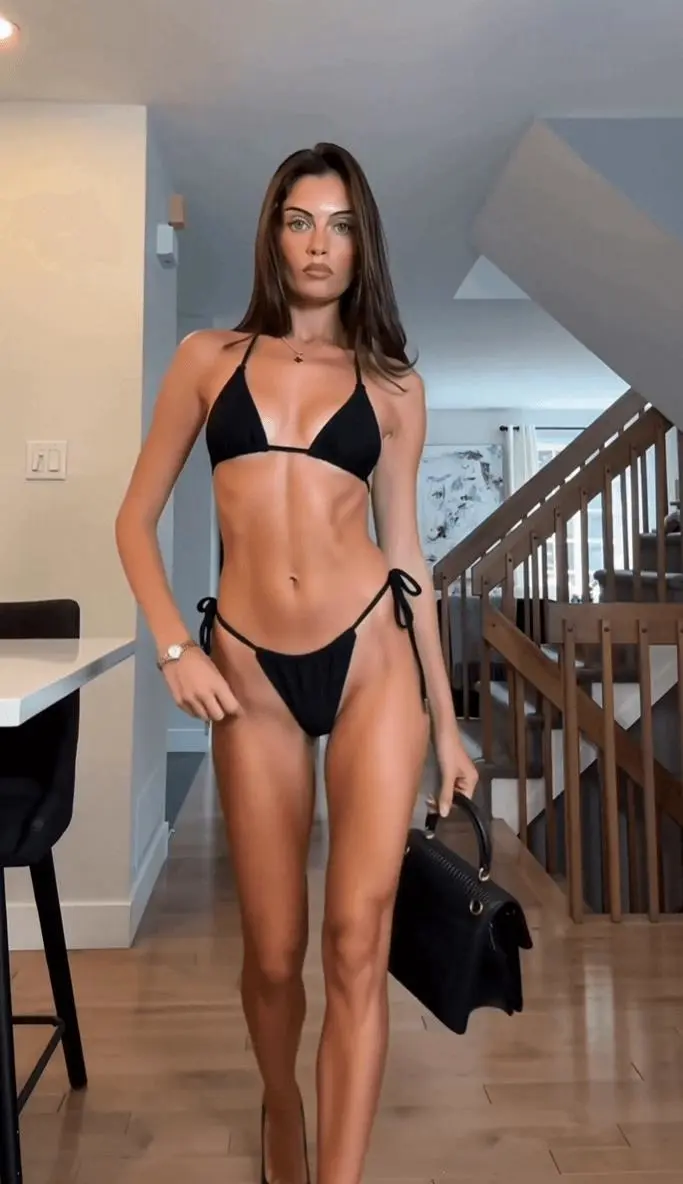
Learn how to turn an authorized fashion clip into a swimwear version with MiniMax H3, preserving motion, scene details, and a consistent outfit.
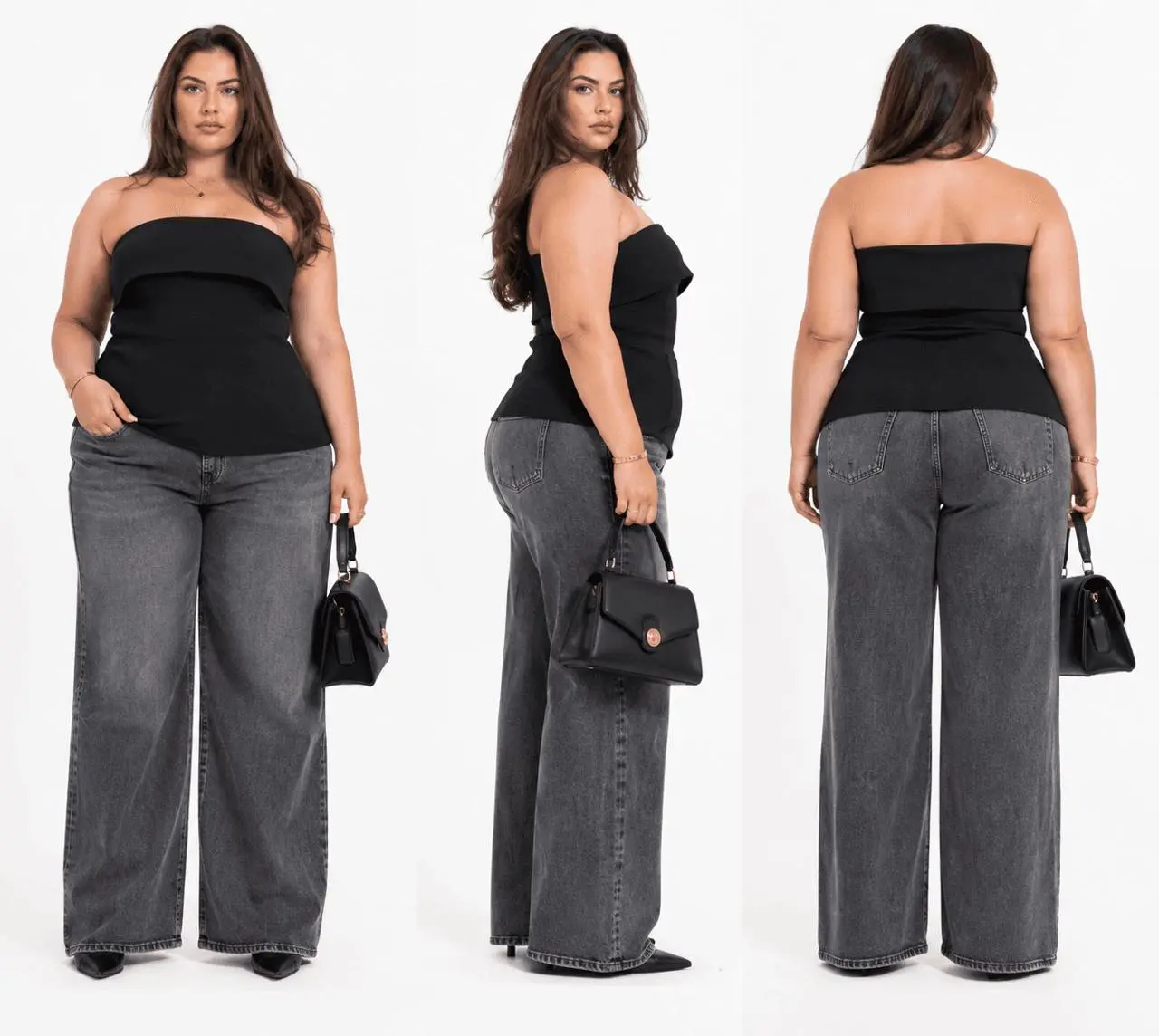
Learn how to use MiniMax H3 to replace a fashion video character with an XL–XXXL model reference while retaining the source clip’s movement, framing, and scene flow.
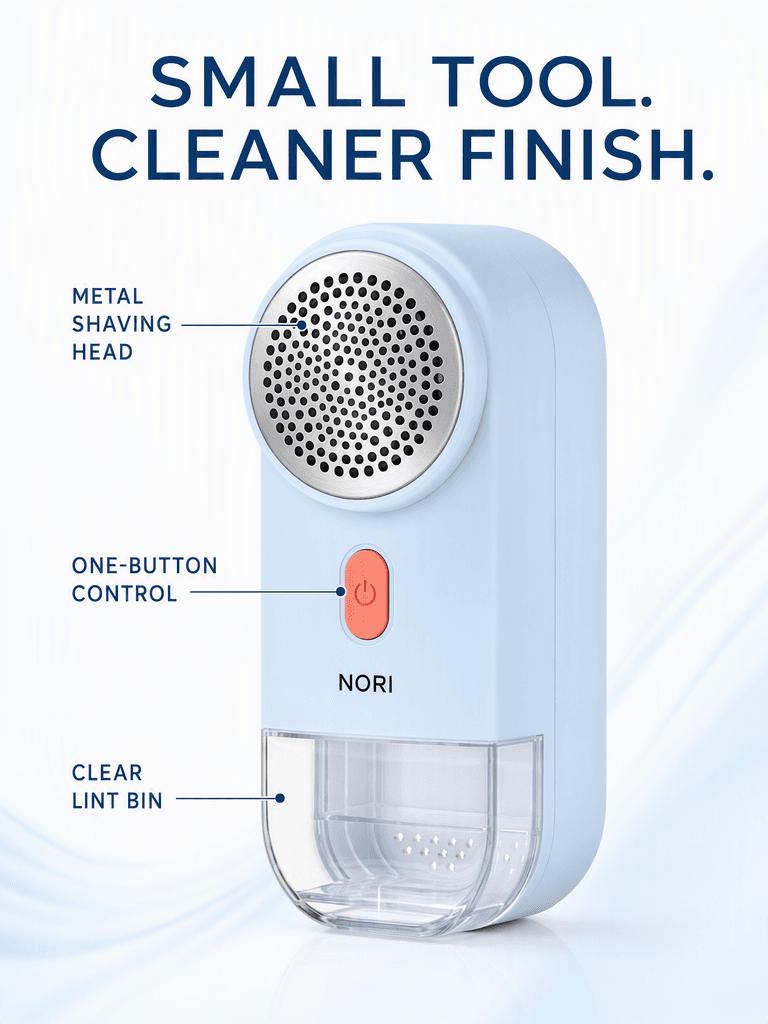
Can one product image support four different campaigns without losing its identity? This real GPT Image 2 test turns the same SKU into problem–solution, feature, travel, and brand ads, then checks the text, proportions, and product details that changed.
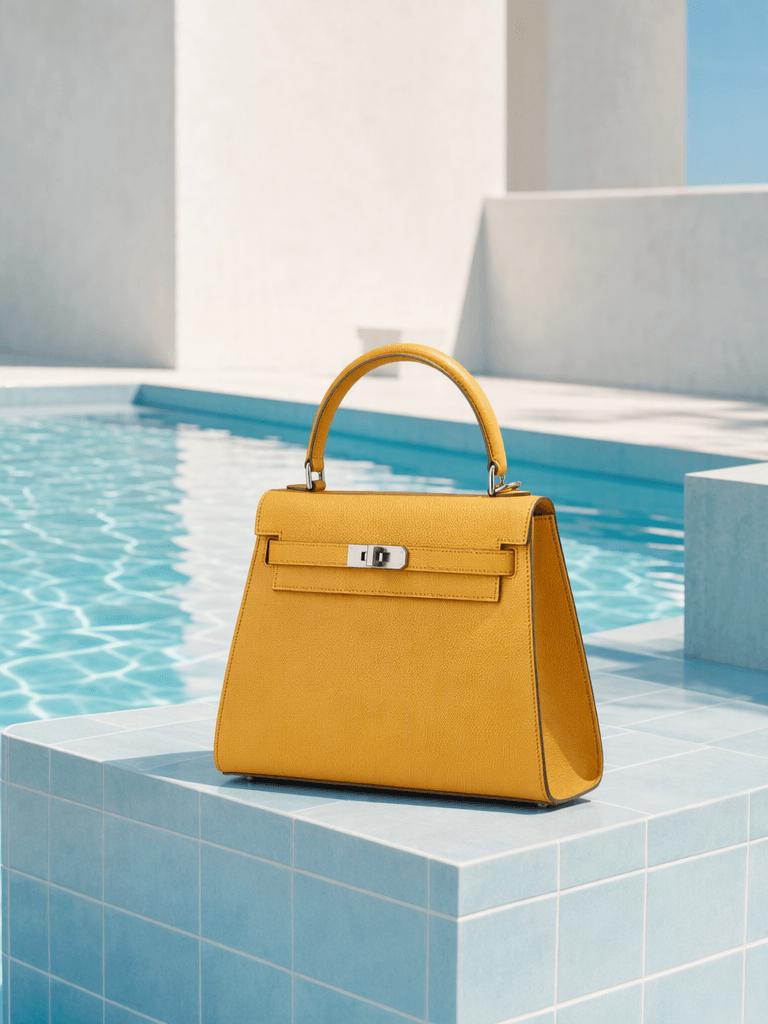
Test 10 copy-ready photo editing prompts across portraits, product images, and street scenes. See what worked, what partially failed, and how to preserve faces, materials, lighting, and composition with GPT Image 2.

Learn how to use WeShop Local Run with Codex, Claude Code, or another local agent by copying a prepared prompt, accessing your files, and reviewing results.
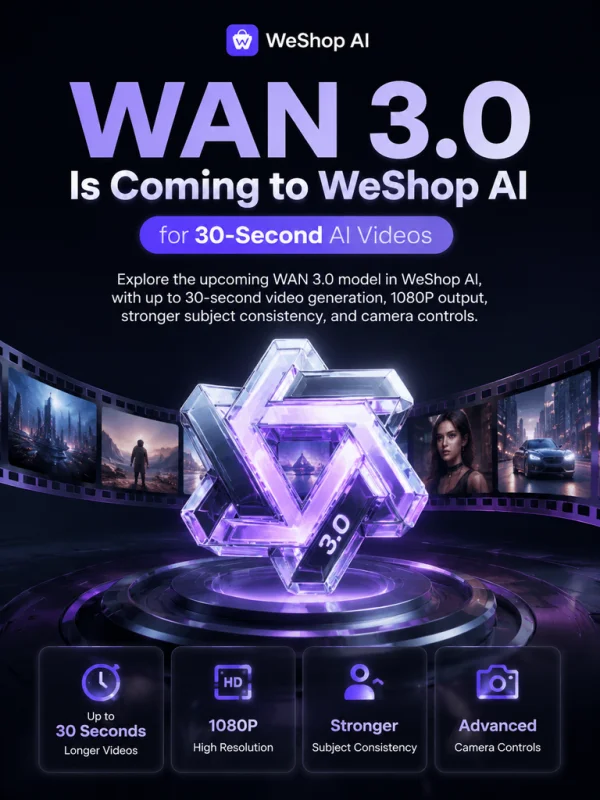
Explore the upcoming WAN 3.0 model in WeShop AI, with up to 30-second video generation, 1080P output, stronger subject consistency, and camera controls.

Learn how to turn a ring product cutout into a realistic Shopify lifestyle photo with GPT Image 2 while preserving its true scale and details.
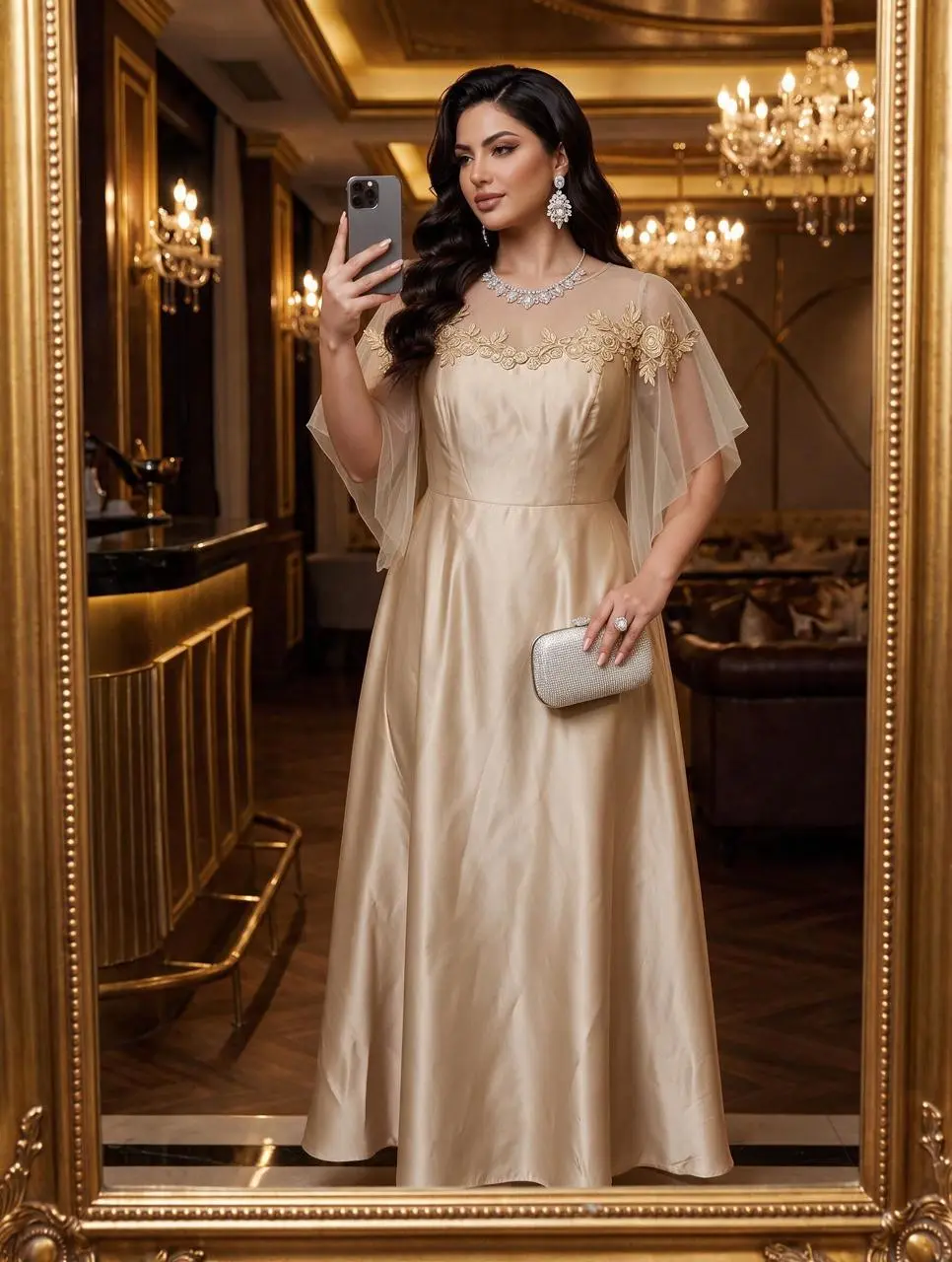
Learn how to use Seedream 5.0 Pro to swap a dress from a reference image while preserving the model’s pose, improving fabric details, and generating a 2K result.
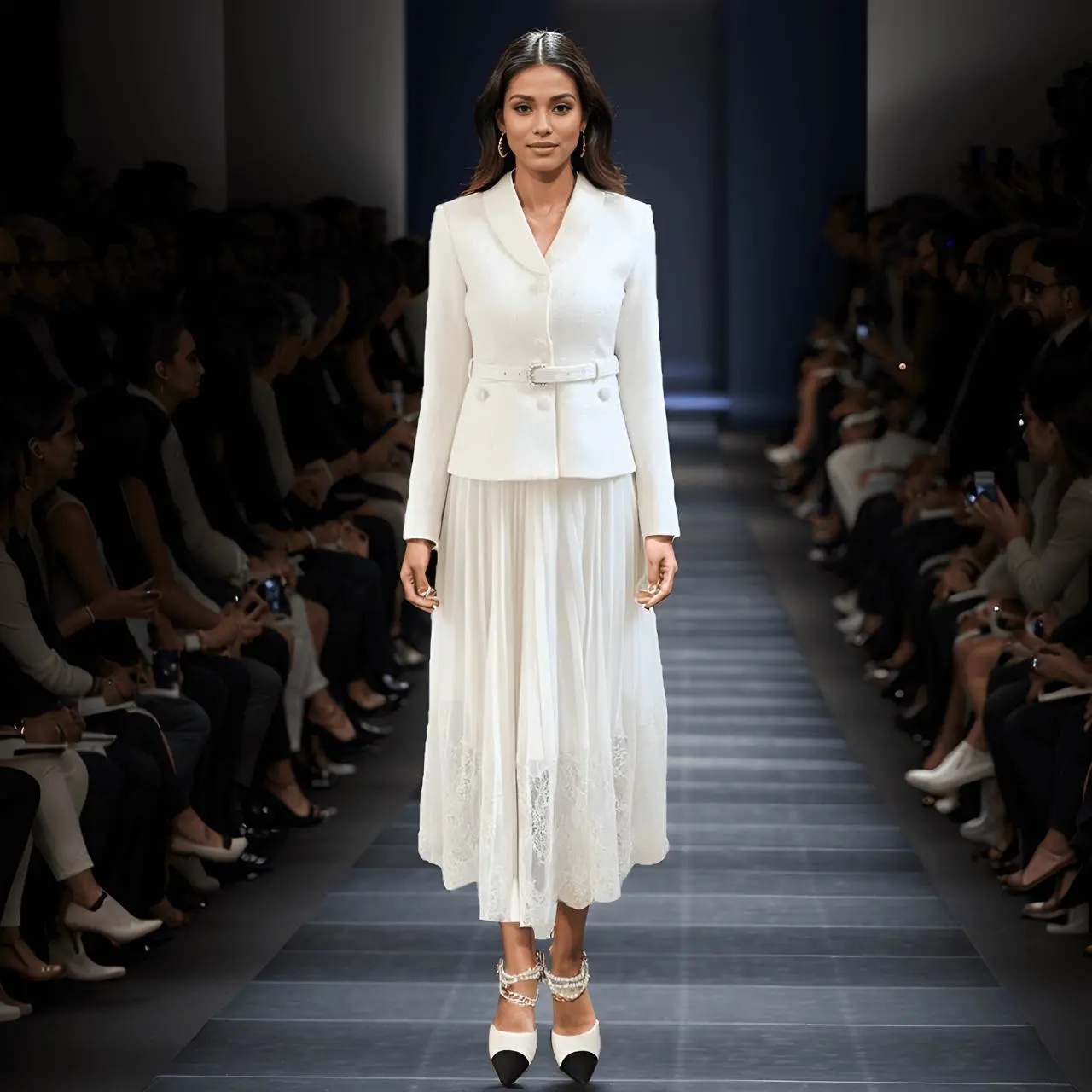
A same-image, same-prompt comparison of MiniMax H3 and Kling 3.0 for AI runway videos, focusing on model stability, clothing fidelity, skirt motion, and runway atmosphere.