












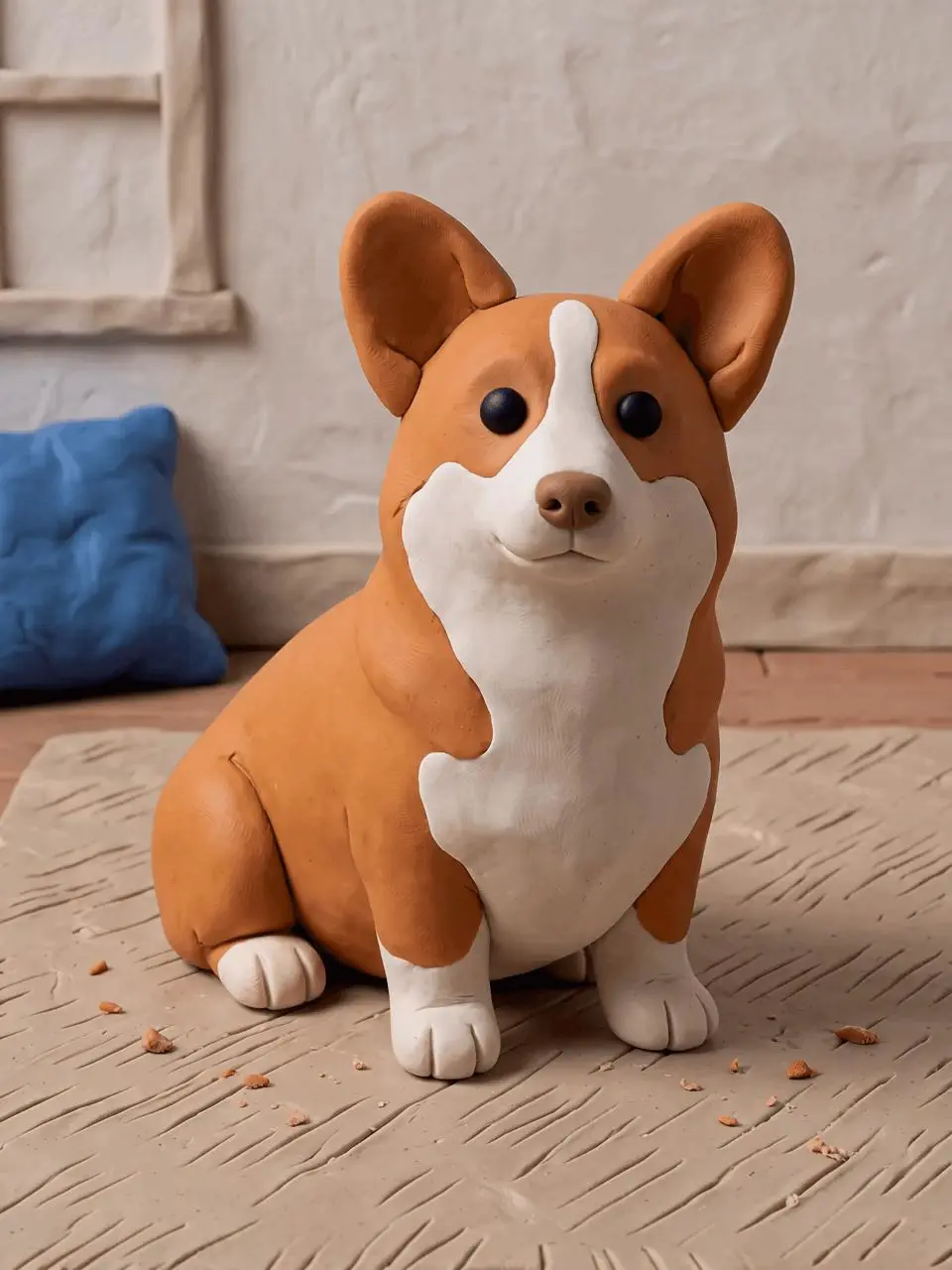
Turn a Video into Clay Animation with MiniMax H3
Turn a video into clay animation with MiniMax H3. Upload real source footage, use a focused restyling prompt, and compare motion, composition, and handmade texture.

Select Model & Location


Have the model showcase your product!

Explore solution playbooks, tool guides, and generated pages designed for repeatable creative operations.
Turn a video into clay animation with MiniMax H3. Upload real source footage, use a focused restyling prompt, and compare motion, composition, and handmade texture.
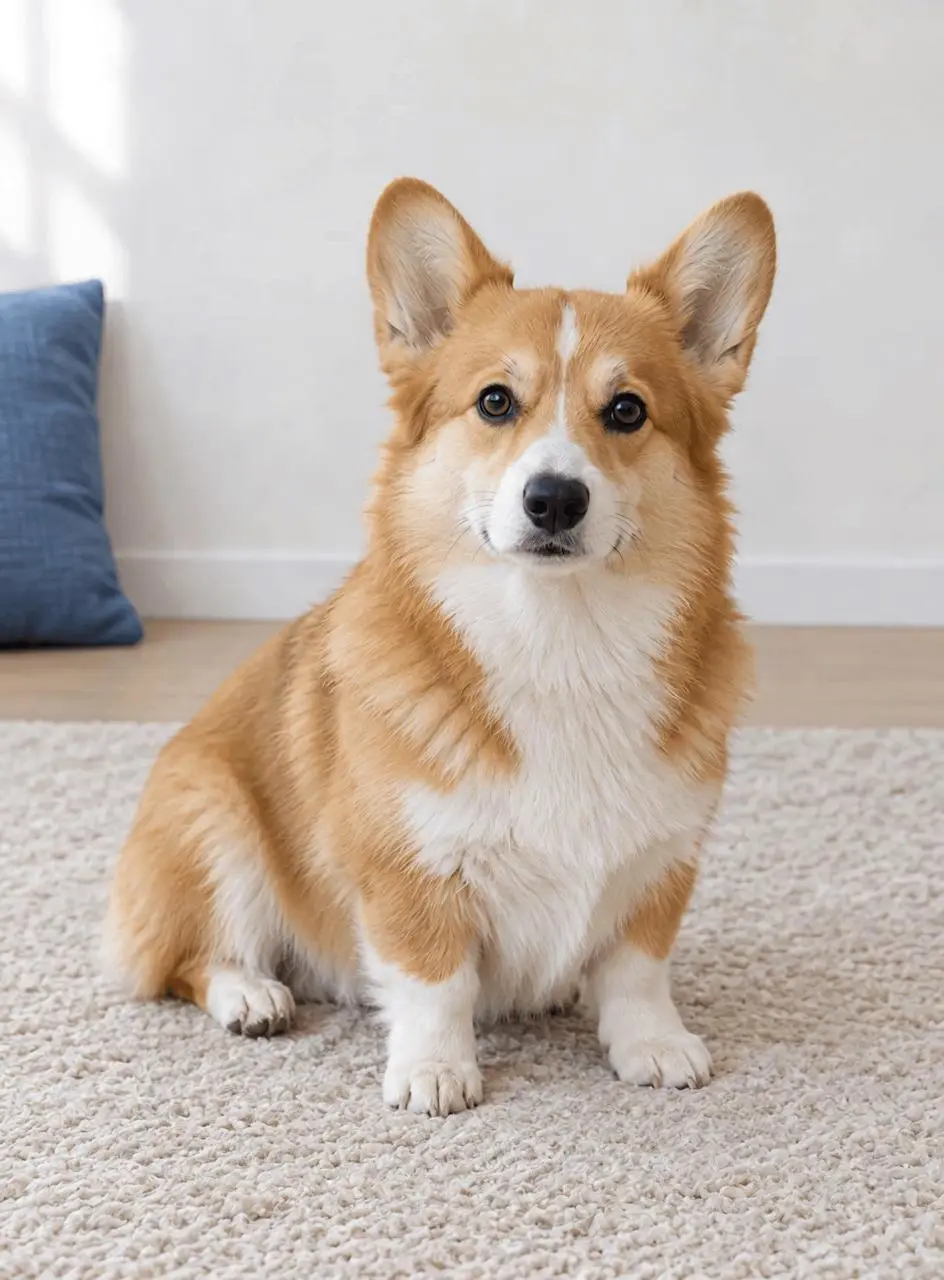
Animate a pet photo with MiniMax H3 using one reference image and a small-motion prompt. See the actual clip, settings, and checks for paws, ears, and camera drift.
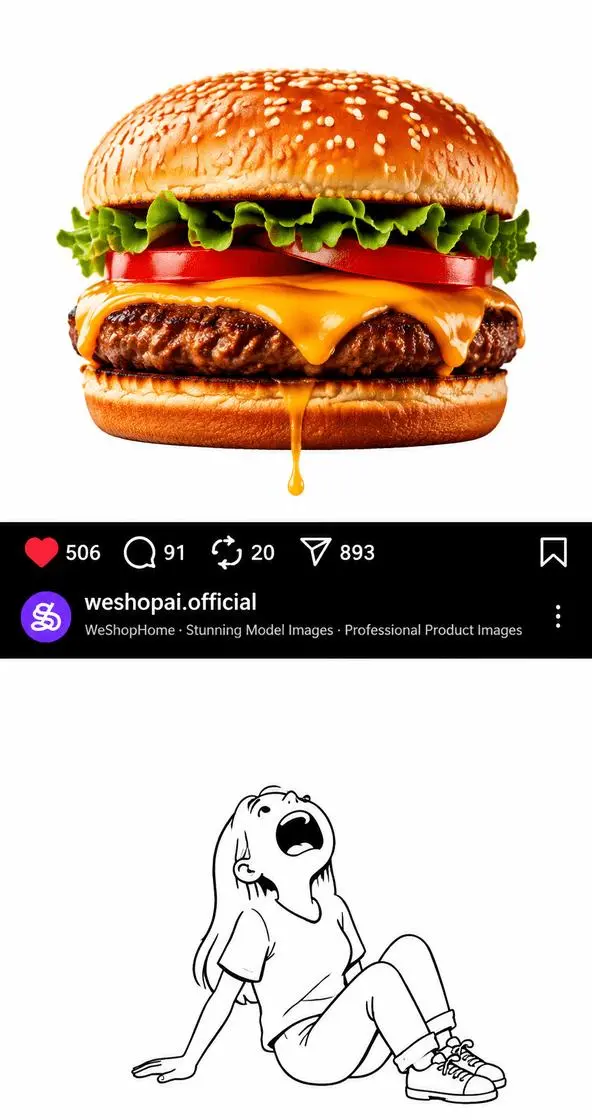
Learn how to design and animate a stretchy cheese pull across an Instagram-style post using GPT Image for the first frame and MiniMax H3 for motion.
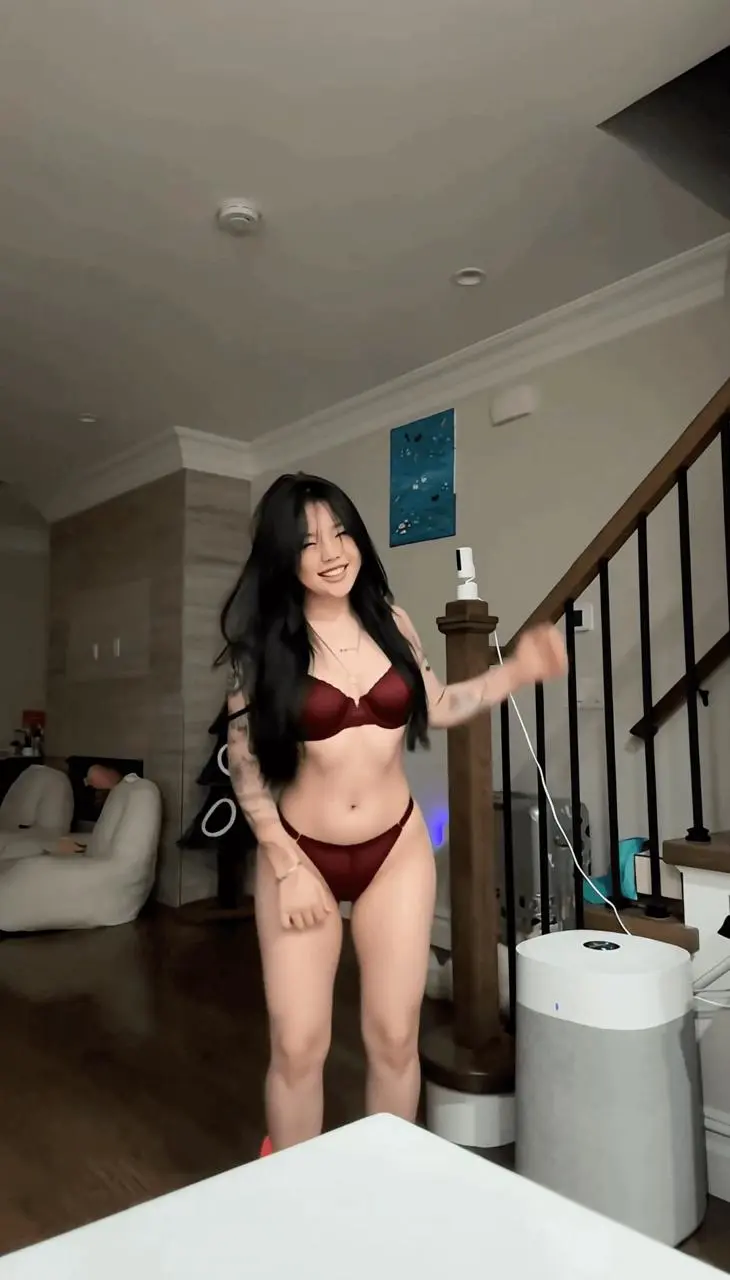
Learn how to upload a source clip, use a short outfit-transformation prompt, and review the generated video with MiniMax H3 on WeShop AI.
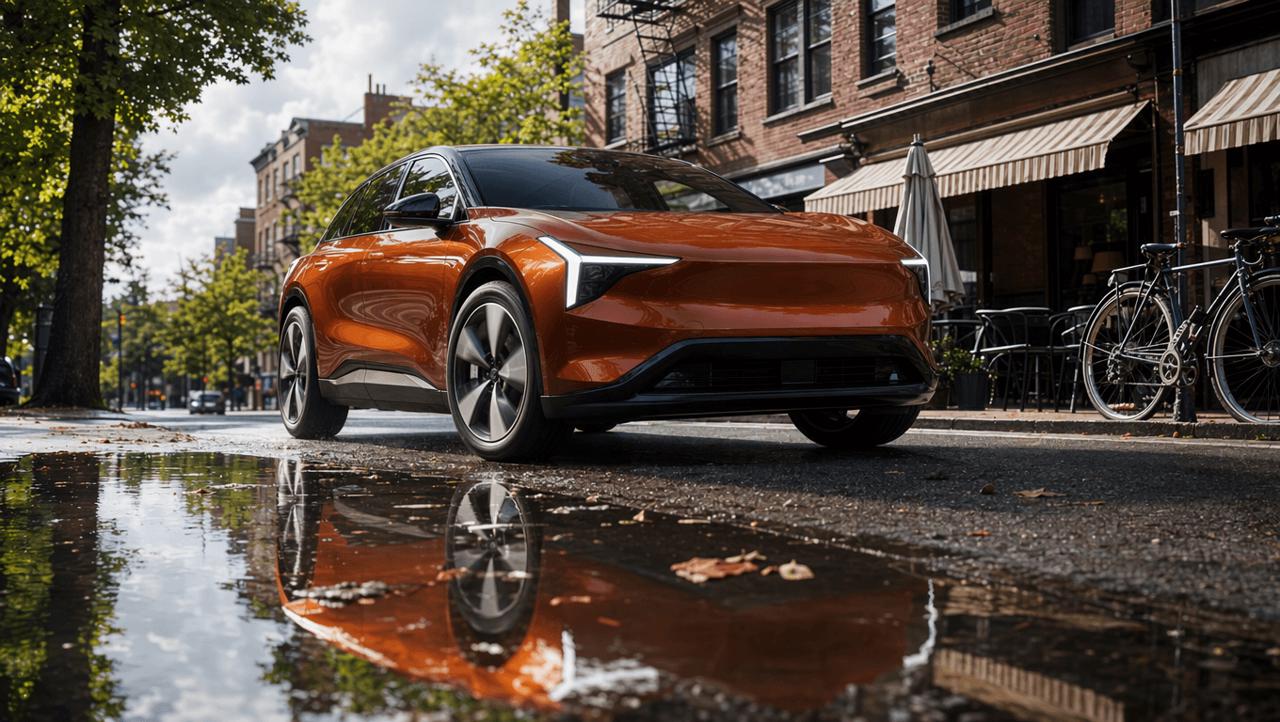
This real-world MiniMax H3 for Shopify test turns skincare, pet, automotive, and jewelry references into four short product ads. It compares creative transitions, product fidelity, physical consistency, typography, and the prompt corrections needed before publishing.
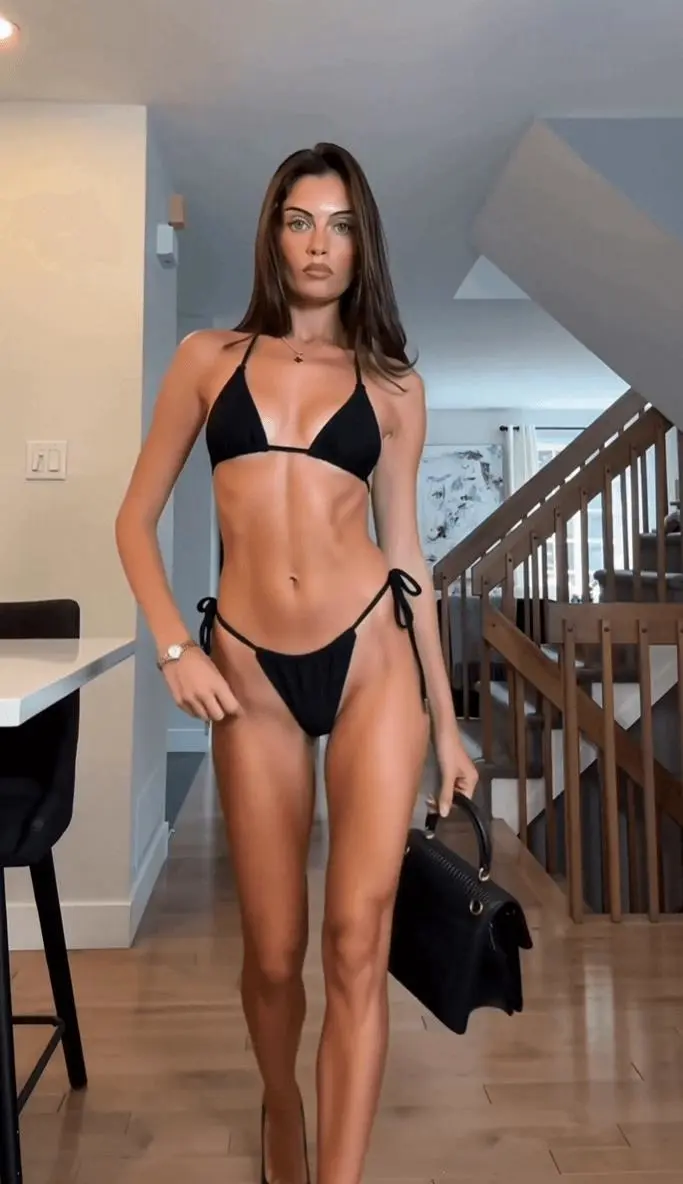
Learn how to turn an authorized fashion clip into a swimwear version with MiniMax H3, preserving motion, scene details, and a consistent outfit.
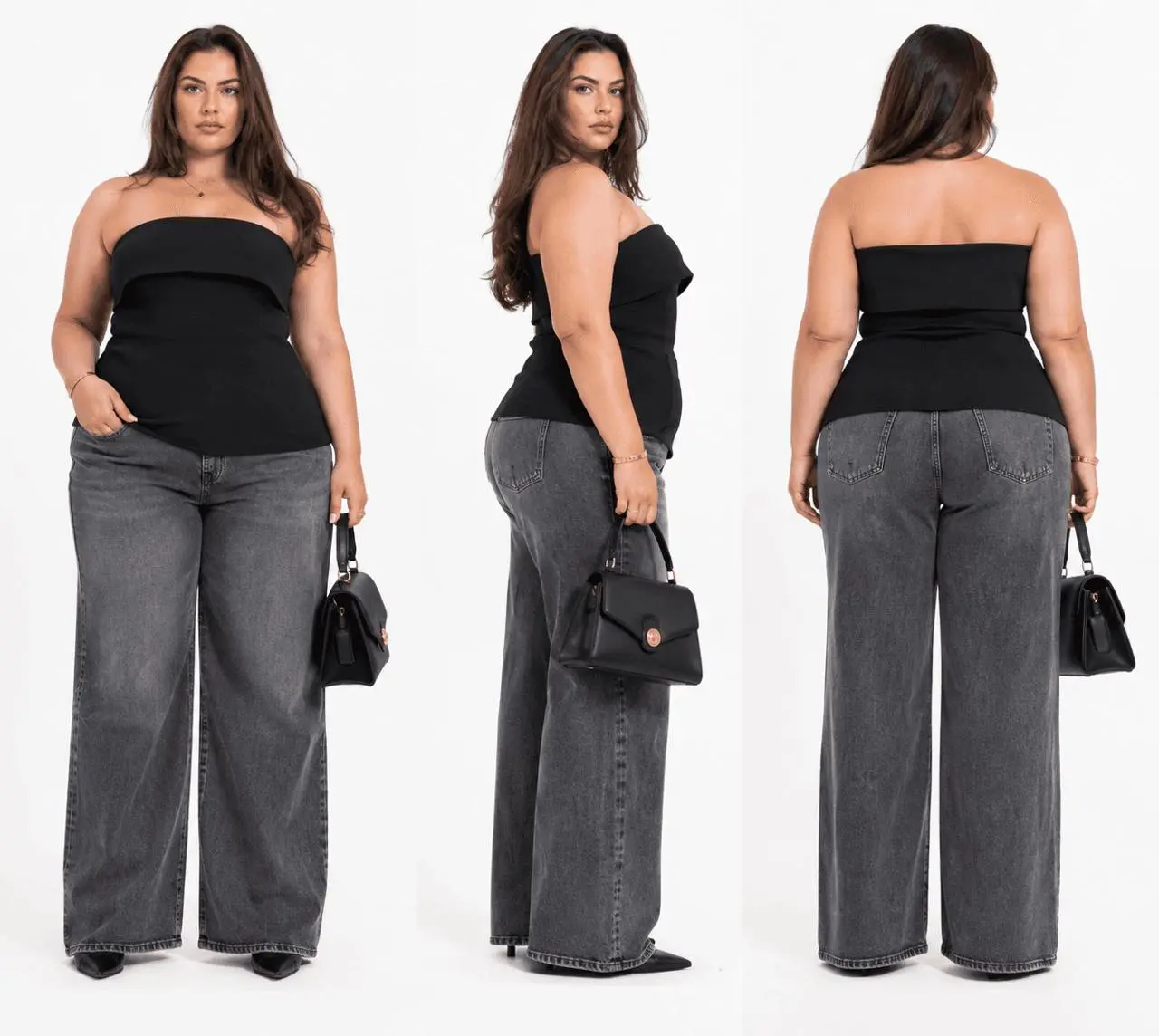
Learn how to use MiniMax H3 to replace a fashion video character with an XL–XXXL model reference while retaining the source clip’s movement, framing, and scene flow.
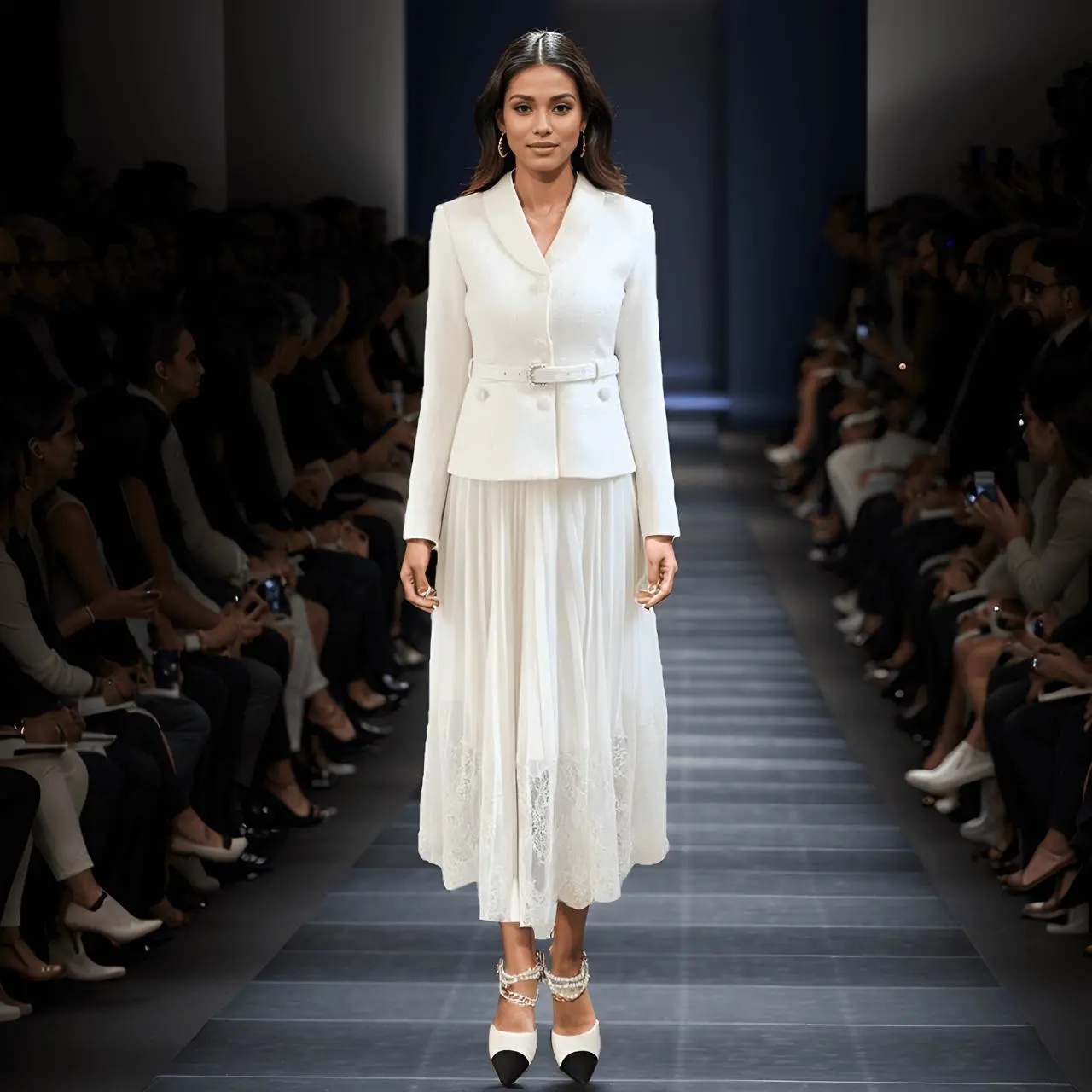
A same-image, same-prompt comparison of MiniMax H3 and Kling 3.0 for AI runway videos, focusing on model stability, clothing fidelity, skirt motion, and runway atmosphere.
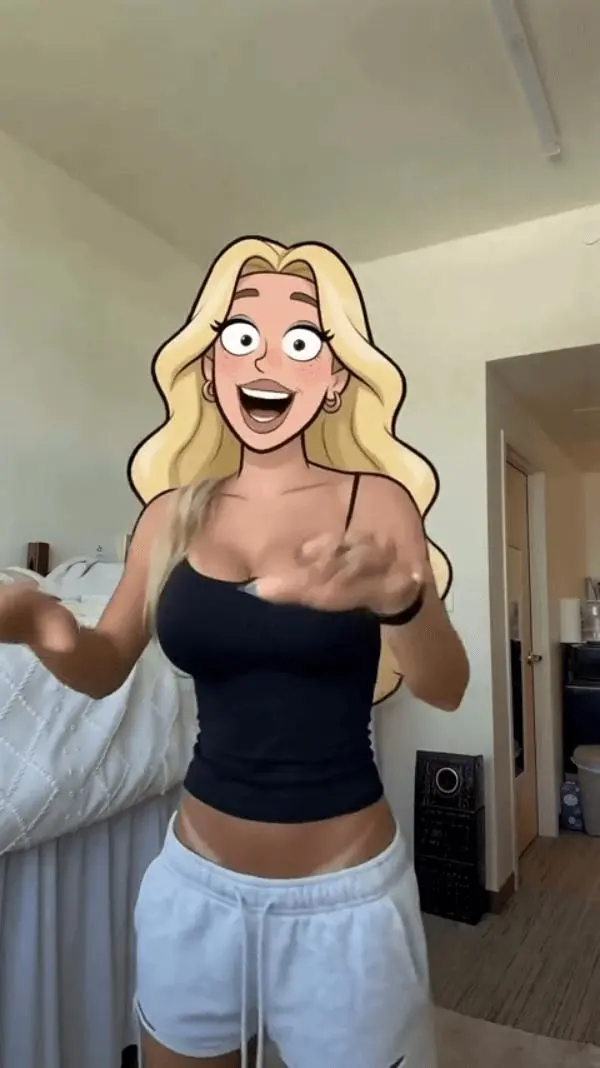
Learn how to use MiniMax H3 (Hailuo) video to video to restyle live-action footage as American cartoon animation while preserving motion and framing.
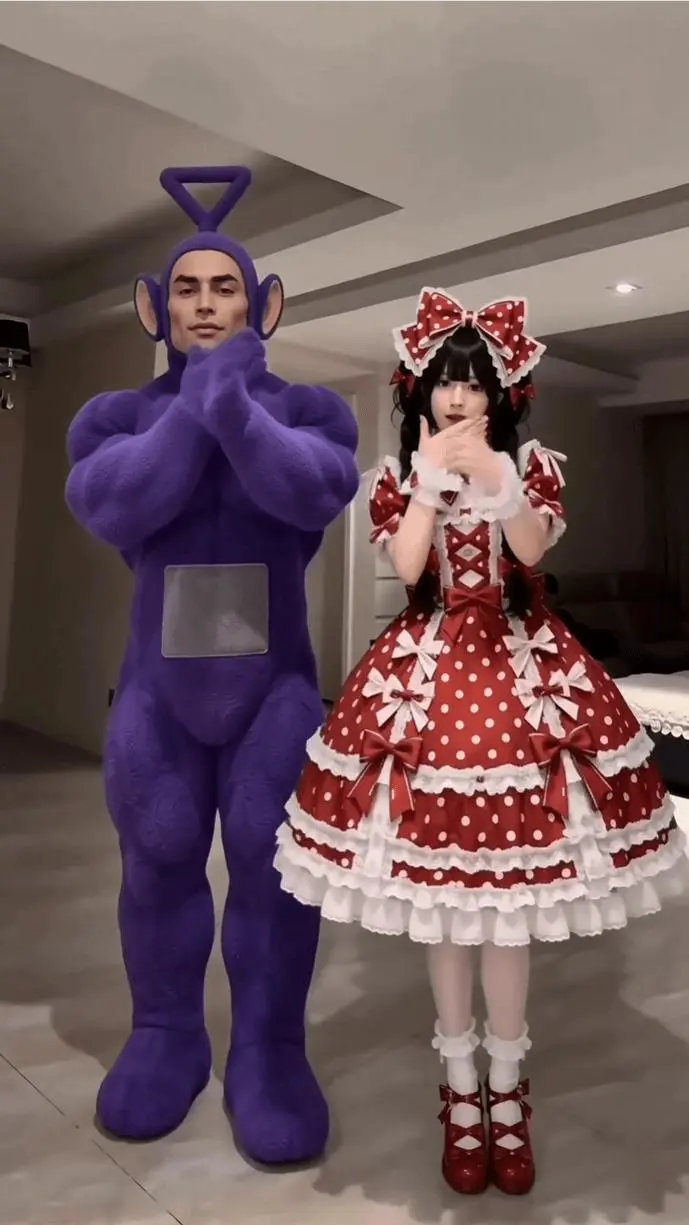
Learn how to use MiniMax H3 with a reference dance clip and two character images to generate a locked-camera, two-person AI dance video with guided choreography.
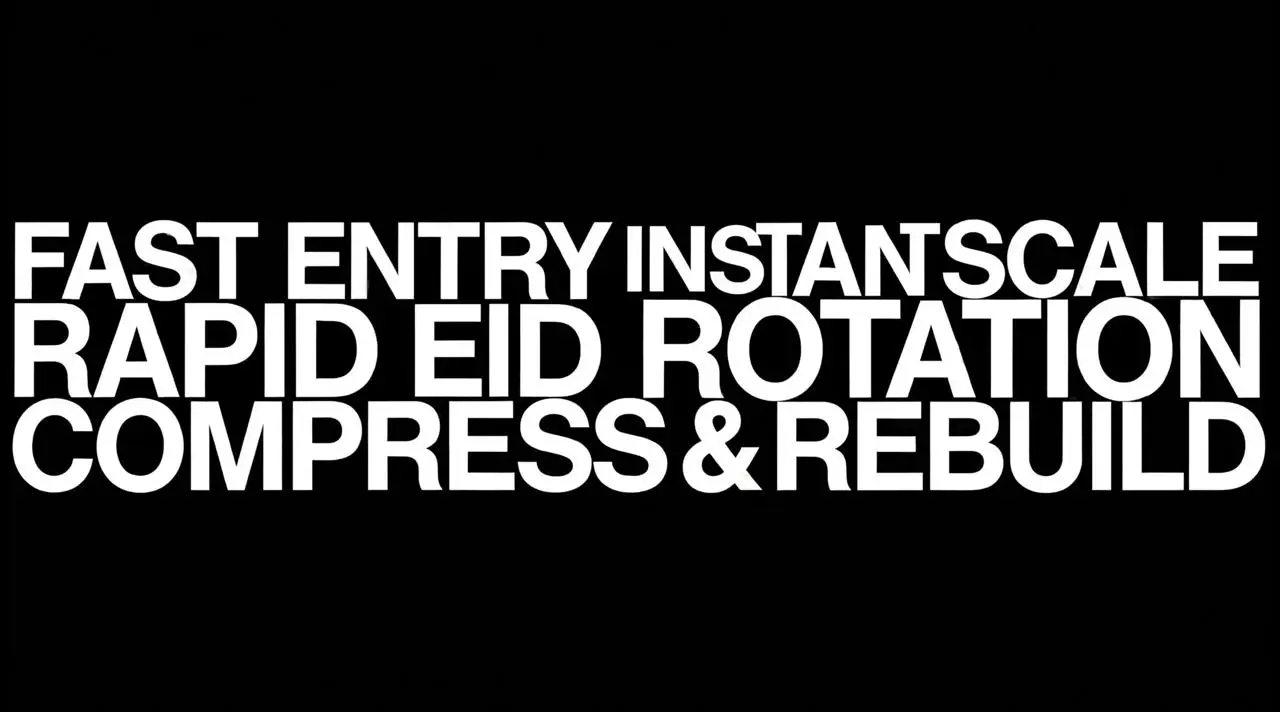
Learn how to use WeShop MiniMax H3 to create a high-contrast AI kinetic typography video with planned text, motion actions, and minimal graphic styling.
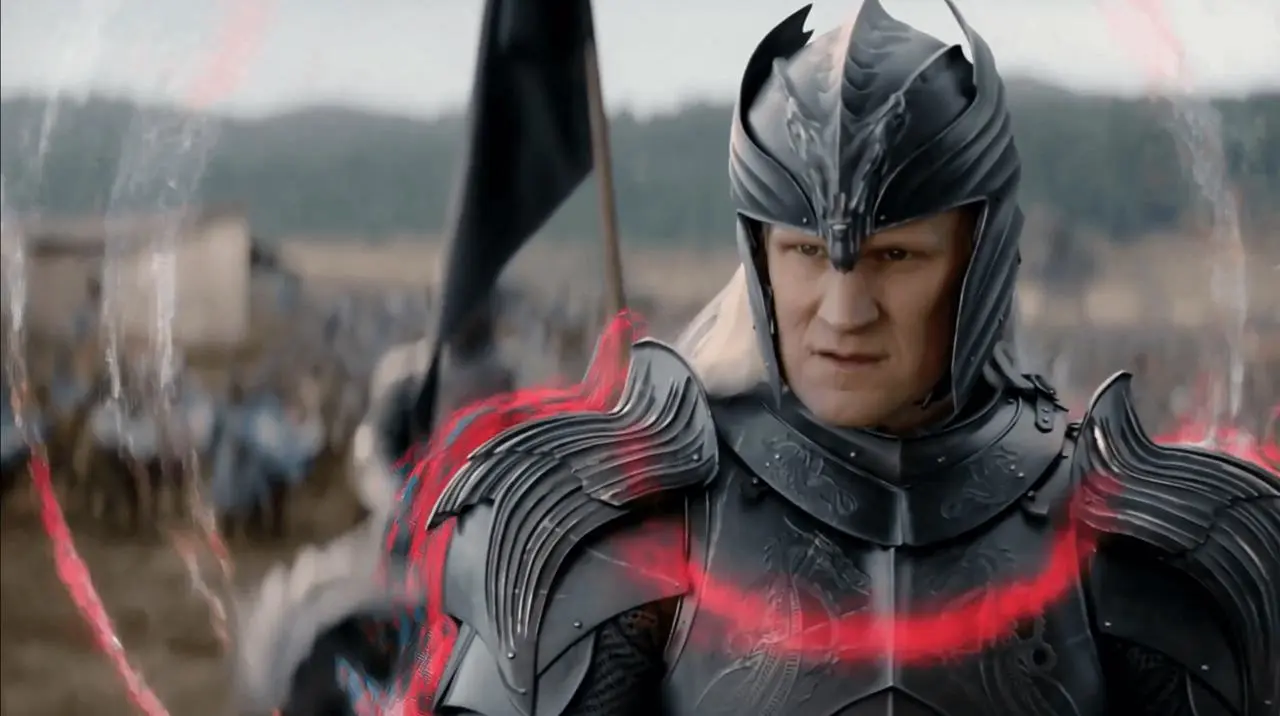
Learn how to use timeline-based MiniMax H3 prompts to layer AE-style motion graphics onto existing footage while preserving key subjects and scenes.