












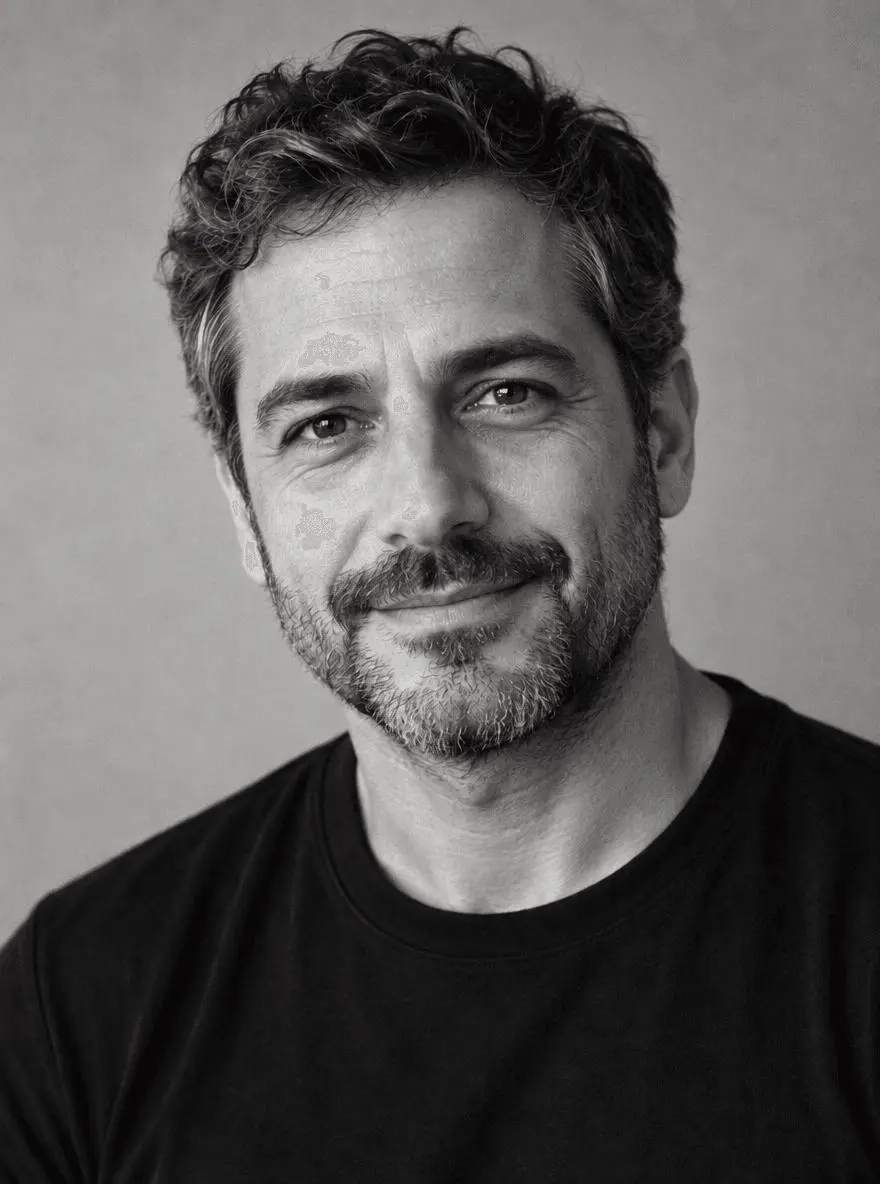
Black-and-White Portrait Editing Prompts: Two Tonal Styles
Use two black-and-white portrait editing prompts for soft midtones and stronger contrast. Compare actual results and inspect identity, skin texture, and shadow detail.

Select Model & Location


Have the model showcase your product!


Explore solution playbooks, tool guides, and generated pages designed for repeatable creative operations.
Use two black-and-white portrait editing prompts for soft midtones and stronger contrast. Compare actual results and inspect identity, skin texture, and shadow detail.
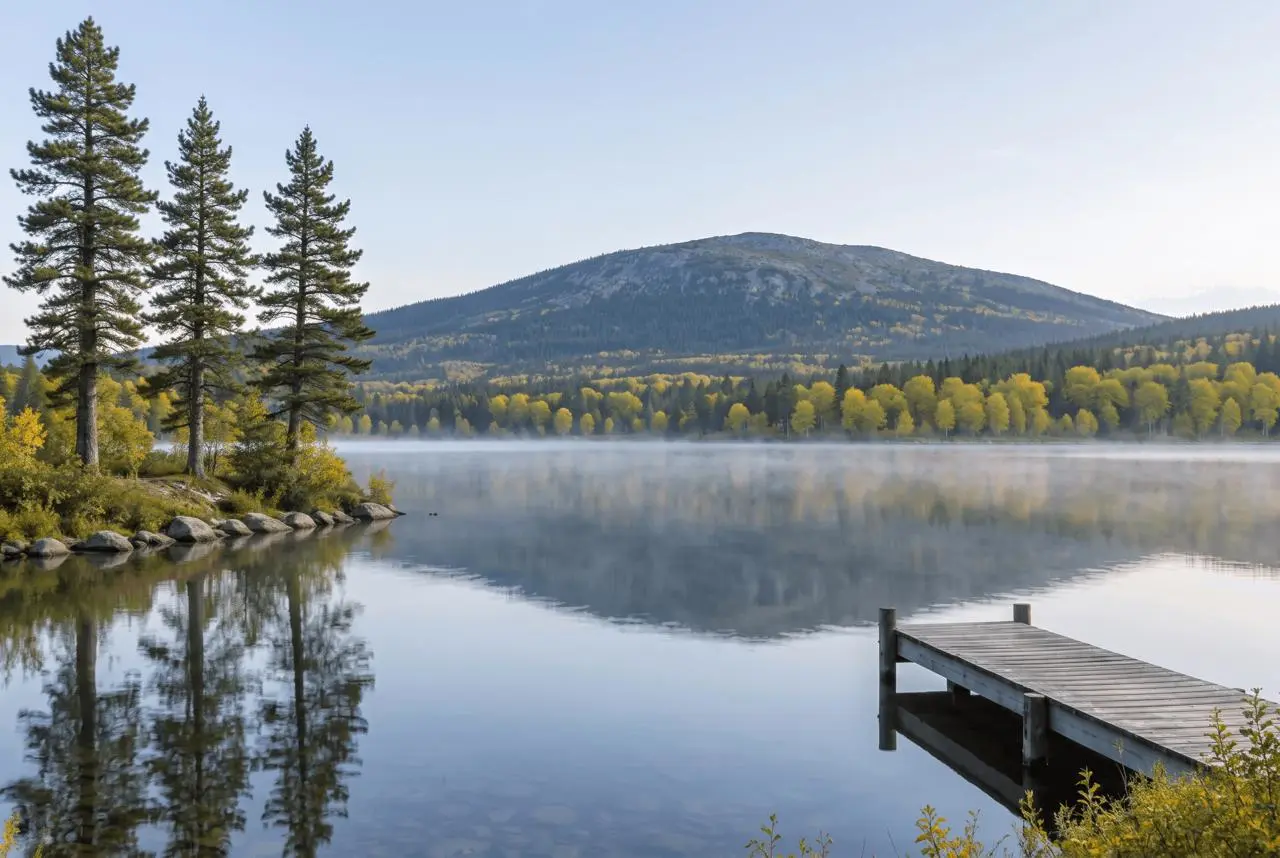
Copy two landscape photo editing prompts for lake mist and autumn foliage. See tested results and check shore geometry, mountain shape, trees, and reflections.
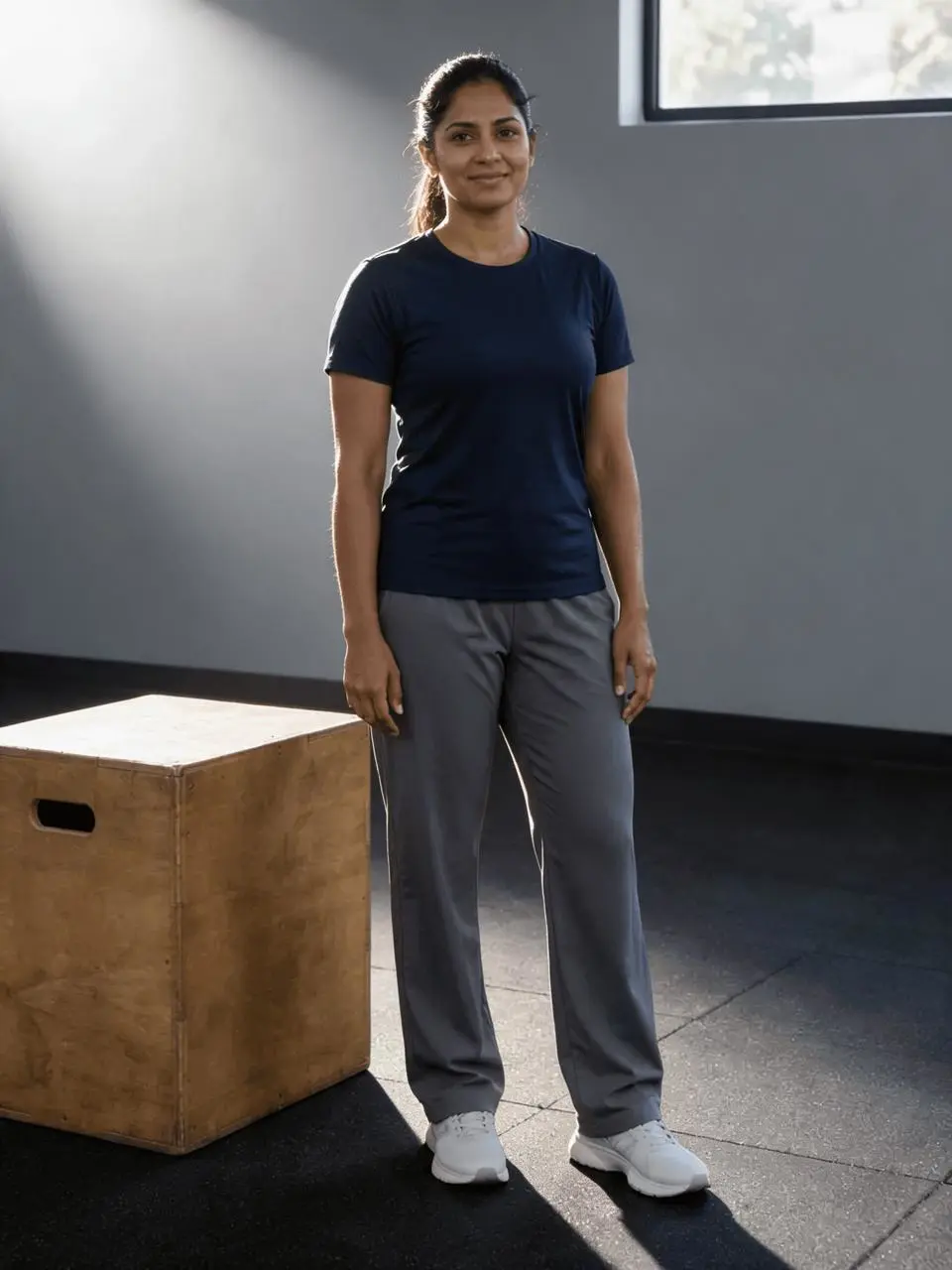
Use two fitness photo editing prompts for gym light and an outdoor training setting, with actual results and checks that avoid changing physique or proportions.
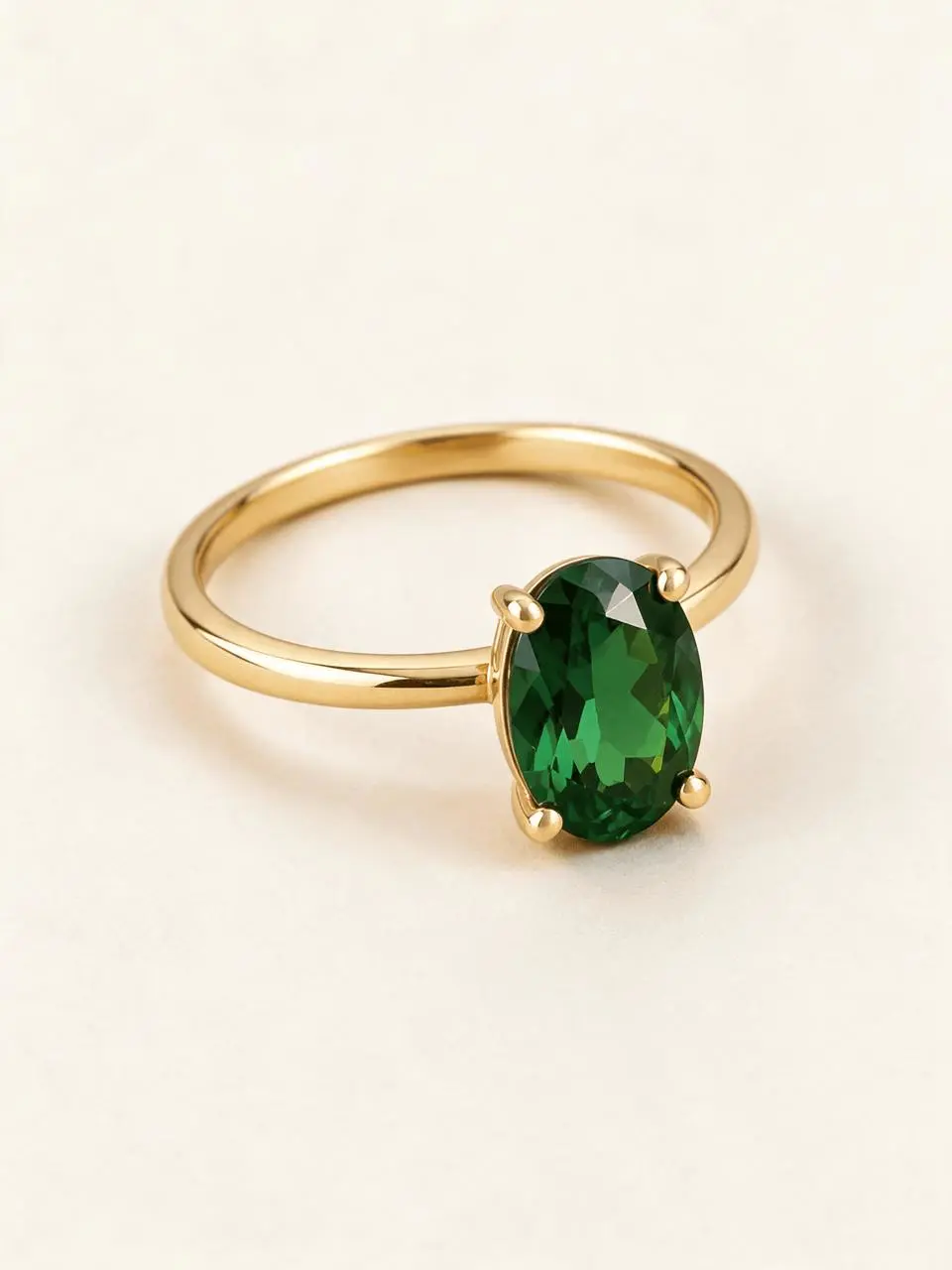
Test two jewelry photo editing prompts for off-white studio and charcoal velvet looks. Check gold color, gemstone shape, prongs, and band detail in the actual results.
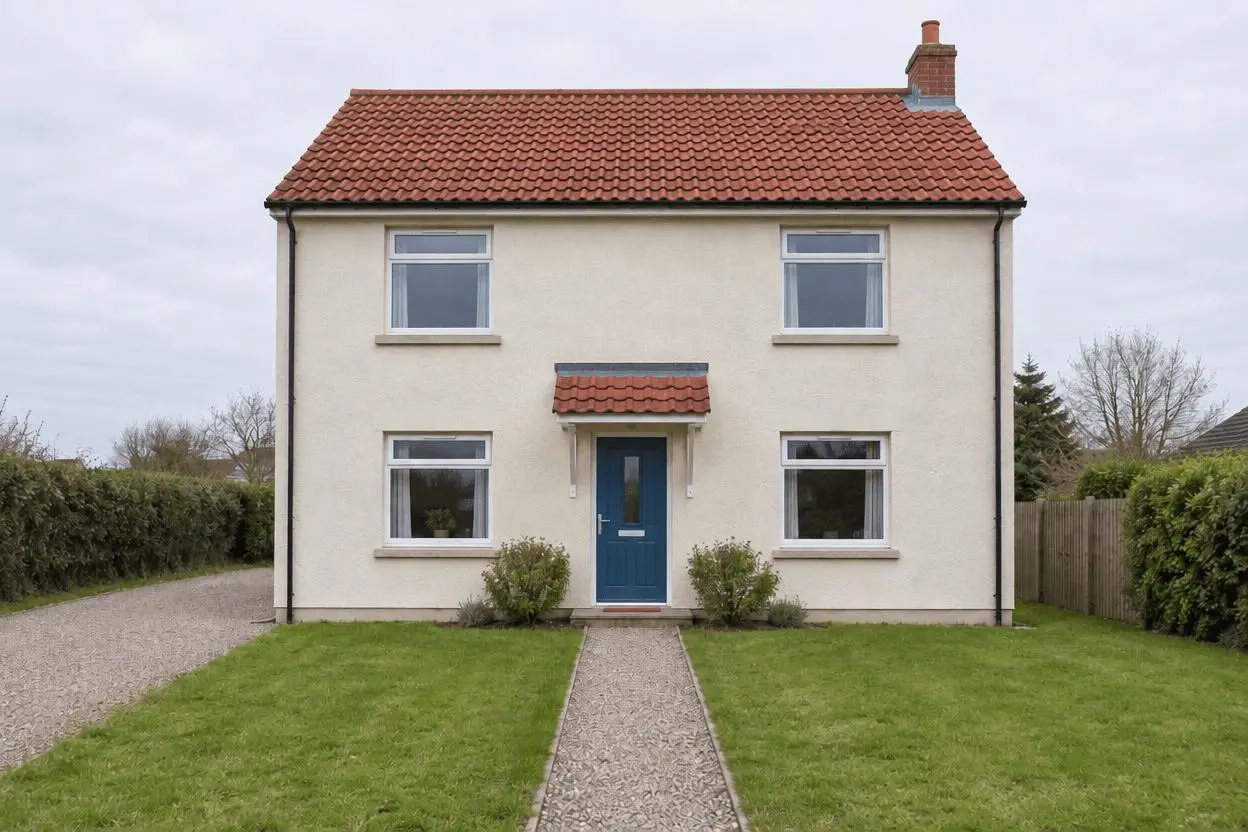
Use two real estate photo editing prompts for temporary-object cleanup and a restrained sky edit. See actual results and checks for architecture and honest presentation.

Copy two car photo editing prompts for a clean studio and rainy city scene. Compare real outputs and inspect body panels, wheels, lights, and reflections.
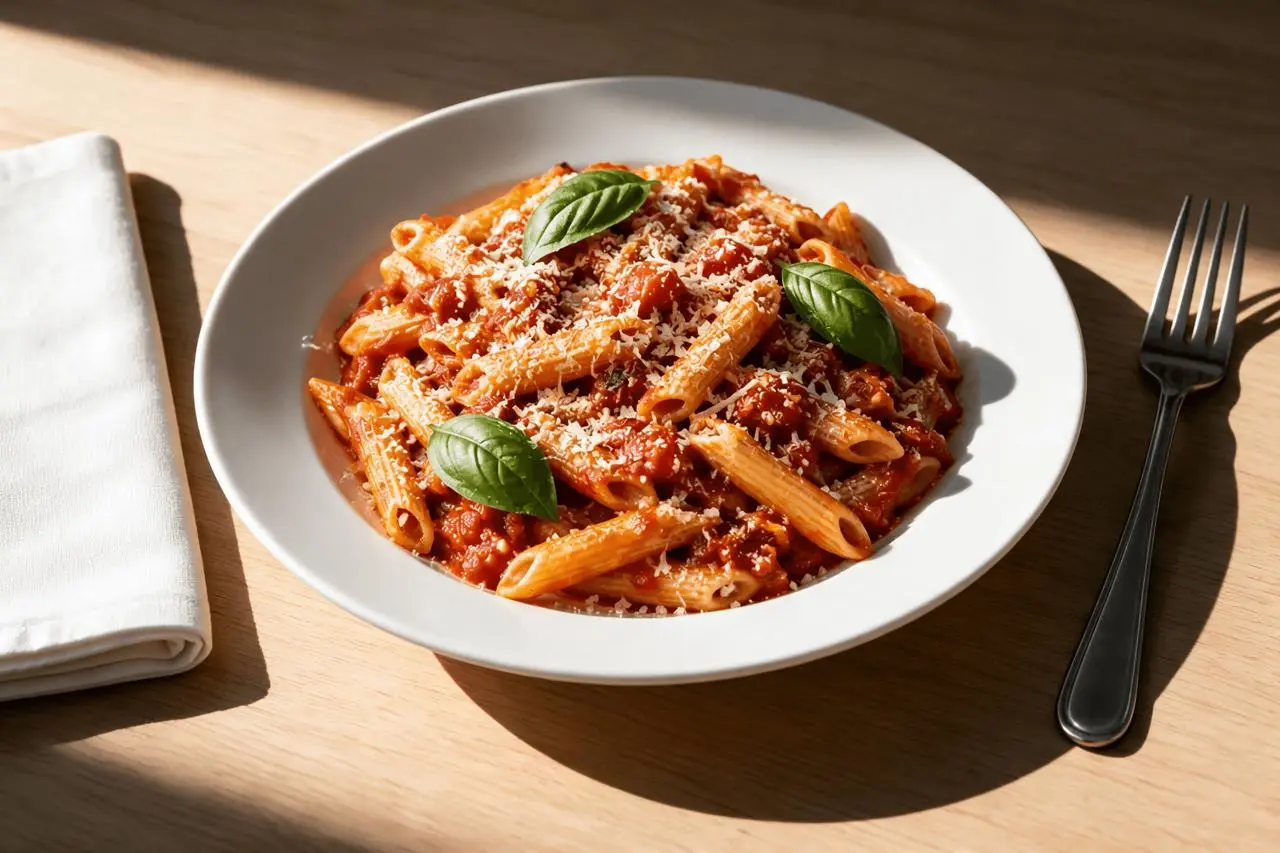
Try two food photo editing prompts for soft window light and dark tabletop styling. See tested pasta edits and checks for ingredients, portion, texture, and color.
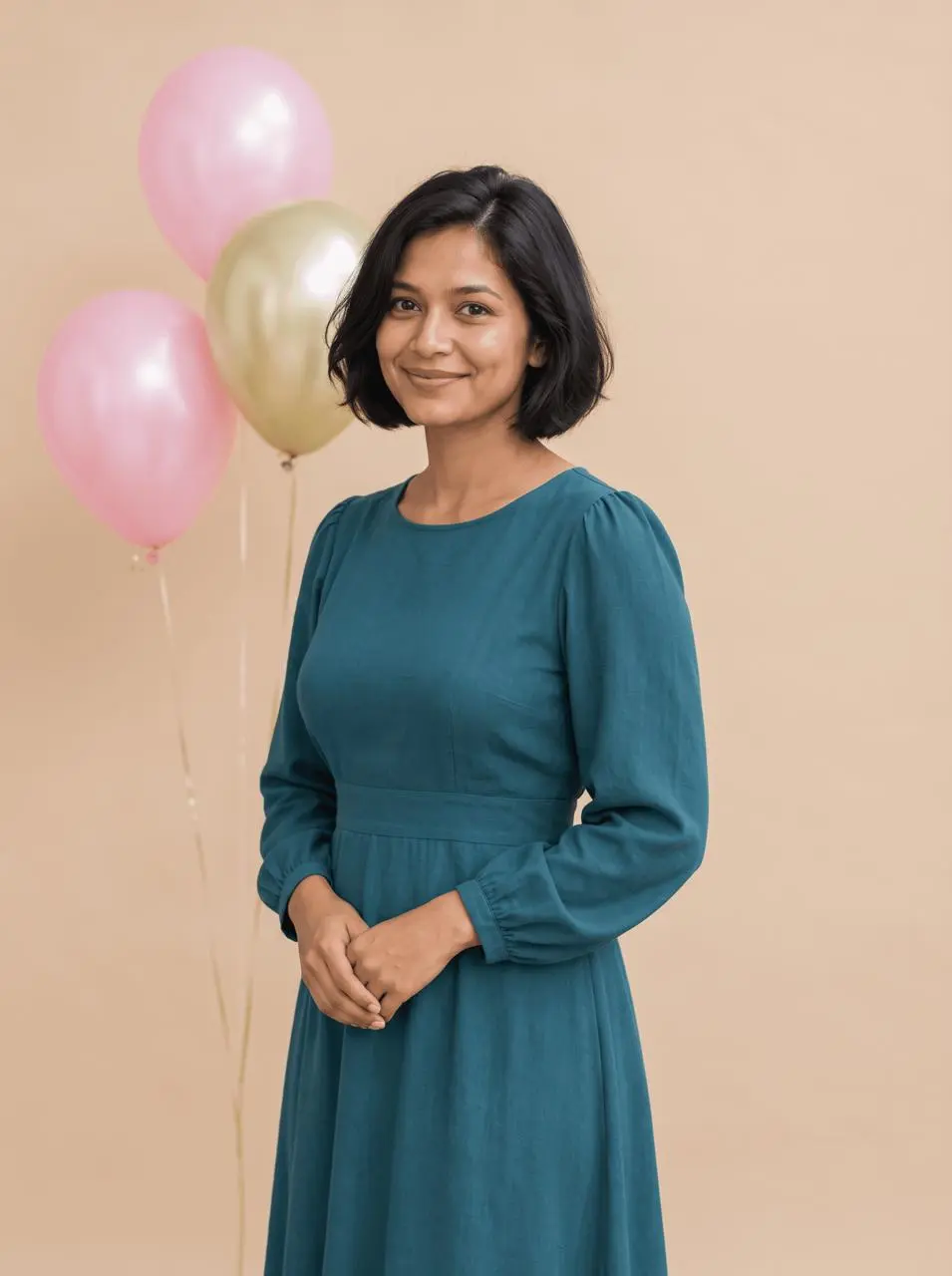
Copy two birthday photo editing prompts for pastel balloons and restrained confetti. See tested adult portrait edits with tips for faces, hands, and uncluttered props.
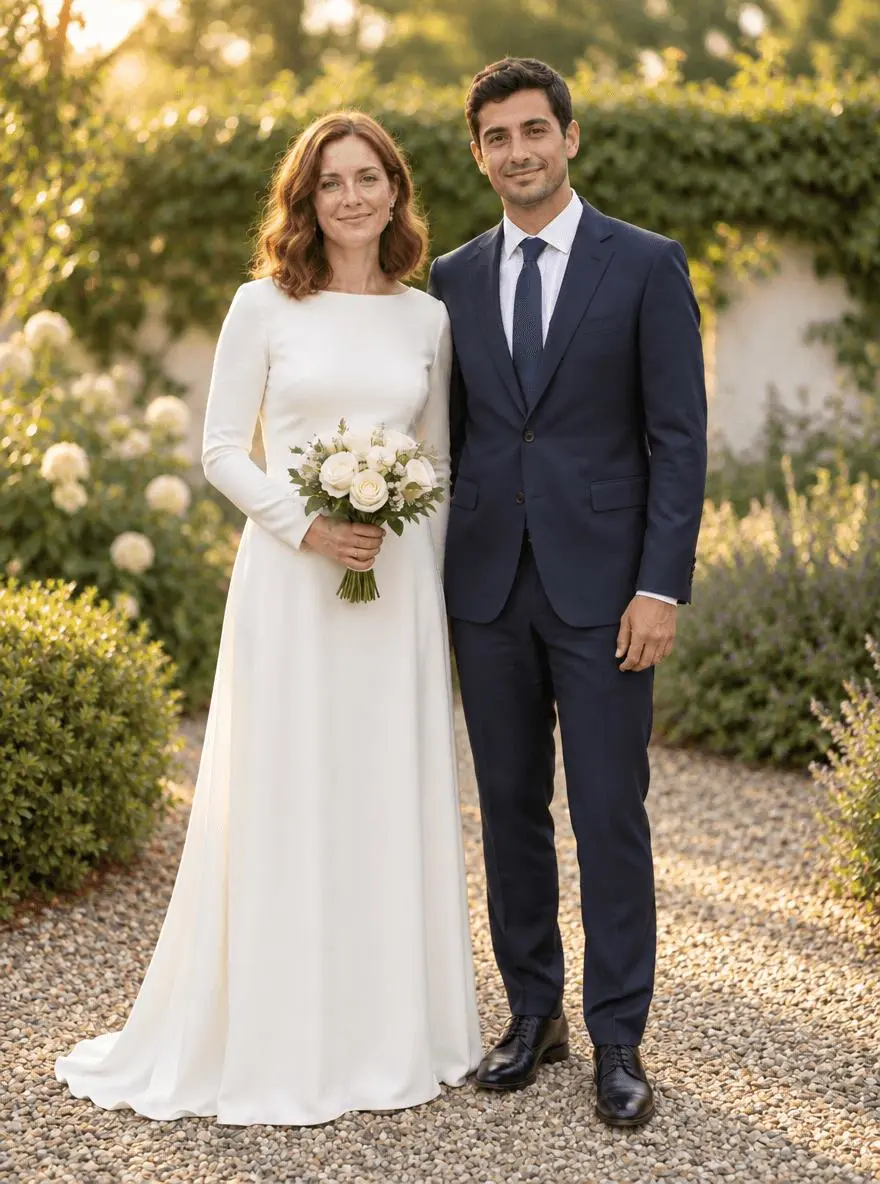
Use two wedding photo editing prompts for warm garden color and soft black and white. Compare real outputs and check faces, dress detail, hands, and suit texture.
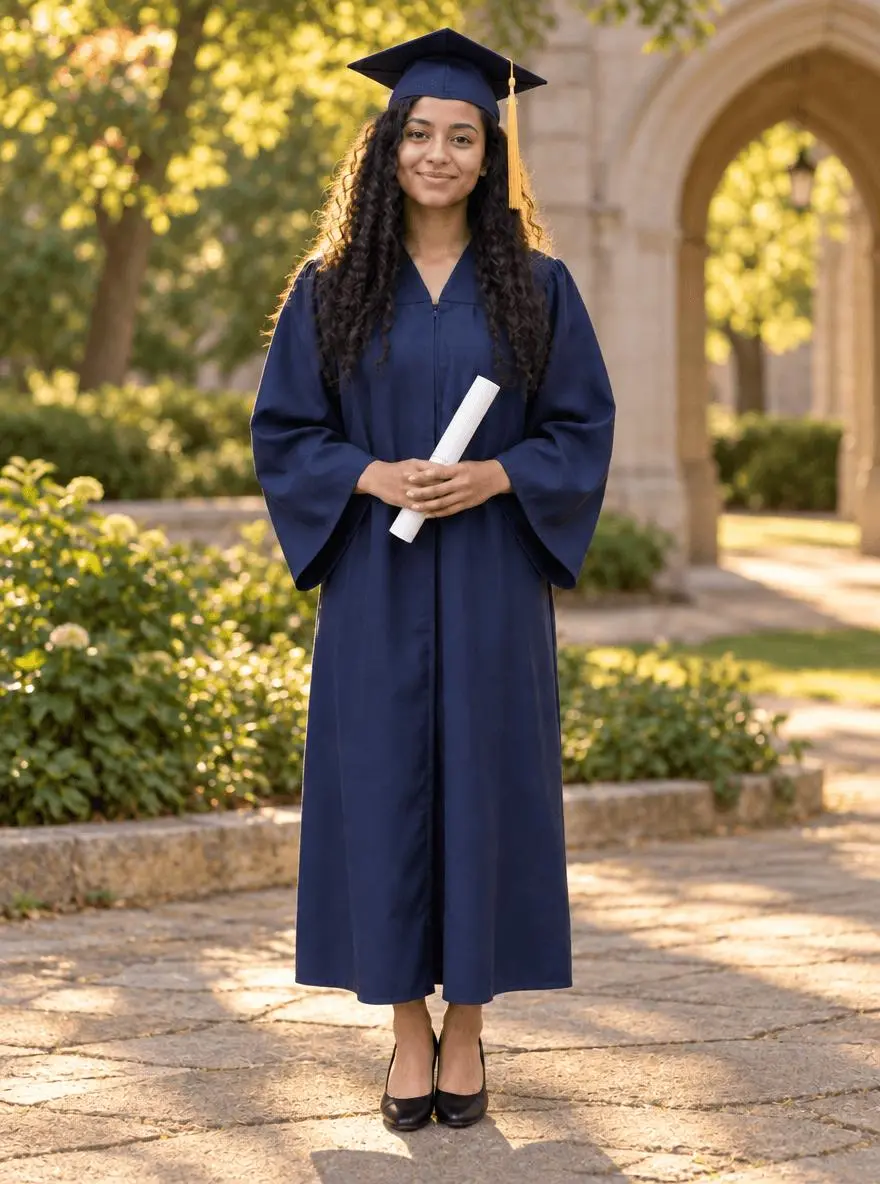
Copy two graduation photo editing prompts for campus golden-hour and studio portraits. See actual results, identity checks, reference setup, and limitations.
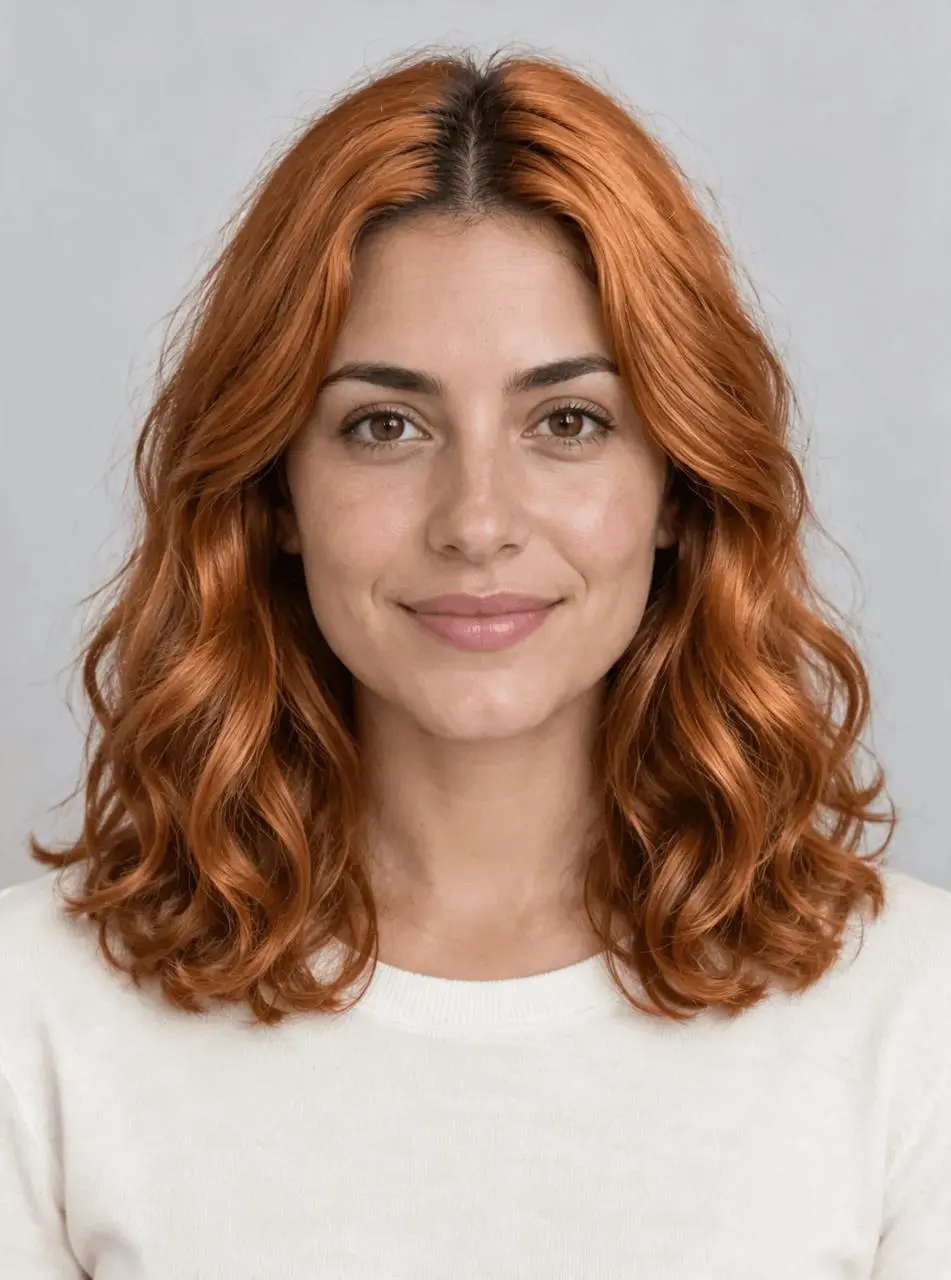
Preview a new hair color with Seedream 5.0 Pro. Use a copper recoloring prompt and compare hairstyle, roots, eyebrows, skin tone, and lighting.
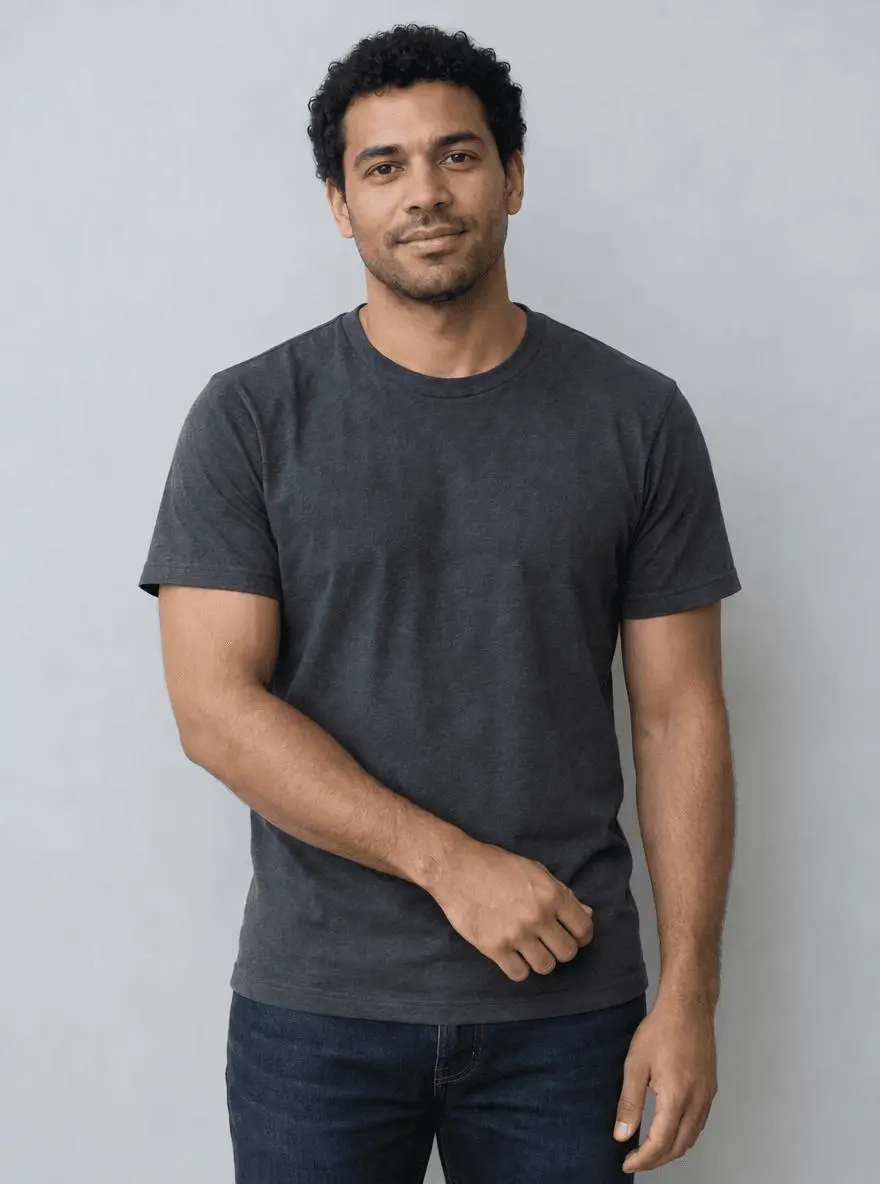
Remove a tattoo from a photo with GPT Image 2.5. Use a targeted forearm edit and check skin texture, arm shape, hands, and surrounding clothing.