





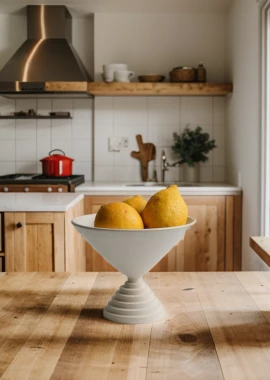



How to Create Dynamic Anime Posters With AI Foreshortening
Learn how to generate dynamic vertical anime posters with AI using low-angle camera prompts, strong foreshortening, layered depth, and cinematic lighting.

Select Model & Location


Have the model showcase your product!


Explore solution playbooks, tool guides, and generated pages designed for repeatable creative operations.
Learn how to generate dynamic vertical anime posters with AI using low-angle camera prompts, strong foreshortening, layered depth, and cinematic lighting.
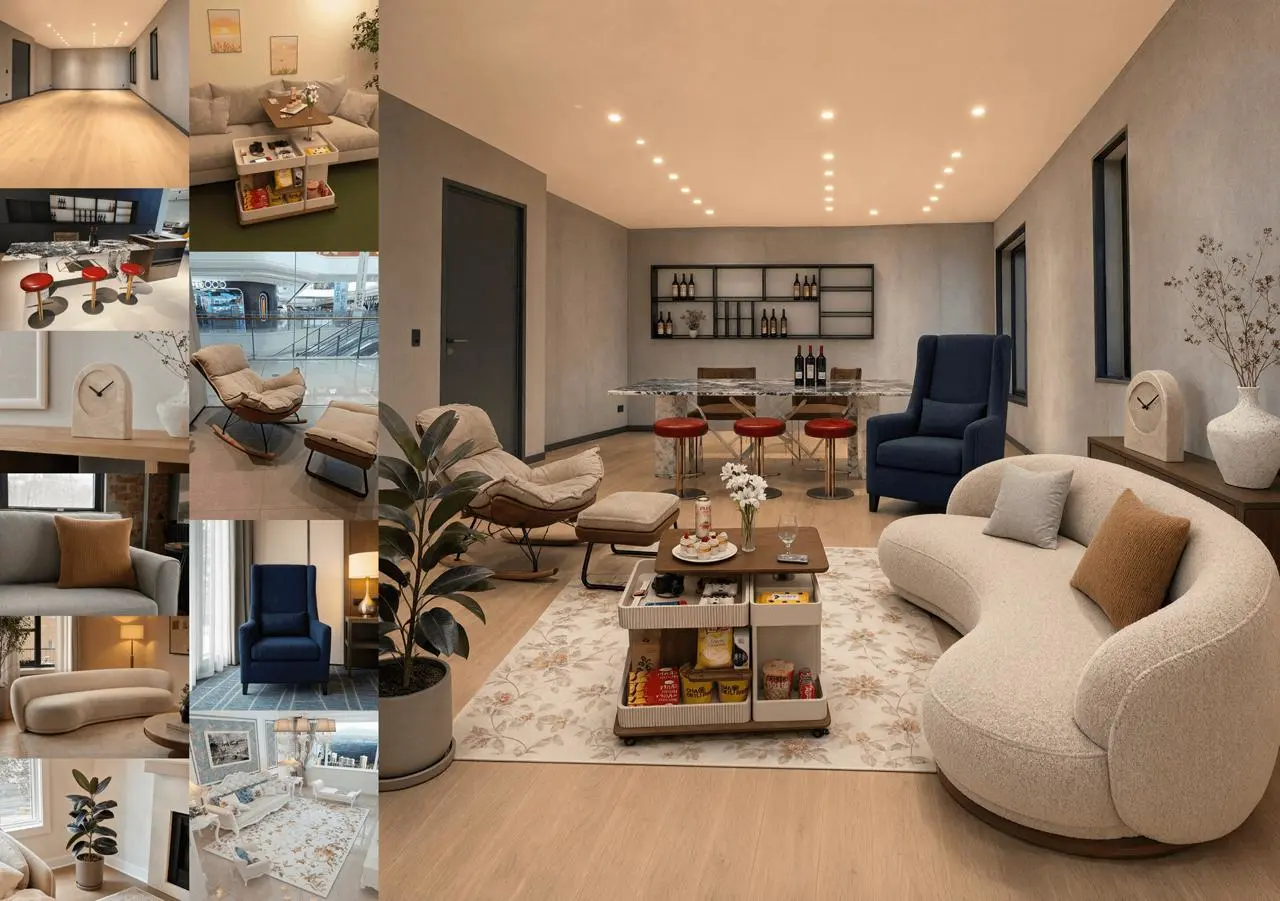
Explore official Qwen-Image-2.1 examples for transparent-layer editing, RGBA extraction, multi-reference compositions, portrait identity, and product fidelity.
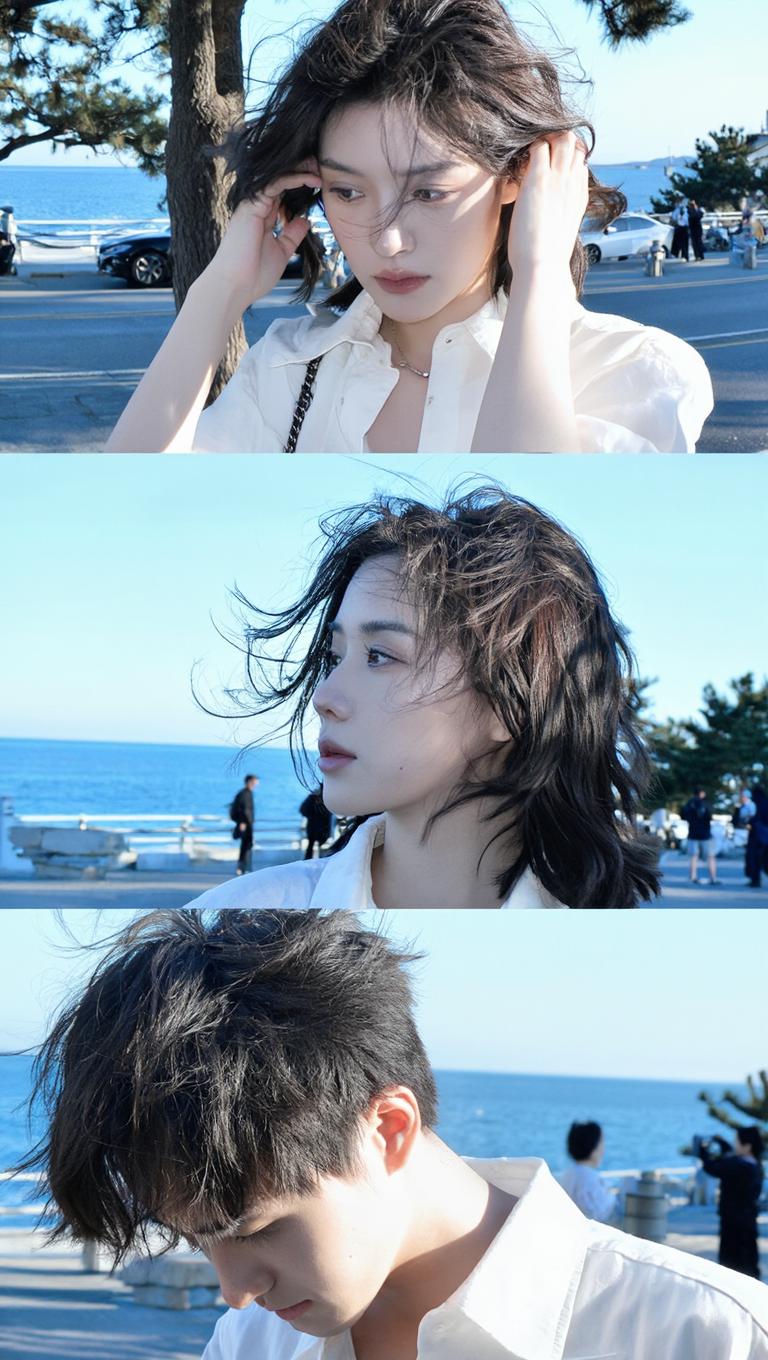
Learn how to prompt Z-Image for cinematic 3:4 candid seaside portraits, with natural movement, off-camera gaze, coastal backlight, and action variations.
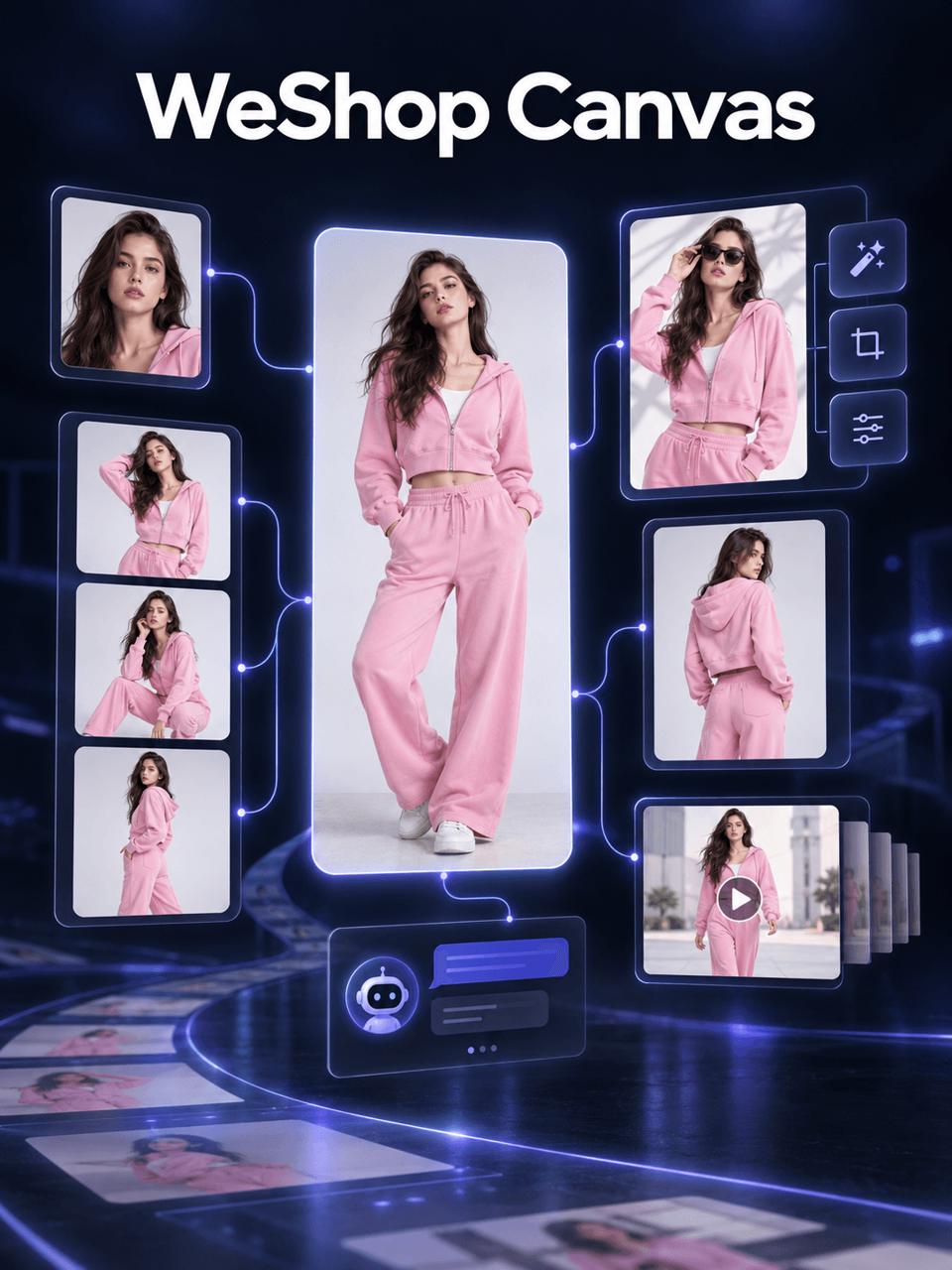
Learn how to use WeShop Canvas to plan, refine, and generate apparel pose variations, Skill-based image branches, and a five-second showcase video.
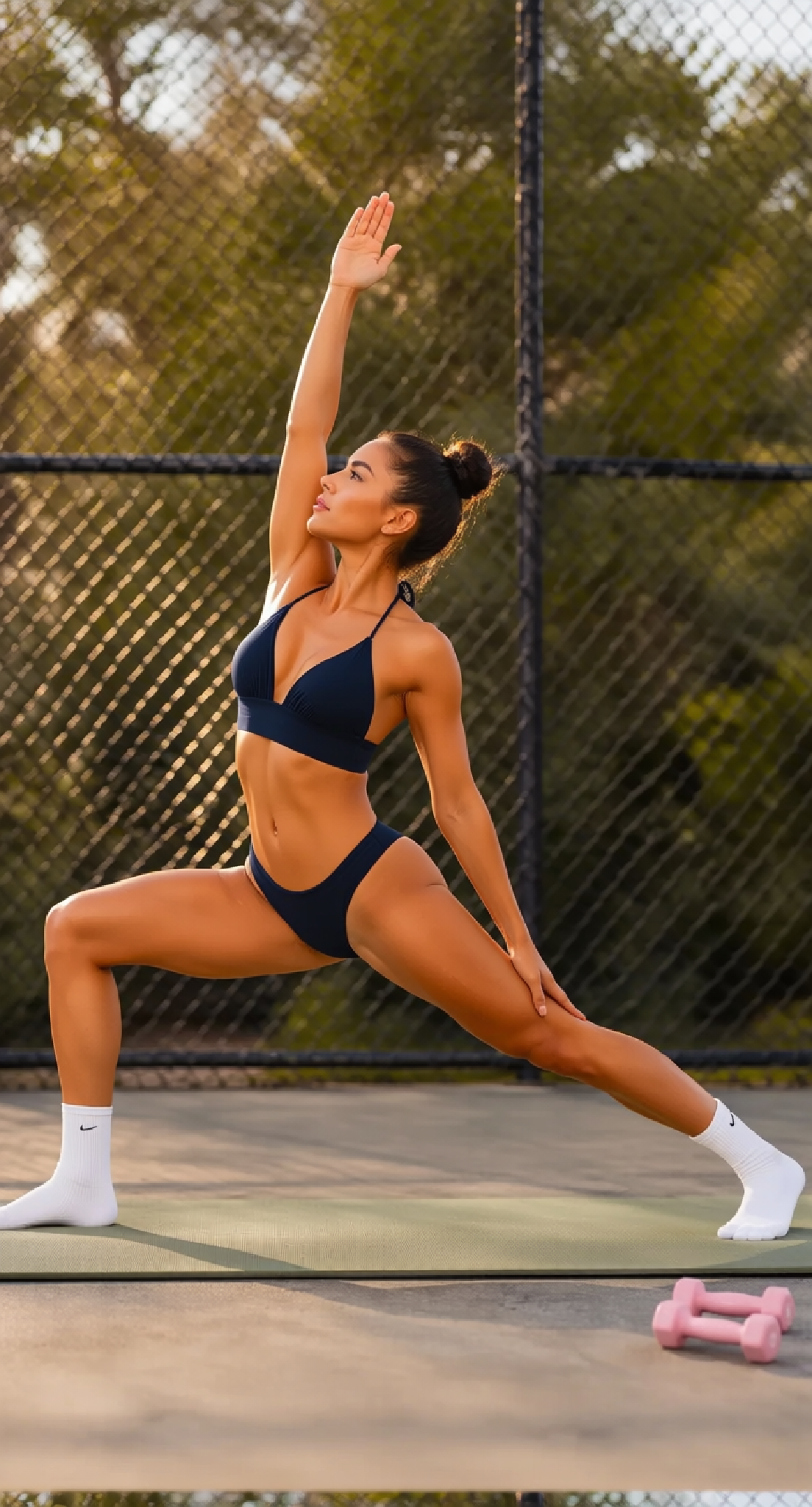
Replace an adult model’s original workout clothes with a new athletic outfit while preserving the pose, setting, lighting, and recognizable appearance.
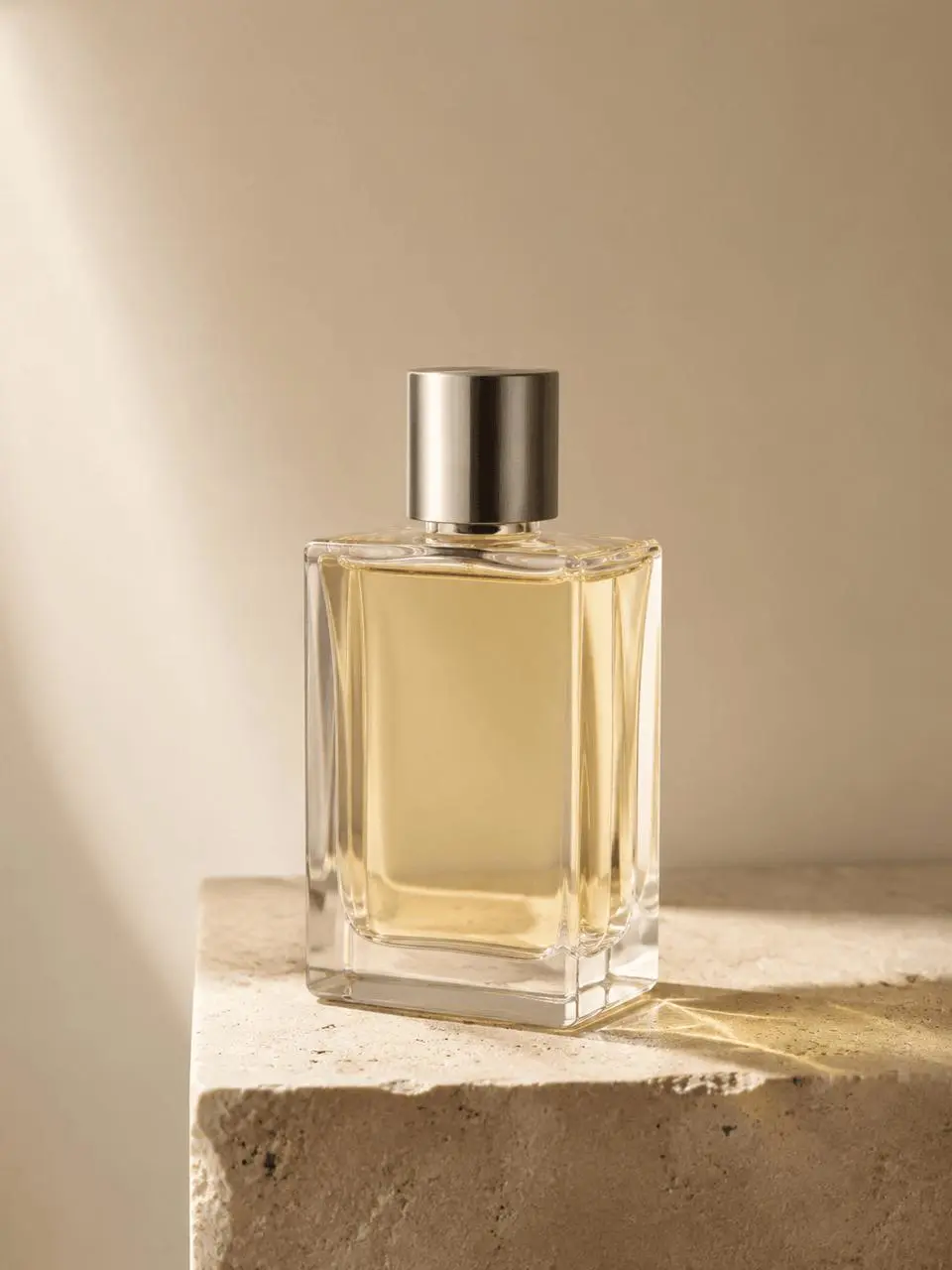
Learn a reusable GPT Image 2 prompt formula with six tested examples for product photos, editorial portraits, fashion campaigns, posters, packaging, and UI.
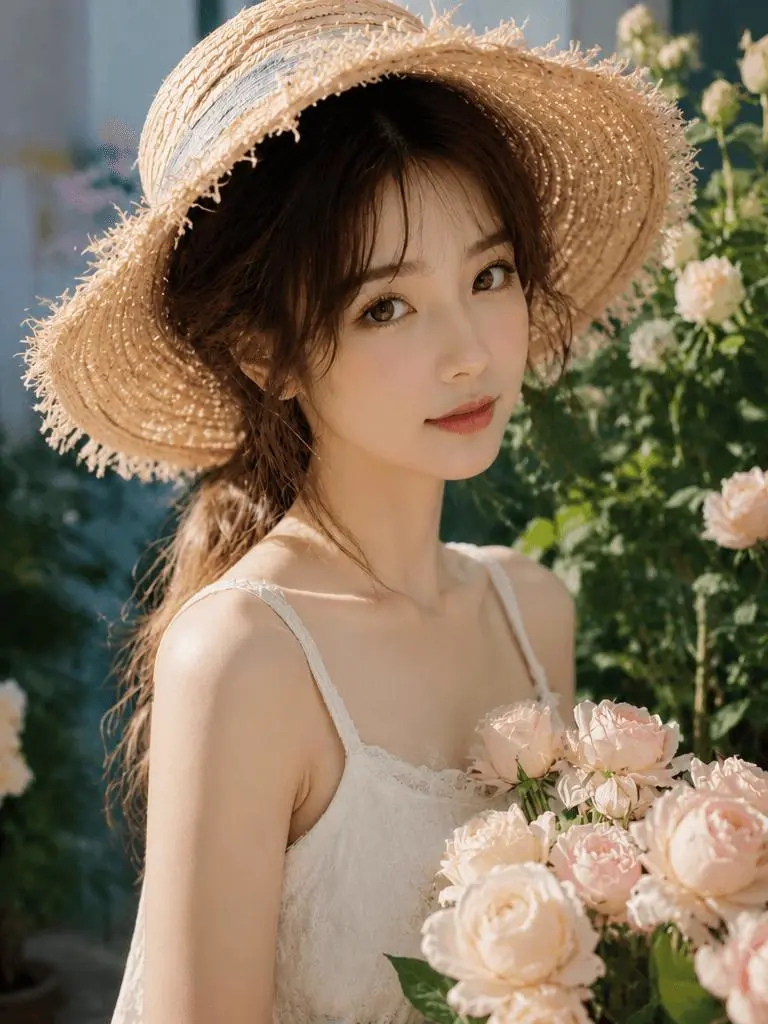
Learn how to use GPT Image to remove visible watermarks from authorized images while preserving portrait details, composition, lighting, and style.
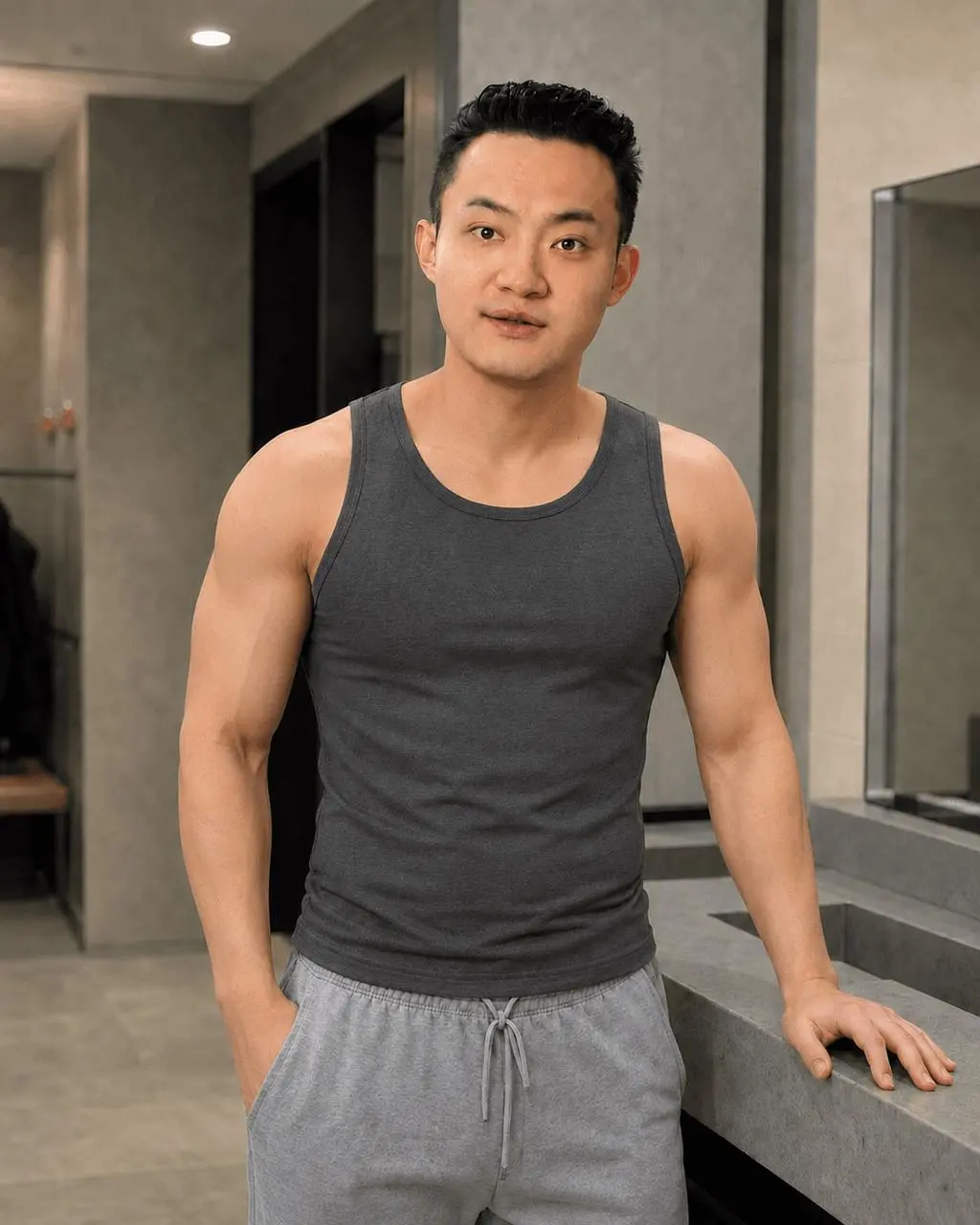
Learn how to turn an adult portrait into a realistic lean-muscle fitness edit with GPT Image 2 while preserving identity, pose, clothing, lighting, and natural proportions.
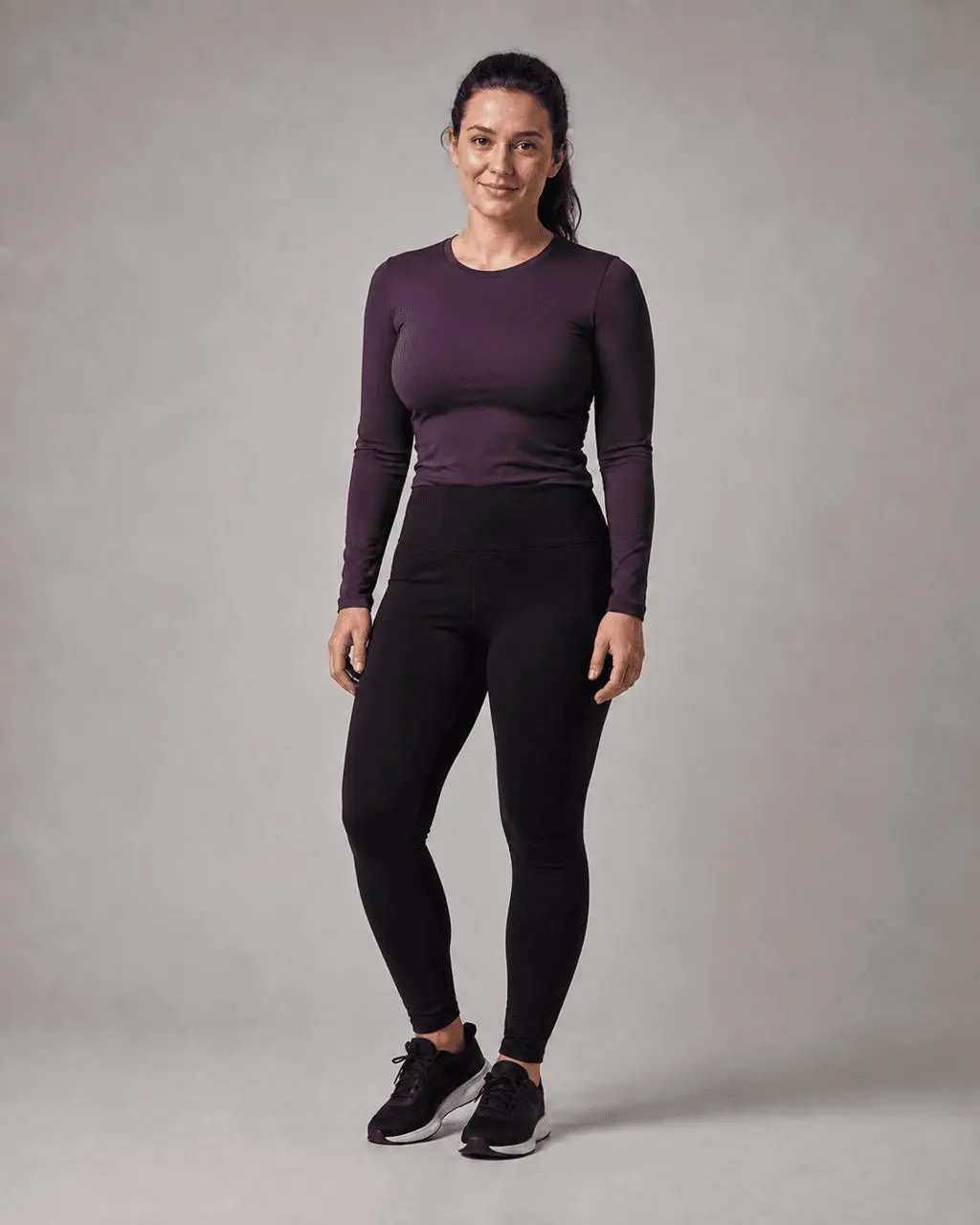
Learn to make controlled, SFW AI body-proportion edits with GPT Image, preserving identity, clothing, pose, lighting, and background for fashion and fitness concepts.
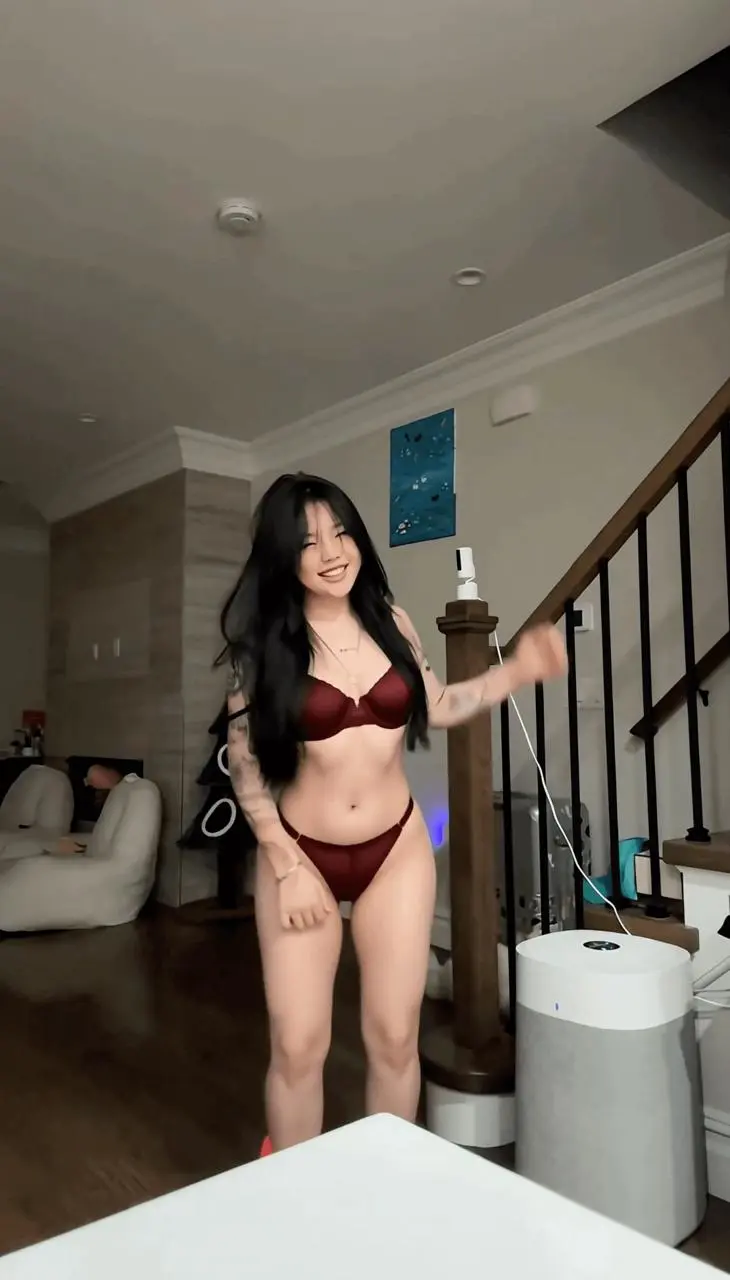
Learn how to upload a source clip, use a short outfit-transformation prompt, and review the generated video with MiniMax H3 on WeShop AI.
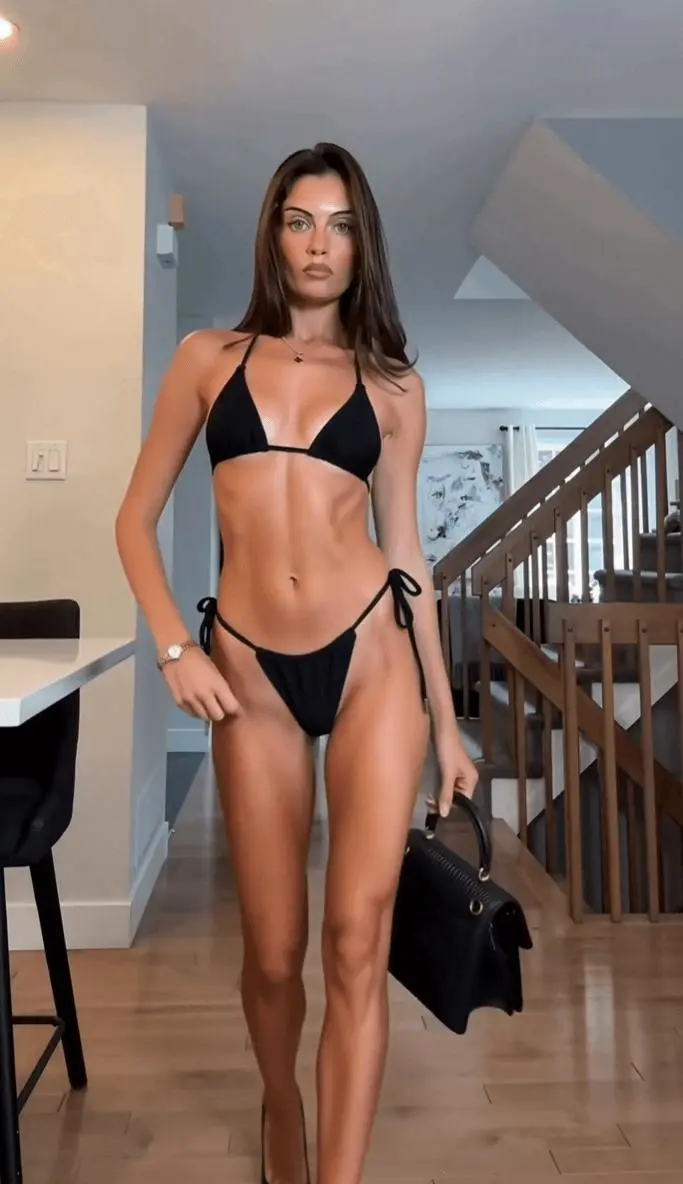
Learn how to turn an authorized fashion clip into a swimwear version with MiniMax H3, preserving motion, scene details, and a consistent outfit.
Learn how to use WeShop Local Run with Codex, Claude Code, or another local agent by copying a prepared prompt, accessing your files, and reviewing results.