












Qwen-Image-2.1 Image Editing Examples: Transparency, References, and Fidelity
Explore official Qwen-Image-2.1 examples for transparent-layer editing, RGBA extraction, multi-reference compositions, portrait identity, and product fidelity.
Quick Take: Four Qwen-Image-2.1 Image Editing Workflows
| Editing task | Input shown in the official examples | Official result | What the example helps assess |
|---|---|---|---|
| Transparent-layer editing | A transparent subject, transparent text, or a standard RGB photo | An edited transparent asset or extracted RGBA subject | Whether generation, editing, and subject extraction can fit into one workflow |
| Multi-reference composition | Six portrait images or 10 furniture references | A group photo or a complete room layout | Whether multiple subjects and objects can be coordinated in one composition |
| Portrait editing | A single portrait | A portrait with a changed setting, styling, or visual treatment | Whether recognizable facial features remain after editing |
| Product editing | A single product image | The product placed in a new background or marketing scene | Whether packaging text, material, and form remain recognizable |
This evidence supports an official example showcase, not an independent review. Qwen's release page does not disclose the complete prompts, settings, repeated generations, or failed attempts for every pair. This article therefore focuses on the visible workflows rather than making claims about reliability, speed, or production readiness.
1. Qwen-Image-2.1 Can Continue Editing Transparent Layers
Qwen-Image-2.1 brings standard images and images with an alpha channel into the same creative pipeline. Its official examples cover three related tasks: modifying a subject while retaining transparency, editing text inside a transparent layer, and extracting a subject from a regular RGB photo as an RGBA asset.
Edit an Expression While Preserving Transparency


This example treats a transparent image as an editable source rather than a final export. That could be useful for workflows in which characters, stickers, or design elements need several revisions before being composited into another layout.
Edit Text Inside a Transparent Layer

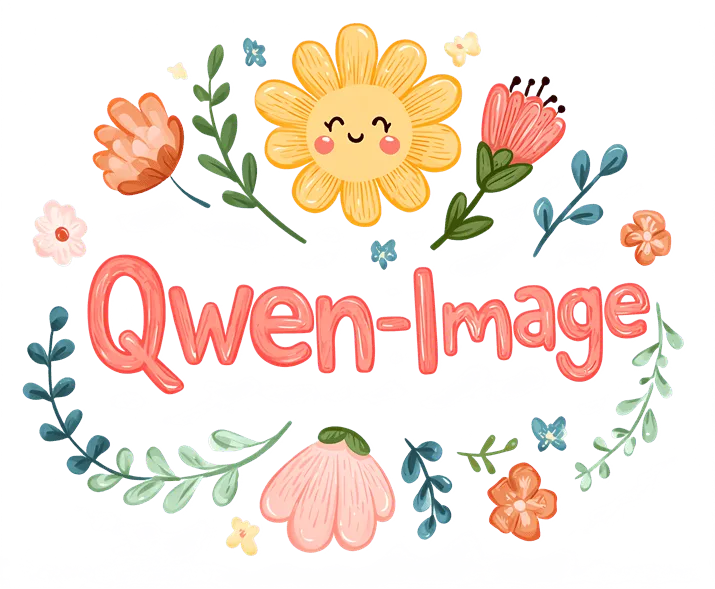
Text replacement is more demanding than a basic background change because the model must also manage letterforms, placement, and surrounding visual elements. This pair documents that Qwen demonstrated the task, but one selected result does not establish equal performance for long copy, small type, or complex layouts.
Extract an RGBA Subject From an RGB Photo
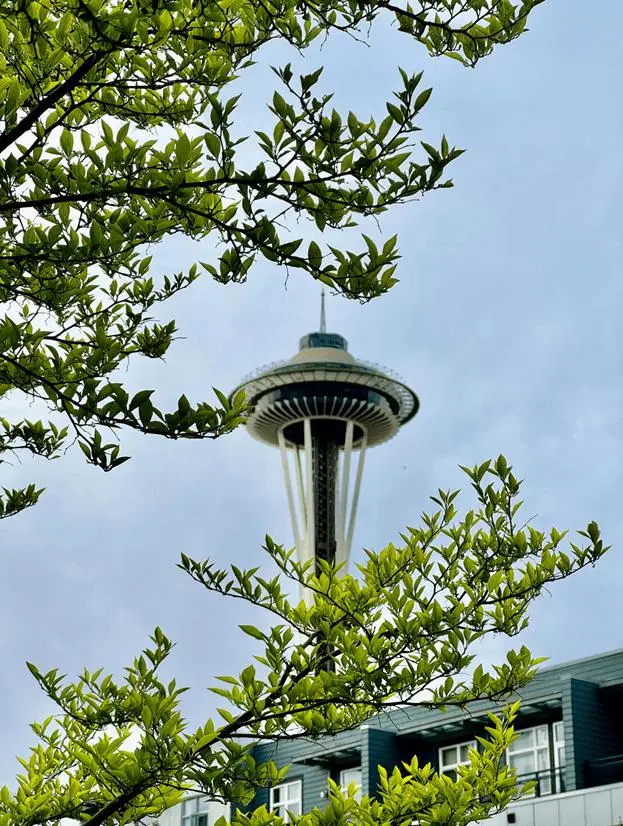
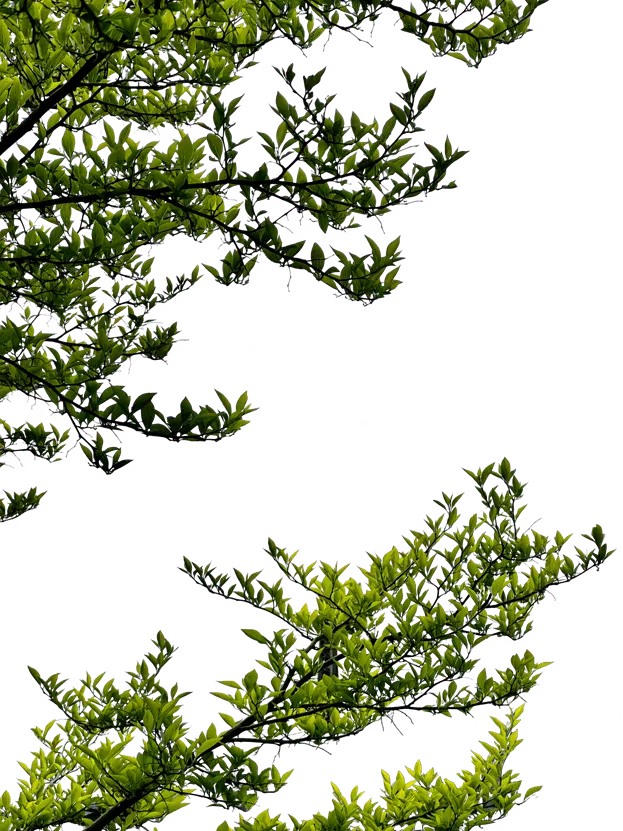
For designers, this workflow could reduce the handoff between image generation, background removal, and compositing. A preview image cannot fully establish alpha-edge quality, however. Hair, translucent materials, and intricate contours should be inspected in the original RGBA file.
2. Multi-Reference Image Editing: From People to Complete Spaces
Qwen states that Qwen-Image-2.1 accepts up to 10 reference images. Compared with single-image editing, multi-reference composition requires the model to coordinate different people, objects, styles, and spatial relationships at the same time.
Combine Six Portrait References Into a Group Photo
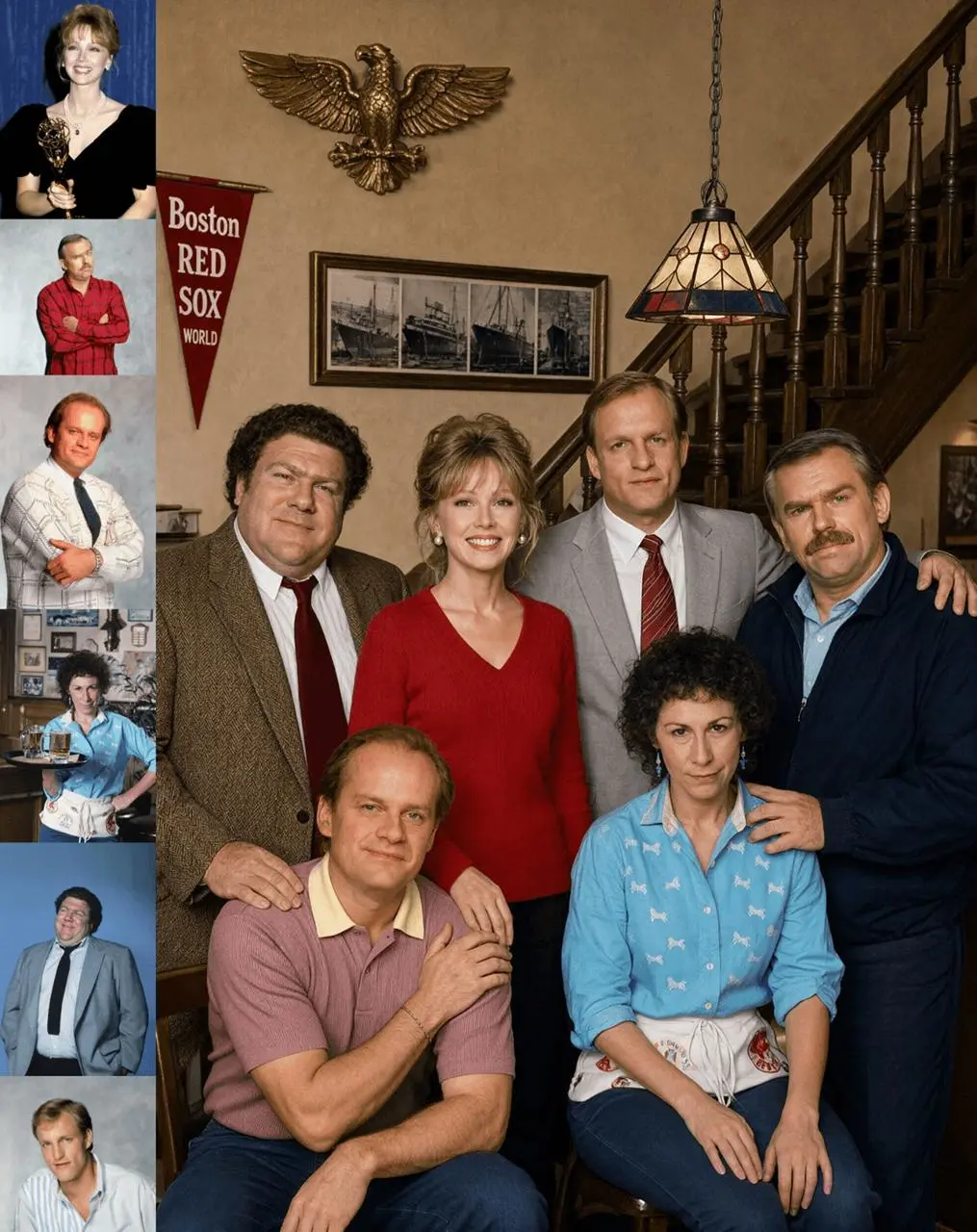
Build an Interior From 10 Furniture References

These examples emphasize different challenges. A group portrait depends on identity and pose coordination, while an interior composition depends more heavily on object selection, scale, and spatial relationships. The official images demonstrate the input capacity and task format, but they do not report object-level retention rates or prove that every reference receives equal weight.
3. Portrait Fidelity: Retaining Identity Through an Edit
In portrait editing, fidelity is not simply a more polished image. The person should remain recognizable after the setting, styling, or visual treatment changes. Qwen provides three input-and-result pairs that allow a visual comparison of identity preservation across different subjects.
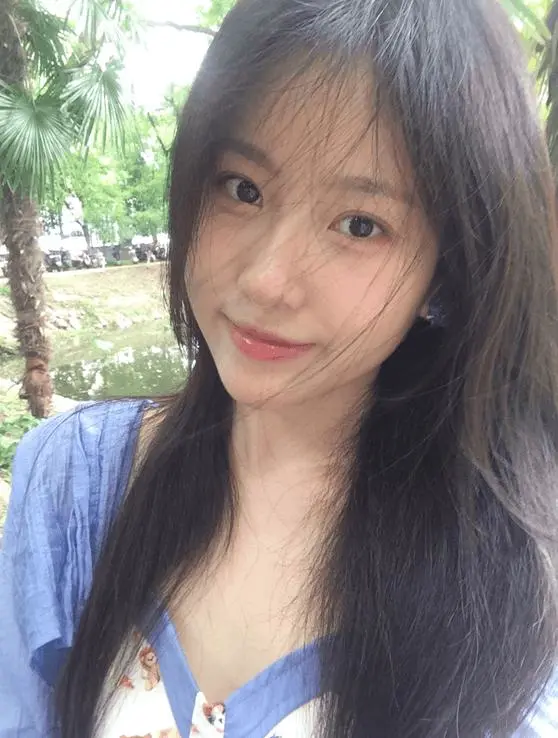





These three selected examples are not enough to conclude that identity remains stable in a single generation. A rigorous test would use the same source image, complete prompt, multiple seeds, and failed outputs, then compare face shape, feature proportions, hairstyle, and apparent age.
4. Product Fidelity: Preserving Text, Texture, and Form
Product editing has a harder constraint than general style transfer: the item cannot merely look similar. Brand copy, packaging proportions, surface texture, color, material, and component count may all determine whether an image is usable. Qwen's release materials include two additional product pairs that demonstrate this editing category.
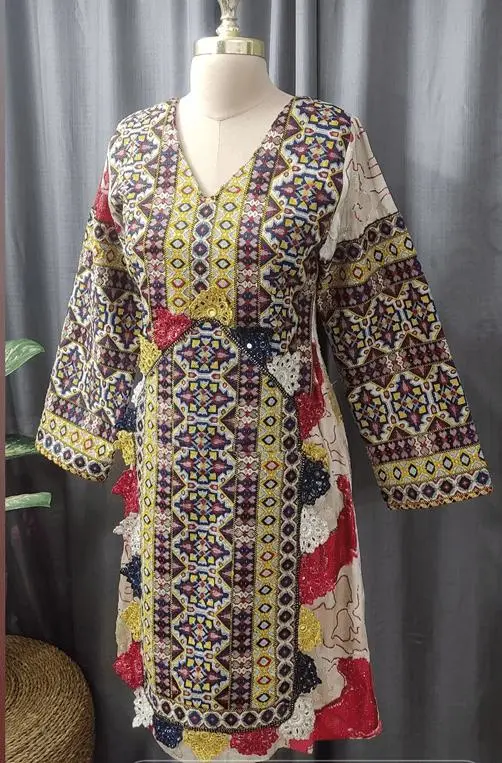
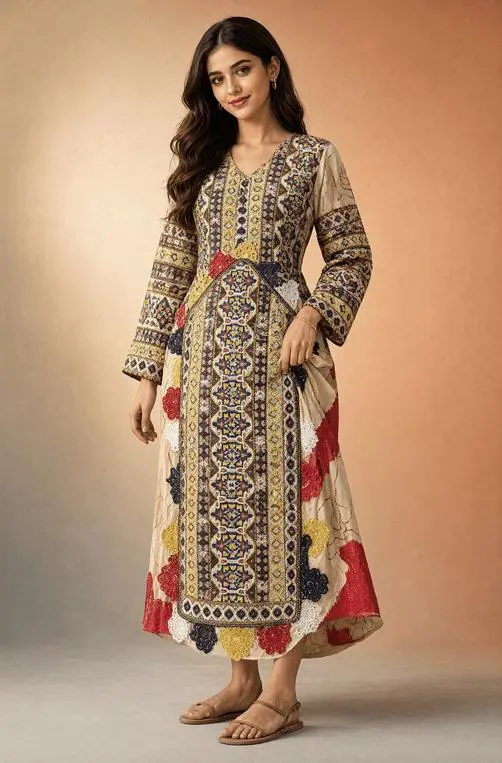
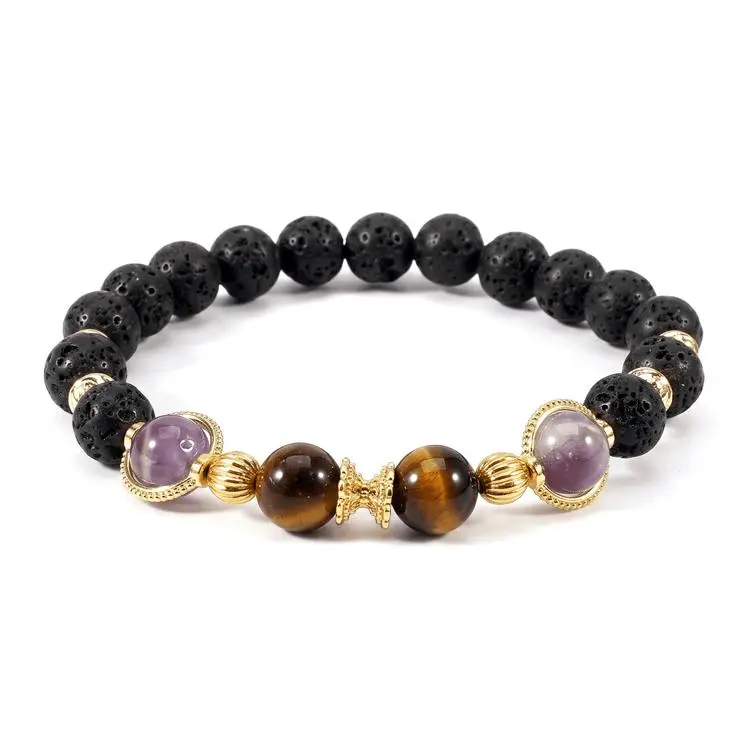

For ecommerce teams, the more useful next test is not another selected image. It is a controlled series in which the same SKU appears across several backgrounds and every output is checked for logo accuracy, packaging copy, color shift, proportions, and accessory count. The current official evidence does not support claims of batch consistency or direct readiness for product-detail pages.
5. Practical Lessons From the Official Editing Examples
In a real workflow, each task should become a verifiable input-and-output comparison instead of a judgment based only on overall visual appeal. Inspect alpha edges for transparent layers, omissions and mismatches in multi-reference compositions, identity drift in portraits, and packaging details character by character in product edits.
What These Qwen-Image-2.1 Examples Do Not Prove
- Without complete prompts, settings, and repeated runs, these examples cannot establish success rates or consistency.
- Without the original RGBA files, alpha edges and semitransparent regions cannot be examined precisely.
- Without failure cases, the boundaries of omission, reference confusion, and identity drift remain unknown.
- These are not WeShop tests. They do not establish a WeShop entry point, credit cost, generation speed, or available settings.
- The Qwen-Image-2.1 model materials use the Qwen Research License. Commercial use is subject to the official license terms and separate authorization.
Final Takeaway
The most important idea in Qwen's official image editing examples is not that one selected output looks impressive. It is that Qwen-Image-2.1 puts several previously separate tasks into one model: continued editing of transparent layers, RGB-to-RGBA subject extraction, multi-reference composition, and the preservation of recognizable portrait and product details.
Based on the published evidence, this is a useful capability showcase—not a conclusion about production reliability. The next step is to test transparent edges, multi-subject consistency, portrait identity, and SKU details with reproducible prompts, settings, raw outputs, and failure cases.