













MiniMax H3 First and Last Frame: Create a Smooth AI Image-to-Video Transition
Learn how to use MiniMax H3 to turn matching empty and furnished room images into a smooth, fixed-camera AI time-lapse transformation video.

Select Model & Location


Have the model showcase your product!

Explore solution playbooks, tool guides, and generated pages designed for repeatable creative operations.
Learn how to use MiniMax H3 to turn matching empty and furnished room images into a smooth, fixed-camera AI time-lapse transformation video.
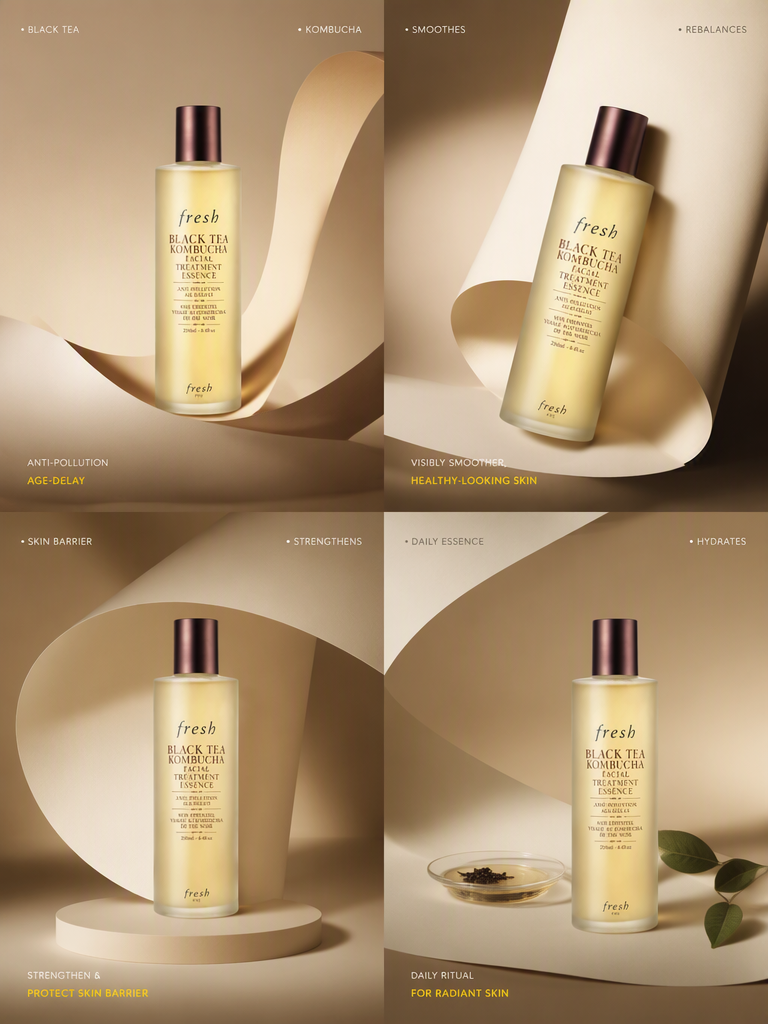
Learn how to turn one product image and a reference video into a polished Instagram-ready skincare ad using MiniMax H3 in WeShop AI.
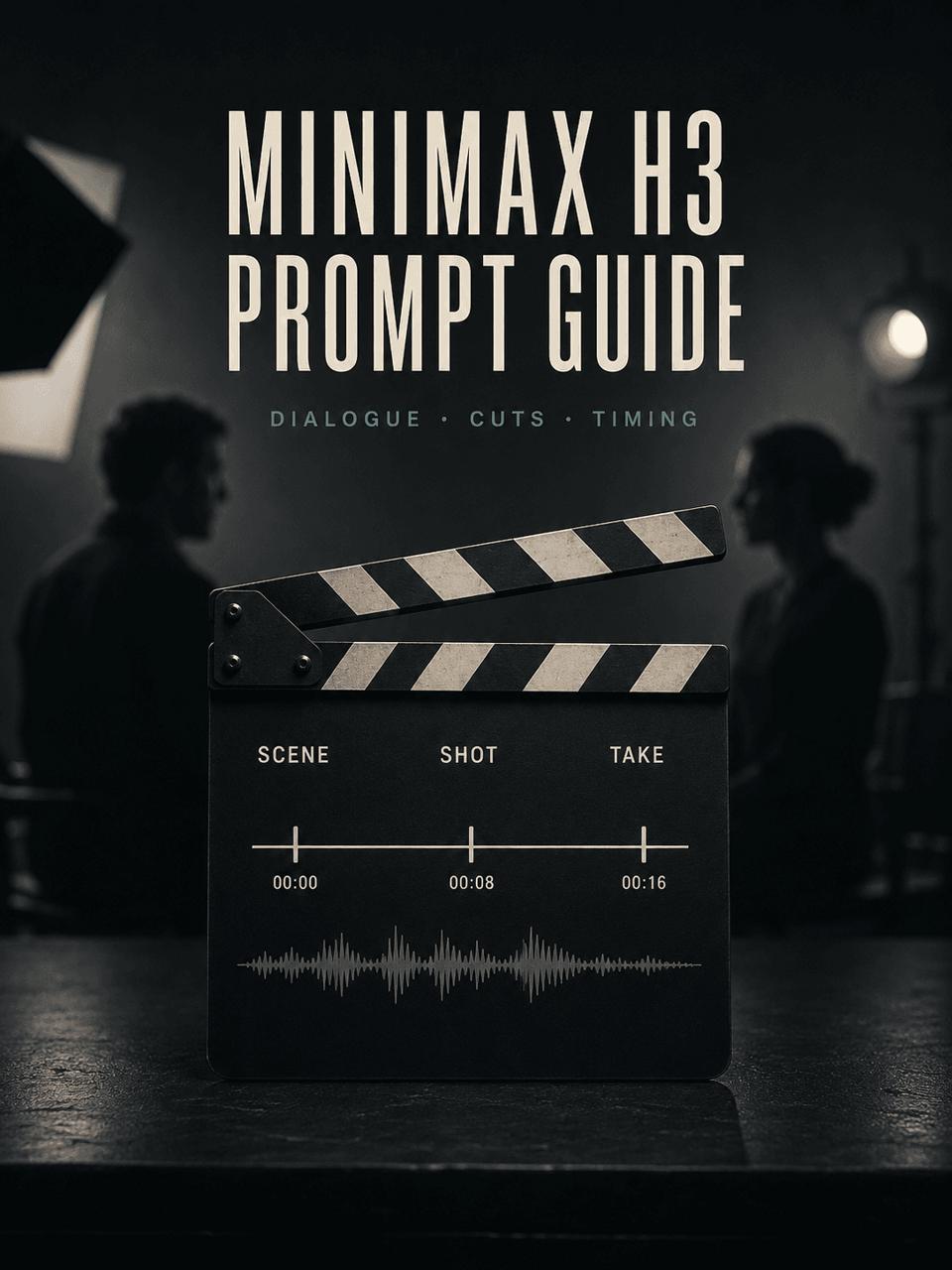
A practical MiniMax H3 prompt guide for controlling dialogue, speaker attribution, shot timing, sound, and product continuity, with a real A/B video test.
Learn how to turn a static game menu or product interface into an AI UI animation with hover states, clicks, panels, and motion using MiniMax H3.
Learn how to use opening-frame and target-logo references in MiniMax H3 to create a 15-second AI brand animation with a continuous-line narrative.
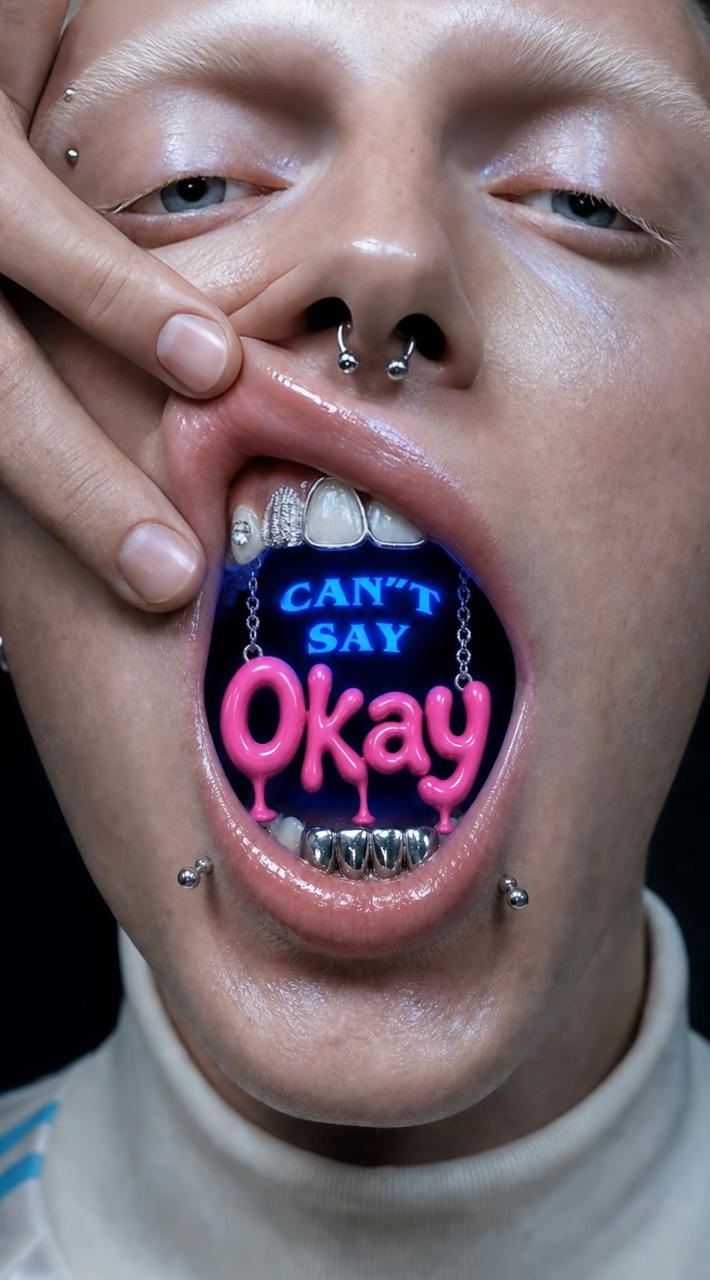
Learn how to turn three reference images into a 10-second vertical kinetic typography video with a tested MiniMax H3 prompt. Follow the exact uploads, settings, prompt, and quality checks to recreate the OKAY eye, urban collage, and mouth sequence in WeShop AI.
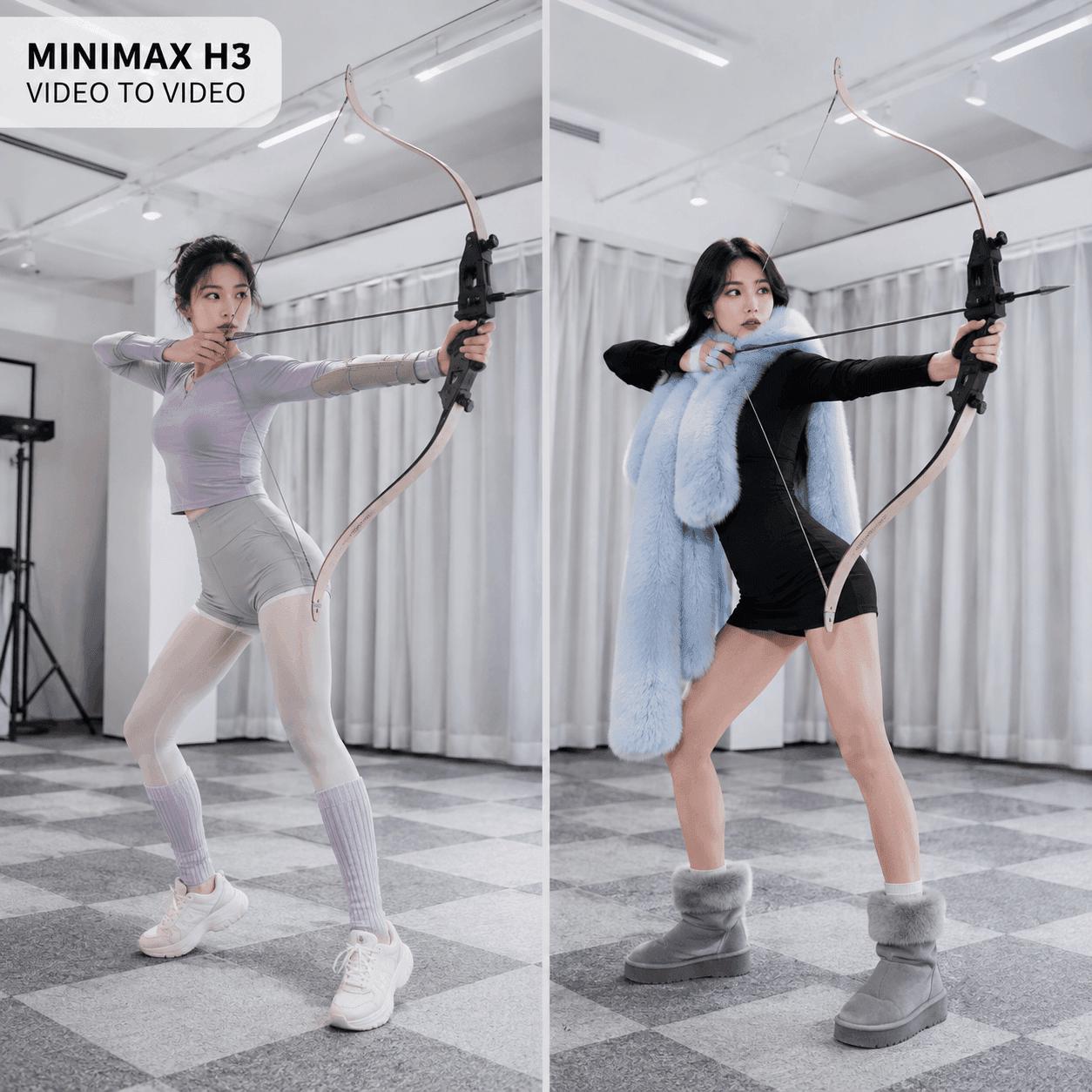
Learn how to use MiniMax H3 video to video to replace a character while preserving the original motion, framing, lighting, and scene. This practical guide covers source-video preparation, composite character references, an optimized prompt, and consistency checks for social content, campaign previews, and creative production.
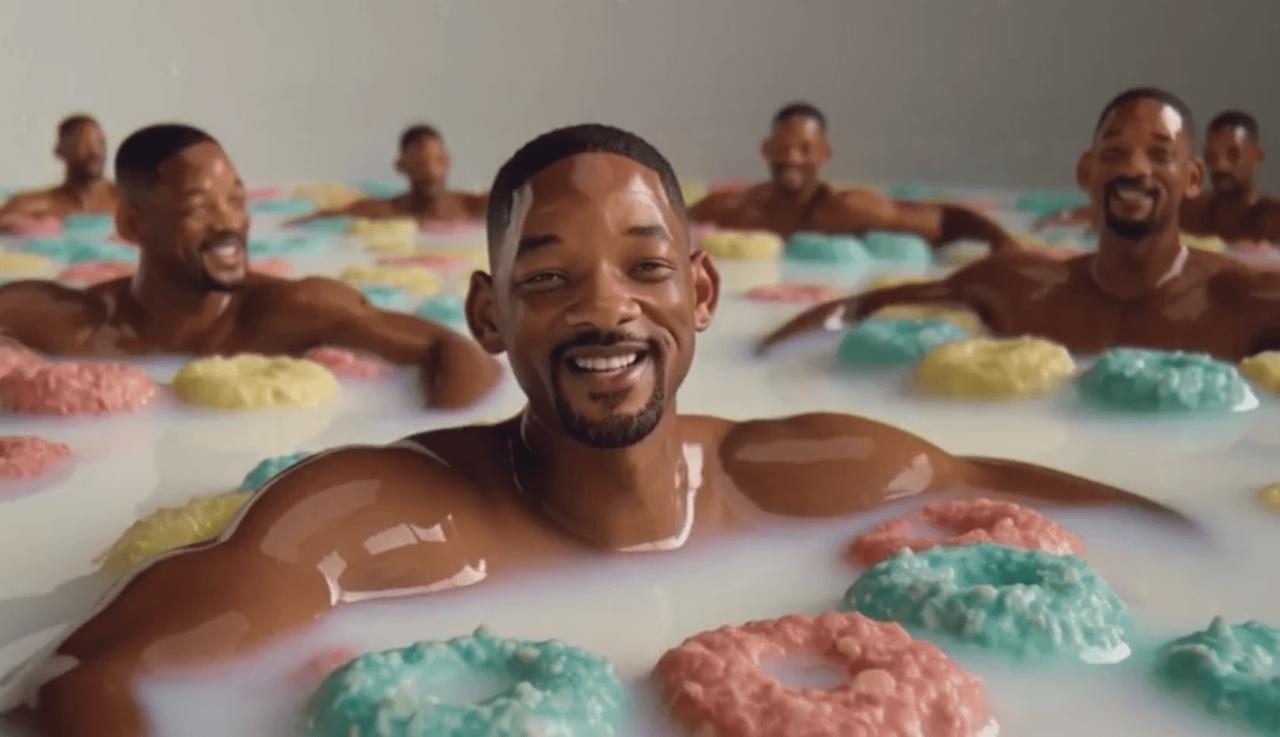
This case study shows how a MiniMax H3 prompt reverses the classic Will Smith spaghetti test and turns a surreal meme into a structured 10-second text-to-video story.
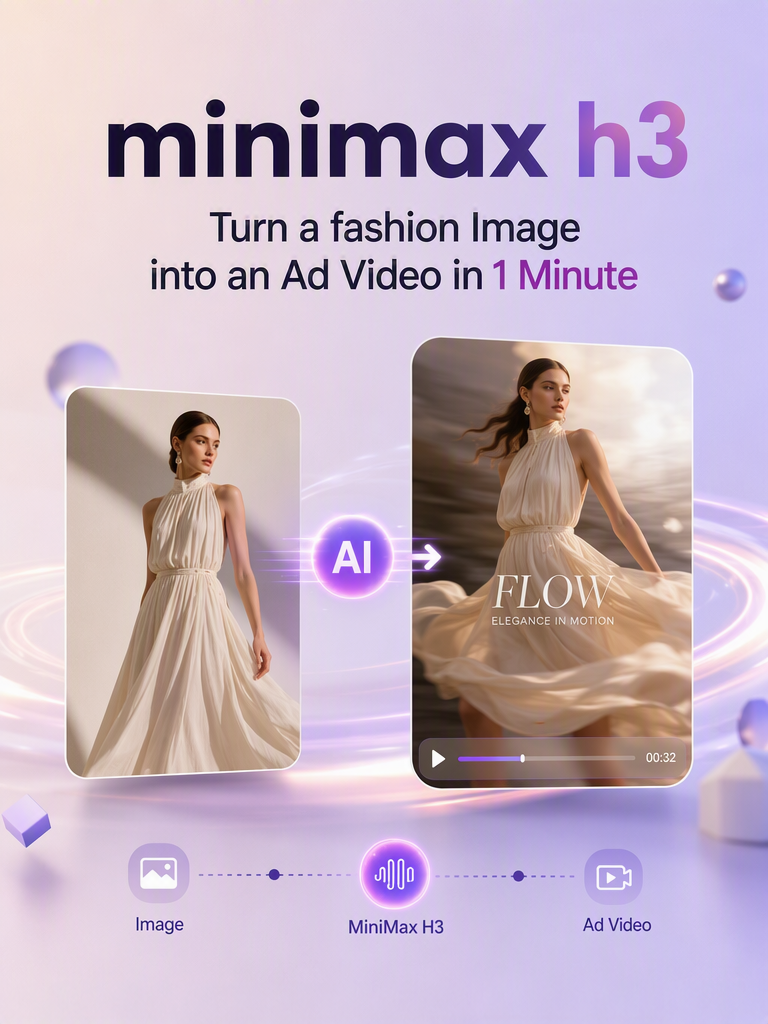
With MiniMax H3, you can turn a single product image into a dynamic promotional video in just minutes. In this tutorial, we’ll walk through the complete workflow—from uploading your product image and setting the prompt to generating and reviewing the final video. You can also try MiniMax H3 for free on WeShop AI and start creating your own product ad right away.
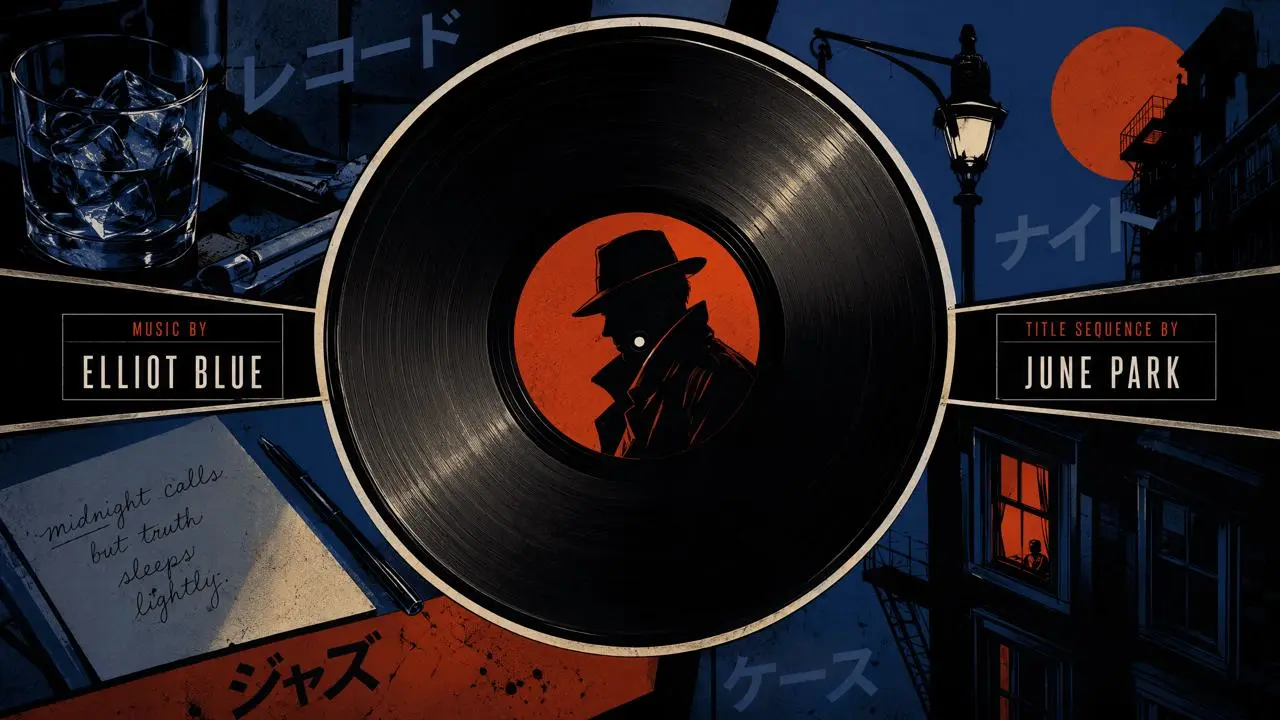
Learn how to turn six timed storyboard keyframes into a 15-second suspense movie intro in MiniMax H3, with graphic transitions, credits, and jazz-infused audio.

Learn how to use MiniMax H3 to turn one character image into a multi-outfit transition video, with prompt tips for consistency, smooth changes, and review.
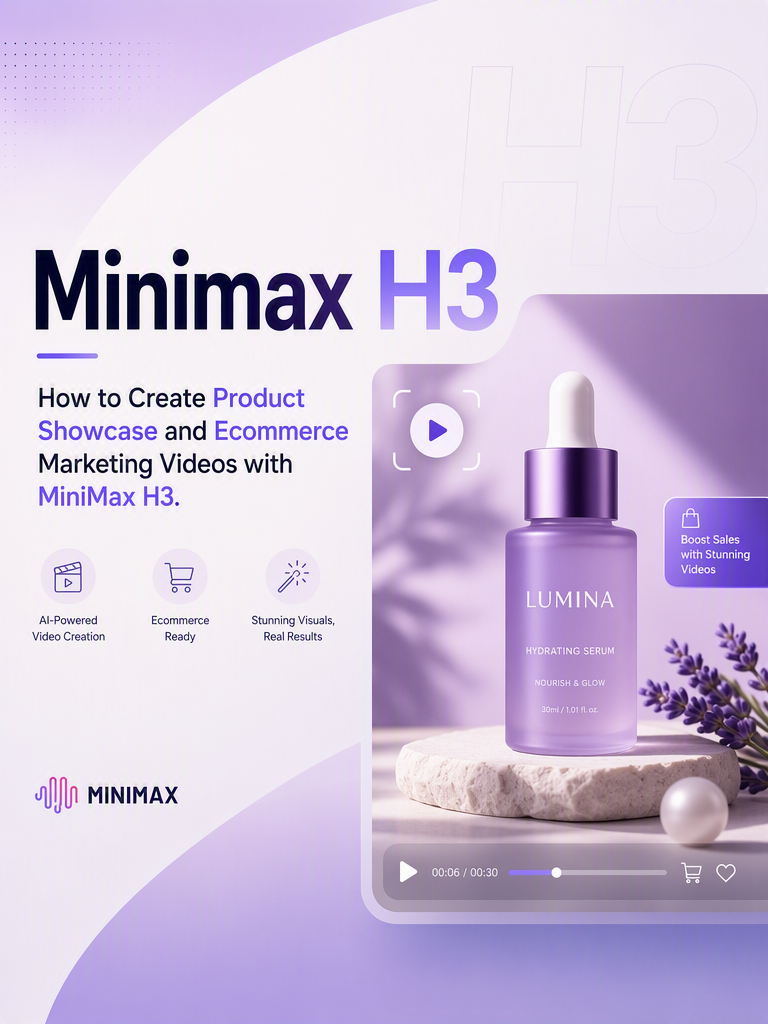
MiniMax H3 product video tutorial for ecommerce sellers and brand marketing teams, covering asset preparation, selling-point breakdowns, prompt templates, and ad creative formats.