












Turn a Product Image into an Ad Video with MiniMax H3
With MiniMax H3, you can turn a single product image into a dynamic promotional video in just minutes. In this tutorial, we’ll walk through the complete workflow—from uploading your product image and setting the prompt to generating and reviewing the final video. You can also try MiniMax H3 for free on WeShop AI and start creating your own product ad right away.
How can you create a strong brand visual video?
Traditionally, producing a brand video means planning a shoot, finding models and locations, preparing props, and creating different assets for every marketing channel. But with WeShop AI’s MiniMax H3 video generation technology, the whole process can be much simpler. Just upload a product image or reference image, describe the style you want, and quickly generate promotional videos, advertising visuals, social media content, and other branded assets.
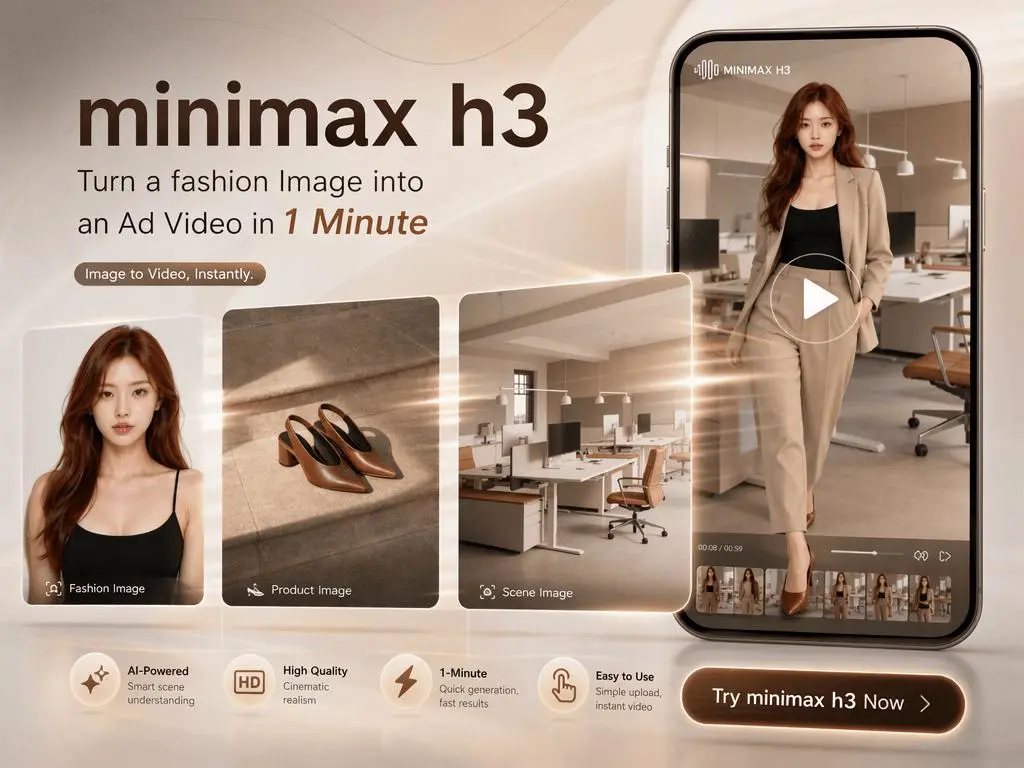
How to One Product Image to a Full Brand Campaign Video
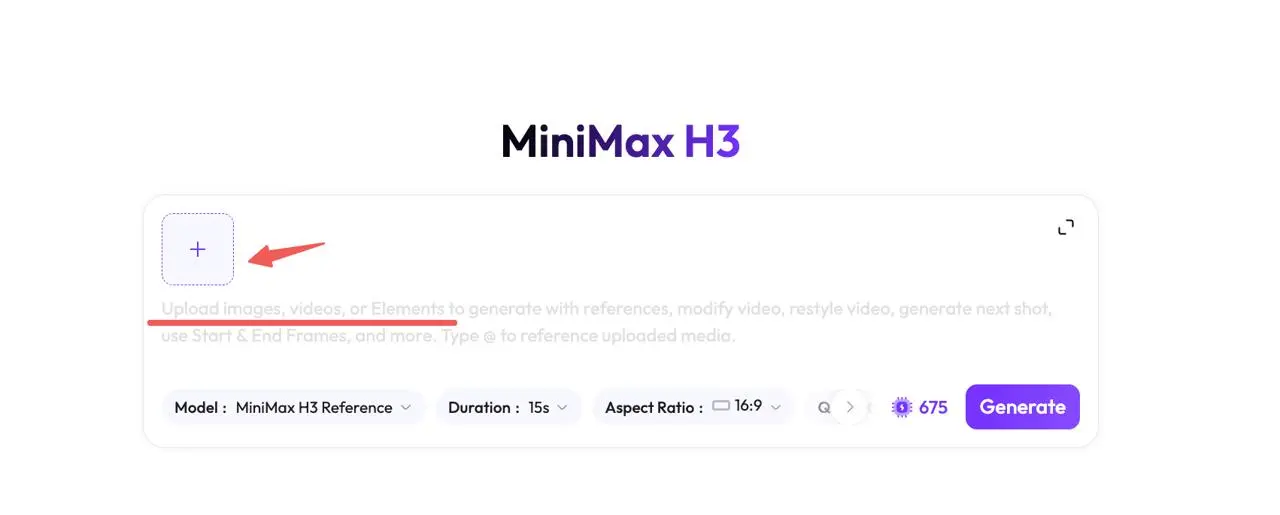
Step 1 — Open MiniMax H3 & Upload Your References
Open the MiniMax H3 tool in WeShop AI. Upload product images, model images, scene references, logos, or reference videos. Clearly define what each reference should control, such as the product appearance, character look, visual style, or editing rhythm.
Step 1
|
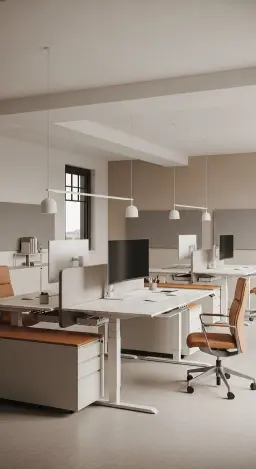
Example:
Scene
|
Model

|
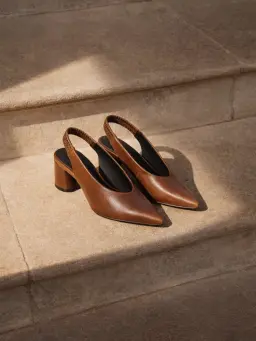
Product
|
Step 2 — Define the Creative Direction
Your prompt only needs to define:
For example: The model in【 Image xxx】 is wearing/holding the product from 【 Image xxx】 within the setting shown in 【 Image xxx】 to showcase the product; suitable for commercial photography.
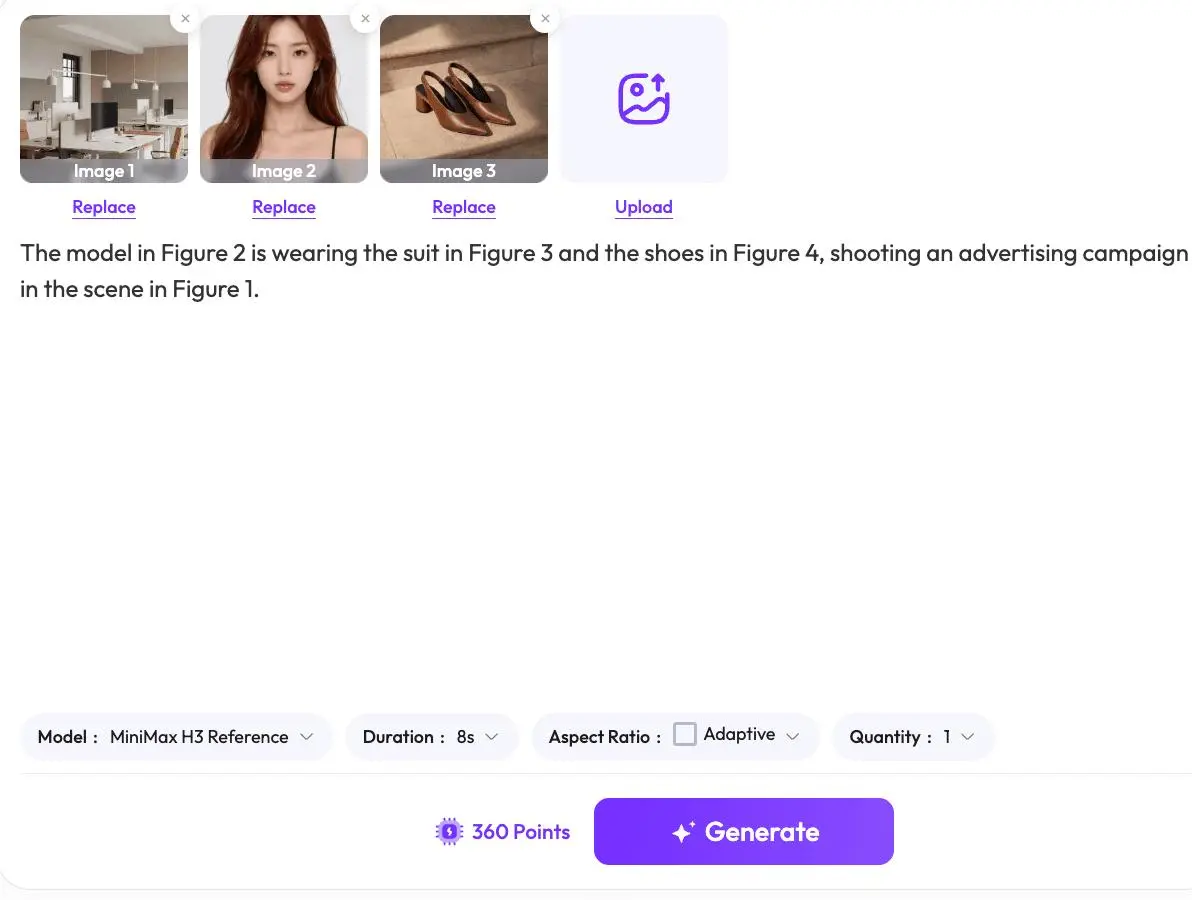
Step 3 — Generate and Refine
Before generating, check that:
Whether the model and product images are clear; Whether the image descriptions are accurate; That the prompts do not contain conflicting instructions; Whether any parameters need adjustment; Then, click "Generate."
You can try it out directly using the tools on the right.
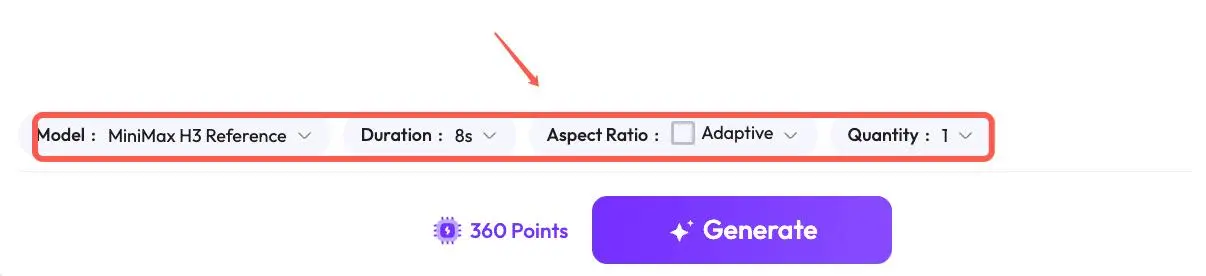
Now that you’ve learned how to turn a product image into an ad video with MiniMax H3, it’s time to try it yourself. Head over to the tool on the right, upload your product image, and create your first AI ad video in just a few simple steps.
You can also log in to WeShop AI and try MiniMax H3 for free. Start creating and see what your product can look like in motion.