












How to Create 15-Second AI Brand Motion Graphics with Logo References
Learn how to use opening-frame and target-logo references in MiniMax H3 to create a 15-second AI brand animation with a continuous-line narrative.
Creating polished AI brand motion graphics requires more than style words such as “futuristic” or “premium.” If an animation must begin with an established brand composition and end with a specific logo shape, each reference image needs a clearly defined role.
In this MiniMax H3 example:
- The first image controls the opening composition.
- The second image defines the final waveform logo.
- The prompt controls the transformation, visual language, scene sequence, and output requirements.
This tutorial shows how to combine these elements in WeShop MiniMax H3 to create a 15-second abstract technology brand video connected by one continuous line.
|
|
The opening composition and target waveform serve different purposes: one defines where the animation starts, while the other controls the final logo structure.
Prepare the Reference Images and Brand Assets
Before generating the animation, prepare four elements:
- An opening-frame reference
- A target-logo reference
- A structured video prompt
- The required brand and asset rights
Opening-Frame Reference
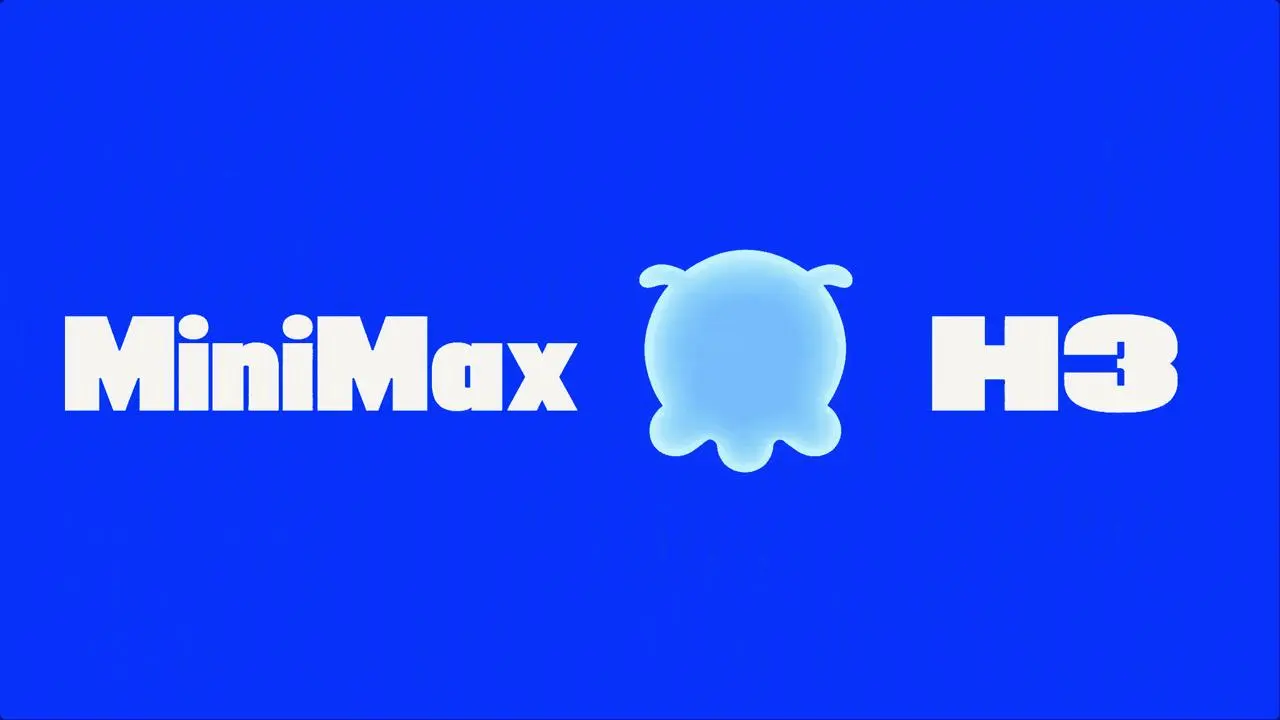
Opening-frame reference: this image defines the electric-blue background, white MiniMax wordmark on the left, light-blue octopus logo in the center, and white H3 wordmark on the right.
Use this image to control:
- the opening background color;
- the position of the MiniMax and H3 wordmarks;
- the octopus logo’s initial shape;
- the relative scale of the three brand elements;
- the negative space and overall visual balance.
Treat it as a composition reference rather than a general mood image.
Target Waveform Logo Reference
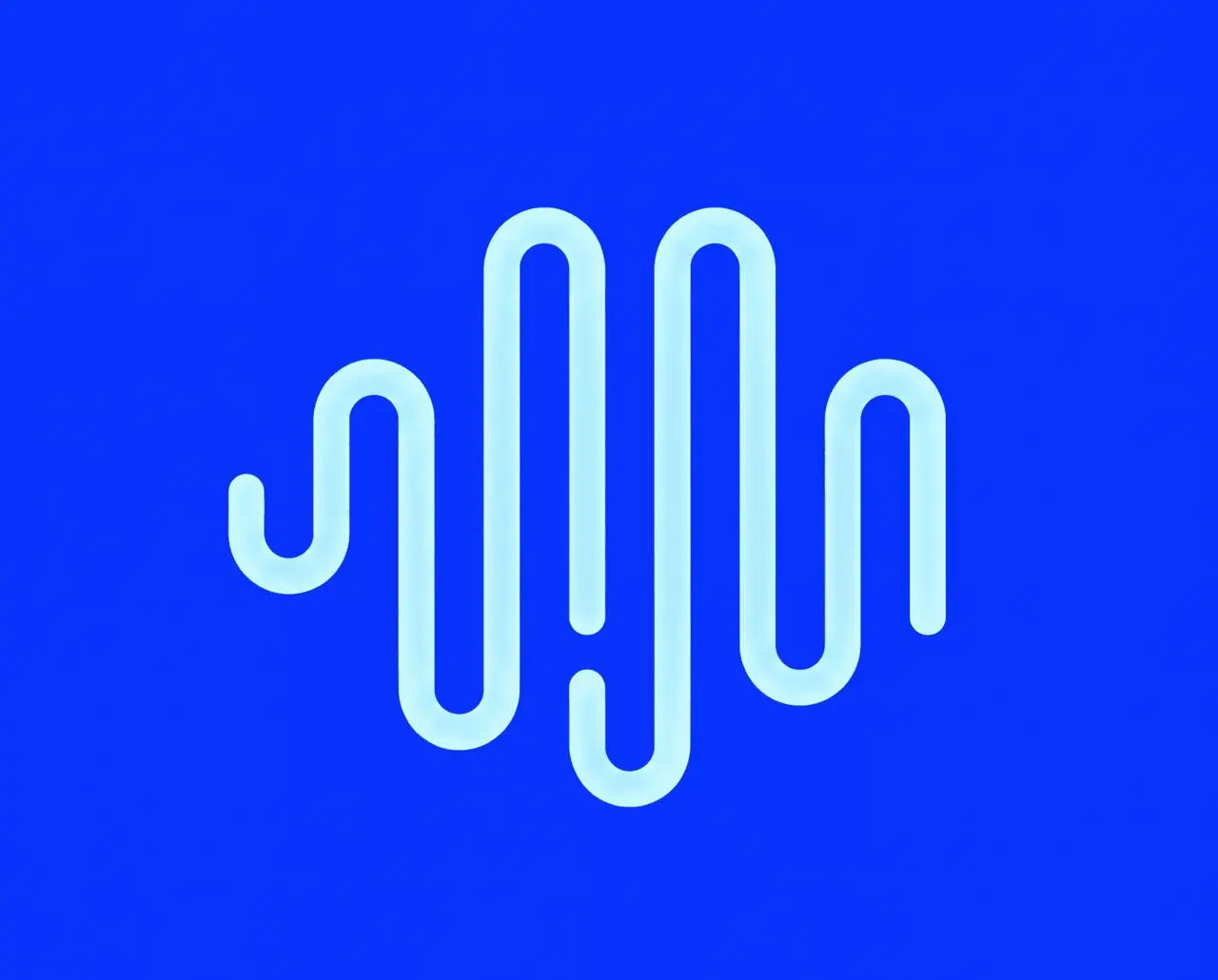
Target-logo reference: this image defines the required final form of the logo transformation, including its path, curves, rounded endpoints, and overall proportions.
Use this image to control:
- the waveform’s path structure;
- the number and order of its curves;
- the direction of each bend;
- the rounded endpoints;
- the logo’s width-to-height ratio.
The generated result should not replace this structure with a generic audio-wave icon or a loosely similar symbol.
Step 1: Give Each Reference Image One Clear Role
Open WeShop MiniMax H3.
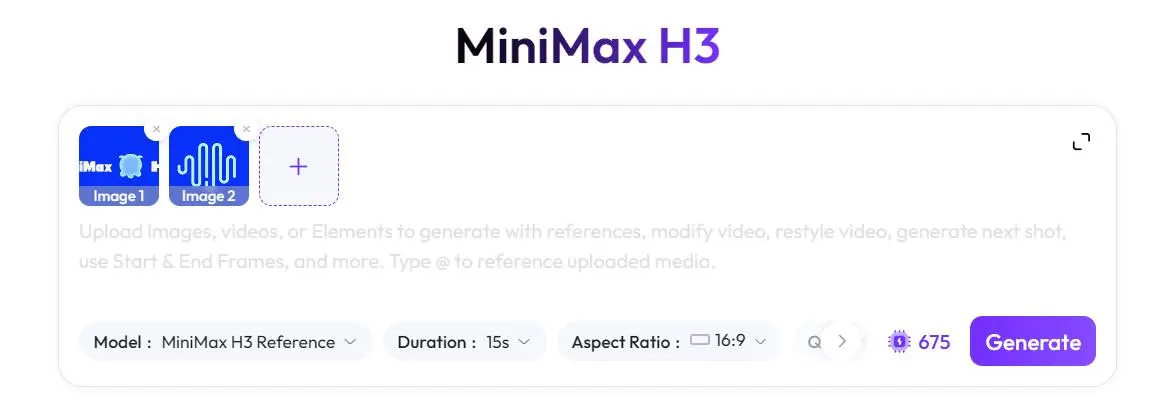
Use the opening image as the starting composition and the waveform image as the target-logo reference.
Do not simply write, “Follow these two images.” Instead, explain their separate functions:
- Reference 1 controls the composition at
00:00. - Reference 2 controls the final waveform path.
- The references must not be blended into a newly designed symbol.
- The opening image should not replace the required final logo.
- The target waveform should not appear before the transformation begins.
This distinction gives the model a clear starting state and destination.
The current interface’s reference-image limit, upload order, and weighting controls should be checked directly on the tool page. Do not claim that a control is available unless it appears in the current product interface.
Step 2: Write a Structured AI Motion Graphics Prompt
Organize the prompt into six parts:
- Output specifications
- Opening-frame control
- Logo transformation
- Multimodal narrative
- Art direction
- Negative constraints
Use the following prompt as a starting point:
Create a 15-second, 16:9 abstract technology motion graphic for MiniMax H3.

[Opening frame]
Use Reference 1 as the opening composition. Preserve the large electric-blue background, the white “MiniMax” wordmark on the left, the light-blue octopus logo in the center, and the white “H3” wordmark on the right. Maintain their relative positions, scale, negative space, and overall composition.

[Logo transformation]
Transform the central octopus logo smoothly along one continuous light-blue line until it becomes the waveform logo shown in Reference 2. Preserve the target logo’s path structure, number of curves, rounded endpoints, and overall proportions. Do not redesign the logo or add, remove, or reorder its curves.

[Core motion system]
Use one continuous light-blue line throughout the video. Place a glowing white node at the leading end of the line. The node should guide the camera movement, generate graphic forms, and initiate scene transitions. Do not split the main line into unrelated paths.

[Narrative]
Show how language, images, video, and audio become connected through one context and one architecture. Introduce TEXT, IMAGE, VIDEO, and AUDIO in sequence without complex feature icons. Connect every modality using the same continuous line, bring them into ONE CONTEXT, and resolve the motion into the waveform logo from Reference 2.

[Visual direction]
Use a premium, minimal, fluid, and artistic technology motion-graphics style. Work with large areas of electric blue, deep navy, light cyan, and small purple accents. Use clean, bold white typography and generous negative space. Favor smooth morphing, restrained gradients, subtle glow, and elastic curves. Avoid realistic environments.

[Timeline]
00:00–00:01.5: Reproduce Reference 1 and begin transforming the octopus logo.
00:01.5–00:04.0: Enter a deep-navy space and connect the line to TEXT.
00:04.0–00:06.0: Connect the same line to IMAGE, VIDEO, and ONE CONTEXT.
00:06.0–00:08.5: Transform the line into an AUDIO waveform.
00:08.5–00:12.0: Show only verified product information. Do not invent performance figures.
00:12.0–00:15.0: Bring all movement together, form the Reference 2 waveform logo, and finish with “MiniMax H3.”

[Restrictions]
Avoid complex icons, information overload, random particles, realistic devices, people, cities, dashboards, and rapid flashing cuts. Do not alter the spelling of brand names. Do not generate unverified performance claims. Do not change the target logo’s path structure.
Step 3: Configure the Video and Generate It
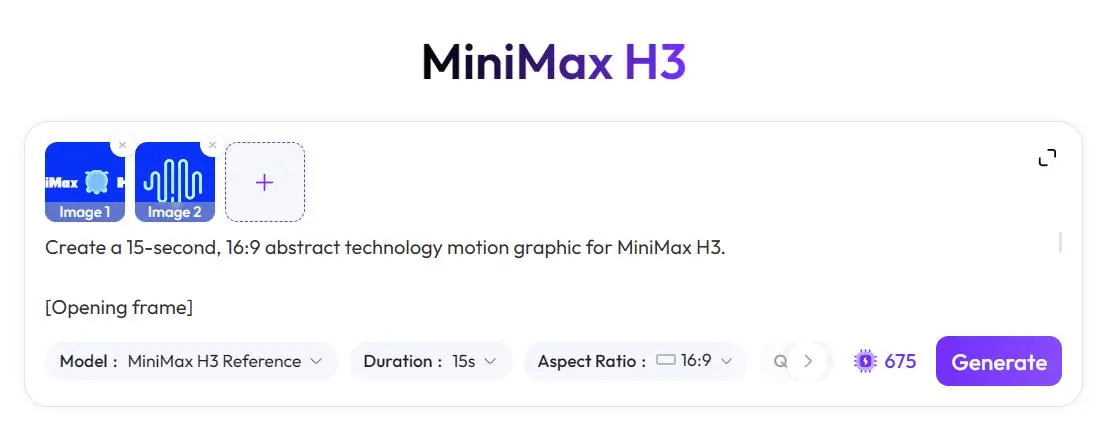
If the corresponding options are available, use these target settings:
| Setting | Target |
|---|---|
| Duration | 15 seconds |
| Aspect ratio | 16:9 |
| Resolution | 4K, or the highest currently supported resolution |
| Frame rate | 60fps, or the highest currently supported frame rate |
| References | Opening frame and target waveform logo |
| Motion anchor | One continuous cyan line with a glowing white leading node |
The availability of exact 15-second output, native 4K, 60fps, multiple reference images, and reference weighting must be verified in the current WeShop MiniMax H3 interface.
If a setting is unavailable, describe it as a creative target rather than claiming that the generated file meets it.
Generate the video and retain both the original output file and its generation record.
Step 4: Review Brand and Motion Consistency
Evaluate the generated video against the supplied references rather than judging it only by whether it looks futuristic.
Check the Opening Composition
Confirm that:
MiniMaxandH3are spelled correctly.- Their positions remain consistent with the opening reference.
- The background is predominantly electric blue.
- The octopus logo has not already been replaced by another shape in the first frame.
- The relative scale and negative space remain recognizable.
Check the Logo Transformation
Inspect the final waveform logo frame by frame:
- Does it have the same number of curves as the target?
- Do the paths bend in the correct directions?
- Are the endpoints rounded?
- Has the logo been stretched or compressed?
- Did the model add branches, breaks, or extra curves?
- Does the final silhouette remain recognizable at a smaller size?
Check the Continuous-Line Narrative
The same line should connect TEXT, IMAGE, VIDEO, and AUDIO, while the glowing white node remains at its leading edge.
If the line disappears or is replaced without a visual transition, the central idea of a shared context becomes less clear.
Check Text and Product Claims
Review the spelling, readability, and screen time of every word.
Product positioning and performance figures must be approved by the product team. Text appearing inside an AI-generated frame is not evidence that the claim is correct.
Step 5: Inspect the Final AI Brand Video
The finished MiniMax H3 case video demonstrates the intended visual sequence:
- The animation begins with the MiniMax H3 brand lockup.
- The central octopus logo transforms into a continuous-line system.
- The glowing node guides the line through multiple modalities.
TEXT,IMAGE,VIDEO, andAUDIObecome part of one visual context.- The motion resolves into the target waveform logo.
Final AI-generated result: a continuous-line MiniMax H3 brand animation connecting text, image, video, and audio before resolving into the target waveform logo.
You can try it directly using the tool on the right.
Refine the Result When Needed
If the generated video changes the waveform logo, clarify that Reference 1 controls only the opening composition and Reference 2 controls only the final logo path. Explicitly instruct the model not to add, remove, or reorder any curves.
If the composition feels crowded, remove decorative icons and unverified performance figures. Keep the continuous line, glowing node, modality labels, and final waveform logo as the primary visual elements.
Review all brand names, product claims, and asset rights before publishing the finished video.
Turn One Line into a Complete Brand Story
The strongest part of this concept is not any single transition. It is the continuity: one line carries the viewer from the opening identity through text, image, video, and audio before resolving into a recognizable brand mark.
Keep that visual idea clear, give each reference image one precise role, and let every movement lead naturally toward the final logo.