












MiniMax H3 Prompt Guide for Dialogue and Timing
A practical MiniMax H3 prompt guide for controlling dialogue, speaker attribution, shot timing, sound, and product continuity, with a real A/B video test.
MiniMax H3 Prompt Guide: Control Dialogue, Cuts, and Timing
This MiniMax H3 prompt guide shows how to control speakers, lip sync, cuts, sound, and product continuity instead of relying on a good-looking but ambiguous scene description.
A community MiniMax H3 example showing directed dialogue, actions, a readable prop, camera movement, and a timed reaction shot.
The opening clip came from a structured prompt shared by Reddit user GrayingGamer. It directs two speakers, several actions, a readable prop, camera movement, sound, and a reaction shot at around ten seconds. Commercial projects should use authorized characters, voices, products, and brand assets. The useful lesson is its shooting-script logic.
Why a MiniMax H3 Prompt Guide Matters
A short prompt can work for one subject and one action. Structure becomes useful with several speakers, an off-screen voice, multiple shots, or timed product actions. Otherwise, the correct voice may play while the wrong character moves their lips. Cuts may arrive early, and products may change between shots.
A practical MiniMax H3 prompt guide should reduce that ambiguity. More adjectives about style cannot replace a clear speaker identity or timeline.
Choose the Right Official MiniMax H3 Prompt Guide
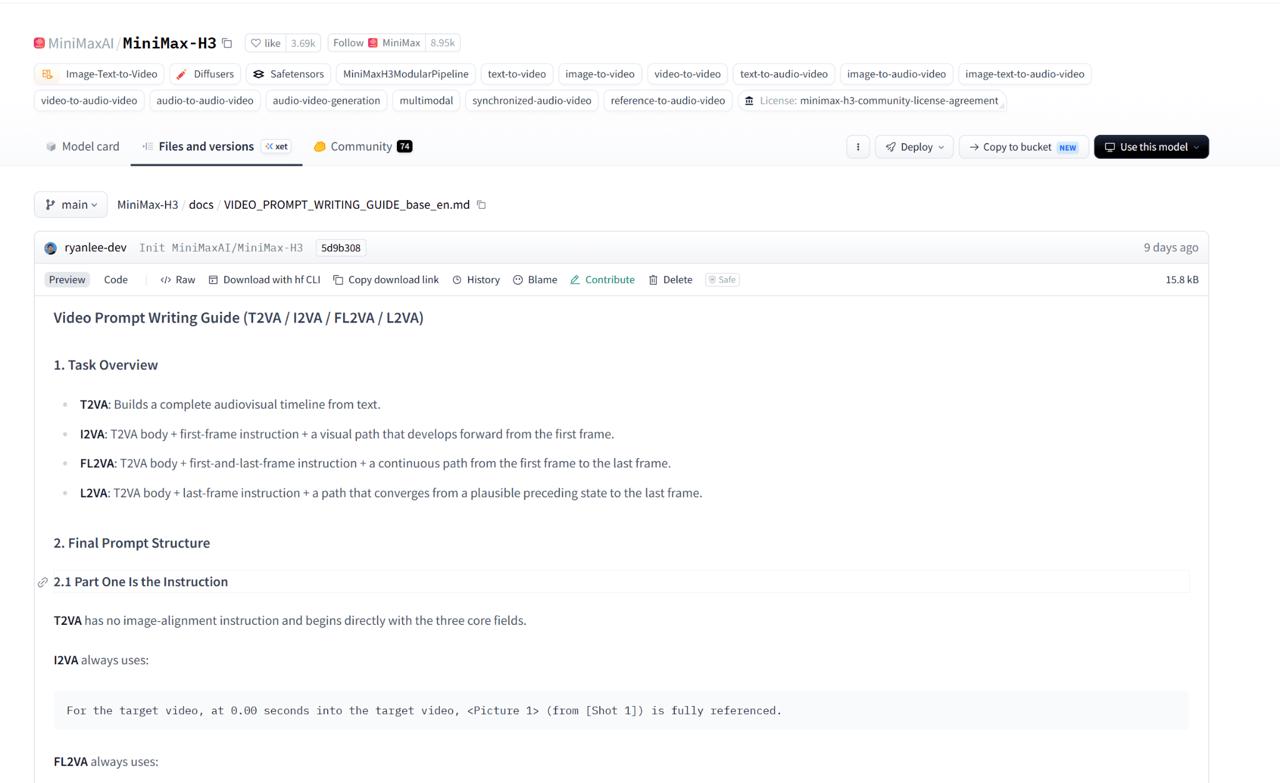
MiniMax provides two official resources:
| Official resource | Best for | Main structure |
|---|---|---|
| Video Prompt Writing Guide | Text-to-video, image-to-video, first-and-last-frame, and last-frame tasks | integrated_multimodal_description, overall_soundscape, non_diegetic_music |
| Full-Reference Mode Guide | Tasks using separate subject, image, video, motion, or audio references | Six sections from subject_definitions through non_diegetic_music |
Video Prompt Writing Guide
Full-Reference Mode Guide
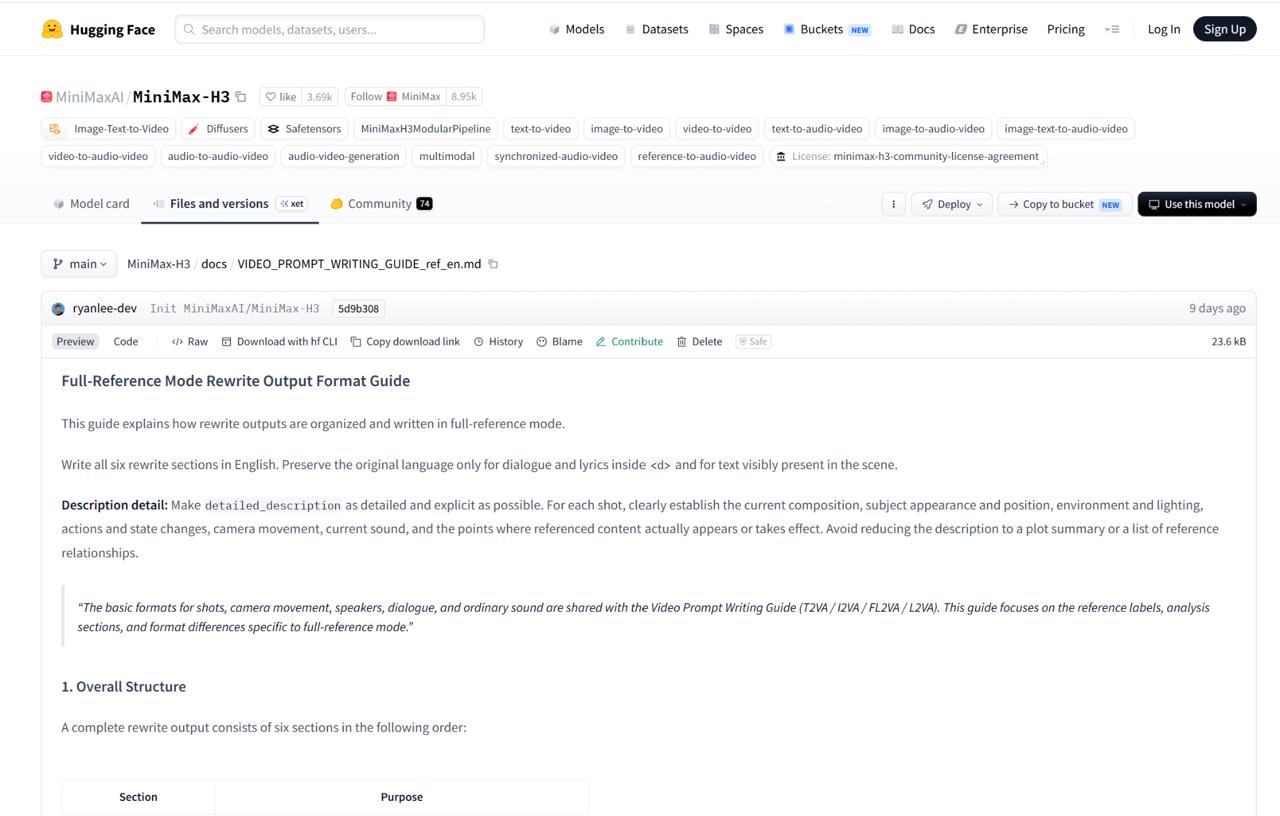
Use the first MiniMax H3 prompt guide for text or frame-led generation. Use the full-reference guide when an image defines the product, a video controls motion, or audio controls voice delivery.
The current official syntax gives speakers stable IDs such as (S1) and (S2). Speaker identity and delivery stay outside <d>. Only the language and spoken words go inside:
The female host with a clear, confident voice (S1) asks:
<d>[English] Ready for the pressure test?</d>
For an off-screen line, identify it as an off-screen voiceover and state that the visible character’s lips remain closed.
Four Rules for a Controllable Timeline
- Assign speakers and silence. Introduce each voice once, keep the same ID across shots, and identify who must not speak.
- Put cuts on the timeline. Start with
[Shot 1]and no timestamp. Give later shots increasing cut times:
[Shot 1] A medium shot establishes the host, technician, and test tank.
[Shot 2] At 00:04.000, the camera cuts to a close-up of the watch.
[Shot 3] At 00:08.000, the camera cuts to the technician lifting the watch.
- Separate speech and sound. Put dialogue in
<d>, physical sound inoverall_soundscape, and audience-only music innon_diegetic_music. - Match the script to the output length. If dialogue overlaps or a product action passes too quickly, shorten the script or extend the clip.
This MiniMax H3 prompt guide controls pacing as well as editing. The gap between timestamps is the time available for each action and line.
MiniMax H3 Prompt Test: Brief vs. Structured
We tested one watch-pressure concept with two prompt styles. It required three shots, two people, three lines, one off-screen male line, two cuts, and one consistent dive watch. This MiniMax H3 prompt guide comparison is a practical demonstration, not a formal benchmark.
The main prompt differences were:
| Control | Brief prompt | Structured prompt |
|---|---|---|
| Speakers | Described by role in paragraphs | Fixed as (S1) and (S2) |
| Off-screen line | “The technician speaks from off screen” | Explicit off-screen voiceover plus closed-mouth instruction |
| Cuts | Written as ordinary time directions | Written as [Shot 2] At 00:04.000 and [Shot 3] At 00:08.000 |
| Sound | General request for realistic sound | Separated into overall_soundscape and non_diegetic_music |
Test 1: Brief Prompt
The brief version created a convincing studio and kept the watch recognizable. However, during the technician’s off-screen line, the female host visibly moved her lips as if speaking with his voice. Its cuts arrived at approximately 3.54 and 6.79 seconds, so the final reveal began early.
Test 2: Structured MiniMax H3 Prompt Guide Format
The structured MiniMax H3 prompt guide version used speaker IDs, an off-screen voiceover, a closed-mouth instruction, and timed shots. Its cuts arrived at approximately 3.92 and 7.88 seconds, close to the requested four- and eight-second marks.
No obvious false lip sync appeared. The watch filled the foreground while the host stayed in the background. Her mouth was partly obscured, so this does not prove perfect execution. Still, the structured MiniMax H3 prompt guide avoided Test 1’s visible mismatch.
| Result | Brief prompt | Structured prompt |
|---|---|---|
| Speaker attribution | Male voice with visible female lip movement | No obvious wrong-person lip sync |
| Cut timing | About 3.54s and 6.79s | About 3.92s and 7.88s |
| Product continuity | Watch remained recognizable | Watch remained recognizable with a stronger close-up |
| Remaining issue | Visible speaker mismatch | Minor pseudo-text on the technician’s shirt |
| Brief prompt at 4.5 seconds | Structured prompt at 4.5 seconds |
|---|---|
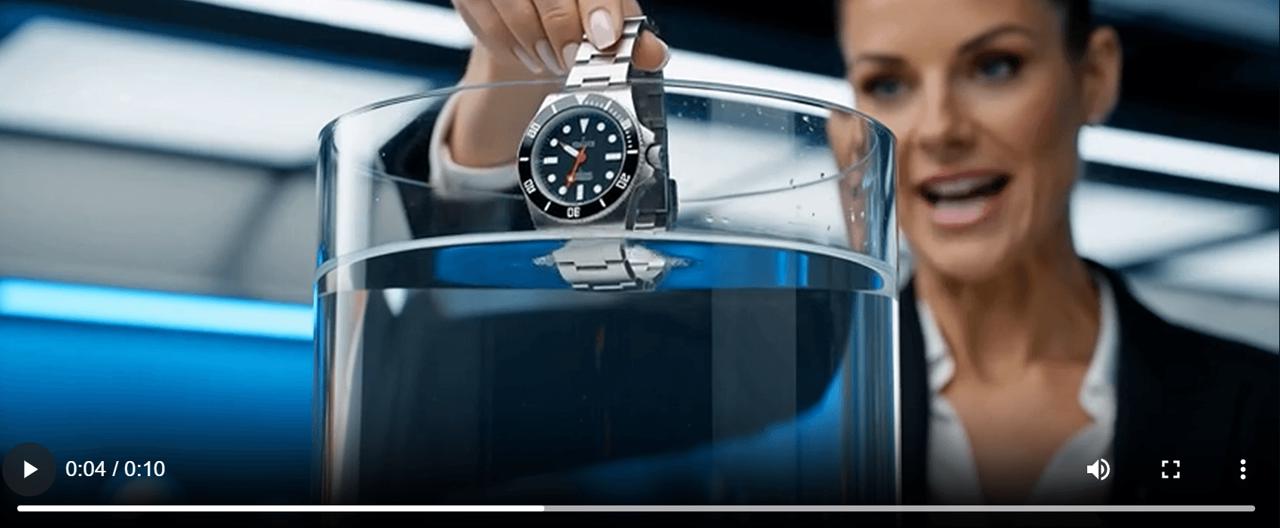 | 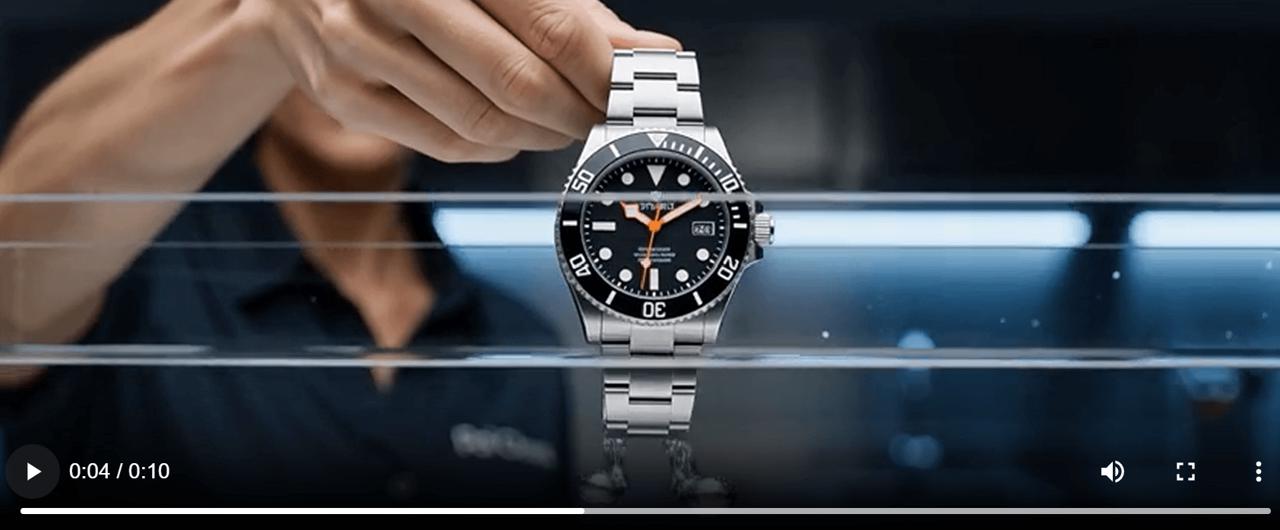 |
At 4.5 seconds, the brief result shows the visible host moving her lips to the technician’s off-screen voice. The structured result avoids the same obvious mismatch.
Both clips looked commercially plausible. This MiniMax H3 prompt guide test does not show that longer prompts always make prettier frames. It shows that the right structure can improve control.
A Reusable MiniMax H3 Prompt Guide Template
integrated_multimodal_description:
[Shot 1] Style, composition, product, speaker (S1), action, and dialogue.
[Shot 2] At 00:SS.mmm, new framing, product action, speaker (S2),
off-screen or on-screen delivery, exact dialogue, and who stays silent.
[Shot 3] At 00:SS.mmm, final action, product continuity, and end frame.

overall_soundscape: Ambient and physical sounds in playback order.
non_diegetic_music: Audience-only score, or N/A.
For reference mode, follow the second official MiniMax H3 prompt guide instead. Define what each <Subject N>, <Picture N>, <Video N>, or <Audio N> controls before writing the timeline.
Commercial Quality Checklist
Before approving an ecommerce or social video, check:
- Every line comes from the intended speaker, and silent characters do not create false lip sync.
- Cuts occur near the requested times, with enough room for dialogue and product actions.
- Product color, structure, logo, texture, and proportions remain stable.
- Hands, faces, reflections, shadows, contact points, and visible text pass review.
- Framing suits the intended PDP, marketplace listing, Reel, TikTok, or ad.
Turn the Prompt into a WeShop AI Workflow
Open the MiniMax H3 workflow in WeShop AI and choose the input mode that fits your assets. Use text to build from scratch, a first frame to lock the opening composition, or full-reference mode when separate assets control product identity, motion, or sound.
Then follow five steps:
- Define the deliverable and duration.
- Assign speakers, references, and locked product details.
- Write a realistic MiniMax H3 prompt guide timeline.
- Generate one draft and review control failures.
- Create campaign variants only after the base video passes review.
For dialogue ads, demos, explainers, and multi-character videos, the lesson from this MiniMax H3 prompt guide is simple: more detail does not automatically produce a prettier video. The right detail produces a more controllable one.
Editorial note: Confirm permission before publishing any third-party footage, character likeness, or voice reference.