












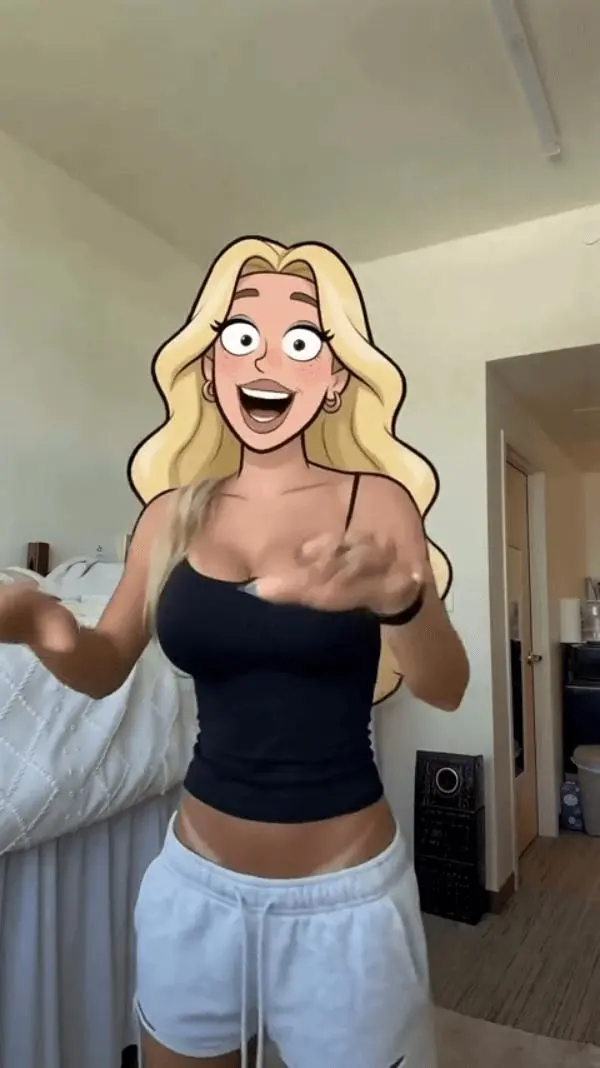
MiniMax H3 (Hailuo) Video to Video: Turn Live-Action Footage Into American Cartoon Animation
Learn how to use MiniMax H3 (Hailuo) video to video to restyle live-action footage as American cartoon animation while preserving motion and framing.

Select Model & Location


Have the model showcase your product!

Explore solution playbooks, tool guides, and generated pages designed for repeatable creative operations.
Learn how to use MiniMax H3 (Hailuo) video to video to restyle live-action footage as American cartoon animation while preserving motion and framing.
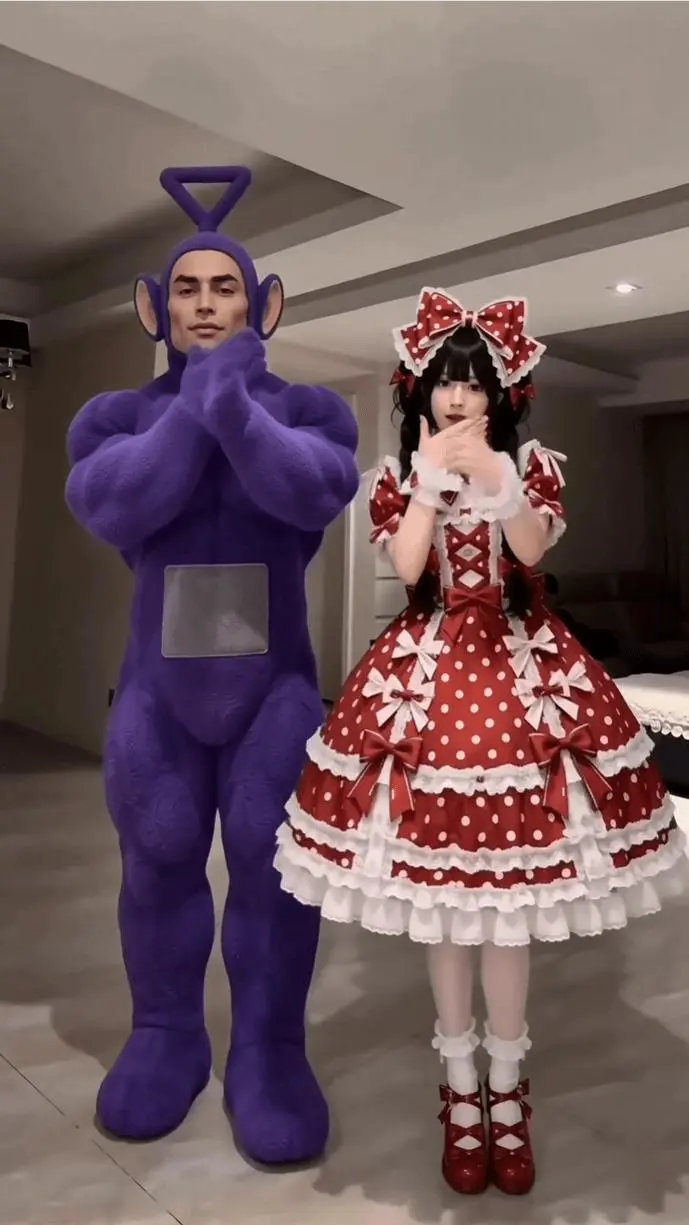
Learn how to use MiniMax H3 with a reference dance clip and two character images to generate a locked-camera, two-person AI dance video with guided choreography.

Learn how to use WeShop MiniMax H3 to create a high-contrast AI kinetic typography video with planned text, motion actions, and minimal graphic styling.
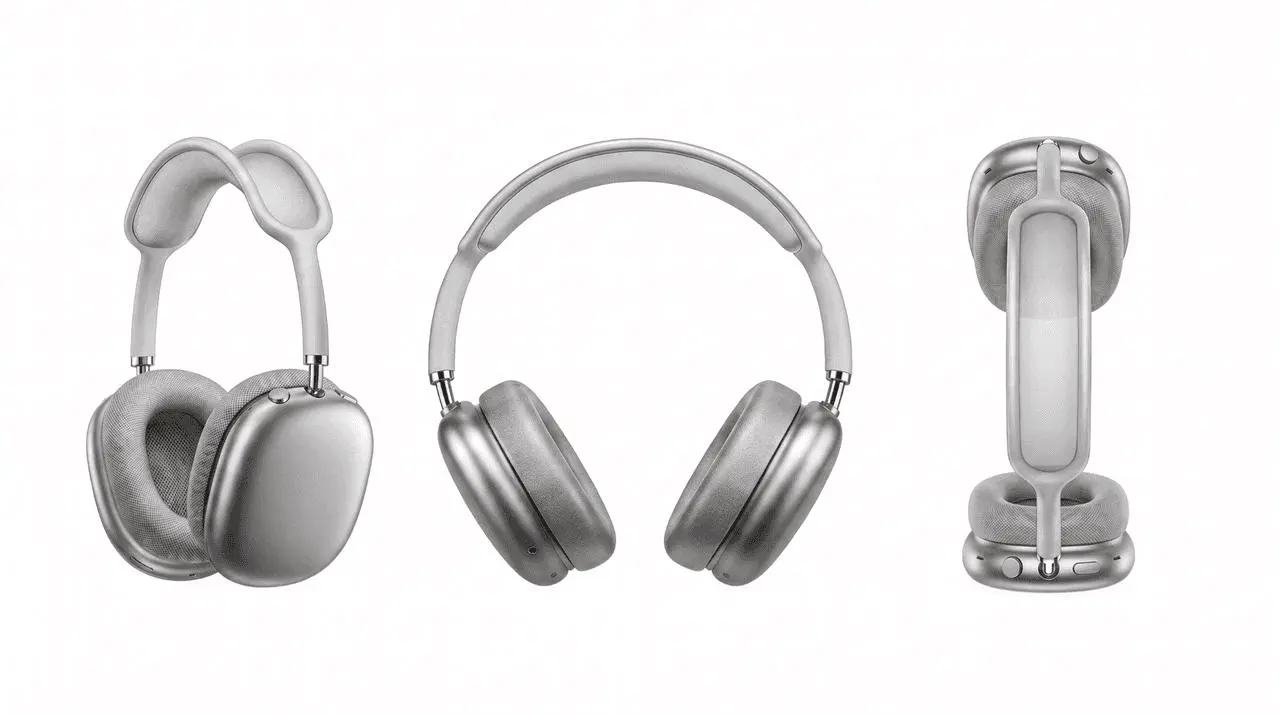
Learn how to use a reference video and product image in Seedance 2.5 to create a new product ad with similar camera movement, pacing, transitions, and shot rhythm.
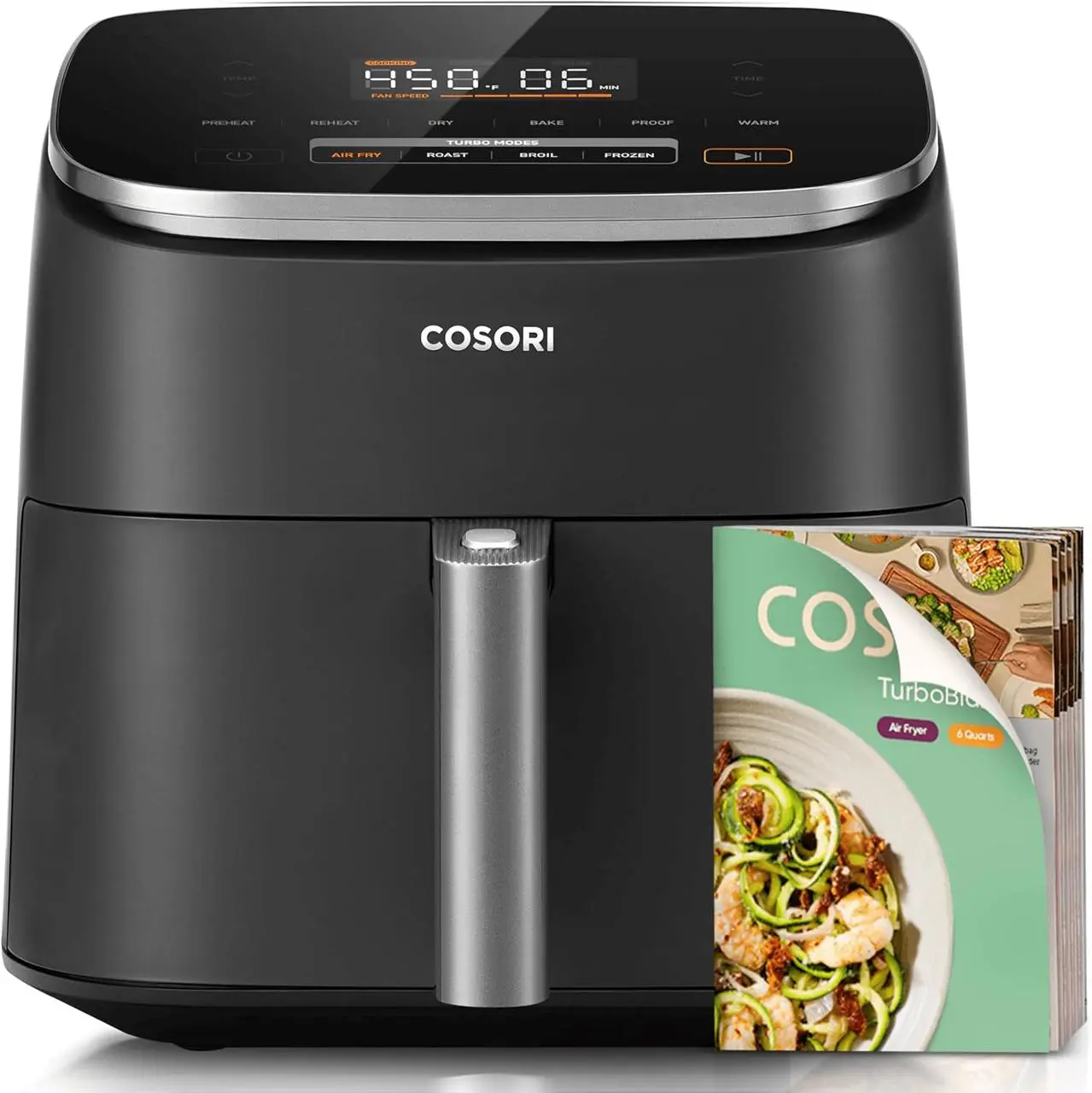
Learn how to turn a product image and details screenshot into a 30-second Seedance 2.5 usage-guide video for ecommerce.
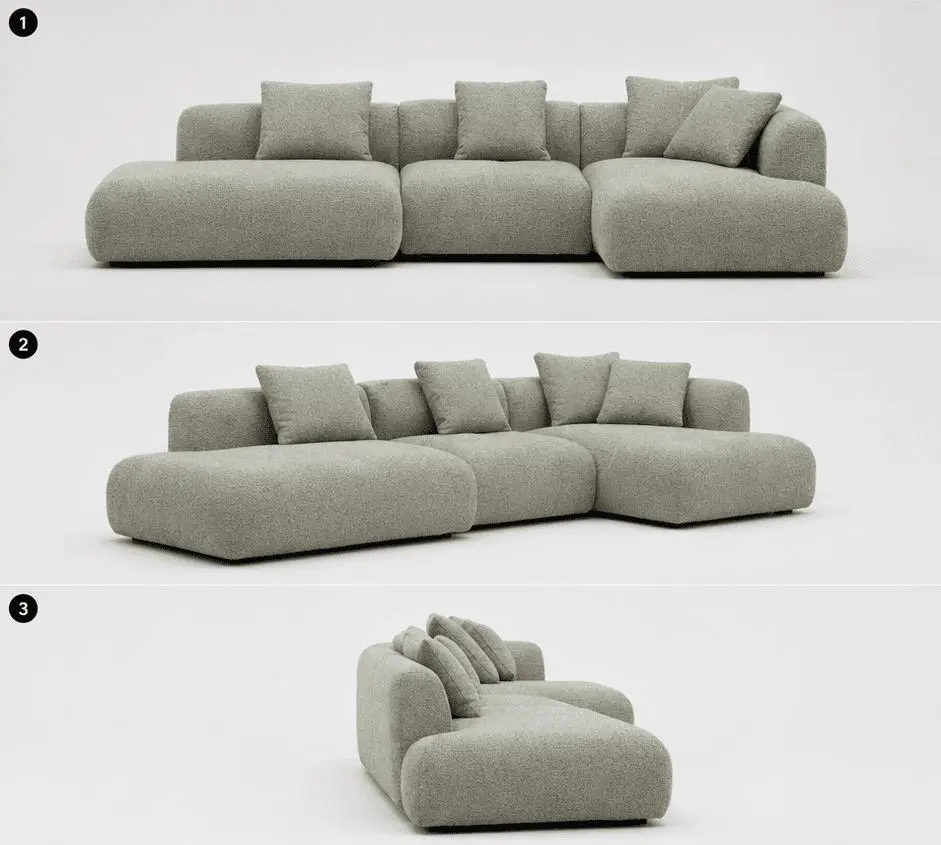
Learn how to turn one sofa reference image into a 30-second AI furniture commercial, combining studio product shots with a warm family lifestyle scene.
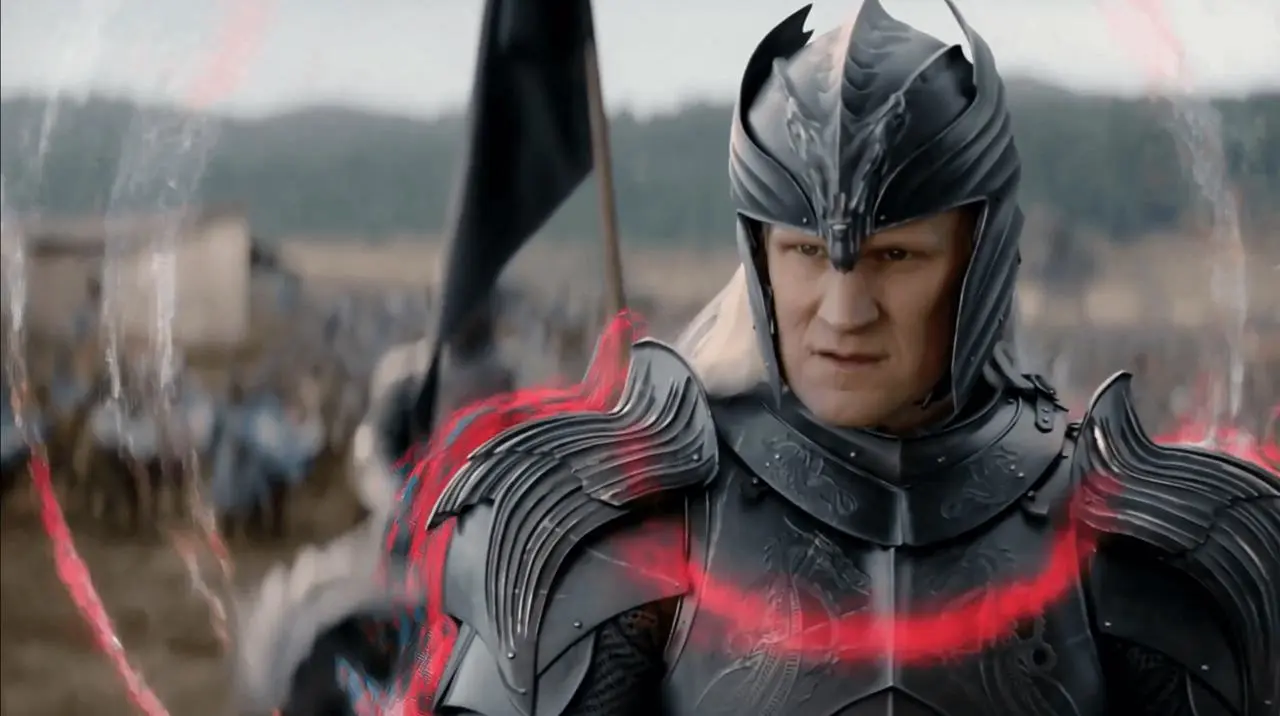
Learn how to use timeline-based MiniMax H3 prompts to layer AE-style motion graphics onto existing footage while preserving key subjects and scenes.
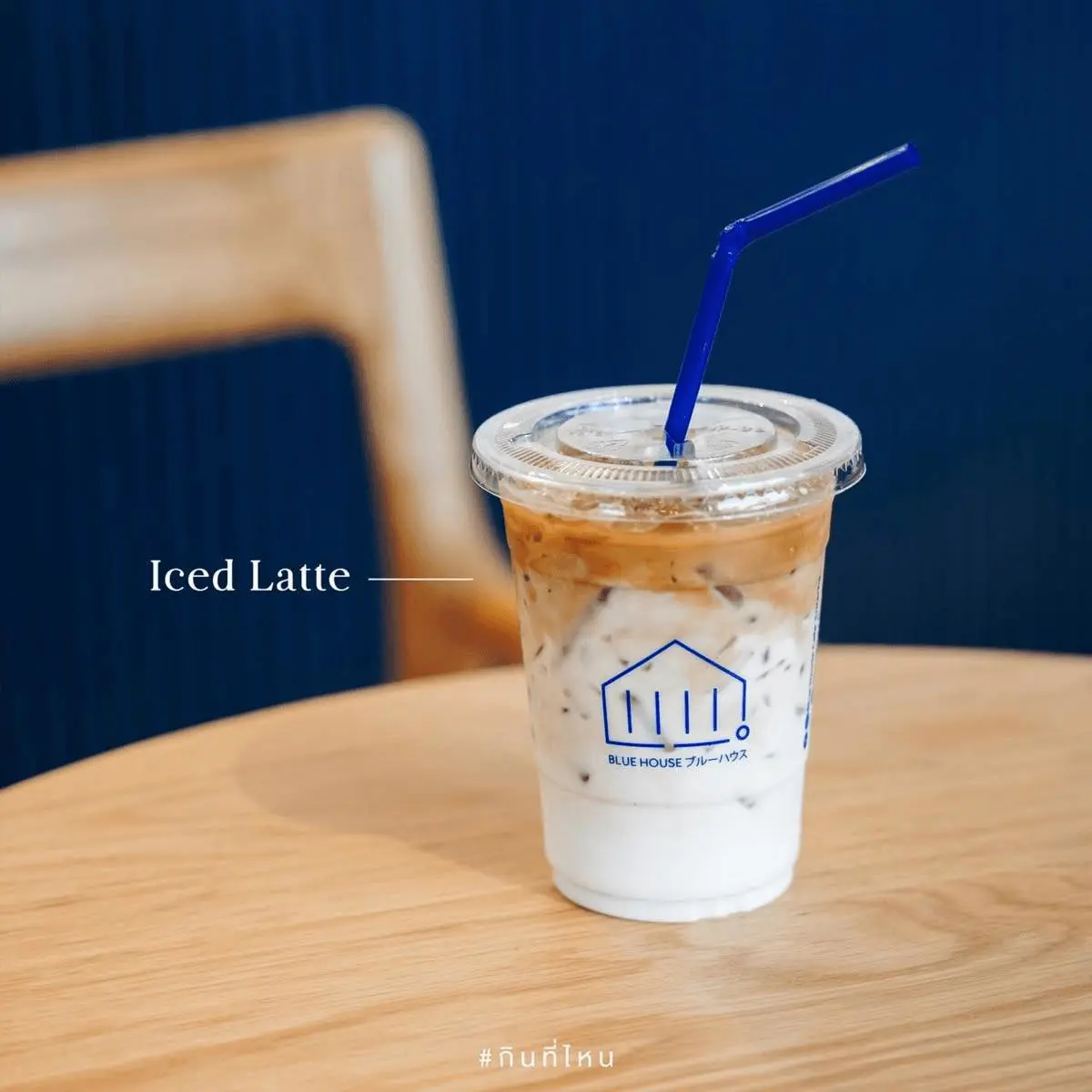
Learn how to structure a Seedance 2.5 prompt for a 30-second coffee commercial with consistent visuals, connected transitions, ASMR audio, and a comic payoff.
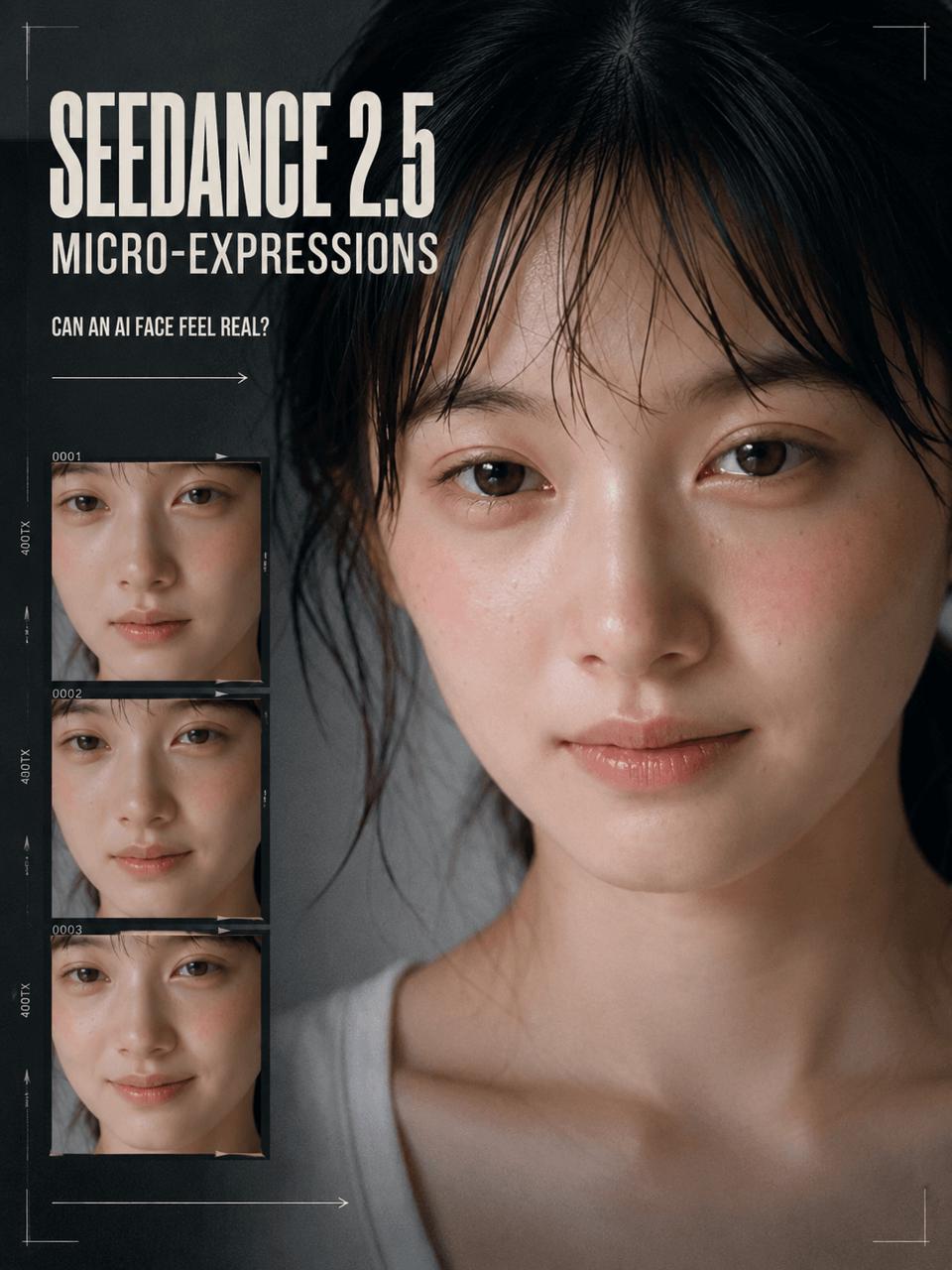
Can an AI-generated face show emotion before it smiles? This case study breaks down a 20-second Seedance 2.5 micro-expressions performance, its timed prompt, and a smaller text-only test using a minimal prompt.[
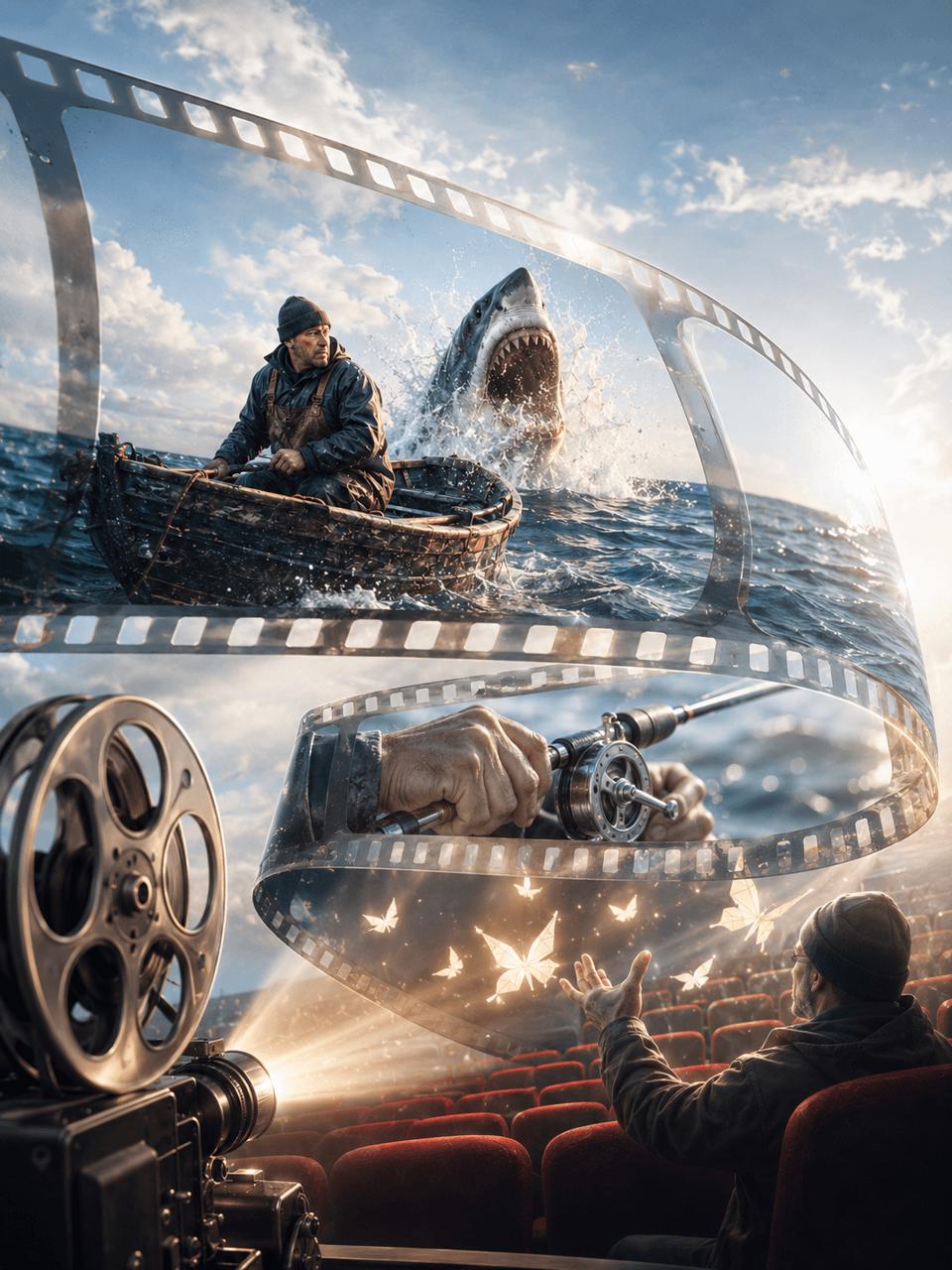
See three real Seedance 2.5 prompt tests: a 30-second timeline story, a six-second action montage, and an eight-second cinematic scene without timestamps.
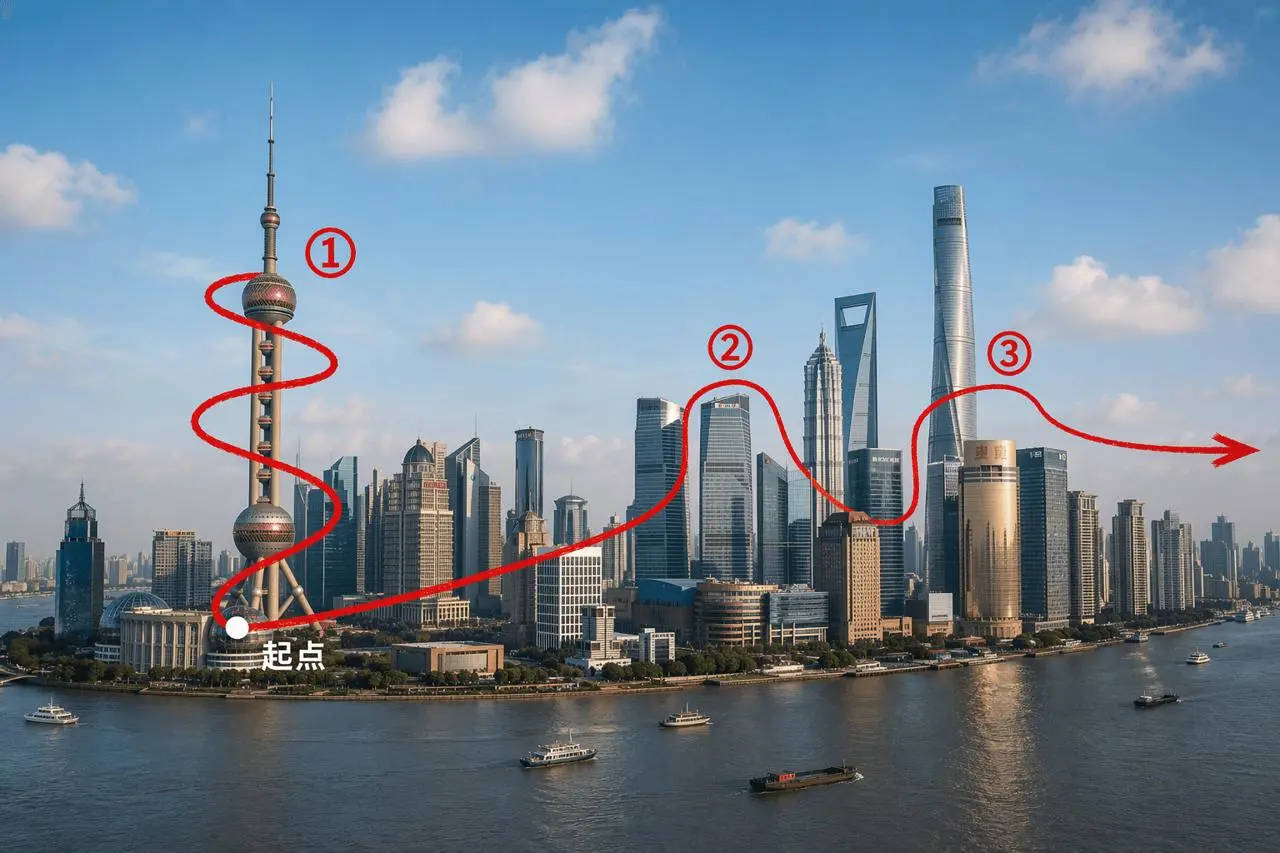
Learn how to use a marked Shanghai route image and structured Seedance 2.5 prompt to create a fast, continuous first-person FPV drone fly-through.
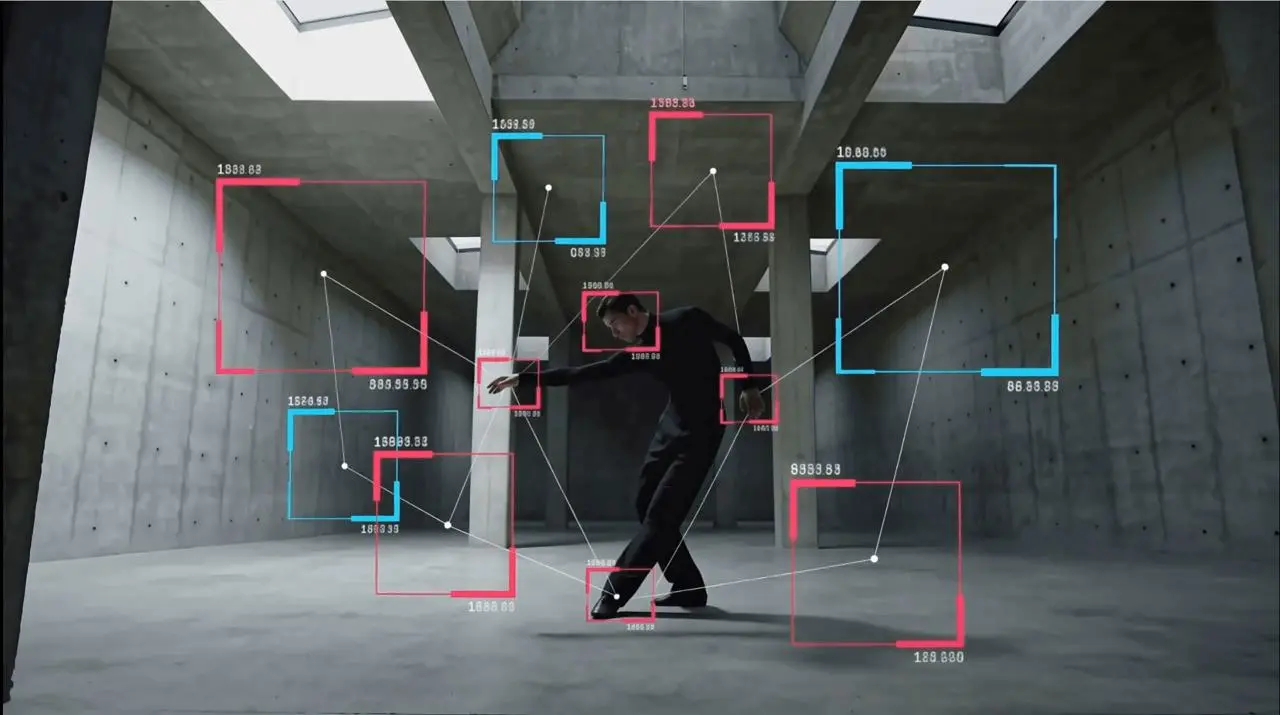
Learn how to use MiniMax H3 video-to-video on WeShop AI to add red and cyan tracking rectangles and subtle brightness effects to existing footage.