






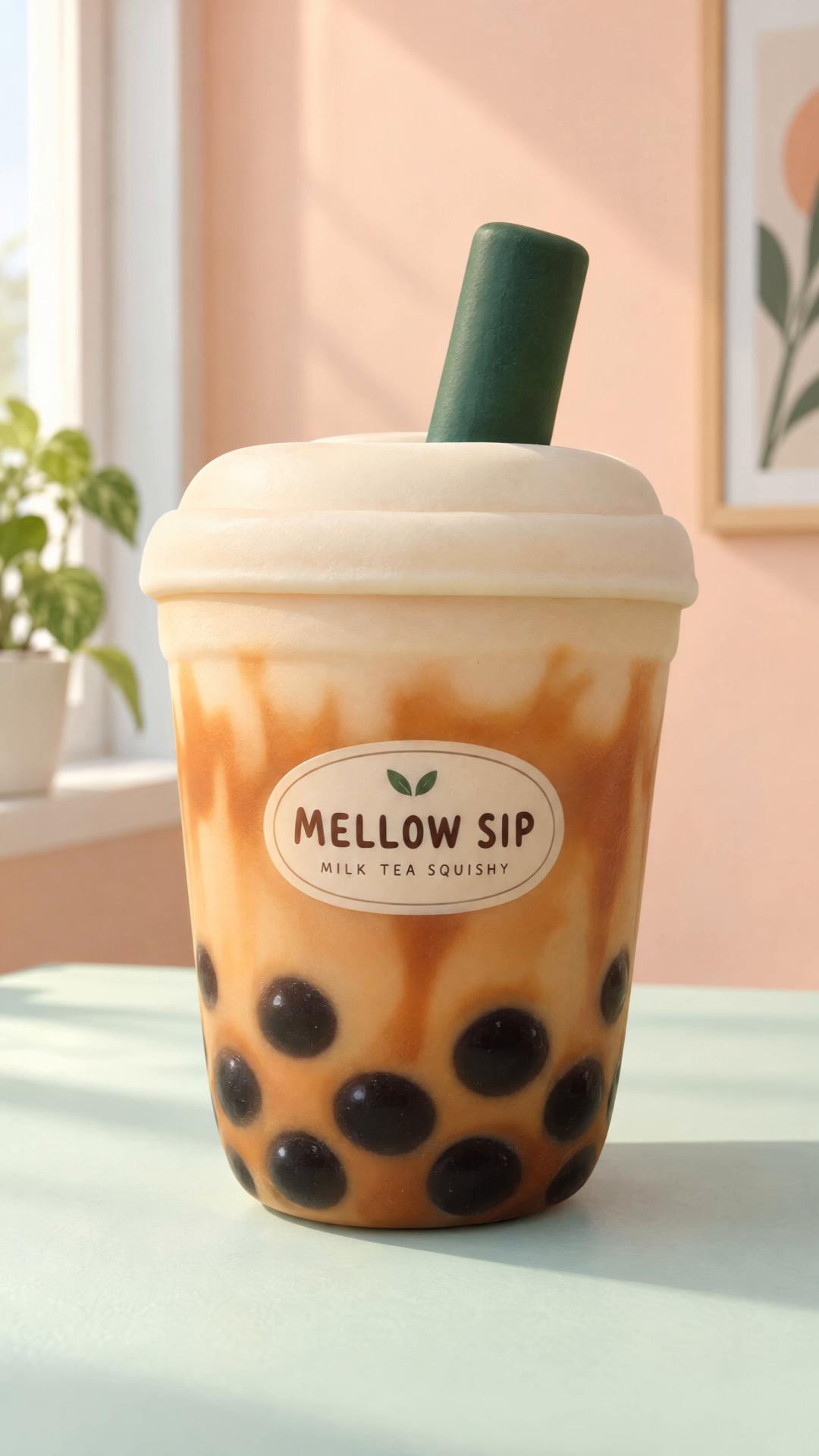
Turn One Milk Tea Product Image Into a Slow-Rebound Squishy Video
Create an original milk-tea-cup squishy product video that demonstrates deep compression, believable slow rebound, and stable packaging with Kling 4.0.

Select Model & Location


Have the model showcase your product!


Explore solution playbooks, tool guides, and generated pages designed for repeatable creative operations.
Create an original milk-tea-cup squishy product video that demonstrates deep compression, believable slow rebound, and stable packaging with Kling 4.0.

Transform one approved product photo into a timely, emotionally specific This Is Your Sign campaign image with GPT Image 2.5.
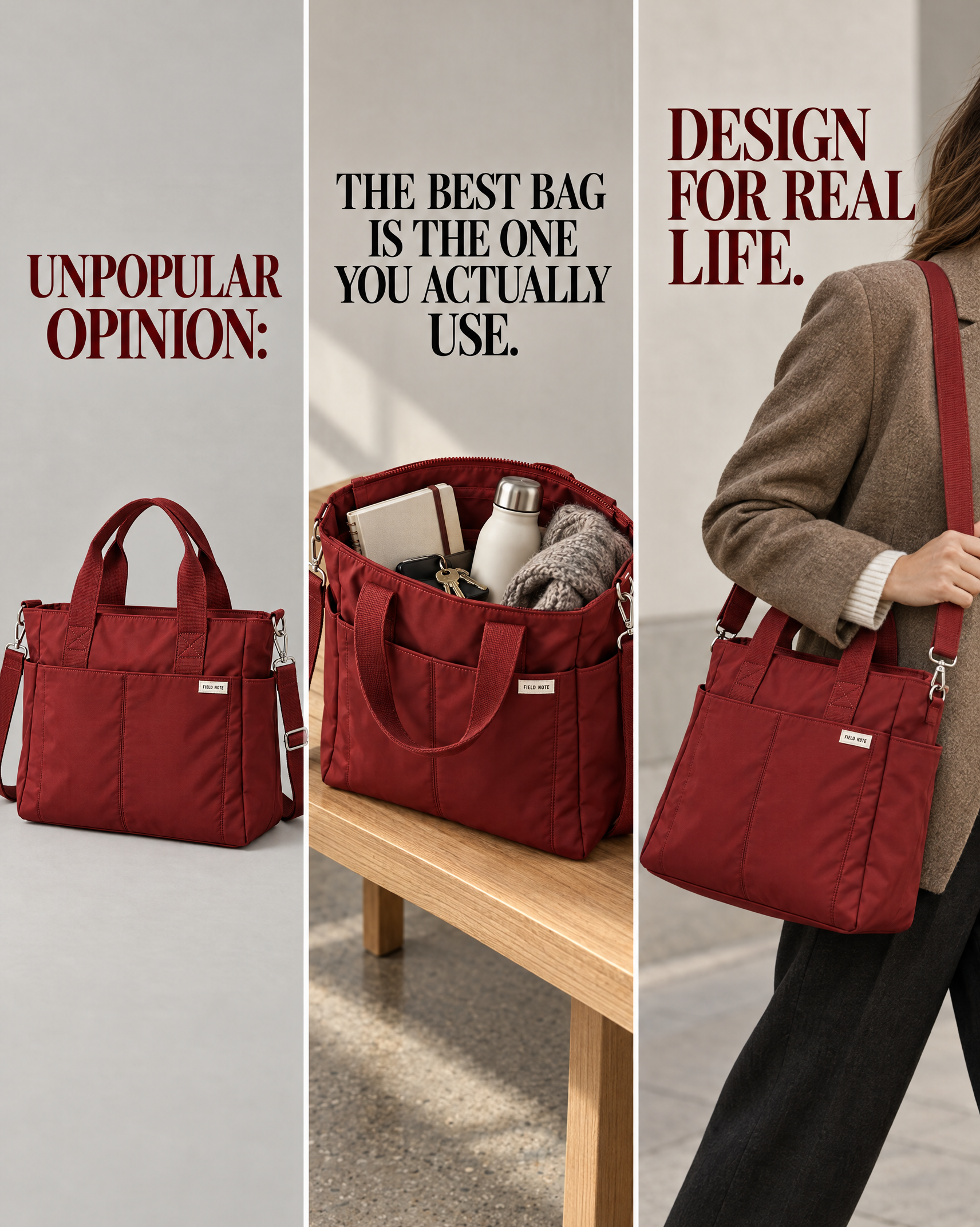
Turn one product packshot into a three-panel Unpopular Opinion carousel that makes a clear claim and preserves the approved SKU.
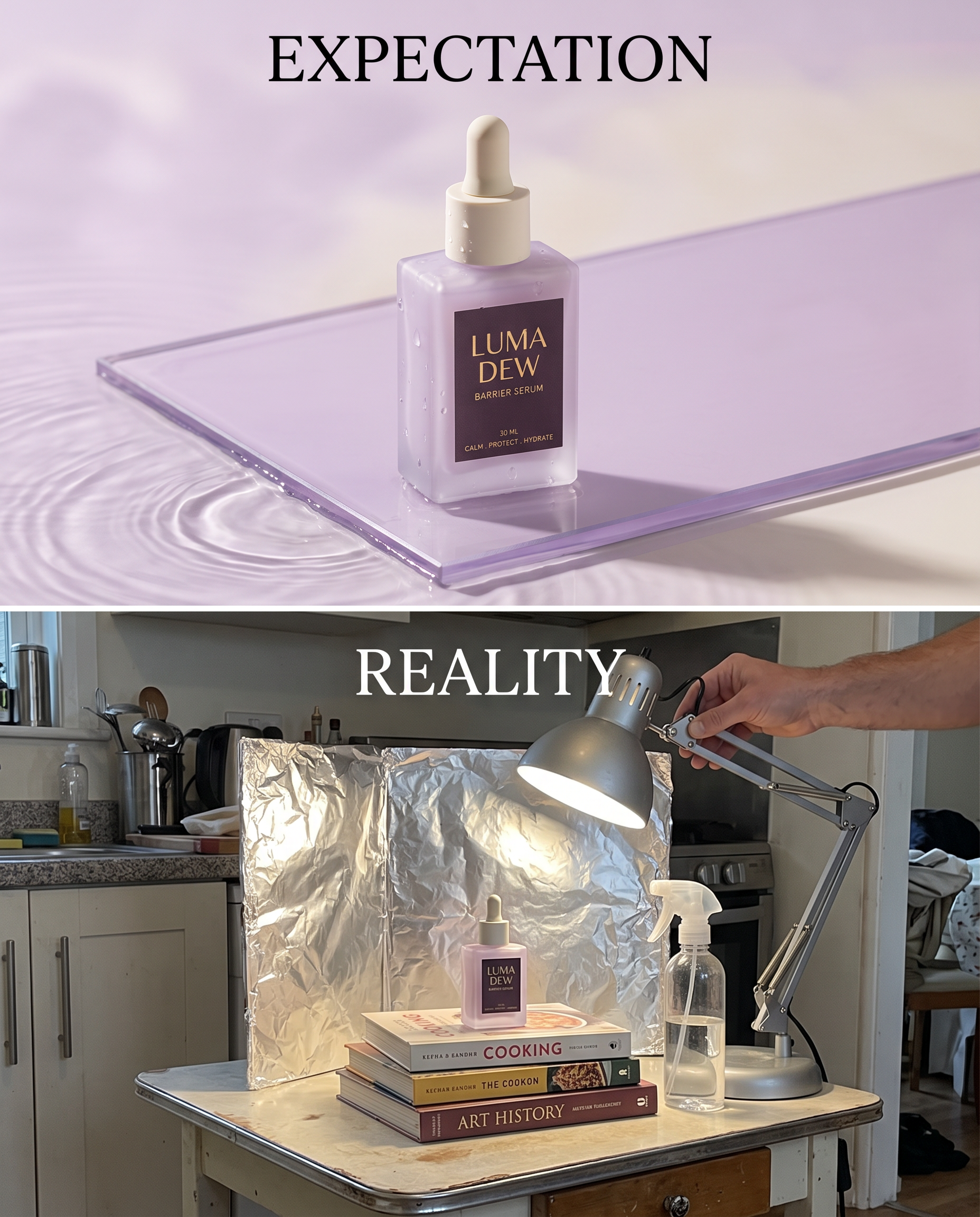
Preserve one approved product while generating a polished campaign image and a relatable behind-the-scenes production setup.
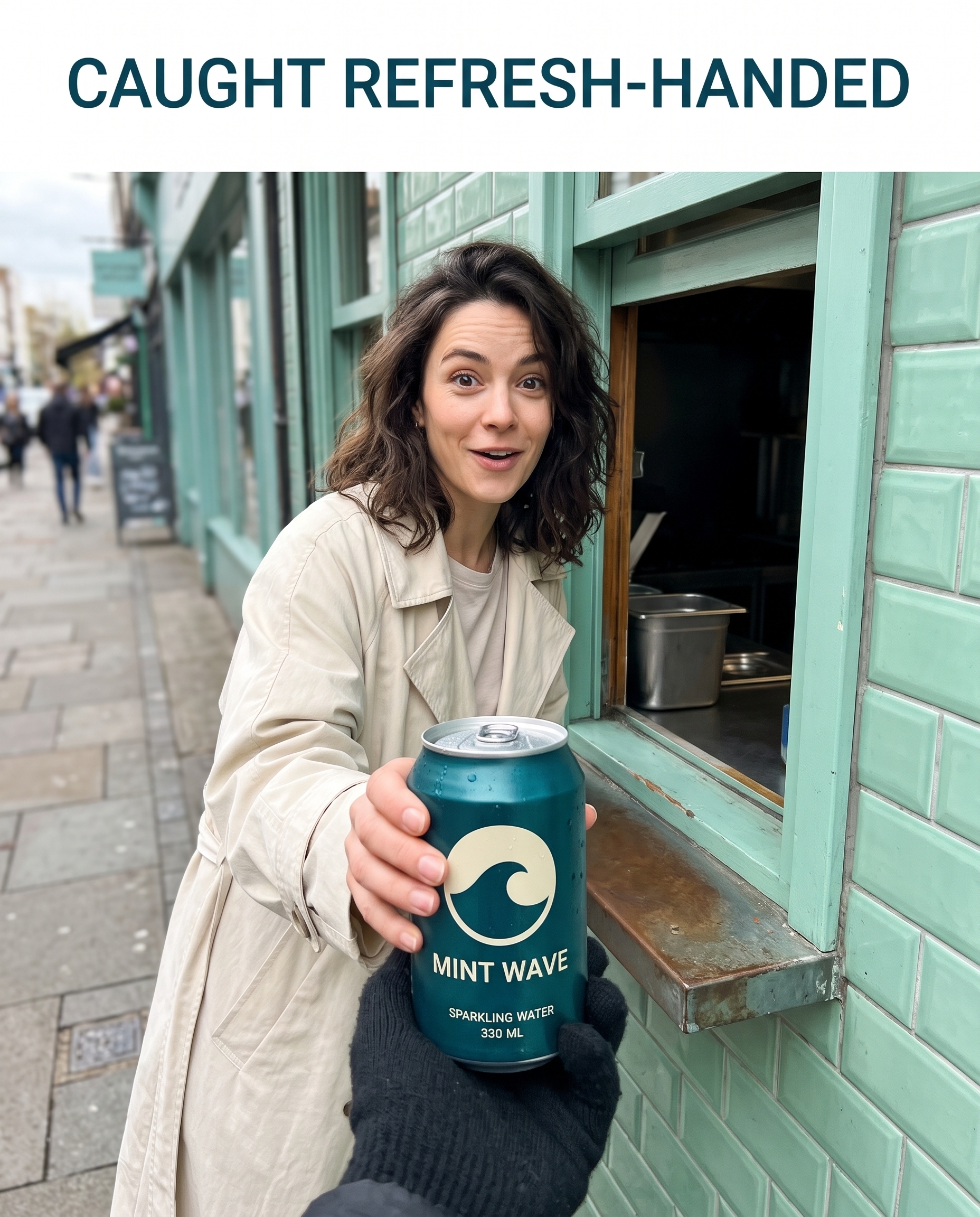
Turn an approved packshot into a candid street-window social ad while preserving packaging and label readability.
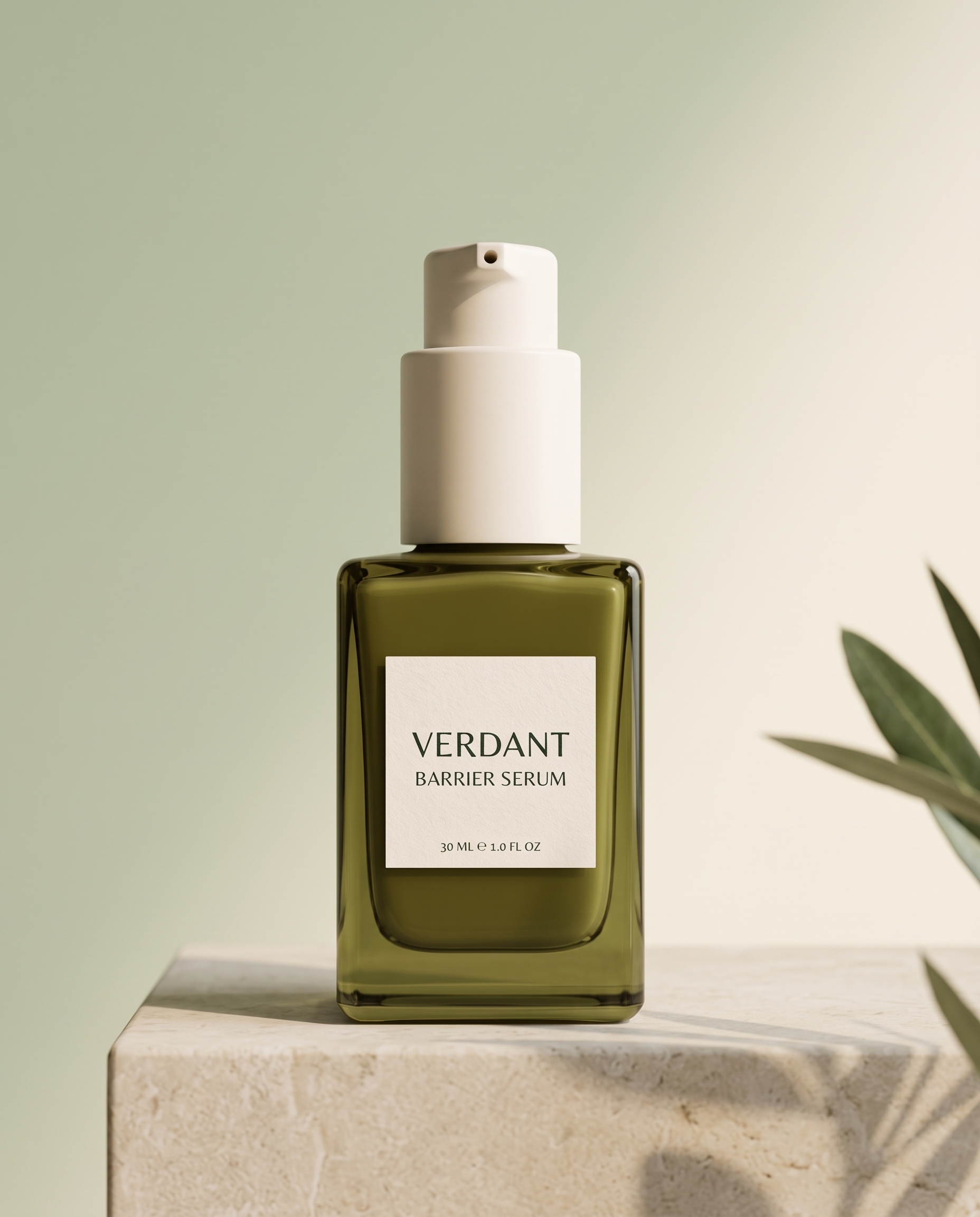
Use Nano Banana 2 in WeShop to transform one clean skincare packshot into a premium campaign image while preserving the package, label, and materials.
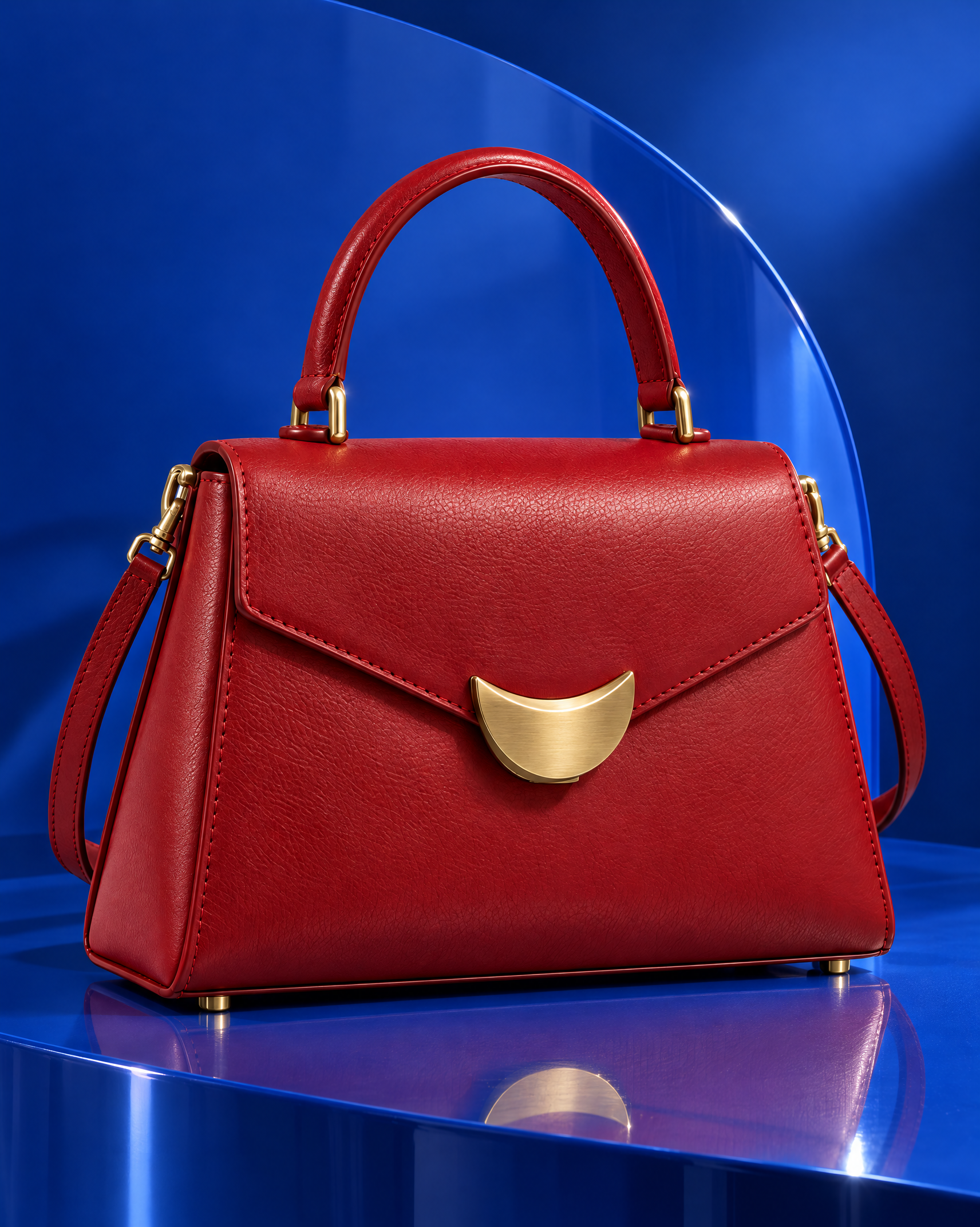
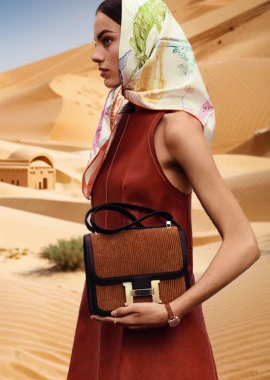
Use GPT Image 2.5 Sunburst in WeShop to turn one clean handbag packshot into two commercial photography campaigns while preserving product details.
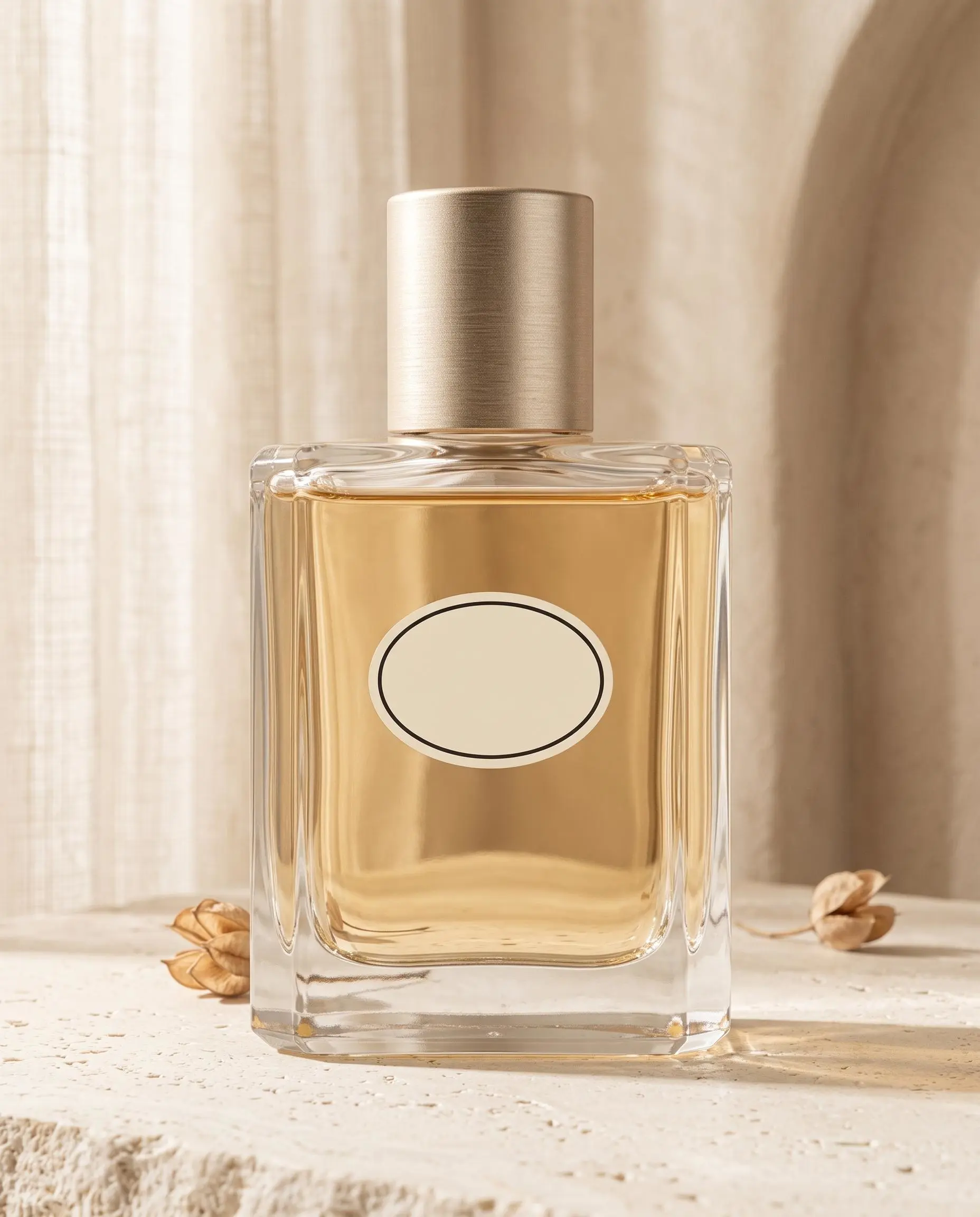
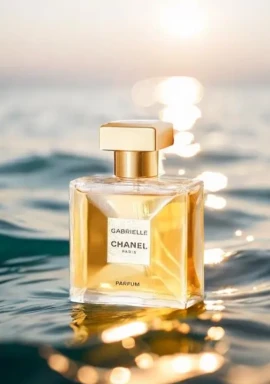
Learn how to turn a single perfume packshot into dark botanical and warm sunlit campaigns while preserving product shape, materials, color, and label structure.
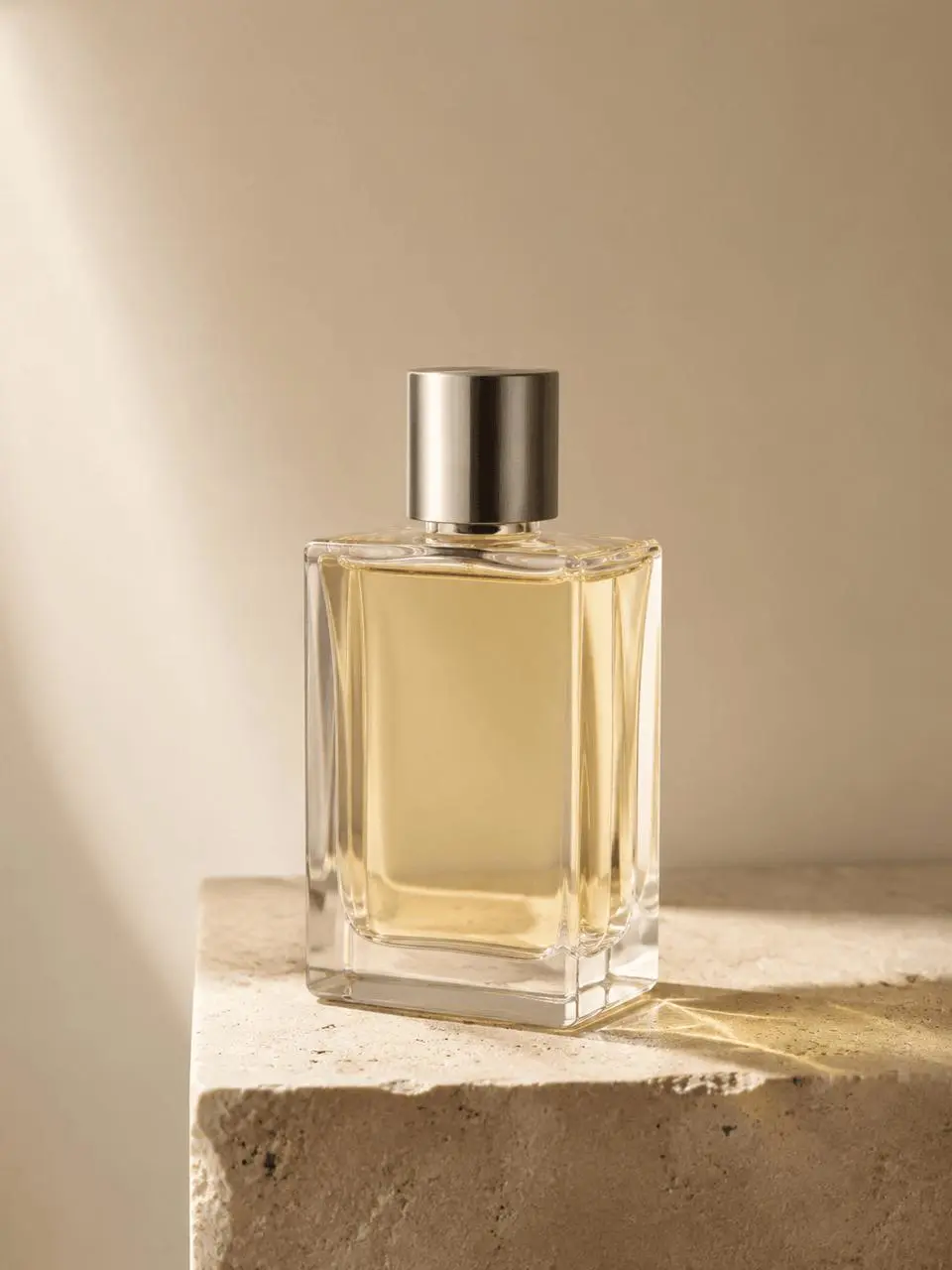
Learn a reusable GPT Image 2 prompt formula with six tested examples for product photos, editorial portraits, fashion campaigns, posters, packaging, and UI.
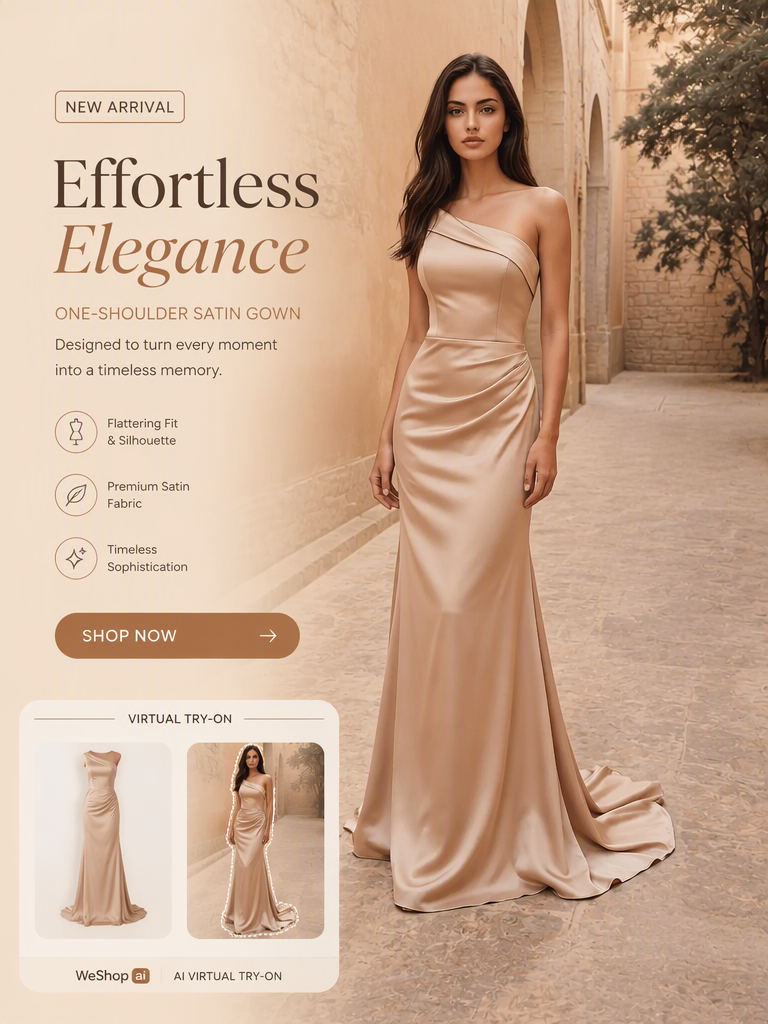
Learn how to turn a clean dress image into an AI-generated on-model photo, preserve key garment details, and add it to a Shopify product gallery.
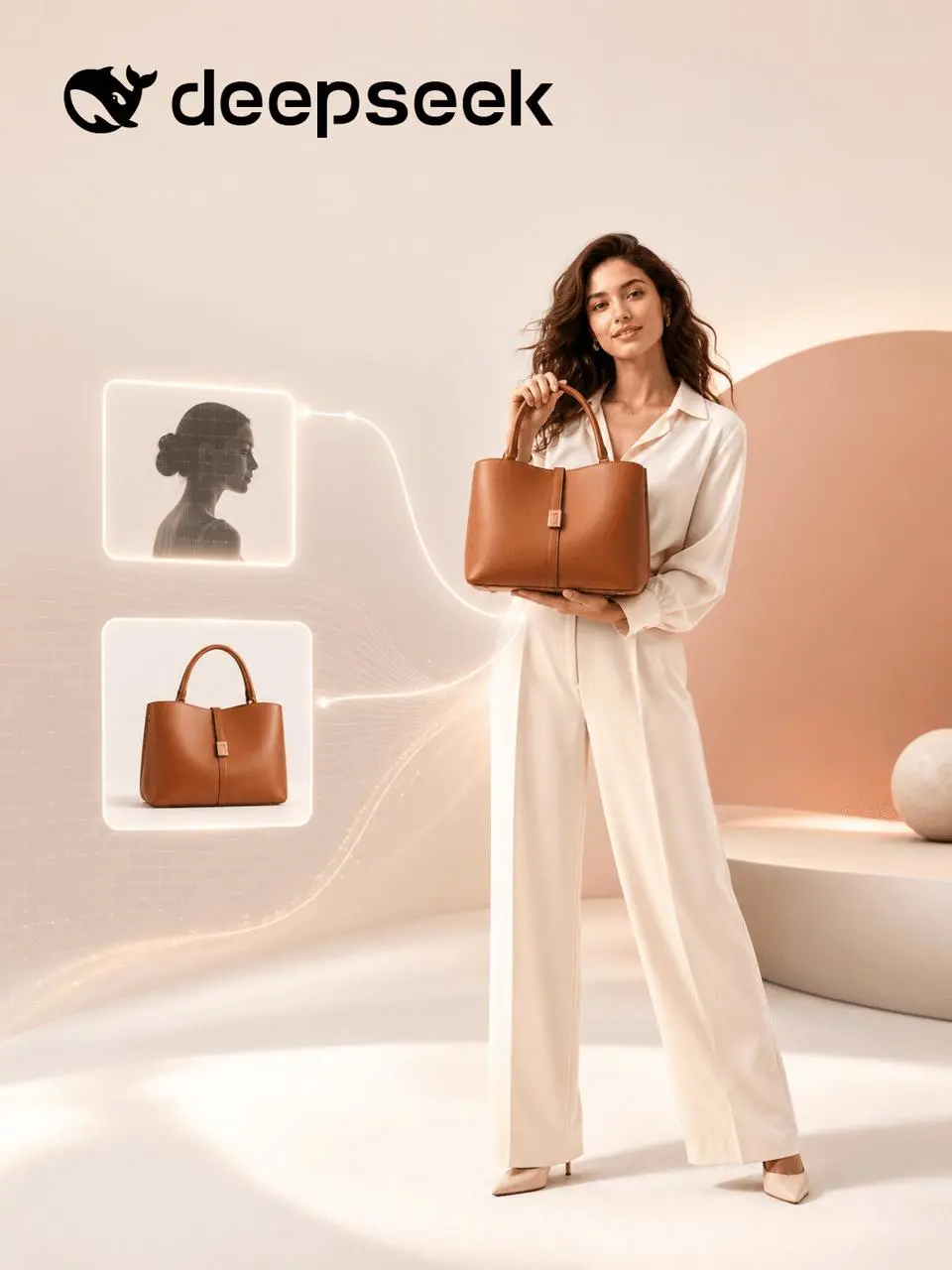
Learn how to use WeShop Canvas in DeepSeek Harness to turn a portrait and bag product image into a polished ecommerce product still.
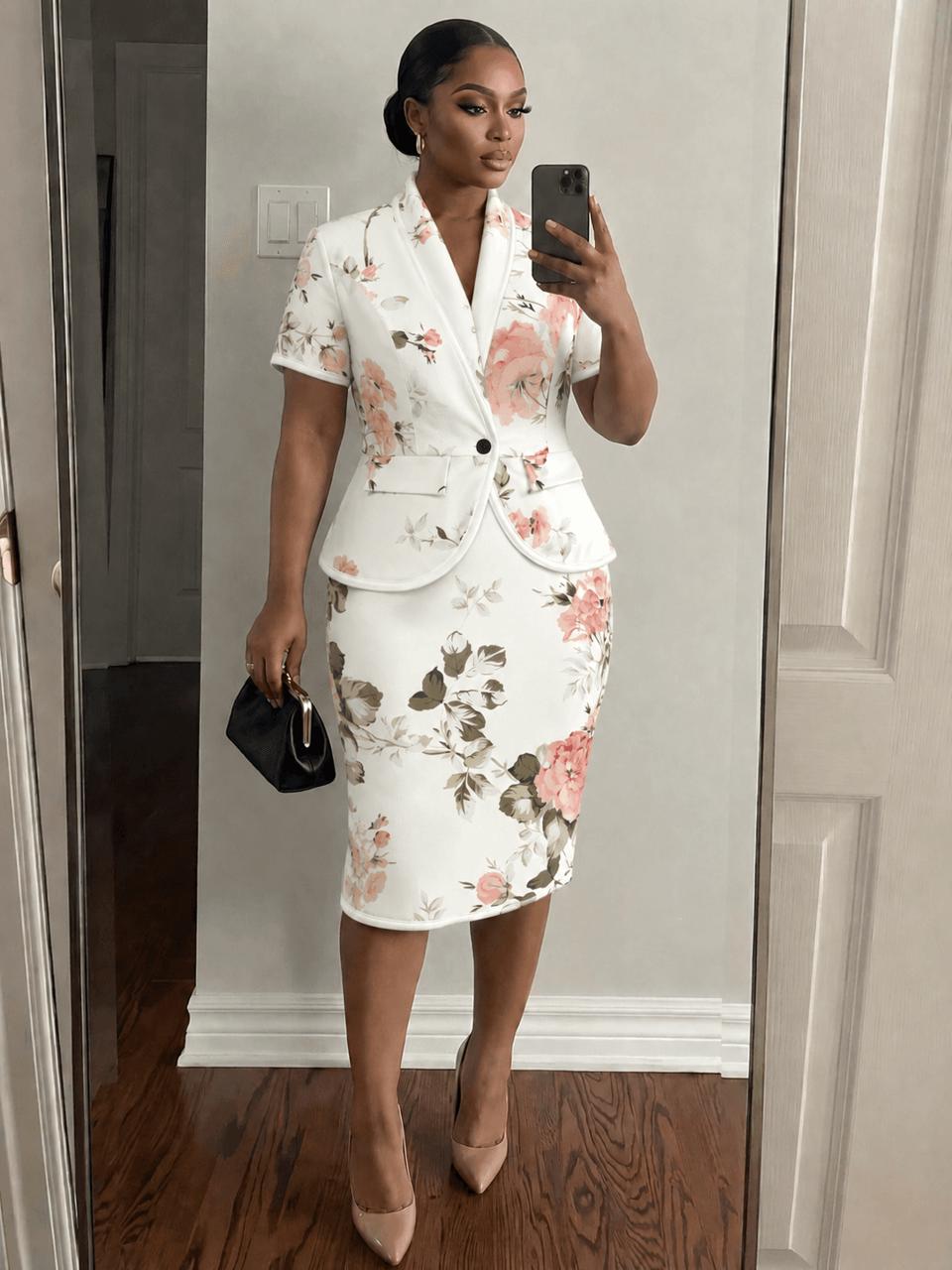
Learn how e-commerce apparel merchants can use AI image generation for virtual try-on and precise color matching. This beginner-friendly tutorial walks through replacing clothing on a model and calibrating fabric colors—no Photoshop skills required.